
Lecture 8 Object Oriented Programming (OOP)

Description: Lecture 8 Object Oriented Programming (OOP) Sampath Jayarathna Cal Poly Pomona Based on slides created by Bjarne Stroustrup Tony Gaddis CS 128 Introduction to C 1 Procedural and Object-Oriented Programming Procedural programming focuses
Related Topics
Download Presentation
"Lecture 8 Object Oriented Programming (OOP)" is the property of its rightful owner. Permission is granted to download and print the materials on this website for personal, non-commercial use only, and to display it on your personal computer provided you do not modify the materials and that you retain all copyright notices contained in the materials. By downloading content from our website, you accept the terms of this agreement.
Presentation Transcript
slide1. Lecture 8
Object Oriented Programming (OOP) Sampath Jayarathna
Cal Poly Pomona
Based on slides created by Bjarne Stroustrup & Tony Gaddis CS 128
Introduction to C++ 1<br>
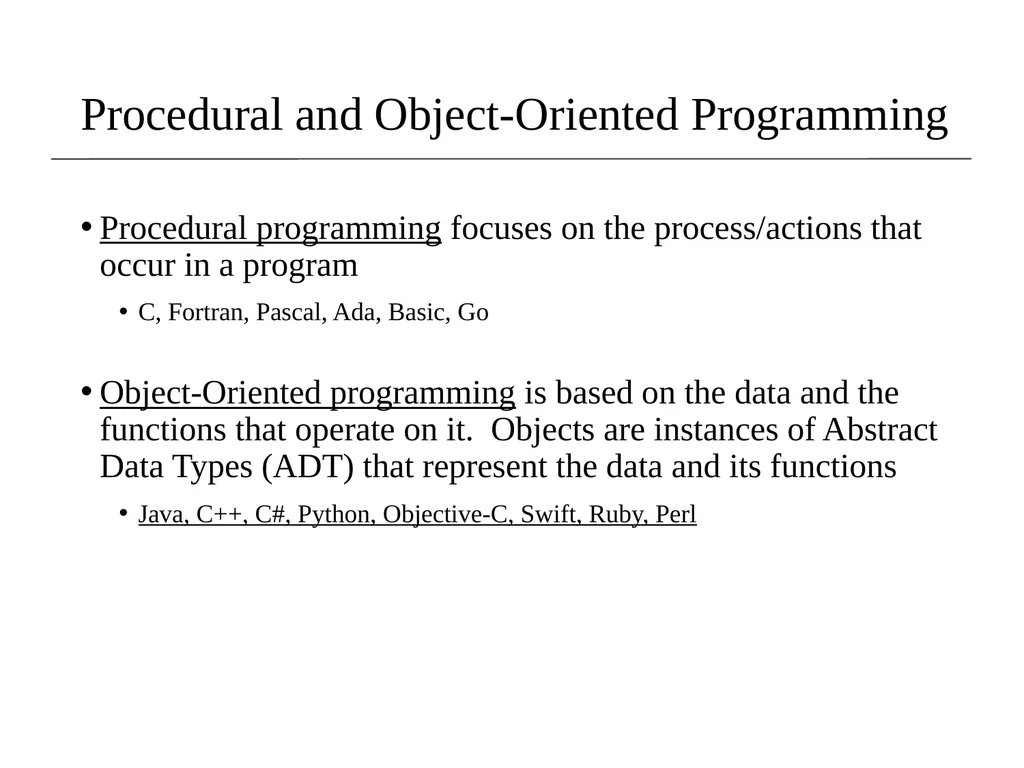
slide2. Procedural and Object-Oriented Programming Procedural programming focuses on the process/actions that occur in a program
C, Fortran, Pascal, Ada, Basic, Go
Object-Oriented programming is based on the data and the functions that operate on it. Objects are instances of Abstract Data Types (ADT) that represent the data and its functions
Java, C++, C#, Python, Objective-C, Swift, Ruby, Perl<br>
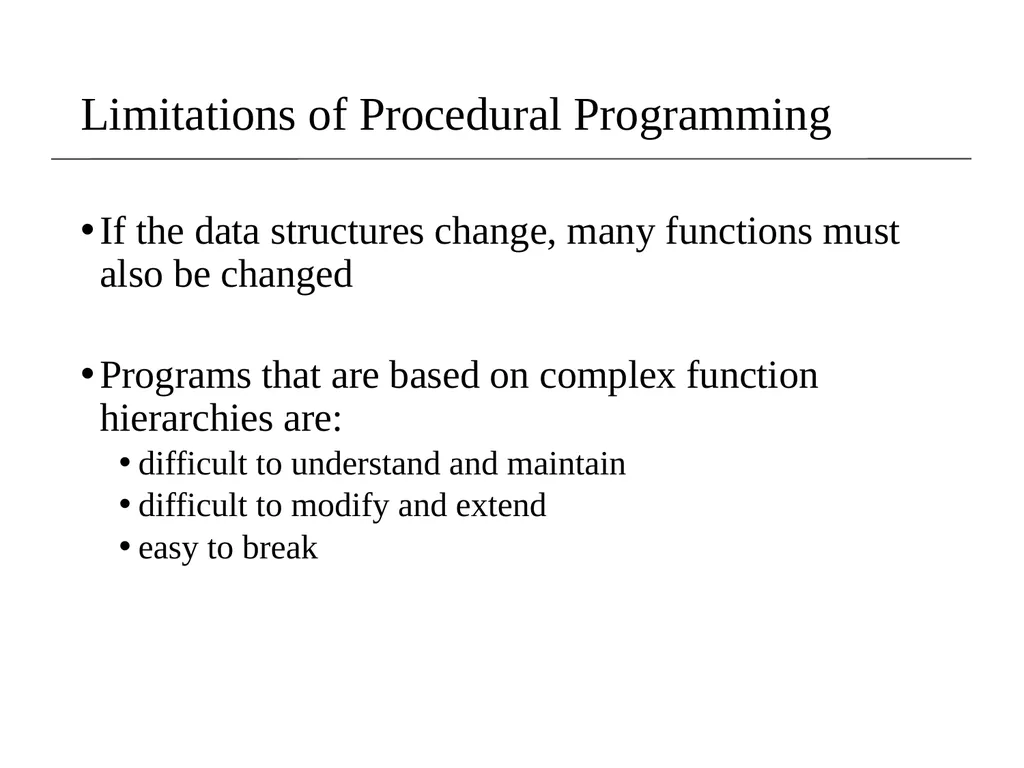
slide3. Limitations of Procedural Programming If the data structures change, many functions must also be changed
Programs that are based on complex function hierarchies are:
difficult to understand and maintain
difficult to modify and extend
easy to break<br>
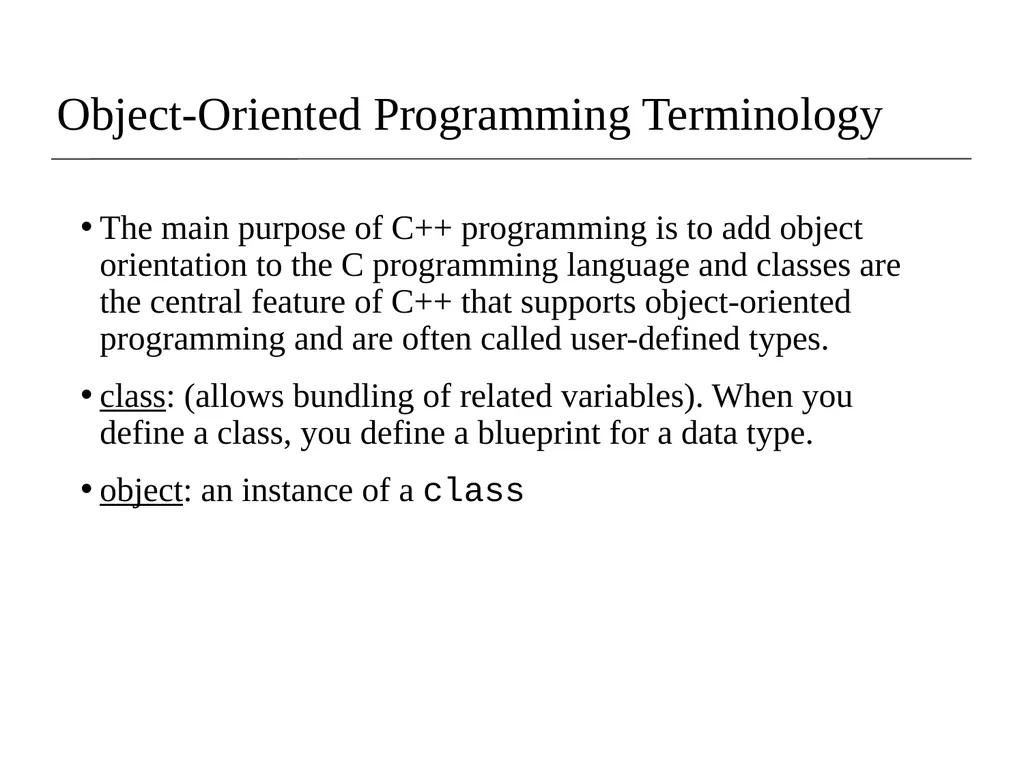
slide4. Object-Oriented Programming Terminology The main purpose of C++ programming is to add object orientation to the C programming language and classes are the central feature of C++ that supports object-oriented programming and are often called user-defined types.
class: (allows bundling of related variables). When you define a class, you define a blueprint for a data type.
object: an instance of a class<br>
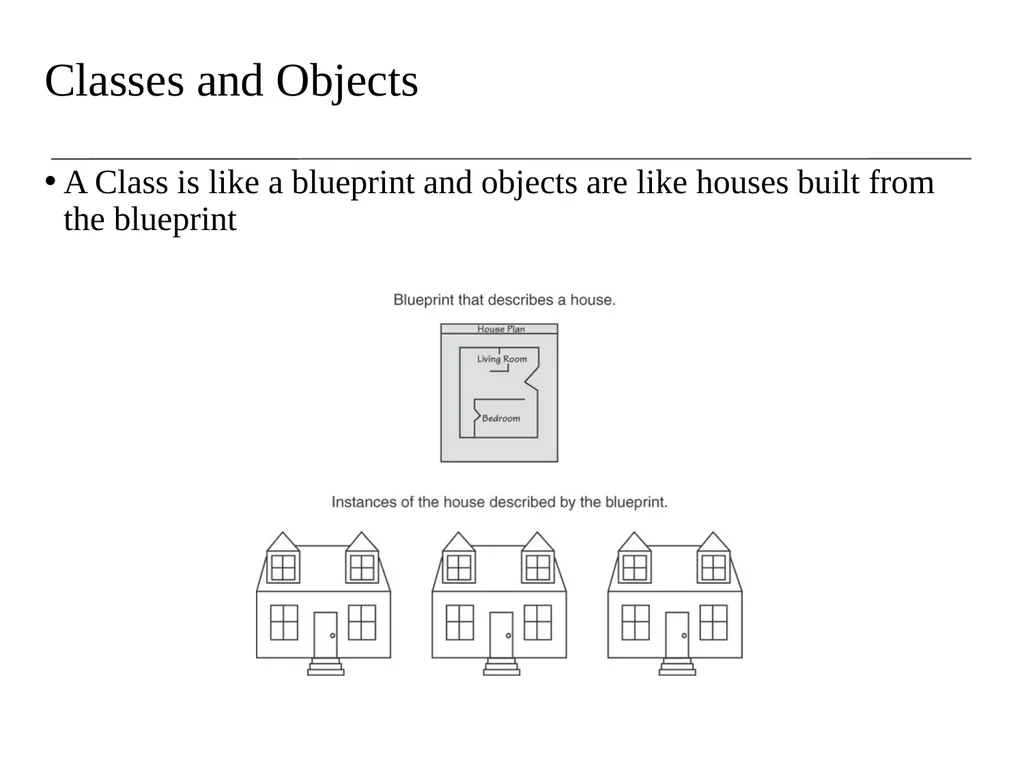
slide5. Classes and Objects A Class is like a blueprint and objects are like houses built from the blueprint<br>
slide6. Object-Oriented Programming Terminology attributes: members of a class
methods or behaviors: member functions of a class<br>
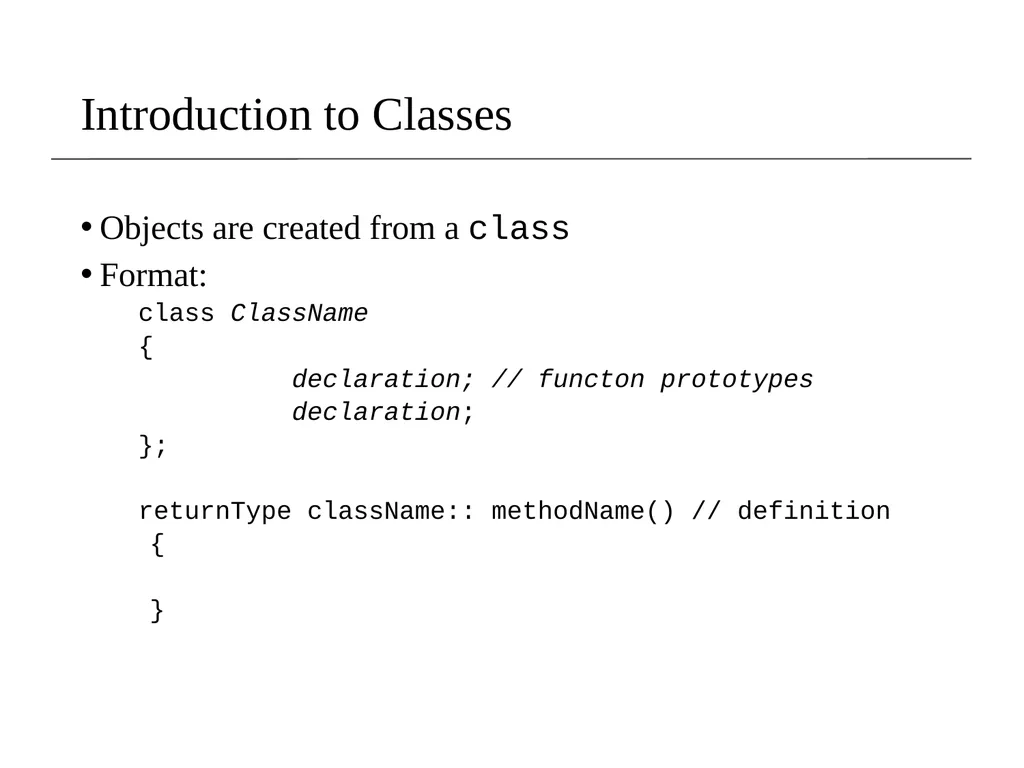
slide7. Introduction to Classes Objects are created from a class
Format:
class ClassName
{
declaration; // functon prototypes
declaration;
};
returnType className:: methodName() // definition
{
}<br>
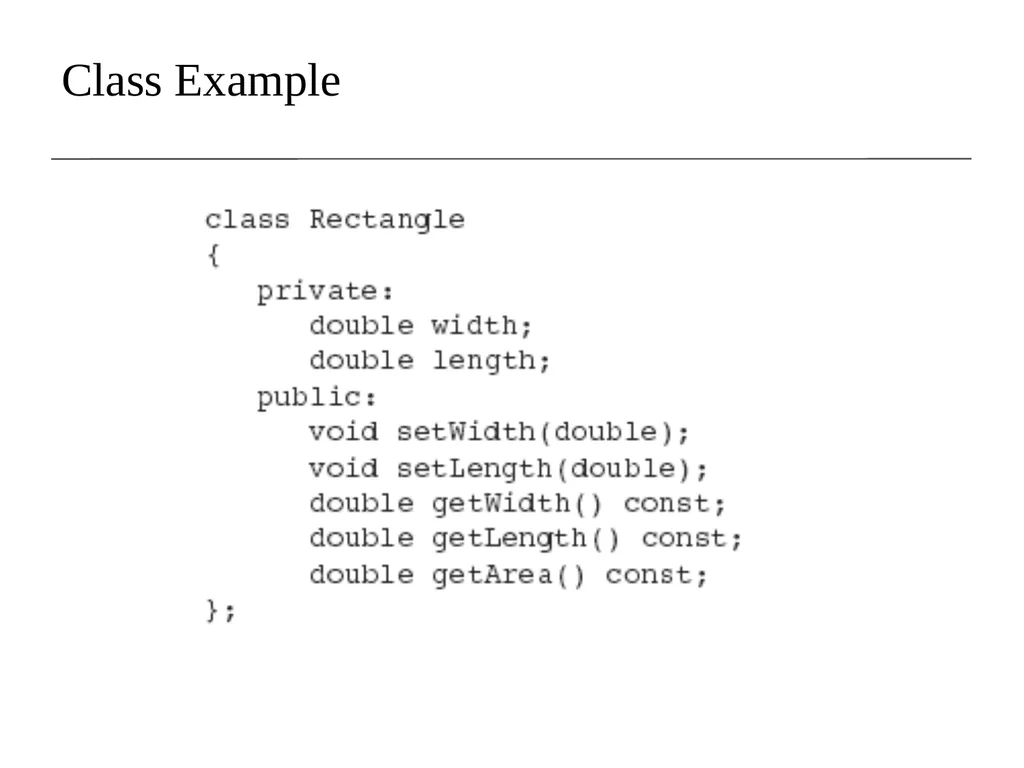
slide8. Class Example<br>
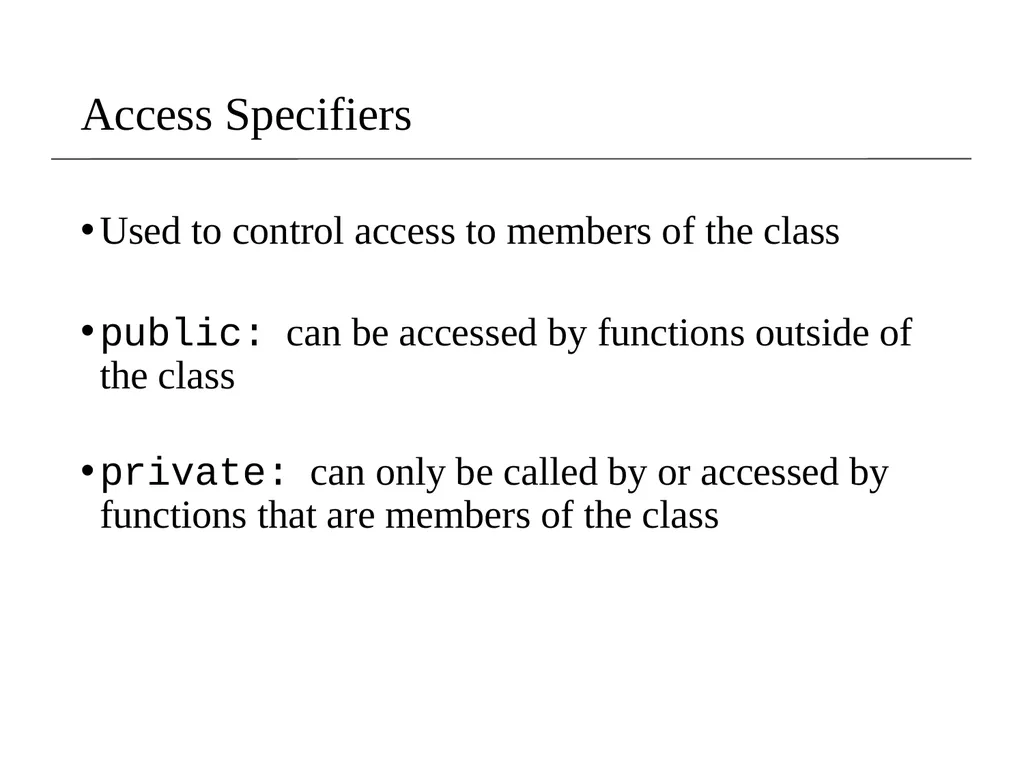
slide9. Access Specifiers Used to control access to members of the class
public: can be accessed by functions outside of the class
private: can only be called by or accessed by functions that are members of the class<br>
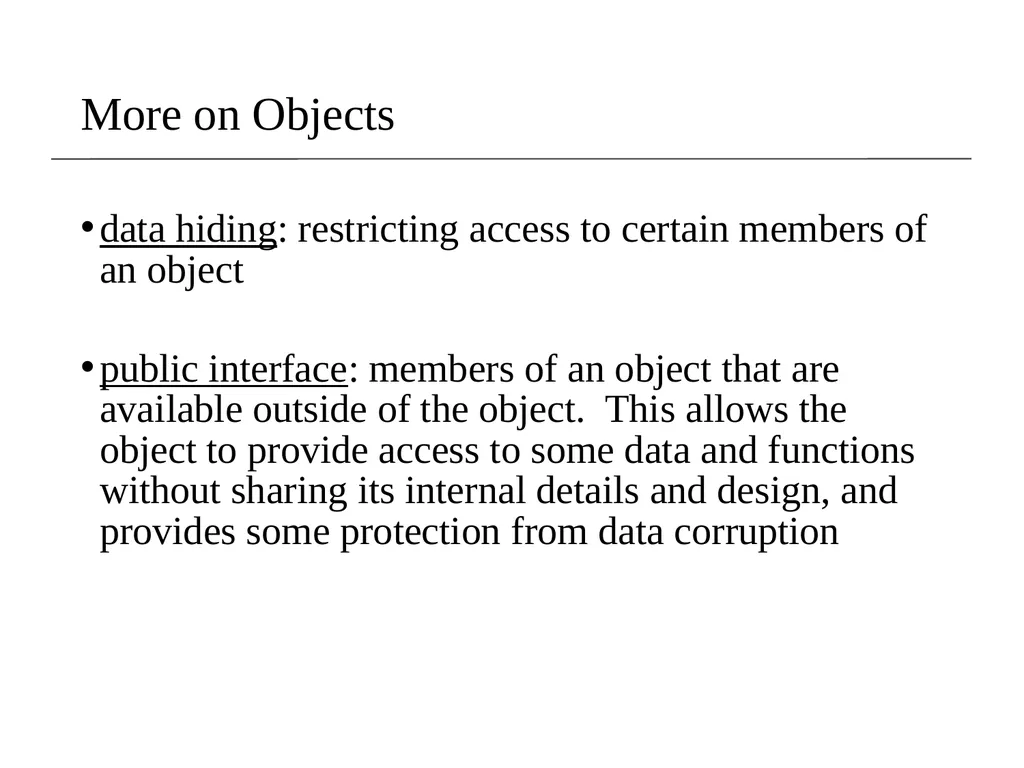
slide10. More on Objects data hiding: restricting access to certain members of an object
public interface: members of an object that are available outside of the object. This allows the object to provide access to some data and functions without sharing its internal details and design, and provides some protection from data corruption<br>
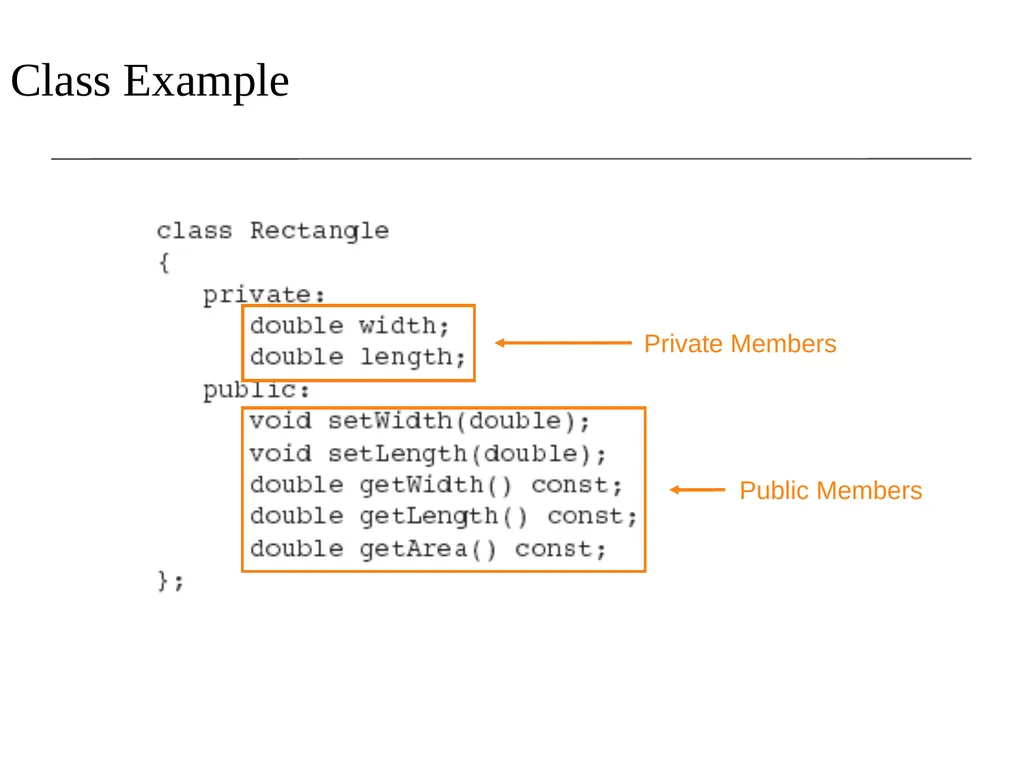
slide11. Class Example Private Members Public Members<br>
slide12. More on Access Specifiers Can be listed in any order in a class
Can appear multiple times in a class
If not specified, the default is private<br>
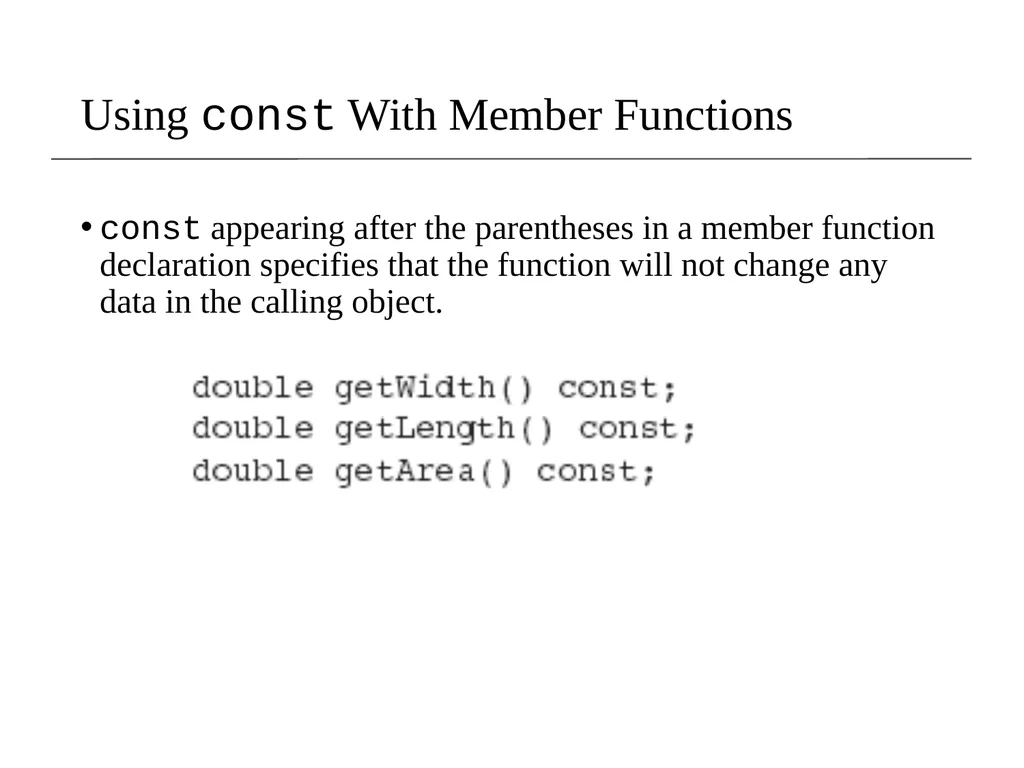
slide13. Using const With Member Functions const appearing after the parentheses in a member function declaration specifies that the function will not change any data in the calling object.<br>
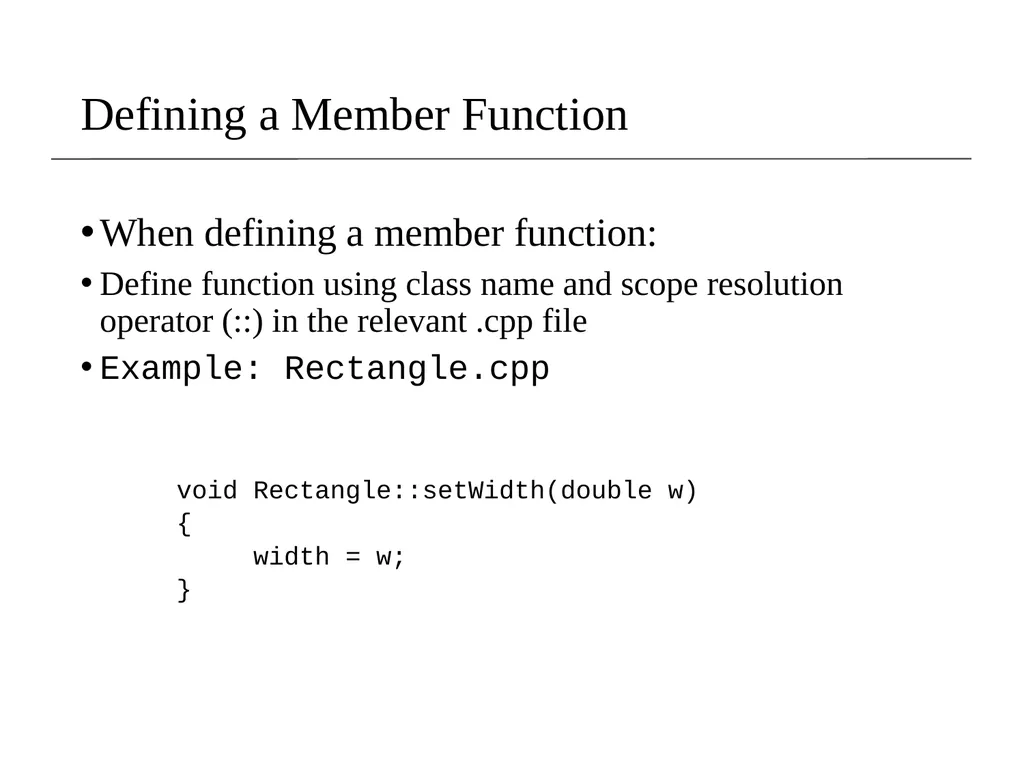
slide14. Defining a Member Function When defining a member function:
Define function using class name and scope resolution operator (::) in the relevant .cpp file
Example: Rectangle.cpp
void Rectangle::setWidth(double w)
{
width = w;
}<br>
slide15. Accessors and Mutators Mutator: a member function that stores a value in a private member variable, or changes its value in some way
Accessor: function that retrieves a value from a private member variable. Accessors do not change an object's data, so they should be marked const.<br>
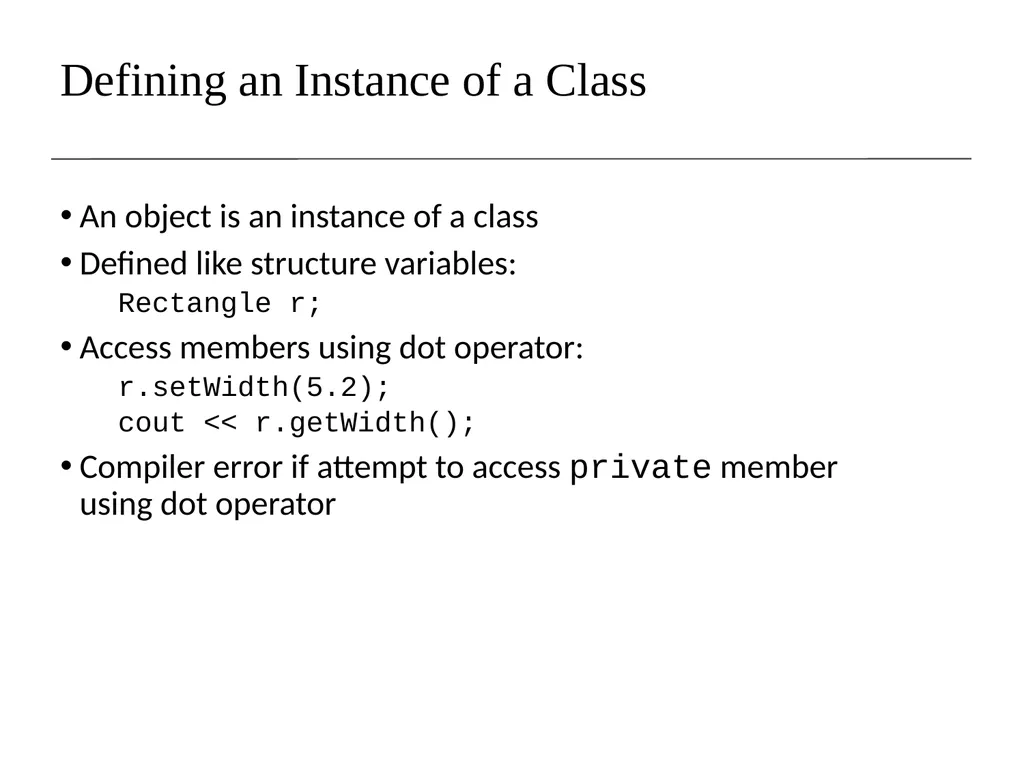
slide16. Defining an Instance of a Class An object is an instance of a class
Defined like structure variables:
Rectangle r;
Access members using dot operator:
r.setWidth(5.2);
cout << r.getWidth();
Compiler error if attempt to access private member using dot operator<br>
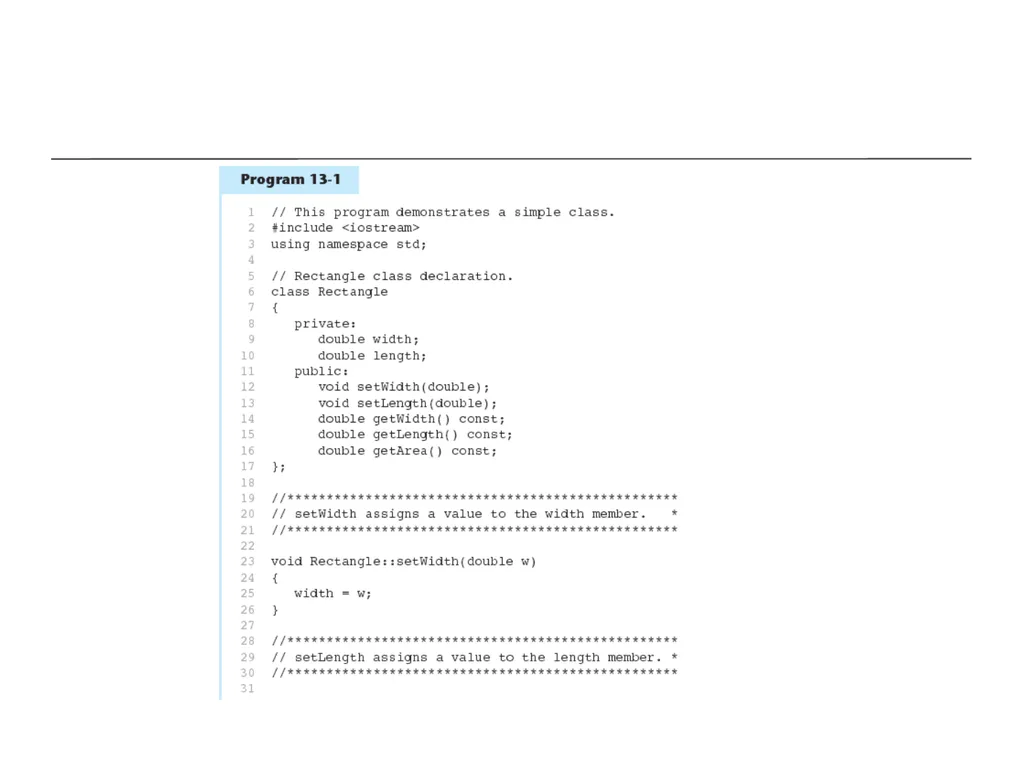
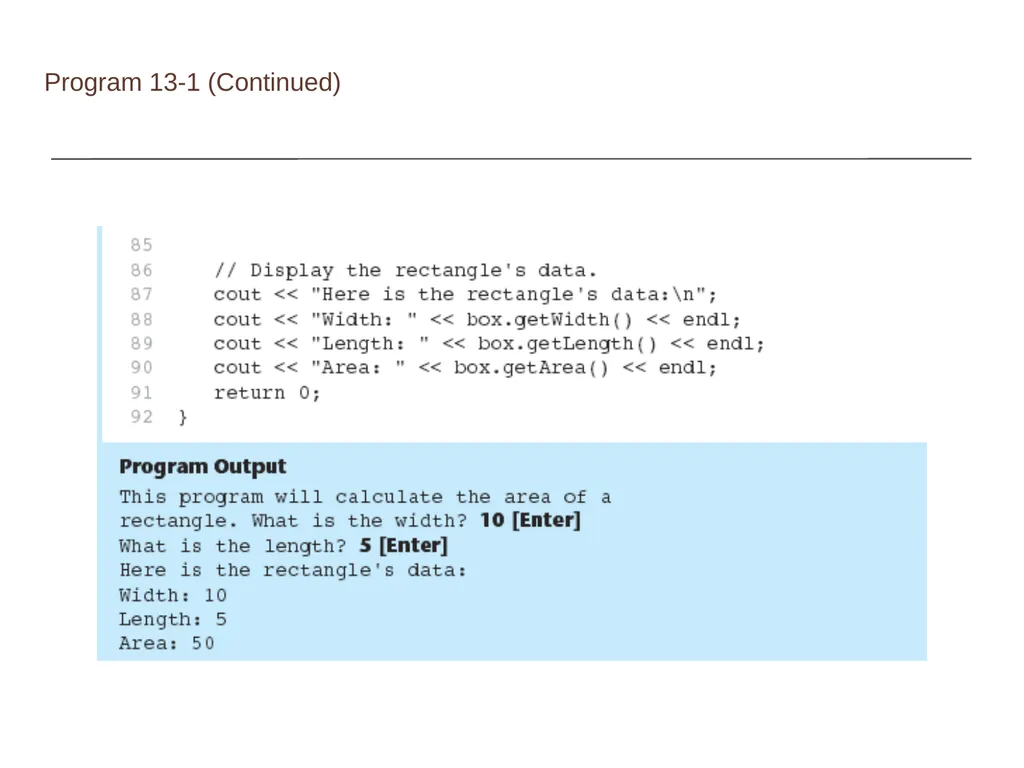
slide18. Program 13-1 (Continued)<br>
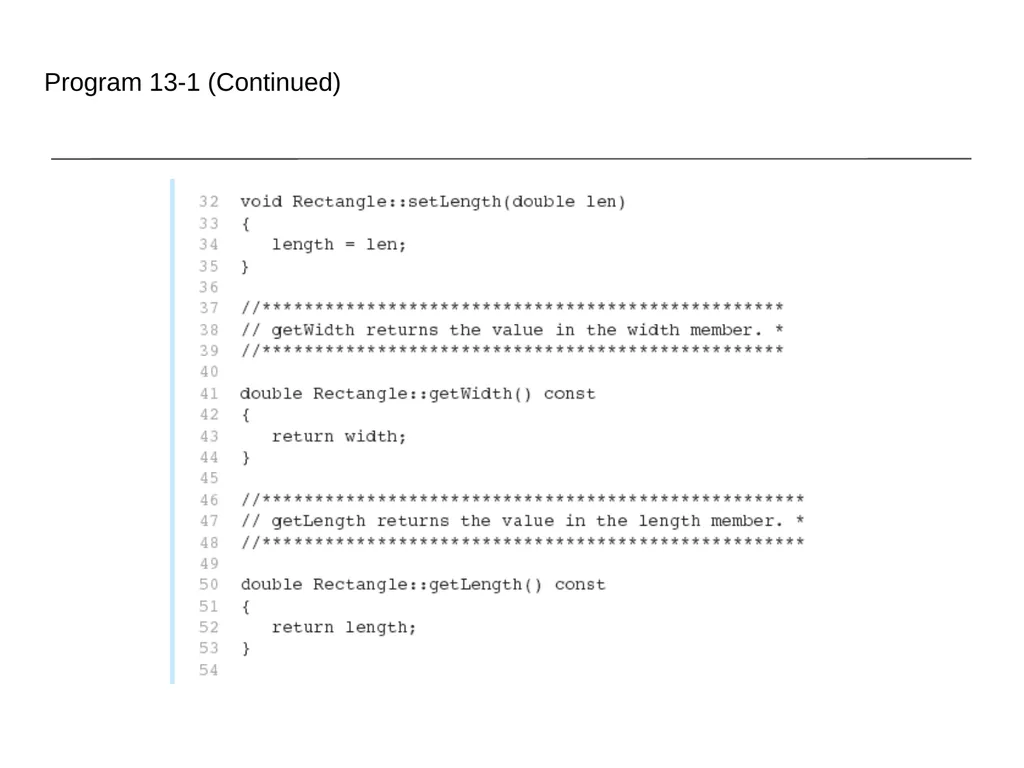
slide19. Program 13-1 (Continued)<br>
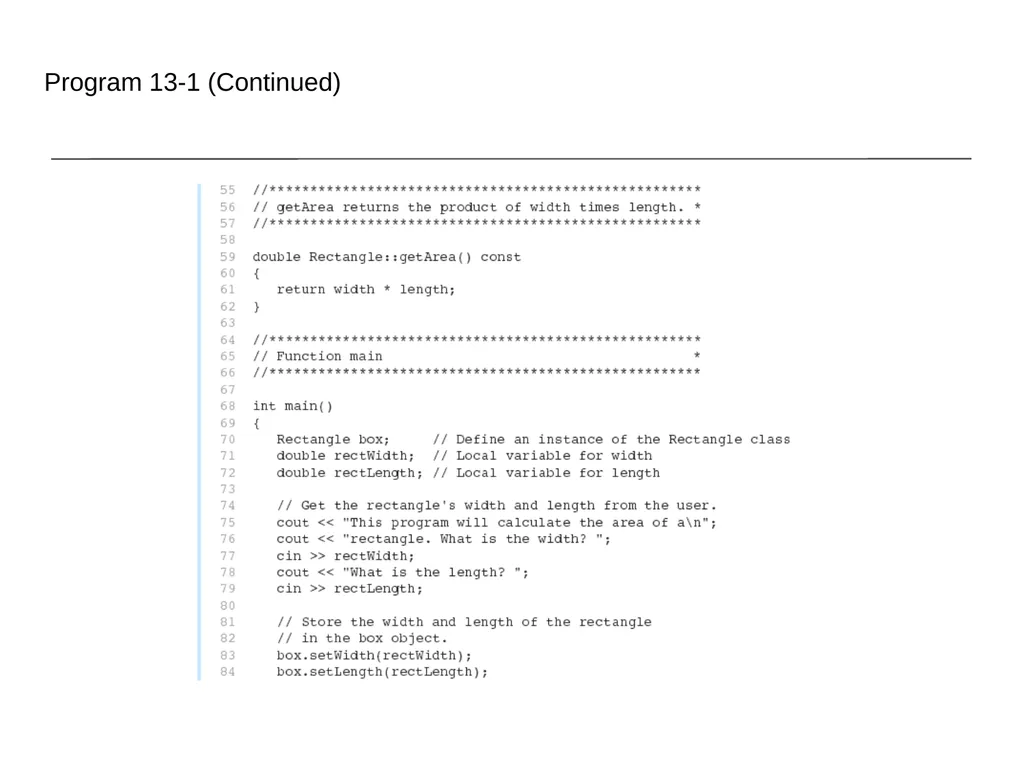
slide20. Program 13-1 (Continued)<br>
slide21. Why Have Private Members? Making data members private provides data protection
Data can be accessed only through public functions
Public functions define the class’s public interface<br>
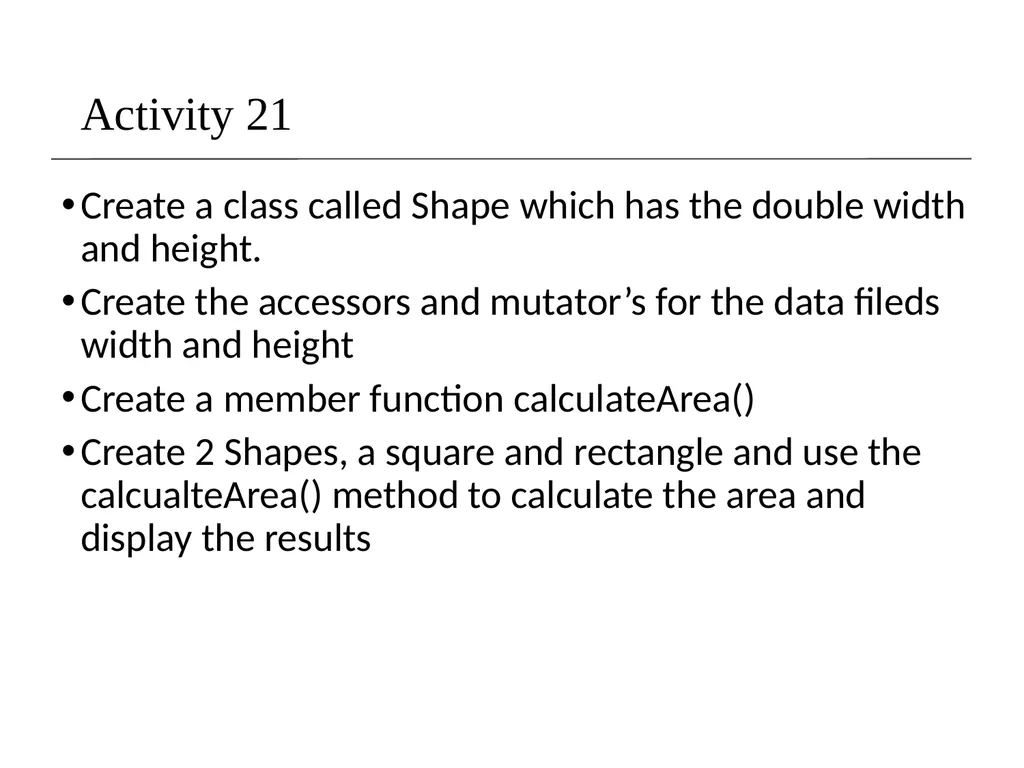
slide22. Activity 21 Create a class called Shape which has the double width and height.
Create the accessors and mutator’s for the data fileds width and height
Create a member function calculateArea()
Create 2 Shapes, a square and rectangle and use the calcualteArea() method to calculate the area and display the results<br>
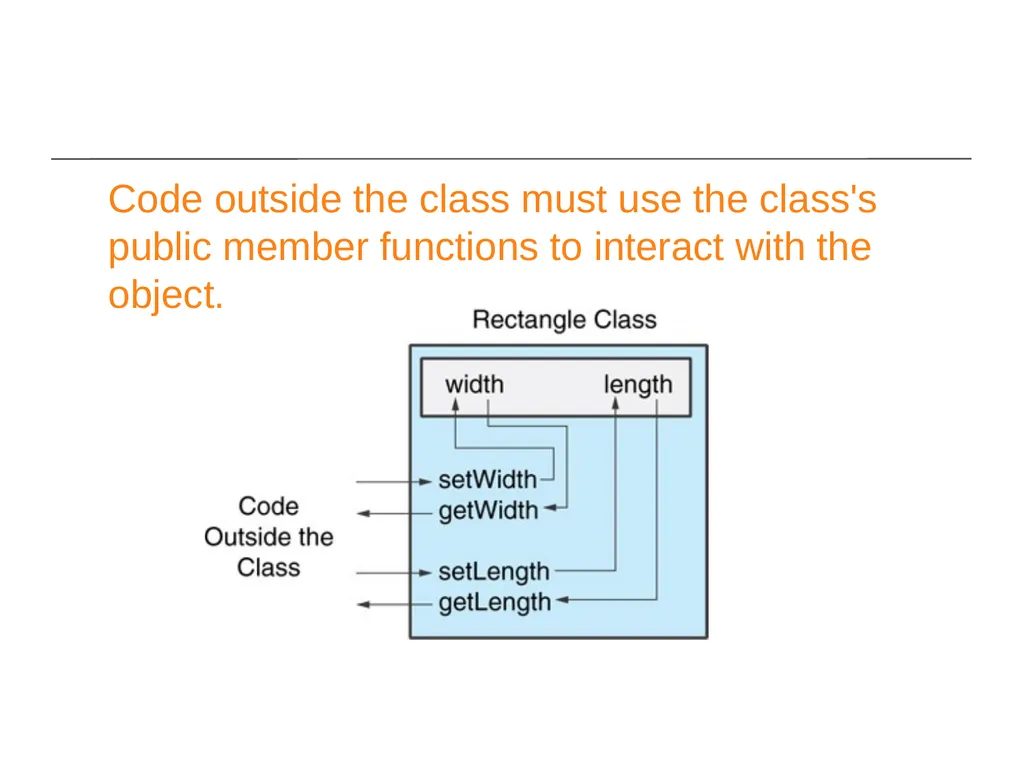
slide23. Code outside the class must use the class's public member functions to interact with the object.<br>
slide24. Code Organization As programs grow larger, it becomes inconvenient and frequently inefficient for all code to reside in a single file.
Frequently, functions are moved into one or more "library" files.
It can also be inconvenient to have all functions in a single library.
So logically separate functions into groups and put each group in its own "library." Note that each library will consist of a header file (.h or .hpp) and a source file (.cpp).<br>
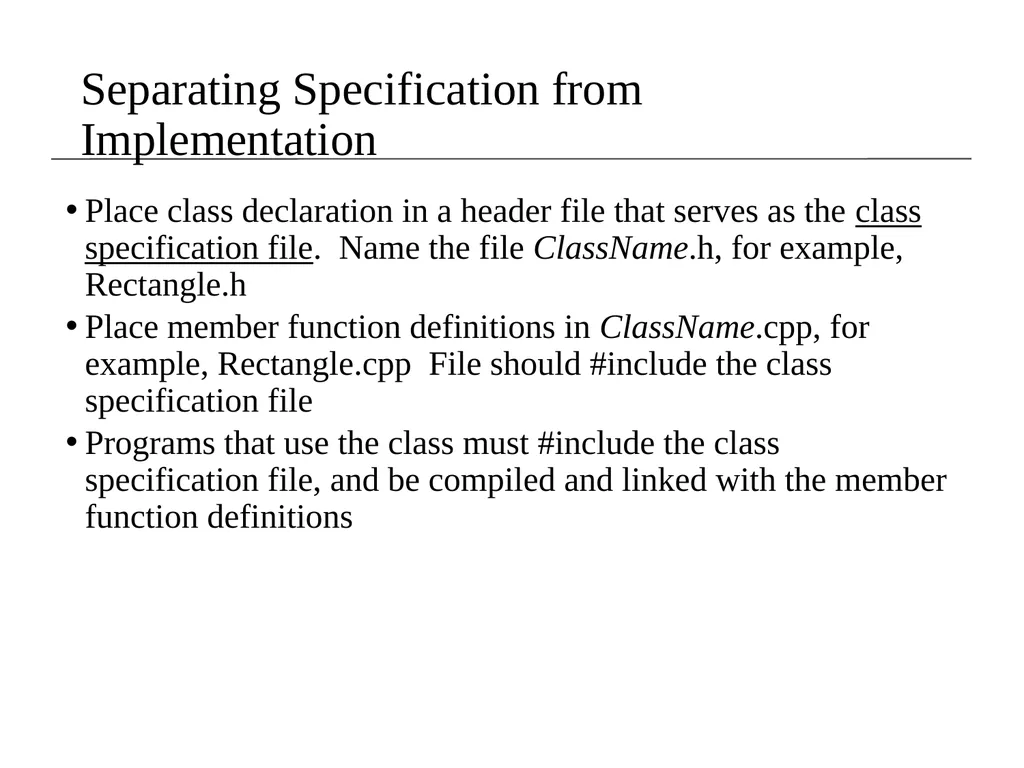
slide25. Separating Specification from Implementation Place class declaration in a header file that serves as the class specification file. Name the file ClassName.h, for example, Rectangle.h
Place member function definitions in ClassName.cpp, for example, Rectangle.cpp File should #include the class specification file
Programs that use the class must #include the class specification file, and be compiled and linked with the member function definitions<br>
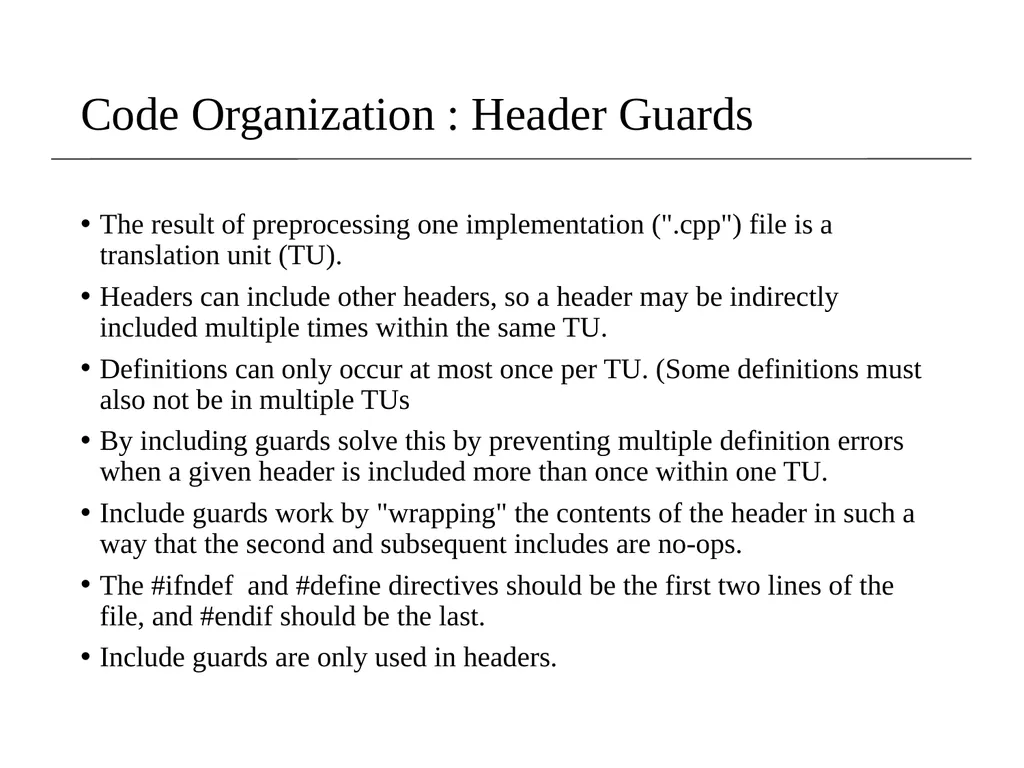
slide26. Code Organization : Header Guards The result of preprocessing one implementation (".cpp") file is a translation unit (TU).
Headers can include other headers, so a header may be indirectly included multiple times within the same TU.
Definitions can only occur at most once per TU. (Some definitions must also not be in multiple TUs
By including guards solve this by preventing multiple definition errors when a given header is included more than once within one TU.
Include guards work by "wrapping" the contents of the header in such a way that the second and subsequent includes are no-ops.
The #ifndef and #define directives should be the first two lines of the file, and #endif should be the last.
Include guards are only used in headers.<br>
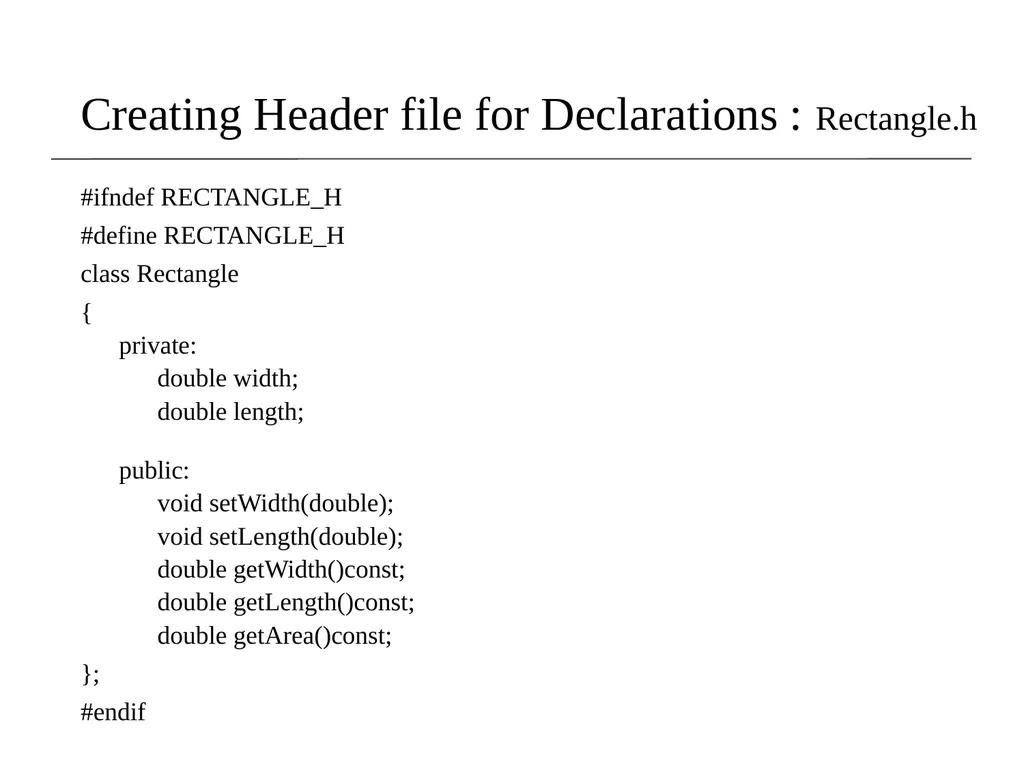
slide27. Creating Header file for Declarations : Rectangle.h #ifndef RECTANGLE_H
#define RECTANGLE_H
class Rectangle
{
private:
double width;
double length;
public:
void setWidth(double);
void setLength(double);
double getWidth()const;
double getLength()const;
double getArea()const;
};
#endif<br>
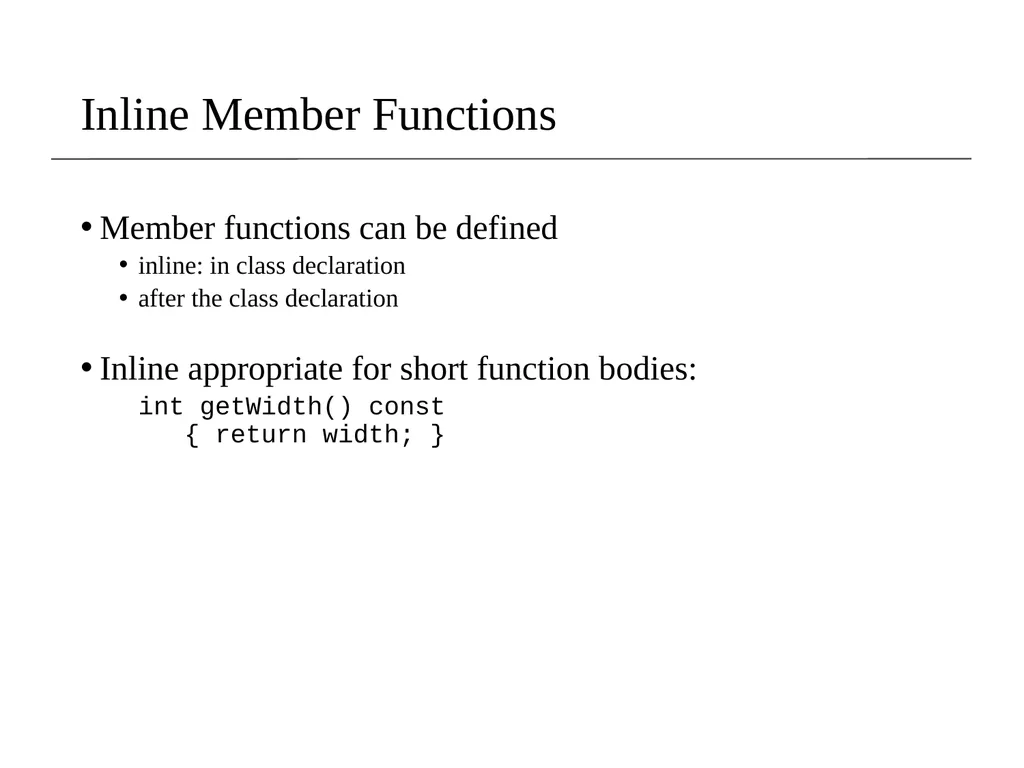
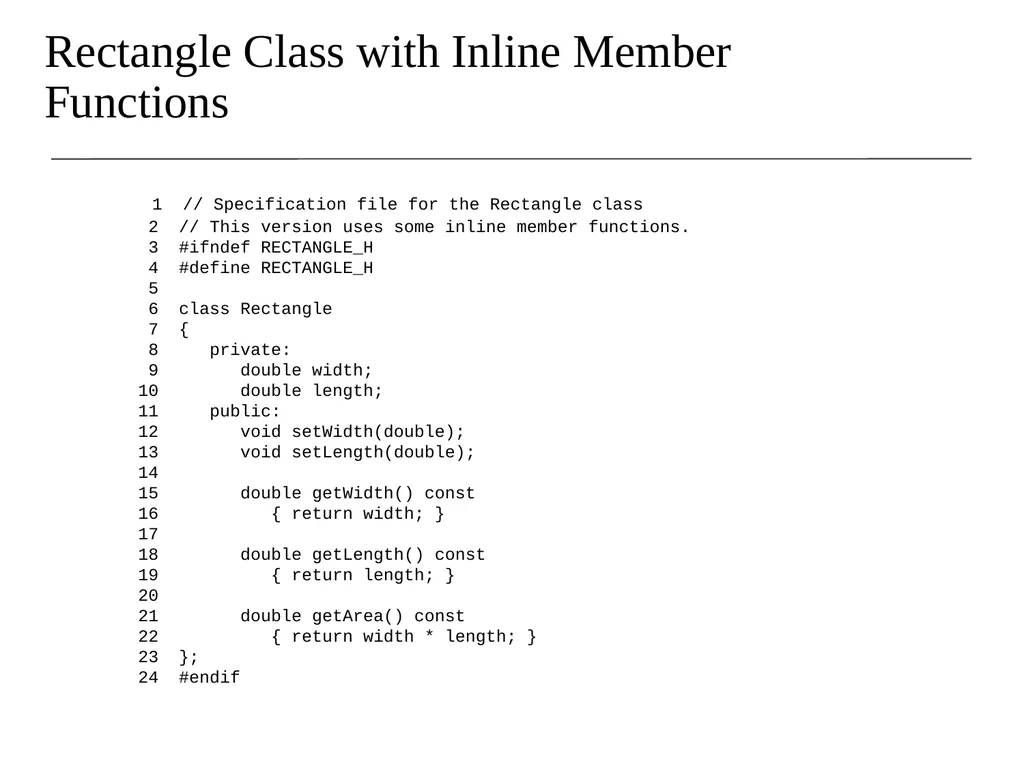
slide28. Inline Member Functions Member functions can be defined
inline: in class declaration
after the class declaration
Inline appropriate for short function bodies:
int getWidth() const { return width; }<br>
slide29. Rectangle Class with Inline Member Functions 1 // Specification file for the Rectangle class 2 // This version uses some inline member functions. 3 #ifndef RECTANGLE_H 4 #define RECTANGLE_H 5 6 class Rectangle 7 { 8 private: 9 double width; 10 double length; 11 public: 12 void setWidth(double); 13 void setLength(double); 14 15 double getWidth() const 16 { return width; } 17 18 double getLength() const 19 { return length; } 20 21 double getArea() const 22 { return width * length; } 23 }; 24 #endif<br>
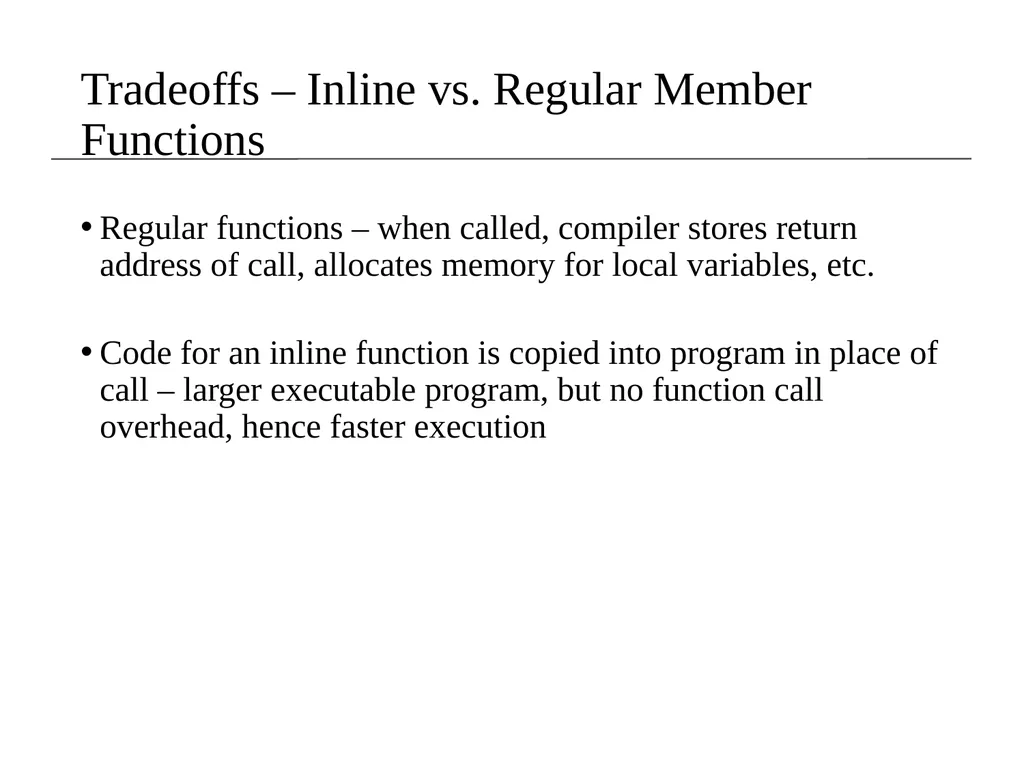
slide30. Tradeoffs – Inline vs. Regular Member Functions Regular functions – when called, compiler stores return address of call, allocates memory for local variables, etc.
Code for an inline function is copied into program in place of call – larger executable program, but no function call overhead, hence faster execution<br>
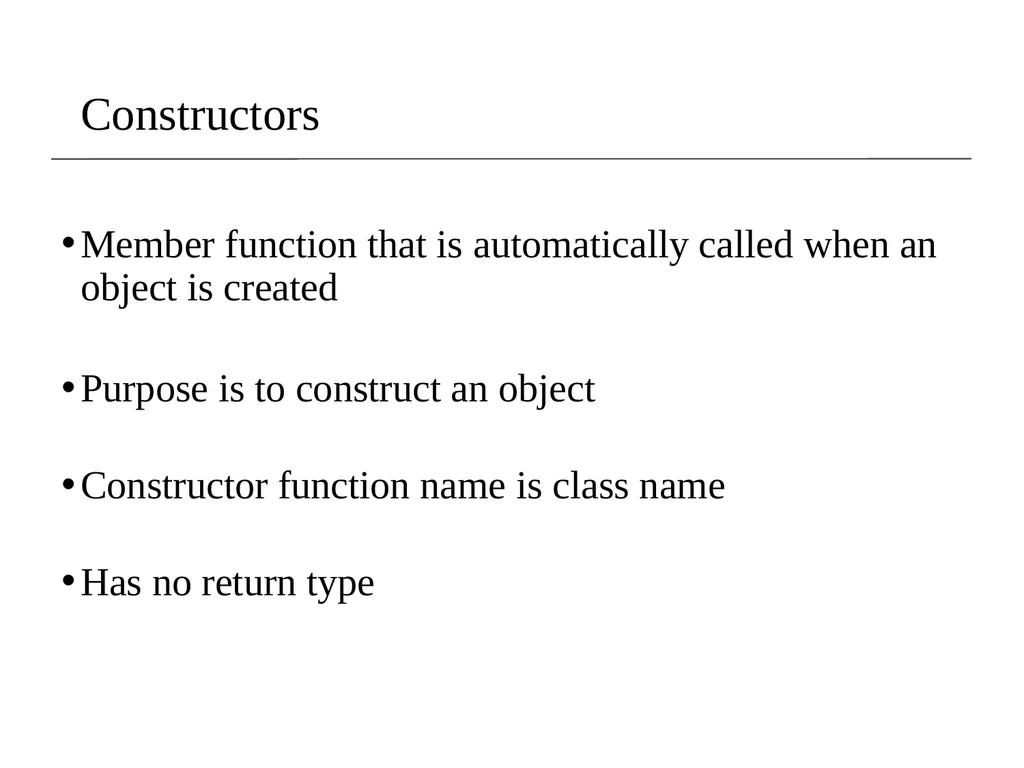
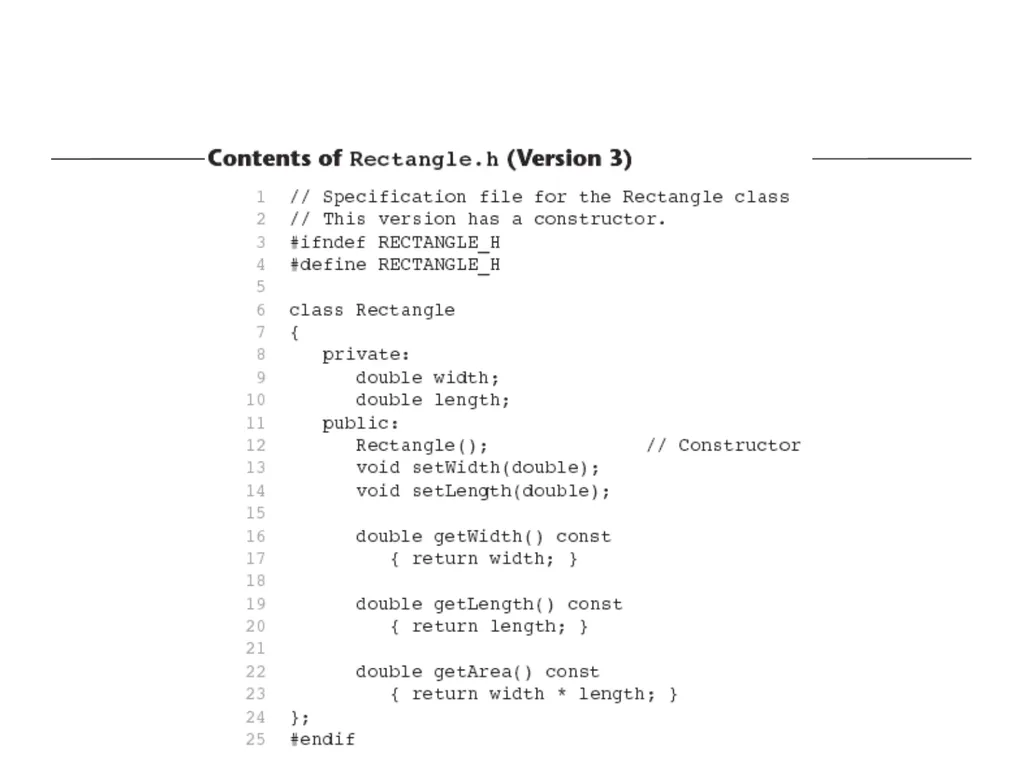
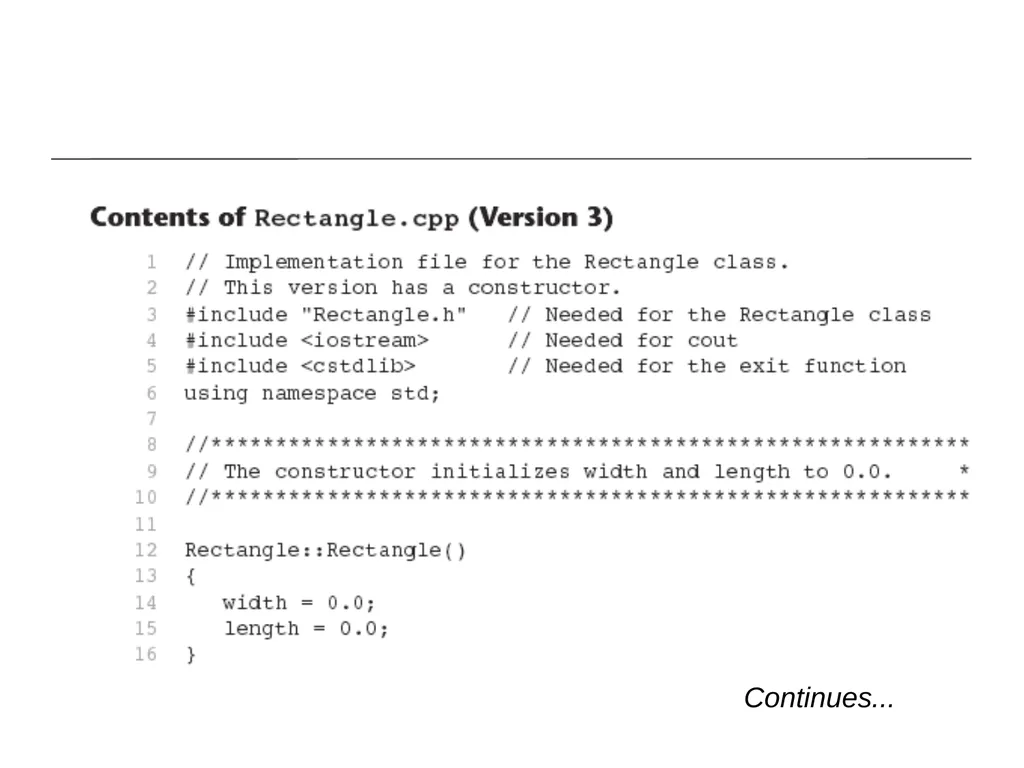
slide31. Constructors Member function that is automatically called when an object is created
Purpose is to construct an object
Constructor function name is class name
Has no return type<br>
slide33. Continues...<br>
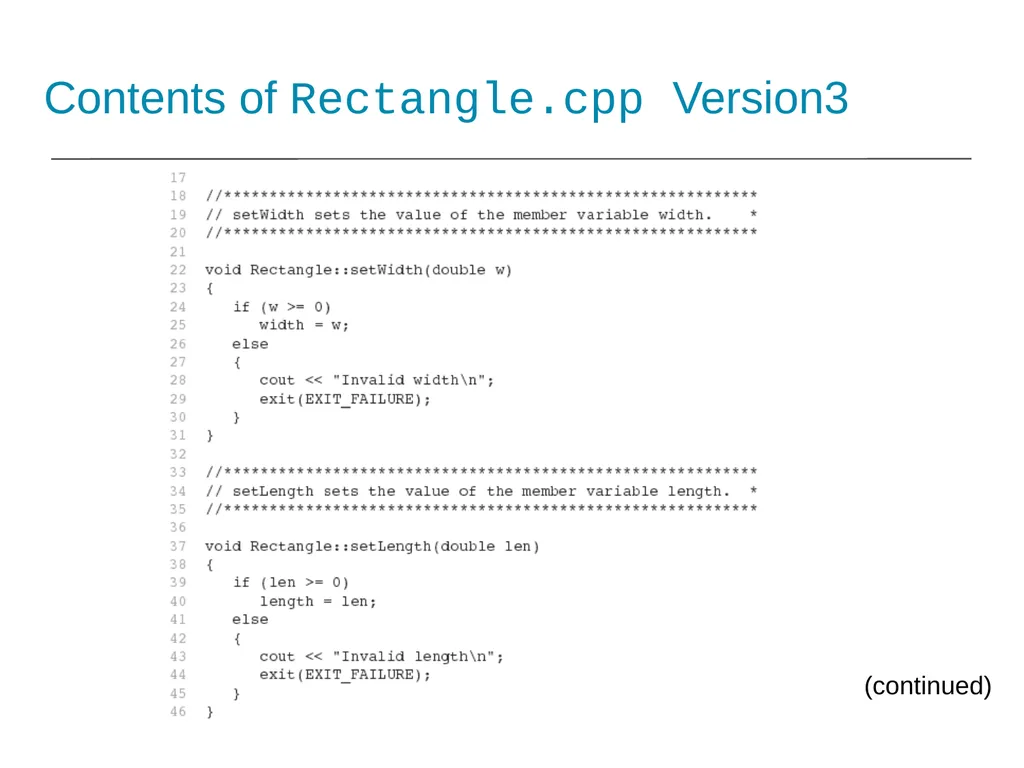
slide34. Contents of Rectangle.cpp Version3 (continued)<br>
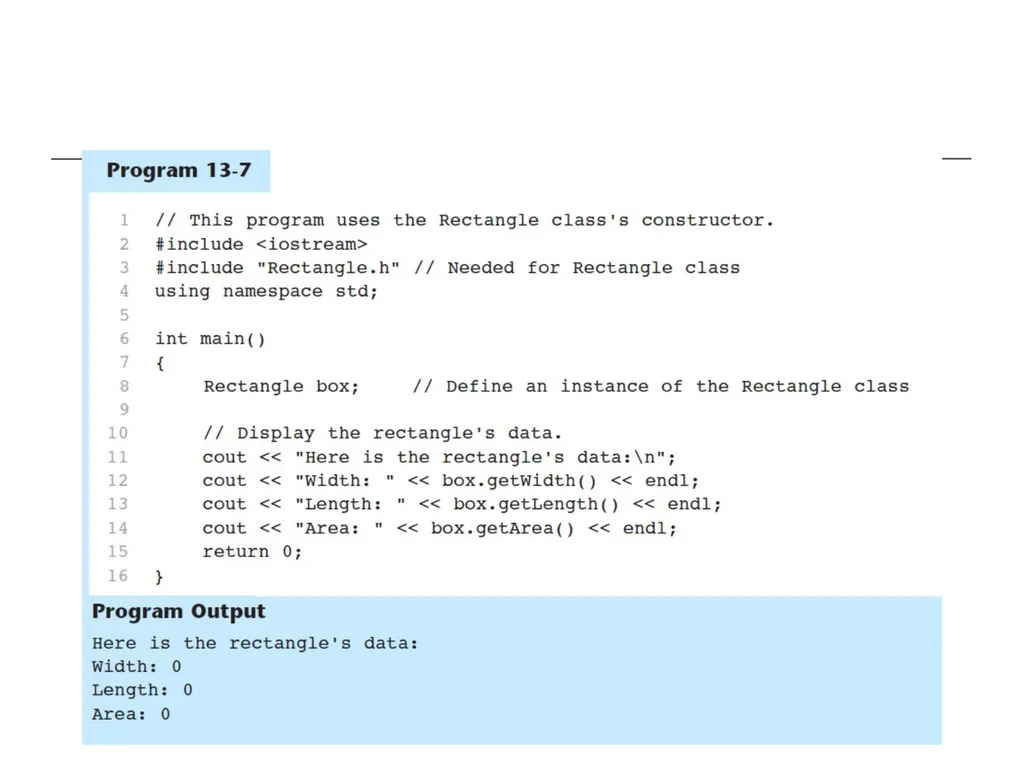
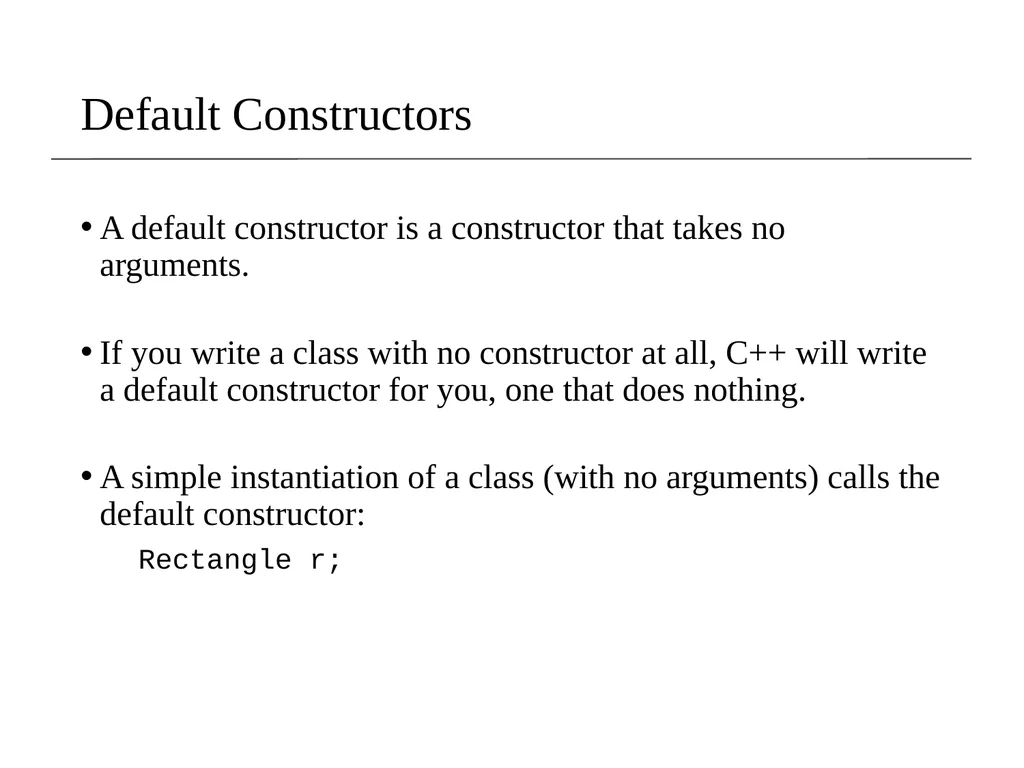
slide36. Default Constructors A default constructor is a constructor that takes no arguments.
If you write a class with no constructor at all, C++ will write a default constructor for you, one that does nothing.
A simple instantiation of a class (with no arguments) calls the default constructor:
Rectangle r;<br>
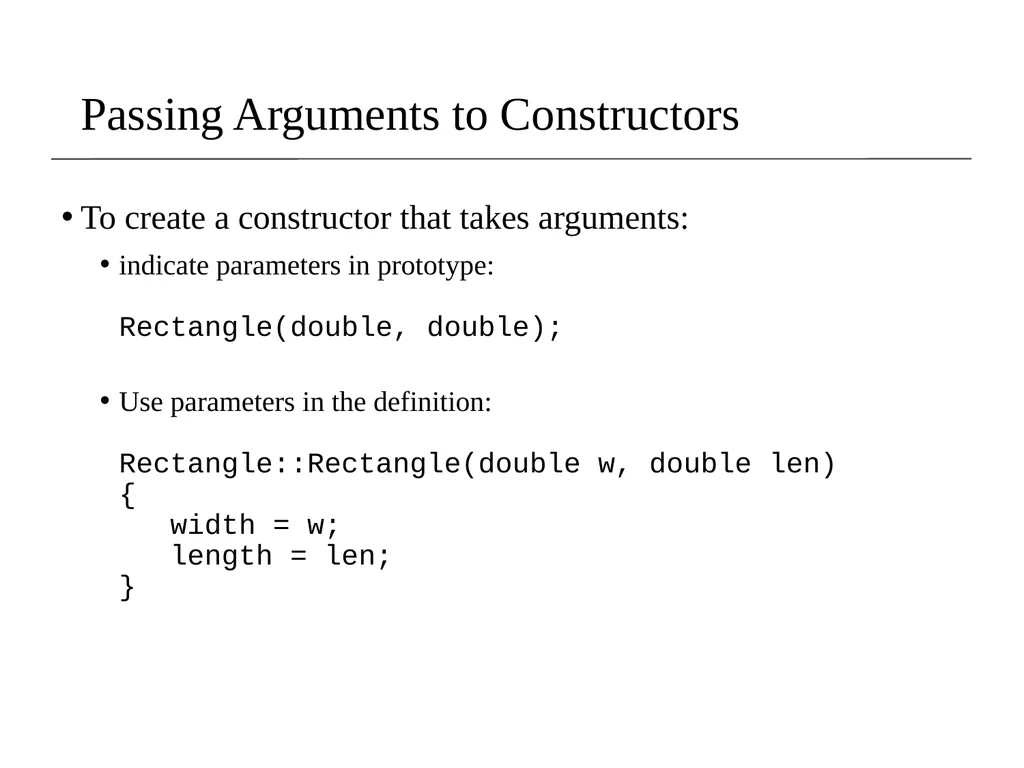
slide37. Passing Arguments to Constructors To create a constructor that takes arguments:
indicate parameters in prototype: Rectangle(double, double);
Use parameters in the definition: Rectangle::Rectangle(double w, double len) { width = w; length = len; }<br>
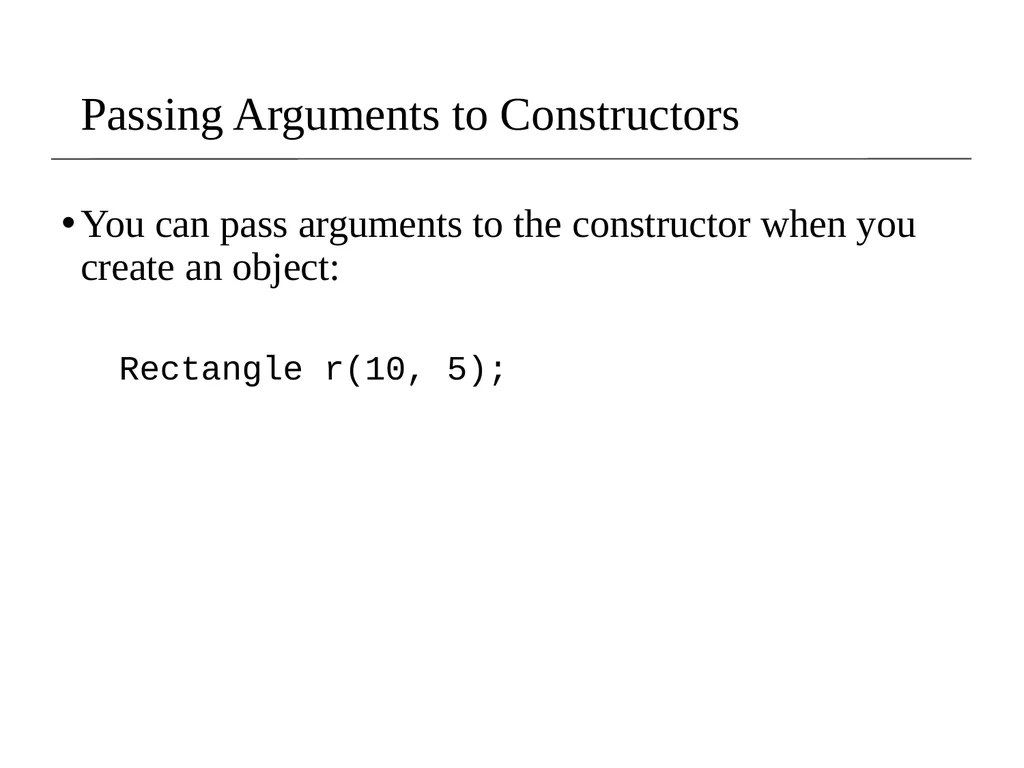
slide38. Passing Arguments to Constructors You can pass arguments to the constructor when you create an object:
Rectangle r(10, 5);<br>
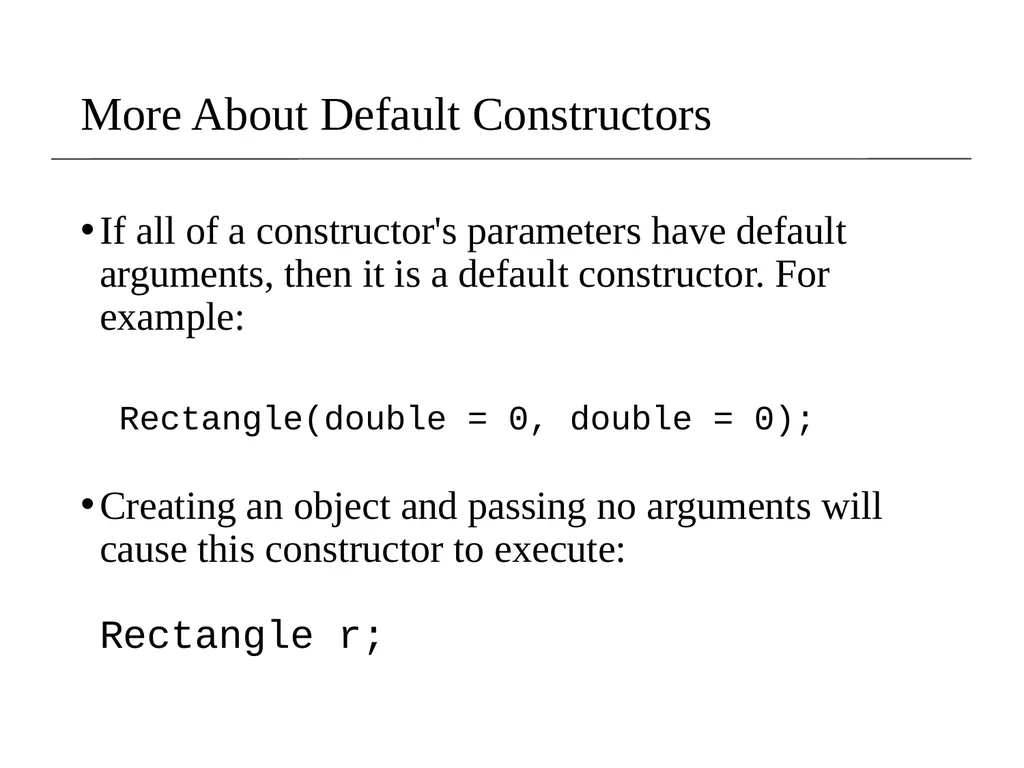
slide39. More About Default Constructors If all of a constructor's parameters have default arguments, then it is a default constructor. For example:
Rectangle(double = 0, double = 0);
Creating an object and passing no arguments will cause this constructor to execute: Rectangle r;<br>
slide40. Classes with No Default Constructor When all of a class's constructors require arguments, then the class has NO default constructor.
When this is the case, you must pass the required arguments to the constructor when creating an object.<br>
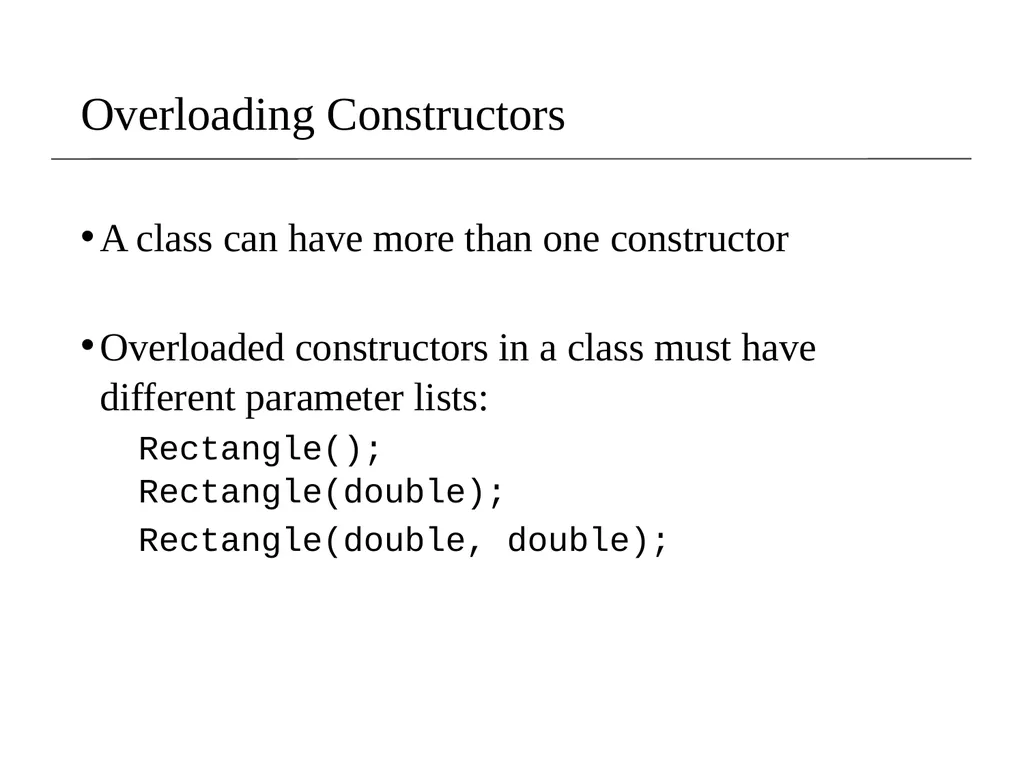
slide41. Overloading Constructors A class can have more than one constructor
Overloaded constructors in a class must have different parameter lists:
Rectangle(); Rectangle(double);
Rectangle(double, double);<br>
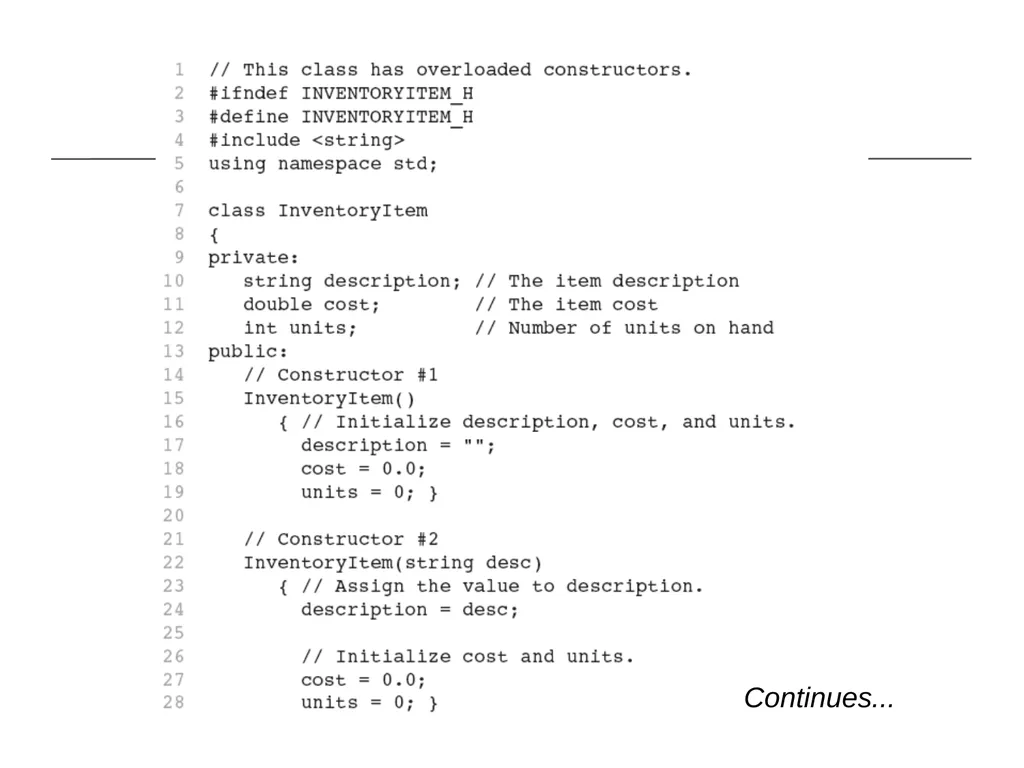
slide42. Continues...<br>
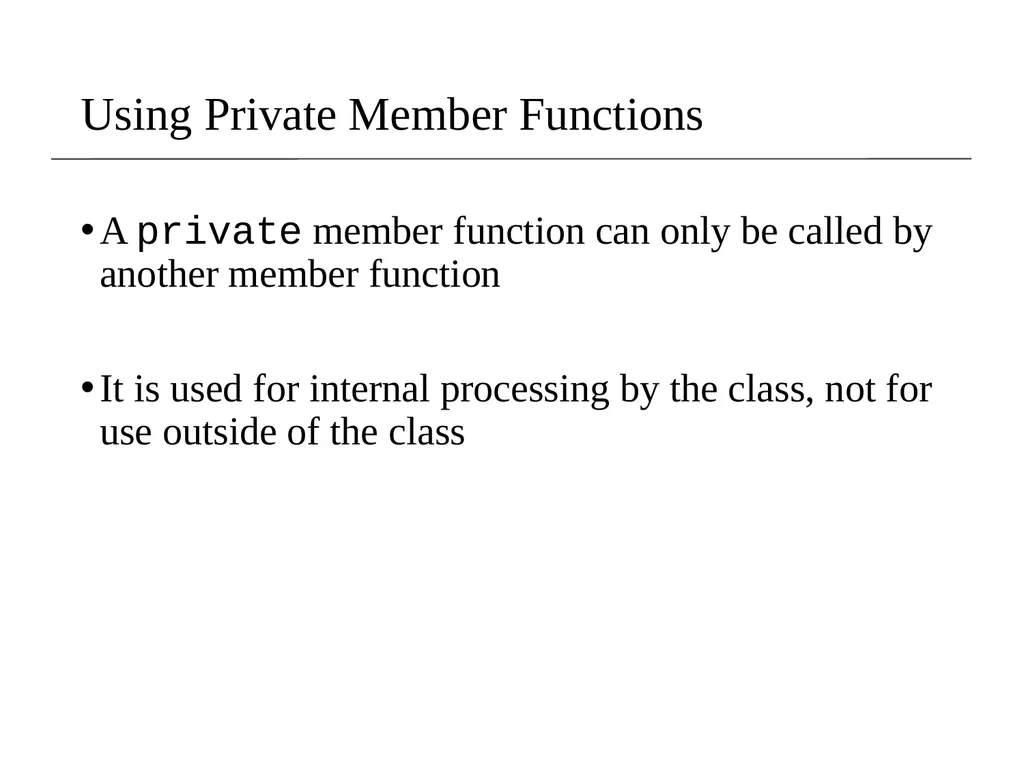
slide44. Using Private Member Functions A private member function can only be called by another member function
It is used for internal processing by the class, not for use outside of the class<br>
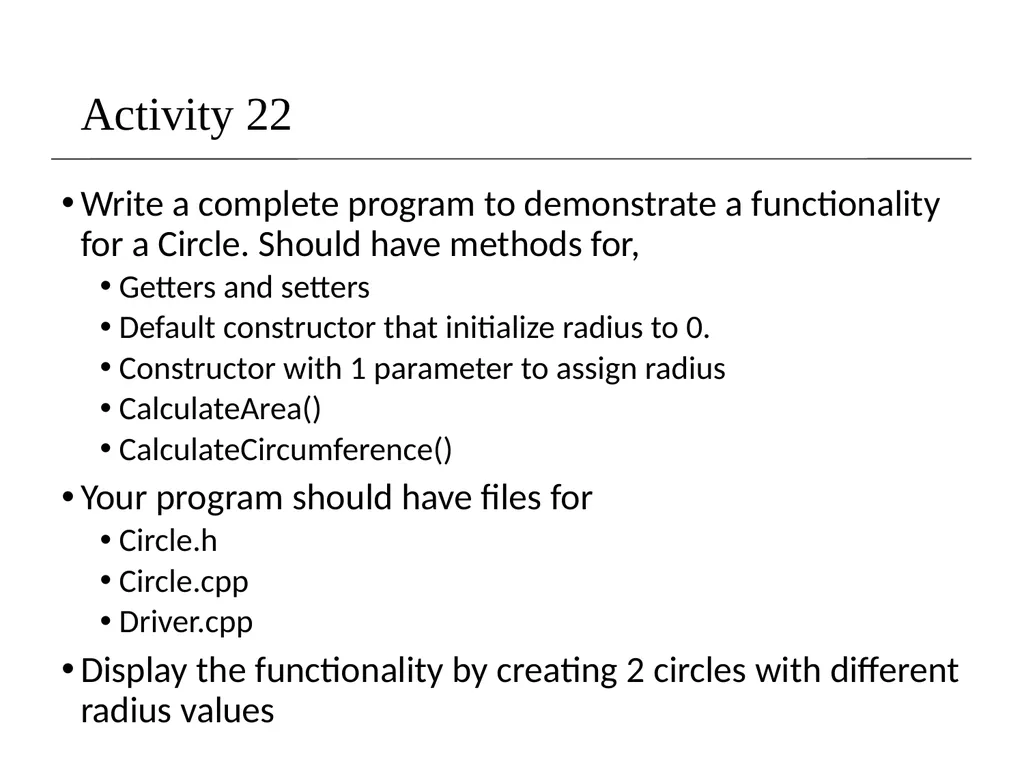
slide45. Activity 22 Write a complete program to demonstrate a functionality for a Circle. Should have methods for,
Getters and setters
Default constructor that initialize radius to 0.
Constructor with 1 parameter to assign radius
CalculateArea()
CalculateCircumference()
Your program should have files for
Circle.h
Circle.cpp
Driver.cpp
Display the functionality by creating 2 circles with different radius values<br>
Cal Poly Pomona
Based on slides created by Bjarne Stroustrup & Tony Gaddis CS 128
Introduction to C++ 1<br>
slide2. Procedural and Object-Oriented Programming Procedural programming focuses on the process/actions that occur in a program
C, Fortran, Pascal, Ada, Basic, Go
Object-Oriented programming is based on the data and the functions that operate on it. Objects are instances of Abstract Data Types (ADT) that represent the data and its functions
Java, C++, C#, Python, Objective-C, Swift, Ruby, Perl<br>
slide3. Limitations of Procedural Programming If the data structures change, many functions must also be changed
Programs that are based on complex function hierarchies are:
difficult to understand and maintain
difficult to modify and extend
easy to break<br>
slide4. Object-Oriented Programming Terminology The main purpose of C++ programming is to add object orientation to the C programming language and classes are the central feature of C++ that supports object-oriented programming and are often called user-defined types.
class: (allows bundling of related variables). When you define a class, you define a blueprint for a data type.
object: an instance of a class<br>
slide5. Classes and Objects A Class is like a blueprint and objects are like houses built from the blueprint<br>
slide6. Object-Oriented Programming Terminology attributes: members of a class
methods or behaviors: member functions of a class<br>
slide7. Introduction to Classes Objects are created from a class
Format:
class ClassName
{
declaration; // functon prototypes
declaration;
};
returnType className:: methodName() // definition
{
}<br>
slide8. Class Example<br>
slide9. Access Specifiers Used to control access to members of the class
public: can be accessed by functions outside of the class
private: can only be called by or accessed by functions that are members of the class<br>
slide10. More on Objects data hiding: restricting access to certain members of an object
public interface: members of an object that are available outside of the object. This allows the object to provide access to some data and functions without sharing its internal details and design, and provides some protection from data corruption<br>
slide11. Class Example Private Members Public Members<br>
slide12. More on Access Specifiers Can be listed in any order in a class
Can appear multiple times in a class
If not specified, the default is private<br>
slide13. Using const With Member Functions const appearing after the parentheses in a member function declaration specifies that the function will not change any data in the calling object.<br>
slide14. Defining a Member Function When defining a member function:
Define function using class name and scope resolution operator (::) in the relevant .cpp file
Example: Rectangle.cpp
void Rectangle::setWidth(double w)
{
width = w;
}<br>
slide15. Accessors and Mutators Mutator: a member function that stores a value in a private member variable, or changes its value in some way
Accessor: function that retrieves a value from a private member variable. Accessors do not change an object's data, so they should be marked const.<br>
slide16. Defining an Instance of a Class An object is an instance of a class
Defined like structure variables:
Rectangle r;
Access members using dot operator:
r.setWidth(5.2);
cout << r.getWidth();
Compiler error if attempt to access private member using dot operator<br>
slide18. Program 13-1 (Continued)<br>
slide19. Program 13-1 (Continued)<br>
slide20. Program 13-1 (Continued)<br>
slide21. Why Have Private Members? Making data members private provides data protection
Data can be accessed only through public functions
Public functions define the class’s public interface<br>
slide22. Activity 21 Create a class called Shape which has the double width and height.
Create the accessors and mutator’s for the data fileds width and height
Create a member function calculateArea()
Create 2 Shapes, a square and rectangle and use the calcualteArea() method to calculate the area and display the results<br>
slide23. Code outside the class must use the class's public member functions to interact with the object.<br>
slide24. Code Organization As programs grow larger, it becomes inconvenient and frequently inefficient for all code to reside in a single file.
Frequently, functions are moved into one or more "library" files.
It can also be inconvenient to have all functions in a single library.
So logically separate functions into groups and put each group in its own "library." Note that each library will consist of a header file (.h or .hpp) and a source file (.cpp).<br>
slide25. Separating Specification from Implementation Place class declaration in a header file that serves as the class specification file. Name the file ClassName.h, for example, Rectangle.h
Place member function definitions in ClassName.cpp, for example, Rectangle.cpp File should #include the class specification file
Programs that use the class must #include the class specification file, and be compiled and linked with the member function definitions<br>
slide26. Code Organization : Header Guards The result of preprocessing one implementation (".cpp") file is a translation unit (TU).
Headers can include other headers, so a header may be indirectly included multiple times within the same TU.
Definitions can only occur at most once per TU. (Some definitions must also not be in multiple TUs
By including guards solve this by preventing multiple definition errors when a given header is included more than once within one TU.
Include guards work by "wrapping" the contents of the header in such a way that the second and subsequent includes are no-ops.
The #ifndef and #define directives should be the first two lines of the file, and #endif should be the last.
Include guards are only used in headers.<br>
slide27. Creating Header file for Declarations : Rectangle.h #ifndef RECTANGLE_H
#define RECTANGLE_H
class Rectangle
{
private:
double width;
double length;
public:
void setWidth(double);
void setLength(double);
double getWidth()const;
double getLength()const;
double getArea()const;
};
#endif<br>
slide28. Inline Member Functions Member functions can be defined
inline: in class declaration
after the class declaration
Inline appropriate for short function bodies:
int getWidth() const { return width; }<br>
slide29. Rectangle Class with Inline Member Functions 1 // Specification file for the Rectangle class 2 // This version uses some inline member functions. 3 #ifndef RECTANGLE_H 4 #define RECTANGLE_H 5 6 class Rectangle 7 { 8 private: 9 double width; 10 double length; 11 public: 12 void setWidth(double); 13 void setLength(double); 14 15 double getWidth() const 16 { return width; } 17 18 double getLength() const 19 { return length; } 20 21 double getArea() const 22 { return width * length; } 23 }; 24 #endif<br>
slide30. Tradeoffs – Inline vs. Regular Member Functions Regular functions – when called, compiler stores return address of call, allocates memory for local variables, etc.
Code for an inline function is copied into program in place of call – larger executable program, but no function call overhead, hence faster execution<br>
slide31. Constructors Member function that is automatically called when an object is created
Purpose is to construct an object
Constructor function name is class name
Has no return type<br>
slide33. Continues...<br>
slide34. Contents of Rectangle.cpp Version3 (continued)<br>
slide36. Default Constructors A default constructor is a constructor that takes no arguments.
If you write a class with no constructor at all, C++ will write a default constructor for you, one that does nothing.
A simple instantiation of a class (with no arguments) calls the default constructor:
Rectangle r;<br>
slide37. Passing Arguments to Constructors To create a constructor that takes arguments:
indicate parameters in prototype: Rectangle(double, double);
Use parameters in the definition: Rectangle::Rectangle(double w, double len) { width = w; length = len; }<br>
slide38. Passing Arguments to Constructors You can pass arguments to the constructor when you create an object:
Rectangle r(10, 5);<br>
slide39. More About Default Constructors If all of a constructor's parameters have default arguments, then it is a default constructor. For example:
Rectangle(double = 0, double = 0);
Creating an object and passing no arguments will cause this constructor to execute: Rectangle r;<br>
slide40. Classes with No Default Constructor When all of a class's constructors require arguments, then the class has NO default constructor.
When this is the case, you must pass the required arguments to the constructor when creating an object.<br>
slide41. Overloading Constructors A class can have more than one constructor
Overloaded constructors in a class must have different parameter lists:
Rectangle(); Rectangle(double);
Rectangle(double, double);<br>
slide42. Continues...<br>
slide44. Using Private Member Functions A private member function can only be called by another member function
It is used for internal processing by the class, not for use outside of the class<br>
slide45. Activity 22 Write a complete program to demonstrate a functionality for a Circle. Should have methods for,
Getters and setters
Default constructor that initialize radius to 0.
Constructor with 1 parameter to assign radius
CalculateArea()
CalculateCircumference()
Your program should have files for
Circle.h
Circle.cpp
Driver.cpp
Display the functionality by creating 2 circles with different radius values<br>