Level 1 Scoretable Course Introduction The third team in a basketball game are the game officials the referees and the scoretable. The scoretable must be accurate, knowledgeable and professional in all they do. The key elements are:
"Level 1 Scoretable Course Introduction The “third" is the property of its rightful owner. Permission is granted to
download and print the materials on this website for personal, non-commercial use only, and to display it
on your personal computer provided you do not modify the materials and that you retain all copyright
notices contained in the materials. By downloading content from our website, you accept the terms of this
agreement.
Presentation Transcript
01
Level 1 Scoretable Course<br>
02
Introduction The “third team” in a basketball game are the game officials – the referees and the scoretable.
The scoretable must be accurate, knowledgeable and professional in all they do.
The key elements are:
Correctness -> Rule knowledge
Concentration -> Personal Ability
Communication -> Teamwork
Co-operation -> Professional<br>
03
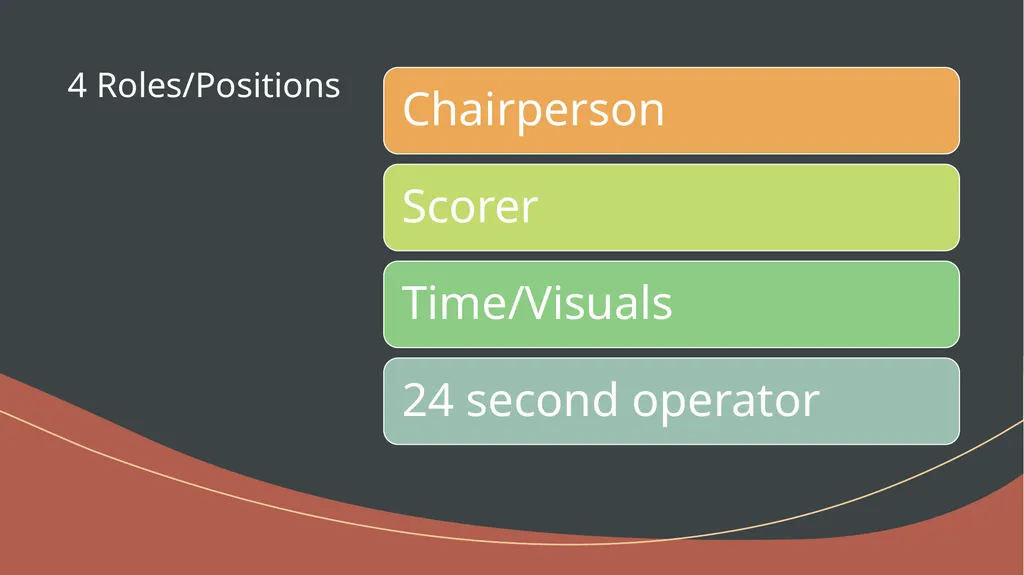
4 Roles/Positions<br>
04
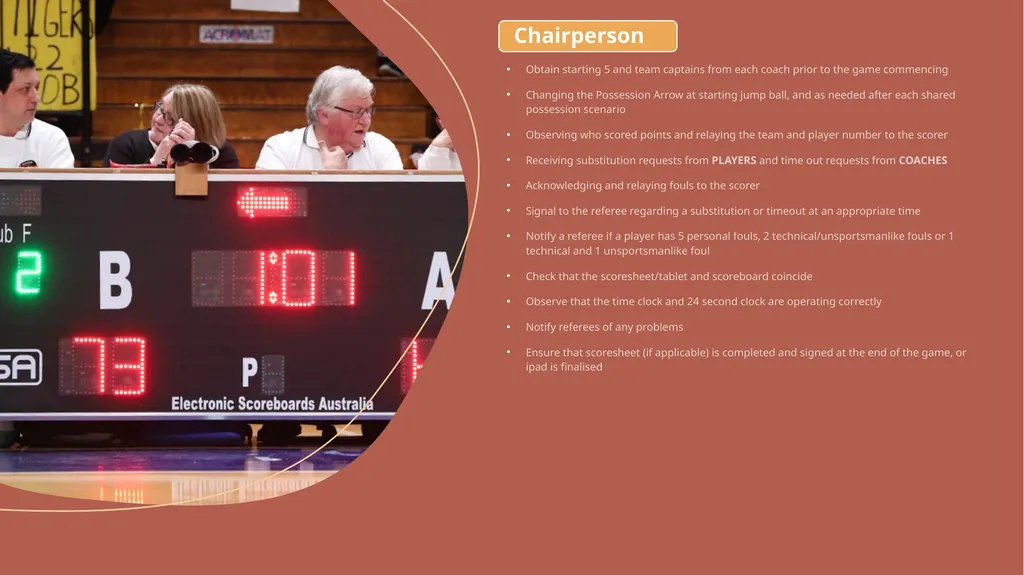
Obtain starting 5 and team captains from each coach prior to the game commencing
Changing the Possession Arrow at starting jump ball, and as needed after each shared possession scenario
Observing who scored points and relaying the team and player number to the scorer
Receiving substitution requests from PLAYERS and time out requests from COACHES
Acknowledging and relaying fouls to the scorer
Signal to the referee regarding a substitution or timeout at an appropriate time
Notify a referee if a player has 5 personal fouls, 2 technical/unsportsmanlike fouls or 1 technical and 1 unsportsmanlike foul
Check that the scoresheet/tablet and scoreboard coincide
Observe that the time clock and 24 second clock are operating correctly
Notify referees of any problems
Ensure that scoresheet (if applicable) is completed and signed at the end of the game, or ipad is finalised Chairperson<br>
05
Recording of all successful baskets and the calling of the score
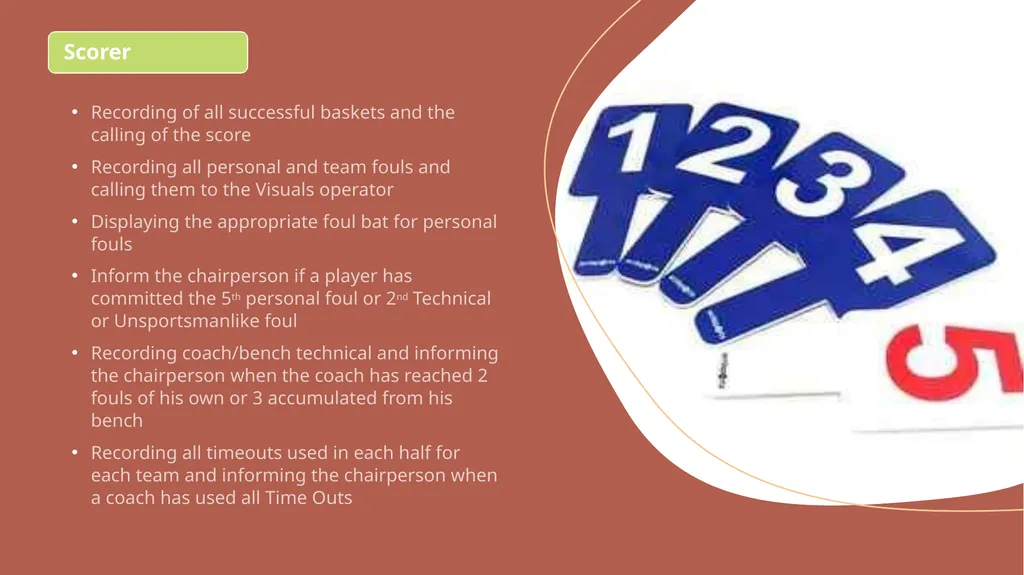
Recording all personal and team fouls and calling them to the Visuals operator
Displaying the appropriate foul bat for personal fouls
Inform the chairperson if a player has committed the 5th personal foul or 2nd Technical or Unsportsmanlike foul
Recording coach/bench technical and informing the chairperson when the coach has reached 2 fouls of his own or 3 accumulated from his bench
Recording all timeouts used in each half for each team and informing the chairperson when a coach has used all Time Outs Scorer<br>
06
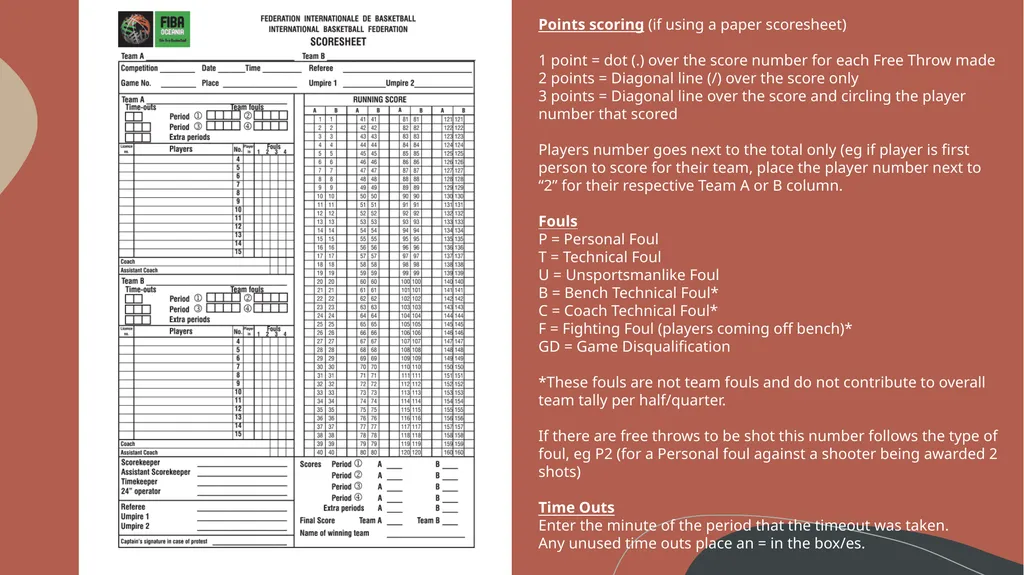
Points scoring (if using a paper scoresheet)
1 point = dot (.) over the score number for each Free Throw made
2 points = Diagonal line (/) over the score only
3 points = Diagonal line over the score and circling the player number that scored
Players number goes next to the total only (eg if player is first person to score for their team, place the player number next to “2” for their respective Team A or B column.
Fouls
P = Personal Foul
T = Technical Foul
U = Unsportsmanlike Foul
B = Bench Technical Foul*
C = Coach Technical Foul*
F = Fighting Foul (players coming off bench)*
GD = Game Disqualification
*These fouls are not team fouls and do not contribute to overall team tally per half/quarter.
If there are free throws to be shot this number follows the type of foul, eg P2 (for a Personal foul against a shooter being awarded 2 shots)
Time Outs
Enter the minute of the period that the timeout was taken.
Any unused time outs place an = in the box/es.<br>
07
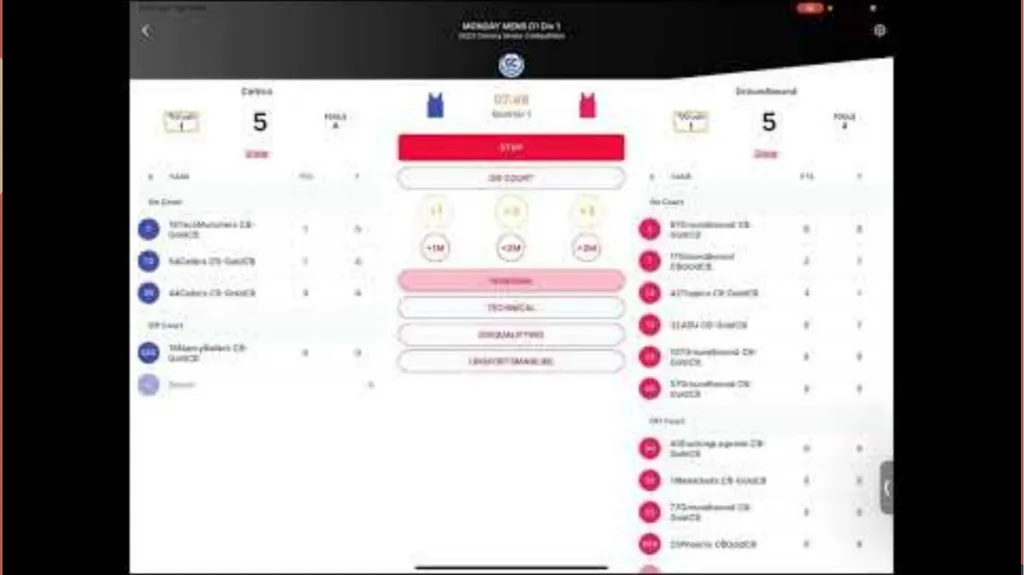
Using “Basketball Connect” to score Basketball NSW are switching to the NEW Basketball Connect system for ipad game scoring in 2025.
Click forward to the next page to watched the video, or Click the below link to view the latest Basketball Connect demonstration video:
https://www.youtube.com/watch?v=6_GMY5kO0-g&t=2s
If you would like to be added to a waitlist for further training, in early 2025, please email Joanne on participation@suthrelandbasketball.net.au. We will contact you once more training options are available.<br>
08
Time/Visuals Operator Accurate operation of game clock, entering correct scores and team fouls and used time outs for each period
Timing is always the priority
3 and 1 ½ minute sirens before 1st and 3rd quarters. 30 second siren before the start of the 2nd and 4th quarters
Set the game time when the warmup/interval of play has expired
Set the interval of play when the period has ended
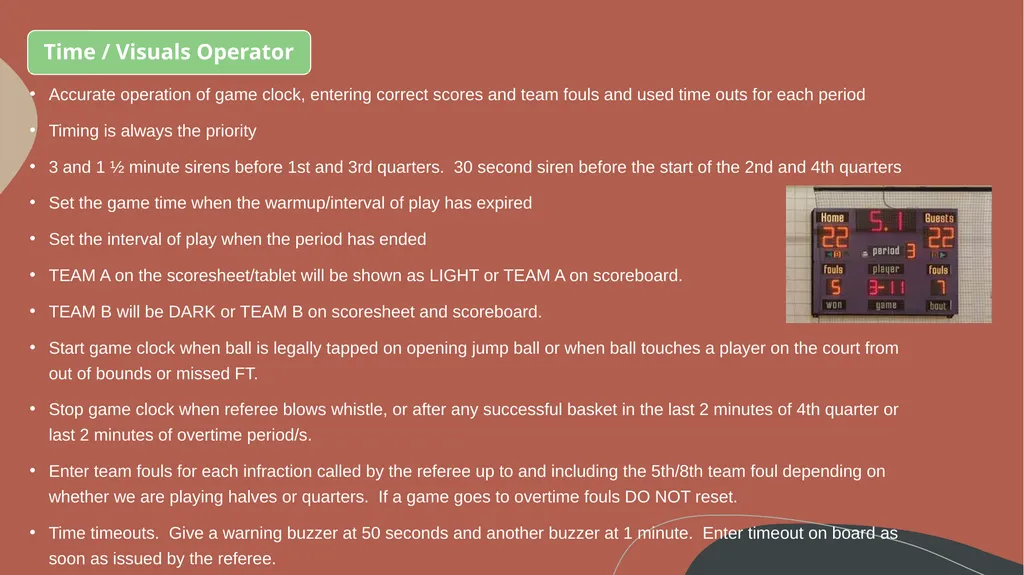
TEAM A on the scoresheet/tablet will be shown as LIGHT or TEAM A on scoreboard.
TEAM B will be DARK or TEAM B on scoresheet and scoreboard.
Start game clock when ball is legally tapped on opening jump ball or when ball touches a player on the court from out of bounds or missed FT.
Stop game clock when referee blows whistle, or after any successful basket in the last 2 minutes of 4th quarter or last 2 minutes of overtime period/s.
Enter team fouls for each infraction called by the referee up to and including the 5th/8th team foul depending on whether we are playing halves or quarters. If a game goes to overtime fouls DO NOT reset.
Time timeouts. Give a warning buzzer at 50 seconds and another buzzer at 1 minute. Enter timeout on board as soon as issued by the referee.<br>
09
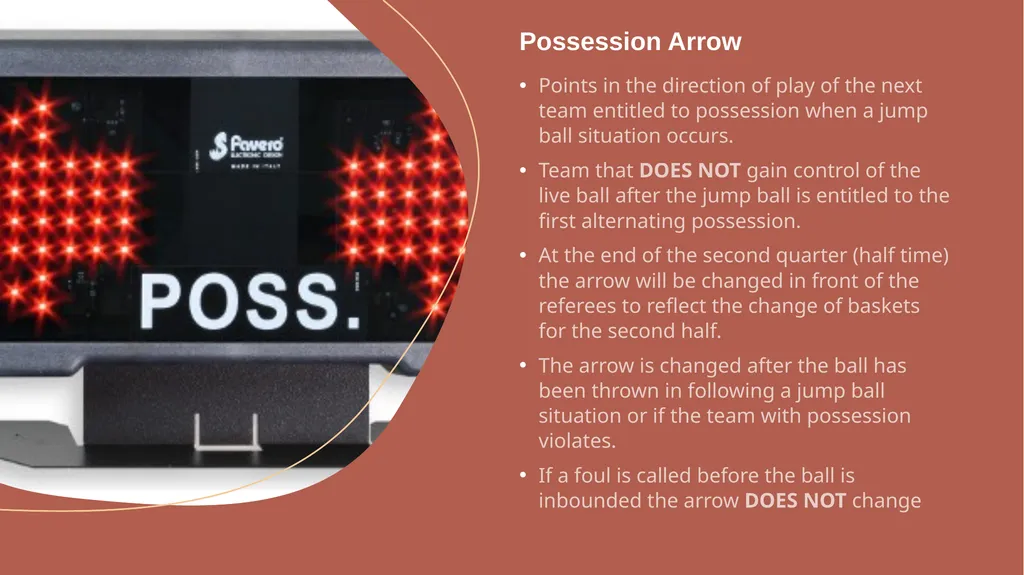
Points in the direction of play of the next team entitled to possession when a jump ball situation occurs.
Team that DOES NOT gain control of the live ball after the jump ball is entitled to the first alternating possession.
At the end of the second quarter (half time) the arrow will be changed in front of the referees to reflect the change of baskets for the second half.
The arrow is changed after the ball has been thrown in following a jump ball situation or if the team with possession violates.
If a foul is called before the ball is inbounded the arrow DOES NOT change Possession Arrow<br>
10
Have fingers near switch/buttons
On unsuccessful shot STOP the 24 clock as soon as ball touches the ring.
Reset once a team gains possession<br>
11
Shot clock - Stop & Reset: when a referee blows the whistle for a foul, violation or a jumpball resulting in a change of possession.
when an unsuccessful shot hits the ring or the ball lodges between the ring and backboard.
when a shot is successful.
when the game is stopped because of the actions of an opponent of the team in control of the ball.<br>
12
Shot clock - Stop & Hold (not reset): when the same team that previously had control is awarded a throw in
after an out of bounds
jump ball results in same team controlling the ball
when a double foul occurs
when a stoppage occurs due to the team in control
for cancelation of equal penalties
when a technical foul is called against the team in control<br>
13
“Practice makes Perfect” If you are not a competent bench scorer, we recommend you jump onto as many of your child’s local competition games and give each “role” a go. Ask another parent to help/assist, and speak to the referees prior to the game, to ensure they understand that you are learning.
If you would like more training on the new 2025 “Basketball Connect” Ipad scoring system, please email Joanne on participation@sutherlandbasketball.net.au to be added to the waitlist.<br>