
Make Cost Management Work for You! 20th May 2008
CP
Published · 80 slides · 0 views
1 / 1
Description
Make Cost Management Work for You! 20th May 2008 Douglas A. Volz OAUG Discrete MFG Cost Sub-Committee Presentation (Revised 13th February 2016) Welcome to Our Session! Proposed 2008 Schedule - July to December 2008 Introduce the Cost
Related Topics
Share
Embed code
Download this presentation From Below
"Make Cost Management Work for You! 20th May 2008" is the property of its rightful owner. Permission is granted to download and print the materials on this website for personal, non-commercial use only, and to display it on your personal computer provided you do not modify the materials and that you retain all copyright notices contained in the materials. By downloading content from our website, you accept the terms of this agreement.
Presentation Transcript
01
Make Cost Management Work for You!
20th May 2008
Douglas A. Volz
OAUG Discrete MFG Cost Sub-Committee Presentation (Revised 13th February 2016)<br>
20th May 2008
Douglas A. Volz
OAUG Discrete MFG Cost Sub-Committee Presentation (Revised 13th February 2016)<br>
02
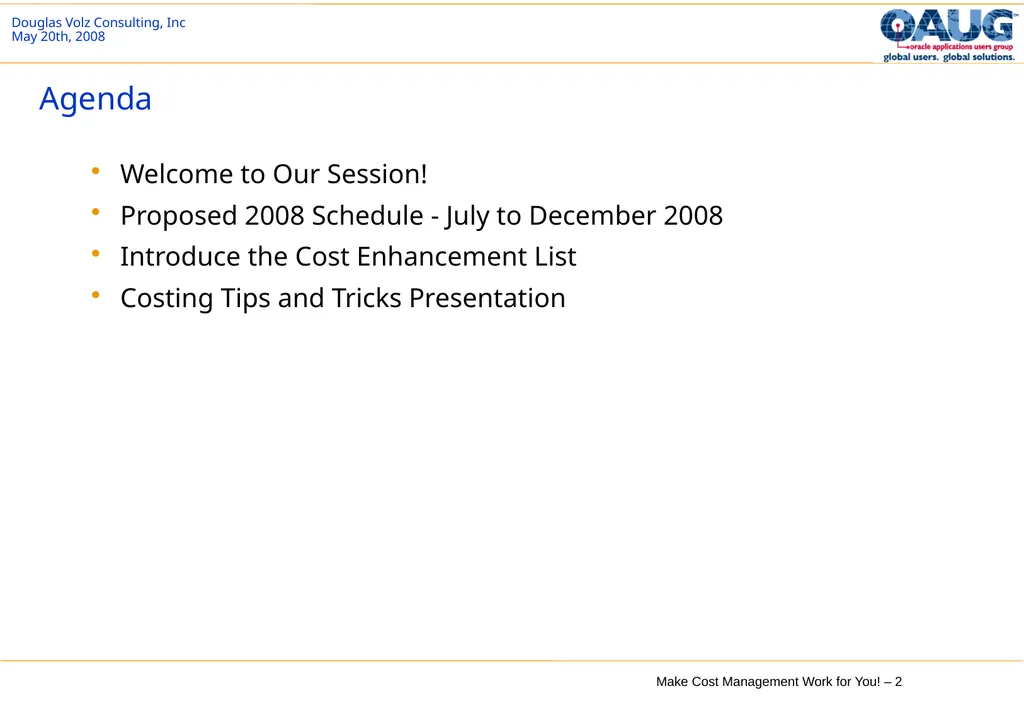
Welcome to Our Session!
Proposed 2008 Schedule - July to December 2008
Introduce the Cost Enhancement List
Costing Tips and Tricks Presentation Agenda<br>
Proposed 2008 Schedule - July to December 2008
Introduce the Cost Enhancement List
Costing Tips and Tricks Presentation Agenda<br>
03
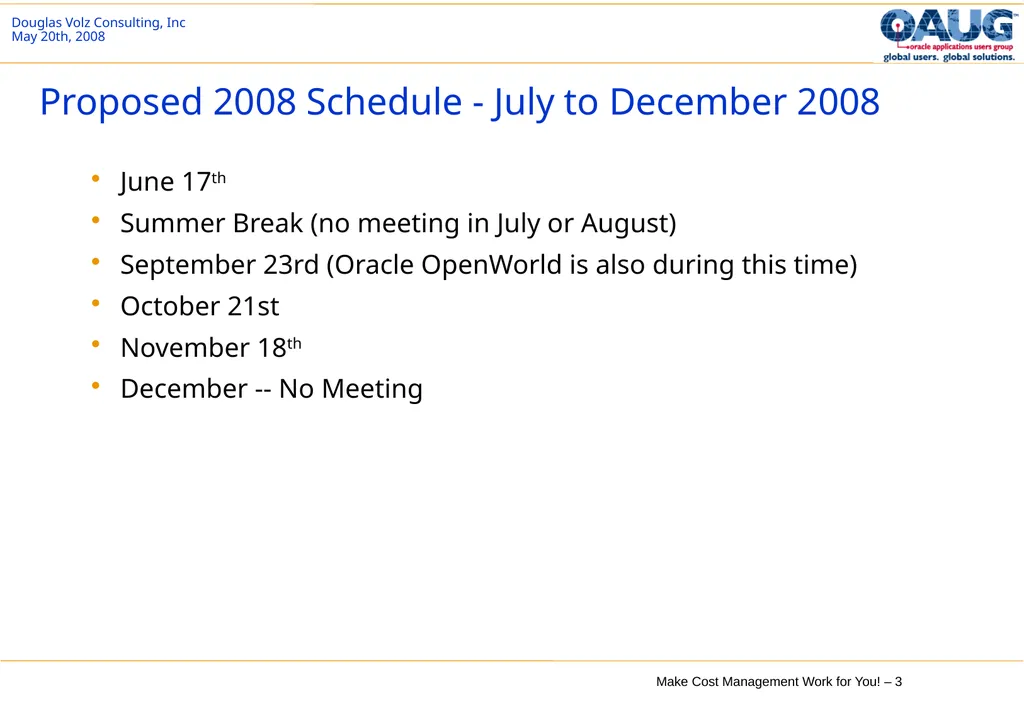
June 17th
Summer Break (no meeting in July or August)
September 23rd (Oracle OpenWorld is also during this time)
October 21st
November 18th
December -- No Meeting Proposed 2008 Schedule - July to December 2008<br>
Summer Break (no meeting in July or August)
September 23rd (Oracle OpenWorld is also during this time)
October 21st
November 18th
December -- No Meeting Proposed 2008 Schedule - July to December 2008<br>
04
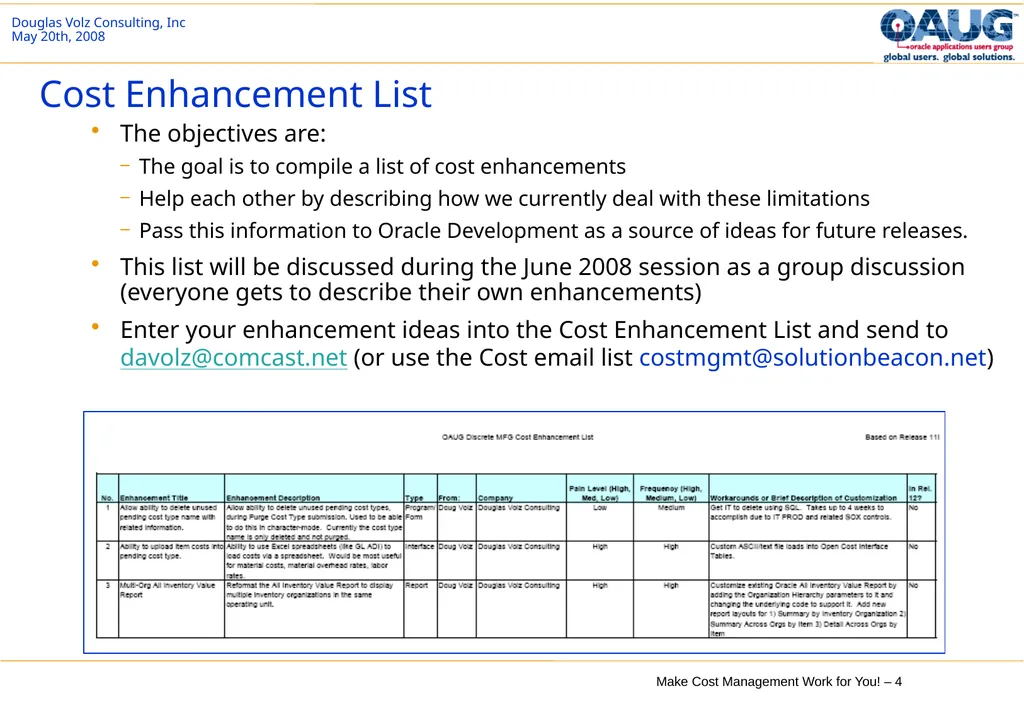
The objectives are:
The goal is to compile a list of cost enhancements
Help each other by describing how we currently deal with these limitations
Pass this information to Oracle Development as a source of ideas for future releases.
This list will be discussed during the June 2008 session as a group discussion (everyone gets to describe their own enhancements)
Enter your enhancement ideas into the Cost Enhancement List and send to davolz@comcast.net (or use the Cost email list costmgmt@solutionbeacon.net) Cost Enhancement List<br>
The goal is to compile a list of cost enhancements
Help each other by describing how we currently deal with these limitations
Pass this information to Oracle Development as a source of ideas for future releases.
This list will be discussed during the June 2008 session as a group discussion (everyone gets to describe their own enhancements)
Enter your enhancement ideas into the Cost Enhancement List and send to davolz@comcast.net (or use the Cost email list costmgmt@solutionbeacon.net) Cost Enhancement List<br>
05
Make Cost Management Work for You!
20th May 2008 (Revised 13th February 2016)
Douglas A. Volz
Douglas Volz Consulting, Inc.
Helping clients use Oracle Applications since 1990
www.volzconsulting.com<br>
20th May 2008 (Revised 13th February 2016)
Douglas A. Volz
Douglas Volz Consulting, Inc.
Helping clients use Oracle Applications since 1990
www.volzconsulting.com<br>
06
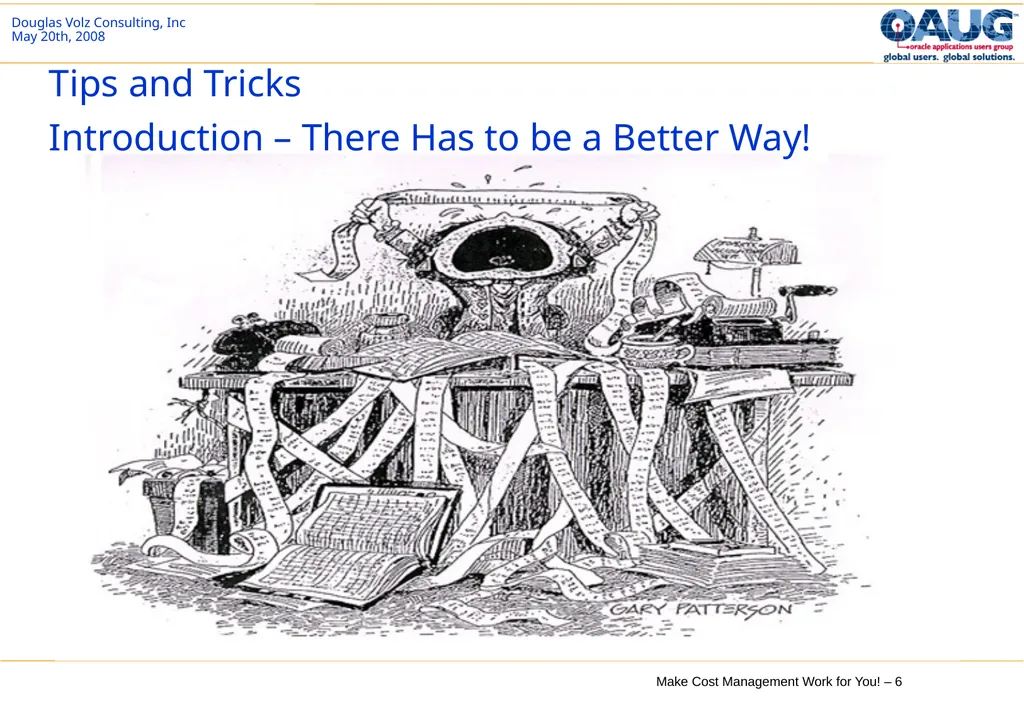
Tips and Tricks
Introduction – There Has to be a Better Way!<br>
07
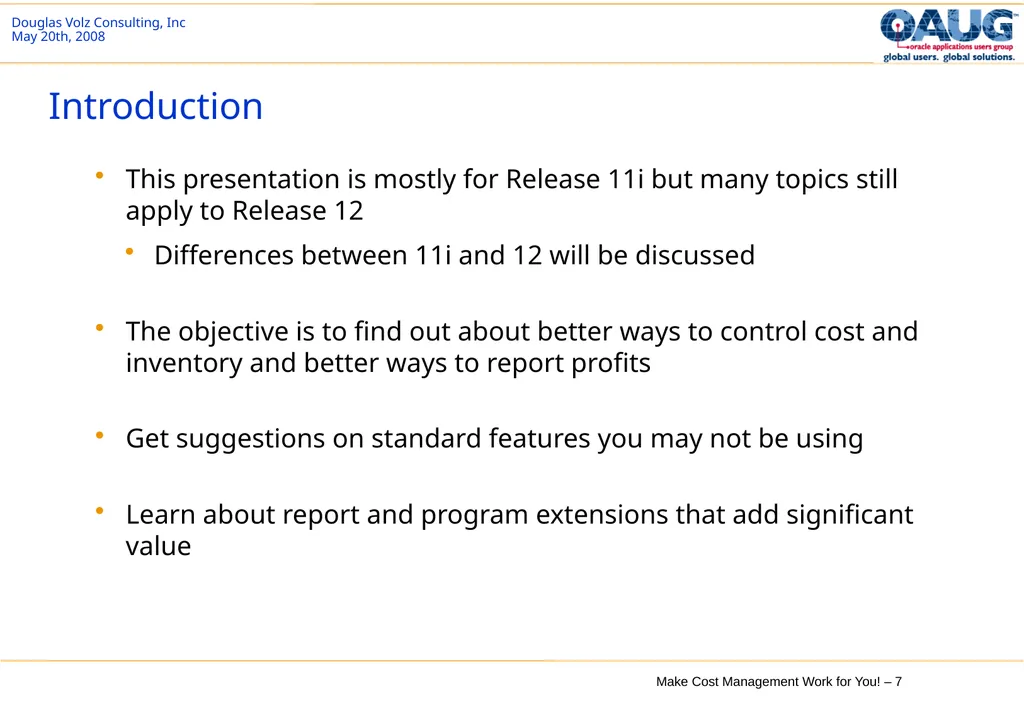
Introduction This presentation is mostly for Release 11i but many topics still apply to Release 12
Differences between 11i and 12 will be discussed
The objective is to find out about better ways to control cost and inventory and better ways to report profits
Get suggestions on standard features you may not be using
Learn about report and program extensions that add significant value<br>
Differences between 11i and 12 will be discussed
The objective is to find out about better ways to control cost and inventory and better ways to report profits
Get suggestions on standard features you may not be using
Learn about report and program extensions that add significant value<br>
08
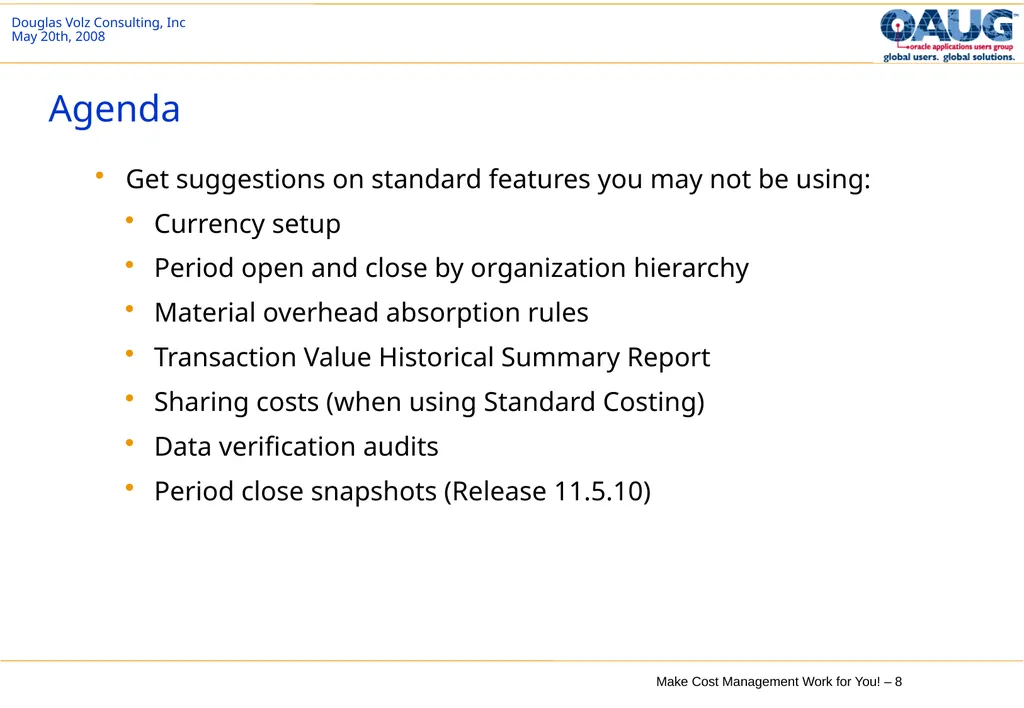
Agenda Get suggestions on standard features you may not be using:
Currency setup
Period open and close by organization hierarchy
Material overhead absorption rules
Transaction Value Historical Summary Report
Sharing costs (when using Standard Costing)
Data verification audits
Period close snapshots (Release 11.5.10)<br>
Currency setup
Period open and close by organization hierarchy
Material overhead absorption rules
Transaction Value Historical Summary Report
Sharing costs (when using Standard Costing)
Data verification audits
Period close snapshots (Release 11.5.10)<br>
09
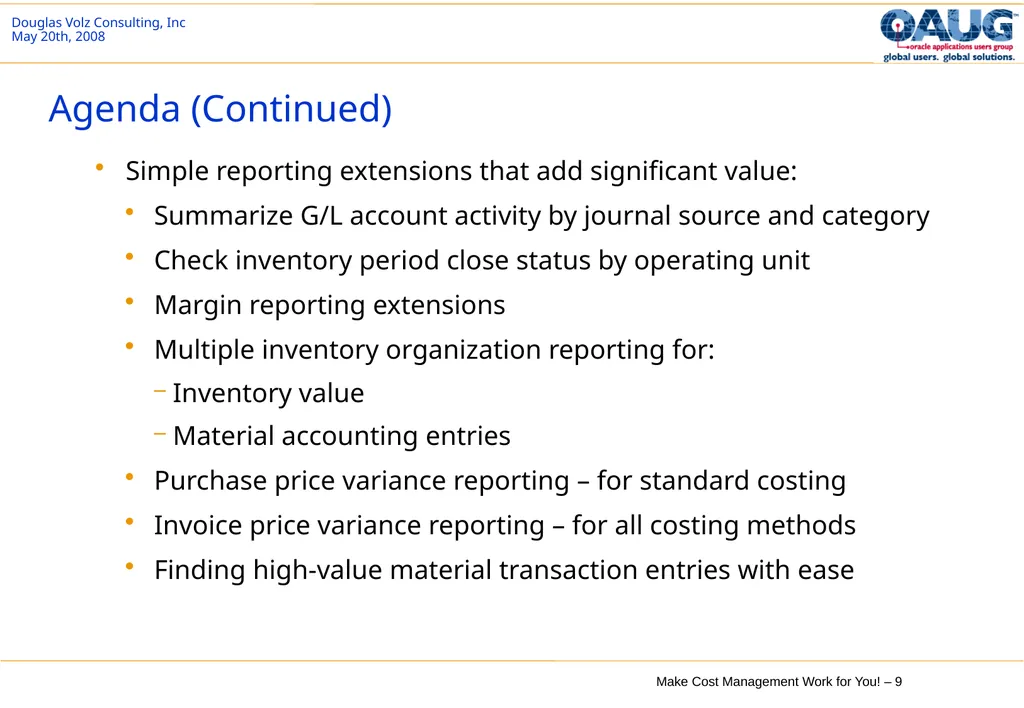
Agenda (Continued) Simple reporting extensions that add significant value:
Summarize G/L account activity by journal source and category
Check inventory period close status by operating unit
Margin reporting extensions
Multiple inventory organization reporting for:
Inventory value
Material accounting entries
Purchase price variance reporting – for standard costing
Invoice price variance reporting – for all costing methods
Finding high-value material transaction entries with ease<br>
Summarize G/L account activity by journal source and category
Check inventory period close status by operating unit
Margin reporting extensions
Multiple inventory organization reporting for:
Inventory value
Material accounting entries
Purchase price variance reporting – for standard costing
Invoice price variance reporting – for all costing methods
Finding high-value material transaction entries with ease<br>
10
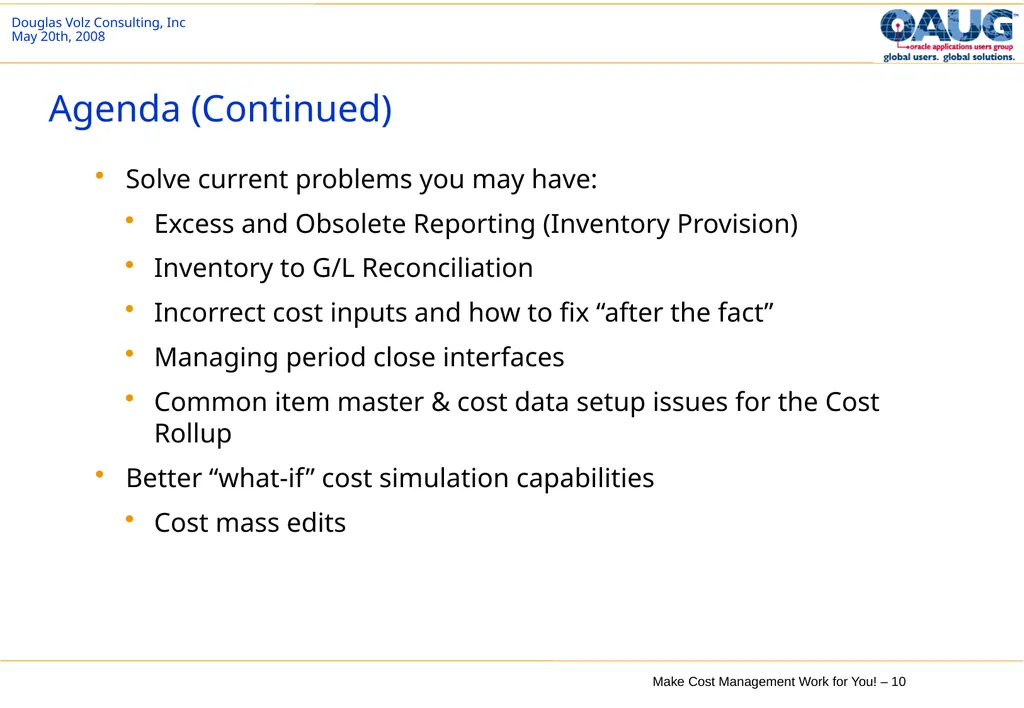
Agenda (Continued) Solve current problems you may have:
Excess and Obsolete Reporting (Inventory Provision)
Inventory to G/L Reconciliation
Incorrect cost inputs and how to fix “after the fact”
Managing period close interfaces
Common item master & cost data setup issues for the Cost Rollup
Better “what-if” cost simulation capabilities
Cost mass edits<br>
Excess and Obsolete Reporting (Inventory Provision)
Inventory to G/L Reconciliation
Incorrect cost inputs and how to fix “after the fact”
Managing period close interfaces
Common item master & cost data setup issues for the Cost Rollup
Better “what-if” cost simulation capabilities
Cost mass edits<br>
11
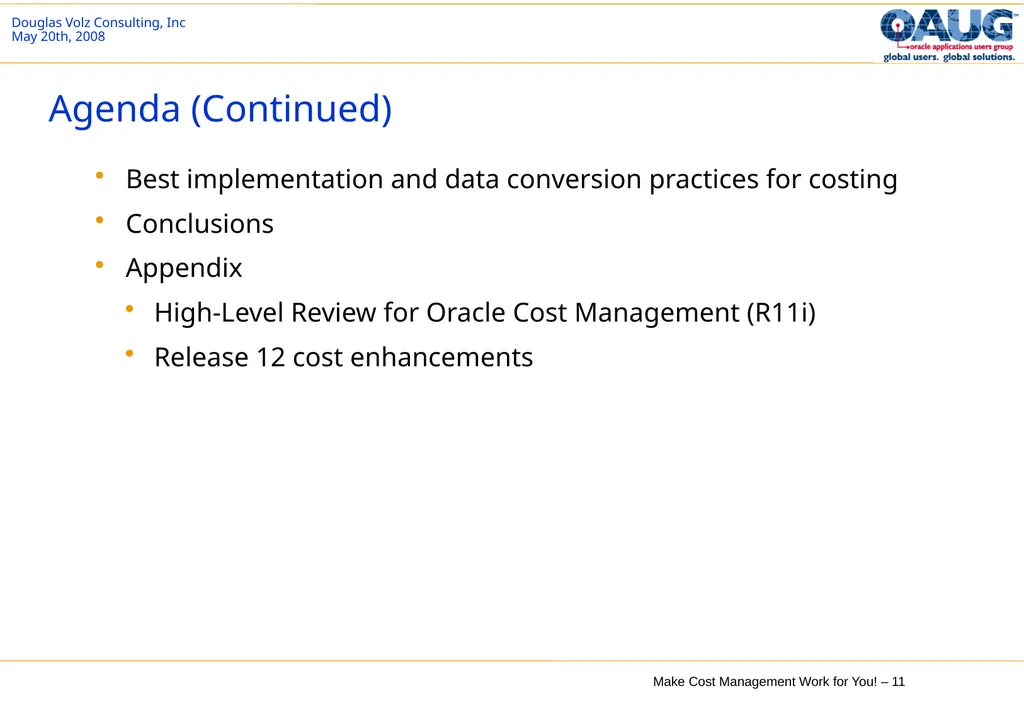
Agenda (Continued) Best implementation and data conversion practices for costing
Conclusions
Appendix
High-Level Review for Oracle Cost Management (R11i)
Release 12 cost enhancements<br>
Conclusions
Appendix
High-Level Review for Oracle Cost Management (R11i)
Release 12 cost enhancements<br>
12
Standard Features You May Not Be Using Currency setup
Period open and close by organization hierarchy
Material overhead absorption rules
Transaction Value Historical Summary Report
Sharing costs (when using Standard Costing)
Data verification audits
Period close snapshots (Release 11.5.10)<br>
Period open and close by organization hierarchy
Material overhead absorption rules
Transaction Value Historical Summary Report
Sharing costs (when using Standard Costing)
Data verification audits
Period close snapshots (Release 11.5.10)<br>
13
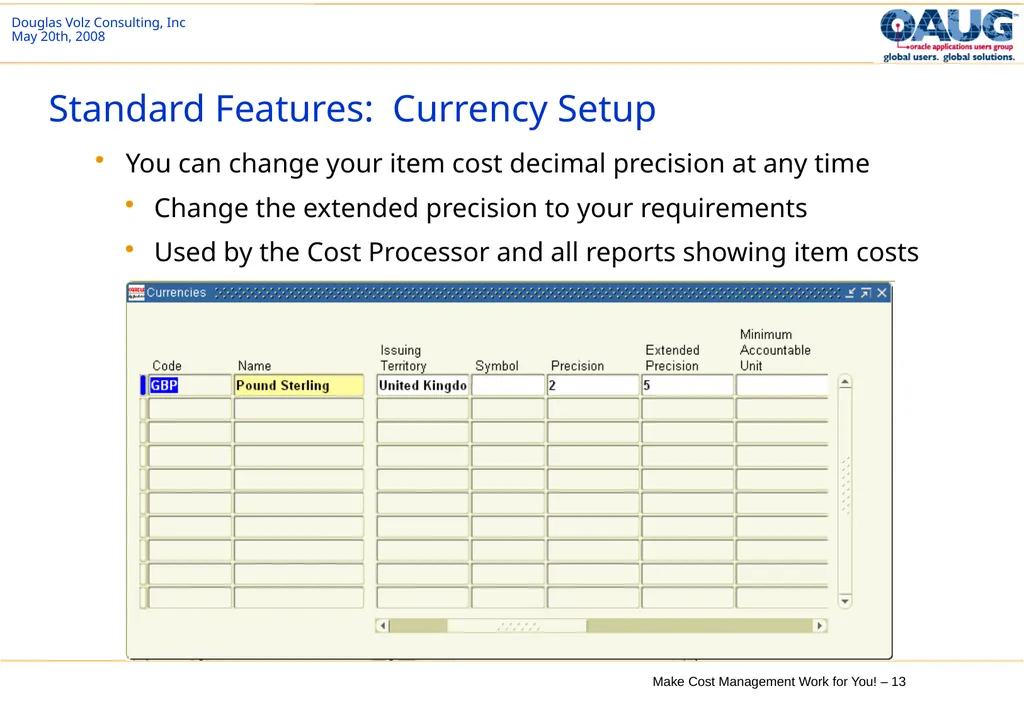
Standard Features: Currency Setup You can change your item cost decimal precision at any time
Change the extended precision to your requirements
Used by the Cost Processor and all reports showing item costs<br>
Change the extended precision to your requirements
Used by the Cost Processor and all reports showing item costs<br>
14
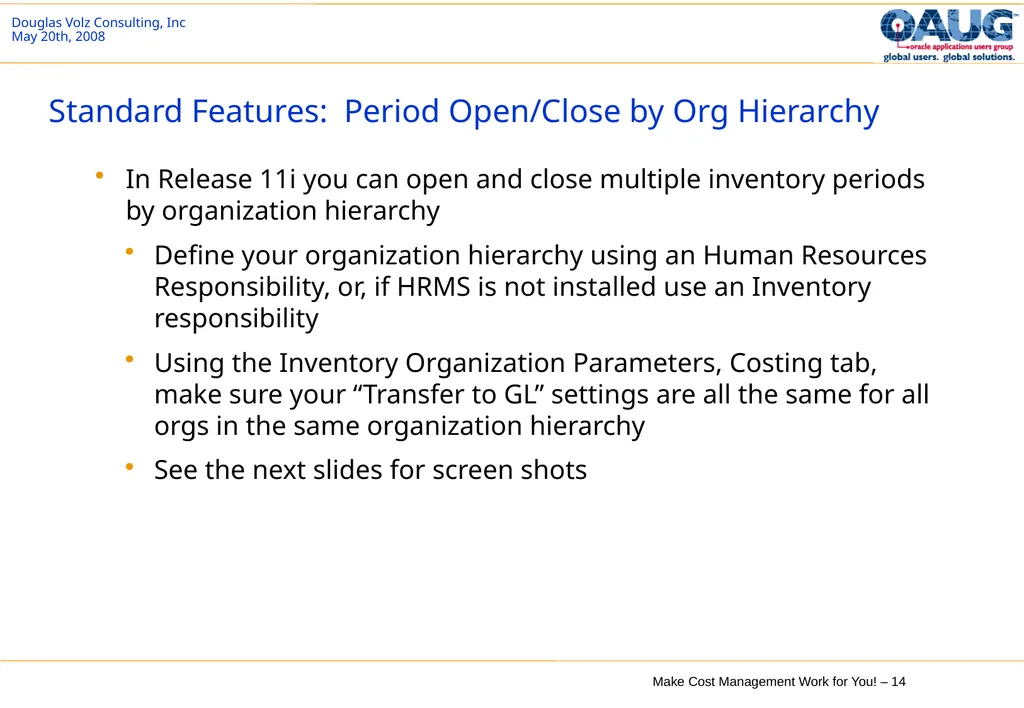
Standard Features: Period Open/Close by Org Hierarchy In Release 11i you can open and close multiple inventory periods by organization hierarchy
Define your organization hierarchy using an Human Resources Responsibility, or, if HRMS is not installed use an Inventory responsibility
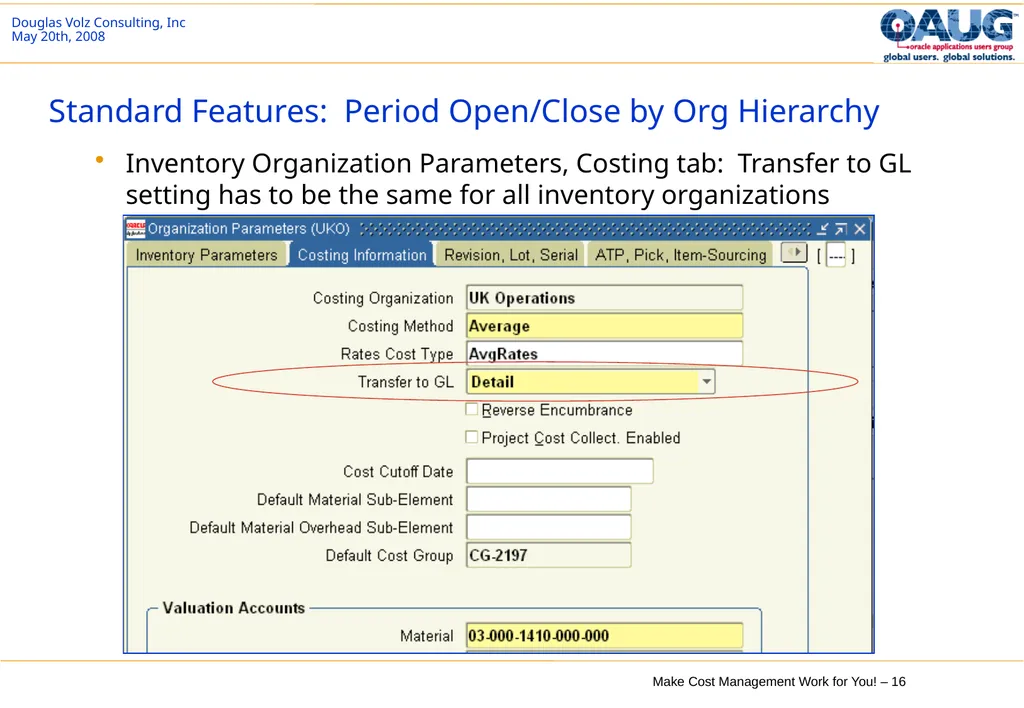
Using the Inventory Organization Parameters, Costing tab, make sure your “Transfer to GL” settings are all the same for all orgs in the same organization hierarchy
See the next slides for screen shots<br>
Define your organization hierarchy using an Human Resources Responsibility, or, if HRMS is not installed use an Inventory responsibility
Using the Inventory Organization Parameters, Costing tab, make sure your “Transfer to GL” settings are all the same for all orgs in the same organization hierarchy
See the next slides for screen shots<br>
15
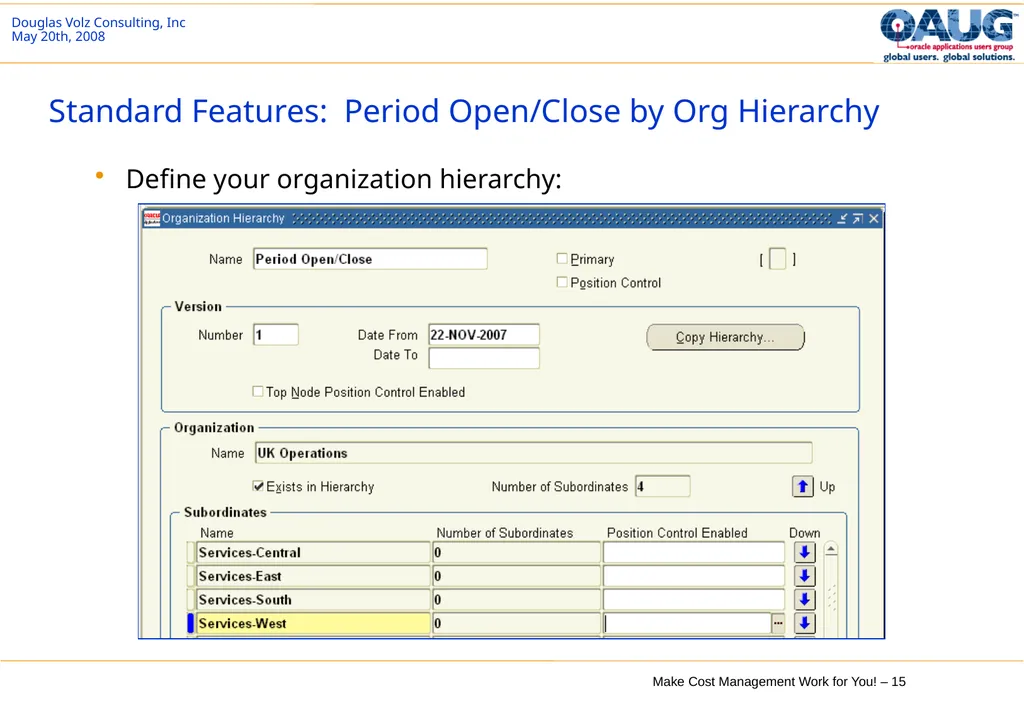
Standard Features: Period Open/Close by Org Hierarchy Define your organization hierarchy:<br>
16
Standard Features: Period Open/Close by Org Hierarchy Inventory Organization Parameters, Costing tab: Transfer to GL setting has to be the same for all inventory organizations<br>
17
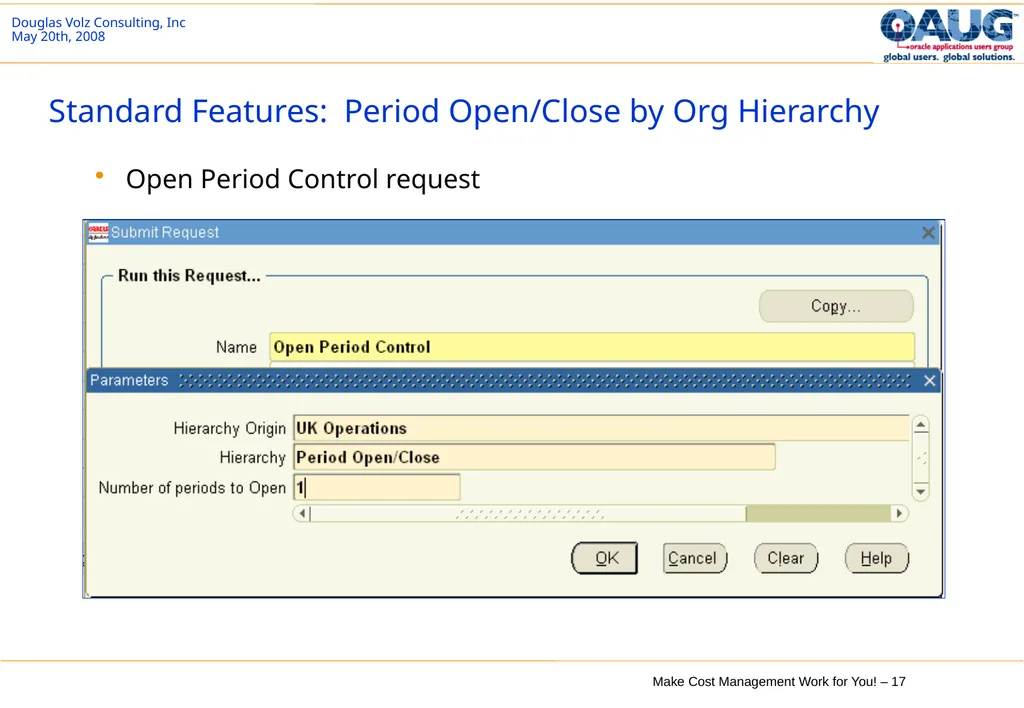
Standard Features: Period Open/Close by Org Hierarchy Open Period Control request<br>
18
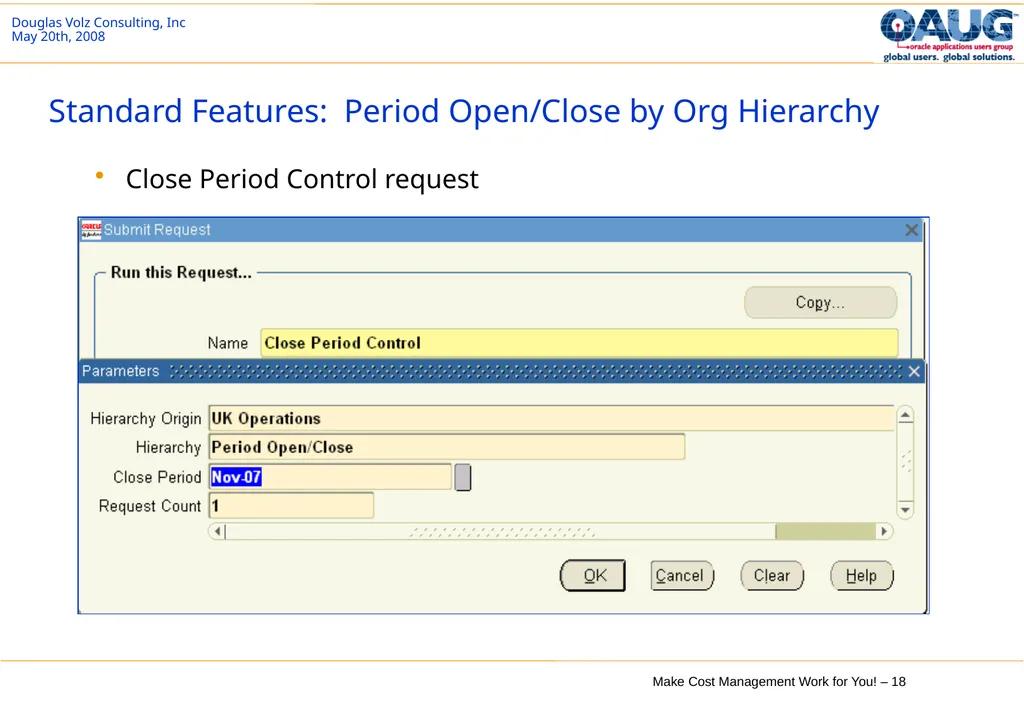
Standard Features: Period Open/Close by Org Hierarchy Close Period Control request<br>
19
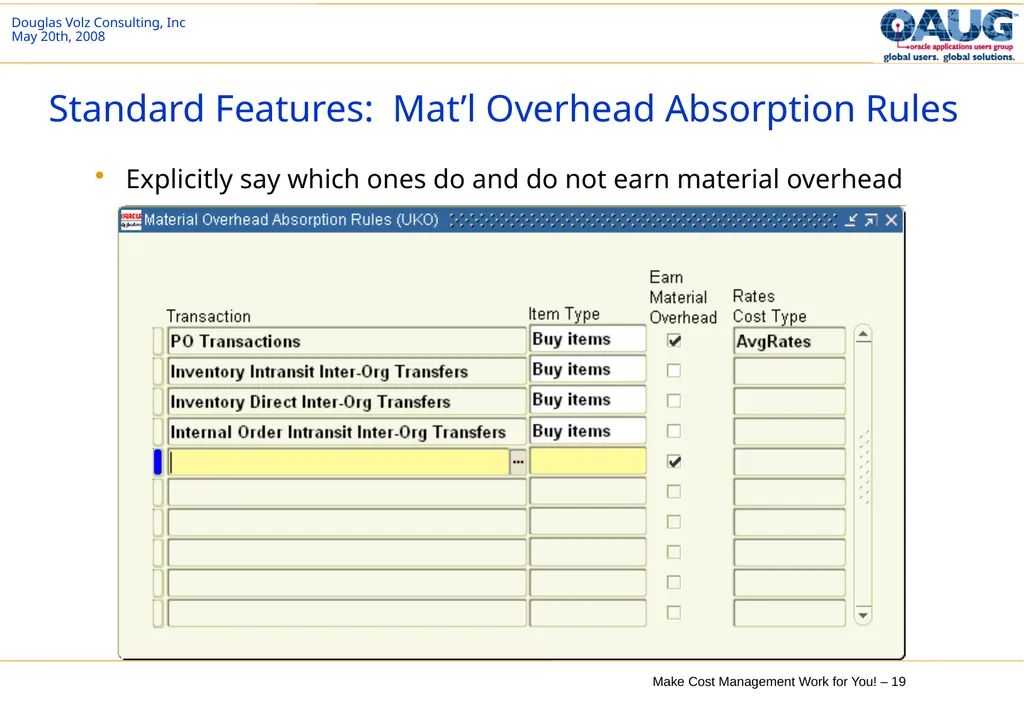
Standard Features: Mat’l Overhead Absorption Rules Explicitly say which ones do and do not earn material overhead<br>
20
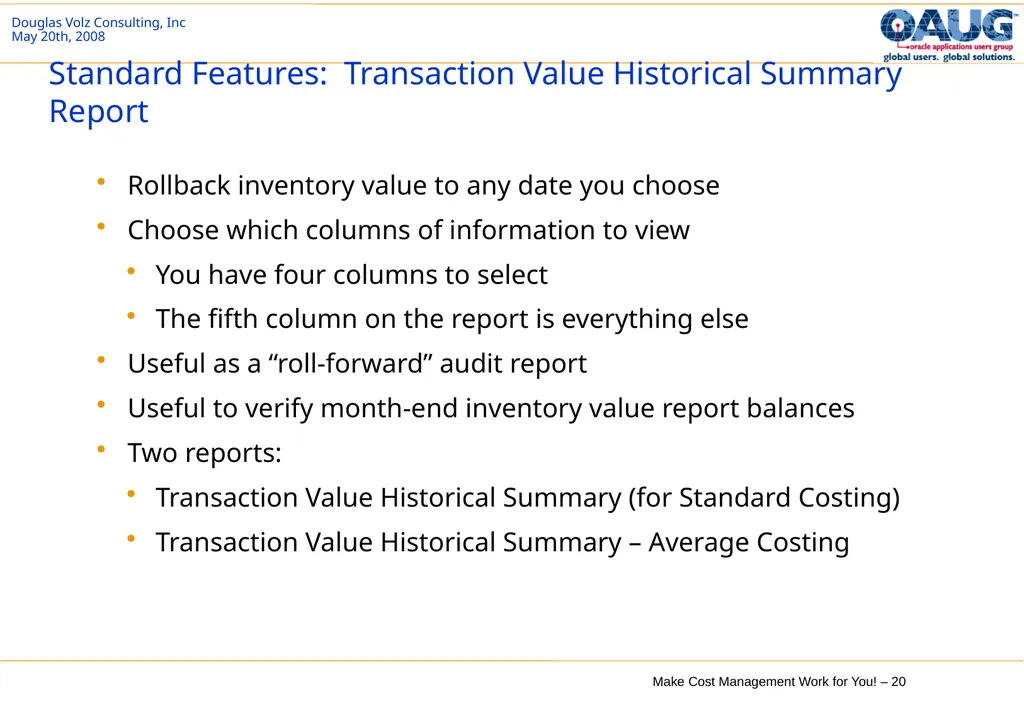
Standard Features: Transaction Value Historical Summary Report Rollback inventory value to any date you choose
Choose which columns of information to view
You have four columns to select
The fifth column on the report is everything else
Useful as a “roll-forward” audit report
Useful to verify month-end inventory value report balances
Two reports:
Transaction Value Historical Summary (for Standard Costing)
Transaction Value Historical Summary – Average Costing<br>
Choose which columns of information to view
You have four columns to select
The fifth column on the report is everything else
Useful as a “roll-forward” audit report
Useful to verify month-end inventory value report balances
Two reports:
Transaction Value Historical Summary (for Standard Costing)
Transaction Value Historical Summary – Average Costing<br>
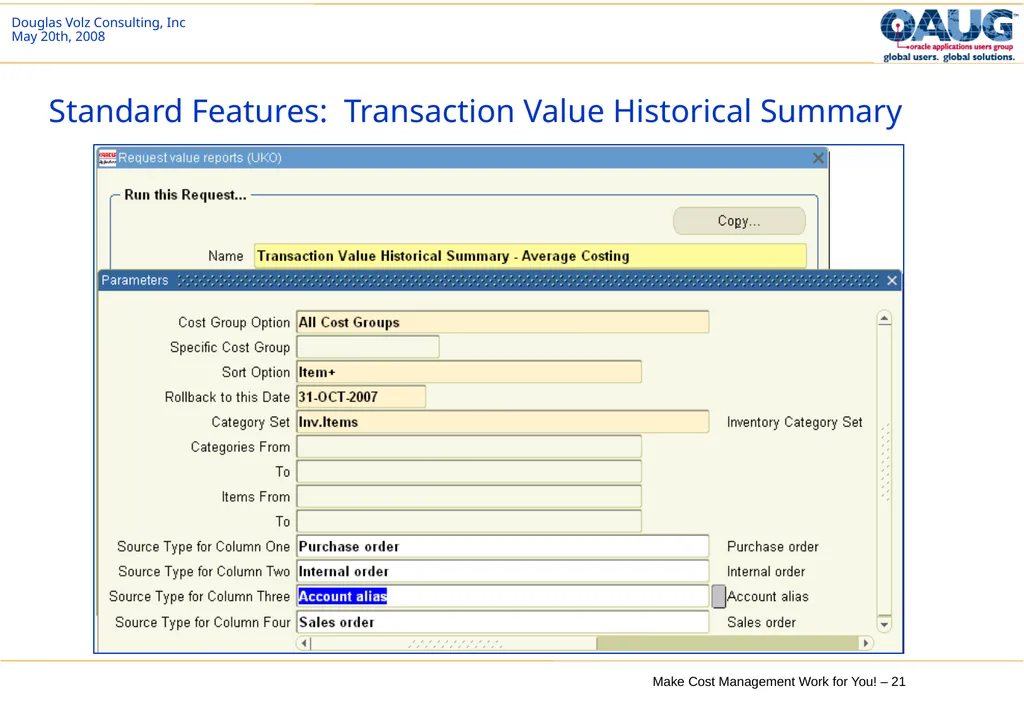
21
Standard Features: Transaction Value Historical Summary<br>
22
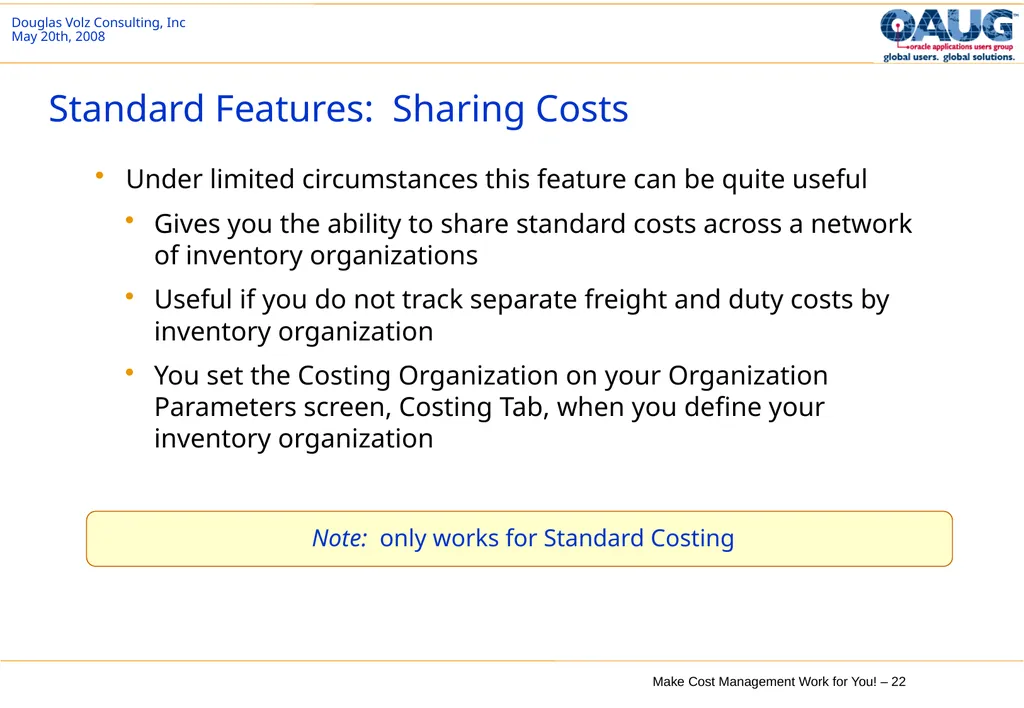
Standard Features: Sharing Costs Under limited circumstances this feature can be quite useful
Gives you the ability to share standard costs across a network of inventory organizations
Useful if you do not track separate freight and duty costs by inventory organization
You set the Costing Organization on your Organization Parameters screen, Costing Tab, when you define your inventory organization Note: only works for Standard Costing<br>
Gives you the ability to share standard costs across a network of inventory organizations
Useful if you do not track separate freight and duty costs by inventory organization
You set the Costing Organization on your Organization Parameters screen, Costing Tab, when you define your inventory organization Note: only works for Standard Costing<br>
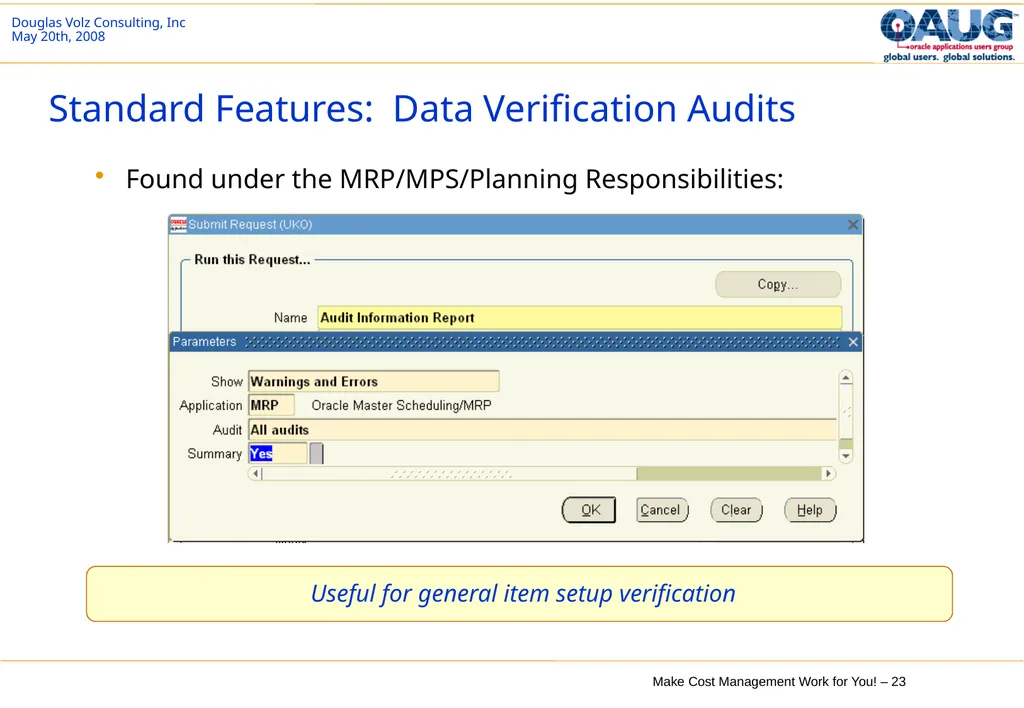
23
Standard Features: Data Verification Audits Found under the MRP/MPS/Planning Responsibilities: Useful for general item setup verification<br>
24
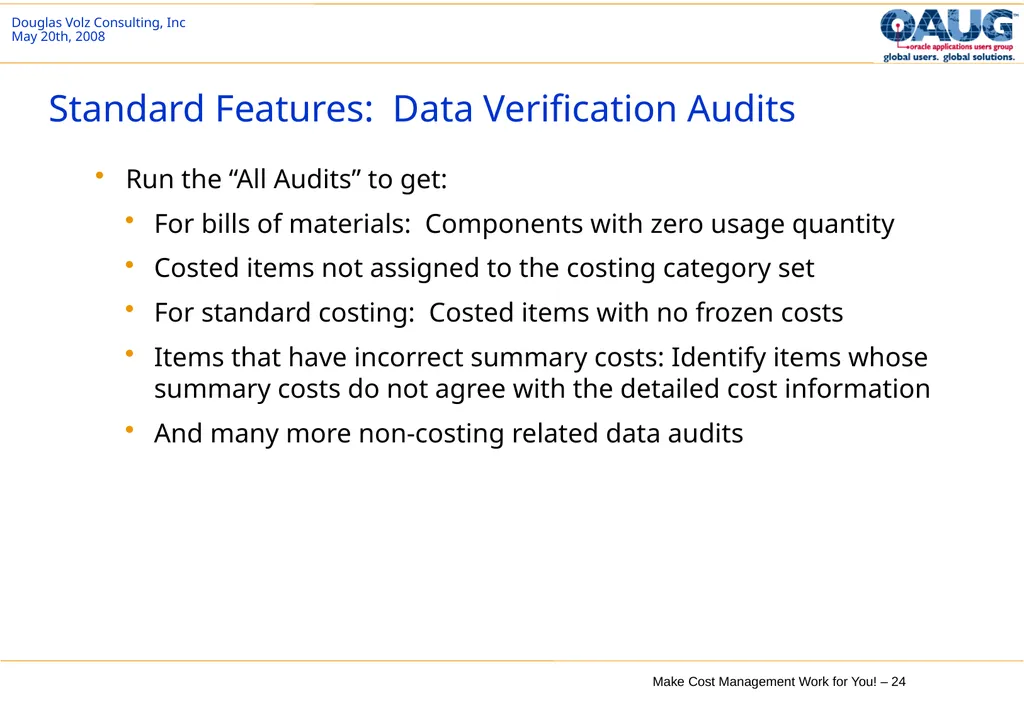
Standard Features: Data Verification Audits Run the “All Audits” to get:
For bills of materials: Components with zero usage quantity
Costed items not assigned to the costing category set
For standard costing: Costed items with no frozen costs
Items that have incorrect summary costs: Identify items whose summary costs do not agree with the detailed cost information
And many more non-costing related data audits<br>
For bills of materials: Components with zero usage quantity
Costed items not assigned to the costing category set
For standard costing: Costed items with no frozen costs
Items that have incorrect summary costs: Identify items whose summary costs do not agree with the detailed cost information
And many more non-costing related data audits<br>
25
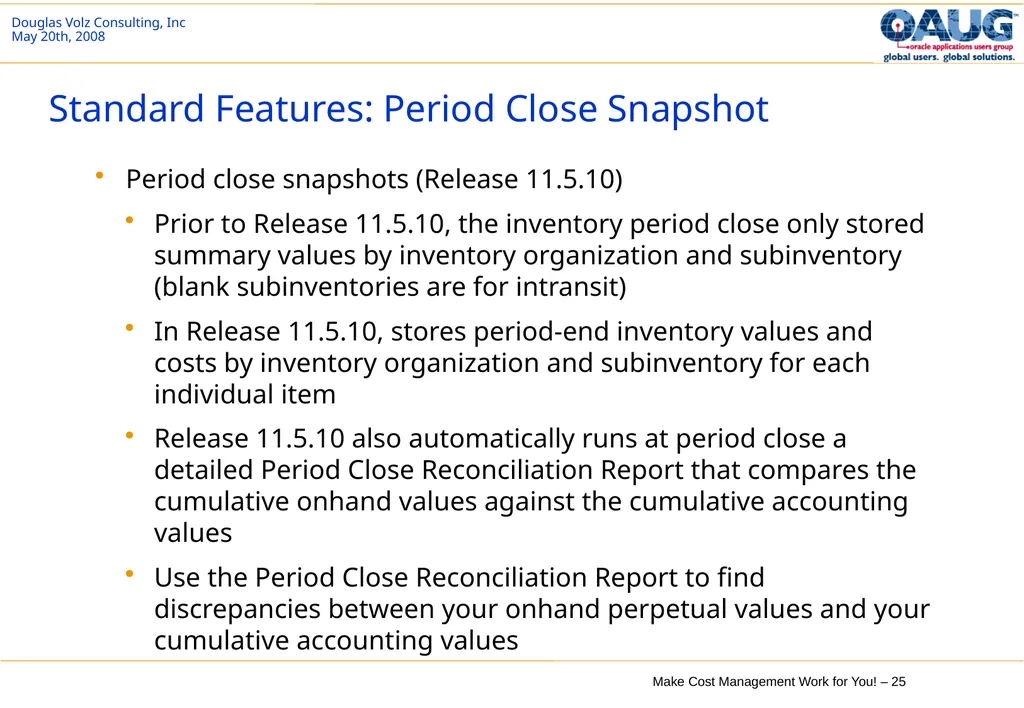
Standard Features: Period Close Snapshot Period close snapshots (Release 11.5.10)
Prior to Release 11.5.10, the inventory period close only stored summary values by inventory organization and subinventory (blank subinventories are for intransit)
In Release 11.5.10, stores period-end inventory values and costs by inventory organization and subinventory for each individual item
Release 11.5.10 also automatically runs at period close a detailed Period Close Reconciliation Report that compares the cumulative onhand values against the cumulative accounting values
Use the Period Close Reconciliation Report to find discrepancies between your onhand perpetual values and your cumulative accounting values<br>
Prior to Release 11.5.10, the inventory period close only stored summary values by inventory organization and subinventory (blank subinventories are for intransit)
In Release 11.5.10, stores period-end inventory values and costs by inventory organization and subinventory for each individual item
Release 11.5.10 also automatically runs at period close a detailed Period Close Reconciliation Report that compares the cumulative onhand values against the cumulative accounting values
Use the Period Close Reconciliation Report to find discrepancies between your onhand perpetual values and your cumulative accounting values<br>
26
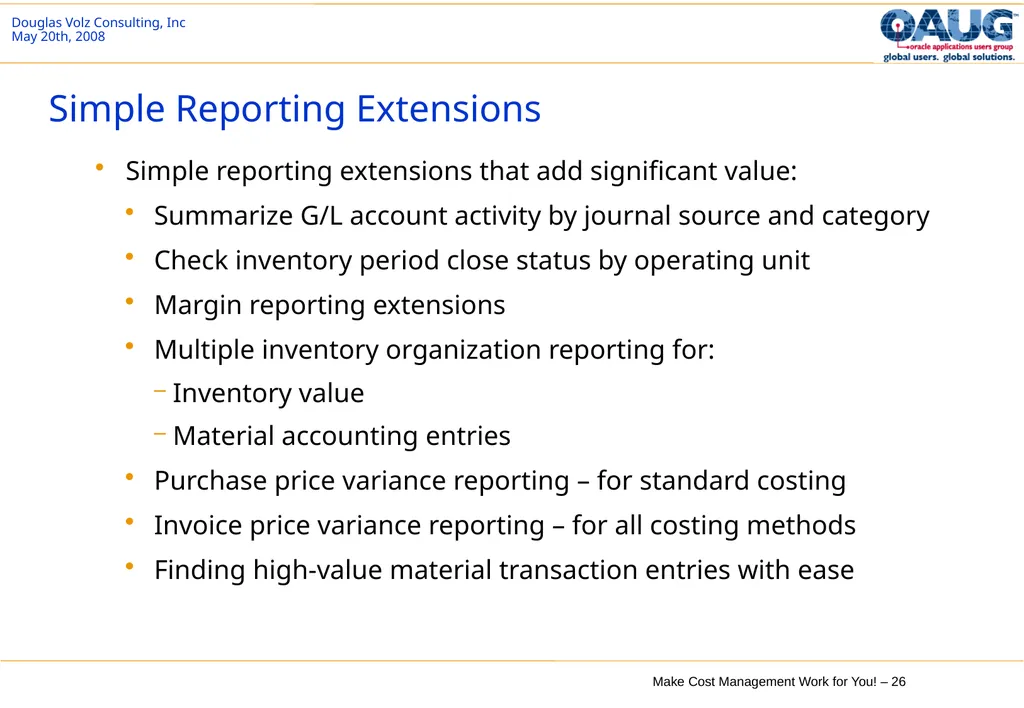
Simple Reporting Extensions Simple reporting extensions that add significant value:
Summarize G/L account activity by journal source and category
Check inventory period close status by operating unit
Margin reporting extensions
Multiple inventory organization reporting for:
Inventory value
Material accounting entries
Purchase price variance reporting – for standard costing
Invoice price variance reporting – for all costing methods
Finding high-value material transaction entries with ease<br>
Summarize G/L account activity by journal source and category
Check inventory period close status by operating unit
Margin reporting extensions
Multiple inventory organization reporting for:
Inventory value
Material accounting entries
Purchase price variance reporting – for standard costing
Invoice price variance reporting – for all costing methods
Finding high-value material transaction entries with ease<br>
27
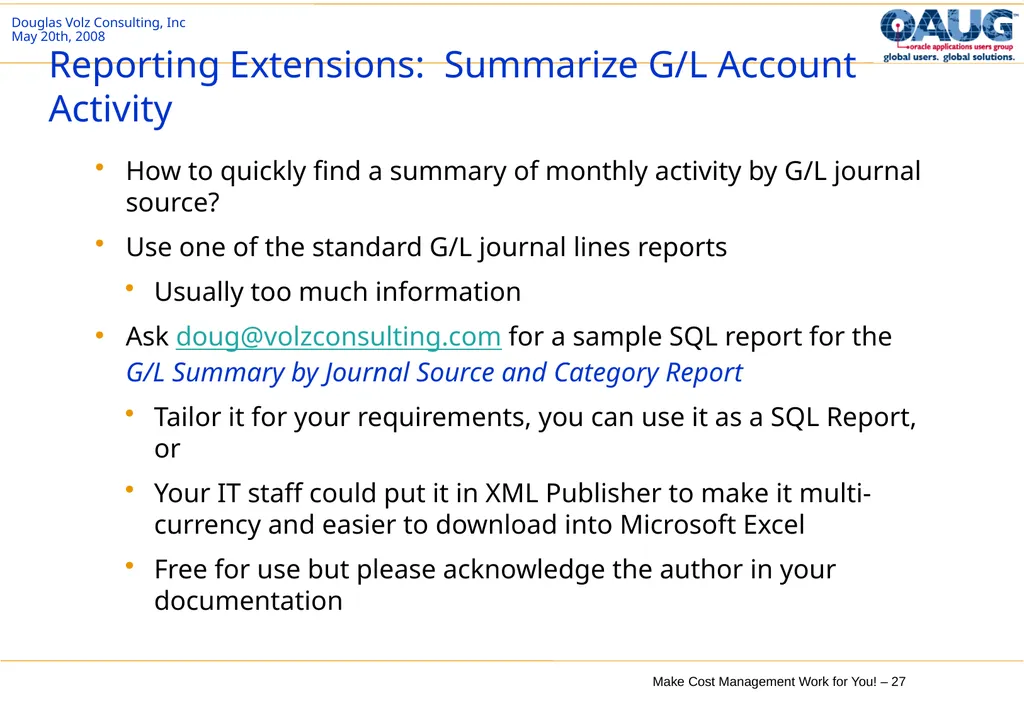
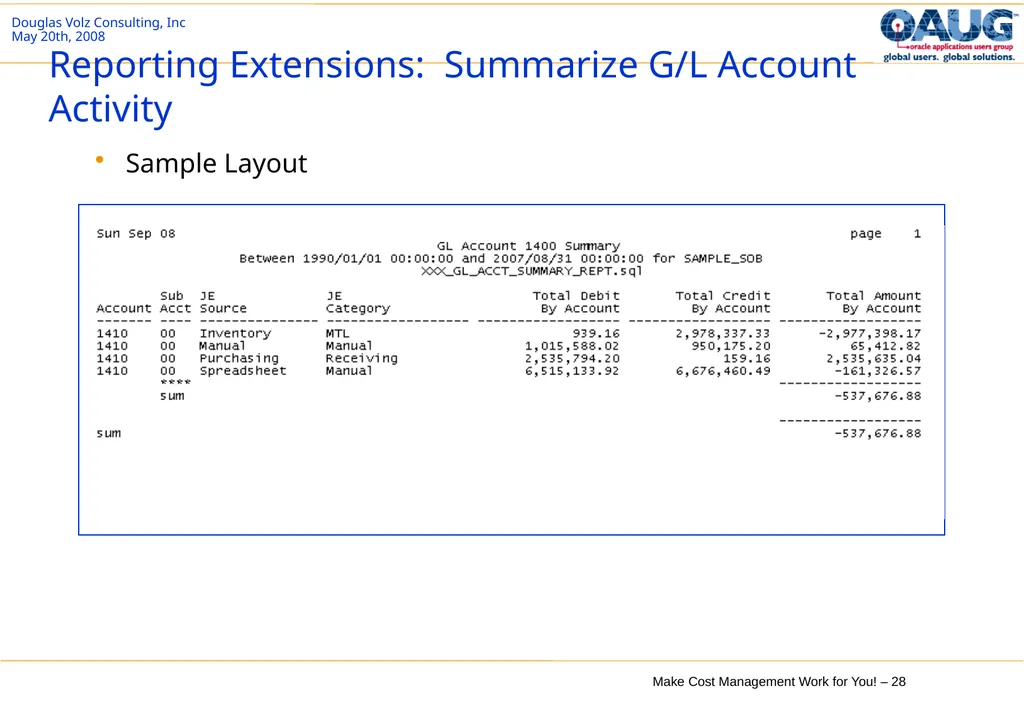
Reporting Extensions: Summarize G/L Account Activity How to quickly find a summary of monthly activity by G/L journal source?
Use one of the standard G/L journal lines reports
Usually too much information
Ask doug@volzconsulting.com for a sample SQL report for the G/L Summary by Journal Source and Category Report
Tailor it for your requirements, you can use it as a SQL Report, or
Your IT staff could put it in XML Publisher to make it multi-currency and easier to download into Microsoft Excel
Free for use but please acknowledge the author in your documentation<br>
Use one of the standard G/L journal lines reports
Usually too much information
Ask doug@volzconsulting.com for a sample SQL report for the G/L Summary by Journal Source and Category Report
Tailor it for your requirements, you can use it as a SQL Report, or
Your IT staff could put it in XML Publisher to make it multi-currency and easier to download into Microsoft Excel
Free for use but please acknowledge the author in your documentation<br>
28
Reporting Extensions: Summarize G/L Account Activity Sample Layout<br>
29
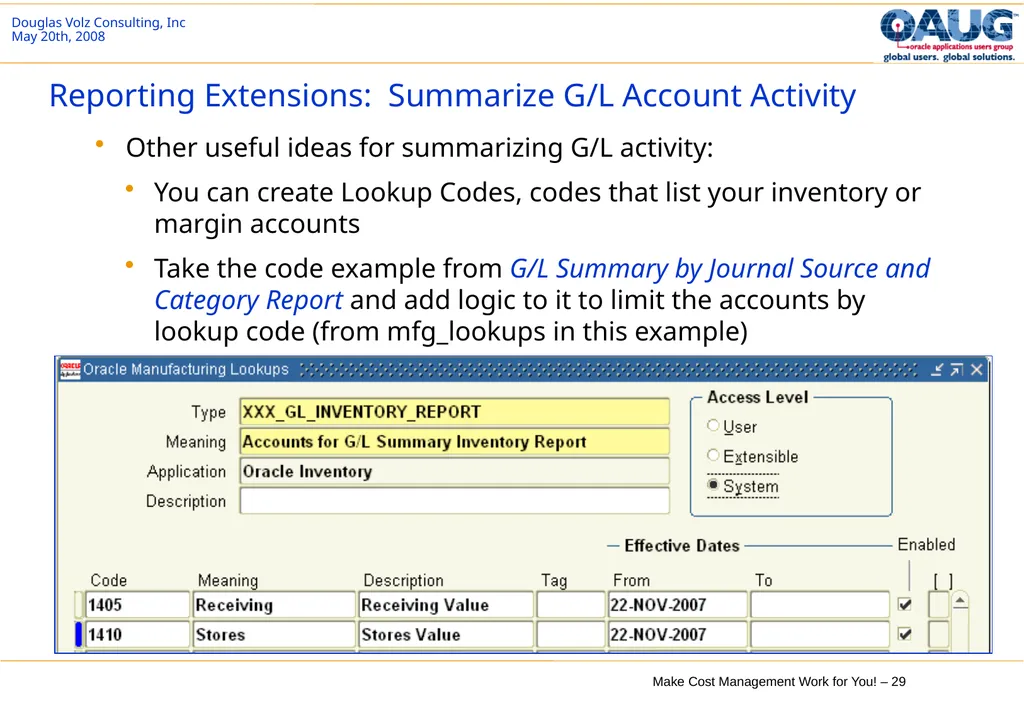
Reporting Extensions: Summarize G/L Account Activity Other useful ideas for summarizing G/L activity:
You can create Lookup Codes, codes that list your inventory or margin accounts
Take the code example from G/L Summary by Journal Source and Category Report and add logic to it to limit the accounts by lookup code (from mfg_lookups in this example)<br>
You can create Lookup Codes, codes that list your inventory or margin accounts
Take the code example from G/L Summary by Journal Source and Category Report and add logic to it to limit the accounts by lookup code (from mfg_lookups in this example)<br>
30
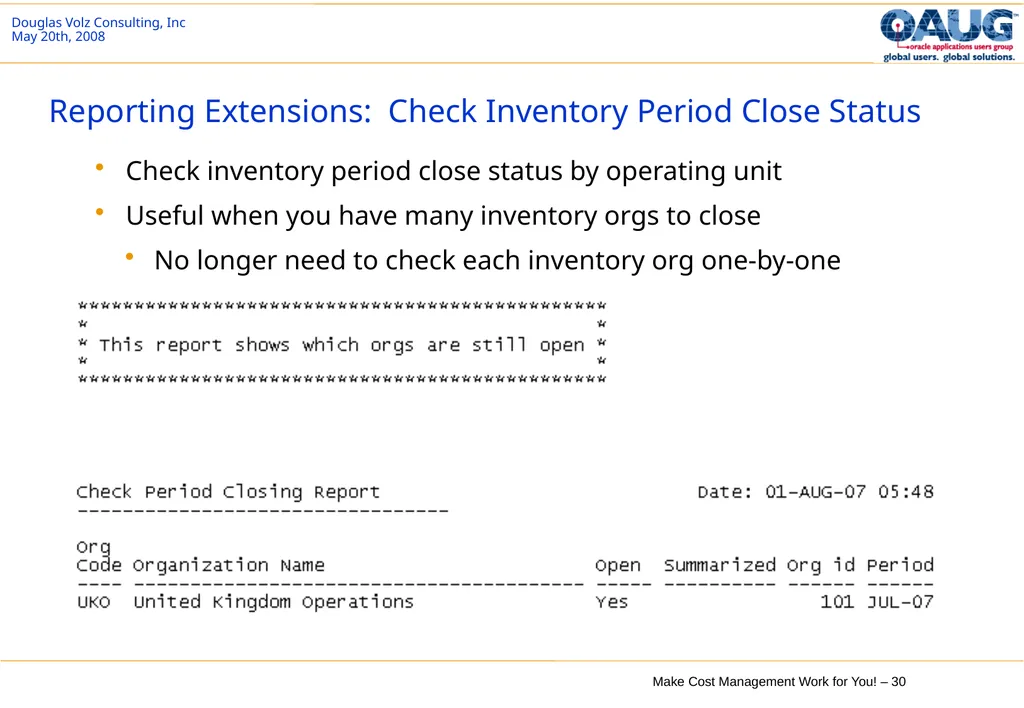
Reporting Extensions: Check Inventory Period Close Status Check inventory period close status by operating unit
Useful when you have many inventory orgs to close
No longer need to check each inventory org one-by-one<br>
Useful when you have many inventory orgs to close
No longer need to check each inventory org one-by-one<br>
31
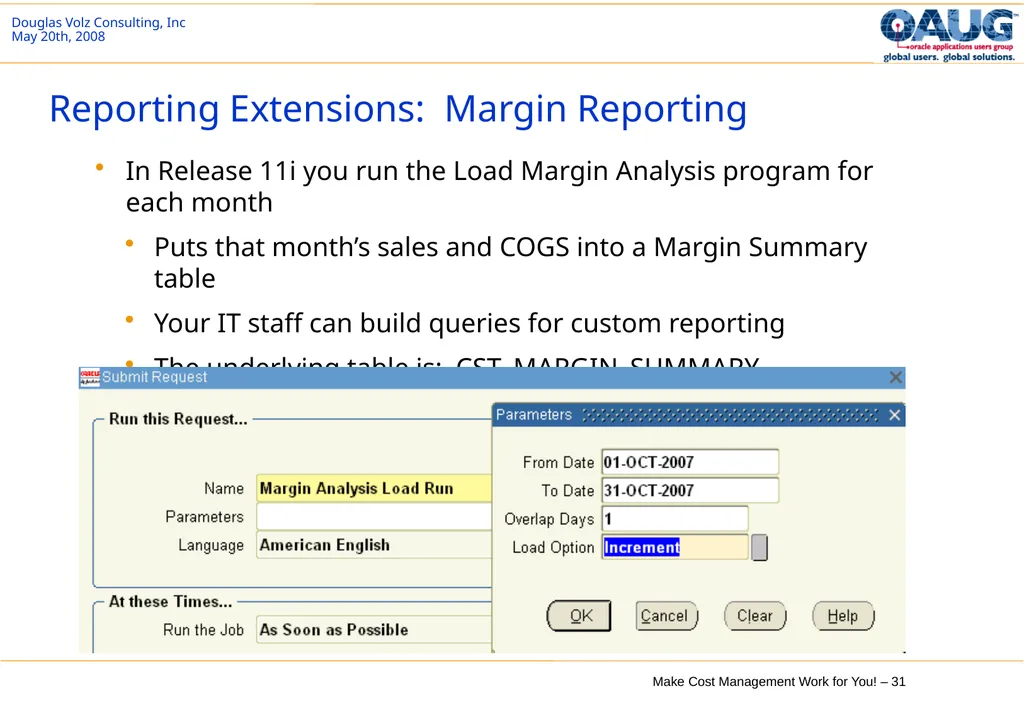
Reporting Extensions: Margin Reporting In Release 11i you run the Load Margin Analysis program for each month
Puts that month’s sales and COGS into a Margin Summary table
Your IT staff can build queries for custom reporting
The underlying table is: CST_MARGIN_SUMMARY<br>
Puts that month’s sales and COGS into a Margin Summary table
Your IT staff can build queries for custom reporting
The underlying table is: CST_MARGIN_SUMMARY<br>
32
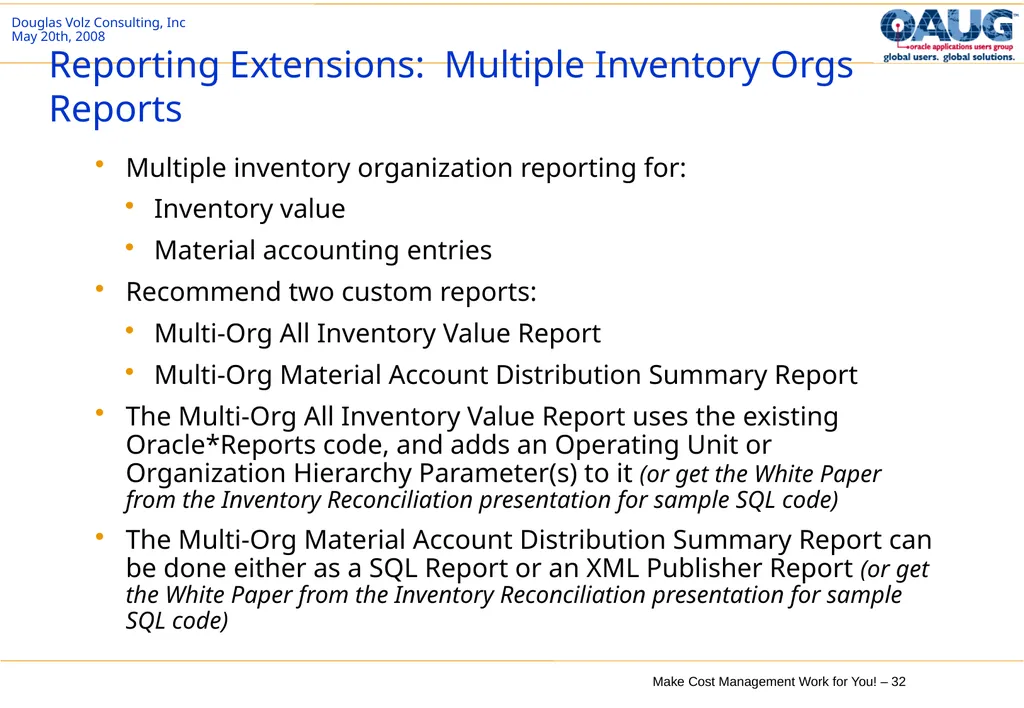
Reporting Extensions: Multiple Inventory Orgs Reports Multiple inventory organization reporting for:
Inventory value
Material accounting entries
Recommend two custom reports:
Multi-Org All Inventory Value Report
Multi-Org Material Account Distribution Summary Report
The Multi-Org All Inventory Value Report uses the existing Oracle*Reports code, and adds an Operating Unit or Organization Hierarchy Parameter(s) to it (or get the White Paper from the Inventory Reconciliation presentation for sample SQL code)
The Multi-Org Material Account Distribution Summary Report can be done either as a SQL Report or an XML Publisher Report (or get the White Paper from the Inventory Reconciliation presentation for sample SQL code)<br>
Inventory value
Material accounting entries
Recommend two custom reports:
Multi-Org All Inventory Value Report
Multi-Org Material Account Distribution Summary Report
The Multi-Org All Inventory Value Report uses the existing Oracle*Reports code, and adds an Operating Unit or Organization Hierarchy Parameter(s) to it (or get the White Paper from the Inventory Reconciliation presentation for sample SQL code)
The Multi-Org Material Account Distribution Summary Report can be done either as a SQL Report or an XML Publisher Report (or get the White Paper from the Inventory Reconciliation presentation for sample SQL code)<br>
33
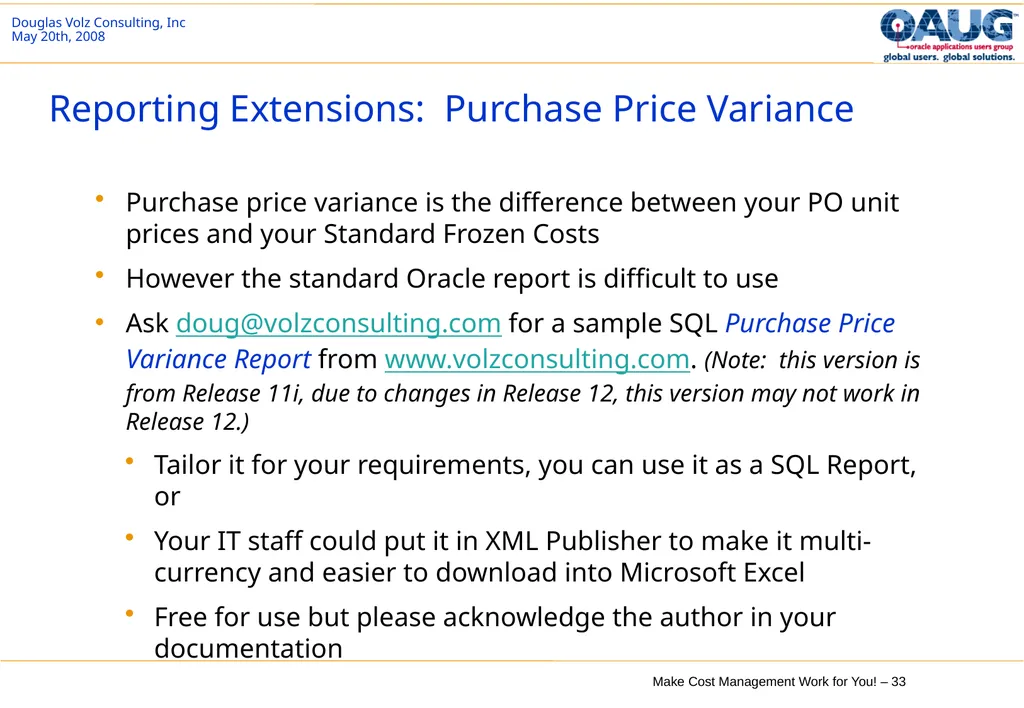
Reporting Extensions: Purchase Price Variance Purchase price variance is the difference between your PO unit prices and your Standard Frozen Costs
However the standard Oracle report is difficult to use
Ask doug@volzconsulting.com for a sample SQL Purchase Price Variance Report from www.volzconsulting.com. (Note: this version is from Release 11i, due to changes in Release 12, this version may not work in Release 12.)
Tailor it for your requirements, you can use it as a SQL Report, or
Your IT staff could put it in XML Publisher to make it multi-currency and easier to download into Microsoft Excel
Free for use but please acknowledge the author in your documentation<br>
However the standard Oracle report is difficult to use
Ask doug@volzconsulting.com for a sample SQL Purchase Price Variance Report from www.volzconsulting.com. (Note: this version is from Release 11i, due to changes in Release 12, this version may not work in Release 12.)
Tailor it for your requirements, you can use it as a SQL Report, or
Your IT staff could put it in XML Publisher to make it multi-currency and easier to download into Microsoft Excel
Free for use but please acknowledge the author in your documentation<br>
34
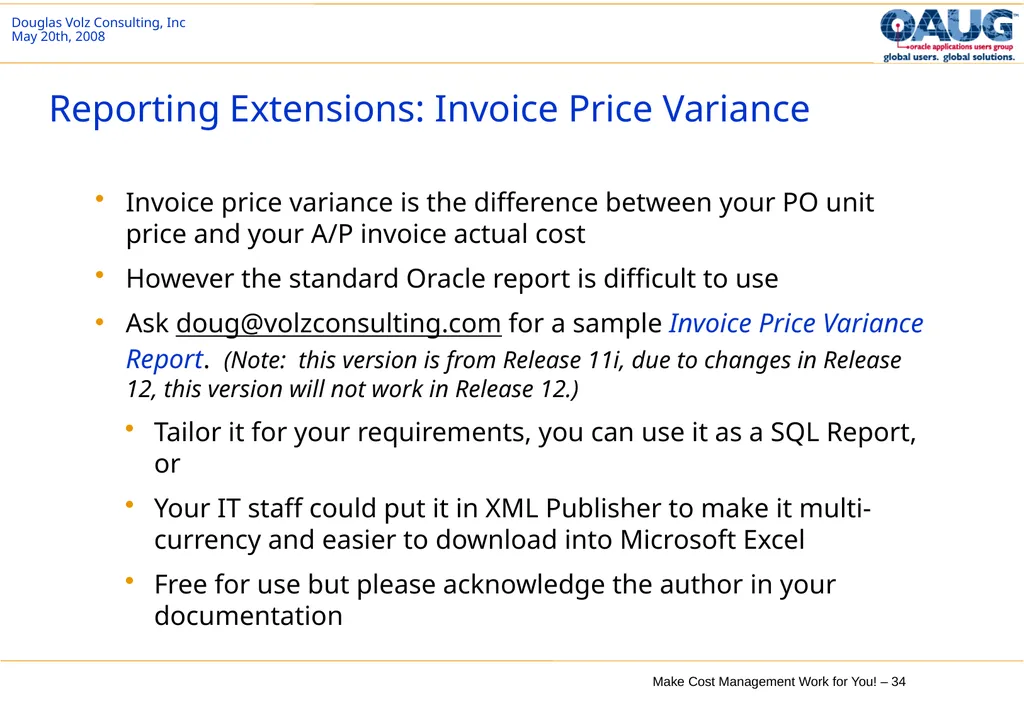
Reporting Extensions: Invoice Price Variance Invoice price variance is the difference between your PO unit price and your A/P invoice actual cost
However the standard Oracle report is difficult to use
Ask doug@volzconsulting.com for a sample Invoice Price Variance Report. (Note: this version is from Release 11i, due to changes in Release 12, this version will not work in Release 12.)
Tailor it for your requirements, you can use it as a SQL Report, or
Your IT staff could put it in XML Publisher to make it multi-currency and easier to download into Microsoft Excel
Free for use but please acknowledge the author in your documentation<br>
However the standard Oracle report is difficult to use
Ask doug@volzconsulting.com for a sample Invoice Price Variance Report. (Note: this version is from Release 11i, due to changes in Release 12, this version will not work in Release 12.)
Tailor it for your requirements, you can use it as a SQL Report, or
Your IT staff could put it in XML Publisher to make it multi-currency and easier to download into Microsoft Excel
Free for use but please acknowledge the author in your documentation<br>
35
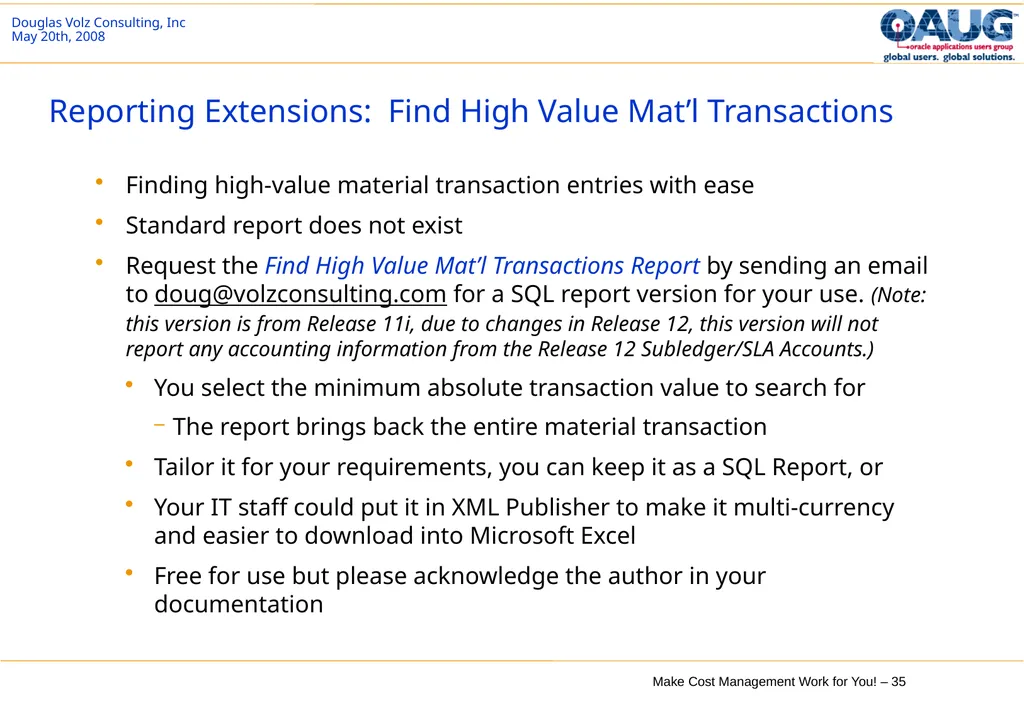
Reporting Extensions: Find High Value Mat’l Transactions Finding high-value material transaction entries with ease
Standard report does not exist
Request the Find High Value Mat’l Transactions Report by sending an email to doug@volzconsulting.com for a SQL report version for your use. (Note: this version is from Release 11i, due to changes in Release 12, this version will not report any accounting information from the Release 12 Subledger/SLA Accounts.)
You select the minimum absolute transaction value to search for
The report brings back the entire material transaction
Tailor it for your requirements, you can keep it as a SQL Report, or
Your IT staff could put it in XML Publisher to make it multi-currency and easier to download into Microsoft Excel
Free for use but please acknowledge the author in your documentation<br>
Standard report does not exist
Request the Find High Value Mat’l Transactions Report by sending an email to doug@volzconsulting.com for a SQL report version for your use. (Note: this version is from Release 11i, due to changes in Release 12, this version will not report any accounting information from the Release 12 Subledger/SLA Accounts.)
You select the minimum absolute transaction value to search for
The report brings back the entire material transaction
Tailor it for your requirements, you can keep it as a SQL Report, or
Your IT staff could put it in XML Publisher to make it multi-currency and easier to download into Microsoft Excel
Free for use but please acknowledge the author in your documentation<br>
36
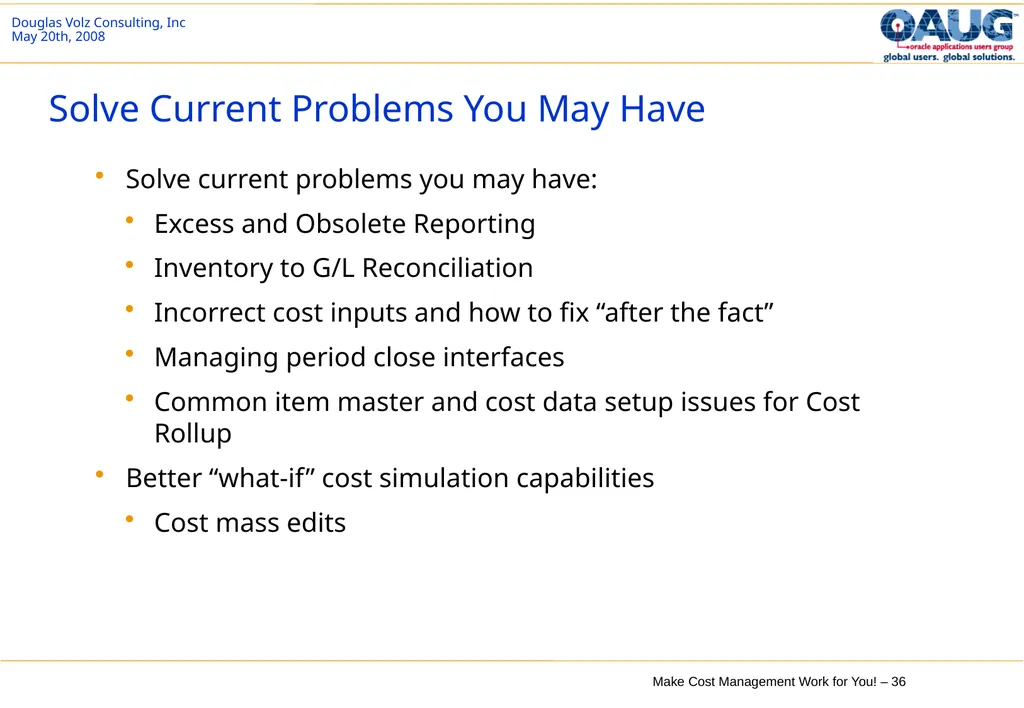
Solve Current Problems You May Have Solve current problems you may have:
Excess and Obsolete Reporting
Inventory to G/L Reconciliation
Incorrect cost inputs and how to fix “after the fact”
Managing period close interfaces
Common item master and cost data setup issues for Cost Rollup
Better “what-if” cost simulation capabilities
Cost mass edits<br>
Excess and Obsolete Reporting
Inventory to G/L Reconciliation
Incorrect cost inputs and how to fix “after the fact”
Managing period close interfaces
Common item master and cost data setup issues for Cost Rollup
Better “what-if” cost simulation capabilities
Cost mass edits<br>
37
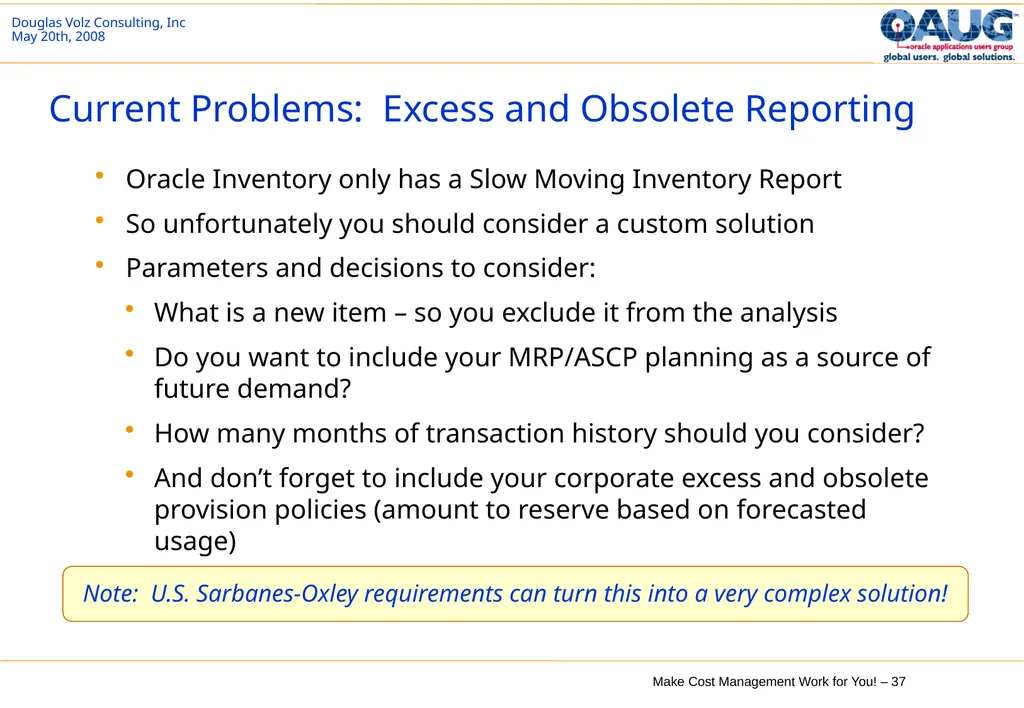
Current Problems: Excess and Obsolete Reporting Oracle Inventory only has a Slow Moving Inventory Report
So unfortunately you should consider a custom solution
Parameters and decisions to consider:
What is a new item – so you exclude it from the analysis
Do you want to include your MRP/ASCP planning as a source of future demand?
How many months of transaction history should you consider?
And don’t forget to include your corporate excess and obsolete provision policies (amount to reserve based on forecasted usage) Note: U.S. Sarbanes-Oxley requirements can turn this into a very complex solution!<br>
So unfortunately you should consider a custom solution
Parameters and decisions to consider:
What is a new item – so you exclude it from the analysis
Do you want to include your MRP/ASCP planning as a source of future demand?
How many months of transaction history should you consider?
And don’t forget to include your corporate excess and obsolete provision policies (amount to reserve based on forecasted usage) Note: U.S. Sarbanes-Oxley requirements can turn this into a very complex solution!<br>
38
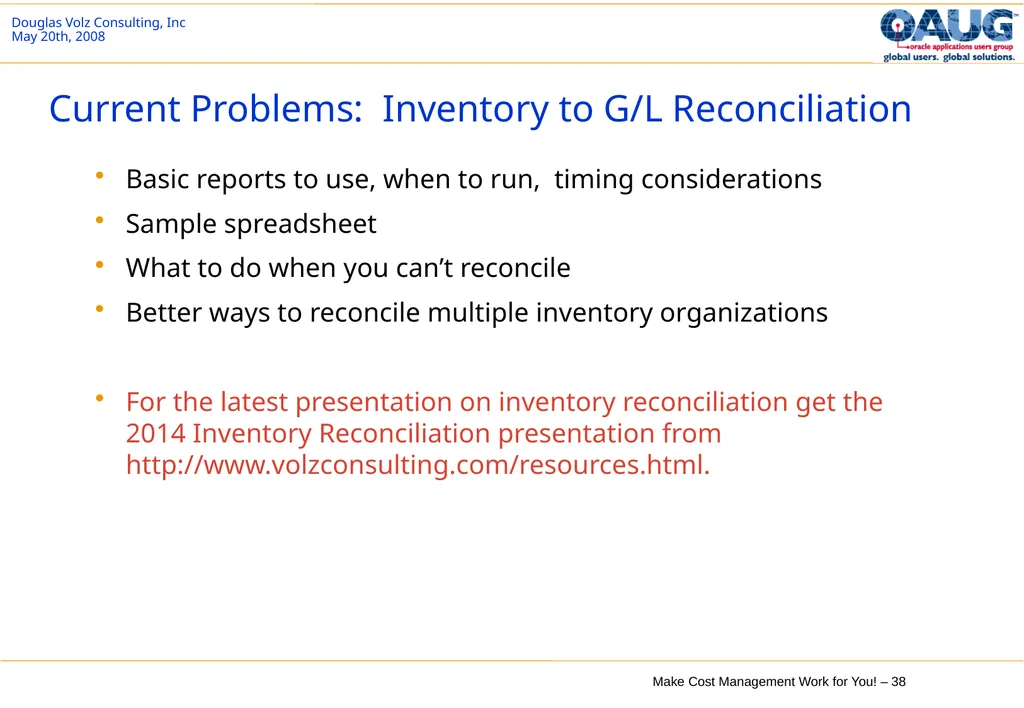
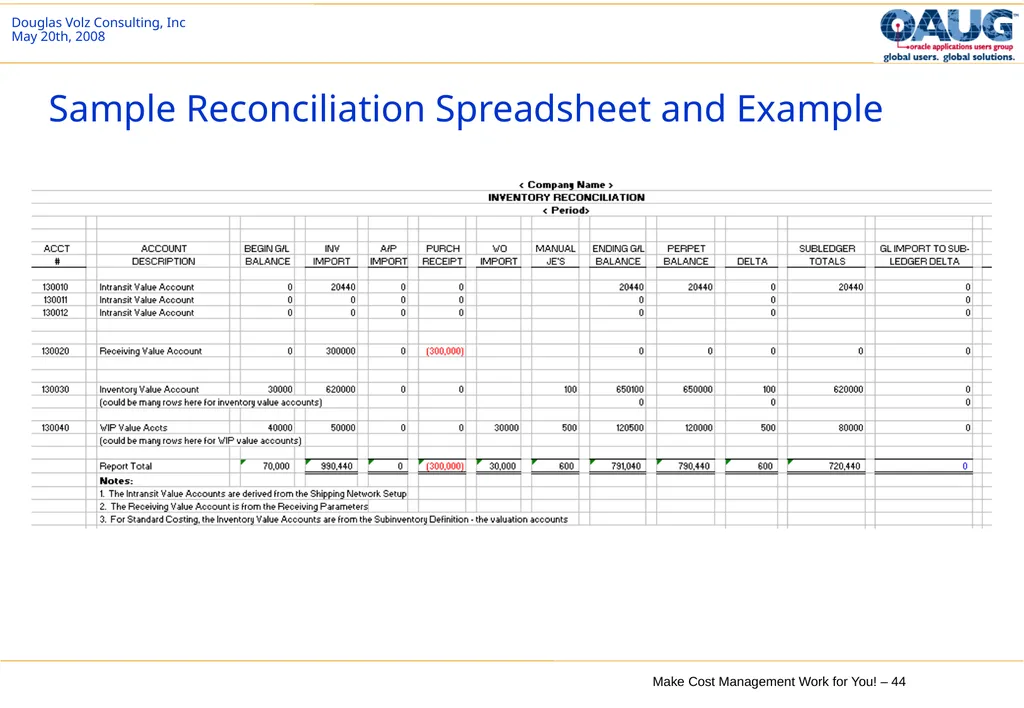
Current Problems: Inventory to G/L Reconciliation Basic reports to use, when to run, timing considerations
Sample spreadsheet
What to do when you can’t reconcile
Better ways to reconcile multiple inventory organizations
For the latest presentation on inventory reconciliation get the 2014 Inventory Reconciliation presentation from http://www.volzconsulting.com/resources.html.<br>
Sample spreadsheet
What to do when you can’t reconcile
Better ways to reconcile multiple inventory organizations
For the latest presentation on inventory reconciliation get the 2014 Inventory Reconciliation presentation from http://www.volzconsulting.com/resources.html.<br>
39
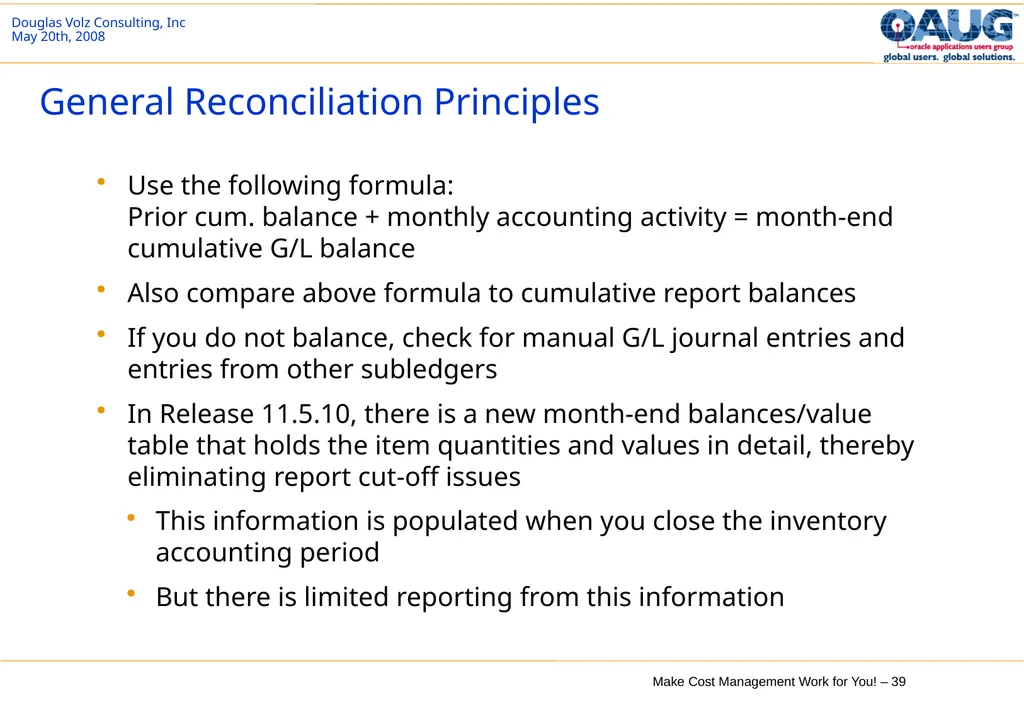
Use the following formula:
Prior cum. balance + monthly accounting activity = month-end cumulative G/L balance
Also compare above formula to cumulative report balances
If you do not balance, check for manual G/L journal entries and entries from other subledgers
In Release 11.5.10, there is a new month-end balances/value table that holds the item quantities and values in detail, thereby eliminating report cut-off issues
This information is populated when you close the inventory accounting period
But there is limited reporting from this information General Reconciliation Principles<br>
Also compare above formula to cumulative report balances
If you do not balance, check for manual G/L journal entries and entries from other subledgers
In Release 11.5.10, there is a new month-end balances/value table that holds the item quantities and values in detail, thereby eliminating report cut-off issues
This information is populated when you close the inventory accounting period
But there is limited reporting from this information General Reconciliation Principles<br>
40
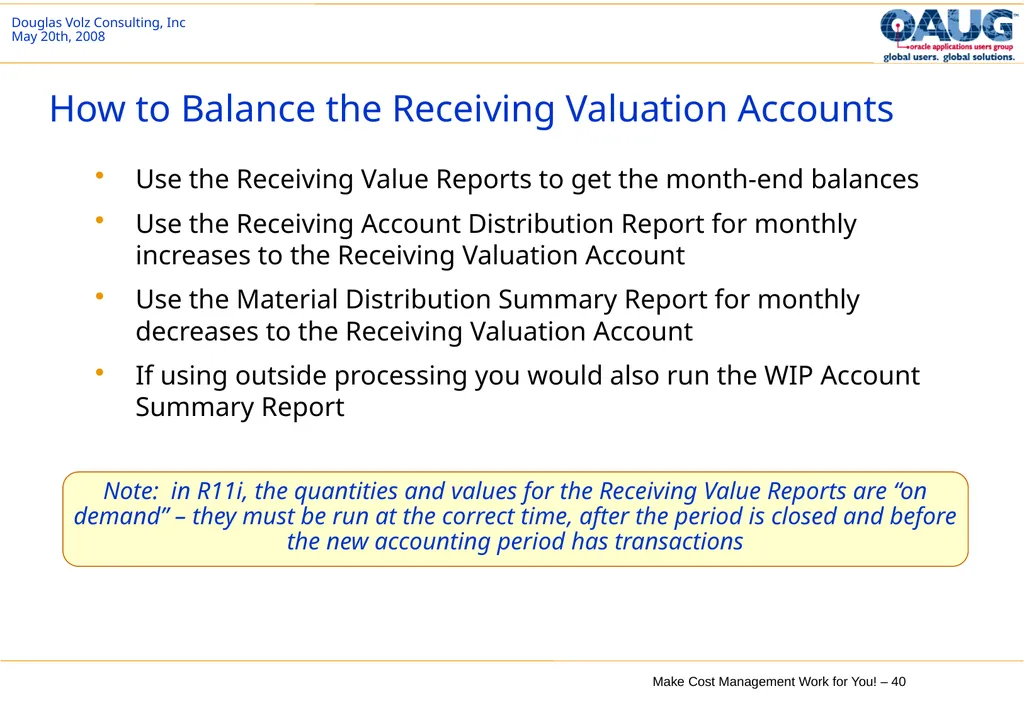
How to Balance the Receiving Valuation Accounts Use the Receiving Value Reports to get the month-end balances
Use the Receiving Account Distribution Report for monthly increases to the Receiving Valuation Account
Use the Material Distribution Summary Report for monthly decreases to the Receiving Valuation Account
If using outside processing you would also run the WIP Account Summary Report Note: in R11i, the quantities and values for the Receiving Value Reports are “on demand” – they must be run at the correct time, after the period is closed and before the new accounting period has transactions<br>
Use the Receiving Account Distribution Report for monthly increases to the Receiving Valuation Account
Use the Material Distribution Summary Report for monthly decreases to the Receiving Valuation Account
If using outside processing you would also run the WIP Account Summary Report Note: in R11i, the quantities and values for the Receiving Value Reports are “on demand” – they must be run at the correct time, after the period is closed and before the new accounting period has transactions<br>
41
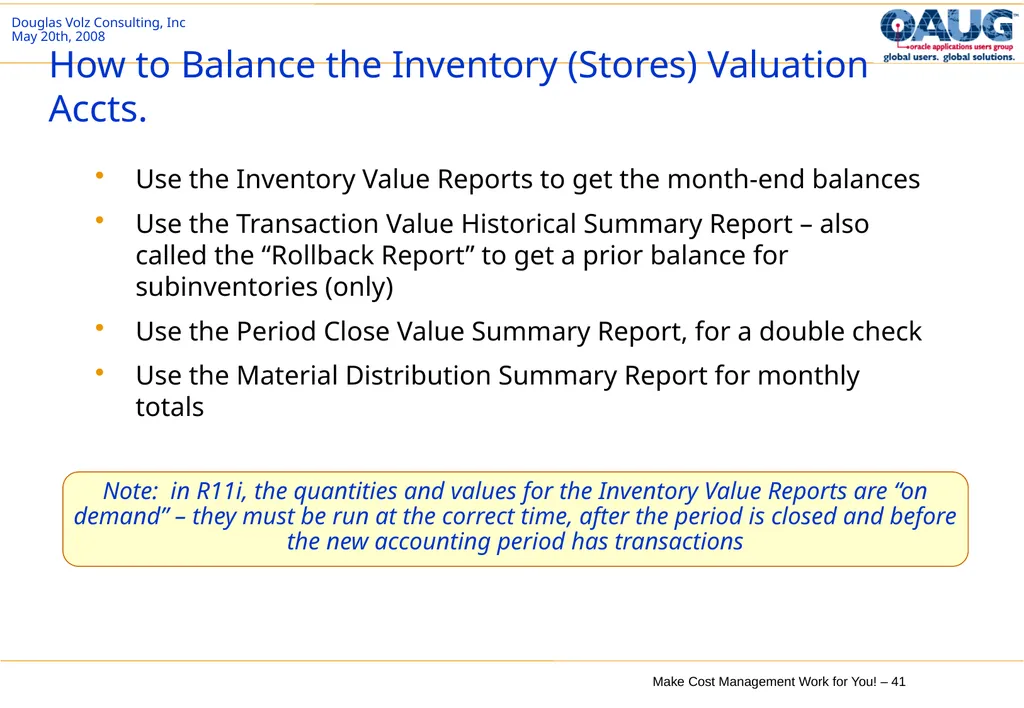
How to Balance the Inventory (Stores) Valuation Accts. Use the Inventory Value Reports to get the month-end balances
Use the Transaction Value Historical Summary Report – also called the “Rollback Report” to get a prior balance for subinventories (only)
Use the Period Close Value Summary Report, for a double check
Use the Material Distribution Summary Report for monthly totals Note: in R11i, the quantities and values for the Inventory Value Reports are “on demand” – they must be run at the correct time, after the period is closed and before the new accounting period has transactions<br>
Use the Transaction Value Historical Summary Report – also called the “Rollback Report” to get a prior balance for subinventories (only)
Use the Period Close Value Summary Report, for a double check
Use the Material Distribution Summary Report for monthly totals Note: in R11i, the quantities and values for the Inventory Value Reports are “on demand” – they must be run at the correct time, after the period is closed and before the new accounting period has transactions<br>
42
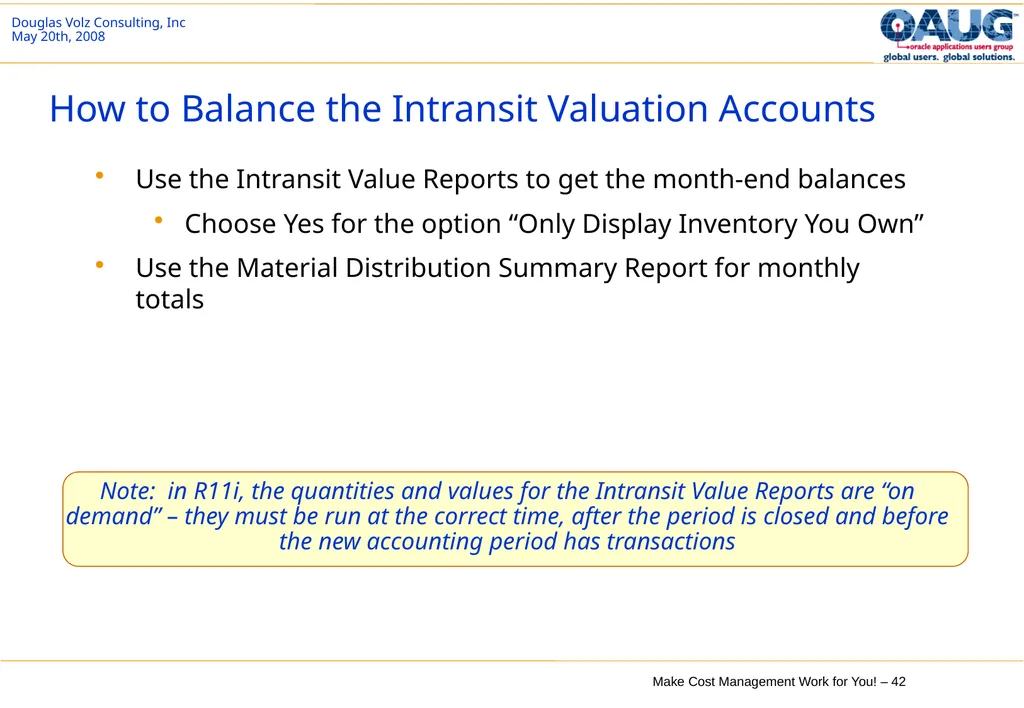
How to Balance the Intransit Valuation Accounts Use the Intransit Value Reports to get the month-end balances
Choose Yes for the option “Only Display Inventory You Own”
Use the Material Distribution Summary Report for monthly totals Note: in R11i, the quantities and values for the Intransit Value Reports are “on demand” – they must be run at the correct time, after the period is closed and before the new accounting period has transactions<br>
Choose Yes for the option “Only Display Inventory You Own”
Use the Material Distribution Summary Report for monthly totals Note: in R11i, the quantities and values for the Intransit Value Reports are “on demand” – they must be run at the correct time, after the period is closed and before the new accounting period has transactions<br>
43
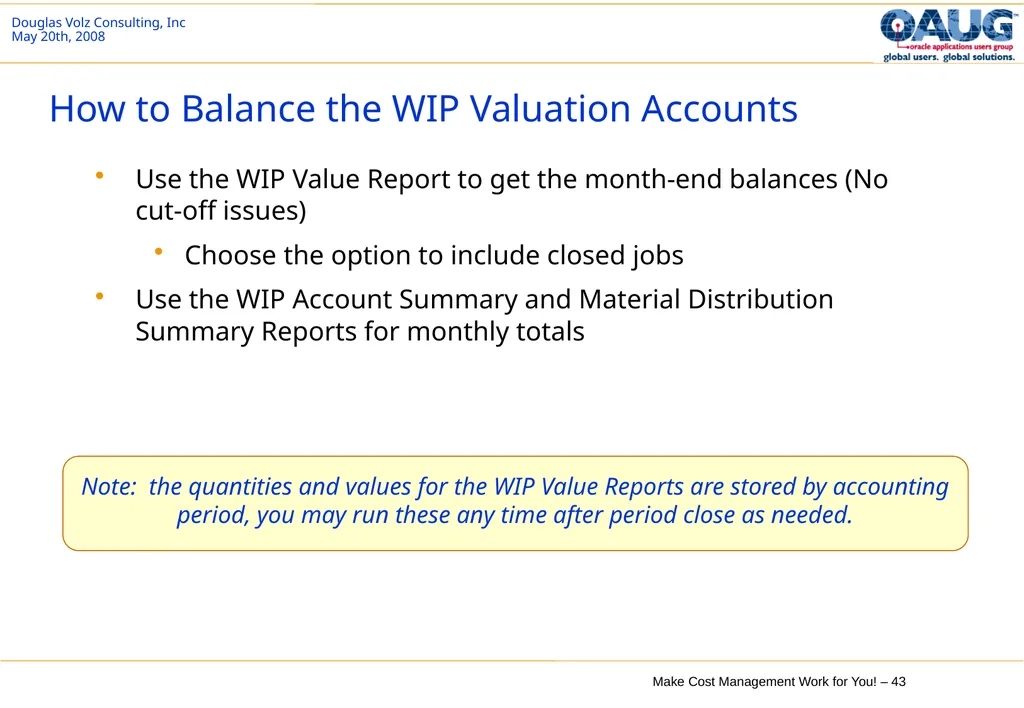
How to Balance the WIP Valuation Accounts Use the WIP Value Report to get the month-end balances (No cut-off issues)
Choose the option to include closed jobs
Use the WIP Account Summary and Material Distribution Summary Reports for monthly totals Note: the quantities and values for the WIP Value Reports are stored by accounting period, you may run these any time after period close as needed.<br>
Choose the option to include closed jobs
Use the WIP Account Summary and Material Distribution Summary Reports for monthly totals Note: the quantities and values for the WIP Value Reports are stored by accounting period, you may run these any time after period close as needed.<br>
44
Sample Reconciliation Spreadsheet and Example<br>
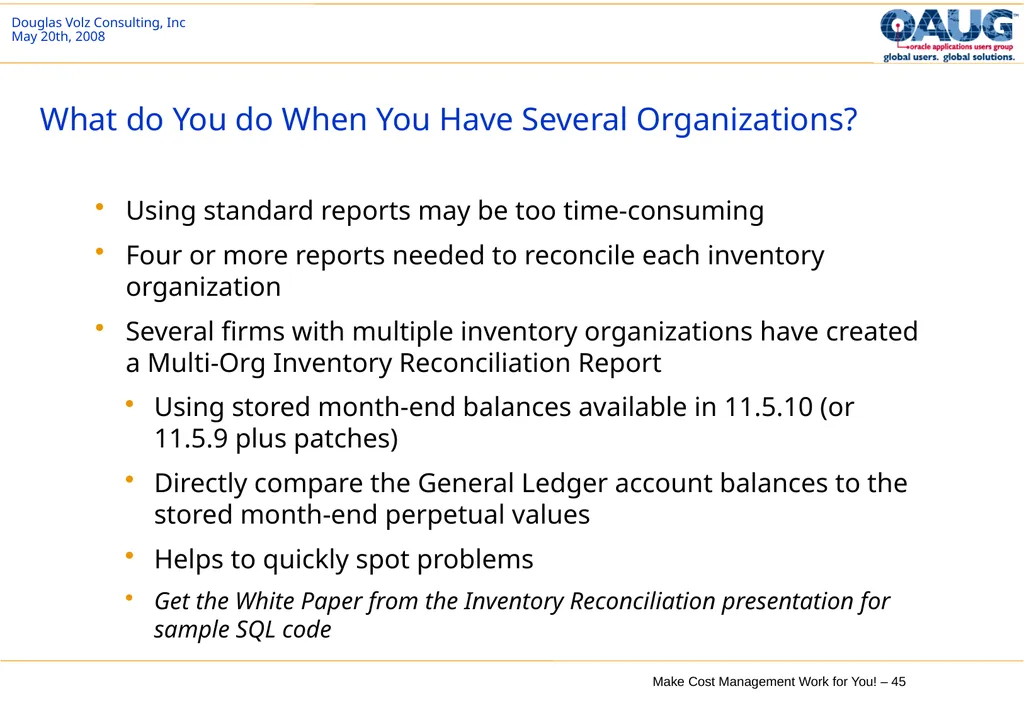
45
What do You do When You Have Several Organizations? Using standard reports may be too time-consuming
Four or more reports needed to reconcile each inventory organization
Several firms with multiple inventory organizations have created a Multi-Org Inventory Reconciliation Report
Using stored month-end balances available in 11.5.10 (or 11.5.9 plus patches)
Directly compare the General Ledger account balances to the stored month-end perpetual values
Helps to quickly spot problems
Get the White Paper from the Inventory Reconciliation presentation for sample SQL code<br>
Four or more reports needed to reconcile each inventory organization
Several firms with multiple inventory organizations have created a Multi-Org Inventory Reconciliation Report
Using stored month-end balances available in 11.5.10 (or 11.5.9 plus patches)
Directly compare the General Ledger account balances to the stored month-end perpetual values
Helps to quickly spot problems
Get the White Paper from the Inventory Reconciliation presentation for sample SQL code<br>
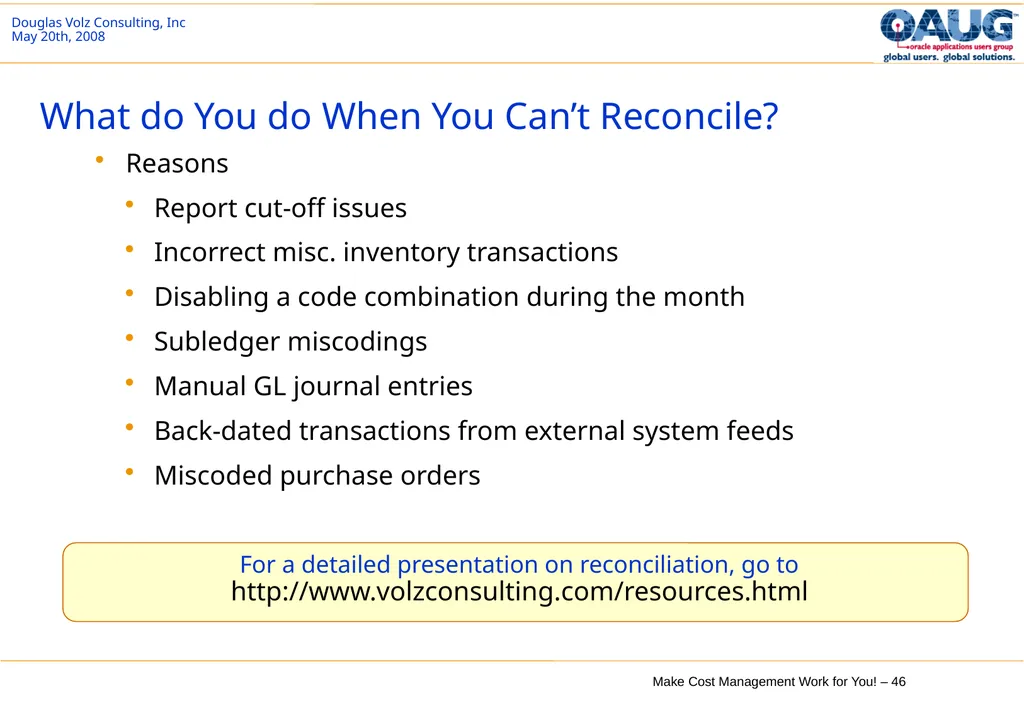
46
What do You do When You Can’t Reconcile? Reasons
Report cut-off issues
Incorrect misc. inventory transactions
Disabling a code combination during the month
Subledger miscodings
Manual GL journal entries
Back-dated transactions from external system feeds
Miscoded purchase orders For a detailed presentation on reconciliation, go to http://www.volzconsulting.com/resources.html<br>
Report cut-off issues
Incorrect misc. inventory transactions
Disabling a code combination during the month
Subledger miscodings
Manual GL journal entries
Back-dated transactions from external system feeds
Miscoded purchase orders For a detailed presentation on reconciliation, go to http://www.volzconsulting.com/resources.html<br>
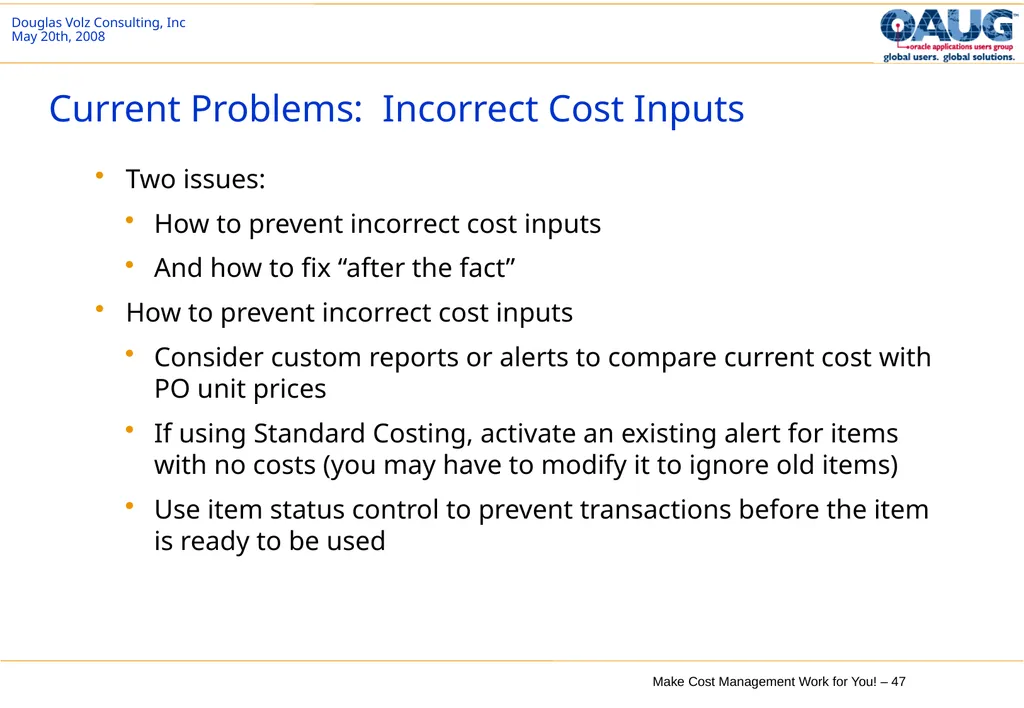
47
Current Problems: Incorrect Cost Inputs Two issues:
How to prevent incorrect cost inputs
And how to fix “after the fact”
How to prevent incorrect cost inputs
Consider custom reports or alerts to compare current cost with PO unit prices
If using Standard Costing, activate an existing alert for items with no costs (you may have to modify it to ignore old items)
Use item status control to prevent transactions before the item is ready to be used<br>
How to prevent incorrect cost inputs
And how to fix “after the fact”
How to prevent incorrect cost inputs
Consider custom reports or alerts to compare current cost with PO unit prices
If using Standard Costing, activate an existing alert for items with no costs (you may have to modify it to ignore old items)
Use item status control to prevent transactions before the item is ready to be used<br>
48
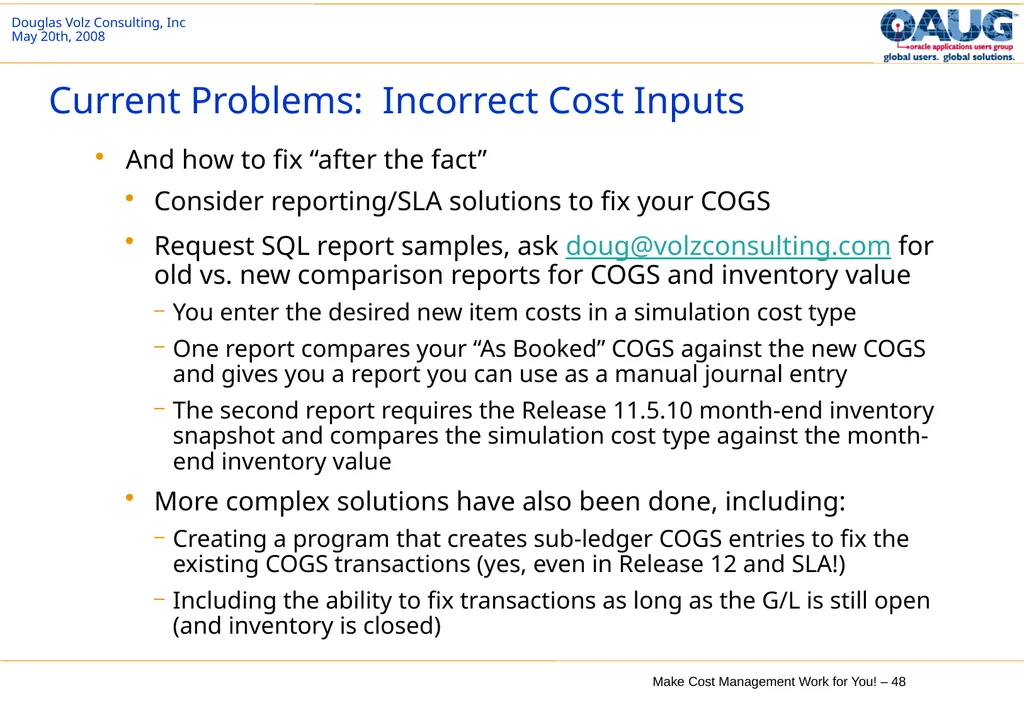
Current Problems: Incorrect Cost Inputs And how to fix “after the fact”
Consider reporting/SLA solutions to fix your COGS
Request SQL report samples, ask doug@volzconsulting.com for old vs. new comparison reports for COGS and inventory value
You enter the desired new item costs in a simulation cost type
One report compares your “As Booked” COGS against the new COGS and gives you a report you can use as a manual journal entry
The second report requires the Release 11.5.10 month-end inventory snapshot and compares the simulation cost type against the month-end inventory value
More complex solutions have also been done, including:
Creating a program that creates sub-ledger COGS entries to fix the existing COGS transactions (yes, even in Release 12 and SLA!)
Including the ability to fix transactions as long as the G/L is still open (and inventory is closed)<br>
Consider reporting/SLA solutions to fix your COGS
Request SQL report samples, ask doug@volzconsulting.com for old vs. new comparison reports for COGS and inventory value
You enter the desired new item costs in a simulation cost type
One report compares your “As Booked” COGS against the new COGS and gives you a report you can use as a manual journal entry
The second report requires the Release 11.5.10 month-end inventory snapshot and compares the simulation cost type against the month-end inventory value
More complex solutions have also been done, including:
Creating a program that creates sub-ledger COGS entries to fix the existing COGS transactions (yes, even in Release 12 and SLA!)
Including the ability to fix transactions as long as the G/L is still open (and inventory is closed)<br>
49
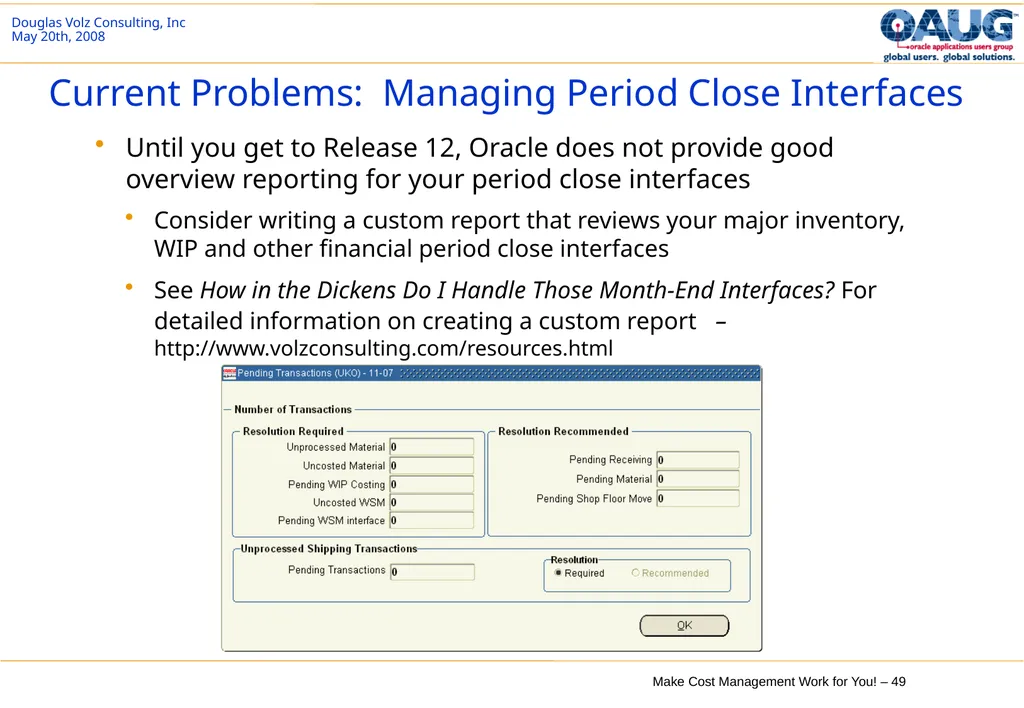
Current Problems: Managing Period Close Interfaces Until you get to Release 12, Oracle does not provide good overview reporting for your period close interfaces
Consider writing a custom report that reviews your major inventory, WIP and other financial period close interfaces
See How in the Dickens Do I Handle Those Month-End Interfaces? For detailed information on creating a custom report – http://www.volzconsulting.com/resources.html<br>
Consider writing a custom report that reviews your major inventory, WIP and other financial period close interfaces
See How in the Dickens Do I Handle Those Month-End Interfaces? For detailed information on creating a custom report – http://www.volzconsulting.com/resources.html<br>
50
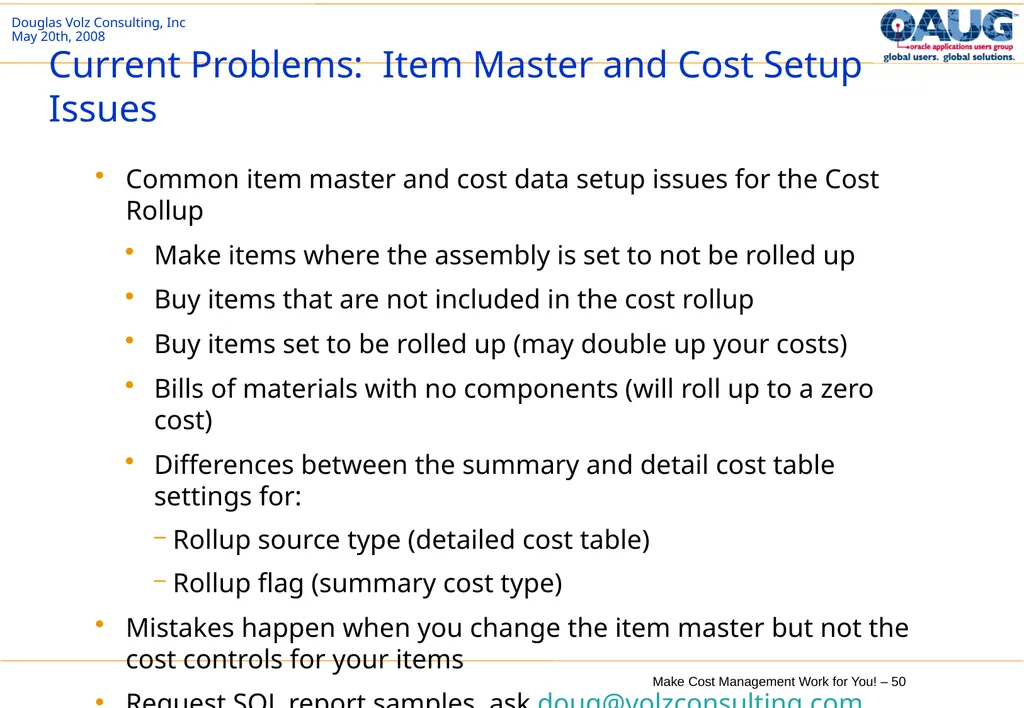
Current Problems: Item Master and Cost Setup Issues Common item master and cost data setup issues for the Cost Rollup
Make items where the assembly is set to not be rolled up
Buy items that are not included in the cost rollup
Buy items set to be rolled up (may double up your costs)
Bills of materials with no components (will roll up to a zero cost)
Differences between the summary and detail cost table settings for:
Rollup source type (detailed cost table)
Rollup flag (summary cost type)
Mistakes happen when you change the item master but not the cost controls for your items
Request SQL report samples, ask doug@volzconsulting.com<br>
Make items where the assembly is set to not be rolled up
Buy items that are not included in the cost rollup
Buy items set to be rolled up (may double up your costs)
Bills of materials with no components (will roll up to a zero cost)
Differences between the summary and detail cost table settings for:
Rollup source type (detailed cost table)
Rollup flag (summary cost type)
Mistakes happen when you change the item master but not the cost controls for your items
Request SQL report samples, ask doug@volzconsulting.com<br>
51
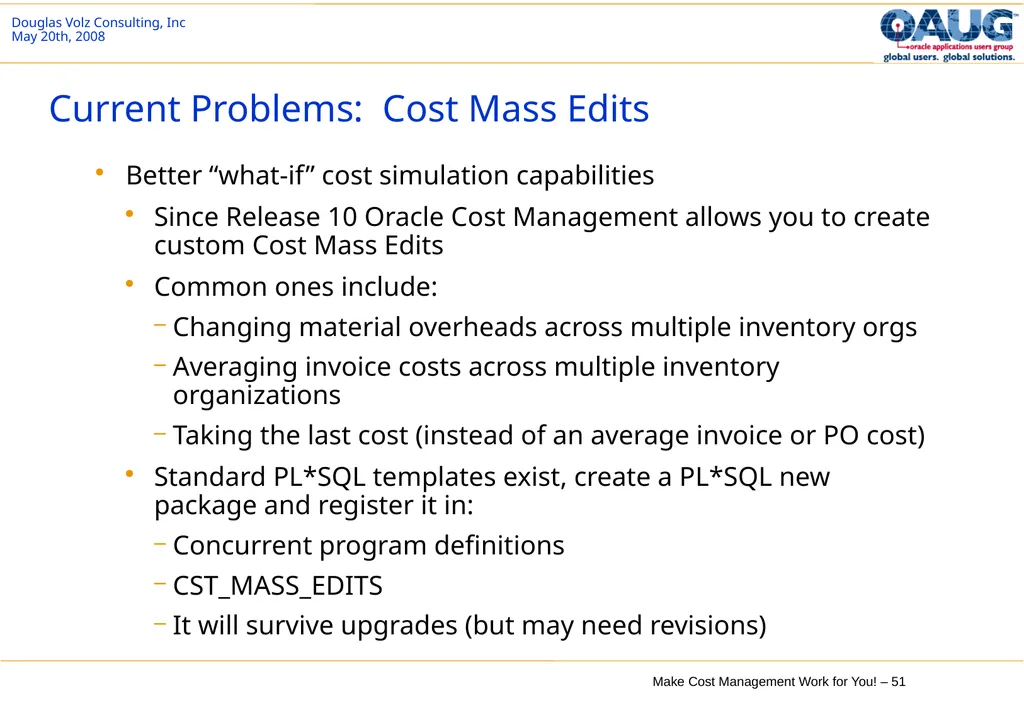
Current Problems: Cost Mass Edits Better “what-if” cost simulation capabilities
Since Release 10 Oracle Cost Management allows you to create custom Cost Mass Edits
Common ones include:
Changing material overheads across multiple inventory orgs
Averaging invoice costs across multiple inventory organizations
Taking the last cost (instead of an average invoice or PO cost)
Standard PL*SQL templates exist, create a PL*SQL new package and register it in:
Concurrent program definitions
CST_MASS_EDITS
It will survive upgrades (but may need revisions)<br>
Since Release 10 Oracle Cost Management allows you to create custom Cost Mass Edits
Common ones include:
Changing material overheads across multiple inventory orgs
Averaging invoice costs across multiple inventory organizations
Taking the last cost (instead of an average invoice or PO cost)
Standard PL*SQL templates exist, create a PL*SQL new package and register it in:
Concurrent program definitions
CST_MASS_EDITS
It will survive upgrades (but may need revisions)<br>
52
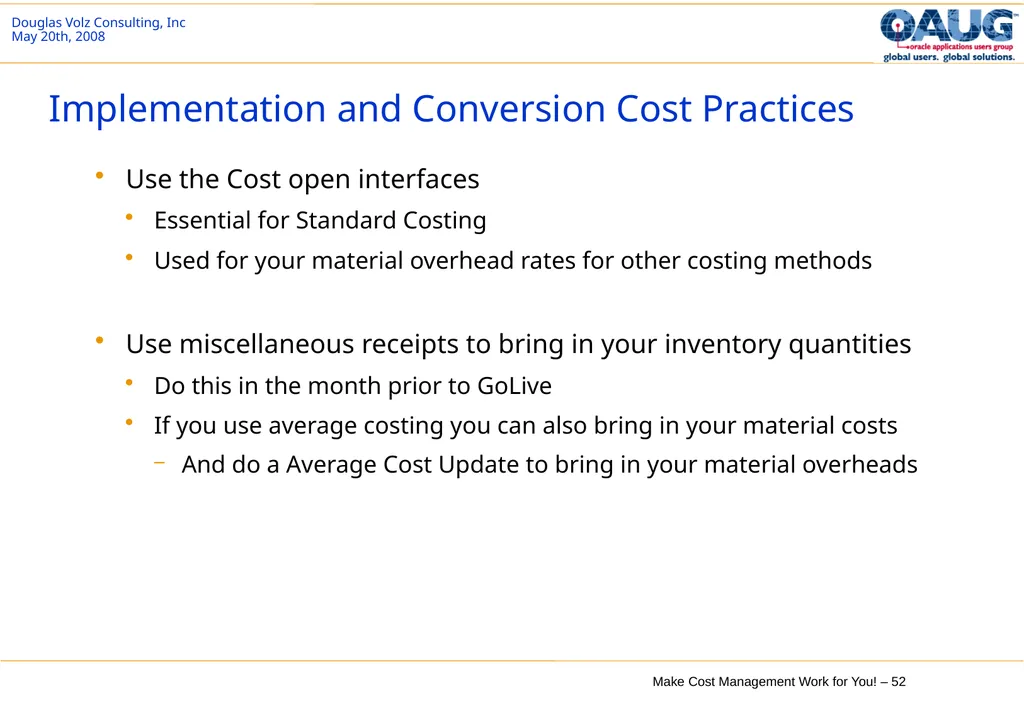
Implementation and Conversion Cost Practices Use the Cost open interfaces
Essential for Standard Costing
Used for your material overhead rates for other costing methods
Use miscellaneous receipts to bring in your inventory quantities
Do this in the month prior to GoLive
If you use average costing you can also bring in your material costs
And do a Average Cost Update to bring in your material overheads<br>
Essential for Standard Costing
Used for your material overhead rates for other costing methods
Use miscellaneous receipts to bring in your inventory quantities
Do this in the month prior to GoLive
If you use average costing you can also bring in your material costs
And do a Average Cost Update to bring in your material overheads<br>
53
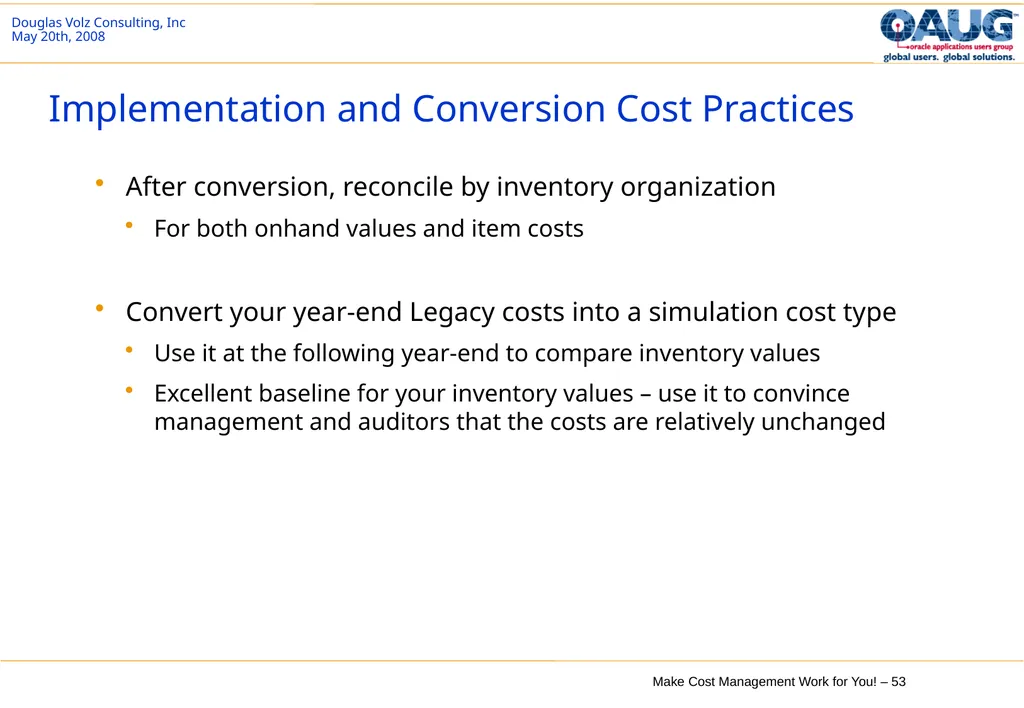
Implementation and Conversion Cost Practices After conversion, reconcile by inventory organization
For both onhand values and item costs
Convert your year-end Legacy costs into a simulation cost type
Use it at the following year-end to compare inventory values
Excellent baseline for your inventory values – use it to convince management and auditors that the costs are relatively unchanged<br>
For both onhand values and item costs
Convert your year-end Legacy costs into a simulation cost type
Use it at the following year-end to compare inventory values
Excellent baseline for your inventory values – use it to convince management and auditors that the costs are relatively unchanged<br>
54
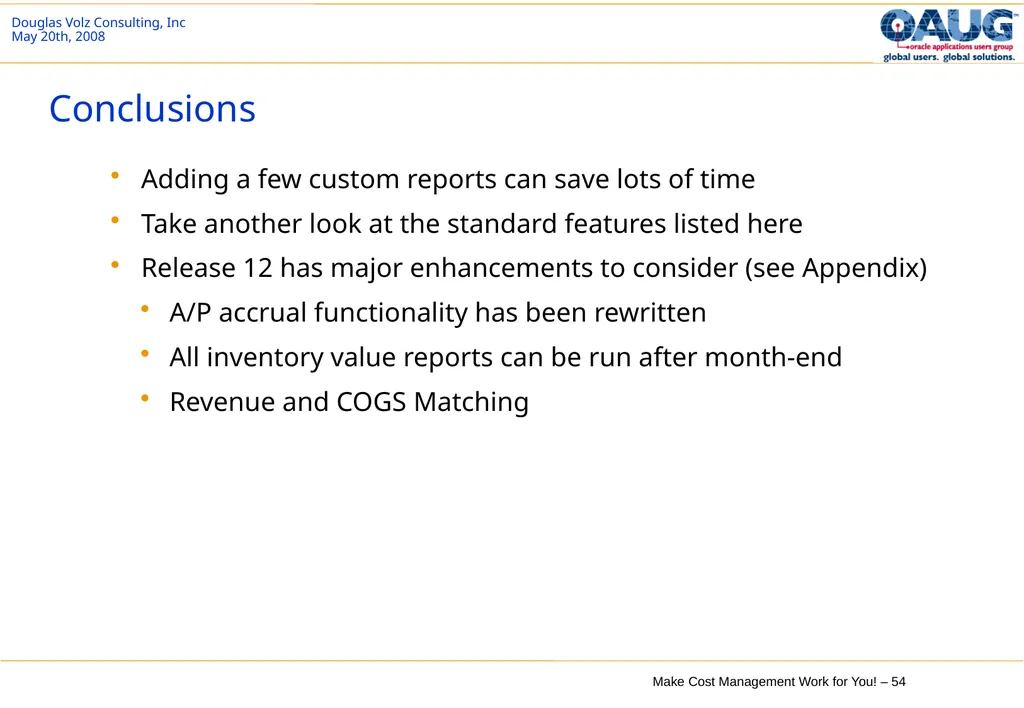
Conclusions Adding a few custom reports can save lots of time
Take another look at the standard features listed here
Release 12 has major enhancements to consider (see Appendix)
A/P accrual functionality has been rewritten
All inventory value reports can be run after month-end
Revenue and COGS Matching<br>
Take another look at the standard features listed here
Release 12 has major enhancements to consider (see Appendix)
A/P accrual functionality has been rewritten
All inventory value reports can be run after month-end
Revenue and COGS Matching<br>
55
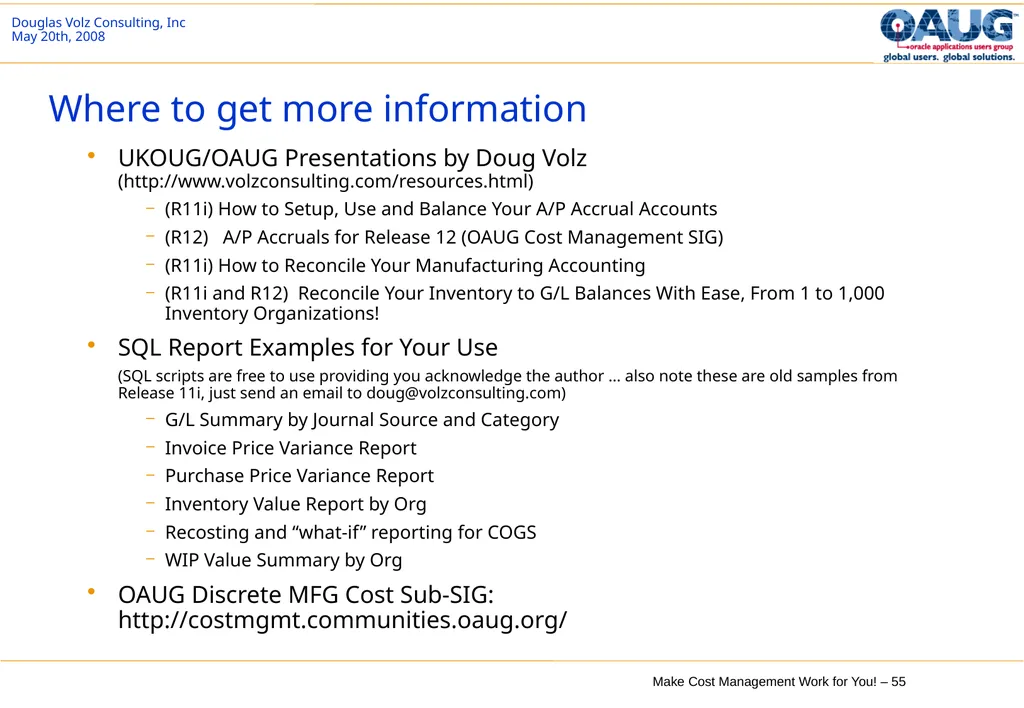
Where to get more information UKOUG/OAUG Presentations by Doug Volz (http://www.volzconsulting.com/resources.html)
(R11i) How to Setup, Use and Balance Your A/P Accrual Accounts
(R12) A/P Accruals for Release 12 (OAUG Cost Management SIG)
(R11i) How to Reconcile Your Manufacturing Accounting
(R11i and R12) Reconcile Your Inventory to G/L Balances With Ease, From 1 to 1,000 Inventory Organizations!
SQL Report Examples for Your Use (SQL scripts are free to use providing you acknowledge the author … also note these are old samples from Release 11i, just send an email to doug@volzconsulting.com)
G/L Summary by Journal Source and Category
Invoice Price Variance Report
Purchase Price Variance Report
Inventory Value Report by Org
Recosting and “what-if” reporting for COGS
WIP Value Summary by Org
OAUG Discrete MFG Cost Sub-SIG: http://costmgmt.communities.oaug.org/<br>
(R11i) How to Setup, Use and Balance Your A/P Accrual Accounts
(R12) A/P Accruals for Release 12 (OAUG Cost Management SIG)
(R11i) How to Reconcile Your Manufacturing Accounting
(R11i and R12) Reconcile Your Inventory to G/L Balances With Ease, From 1 to 1,000 Inventory Organizations!
SQL Report Examples for Your Use (SQL scripts are free to use providing you acknowledge the author … also note these are old samples from Release 11i, just send an email to doug@volzconsulting.com)
G/L Summary by Journal Source and Category
Invoice Price Variance Report
Purchase Price Variance Report
Inventory Value Report by Org
Recosting and “what-if” reporting for COGS
WIP Value Summary by Org
OAUG Discrete MFG Cost Sub-SIG: http://costmgmt.communities.oaug.org/<br>
56
Acknowledgements of kind assistance: People who have contributed to or influenced these materials:
Sharon Widmer, Manager, Hitachi Consulting
Espen Ingvoldstad, Cost Controller, Onninen AS
Vicky Marquez, Manager, Intacct Inc.
Ludvig Millfors, Senior Manager, BearingPoint Consulting AS
Solution Beacon, Alicia Hoekstra, Public Vision Databases: http://www.solutionbeacon.com/tools_vision.htm Douglas Volz Consulting, Inc.
Helping clients use Oracle Applications since 1990
US Cell: +1 510 755-7050 doug@volzconsulting.com
www.volzconsulting.com<br>
Sharon Widmer, Manager, Hitachi Consulting
Espen Ingvoldstad, Cost Controller, Onninen AS
Vicky Marquez, Manager, Intacct Inc.
Ludvig Millfors, Senior Manager, BearingPoint Consulting AS
Solution Beacon, Alicia Hoekstra, Public Vision Databases: http://www.solutionbeacon.com/tools_vision.htm Douglas Volz Consulting, Inc.
Helping clients use Oracle Applications since 1990
US Cell: +1 510 755-7050 doug@volzconsulting.com
www.volzconsulting.com<br>
57
Thank You for Your Attendance and Participation Douglas A. Volz Douglas Volz Consulting, Inc.
Helping clients use Oracle Applications since 1990
US Cell: +1 510 755-7050 doug@volzconsulting.com
www.volzconsulting.com<br>
Helping clients use Oracle Applications since 1990
US Cell: +1 510 755-7050 doug@volzconsulting.com
www.volzconsulting.com<br>
58
Appendix High level review for Oracle Cost Management (11i)
Major Release 12 Enhancements for Cost Management
Professional Background for Douglas Volz<br>
Major Release 12 Enhancements for Cost Management
Professional Background for Douglas Volz<br>
59
High-Level Review for Oracle Cost Management (11i) Inventory Structure
Costing Methods
Oracle Cost Management Structure
Organizational Costing
Cost Elements
Cost Sub-Elements
Major Cost Accounts in the System Setup
Integration with General Ledger<br>
Costing Methods
Oracle Cost Management Structure
Organizational Costing
Cost Elements
Cost Sub-Elements
Major Cost Accounts in the System Setup
Integration with General Ledger<br>
60
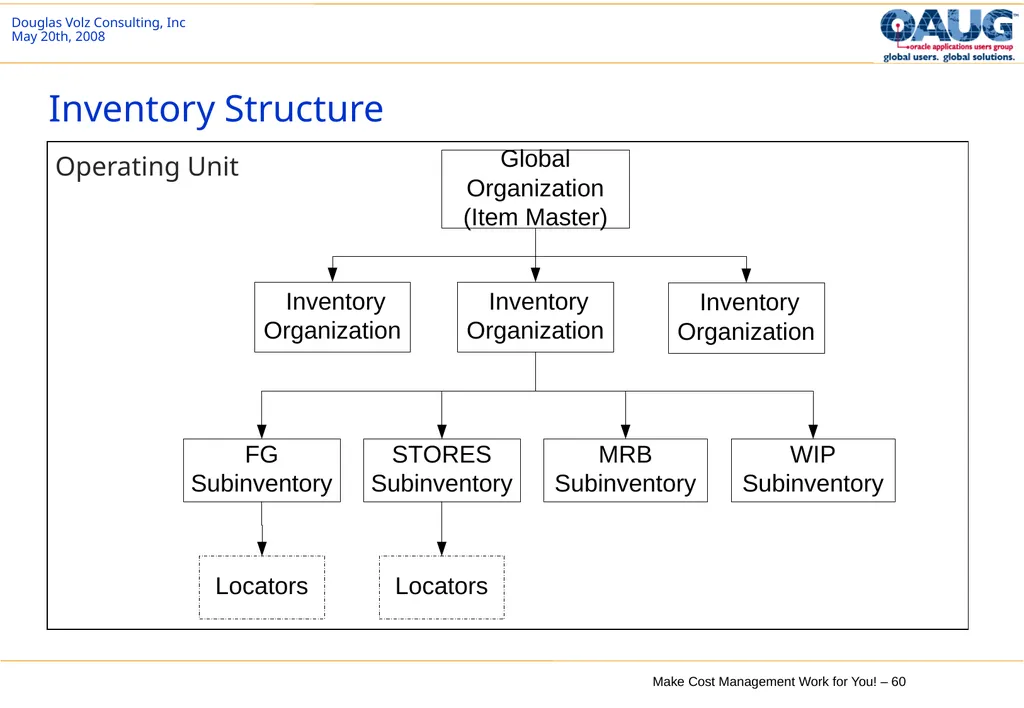
Inventory Structure Operating Unit<br>
61
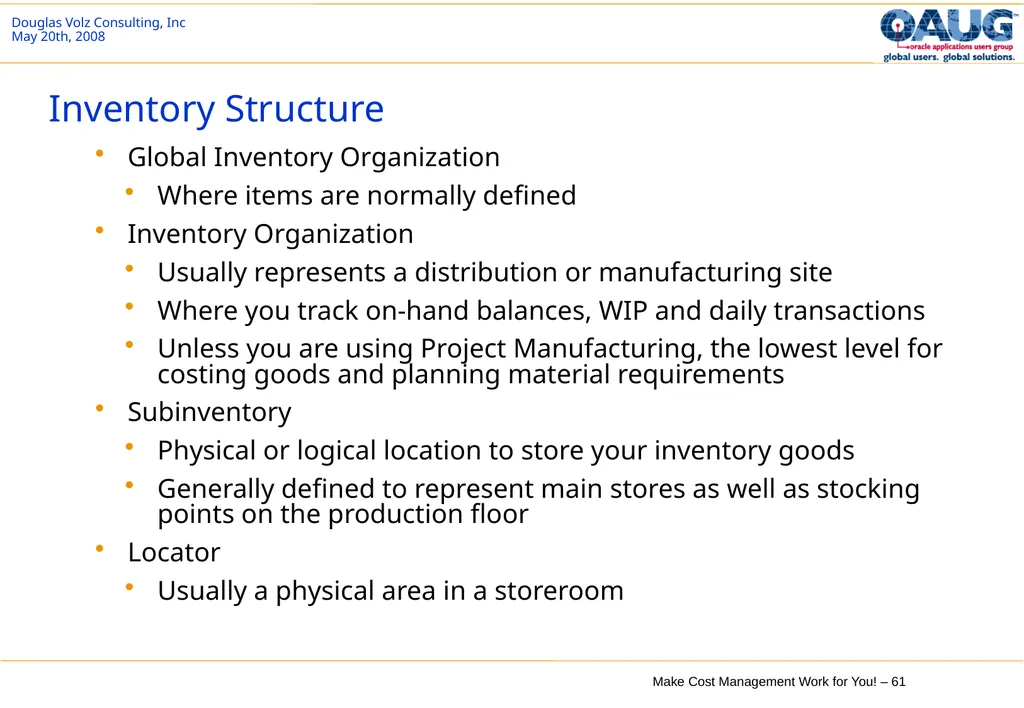
Inventory Structure Global Inventory Organization
Where items are normally defined
Inventory Organization
Usually represents a distribution or manufacturing site
Where you track on-hand balances, WIP and daily transactions
Unless you are using Project Manufacturing, the lowest level for costing goods and planning material requirements
Subinventory
Physical or logical location to store your inventory goods
Generally defined to represent main stores as well as stocking points on the production floor
Locator
Usually a physical area in a storeroom<br>
Where items are normally defined
Inventory Organization
Usually represents a distribution or manufacturing site
Where you track on-hand balances, WIP and daily transactions
Unless you are using Project Manufacturing, the lowest level for costing goods and planning material requirements
Subinventory
Physical or logical location to store your inventory goods
Generally defined to represent main stores as well as stocking points on the production floor
Locator
Usually a physical area in a storeroom<br>
62
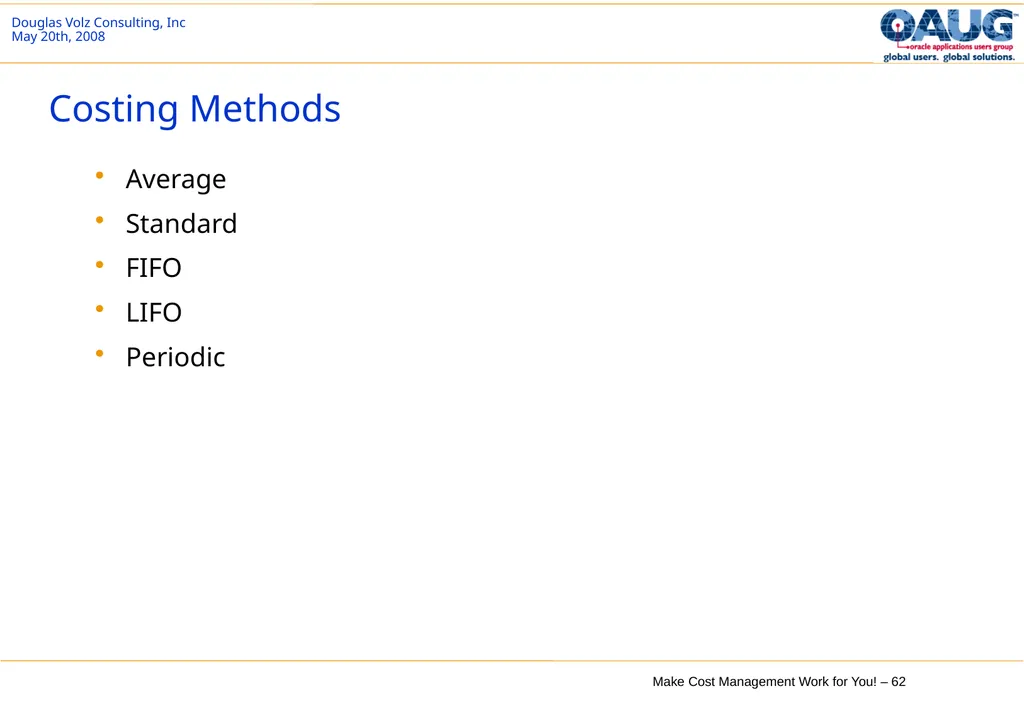
Costing Methods Average
Standard
FIFO
LIFO
Periodic<br>
Standard
FIFO
LIFO
Periodic<br>
63
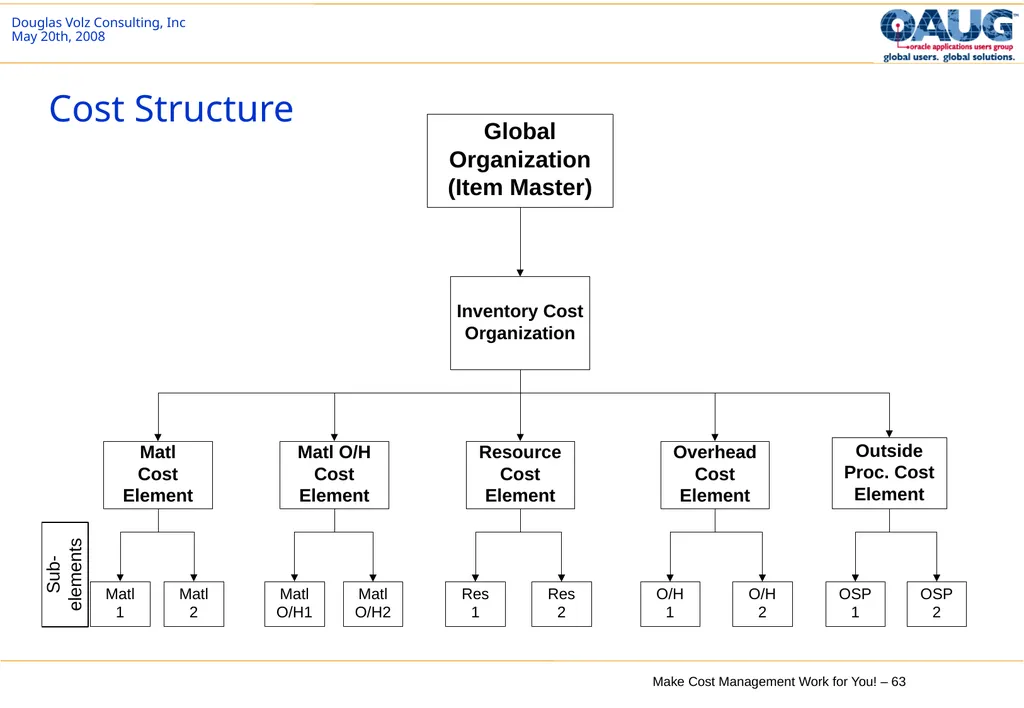
Cost Structure<br>
64
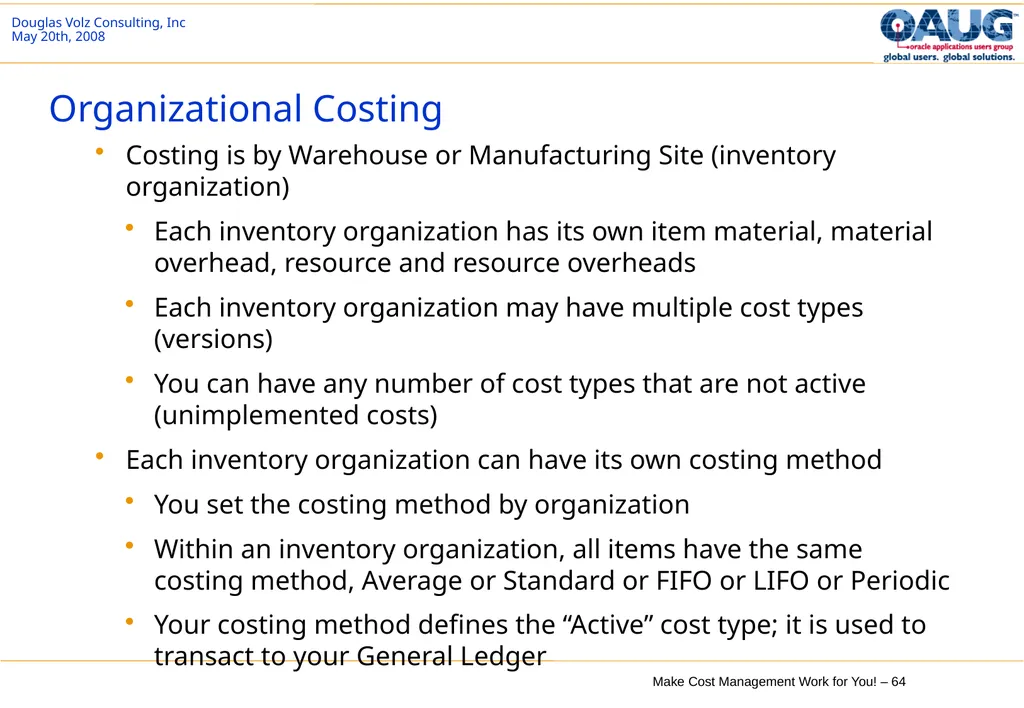
Organizational Costing Costing is by Warehouse or Manufacturing Site (inventory organization)
Each inventory organization has its own item material, material overhead, resource and resource overheads
Each inventory organization may have multiple cost types (versions)
You can have any number of cost types that are not active (unimplemented costs)
Each inventory organization can have its own costing method
You set the costing method by organization
Within an inventory organization, all items have the same costing method, Average or Standard or FIFO or LIFO or Periodic
Your costing method defines the “Active” cost type; it is used to transact to your General Ledger<br>
Each inventory organization has its own item material, material overhead, resource and resource overheads
Each inventory organization may have multiple cost types (versions)
You can have any number of cost types that are not active (unimplemented costs)
Each inventory organization can have its own costing method
You set the costing method by organization
Within an inventory organization, all items have the same costing method, Average or Standard or FIFO or LIFO or Periodic
Your costing method defines the “Active” cost type; it is used to transact to your General Ledger<br>
65
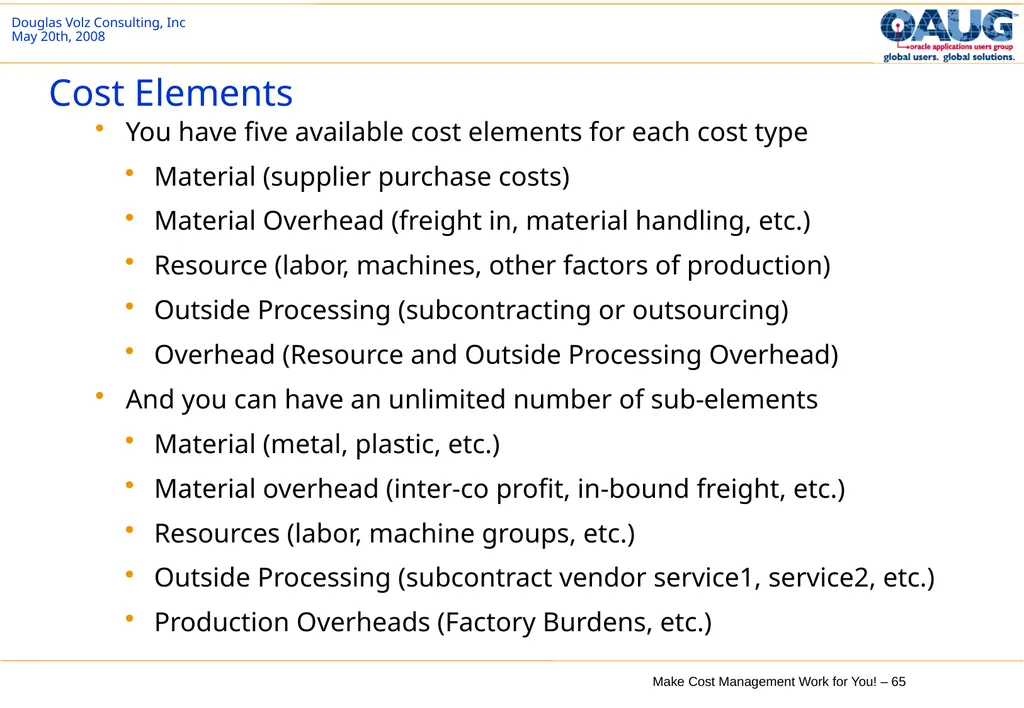
Cost Elements You have five available cost elements for each cost type
Material (supplier purchase costs)
Material Overhead (freight in, material handling, etc.)
Resource (labor, machines, other factors of production)
Outside Processing (subcontracting or outsourcing)
Overhead (Resource and Outside Processing Overhead)
And you can have an unlimited number of sub-elements
Material (metal, plastic, etc.)
Material overhead (inter-co profit, in-bound freight, etc.)
Resources (labor, machine groups, etc.)
Outside Processing (subcontract vendor service1, service2, etc.)
Production Overheads (Factory Burdens, etc.)<br>
Material (supplier purchase costs)
Material Overhead (freight in, material handling, etc.)
Resource (labor, machines, other factors of production)
Outside Processing (subcontracting or outsourcing)
Overhead (Resource and Outside Processing Overhead)
And you can have an unlimited number of sub-elements
Material (metal, plastic, etc.)
Material overhead (inter-co profit, in-bound freight, etc.)
Resources (labor, machine groups, etc.)
Outside Processing (subcontract vendor service1, service2, etc.)
Production Overheads (Factory Burdens, etc.)<br>
66
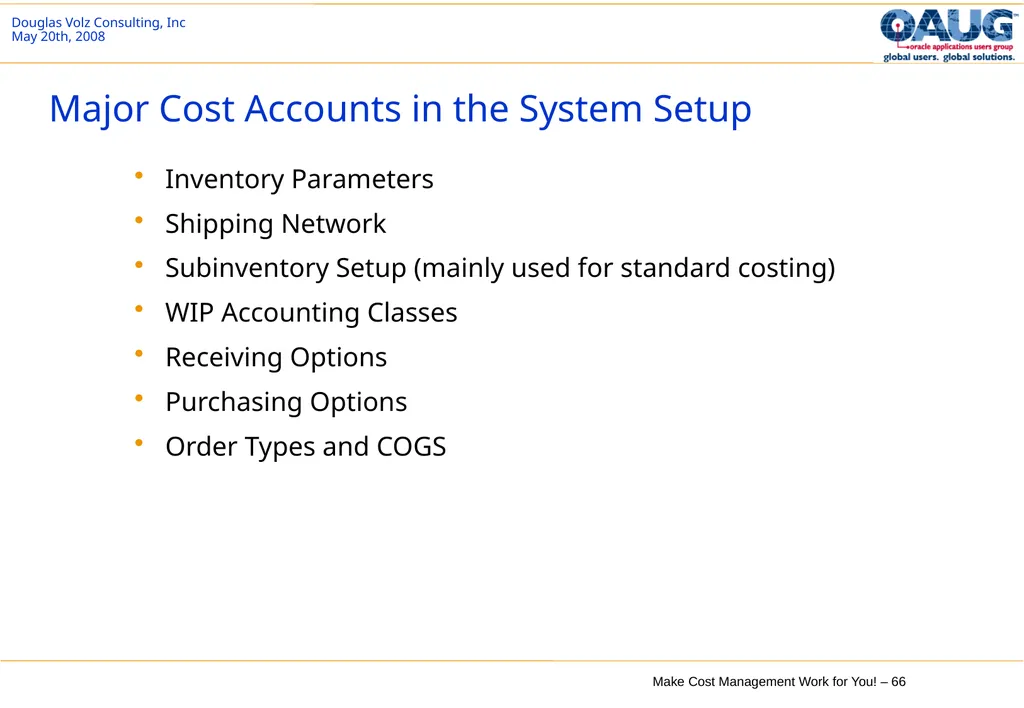
Major Cost Accounts in the System Setup Inventory Parameters
Shipping Network
Subinventory Setup (mainly used for standard costing)
WIP Accounting Classes
Receiving Options
Purchasing Options
Order Types and COGS<br>
Shipping Network
Subinventory Setup (mainly used for standard costing)
WIP Accounting Classes
Receiving Options
Purchasing Options
Order Types and COGS<br>
67
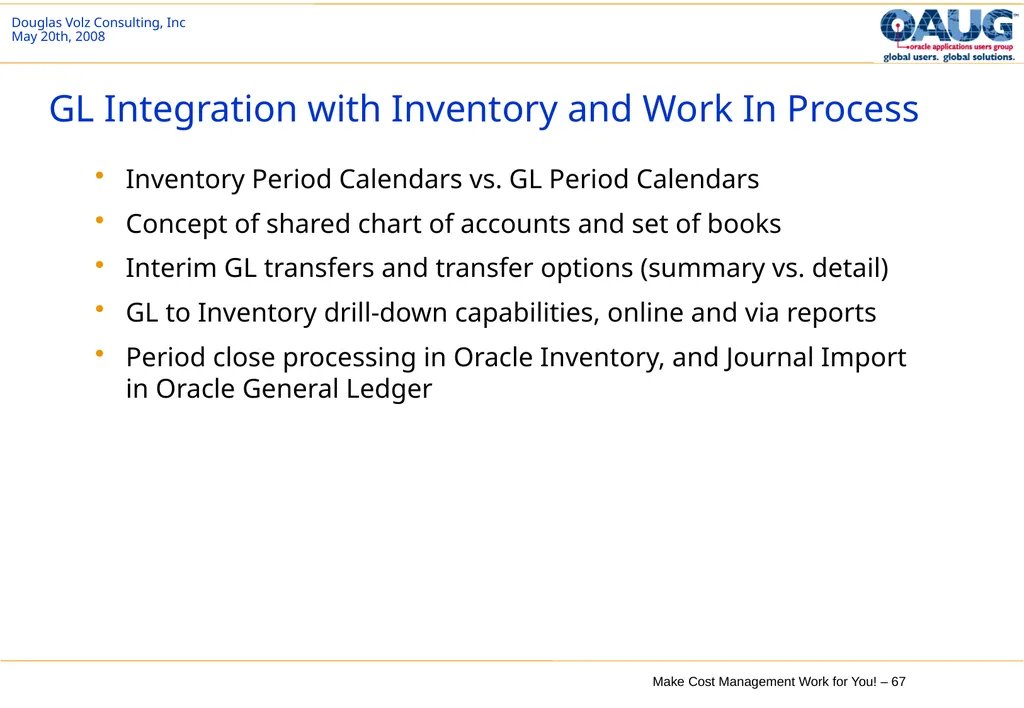
GL Integration with Inventory and Work In Process Inventory Period Calendars vs. GL Period Calendars
Concept of shared chart of accounts and set of books
Interim GL transfers and transfer options (summary vs. detail)
GL to Inventory drill-down capabilities, online and via reports
Period close processing in Oracle Inventory, and Journal Import in Oracle General Ledger<br>
Concept of shared chart of accounts and set of books
Interim GL transfers and transfer options (summary vs. detail)
GL to Inventory drill-down capabilities, online and via reports
Period close processing in Oracle Inventory, and Journal Import in Oracle General Ledger<br>
68
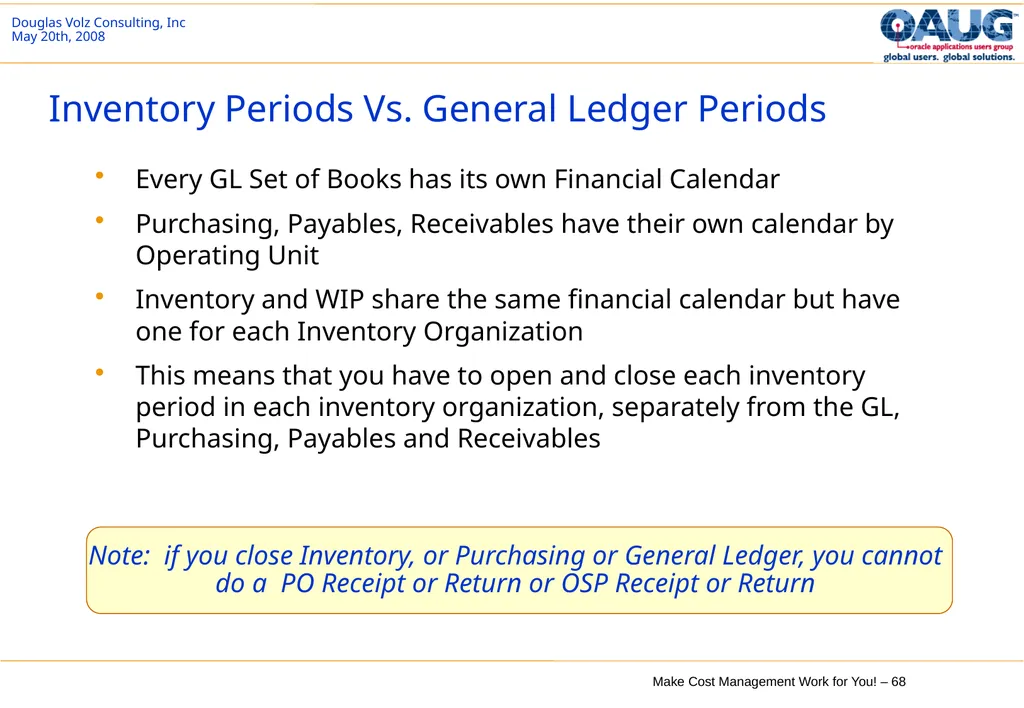
Inventory Periods Vs. General Ledger Periods Every GL Set of Books has its own Financial Calendar
Purchasing, Payables, Receivables have their own calendar by Operating Unit
Inventory and WIP share the same financial calendar but have one for each Inventory Organization
This means that you have to open and close each inventory period in each inventory organization, separately from the GL, Purchasing, Payables and Receivables Note: if you close Inventory, or Purchasing or General Ledger, you cannot do a PO Receipt or Return or OSP Receipt or Return<br>
Purchasing, Payables, Receivables have their own calendar by Operating Unit
Inventory and WIP share the same financial calendar but have one for each Inventory Organization
This means that you have to open and close each inventory period in each inventory organization, separately from the GL, Purchasing, Payables and Receivables Note: if you close Inventory, or Purchasing or General Ledger, you cannot do a PO Receipt or Return or OSP Receipt or Return<br>
69
Interim GL Transfers and Transfer options (summary vs. detail) You can transfer when you want to within the accounting period
You can transfer to the General Ledger in detail or in summary<br>
You can transfer to the General Ledger in detail or in summary<br>
70
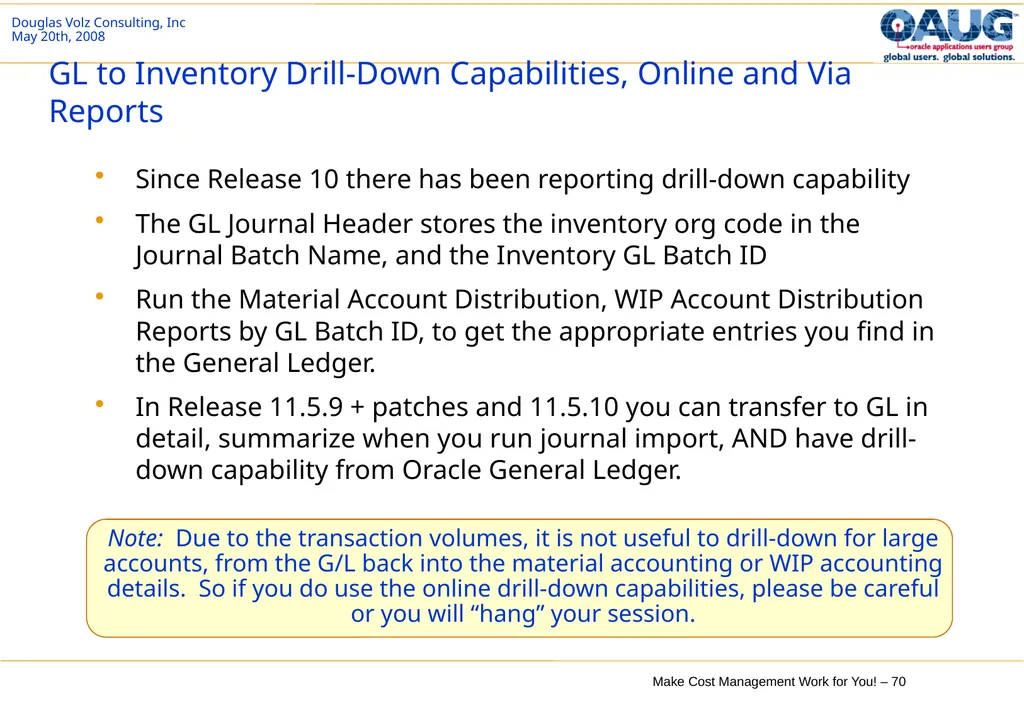
GL to Inventory Drill-Down Capabilities, Online and Via Reports Since Release 10 there has been reporting drill-down capability
The GL Journal Header stores the inventory org code in the Journal Batch Name, and the Inventory GL Batch ID
Run the Material Account Distribution, WIP Account Distribution Reports by GL Batch ID, to get the appropriate entries you find in the General Ledger.
In Release 11.5.9 + patches and 11.5.10 you can transfer to GL in detail, summarize when you run journal import, AND have drill-down capability from Oracle General Ledger. Note: Due to the transaction volumes, it is not useful to drill-down for large accounts, from the G/L back into the material accounting or WIP accounting details. So if you do use the online drill-down capabilities, please be careful or you will “hang” your session.<br>
The GL Journal Header stores the inventory org code in the Journal Batch Name, and the Inventory GL Batch ID
Run the Material Account Distribution, WIP Account Distribution Reports by GL Batch ID, to get the appropriate entries you find in the General Ledger.
In Release 11.5.9 + patches and 11.5.10 you can transfer to GL in detail, summarize when you run journal import, AND have drill-down capability from Oracle General Ledger. Note: Due to the transaction volumes, it is not useful to drill-down for large accounts, from the G/L back into the material accounting or WIP accounting details. So if you do use the online drill-down capabilities, please be careful or you will “hang” your session.<br>
71
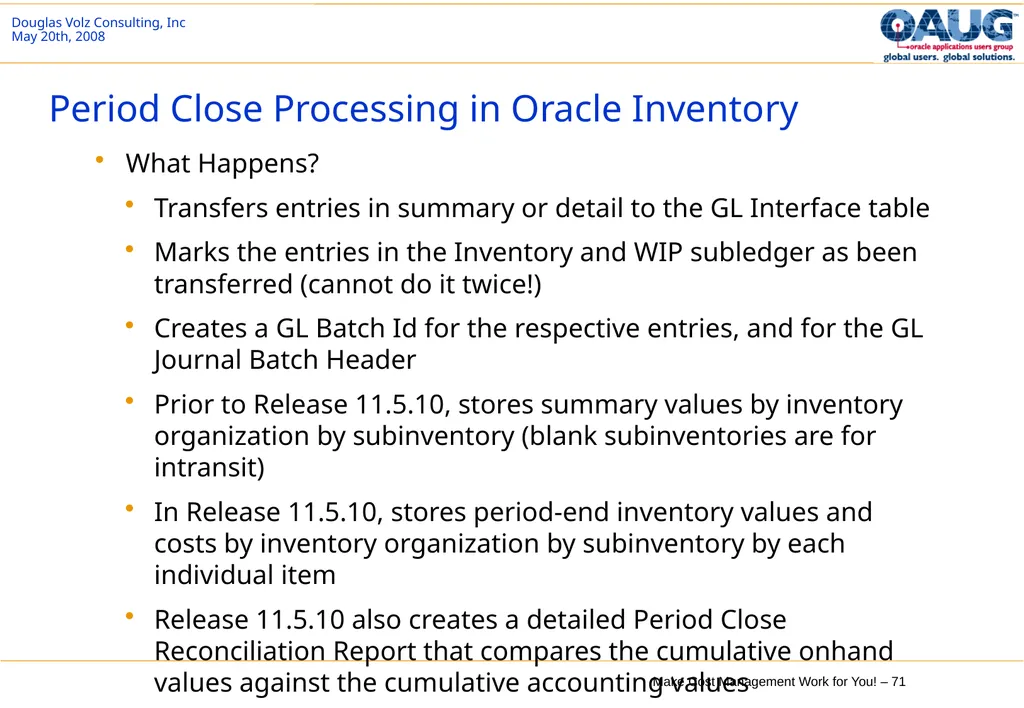
Period Close Processing in Oracle Inventory What Happens?
Transfers entries in summary or detail to the GL Interface table
Marks the entries in the Inventory and WIP subledger as been transferred (cannot do it twice!)
Creates a GL Batch Id for the respective entries, and for the GL Journal Batch Header
Prior to Release 11.5.10, stores summary values by inventory organization by subinventory (blank subinventories are for intransit)
In Release 11.5.10, stores period-end inventory values and costs by inventory organization by subinventory by each individual item
Release 11.5.10 also creates a detailed Period Close Reconciliation Report that compares the cumulative onhand values against the cumulative accounting values<br>
Transfers entries in summary or detail to the GL Interface table
Marks the entries in the Inventory and WIP subledger as been transferred (cannot do it twice!)
Creates a GL Batch Id for the respective entries, and for the GL Journal Batch Header
Prior to Release 11.5.10, stores summary values by inventory organization by subinventory (blank subinventories are for intransit)
In Release 11.5.10, stores period-end inventory values and costs by inventory organization by subinventory by each individual item
Release 11.5.10 also creates a detailed Period Close Reconciliation Report that compares the cumulative onhand values against the cumulative accounting values<br>
72
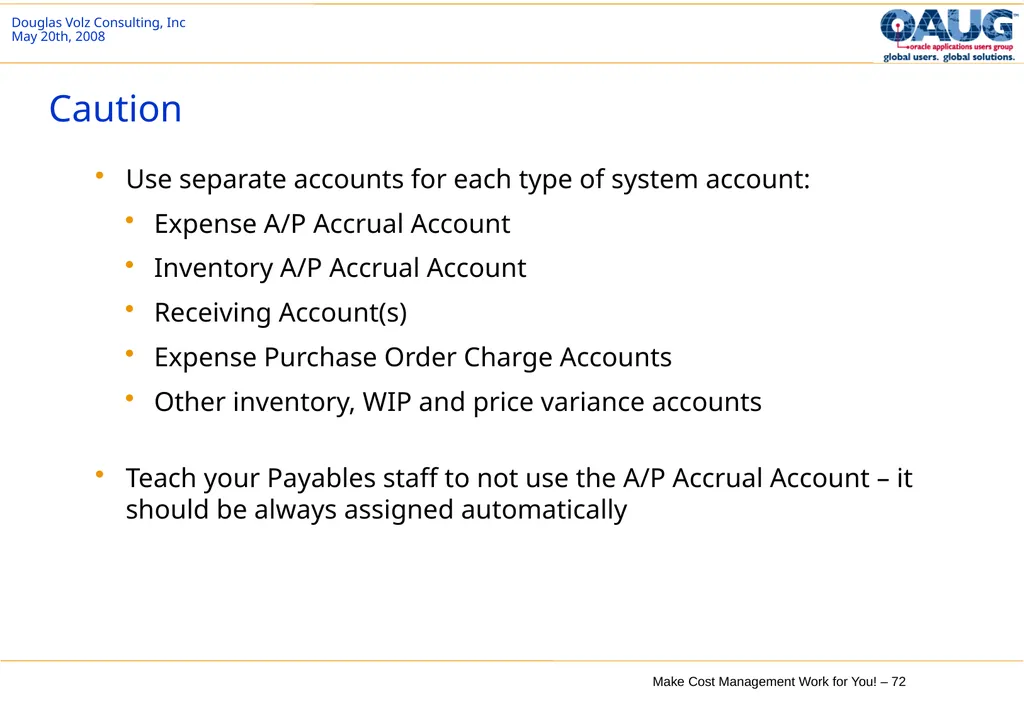
Caution Use separate accounts for each type of system account:
Expense A/P Accrual Account
Inventory A/P Accrual Account
Receiving Account(s)
Expense Purchase Order Charge Accounts
Other inventory, WIP and price variance accounts
Teach your Payables staff to not use the A/P Accrual Account – it should be always assigned automatically<br>
Expense A/P Accrual Account
Inventory A/P Accrual Account
Receiving Account(s)
Expense Purchase Order Charge Accounts
Other inventory, WIP and price variance accounts
Teach your Payables staff to not use the A/P Accrual Account – it should be always assigned automatically<br>
73
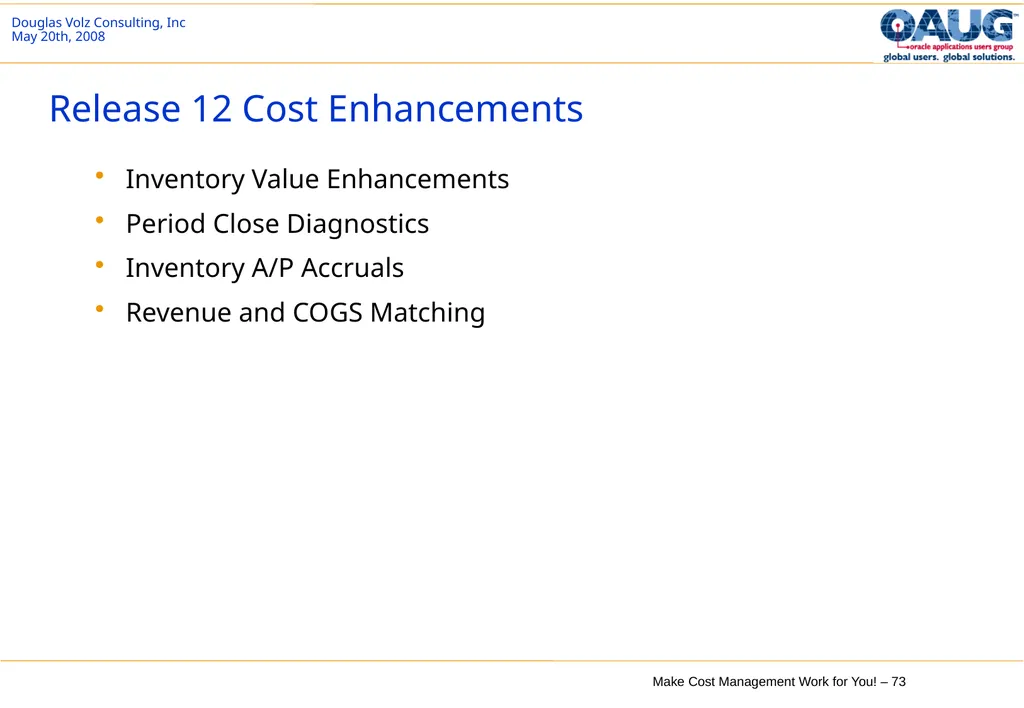
Release 12 Cost Enhancements Inventory Value Enhancements
Period Close Diagnostics
Inventory A/P Accruals
Revenue and COGS Matching<br>
Period Close Diagnostics
Inventory A/P Accruals
Revenue and COGS Matching<br>
74
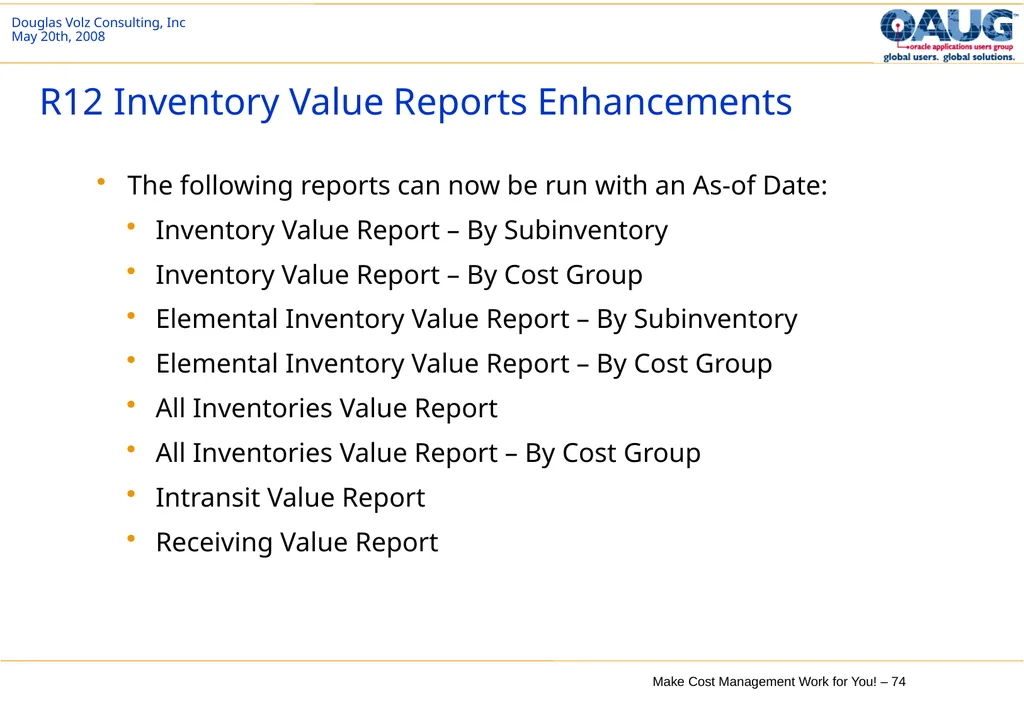
R12 Inventory Value Reports Enhancements The following reports can now be run with an As-of Date:
Inventory Value Report – By Subinventory
Inventory Value Report – By Cost Group
Elemental Inventory Value Report – By Subinventory
Elemental Inventory Value Report – By Cost Group
All Inventories Value Report
All Inventories Value Report – By Cost Group
Intransit Value Report
Receiving Value Report<br>
Inventory Value Report – By Subinventory
Inventory Value Report – By Cost Group
Elemental Inventory Value Report – By Subinventory
Elemental Inventory Value Report – By Cost Group
All Inventories Value Report
All Inventories Value Report – By Cost Group
Intransit Value Report
Receiving Value Report<br>
75
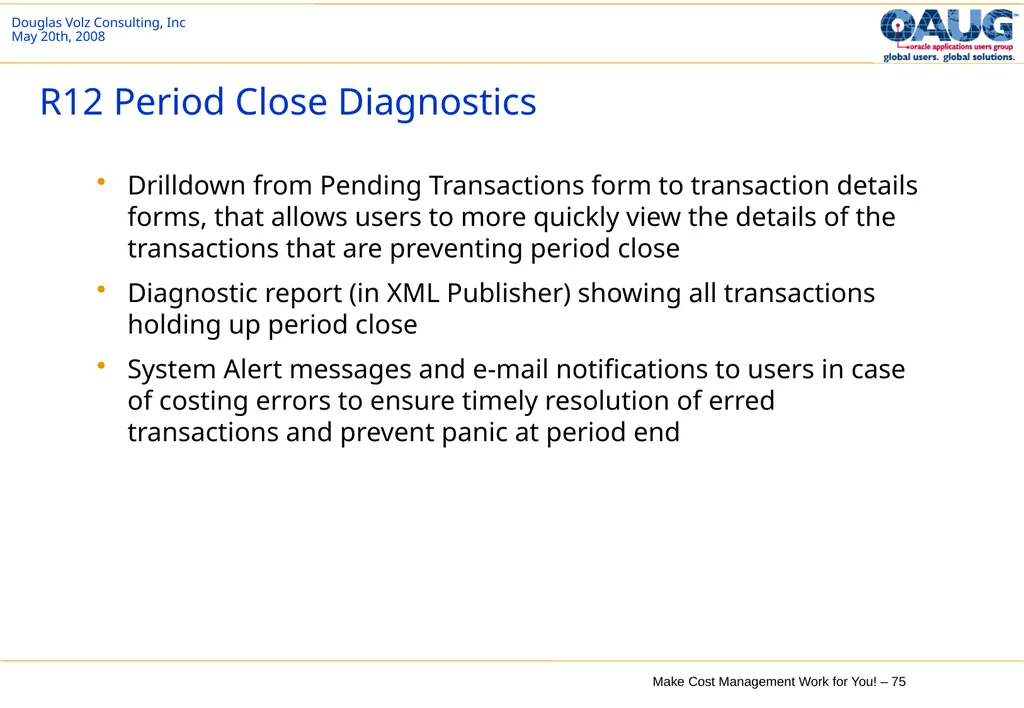
R12 Period Close Diagnostics Drilldown from Pending Transactions form to transaction details forms, that allows users to more quickly view the details of the transactions that are preventing period close
Diagnostic report (in XML Publisher) showing all transactions holding up period close
System Alert messages and e-mail notifications to users in case of costing errors to ensure timely resolution of erred transactions and prevent panic at period end<br>
Diagnostic report (in XML Publisher) showing all transactions holding up period close
System Alert messages and e-mail notifications to users in case of costing errors to ensure timely resolution of erred transactions and prevent panic at period end<br>
76
Release 12 – Major Rewrite for A/P Accruals Each month’s accrual entries are loaded incrementally
No more cumulative loading each month for the Accrual Temp table (no longer temporary)
PO and A/P entries which balance to zero are matched and removed
Much better performance and less tablespace too
Separately define what are valid A/P Accrual Accounts
Easier to exclude invalid PO and A/P entries
Matching is done at the PO distribution level (effectively at the PO Release level if using PO Releases)<br>
No more cumulative loading each month for the Accrual Temp table (no longer temporary)
PO and A/P entries which balance to zero are matched and removed
Much better performance and less tablespace too
Separately define what are valid A/P Accrual Accounts
Easier to exclude invalid PO and A/P entries
Matching is done at the PO distribution level (effectively at the PO Release level if using PO Releases)<br>
77
Release 12 – Major Rewrite for A/P Accruals Summary and Detail Accrual Reconciliation Reports
Summary reporting by account
Detail reporting with separate headings from report detail
Uses XML Publisher – all reports can be downloaded into Excel
Separate reports for matching vs. non-matching miscellaneous entries (A/P, Inventory entries)
Ability to do mass A/P Accrual Write-Offs
Write-offs use SLA (sub-ledger architecture) and now create journal entries
Can do write-offs at the PO distribution level
Much better write-off reporting for both matched and unmatched entries<br>
Summary reporting by account
Detail reporting with separate headings from report detail
Uses XML Publisher – all reports can be downloaded into Excel
Separate reports for matching vs. non-matching miscellaneous entries (A/P, Inventory entries)
Ability to do mass A/P Accrual Write-Offs
Write-offs use SLA (sub-ledger architecture) and now create journal entries
Can do write-offs at the PO distribution level
Much better write-off reporting for both matched and unmatched entries<br>
78
Release 12 – Revenue and COGS Matching Automates the matching of Cost of Goods Sold (COGS) for a sales order line to the revenue that is billed for that sales order line.
Prior to this enhancement, the value of goods shipped from inventory was expensed to COGS upon ship confirm, despite the fact that revenue may not yet have been earned on that shipment.
This enhancement synchronizes the recognition of revenue and COGS in accordance with the recommendations of generally accepted accounting principles.
Cost Processor now transfers the balance from the deferred account to the COGS account in the same proportion of revenue recognized for an order line.
Oracle Receivables publishes a business event when the revenue recognition percentage changes.
Oracle Cost Management subscribes to this event and adjusts the balances in the deferred and actual COGS accounts, ensuring that the COGS percentage equals the revenue recognition percentage.<br>
Prior to this enhancement, the value of goods shipped from inventory was expensed to COGS upon ship confirm, despite the fact that revenue may not yet have been earned on that shipment.
This enhancement synchronizes the recognition of revenue and COGS in accordance with the recommendations of generally accepted accounting principles.
Cost Processor now transfers the balance from the deferred account to the COGS account in the same proportion of revenue recognized for an order line.
Oracle Receivables publishes a business event when the revenue recognition percentage changes.
Oracle Cost Management subscribes to this event and adjusts the balances in the deferred and actual COGS accounts, ensuring that the COGS percentage equals the revenue recognition percentage.<br>
79
About Doug Doug Volz is a Senior Architect and Business Advisor for Oracle EBS projects, specializing in Cost Management and Intercompany processes. He has over 35 years of accumulated experience, including 5 years in Oracle Development (co-designing Oracle Cost Management), 20 years implementing Oracle EBS in multiple countries and 12 years in industry for Cost and Accounting Management positions. His Manufacturing and Cost systems experience covers project management, software design/development, delivery and consulting services, for both Oracle Corporation and multiple international consulting firms. Prior to his systems career, Mr. Volz also held management accounting positions for telecommunications, defense and electronics companies.
In his consulting roles, Doug has served over 100 clients. Many of these were multi-org, multi-currency with global footprints and intercompany accounting requirements. Countries included US, Mexico, UK, Netherlands, Belgium, Taiwan, PRC, Norway, Japan, Italy, Switzerland and Germany. Doug was recognized as the 2014 OAUG Member of the Year. He leads the OAUG Cost Management Special Interest Group (since 2007) and freely gives out valued business advice to his SIG members and to the Oracle community at large. Doug also presents at OAUG Collaborate, UKOUG and Oracle OpenWorld conferences. In addition he advises and participates on Oracle Customer Advisory Boards and frequently meets with the Oracle Cost Development teams. Core Expertise Multi-organization, Multi-currency Global Implementations
Cost Accounting Business Solutions for Discrete & Process Cost Accounting
Intercompany and Profit in Inventory
Inventory and A/P Accrual Reconciliation
Project Management and Senior Project Advisor
Core manufacturing and distribution processes
Cost Management
Inventory
Bills of Material
WIP Over 30 Published Papers at: Go to www.volzconsulting/resources.com
A/P Accruals for Release 12 and 11i
Change Your Cost Methods
Cost Management & Subledger Accounting
Costing Tips and Tricks
Discrete and Process Costing Integration
EAM Costing
Inventory Reconciliation
Profit in Inventory Solutions
Transaction Interfaces for Period Close
And many, many more!<br>
In his consulting roles, Doug has served over 100 clients. Many of these were multi-org, multi-currency with global footprints and intercompany accounting requirements. Countries included US, Mexico, UK, Netherlands, Belgium, Taiwan, PRC, Norway, Japan, Italy, Switzerland and Germany. Doug was recognized as the 2014 OAUG Member of the Year. He leads the OAUG Cost Management Special Interest Group (since 2007) and freely gives out valued business advice to his SIG members and to the Oracle community at large. Doug also presents at OAUG Collaborate, UKOUG and Oracle OpenWorld conferences. In addition he advises and participates on Oracle Customer Advisory Boards and frequently meets with the Oracle Cost Development teams. Core Expertise Multi-organization, Multi-currency Global Implementations
Cost Accounting Business Solutions for Discrete & Process Cost Accounting
Intercompany and Profit in Inventory
Inventory and A/P Accrual Reconciliation
Project Management and Senior Project Advisor
Core manufacturing and distribution processes
Cost Management
Inventory
Bills of Material
WIP Over 30 Published Papers at: Go to www.volzconsulting/resources.com
A/P Accruals for Release 12 and 11i
Change Your Cost Methods
Cost Management & Subledger Accounting
Costing Tips and Tricks
Discrete and Process Costing Integration
EAM Costing
Inventory Reconciliation
Profit in Inventory Solutions
Transaction Interfaces for Period Close
And many, many more!<br>
80
End of Presentation<br>