05
Karel the Robot
Java
Console Programs
Graphics Programs
Text Processing
Data Structures
GUIs
Defining our own Variable Types Where are we?<br>
06
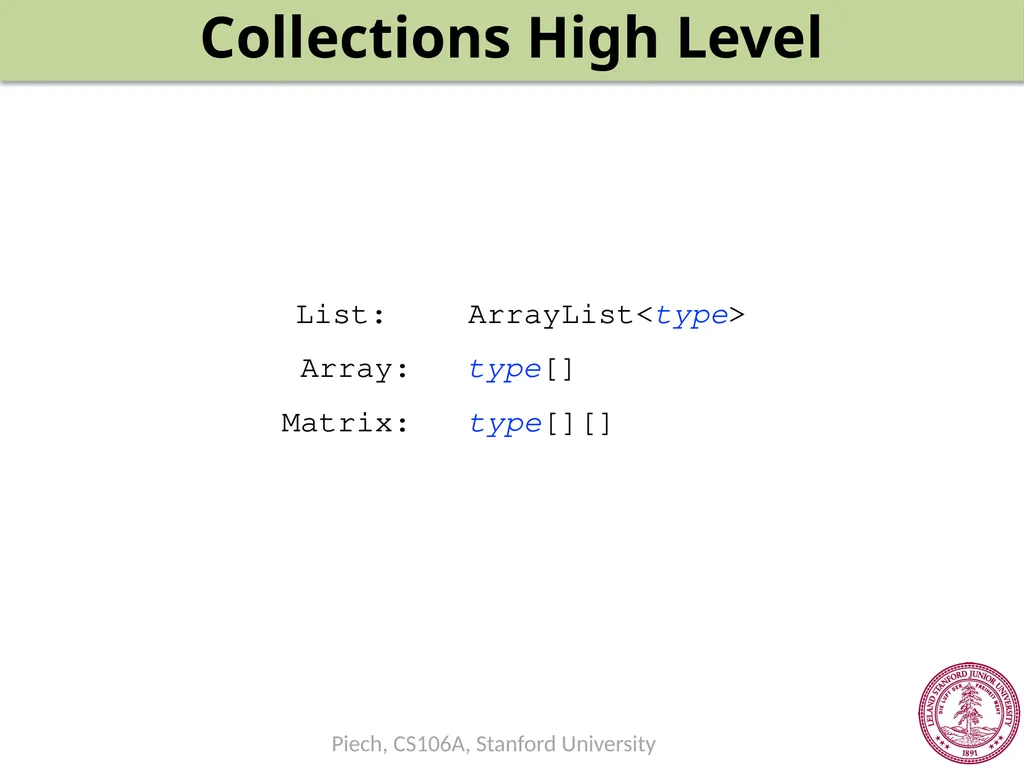
Collections High Level List: Array: Matrix: type[][] type[] ArrayList<type><br>
07
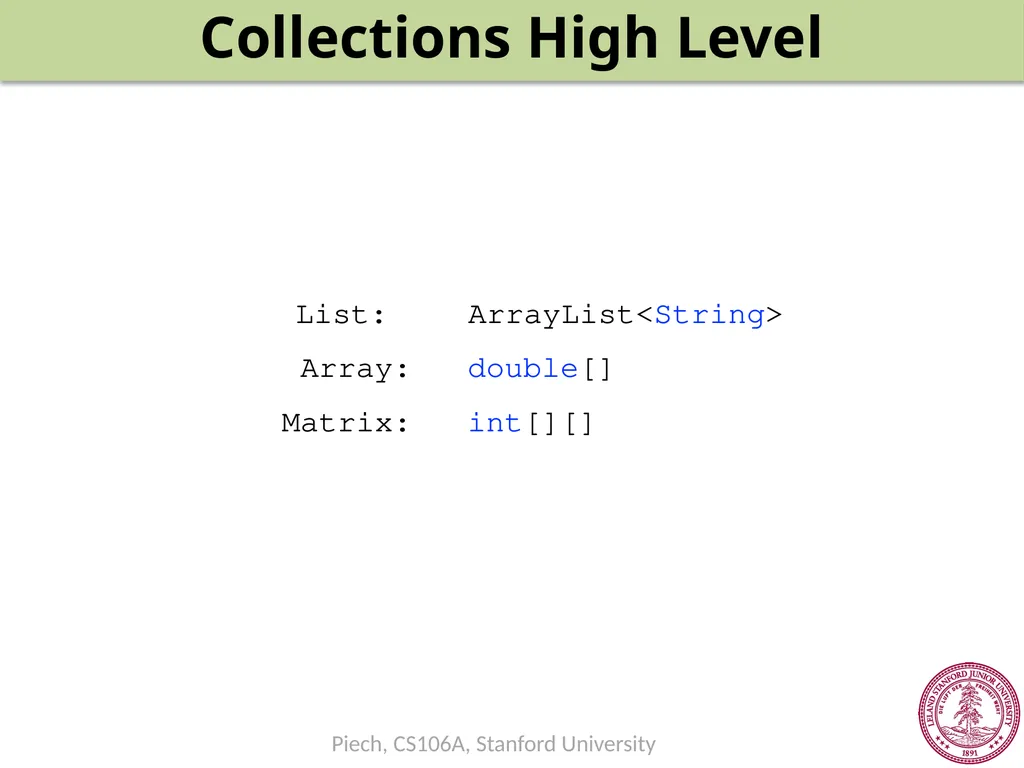
Collections High Level List: Array: Matrix: int[][] double[] ArrayList<String><br>
08
ArrayList
index -> value<br>
09
Arrays
index -> value<br>
10
Matrix
(row, col) -> value<br>
11
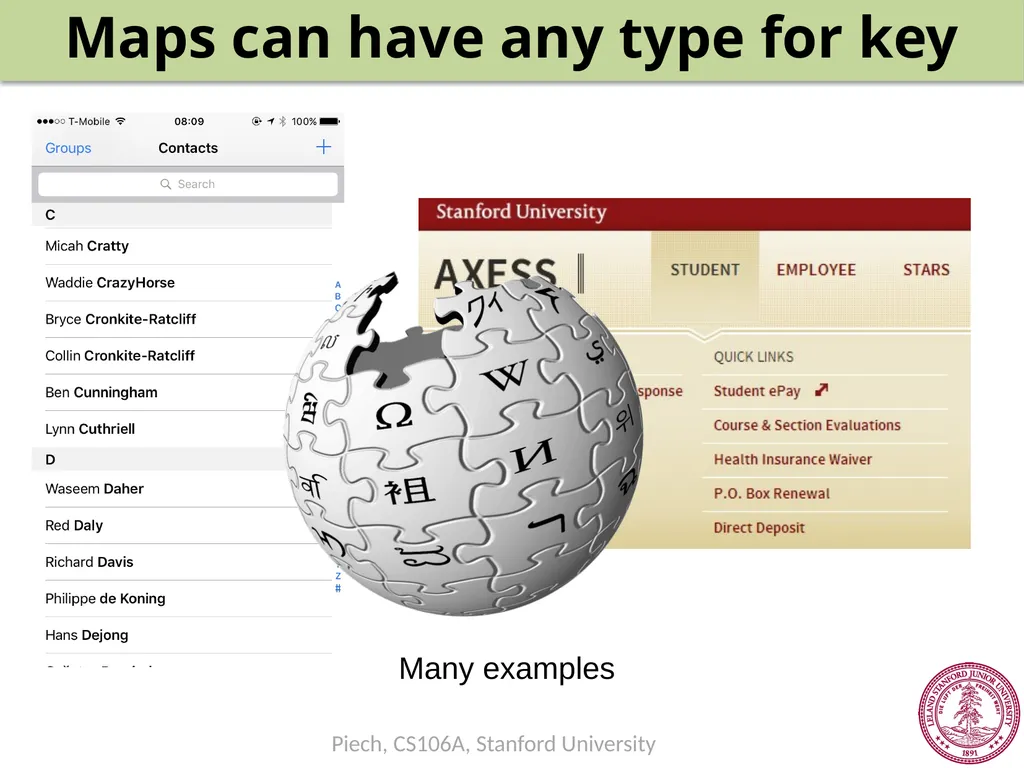
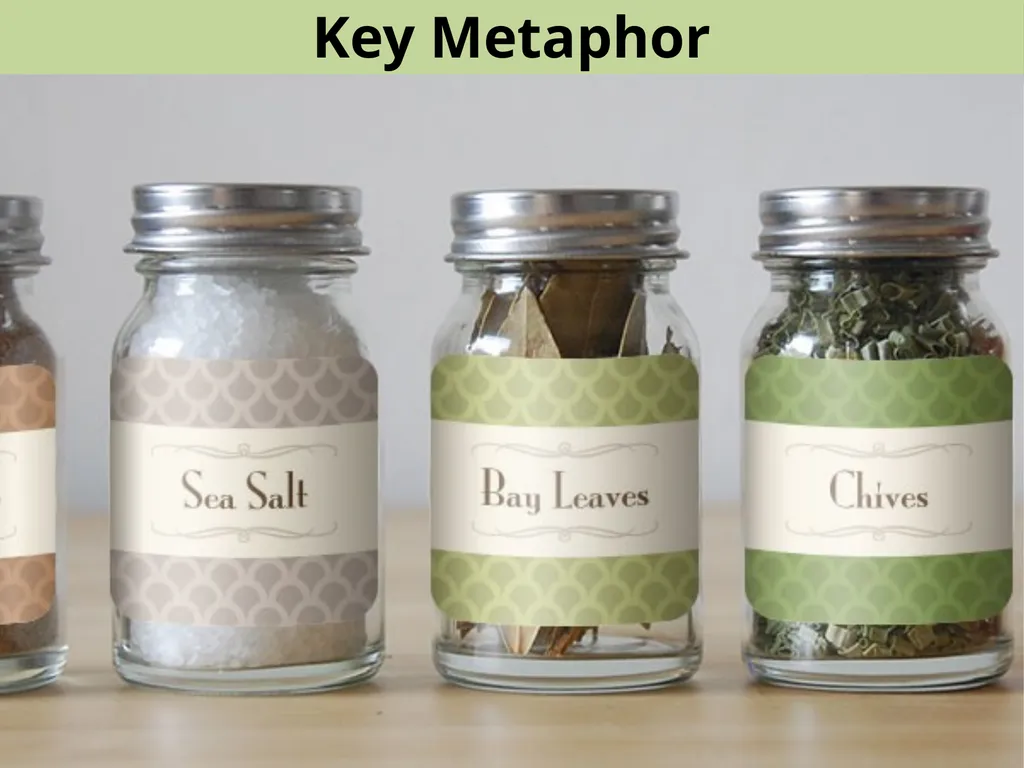
Maps can have any type for key Many examples<br>
12
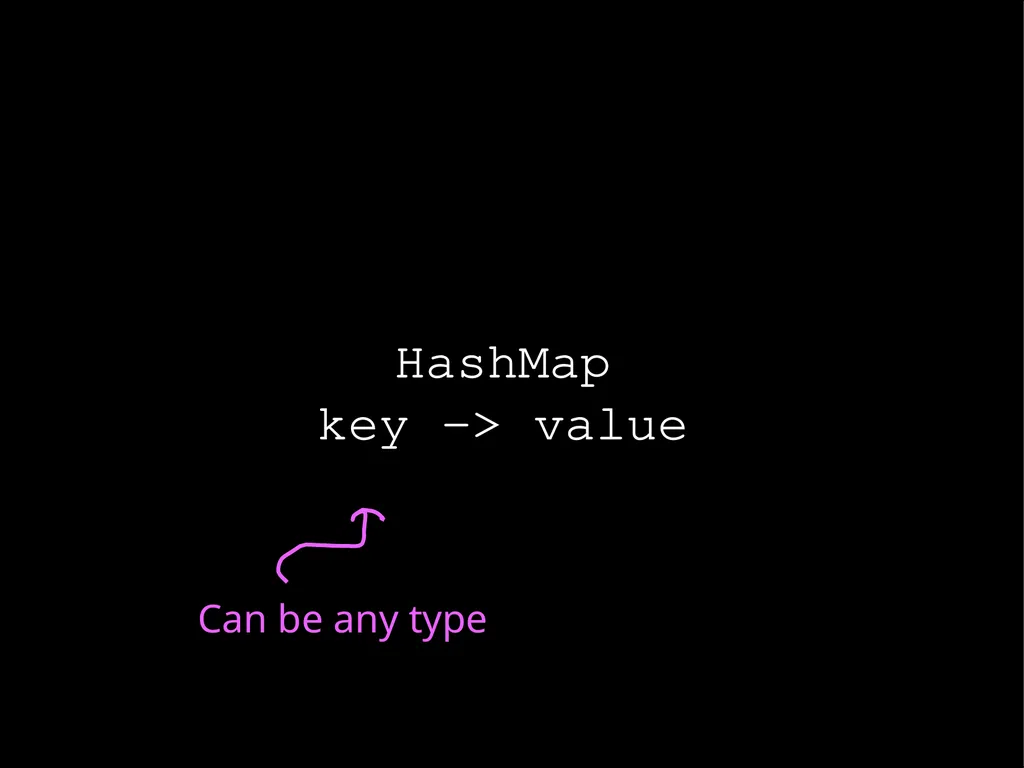
HashMap
key -> value Can be any type<br>
13
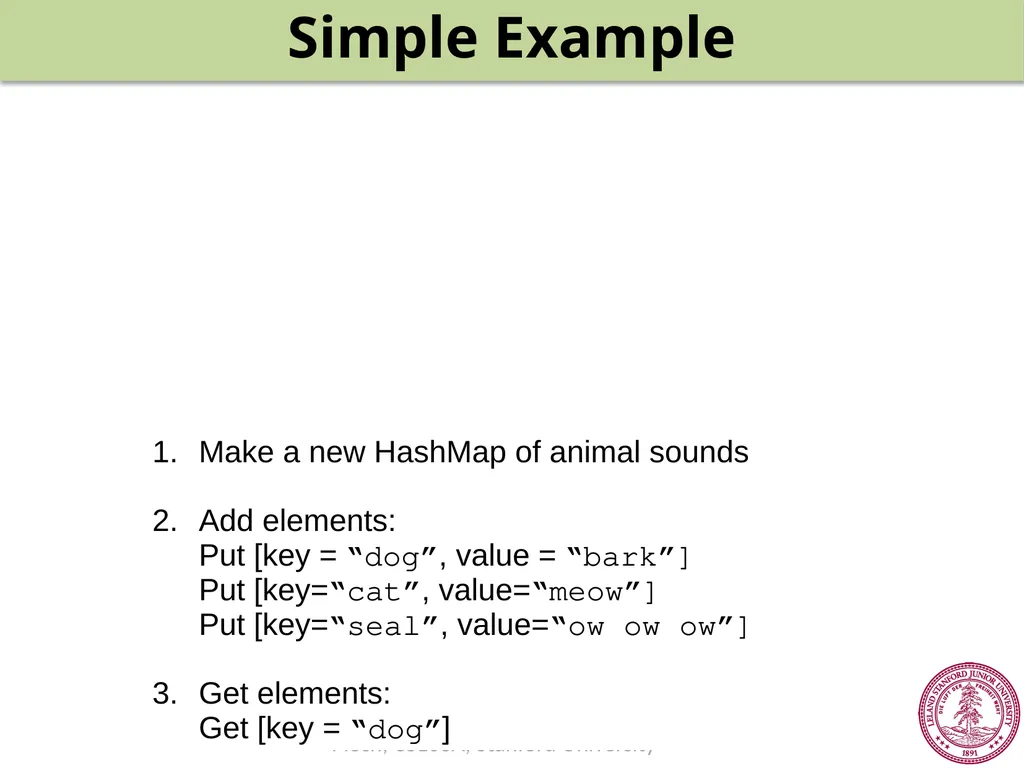
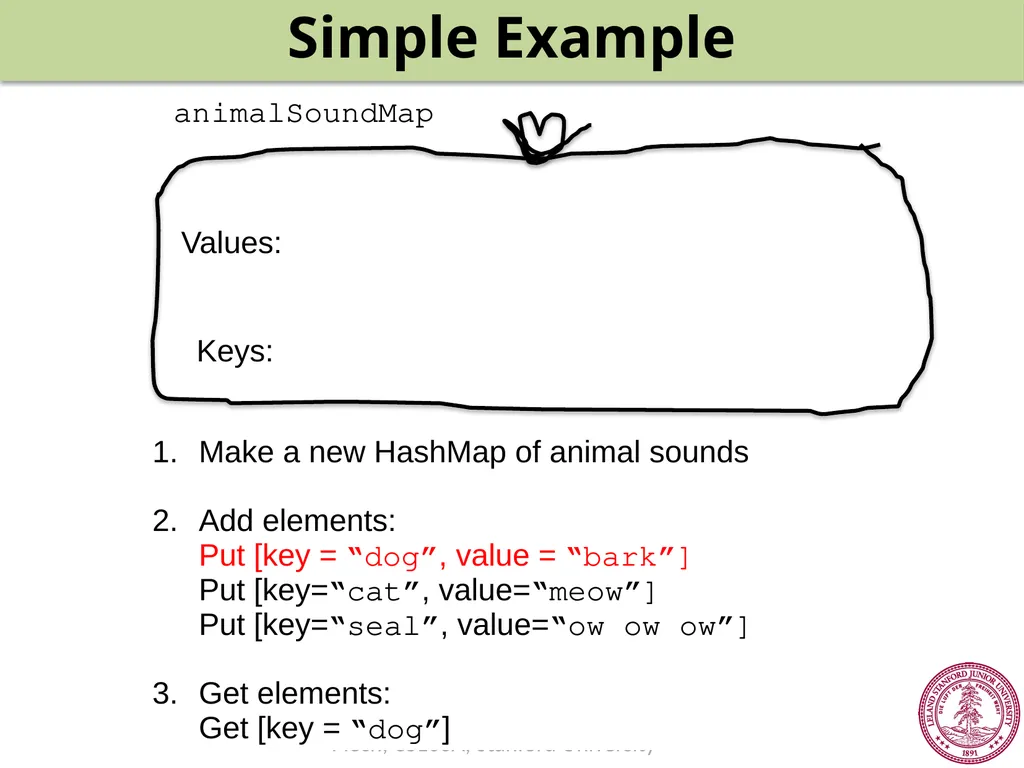
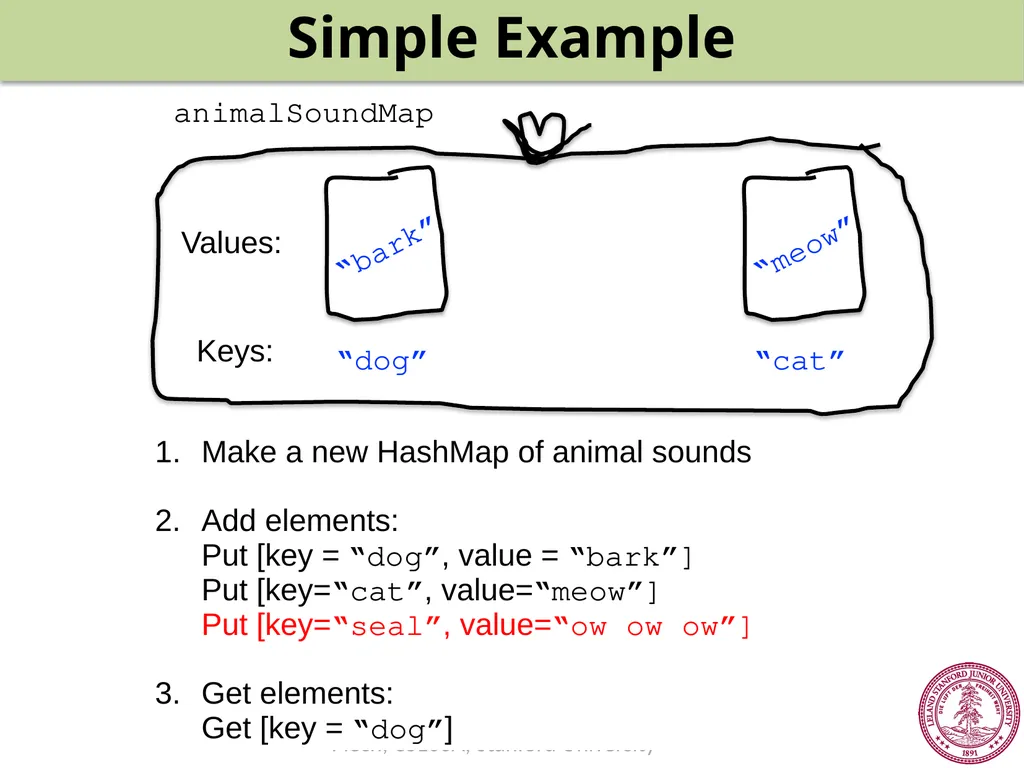
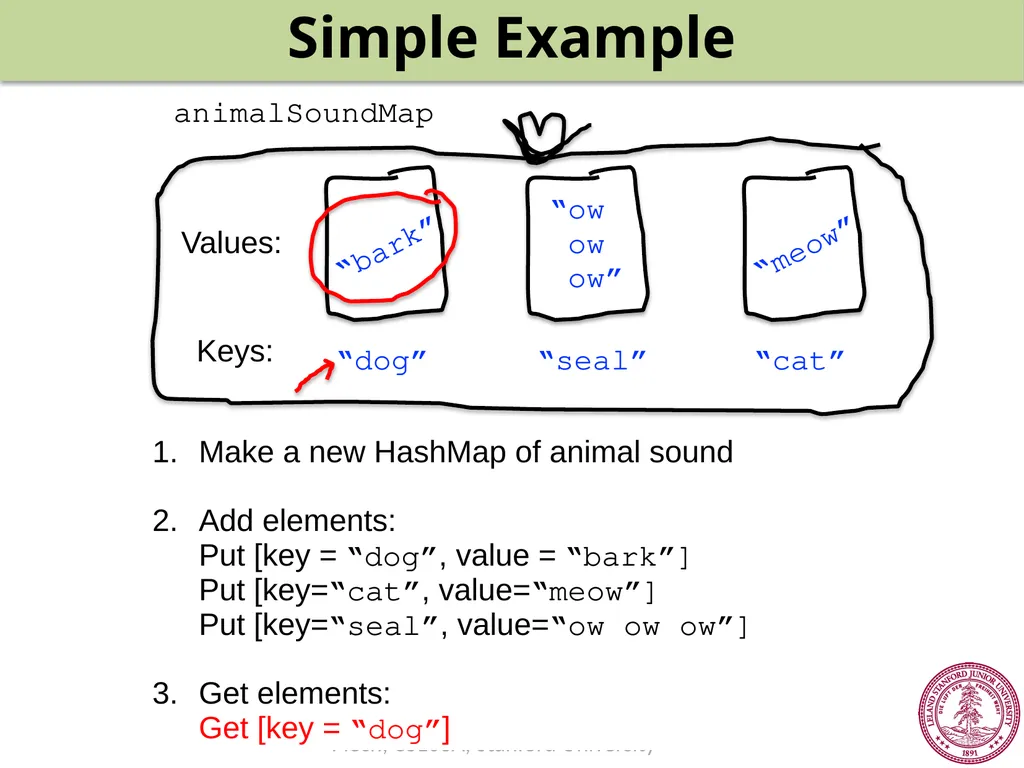
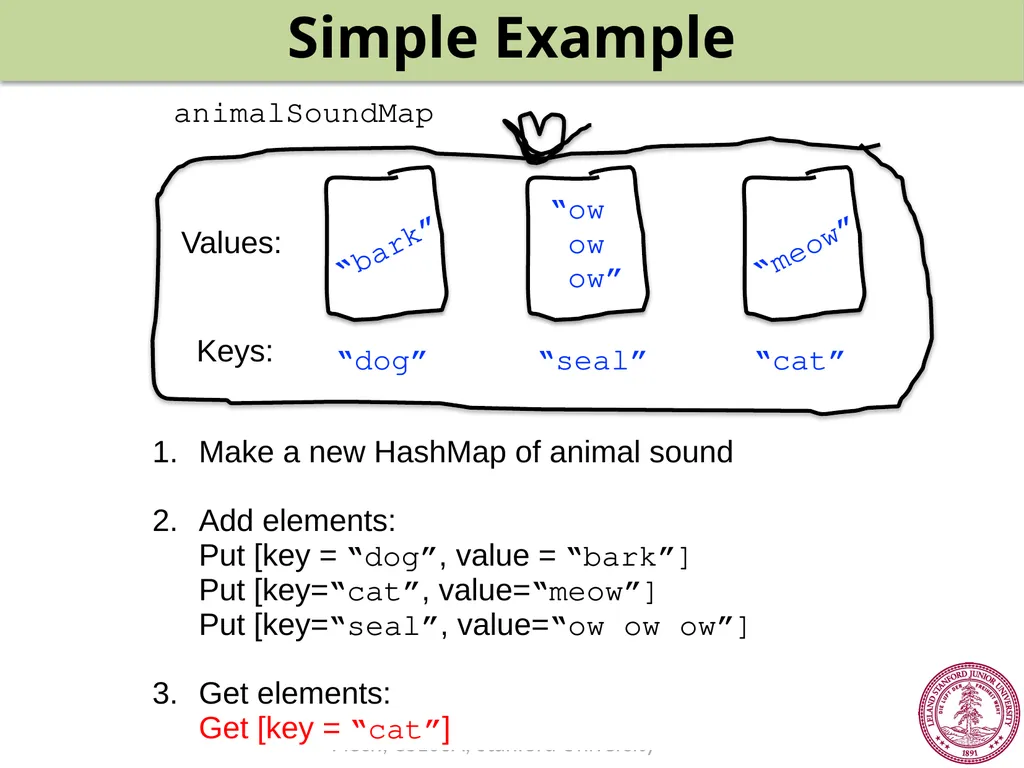
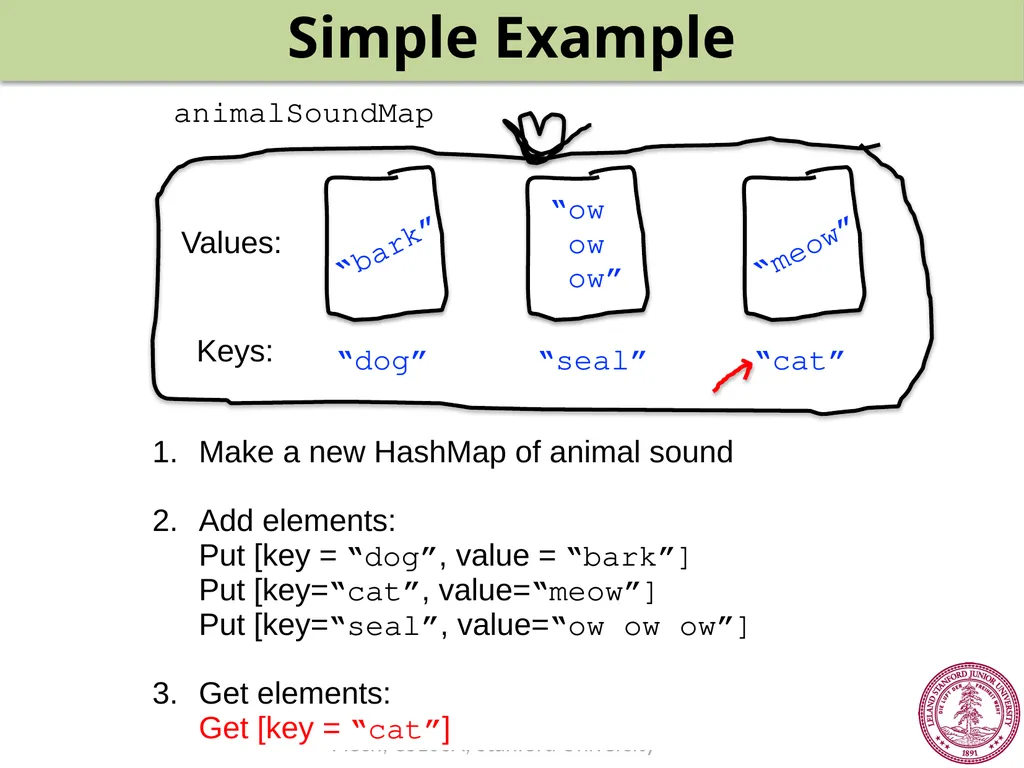
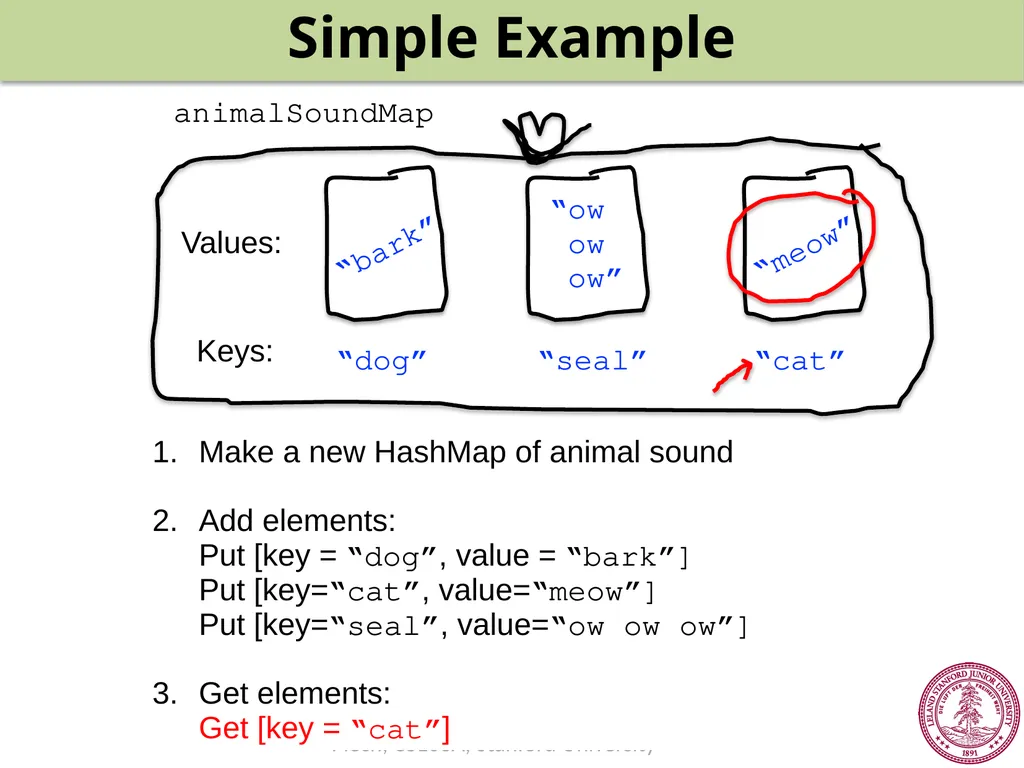
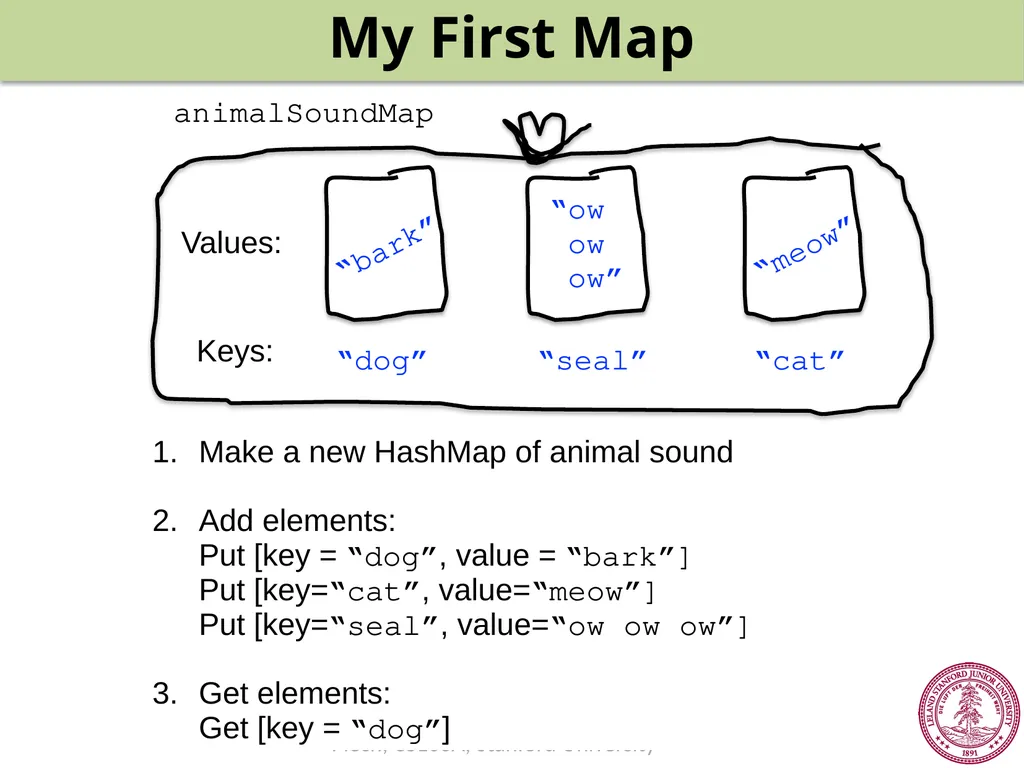
Simple Example Make a new HashMap of animal sounds
2. Add elements:
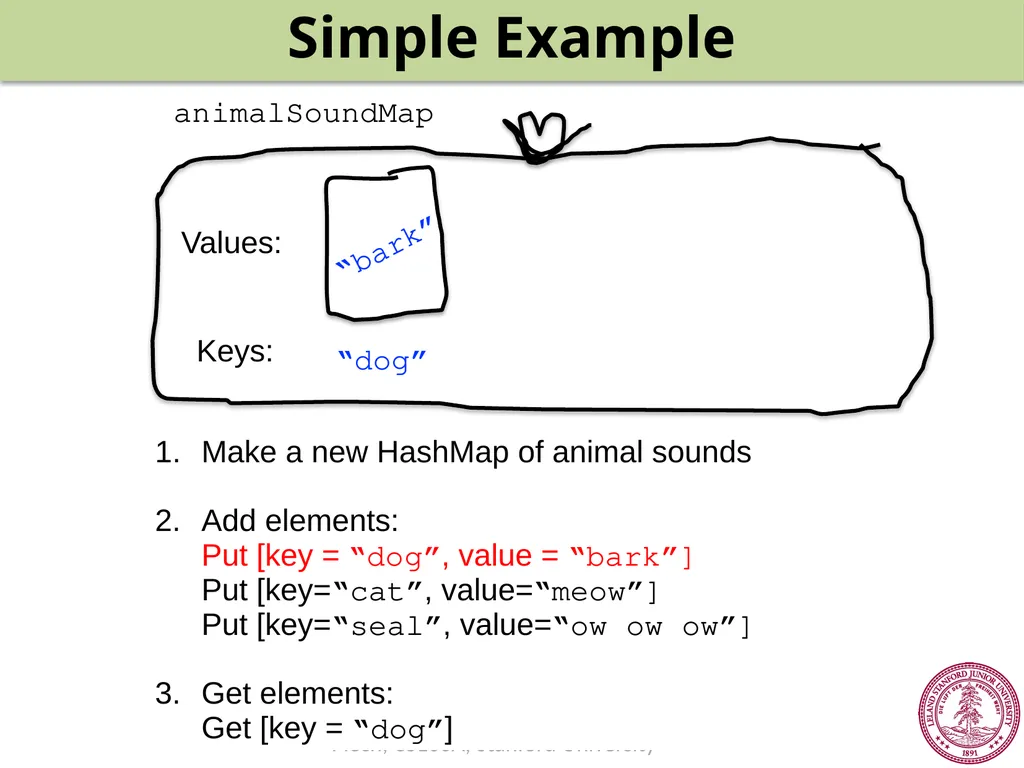
Put [key = “dog”, value = “bark”]
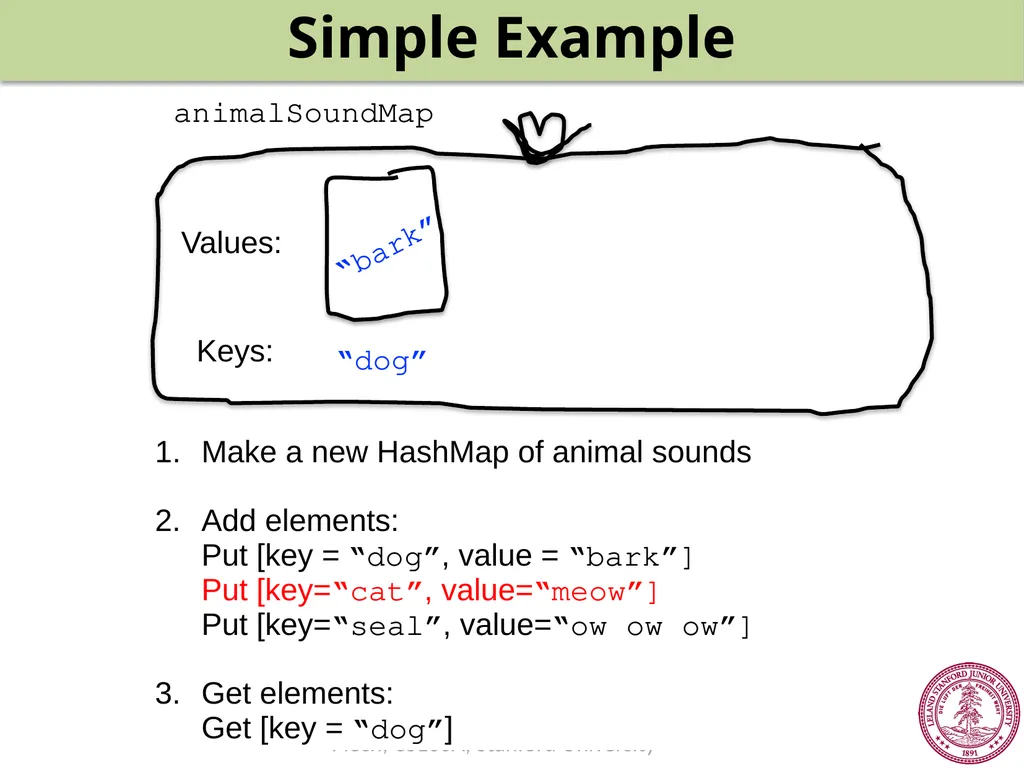
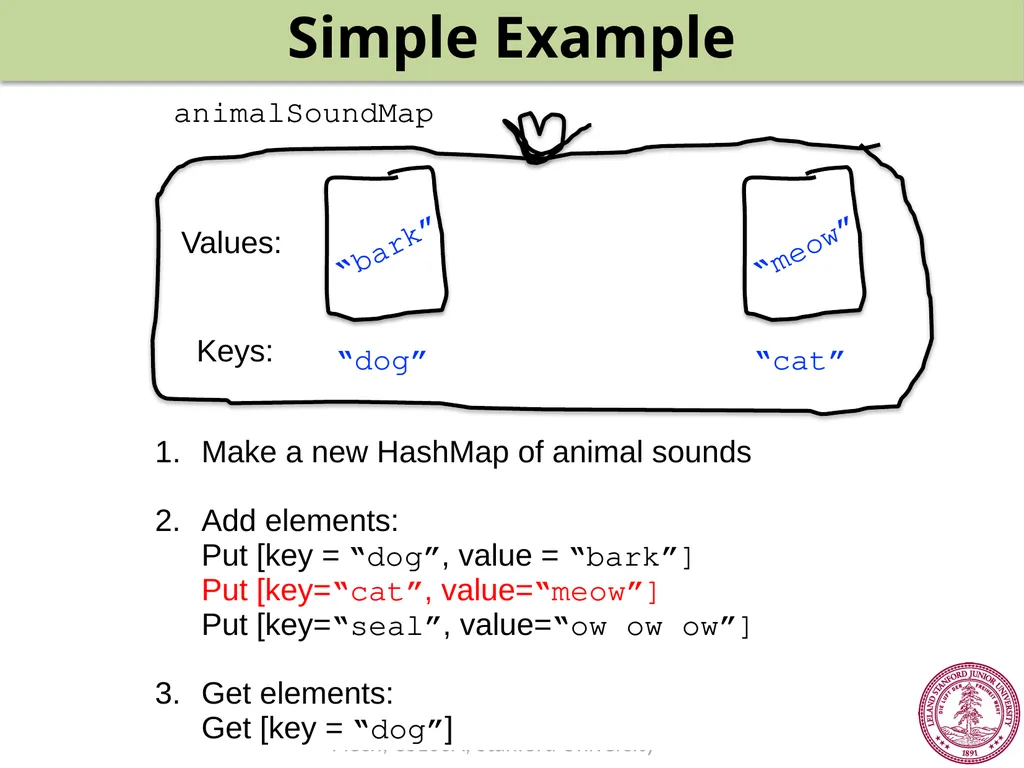
Put [key=“cat”, value=“meow”]
Put [key=“seal”, value=“ow ow ow”]
3. Get elements:
Get [key = “dog”]<br>
14
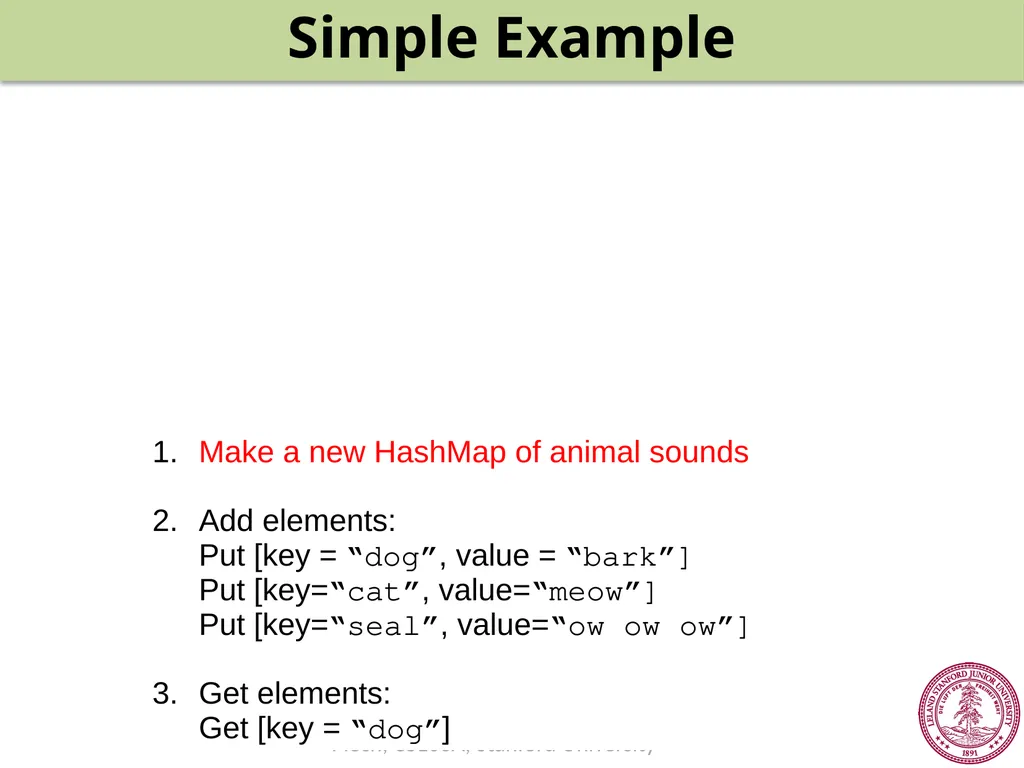
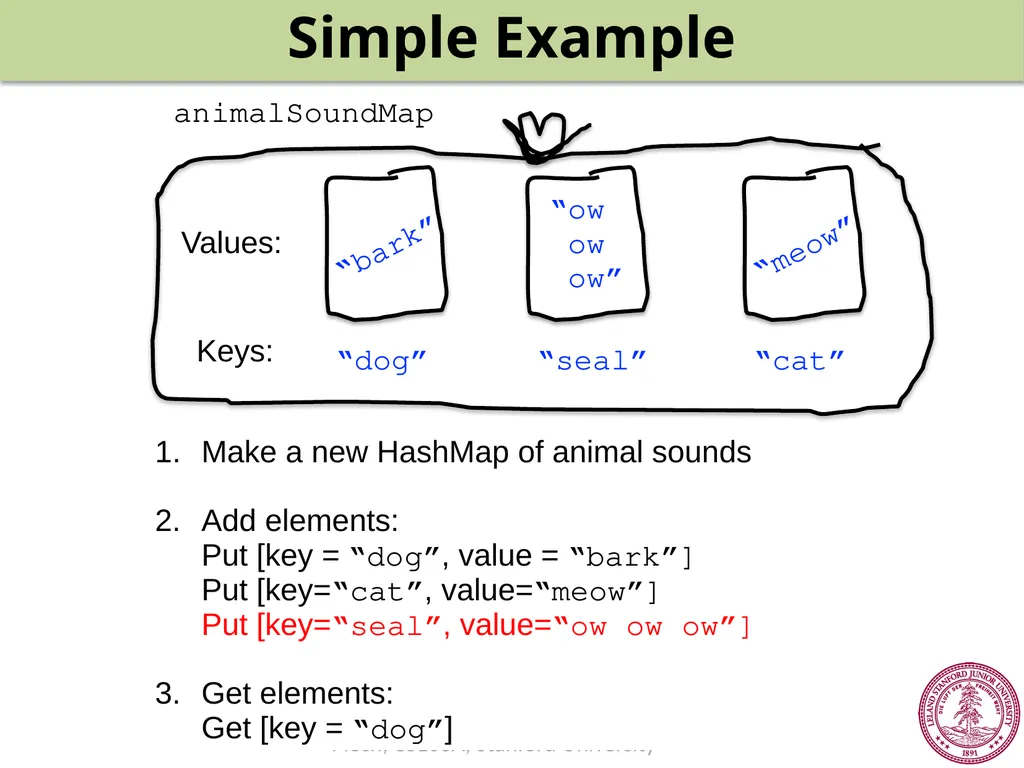
Simple Example Make a new HashMap of animal sounds
2. Add elements:
Put [key = “dog”, value = “bark”]
Put [key=“cat”, value=“meow”]
Put [key=“seal”, value=“ow ow ow”]
3. Get elements:
Get [key = “dog”]<br>
15
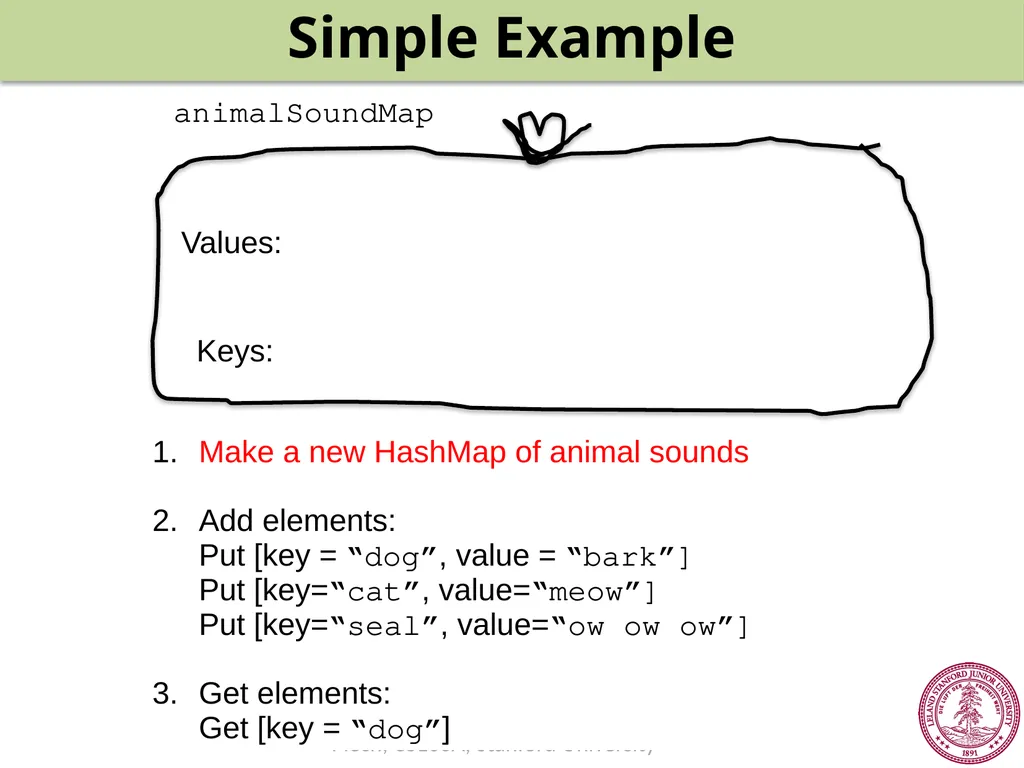
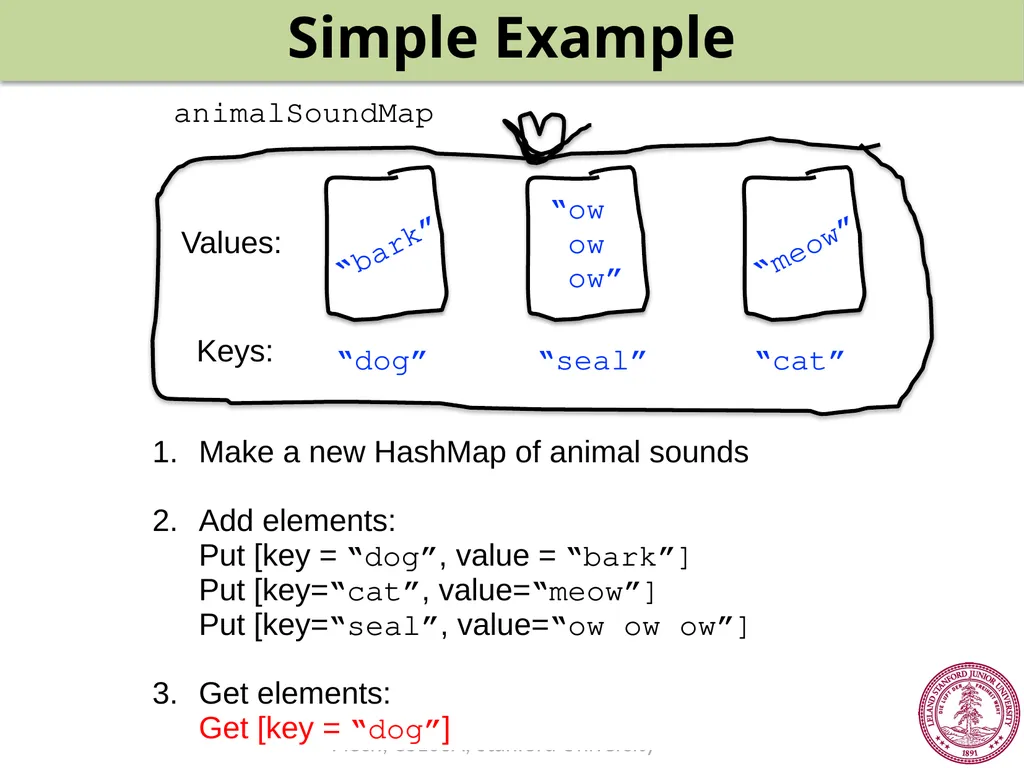
Simple Example Make a new HashMap of animal sounds
2. Add elements:
Put [key = “dog”, value = “bark”]
Put [key=“cat”, value=“meow”]
Put [key=“seal”, value=“ow ow ow”]
3. Get elements:
Get [key = “dog”] animalSoundMap Keys: Values:<br>
16
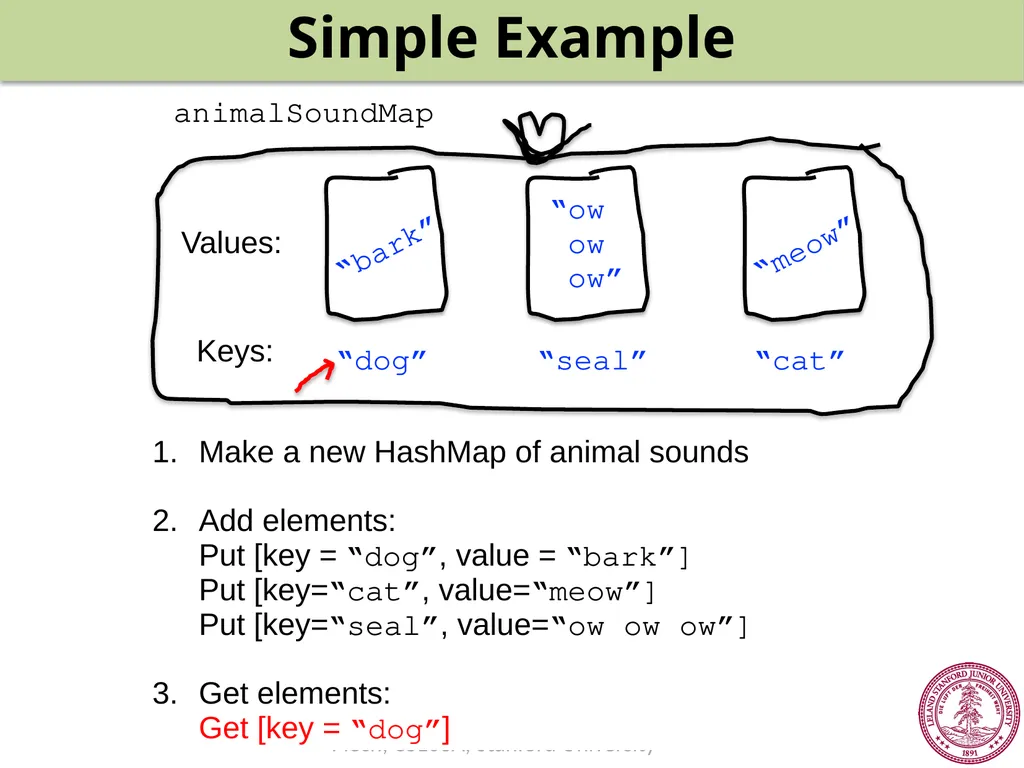
Simple Example Make a new HashMap of animal sounds
2. Add elements:
Put [key = “dog”, value = “bark”]
Put [key=“cat”, value=“meow”]
Put [key=“seal”, value=“ow ow ow”]
3. Get elements:
Get [key = “dog”] animalSoundMap Keys: Values:<br>
17
Simple Example Make a new HashMap of animal sounds
2. Add elements:
Put [key = “dog”, value = “bark”]
Put [key=“cat”, value=“meow”]
Put [key=“seal”, value=“ow ow ow”]
3. Get elements:
Get [key = “dog”] animalSoundMap Keys: Values: “bark” “dog”<br>
18
Simple Example Make a new HashMap of animal sounds
2. Add elements:
Put [key = “dog”, value = “bark”]
Put [key=“cat”, value=“meow”]
Put [key=“seal”, value=“ow ow ow”]
3. Get elements:
Get [key = “dog”] animalSoundMap Keys: Values: “bark” “dog”<br>
19
Simple Example Make a new HashMap of animal sounds
2. Add elements:
Put [key = “dog”, value = “bark”]
Put [key=“cat”, value=“meow”]
Put [key=“seal”, value=“ow ow ow”]
3. Get elements:
Get [key = “dog”] animalSoundMap Keys: Values: “bark” “dog” “cat” “meow”<br>
20
Simple Example Make a new HashMap of animal sounds
2. Add elements:
Put [key = “dog”, value = “bark”]
Put [key=“cat”, value=“meow”]
Put [key=“seal”, value=“ow ow ow”]
3. Get elements:
Get [key = “dog”] Keys: Values: “bark” “dog” “cat” “meow” animalSoundMap<br>
21
Simple Example animalSoundMap Make a new HashMap of animal sounds
2. Add elements:
Put [key = “dog”, value = “bark”]
Put [key=“cat”, value=“meow”]
Put [key=“seal”, value=“ow ow ow”]
3. Get elements:
Get [key = “dog”] Keys: Values: “bark” “dog” “cat” “meow” “seal” “ow
ow
ow”<br>
22
Simple Example Make a new HashMap of animal sounds
2. Add elements:
Put [key = “dog”, value = “bark”]
Put [key=“cat”, value=“meow”]
Put [key=“seal”, value=“ow ow ow”]
3. Get elements:
Get [key = “dog”] animalSoundMap Keys: Values: “bark” “dog” “cat” “meow” “seal” “ow
ow
ow”<br>
23
Simple Example Make a new HashMap of animal sounds
2. Add elements:
Put [key = “dog”, value = “bark”]
Put [key=“cat”, value=“meow”]
Put [key=“seal”, value=“ow ow ow”]
3. Get elements:
Get [key = “dog”] animalSoundMap Keys: Values: “bark” “dog” “cat” “meow” “seal” “ow
ow
ow”<br>
24
Simple Example Make a new HashMap of animal sound
2. Add elements:
Put [key = “dog”, value = “bark”]
Put [key=“cat”, value=“meow”]
Put [key=“seal”, value=“ow ow ow”]
3. Get elements:
Get [key = “dog”] animalSoundMap Keys: Values: “bark” “dog” “cat” “meow” “seal” “ow
ow
ow”<br>
25
Simple Example Make a new HashMap of animal sound
2. Add elements:
Put [key = “dog”, value = “bark”]
Put [key=“cat”, value=“meow”]
Put [key=“seal”, value=“ow ow ow”]
3. Get elements:
Get [key = “cat”] animalSoundMap Keys: Values: “bark” “dog” “cat” “meow” “seal” “ow
ow
ow”<br>
26
Simple Example Make a new HashMap of animal sound
2. Add elements:
Put [key = “dog”, value = “bark”]
Put [key=“cat”, value=“meow”]
Put [key=“seal”, value=“ow ow ow”]
3. Get elements:
Get [key = “cat”] animalSoundMap Keys: Values: “bark” “dog” “cat” “meow” “seal” “ow
ow
ow”<br>
27
Simple Example Make a new HashMap of animal sound
2. Add elements:
Put [key = “dog”, value = “bark”]
Put [key=“cat”, value=“meow”]
Put [key=“seal”, value=“ow ow ow”]
3. Get elements:
Get [key = “cat”] animalSoundMap Keys: Values: “bark” “dog” “cat” “meow” “seal” “ow
ow
ow”<br>
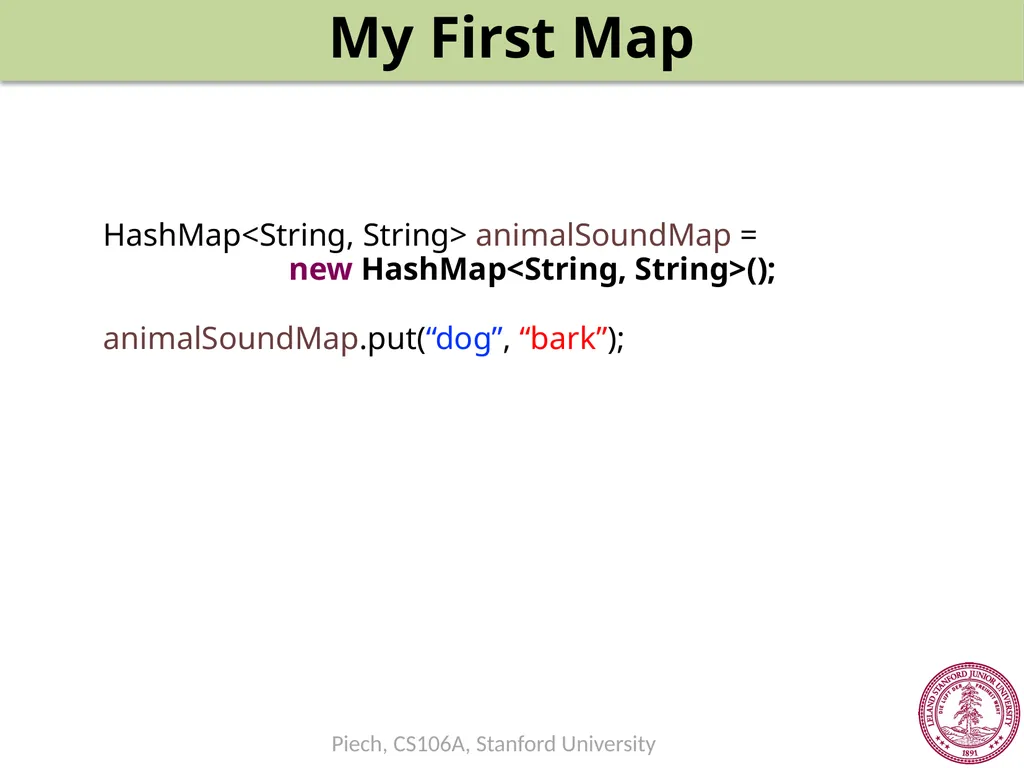
29
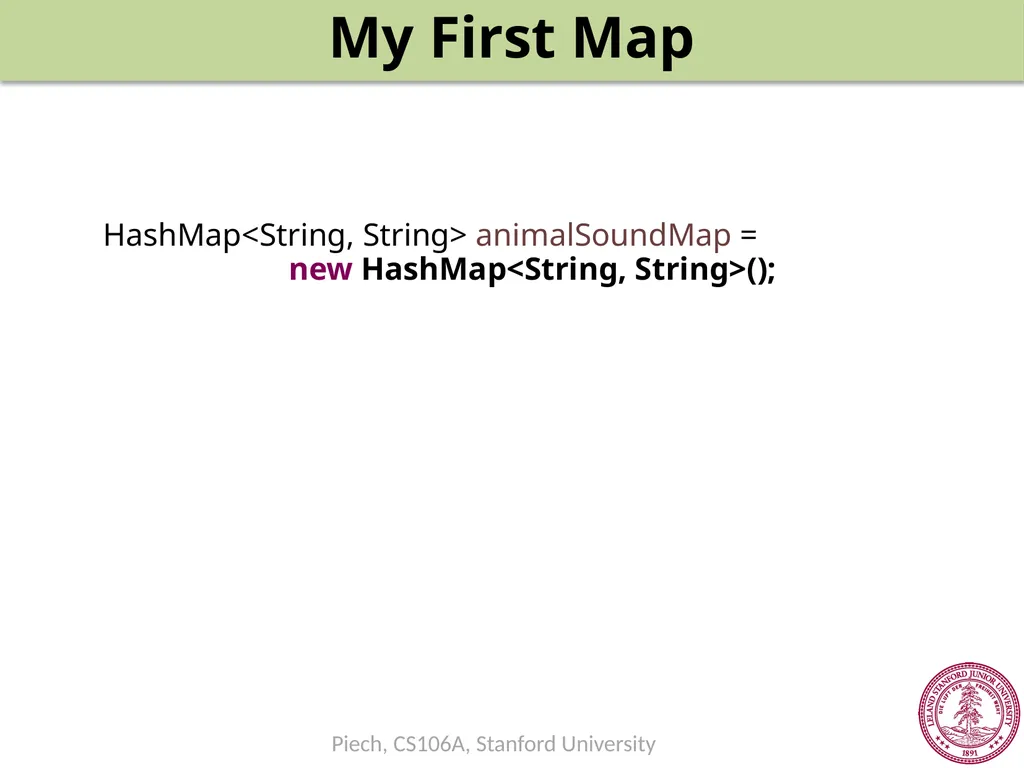
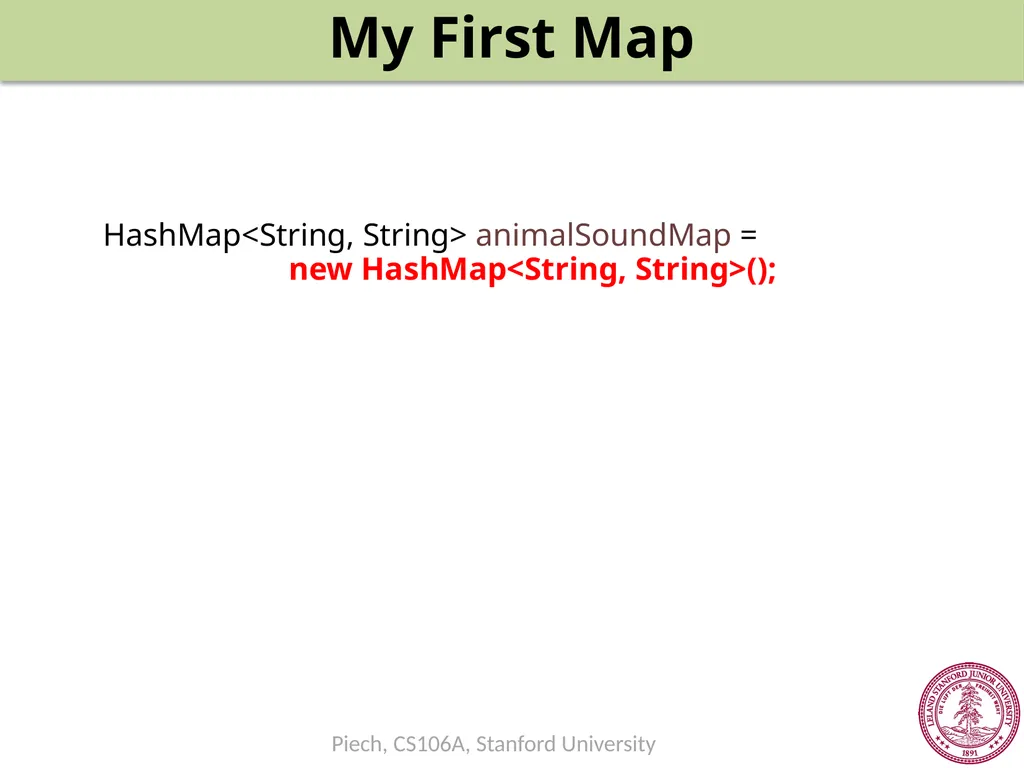
My First Map HashMap<String, String> animalSoundMap =
new HashMap<String, String>();<br>
30
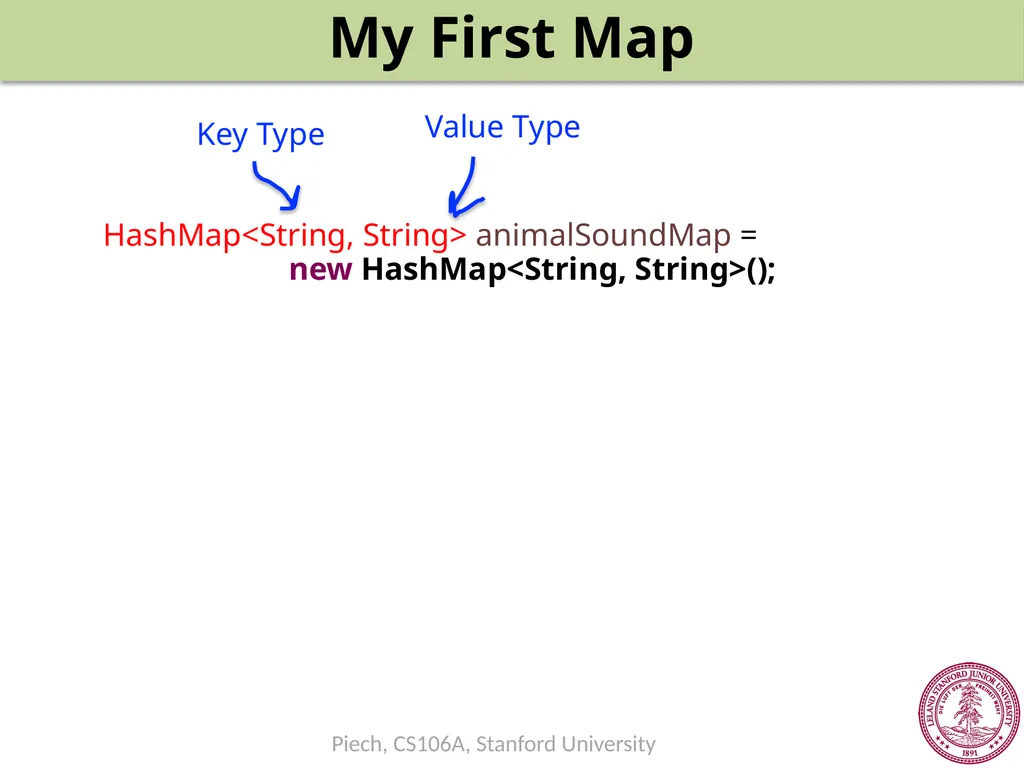
My First Map HashMap<String, String> animalSoundMap =
new HashMap<String, String>(); Key Type Value Type<br>
31
My First Map HashMap<String, String> animalSoundMap =
new HashMap<String, String>();<br>
32
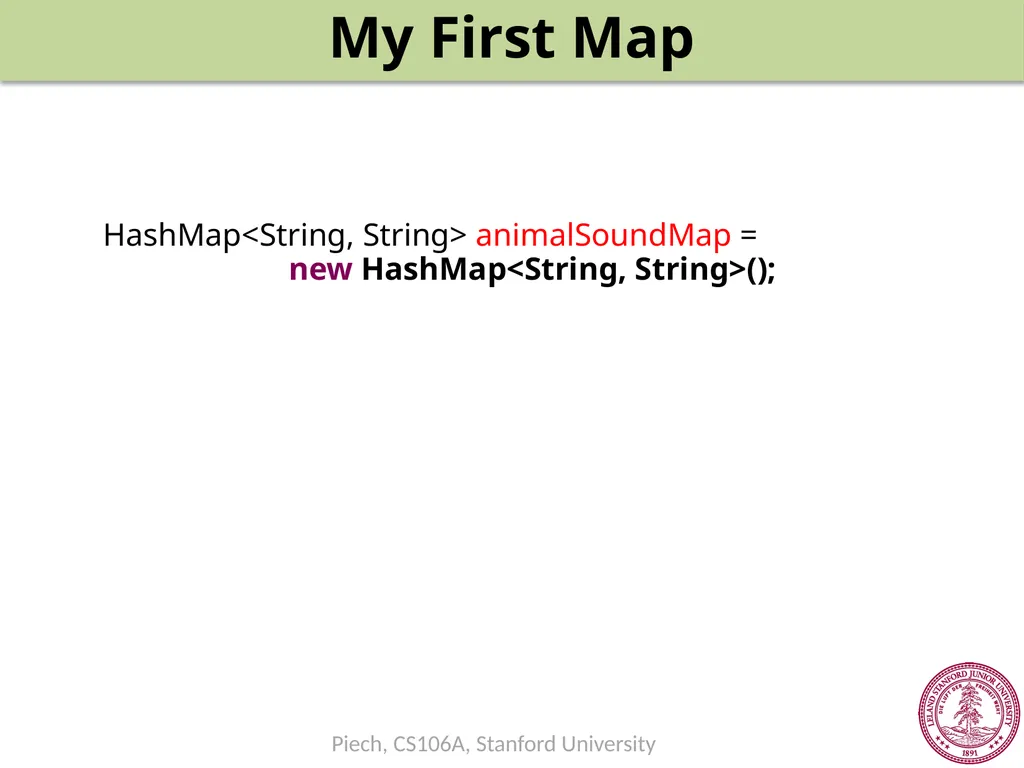
My First Map HashMap<String, String> animalSoundMap =
new HashMap<String, String>();<br>
33
My First Map HashMap<String, String> animalSoundMap =
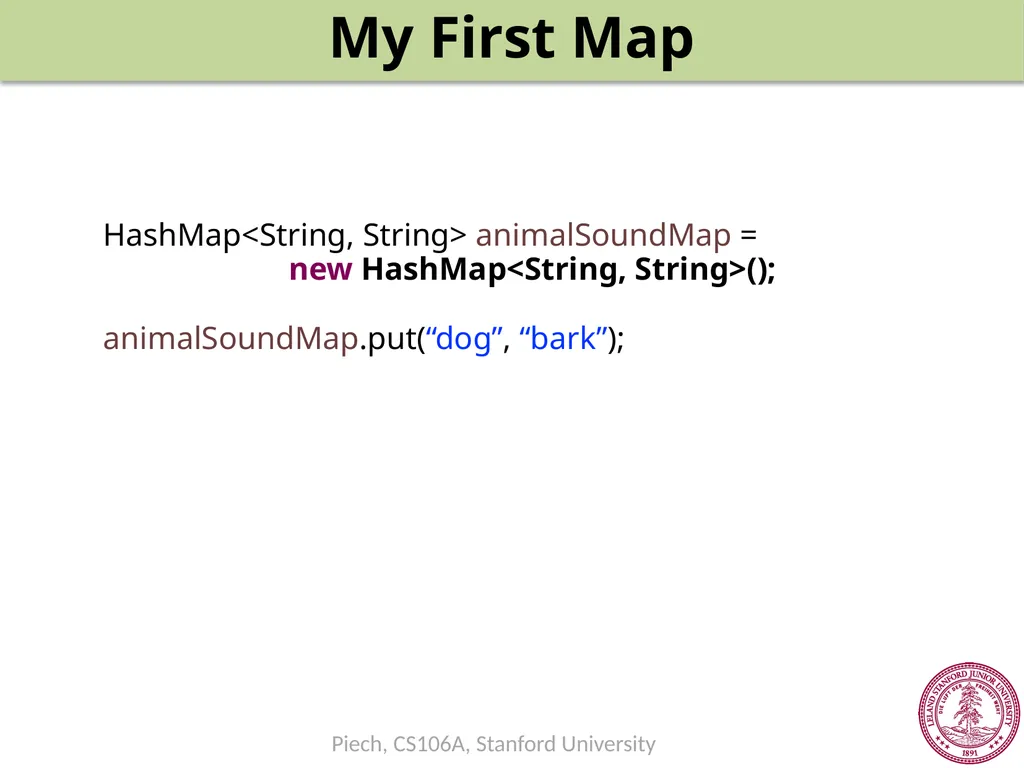
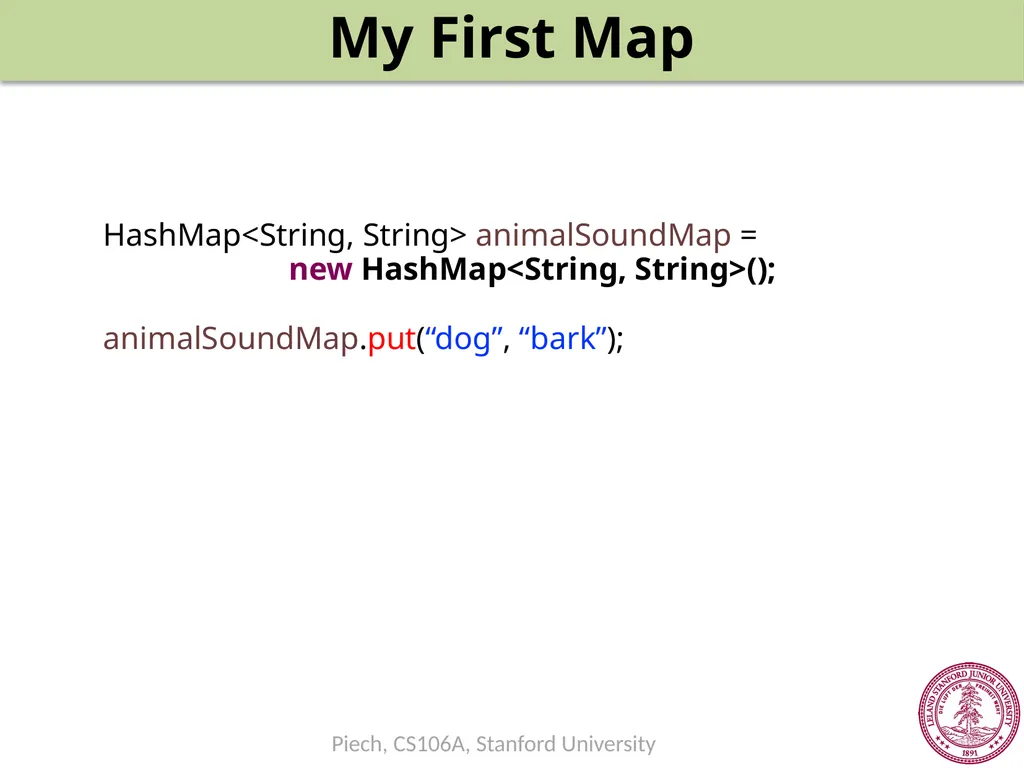
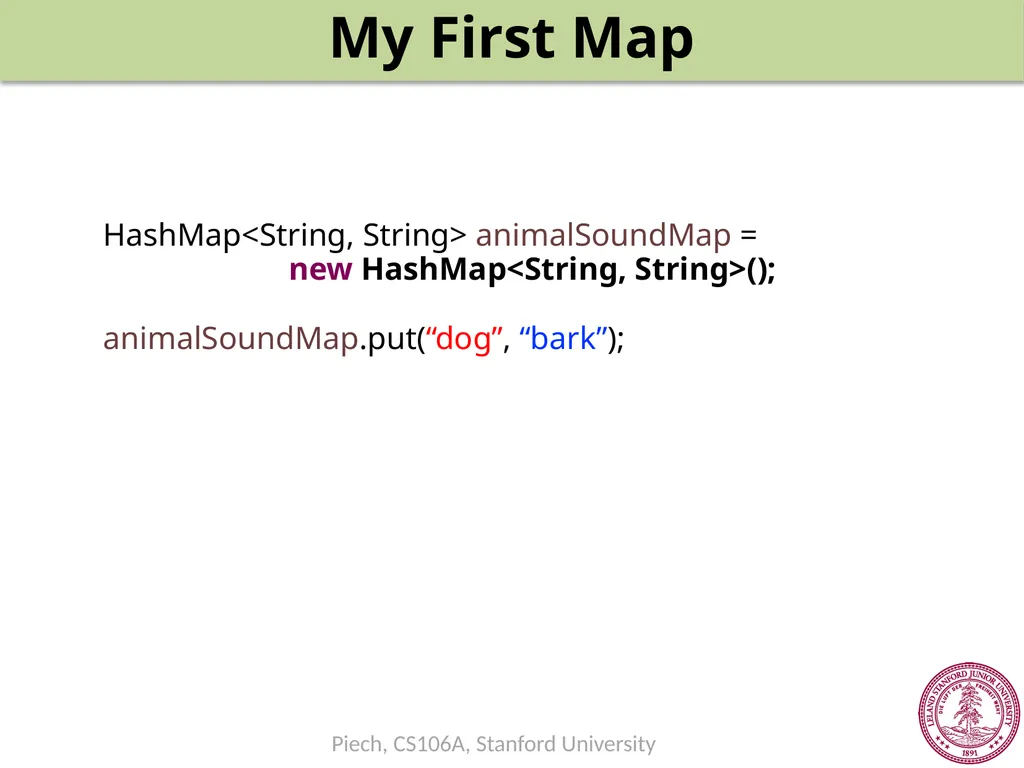
new HashMap<String, String>();
animalSoundMap.put(“dog”, “bark”);<br>
34
My First Map HashMap<String, String> animalSoundMap =
new HashMap<String, String>();
animalSoundMap.put(“dog”, “bark”);<br>
35
My First Map HashMap<String, String> animalSoundMap =
new HashMap<String, String>();
animalSoundMap.put(“dog”, “bark”);<br>
36
My First Map HashMap<String, String> animalSoundMap =
new HashMap<String, String>();
animalSoundMap.put(“dog”, “bark”);<br>
37
My First Map HashMap<String, String> animalSoundMap =
new HashMap<String, String>();
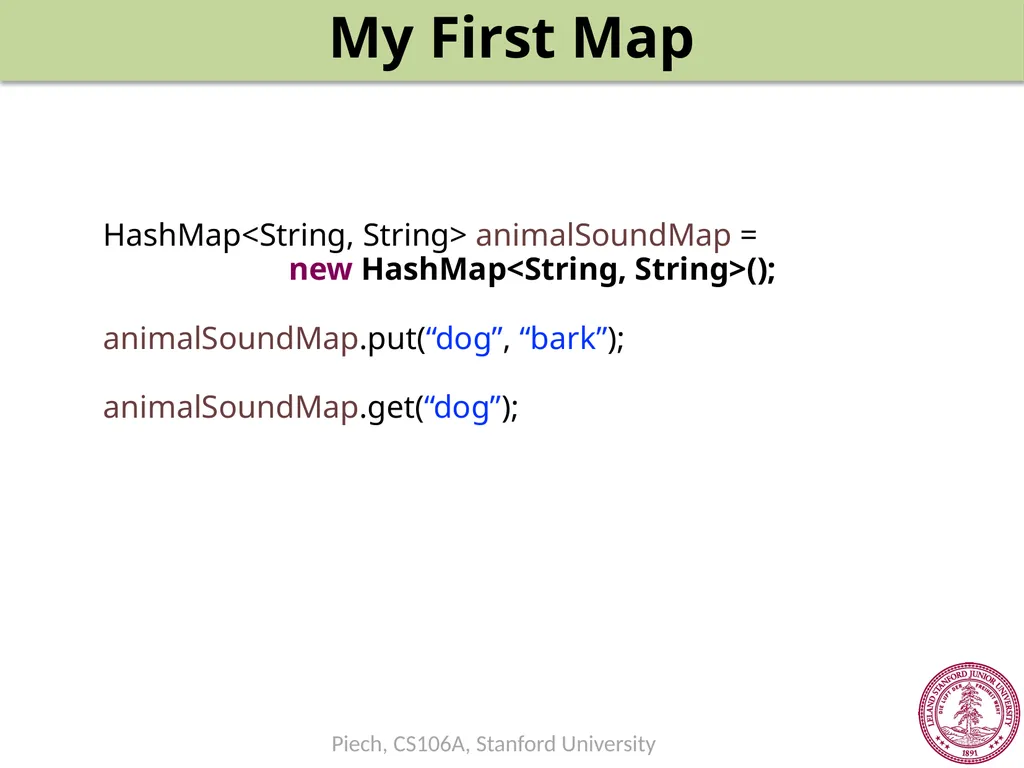
animalSoundMap.put(“dog”, “bark”);
animalSoundMap.get(“dog”);<br>
38
My First Map HashMap<String, String> animalSoundMap =
new HashMap<String, String>();
animalSoundMap.put(“dog”, “bark”);
animalSoundMap.get(“dog”);<br>
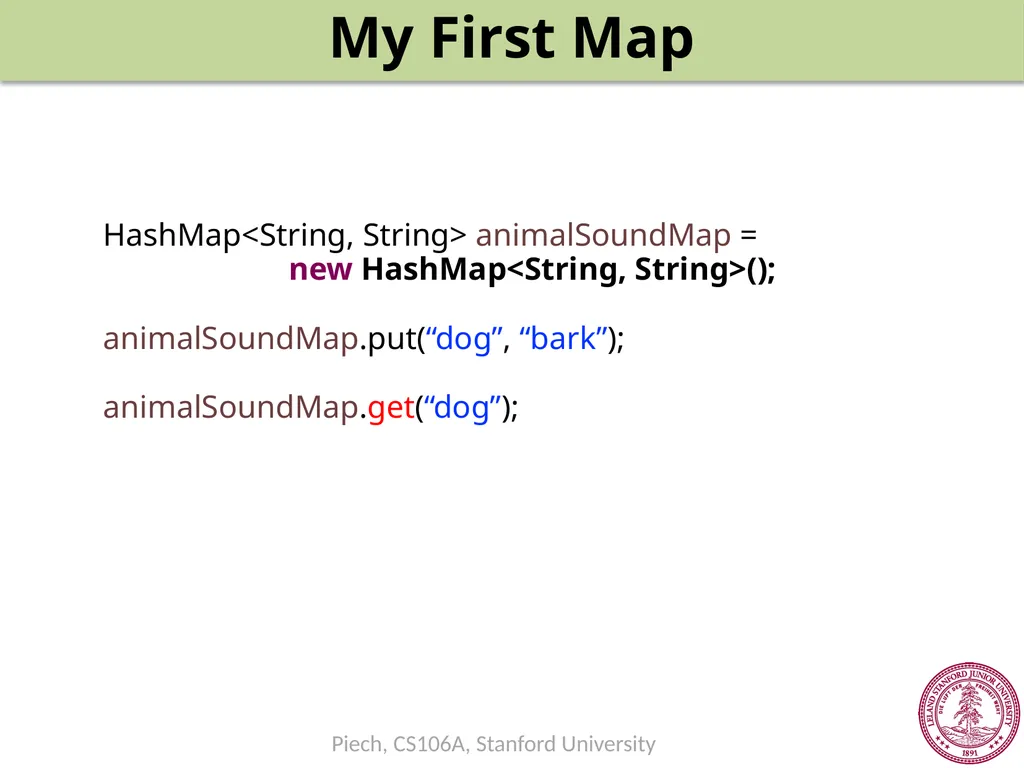
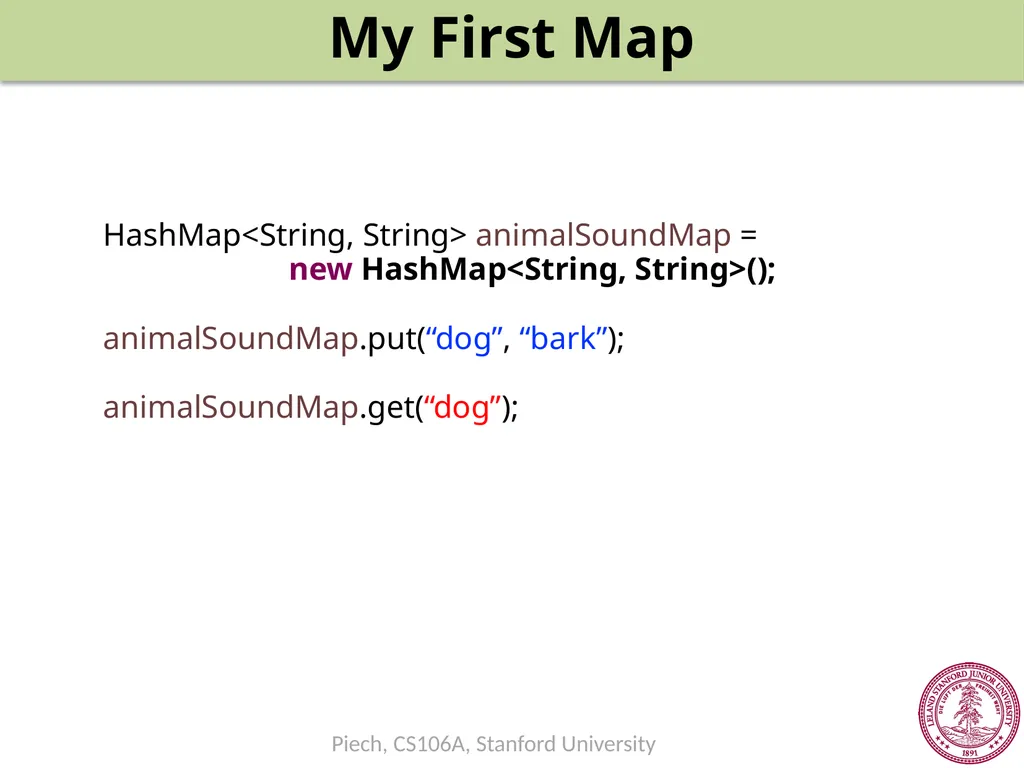
39
My First Map HashMap<String, String> animalSoundMap =
new HashMap<String, String>();
animalSoundMap.put(“dog”, “bark”);
animalSoundMap.get(“dog”);<br>
40
My First Map Make a new HashMap of animal sound
2. Add elements:
Put [key = “dog”, value = “bark”]
Put [key=“cat”, value=“meow”]
Put [key=“seal”, value=“ow ow ow”]
3. Get elements:
Get [key = “dog”] animalSoundMap Keys: Values: “bark” “dog” “cat” “meow” “seal” “ow
ow
ow”<br>
41
My First Map animalSoundMap Keys: Values: “bark” “dog” “cat” “meow” “seal” “ow
ow
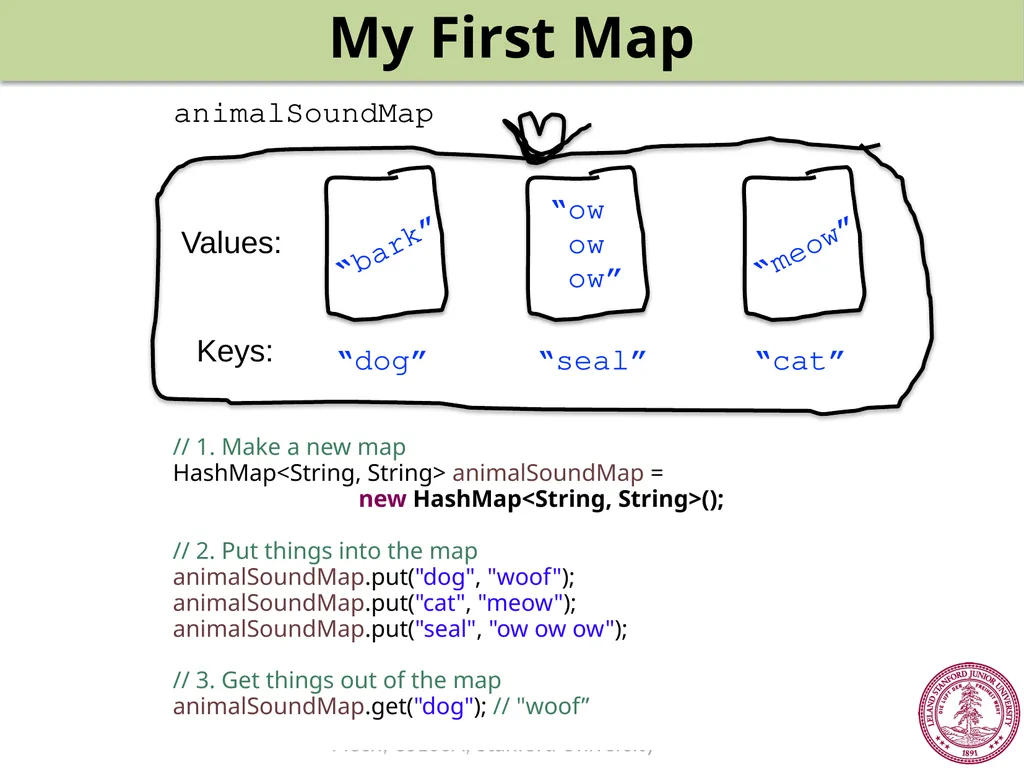
ow” // 1. Make a new map
HashMap<String, String> animalSoundMap =
new HashMap<String, String>();
// 2. Put things into the map
animalSoundMap.put("dog", "woof");
animalSoundMap.put("cat", "meow");
animalSoundMap.put("seal", "ow ow ow");
// 3. Get things out of the map
animalSoundMap.get("dog"); // "woof”<br>
42
My First Map // 1. Make a new map
HashMap<String, String> animalSoundMap =
new HashMap<String, String>();
// 2. Put things into the map
animalSoundMap.put("dog", "woof");
animalSoundMap.put("cat", "meow");
animalSoundMap.put("seal", "ow ow ow");
// 3. Get things out of the map
animalSoundMap.get("dog"); // "woof"
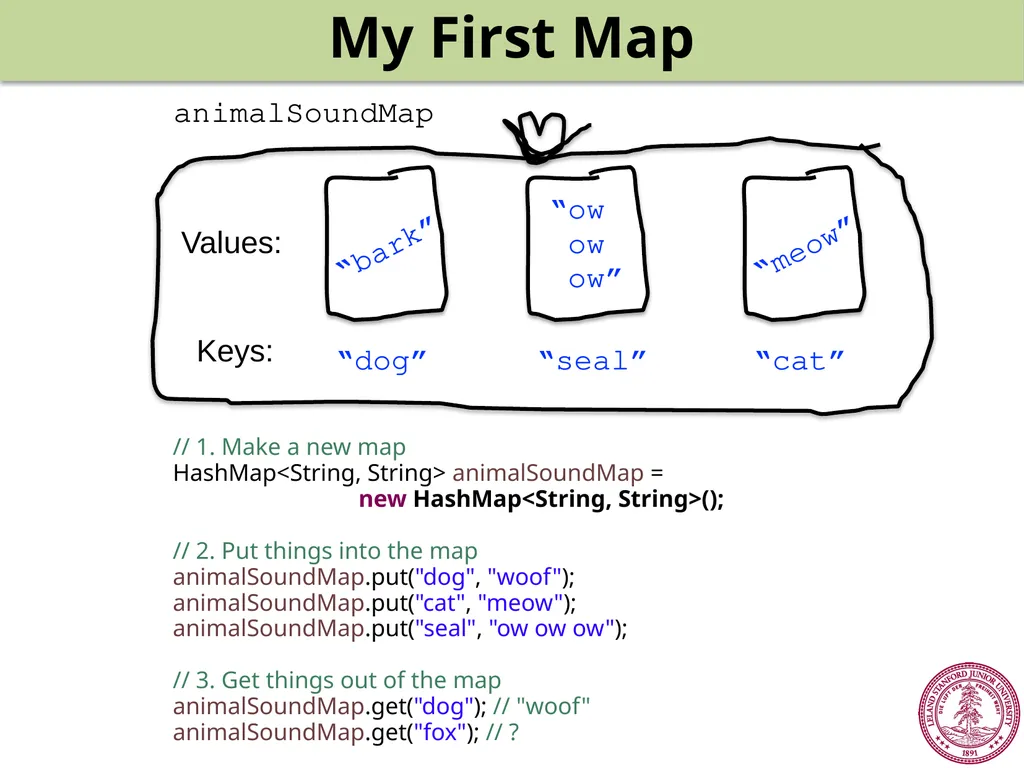
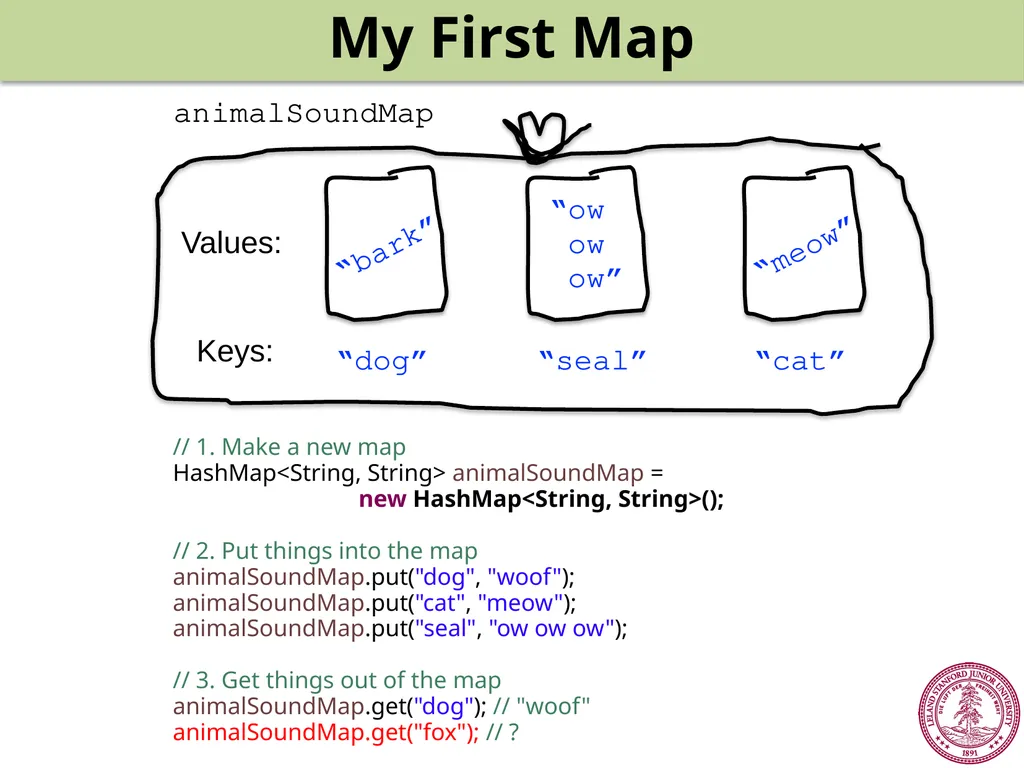
animalSoundMap.get("fox"); // ? animalSoundMap Keys: Values: “bark” “dog” “cat” “meow” “seal” “ow
ow
ow”<br>
43
brothers Vegard
and Bård Ylvisåker Circa 2013,
Norway<br>
44
Ylvis – “The Fox”. Permission asked. Pending.<br>
45
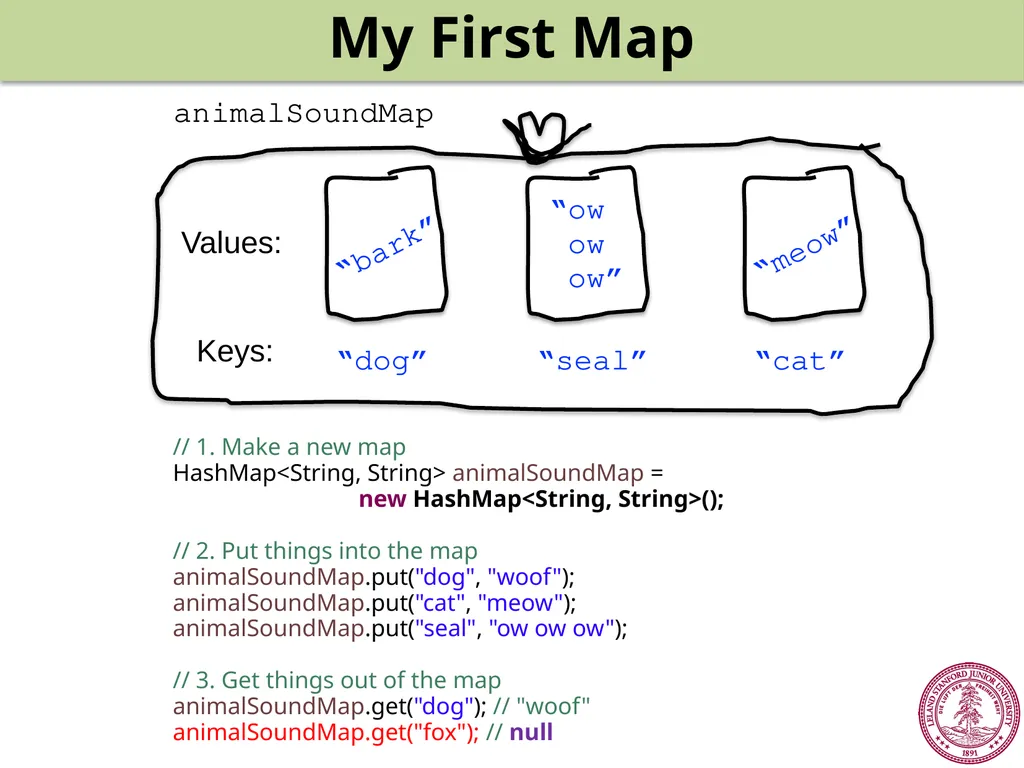
My First Map animalSoundMap Keys: Values: “bark” “dog” “cat” “meow” “seal” “ow
ow
ow” // 1. Make a new map
HashMap<String, String> animalSoundMap =
new HashMap<String, String>();
// 2. Put things into the map
animalSoundMap.put("dog", "woof");
animalSoundMap.put("cat", "meow");
animalSoundMap.put("seal", "ow ow ow");
// 3. Get things out of the map
animalSoundMap.get("dog"); // "woof"
animalSoundMap.get("fox"); // ?<br>
46
My First Map animalSoundMap Keys: Values: “bark” “dog” “cat” “meow” “seal” “ow
ow
ow” // 1. Make a new map
HashMap<String, String> animalSoundMap =
new HashMap<String, String>();
// 2. Put things into the map
animalSoundMap.put("dog", "woof");
animalSoundMap.put("cat", "meow");
animalSoundMap.put("seal", "ow ow ow");
// 3. Get things out of the map
animalSoundMap.get("dog"); // "woof"
animalSoundMap.get("fox"); // null<br>
47
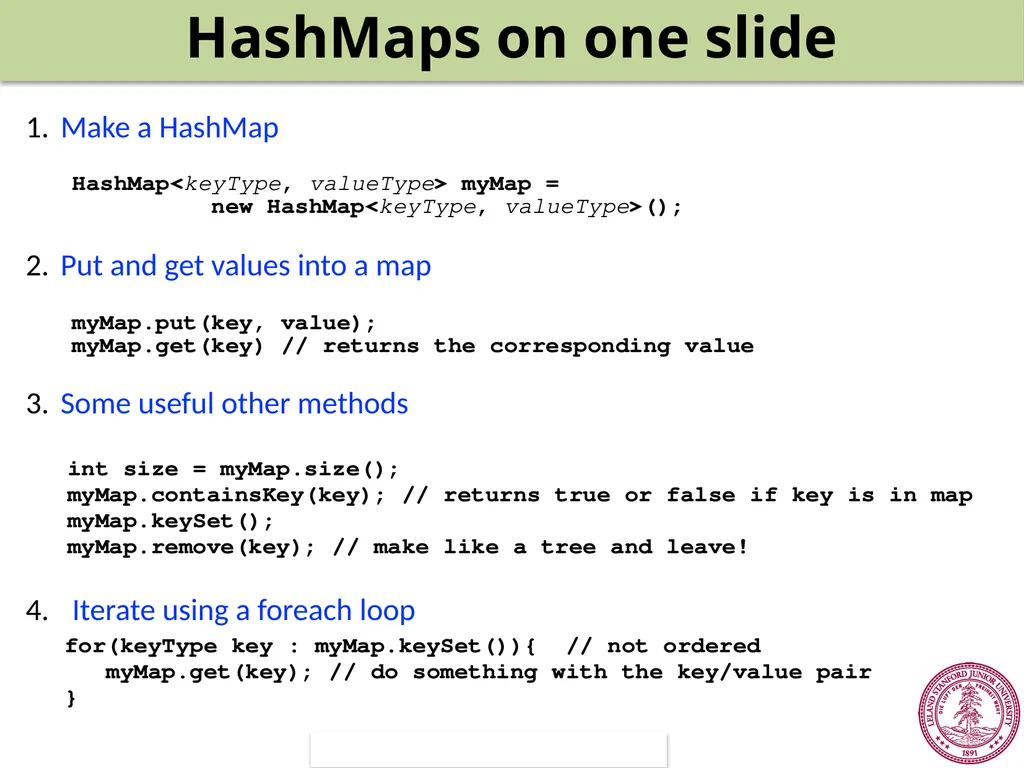
Make a HashMap
Put and get values into a map
Some useful other methods
int size = myMap.size();
myMap.containsKey(key); // returns true or false if key is in map
myMap.keySet();
myMap.remove(key); // make like a tree and leave!
Iterate using a foreach loop HashMap<keyType, valueType> myMap =
new HashMap<keyType, valueType>(); myMap.put(key, value);
myMap.get(key) // returns the corresponding value for(keyType key : myMap.keySet()){ // not ordered
myMap.get(key); // do something with the key/value pair�} HashMaps on one slide<br>
48
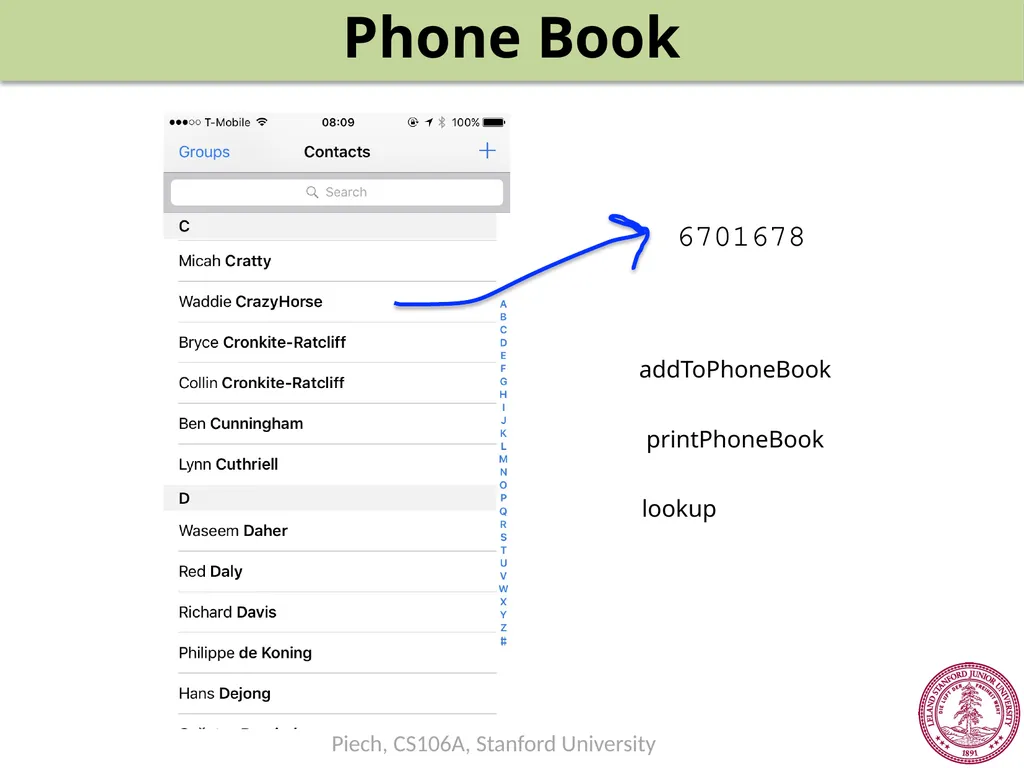
Phone Book 6701678 addToPhoneBook printPhoneBook lookup<br>
50
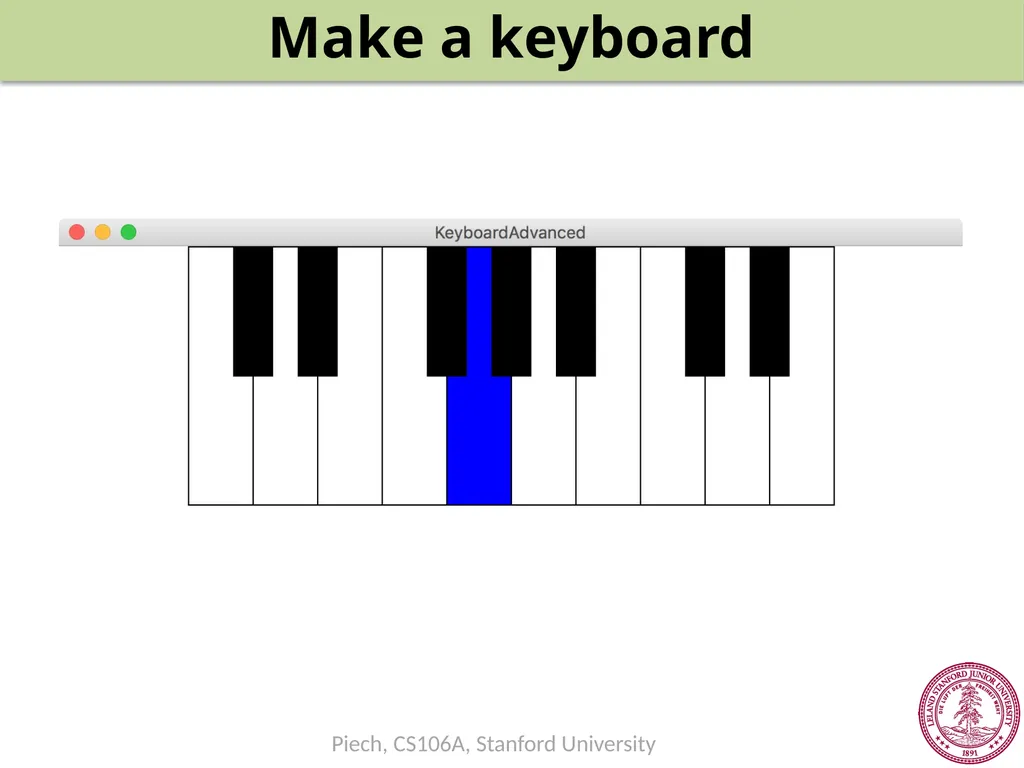
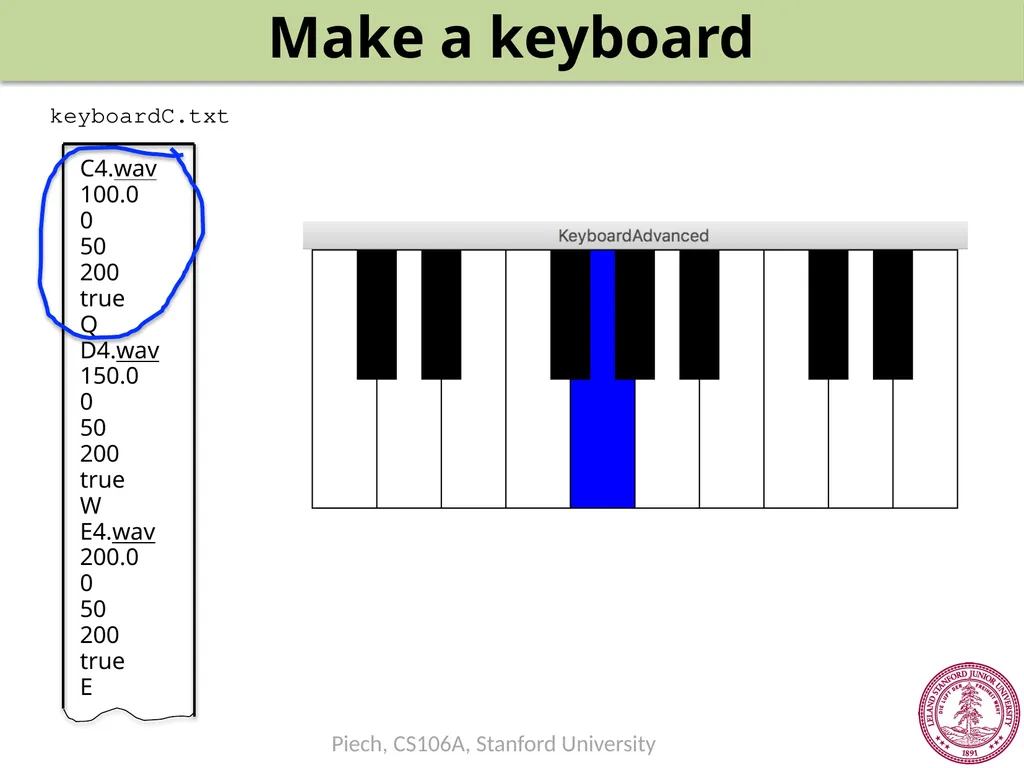
Make a keyboard keyboardC.txt<br>
51
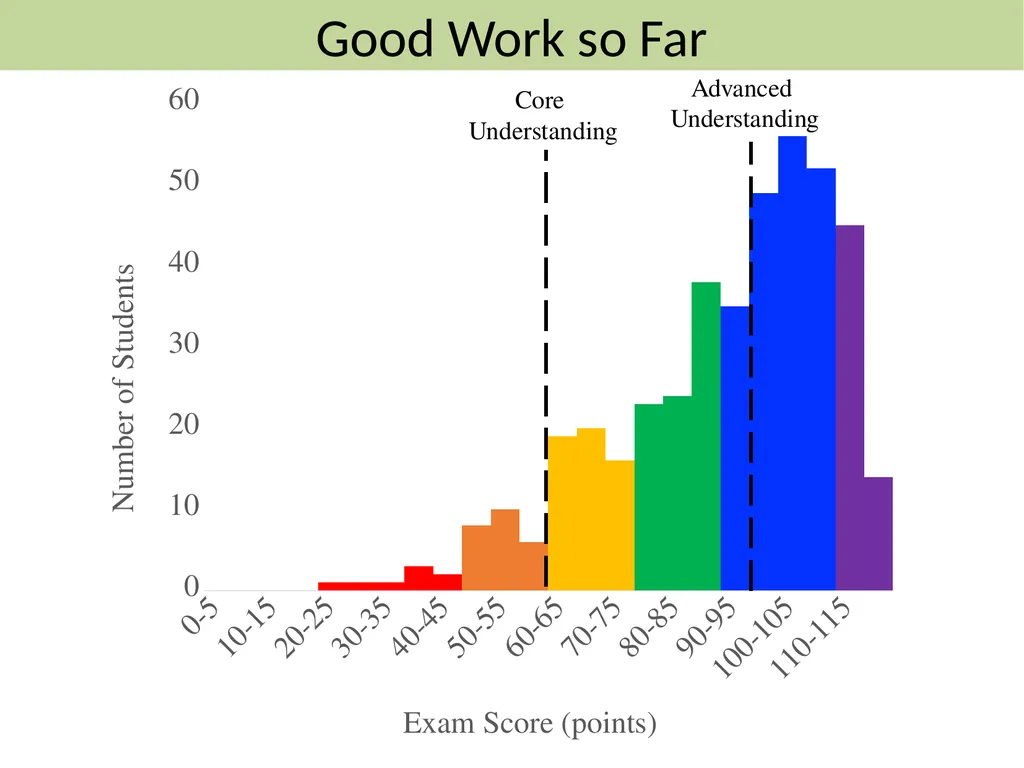
Core
Understanding Advanced
Understanding Good Work so Far<br>
52
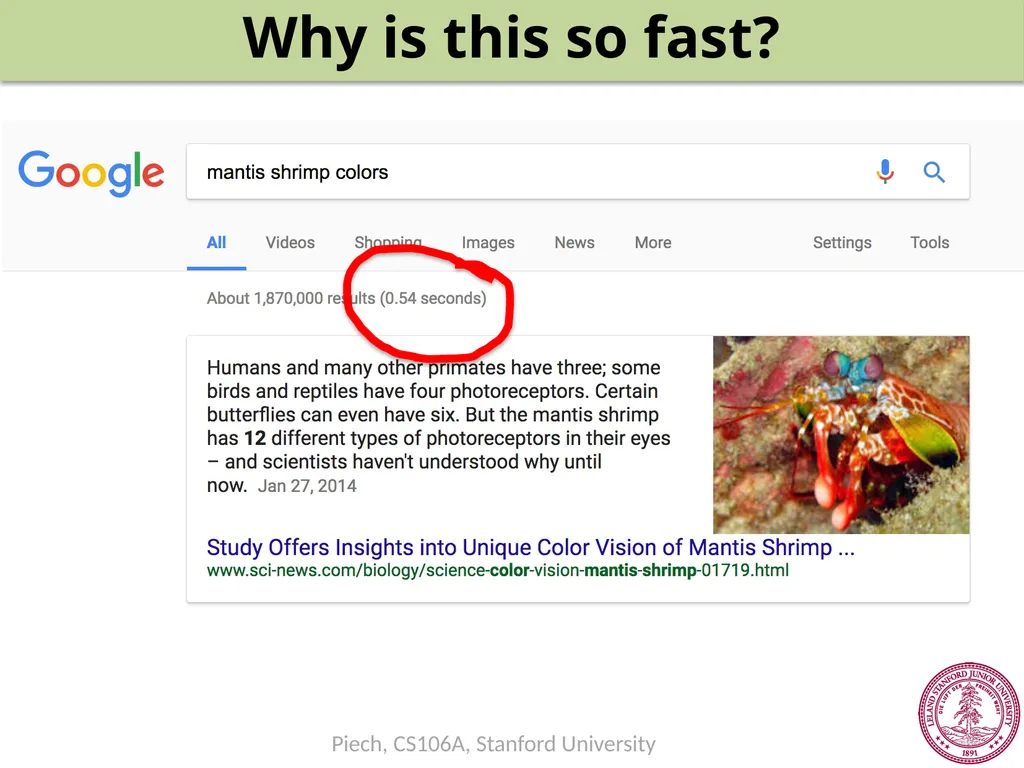
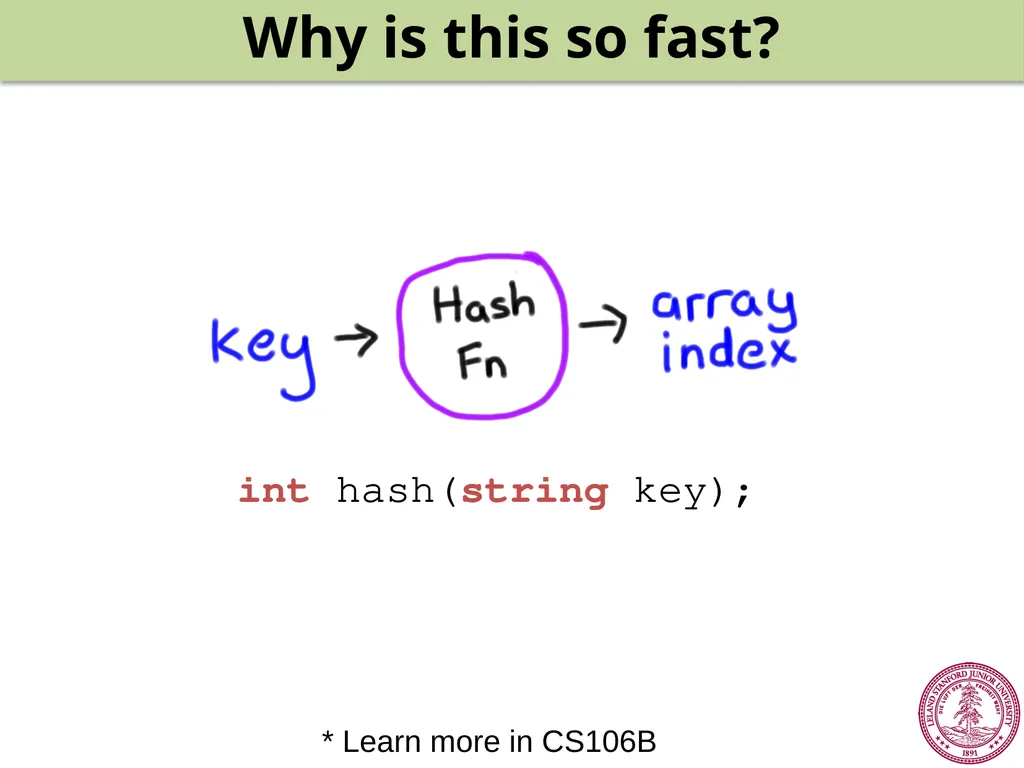
Why is this so fast?<br>
53
Why is this so fast? int hash(string key); * Learn more in CS106B<br>