
Michelle Simoes & Sean Murphy Small Business


Description: Michelle Simoes Sean Murphy Small Business Specialists Office of Small Disadvantaged Business Utilization (OSDBU) U.S. General Services Administration How to Develop a Capabilities Statement Todays Agenda GSA OSDBU Overview What is a
Related Topics
Download Presentation
"Michelle Simoes & Sean Murphy Small Business" is the property of its rightful owner. Permission is granted to download and print the materials on this website for personal, non-commercial use only, and to display it on your personal computer provided you do not modify the materials and that you retain all copyright notices contained in the materials. By downloading content from our website, you accept the terms of this agreement.
Presentation Transcript
slide1. Michelle Simoes & Sean Murphy
Small Business Specialists
Office of Small Disadvantaged Business Utilization (OSDBU) U.S. General Services Administration How to Develop a Capabilities Statement<br>
slide2. Today’s Agenda GSA OSDBU Overview
What is a Capabilities Statement?
Importance of a Capabilities Statement
Preliminary Steps
Content of a Capabilities Statement
Designing Elements
Important Tips<br>
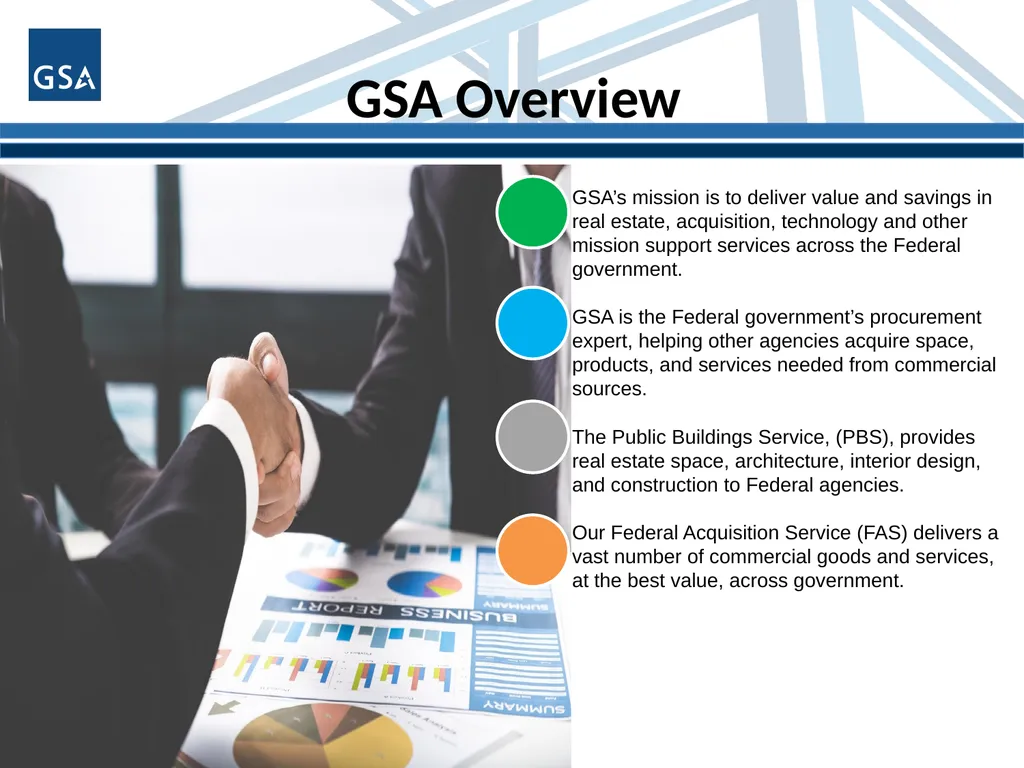
slide3. GSA Overview GSA’s mission is to deliver value and savings in real estate, acquisition, technology and other mission support services across the Federal government.
GSA is the Federal government’s procurement expert, helping other agencies acquire space, products, and services needed from commercial sources.
The Public Buildings Service, (PBS), provides real estate space, architecture, interior design, and construction to Federal agencies.
Our Federal Acquisition Service (FAS) delivers a vast number of commercial goods and services, at the best value, across government.<br>
slide4. GSA OSDBU Overview According to the Small Business Act as amended by Public Law 95-507, the Office of Small & Disadvantaged Business was established to:
Advocate, within each Federal Executive Agency, for the maximum practicable use of all designated small business categories within the Federal Acquisition process.
Ensure inclusion of small businesses as sources for goods and services in Federal acquisitions as prime contractors and subcontractors.
Manage the small business utilization programs for OUR respective organization.<br>
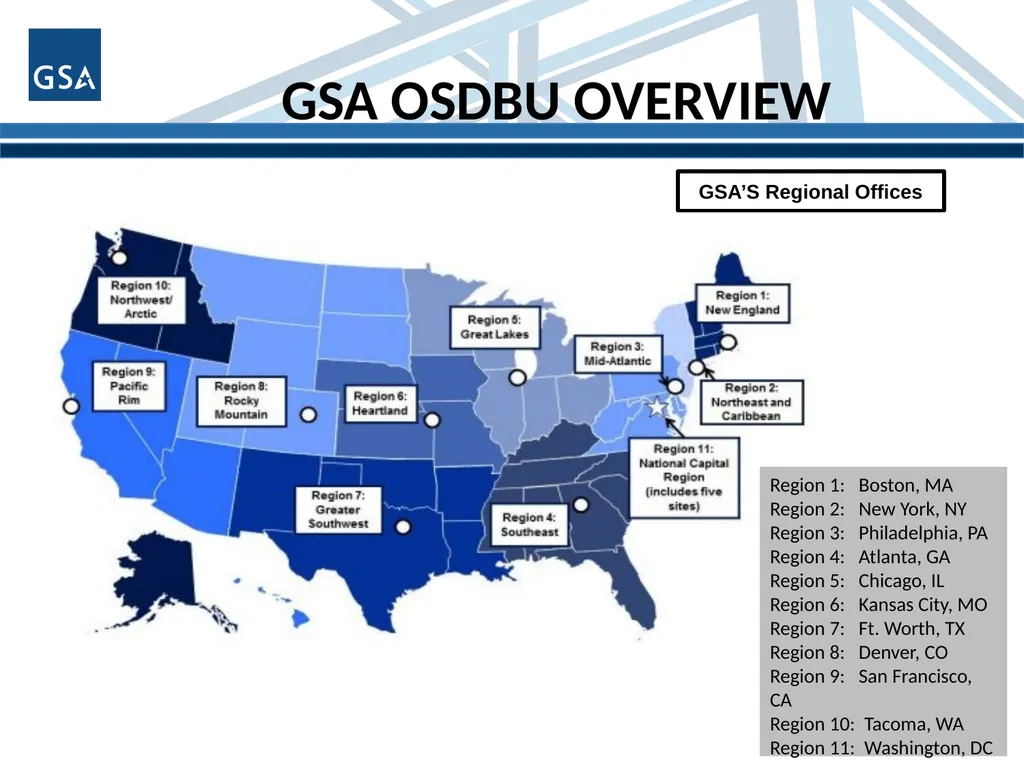
slide5. GSA OSDBU OVERVIEW Region 1: Boston, MA
Region 2: New York, NY
Region 3: Philadelphia, PA
Region 4: Atlanta, GA
Region 5: Chicago, IL
Region 6: Kansas City, MO
Region 7: Ft. Worth, TX
Region 8: Denver, CO
Region 9: San Francisco, CA
Region 10: Tacoma, WA
Region 11: Washington, DC GSA’S Regional Offices<br>
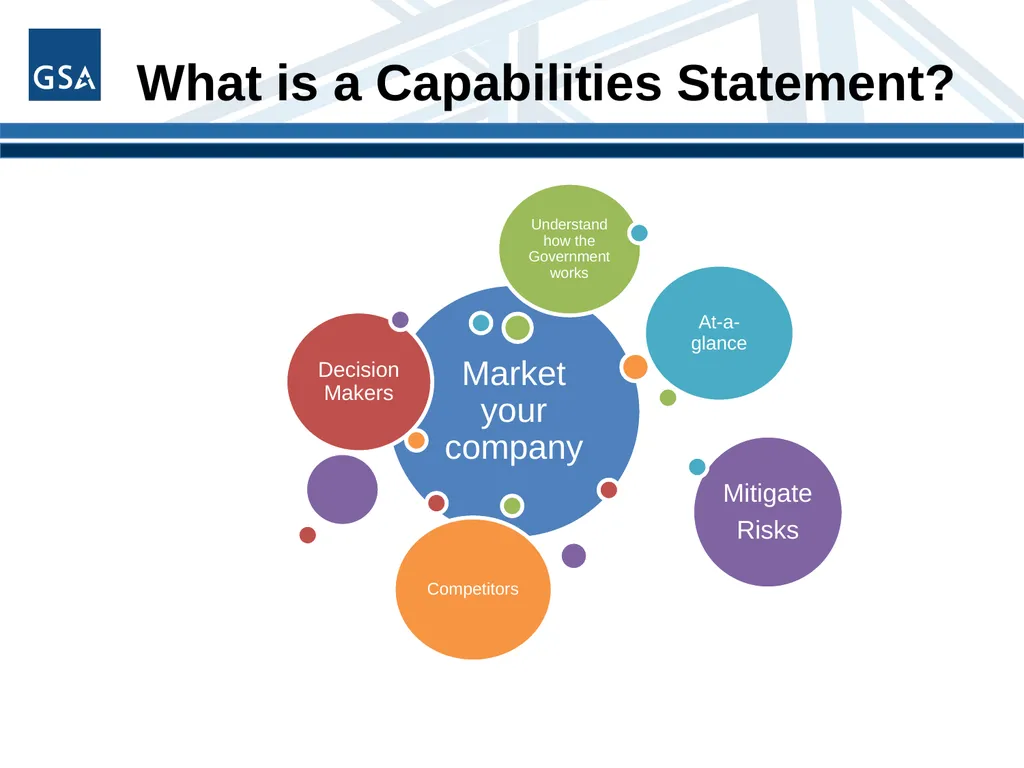
slide6. What is a Capabilities Statement?<br>
slide7. What is a Capabilities Statement? A Capability Statement is a critical marketing tool to help you look your best during your initial outreach
A Capability Statement could be referred to as a “Business Resume”
You can have more than one Capability Statement<br>
slide8. What is a Capabilities Statement? A Capabilities Statement helps you be as successful as possible, no matter what size company you represent. Successful firms use their Capability Statement for a number of purposes:
Required in many government registration processes
A door-opener to new agencies
Proof of qualification
Proof of past performance
It will set you apart from your competitors<br>
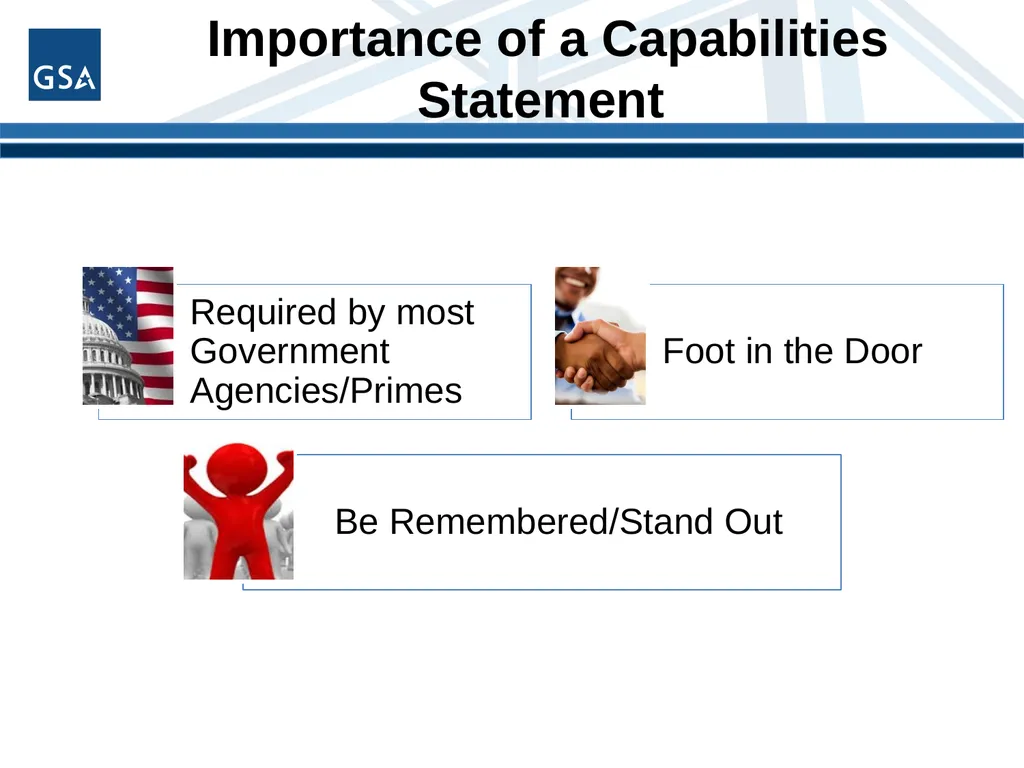
slide9. Importance of a Capabilities Statement<br>
slide10. Importance of a Capabilities Statement Briefing with Contracting Officers/Specialist and Program Managers
Sources Sought or Request for Information
Procurement Fairs or Networking events
Sometimes Required for the Request for Proposal
Send to Primes for Sub-contracting Opportunities<br>
slide11. Capabilities Statements Primary purpose is for marketing outreach
Helps Contracting Officers (CO) drill down to your key areas of expertise quickly and efficiently
Adding information about awards, certifications & current/past clients, your capability statement will help you to:
Establish a level of expertise
Show business maturity
Create a sense of trust 11<br>
slide12. A Capabilities Statement is NOT… A PowerPoint presentation
More than two sides of one page
.jpg or .tif file
A large file over 1MB
A personal resume
A Capabilities Brief 12<br>
slide13. Capabilities Statements BEFORE YOU BEGIN 13<br>
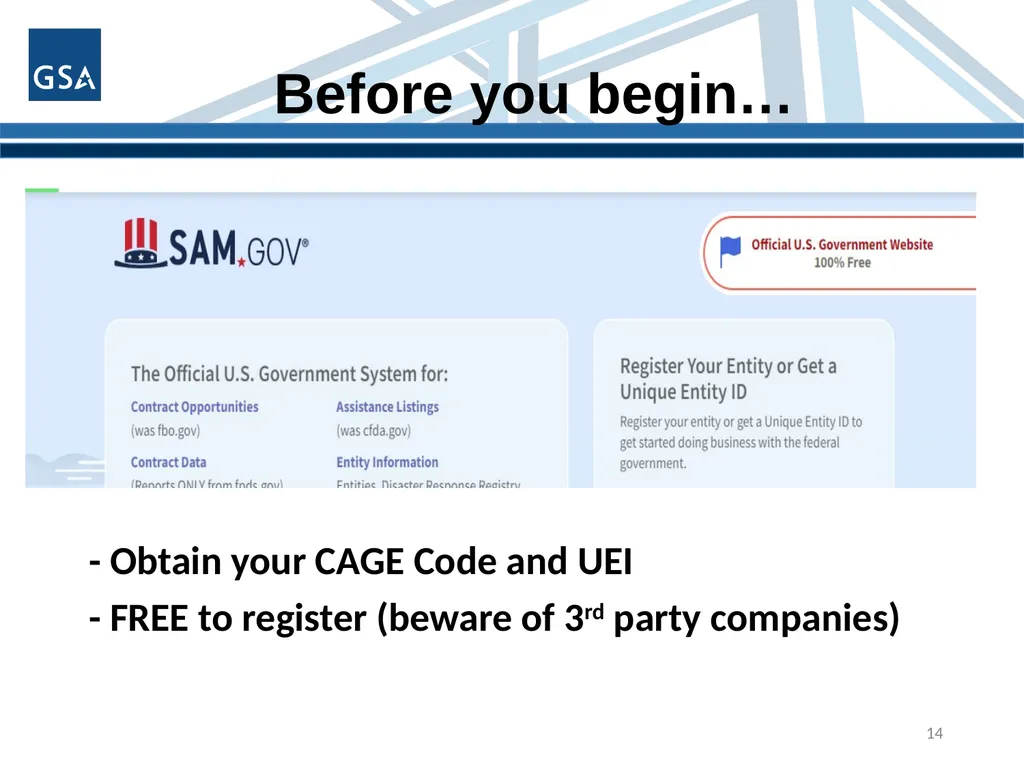
slide14. Before you begin… - Obtain your CAGE Code and UEI
- FREE to register (beware of 3rd party companies) 14<br>
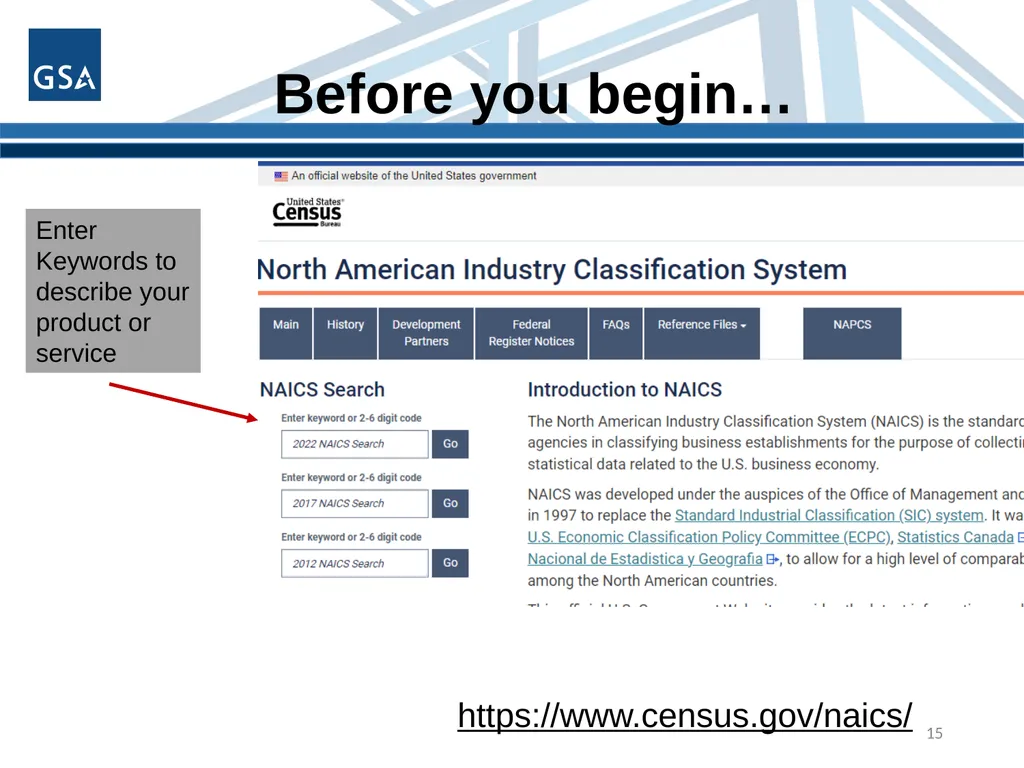
slide15. Before you begin… 15 https://www.census.gov/naics/ Enter Keywords to describe your product or service<br>
slide16. Before you start… Select your company’s Product Service Codes (PSC) or Federal Supply Class (FSC)
Product service code (PSC) or Federal Service Code (FSC) is a four-digit code used by all federal government contracting activities for identifying and classifying the services and Supplies & Equipment (S&E) that are purchased under contract
https://www.acquisition.gov/psc-manual
https://flisancillaryu.dla.mil/H2/search.aspx 16<br>
slide17. Keep It Simple Use bullet points
Short sentence fragments
No long narratives
Simple language
No “trade” language or jargon
Call the document a “Capabilities Statement”
Show branding and logo elements 17<br>
slide18. Capabilities Statements CONTENT 18<br>
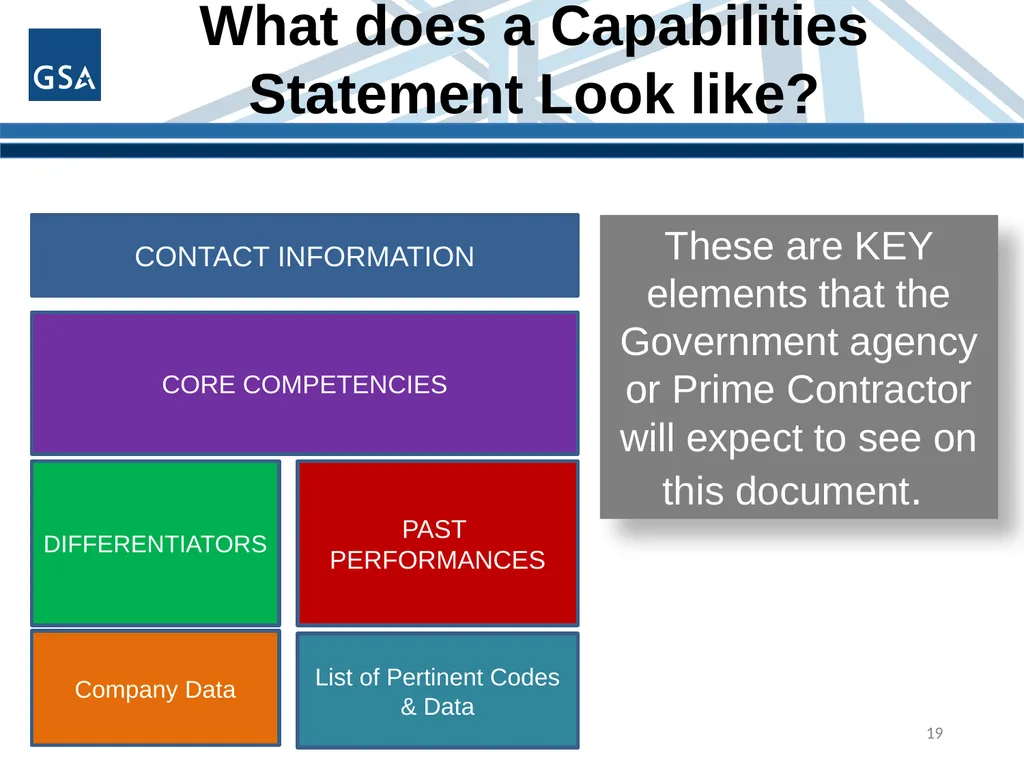
slide19. What does a Capabilities Statement Look like? 19 These are KEY elements that the
Government agency or Prime Contractor will expect to see on this document. CONTACT INFORMATION CORE COMPETENCIES DIFFERENTIATORS PAST
PERFORMANCES Company Data List of Pertinent Codes & Data<br>
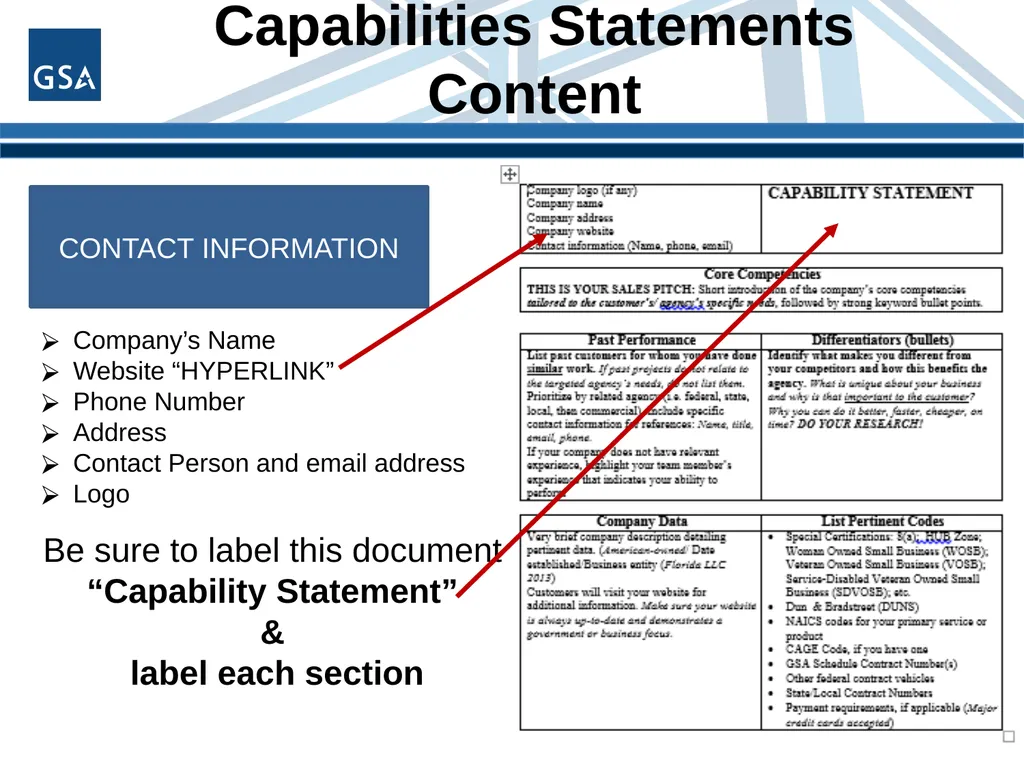
slide20. Capabilities Statements Content 20 CONTACT INFORMATION Company’s Name
Website “HYPERLINK”
Phone Number
Address
Contact Person and email address
Logo Be sure to label this document
“Capability Statement”
&
label each section<br>
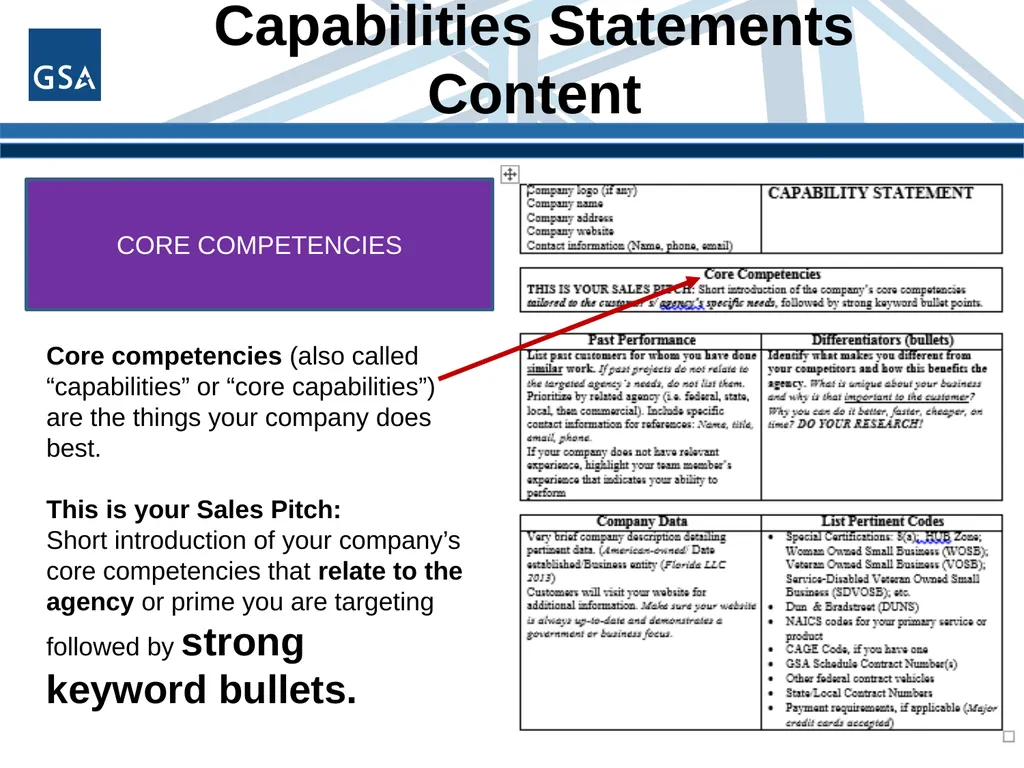
slide21. Capabilities Statements Content 21 CORE COMPETENCIES Core competencies (also called “capabilities” or “core capabilities”) are the things your company does best.
This is your Sales Pitch:
Short introduction of your company’s core competencies that relate to the agency or prime you are targeting followed by strong keyword bullets.<br>
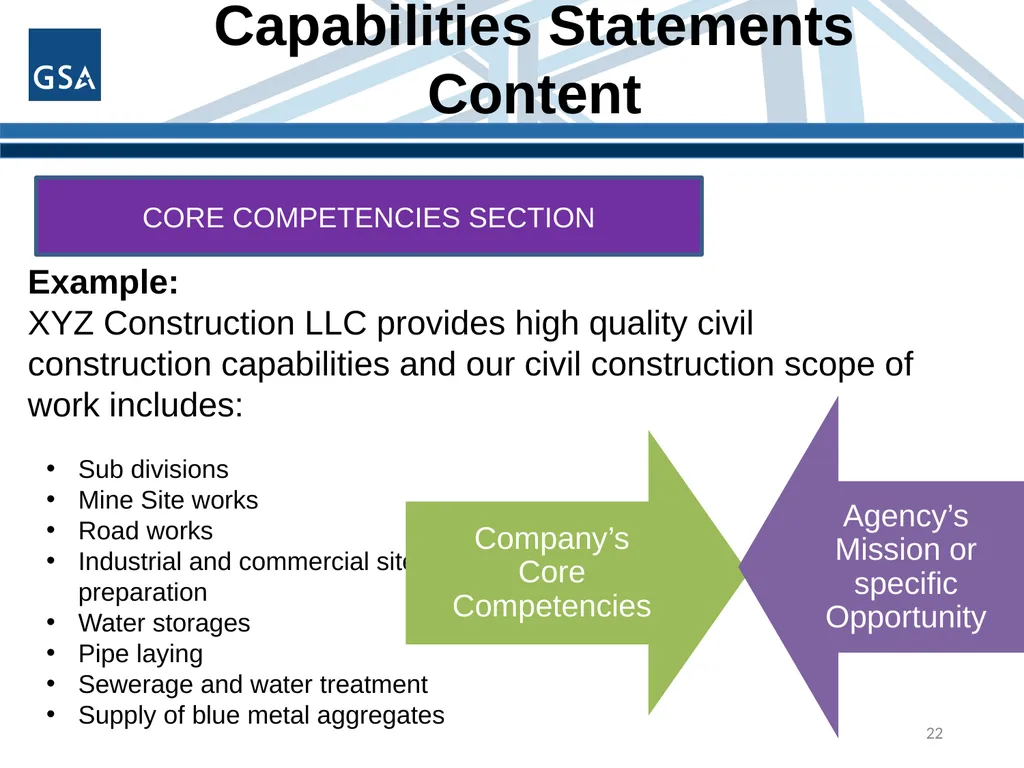
slide22. Capabilities Statements Content 22 CORE COMPETENCIES SECTION Example:
XYZ Construction LLC provides high quality civil
construction capabilities and our civil construction scope of
work includes: Sub divisions
Mine Site works
Road works
Industrial and commercial site preparation
Water storages
Pipe laying
Sewerage and water treatment
Supply of blue metal aggregates<br>
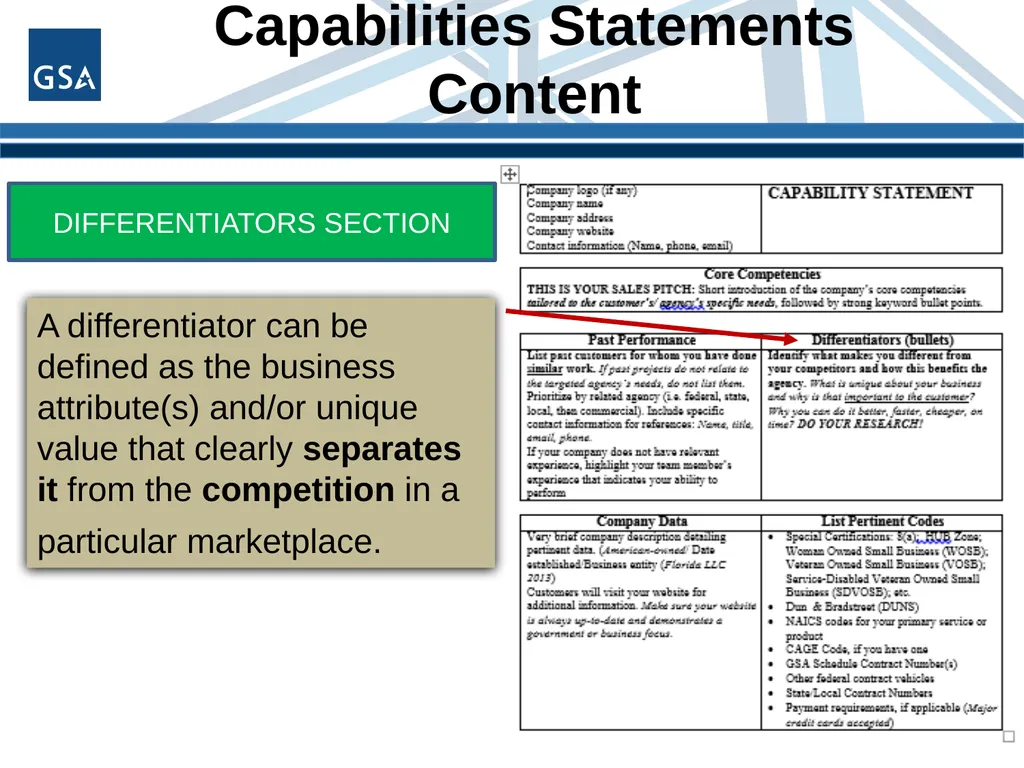
slide23. Capabilities Statements Content 23 DIFFERENTIATORS SECTION A differentiator can be defined as the business attribute(s) and/or unique value that clearly separates it from the competition in a particular marketplace.<br>
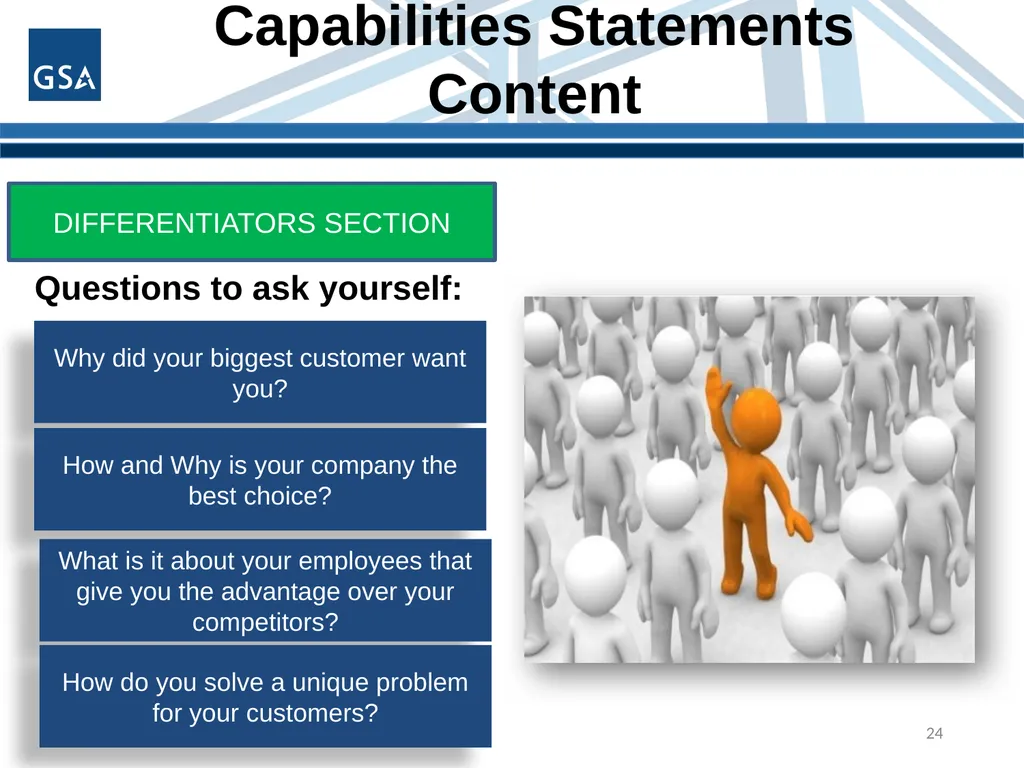
slide24. Capabilities Statements Content 24 DIFFERENTIATORS SECTION Questions to ask yourself: Why did your biggest customer want you? How and Why is your company the best choice? What is it about your employees that give you the advantage over your competitors? How do you solve a unique problem for your customers?<br>
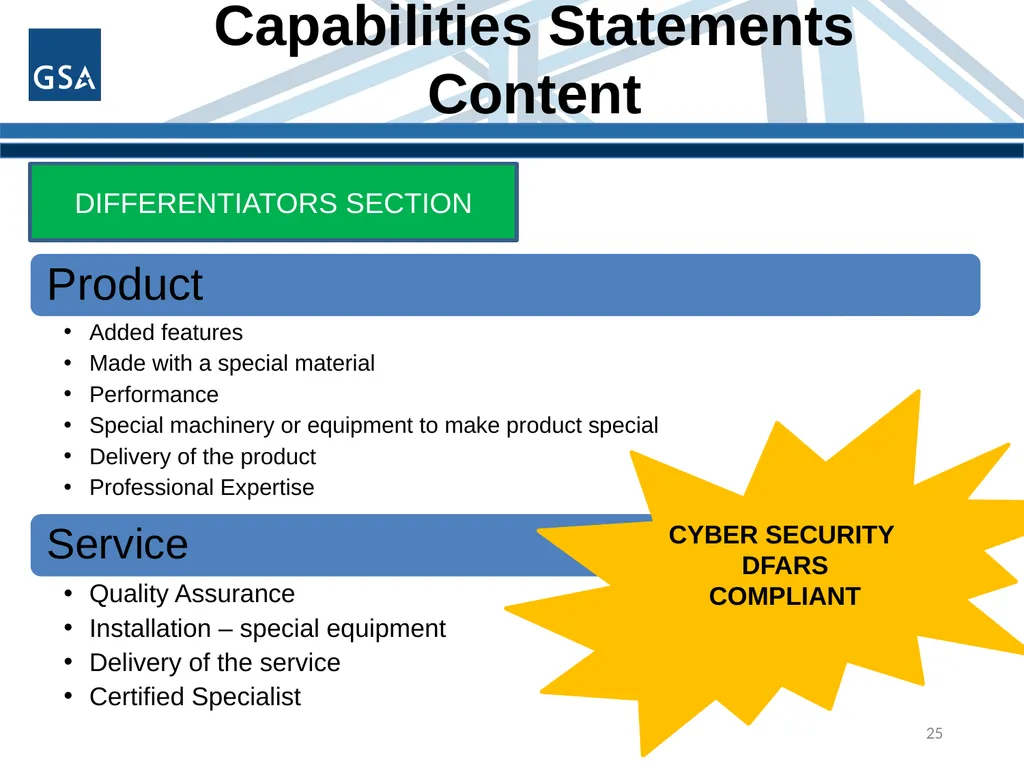
slide25. Capabilities Statements Content 25 CYBER SECURITY
DFARS COMPLIANT DIFFERENTIATORS SECTION<br>
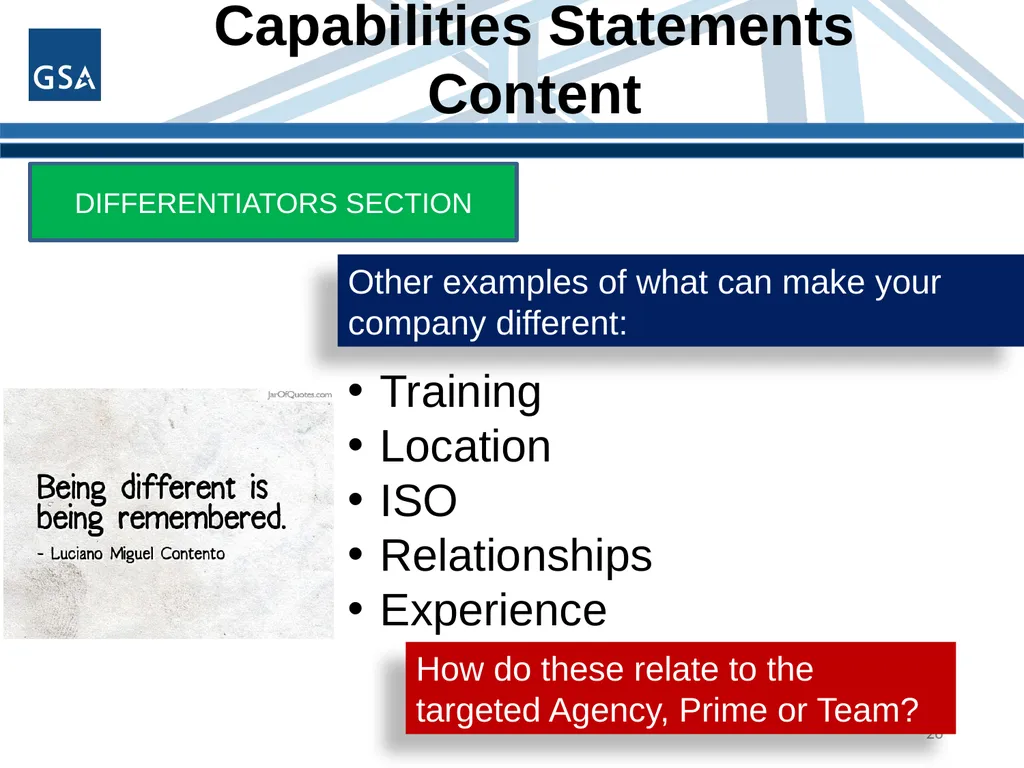
slide26. Capabilities Statements Content 26 DIFFERENTIATORS SECTION Other examples of what can make your company different: Training
Location
ISO
Relationships
Experience How do these relate to the targeted Agency, Prime or Team?<br>
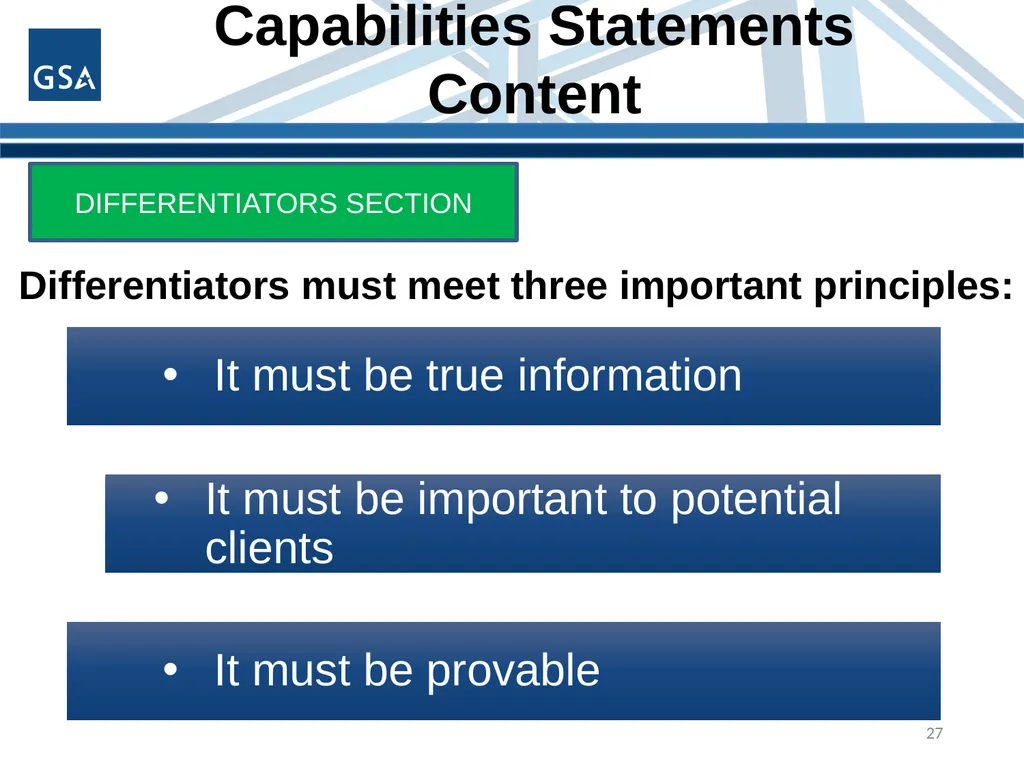
slide27. Capabilities Statements Content 27 DIFFERENTIATORS SECTION Differentiators must meet three important principles:<br>
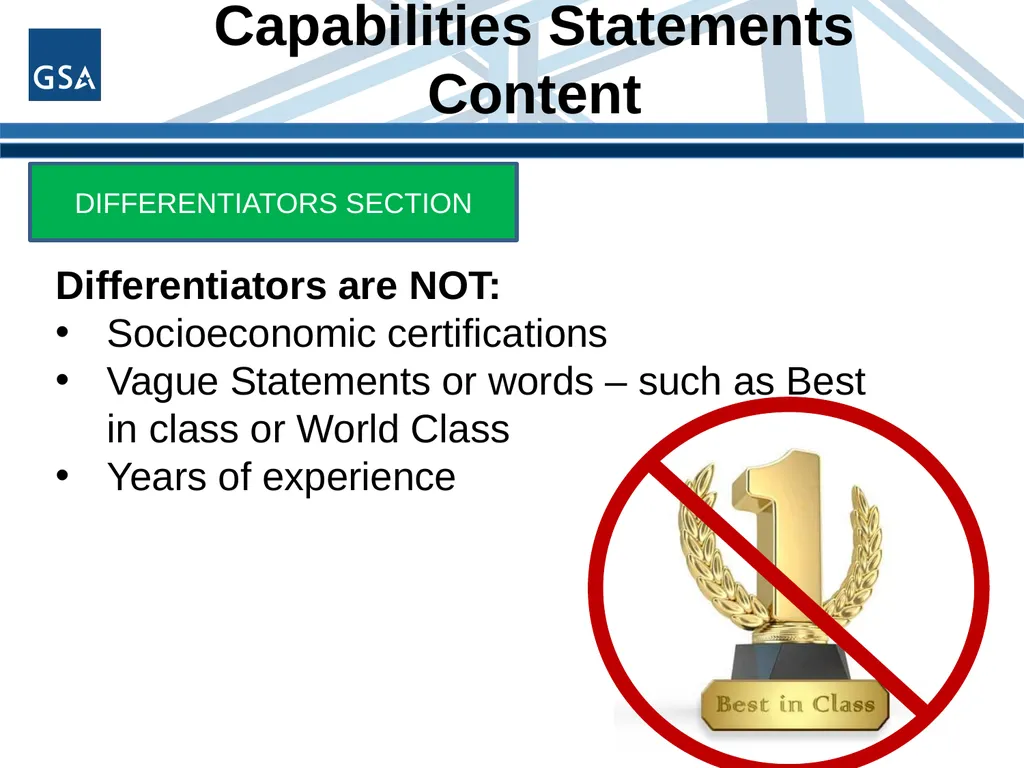
slide28. Capabilities Statements Content 28 DIFFERENTIATORS SECTION Differentiators are NOT:
Socioeconomic certifications
Vague Statements or words – such as Best in class or World Class
Years of experience<br>
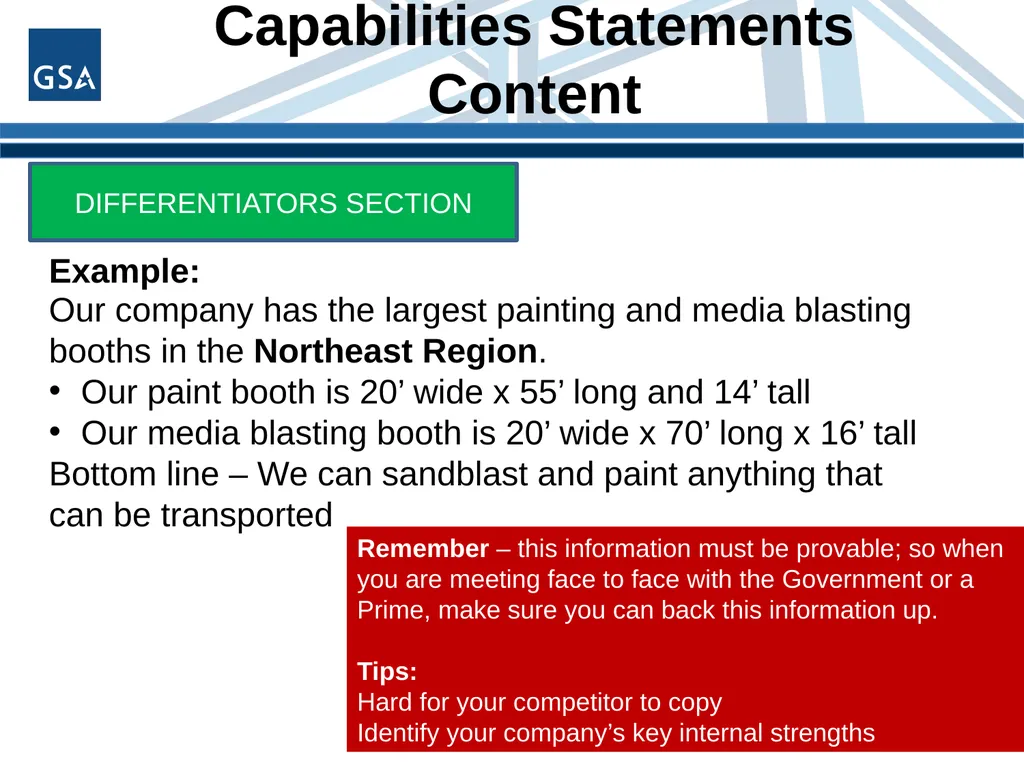
slide29. Capabilities Statements Content 29 DIFFERENTIATORS SECTION Example: Our company has the largest painting and media blasting booths in the Northeast Region.
Our paint booth is 20’ wide x 55’ long and 14’ tall
Our media blasting booth is 20’ wide x 70’ long x 16’ tall
Bottom line – We can sandblast and paint anything that can be transported Remember – this information must be provable; so when you are meeting face to face with the Government or a Prime, make sure you can back this information up.
Tips:
Hard for your competitor to copy
Identify your company’s key internal strengths<br>
slide30. Capabilities Statements Content 30 PAST
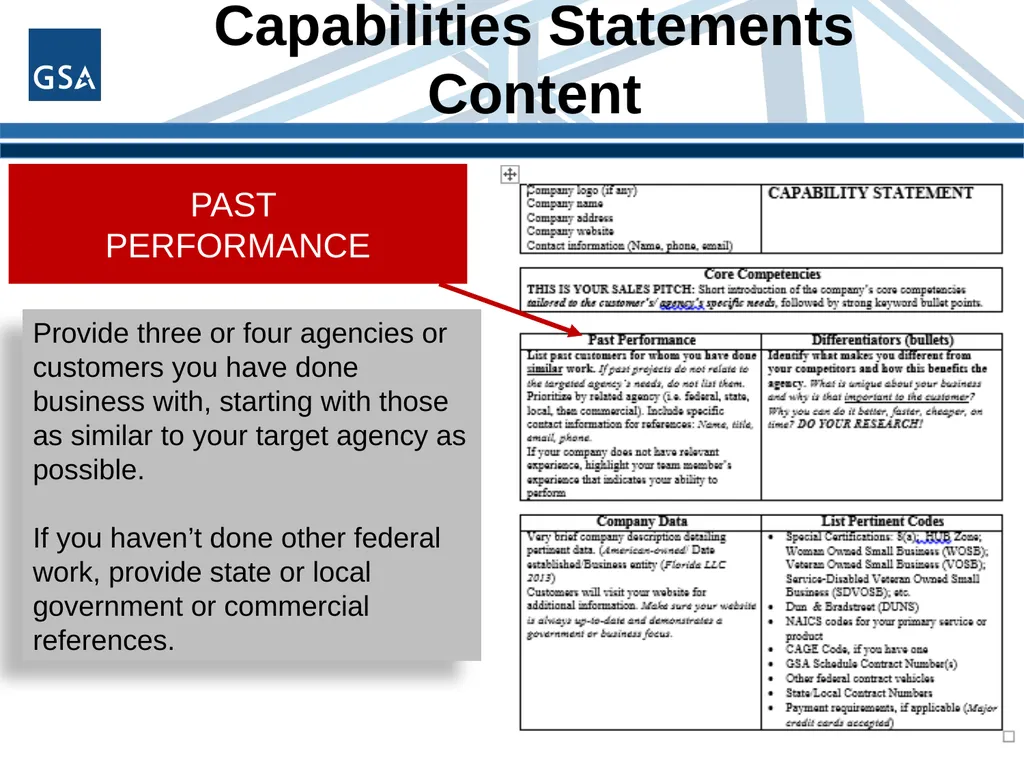
PERFORMANCE Provide three or four agencies or customers you have done business with, starting with those as similar to your target agency as possible.
If you haven’t done other federal work, provide state or local government or commercial references.<br>
slide31. Capabilities Statements Content 31 PAST
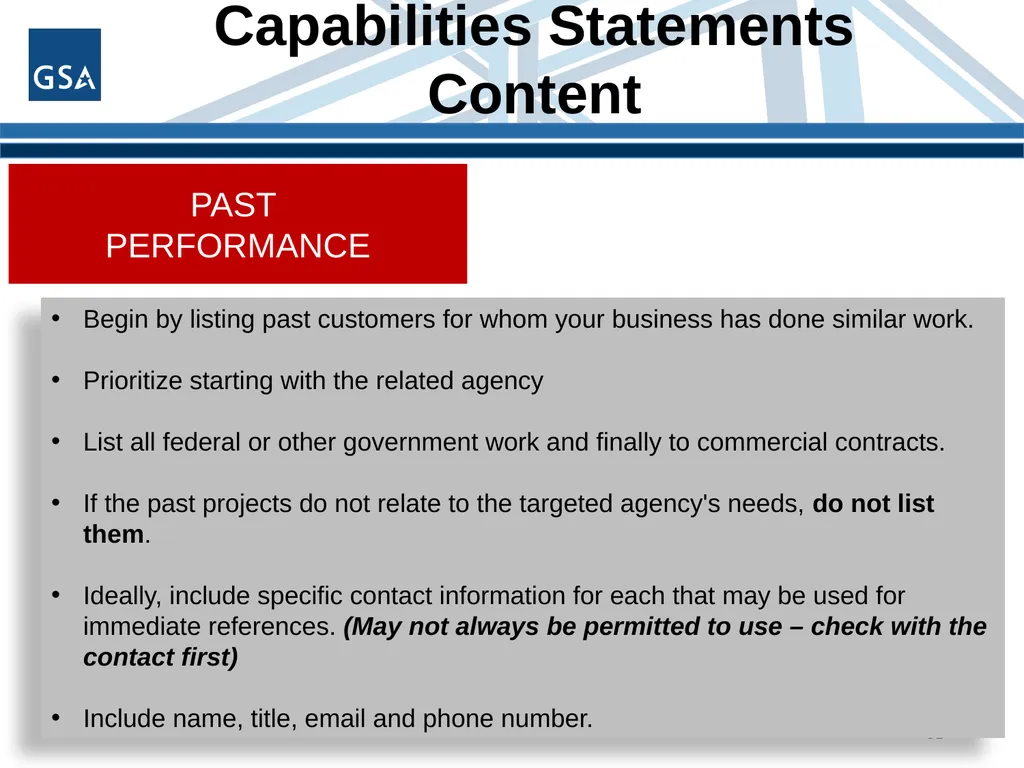
PERFORMANCE Begin by listing past customers for whom your business has done similar work.
Prioritize starting with the related agency
List all federal or other government work and finally to commercial contracts.
If the past projects do not relate to the targeted agency's needs, do not list them.
Ideally, include specific contact information for each that may be used for immediate references. (May not always be permitted to use – check with the contact first)
Include name, title, email and phone number.<br>
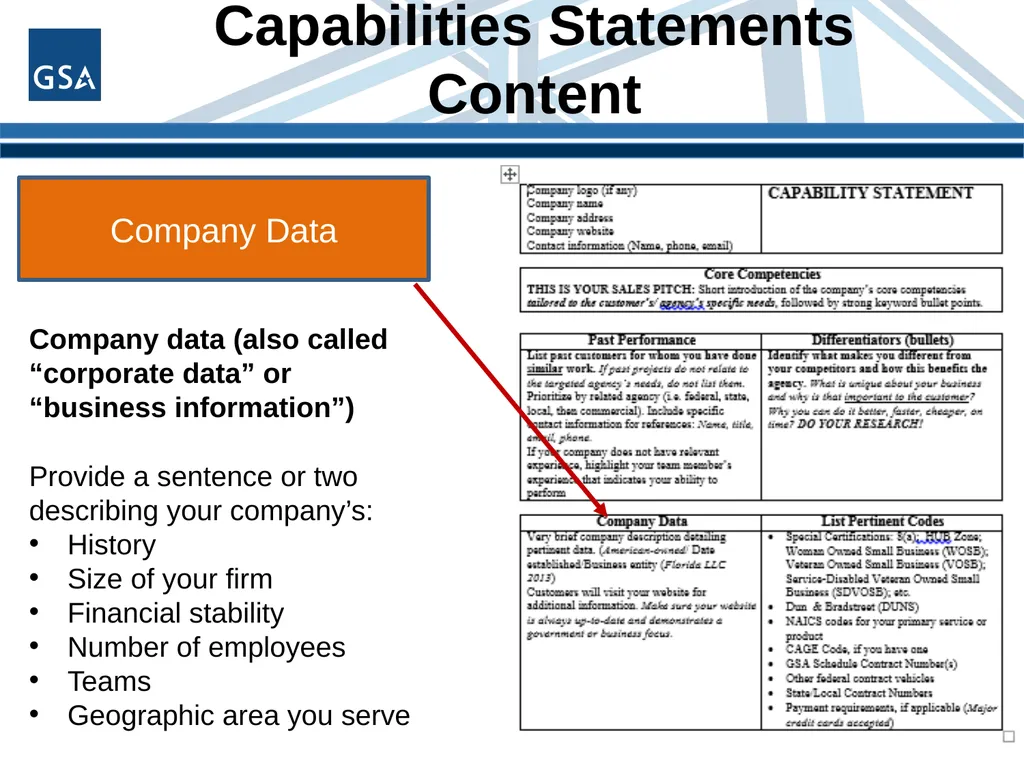
slide32. Capabilities Statements Content 32 Company Data Company data (also called “corporate data” or “business information”)
Provide a sentence or two describing your company’s:
History
Size of your firm
Financial stability
Number of employees
Teams
Geographic area you serve<br>
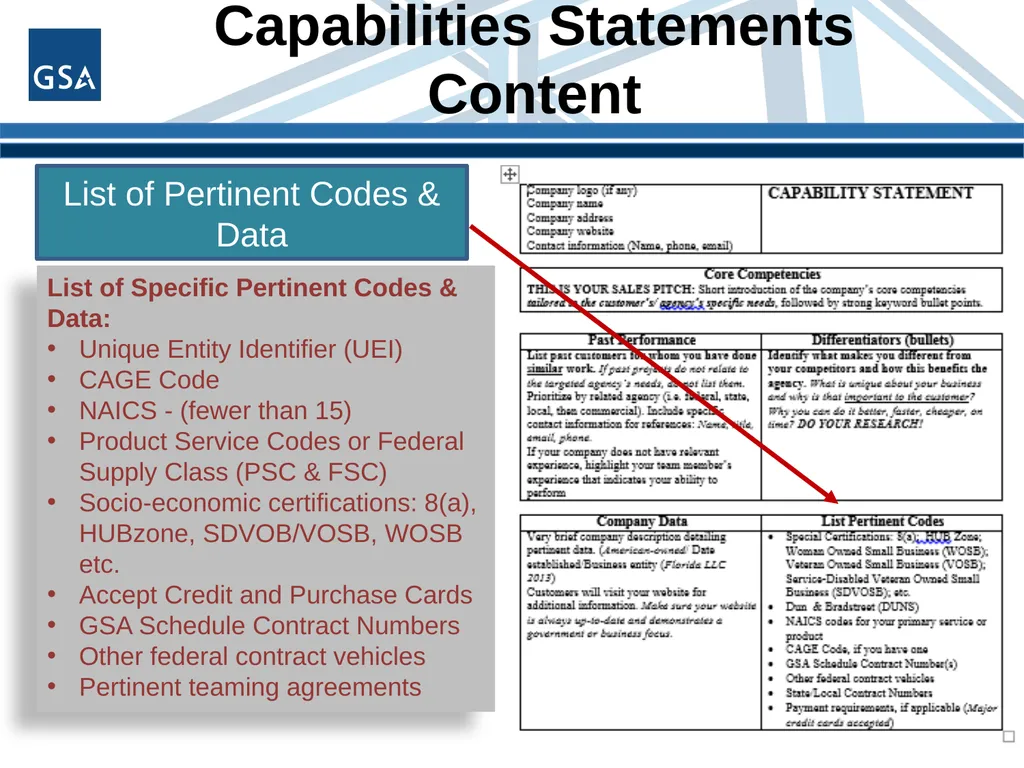
slide33. Capabilities Statements Content 33 List of Pertinent Codes & Data List of Specific Pertinent Codes & Data:
Unique Entity Identifier (UEI)
CAGE Code
NAICS - (fewer than 15)
Product Service Codes or Federal Supply Class (PSC & FSC)
Socio-economic certifications: 8(a), HUBzone, SDVOB/VOSB, WOSB etc.
Accept Credit and Purchase Cards
GSA Schedule Contract Numbers
Other federal contract vehicles
Pertinent teaming agreements<br>
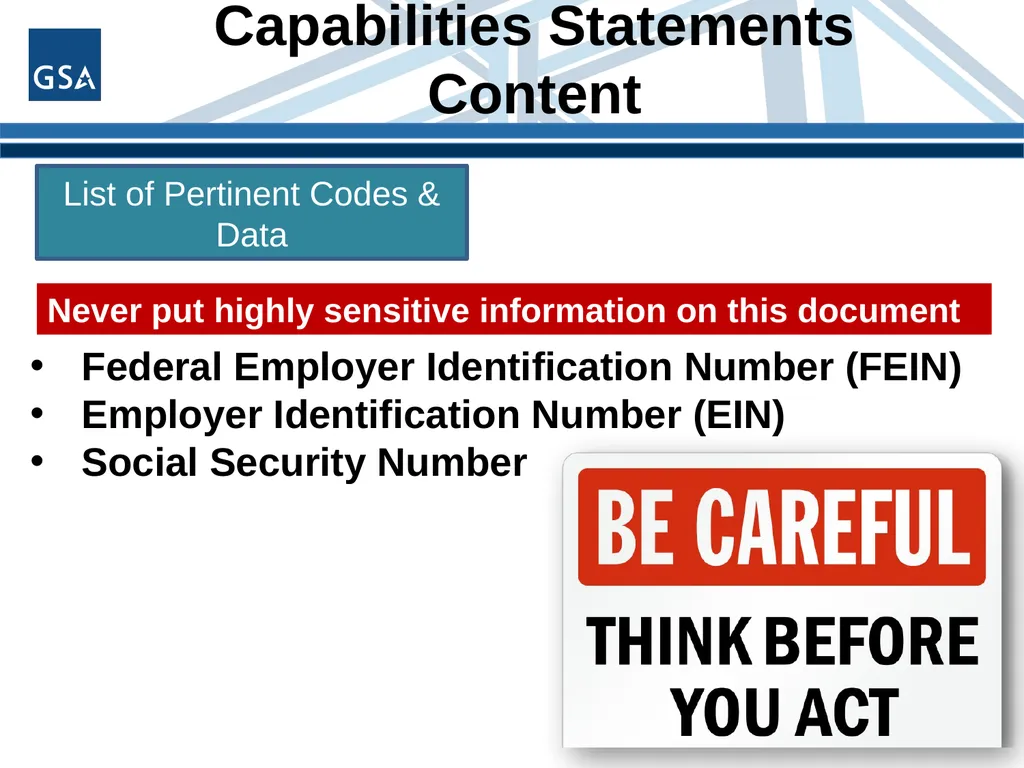
slide34. Capabilities Statements Content 34 List of Pertinent Codes & Data Never put highly sensitive information on this document Federal Employer Identification Number (FEIN)
Employer Identification Number (EIN)
Social Security Number<br>
slide35. Capabilities Statements DESIGNING ELEMENTS 35<br>
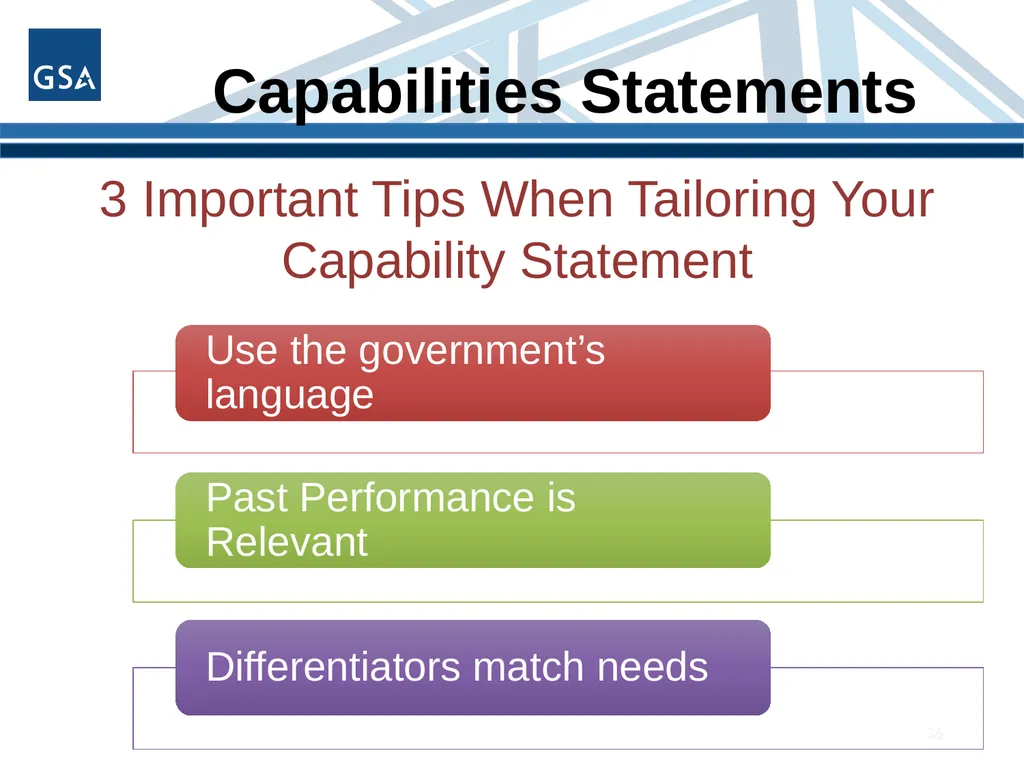
slide36. Capabilities Statements 36 3 Important Tips When Tailoring Your Capability Statement<br>
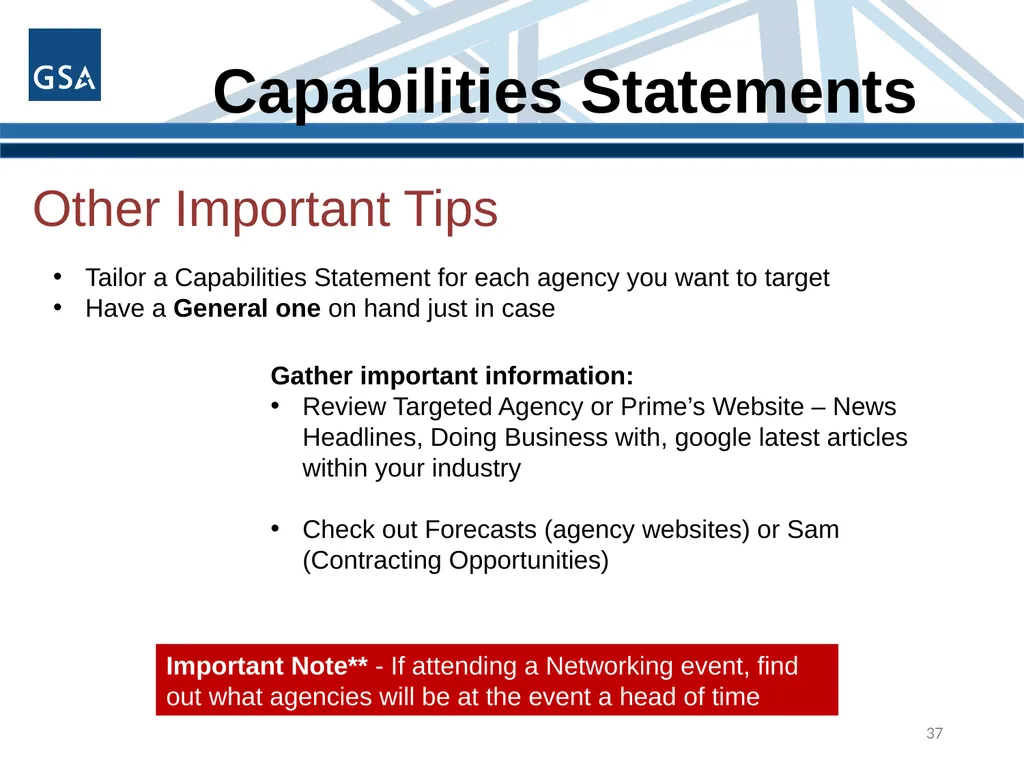
slide37. Capabilities Statements 37 Other Important Tips Tailor a Capabilities Statement for each agency you want to target
Have a General one on hand just in case Gather important information:
Review Targeted Agency or Prime’s Website – News Headlines, Doing Business with, google latest articles within your industry
Check out Forecasts (agency websites) or Sam (Contracting Opportunities) Important Note** - If attending a Networking event, find out what agencies will be at the event a head of time<br>
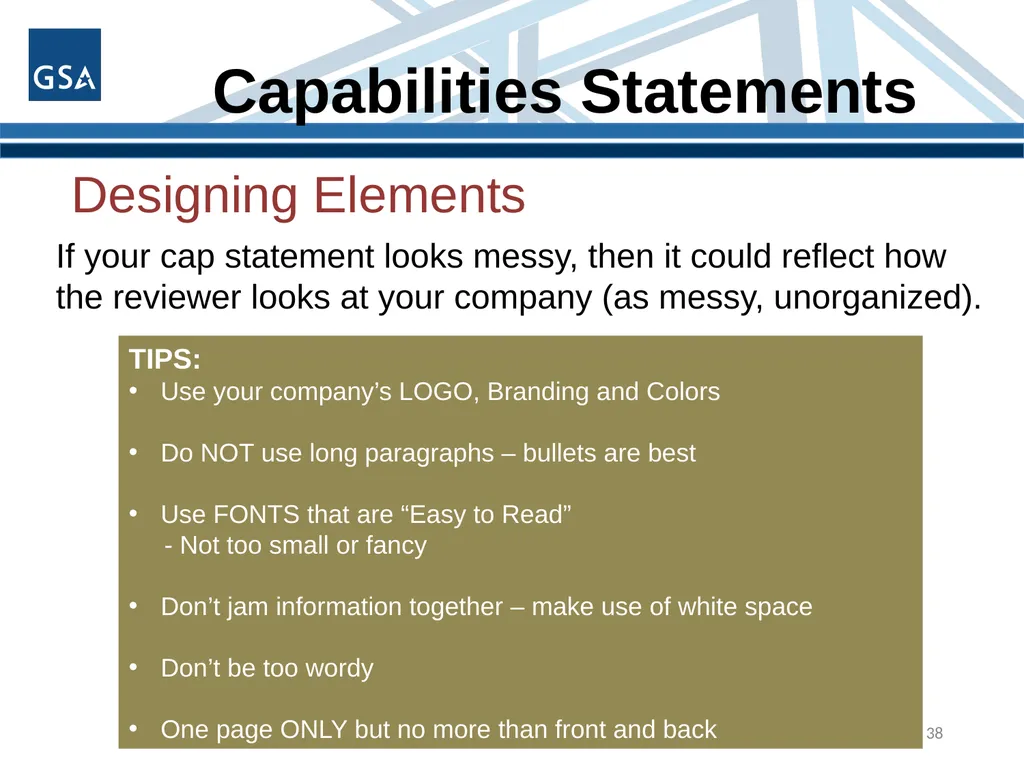
slide38. Capabilities Statements 38 Designing Elements If your cap statement looks messy, then it could reflect how the reviewer looks at your company (as messy, unorganized). TIPS:
Use your company’s LOGO, Branding and Colors
Do NOT use long paragraphs – bullets are best
Use FONTS that are “Easy to Read”
- Not too small or fancy
Don’t jam information together – make use of white space
Don’t be too wordy
One page ONLY but no more than front and back<br>
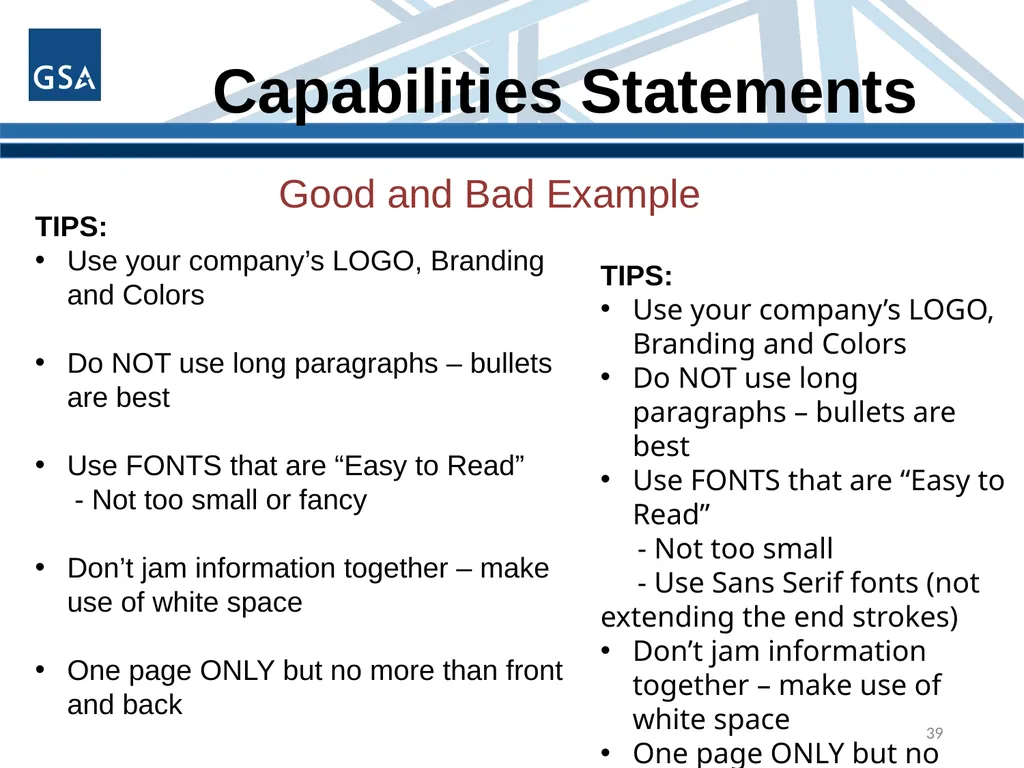
slide39. Capabilities Statements 39 Good and Bad Example TIPS:
Use your company’s LOGO, Branding and Colors
Do NOT use long paragraphs – bullets are best
Use FONTS that are “Easy to Read”
- Not too small or fancy
Don’t jam information together – make use of white space
One page ONLY but no more than front and back TIPS:
Use your company’s LOGO, Branding and Colors
Do NOT use long paragraphs – bullets are best
Use FONTS that are “Easy to Read”
- Not too small
- Use Sans Serif fonts (not extending the end strokes)
Don’t jam information together – make use of white space
One page ONLY but no more than front and back<br>
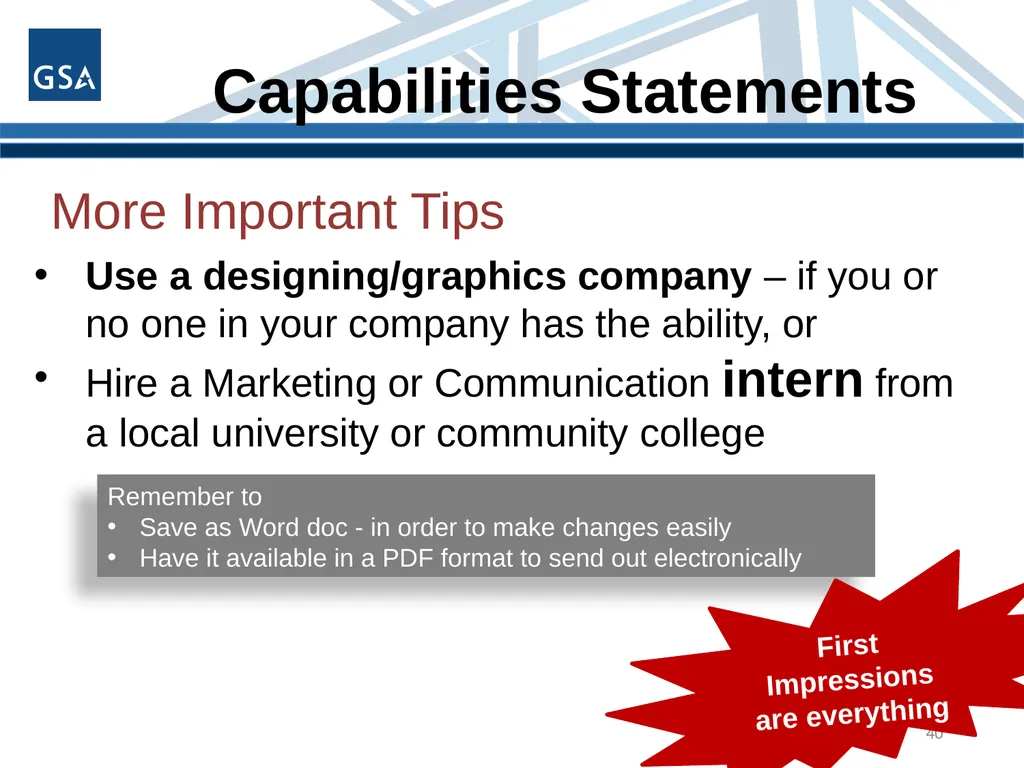
slide40. Capabilities Statements 40 Use a designing/graphics company – if you or no one in your company has the ability, or
Hire a Marketing or Communication intern from a local university or community college Remember to
Save as Word doc - in order to make changes easily
Have it available in a PDF format to send out electronically More Important Tips First Impressions are everything<br>
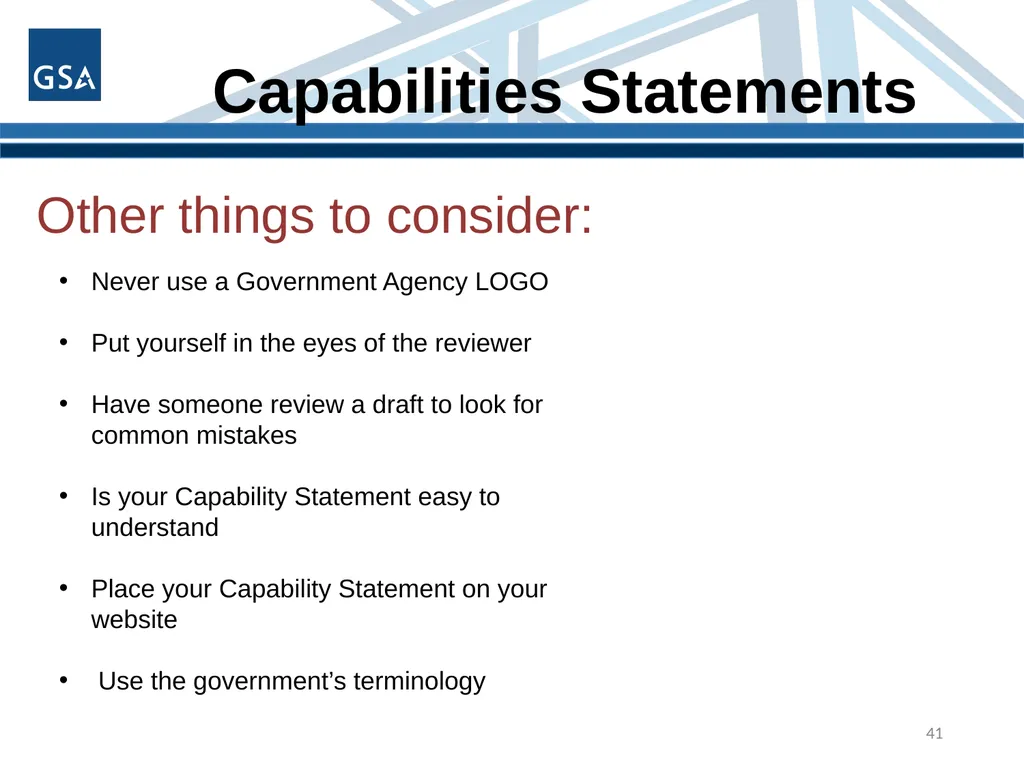
slide41. Capabilities Statements 41 Other things to consider: Never use a Government Agency LOGO
Put yourself in the eyes of the reviewer
Have someone review a draft to look for common mistakes
Is your Capability Statement easy to understand
Place your Capability Statement on your website
Use the government’s terminology<br>
slide42. Capabilities Statements 42 Other things to consider: Doing business with the government is highly competitive – Don’t just throw something together……take the time, make the effort and put in the extra mile to create the best Capability Statement possible.<br>
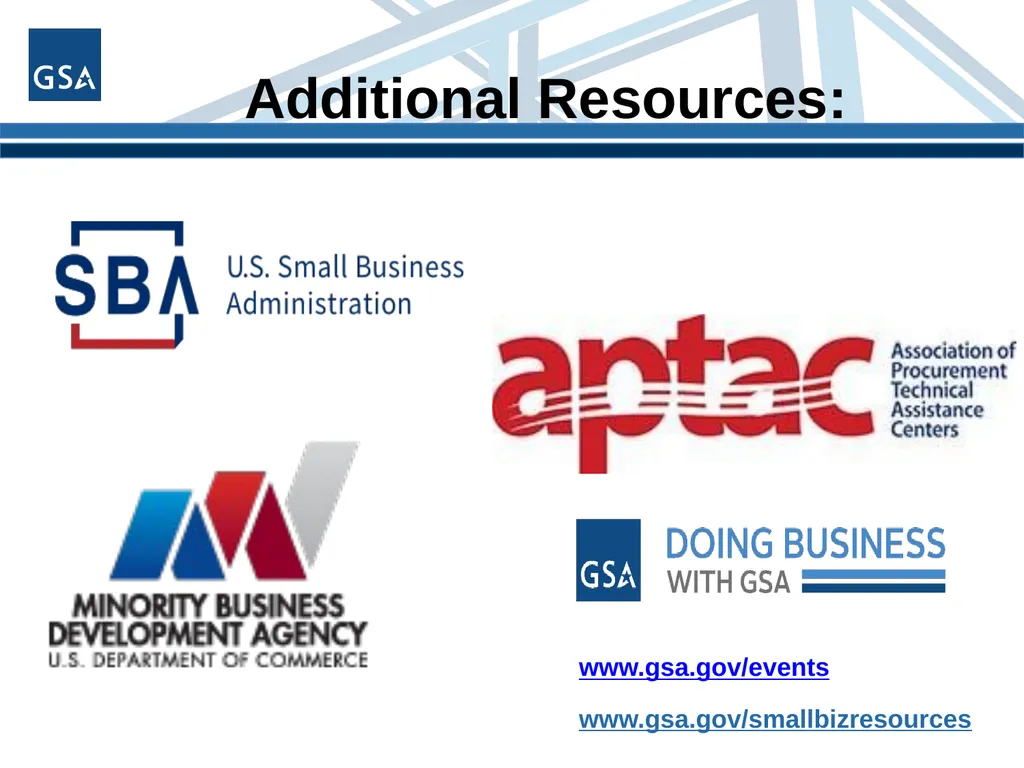
slide43. www.gsa.gov/smallbizresources www.gsa.gov/events Additional Resources:<br>
slide44. Contact Our Regional Staff Go to www.gsa.gov/smallbizsupport then select “Get to Know Us.” Select Regional Small Business Support Contacts Choose your location for the OSBU POC. Still Have Questions?<br>
slide45. QUESTIONS ?
Michelle Simoes: Michelle.Simoes@gsa.gov Sean Murphy: Sean.Murphy@gsa.gov<br>
Small Business Specialists
Office of Small Disadvantaged Business Utilization (OSDBU) U.S. General Services Administration How to Develop a Capabilities Statement<br>
slide2. Today’s Agenda GSA OSDBU Overview
What is a Capabilities Statement?
Importance of a Capabilities Statement
Preliminary Steps
Content of a Capabilities Statement
Designing Elements
Important Tips<br>
slide3. GSA Overview GSA’s mission is to deliver value and savings in real estate, acquisition, technology and other mission support services across the Federal government.
GSA is the Federal government’s procurement expert, helping other agencies acquire space, products, and services needed from commercial sources.
The Public Buildings Service, (PBS), provides real estate space, architecture, interior design, and construction to Federal agencies.
Our Federal Acquisition Service (FAS) delivers a vast number of commercial goods and services, at the best value, across government.<br>
slide4. GSA OSDBU Overview According to the Small Business Act as amended by Public Law 95-507, the Office of Small & Disadvantaged Business was established to:
Advocate, within each Federal Executive Agency, for the maximum practicable use of all designated small business categories within the Federal Acquisition process.
Ensure inclusion of small businesses as sources for goods and services in Federal acquisitions as prime contractors and subcontractors.
Manage the small business utilization programs for OUR respective organization.<br>
slide5. GSA OSDBU OVERVIEW Region 1: Boston, MA
Region 2: New York, NY
Region 3: Philadelphia, PA
Region 4: Atlanta, GA
Region 5: Chicago, IL
Region 6: Kansas City, MO
Region 7: Ft. Worth, TX
Region 8: Denver, CO
Region 9: San Francisco, CA
Region 10: Tacoma, WA
Region 11: Washington, DC GSA’S Regional Offices<br>
slide6. What is a Capabilities Statement?<br>
slide7. What is a Capabilities Statement? A Capability Statement is a critical marketing tool to help you look your best during your initial outreach
A Capability Statement could be referred to as a “Business Resume”
You can have more than one Capability Statement<br>
slide8. What is a Capabilities Statement? A Capabilities Statement helps you be as successful as possible, no matter what size company you represent. Successful firms use their Capability Statement for a number of purposes:
Required in many government registration processes
A door-opener to new agencies
Proof of qualification
Proof of past performance
It will set you apart from your competitors<br>
slide9. Importance of a Capabilities Statement<br>
slide10. Importance of a Capabilities Statement Briefing with Contracting Officers/Specialist and Program Managers
Sources Sought or Request for Information
Procurement Fairs or Networking events
Sometimes Required for the Request for Proposal
Send to Primes for Sub-contracting Opportunities<br>
slide11. Capabilities Statements Primary purpose is for marketing outreach
Helps Contracting Officers (CO) drill down to your key areas of expertise quickly and efficiently
Adding information about awards, certifications & current/past clients, your capability statement will help you to:
Establish a level of expertise
Show business maturity
Create a sense of trust 11<br>
slide12. A Capabilities Statement is NOT… A PowerPoint presentation
More than two sides of one page
.jpg or .tif file
A large file over 1MB
A personal resume
A Capabilities Brief 12<br>
slide13. Capabilities Statements BEFORE YOU BEGIN 13<br>
slide14. Before you begin… - Obtain your CAGE Code and UEI
- FREE to register (beware of 3rd party companies) 14<br>
slide15. Before you begin… 15 https://www.census.gov/naics/ Enter Keywords to describe your product or service<br>
slide16. Before you start… Select your company’s Product Service Codes (PSC) or Federal Supply Class (FSC)
Product service code (PSC) or Federal Service Code (FSC) is a four-digit code used by all federal government contracting activities for identifying and classifying the services and Supplies & Equipment (S&E) that are purchased under contract
https://www.acquisition.gov/psc-manual
https://flisancillaryu.dla.mil/H2/search.aspx 16<br>
slide17. Keep It Simple Use bullet points
Short sentence fragments
No long narratives
Simple language
No “trade” language or jargon
Call the document a “Capabilities Statement”
Show branding and logo elements 17<br>
slide18. Capabilities Statements CONTENT 18<br>
slide19. What does a Capabilities Statement Look like? 19 These are KEY elements that the
Government agency or Prime Contractor will expect to see on this document. CONTACT INFORMATION CORE COMPETENCIES DIFFERENTIATORS PAST
PERFORMANCES Company Data List of Pertinent Codes & Data<br>
slide20. Capabilities Statements Content 20 CONTACT INFORMATION Company’s Name
Website “HYPERLINK”
Phone Number
Address
Contact Person and email address
Logo Be sure to label this document
“Capability Statement”
&
label each section<br>
slide21. Capabilities Statements Content 21 CORE COMPETENCIES Core competencies (also called “capabilities” or “core capabilities”) are the things your company does best.
This is your Sales Pitch:
Short introduction of your company’s core competencies that relate to the agency or prime you are targeting followed by strong keyword bullets.<br>
slide22. Capabilities Statements Content 22 CORE COMPETENCIES SECTION Example:
XYZ Construction LLC provides high quality civil
construction capabilities and our civil construction scope of
work includes: Sub divisions
Mine Site works
Road works
Industrial and commercial site preparation
Water storages
Pipe laying
Sewerage and water treatment
Supply of blue metal aggregates<br>
slide23. Capabilities Statements Content 23 DIFFERENTIATORS SECTION A differentiator can be defined as the business attribute(s) and/or unique value that clearly separates it from the competition in a particular marketplace.<br>
slide24. Capabilities Statements Content 24 DIFFERENTIATORS SECTION Questions to ask yourself: Why did your biggest customer want you? How and Why is your company the best choice? What is it about your employees that give you the advantage over your competitors? How do you solve a unique problem for your customers?<br>
slide25. Capabilities Statements Content 25 CYBER SECURITY
DFARS COMPLIANT DIFFERENTIATORS SECTION<br>
slide26. Capabilities Statements Content 26 DIFFERENTIATORS SECTION Other examples of what can make your company different: Training
Location
ISO
Relationships
Experience How do these relate to the targeted Agency, Prime or Team?<br>
slide27. Capabilities Statements Content 27 DIFFERENTIATORS SECTION Differentiators must meet three important principles:<br>
slide28. Capabilities Statements Content 28 DIFFERENTIATORS SECTION Differentiators are NOT:
Socioeconomic certifications
Vague Statements or words – such as Best in class or World Class
Years of experience<br>
slide29. Capabilities Statements Content 29 DIFFERENTIATORS SECTION Example: Our company has the largest painting and media blasting booths in the Northeast Region.
Our paint booth is 20’ wide x 55’ long and 14’ tall
Our media blasting booth is 20’ wide x 70’ long x 16’ tall
Bottom line – We can sandblast and paint anything that can be transported Remember – this information must be provable; so when you are meeting face to face with the Government or a Prime, make sure you can back this information up.
Tips:
Hard for your competitor to copy
Identify your company’s key internal strengths<br>
slide30. Capabilities Statements Content 30 PAST
PERFORMANCE Provide three or four agencies or customers you have done business with, starting with those as similar to your target agency as possible.
If you haven’t done other federal work, provide state or local government or commercial references.<br>
slide31. Capabilities Statements Content 31 PAST
PERFORMANCE Begin by listing past customers for whom your business has done similar work.
Prioritize starting with the related agency
List all federal or other government work and finally to commercial contracts.
If the past projects do not relate to the targeted agency's needs, do not list them.
Ideally, include specific contact information for each that may be used for immediate references. (May not always be permitted to use – check with the contact first)
Include name, title, email and phone number.<br>
slide32. Capabilities Statements Content 32 Company Data Company data (also called “corporate data” or “business information”)
Provide a sentence or two describing your company’s:
History
Size of your firm
Financial stability
Number of employees
Teams
Geographic area you serve<br>
slide33. Capabilities Statements Content 33 List of Pertinent Codes & Data List of Specific Pertinent Codes & Data:
Unique Entity Identifier (UEI)
CAGE Code
NAICS - (fewer than 15)
Product Service Codes or Federal Supply Class (PSC & FSC)
Socio-economic certifications: 8(a), HUBzone, SDVOB/VOSB, WOSB etc.
Accept Credit and Purchase Cards
GSA Schedule Contract Numbers
Other federal contract vehicles
Pertinent teaming agreements<br>
slide34. Capabilities Statements Content 34 List of Pertinent Codes & Data Never put highly sensitive information on this document Federal Employer Identification Number (FEIN)
Employer Identification Number (EIN)
Social Security Number<br>
slide35. Capabilities Statements DESIGNING ELEMENTS 35<br>
slide36. Capabilities Statements 36 3 Important Tips When Tailoring Your Capability Statement<br>
slide37. Capabilities Statements 37 Other Important Tips Tailor a Capabilities Statement for each agency you want to target
Have a General one on hand just in case Gather important information:
Review Targeted Agency or Prime’s Website – News Headlines, Doing Business with, google latest articles within your industry
Check out Forecasts (agency websites) or Sam (Contracting Opportunities) Important Note** - If attending a Networking event, find out what agencies will be at the event a head of time<br>
slide38. Capabilities Statements 38 Designing Elements If your cap statement looks messy, then it could reflect how the reviewer looks at your company (as messy, unorganized). TIPS:
Use your company’s LOGO, Branding and Colors
Do NOT use long paragraphs – bullets are best
Use FONTS that are “Easy to Read”
- Not too small or fancy
Don’t jam information together – make use of white space
Don’t be too wordy
One page ONLY but no more than front and back<br>
slide39. Capabilities Statements 39 Good and Bad Example TIPS:
Use your company’s LOGO, Branding and Colors
Do NOT use long paragraphs – bullets are best
Use FONTS that are “Easy to Read”
- Not too small or fancy
Don’t jam information together – make use of white space
One page ONLY but no more than front and back TIPS:
Use your company’s LOGO, Branding and Colors
Do NOT use long paragraphs – bullets are best
Use FONTS that are “Easy to Read”
- Not too small
- Use Sans Serif fonts (not extending the end strokes)
Don’t jam information together – make use of white space
One page ONLY but no more than front and back<br>
slide40. Capabilities Statements 40 Use a designing/graphics company – if you or no one in your company has the ability, or
Hire a Marketing or Communication intern from a local university or community college Remember to
Save as Word doc - in order to make changes easily
Have it available in a PDF format to send out electronically More Important Tips First Impressions are everything<br>
slide41. Capabilities Statements 41 Other things to consider: Never use a Government Agency LOGO
Put yourself in the eyes of the reviewer
Have someone review a draft to look for common mistakes
Is your Capability Statement easy to understand
Place your Capability Statement on your website
Use the government’s terminology<br>
slide42. Capabilities Statements 42 Other things to consider: Doing business with the government is highly competitive – Don’t just throw something together……take the time, make the effort and put in the extra mile to create the best Capability Statement possible.<br>
slide43. www.gsa.gov/smallbizresources www.gsa.gov/events Additional Resources:<br>
slide44. Contact Our Regional Staff Go to www.gsa.gov/smallbizsupport then select “Get to Know Us.” Select Regional Small Business Support Contacts Choose your location for the OSBU POC. Still Have Questions?<br>
slide45. QUESTIONS ?
Michelle Simoes: Michelle.Simoes@gsa.gov Sean Murphy: Sean.Murphy@gsa.gov<br>