
Mobile Application Development CS5603 By Abdul Haq

Description: Mobile Application Development CS5603 By Abdul Haq Prerequisites Object Oriented Programming using Java Mobile Operating Systems A mobile OS is an operating system designed for smartphones, tablets, PDAs, or other mobile devices. Mobile OSs
Related Topics
Download Presentation
"Mobile Application Development CS5603 By Abdul Haq" is the property of its rightful owner. Permission is granted to download and print the materials on this website for personal, non-commercial use only, and to display it on your personal computer provided you do not modify the materials and that you retain all copyright notices contained in the materials. By downloading content from our website, you accept the terms of this agreement.
Presentation Transcript
slide1. Mobile Application Development
CS5603 By
Abdul Haq<br>
slide2. Prerequisites Object Oriented Programming using Java<br>
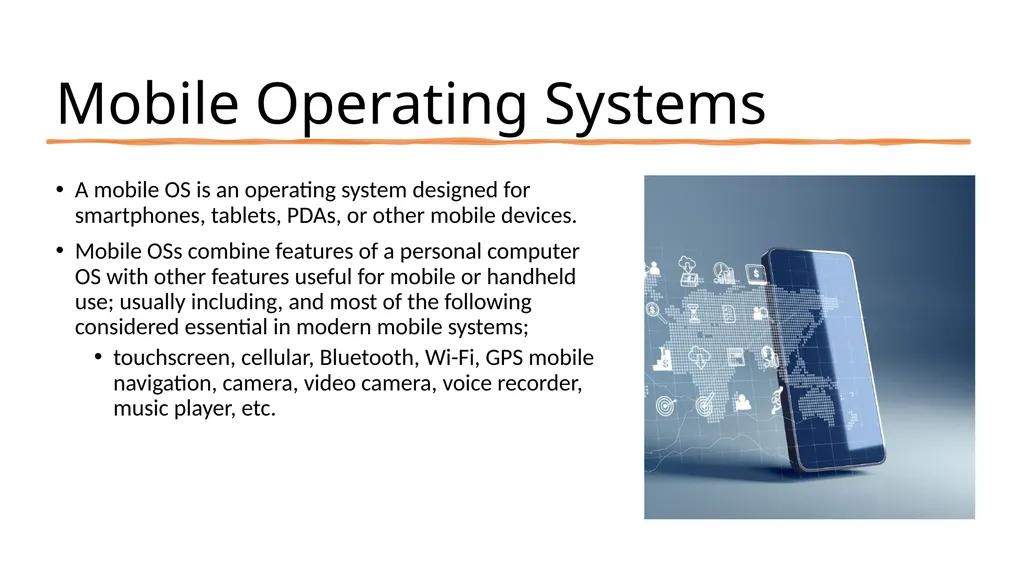
slide3. Mobile Operating Systems A mobile OS is an operating system designed for smartphones, tablets, PDAs, or other mobile devices.
Mobile OSs combine features of a personal computer OS with other features useful for mobile or handheld use; usually including, and most of the following considered essential in modern mobile systems;
touchscreen, cellular, Bluetooth, Wi-Fi, GPS mobile navigation, camera, video camera, voice recorder, music player, etc.<br>
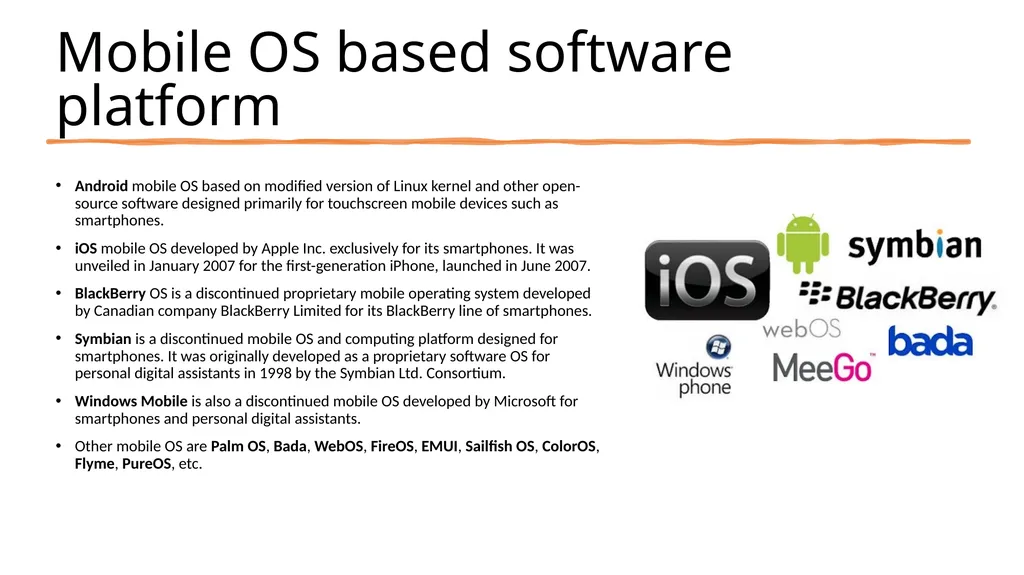
slide4. Mobile OS based software platform Android mobile OS based on modified version of Linux kernel and other open-source software designed primarily for touchscreen mobile devices such as smartphones.
iOS mobile OS developed by Apple Inc. exclusively for its smartphones. It was unveiled in January 2007 for the first-generation iPhone, launched in June 2007.
BlackBerry OS is a discontinued proprietary mobile operating system developed by Canadian company BlackBerry Limited for its BlackBerry line of smartphones.
Symbian is a discontinued mobile OS and computing platform designed for smartphones. It was originally developed as a proprietary software OS for personal digital assistants in 1998 by the Symbian Ltd. Consortium.
Windows Mobile is also a discontinued mobile OS developed by Microsoft for smartphones and personal digital assistants.
Other mobile OS are Palm OS, Bada, WebOS, FireOS, EMUI, Sailfish OS, ColorOS, Flyme, PureOS, etc.<br>
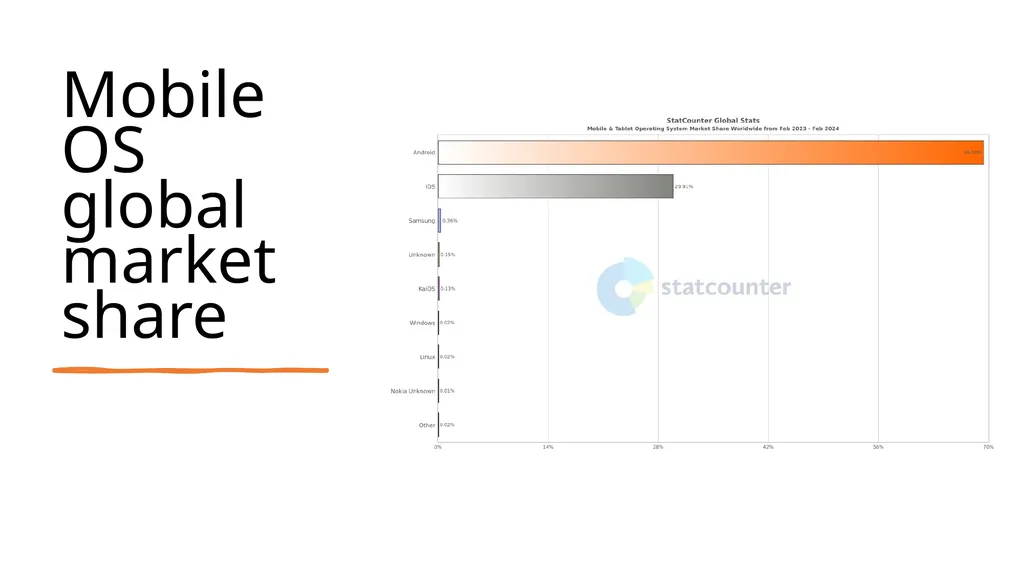
slide5. Mobile OS global market share<br>
slide6. Introduction to Android Android is an open-source and Linux-based Operating System for mobile devices such as smartphones.
Android was developed by the Open Handset Alliance, led by Google, and other companies.
Android offers a unified approach to application development for mobile devices which means developers need only develop for Android, and their applications should be able to run on different devices powered by Android.<br>
slide7. Features of Android Beautiful UI: Android OS basic screen provides a beautiful and intuitive user interface.
Connectivity: GSM/EDGE, IDEN, CDMA, EV-DO, UMTS, Bluetooth, Wi-Fi, LTE, NFC, and WiMAX
Storage: SQLite, a lightweight relational database, is used for data storage purposes.
Media Support: H.263, H.264, MPEG-4 SP, AMR, AMR, AMR-WB, AAC, HE-AAC, AAC 5.1, MP3, MIDI, Ogg Vorbis, WAV, JPEG, PNG, GIF, BMP.
Messaging: SMS and MMS
Web browser: Based on the open-source WebKit layout engine, coupled with Chrome’s V8 JavaScript engine supporting HTML5 and CSS3.
Multi-touch: Android has native support for multi-touch.<br>
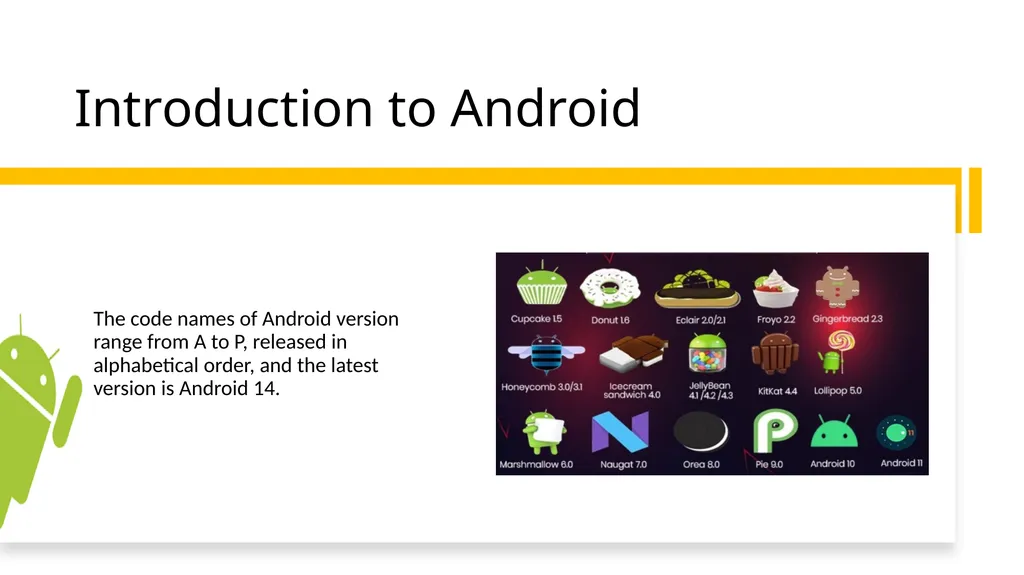
slide8. Introduction to Android The code names of Android version range from A to P, released in alphabetical order, and the latest version is Android 14.<br>
slide9. Android Development Tools The Android developer tools let you create interactive and powerful applications for the Android platform.
The tools can be generally categorized into two types.
SDK tools
Includes utilities for managing, compiling, and debugging Android applications etc.
Platform tools
Platform-specific development tasks. Includes tools like ADB(Android Debug Bridge) and Android device/emulator etc.<br>
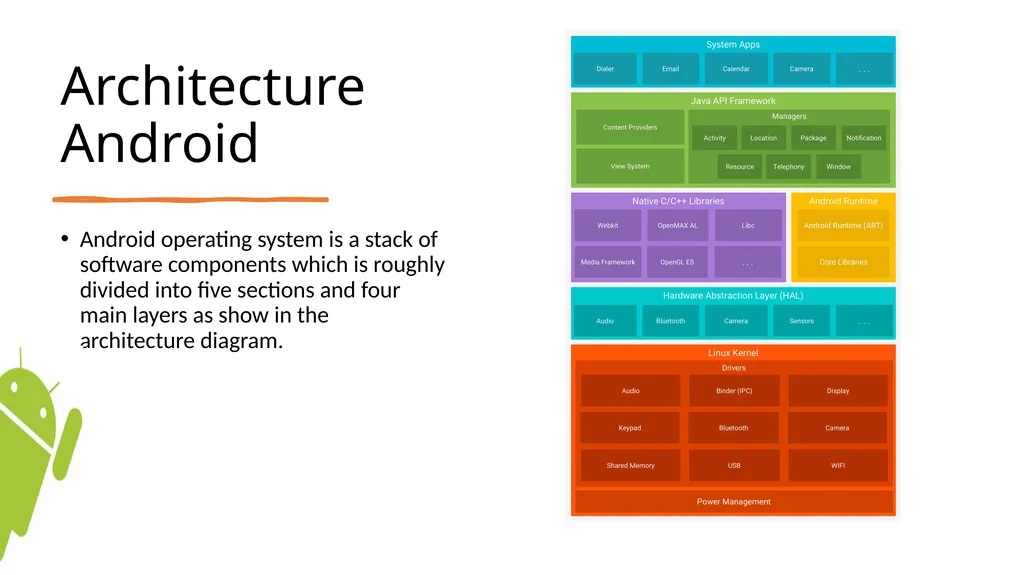
slide10. Architecture Android Android operating system is a stack of software components which is roughly divided into five sections and four main layers as show in the architecture diagram.<br>
slide11. Android Architecture… Linux Kernel: Provides core system functionalities such as memory management, process management, and device drivers.
Hardware Abstraction Layer (HAL): Bridges the gap between the hardware and the higher-level Android framework, enabling communication with device-specific hardware components.
Native C/C++ Libraries: Essential libraries for low-level functionalities, including the SQLite database engine, OpenGL ES for graphics rendering, and the standard C library.
Android Runtime (ART) and Dalvik: Previously Dalvik, now replace by ART, responsible for running Android applications by translating bytecode into machine code.<br>
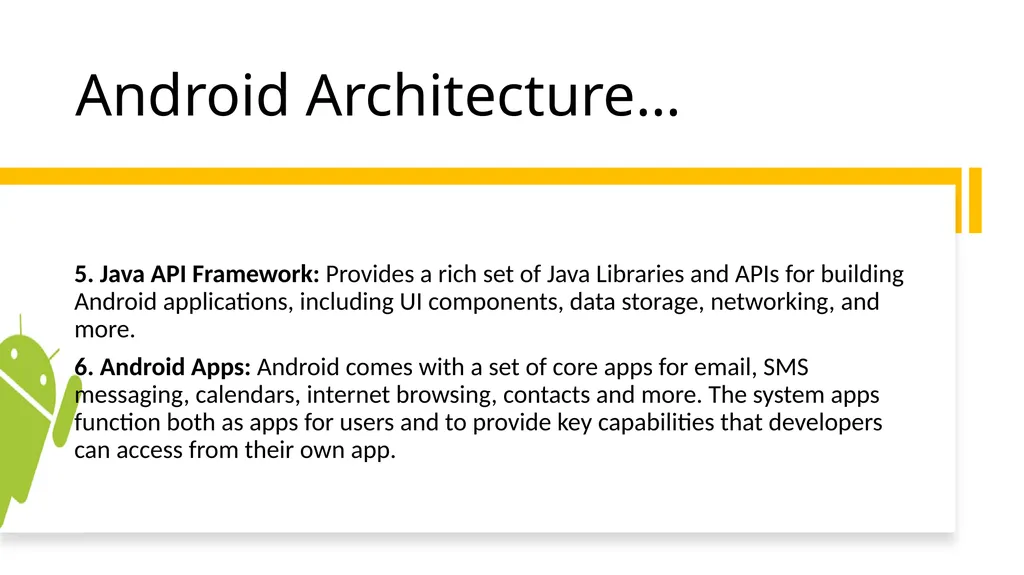
slide12. Android Architecture… 5. Java API Framework: Provides a rich set of Java Libraries and APIs for building Android applications, including UI components, data storage, networking, and more.
6. Android Apps: Android comes with a set of core apps for email, SMS messaging, calendars, internet browsing, contacts and more. The system apps function both as apps for users and to provide key capabilities that developers can access from their own app.<br>
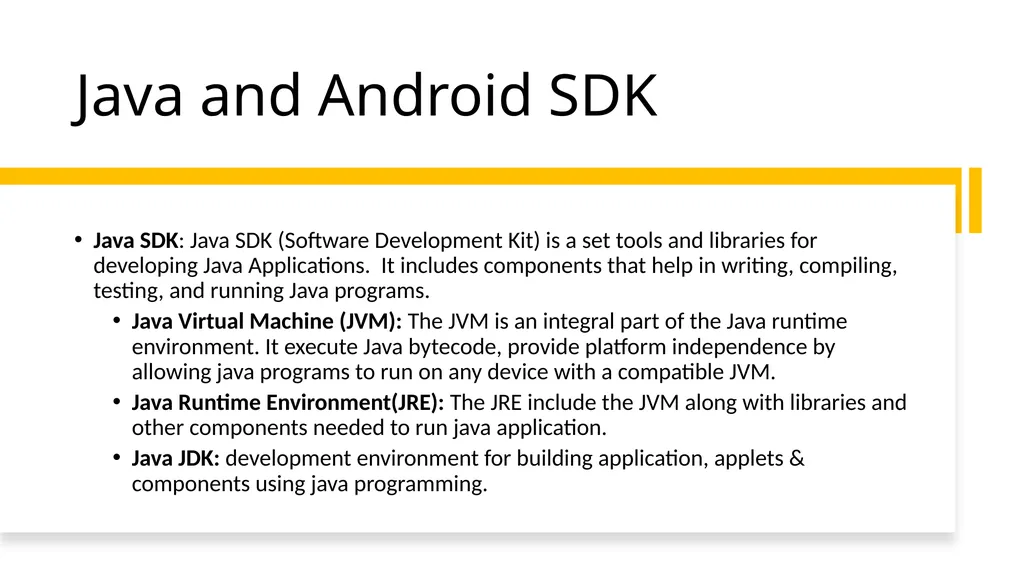
slide13. Java and Android SDK Java SDK: Java SDK (Software Development Kit) is a set tools and libraries for developing Java Applications. It includes components that help in writing, compiling, testing, and running Java programs.
Java Virtual Machine (JVM): The JVM is an integral part of the Java runtime environment. It execute Java bytecode, provide platform independence by allowing java programs to run on any device with a compatible JVM.
Java Runtime Environment(JRE): The JRE include the JVM along with libraries and other components needed to run java application.
Java JDK: development environment for building application, applets & components using java programming.<br>
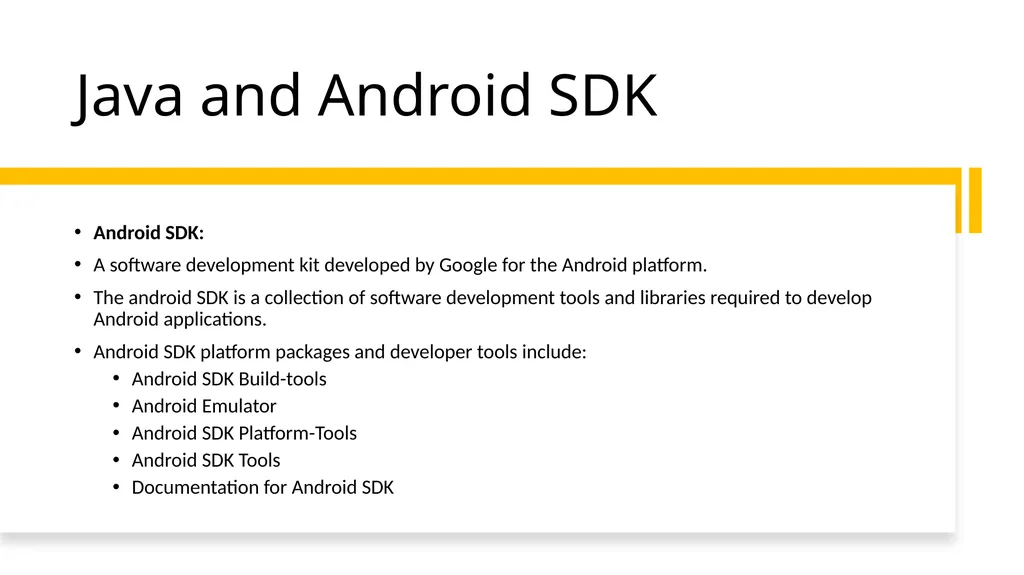
slide14. Java and Android SDK Android SDK:
A software development kit developed by Google for the Android platform.
The android SDK is a collection of software development tools and libraries required to develop Android applications.
Android SDK platform packages and developer tools include:
Android SDK Build-tools
Android Emulator
Android SDK Platform-Tools
Android SDK Tools
Documentation for Android SDK<br>
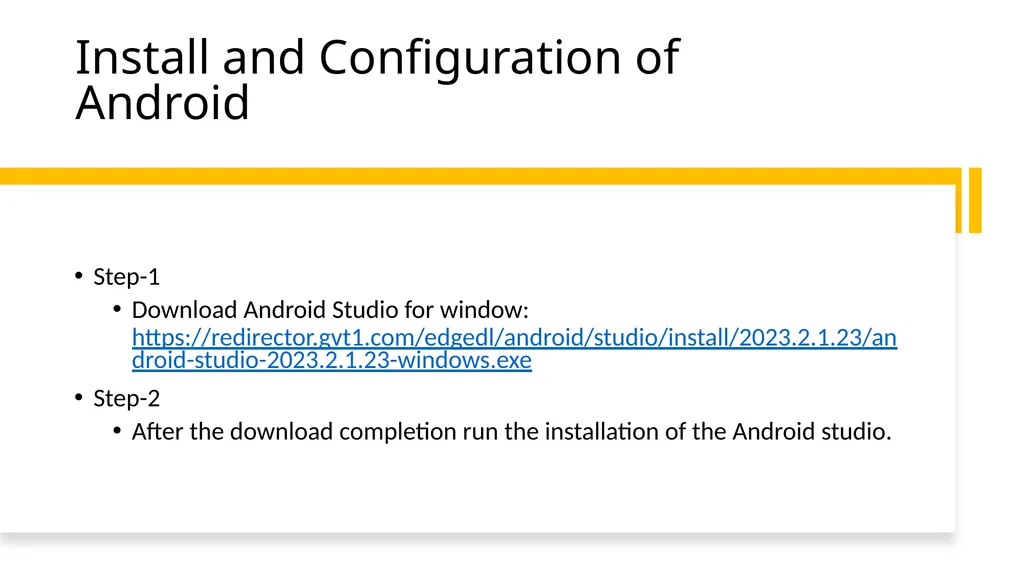
slide15. Install and Configuration of Android Step-1
Download Android Studio for window: https://redirector.gvt1.com/edgedl/android/studio/install/2023.2.1.23/android-studio-2023.2.1.23-windows.exe
Step-2
After the download completion run the installation of the Android studio.<br>
Abdul Haq<br>
slide2. Prerequisites Object Oriented Programming using Java<br>
slide3. Mobile Operating Systems A mobile OS is an operating system designed for smartphones, tablets, PDAs, or other mobile devices.
Mobile OSs combine features of a personal computer OS with other features useful for mobile or handheld use; usually including, and most of the following considered essential in modern mobile systems;
touchscreen, cellular, Bluetooth, Wi-Fi, GPS mobile navigation, camera, video camera, voice recorder, music player, etc.<br>
slide4. Mobile OS based software platform Android mobile OS based on modified version of Linux kernel and other open-source software designed primarily for touchscreen mobile devices such as smartphones.
iOS mobile OS developed by Apple Inc. exclusively for its smartphones. It was unveiled in January 2007 for the first-generation iPhone, launched in June 2007.
BlackBerry OS is a discontinued proprietary mobile operating system developed by Canadian company BlackBerry Limited for its BlackBerry line of smartphones.
Symbian is a discontinued mobile OS and computing platform designed for smartphones. It was originally developed as a proprietary software OS for personal digital assistants in 1998 by the Symbian Ltd. Consortium.
Windows Mobile is also a discontinued mobile OS developed by Microsoft for smartphones and personal digital assistants.
Other mobile OS are Palm OS, Bada, WebOS, FireOS, EMUI, Sailfish OS, ColorOS, Flyme, PureOS, etc.<br>
slide5. Mobile OS global market share<br>
slide6. Introduction to Android Android is an open-source and Linux-based Operating System for mobile devices such as smartphones.
Android was developed by the Open Handset Alliance, led by Google, and other companies.
Android offers a unified approach to application development for mobile devices which means developers need only develop for Android, and their applications should be able to run on different devices powered by Android.<br>
slide7. Features of Android Beautiful UI: Android OS basic screen provides a beautiful and intuitive user interface.
Connectivity: GSM/EDGE, IDEN, CDMA, EV-DO, UMTS, Bluetooth, Wi-Fi, LTE, NFC, and WiMAX
Storage: SQLite, a lightweight relational database, is used for data storage purposes.
Media Support: H.263, H.264, MPEG-4 SP, AMR, AMR, AMR-WB, AAC, HE-AAC, AAC 5.1, MP3, MIDI, Ogg Vorbis, WAV, JPEG, PNG, GIF, BMP.
Messaging: SMS and MMS
Web browser: Based on the open-source WebKit layout engine, coupled with Chrome’s V8 JavaScript engine supporting HTML5 and CSS3.
Multi-touch: Android has native support for multi-touch.<br>
slide8. Introduction to Android The code names of Android version range from A to P, released in alphabetical order, and the latest version is Android 14.<br>
slide9. Android Development Tools The Android developer tools let you create interactive and powerful applications for the Android platform.
The tools can be generally categorized into two types.
SDK tools
Includes utilities for managing, compiling, and debugging Android applications etc.
Platform tools
Platform-specific development tasks. Includes tools like ADB(Android Debug Bridge) and Android device/emulator etc.<br>
slide10. Architecture Android Android operating system is a stack of software components which is roughly divided into five sections and four main layers as show in the architecture diagram.<br>
slide11. Android Architecture… Linux Kernel: Provides core system functionalities such as memory management, process management, and device drivers.
Hardware Abstraction Layer (HAL): Bridges the gap between the hardware and the higher-level Android framework, enabling communication with device-specific hardware components.
Native C/C++ Libraries: Essential libraries for low-level functionalities, including the SQLite database engine, OpenGL ES for graphics rendering, and the standard C library.
Android Runtime (ART) and Dalvik: Previously Dalvik, now replace by ART, responsible for running Android applications by translating bytecode into machine code.<br>
slide12. Android Architecture… 5. Java API Framework: Provides a rich set of Java Libraries and APIs for building Android applications, including UI components, data storage, networking, and more.
6. Android Apps: Android comes with a set of core apps for email, SMS messaging, calendars, internet browsing, contacts and more. The system apps function both as apps for users and to provide key capabilities that developers can access from their own app.<br>
slide13. Java and Android SDK Java SDK: Java SDK (Software Development Kit) is a set tools and libraries for developing Java Applications. It includes components that help in writing, compiling, testing, and running Java programs.
Java Virtual Machine (JVM): The JVM is an integral part of the Java runtime environment. It execute Java bytecode, provide platform independence by allowing java programs to run on any device with a compatible JVM.
Java Runtime Environment(JRE): The JRE include the JVM along with libraries and other components needed to run java application.
Java JDK: development environment for building application, applets & components using java programming.<br>
slide14. Java and Android SDK Android SDK:
A software development kit developed by Google for the Android platform.
The android SDK is a collection of software development tools and libraries required to develop Android applications.
Android SDK platform packages and developer tools include:
Android SDK Build-tools
Android Emulator
Android SDK Platform-Tools
Android SDK Tools
Documentation for Android SDK<br>
slide15. Install and Configuration of Android Step-1
Download Android Studio for window: https://redirector.gvt1.com/edgedl/android/studio/install/2023.2.1.23/android-studio-2023.2.1.23-windows.exe
Step-2
After the download completion run the installation of the Android studio.<br>