Mobile devices can be used as a tools for helping
Description: Mobile devices can be used as a tools for helping students to get out of their seats and learn English through engaging activities focused on exploration and speech! During this session, participants will: Explore how to use mobile devices
Related Topics
Download Presentation
"Mobile devices can be used as a tools for helping" is the property of its rightful owner. Permission is granted to download and print the materials on this website for personal, non-commercial use only, and to display it on your personal computer provided you do not modify the materials and that you retain all copyright notices contained in the materials. By downloading content from our website, you accept the terms of this agreement.
Presentation Transcript
slide1. Mobile devices can be used as a tools for helping students to get out of their seats and learn English through engaging activities focused on exploration and speech!
During this session, participants will:
Explore how to use mobile devices to enhance all four skills
Learn how to adapt high-tech activities for the low-tech classroom
Discover how to promote active learning and keep students focused We Like to Move It!
Hands-on Language Learning with Mobile Devices<br>
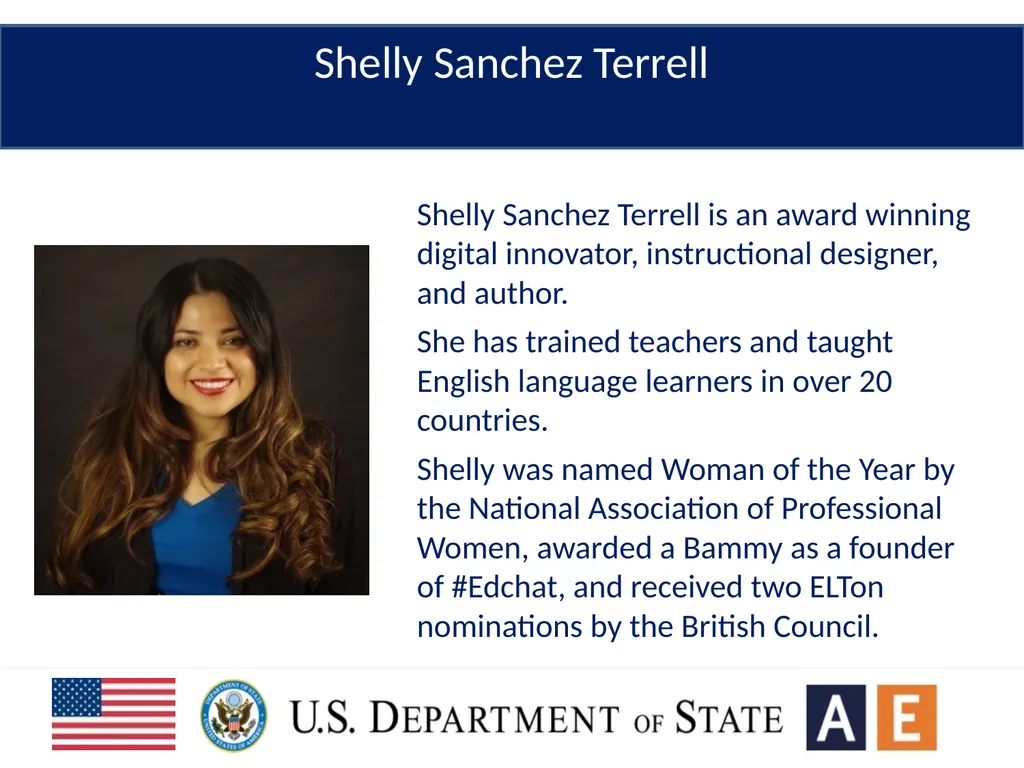
slide2. Shelly Sanchez Terrell is an award winning digital innovator, instructional designer, and author.
She has trained teachers and taught English language learners in over 20 countries.
Shelly was named Woman of the Year by the National Association of Professional Women, awarded a Bammy as a founder of #Edchat, and received two ELTon nominations by the British Council. Shelly Sanchez Terrell<br>
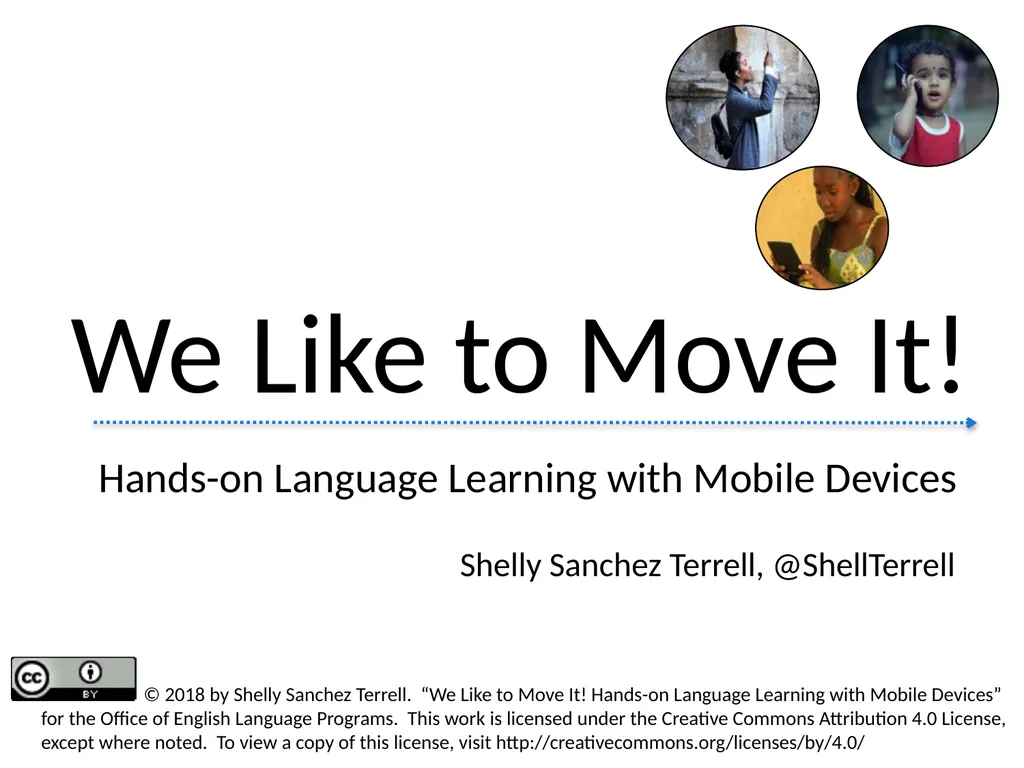
slide3. Shelly Sanchez Terrell, @ShellTerrell Hands-on Language Learning with Mobile Devices We Like to Move It! © 2018 by Shelly Sanchez Terrell. “We Like to Move It! Hands-on Language Learning with Mobile Devices” for the Office of English Language Programs. This work is licensed under the Creative Commons Attribution 4.0 License, except where noted. To view a copy of this license, visit http://creativecommons.org/licenses/by/4.0/<br>
slide4. “… young people are reading and writing more than we ever did at their age, but they are doing it using their computers and mobile phones.” - David Crystal
“On Myths and Mindsets,” 2012<br>
slide5. Ideas for promoting the four skills with mobile devices
Ideas for using devices offline
Ways to promote active learning
Ways to manage a classroom full of devices Key Takeaways<br>
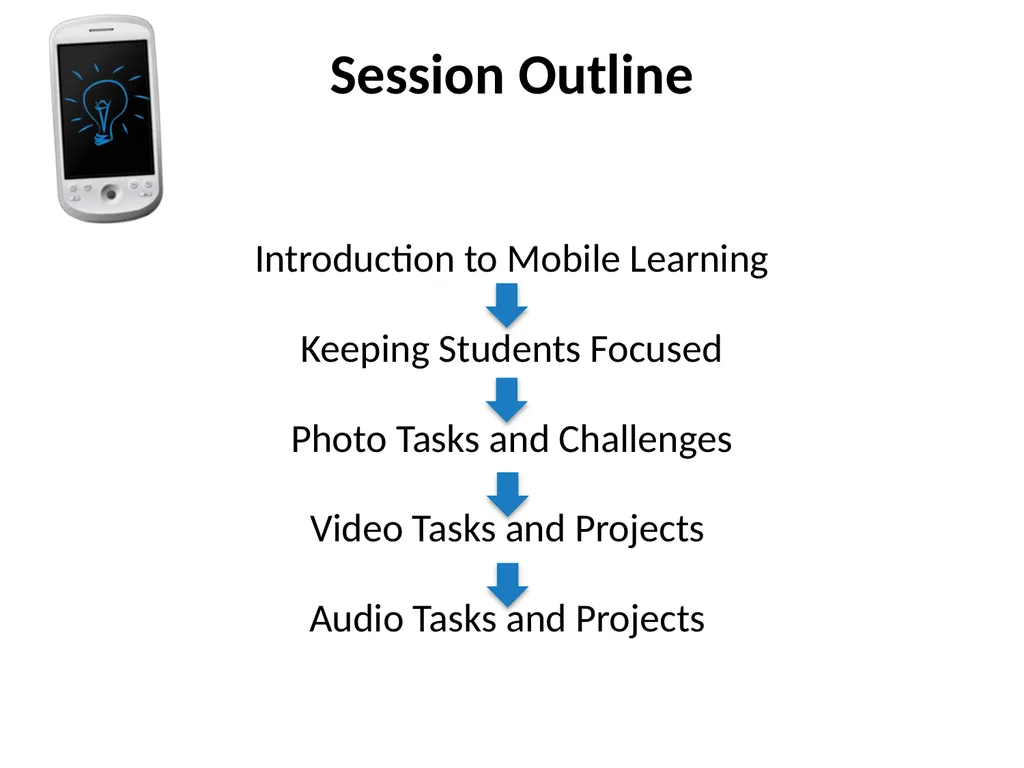
slide6. Takeaways Session Outline Introduction to Mobile Learning
Keeping Students Focused
Photo Tasks and Challenges
Video Tasks and Projects
Audio Tasks and Projects<br>
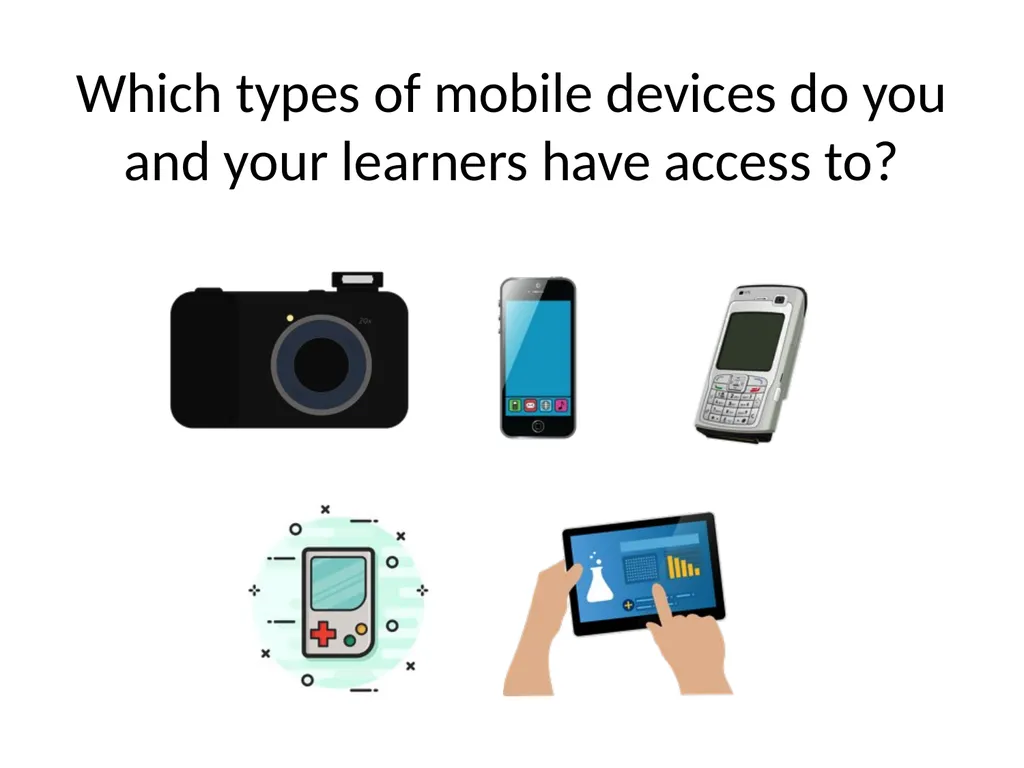
slide7. Which types of mobile devices do you and your learners have access to?<br>
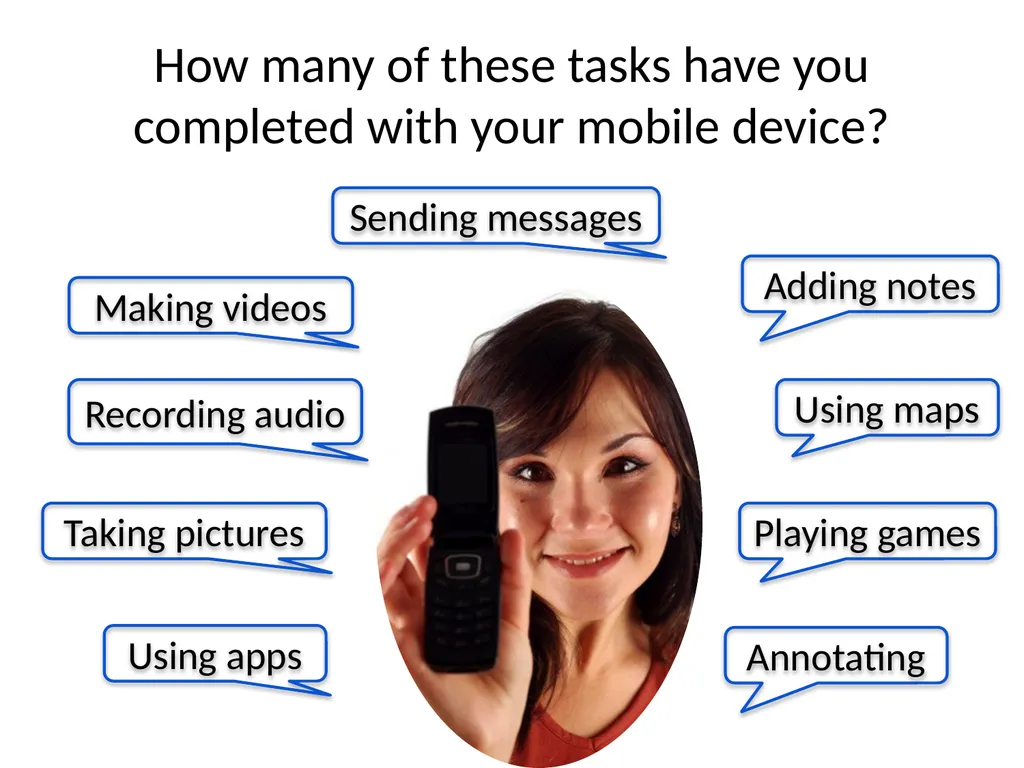
slide8. Making videos Recording audio Taking pictures Sending messages Adding notes Using maps Playing games How many of these tasks have you completed with your mobile device? Annotating Using apps<br>
slide9. What types of activities can you get students to do in English with their mobile devices?<br>
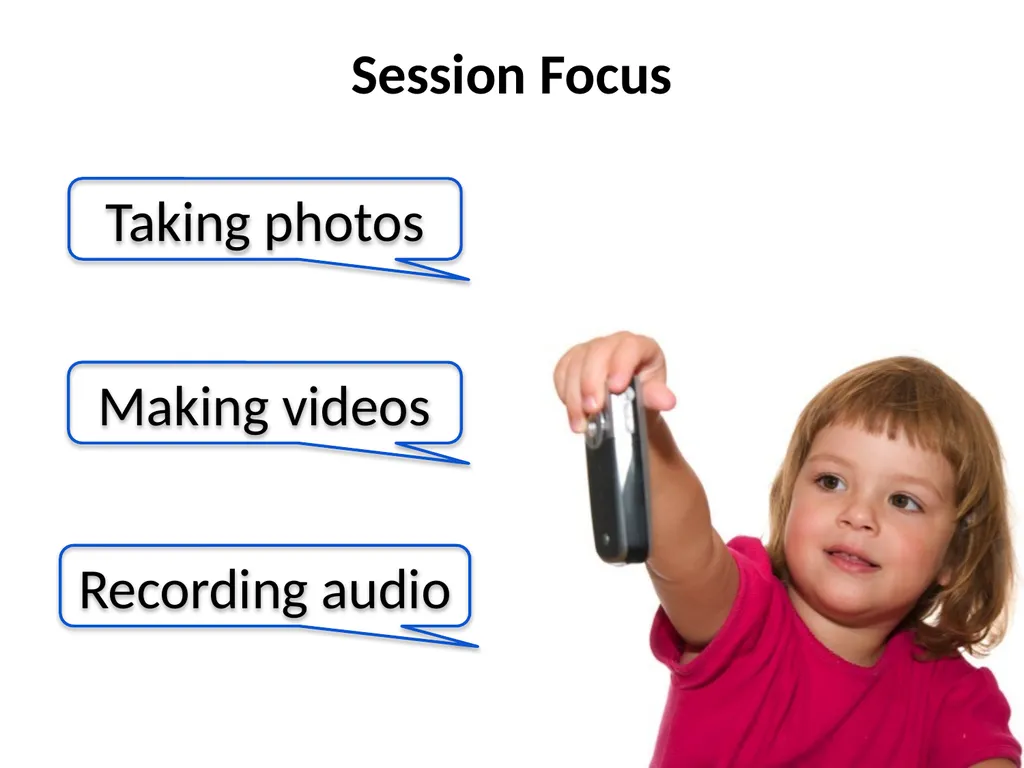
slide10. Taking photos Making videos Recording audio Session Focus<br>
slide11. How do we keep students on task?<br>
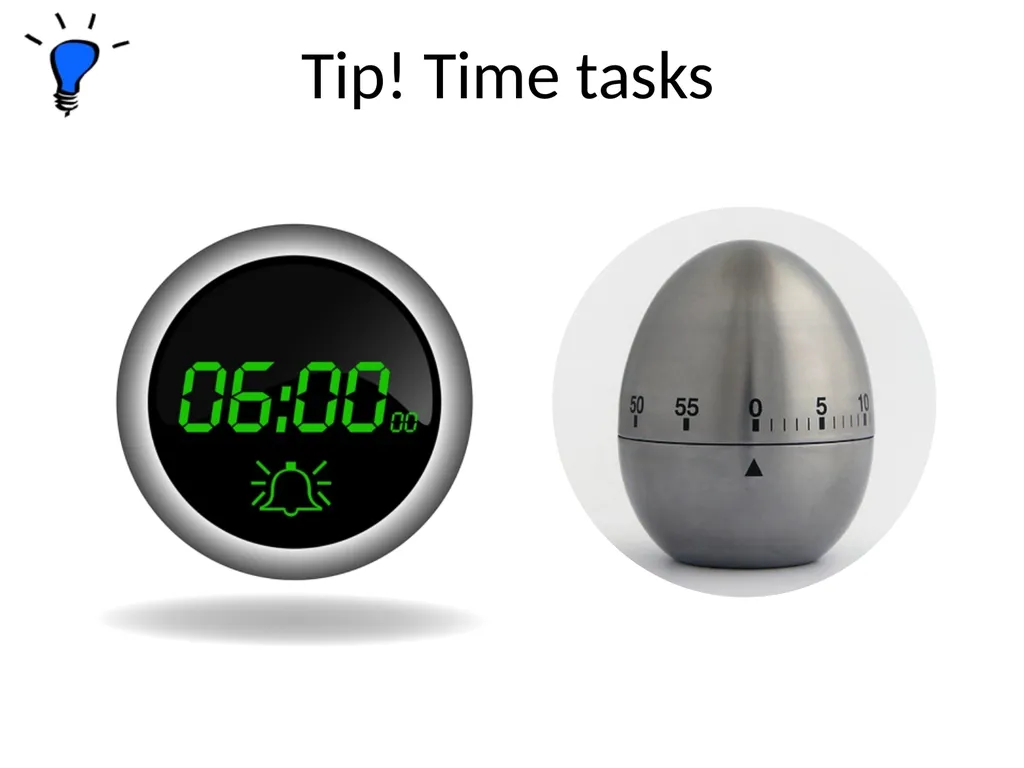
slide12. Tip! Time tasks<br>
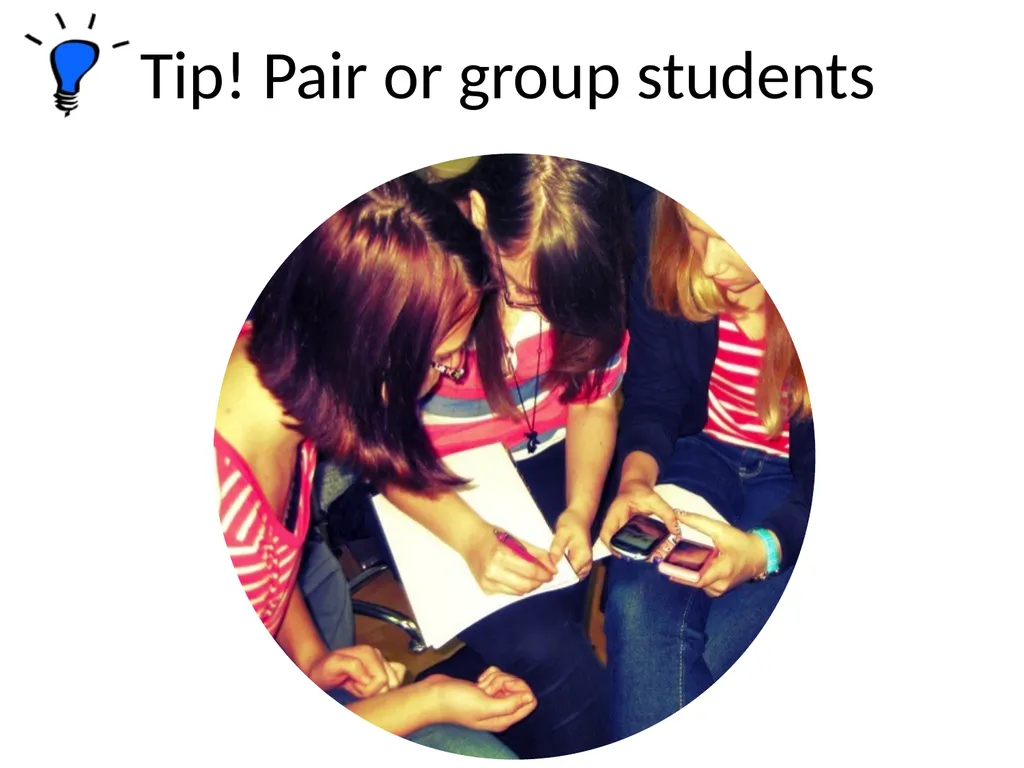
slide13. Tip! Pair or group students<br>
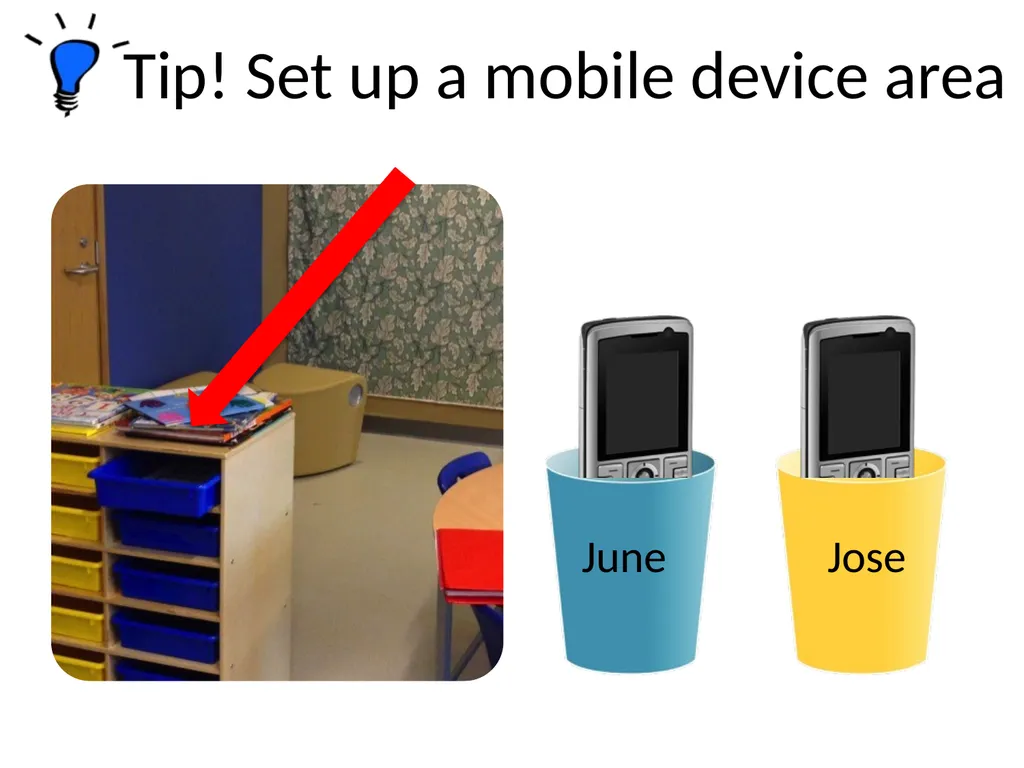
slide14. June Jose Tip! Set up a mobile device area<br>
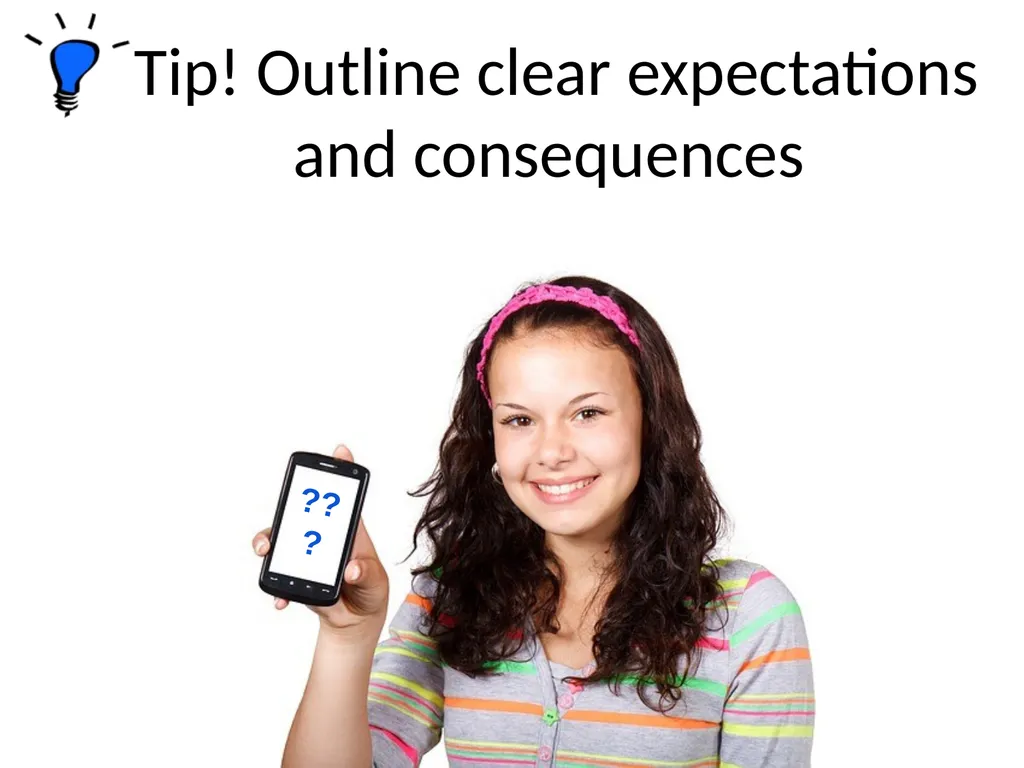
slide15. ??? Tip! Outline clear expectations and consequences<br>
slide16. Photo Tasks and Challenges<br>
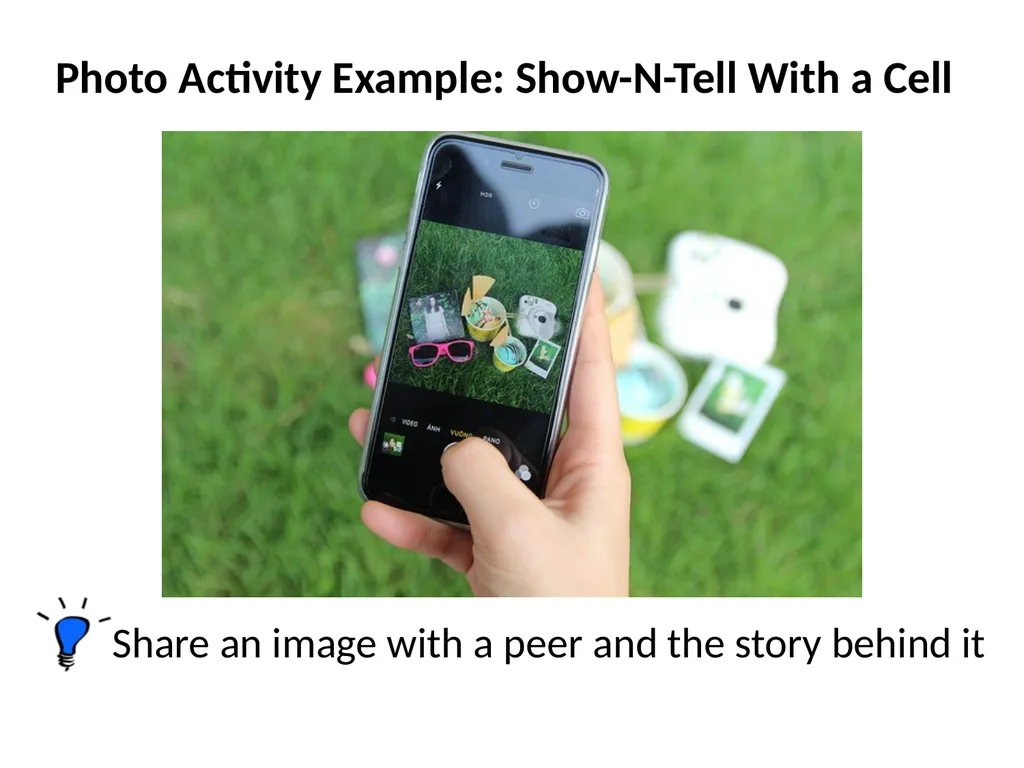
slide17. Share an image with a peer and the story behind it Photo Activity Example: Show-N-Tell With a Cell<br>
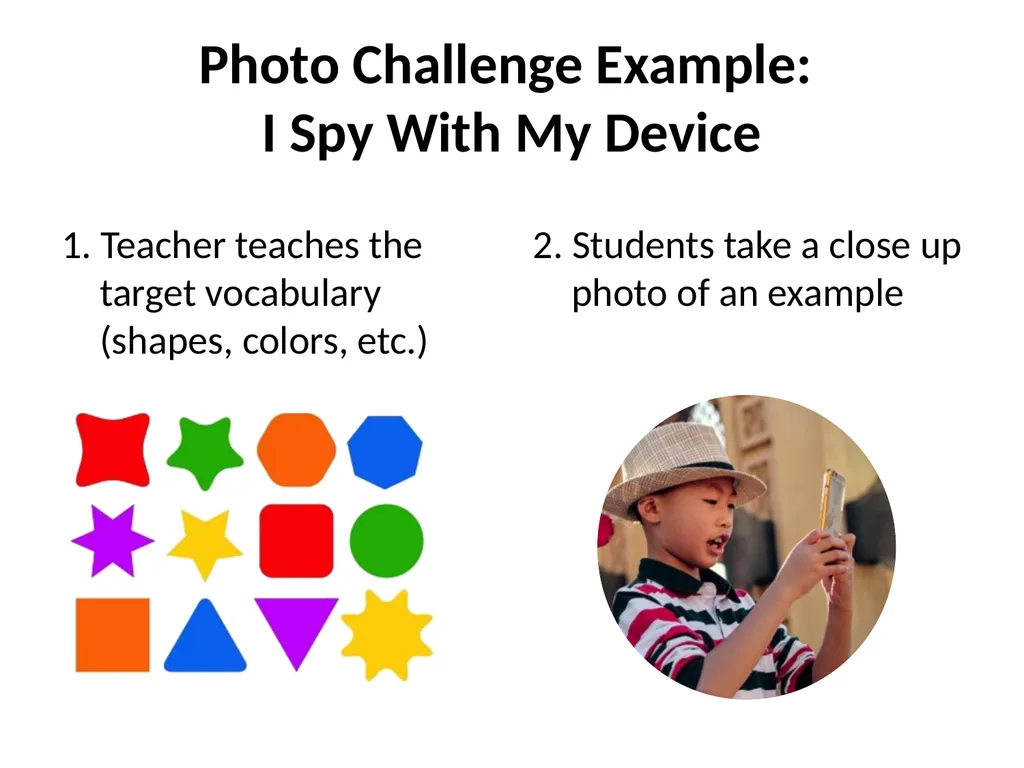
slide18. Photo Challenge Example: I Spy With My Device 1. Teacher teaches the target vocabulary (shapes, colors, etc.) 2. Students take a close up photo of an example<br>
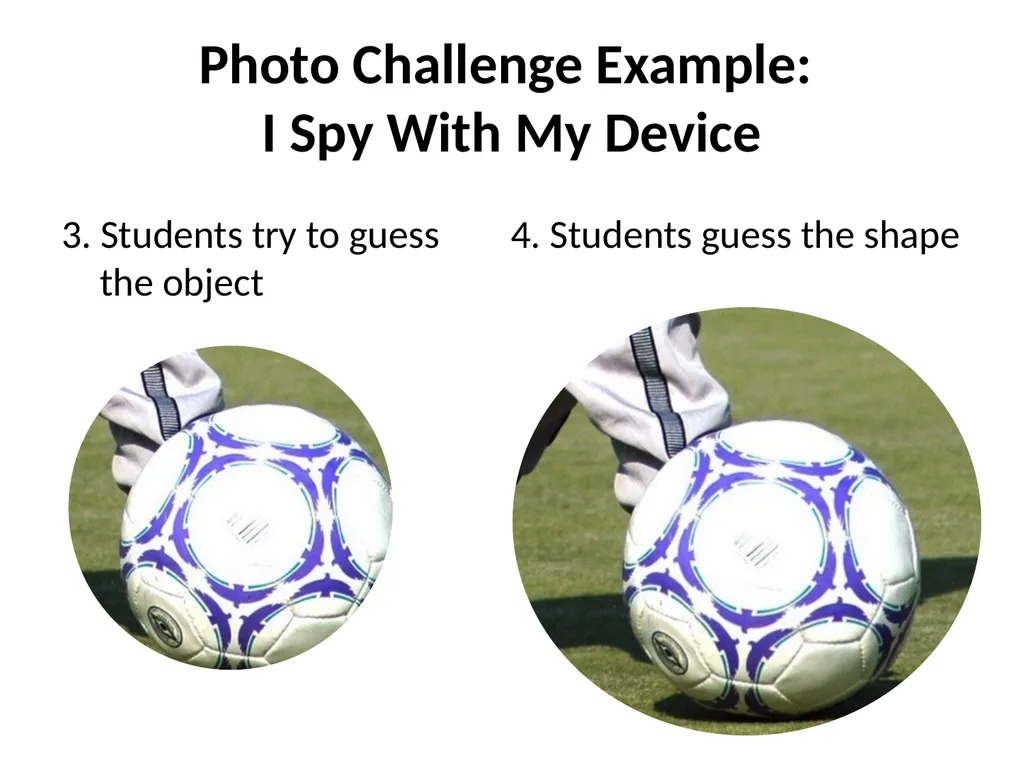
slide19. Photo Challenge Example: I Spy With My Device 3. Students try to guess the object 4. Students guess the shape<br>
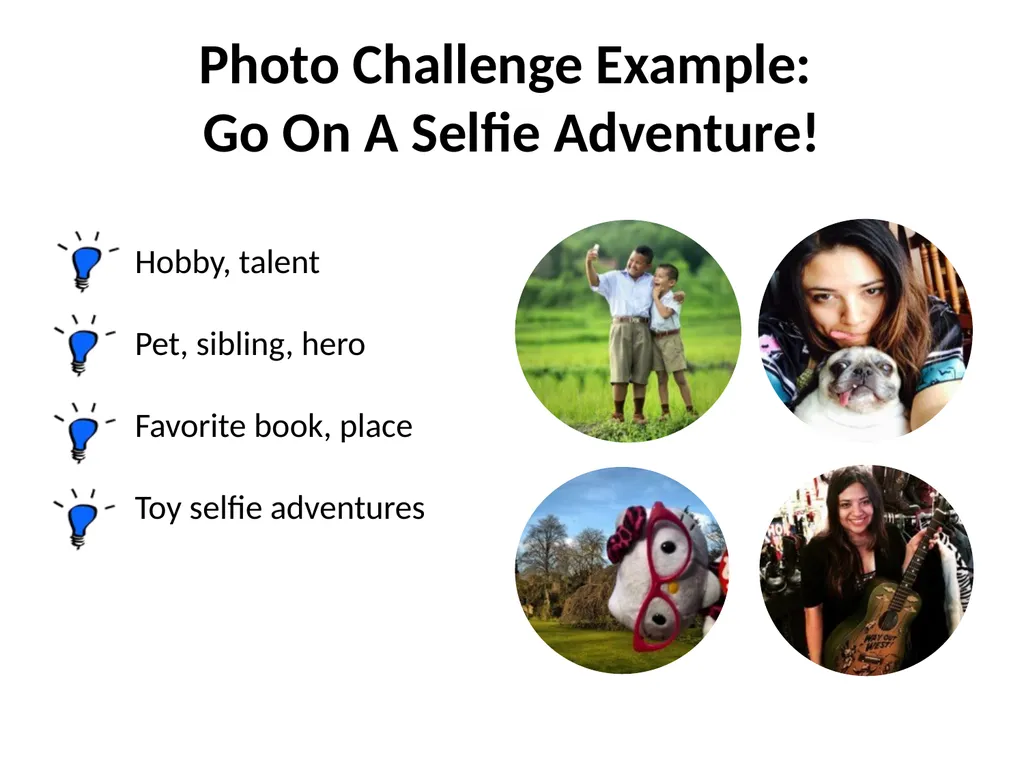
slide20. Hobby, talent
Pet, sibling, hero
Favorite book, place
Toy selfie adventures Photo Challenge Example: Go On A Selfie Adventure!<br>
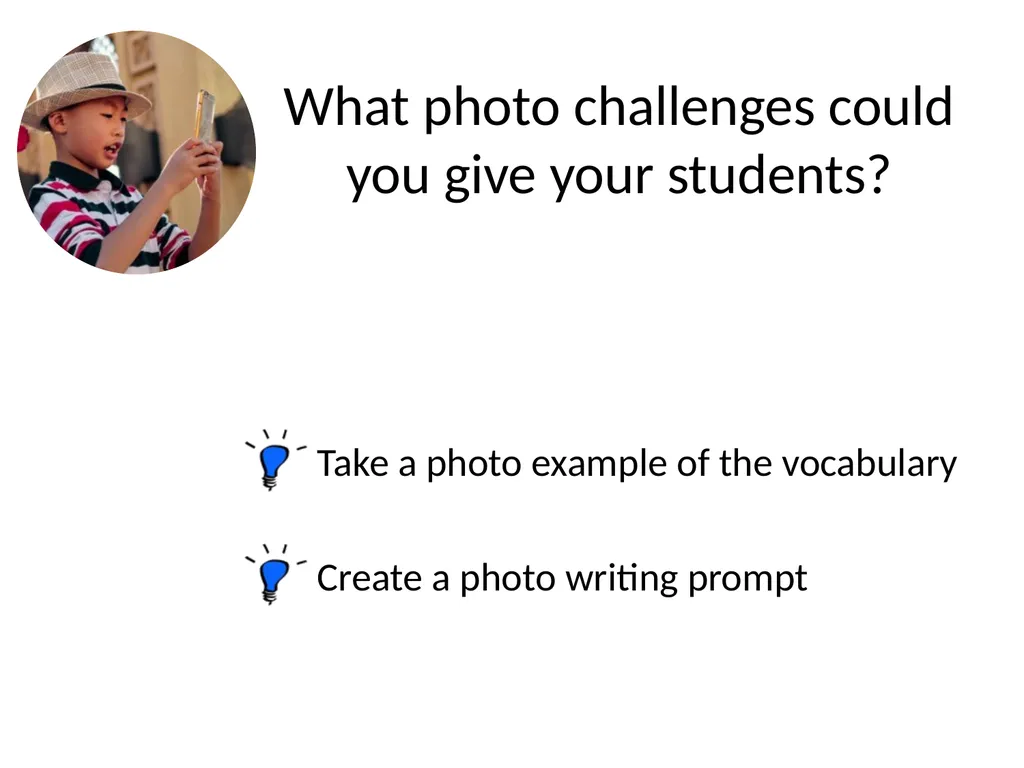
slide21. Take a photo example of the vocabulary Create a photo writing prompt What photo challenges could you give your students?<br>
slide22. Video Recording Ideas<br>
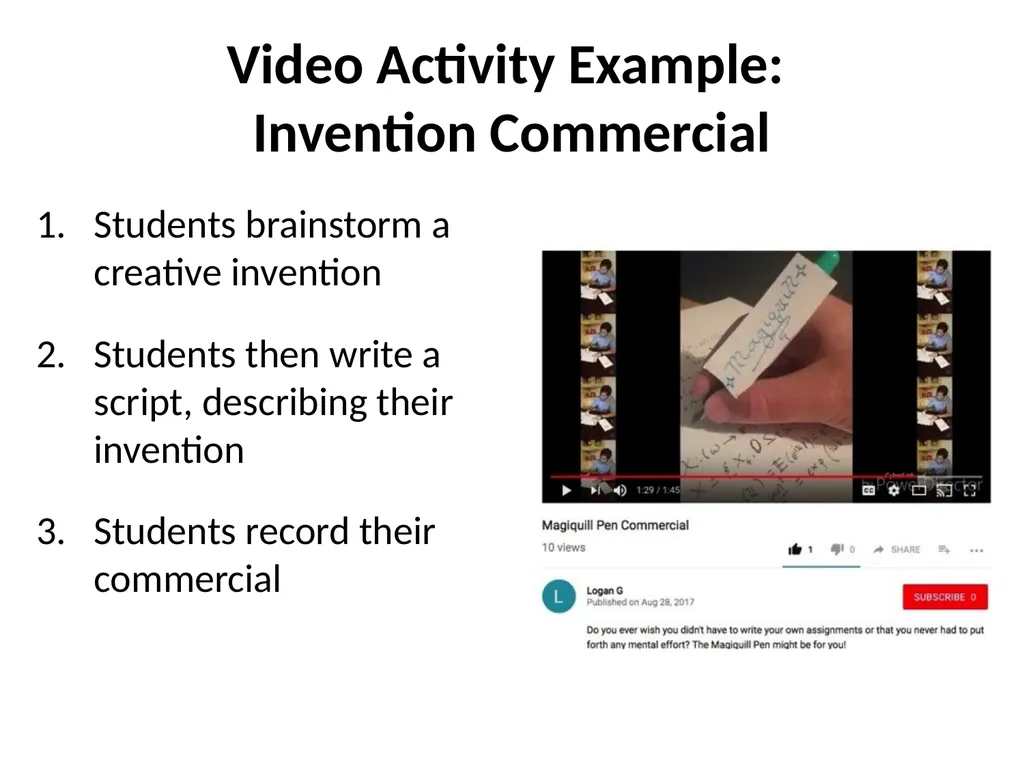
slide23. Video Activity Example: Invention Commercial Students brainstorm a creative invention
Students then write a script, describing their invention
Students record their commercial<br>
slide24. News Broadcast How-To Video What other video projects can help students improve their English?<br>
slide25. Audio Recording Tasks<br>
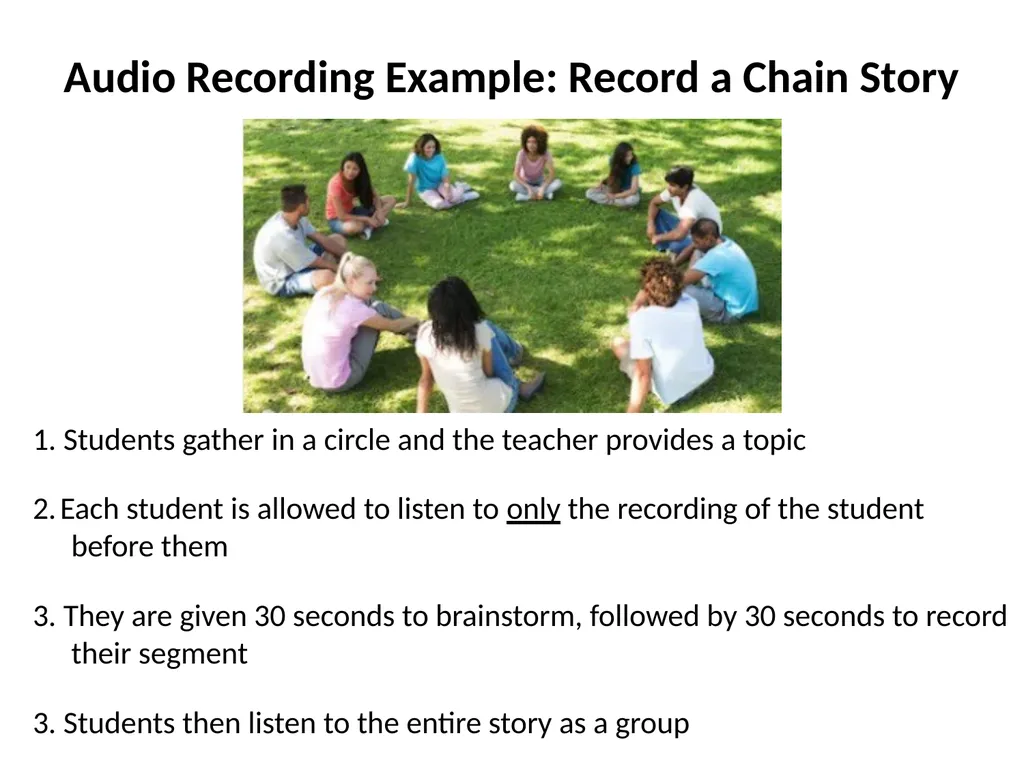
slide26. Audio Recording Example: Record a Chain Story 1. Students gather in a circle and the teacher provides a topic
2. Each student is allowed to listen to only the recording of the student before them
3. They are given 30 seconds to brainstorm, followed by 30 seconds to record their segment
3. Students then listen to the entire story as a group<br>
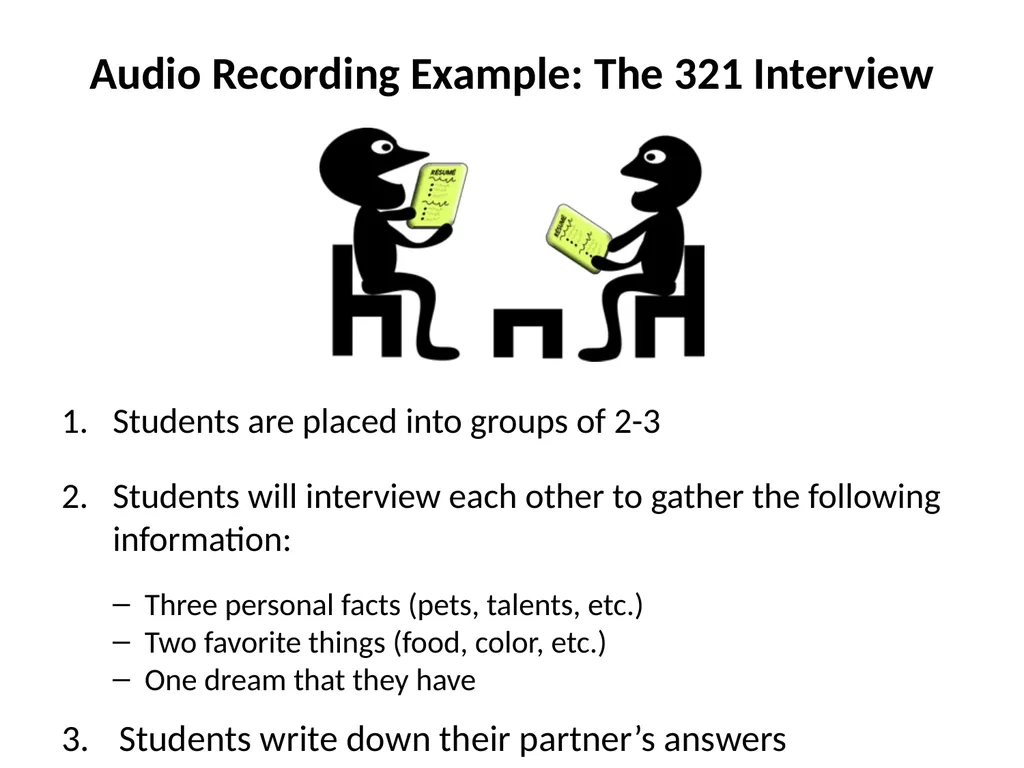
slide27. Audio Recording Example: The 321 Interview Students are placed into groups of 2-3
Students will interview each other to gather the following information:
Three personal facts (pets, talents, etc.)
Two favorite things (food, color, etc.)
One dream that they have
Students write down their partner’s answers<br>
slide28. Listen to or produce podcasts Create a radio jingle What other audio tasks can help students improve their English?<br>
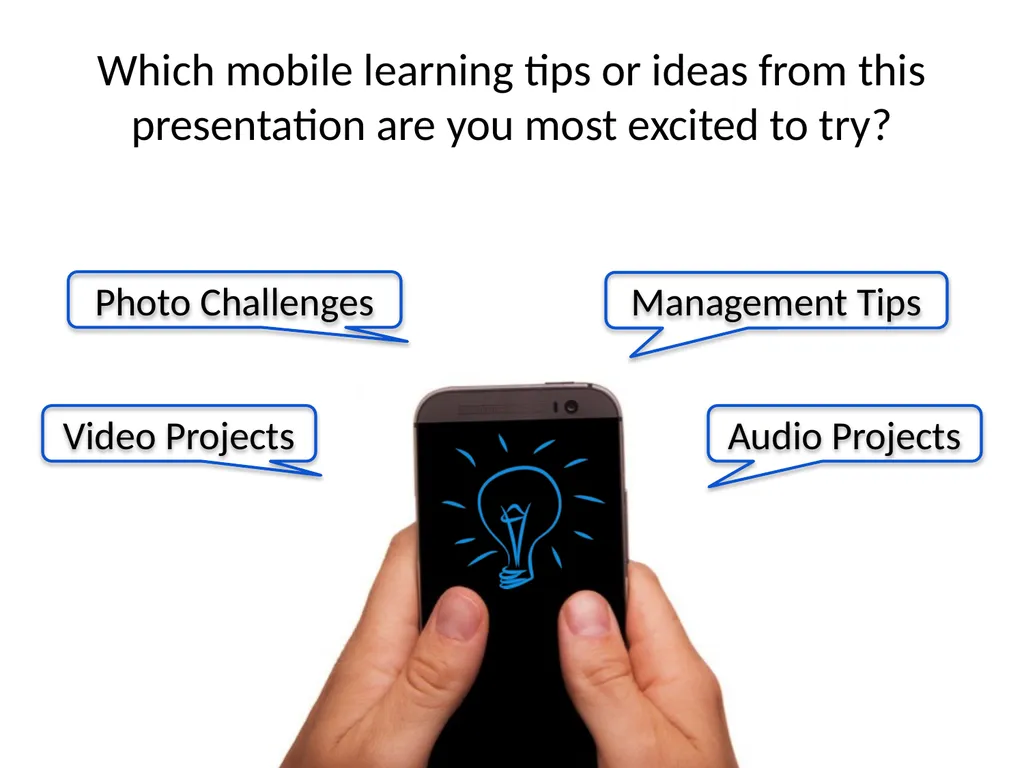
slide29. Which mobile learning tips or ideas from this presentation are you most excited to try? Photo Challenges Video Projects Management Tips Audio Projects<br>
slide30. @ShellTerrell Facebook.com/ShellyTerrell ShellyTerrell.com/MoveItAE Thank you 😀<br>

slide31. Email: americanenglish@state.gov
americanenglishwebinars.com
americanenglish.state.gov
facebook.com/AmericanEnglishatState
facebook.com/AmericanEnglishforEducators Thank you!<br>
During this session, participants will:
Explore how to use mobile devices to enhance all four skills
Learn how to adapt high-tech activities for the low-tech classroom
Discover how to promote active learning and keep students focused We Like to Move It!
Hands-on Language Learning with Mobile Devices<br>
slide2. Shelly Sanchez Terrell is an award winning digital innovator, instructional designer, and author.
She has trained teachers and taught English language learners in over 20 countries.
Shelly was named Woman of the Year by the National Association of Professional Women, awarded a Bammy as a founder of #Edchat, and received two ELTon nominations by the British Council. Shelly Sanchez Terrell<br>
slide3. Shelly Sanchez Terrell, @ShellTerrell Hands-on Language Learning with Mobile Devices We Like to Move It! © 2018 by Shelly Sanchez Terrell. “We Like to Move It! Hands-on Language Learning with Mobile Devices” for the Office of English Language Programs. This work is licensed under the Creative Commons Attribution 4.0 License, except where noted. To view a copy of this license, visit http://creativecommons.org/licenses/by/4.0/<br>
slide4. “… young people are reading and writing more than we ever did at their age, but they are doing it using their computers and mobile phones.” - David Crystal
“On Myths and Mindsets,” 2012<br>
slide5. Ideas for promoting the four skills with mobile devices
Ideas for using devices offline
Ways to promote active learning
Ways to manage a classroom full of devices Key Takeaways<br>
slide6. Takeaways Session Outline Introduction to Mobile Learning
Keeping Students Focused
Photo Tasks and Challenges
Video Tasks and Projects
Audio Tasks and Projects<br>
slide7. Which types of mobile devices do you and your learners have access to?<br>
slide8. Making videos Recording audio Taking pictures Sending messages Adding notes Using maps Playing games How many of these tasks have you completed with your mobile device? Annotating Using apps<br>
slide9. What types of activities can you get students to do in English with their mobile devices?<br>
slide10. Taking photos Making videos Recording audio Session Focus<br>
slide11. How do we keep students on task?<br>
slide12. Tip! Time tasks<br>
slide13. Tip! Pair or group students<br>
slide14. June Jose Tip! Set up a mobile device area<br>
slide15. ??? Tip! Outline clear expectations and consequences<br>
slide16. Photo Tasks and Challenges<br>
slide17. Share an image with a peer and the story behind it Photo Activity Example: Show-N-Tell With a Cell<br>
slide18. Photo Challenge Example: I Spy With My Device 1. Teacher teaches the target vocabulary (shapes, colors, etc.) 2. Students take a close up photo of an example<br>
slide19. Photo Challenge Example: I Spy With My Device 3. Students try to guess the object 4. Students guess the shape<br>
slide20. Hobby, talent
Pet, sibling, hero
Favorite book, place
Toy selfie adventures Photo Challenge Example: Go On A Selfie Adventure!<br>
slide21. Take a photo example of the vocabulary Create a photo writing prompt What photo challenges could you give your students?<br>
slide22. Video Recording Ideas<br>
slide23. Video Activity Example: Invention Commercial Students brainstorm a creative invention
Students then write a script, describing their invention
Students record their commercial<br>
slide24. News Broadcast How-To Video What other video projects can help students improve their English?<br>
slide25. Audio Recording Tasks<br>
slide26. Audio Recording Example: Record a Chain Story 1. Students gather in a circle and the teacher provides a topic
2. Each student is allowed to listen to only the recording of the student before them
3. They are given 30 seconds to brainstorm, followed by 30 seconds to record their segment
3. Students then listen to the entire story as a group<br>
slide27. Audio Recording Example: The 321 Interview Students are placed into groups of 2-3
Students will interview each other to gather the following information:
Three personal facts (pets, talents, etc.)
Two favorite things (food, color, etc.)
One dream that they have
Students write down their partner’s answers<br>
slide28. Listen to or produce podcasts Create a radio jingle What other audio tasks can help students improve their English?<br>
slide29. Which mobile learning tips or ideas from this presentation are you most excited to try? Photo Challenges Video Projects Management Tips Audio Projects<br>
slide30. @ShellTerrell Facebook.com/ShellyTerrell ShellyTerrell.com/MoveItAE Thank you 😀<br>
slide31. Email: americanenglish@state.gov
americanenglishwebinars.com
americanenglish.state.gov
facebook.com/AmericanEnglishatState
facebook.com/AmericanEnglishforEducators Thank you!<br>