Model View Controller (MVC) Charles Severance www.dj4e.com Browser Web Server h1The Second Pageh1pIf you like, you can switch back to the a hrefpage1.htmFirst Pagea.p 80 Request Response Parse Render GET
"Model View Controller (MVC) Charles Severance" is the property of its rightful owner. Permission is granted to
download and print the materials on this website for personal, non-commercial use only, and to display it
on your personal computer provided you do not modify the materials and that you retain all copyright
notices contained in the materials. By downloading content from our website, you accept the terms of this
agreement.
Presentation Transcript
01
Model View Controller (MVC) Charles Severance
www.dj4e.com<br>
02
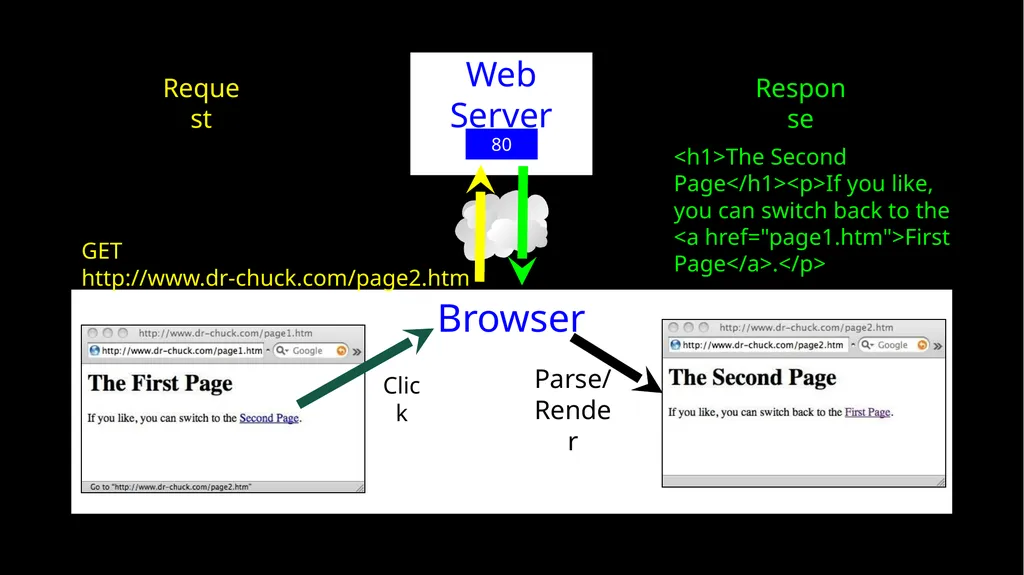
Browser Web Server <h1>The Second Page</h1><p>If you like, you can switch back to the <a href="page1.htm">First Page</a>.</p> 80 Request Response Parse/
Render GET http://www.dr-chuck.com/page2.htm Click<br>
03
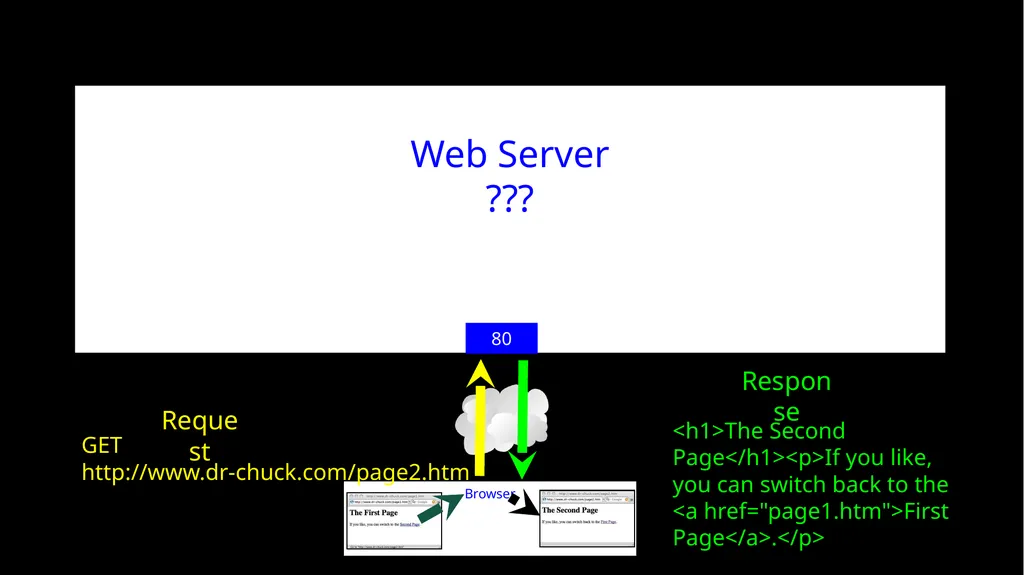
Web Server
??? <h1>The Second Page</h1><p>If you like, you can switch back to the <a href="page1.htm">First Page</a>.</p> 80 Request Response GET http://www.dr-chuck.com/page2.htm<br>
04
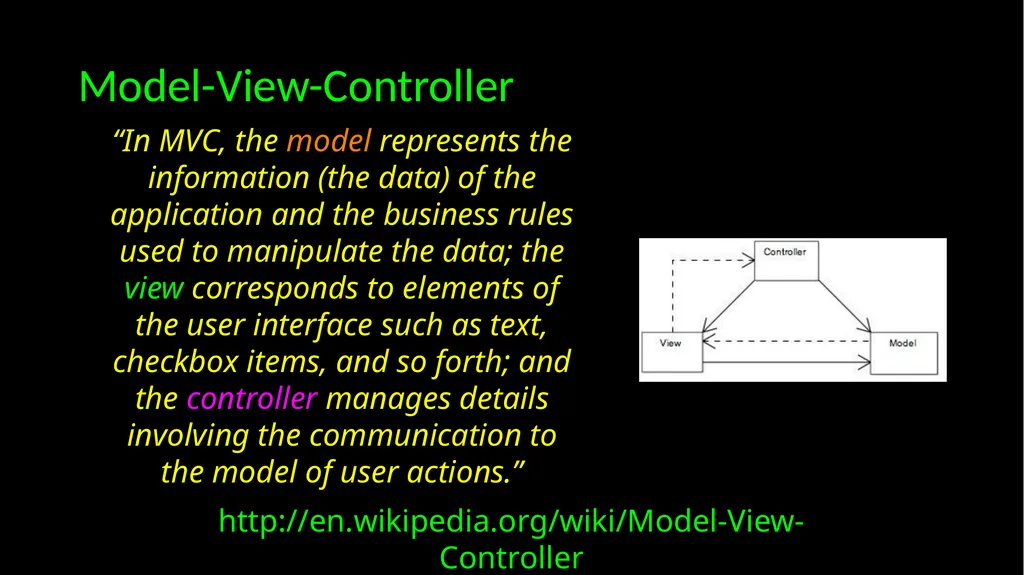
Model-View-Controller http://en.wikipedia.org/wiki/Model-View-Controller “In MVC, the model represents the information (the data) of the application and the business rules used to manipulate the data; the view corresponds to elements of the user interface such as text, checkbox items, and so forth; and the controller manages details involving the communication to the model of user actions.”<br>
05
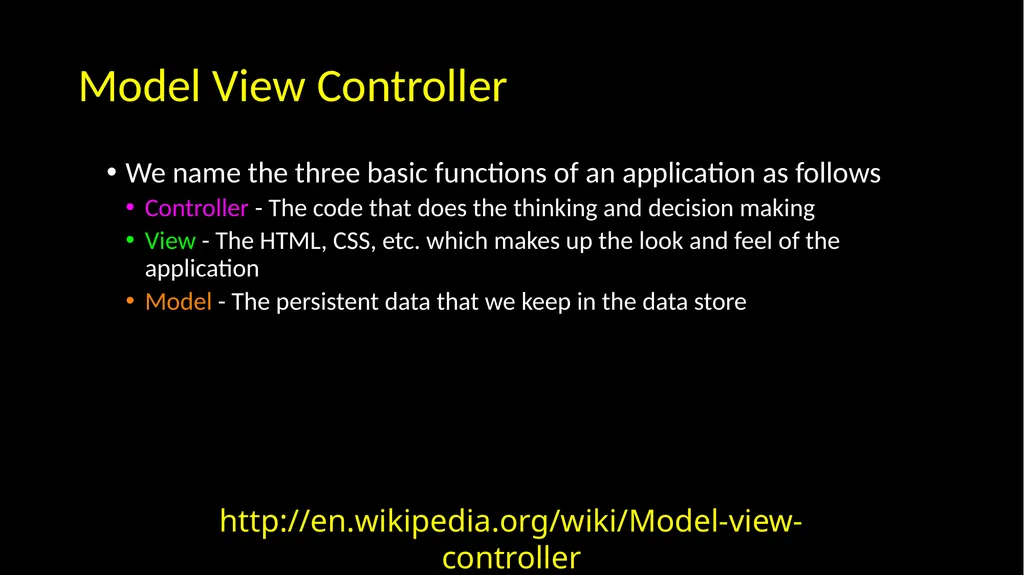
Model View Controller We name the three basic functions of an application as follows
Controller - The code that does the thinking and decision making
View - The HTML, CSS, etc. which makes up the look and feel of the application
Model - The persistent data that we keep in the data store http://en.wikipedia.org/wiki/Model-view-controller<br>
06
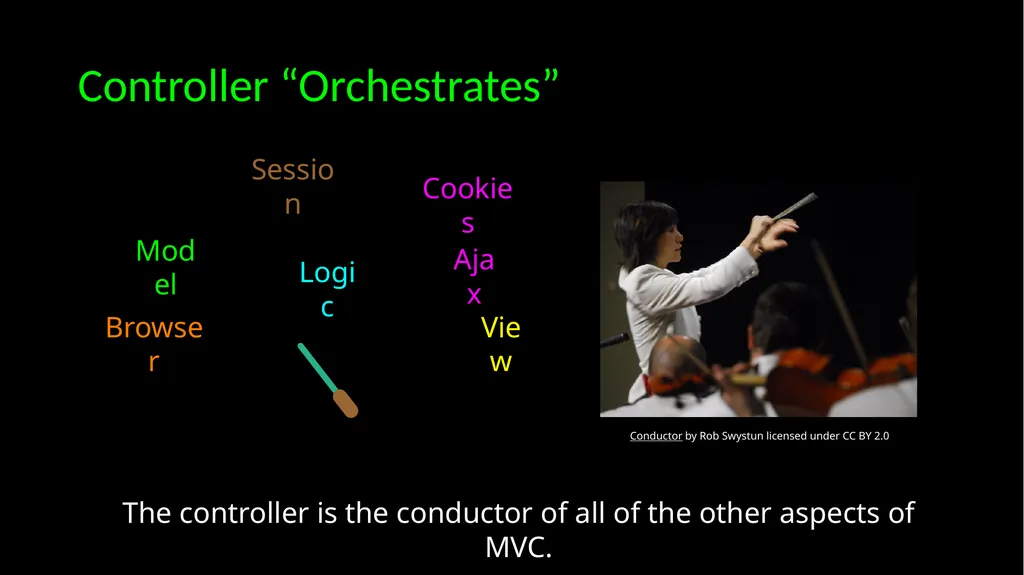
Controller “Orchestrates” Logic View Browser Model Cookies Session The controller is the conductor of all of the other aspects of MVC. Ajax Conductor by Rob Swystun licensed under CC BY 2.0<br>
07
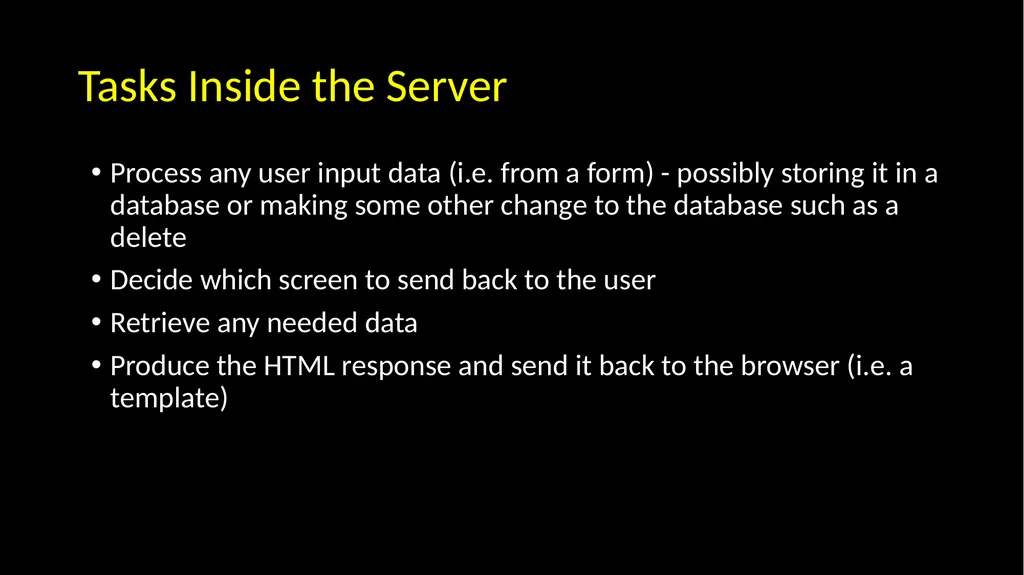
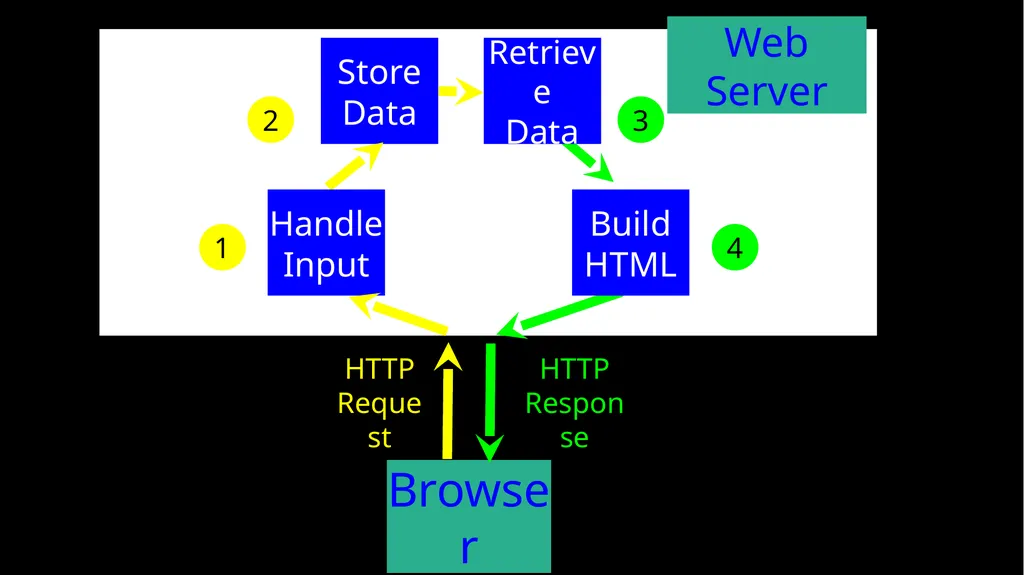
Tasks Inside the Server Process any user input data (i.e. from a form) - possibly storing it in a database or making some other change to the database such as a delete
Decide which screen to send back to the user
Retrieve any needed data
Produce the HTML response and send it back to the browser (i.e. a template)<br>
08
HTTP
Request HTTP
Response Browser Web Server Store Data 3 1 2 4 Handle
Input Retrieve
Data Build
HTML<br>
09
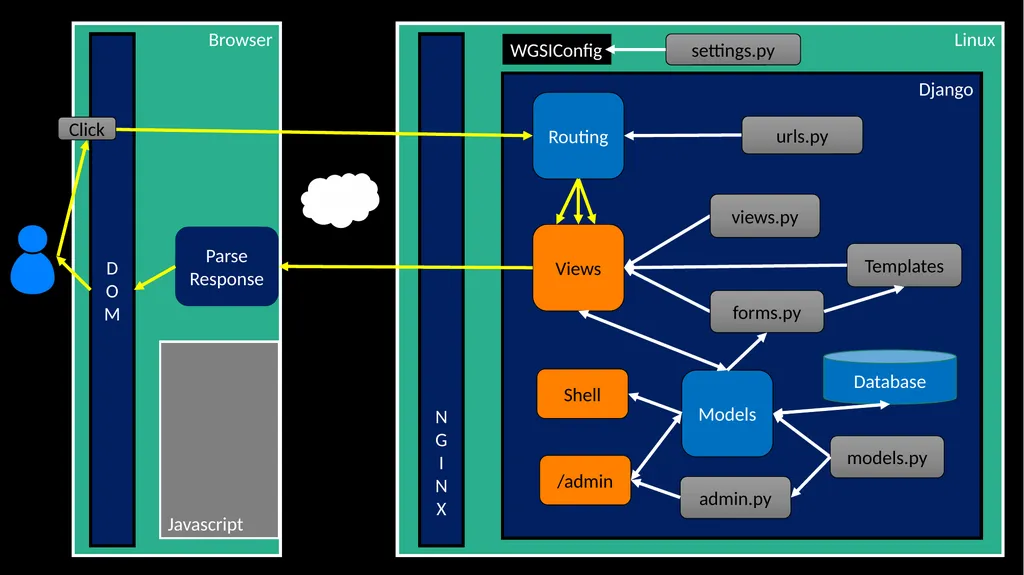
Linux Browser Django WGSIConfig Routing Views Database Templates settings.py N
G
I
N X urls.py views.py forms.py Models models.py D
O
M Parse
Response Javascript admin.py Shell /admin Click<br>
10
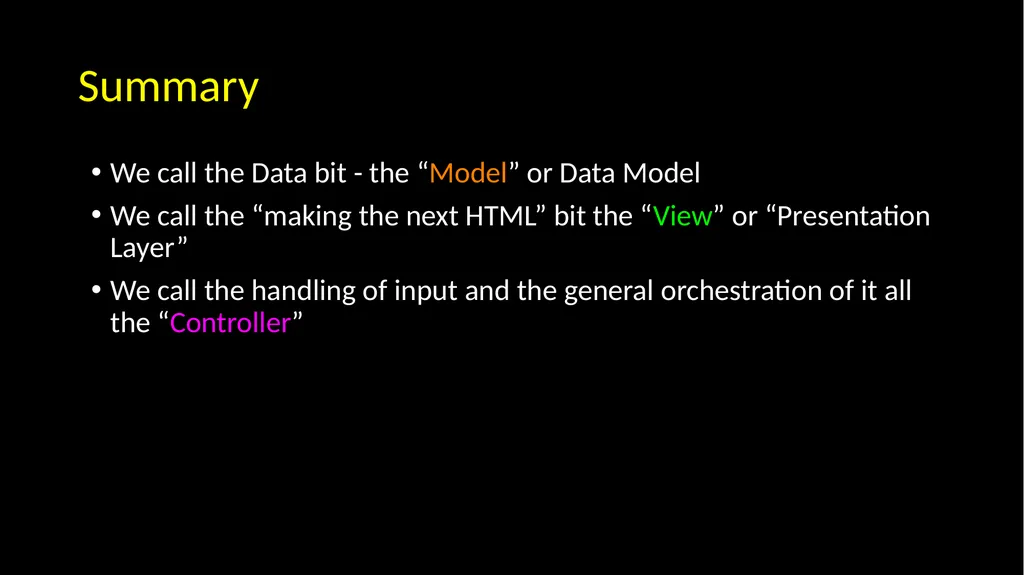
Summary We call the Data bit - the “Model” or Data Model
We call the “making the next HTML” bit the “View” or “Presentation Layer”
We call the handling of input and the general orchestration of it all the “Controller”<br>
11
Acknowledgements / Contributions These slides are Copyright 2019- Charles R. Severance (www.dr-chuck.com) as part of www.dj4e.com and made available under a Creative Commons Attribution 4.0 License. Please maintain this last slide in all copies of the document to comply with the attribution requirements of the license. If you make a change, feel free to add your name and organization to the list of contributors on this page as you republish the materials.
Initial Development: Charles Severance, University of Michigan School of Information
Insert new Contributors and Translators here including names and dates Continue new Contributors and Translators here<br>