NCCU ACCESSIBILITY BASICS Module 1 of the NCCU Accessibility Certification Series The Office of Student Disabilities Services The Division of Extended Studies The Office of e-Learning The Office of Faculty Professional Development Workshop
"NCCU ACCESSIBILITY BASICS Module 1 of the NCCU" is the property of its rightful owner. Permission is granted to
download and print the materials on this website for personal, non-commercial use only, and to display it
on your personal computer provided you do not modify the materials and that you retain all copyright
notices contained in the materials. By downloading content from our website, you accept the terms of this
agreement.
Presentation Transcript
01
NCCU ACCESSIBILITY BASICS Module 1 of the NCCU Accessibility Certification Series
The Office of Student Disabilities Services
The Division of Extended Studies
The Office of e-Learning
The Office of Faculty Professional Development<br>
02
Workshop Objectives Introduce federal laws requiring accessibility compliance
Review terminology and concepts related to accessibility
Explain the expectations of the course/content developer
Identify offices and services available for faculty support
Address methods for resolving accessibility issues<br>
03
Purpose NCCU is committed to providing access to the educational environment for all persons by using accessible course materials and providing appropriate accommodations in accordance with federal and state laws.
The following laws and procedures detail the requirements and responsibilities we have to ensure accessibility.<br>
04
What do you think of when discussing accessibility?<br>
05
WebAIM Dyslexia Simulation<br>
06
Terminology to Consider Accessible: A person with a disability must be able to obtain information as fully, equally, and independently as a person without a disability. Although this might not result in identical ease of use compared to that of persons without disabilities, it still must ensure equal opportunity to the educational benefits and opportunities afforded by the technology and equal treatment in the use of such technology.
Accessible Information Technology: Information technology that has been designed, developed, or procured to be usable by, and therefore accessible to people with disabilities, including those who use assistive technologies. Assistive Technologies: Any item, piece of equipment, or system, whether acquired commercially, modified, or customized, that is commonly used to increase, maintain, or improve functional capabilities of individuals with disabilities.
NCCU Course Developer: Anyone who develops, maintains or provides official NCCU course content, including, but not limited to faculty, instructional designers and third party entities. This includes online and traditional (face to face courses).
Usability: Refers to how easily, effectively, and efficiently users can use a product or system to achieve their goals, and how satisfied they are with the experience.<br>
07
Course/Content Developer Expectations Ensure that all content is accessible to all students
Be sure that all information is made available in an accessible format to any individual with a disability documented with the Office of Student Disability Services
Seek training and support
Include links to accessibility statements for all instructional modalities
Be prepared to address course accessibility during faculty evaluations (pursuant Section 4.5.1.3 of the Faculty Handbook)<br>
08
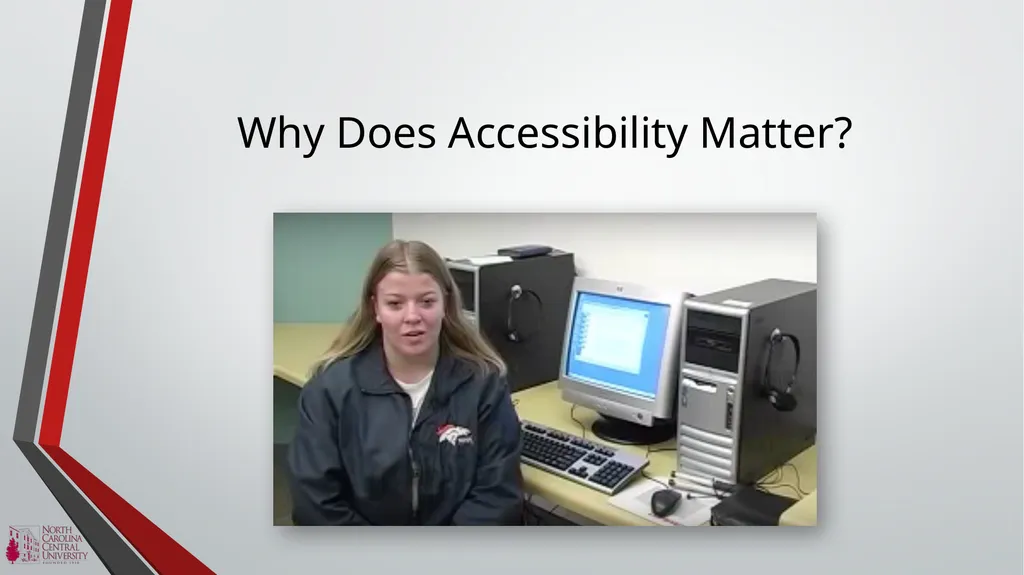
Why Does Accessibility Matter?<br>
09
NCCU Offices & Services to Support You The Office of Student Disability Services
Information Technology Services Department
The Office of e-Learning
The Office of Faculty Professional Development<br>
10
Resolutions for Accessibility Issues Students should first contact their instructors regarding accessibility issues
Respond to students concerns promptly (i.e. within 2 business days)
The Office of Student Disability Services will contact the Office of Information Technology Services and the Office of e-Learning to assist in providing alternate means of accessibility<br>
11
Resolutions for Accessibility Issues Students should file a disability-related grievance if a resolution is not achieved
http://www.nccu.edu/students/studentservices/disability/policies.cfm
Faculty will be notified that a grievance has been filed and will have 7 business days to provide alternative means of accessibility
Electronic resources may be requested to be removed if alternative means of accessibility are not provided<br>
12
Develop an Action Plan Take a look at your Blackboard course page, office website, or email communications with your students.
Can you identify accessibility issues?
What steps can you take to correct these issues?<br>