Network File System Joshua Caltagirone-Holzli Introduction to NFS Features General Information Server Side Client Side Automount Overview NFS Network File System In widespread use in many organizations Developed by Sun Implemented over
"Network File System Joshua Caltagirone-Holzli" is the property of its rightful owner. Permission is granted to
download and print the materials on this website for personal, non-commercial use only, and to display it
on your personal computer provided you do not modify the materials and that you retain all copyright
notices contained in the materials. By downloading content from our website, you accept the terms of this
agreement.
Presentation Transcript
01
Network File System Joshua Caltagirone-Holzli<br>
02
Introduction to NFS
Features
General Information
Server Side
Client Side
Automount Overview<br>
03
NFS – Network File System
In widespread use in many organizations
Developed by Sun
Implemented over Sun Remote Procedural Call
Uses either TCP or UDP Introduction to NFS<br>
04
File Locking
Disk Quotas
Cookie and Stateless Mounting
Security and NFS Features<br>
05
File locking
Traditional System Calls
Flock, lockf, fcntl
Daemons NFS utilizes
Lockd
Statd
NFS file locking is still shakey File Locking<br>
06
NFS enforces underlying file system quotas
Daemon for user stats
Rquotad
Disk quotas considered obsolete Disk Quotas<br>
07
Clients must explicitly mount an NFS filesystem
NFS is stateless
Does not keep track of who mounts a file system
NFS “cookies”
Sent at conclusion of successful mount
Identifies the mounted directory Cookies and Stateless Mounting<br>
08
Unmounting/Remounting changes cookies
Means cookies are saved across reboot
Server crashes cause NFS to resume as normal
Cookie uses RPC file/dev IO
Client responsible for acknowledging server before removing local file (writing) Cookies and Stateless Mounting<br>
09
/etc/exports
Provides access to NFS volumes
This file enumerates the hostnames of systems who have access to the file system
Export file systems only to clients you trust
Access to NFS ports should be restricted Security and NFS<br>
10
File level access on NFS based on:
UID, GID, and file permissions
NFS servers trust the client to tell who is accessing flies
Example: if mary and bob have the same UID then they are able to access each other’s files Security and NFS<br>
11
Root_squash – prevents root from changing the UID on the NFS server
Forces root to be a normal user on the server
Block access to portmap (port 111) Security and NFS<br>
12
Users should usually be given the same UID on all machines
Anonuid/anonguid – used to change the UID/GID mappings for root
All_squash – forces all clients to have the same UID/GID on the server
No_root_squash – turns off UID mapping for root
Used for diskless systems General Info<br>
13
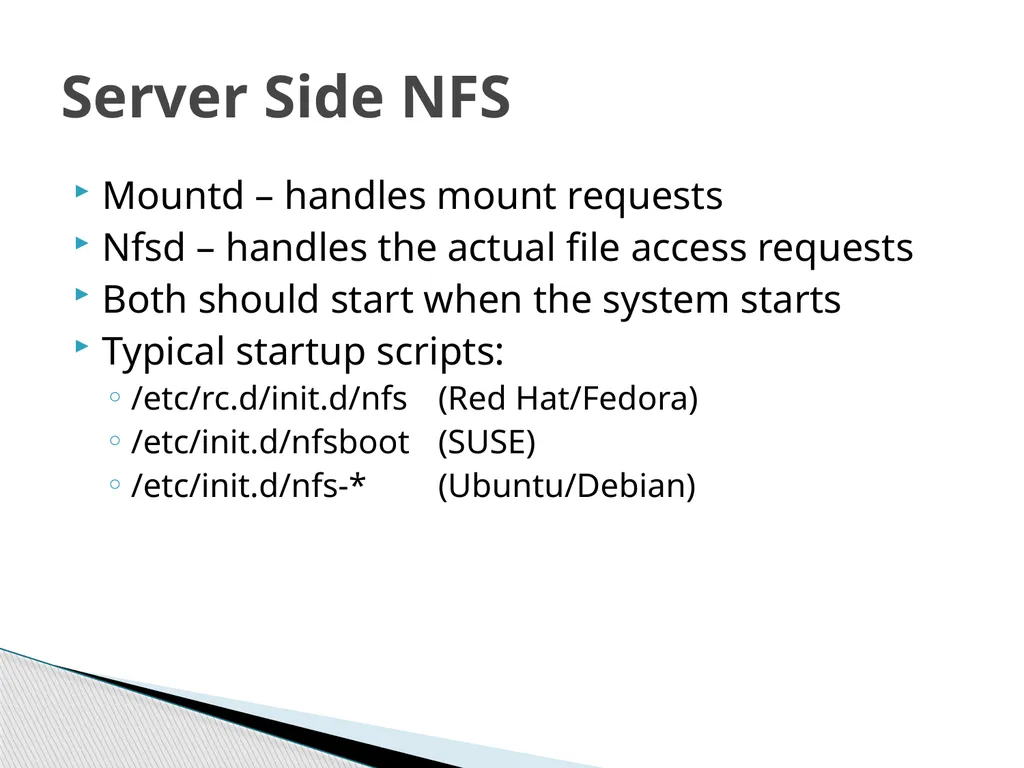
Mountd – handles mount requests
Nfsd – handles the actual file access requests
Both should start when the system starts
Typical startup scripts:
/etc/rc.d/init.d/nfs (Red Hat/Fedora)
/etc/init.d/nfsboot (SUSE)
/etc/init.d/nfs-* (Ubuntu/Debian) Server Side NFS<br>
14
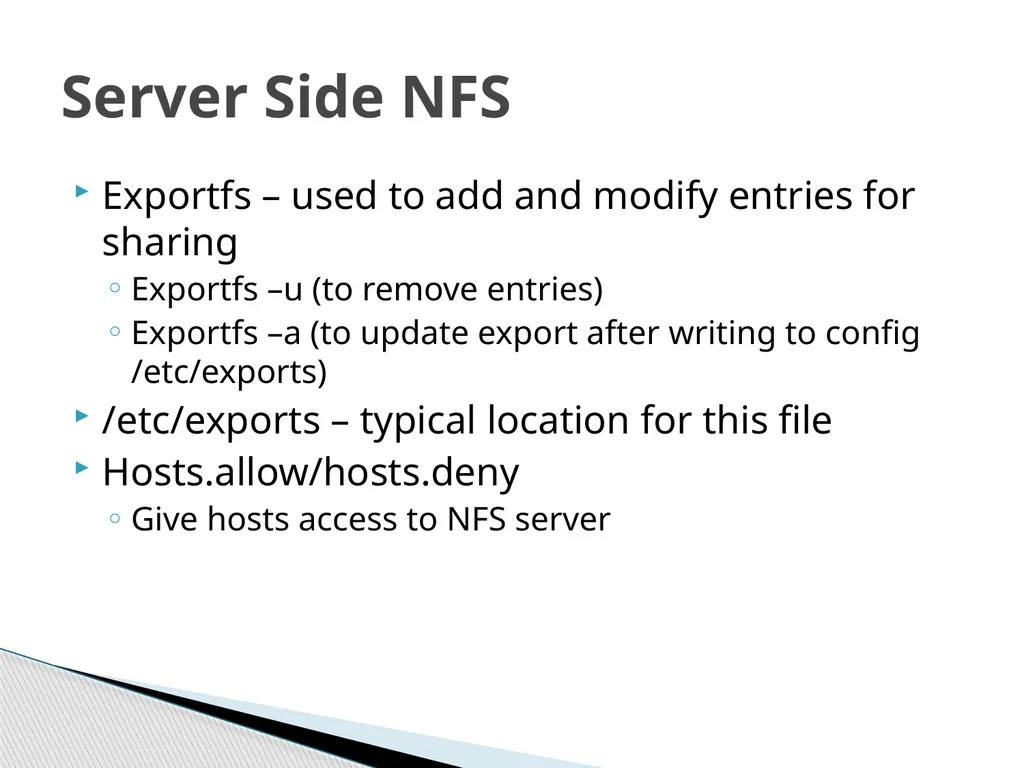
Exportfs – used to add and modify entries for sharing
Exportfs –u (to remove entries)
Exportfs –a (to update export after writing to config /etc/exports)
/etc/exports – typical location for this file
Hosts.allow/hosts.deny
Give hosts access to NFS server Server Side NFS<br>
15
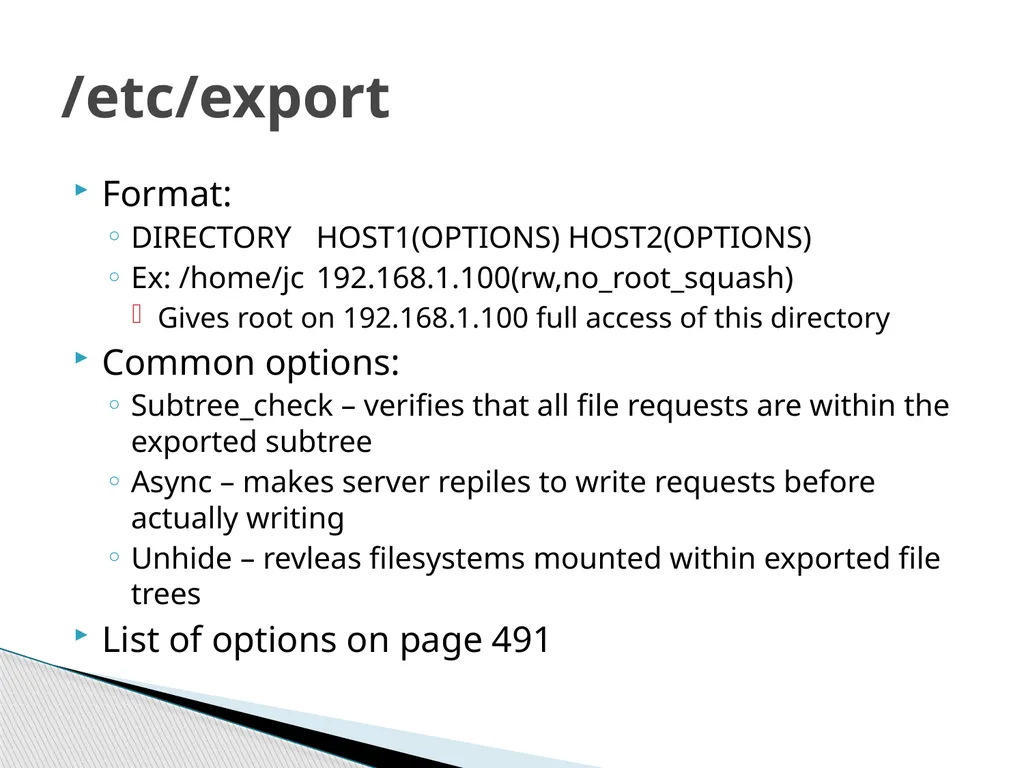
Format:
DIRECTORY HOST1(OPTIONS) HOST2(OPTIONS)
Ex: /home/jc 192.168.1.100(rw,no_root_squash)
Gives root on 192.168.1.100 full access of this directory
Common options:
Subtree_check – verifies that all file requests are within the exported subtree
Async – makes server repiles to write requests before actually writing
Unhide – revleas filesystems mounted within exported file trees
List of options on page 491 /etc/export<br>
16
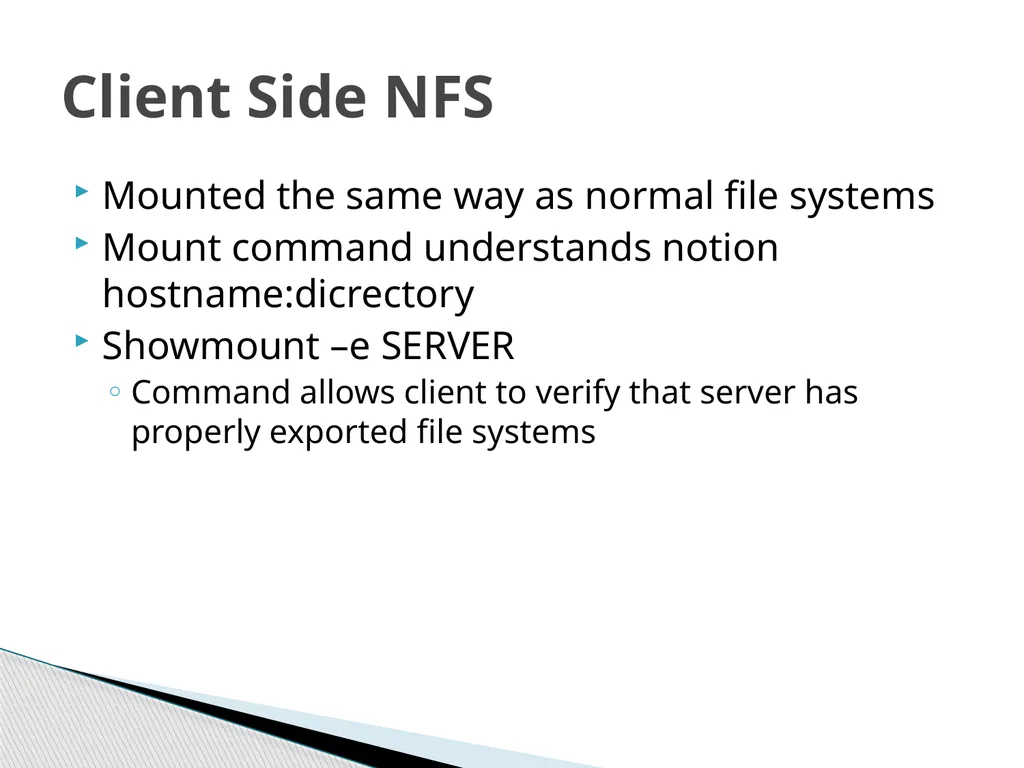
Mounted the same way as normal file systems
Mount command understands notion hostname:dicrectory
Showmount –e SERVER
Command allows client to verify that server has properly exported file systems Client Side NFS<br>
17
Mount –o rw,hard SERVER:/PATH /LOCALPATH
Hard – causes all operations who are accessing the server to stop if the server crashes until it is back up again
More mount options on page 493 Example Mount<br>
18
Df – works are normal
Umount – cannot unmount an NFS volume unless it is not in use
lsof Client Commands<br>
19
Can mount NFS volumes with fstab
Set fstype to nfs
File system should be SERVER:/PATH
Flags would be nfs options /etc/fstab<br>
20
Nfsstat – displays various stats of the NFS system
Nfsstat –s
shows server side processes
Nfsstat –c
shows client side processes NFS Stats<br>
21
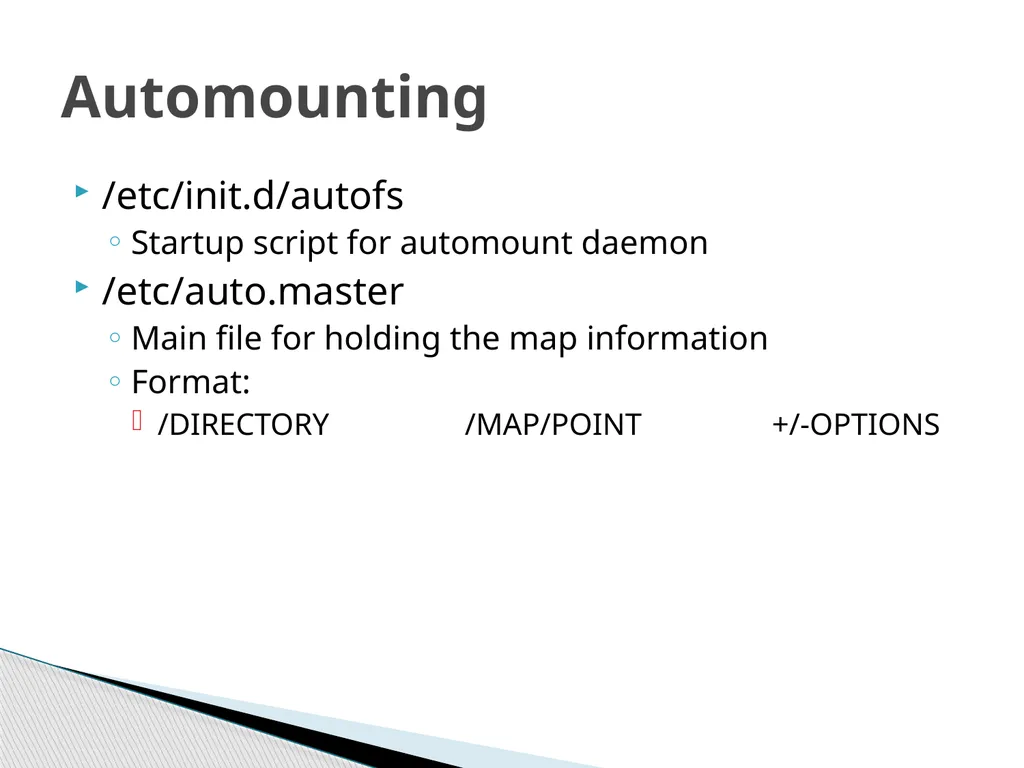
/etc/init.d/autofs
Startup script for automount daemon
/etc/auto.master
Main file for holding the map information
Format:
/DIRECTORY /MAP/POINT +/-OPTIONS Automounting<br>
22
Introduction to NFS
Features
General Information
Server Side
Client Side
Automount Conclusion<br>