Online Safety Bo Ford: Digital Equity Program Manager New Mexico State Library What is the Internet? The internet is a global network of interconnected computers. The internet allows different devices (like computers, phones, and even TVs)
"Online Safety Bo Ford: Digital Equity Program" is the property of its rightful owner. Permission is granted to
download and print the materials on this website for personal, non-commercial use only, and to display it
on your personal computer provided you do not modify the materials and that you retain all copyright
notices contained in the materials. By downloading content from our website, you accept the terms of this
agreement.
Presentation Transcript
01
Online Safety Bo Ford: Digital Equity Program Manager
New Mexico State Library<br>
02
What is the Internet? The internet is a global network of interconnected computers.
The internet allows different devices (like computers, phones, and even TVs) around the world to communicate with each other instantly.
For many people, the internet is the primary source for information, communication, entertainment, and services—from social media and news to online banking and shopping.
Since we share so much information online, it’s crucial to understand how to protect our personal data.
https://www.youtube.com/watch?v=Sfzo4xm5eX8&t=1s&pp=ygUUd2hhdCBpcyB0aGUgaW50ZXJuZXQ%3D<br>
03
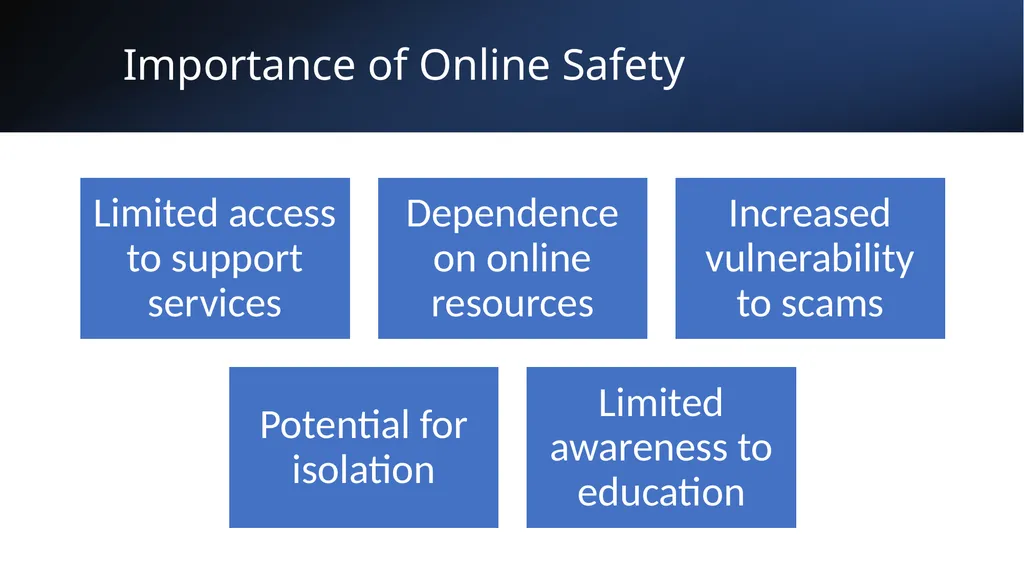
Importance of Online Safety<br>
04
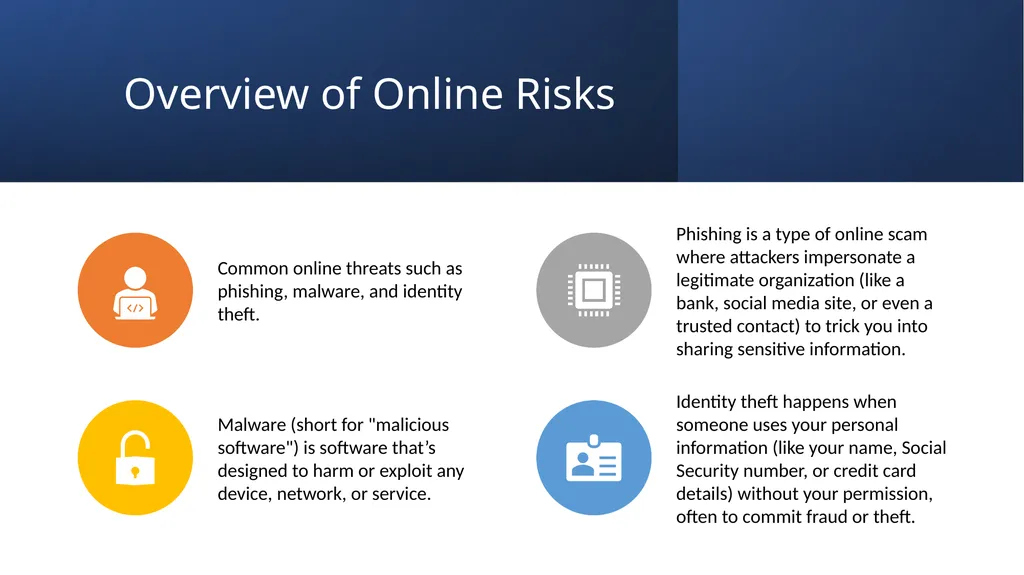
Overview of Online Risks<br>
05
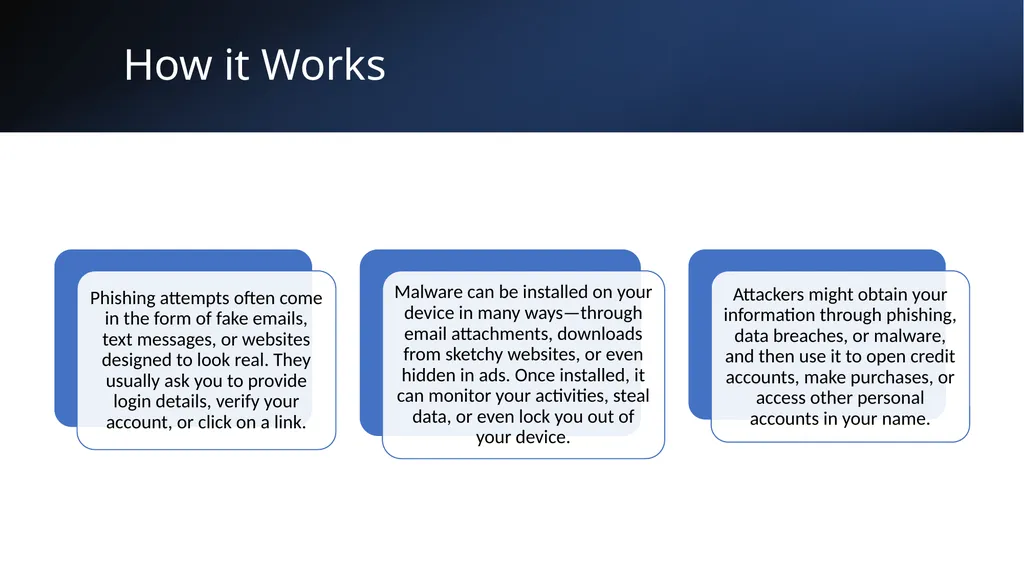
How it Works<br>
06
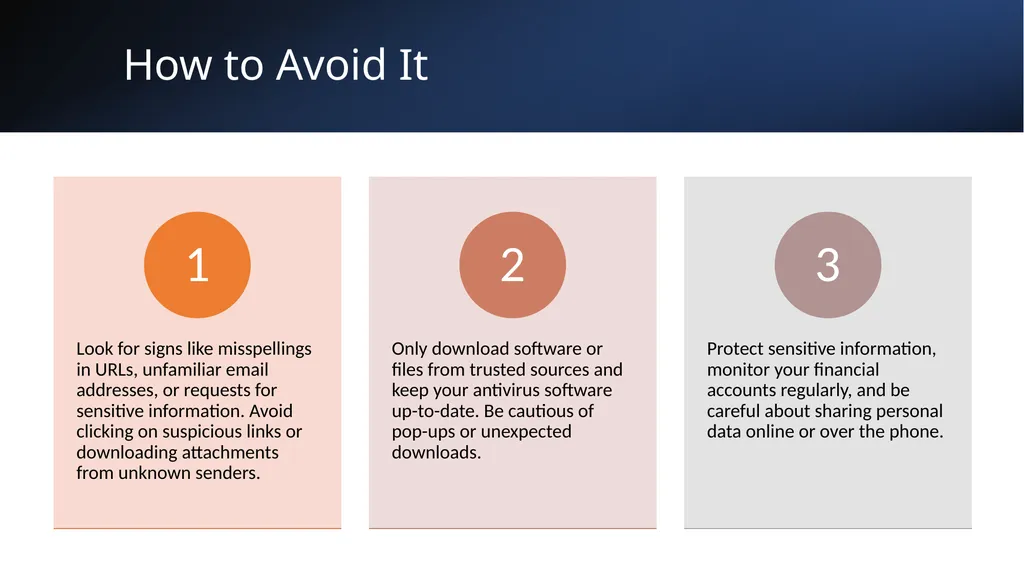
How to Avoid It<br>
07
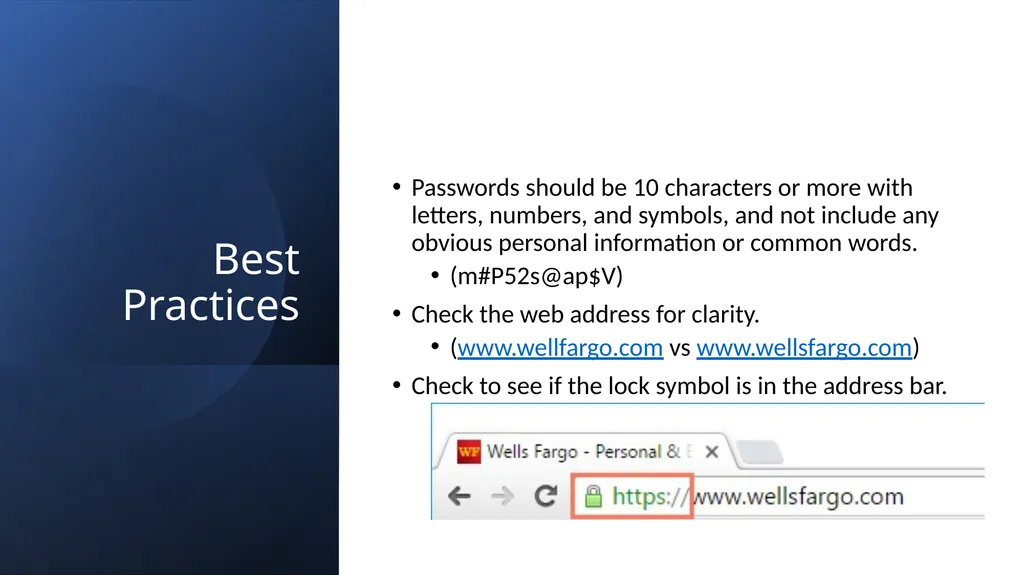
Best Practices Passwords should be 10 characters or more with letters, numbers, and symbols, and not include any obvious personal information or common words.
(m#P52s@ap$V)
Check the web address for clarity.
(www.wellfargo.com vs www.wellsfargo.com)
Check to see if the lock symbol is in the address bar.<br>
08
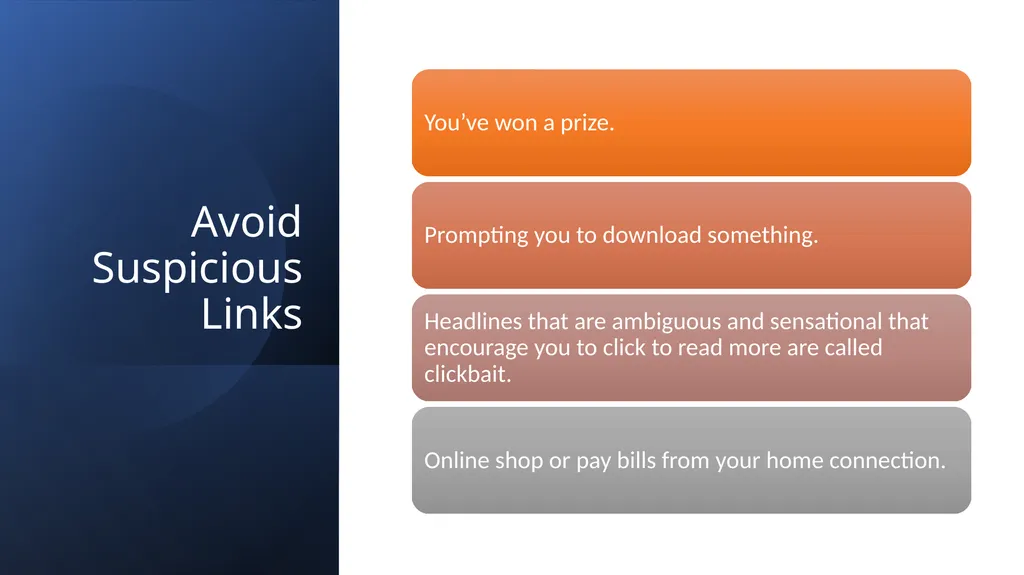
Avoid Suspicious Links<br>
09
Understanding Browser Tracking Whenever you're online, the sites you visit and the stuff you click on all leave a little trail. Websites use things called cookies to remember what you've been up to in your web browser. Also, they might keep an eye on your browsing through your user accounts. It's not usually a big danger to your online safety, but it's good to know how your info gets tracked and used.
YouTube and Netflix collect information on the videos you watch, which helps them suggest more videos you might like.
Online stores like Amazon and Walmart keep records of different items you view and purchase, which helps them suggest other products.
Cookies remember details about the websites you check out and the stuff you click on while surfing. If you don't have an account on a site, this info usually gets stored in a cookie right in your web browser. For instance, let's say you visit a news site. It might use cookies to remember if you’ve been there before and what stories you liked, so it can recommend similar one’s next time you quickly visit.<br>
10
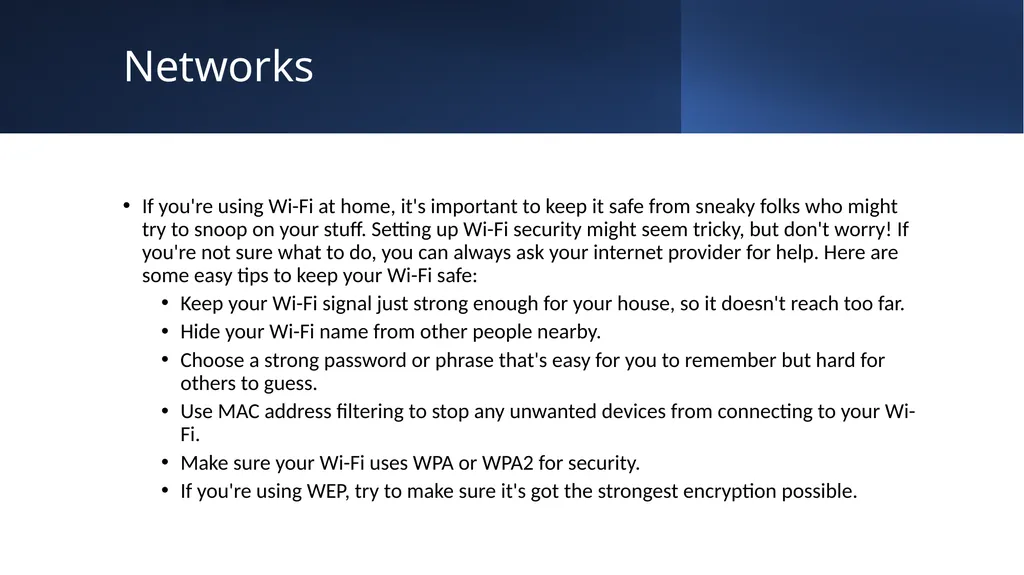
Networks If you're using Wi-Fi at home, it's important to keep it safe from sneaky folks who might try to snoop on your stuff. Setting up Wi-Fi security might seem tricky, but don't worry! If you're not sure what to do, you can always ask your internet provider for help. Here are some easy tips to keep your Wi-Fi safe:
Keep your Wi-Fi signal just strong enough for your house, so it doesn't reach too far.
Hide your Wi-Fi name from other people nearby.
Choose a strong password or phrase that's easy for you to remember but hard for others to guess.
Use MAC address filtering to stop any unwanted devices from connecting to your Wi-Fi.
Make sure your Wi-Fi uses WPA or WPA2 for security.
If you're using WEP, try to make sure it's got the strongest encryption possible.<br>
11
Resources and Support Tech Life Unity
https://www.techlifeunity.com/a-to-z-topics
Be Internet Awesome for Kids by Google
https://beinternetawesome.withgoogle.com/en_us
Older Adults Technology Services from AARP
https://oats.org/digital-equity/
888-713-3495
Hotline hours: Mon-Fri, 7:00am-6:00pm MT / Sat, 7:00am-12:00pm MT
Goodwill Community Foundation
https://edu.gcfglobal.org/en/<br>