Overview Background Goals Methodology Participants Findings Recommendations Usable sites allow users to: Find what they need Recognize and understand what they find Use the information to accomplish their goals. What is a Usable Site?
"Overview Background Goals Methodology Participants" is the property of its rightful owner. Permission is granted to
download and print the materials on this website for personal, non-commercial use only, and to display it
on your personal computer provided you do not modify the materials and that you retain all copyright
notices contained in the materials. By downloading content from our website, you accept the terms of this
agreement.
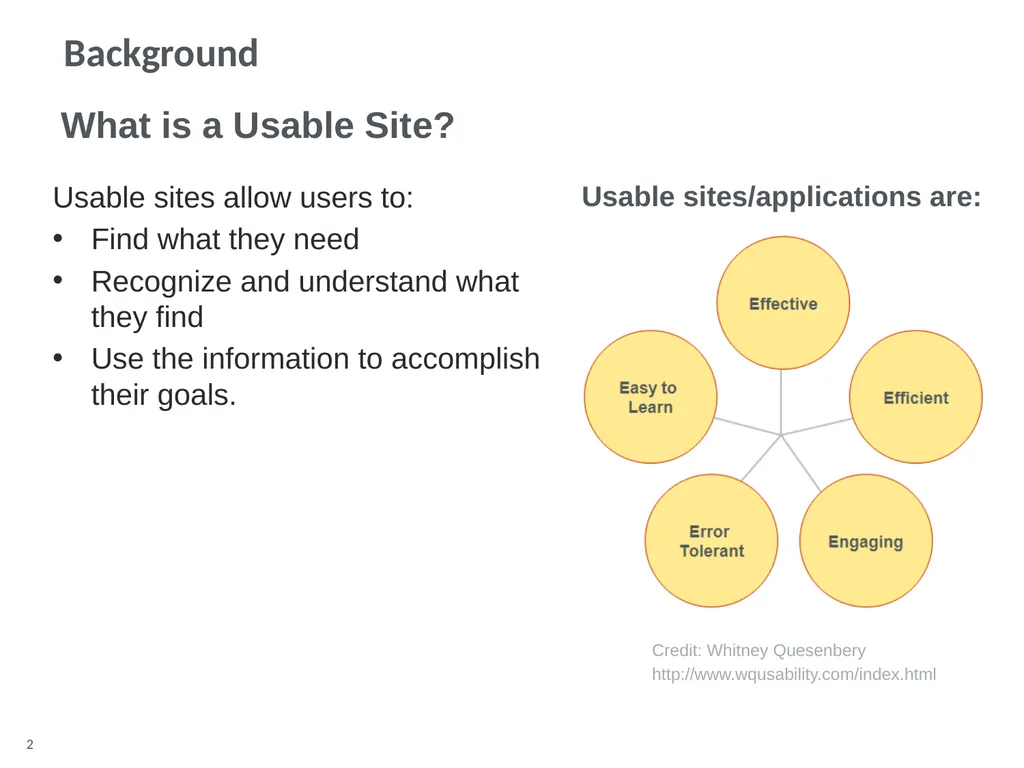
Usable sites allow users to:
Find what they need
Recognize and understand what they find
Use the information to accomplish their goals. What is a Usable Site? Usable sites/applications are: Credit: Whitney Quesenbery
http://www.wqusability.com/index.html What is Usability? Background<br>
03
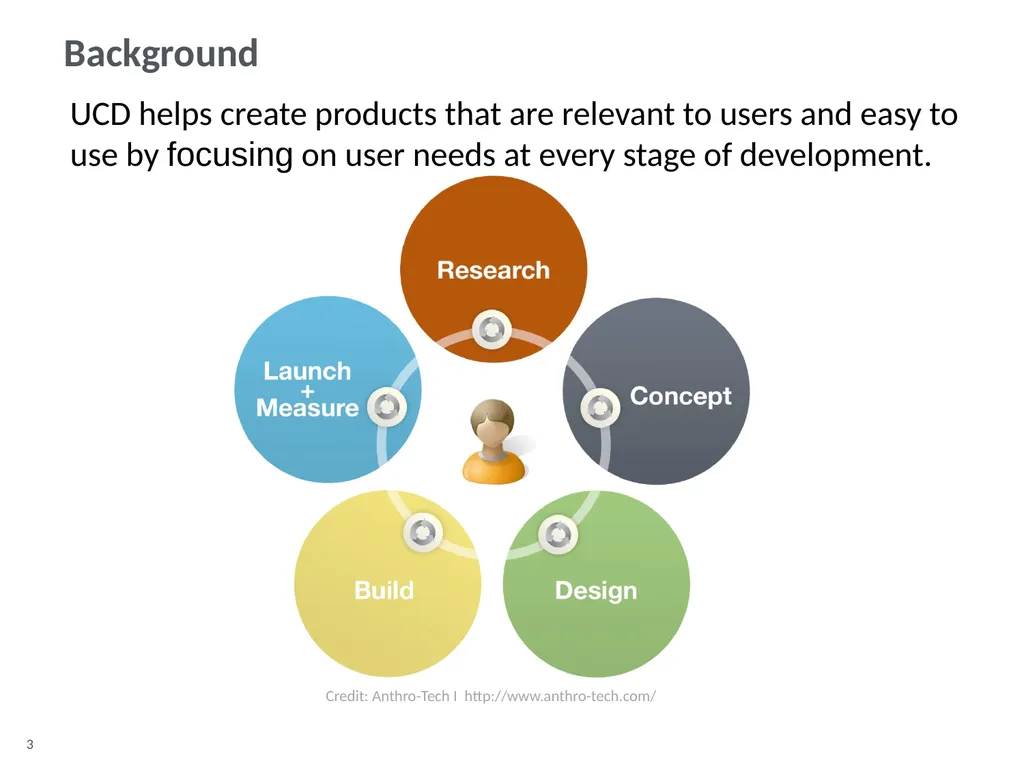
Background UCD helps create products that are relevant to users and easy to use by focusing on user needs at every stage of development. Credit: Anthro-Tech I http://www.anthro-tech.com/<br>
04
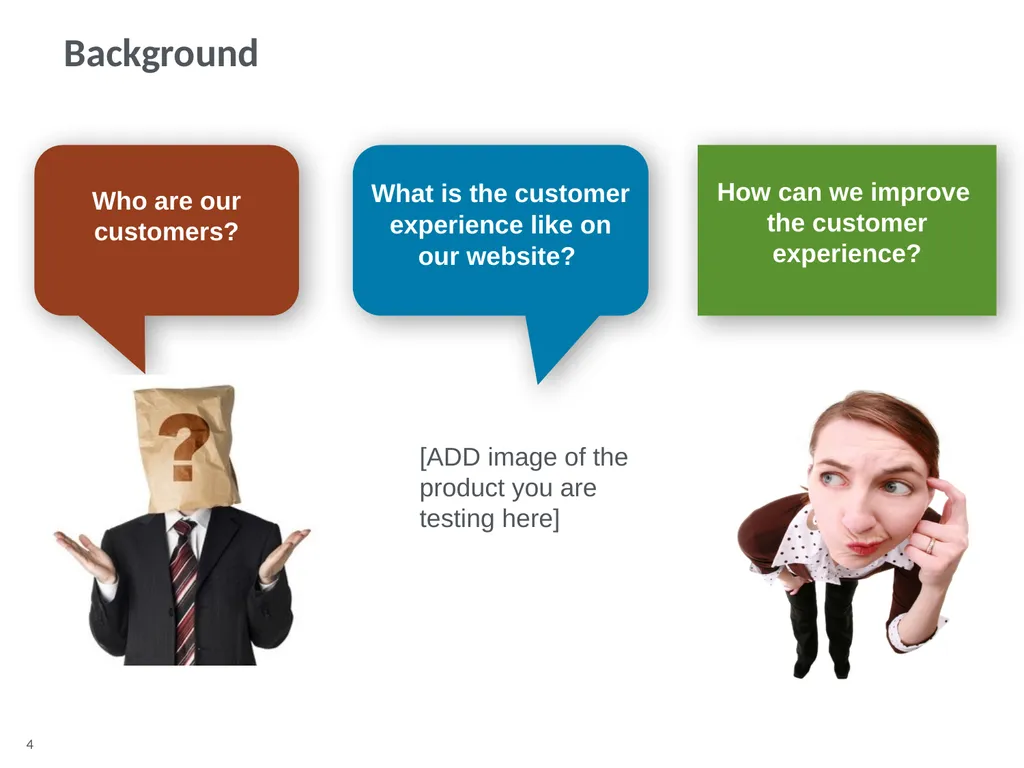
What is the customer experience like on our website? Who are our customers? How can we improve the customer experience? Background [ADD image of the product you are testing here]<br>
05
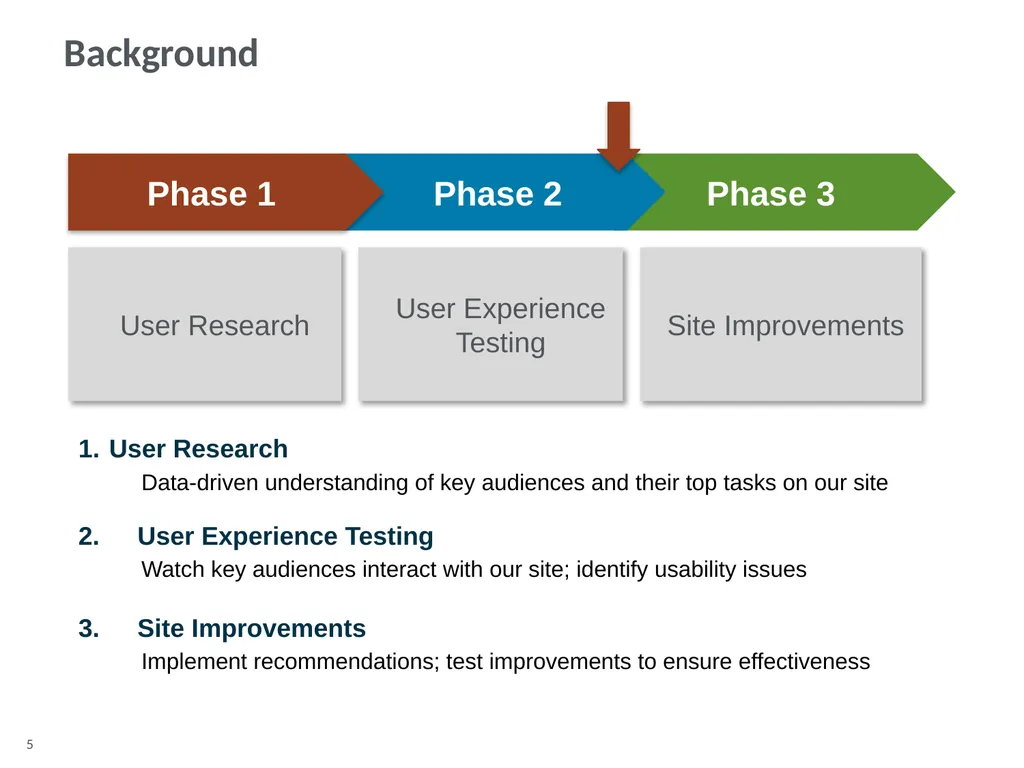
Phase 3 Phase 2 Phase 1 User Research User Experience Testing Site Improvements User Research
Data-driven understanding of key audiences and their top tasks on our site 2. User Experience Testing
Watch key audiences interact with our site; identify usability issues 3. Site Improvements
Implement recommendations; test improvements to ensure effectiveness Background<br>
06
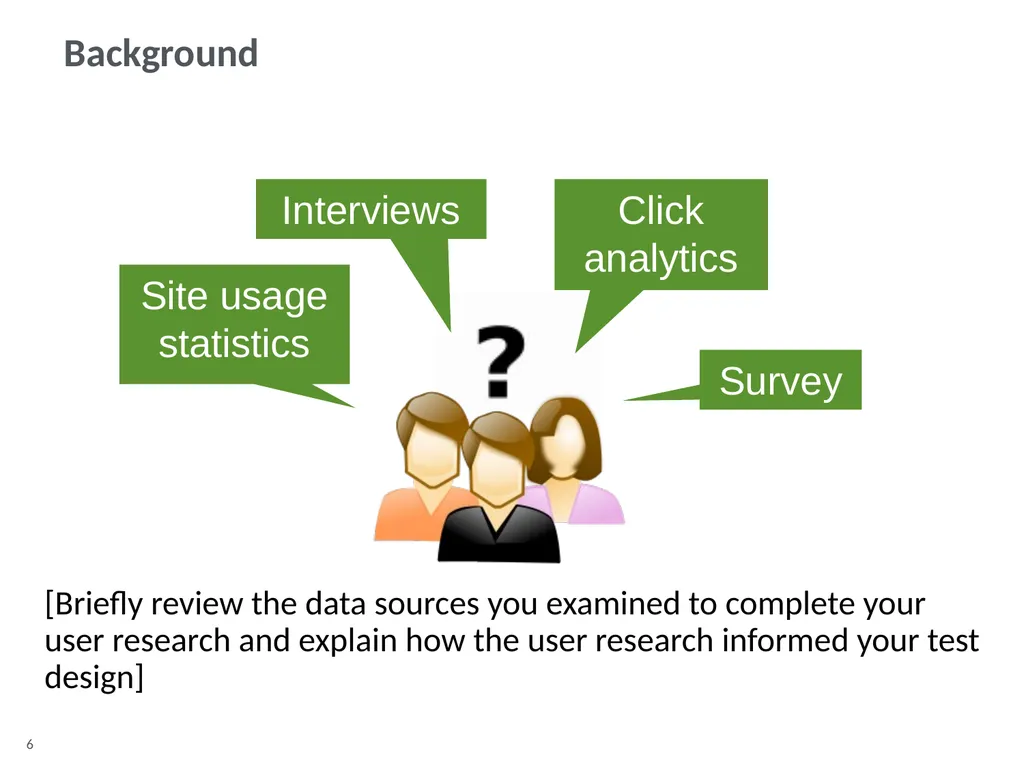
Background Click analytics Site usage statistics Survey [Briefly review the data sources you examined to complete your user research and explain how the user research informed your test design] Interviews<br>
07
Goals [Go over the goals for the usability test.]<br>
08
Based on:
User research
Business goals
Such as:
Learn about EERE initiatives
Find out how to do an energy assessment for your home
Find funding for your research
Learn about emerging technologies in renewable energy and energy efficiency Such as:
Task completion
Time on task
Pathways and keywords
Heatmaps of site usage
Requests for help or hints from the facilitator
Users’ verbal comments
Collected with:
Unmoderated study software
Database
Screen capture software
Qualitative notes Moderated-remote and in person
Participants outside of Washington state connected remotely via WebEx
Local Washington state participants came to Anthro-Tech headquarters
Unmoderated
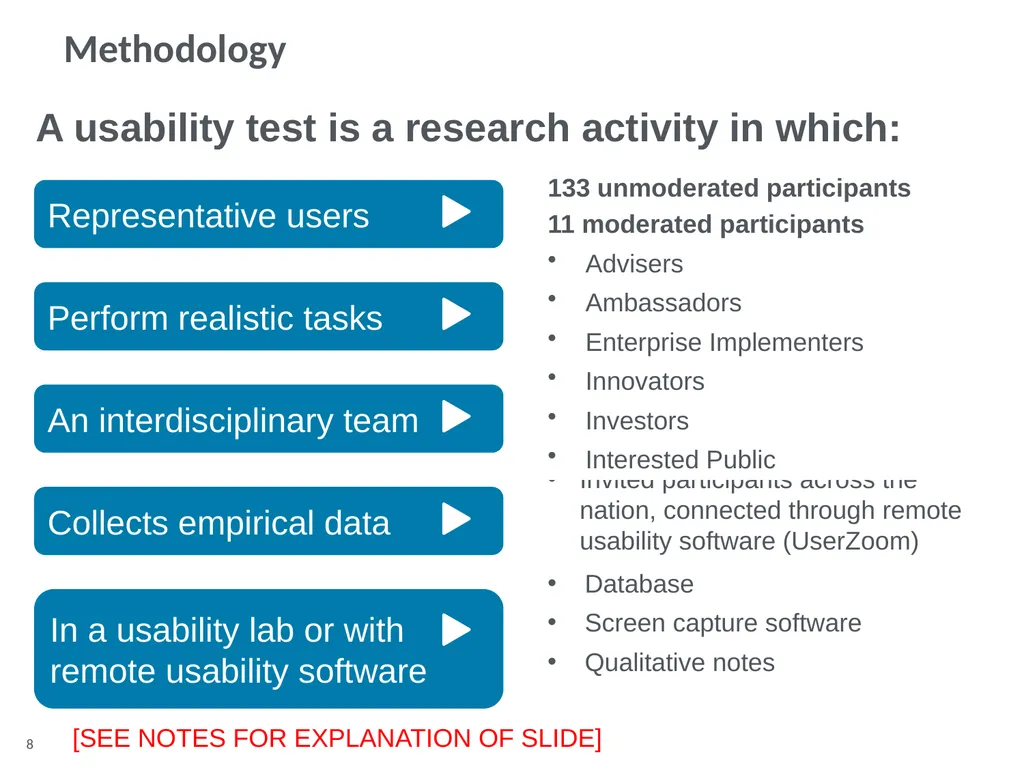
Invited participants across the nation, connected through remote usability software (UserZoom) Representative users Perform realistic tasks An interdisciplinary team Collects empirical data In a usability lab or with remote usability software Anthro-Tech facilitator:
Suzanne Boyd
Notetaker:
Karen Saville
Study design
Transition Team A usability test is a research activity in which: 133 unmoderated participants
11 moderated participants
Advisers
Ambassadors
Enterprise Implementers
Innovators
Investors
Interested Public [SEE NOTES FOR EXPLANATION OF SLIDE] Methodology<br>
09
Participants [Table with the main characteristics of each test participant (gender, age, job, etc.). Remember to use participant codes instead of participant names to protect anonymity.]<br>
10
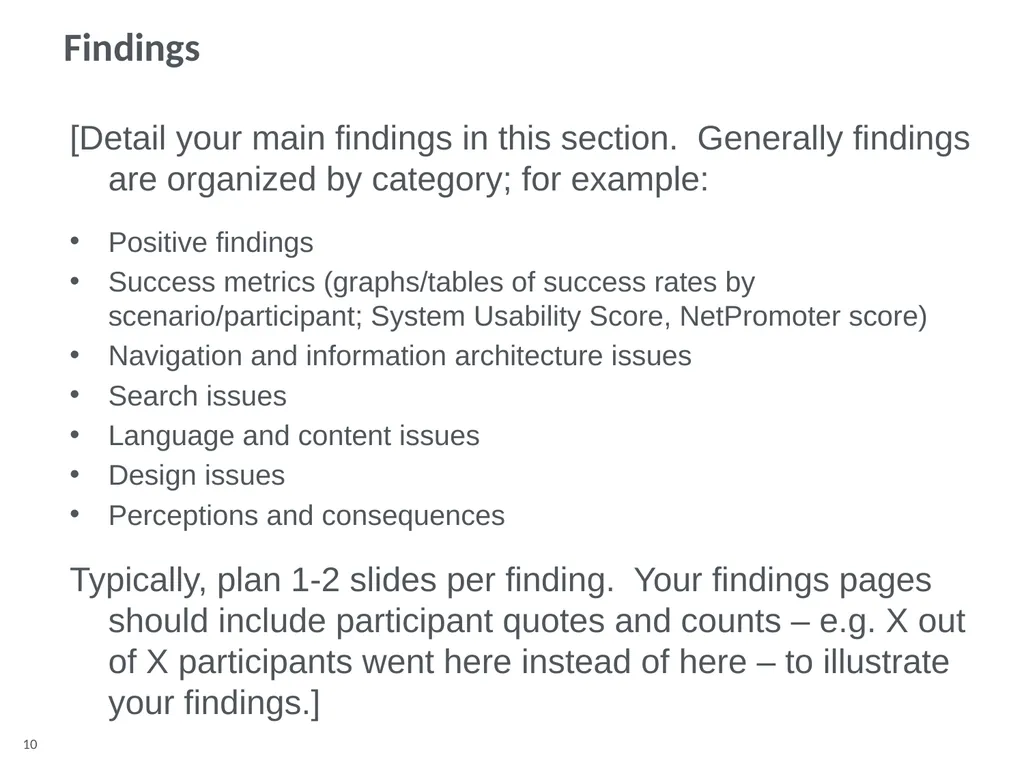
Findings [Detail your main findings in this section. Generally findings are organized by category; for example:
Positive findings
Success metrics (graphs/tables of success rates by scenario/participant; System Usability Score, NetPromoter score)
Navigation and information architecture issues
Search issues
Language and content issues
Design issues
Perceptions and consequences
Typically, plan 1-2 slides per finding. Your findings pages should include participant quotes and counts – e.g. X out of X participants went here instead of here – to illustrate your findings.]<br>
11
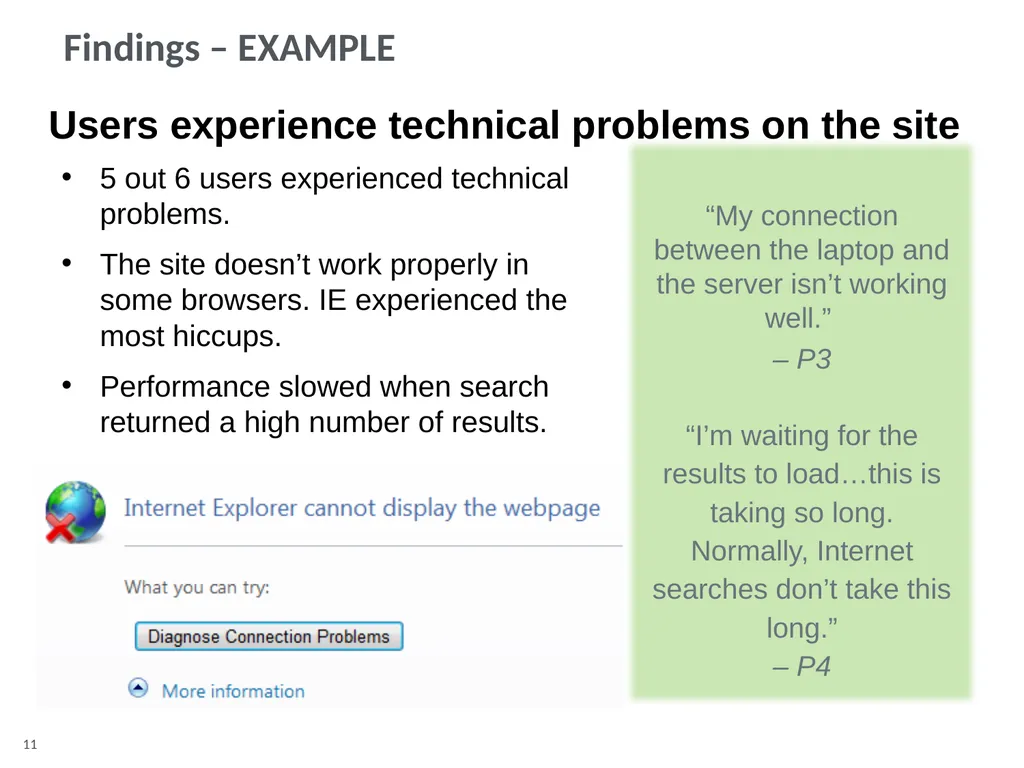
Users experience technical problems on the site 5 out 6 users experienced technical problems.
The site doesn’t work properly in some browsers. IE experienced the most hiccups.
Performance slowed when search returned a high number of results. Findings – EXAMPLE “My connection between the laptop and the server isn’t working well.”
– P3
“I’m waiting for the results to load…this is taking so long. Normally, Internet searches don’t take this long.”
– P4<br>
12
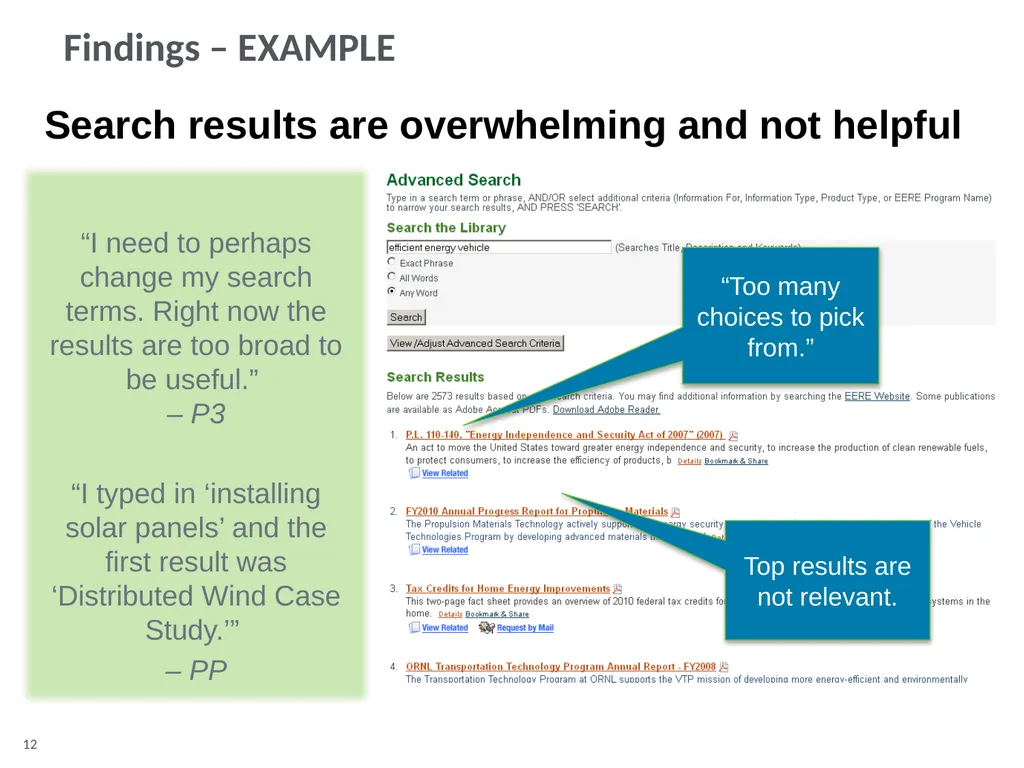
Search results are overwhelming and not helpful “I need to perhaps change my search terms. Right now the results are too broad to be useful.” – P3
“I typed in ‘installing solar panels’ and the first result was ‘Distributed Wind Case Study.’”
– PP “Too many choices to pick from.” Top results are not relevant. Findings – EXAMPLE<br>
13
Recommendations [Detail your main recommendations for improving the site in this section. Provide screen shots of sites that are good examples of each recommendation where possible.]<br>
14
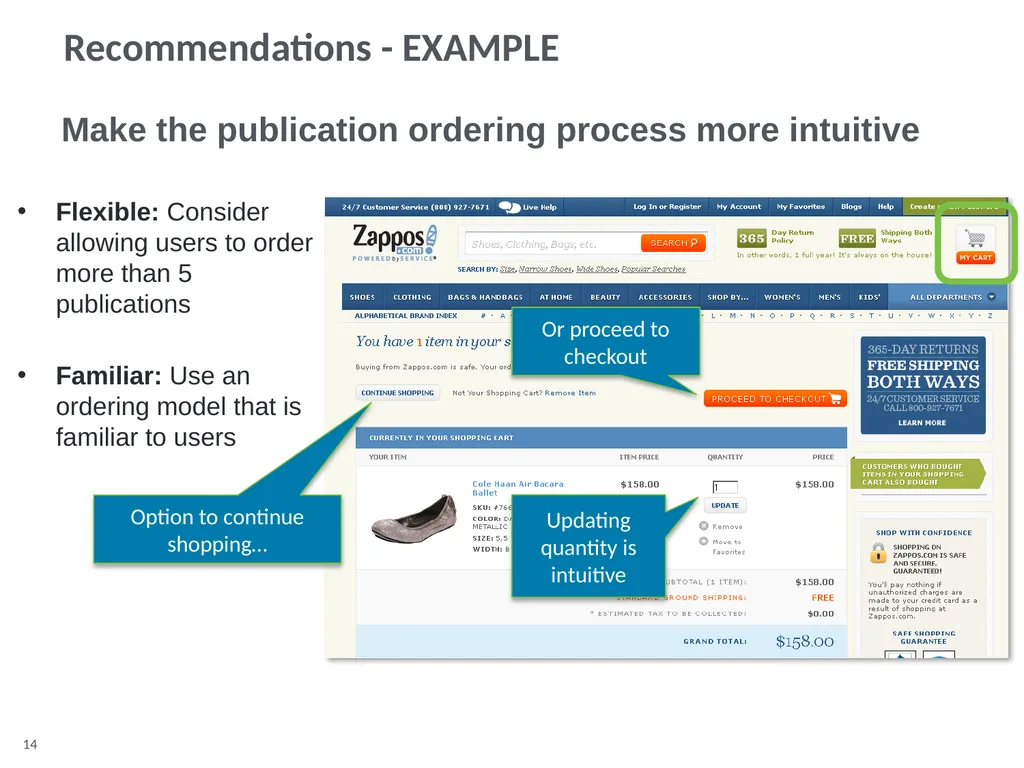
Flexible: Consider allowing users to order more than 5 publications
Familiar: Use an ordering model that is familiar to users Make the publication ordering process more intuitive Option to continue shopping… Or proceed to checkout Updating quantity is intuitive Recommendations - EXAMPLE<br>