
PART A 4. ICT Skills Basic Computer Operations ICT
CB
Published · 12 slides · 0 views
1 / 1
Description
PART A 4. ICT Skills Basic Computer Operations ICT (Information and Communication Technology) skills help us to communicate, run our business and stay connected with our family and friends. Hence, every person needs to acquire ICT skills
Related Topics
Download this presentation From Below
"PART A 4. ICT Skills Basic Computer Operations ICT" is the property of its rightful owner. Permission is granted to download and print the materials on this website for personal, non-commercial use only, and to display it on your personal computer provided you do not modify the materials and that you retain all copyright notices contained in the materials. By downloading content from our website, you accept the terms of this agreement.
Share
Embed code
Presentation Transcript
01
PART A
4. ICT Skills<br>
02
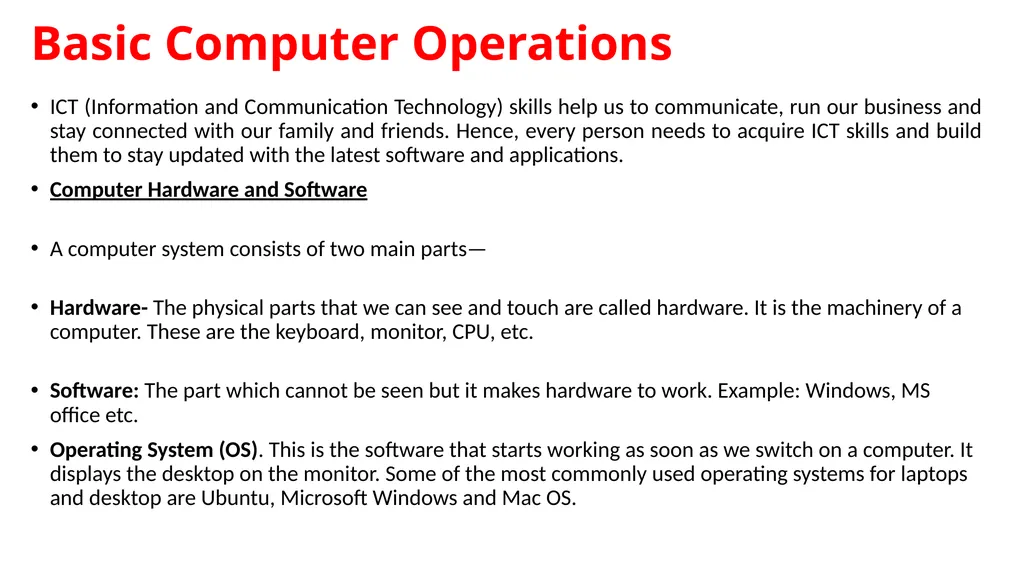
Basic Computer Operations ICT (Information and Communication Technology) skills help us to communicate, run our business and stay connected with our family and friends. Hence, every person needs to acquire ICT skills and build them to stay updated with the latest software and applications.
Computer Hardware and Software
A computer system consists of two main parts—
Hardware- The physical parts that we can see and touch are called hardware. It is the machinery of a computer. These are the keyboard, monitor, CPU, etc.
Software: The part which cannot be seen but it makes hardware to work. Example: Windows, MS office etc.
Operating System (OS). This is the software that starts working as soon as we switch on a computer. It displays the desktop on the monitor. Some of the most commonly used operating systems for laptops and desktop are Ubuntu, Microsoft Windows and Mac OS.<br>
Computer Hardware and Software
A computer system consists of two main parts—
Hardware- The physical parts that we can see and touch are called hardware. It is the machinery of a computer. These are the keyboard, monitor, CPU, etc.
Software: The part which cannot be seen but it makes hardware to work. Example: Windows, MS office etc.
Operating System (OS). This is the software that starts working as soon as we switch on a computer. It displays the desktop on the monitor. Some of the most commonly used operating systems for laptops and desktop are Ubuntu, Microsoft Windows and Mac OS.<br>
03
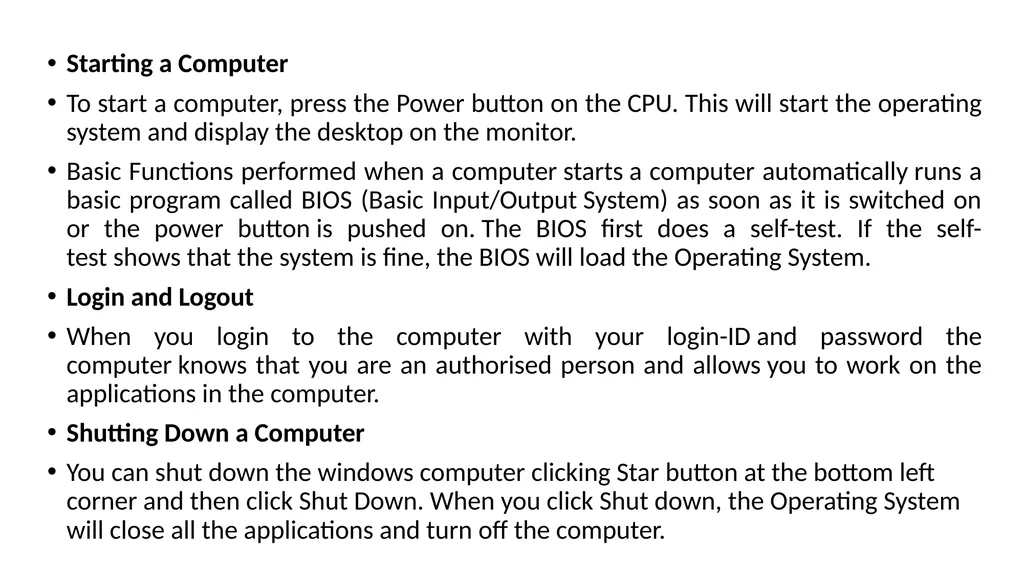
Starting a Computer
To start a computer, press the Power button on the CPU. This will start the operating system and display the desktop on the monitor.
Basic Functions performed when a computer starts a computer automatically runs a basic program called BIOS (Basic Input/Output System) as soon as it is switched on or the power button is pushed on. The BIOS first does a self-test. If the self-test shows that the system is fine, the BIOS will load the Operating System.
Login and Logout
When you login to the computer with your login-ID and password the computer knows that you are an authorised person and allows you to work on the applications in the computer.
Shutting Down a Computer
You can shut down the windows computer clicking Star button at the bottom left corner and then click Shut Down. When you click Shut down, the Operating System will close all the applications and turn off the computer.<br>
To start a computer, press the Power button on the CPU. This will start the operating system and display the desktop on the monitor.
Basic Functions performed when a computer starts a computer automatically runs a basic program called BIOS (Basic Input/Output System) as soon as it is switched on or the power button is pushed on. The BIOS first does a self-test. If the self-test shows that the system is fine, the BIOS will load the Operating System.
Login and Logout
When you login to the computer with your login-ID and password the computer knows that you are an authorised person and allows you to work on the applications in the computer.
Shutting Down a Computer
You can shut down the windows computer clicking Star button at the bottom left corner and then click Shut Down. When you click Shut down, the Operating System will close all the applications and turn off the computer.<br>
04
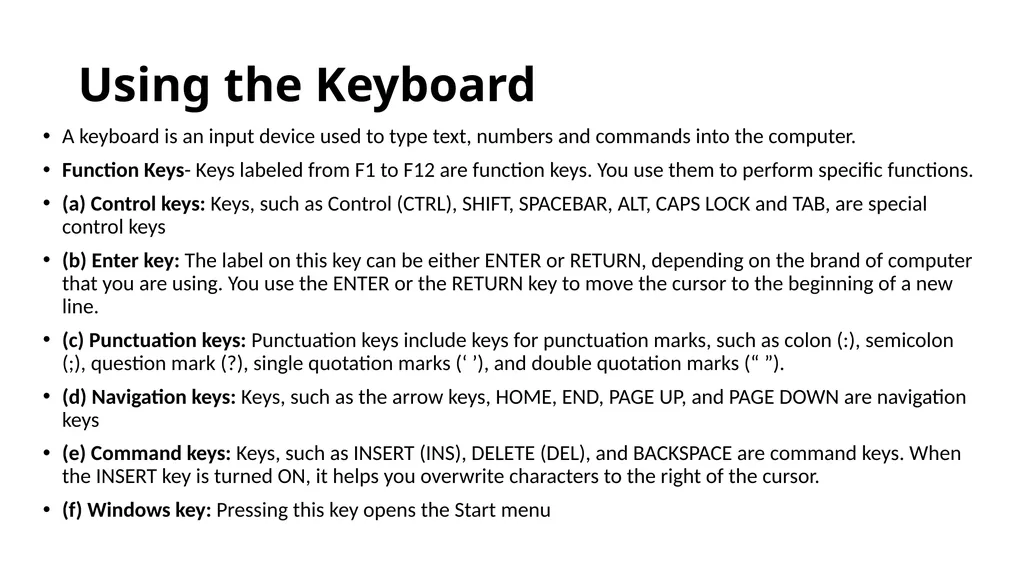
Using the Keyboard A keyboard is an input device used to type text, numbers and commands into the computer.
Function Keys- Keys labeled from F1 to F12 are function keys. You use them to perform specific functions.
(a) Control keys: Keys, such as Control (CTRL), SHIFT, SPACEBAR, ALT, CAPS LOCK and TAB, are special control keys
(b) Enter key: The label on this key can be either ENTER or RETURN, depending on the brand of computer that you are using. You use the ENTER or the RETURN key to move the cursor to the beginning of a new line.
(c) Punctuation keys: Punctuation keys include keys for punctuation marks, such as colon (:), semicolon (;), question mark (?), single quotation marks (‘ ’), and double quotation marks (“ ”).
(d) Navigation keys: Keys, such as the arrow keys, HOME, END, PAGE UP, and PAGE DOWN are navigation keys
(e) Command keys: Keys, such as INSERT (INS), DELETE (DEL), and BACKSPACE are command keys. When the INSERT key is turned ON, it helps you overwrite characters to the right of the cursor.
(f) Windows key: Pressing this key opens the Start menu<br>
Function Keys- Keys labeled from F1 to F12 are function keys. You use them to perform specific functions.
(a) Control keys: Keys, such as Control (CTRL), SHIFT, SPACEBAR, ALT, CAPS LOCK and TAB, are special control keys
(b) Enter key: The label on this key can be either ENTER or RETURN, depending on the brand of computer that you are using. You use the ENTER or the RETURN key to move the cursor to the beginning of a new line.
(c) Punctuation keys: Punctuation keys include keys for punctuation marks, such as colon (:), semicolon (;), question mark (?), single quotation marks (‘ ’), and double quotation marks (“ ”).
(d) Navigation keys: Keys, such as the arrow keys, HOME, END, PAGE UP, and PAGE DOWN are navigation keys
(e) Command keys: Keys, such as INSERT (INS), DELETE (DEL), and BACKSPACE are command keys. When the INSERT key is turned ON, it helps you overwrite characters to the right of the cursor.
(f) Windows key: Pressing this key opens the Start menu<br>
05
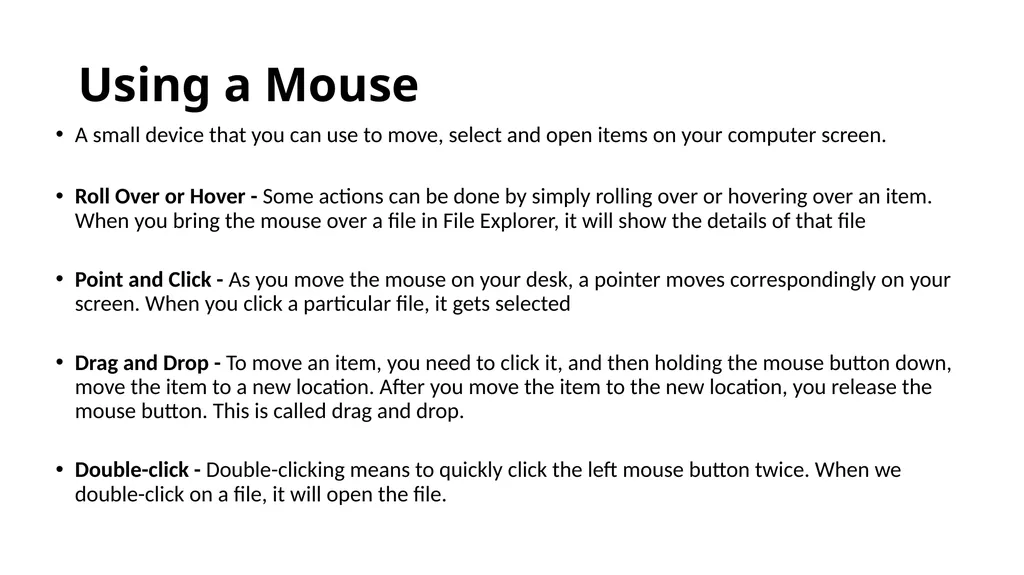
Using a Mouse A small device that you can use to move, select and open items on your computer screen.
Roll Over or Hover - Some actions can be done by simply rolling over or hovering over an item. When you bring the mouse over a file in File Explorer, it will show the details of that file
Point and Click - As you move the mouse on your desk, a pointer moves correspondingly on your screen. When you click a particular file, it gets selected
Drag and Drop - To move an item, you need to click it, and then holding the mouse button down, move the item to a new location. After you move the item to the new location, you release the mouse button. This is called drag and drop.
Double-click - Double-clicking means to quickly click the left mouse button twice. When we double-click on a file, it will open the file.<br>
Roll Over or Hover - Some actions can be done by simply rolling over or hovering over an item. When you bring the mouse over a file in File Explorer, it will show the details of that file
Point and Click - As you move the mouse on your desk, a pointer moves correspondingly on your screen. When you click a particular file, it gets selected
Drag and Drop - To move an item, you need to click it, and then holding the mouse button down, move the item to a new location. After you move the item to the new location, you release the mouse button. This is called drag and drop.
Double-click - Double-clicking means to quickly click the left mouse button twice. When we double-click on a file, it will open the file.<br>
06
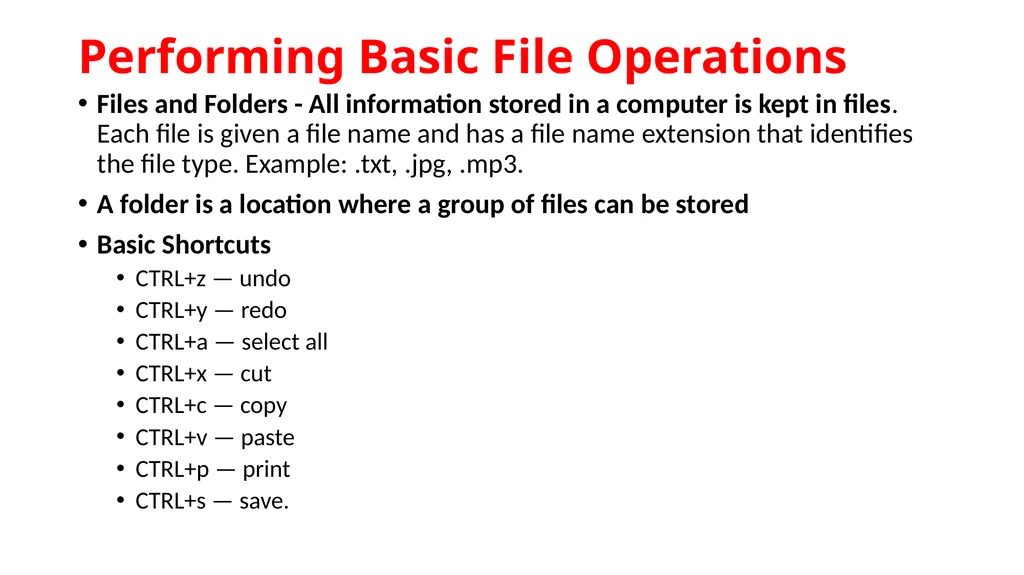
Performing Basic File Operations Files and Folders - All information stored in a computer is kept in files. Each file is given a file name and has a file name extension that identifies the file type. Example: .txt, .jpg, .mp3.
A folder is a location where a group of files can be stored
Basic Shortcuts
CTRL+z — undo
CTRL+y — redo
CTRL+a — select all
CTRL+x — cut
CTRL+c — copy
CTRL+v — paste
CTRL+p — print
CTRL+s — save.<br>
A folder is a location where a group of files can be stored
Basic Shortcuts
CTRL+z — undo
CTRL+y — redo
CTRL+a — select all
CTRL+x — cut
CTRL+c — copy
CTRL+v — paste
CTRL+p — print
CTRL+s — save.<br>
07
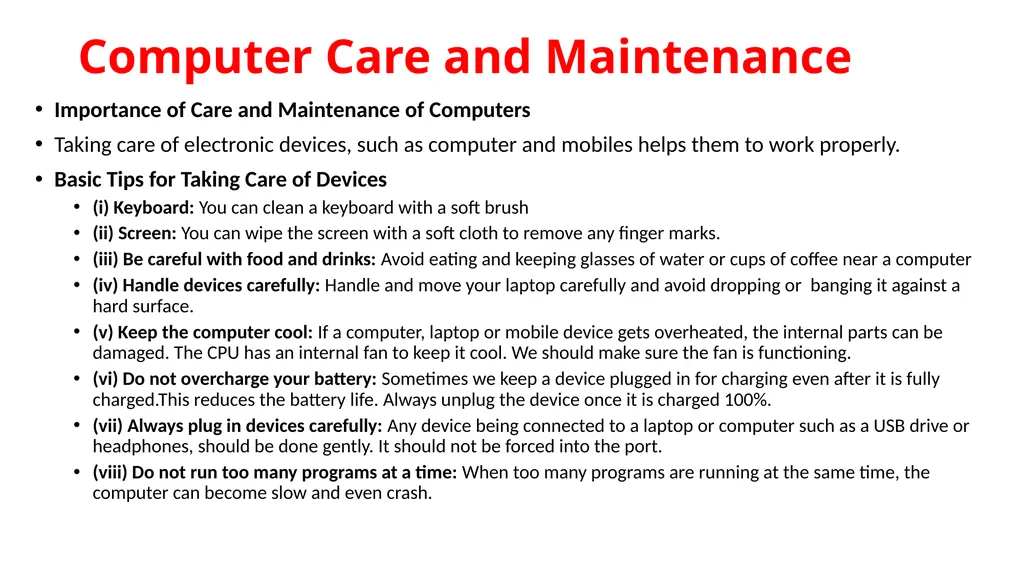
Computer Care and Maintenance Importance of Care and Maintenance of Computers
Taking care of electronic devices, such as computer and mobiles helps them to work properly.
Basic Tips for Taking Care of Devices
(i) Keyboard: You can clean a keyboard with a soft brush
(ii) Screen: You can wipe the screen with a soft cloth to remove any finger marks.
(iii) Be careful with food and drinks: Avoid eating and keeping glasses of water or cups of coffee near a computer
(iv) Handle devices carefully: Handle and move your laptop carefully and avoid dropping or banging it against a hard surface.
(v) Keep the computer cool: If a computer, laptop or mobile device gets overheated, the internal parts can be damaged. The CPU has an internal fan to keep it cool. We should make sure the fan is functioning.
(vi) Do not overcharge your battery: Sometimes we keep a device plugged in for charging even after it is fully charged.This reduces the battery life. Always unplug the device once it is charged 100%.
(vii) Always plug in devices carefully: Any device being connected to a laptop or computer such as a USB drive or headphones, should be done gently. It should not be forced into the port.
(viii) Do not run too many programs at a time: When too many programs are running at the same time, the computer can become slow and even crash.<br>
Taking care of electronic devices, such as computer and mobiles helps them to work properly.
Basic Tips for Taking Care of Devices
(i) Keyboard: You can clean a keyboard with a soft brush
(ii) Screen: You can wipe the screen with a soft cloth to remove any finger marks.
(iii) Be careful with food and drinks: Avoid eating and keeping glasses of water or cups of coffee near a computer
(iv) Handle devices carefully: Handle and move your laptop carefully and avoid dropping or banging it against a hard surface.
(v) Keep the computer cool: If a computer, laptop or mobile device gets overheated, the internal parts can be damaged. The CPU has an internal fan to keep it cool. We should make sure the fan is functioning.
(vi) Do not overcharge your battery: Sometimes we keep a device plugged in for charging even after it is fully charged.This reduces the battery life. Always unplug the device once it is charged 100%.
(vii) Always plug in devices carefully: Any device being connected to a laptop or computer such as a USB drive or headphones, should be done gently. It should not be forced into the port.
(viii) Do not run too many programs at a time: When too many programs are running at the same time, the computer can become slow and even crash.<br>
08
Prepare a Maintenance Schedule (a) Daily Maintenance
i. Clean up your e-mail inbox
ii. Download e-mail attachments and save in proper folders
(b) Weekly Maintenance
i. Clean your keyboard
ii. Clean your monitor
iii. Dust CPU and printer
iv. Backup your data to an external drive (c) Monthly Maintenance
i. Transfer photographs to computer and delete from drive
ii. Organise photos into folders or albums
iii. Clean up ‘Download’ folder
iv. Uninstall unused programs and apps
v. Run disk-cleaner software
vi. Run full system virus scan
(d) Yearly/Annual Maintenance
(i) Clean up contacts list on social media accounts
(ii) Clean up e-mail contact list
(iii) Update your operating system
(iv) Check for expiry of anti-virus software and renew<br>
i. Clean up your e-mail inbox
ii. Download e-mail attachments and save in proper folders
(b) Weekly Maintenance
i. Clean your keyboard
ii. Clean your monitor
iii. Dust CPU and printer
iv. Backup your data to an external drive (c) Monthly Maintenance
i. Transfer photographs to computer and delete from drive
ii. Organise photos into folders or albums
iii. Clean up ‘Download’ folder
iv. Uninstall unused programs and apps
v. Run disk-cleaner software
vi. Run full system virus scan
(d) Yearly/Annual Maintenance
(i) Clean up contacts list on social media accounts
(ii) Clean up e-mail contact list
(iii) Update your operating system
(iv) Check for expiry of anti-virus software and renew<br>
09
Backup Your Data
Backing up data means to save the information present on your computer on another device, such as CD/DVD drives Data can recovered from here in case the computer stops working completely. Computers can crash, humans can make mistakes and natural disasters, such as floods can happen
Scanning and Cleaning Viruses
Sometimes computer viruses can enter a computer from such attacks we can install anti-virus software. This will prevent any viruses from entering and will also clean any viruses that may enter our system before they affect the data.
Increasing Computer Performance If we have been using a computer for a long time we have a lot of unnecessary files and data, such as temporary files and images. When they use too much hard-disk space, the performance of the computer goes down. It is important that we keep cleaning by removing any extra files.
Removing SPAM from your Computer
Sometimes we get emails from companies who are advertising a product or trying to attract you to their website. Such mails are called SPAM. We should never respond to SPAM and delete it on a regular basis.<br>
Backing up data means to save the information present on your computer on another device, such as CD/DVD drives Data can recovered from here in case the computer stops working completely. Computers can crash, humans can make mistakes and natural disasters, such as floods can happen
Scanning and Cleaning Viruses
Sometimes computer viruses can enter a computer from such attacks we can install anti-virus software. This will prevent any viruses from entering and will also clean any viruses that may enter our system before they affect the data.
Increasing Computer Performance If we have been using a computer for a long time we have a lot of unnecessary files and data, such as temporary files and images. When they use too much hard-disk space, the performance of the computer goes down. It is important that we keep cleaning by removing any extra files.
Removing SPAM from your Computer
Sometimes we get emails from companies who are advertising a product or trying to attract you to their website. Such mails are called SPAM. We should never respond to SPAM and delete it on a regular basis.<br>
10
Computer Security and Privacy Threats to Computer
Threats are the ways in which personal information can be leaked from a computer without our knowledge.
(a) Theft: Theft means stealing of information or hardware. These may be of three types:
Physical: Where a person may steal your desktop computer or laptop.
Identity: Where a hacker steals your personal information and assumes your identity. Using this false identity, the hacker can gain access to your account information or perform illegal activity.
Software Piracy: This is stealing of software and includes using or distributing unlicensed and unauthorised copies of a computer program or software.<br>
Threats are the ways in which personal information can be leaked from a computer without our knowledge.
(a) Theft: Theft means stealing of information or hardware. These may be of three types:
Physical: Where a person may steal your desktop computer or laptop.
Identity: Where a hacker steals your personal information and assumes your identity. Using this false identity, the hacker can gain access to your account information or perform illegal activity.
Software Piracy: This is stealing of software and includes using or distributing unlicensed and unauthorised copies of a computer program or software.<br>
11
(b) Virus: Viruses are computer programs that can damage the data and software programs or steal the information stored on a computer. Major types of viruses are Worms and Trojan Horse.
Worms: These are viruses that replicate themselves and spread to all files once they attack a computer. This makes it very difficult to remove them.
Trojan Horse: A Trojan Horse disguises itself i.e., it appears to be a useful software program but once it reaches a computer it starts behaving like a virus and destroying data.
Online Predator: Online predators are people who trap you into inappropriate relationships. They may be older people posing to be your age, bullying you into doing illegal activities online and sometimes face to face.
Internet Scams: Sometimes you may receive very attractive offers saying you have won huge money in a lottery and that you can claim the prize by depositing a certain amount of money. When you deposit the money using credit card or online banking, you not only lose the deposit money but your card/account information may be misused later<br>
Worms: These are viruses that replicate themselves and spread to all files once they attack a computer. This makes it very difficult to remove them.
Trojan Horse: A Trojan Horse disguises itself i.e., it appears to be a useful software program but once it reaches a computer it starts behaving like a virus and destroying data.
Online Predator: Online predators are people who trap you into inappropriate relationships. They may be older people posing to be your age, bullying you into doing illegal activities online and sometimes face to face.
Internet Scams: Sometimes you may receive very attractive offers saying you have won huge money in a lottery and that you can claim the prize by depositing a certain amount of money. When you deposit the money using credit card or online banking, you not only lose the deposit money but your card/account information may be misused later<br>
12
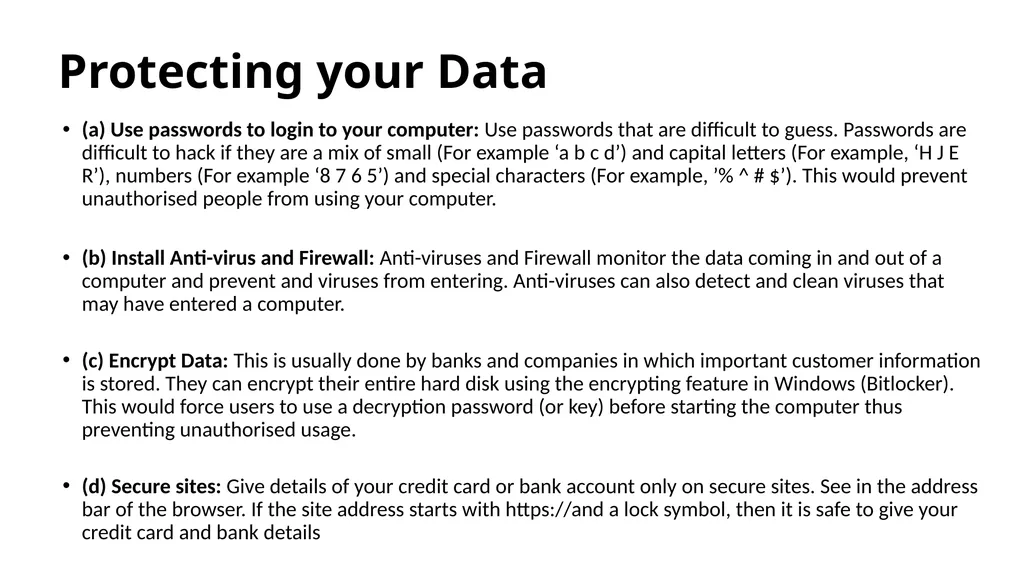
Protecting your Data (a) Use passwords to login to your computer: Use passwords that are difficult to guess. Passwords are difficult to hack if they are a mix of small (For example ‘a b c d’) and capital letters (For example, ‘H J E R’), numbers (For example ‘8 7 6 5’) and special characters (For example, ’% ^ # $’). This would prevent unauthorised people from using your computer.
(b) Install Anti-virus and Firewall: Anti-viruses and Firewall monitor the data coming in and out of a computer and prevent and viruses from entering. Anti-viruses can also detect and clean viruses that may have entered a computer.
(c) Encrypt Data: This is usually done by banks and companies in which important customer information is stored. They can encrypt their entire hard disk using the encrypting feature in Windows (Bitlocker). This would force users to use a decryption password (or key) before starting the computer thus preventing unauthorised usage.
(d) Secure sites: Give details of your credit card or bank account only on secure sites. See in the address bar of the browser. If the site address starts with https://and a lock symbol, then it is safe to give your credit card and bank details<br>
(b) Install Anti-virus and Firewall: Anti-viruses and Firewall monitor the data coming in and out of a computer and prevent and viruses from entering. Anti-viruses can also detect and clean viruses that may have entered a computer.
(c) Encrypt Data: This is usually done by banks and companies in which important customer information is stored. They can encrypt their entire hard disk using the encrypting feature in Windows (Bitlocker). This would force users to use a decryption password (or key) before starting the computer thus preventing unauthorised usage.
(d) Secure sites: Give details of your credit card or bank account only on secure sites. See in the address bar of the browser. If the site address starts with https://and a lock symbol, then it is safe to give your credit card and bank details<br>