Personalising your Passport DO delete or change pages that are not relevant. DO - add your own photos and pictures and lots of personalised information. DO as much as possible, involve the person and their family caregivers in creating
"Personalising your Passport DO – delete or change" is the property of its rightful owner. Permission is granted to
download and print the materials on this website for personal, non-commercial use only, and to display it
on your personal computer provided you do not modify the materials and that you retain all copyright
notices contained in the materials. By downloading content from our website, you accept the terms of this
agreement.
Presentation Transcript
01
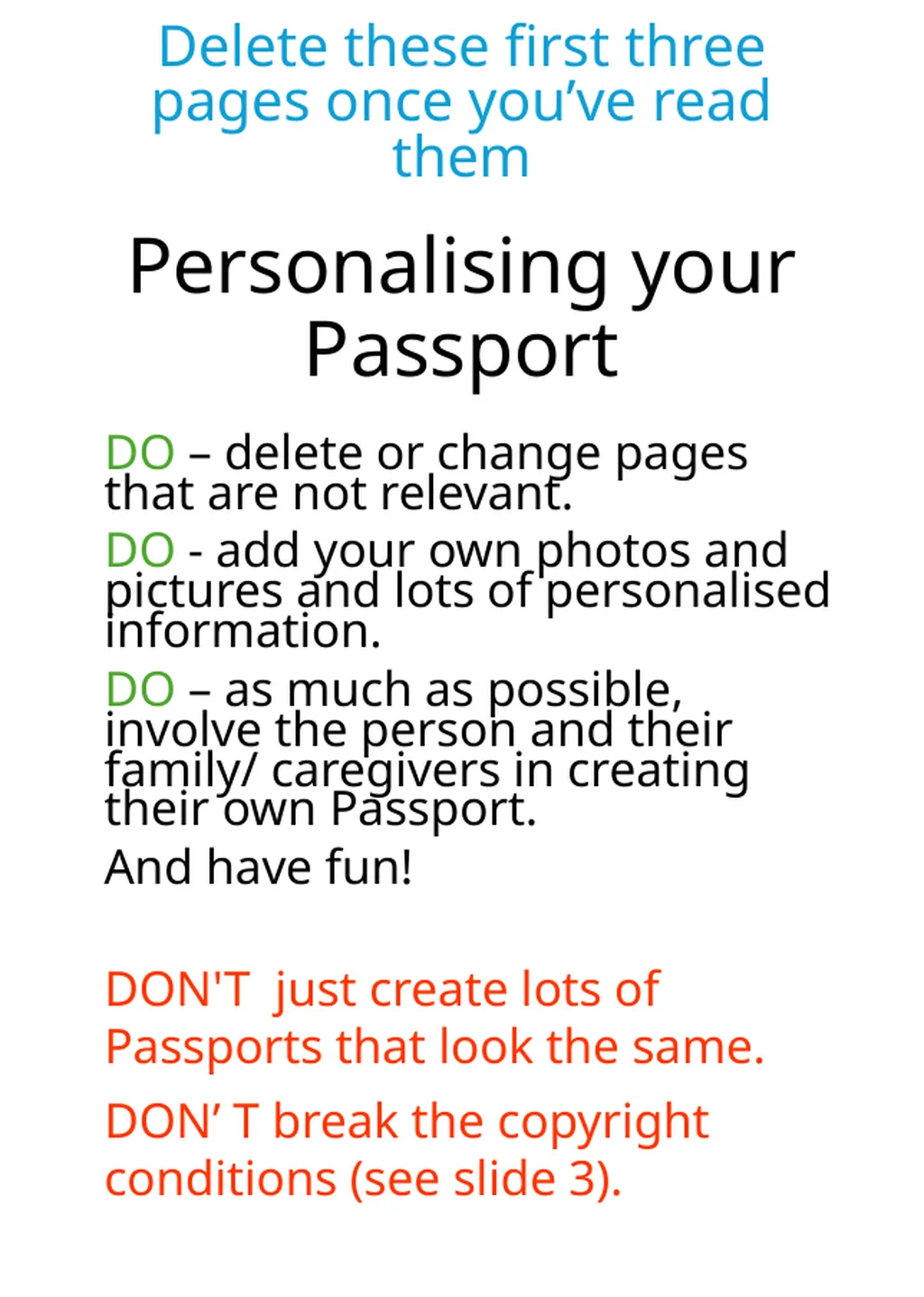
Personalising your Passport DO – delete or change pages that are not relevant.
DO - add your own photos and pictures and lots of personalised information.
DO – as much as possible, involve the person and their family/ caregivers in creating their own Passport.
And have fun!
DON'T just create lots of Passports that look the same.
DON’ T break the copyright conditions (see slide 3). Delete these first three pages once you’ve read them<br>
02
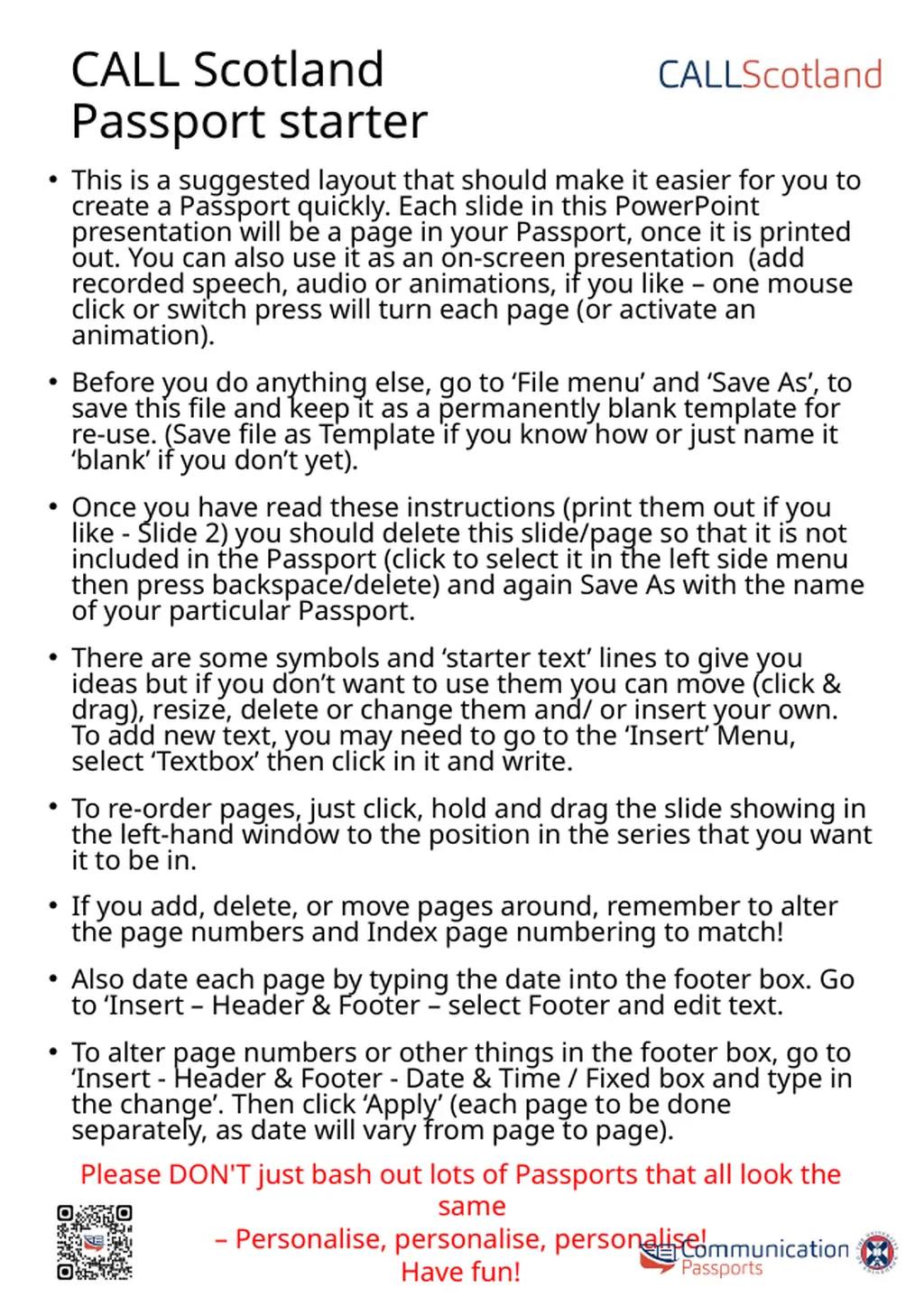
CALL Scotland Passport starter This is a suggested layout that should make it easier for you to create a Passport quickly. Each slide in this PowerPoint presentation will be a page in your Passport, once it is printed out. You can also use it as an on-screen presentation (add recorded speech, audio or animations, if you like – one mouse click or switch press will turn each page (or activate an animation).
Before you do anything else, go to ‘File menu’ and ‘Save As’, to save this file and keep it as a permanently blank template for re-use. (Save file as Template if you know how or just name it ‘blank’ if you don’t yet).
Once you have read these instructions (print them out if you like - Slide 2) you should delete this slide/page so that it is not included in the Passport (click to select it in the left side menu then press backspace/delete) and again Save As with the name of your particular Passport.
There are some symbols and ‘starter text’ lines to give you ideas but if you don’t want to use them you can move (click & drag), resize, delete or change them and/ or insert your own. To add new text, you may need to go to the ‘Insert’ Menu, select ‘Textbox’ then click in it and write.
To re-order pages, just click, hold and drag the slide showing in the left-hand window to the position in the series that you want it to be in.
If you add, delete, or move pages around, remember to alter the page numbers and Index page numbering to match!
Also date each page by typing the date into the footer box. Go to ‘Insert – Header & Footer – select Footer and edit text.
To alter page numbers or other things in the footer box, go to ‘Insert - Header & Footer - Date & Time / Fixed box and type in the change’. Then click ‘Apply’ (each page to be done separately, as date will vary from page to page).
Please DON'T just bash out lots of Passports that all look the same
– Personalise, personalise, personalise!
Have fun!<br>
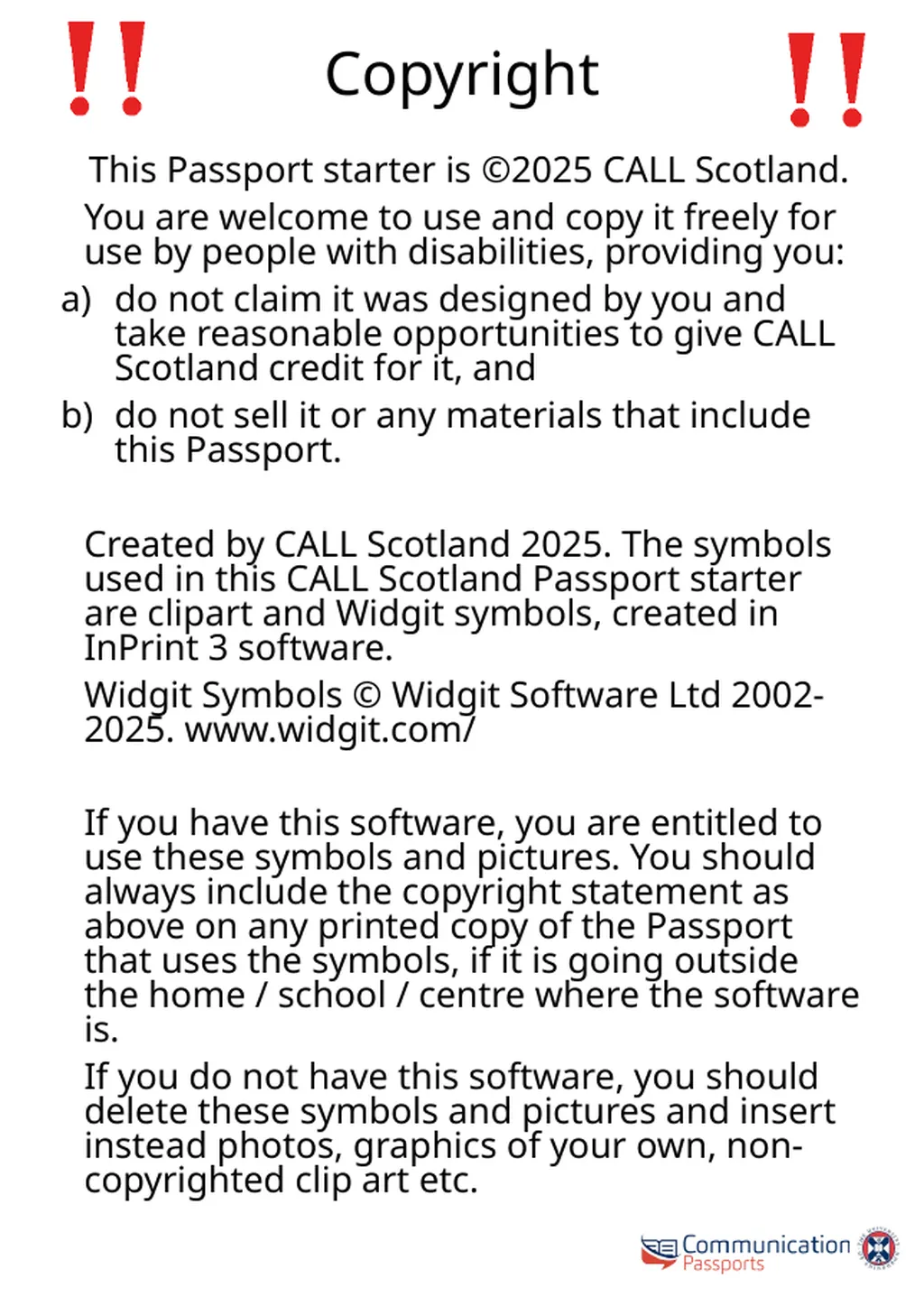
If you have this software, you are entitled to use these symbols and pictures. You should always include the copyright statement as above on any printed copy of the Passport that uses the symbols, if it is going outside the home / school / centre where the software is.
If you do not have this software, you should delete these symbols and pictures and insert instead photos, graphics of your own, non-copyrighted clip art etc.<br>
04
Please read my Communication Passport to get to know me. Insert photo here.<br>
05
Contents 1. Key things you need to know
Special People
My Family
4. My Friends
5. How I communicate
6. How you can help me with communication
7. Things I like to talk about
8. Places
9. My Work
My Past
Special moments and events in my life
Things that cheer me up
Things that upset me
14. Things that make me cross!
15. I need help with
16. Food and Drink
17. My sight and hearing<br>
06
Key things you need to know about me... 1. I need
2. I must not
3. I like
4. I don’t like<br>
07
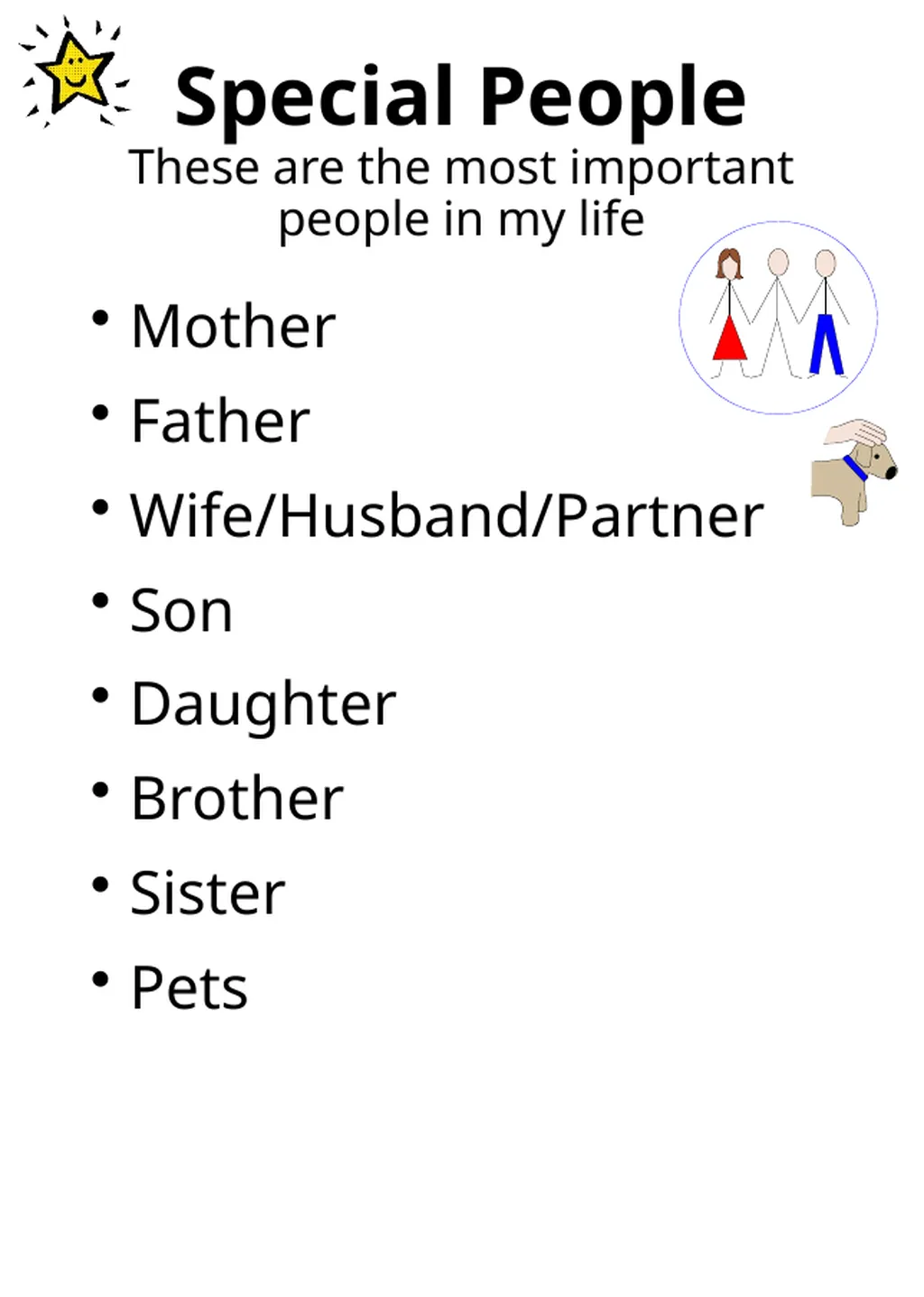
Special People These are the most important people in my life Mother
Father
Wife/Husband/Partner
Son
Daughter
Brother
Sister
Pets<br>
08
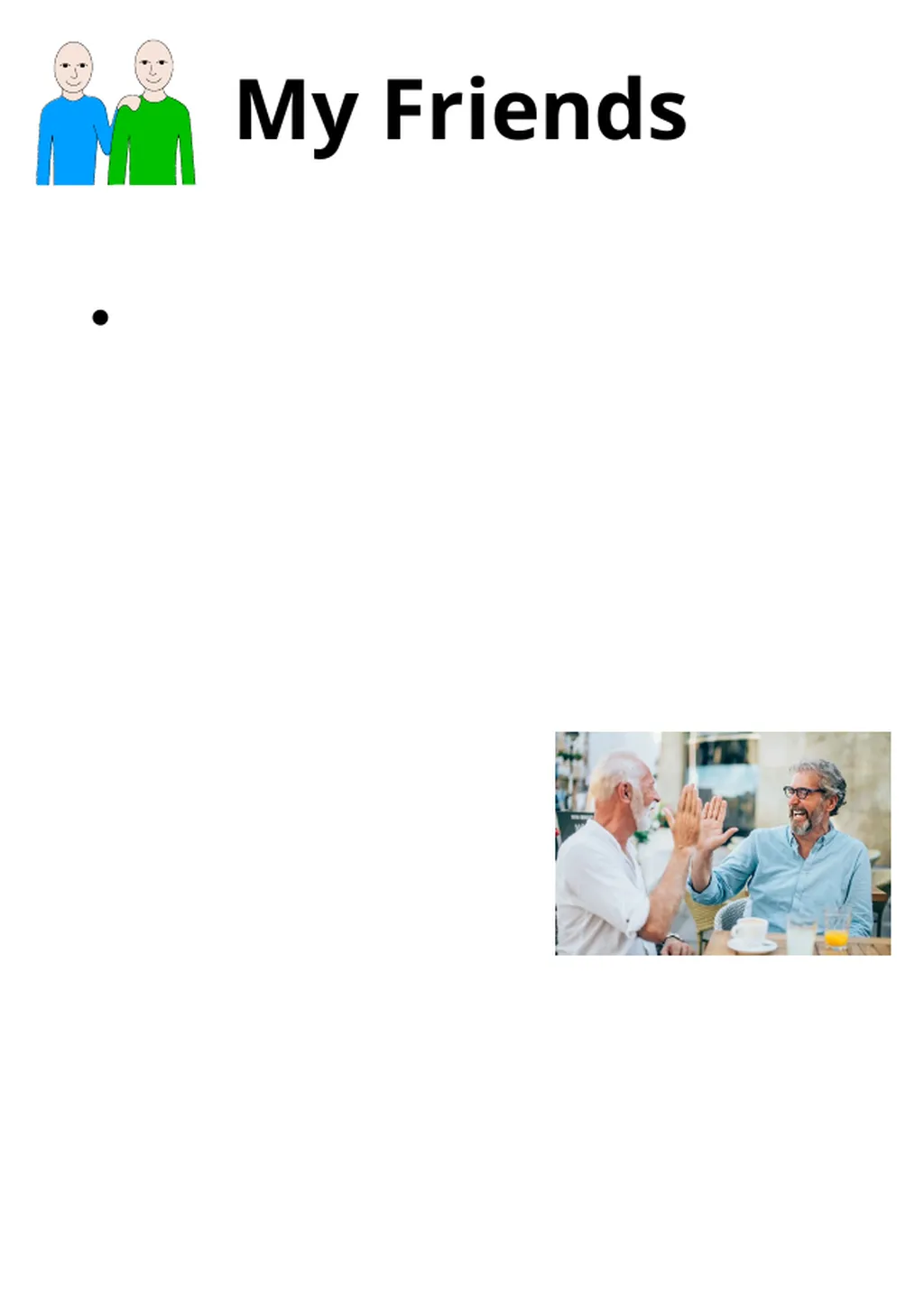
My Friends<br>
09
How I communicate Understanding other people
Getting my own message across<br>
10
How you can help me with communication Please DO Please DON’T<br>
11
Things I like to talk about How I’m feeling
Family
Sport. Team?
Work
TV
Programmes I like
My hobbies
Gardening
Music
Church
News
Food
Drink
Holidays<br>
12
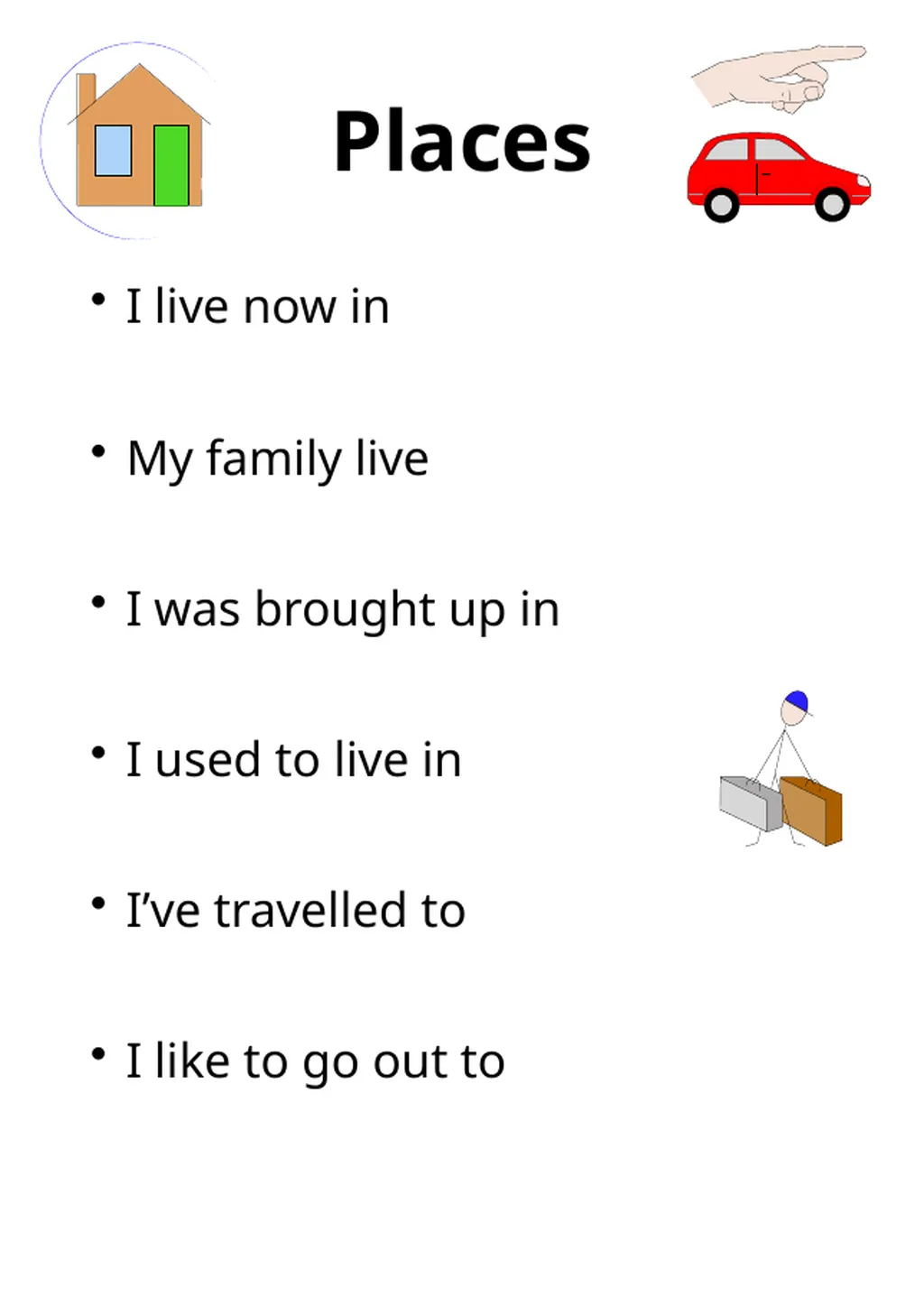
Places I live now in
My family live
I was brought up in
I used to live in
I’ve travelled to
I like to go out to<br>
13
My Work Qualifications, profession?
Where
What<br>
14
My Past<br>
15
Special moments and events in my life<br>
16
Things that cheer me up<br>
17
Things that upset me<br>
18
I can’t stand this!<br>
19
I need help with…<br>
20
Eating and Drinking Things you might need to know<br>