Presented by Dr. Monika patel Asst professor Computer dept Durga college Raipur (c.G.) Data Base Management System Database Management System (DBMS) DBMS contains information about a particular enterprise Collection of interrelated data Set
Related Topics
Share
Embed code
Download this presentation From Below
"Presented by Dr. Monika patel Asst professor" is the property of its rightful owner. Permission is granted to
download and print the materials on this website for personal, non-commercial use only, and to display it
on your personal computer provided you do not modify the materials and that you retain all copyright
notices contained in the materials. By downloading content from our website, you accept the terms of this
agreement.
Presentation Transcript
01
Presented by
Dr. Monika patel
Asst professor
Computer dept
Durga college
Raipur (c.G.) Data Base Management System<br>
02
Database Management System (DBMS) DBMS contains information about a particular enterprise
Collection of interrelated data
Set of programs to access the data
An environment that is both convenient and efficient to use
Database Applications:
Banking: transactions
Airlines: reservations, schedules
Universities: registration, grades
Sales: customers, products, purchases
Online retailers: order tracking, customized recommendations
Manufacturing: production, inventory, orders, supply chain
Human resources: employee records, salaries, tax deductions
Databases can be very large.
Databases touch all aspects of our lives<br>
03
University Database Example Application program examples
Add new students, instructors, and courses
Register students for courses, and generate class rosters
Assign grades to students, compute grade point averages (GPA) and generate transcripts
In the early days, database applications were built directly on top of file systems<br>
04
Drawbacks of using file systems to store data Data redundancy and inconsistency
Multiple file formats, duplication of information in different files
Difficulty in accessing data
Need to write a new program to carry out each new task
Data isolation
Multiple files and formats
Integrity problems
Integrity constraints (e.g., account balance > 0) become “buried” in program code rather than being stated explicitly
Hard to add new constraints or change existing ones<br>
05
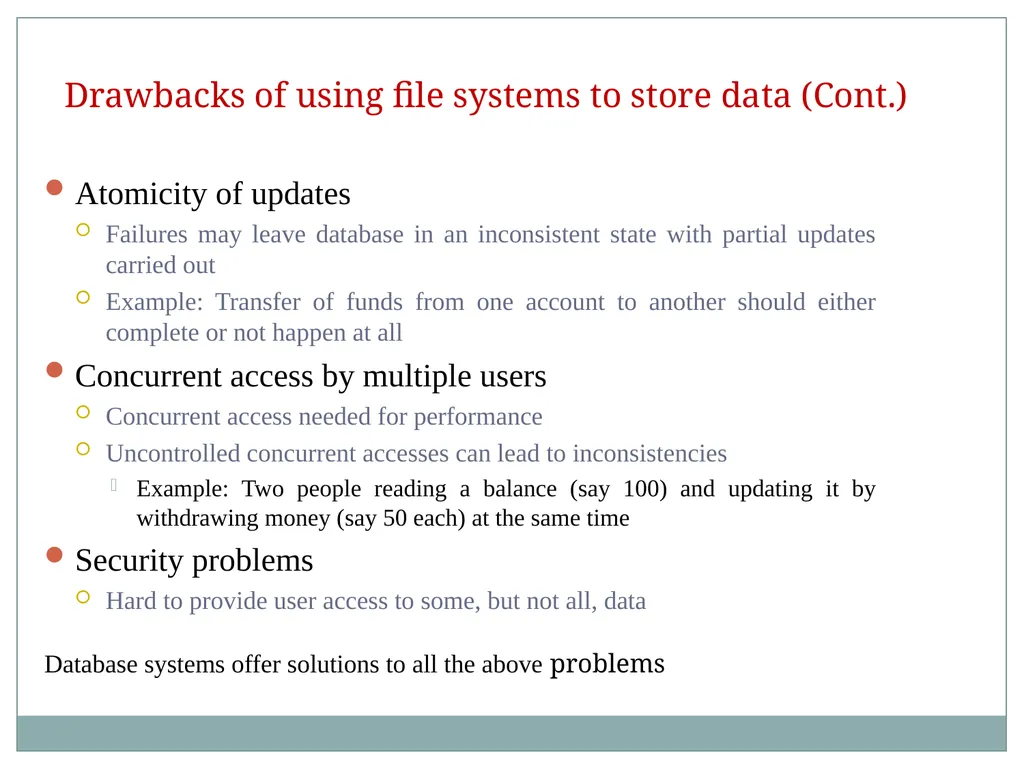
Drawbacks of using file systems to store data (Cont.) Atomicity of updates
Failures may leave database in an inconsistent state with partial updates carried out
Example: Transfer of funds from one account to another should either complete or not happen at all
Concurrent access by multiple users
Concurrent access needed for performance
Uncontrolled concurrent accesses can lead to inconsistencies
Example: Two people reading a balance (say 100) and updating it by withdrawing money (say 50 each) at the same time
Security problems
Hard to provide user access to some, but not all, data
Database systems offer solutions to all the above problems<br>
06
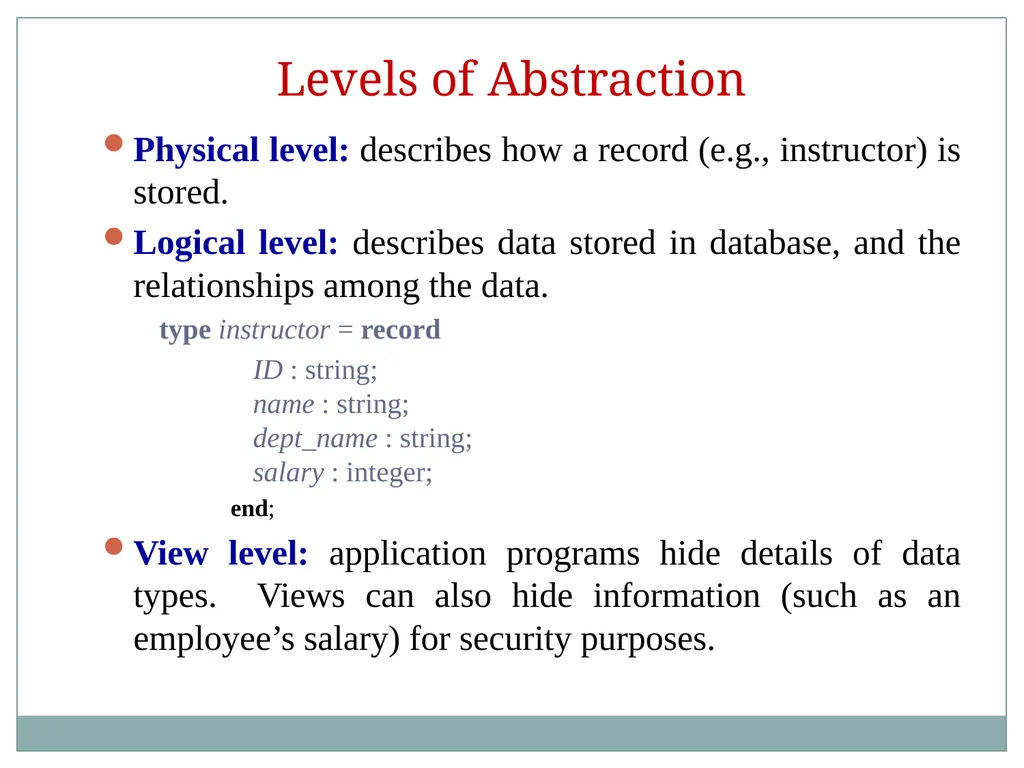
Levels of Abstraction Physical level: describes how a record (e.g., instructor) is stored.
Logical level: describes data stored in database, and the relationships among the data.
type instructor = record
ID : string; name : string; dept_name : string; salary : integer;
end;
View level: application programs hide details of data types. Views can also hide information (such as an employee’s salary) for security purposes.<br>
07
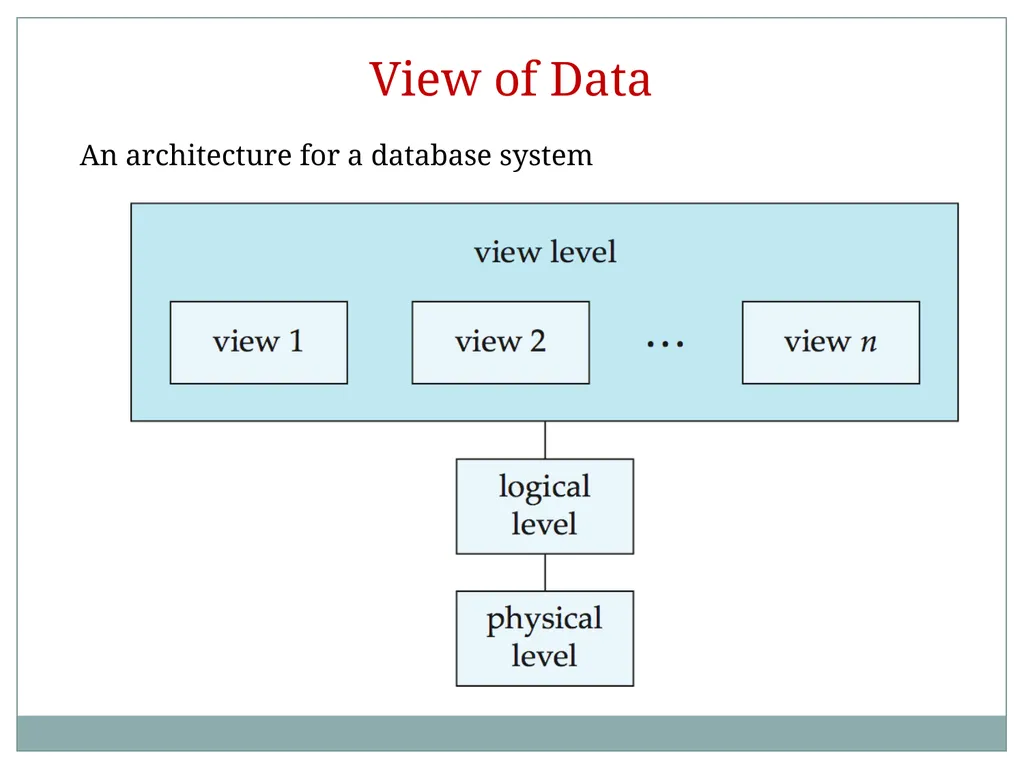
View of Data An architecture for a database system<br>
08
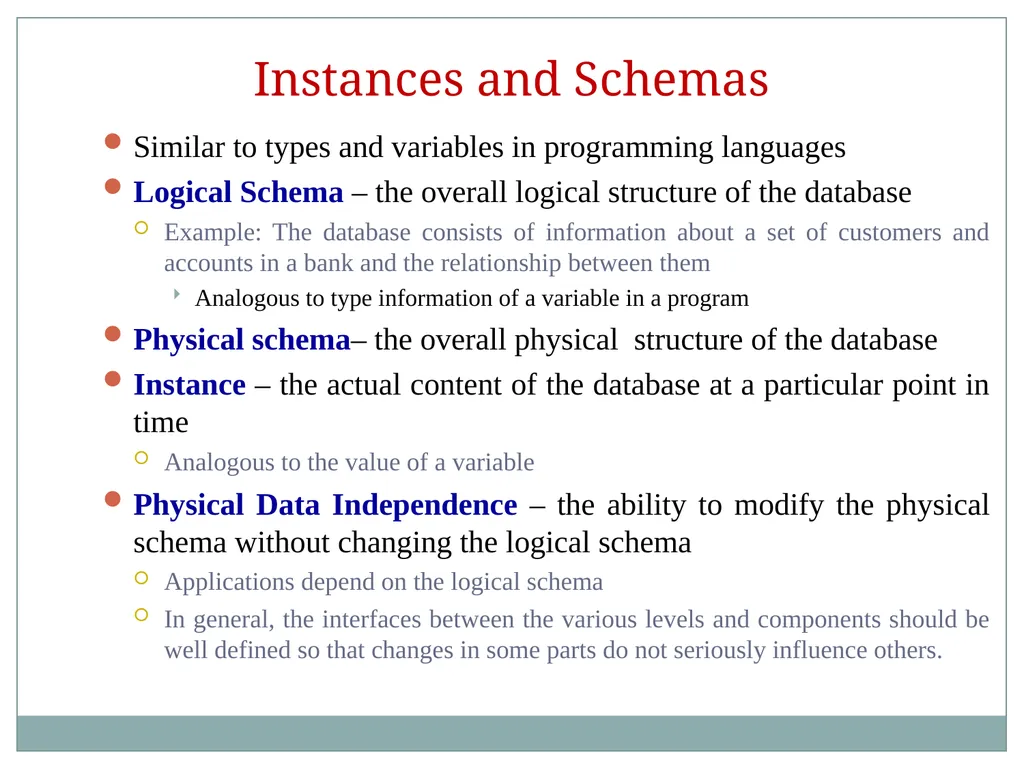
Instances and Schemas Similar to types and variables in programming languages
Logical Schema – the overall logical structure of the database
Example: The database consists of information about a set of customers and accounts in a bank and the relationship between them
Analogous to type information of a variable in a program
Physical schema– the overall physical structure of the database
Instance – the actual content of the database at a particular point in time
Analogous to the value of a variable
Physical Data Independence – the ability to modify the physical schema without changing the logical schema
Applications depend on the logical schema
In general, the interfaces between the various levels and components should be well defined so that changes in some parts do not seriously influence others.<br>
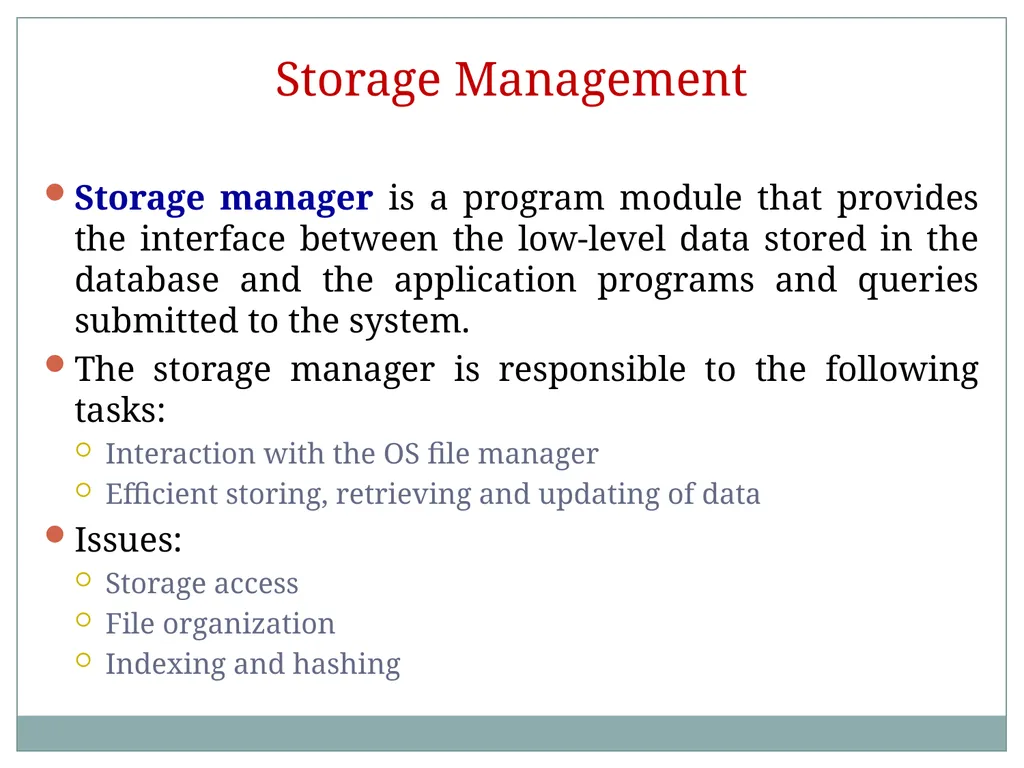
Storage Management Storage manager is a program module that provides the interface between the low-level data stored in the database and the application programs and queries submitted to the system.
The storage manager is responsible to the following tasks:
Interaction with the OS file manager
Efficient storing, retrieving and updating of data
Issues:
Storage access
File organization
Indexing and hashing<br>
11
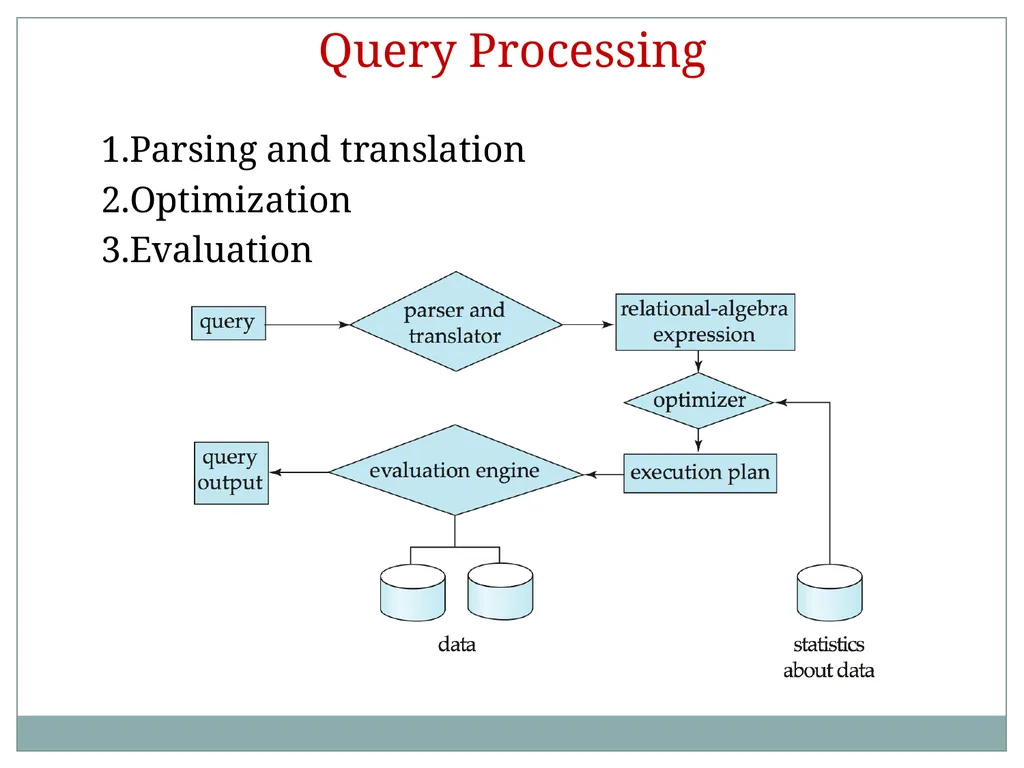
Query Processing 1. Parsing and translation
2. Optimization
3. Evaluation<br>
12
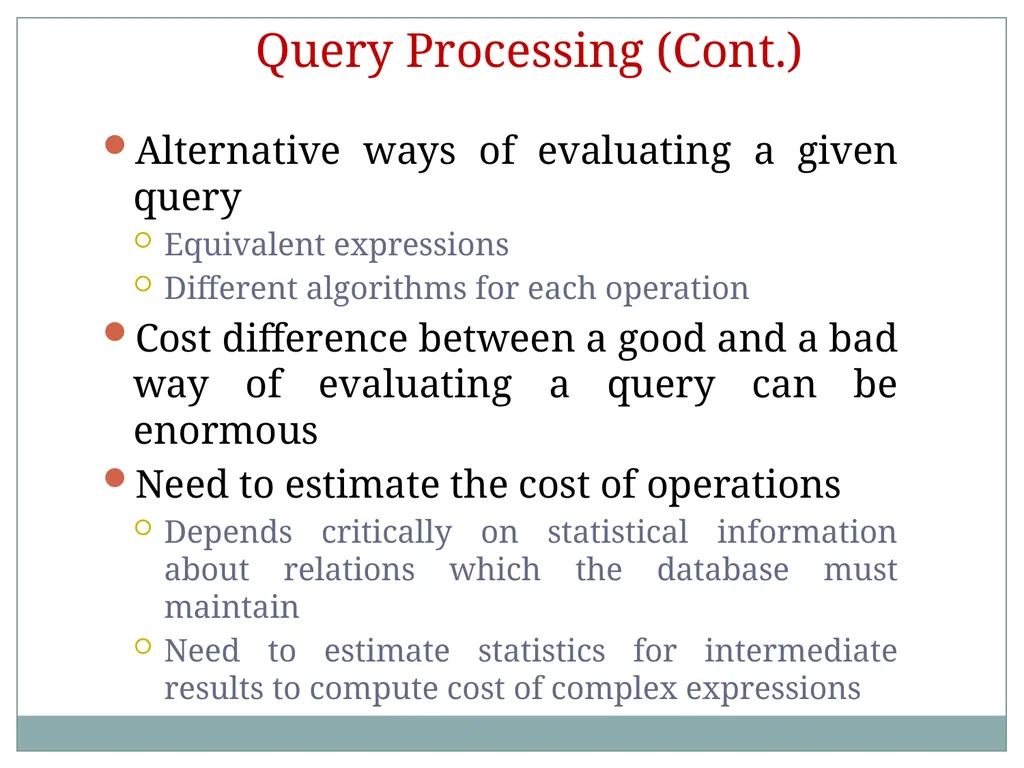
Query Processing (Cont.) Alternative ways of evaluating a given query
Equivalent expressions
Different algorithms for each operation
Cost difference between a good and a bad way of evaluating a query can be enormous
Need to estimate the cost of operations
Depends critically on statistical information about relations which the database must maintain
Need to estimate statistics for intermediate results to compute cost of complex expressions<br>
13
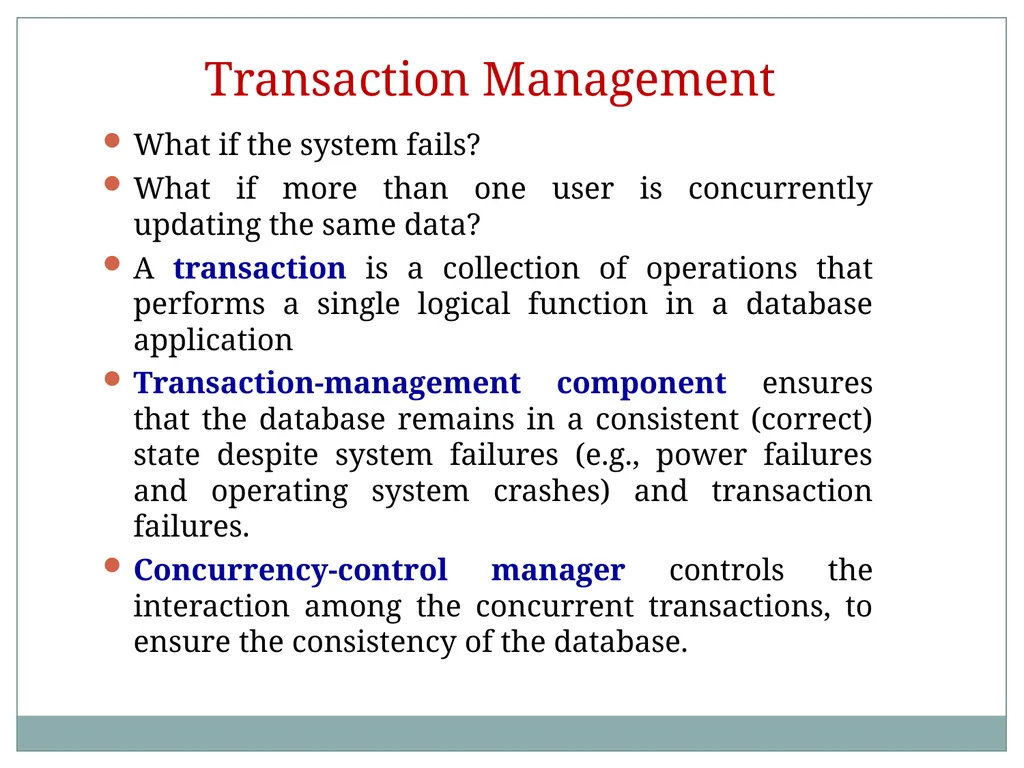
Transaction Management What if the system fails?
What if more than one user is concurrently updating the same data?
A transaction is a collection of operations that performs a single logical function in a database application
Transaction-management component ensures that the database remains in a consistent (correct) state despite system failures (e.g., power failures and operating system crashes) and transaction failures.
Concurrency-control manager controls the interaction among the concurrent transactions, to ensure the consistency of the database.<br>
14
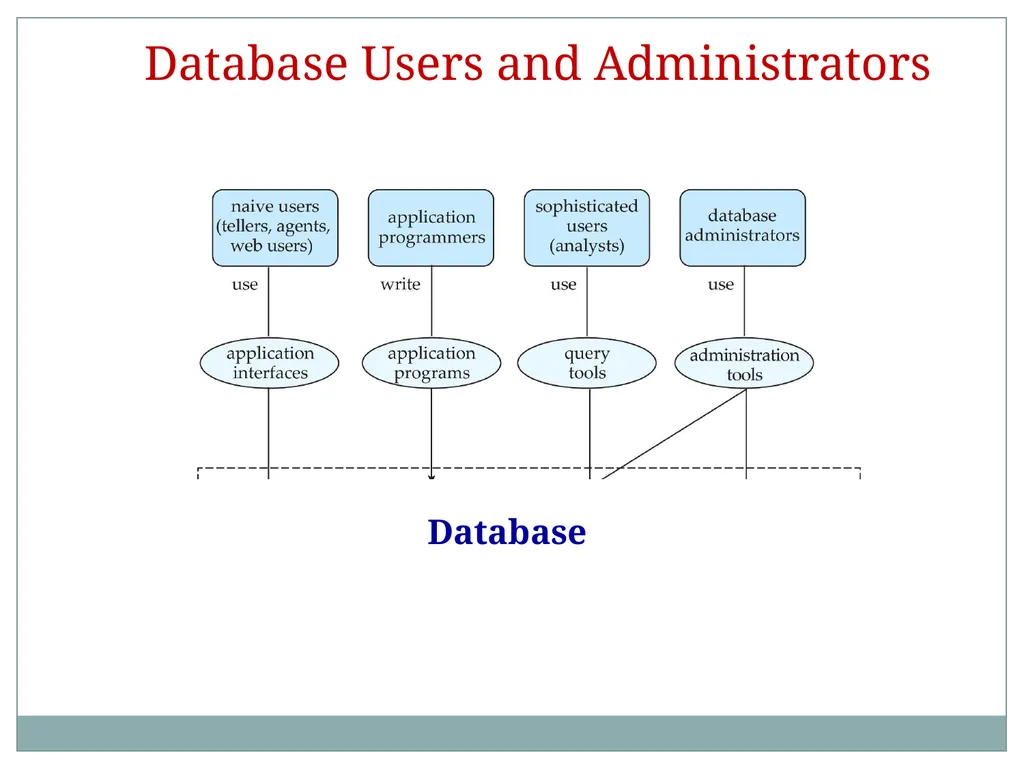
Database Users and Administrators Database<br>
15
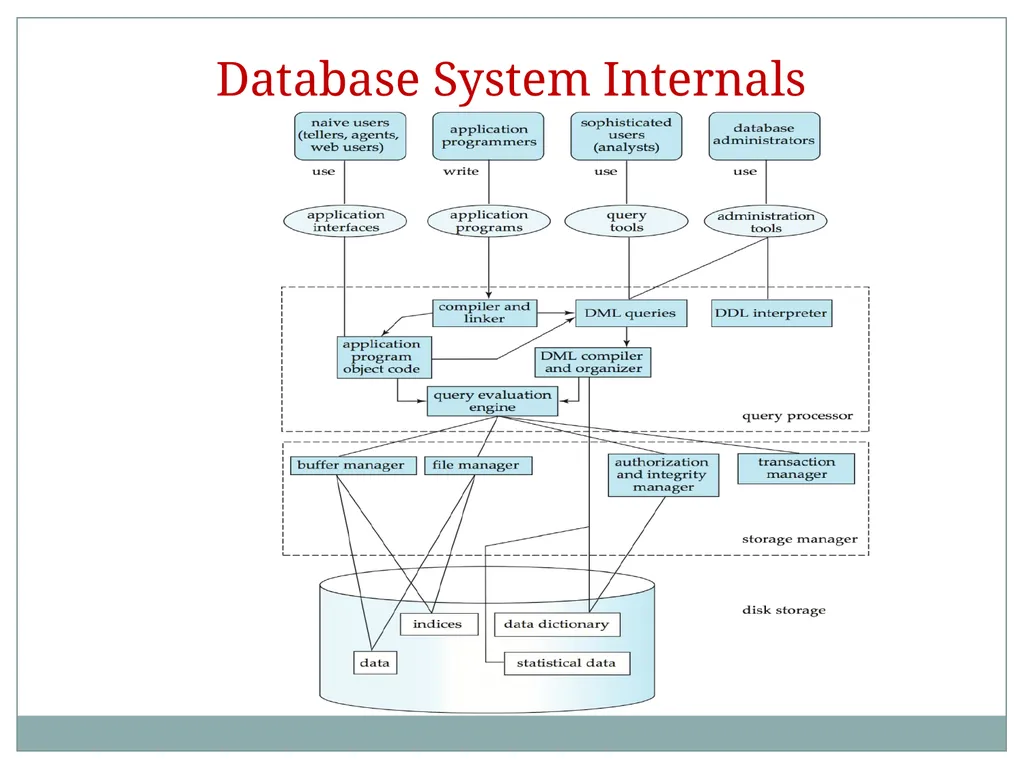
Database System Internals<br>
16
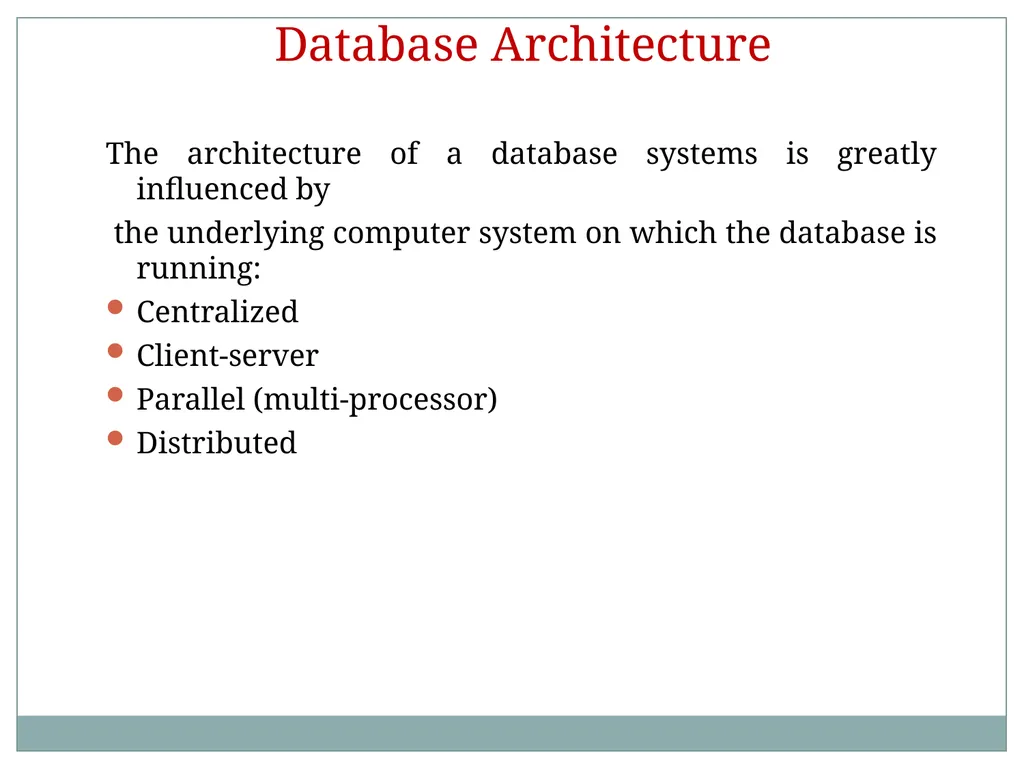
Database Architecture The architecture of a database systems is greatly influenced by
the underlying computer system on which the database is running:
Centralized
Client-server
Parallel (multi-processor)
Distributed<br>