Protecting Yourself from Scams How to Identify and Protect Yourself from Common Scams Why Talk About Scams? Scams are more sophisticated than ever Anyone can be a target The most effective defense is to learn from each other and share
"Protecting Yourself from Scams How to Identify and" is the property of its rightful owner. Permission is granted to
download and print the materials on this website for personal, non-commercial use only, and to display it
on your personal computer provided you do not modify the materials and that you retain all copyright
notices contained in the materials. By downloading content from our website, you accept the terms of this
agreement.
Presentation Transcript
01
Protecting Yourself from Scams How to Identify and Protect Yourself from Common Scams<br>
02
Why Talk About Scams? Scams are more sophisticated than ever
Anyone can be a target
The most effective defense is to learn from each other and share<br>
03
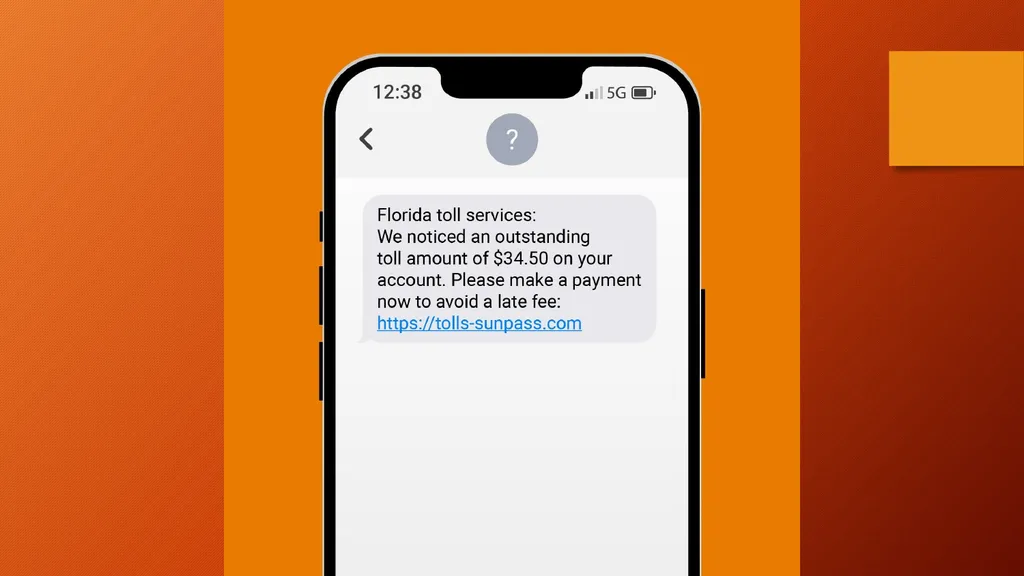
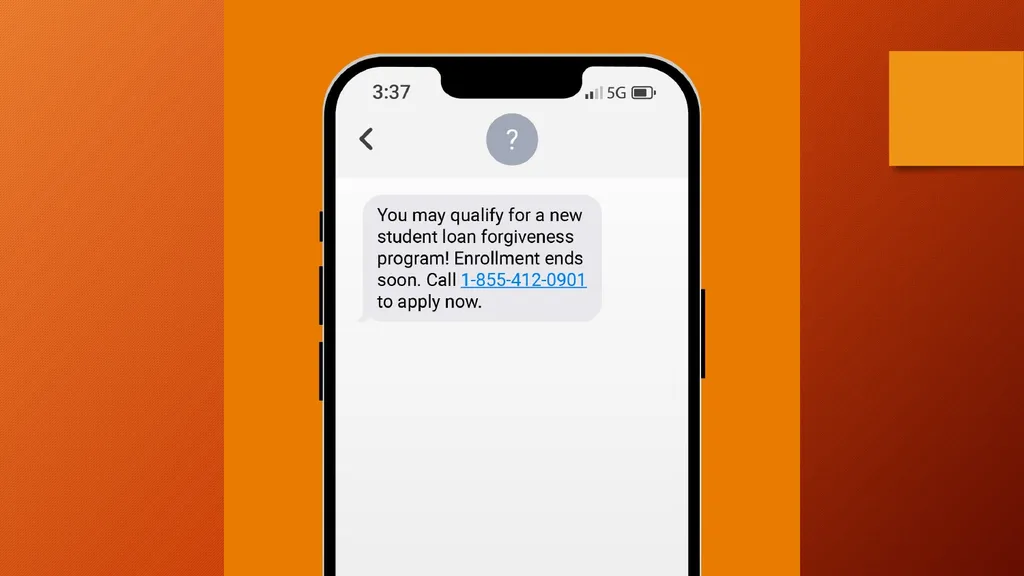
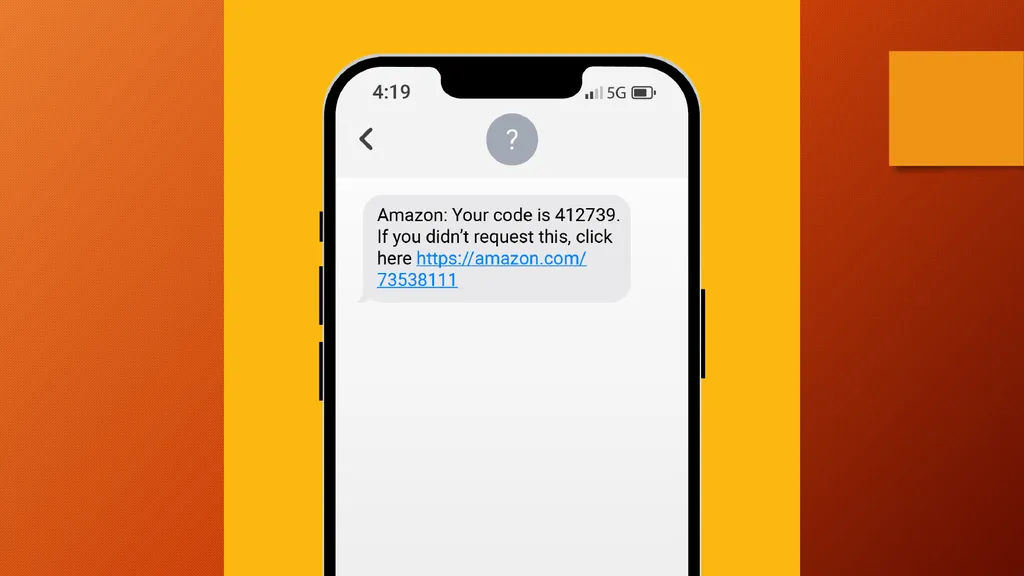
Common Types of Scams Text Message Scams (Smishing)
Email Scams (Phishing)
Phone Scams (Vishing)
Web-Based Scams
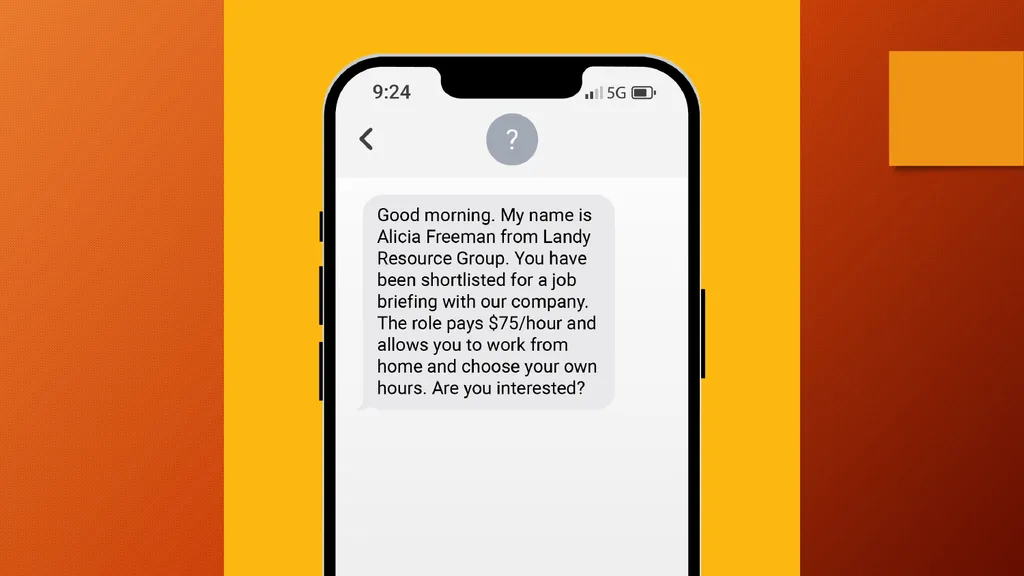
Others (Romance, Job, Investment, etc.)
AI Scams<br>
04
Common Traits of Scams Unsolicited contact
Urgency or threats
Don’t tell anyone else
Requests for personal info
Strange grammar or links<br>
05
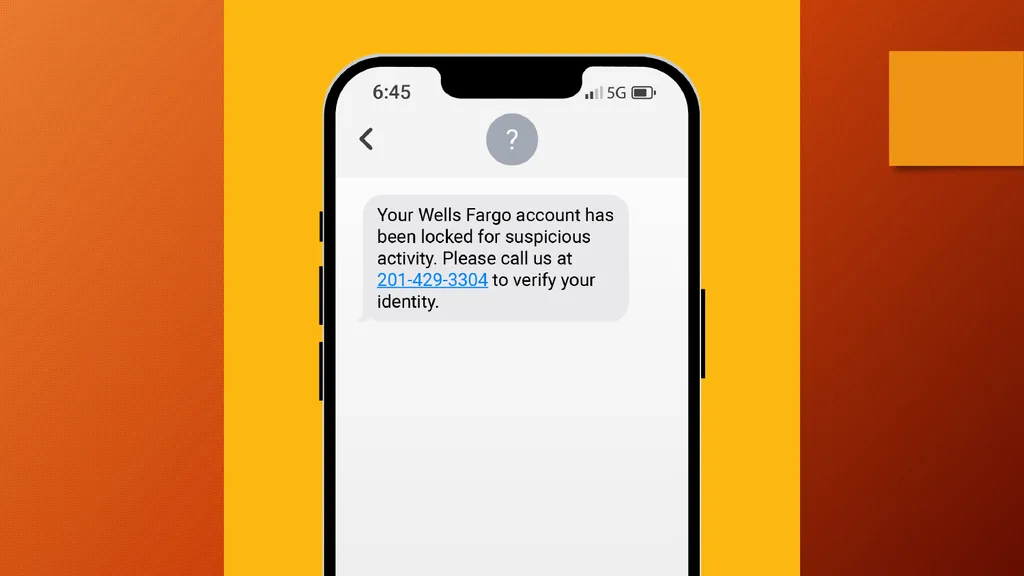
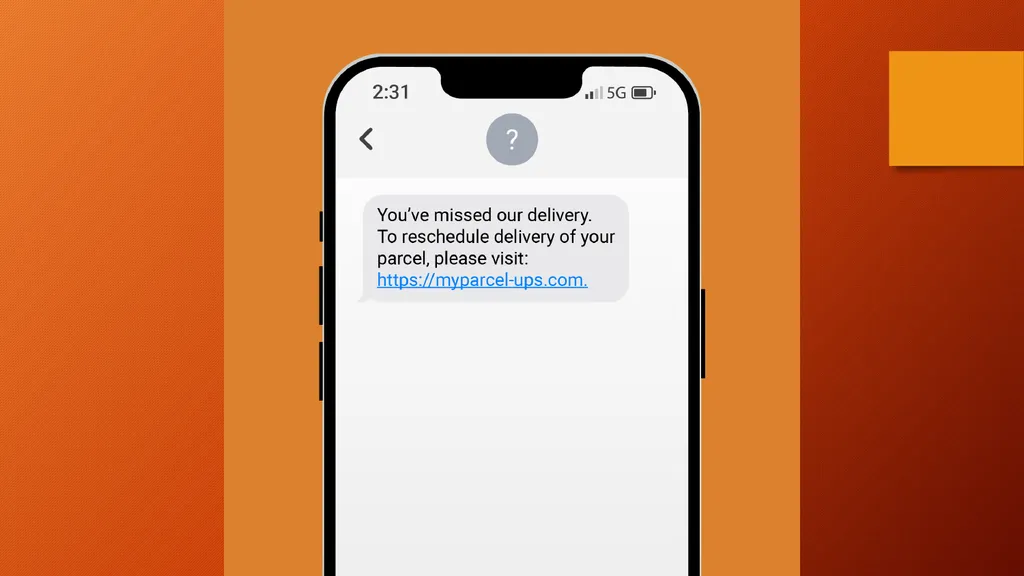
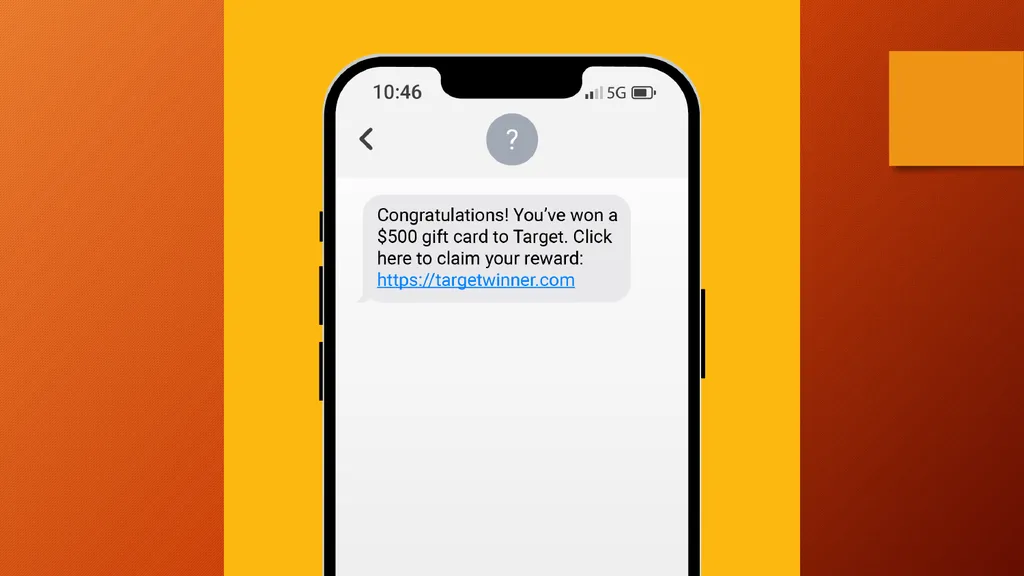
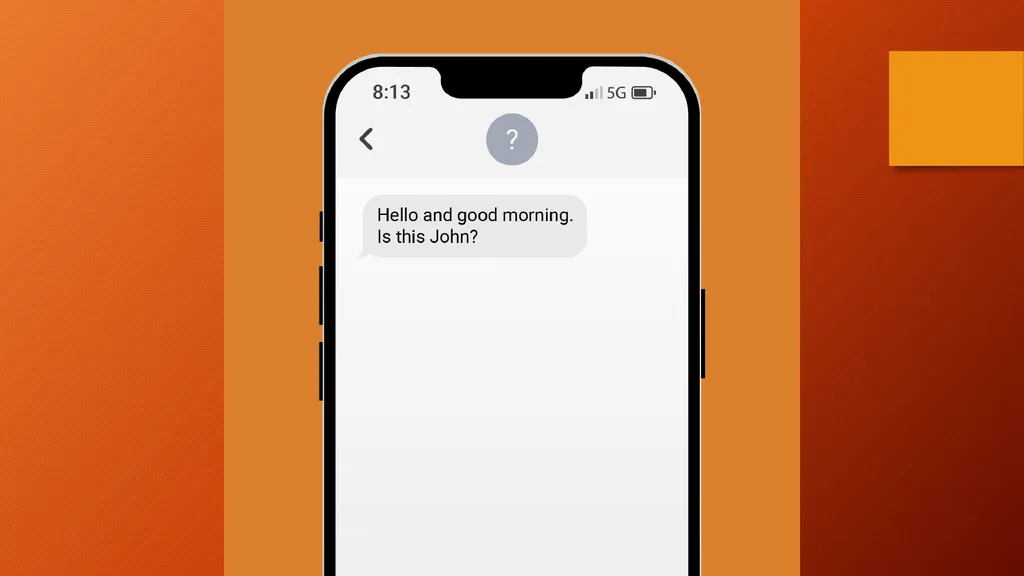
Text Message Scams (Smishing) Claim to be from banks, delivery companies
Urgent tone ("verify your account!")
Links to fake websites
Wrong number scams trying to get personal information<br>
06
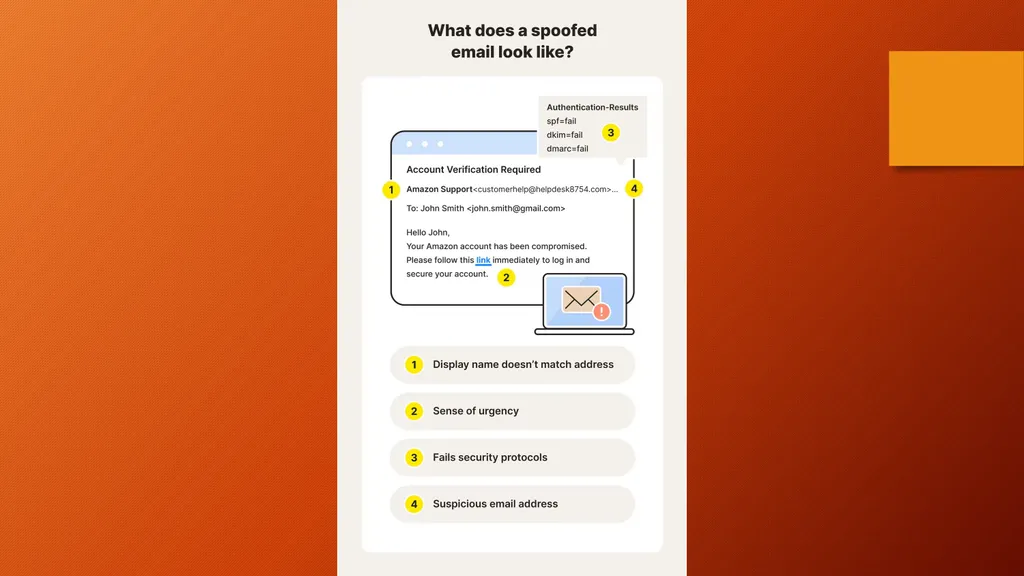
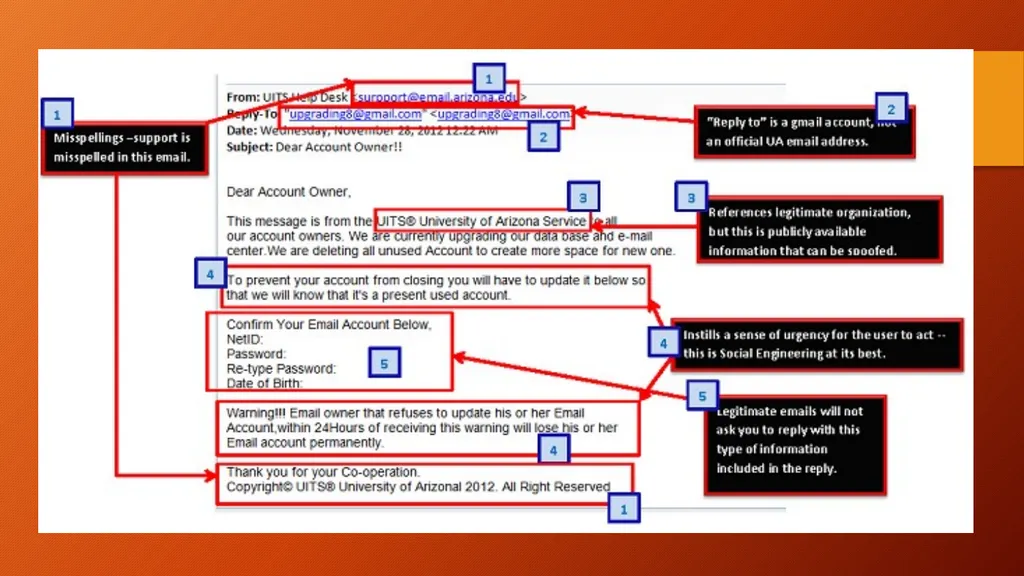
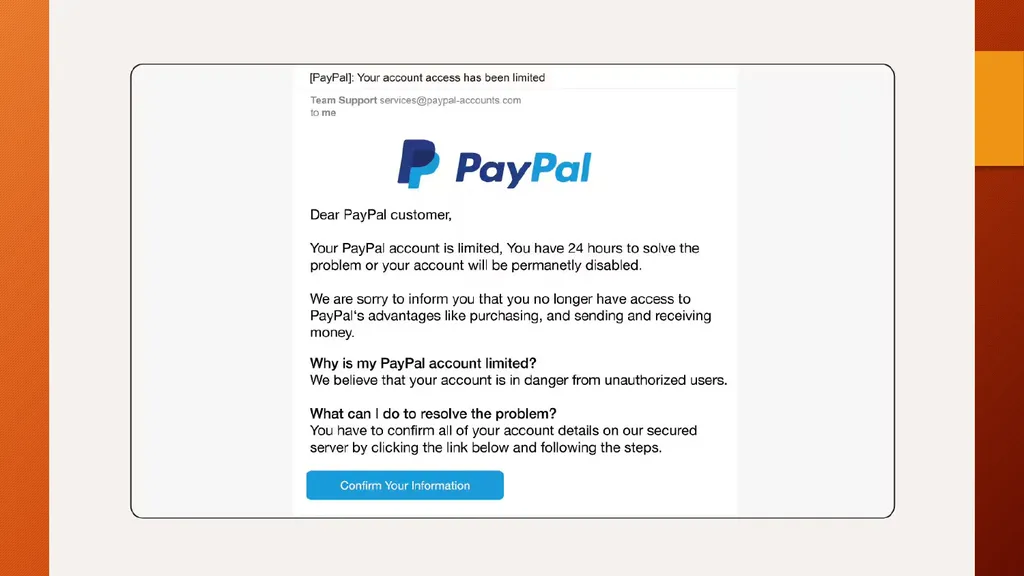
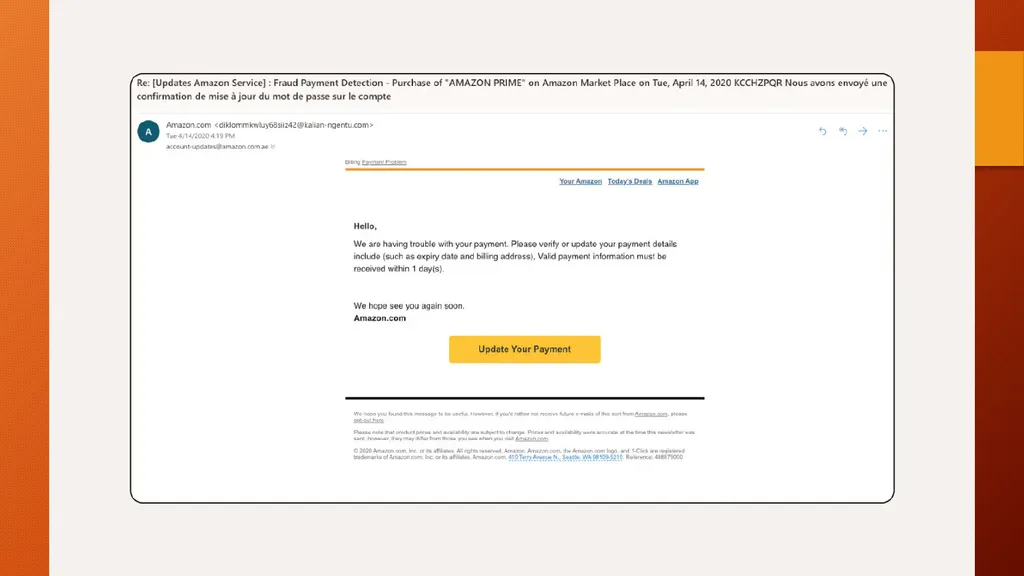
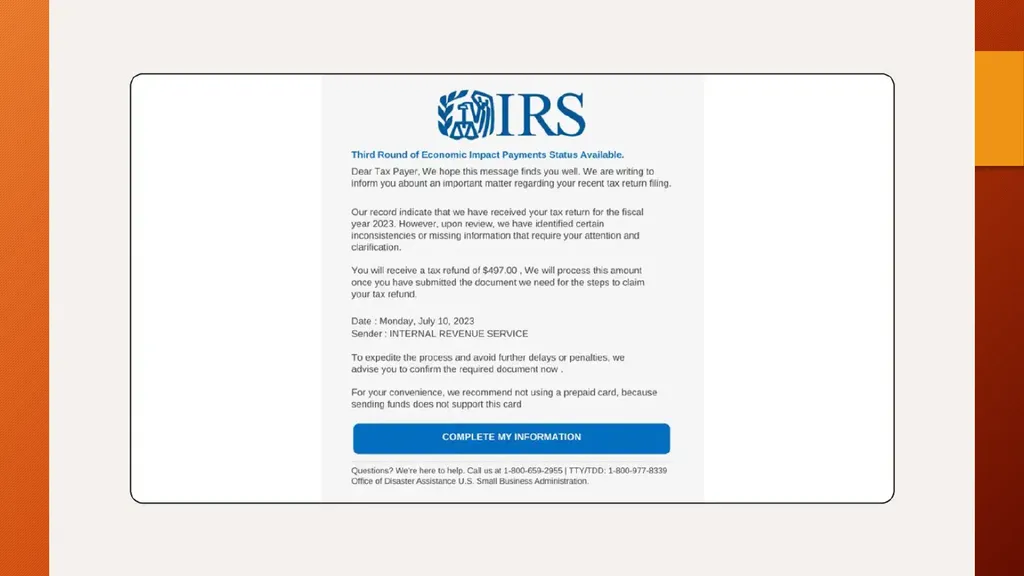
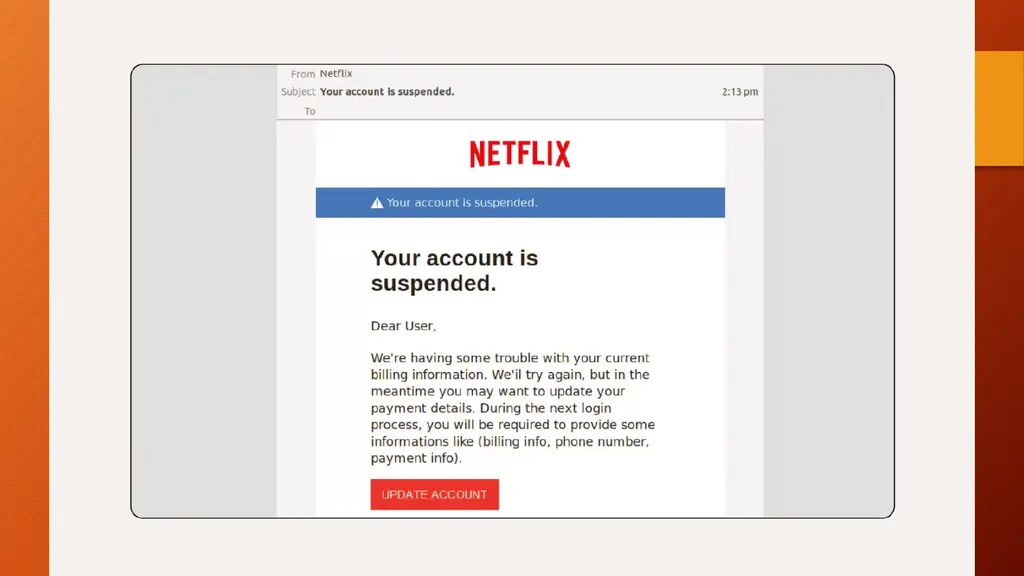
Email Scams (Phishing) May look official but really fake
Urgent requests for
Info
Money
gift cards
Verify your account or password
Asks to click on a link or download an attachment<br>
07
Phone Scams (Vishing) Fake IRS, tech support, or family emergencies
Spoofed caller IDs
Requests for gift cards, wire transfers, even cash<br>
08
The Day I Put $50,000 in a Shoe Box and Handed It to a Stranger If someone is trying to get you to be compliant, they do it incrementally,
in a series of small steps I never thought I was the kind of person to fall for a scam.<br>
09
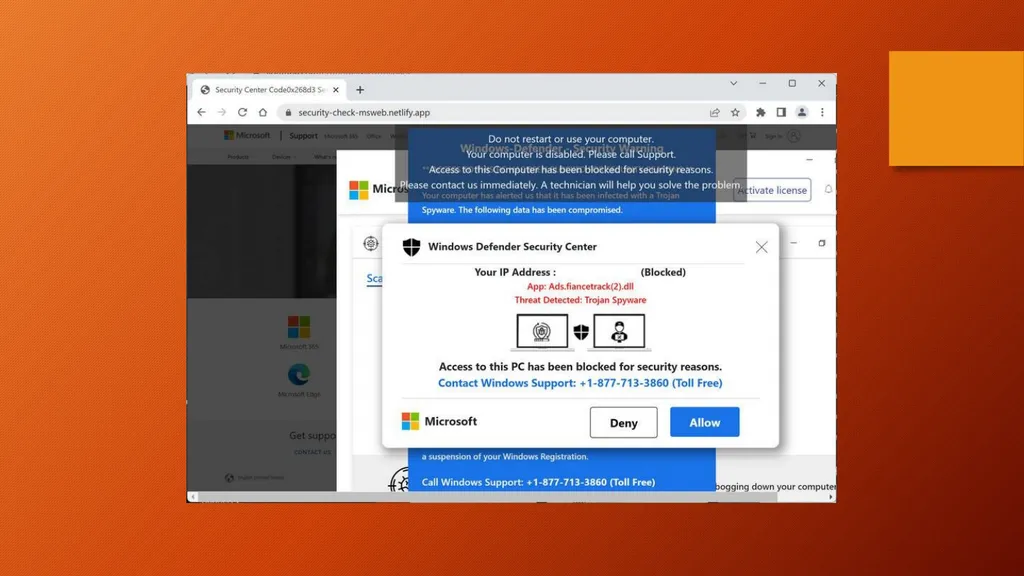
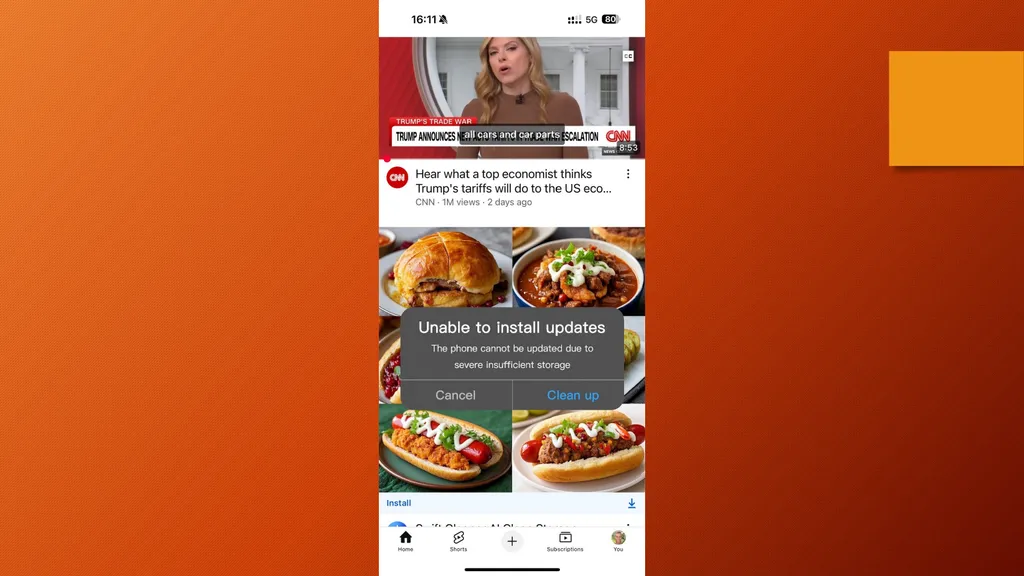
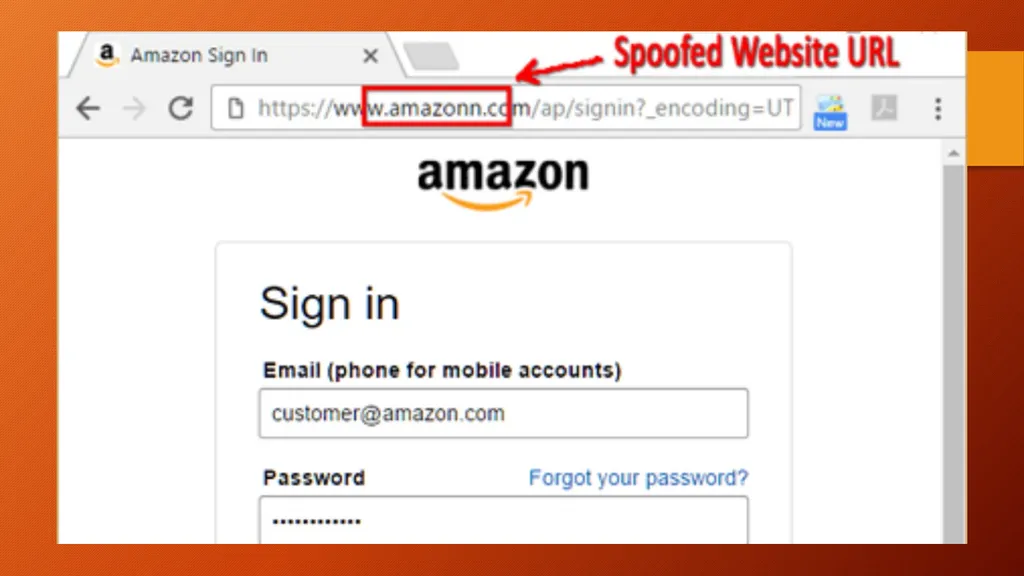
Web-Based Scams Fake shopping sites
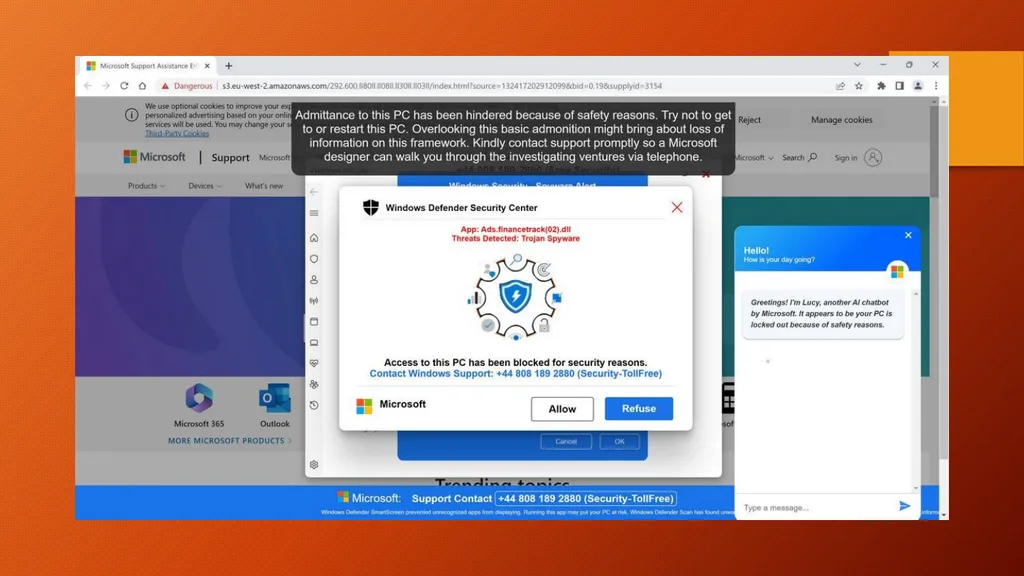
Pop-up virus warnings
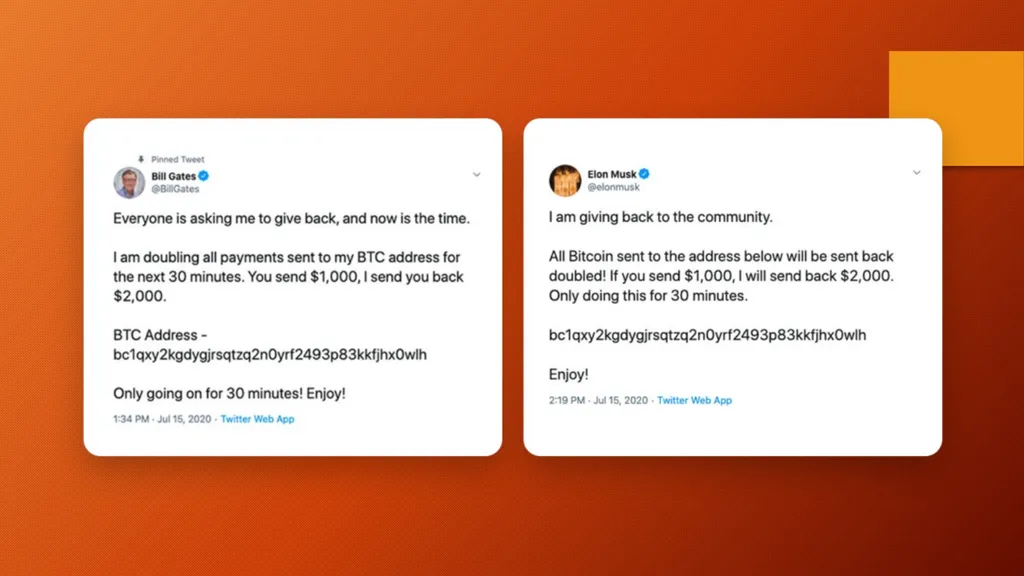
Impersonated social media accounts
Website spoofing<br>
10
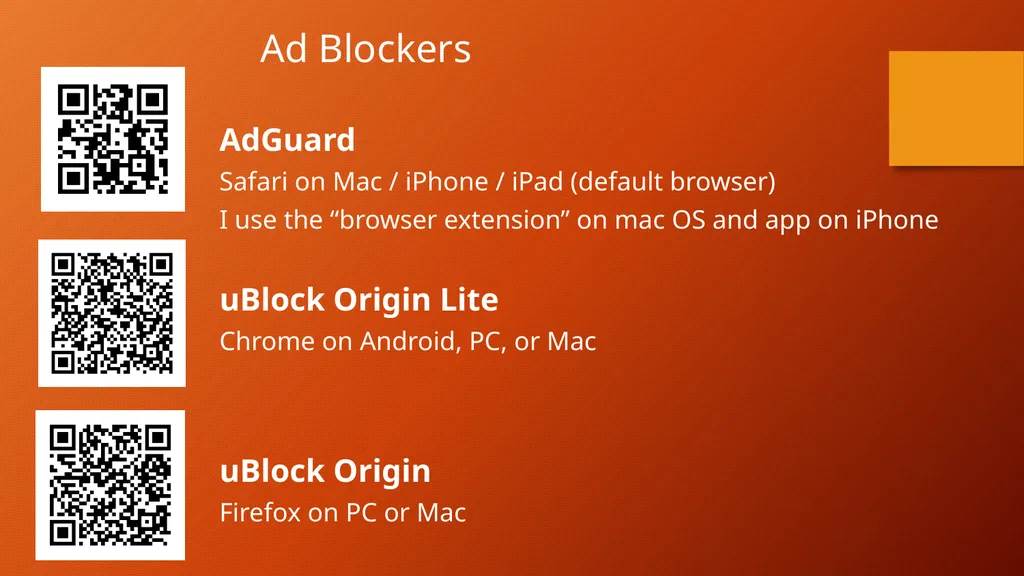
Ad Blockers AdGuard
Safari on Mac / iPhone / iPad (default browser)
I use the “browser extension” on mac OS and app on iPhone
uBlock Origin Lite
Chrome on Android, PC, or Mac
uBlock Origin
Firefox on PC or Mac<br>
11
AI-Driven Scams: Emerging Threats Scams are evolving with artificial intelligence
Deepfakes, voice cloning, and AI-generated messages
Harder to detect, more personalized and convincing<br>
12
Deepfake Scams AI-generated video or audio impersonations
Used to fake requests from bosses, celebrities, family
Example: CEO asking for urgent money transfer<br>
13
Voice Cloning Scams Uses short audio samples to clone someone's voice
Scammers pretend to be a loved one in distress
Plays off of your emotions to help a love one in need<br>
14
AI Chatbots & Romance Scams (Pig Butchering) Chatbots build long-term fake relationships
Used for romance scams or fake support chats
Hard to detect due to emotional manipulation<br>
15
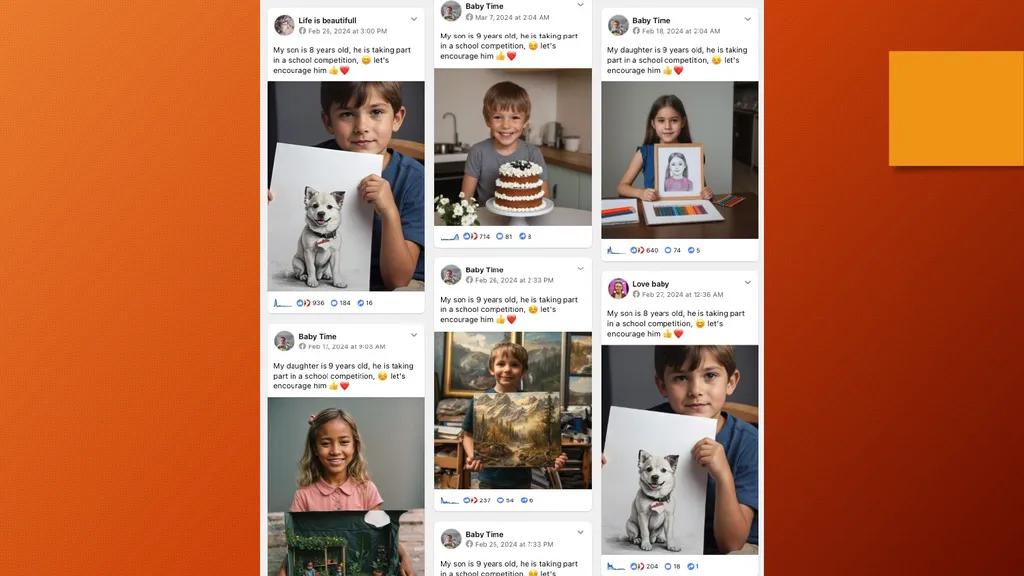
Fake Content & Social Engineering Fake photos, websites, reviews, and credentials
AI can tailor scams based on social media info
Used for phishing, job scams, and fake investments<br>
16
Protecting Against AI Scams Slow down and take a breath
Verify the request with another method
Use family code words
Limit personal info online<br>
17
General Protection Tips Don't click unknown links
Verify contacts independently
Use 2 factor authentication (2FA) and strong, unique passwords
Keep software up-to-date<br>
18
Password vs. Passphrase Password: Short (8–16 chars), complex, harder to remember
Example: T!m3Tr@v3l!
Passphrase: Long (20+ chars), multiple words, easier to remember
Example: Sunsets Dance Over Quiet Hills
Security: Passphrases are stronger and harder to crack
Be cautious to whom you share your password to and how!<br>
19
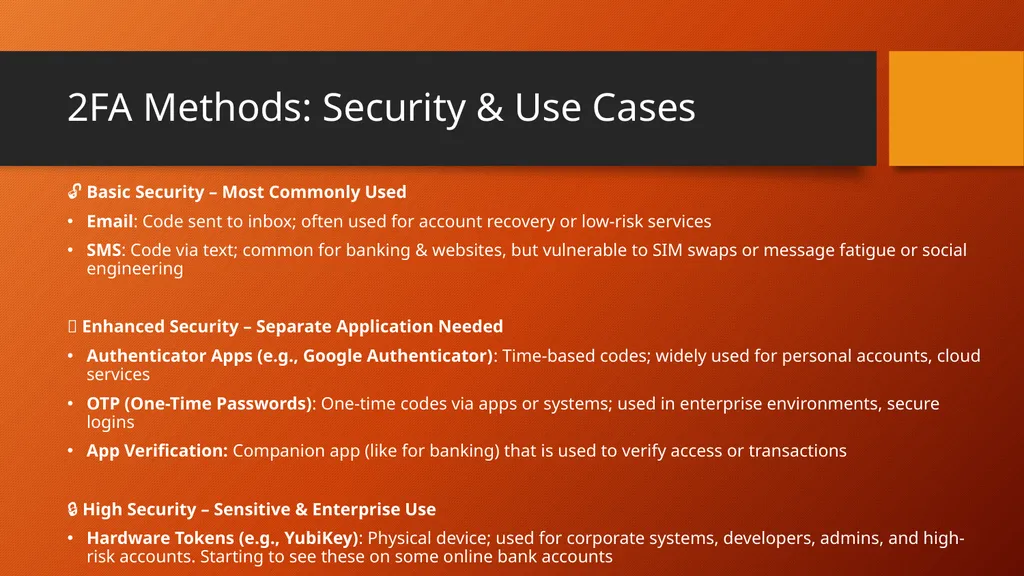
2FA Methods: Security & Use Cases 🔓 Basic Security – Most Commonly Used
Email: Code sent to inbox; often used for account recovery or low-risk services
SMS: Code via text; common for banking & websites, but vulnerable to SIM swaps or message fatigue or social engineering
🔐 Enhanced Security – Separate Application Needed
Authenticator Apps (e.g., Google Authenticator): Time-based codes; widely used for personal accounts, cloud services
OTP (One-Time Passwords): One-time codes via apps or systems; used in enterprise environments, secure logins
App Verification: Companion app (like for banking) that is used to verify access or transactions
🔒 High Security – Sensitive & Enterprise Use
Hardware Tokens (e.g., YubiKey): Physical device; used for corporate systems, developers, admins, and high-risk accounts. Starting to see these on some online bank accounts<br>
20
If You’ve Been Scammed Stop communication immediately
Report to FTC, police, bank, gift card issuer
Change passwords and monitor accounts
Consider a credit freeze
Consider an identify monitoring service<br>
21
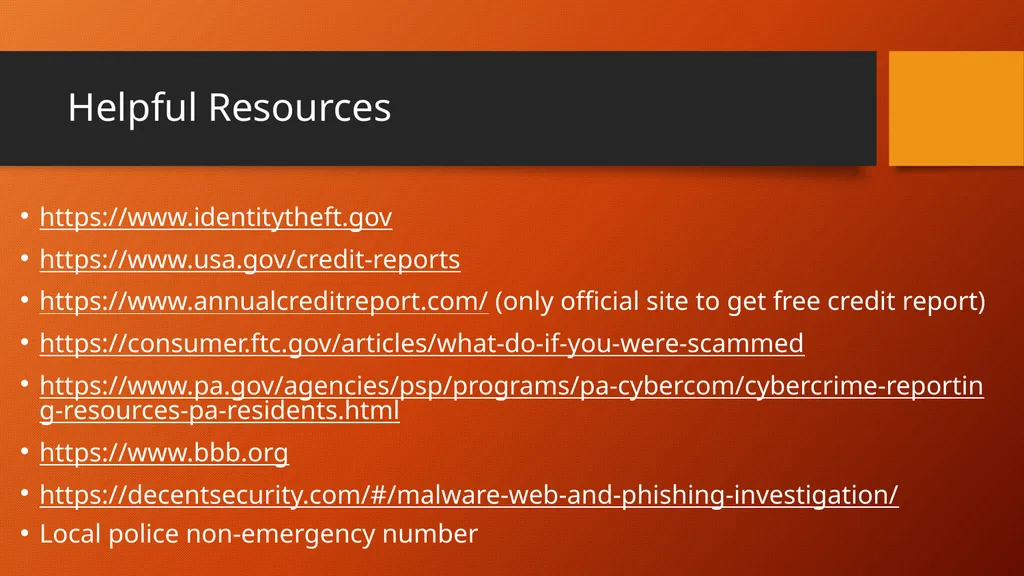
Helpful Resources https://www.identitytheft.gov
https://www.usa.gov/credit-reports
https://www.annualcreditreport.com/ (only official site to get free credit report)
https://consumer.ftc.gov/articles/what-do-if-you-were-scammed
https://www.pa.gov/agencies/psp/programs/pa-cybercom/cybercrime-reporting-resources-pa-residents.html
https://www.bbb.org
https://decentsecurity.com/#/malware-web-and-phishing-investigation/
Local police non-emergency number<br>
22
Questions? Final Tips Stay skeptical, stay safe
Share what you learn
When in doubt — don’t click!<br>