
Reporter Online Training Housekeeping All
TA
Published · 21 slides · 0 views

1 / 1

Description
Reporter Online Training Housekeeping All participants will be muted upon joining the training due to the large class size. Please use the chat feature to ask any questions. If you require closed captioning, you can turn it on by clicking
Related Topics
Share
Embed code
Download this presentation From Below
"Reporter Online Training Housekeeping All" is the property of its rightful owner. Permission is granted to download and print the materials on this website for personal, non-commercial use only, and to display it on your personal computer provided you do not modify the materials and that you retain all copyright notices contained in the materials. By downloading content from our website, you accept the terms of this agreement.
Presentation Transcript
01
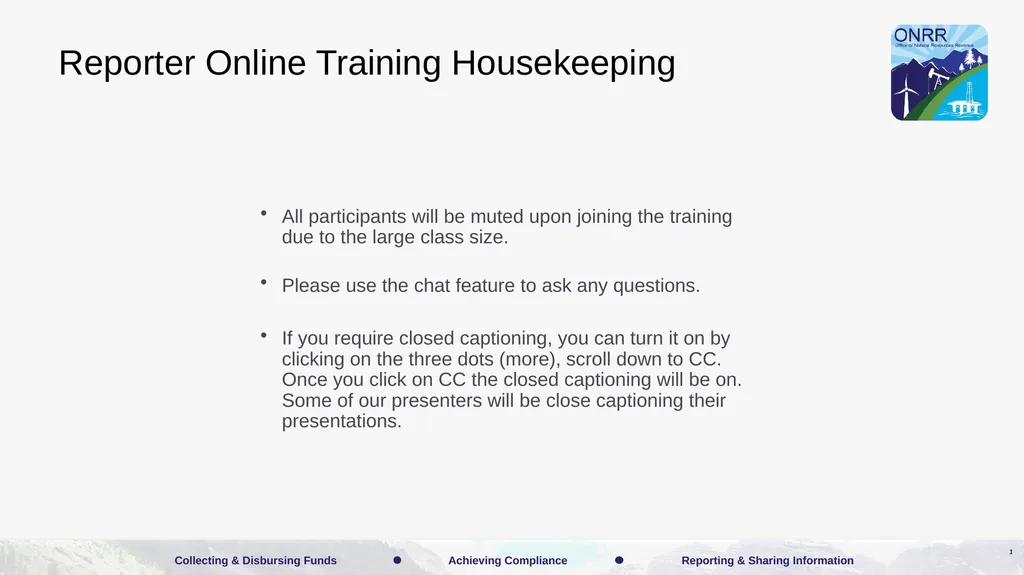
Reporter Online Training Housekeeping All participants will be muted upon joining the training due to the large class size.
Please use the chat feature to ask any questions.
If you require closed captioning, you can turn it on by clicking on the three dots (more), scroll down to CC. Once you click on CC the closed captioning will be on. Some of our presenters will be close captioning their presentations. 1<br>
Please use the chat feature to ask any questions.
If you require closed captioning, you can turn it on by clicking on the three dots (more), scroll down to CC. Once you click on CC the closed captioning will be on. Some of our presenters will be close captioning their presentations. 1<br>
02
Disclaimer These training materials are offered in a training scenario to serve as guidance to assist in reporting, paying, or determining value for royalties. Because reporting, payment, and valuation circumstances vary from lessee to lessee, be advised that these training materials may not precisely reflect your scenario. Accordingly, these general materials should not be construed as setting binding or enforceable policy.
Reliance on this guidance does not prohibit ONRR from future compliance activities or auditing of your reporting based on your use of the information contained within or from directing you to report and pay in a different manner based on an application of federal law to your unique factual circumstances. These training materials do not constitute an appealable decision or order under 30 C.F.R. 1290, Subpart B. If you have any questions, please use the contact information identified in this presentation or visit https://onrr.gov/about/contact. 2<br>
Reliance on this guidance does not prohibit ONRR from future compliance activities or auditing of your reporting based on your use of the information contained within or from directing you to report and pay in a different manner based on an application of federal law to your unique factual circumstances. These training materials do not constitute an appealable decision or order under 30 C.F.R. 1290, Subpart B. If you have any questions, please use the contact information identified in this presentation or visit https://onrr.gov/about/contact. 2<br>
03
2014 Common Errors 3<br>
04
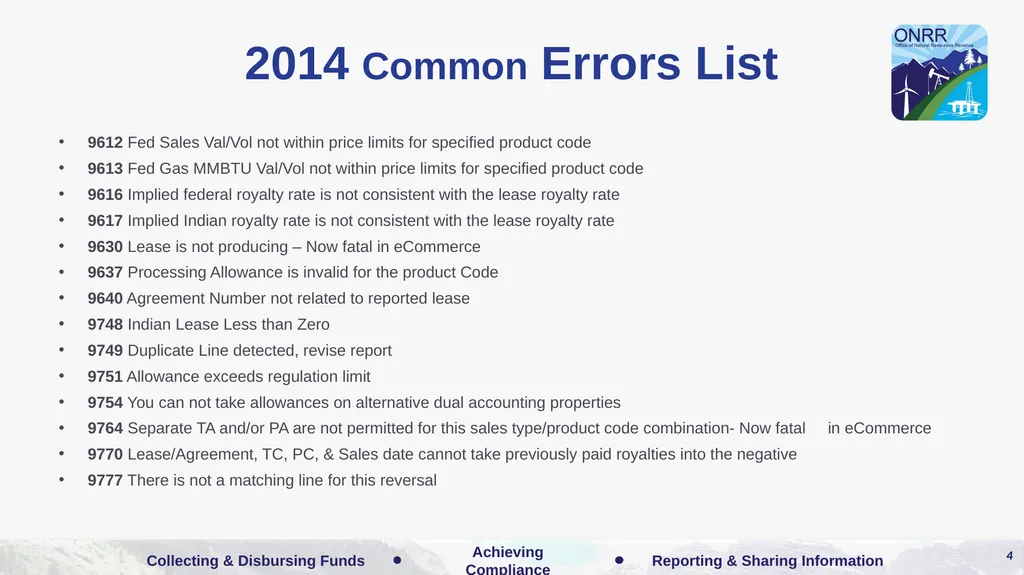
2014 Common Errors List 9612 Fed Sales Val/Vol not within price limits for specified product code
9613 Fed Gas MMBTU Val/Vol not within price limits for specified product code
9616 Implied federal royalty rate is not consistent with the lease royalty rate
9617 Implied Indian royalty rate is not consistent with the lease royalty rate
9630 Lease is not producing – Now fatal in eCommerce
9637 Processing Allowance is invalid for the product Code
9640 Agreement Number not related to reported lease
9748 Indian Lease Less than Zero
9749 Duplicate Line detected, revise report
9751 Allowance exceeds regulation limit
9754 You can not take allowances on alternative dual accounting properties
9764 Separate TA and/or PA are not permitted for this sales type/product code combination- Now fatal in eCommerce
9770 Lease/Agreement, TC, PC, & Sales date cannot take previously paid royalties into the negative
9777 There is not a matching line for this reversal 4<br>
9613 Fed Gas MMBTU Val/Vol not within price limits for specified product code
9616 Implied federal royalty rate is not consistent with the lease royalty rate
9617 Implied Indian royalty rate is not consistent with the lease royalty rate
9630 Lease is not producing – Now fatal in eCommerce
9637 Processing Allowance is invalid for the product Code
9640 Agreement Number not related to reported lease
9748 Indian Lease Less than Zero
9749 Duplicate Line detected, revise report
9751 Allowance exceeds regulation limit
9754 You can not take allowances on alternative dual accounting properties
9764 Separate TA and/or PA are not permitted for this sales type/product code combination- Now fatal in eCommerce
9770 Lease/Agreement, TC, PC, & Sales date cannot take previously paid royalties into the negative
9777 There is not a matching line for this reversal 4<br>
05
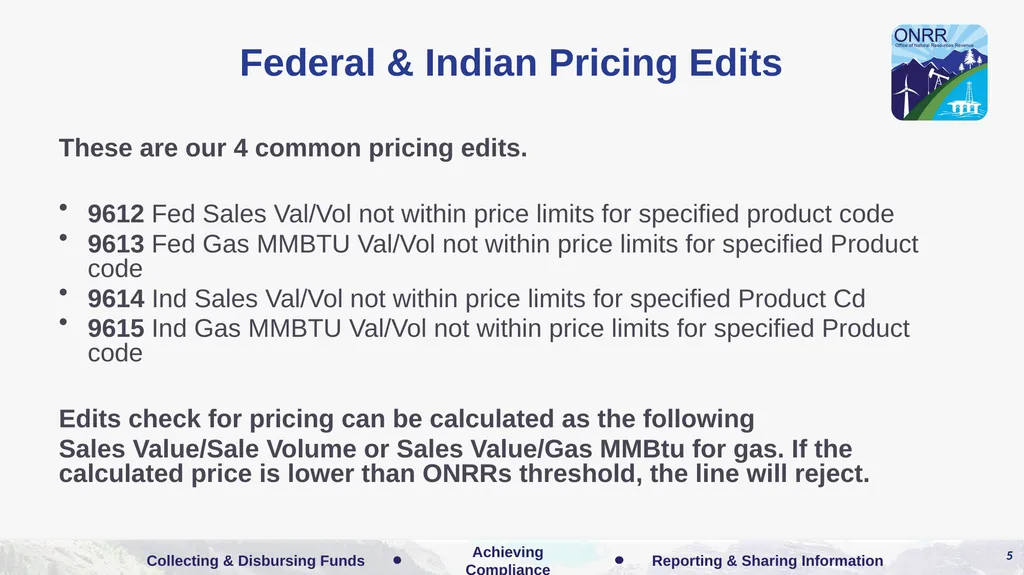
Federal & Indian Pricing Edits These are our 4 common pricing edits.
9612 Fed Sales Val/Vol not within price limits for specified product code
9613 Fed Gas MMBTU Val/Vol not within price limits for specified Product code
9614 Ind Sales Val/Vol not within price limits for specified Product Cd
9615 Ind Gas MMBTU Val/Vol not within price limits for specified Product code
Edits check for pricing can be calculated as the following
Sales Value/Sale Volume or Sales Value/Gas MMBtu for gas. If the calculated price is lower than ONRRs threshold, the line will reject. 5<br>
9612 Fed Sales Val/Vol not within price limits for specified product code
9613 Fed Gas MMBTU Val/Vol not within price limits for specified Product code
9614 Ind Sales Val/Vol not within price limits for specified Product Cd
9615 Ind Gas MMBTU Val/Vol not within price limits for specified Product code
Edits check for pricing can be calculated as the following
Sales Value/Sale Volume or Sales Value/Gas MMBtu for gas. If the calculated price is lower than ONRRs threshold, the line will reject. 5<br>
06
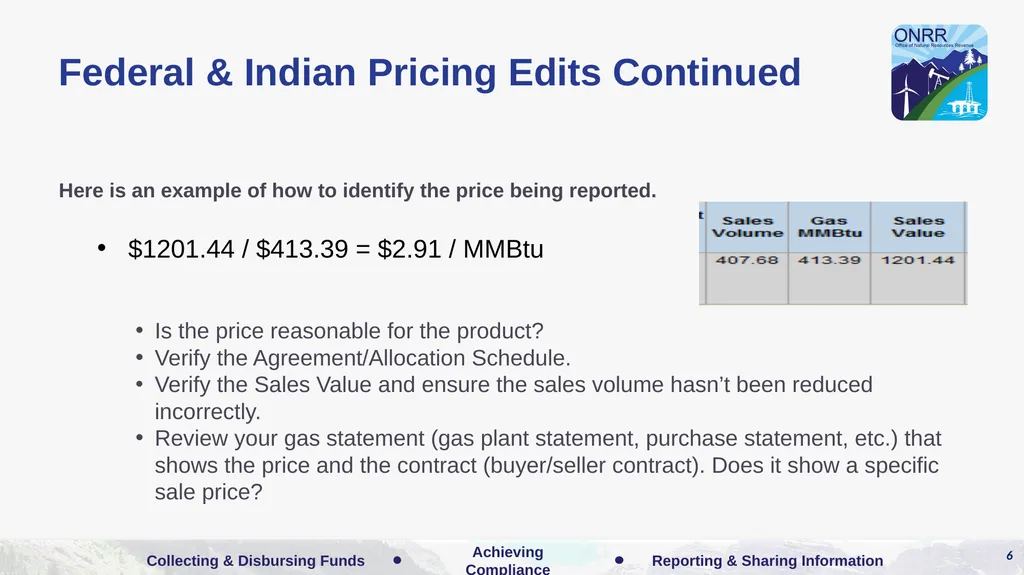
Federal & Indian Pricing Edits Continued Here is an example of how to identify the price being reported.
$1201.44 / $413.39 = $2.91 / MMBtu
Is the price reasonable for the product?
Verify the Agreement/Allocation Schedule.
Verify the Sales Value and ensure the sales volume hasn’t been reduced incorrectly.
Review your gas statement (gas plant statement, purchase statement, etc.) that shows the price and the contract (buyer/seller contract). Does it show a specific sale price? 6<br>
$1201.44 / $413.39 = $2.91 / MMBtu
Is the price reasonable for the product?
Verify the Agreement/Allocation Schedule.
Verify the Sales Value and ensure the sales volume hasn’t been reduced incorrectly.
Review your gas statement (gas plant statement, purchase statement, etc.) that shows the price and the contract (buyer/seller contract). Does it show a specific sale price? 6<br>
07
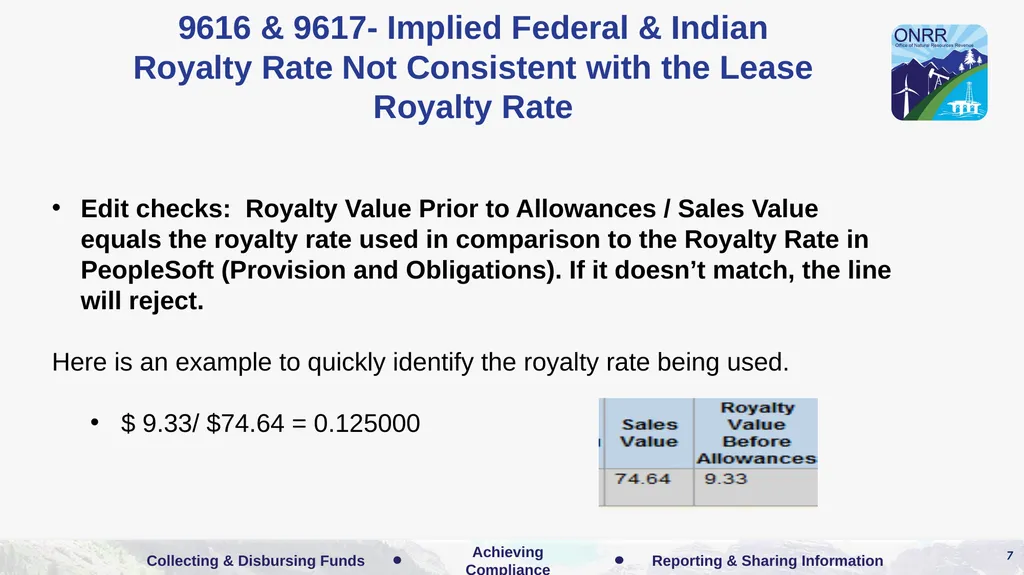
9616 & 9617- Implied Federal & Indian Royalty Rate Not Consistent with the Lease Royalty Rate Edit checks: Royalty Value Prior to Allowances / Sales Value equals the royalty rate used in comparison to the Royalty Rate in PeopleSoft (Provision and Obligations). If it doesn’t match, the line will reject.
Here is an example to quickly identify the royalty rate being used.
$ 9.33/ $74.64 = 0.125000 7<br>
Here is an example to quickly identify the royalty rate being used.
$ 9.33/ $74.64 = 0.125000 7<br>
08
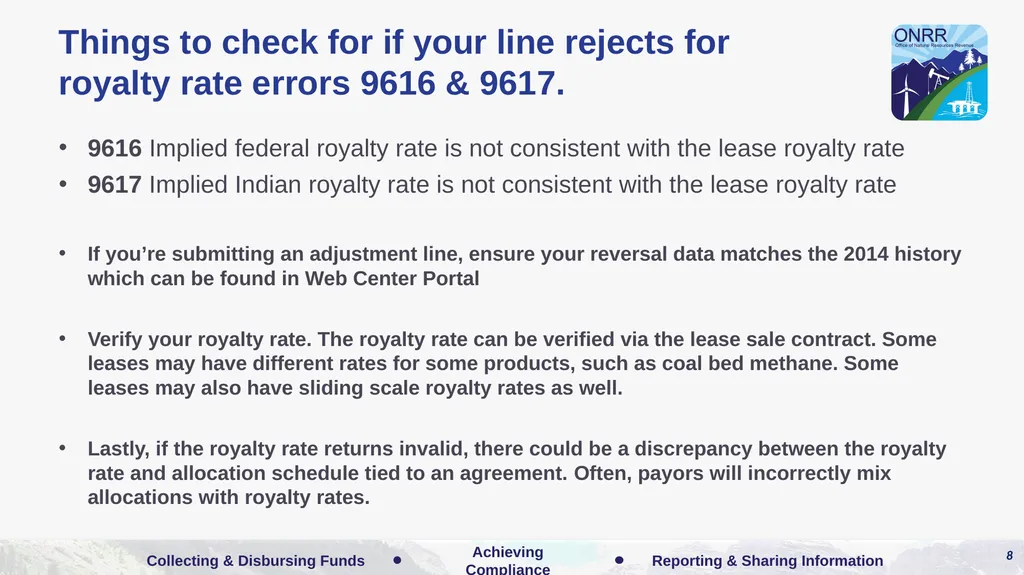
Things to check for if your line rejects for
royalty rate errors 9616 & 9617. 9616 Implied federal royalty rate is not consistent with the lease royalty rate
9617 Implied Indian royalty rate is not consistent with the lease royalty rate
If you’re submitting an adjustment line, ensure your reversal data matches the 2014 history which can be found in Web Center Portal
Verify your royalty rate. The royalty rate can be verified via the lease sale contract. Some leases may have different rates for some products, such as coal bed methane. Some leases may also have sliding scale royalty rates as well.
Lastly, if the royalty rate returns invalid, there could be a discrepancy between the royalty rate and allocation schedule tied to an agreement. Often, payors will incorrectly mix allocations with royalty rates. 8<br>
9617 Implied Indian royalty rate is not consistent with the lease royalty rate
If you’re submitting an adjustment line, ensure your reversal data matches the 2014 history which can be found in Web Center Portal
Verify your royalty rate. The royalty rate can be verified via the lease sale contract. Some leases may have different rates for some products, such as coal bed methane. Some leases may also have sliding scale royalty rates as well.
Lastly, if the royalty rate returns invalid, there could be a discrepancy between the royalty rate and allocation schedule tied to an agreement. Often, payors will incorrectly mix allocations with royalty rates. 8<br>
09
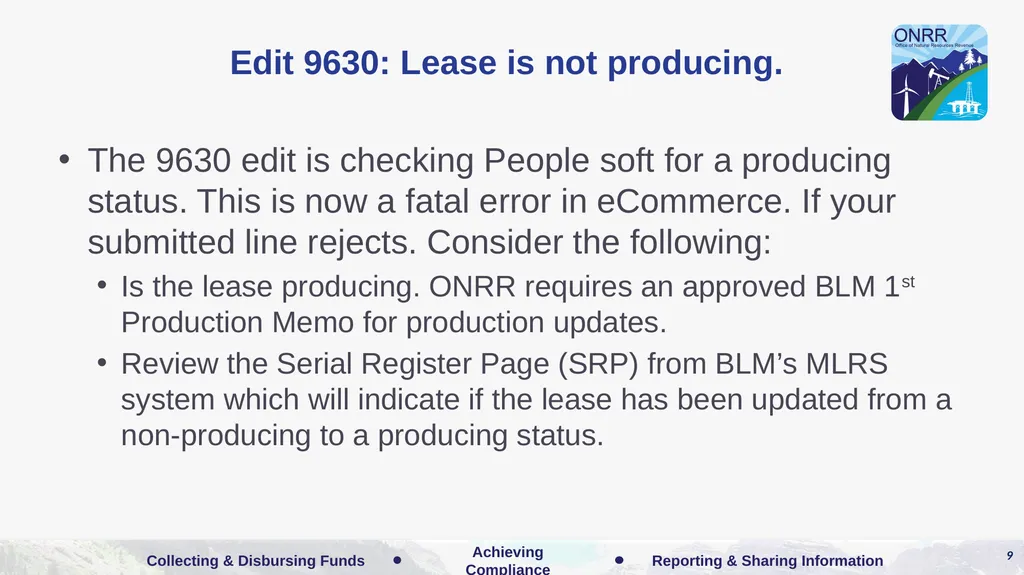
Edit 9630: Lease is not producing. The 9630 edit is checking People soft for a producing status. This is now a fatal error in eCommerce. If your submitted line rejects. Consider the following:
Is the lease producing. ONRR requires an approved BLM 1st Production Memo for production updates.
Review the Serial Register Page (SRP) from BLM’s MLRS system which will indicate if the lease has been updated from a non-producing to a producing status. 9<br>
Is the lease producing. ONRR requires an approved BLM 1st Production Memo for production updates.
Review the Serial Register Page (SRP) from BLM’s MLRS system which will indicate if the lease has been updated from a non-producing to a producing status. 9<br>
10
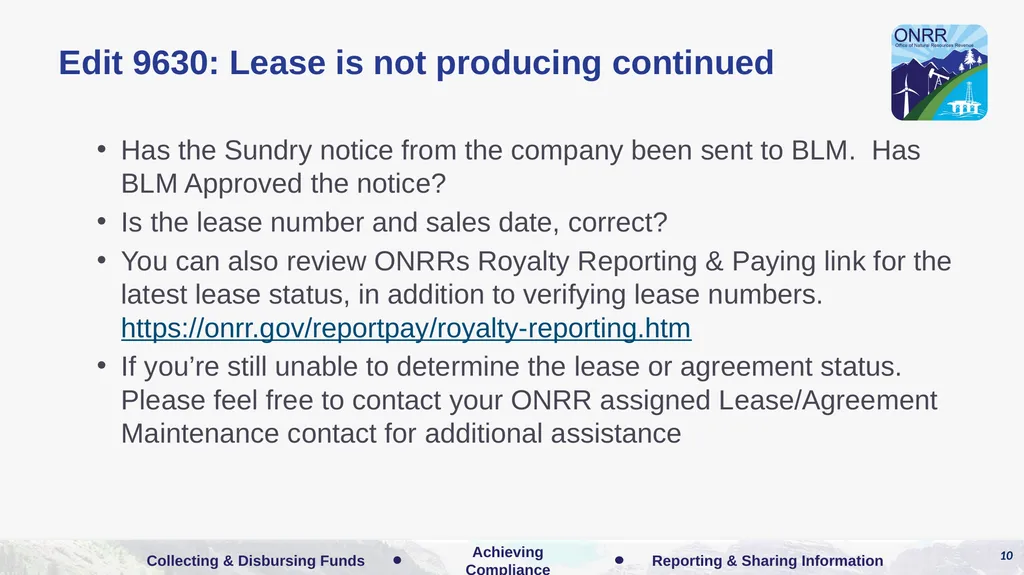
Edit 9630: Lease is not producing continued Has the Sundry notice from the company been sent to BLM. Has BLM Approved the notice?
Is the lease number and sales date, correct?
You can also review ONRRs Royalty Reporting & Paying link for the latest lease status, in addition to verifying lease numbers. https://onrr.gov/reportpay/royalty-reporting.htm
If you’re still unable to determine the lease or agreement status. Please feel free to contact your ONRR assigned Lease/Agreement Maintenance contact for additional assistance 10<br>
Is the lease number and sales date, correct?
You can also review ONRRs Royalty Reporting & Paying link for the latest lease status, in addition to verifying lease numbers. https://onrr.gov/reportpay/royalty-reporting.htm
If you’re still unable to determine the lease or agreement status. Please feel free to contact your ONRR assigned Lease/Agreement Maintenance contact for additional assistance 10<br>
11
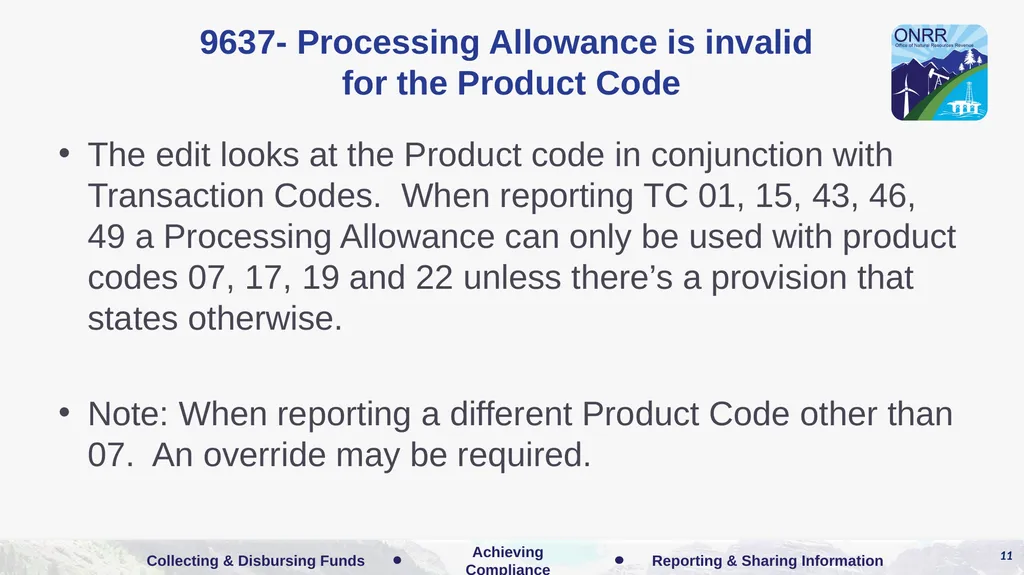
9637- Processing Allowance is invalid
for the Product Code The edit looks at the Product code in conjunction with Transaction Codes. When reporting TC 01, 15, 43, 46, 49 a Processing Allowance can only be used with product codes 07, 17, 19 and 22 unless there’s a provision that states otherwise.
Note: When reporting a different Product Code other than 07. An override may be required. 11<br>
Note: When reporting a different Product Code other than 07. An override may be required. 11<br>
12
9640- Agreement Number not related to
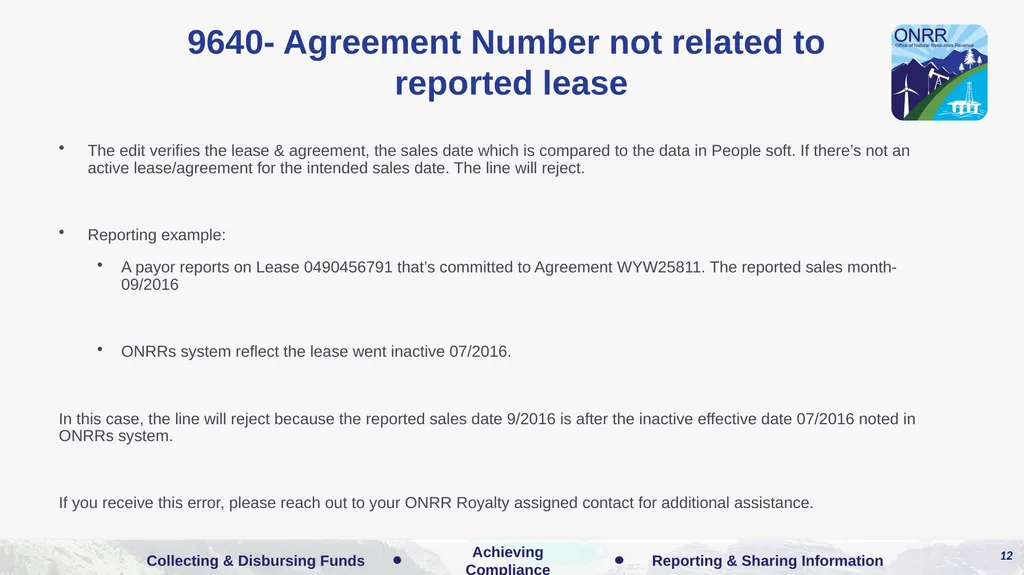
reported lease The edit verifies the lease & agreement, the sales date which is compared to the data in People soft. If there’s not an active lease/agreement for the intended sales date. The line will reject.
Reporting example:
A payor reports on Lease 0490456791 that’s committed to Agreement WYW25811. The reported sales month- 09/2016
ONRRs system reflect the lease went inactive 07/2016.
In this case, the line will reject because the reported sales date 9/2016 is after the inactive effective date 07/2016 noted in ONRRs system.
If you receive this error, please reach out to your ONRR Royalty assigned contact for additional assistance. 12<br>
Reporting example:
A payor reports on Lease 0490456791 that’s committed to Agreement WYW25811. The reported sales month- 09/2016
ONRRs system reflect the lease went inactive 07/2016.
In this case, the line will reject because the reported sales date 9/2016 is after the inactive effective date 07/2016 noted in ONRRs system.
If you receive this error, please reach out to your ONRR Royalty assigned contact for additional assistance. 12<br>
13
9748- Indian Lease Less than Zero The edit looks at the individual lease net total. This error will require an override for further review.
Please contact your ONRR assigned Royalty Analyst for adjustment guidance. In some cases, ONRR will allow these lines to clear our system. 13<br>
Please contact your ONRR assigned Royalty Analyst for adjustment guidance. In some cases, ONRR will allow these lines to clear our system. 13<br>
14
9749- Duplicate Line detected, revise
report The edit looks at identical data on the submitted document. If two or more lines have the exact data, the line will reject.
If you are reporting on the lease that has multiple wells, it’s recommended that you enter the Well number to ensure ONRRs system reads the line accordingly.
For example, A payor has a Lease- 0504567810 that has multiple wells. The reported sales values are exact the same. The line will reject, unless the payor adds the API well number to one of the similar lines.
Or the payor can add the API well numbers to each line. 14<br>
If you are reporting on the lease that has multiple wells, it’s recommended that you enter the Well number to ensure ONRRs system reads the line accordingly.
For example, A payor has a Lease- 0504567810 that has multiple wells. The reported sales values are exact the same. The line will reject, unless the payor adds the API well number to one of the similar lines.
Or the payor can add the API well numbers to each line. 14<br>
15
9751- Allowance Exceeds Regulation Limit The edit checks for allowances that exceed the regulation limits.
Geothermal Class I leases are exempt.
Transportation Allowances: Cannot not exceed 50% of the Royalty Value Prior Allowance/RVPA. New Federal regulations effective 1/2017, do not allow Federal lines to exceed 50%.
Processing Allowances: Cannot exceed 66 2/3 of the RVPA – Transportation Allowance amounts. If Transportation allowances are related to “Pre-plant” transportation, the exceeded allowances may be allowed in certain reporting situations.
. 15<br>
Geothermal Class I leases are exempt.
Transportation Allowances: Cannot not exceed 50% of the Royalty Value Prior Allowance/RVPA. New Federal regulations effective 1/2017, do not allow Federal lines to exceed 50%.
Processing Allowances: Cannot exceed 66 2/3 of the RVPA – Transportation Allowance amounts. If Transportation allowances are related to “Pre-plant” transportation, the exceeded allowances may be allowed in certain reporting situations.
. 15<br>
16
9754- You cannot take allowances on alternative dual accounting properties The edit prevents payors from taking allowances on Alternative Dual Accounting properties. Form 4410 is required by the payor which informs ONRR how the payor will report in cases related to dual accounting. If a payor receives error 9754, they should verify their election on file and resubmit accordingly. If a payor may also receive this error if they haven’t completed Form 4410.
Geothermal Class I leases are exempt from this rule.
You can find the Form 4410 here: https://onrr.gov/reportpay/royalty-reporting.htm and you can submit it to onrrindianforms@onrr.gov. 16<br>
Geothermal Class I leases are exempt from this rule.
You can find the Form 4410 here: https://onrr.gov/reportpay/royalty-reporting.htm and you can submit it to onrrindianforms@onrr.gov. 16<br>
17
9764- Separate TA &/or PA are Not Permitted
for this Sales Type/Product Code Combination The edit checks Federal Lines, product code 03, 04, 07,15, 39 transaction code 01, 06,10, 31, 37, 38, 40, 53, 54 and sales type “OINX”. If Transportation or processing allowances are reported edit will trigger. This is part of the new valuation rule. 17<br>
18
9770- Lease/Agreement, TC, PC, & Sales date cannot take previously paid royalties into the negative. The edit verifies the line being reported and compares the Lease/ Agreement, TC, PC, & Sales Date. If the lease total is negative a payor will receive the 9770-error message.
Things to consider payor :
If payor submits adjustments, please be sure to submit your rebooks on the same report.
Verify the previously submitted line(s) haven’t been previously reversed out of ONRRs system. This could also trigger if another payor has reversed lines from the lease. 18<br>
Things to consider payor :
If payor submits adjustments, please be sure to submit your rebooks on the same report.
Verify the previously submitted line(s) haven’t been previously reversed out of ONRRs system. This could also trigger if another payor has reversed lines from the lease. 18<br>
19
9777- There is not a matching line for this reversal. This edit verifies the line being reported has a matching line in history.
There is one exception to this edit, TC-13, Quality Bank Adjustments (QBA). QBA’s are not reversals but are adjustments that require an adjustment reason code.
For now, when reporting TC-13 (QBA’s), an override must be submitted. And you may be asked to provide statements verifying the QBA’s as part of the override process. 19<br>
There is one exception to this edit, TC-13, Quality Bank Adjustments (QBA). QBA’s are not reversals but are adjustments that require an adjustment reason code.
For now, when reporting TC-13 (QBA’s), an override must be submitted. And you may be asked to provide statements verifying the QBA’s as part of the override process. 19<br>
20
Tools Data Elements by Transaction Code: http://www.onrr.gov/ReportPay/PDFDocs/TranCodes.pdf
Transaction Code Specific Edits:
http://www.onrr.gov/ReportPay/PDFDocs/TCEdits.pdf
Minerals Revenue Reporters Handbook:
https://www.onrr.gov/ReportPay/Handbooks/index.htm
Royalty Reporting and Error Correction Contacts Listing: http://www.onrr.gov/ReportPay/PDFDocs/royassign.pdf
Leases and Agreements Maintenance Analyst Listing: http://www.onrr.gov/ReportPay/PDFDocs/RS_LeAgAssignments.pdf 20<br>
Transaction Code Specific Edits:
http://www.onrr.gov/ReportPay/PDFDocs/TCEdits.pdf
Minerals Revenue Reporters Handbook:
https://www.onrr.gov/ReportPay/Handbooks/index.htm
Royalty Reporting and Error Correction Contacts Listing: http://www.onrr.gov/ReportPay/PDFDocs/royassign.pdf
Leases and Agreements Maintenance Analyst Listing: http://www.onrr.gov/ReportPay/PDFDocs/RS_LeAgAssignments.pdf 20<br>
21
The End! We will keep the chat open for a few more minutes for any additional questions. 21<br>