Representing Characters 2.6 Representing Data Characters Alphanumeric characters are used to make words and strings. They include uppercase and lowercase letters, the digits 0-9, and symbols such as ? and . Computers are unable to
"Representing Characters 2.6 – Representing Data" is the property of its rightful owner. Permission is granted to
download and print the materials on this website for personal, non-commercial use only, and to display it
on your personal computer provided you do not modify the materials and that you retain all copyright
notices contained in the materials. By downloading content from our website, you accept the terms of this
agreement.
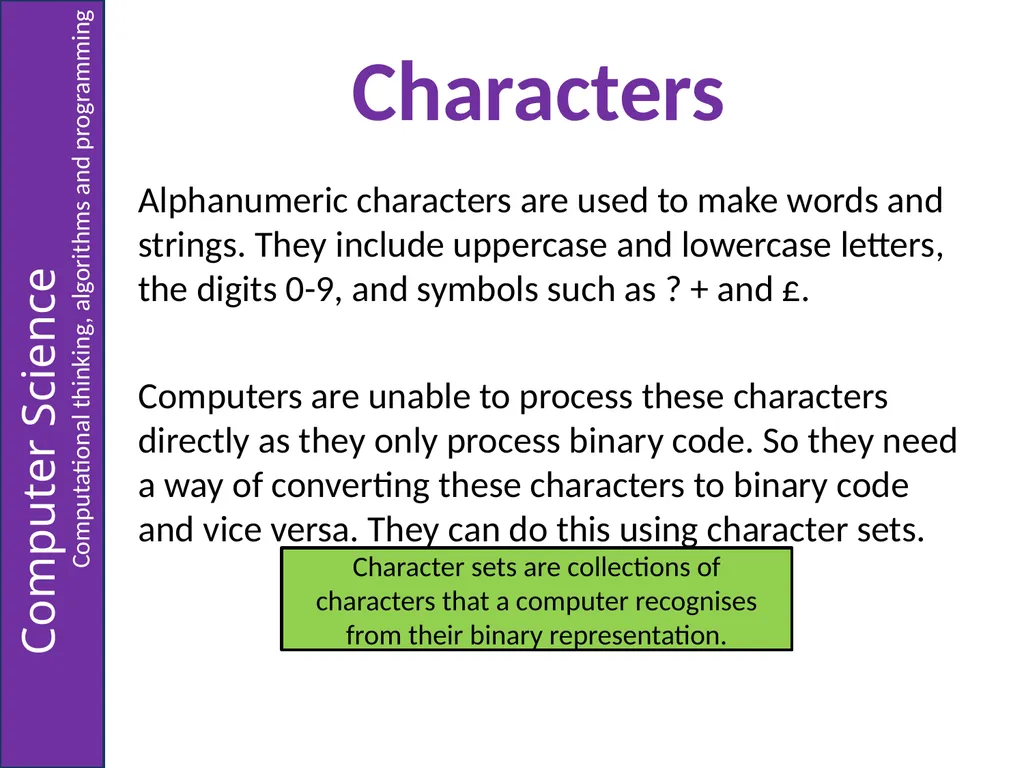
Characters Alphanumeric characters are used to make words and strings. They include uppercase and lowercase letters, the digits 0-9, and symbols such as ? + and £.
Computers are unable to process these characters directly as they only process binary code. So they need a way of converting these characters to binary code and vice versa. They can do this using character sets. Character sets are collections of characters that a computer recognises from their binary representation.<br>
03
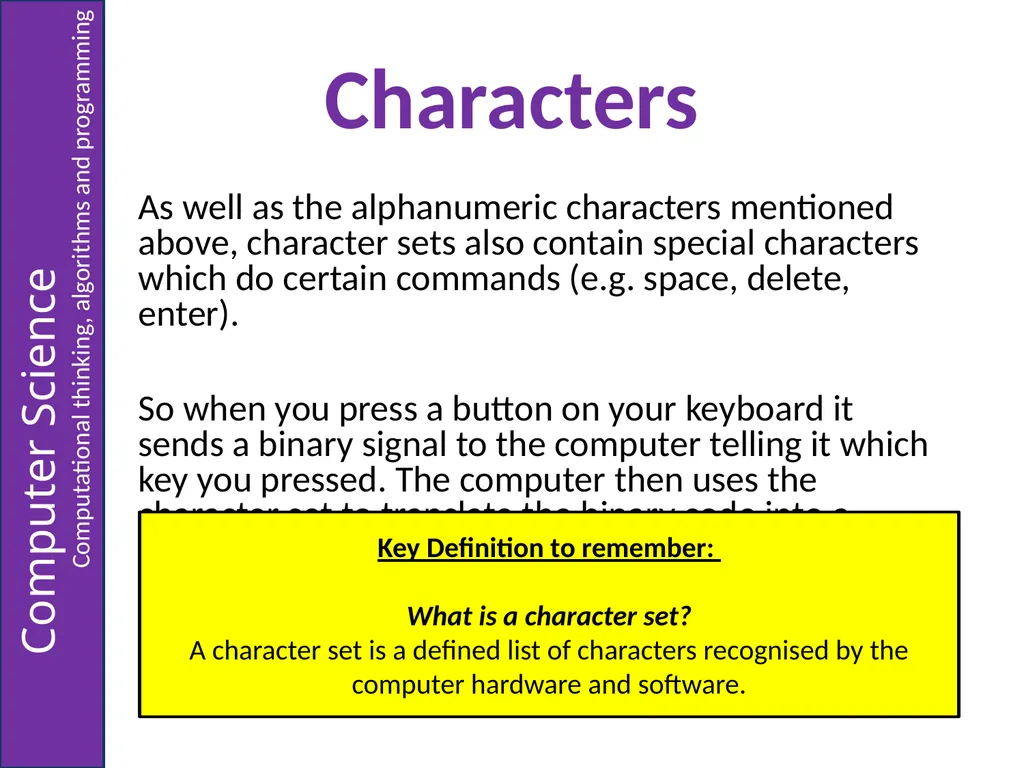
Characters As well as the alphanumeric characters mentioned above, character sets also contain special characters which do certain commands (e.g. space, delete, enter).
So when you press a button on your keyboard it sends a binary signal to the computer telling it which key you pressed. The computer then uses the character set to translate the binary code into a particular character. Key Definition to remember:
What is a character set?
A character set is a defined list of characters recognised by the computer hardware and software.<br>
04
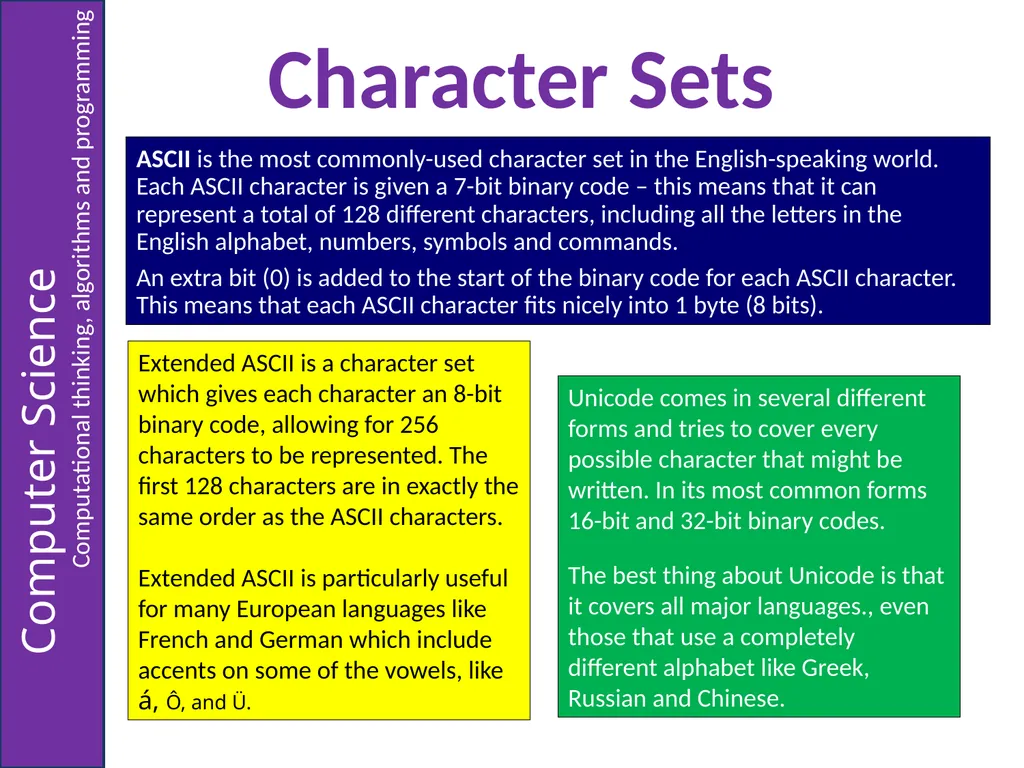
Character Sets ASCII is the most commonly-used character set in the English-speaking world. Each ASCII character is given a 7-bit binary code – this means that it can represent a total of 128 different characters, including all the letters in the English alphabet, numbers, symbols and commands.
An extra bit (0) is added to the start of the binary code for each ASCII character. This means that each ASCII character fits nicely into 1 byte (8 bits). Extended ASCII is a character set which gives each character an 8-bit binary code, allowing for 256 characters to be represented. The first 128 characters are in exactly the same order as the ASCII characters.
Extended ASCII is particularly useful for many European languages like French and German which include accents on some of the vowels, like á, Ô, and Ü. Unicode comes in several different forms and tries to cover every possible character that might be written. In its most common forms 16-bit and 32-bit binary codes.
The best thing about Unicode is that it covers all major languages., even those that use a completely different alphabet like Greek, Russian and Chinese.<br>
05
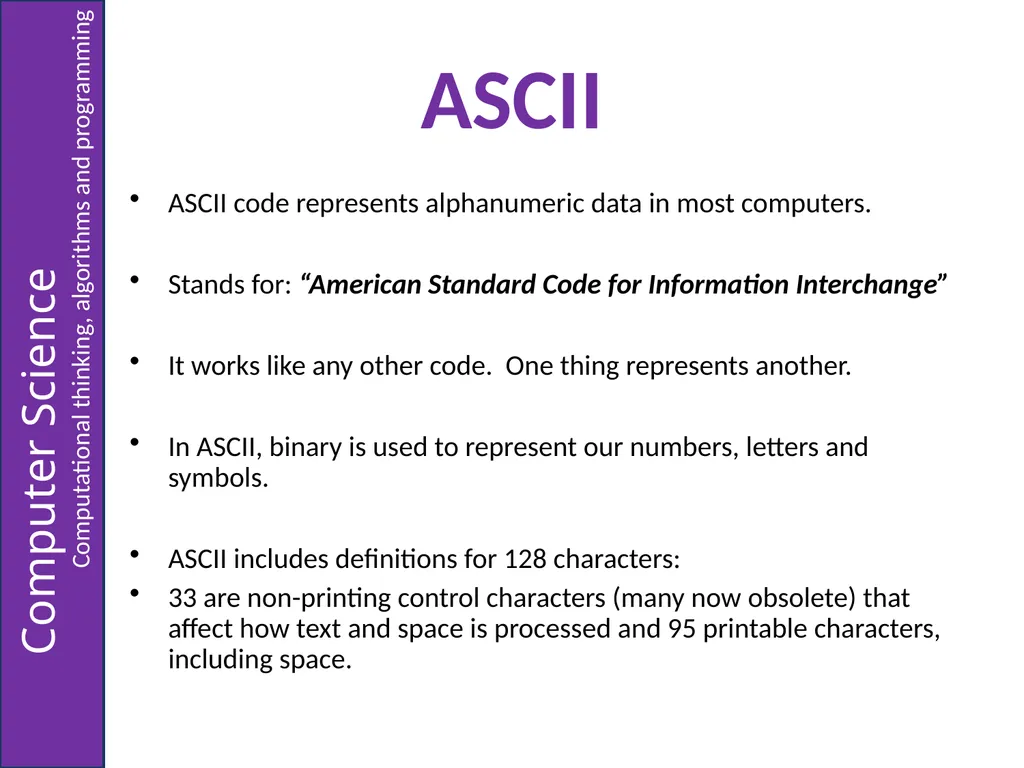
ASCII ASCII code represents alphanumeric data in most computers.
Stands for: “American Standard Code for Information Interchange”
It works like any other code. One thing represents another.
In ASCII, binary is used to represent our numbers, letters and symbols.
ASCII includes definitions for 128 characters:
33 are non-printing control characters (many now obsolete) that affect how text and space is processed and 95 printable characters, including space.<br>
06
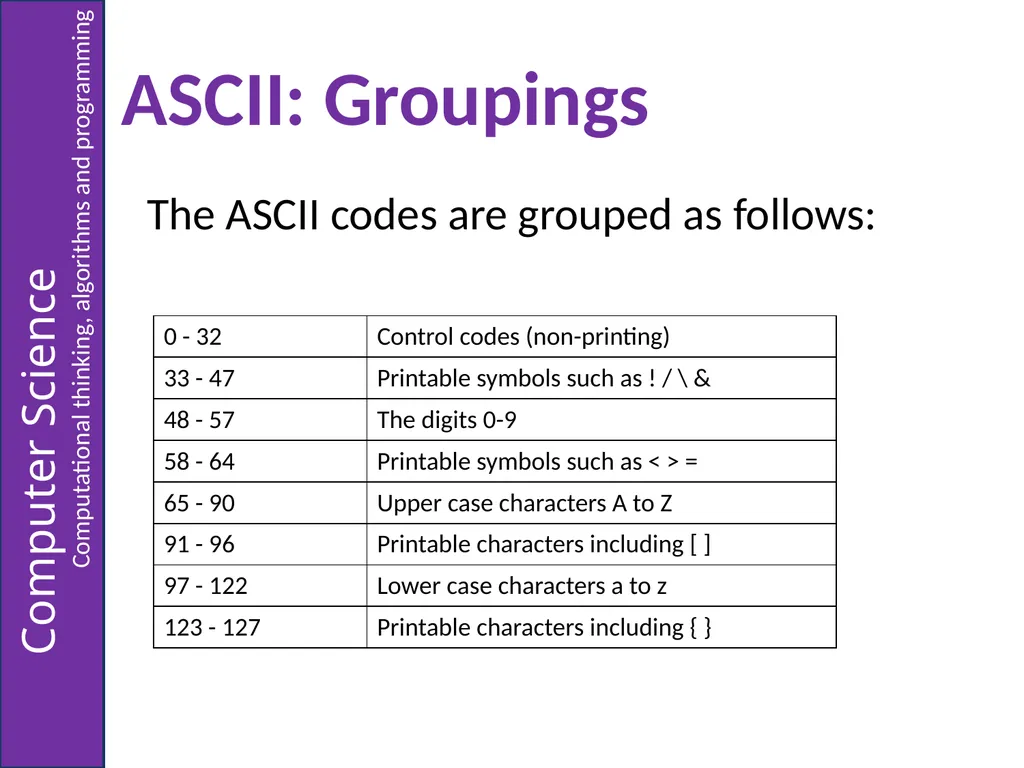
ASCII: Groupings The ASCII codes are grouped as follows:<br>
07
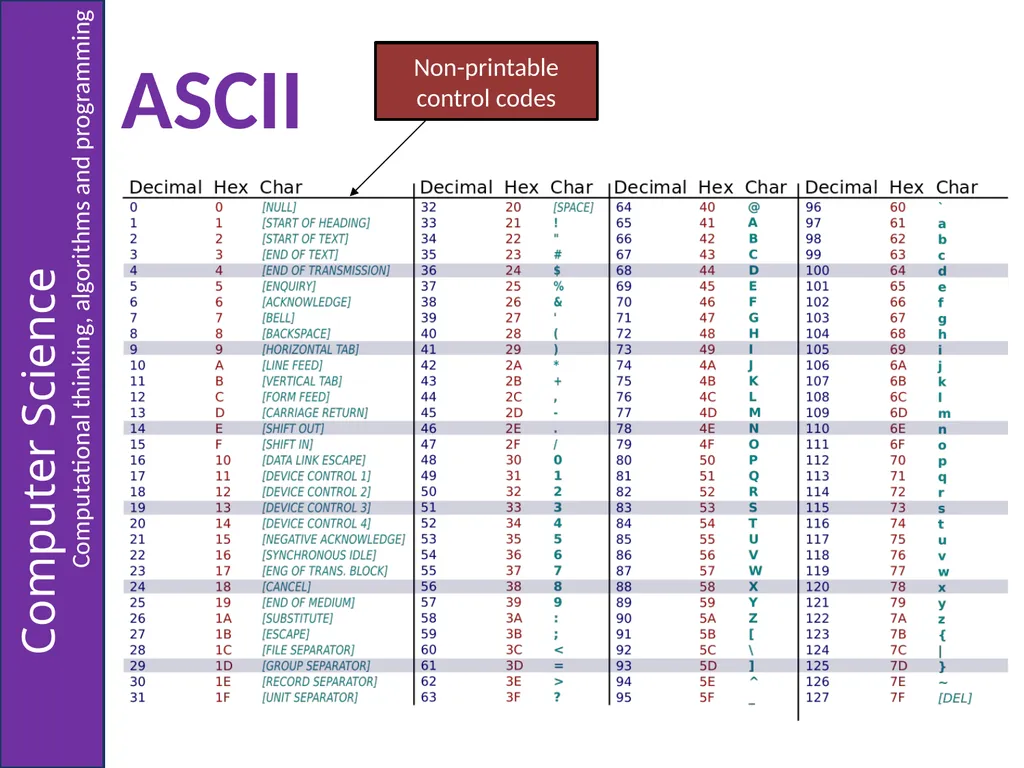
ASCII Non-printable control codes<br>
08
Converting string characters to ASCII code To a computer, a character in a string is just a number; a number representing one of the characters in the ASCII code. An algorithm might need to find the ASCII code for a character. All programming languages have commands for this.
Lets look an example using pseudocode…<br>
09
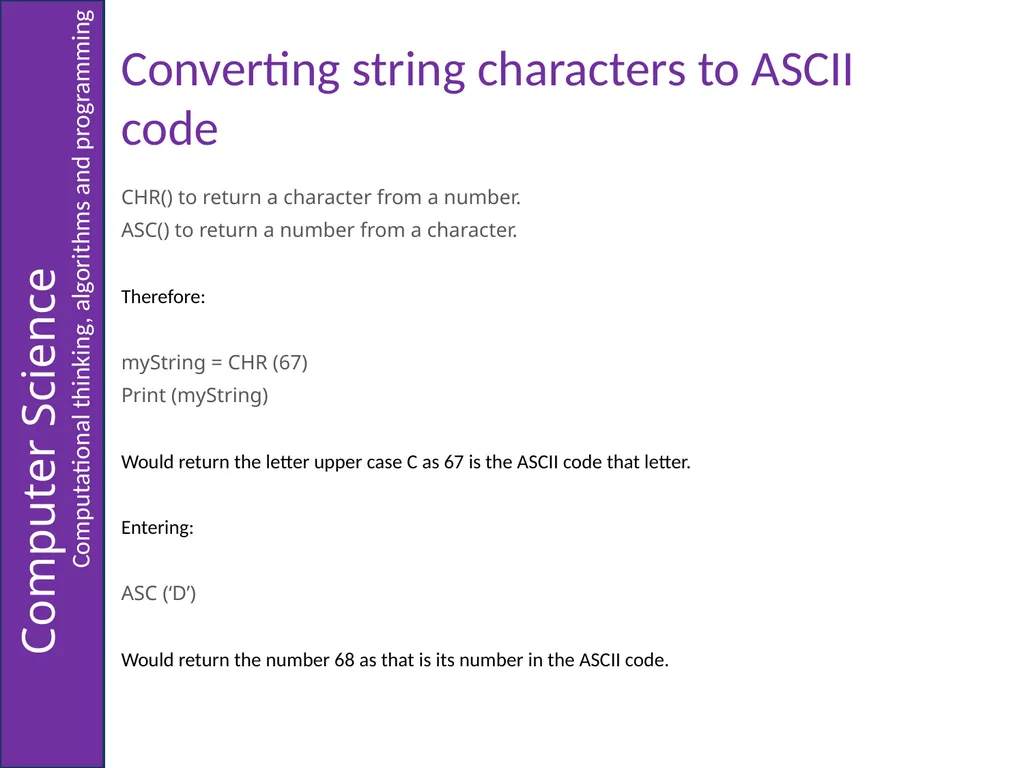
Converting string characters to ASCII code CHR() to return a character from a number.
ASC() to return a number from a character.
Therefore:
myString = CHR (67)
Print (myString)
Would return the letter upper case C as 67 is the ASCII code that letter.
Entering:
ASC (‘D’)
Would return the number 68 as that is its number in the ASCII code.<br>
10
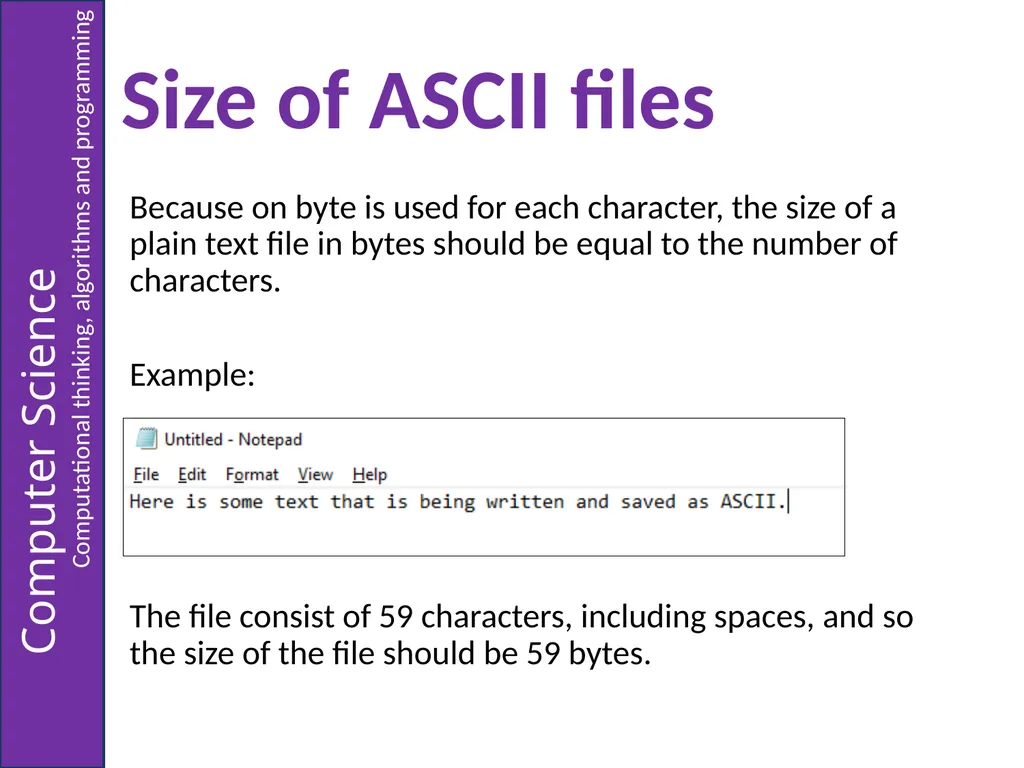
Size of ASCII files Because on byte is used for each character, the size of a plain text file in bytes should be equal to the number of characters.
Example:
The file consist of 59 characters, including spaces, and so the size of the file should be 59 bytes.<br>
11
Task 1: File Sizes Create an algorithm that will allow a user to enter a sentence of phrase and will then inform them of the size of the text file (in bytes) created. Remember: An algorithm could be written in pseudocode or drawn out as a flowchart.
In an exam, you could use either method.<br>
12
Task 2: ASCII Conversion Create an algorithm asking a user to input a sentence and then prints the codes (in denary) for each of the characters or symbols with each one printed on a new line. Remember: An algorithm could be written in pseudocode or drawn out as a flowchart.