
SESSION 2 I can work with my team to build

Description: SESSION 2 I can work with my team to build a driving base and code it to move forward, move backward, and turn. I can work with my team to explore and research ideas for their innovation project. Students will begin to learn coding and
Related Topics
Download Presentation
"SESSION 2 I can work with my team to build" is the property of its rightful owner. Permission is granted to download and print the materials on this website for personal, non-commercial use only, and to display it on your personal computer provided you do not modify the materials and that you retain all copyright notices contained in the materials. By downloading content from our website, you accept the terms of this agreement.
Presentation Transcript
slide1. SESSION 2 I can work with my team to build a driving base and code it to move forward, move backward, and turn.
I can work with my team to explore and research ideas for their innovation project. Students will begin to learn coding and building skills and think about how the mission models on the mat are associated with the Innovation Project.<br>
slide2. What did we do last session?<br>
slide3. Record your team goals and what you hope to learn on page 8 of your Engineering Notebook. Record how you will use discovery in your team’s journey. Discovery: We explore new skills and ideas.<br>
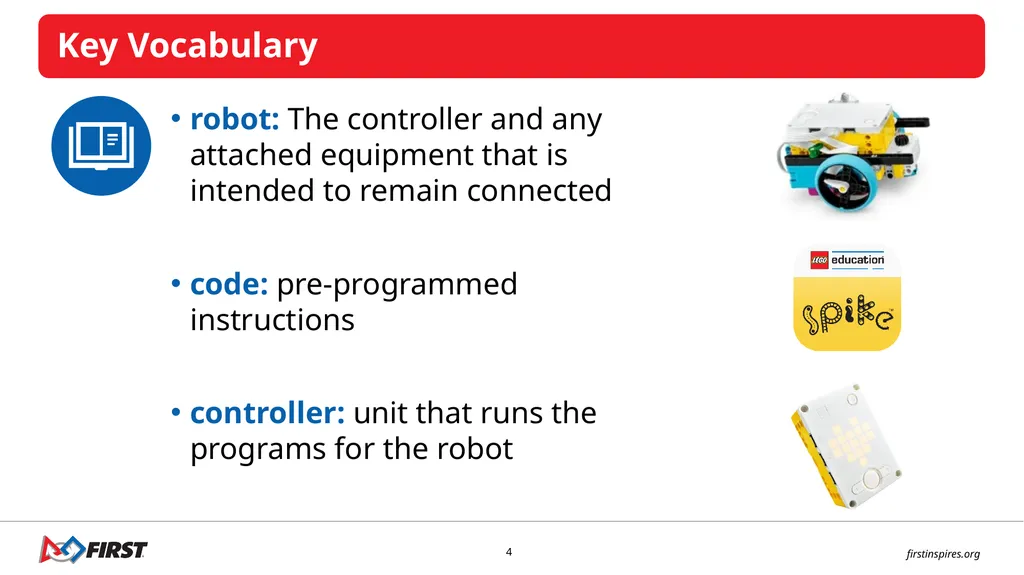
slide4. robot: The controller and any attached equipment that is intended to remain connected
code: pre-programmed instructions
controller: unit that runs the programs for the robot<br>
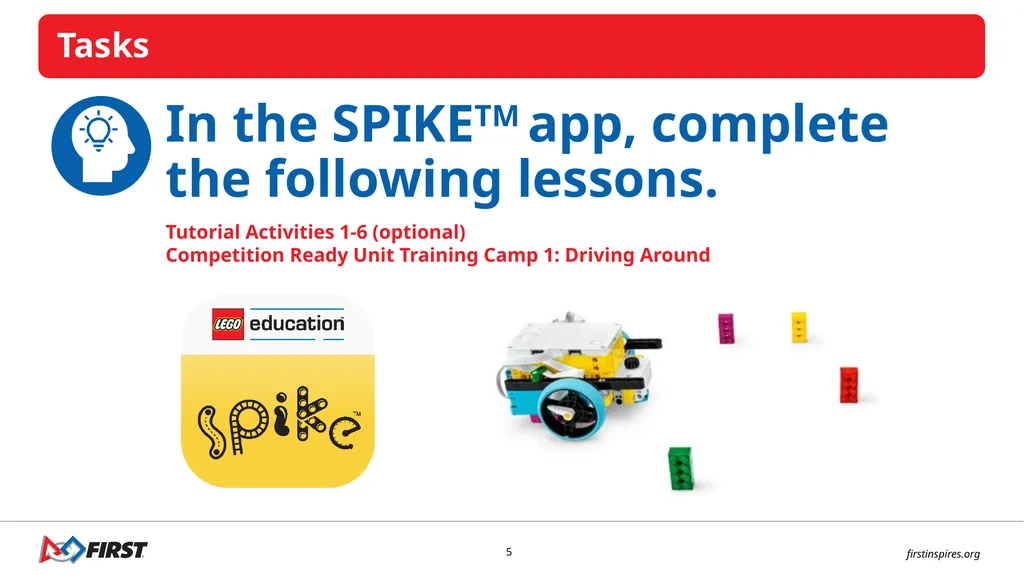
slide5. In the SPIKETM app, complete the following lessons. Tutorial Activities 1-6 (optional)
Competition Ready Unit Training Camp 1: Driving Around<br>
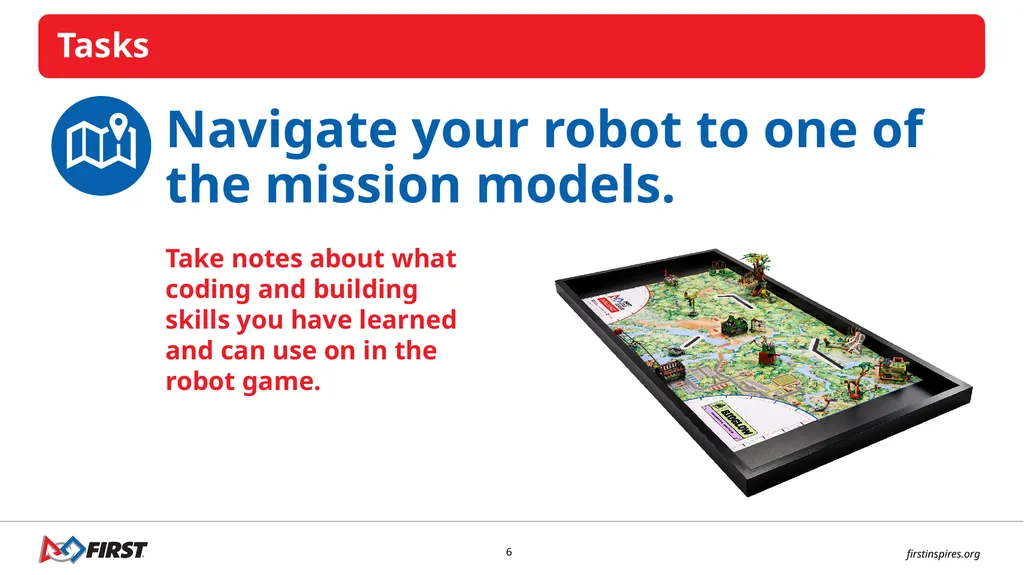
slide6. Navigate your robot to one of the mission models. Take notes about what coding and building skills you have learned and can use on in the robot game.<br>
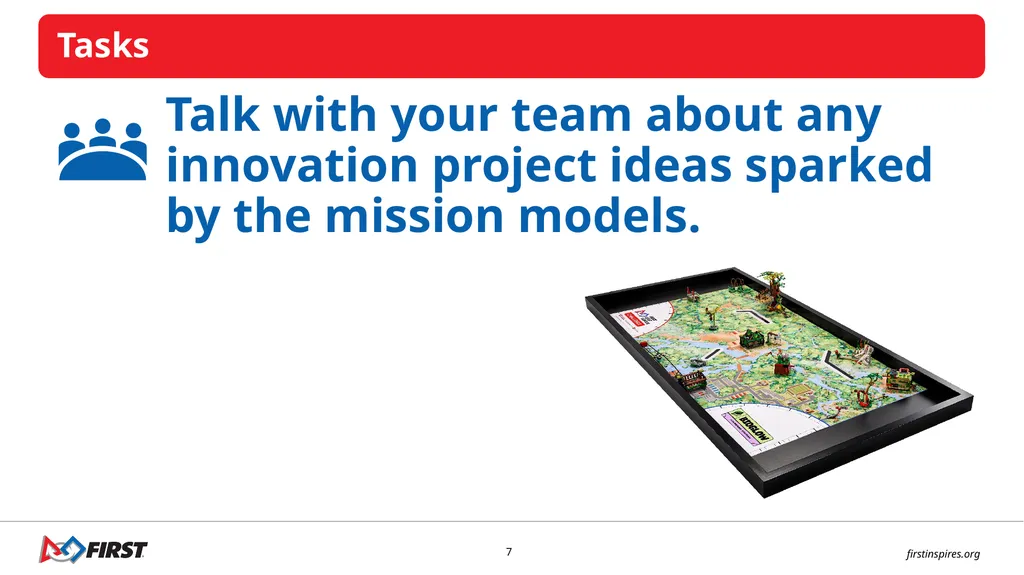
slide7. Talk with your team about any innovation project ideas sparked by the mission models.<br>
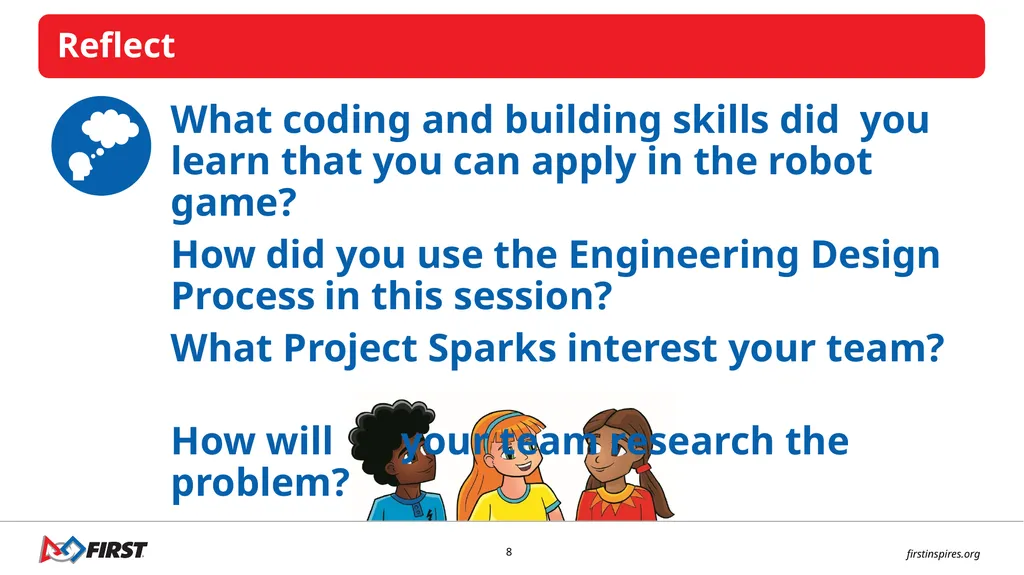
slide8. What coding and building skills did you learn that you can apply in the robot game?
How did you use the Engineering Design Process in this session?
What Project Sparks interest your team?
How will your team research the problem?<br>
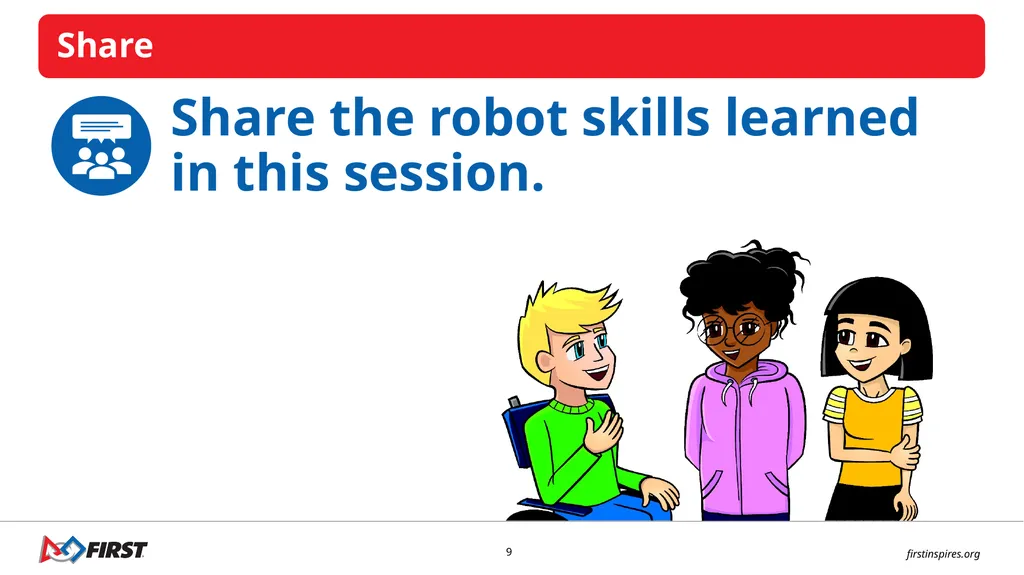
slide9. Share the robot skills learned in this session.<br>
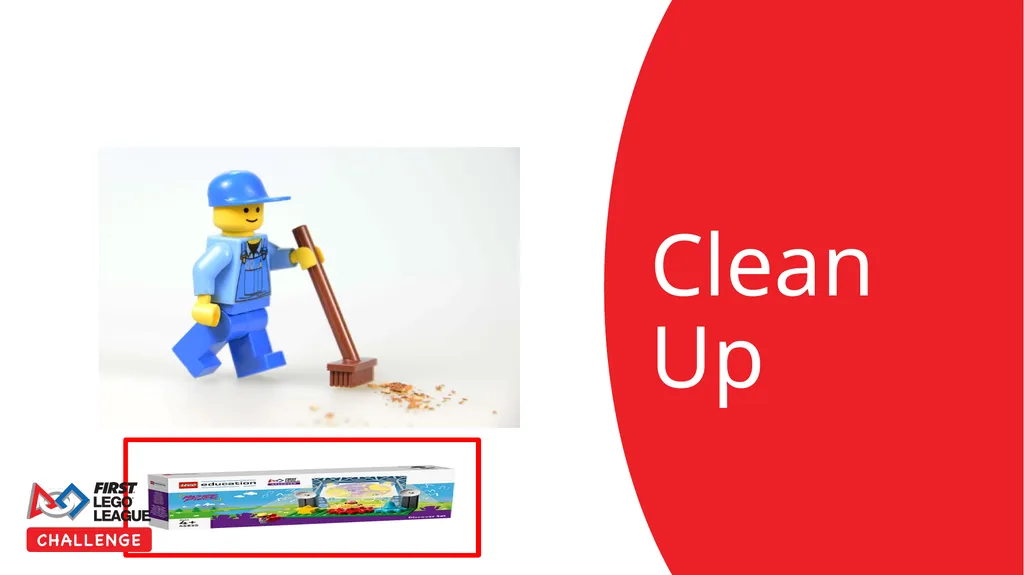
slide10. Clean Up<br>
slide11. LEGO, the LEGO logo, the Minifigure, LEGO Education, the LEGO Education logo, and the SPIKE logo are trademarks of the/sont des marques de commerce du/son marcas registradas de LEGO Group. ©2026 The LEGO Group. All rights reserved/Tous droits réservés/Todos los derechos reservados. FIRST®, the FIRST® logo, and FIRST® CANOPY™ are trademarks of For Inspiration and Recognition of Science and Technology (FIRST). LEGO® is a registered trademark of the LEGO Group. FIRST® LEGO® League and BIOGLOW™ are jointly held trademarks of FIRST and the LEGO Group. ©2026 FIRST and the LEGO Group. All rights reserved.<br>
I can work with my team to explore and research ideas for their innovation project. Students will begin to learn coding and building skills and think about how the mission models on the mat are associated with the Innovation Project.<br>
slide2. What did we do last session?<br>
slide3. Record your team goals and what you hope to learn on page 8 of your Engineering Notebook. Record how you will use discovery in your team’s journey. Discovery: We explore new skills and ideas.<br>
slide4. robot: The controller and any attached equipment that is intended to remain connected
code: pre-programmed instructions
controller: unit that runs the programs for the robot<br>
slide5. In the SPIKETM app, complete the following lessons. Tutorial Activities 1-6 (optional)
Competition Ready Unit Training Camp 1: Driving Around<br>
slide6. Navigate your robot to one of the mission models. Take notes about what coding and building skills you have learned and can use on in the robot game.<br>
slide7. Talk with your team about any innovation project ideas sparked by the mission models.<br>
slide8. What coding and building skills did you learn that you can apply in the robot game?
How did you use the Engineering Design Process in this session?
What Project Sparks interest your team?
How will your team research the problem?<br>
slide9. Share the robot skills learned in this session.<br>
slide10. Clean Up<br>
slide11. LEGO, the LEGO logo, the Minifigure, LEGO Education, the LEGO Education logo, and the SPIKE logo are trademarks of the/sont des marques de commerce du/son marcas registradas de LEGO Group. ©2026 The LEGO Group. All rights reserved/Tous droits réservés/Todos los derechos reservados. FIRST®, the FIRST® logo, and FIRST® CANOPY™ are trademarks of For Inspiration and Recognition of Science and Technology (FIRST). LEGO® is a registered trademark of the LEGO Group. FIRST® LEGO® League and BIOGLOW™ are jointly held trademarks of FIRST and the LEGO Group. ©2026 FIRST and the LEGO Group. All rights reserved.<br>