
SEWP VI Deep Dive Training August 10 – 14, 2026
AS
Published · 101 slides · 0 views

1 / 1


Description
SEWP VI Deep Dive Training August 10 14, 2026 Program Performance Performance Overview (August 10th) Program Performance Track day-to-day performance of Contract Holders Not Past Performance(CPARS) Ratings done on a rolling three(3) month
Related Topics
Share
Embed code
Download this presentation From Below
"SEWP VI Deep Dive Training August 10 – 14, 2026" is the property of its rightful owner. Permission is granted to download and print the materials on this website for personal, non-commercial use only, and to display it on your personal computer provided you do not modify the materials and that you retain all copyright notices contained in the materials. By downloading content from our website, you accept the terms of this agreement.
Presentation Transcript
01
SEWP VI Deep Dive Training August 10 – 14, 2026<br>
02
Program Performance Performance Overview (August 10th)<br>
03
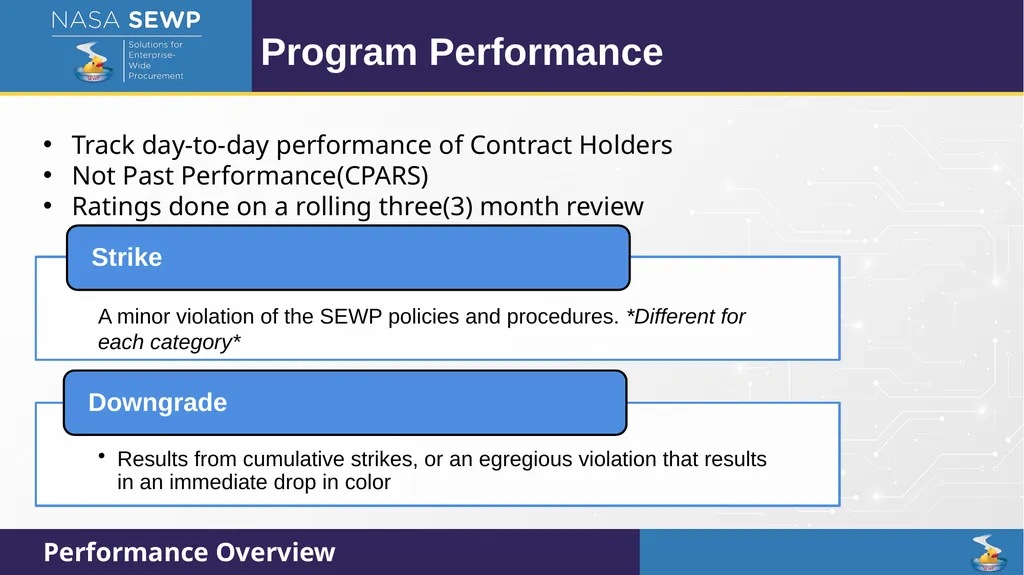
Program Performance Track day-to-day performance of Contract Holders
Not Past Performance(CPARS)
Ratings done on a rolling three(3) month review Performance Overview<br>
Not Past Performance(CPARS)
Ratings done on a rolling three(3) month review Performance Overview<br>
04
Program Performance Performance Overview<br>
05
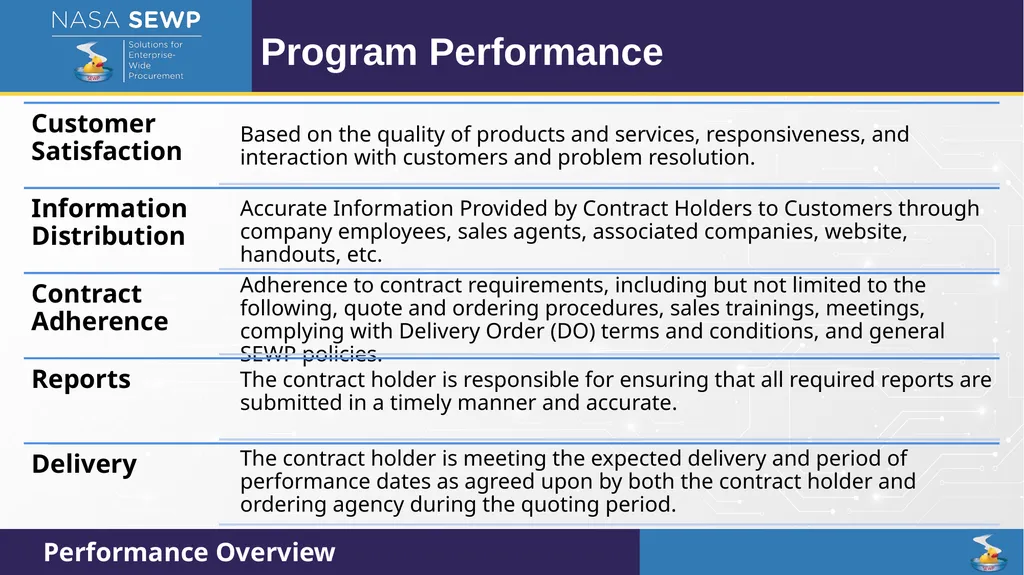
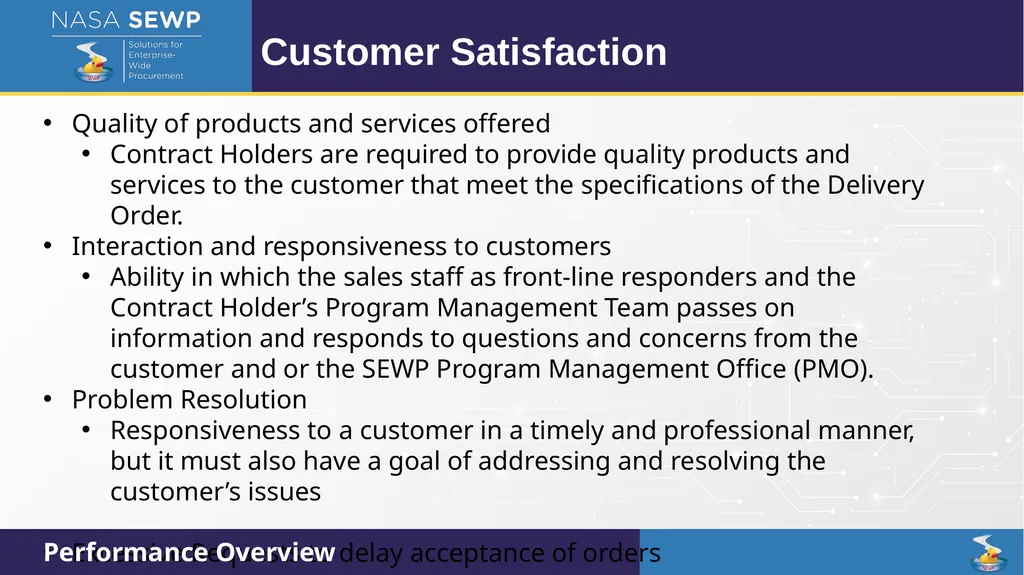
Customer Satisfaction Quality of products and services offered
Contract Holders are required to provide quality products and services to the customer that meet the specifications of the Delivery Order.
Interaction and responsiveness to customers
Ability in which the sales staff as front-line responders and the Contract Holder’s Program Management Team passes on information and responds to questions and concerns from the customer and or the SEWP Program Management Office (PMO).
Problem Resolution
Responsiveness to a customer in a timely and professional manner, but it must also have a goal of addressing and resolving the customer’s issues
Excessive Requests to delay acceptance of orders Performance Overview<br>
Contract Holders are required to provide quality products and services to the customer that meet the specifications of the Delivery Order.
Interaction and responsiveness to customers
Ability in which the sales staff as front-line responders and the Contract Holder’s Program Management Team passes on information and responds to questions and concerns from the customer and or the SEWP Program Management Office (PMO).
Problem Resolution
Responsiveness to a customer in a timely and professional manner, but it must also have a goal of addressing and resolving the customer’s issues
Excessive Requests to delay acceptance of orders Performance Overview<br>
06
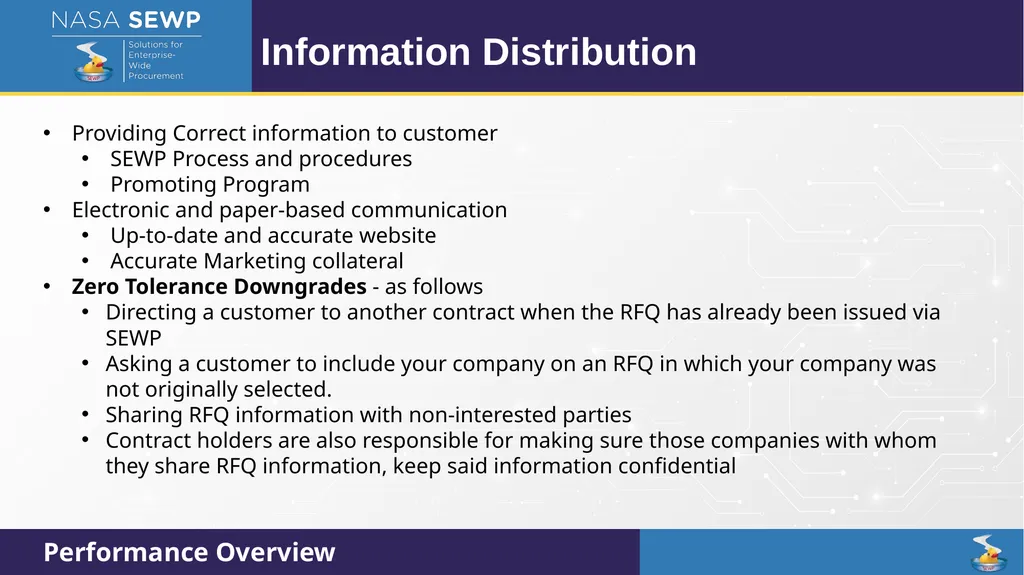
Information Distribution Providing Correct information to customer
SEWP Process and procedures
Promoting Program
Electronic and paper-based communication
Up-to-date and accurate website
Accurate Marketing collateral
Zero Tolerance Downgrades - as follows
Directing a customer to another contract when the RFQ has already been issued via SEWP
Asking a customer to include your company on an RFQ in which your company was not originally selected.
Sharing RFQ information with non-interested parties
Contract holders are also responsible for making sure those companies with whom they share RFQ information, keep said information confidential Performance Overview<br>
SEWP Process and procedures
Promoting Program
Electronic and paper-based communication
Up-to-date and accurate website
Accurate Marketing collateral
Zero Tolerance Downgrades - as follows
Directing a customer to another contract when the RFQ has already been issued via SEWP
Asking a customer to include your company on an RFQ in which your company was not originally selected.
Sharing RFQ information with non-interested parties
Contract holders are also responsible for making sure those companies with whom they share RFQ information, keep said information confidential Performance Overview<br>
07
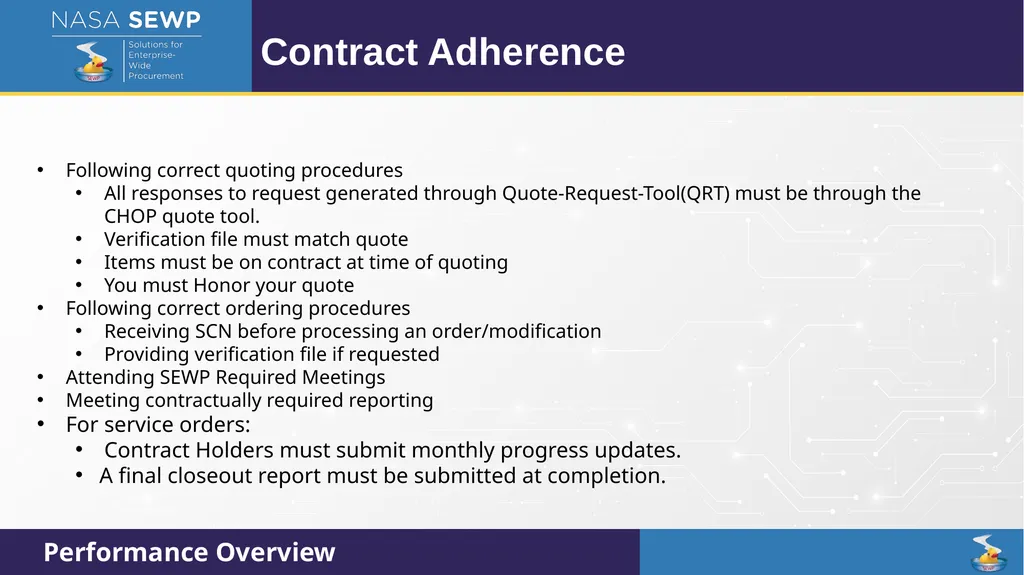
Contract Adherence Following correct quoting procedures
All responses to request generated through Quote-Request-Tool(QRT) must be through the CHOP quote tool.
Verification file must match quote
Items must be on contract at time of quoting
You must Honor your quote
Following correct ordering procedures
Receiving SCN before processing an order/modification
Providing verification file if requested
Attending SEWP Required Meetings
Meeting contractually required reporting
For service orders:
Contract Holders must submit monthly progress updates.
A final closeout report must be submitted at completion. Performance Overview<br>
All responses to request generated through Quote-Request-Tool(QRT) must be through the CHOP quote tool.
Verification file must match quote
Items must be on contract at time of quoting
You must Honor your quote
Following correct ordering procedures
Receiving SCN before processing an order/modification
Providing verification file if requested
Attending SEWP Required Meetings
Meeting contractually required reporting
For service orders:
Contract Holders must submit monthly progress updates.
A final closeout report must be submitted at completion. Performance Overview<br>
08
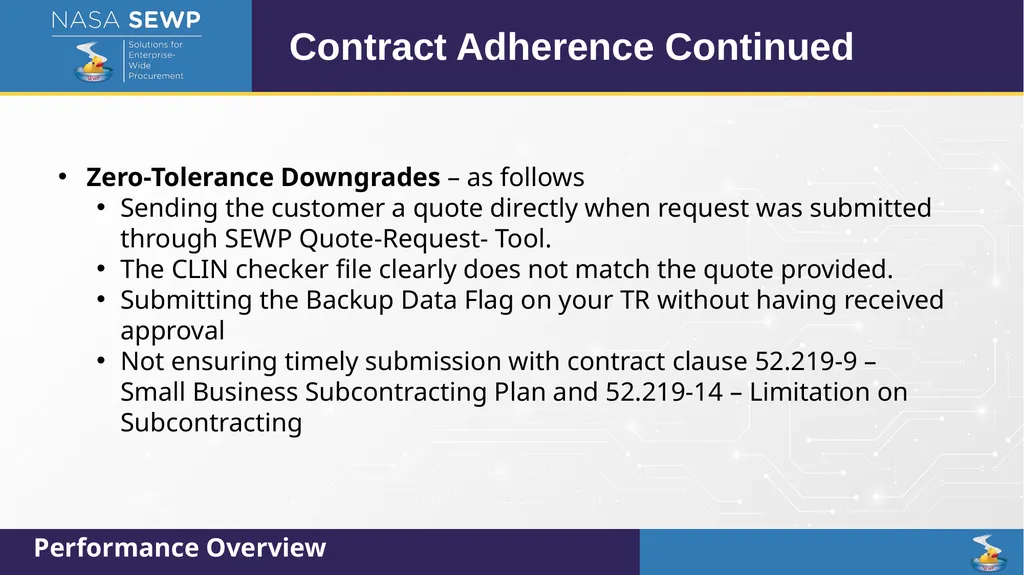
Zero-Tolerance Downgrades – as follows
Sending the customer a quote directly when request was submitted through SEWP Quote-Request- Tool.
The CLIN checker file clearly does not match the quote provided.
Submitting the Backup Data Flag on your TR without having received approval
Not ensuring timely submission with contract clause 52.219-9 – Small Business Subcontracting Plan and 52.219-14 – Limitation on Subcontracting Contract Adherence Continued Performance Overview<br>
Sending the customer a quote directly when request was submitted through SEWP Quote-Request- Tool.
The CLIN checker file clearly does not match the quote provided.
Submitting the Backup Data Flag on your TR without having received approval
Not ensuring timely submission with contract clause 52.219-9 – Small Business Subcontracting Plan and 52.219-14 – Limitation on Subcontracting Contract Adherence Continued Performance Overview<br>
09
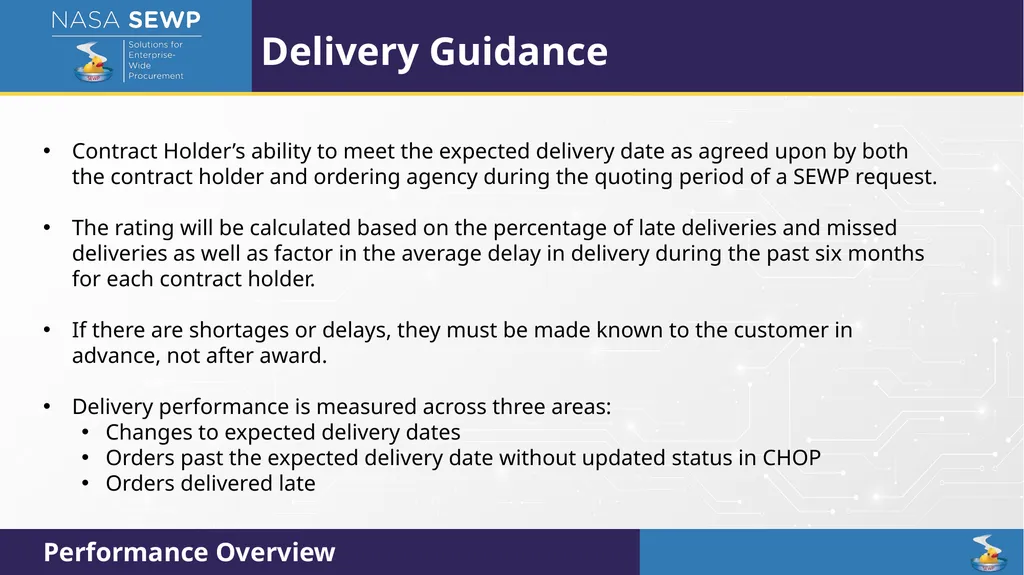
Delivery Guidance Contract Holder’s ability to meet the expected delivery date as agreed upon by both the contract holder and ordering agency during the quoting period of a SEWP request.
The rating will be calculated based on the percentage of late deliveries and missed deliveries as well as factor in the average delay in delivery during the past six months for each contract holder.
If there are shortages or delays, they must be made known to the customer in advance, not after award.
Delivery performance is measured across three areas:
Changes to expected delivery dates
Orders past the expected delivery date without updated status in CHOP
Orders delivered late Performance Overview<br>
The rating will be calculated based on the percentage of late deliveries and missed deliveries as well as factor in the average delay in delivery during the past six months for each contract holder.
If there are shortages or delays, they must be made known to the customer in advance, not after award.
Delivery performance is measured across three areas:
Changes to expected delivery dates
Orders past the expected delivery date without updated status in CHOP
Orders delivered late Performance Overview<br>
10
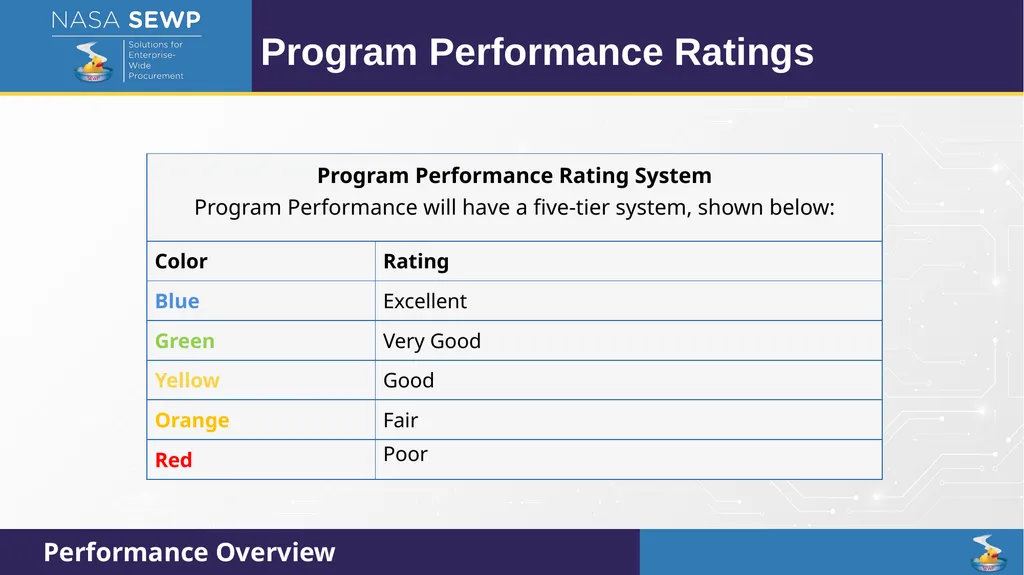
Program Performance Ratings Performance Overview<br>
11
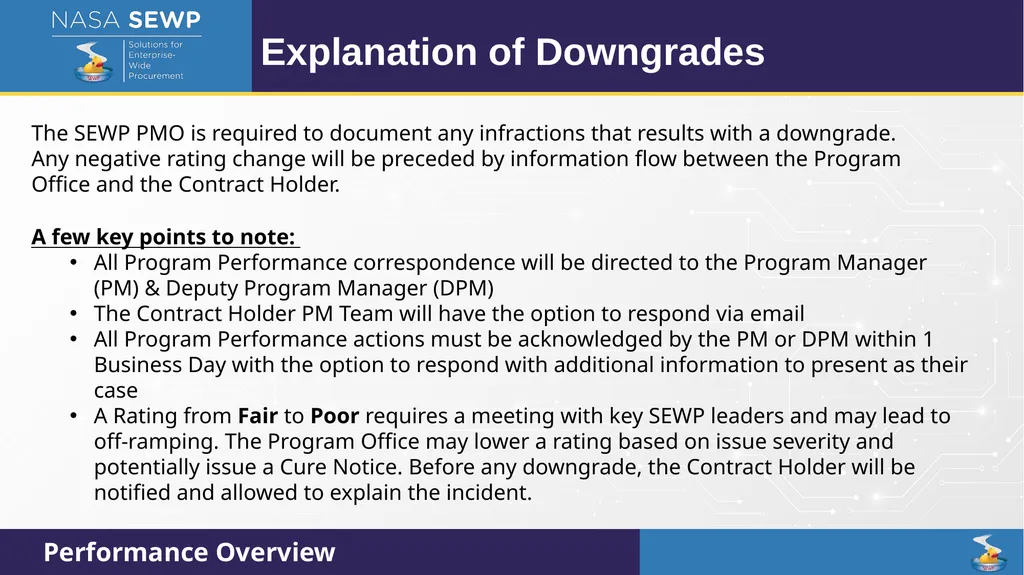
Explanation of Downgrades The SEWP PMO is required to document any infractions that results with a downgrade. Any negative rating change will be preceded by information flow between the Program Office and the Contract Holder. Performance Overview A few key points to note:
All Program Performance correspondence will be directed to the Program Manager (PM) & Deputy Program Manager (DPM)
The Contract Holder PM Team will have the option to respond via email
All Program Performance actions must be acknowledged by the PM or DPM within 1 Business Day with the option to respond with additional information to present as their case
A Rating from Fair to Poor requires a meeting with key SEWP leaders and may lead to off-ramping. The Program Office may lower a rating based on issue severity and potentially issue a Cure Notice. Before any downgrade, the Contract Holder will be notified and allowed to explain the incident.<br>
All Program Performance correspondence will be directed to the Program Manager (PM) & Deputy Program Manager (DPM)
The Contract Holder PM Team will have the option to respond via email
All Program Performance actions must be acknowledged by the PM or DPM within 1 Business Day with the option to respond with additional information to present as their case
A Rating from Fair to Poor requires a meeting with key SEWP leaders and may lead to off-ramping. The Program Office may lower a rating based on issue severity and potentially issue a Cure Notice. Before any downgrade, the Contract Holder will be notified and allowed to explain the incident.<br>
12
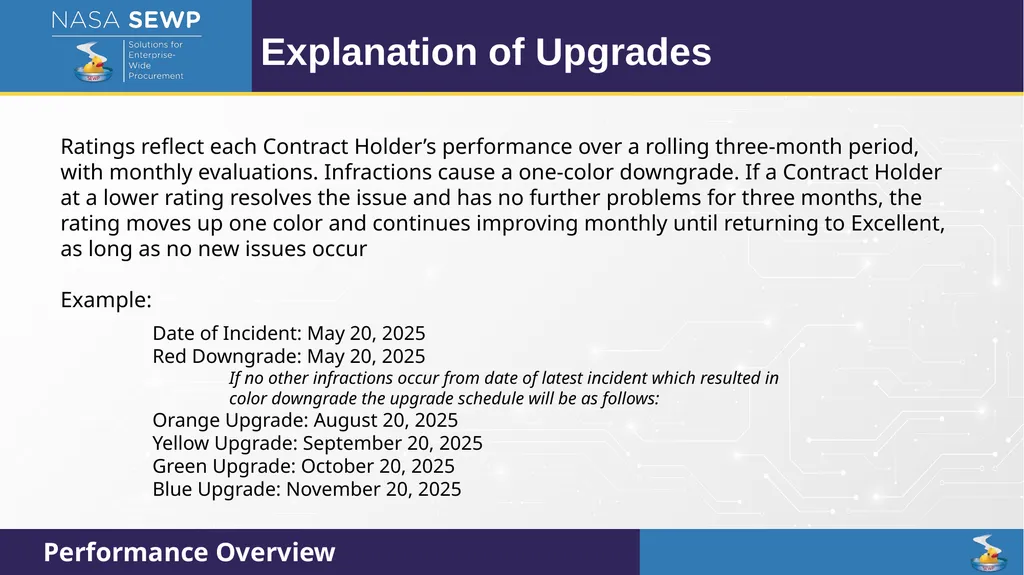
Explanation of Upgrades Performance Overview Ratings reflect each Contract Holder’s performance over a rolling three‑month period, with monthly evaluations. Infractions cause a one‑color downgrade. If a Contract Holder at a lower rating resolves the issue and has no further problems for three months, the rating moves up one color and continues improving monthly until returning to Excellent, as long as no new issues occur
Example: Date of Incident: May 20, 2025
Red Downgrade: May 20, 2025
If no other infractions occur from date of latest incident which resulted in color downgrade the upgrade schedule will be as follows:
Orange Upgrade: August 20, 2025
Yellow Upgrade: September 20, 2025
Green Upgrade: October 20, 2025
Blue Upgrade: November 20, 2025<br>
Example: Date of Incident: May 20, 2025
Red Downgrade: May 20, 2025
If no other infractions occur from date of latest incident which resulted in color downgrade the upgrade schedule will be as follows:
Orange Upgrade: August 20, 2025
Yellow Upgrade: September 20, 2025
Green Upgrade: October 20, 2025
Blue Upgrade: November 20, 2025<br>
13
Special CLINs Review of Special CLINs (August 10th)<br>
14
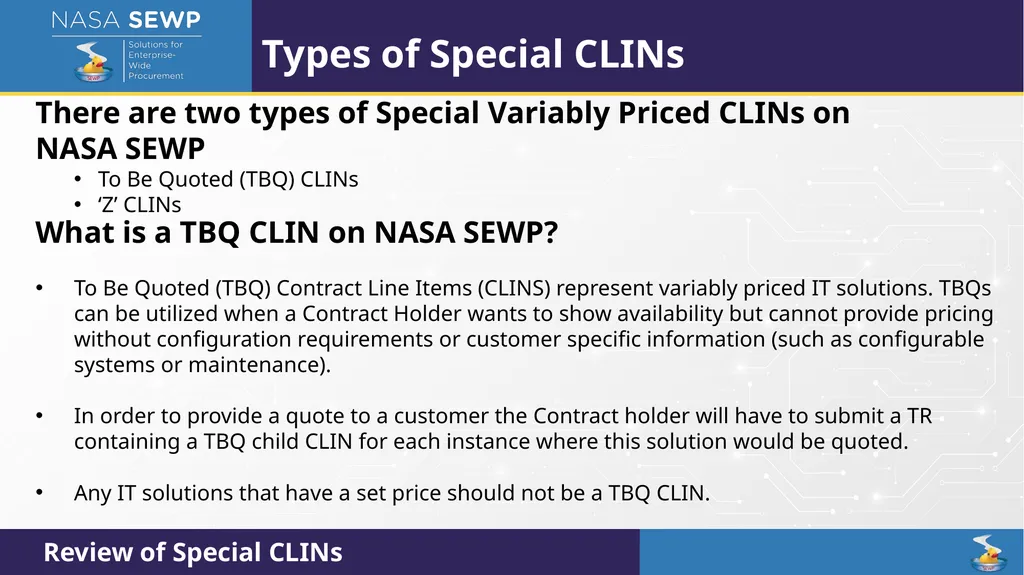
Types of Special CLINs There are two types of Special Variably Priced CLINs on NASA SEWP
To Be Quoted (TBQ) CLINs
‘Z’ CLINs Review of Special CLINs What is a TBQ CLIN on NASA SEWP?
To Be Quoted (TBQ) Contract Line Items (CLINS) represent variably priced IT solutions. TBQs can be utilized when a Contract Holder wants to show availability but cannot provide pricing without configuration requirements or customer specific information (such as configurable systems or maintenance).
In order to provide a quote to a customer the Contract holder will have to submit a TR containing a TBQ child CLIN for each instance where this solution would be quoted.
Any IT solutions that have a set price should not be a TBQ CLIN.<br>
To Be Quoted (TBQ) CLINs
‘Z’ CLINs Review of Special CLINs What is a TBQ CLIN on NASA SEWP?
To Be Quoted (TBQ) Contract Line Items (CLINS) represent variably priced IT solutions. TBQs can be utilized when a Contract Holder wants to show availability but cannot provide pricing without configuration requirements or customer specific information (such as configurable systems or maintenance).
In order to provide a quote to a customer the Contract holder will have to submit a TR containing a TBQ child CLIN for each instance where this solution would be quoted.
Any IT solutions that have a set price should not be a TBQ CLIN.<br>
15
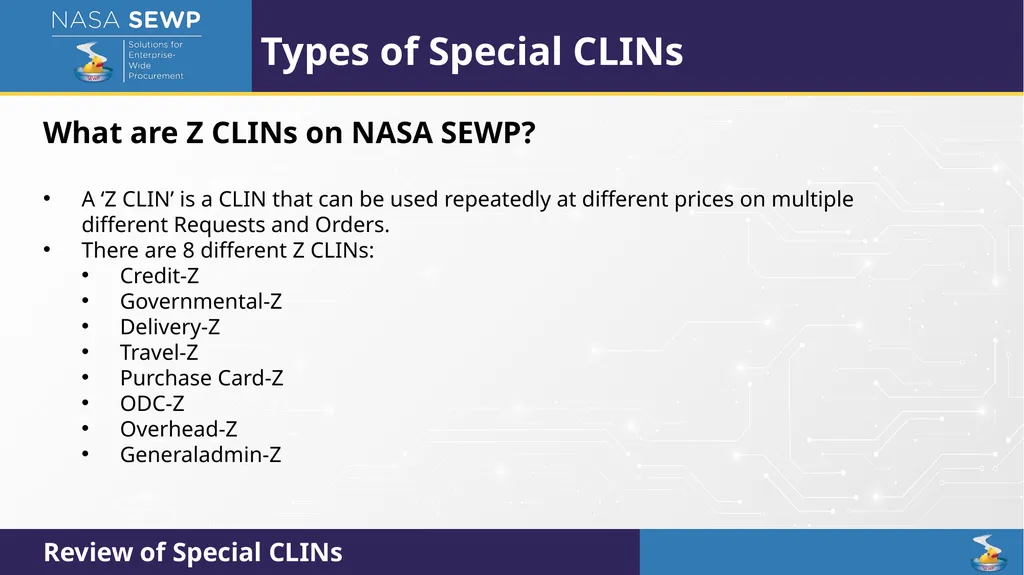
Types of Special CLINs What are Z CLINs on NASA SEWP?
A ‘Z CLIN’ is a CLIN that can be used repeatedly at different prices on multiple different Requests and Orders.
There are 8 different Z CLINs:
Credit-Z
Governmental-Z
Delivery-Z
Travel-Z
Purchase Card-Z
ODC-Z
Overhead-Z
Generaladmin-Z Review of Special CLINs<br>
A ‘Z CLIN’ is a CLIN that can be used repeatedly at different prices on multiple different Requests and Orders.
There are 8 different Z CLINs:
Credit-Z
Governmental-Z
Delivery-Z
Travel-Z
Purchase Card-Z
ODC-Z
Overhead-Z
Generaladmin-Z Review of Special CLINs<br>
16
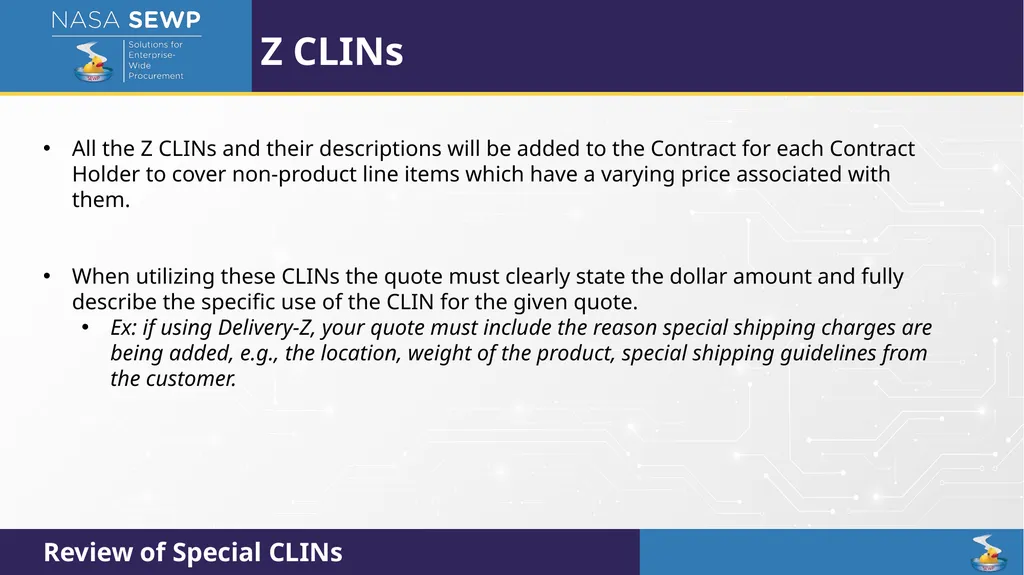
Z CLINs All the Z CLINs and their descriptions will be added to the Contract for each Contract Holder to cover non-product line items which have a varying price associated with them.
When utilizing these CLINs the quote must clearly state the dollar amount and fully describe the specific use of the CLIN for the given quote.
Ex: if using Delivery-Z, your quote must include the reason special shipping charges are being added, e.g., the location, weight of the product, special shipping guidelines from the customer. Review of Special CLINs<br>
When utilizing these CLINs the quote must clearly state the dollar amount and fully describe the specific use of the CLIN for the given quote.
Ex: if using Delivery-Z, your quote must include the reason special shipping charges are being added, e.g., the location, weight of the product, special shipping guidelines from the customer. Review of Special CLINs<br>
17
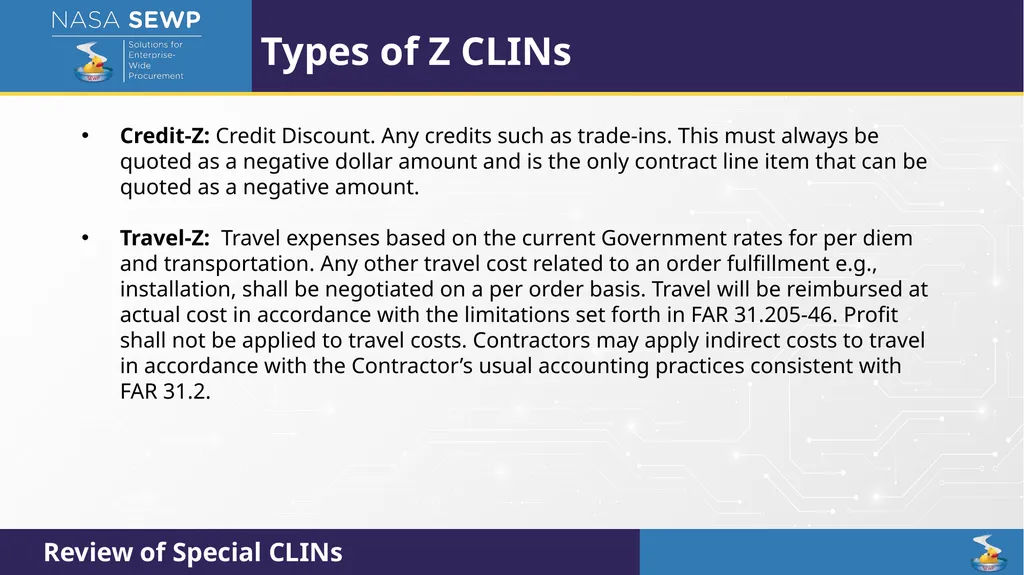
Types of Z CLINs Credit-Z: Credit Discount. Any credits such as trade-ins. This must always be quoted as a negative dollar amount and is the only contract line item that can be quoted as a negative amount.
Travel-Z: Travel expenses based on the current Government rates for per diem and transportation. Any other travel cost related to an order fulfillment e.g., installation, shall be negotiated on a per order basis. Travel will be reimbursed at actual cost in accordance with the limitations set forth in FAR 31.205-46. Profit shall not be applied to travel costs. Contractors may apply indirect costs to travel in accordance with the Contractor’s usual accounting practices consistent with FAR 31.2. Review of Special CLINs<br>
Travel-Z: Travel expenses based on the current Government rates for per diem and transportation. Any other travel cost related to an order fulfillment e.g., installation, shall be negotiated on a per order basis. Travel will be reimbursed at actual cost in accordance with the limitations set forth in FAR 31.205-46. Profit shall not be applied to travel costs. Contractors may apply indirect costs to travel in accordance with the Contractor’s usual accounting practices consistent with FAR 31.2. Review of Special CLINs<br>
18
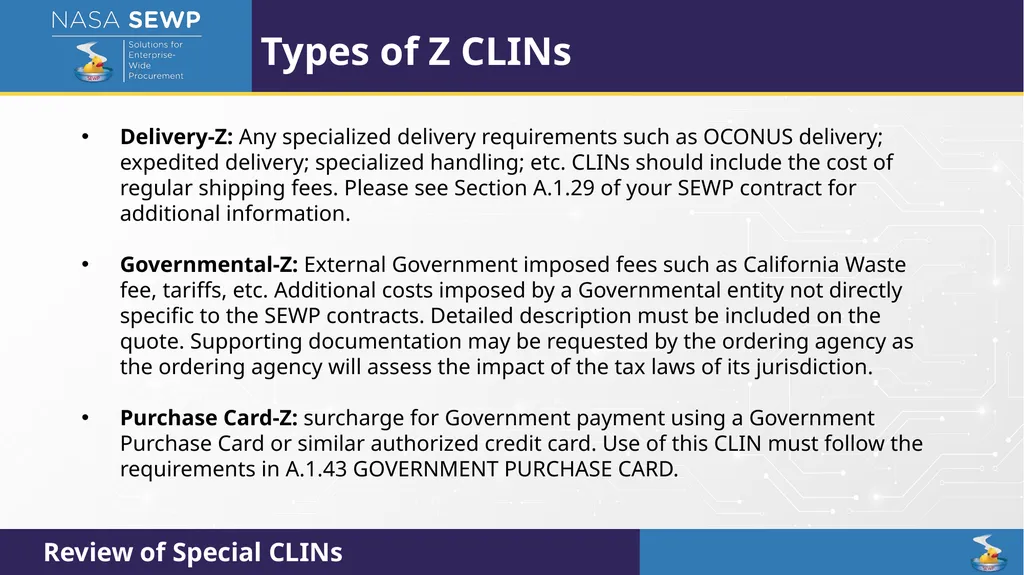
Types of Z CLINs Delivery-Z: Any specialized delivery requirements such as OCONUS delivery; expedited delivery; specialized handling; etc. CLINs should include the cost of regular shipping fees. Please see Section A.1.29 of your SEWP contract for additional information.
Governmental-Z: External Government imposed fees such as California Waste fee, tariffs, etc. Additional costs imposed by a Governmental entity not directly specific to the SEWP contracts. Detailed description must be included on the quote. Supporting documentation may be requested by the ordering agency as the ordering agency will assess the impact of the tax laws of its jurisdiction.
Purchase Card-Z: surcharge for Government payment using a Government Purchase Card or similar authorized credit card. Use of this CLIN must follow the requirements in A.1.43 GOVERNMENT PURCHASE CARD. Review of Special CLINs<br>
Governmental-Z: External Government imposed fees such as California Waste fee, tariffs, etc. Additional costs imposed by a Governmental entity not directly specific to the SEWP contracts. Detailed description must be included on the quote. Supporting documentation may be requested by the ordering agency as the ordering agency will assess the impact of the tax laws of its jurisdiction.
Purchase Card-Z: surcharge for Government payment using a Government Purchase Card or similar authorized credit card. Use of this CLIN must follow the requirements in A.1.43 GOVERNMENT PURCHASE CARD. Review of Special CLINs<br>
19
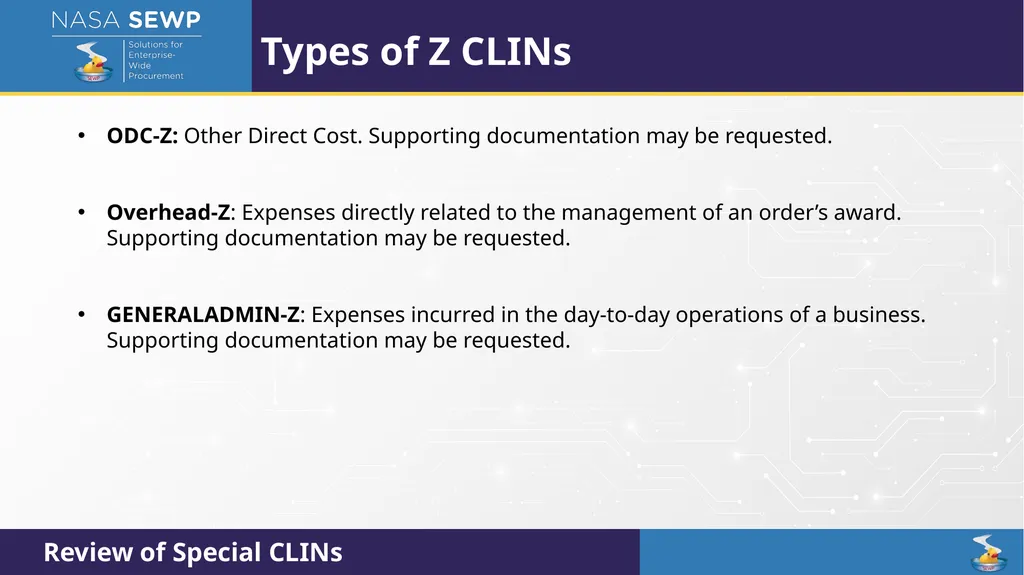
Types of Z CLINs ODC-Z: Other Direct Cost. Supporting documentation may be requested.
Overhead-Z: Expenses directly related to the management of an order’s award. Supporting documentation may be requested.
GENERALADMIN-Z: Expenses incurred in the day-to-day operations of a business. Supporting documentation may be requested. Review of Special CLINs<br>
Overhead-Z: Expenses directly related to the management of an order’s award. Supporting documentation may be requested.
GENERALADMIN-Z: Expenses incurred in the day-to-day operations of a business. Supporting documentation may be requested. Review of Special CLINs<br>
20
Credit Card Guidelines Review of Credit Card Guidelines (August 10th)<br>
21
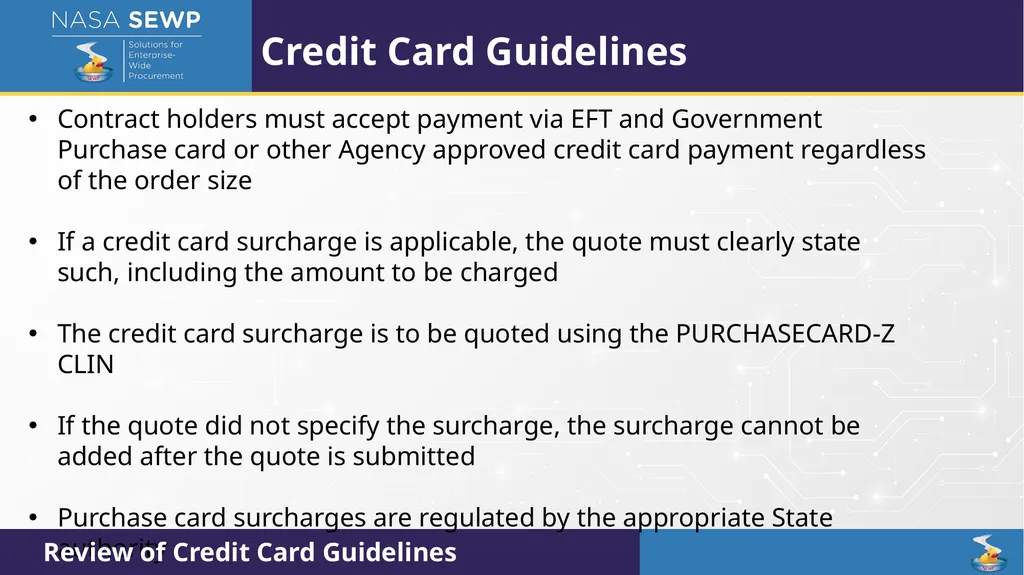
Credit Card Guidelines Contract holders must accept payment via EFT and Government Purchase card or other Agency approved credit card payment regardless of the order size
If a credit card surcharge is applicable, the quote must clearly state such, including the amount to be charged
The credit card surcharge is to be quoted using the PURCHASECARD-Z CLIN
If the quote did not specify the surcharge, the surcharge cannot be added after the quote is submitted
Purchase card surcharges are regulated by the appropriate State authority Review of Credit Card Guidelines<br>
If a credit card surcharge is applicable, the quote must clearly state such, including the amount to be charged
The credit card surcharge is to be quoted using the PURCHASECARD-Z CLIN
If the quote did not specify the surcharge, the surcharge cannot be added after the quote is submitted
Purchase card surcharges are regulated by the appropriate State authority Review of Credit Card Guidelines<br>
22
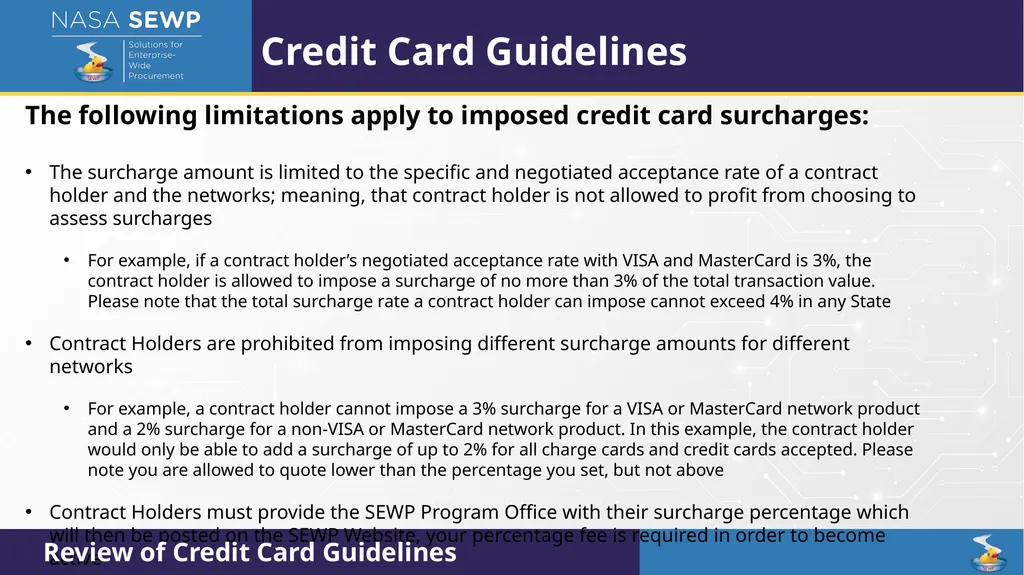
Credit Card Guidelines The following limitations apply to imposed credit card surcharges:
The surcharge amount is limited to the specific and negotiated acceptance rate of a contract holder and the networks; meaning, that contract holder is not allowed to profit from choosing to assess surcharges
For example, if a contract holder’s negotiated acceptance rate with VISA and MasterCard is 3%, the contract holder is allowed to impose a surcharge of no more than 3% of the total transaction value. Please note that the total surcharge rate a contract holder can impose cannot exceed 4% in any State
Contract Holders are prohibited from imposing different surcharge amounts for different networks
For example, a contract holder cannot impose a 3% surcharge for a VISA or MasterCard network product and a 2% surcharge for a non-VISA or MasterCard network product. In this example, the contract holder would only be able to add a surcharge of up to 2% for all charge cards and credit cards accepted. Please note you are allowed to quote lower than the percentage you set, but not above
Contract Holders must provide the SEWP Program Office with their surcharge percentage which will then be posted on the SEWP Website, your percentage fee is required in order to become active Review of Credit Card Guidelines<br>
The surcharge amount is limited to the specific and negotiated acceptance rate of a contract holder and the networks; meaning, that contract holder is not allowed to profit from choosing to assess surcharges
For example, if a contract holder’s negotiated acceptance rate with VISA and MasterCard is 3%, the contract holder is allowed to impose a surcharge of no more than 3% of the total transaction value. Please note that the total surcharge rate a contract holder can impose cannot exceed 4% in any State
Contract Holders are prohibited from imposing different surcharge amounts for different networks
For example, a contract holder cannot impose a 3% surcharge for a VISA or MasterCard network product and a 2% surcharge for a non-VISA or MasterCard network product. In this example, the contract holder would only be able to add a surcharge of up to 2% for all charge cards and credit cards accepted. Please note you are allowed to quote lower than the percentage you set, but not above
Contract Holders must provide the SEWP Program Office with their surcharge percentage which will then be posted on the SEWP Website, your percentage fee is required in order to become active Review of Credit Card Guidelines<br>
23
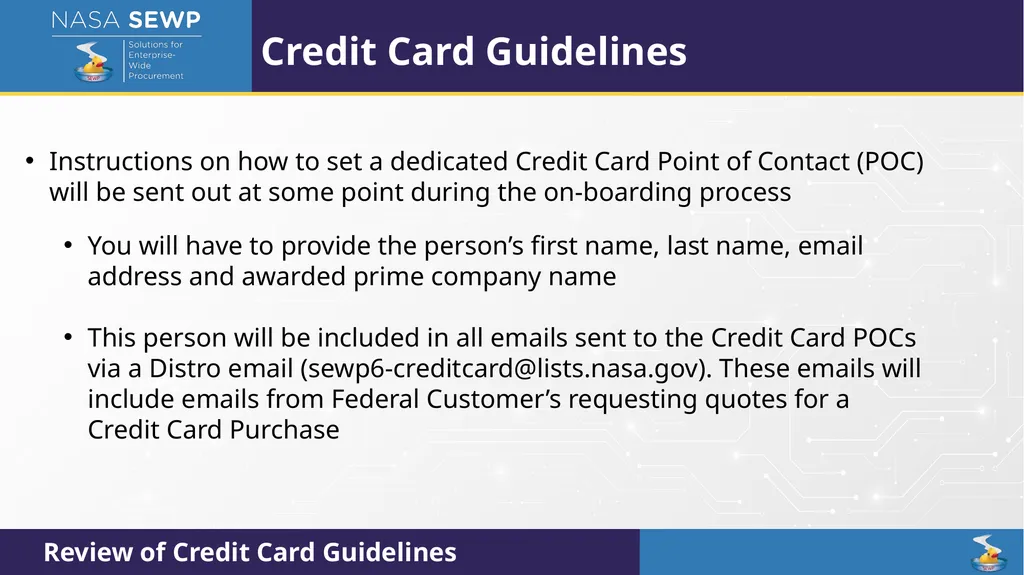
Credit Card Guidelines Instructions on how to set a dedicated Credit Card Point of Contact (POC) will be sent out at some point during the on-boarding process
You will have to provide the person’s first name, last name, email address and awarded prime company name
This person will be included in all emails sent to the Credit Card POCs via a Distro email (sewp6-creditcard@lists.nasa.gov). These emails will include emails from Federal Customer’s requesting quotes for a Credit Card Purchase Review of Credit Card Guidelines<br>
You will have to provide the person’s first name, last name, email address and awarded prime company name
This person will be included in all emails sent to the Credit Card POCs via a Distro email (sewp6-creditcard@lists.nasa.gov). These emails will include emails from Federal Customer’s requesting quotes for a Credit Card Purchase Review of Credit Card Guidelines<br>
24
SEWP Database Database Overview (August 11th)<br>
25
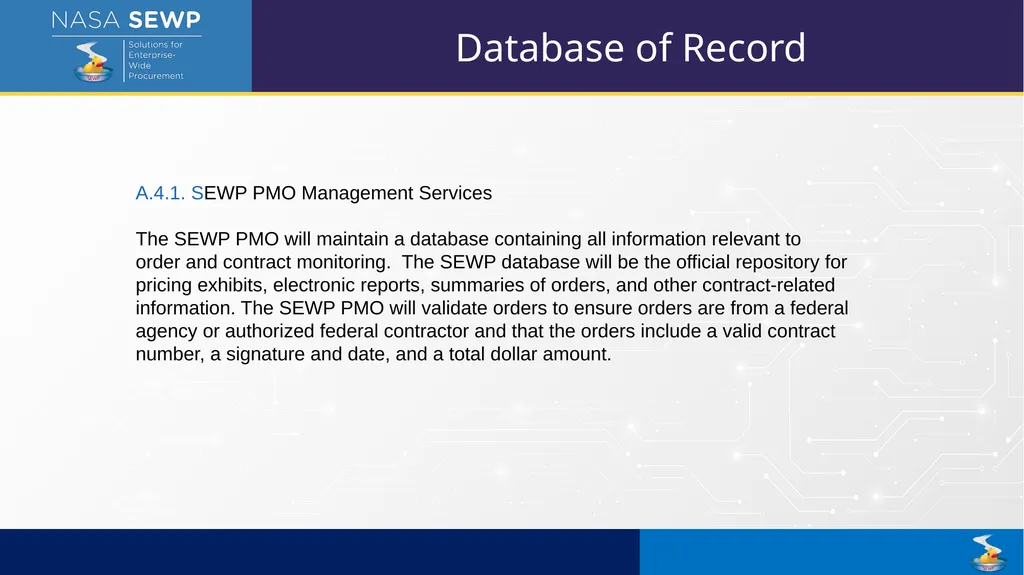
A.4.1. SEWP PMO Management Services
The SEWP PMO will maintain a database containing all information relevant to order and contract monitoring. The SEWP database will be the official repository for pricing exhibits, electronic reports, summaries of orders, and other contract-related information. The SEWP PMO will validate orders to ensure orders are from a federal agency or authorized federal contractor and that the orders include a valid contract number, a signature and date, and a total dollar amount. Database of Record<br>
The SEWP PMO will maintain a database containing all information relevant to order and contract monitoring. The SEWP database will be the official repository for pricing exhibits, electronic reports, summaries of orders, and other contract-related information. The SEWP PMO will validate orders to ensure orders are from a federal agency or authorized federal contractor and that the orders include a valid contract number, a signature and date, and a total dollar amount. Database of Record<br>
26
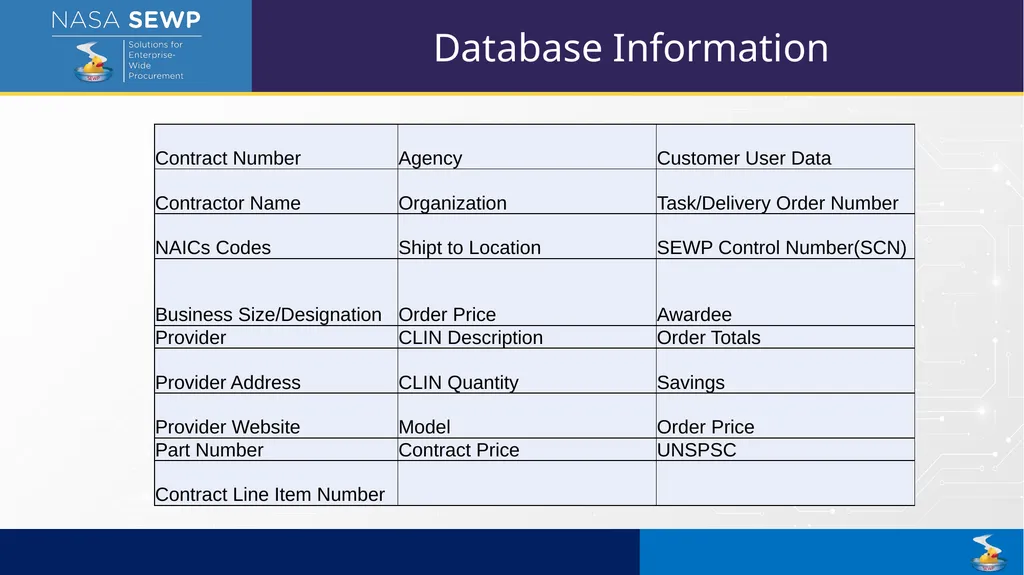
Database Information<br>
27
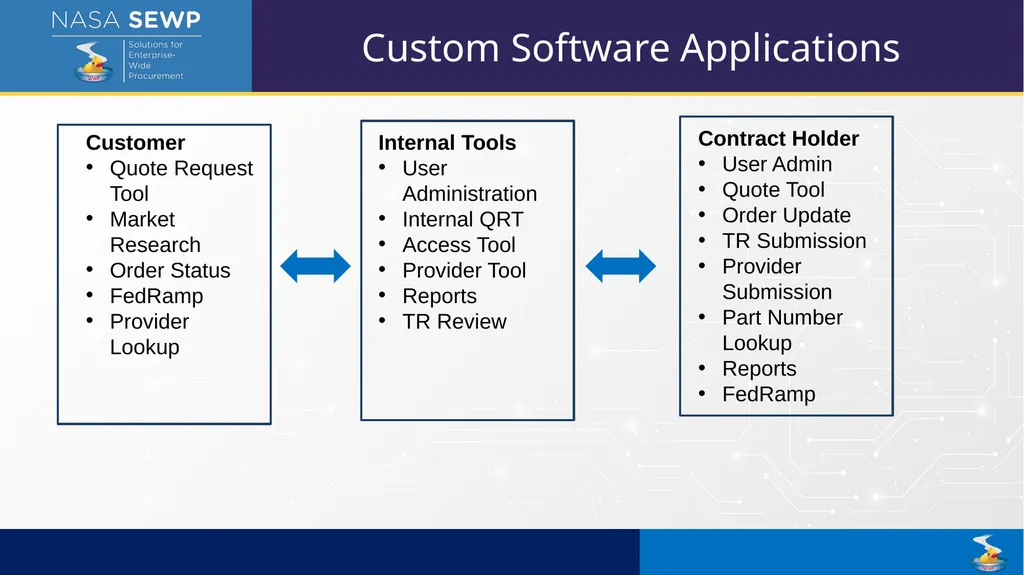
Customer
Quote Request Tool
Market Research
Order Status
FedRamp
Provider Lookup Internal Tools
User Administration
Internal QRT
Access Tool
Provider Tool
Reports
TR Review Contract Holder
User Admin
Quote Tool
Order Update
TR Submission
Provider Submission
Part Number Lookup
Reports
FedRamp Custom Software Applications<br>
Quote Request Tool
Market Research
Order Status
FedRamp
Provider Lookup Internal Tools
User Administration
Internal QRT
Access Tool
Provider Tool
Reports
TR Review Contract Holder
User Admin
Quote Tool
Order Update
TR Submission
Provider Submission
Part Number Lookup
Reports
FedRamp Custom Software Applications<br>
28
What is a Provider:
Any Company with one or more offerings that they make or provide on at least one SEWP Contract
Must be approved in SEWP database and approved before you can submit offerings from any provider to be added to your contract.
Product Manufactures
Service Providers
Sub-Contractors
Teaming Partners
Labor Services Providers Provider<br>
Any Company with one or more offerings that they make or provide on at least one SEWP Contract
Must be approved in SEWP database and approved before you can submit offerings from any provider to be added to your contract.
Product Manufactures
Service Providers
Sub-Contractors
Teaming Partners
Labor Services Providers Provider<br>
29
Provider Data Provider Name
Provider Headquarter Physical Address
Provider Website
Scope of Offerings
Relationships Between other Providers
Relationships between Contract Holders & Providers<br>
Provider Headquarter Physical Address
Provider Website
Scope of Offerings
Relationships Between other Providers
Relationships between Contract Holders & Providers<br>
30
Part Numbers SEWP reviews OEM Part Numbers for accuracy
Contract Holders must use OEM Part number unaltered
Part Numbers are used to review comparable offerings across all contracts
Custom Part Numbers allowed for custom built systems
Labor Categories will serve as the part number for Labor rates<br>
Contract Holders must use OEM Part number unaltered
Part Numbers are used to review comparable offerings across all contracts
Custom Part Numbers allowed for custom built systems
Labor Categories will serve as the part number for Labor rates<br>
31
CLINs Contract Line Item Number (CLIN)
CLIN: Represents a unique instance of a part number on your contract
CLINs are unique to each contract
If you have multiple Contracts, you will need to submit the CLINs for each contract separately
Contract Holders are encouraged to devise their own naming system for CLINs.
Configuration differences of the same part number require separate CLINs
Example: Same model laptop but one has a camera and the other does not needs to be represented by two sperate CLINs.
Maintenance CLINs represent unique instance of coverage for a product
Example: Period of Performance difference needs to be represented by new distinct CLIN.<br>
CLIN: Represents a unique instance of a part number on your contract
CLINs are unique to each contract
If you have multiple Contracts, you will need to submit the CLINs for each contract separately
Contract Holders are encouraged to devise their own naming system for CLINs.
Configuration differences of the same part number require separate CLINs
Example: Same model laptop but one has a camera and the other does not needs to be represented by two sperate CLINs.
Maintenance CLINs represent unique instance of coverage for a product
Example: Period of Performance difference needs to be represented by new distinct CLIN.<br>
32
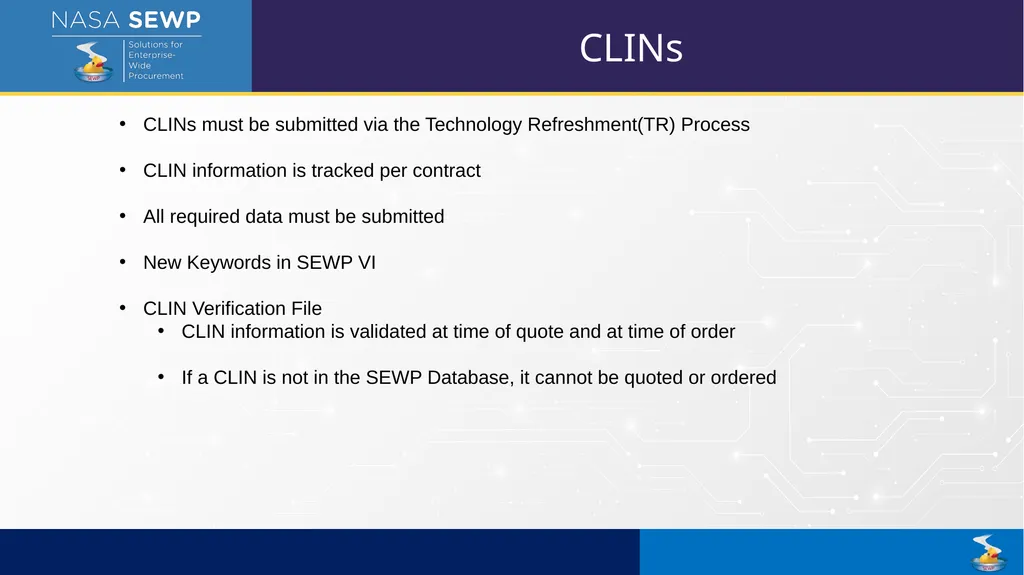
CLINs CLINs must be submitted via the Technology Refreshment(TR) Process
CLIN information is tracked per contract
All required data must be submitted
New Keywords in SEWP VI
CLIN Verification File
CLIN information is validated at time of quote and at time of order
If a CLIN is not in the SEWP Database, it cannot be quoted or ordered<br>
CLIN information is tracked per contract
All required data must be submitted
New Keywords in SEWP VI
CLIN Verification File
CLIN information is validated at time of quote and at time of order
If a CLIN is not in the SEWP Database, it cannot be quoted or ordered<br>
33
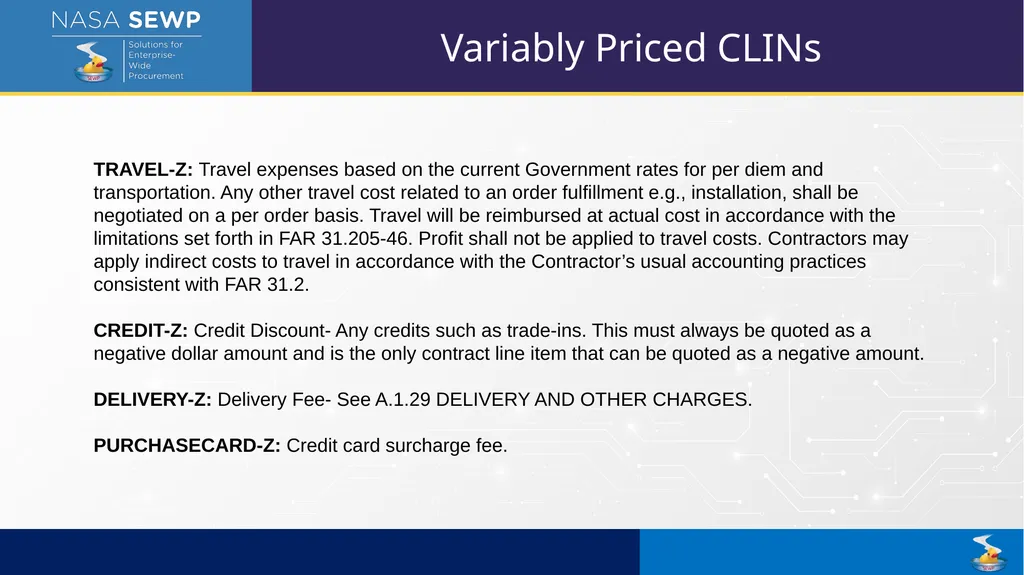
Variably Priced CLINs TRAVEL-Z: Travel expenses based on the current Government rates for per diem and transportation. Any other travel cost related to an order fulfillment e.g., installation, shall be negotiated on a per order basis. Travel will be reimbursed at actual cost in accordance with the limitations set forth in FAR 31.205-46. Profit shall not be applied to travel costs. Contractors may apply indirect costs to travel in accordance with the Contractor’s usual accounting practices consistent with FAR 31.2.
CREDIT-Z: Credit Discount- Any credits such as trade-ins. This must always be quoted as a negative dollar amount and is the only contract line item that can be quoted as a negative amount.
DELIVERY-Z: Delivery Fee- See A.1.29 DELIVERY AND OTHER CHARGES.
PURCHASECARD-Z: Credit card surcharge fee.<br>
CREDIT-Z: Credit Discount- Any credits such as trade-ins. This must always be quoted as a negative dollar amount and is the only contract line item that can be quoted as a negative amount.
DELIVERY-Z: Delivery Fee- See A.1.29 DELIVERY AND OTHER CHARGES.
PURCHASECARD-Z: Credit card surcharge fee.<br>
34
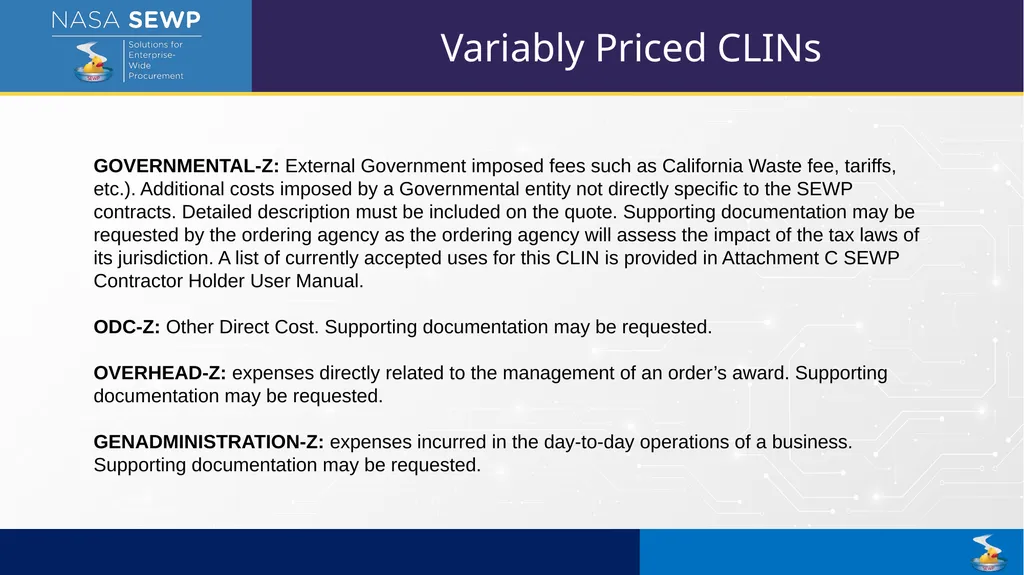
Variably Priced CLINs GOVERNMENTAL-Z: External Government imposed fees such as California Waste fee, tariffs, etc.). Additional costs imposed by a Governmental entity not directly specific to the SEWP contracts. Detailed description must be included on the quote. Supporting documentation may be requested by the ordering agency as the ordering agency will assess the impact of the tax laws of its jurisdiction. A list of currently accepted uses for this CLIN is provided in Attachment C SEWP Contractor Holder User Manual.
ODC-Z: Other Direct Cost. Supporting documentation may be requested.
OVERHEAD-Z: expenses directly related to the management of an order’s award. Supporting documentation may be requested.
GENADMINISTRATION-Z: expenses incurred in the day-to-day operations of a business. Supporting documentation may be requested.<br>
ODC-Z: Other Direct Cost. Supporting documentation may be requested.
OVERHEAD-Z: expenses directly related to the management of an order’s award. Supporting documentation may be requested.
GENADMINISTRATION-Z: expenses incurred in the day-to-day operations of a business. Supporting documentation may be requested.<br>
35
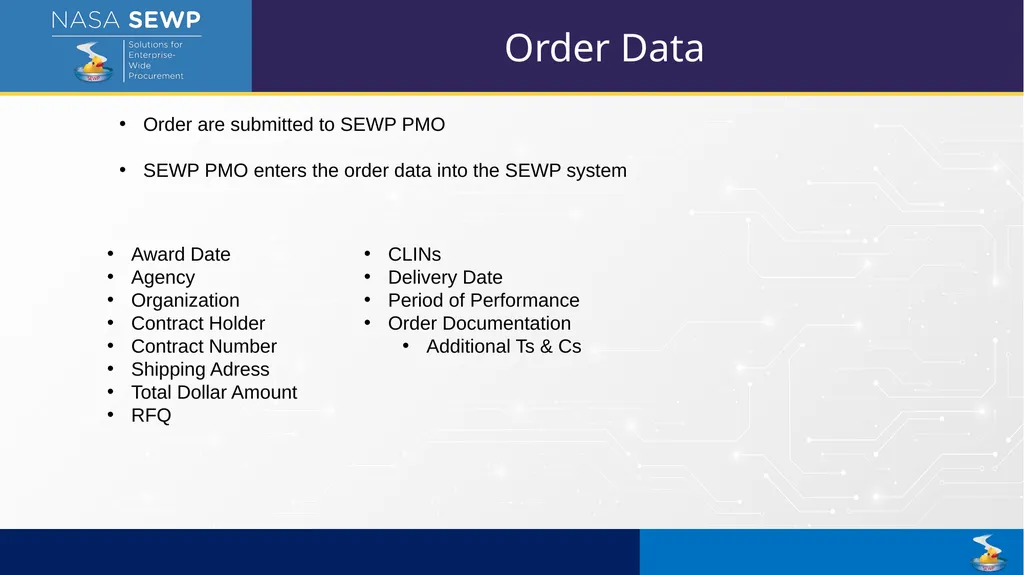
Order Data Order are submitted to SEWP PMO
SEWP PMO enters the order data into the SEWP system CLINs
Delivery Date
Period of Performance
Order Documentation
Additional Ts & Cs Award Date
Agency
Organization
Contract Holder
Contract Number
Shipping Adress
Total Dollar Amount
RFQ<br>
SEWP PMO enters the order data into the SEWP system CLINs
Delivery Date
Period of Performance
Order Documentation
Additional Ts & Cs Award Date
Agency
Organization
Contract Holder
Contract Number
Shipping Adress
Total Dollar Amount
RFQ<br>
36
Order Modification Order Modifications follow the same process as base order
New information must be verified against Database
New obligated dollar amount
New CLINs
Order Updates are required through out the process
SEWP PMO keeps track of delivery
Contract Holder are required to provide monthly updates on service orders.(A.1.3 Reports of Work)<br>
New information must be verified against Database
New obligated dollar amount
New CLINs
Order Updates are required through out the process
SEWP PMO keeps track of delivery
Contract Holder are required to provide monthly updates on service orders.(A.1.3 Reports of Work)<br>
37
Reporting Impact Customer Reports – Reports are used for acquisition planning(Agency data their decision on how to share and use
Agency Totals
Site Reports
Storefronts
Contract Holder Reports
Weekly Report – Orders, RFQ, Quotes
CLIN Download Report
Delivery Report
Annual Report – By Agency<br>
Agency Totals
Site Reports
Storefronts
Contract Holder Reports
Weekly Report – Orders, RFQ, Quotes
CLIN Download Report
Delivery Report
Annual Report – By Agency<br>
38
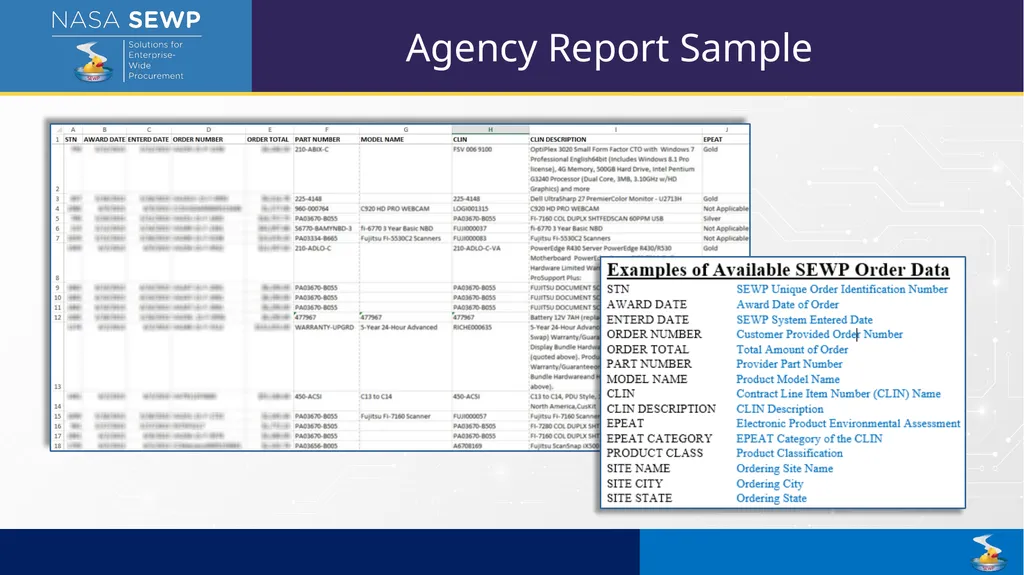
Agency Report Sample<br>
39
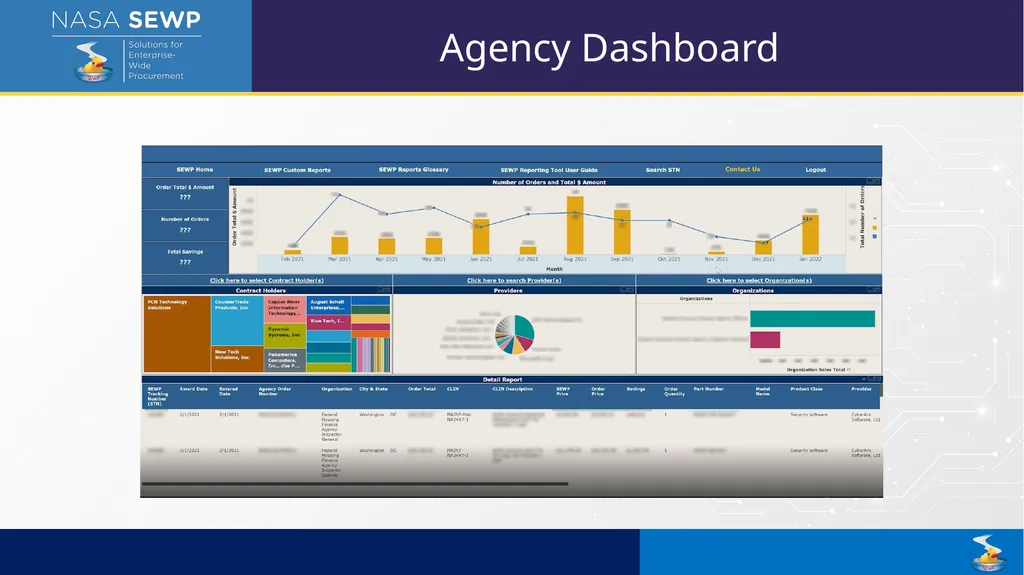
Agency Dashboard<br>
40
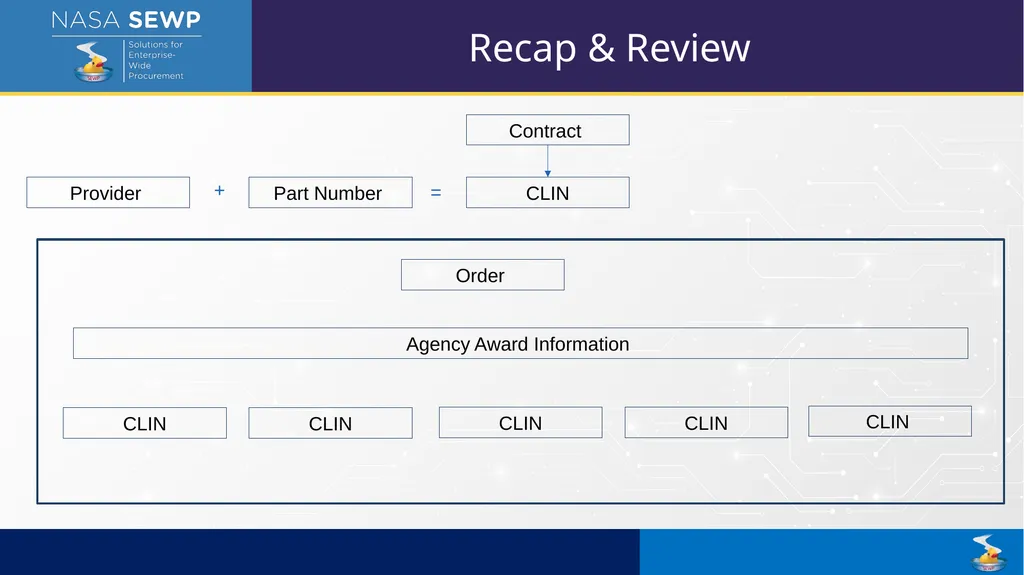
Provider Part Number CLIN + = Contract CLIN Order CLIN CLIN CLIN CLIN Agency Award Information Recap & Review<br>
41
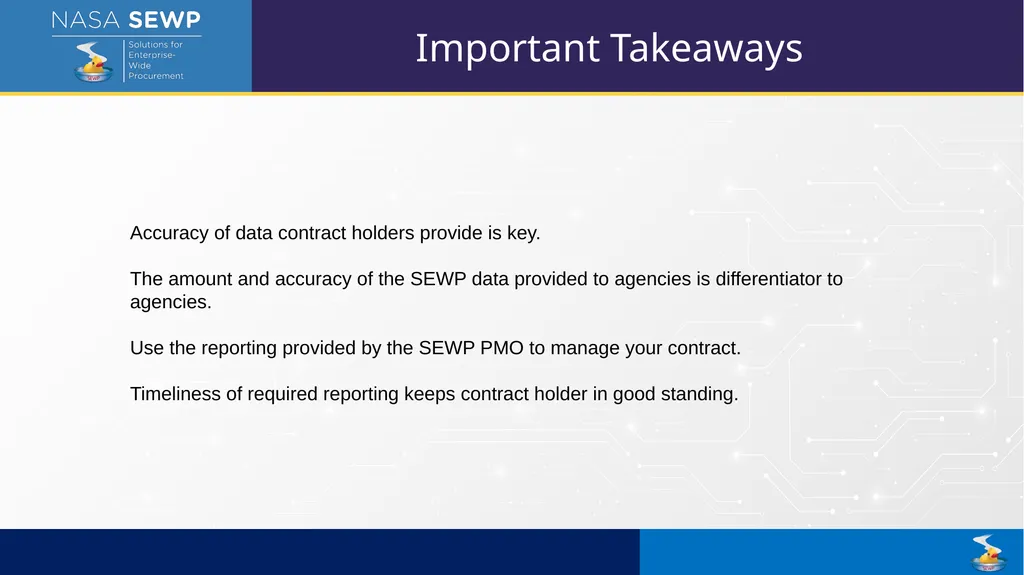
Important Takeaways Accuracy of data contract holders provide is key.
The amount and accuracy of the SEWP data provided to agencies is differentiator to agencies.
Use the reporting provided by the SEWP PMO to manage your contract.
Timeliness of required reporting keeps contract holder in good standing.<br>
The amount and accuracy of the SEWP data provided to agencies is differentiator to agencies.
Use the reporting provided by the SEWP PMO to manage your contract.
Timeliness of required reporting keeps contract holder in good standing.<br>
42
Technology Refresh (TR) TR Review (August 12th)<br>
43
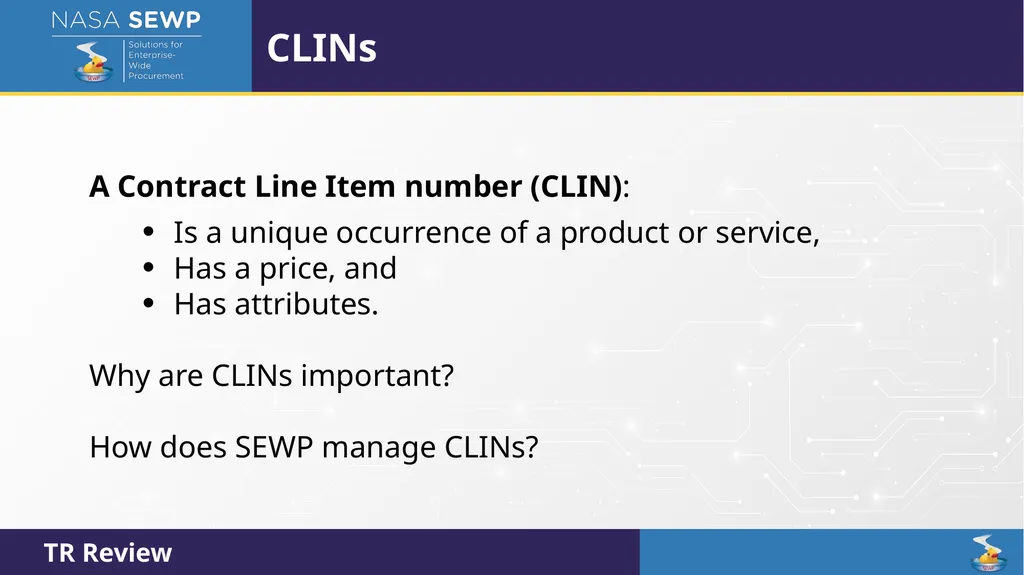
CLINs A Contract Line Item number (CLIN):
Is a unique occurrence of a product or service,
Has a price, and
Has attributes.
Why are CLINs important?
How does SEWP manage CLINs?<br>
Is a unique occurrence of a product or service,
Has a price, and
Has attributes.
Why are CLINs important?
How does SEWP manage CLINs?<br>
44
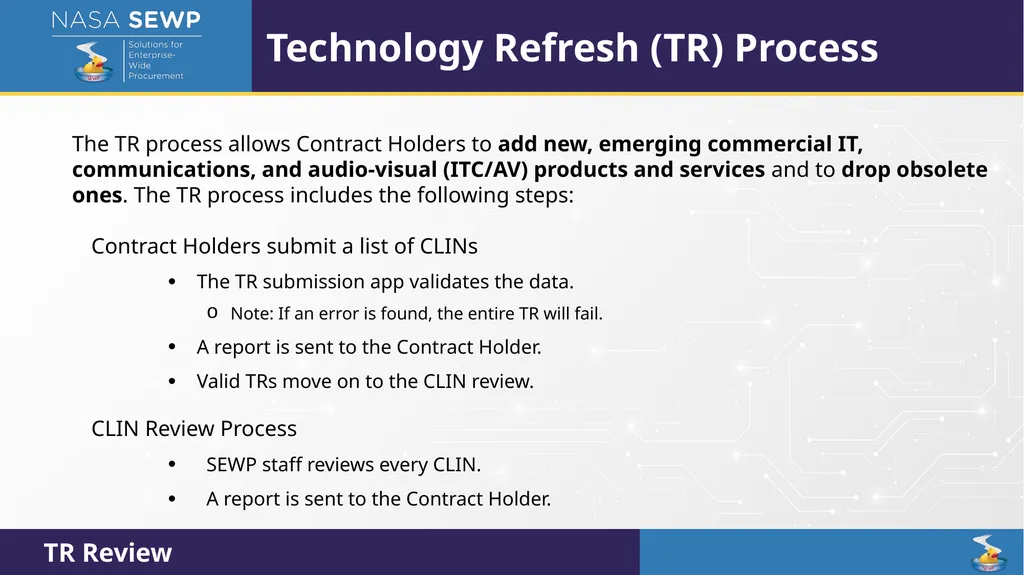
Technology Refresh (TR) Process The TR process allows Contract Holders to add new, emerging commercial IT, communications, and audio-visual (ITC/AV) products and services and to drop obsolete ones. The TR process includes the following steps:
Contract Holders submit a list of CLINs
The TR submission app validates the data.
Note: If an error is found, the entire TR will fail.
A report is sent to the Contract Holder.
Valid TRs move on to the CLIN review.
CLIN Review Process
SEWP staff reviews every CLIN.
A report is sent to the Contract Holder.<br>
Contract Holders submit a list of CLINs
The TR submission app validates the data.
Note: If an error is found, the entire TR will fail.
A report is sent to the Contract Holder.
Valid TRs move on to the CLIN review.
CLIN Review Process
SEWP staff reviews every CLIN.
A report is sent to the Contract Holder.<br>
45
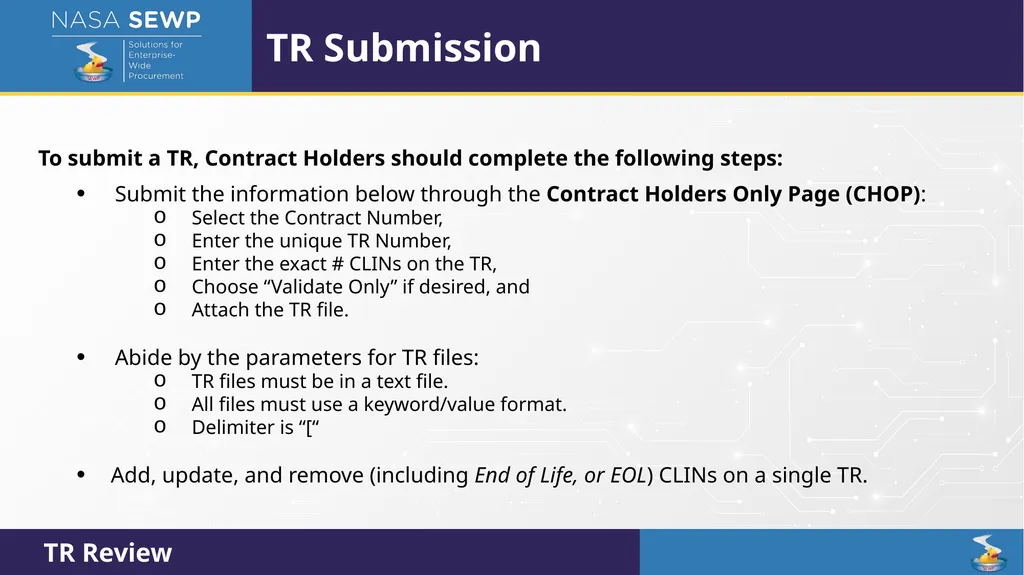
TR Submission To submit a TR, Contract Holders should complete the following steps:
Submit the information below through the Contract Holders Only Page (CHOP):
Select the Contract Number,
Enter the unique TR Number,
Enter the exact # CLINs on the TR,
Choose “Validate Only” if desired, and
Attach the TR file.
Abide by the parameters for TR files:
TR files must be in a text file.
All files must use a keyword/value format.
Delimiter is “[“
Add, update, and remove (including End of Life, or EOL) CLINs on a single TR.<br>
Submit the information below through the Contract Holders Only Page (CHOP):
Select the Contract Number,
Enter the unique TR Number,
Enter the exact # CLINs on the TR,
Choose “Validate Only” if desired, and
Attach the TR file.
Abide by the parameters for TR files:
TR files must be in a text file.
All files must use a keyword/value format.
Delimiter is “[“
Add, update, and remove (including End of Life, or EOL) CLINs on a single TR.<br>
46
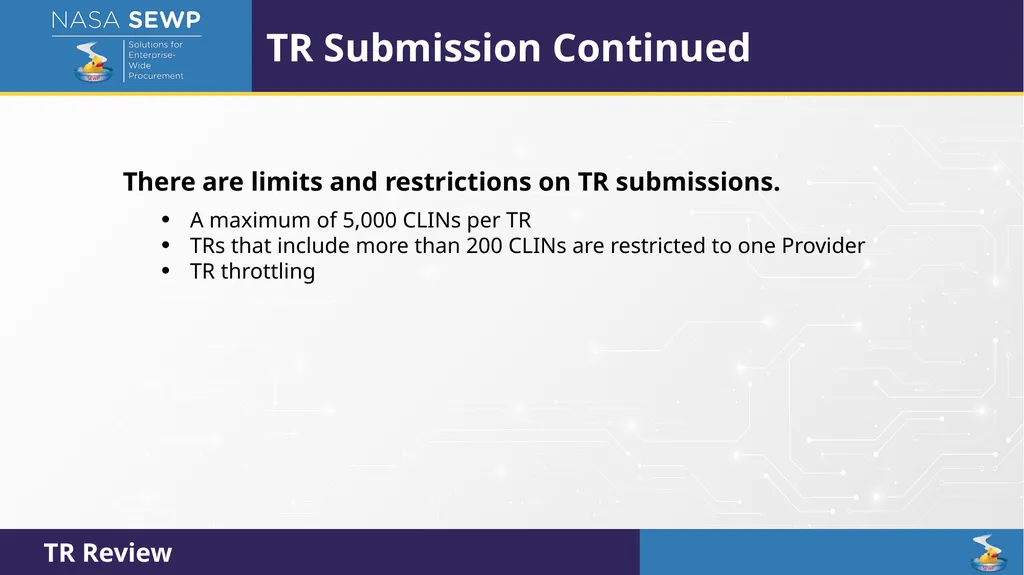
TR Submission Continued There are limits and restrictions on TR submissions.
A maximum of 5,000 CLINs per TR
TRs that include more than 200 CLINs are restricted to one Provider
TR throttling<br>
A maximum of 5,000 CLINs per TR
TRs that include more than 200 CLINs are restricted to one Provider
TR throttling<br>
47
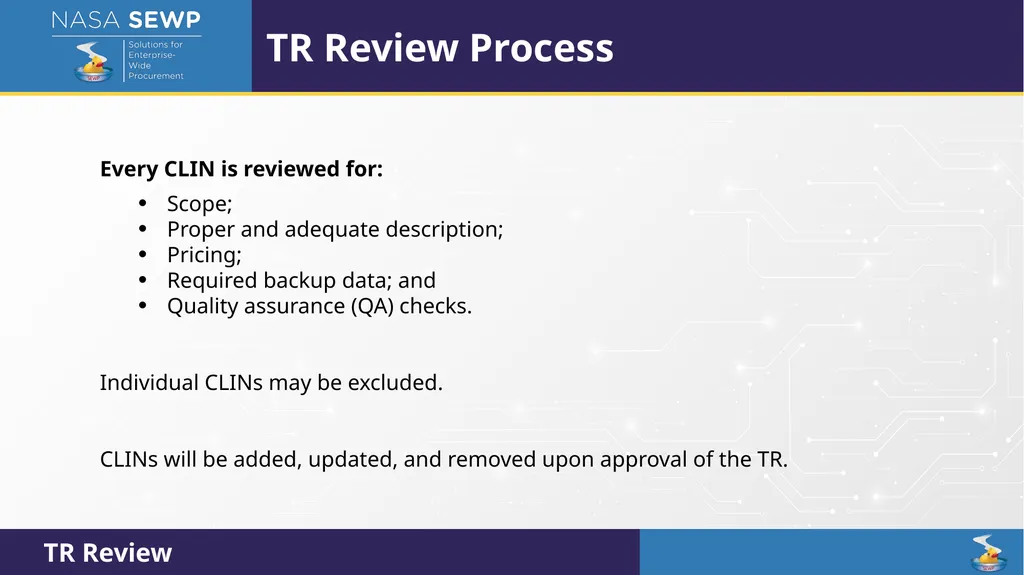
TR Review Process Every CLIN is reviewed for:
Scope;
Proper and adequate description;
Pricing;
Required backup data; and
Quality assurance (QA) checks.
Individual CLINs may be excluded.
CLINs will be added, updated, and removed upon approval of the TR.<br>
Scope;
Proper and adequate description;
Pricing;
Required backup data; and
Quality assurance (QA) checks.
Individual CLINs may be excluded.
CLINs will be added, updated, and removed upon approval of the TR.<br>
48
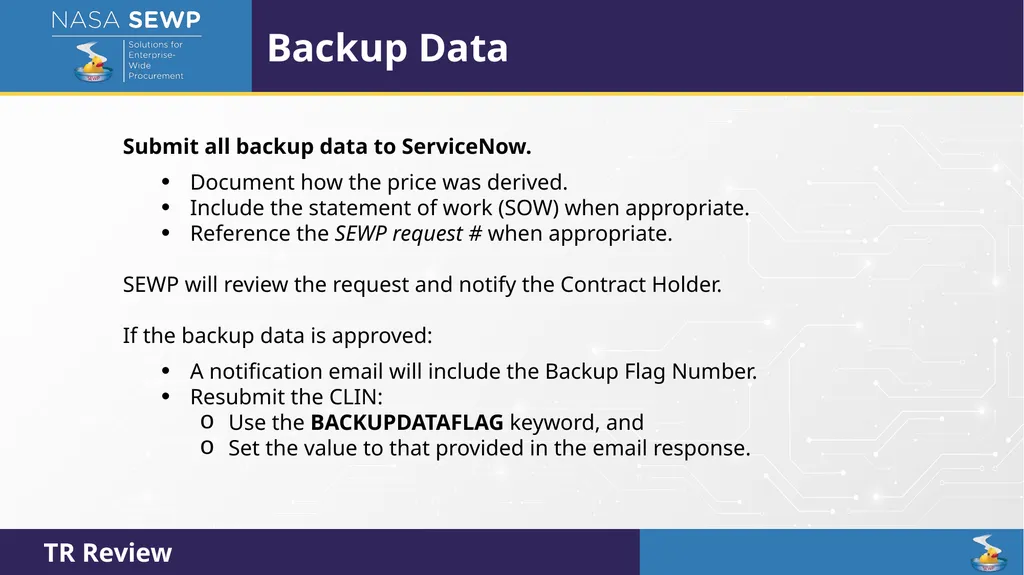
Backup Data Submit all backup data to ServiceNow.
Document how the price was derived.
Include the statement of work (SOW) when appropriate.
Reference the SEWP request # when appropriate.
SEWP will review the request and notify the Contract Holder.
If the backup data is approved:
A notification email will include the Backup Flag Number.
Resubmit the CLIN:
Use the BACKUPDATAFLAG keyword, and
Set the value to that provided in the email response.<br>
Document how the price was derived.
Include the statement of work (SOW) when appropriate.
Reference the SEWP request # when appropriate.
SEWP will review the request and notify the Contract Holder.
If the backup data is approved:
A notification email will include the Backup Flag Number.
Resubmit the CLIN:
Use the BACKUPDATAFLAG keyword, and
Set the value to that provided in the email response.<br>
49
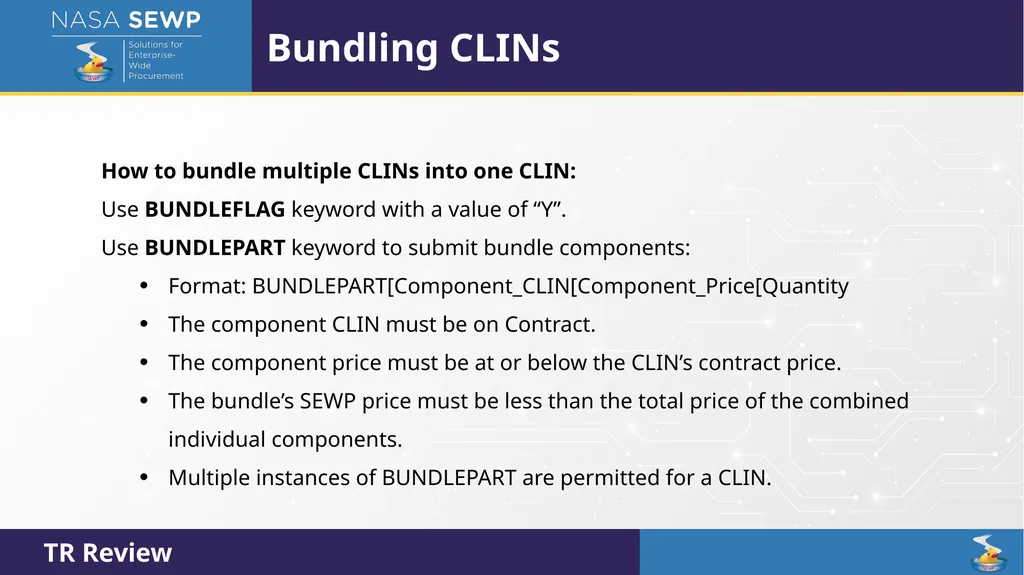
Bundling CLINs How to bundle multiple CLINs into one CLIN:
Use BUNDLEFLAG keyword with a value of “Y”.
Use BUNDLEPART keyword to submit bundle components:
Format: BUNDLEPART[Component_CLIN[Component_Price[Quantity
The component CLIN must be on Contract.
The component price must be at or below the CLIN’s contract price.
The bundle’s SEWP price must be less than the total price of the combined individual components.
Multiple instances of BUNDLEPART are permitted for a CLIN.<br>
Use BUNDLEFLAG keyword with a value of “Y”.
Use BUNDLEPART keyword to submit bundle components:
Format: BUNDLEPART[Component_CLIN[Component_Price[Quantity
The component CLIN must be on Contract.
The component price must be at or below the CLIN’s contract price.
The bundle’s SEWP price must be less than the total price of the combined individual components.
Multiple instances of BUNDLEPART are permitted for a CLIN.<br>
50
Labor/Service CLINs Must provide a labor/service UNSPSC code
Must provide a valid labor category
Can provide additional details regarding site and location<br>
Must provide a valid labor category
Can provide additional details regarding site and location<br>
51
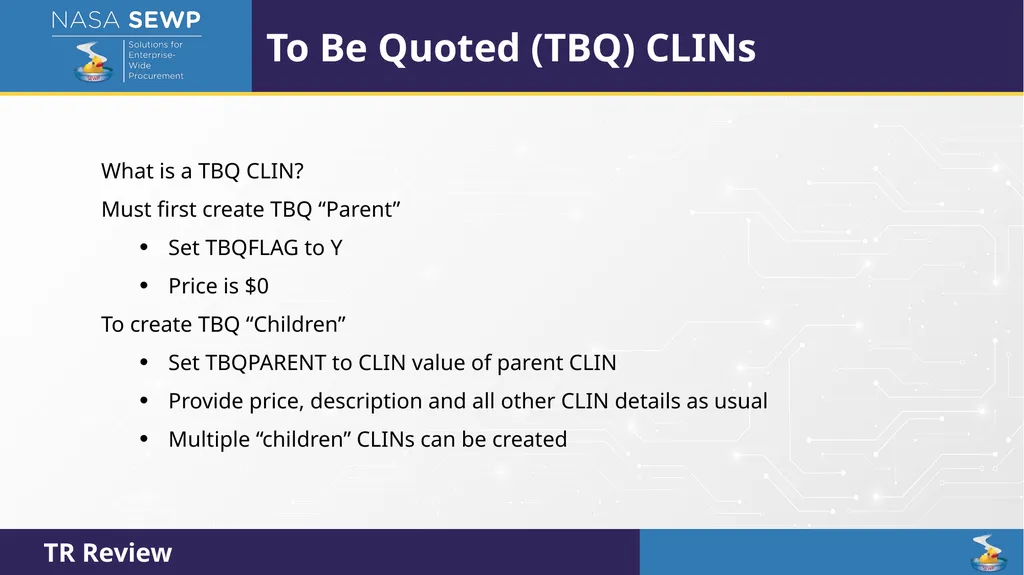
To Be Quoted (TBQ) CLINs What is a TBQ CLIN?
Must first create TBQ “Parent”
Set TBQFLAG to Y
Price is $0
To create TBQ “Children”
Set TBQPARENT to CLIN value of parent CLIN
Provide price, description and all other CLIN details as usual
Multiple “children” CLINs can be created<br>
Must first create TBQ “Parent”
Set TBQFLAG to Y
Price is $0
To create TBQ “Children”
Set TBQPARENT to CLIN value of parent CLIN
Provide price, description and all other CLIN details as usual
Multiple “children” CLINs can be created<br>
52
Strategic Sourcing CLINs Associate the CLIN with a Strategic Sourcing Option.
Use the Strategic Sourcing Part Number (SSPART) keyword.
Note: The value for SSPART will be provided by SEWP.<br>
Use the Strategic Sourcing Part Number (SSPART) keyword.
Note: The value for SSPART will be provided by SEWP.<br>
53
Backup Data Process Backup Data Process Review (August 12th)<br>
54
Backup Data Process Backup data is required when supporting information is needed in order to approve your CLIN to be added onto the NASA SEWP contract.
CLIN Types that are affected the most are:
Licensing Agreement CLINs
Maintenance CLINs
Service CLINs
Variably priced CLINs
ServiceNow
OpenText
Gitlab
Rocket Software
Child TBQ CLINs Backup Data Process Review<br>
CLIN Types that are affected the most are:
Licensing Agreement CLINs
Maintenance CLINs
Service CLINs
Variably priced CLINs
ServiceNow
OpenText
Gitlab
Rocket Software
Child TBQ CLINs Backup Data Process Review<br>
55
Backup Data Process Backup data could be submitted in advance of a Technology Refresh (TR) or from a CLIN being rejected on a TR.
Please state whether your backup data is in advance of a TR or in response to one.
This will help the reviewer determine what actions are needed.
If your backup data request is in response to a rejected CLIN on a TR, please included the rejected email with the reasoning in your backup data request submission.
If this is not done in advance, the reviewer will ask for it. Backup Data Process Review<br>
Please state whether your backup data is in advance of a TR or in response to one.
This will help the reviewer determine what actions are needed.
If your backup data request is in response to a rejected CLIN on a TR, please included the rejected email with the reasoning in your backup data request submission.
If this is not done in advance, the reviewer will ask for it. Backup Data Process Review<br>
56
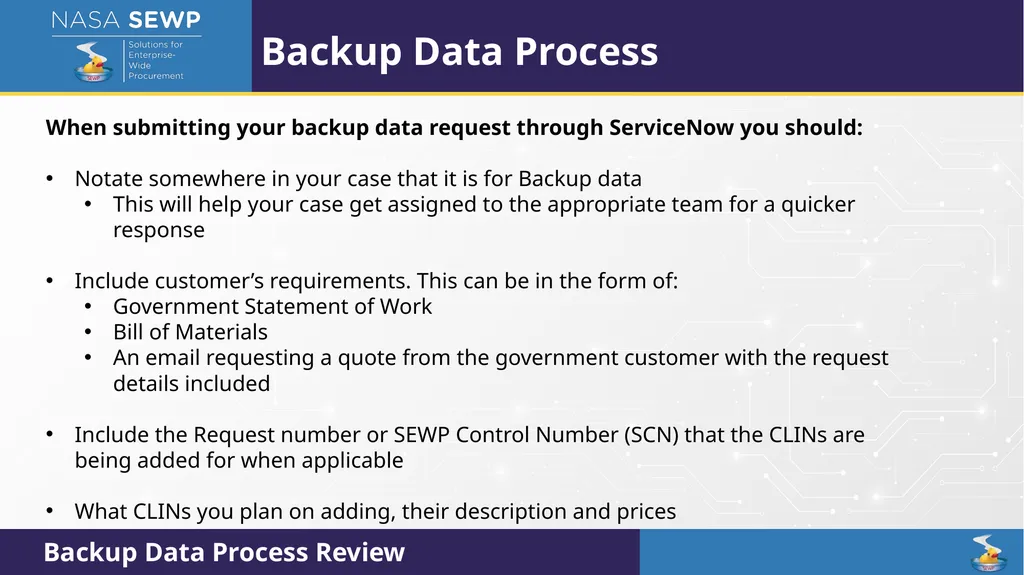
Backup Data Process When submitting your backup data request through ServiceNow you should:
Notate somewhere in your case that it is for Backup data
This will help your case get assigned to the appropriate team for a quicker response
Include customer’s requirements. This can be in the form of:
Government Statement of Work
Bill of Materials
An email requesting a quote from the government customer with the request details included
Include the Request number or SEWP Control Number (SCN) that the CLINs are being added for when applicable
What CLINs you plan on adding, their description and prices Backup Data Process Review<br>
Notate somewhere in your case that it is for Backup data
This will help your case get assigned to the appropriate team for a quicker response
Include customer’s requirements. This can be in the form of:
Government Statement of Work
Bill of Materials
An email requesting a quote from the government customer with the request details included
Include the Request number or SEWP Control Number (SCN) that the CLINs are being added for when applicable
What CLINs you plan on adding, their description and prices Backup Data Process Review<br>
57
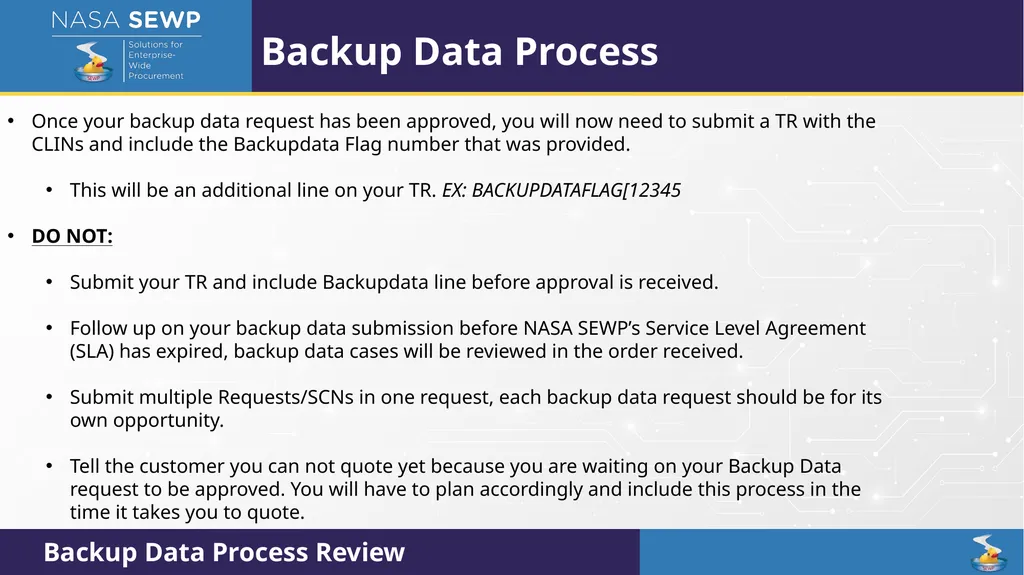
Backup Data Process Once your backup data request has been approved, you will now need to submit a TR with the CLINs and include the Backupdata Flag number that was provided.
This will be an additional line on your TR. EX: BACKUPDATAFLAG[12345
DO NOT:
Submit your TR and include Backupdata line before approval is received.
Follow up on your backup data submission before NASA SEWP’s Service Level Agreement (SLA) has expired, backup data cases will be reviewed in the order received.
Submit multiple Requests/SCNs in one request, each backup data request should be for its own opportunity.
Tell the customer you can not quote yet because you are waiting on your Backup Data request to be approved. You will have to plan accordingly and include this process in the time it takes you to quote. Backup Data Process Review<br>
This will be an additional line on your TR. EX: BACKUPDATAFLAG[12345
DO NOT:
Submit your TR and include Backupdata line before approval is received.
Follow up on your backup data submission before NASA SEWP’s Service Level Agreement (SLA) has expired, backup data cases will be reviewed in the order received.
Submit multiple Requests/SCNs in one request, each backup data request should be for its own opportunity.
Tell the customer you can not quote yet because you are waiting on your Backup Data request to be approved. You will have to plan accordingly and include this process in the time it takes you to quote. Backup Data Process Review<br>
58
Industry Industry Overview (August 12th)<br>
59
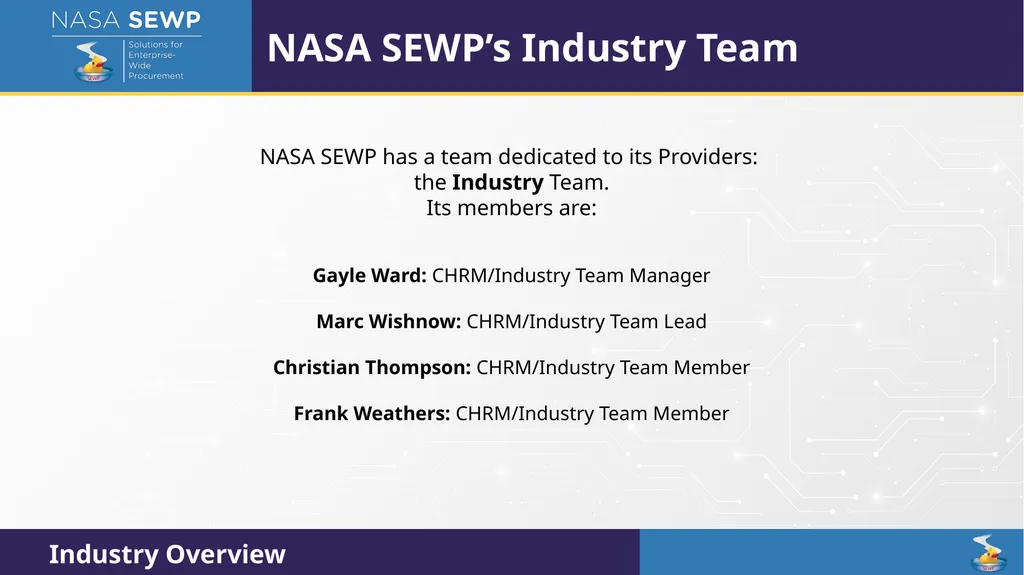
NASA SEWP’s Industry Team Gayle Ward: CHRM/Industry Team Manager
Marc Wishnow: CHRM/Industry Team Lead
Christian Thompson: CHRM/Industry Team Member
Frank Weathers: CHRM/Industry Team Member NASA SEWP has a team dedicated to its Providers:
the Industry Team.
Its members are:<br>
Marc Wishnow: CHRM/Industry Team Lead
Christian Thompson: CHRM/Industry Team Member
Frank Weathers: CHRM/Industry Team Member NASA SEWP has a team dedicated to its Providers:
the Industry Team.
Its members are:<br>
60
An Original Equipment Manufacturer (OEM) or manufacturer of hardware, software, services, or support offerings that fall within the scope of the NASA SEWP VI Contract. What is a SEWP Provider?<br>
61
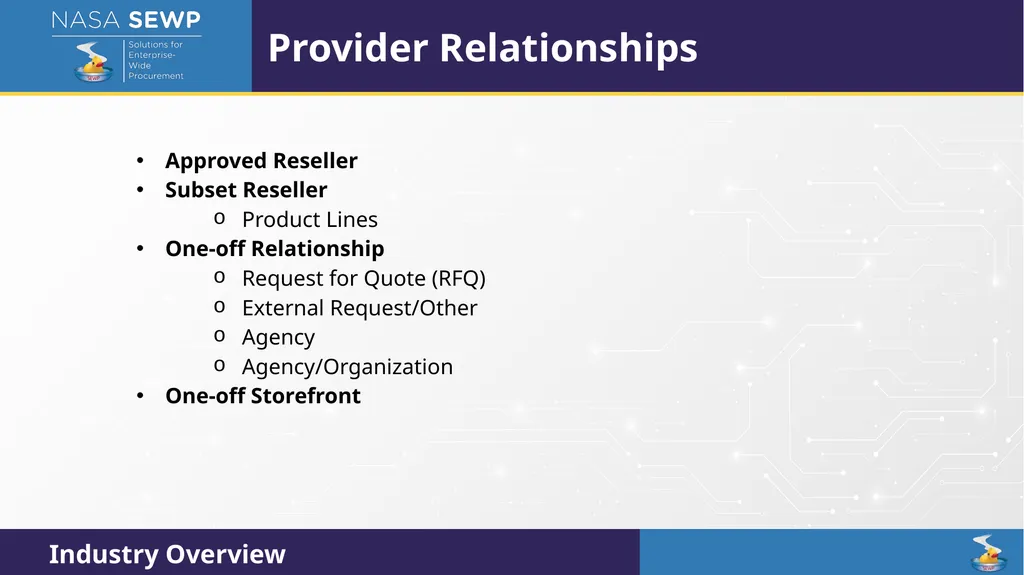
Approved Reseller
Subset Reseller
Product Lines
One-off Relationship
Request for Quote (RFQ)
External Request/Other
Agency
Agency/Organization
One-off Storefront Provider Relationships<br>
Subset Reseller
Product Lines
One-off Relationship
Request for Quote (RFQ)
External Request/Other
Agency
Agency/Organization
One-off Storefront Provider Relationships<br>
62
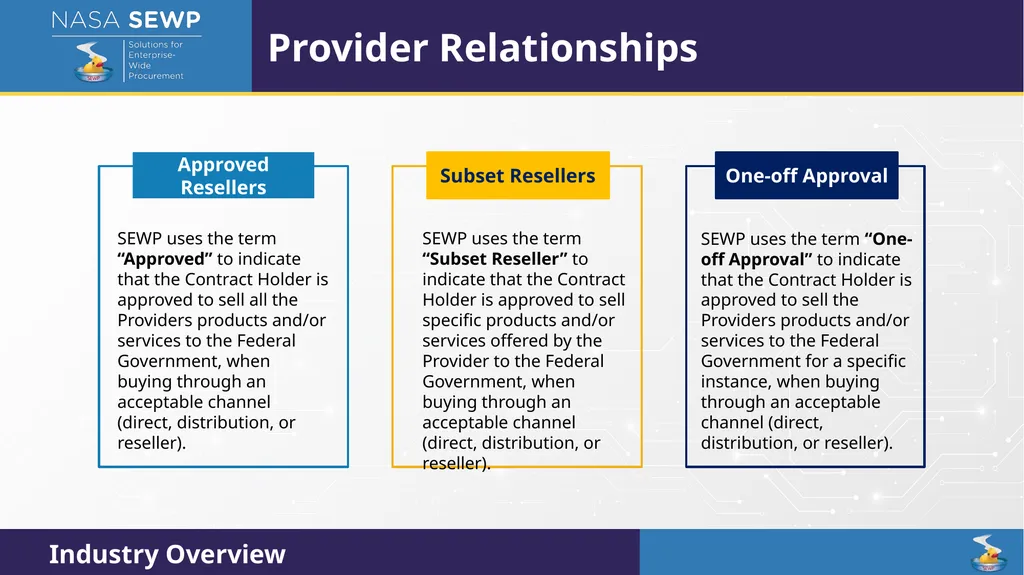
Provider Relationships<br>
63
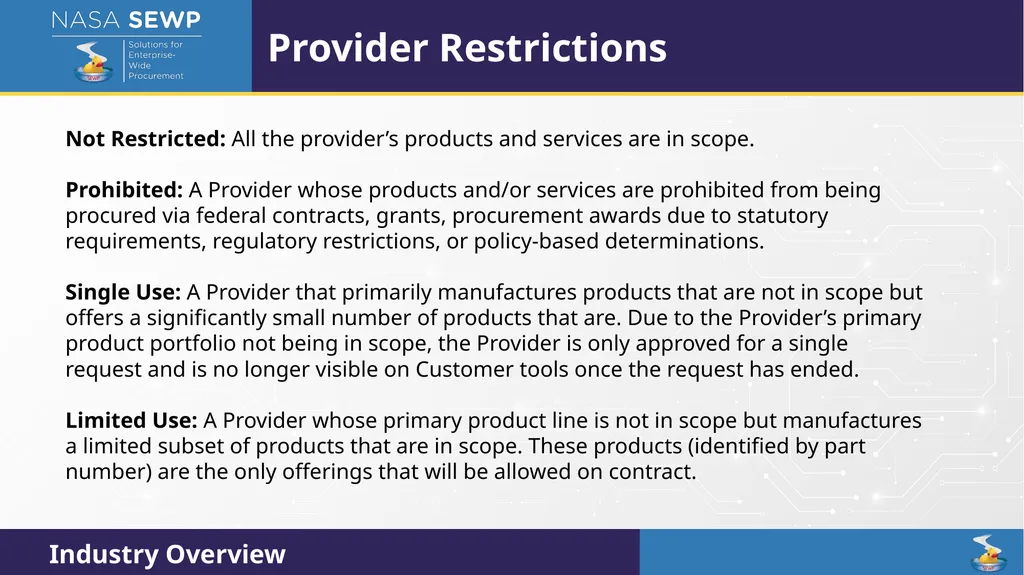
Provider Restrictions Not Restricted: All the provider’s products and services are in scope.
Prohibited: A Provider whose products and/or services are prohibited from being procured via federal contracts, grants, procurement awards due to statutory requirements, regulatory restrictions, or policy-based determinations.
Single Use: A Provider that primarily manufactures products that are not in scope but offers a significantly small number of products that are. Due to the Provider’s primary product portfolio not being in scope, the Provider is only approved for a single request and is no longer visible on Customer tools once the request has ended.
Limited Use: A Provider whose primary product line is not in scope but manufactures a limited subset of products that are in scope. These products (identified by part number) are the only offerings that will be allowed on contract.<br>
Prohibited: A Provider whose products and/or services are prohibited from being procured via federal contracts, grants, procurement awards due to statutory requirements, regulatory restrictions, or policy-based determinations.
Single Use: A Provider that primarily manufactures products that are not in scope but offers a significantly small number of products that are. Due to the Provider’s primary product portfolio not being in scope, the Provider is only approved for a single request and is no longer visible on Customer tools once the request has ended.
Limited Use: A Provider whose primary product line is not in scope but manufactures a limited subset of products that are in scope. These products (identified by part number) are the only offerings that will be allowed on contract.<br>
64
SEWP VI Strategic Sourcing Solutions Strategic Sourcing Review (August 13th)<br>
65
Agency Catalog
SEWP V (2015-2025) Strategic Marketplace
SEWP V (2025-2026) Strategic Storefront & BPA
SEWP VI (2026-) SEWP’s Strategic Sourcing Evolution<br>
SEWP V (2015-2025) Strategic Marketplace
SEWP V (2025-2026) Strategic Storefront & BPA
SEWP VI (2026-) SEWP’s Strategic Sourcing Evolution<br>
66
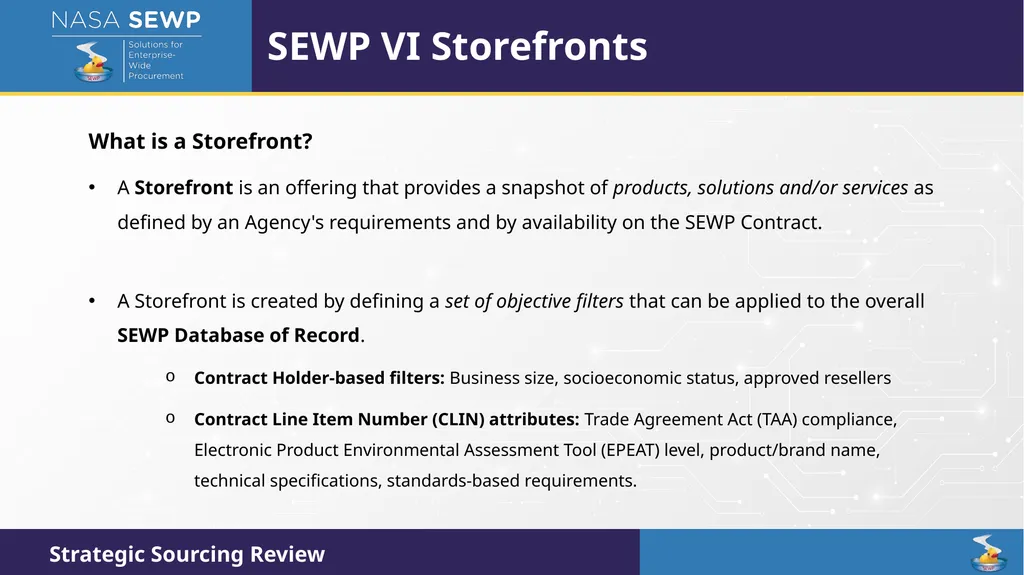
SEWP VI Storefronts What is a Storefront?
A Storefront is an offering that provides a snapshot of products, solutions and/or services as defined by an Agency's requirements and by availability on the SEWP Contract.
A Storefront is created by defining a set of objective filters that can be applied to the overall SEWP Database of Record.
Contract Holder-based filters: Business size, socioeconomic status, approved resellers
Contract Line Item Number (CLIN) attributes: Trade Agreement Act (TAA) compliance, Electronic Product Environmental Assessment Tool (EPEAT) level, product/brand name, technical specifications, standards-based requirements.<br>
A Storefront is an offering that provides a snapshot of products, solutions and/or services as defined by an Agency's requirements and by availability on the SEWP Contract.
A Storefront is created by defining a set of objective filters that can be applied to the overall SEWP Database of Record.
Contract Holder-based filters: Business size, socioeconomic status, approved resellers
Contract Line Item Number (CLIN) attributes: Trade Agreement Act (TAA) compliance, Electronic Product Environmental Assessment Tool (EPEAT) level, product/brand name, technical specifications, standards-based requirements.<br>
67
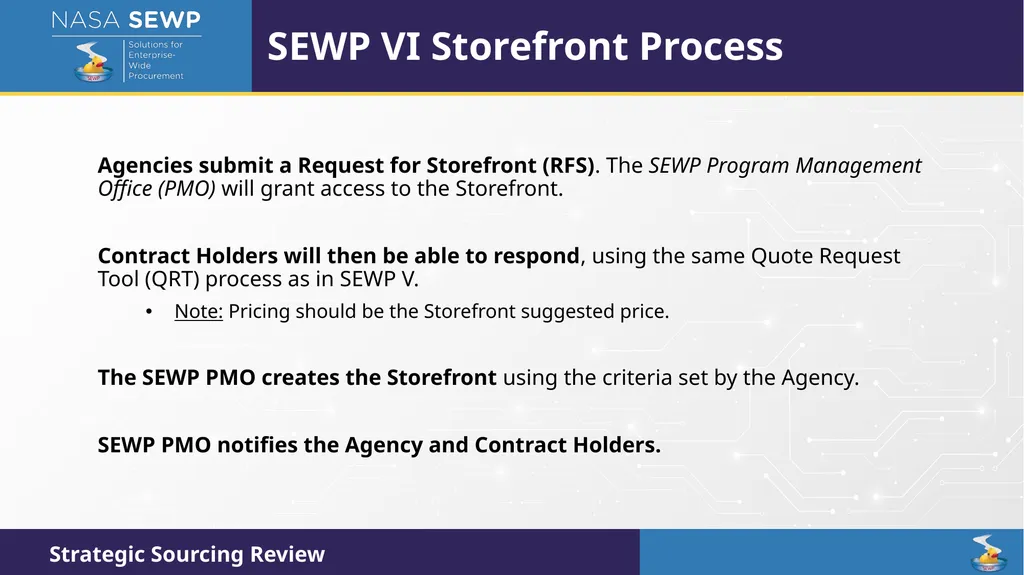
SEWP VI Storefront Process Agencies submit a Request for Storefront (RFS). The SEWP Program Management Office (PMO) will grant access to the Storefront.
Contract Holders will then be able to respond, using the same Quote Request Tool (QRT) process as in SEWP V.
Note: Pricing should be the Storefront suggested price.
The SEWP PMO creates the Storefront using the criteria set by the Agency.
SEWP PMO notifies the Agency and Contract Holders.<br>
Contract Holders will then be able to respond, using the same Quote Request Tool (QRT) process as in SEWP V.
Note: Pricing should be the Storefront suggested price.
The SEWP PMO creates the Storefront using the criteria set by the Agency.
SEWP PMO notifies the Agency and Contract Holders.<br>
68
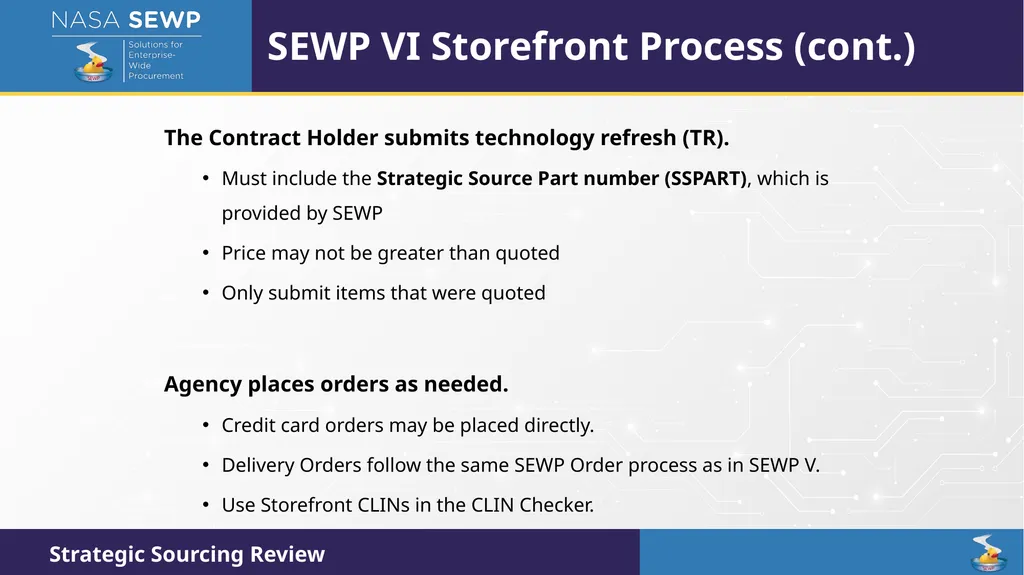
SEWP VI Storefront Process (cont.) The Contract Holder submits technology refresh (TR).
Must include the Strategic Source Part number (SSPART), which is provided by SEWP
Price may not be greater than quoted
Only submit items that were quoted
Agency places orders as needed.
Credit card orders may be placed directly.
Delivery Orders follow the same SEWP Order process as in SEWP V.
Use Storefront CLINs in the CLIN Checker.<br>
Must include the Strategic Source Part number (SSPART), which is provided by SEWP
Price may not be greater than quoted
Only submit items that were quoted
Agency places orders as needed.
Credit card orders may be placed directly.
Delivery Orders follow the same SEWP Order process as in SEWP V.
Use Storefront CLINs in the CLIN Checker.<br>
69
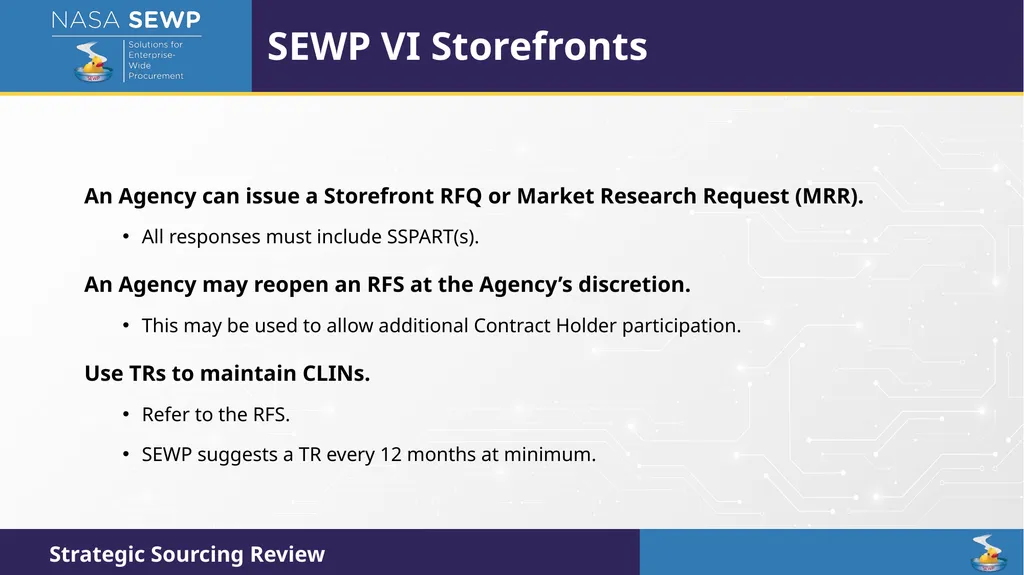
SEWP VI Storefronts An Agency can issue a Storefront RFQ or Market Research Request (MRR).
All responses must include SSPART(s).
An Agency may reopen an RFS at the Agency’s discretion.
This may be used to allow additional Contract Holder participation.
Use TRs to maintain CLINs.
Refer to the RFS.
SEWP suggests a TR every 12 months at minimum.<br>
All responses must include SSPART(s).
An Agency may reopen an RFS at the Agency’s discretion.
This may be used to allow additional Contract Holder participation.
Use TRs to maintain CLINs.
Refer to the RFS.
SEWP suggests a TR every 12 months at minimum.<br>
70
SEWP VI Storefronts (cont.) Contract Holder selection is based on Agency-specific criteria.
Agencies may decommission a Storefront at any time.
Storefronts are NOT awards.
Storefronts are NOT agreements.
There is no guaranteed spending amount to any Contract Holder.<br>
Agencies may decommission a Storefront at any time.
Storefronts are NOT awards.
Storefronts are NOT agreements.
There is no guaranteed spending amount to any Contract Holder.<br>
71
SEWP VI BPAs As a result of the recent overhaul of the Federal Acquisition Regulation (FAR), NASA SEWP now has the availability of Blanket Purchase Agreements (BPAs) as an added option under its strategic sourcing solution offerings.
A BPA is a method of filling anticipated repetitive needs for supplies or product-based services by establishing "charge accounts" with qualified sources of supply. The Government is only obligated to the extent that authorized orders are placed under BPAs.<br>
A BPA is a method of filling anticipated repetitive needs for supplies or product-based services by establishing "charge accounts" with qualified sources of supply. The Government is only obligated to the extent that authorized orders are placed under BPAs.<br>
72
SEWP VI BPAs (cont.) BPAs may be Single or Multi Award.
Agencies seeking a BPA can issue a solicitation via any of the SEWP QRT options.
An RFS is the preferred method.
Look for BPA in the solicitation.
Estimated ceiling values for prospective BPA awards shall never exceed a SEWP VI Contract Holder’s available Indefinite Delivery, Indefinite Quantity (IDIQ) ceiling.<br>
Agencies seeking a BPA can issue a solicitation via any of the SEWP QRT options.
An RFS is the preferred method.
Look for BPA in the solicitation.
Estimated ceiling values for prospective BPA awards shall never exceed a SEWP VI Contract Holder’s available Indefinite Delivery, Indefinite Quantity (IDIQ) ceiling.<br>
73
SEWP VI BPA Storefront Customers have the option of using the SEWP VI Storefront for their BPA.
This is the same TR process as for Storefronts.
Must include SSPART(s).
Price may not be greater than quoted.
Only submit items that were quoted.<br>
This is the same TR process as for Storefronts.
Must include SSPART(s).
Price may not be greater than quoted.
Only submit items that were quoted.<br>
74
FedRAMP FedRAMP Review (August 14th)<br>
75
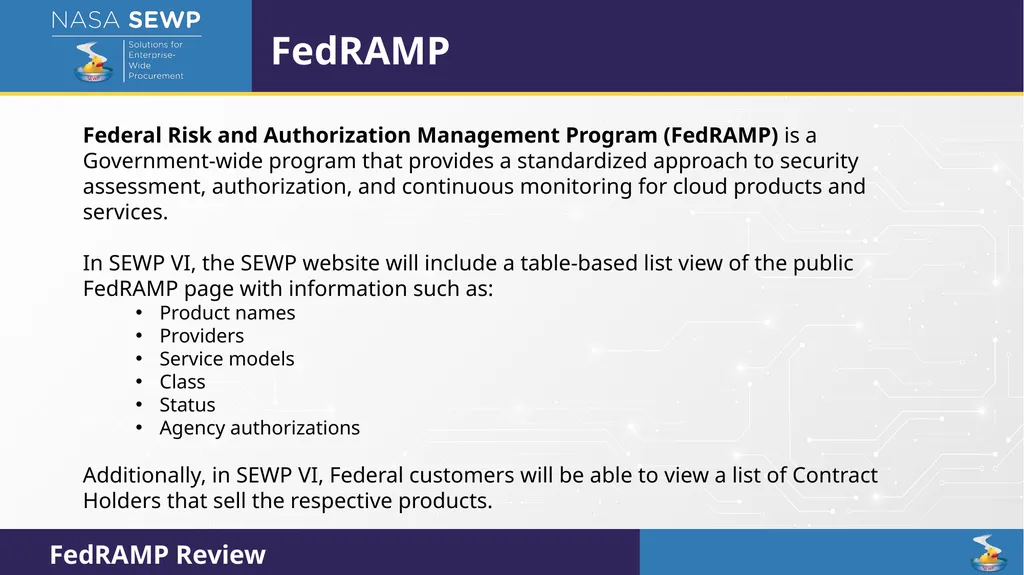
FedRAMP Federal Risk and Authorization Management Program (FedRAMP) is a Government-wide program that provides a standardized approach to security assessment, authorization, and continuous monitoring for cloud products and services.
In SEWP VI, the SEWP website will include a table-based list view of the public FedRAMP page with information such as:
Product names
Providers
Service models
Class
Status
Agency authorizations
Additionally, in SEWP VI, Federal customers will be able to view a list of Contract Holders that sell the respective products.<br>
In SEWP VI, the SEWP website will include a table-based list view of the public FedRAMP page with information such as:
Product names
Providers
Service models
Class
Status
Agency authorizations
Additionally, in SEWP VI, Federal customers will be able to view a list of Contract Holders that sell the respective products.<br>
76
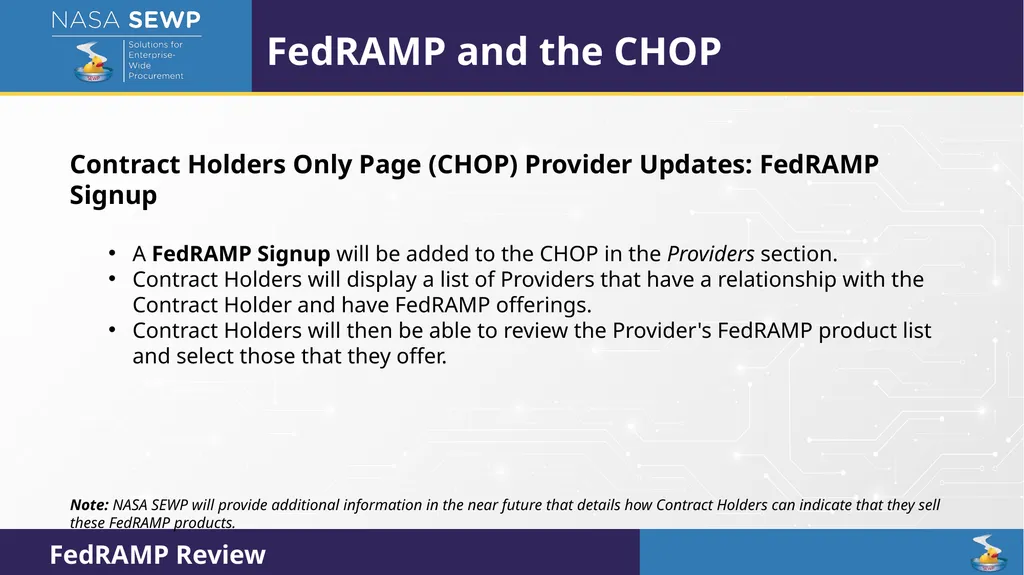
FedRAMP and the CHOP Contract Holders Only Page (CHOP) Provider Updates: FedRAMP Signup
A FedRAMP Signup will be added to the CHOP in the Providers section.
Contract Holders will display a list of Providers that have a relationship with the Contract Holder and have FedRAMP offerings.
Contract Holders will then be able to review the Provider's FedRAMP product list and select those that they offer.
Note: NASA SEWP will provide additional information in the near future that details how Contract Holders can indicate that they sell these FedRAMP products.<br>
A FedRAMP Signup will be added to the CHOP in the Providers section.
Contract Holders will display a list of Providers that have a relationship with the Contract Holder and have FedRAMP offerings.
Contract Holders will then be able to review the Provider's FedRAMP product list and select those that they offer.
Note: NASA SEWP will provide additional information in the near future that details how Contract Holders can indicate that they sell these FedRAMP products.<br>
77
Electronic Product Environmental Assessment Tool (EPEAT) EPEAT Overview (August 14th)<br>
78
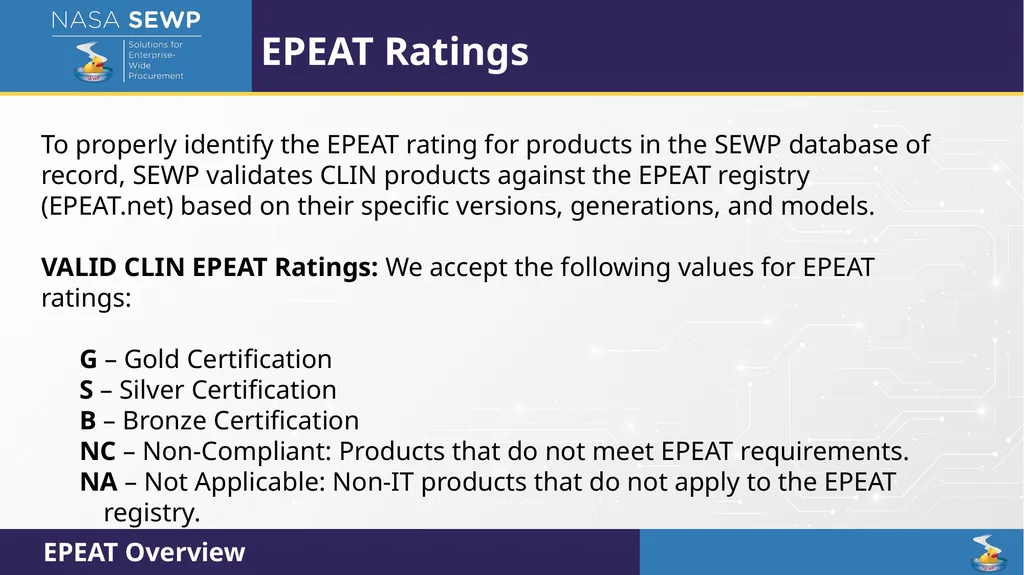
EPEAT Ratings To properly identify the EPEAT rating for products in the SEWP database of record, SEWP validates CLIN products against the EPEAT registry (EPEAT.net) based on their specific versions, generations, and models.
VALID CLIN EPEAT Ratings: We accept the following values for EPEAT ratings:
G – Gold Certification
S – Silver Certification
B – Bronze Certification
NC – Non-Compliant: Products that do not meet EPEAT requirements.
NA – Not Applicable: Non-IT products that do not apply to the EPEAT registry. EPEAT Overview<br>
VALID CLIN EPEAT Ratings: We accept the following values for EPEAT ratings:
G – Gold Certification
S – Silver Certification
B – Bronze Certification
NC – Non-Compliant: Products that do not meet EPEAT requirements.
NA – Not Applicable: Non-IT products that do not apply to the EPEAT registry. EPEAT Overview<br>
79
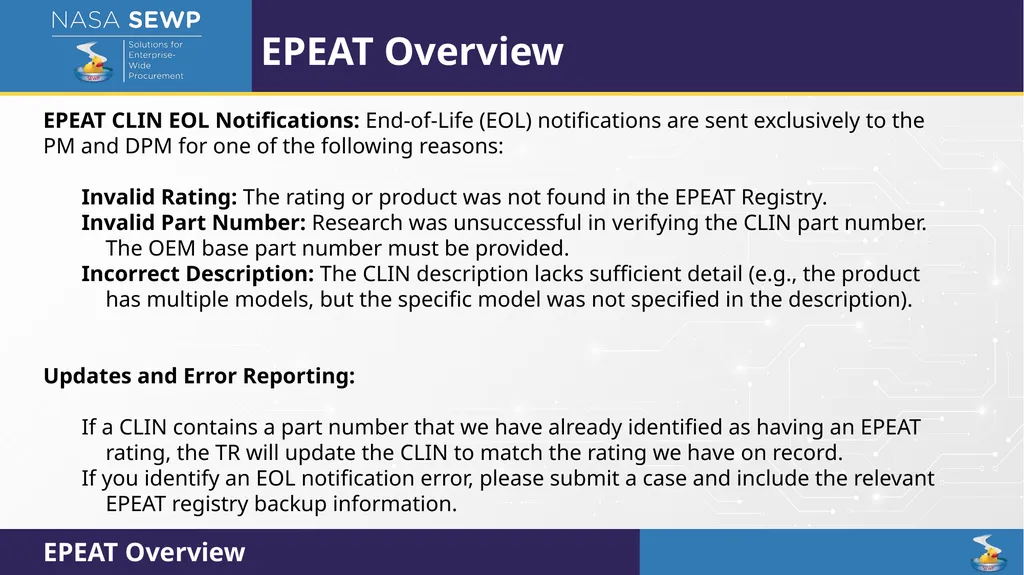
EPEAT Overview EPEAT CLIN EOL Notifications: End-of-Life (EOL) notifications are sent exclusively to the PM and DPM for one of the following reasons:
Invalid Rating: The rating or product was not found in the EPEAT Registry.
Invalid Part Number: Research was unsuccessful in verifying the CLIN part number. The OEM base part number must be provided.
Incorrect Description: The CLIN description lacks sufficient detail (e.g., the product has multiple models, but the specific model was not specified in the description).
Updates and Error Reporting:
If a CLIN contains a part number that we have already identified as having an EPEAT rating, the TR will update the CLIN to match the rating we have on record.
If you identify an EOL notification error, please submit a case and include the relevant EPEAT registry backup information. EPEAT Overview<br>
Invalid Rating: The rating or product was not found in the EPEAT Registry.
Invalid Part Number: Research was unsuccessful in verifying the CLIN part number. The OEM base part number must be provided.
Incorrect Description: The CLIN description lacks sufficient detail (e.g., the product has multiple models, but the specific model was not specified in the description).
Updates and Error Reporting:
If a CLIN contains a part number that we have already identified as having an EPEAT rating, the TR will update the CLIN to match the rating we have on record.
If you identify an EOL notification error, please submit a case and include the relevant EPEAT registry backup information. EPEAT Overview<br>
80
UNSPSC UNSPSC Tool Review (August 14th)<br>
81
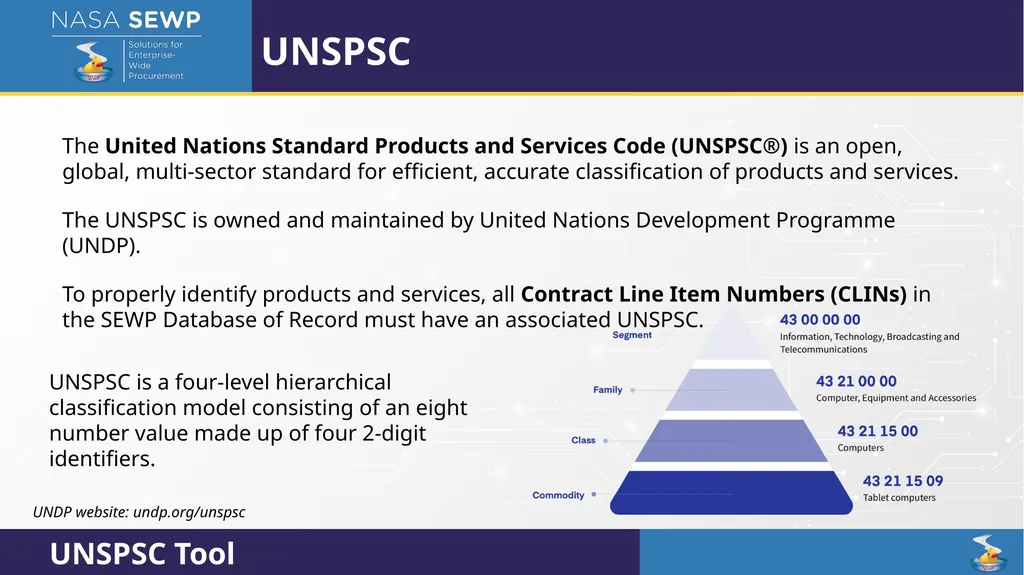
UNSPSC The United Nations Standard Products and Services Code (UNSPSC®) is an open, global, multi-sector standard for efficient, accurate classification of products and services.
The UNSPSC is owned and maintained by United Nations Development Programme (UNDP).
To properly identify products and services, all Contract Line Item Numbers (CLINs) in the SEWP Database of Record must have an associated UNSPSC. UNSPSC is a four-level hierarchical classification model consisting of an eight number value made up of four 2-digit identifiers. UNDP website: undp.org/unspsc<br>
The UNSPSC is owned and maintained by United Nations Development Programme (UNDP).
To properly identify products and services, all Contract Line Item Numbers (CLINs) in the SEWP Database of Record must have an associated UNSPSC. UNSPSC is a four-level hierarchical classification model consisting of an eight number value made up of four 2-digit identifiers. UNDP website: undp.org/unspsc<br>
82
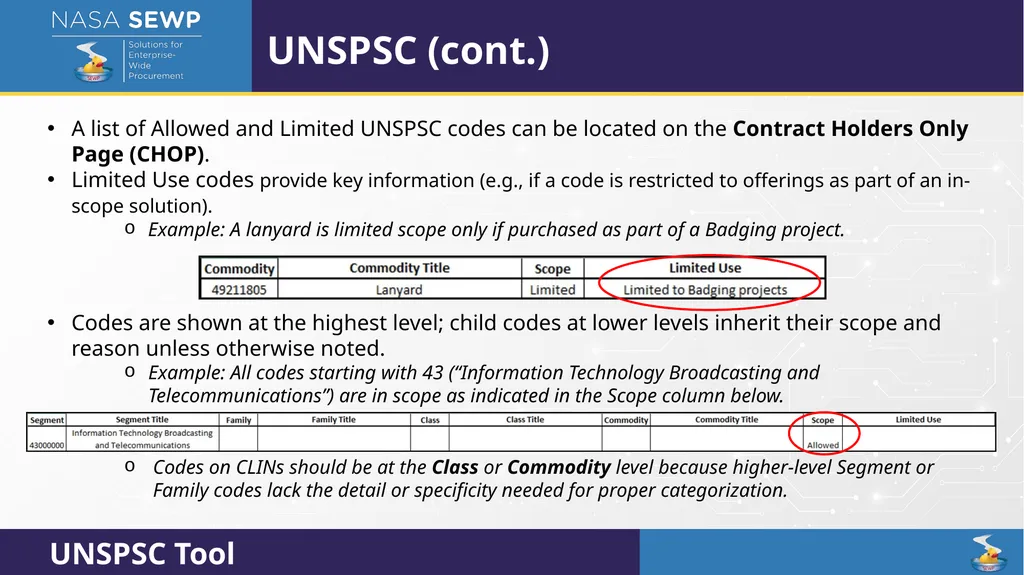
UNSPSC (cont.) A list of Allowed and Limited UNSPSC codes can be located on the Contract Holders Only Page (CHOP).
Limited Use codes provide key information (e.g., if a code is restricted to offerings as part of an in-scope solution).
Example: A lanyard is limited scope only if purchased as part of a Badging project.
Codes are shown at the highest level; child codes at lower levels inherit their scope and reason unless otherwise noted.
Example: All codes starting with 43 (“Information Technology Broadcasting and Telecommunications”) are in scope as indicated in the Scope column below.
Codes on CLINs should be at the Class or Commodity level because higher-level Segment or Family codes lack the detail or specificity needed for proper categorization.<br>
Limited Use codes provide key information (e.g., if a code is restricted to offerings as part of an in-scope solution).
Example: A lanyard is limited scope only if purchased as part of a Badging project.
Codes are shown at the highest level; child codes at lower levels inherit their scope and reason unless otherwise noted.
Example: All codes starting with 43 (“Information Technology Broadcasting and Telecommunications”) are in scope as indicated in the Scope column below.
Codes on CLINs should be at the Class or Commodity level because higher-level Segment or Family codes lack the detail or specificity needed for proper categorization.<br>
83
Finance Electronic Surcharge Fee Payments (August 14th) Overview<br>
84
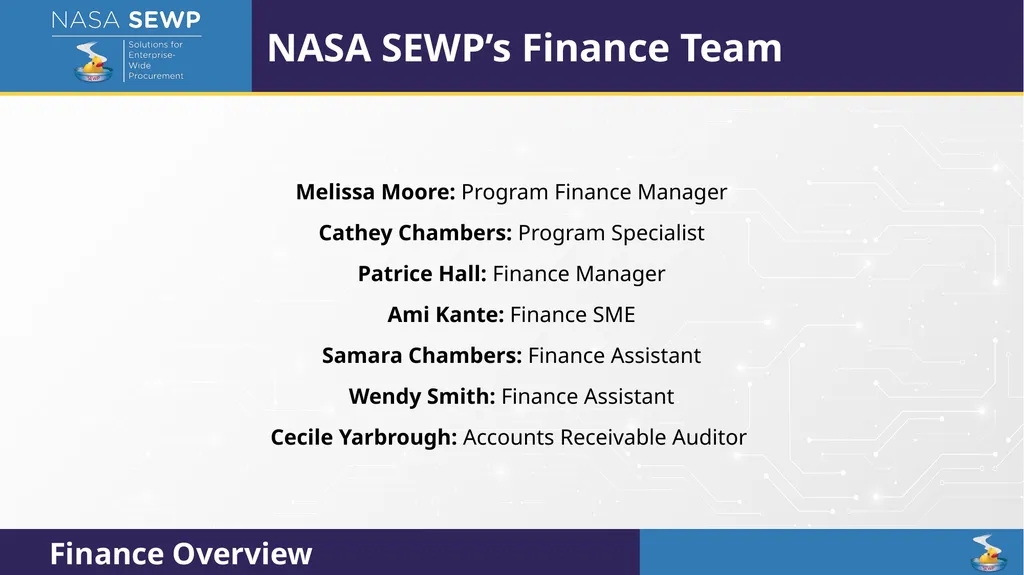
NASA SEWP’s Finance Team Melissa Moore: Program Finance Manager
Cathey Chambers: Program Specialist
Patrice Hall: Finance Manager
Ami Kante: Finance SME
Samara Chambers: Finance Assistant
Wendy Smith: Finance Assistant
Cecile Yarbrough: Accounts Receivable Auditor<br>
Cathey Chambers: Program Specialist
Patrice Hall: Finance Manager
Ami Kante: Finance SME
Samara Chambers: Finance Assistant
Wendy Smith: Finance Assistant
Cecile Yarbrough: Accounts Receivable Auditor<br>
85
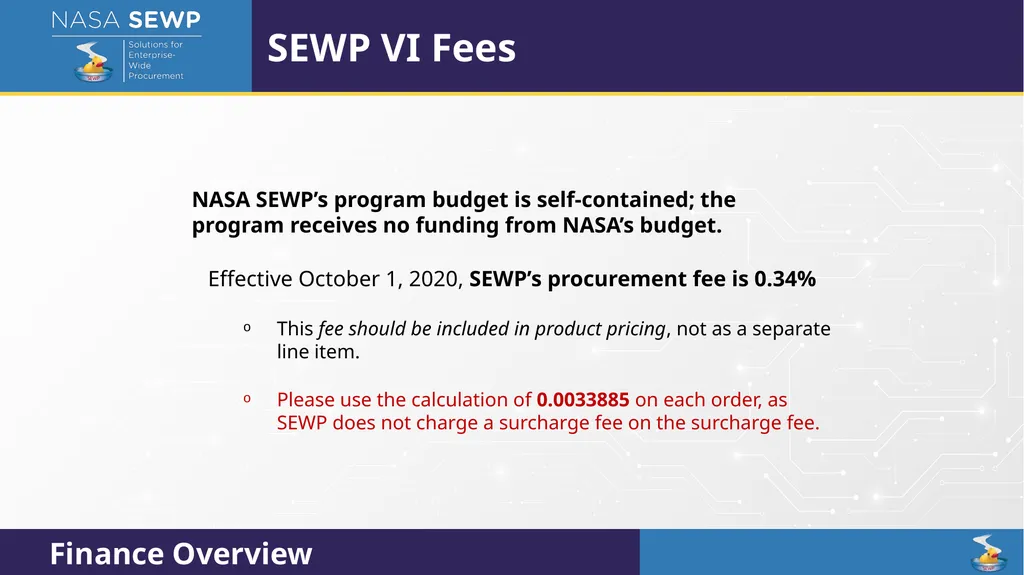
NASA SEWP’s program budget is self-contained; the program receives no funding from NASA’s budget.
Effective October 1, 2020, SEWP’s procurement fee is 0.34%
This fee should be included in product pricing, not as a separate line item.
Please use the calculation of 0.0033885 on each order, as SEWP does not charge a surcharge fee on the surcharge fee. SEWP VI Fees<br>
Effective October 1, 2020, SEWP’s procurement fee is 0.34%
This fee should be included in product pricing, not as a separate line item.
Please use the calculation of 0.0033885 on each order, as SEWP does not charge a surcharge fee on the surcharge fee. SEWP VI Fees<br>
86
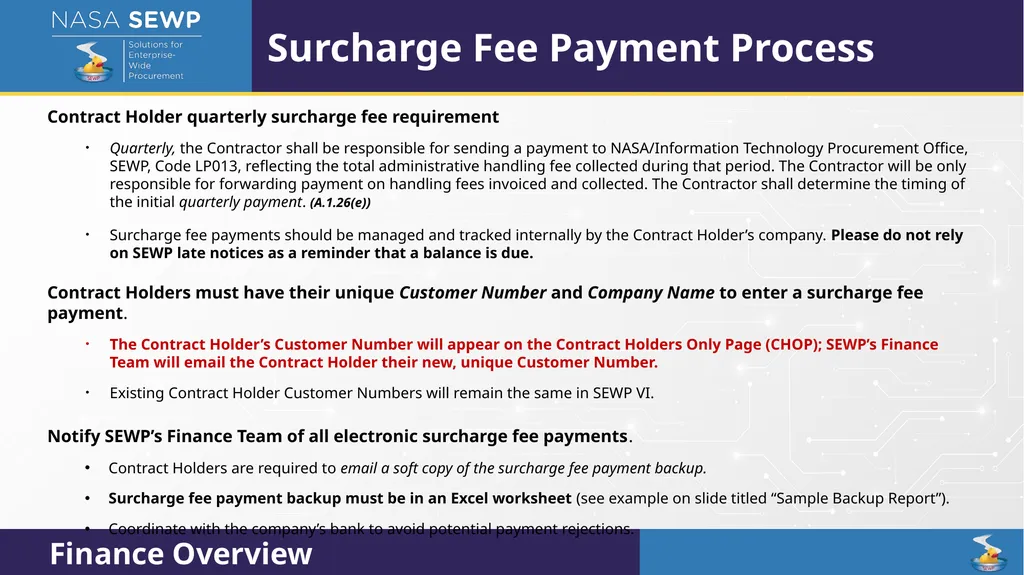
Contract Holder quarterly surcharge fee requirement
Quarterly, the Contractor shall be responsible for sending a payment to NASA/Information Technology Procurement Office, SEWP, Code LP013, reflecting the total administrative handling fee collected during that period. The Contractor will be only responsible for forwarding payment on handling fees invoiced and collected. The Contractor shall determine the timing of the initial quarterly payment. (A.1.26(e))
Surcharge fee payments should be managed and tracked internally by the Contract Holder’s company. Please do not rely on SEWP late notices as a reminder that a balance is due.
Contract Holders must have their unique Customer Number and Company Name to enter a surcharge fee payment.
The Contract Holder’s Customer Number will appear on the Contract Holders Only Page (CHOP); SEWP’s Finance Team will email the Contract Holder their new, unique Customer Number.
Existing Contract Holder Customer Numbers will remain the same in SEWP VI.
Notify SEWP’s Finance Team of all electronic surcharge fee payments.
Contract Holders are required to email a soft copy of the surcharge fee payment backup.
Surcharge fee payment backup must be in an Excel worksheet (see example on slide titled “Sample Backup Report”).
Coordinate with the company’s bank to avoid potential payment rejections. Surcharge Fee Payment Process<br>
Quarterly, the Contractor shall be responsible for sending a payment to NASA/Information Technology Procurement Office, SEWP, Code LP013, reflecting the total administrative handling fee collected during that period. The Contractor will be only responsible for forwarding payment on handling fees invoiced and collected. The Contractor shall determine the timing of the initial quarterly payment. (A.1.26(e))
Surcharge fee payments should be managed and tracked internally by the Contract Holder’s company. Please do not rely on SEWP late notices as a reminder that a balance is due.
Contract Holders must have their unique Customer Number and Company Name to enter a surcharge fee payment.
The Contract Holder’s Customer Number will appear on the Contract Holders Only Page (CHOP); SEWP’s Finance Team will email the Contract Holder their new, unique Customer Number.
Existing Contract Holder Customer Numbers will remain the same in SEWP VI.
Notify SEWP’s Finance Team of all electronic surcharge fee payments.
Contract Holders are required to email a soft copy of the surcharge fee payment backup.
Surcharge fee payment backup must be in an Excel worksheet (see example on slide titled “Sample Backup Report”).
Coordinate with the company’s bank to avoid potential payment rejections. Surcharge Fee Payment Process<br>
87
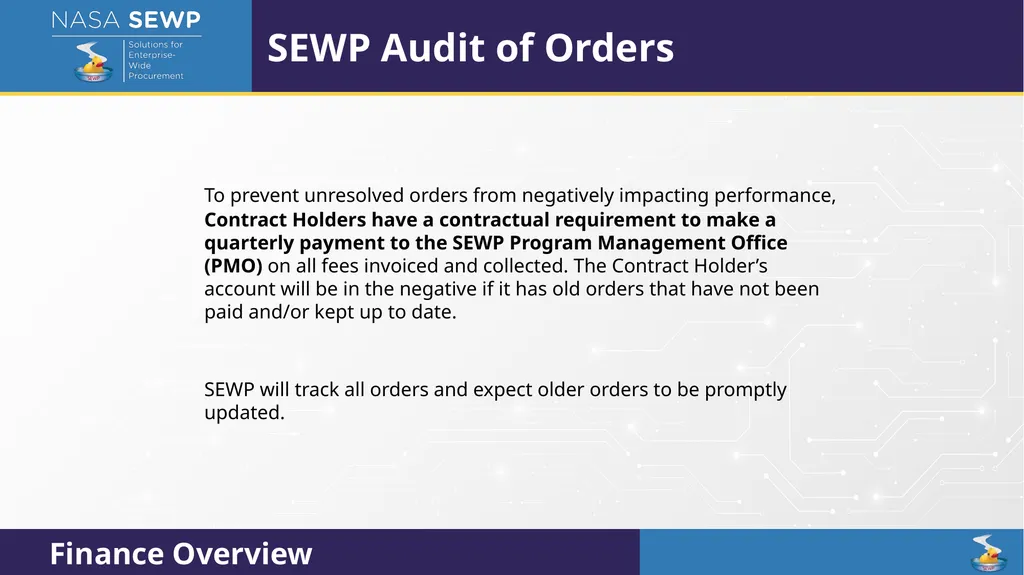
To prevent unresolved orders from negatively impacting performance,
Contract Holders have a contractual requirement to make a quarterly payment to the SEWP Program Management Office (PMO) on all fees invoiced and collected. The Contract Holder’s account will be in the negative if it has old orders that have not been paid and/or kept up to date.
SEWP will track all orders and expect older orders to be promptly updated. SEWP Audit of Orders<br>
Contract Holders have a contractual requirement to make a quarterly payment to the SEWP Program Management Office (PMO) on all fees invoiced and collected. The Contract Holder’s account will be in the negative if it has old orders that have not been paid and/or kept up to date.
SEWP will track all orders and expect older orders to be promptly updated. SEWP Audit of Orders<br>
88
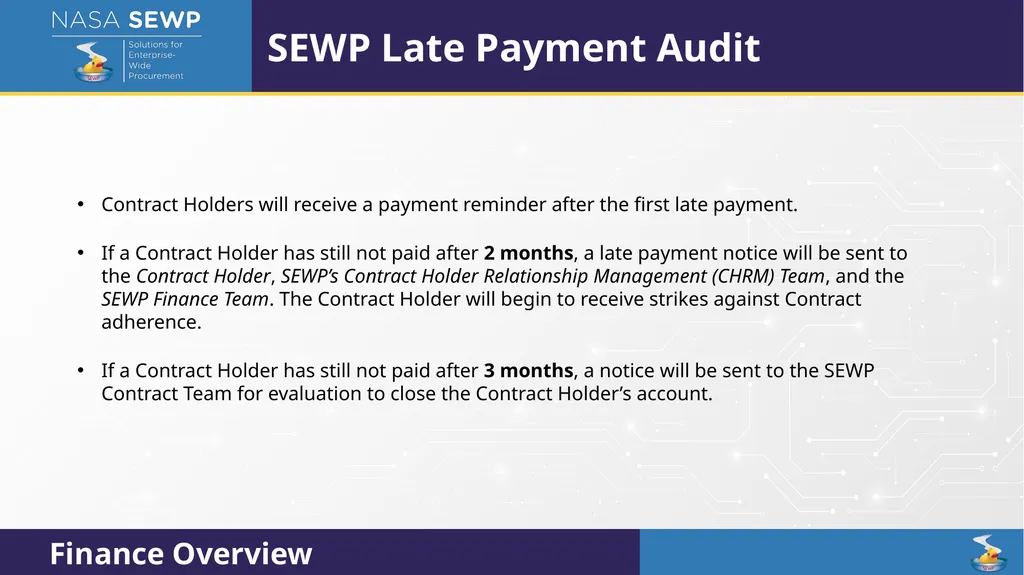
Contract Holders will receive a payment reminder after the first late payment.
If a Contract Holder has still not paid after 2 months, a late payment notice will be sent to the Contract Holder, SEWP’s Contract Holder Relationship Management (CHRM) Team, and the SEWP Finance Team. The Contract Holder will begin to receive strikes against Contract adherence.
If a Contract Holder has still not paid after 3 months, a notice will be sent to the SEWP Contract Team for evaluation to close the Contract Holder’s account. SEWP Late Payment Audit<br>
If a Contract Holder has still not paid after 2 months, a late payment notice will be sent to the Contract Holder, SEWP’s Contract Holder Relationship Management (CHRM) Team, and the SEWP Finance Team. The Contract Holder will begin to receive strikes against Contract adherence.
If a Contract Holder has still not paid after 3 months, a notice will be sent to the SEWP Contract Team for evaluation to close the Contract Holder’s account. SEWP Late Payment Audit<br>
89
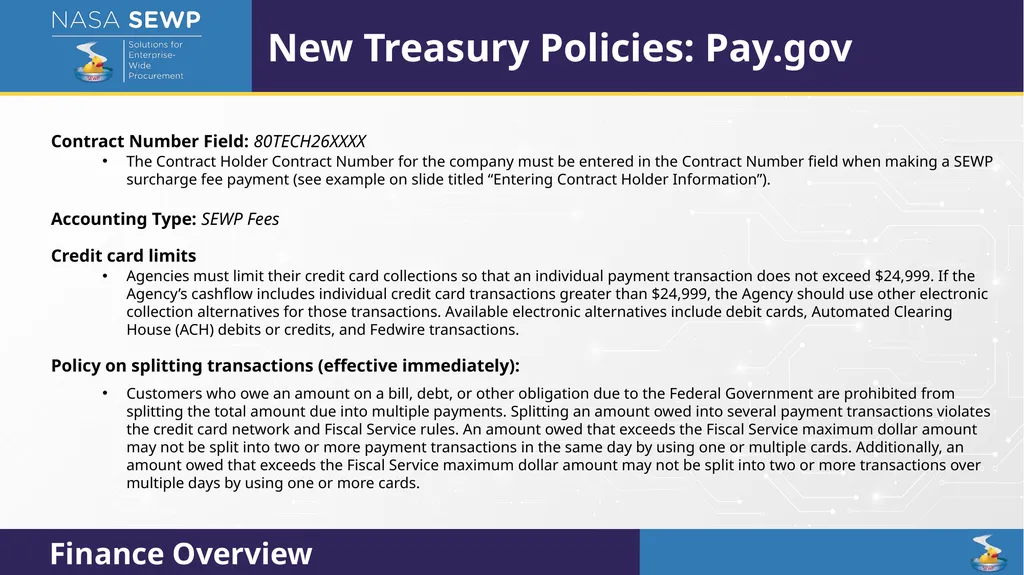
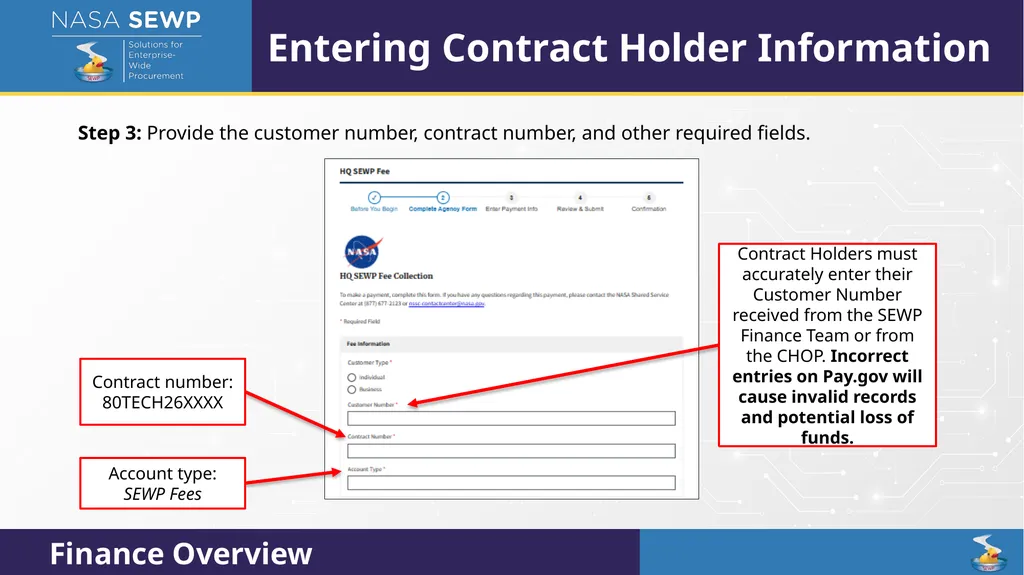
Contract Number Field: 80TECH26XXXX
The Contract Holder Contract Number for the company must be entered in the Contract Number field when making a SEWP surcharge fee payment (see example on slide titled “Entering Contract Holder Information”).
Accounting Type: SEWP Fees
Credit card limits
Agencies must limit their credit card collections so that an individual payment transaction does not exceed $24,999. If the Agency’s cashflow includes individual credit card transactions greater than $24,999, the Agency should use other electronic collection alternatives for those transactions. Available electronic alternatives include debit cards, Automated Clearing House (ACH) debits or credits, and Fedwire transactions.
Policy on splitting transactions (effective immediately):
Customers who owe an amount on a bill, debt, or other obligation due to the Federal Government are prohibited from splitting the total amount due into multiple payments. Splitting an amount owed into several payment transactions violates the credit card network and Fiscal Service rules. An amount owed that exceeds the Fiscal Service maximum dollar amount may not be split into two or more payment transactions in the same day by using one or multiple cards. Additionally, an amount owed that exceeds the Fiscal Service maximum dollar amount may not be split into two or more transactions over multiple days by using one or more cards. New Treasury Policies: Pay.gov<br>
The Contract Holder Contract Number for the company must be entered in the Contract Number field when making a SEWP surcharge fee payment (see example on slide titled “Entering Contract Holder Information”).
Accounting Type: SEWP Fees
Credit card limits
Agencies must limit their credit card collections so that an individual payment transaction does not exceed $24,999. If the Agency’s cashflow includes individual credit card transactions greater than $24,999, the Agency should use other electronic collection alternatives for those transactions. Available electronic alternatives include debit cards, Automated Clearing House (ACH) debits or credits, and Fedwire transactions.
Policy on splitting transactions (effective immediately):
Customers who owe an amount on a bill, debt, or other obligation due to the Federal Government are prohibited from splitting the total amount due into multiple payments. Splitting an amount owed into several payment transactions violates the credit card network and Fiscal Service rules. An amount owed that exceeds the Fiscal Service maximum dollar amount may not be split into two or more payment transactions in the same day by using one or multiple cards. Additionally, an amount owed that exceeds the Fiscal Service maximum dollar amount may not be split into two or more transactions over multiple days by using one or more cards. New Treasury Policies: Pay.gov<br>
90
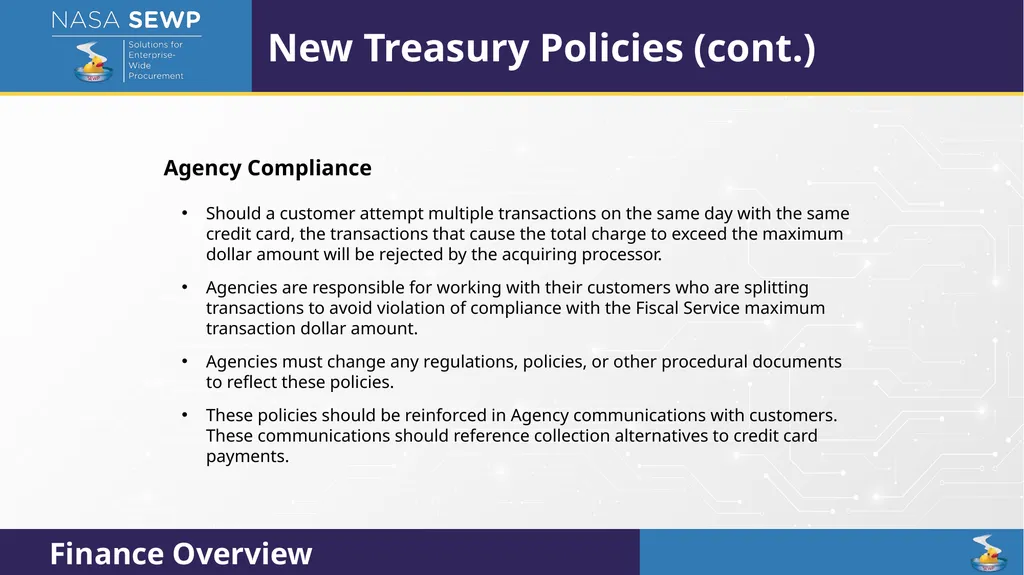
Agency Compliance
Should a customer attempt multiple transactions on the same day with the same credit card, the transactions that cause the total charge to exceed the maximum dollar amount will be rejected by the acquiring processor.
Agencies are responsible for working with their customers who are splitting transactions to avoid violation of compliance with the Fiscal Service maximum transaction dollar amount.
Agencies must change any regulations, policies, or other procedural documents to reflect these policies.
These policies should be reinforced in Agency communications with customers. These communications should reference collection alternatives to credit card payments. New Treasury Policies (cont.)<br>
Should a customer attempt multiple transactions on the same day with the same credit card, the transactions that cause the total charge to exceed the maximum dollar amount will be rejected by the acquiring processor.
Agencies are responsible for working with their customers who are splitting transactions to avoid violation of compliance with the Fiscal Service maximum transaction dollar amount.
Agencies must change any regulations, policies, or other procedural documents to reflect these policies.
These policies should be reinforced in Agency communications with customers. These communications should reference collection alternatives to credit card payments. New Treasury Policies (cont.)<br>
91
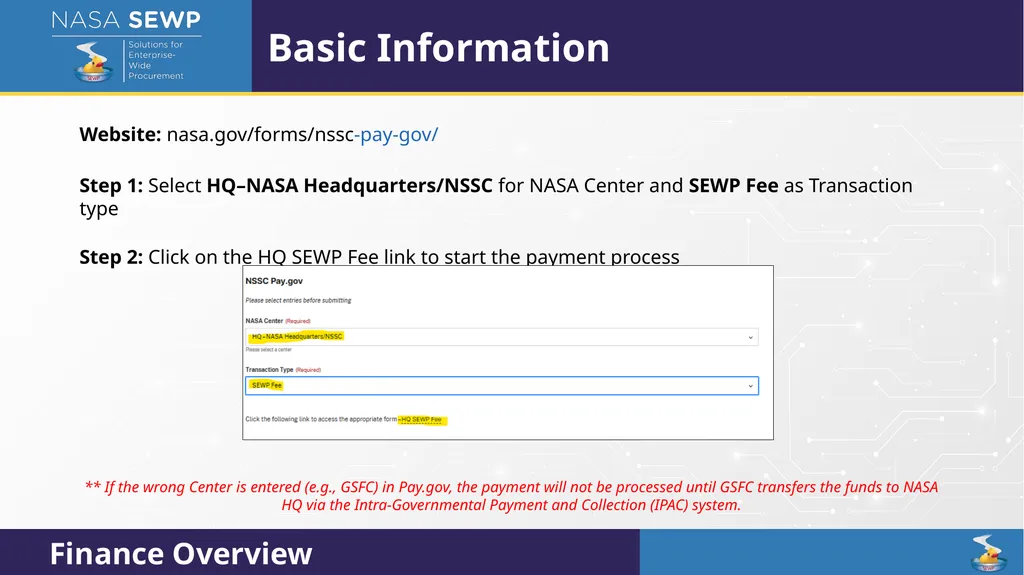
Website: nasa.gov/forms/nssc-pay-gov/
Step 1: Select HQ–NASA Headquarters/NSSC for NASA Center and SEWP Fee as Transaction type
Step 2: Click on the HQ SEWP Fee link to start the payment process Basic Information ** If the wrong Center is entered (e.g., GSFC) in Pay.gov, the payment will not be processed until GSFC transfers the funds to NASA HQ via the Intra-Governmental Payment and Collection (IPAC) system.<br>
Step 1: Select HQ–NASA Headquarters/NSSC for NASA Center and SEWP Fee as Transaction type
Step 2: Click on the HQ SEWP Fee link to start the payment process Basic Information ** If the wrong Center is entered (e.g., GSFC) in Pay.gov, the payment will not be processed until GSFC transfers the funds to NASA HQ via the Intra-Governmental Payment and Collection (IPAC) system.<br>
92
Step 3: Provide the customer number, contract number, and other required fields. Entering Contract Holder Information Contract number: 80TECH26XXXX Account type: SEWP Fees Contract Holders must accurately enter their Customer Number received from the SEWP Finance Team or from the CHOP. Incorrect entries on Pay.gov will cause invalid records and potential loss of funds.<br>
93
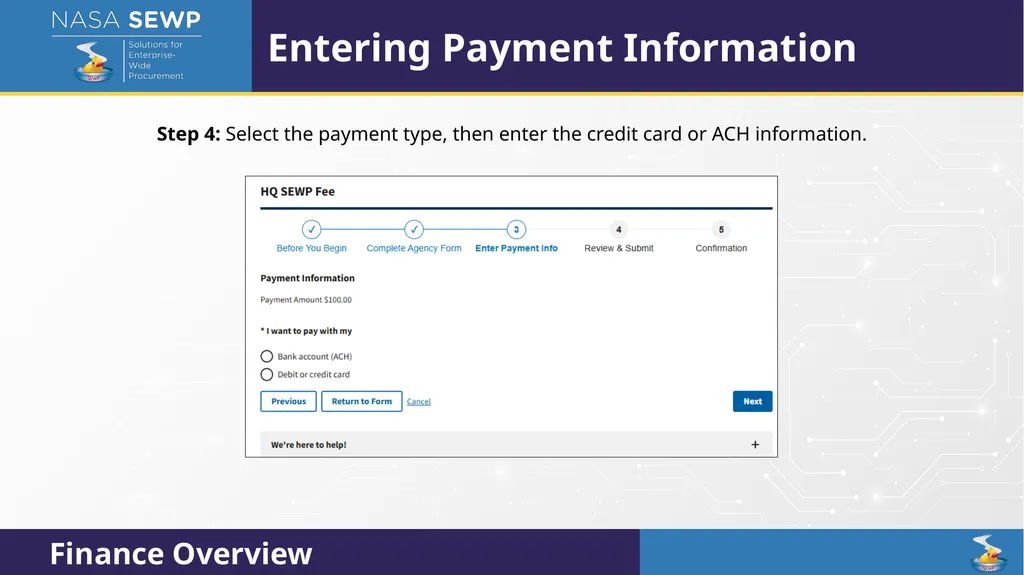
Step 4: Select the payment type, then enter the credit card or ACH information. Entering Payment Information<br>
94
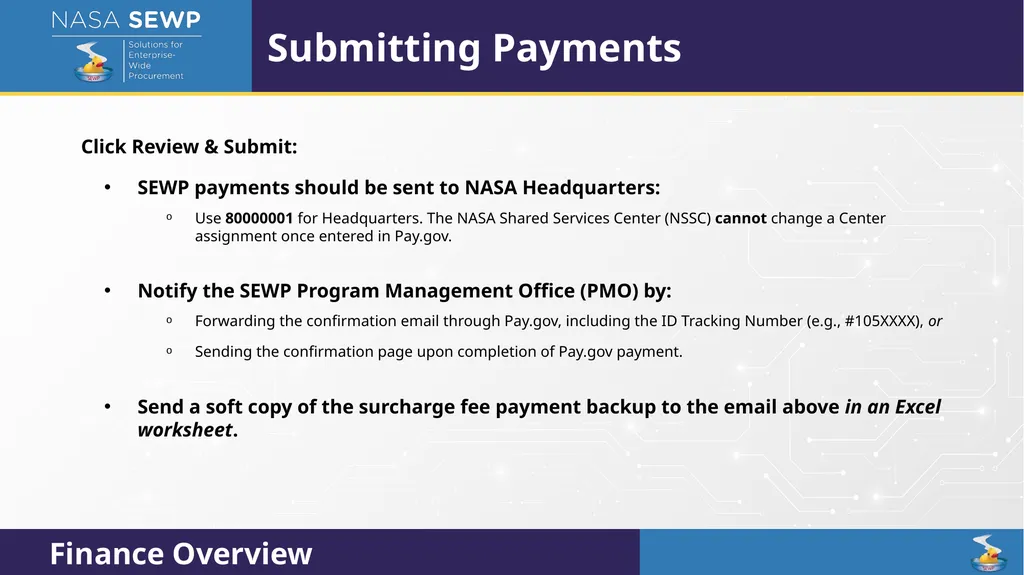
Click Review & Submit:
SEWP payments should be sent to NASA Headquarters:
Use 80000001 for Headquarters. The NASA Shared Services Center (NSSC) cannot change a Center assignment once entered in Pay.gov.
Notify the SEWP Program Management Office (PMO) by:
Forwarding the confirmation email through Pay.gov, including the ID Tracking Number (e.g., #105XXXX), or
Sending the confirmation page upon completion of Pay.gov payment.
Send a soft copy of the surcharge fee payment backup to the email above in an Excel worksheet. Submitting Payments<br>
SEWP payments should be sent to NASA Headquarters:
Use 80000001 for Headquarters. The NASA Shared Services Center (NSSC) cannot change a Center assignment once entered in Pay.gov.
Notify the SEWP Program Management Office (PMO) by:
Forwarding the confirmation email through Pay.gov, including the ID Tracking Number (e.g., #105XXXX), or
Sending the confirmation page upon completion of Pay.gov payment.
Send a soft copy of the surcharge fee payment backup to the email above in an Excel worksheet. Submitting Payments<br>
95
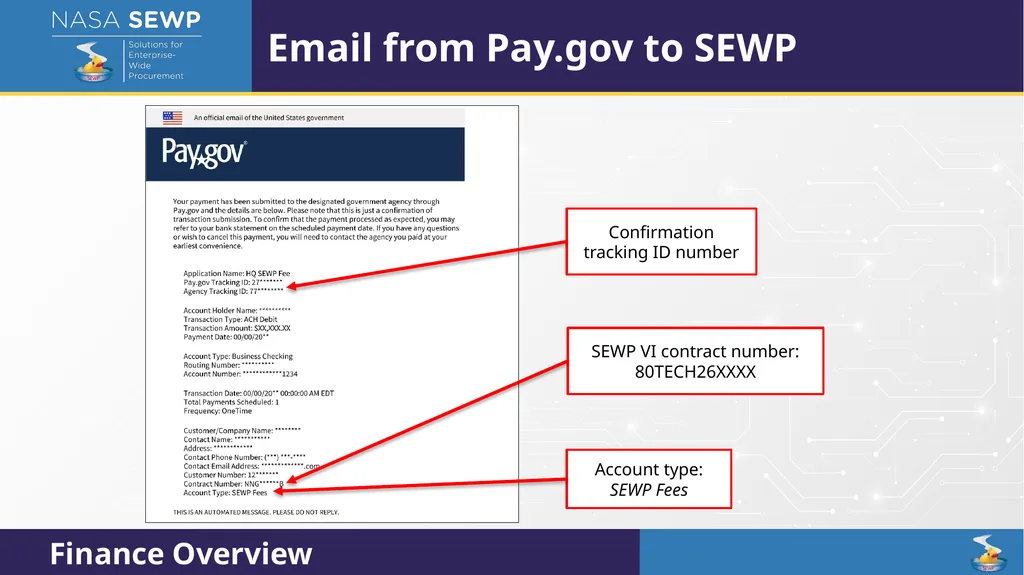
Email from Pay.gov to SEWP Confirmation tracking ID number Account type: SEWP Fees SEWP VI contract number: 80TECH26XXXX<br>
96
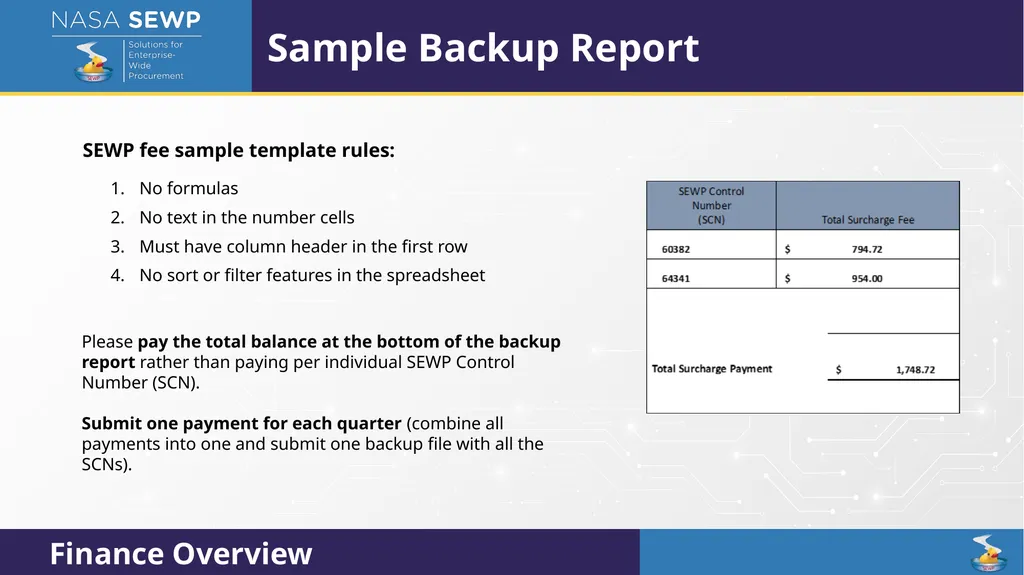
SEWP fee sample template rules:
No formulas
No text in the number cells
Must have column header in the first row
No sort or filter features in the spreadsheet
Please pay the total balance at the bottom of the backup report rather than paying per individual SEWP Control Number (SCN).
Submit one payment for each quarter (combine all payments into one and submit one backup file with all the SCNs). Sample Backup Report<br>
No formulas
No text in the number cells
Must have column header in the first row
No sort or filter features in the spreadsheet
Please pay the total balance at the bottom of the backup report rather than paying per individual SEWP Control Number (SCN).
Submit one payment for each quarter (combine all payments into one and submit one backup file with all the SCNs). Sample Backup Report<br>
97
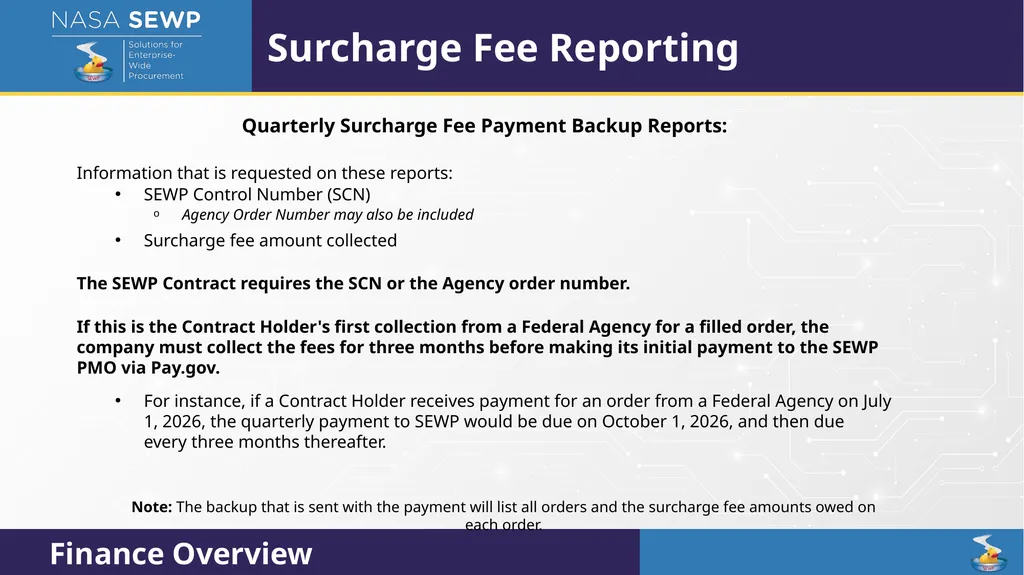
Quarterly Surcharge Fee Payment Backup Reports:
Information that is requested on these reports:
SEWP Control Number (SCN)
Agency Order Number may also be included
Surcharge fee amount collected
The SEWP Contract requires the SCN or the Agency order number.
If this is the Contract Holder's first collection from a Federal Agency for a filled order, the company must collect the fees for three months before making its initial payment to the SEWP PMO via Pay.gov.
For instance, if a Contract Holder receives payment for an order from a Federal Agency on July 1, 2026, the quarterly payment to SEWP would be due on October 1, 2026, and then due every three months thereafter.
Note: The backup that is sent with the payment will list all orders and the surcharge fee amounts owed on each order. Surcharge Fee Reporting<br>
Information that is requested on these reports:
SEWP Control Number (SCN)
Agency Order Number may also be included
Surcharge fee amount collected
The SEWP Contract requires the SCN or the Agency order number.
If this is the Contract Holder's first collection from a Federal Agency for a filled order, the company must collect the fees for three months before making its initial payment to the SEWP PMO via Pay.gov.
For instance, if a Contract Holder receives payment for an order from a Federal Agency on July 1, 2026, the quarterly payment to SEWP would be due on October 1, 2026, and then due every three months thereafter.
Note: The backup that is sent with the payment will list all orders and the surcharge fee amounts owed on each order. Surcharge Fee Reporting<br>
98
Surcharge fee statements from the NASA SEWP office
Surcharge fees, Unpaid statements, and Partially Paid statements can be found on the CHOP.
Note: The Finance application is available on the CHOP.
Please contact the Program Manager of the Contract Holder’s SEWP Contract to gain access to these reports.
Unpaid Statements and Partially Paid Statements can be downloaded from the Finance Application for SEWP VI. Surcharge Fee Statements<br>
Surcharge fees, Unpaid statements, and Partially Paid statements can be found on the CHOP.
Note: The Finance application is available on the CHOP.
Please contact the Program Manager of the Contract Holder’s SEWP Contract to gain access to these reports.
Unpaid Statements and Partially Paid Statements can be downloaded from the Finance Application for SEWP VI. Surcharge Fee Statements<br>
99
The Program Manager of each contract is the main point of contact for all finance-related communications.
Contact the Contract Holder’s bank about any rejected payment. Inform banks that the company is using Pay.gov to prevent any rejected payments, especially if the payment is unusually large or is the first payment from a company.
SEWP’s Finance Team conducts monthly audits.
The NSSC has requested that no payments be made on the last business day of each month. Please try to follow any guidance/direction provided by the SEWP Finance Team.
If a Contract Holder receives an email from NASA with this subject line:
Request For Quote - Credit Card Order (Agency dependent, but typical under ($15,000))
Do not reply to all.
Only reply with quote to the person who sent the email. Important Reminders<br>
Contact the Contract Holder’s bank about any rejected payment. Inform banks that the company is using Pay.gov to prevent any rejected payments, especially if the payment is unusually large or is the first payment from a company.
SEWP’s Finance Team conducts monthly audits.
The NSSC has requested that no payments be made on the last business day of each month. Please try to follow any guidance/direction provided by the SEWP Finance Team.
If a Contract Holder receives an email from NASA with this subject line:
Request For Quote - Credit Card Order (Agency dependent, but typical under ($15,000))
Do not reply to all.
Only reply with quote to the person who sent the email. Important Reminders<br>
100
NASA SEWP does not process refunds.
If a Contract Holder has paid an SCN that is subsequently canceled for the next payment:
Take the credit on the backup, and
Only pay the total on the backup Excel worksheet.
If it is something the Contract Holder wishes to fix right away, let the SEWP Finance Team know which SCN is being credited and which SCN the Contract Holder would like SEWP to move the funds to.
Please do not ask the Finance Team to send a list of all credits and overpayments that have been sent to the SEWP office.
The Finance Team will only send the backup that has been submitted to SEWP for each payment.
SEWP is aware of potential technical issues with Pay.gov and will help resolve any discrepancies brought to the program’s attention. Important Reminders (cont.)<br>
If a Contract Holder has paid an SCN that is subsequently canceled for the next payment:
Take the credit on the backup, and
Only pay the total on the backup Excel worksheet.
If it is something the Contract Holder wishes to fix right away, let the SEWP Finance Team know which SCN is being credited and which SCN the Contract Holder would like SEWP to move the funds to.
Please do not ask the Finance Team to send a list of all credits and overpayments that have been sent to the SEWP office.
The Finance Team will only send the backup that has been submitted to SEWP for each payment.
SEWP is aware of potential technical issues with Pay.gov and will help resolve any discrepancies brought to the program’s attention. Important Reminders (cont.)<br>