Simple and Complex Calculations in REDCap Chris Kadolph What will we cover? What is a Calculated Field? What can you use inside a Calculated Field? What types of calculations can you make? Other Considerations Expanding beyond the
"Simple and Complex Calculations in REDCap – Chris" is the property of its rightful owner. Permission is granted to
download and print the materials on this website for personal, non-commercial use only, and to display it
on your personal computer provided you do not modify the materials and that you retain all copyright
notices contained in the materials. By downloading content from our website, you accept the terms of this
agreement.
Presentation Transcript
01
Simple and Complex Calculations in REDCap – Chris Kadolph<br>
02
What will we cover? What is a Calculated Field?
What can you use inside a Calculated Field?
What types of calculations can you make?
Other Considerations
Expanding beyond the Calculated Field
Demonstration!<br>
03
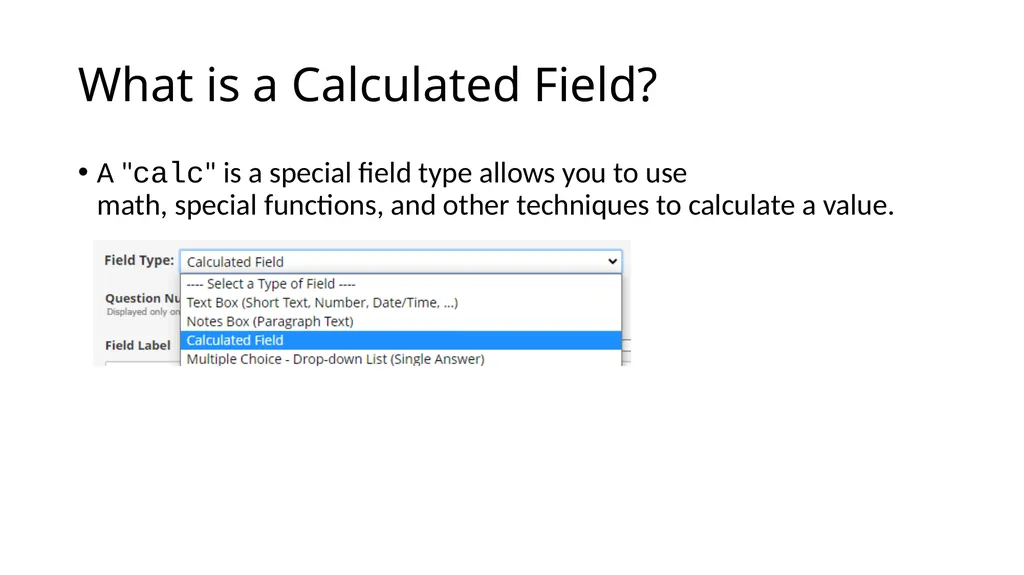
What is a Calculated Field? A "calc" is a special field type allows you to use math, special functions, and other techniques to calculate a value.<br>
04
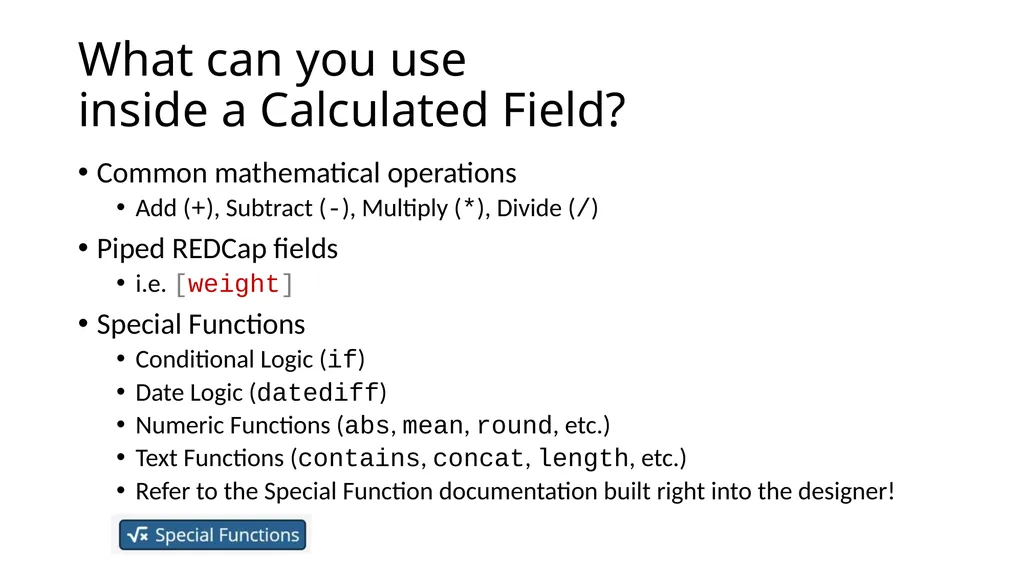
What can you use inside a Calculated Field? Common mathematical operations
Add (+), Subtract (-), Multiply (*), Divide (/)
Piped REDCap fields
i.e. [weight]
Special Functions
Conditional Logic (if)
Date Logic (datediff)
Numeric Functions (abs, mean, round, etc.)
Text Functions (contains, concat, length, etc.)
Refer to the Special Function documentation built right into the designer!<br>
05
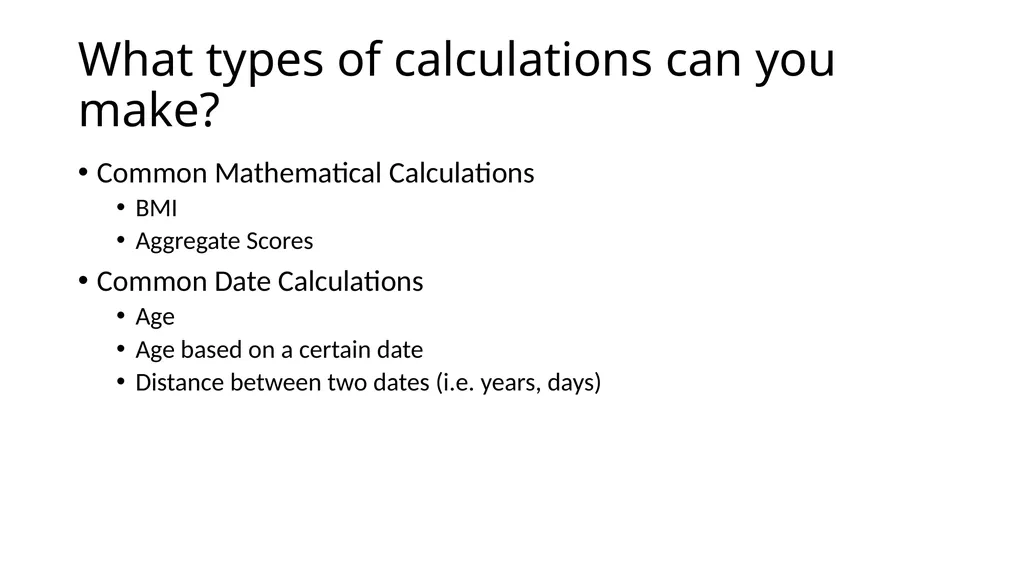
What types of calculations can you make? Common Mathematical Calculations
BMI
Aggregate Scores
Common Date Calculations
Age
Age based on a certain date
Distance between two dates (i.e. years, days)<br>
06
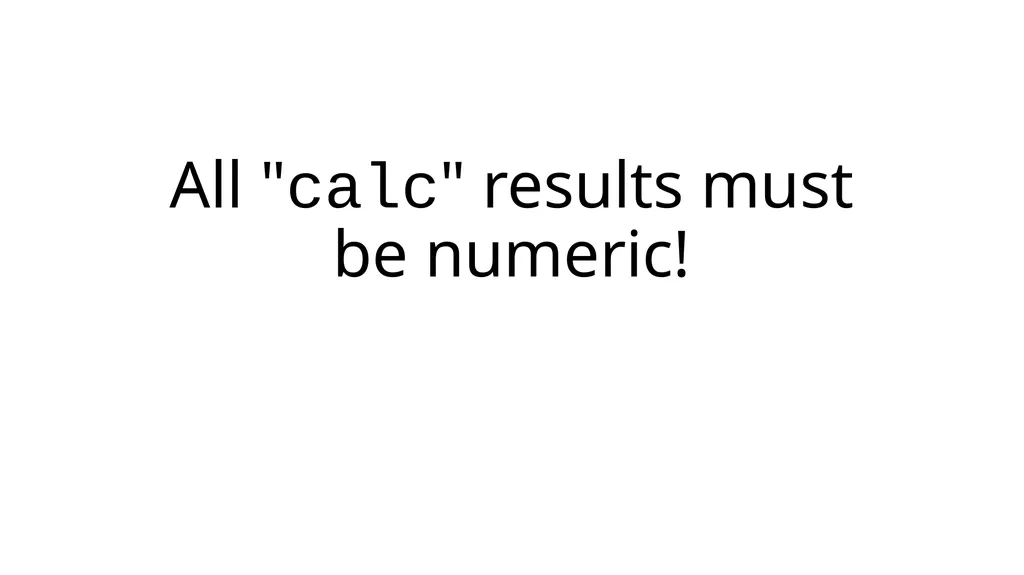
All "calc" results must be numeric!<br>
07
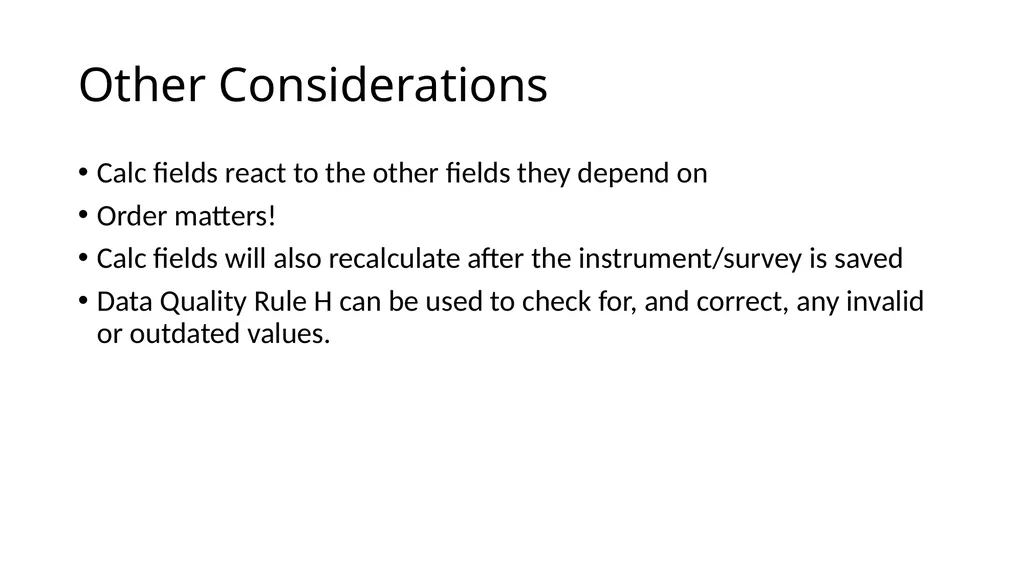
Other Considerations Calc fields react to the other fields they depend on
Order matters!
Calc fields will also recalculate after the instrument/survey is saved
Data Quality Rule H can be used to check for, and correct, any invalid or outdated values.<br>
08
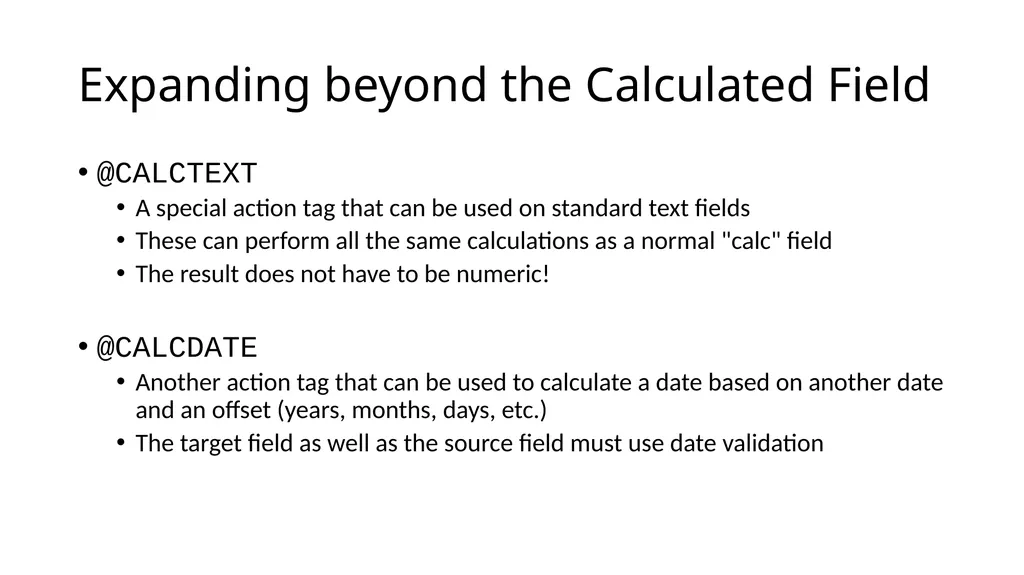
Expanding beyond the Calculated Field @CALCTEXT
A special action tag that can be used on standard text fields
These can perform all the same calculations as a normal "calc" field
The result does not have to be numeric!
@CALCDATE
Another action tag that can be used to calculate a date based on another date and an offset (years, months, days, etc.)
The target field as well as the source field must use date validation<br>
09
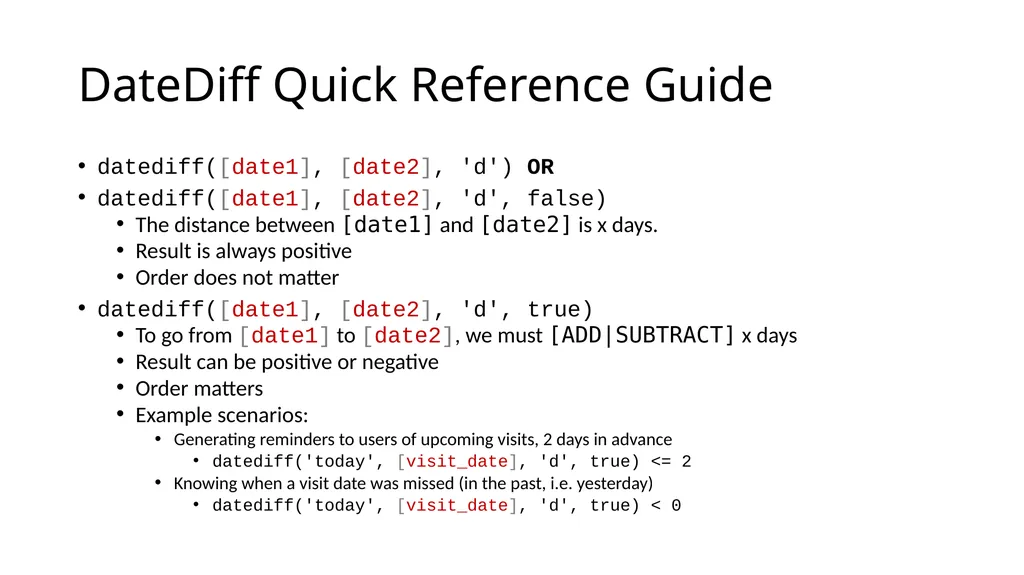
DateDiff Quick Reference Guide datediff([date1], [date2], 'd') OR
datediff([date1], [date2], 'd', false)
The distance between [date1] and [date2] is x days.
Result is always positive
Order does not matter
datediff([date1], [date2], 'd', true)
To go from [date1] to [date2], we must [ADD|SUBTRACT] x days
Result can be positive or negative
Order matters
Example scenarios:
Generating reminders to users of upcoming visits, 2 days in advance
datediff('today', [visit_date], 'd', true) <= 2
Knowing when a visit date was missed (in the past, i.e. yesterday)
datediff('today', [visit_date], 'd', true) < 0<br>