So, Youre a Contract Manager New Contract Procedures Youve identified a need that only a vendor can satisfy great! Have you done the following? Is the vendor technology related? If so, coordinate with the CIO before proceeding any
"So, You’re a Contract Manager… New Contract" is the property of its rightful owner. Permission is granted to
download and print the materials on this website for personal, non-commercial use only, and to display it
on your personal computer provided you do not modify the materials and that you retain all copyright
notices contained in the materials. By downloading content from our website, you accept the terms of this
agreement.
Presentation Transcript
01
So, You’re a Contract Manager…<br>
02
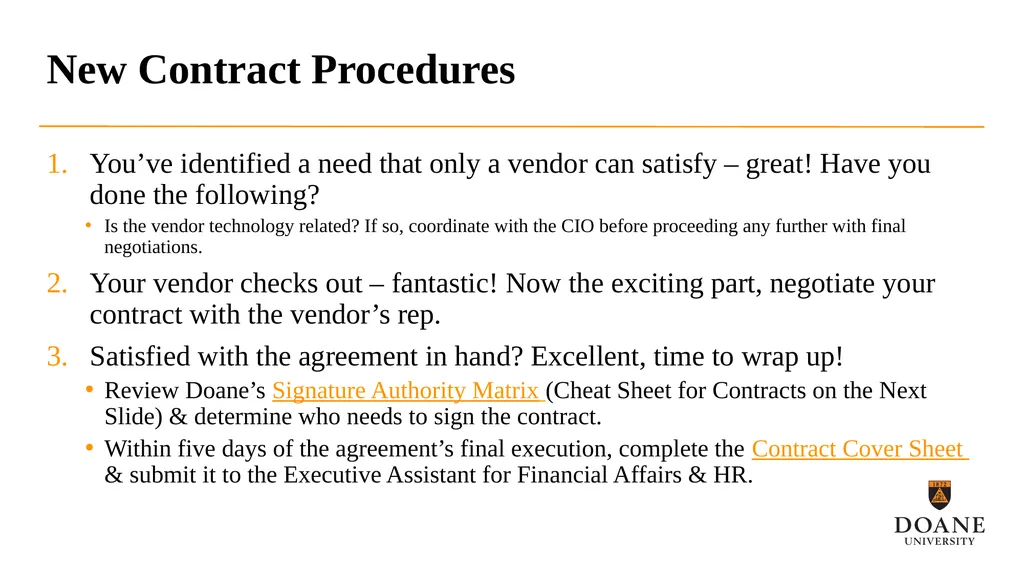
New Contract Procedures You’ve identified a need that only a vendor can satisfy – great! Have you done the following?
Is the vendor technology related? If so, coordinate with the CIO before proceeding any further with final negotiations.
Your vendor checks out – fantastic! Now the exciting part, negotiate your contract with the vendor’s rep.
Satisfied with the agreement in hand? Excellent, time to wrap up!
Review Doane’s Signature Authority Matrix (Cheat Sheet for Contracts on the Next Slide) & determine who needs to sign the contract.
Within five days of the agreement’s final execution, complete the Contract Cover Sheet & submit it to the Executive Assistant for Financial Affairs & HR.<br>
03
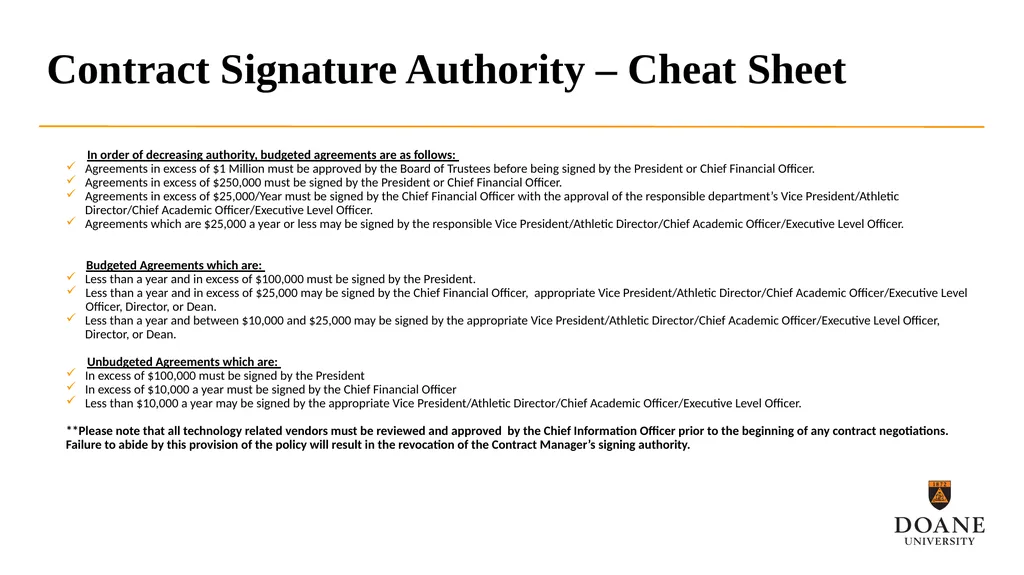
Contract Signature Authority – Cheat Sheet In order of decreasing authority, budgeted agreements are as follows:
Agreements in excess of $1 Million must be approved by the Board of Trustees before being signed by the President or Chief Financial Officer.
Agreements in excess of $250,000 must be signed by the President or Chief Financial Officer.
Agreements in excess of $25,000/Year must be signed by the Chief Financial Officer with the approval of the responsible department’s Vice President/Athletic Director/Chief Academic Officer/Executive Level Officer.
Agreements which are $25,000 a year or less may be signed by the responsible Vice President/Athletic Director/Chief Academic Officer/Executive Level Officer.
Budgeted Agreements which are:
Less than a year and in excess of $100,000 must be signed by the President.
Less than a year and in excess of $25,000 may be signed by the Chief Financial Officer, appropriate Vice President/Athletic Director/Chief Academic Officer/Executive Level Officer, Director, or Dean.
Less than a year and between $10,000 and $25,000 may be signed by the appropriate Vice President/Athletic Director/Chief Academic Officer/Executive Level Officer, Director, or Dean.
Unbudgeted Agreements which are:
In excess of $100,000 must be signed by the President
In excess of $10,000 a year must be signed by the Chief Financial Officer
Less than $10,000 a year may be signed by the appropriate Vice President/Athletic Director/Chief Academic Officer/Executive Level Officer.
**Please note that all technology related vendors must be reviewed and approved by the Chief Information Officer prior to the beginning of any contract negotiations. Failure to abide by this provision of the policy will result in the revocation of the Contract Manager’s signing authority.<br>
04
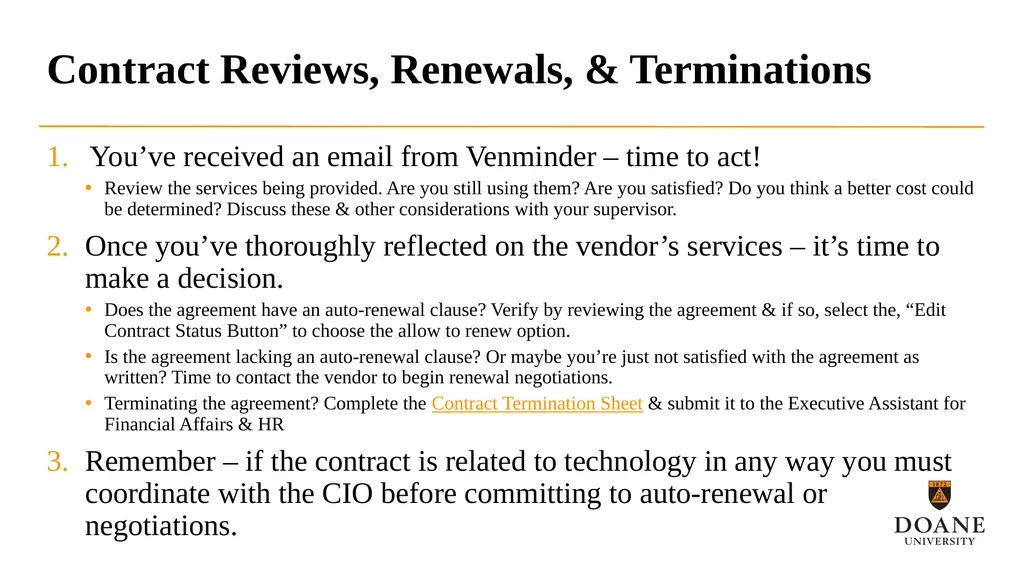
Contract Reviews, Renewals, & Terminations You’ve received an email from Venminder – time to act!
Review the services being provided. Are you still using them? Are you satisfied? Do you think a better cost could be determined? Discuss these & other considerations with your supervisor.
Once you’ve thoroughly reflected on the vendor’s services – it’s time to make a decision.
Does the agreement have an auto-renewal clause? Verify by reviewing the agreement & if so, select the, “Edit Contract Status Button” to choose the allow to renew option.
Is the agreement lacking an auto-renewal clause? Or maybe you’re just not satisfied with the agreement as written? Time to contact the vendor to begin renewal negotiations.
Terminating the agreement? Complete the Contract Termination Sheet & submit it to the Executive Assistant for Financial Affairs & HR
Remember – if the contract is related to technology in any way you must coordinate with the CIO before committing to auto-renewal or negotiations.<br>
05
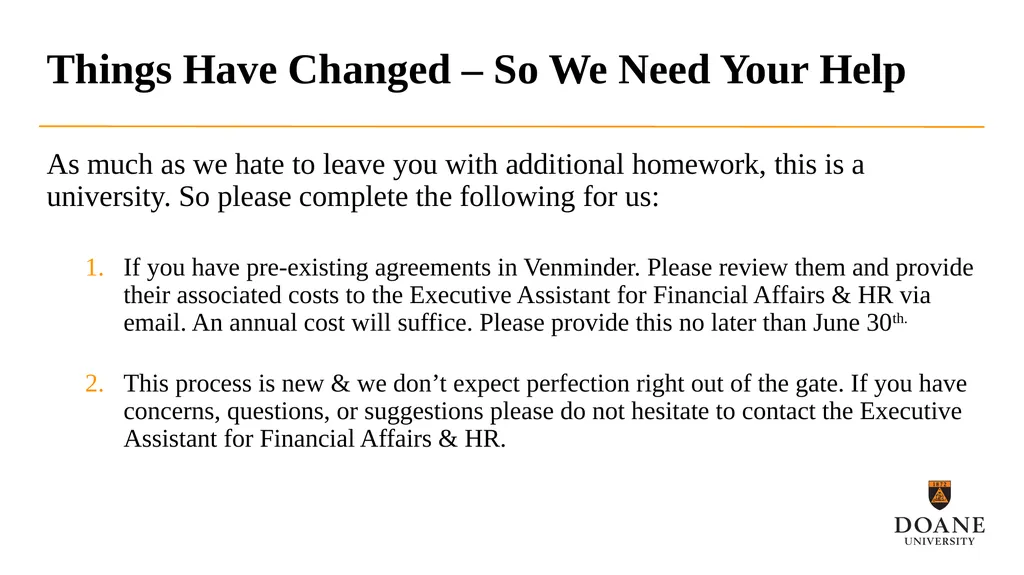
Things Have Changed – So We Need Your Help As much as we hate to leave you with additional homework, this is a university. So please complete the following for us:
If you have pre-existing agreements in Venminder. Please review them and provide their associated costs to the Executive Assistant for Financial Affairs & HR via email. An annual cost will suffice. Please provide this no later than June 30th.
This process is new & we don’t expect perfection right out of the gate. If you have concerns, questions, or suggestions please do not hesitate to contact the Executive Assistant for Financial Affairs & HR.<br>
06
Any Questions? Further Information regarding Doane’s Contract Policies & Procedures can be found here.<br>