Taking Steps to Title II: A Digital Accessibility Crash Course September 25, 2025 Laura Jervis, M.Ed. Whats on the agenda? Explaining the regulatory landscape I am not a lawyer Digital accessibility basics Learn what to consider moving
"Taking Steps to Title II: A Digital Accessibility" is the property of its rightful owner. Permission is granted to
download and print the materials on this website for personal, non-commercial use only, and to display it
on your personal computer provided you do not modify the materials and that you retain all copyright
notices contained in the materials. By downloading content from our website, you accept the terms of this
agreement.
Presentation Transcript
01
Taking Steps to Title II: A Digital Accessibility Crash Course September 25, 2025 Laura Jervis, M.Ed.<br>
02
What's on the agenda? Explaining the regulatory landscape
I am not a lawyer
Digital accessibility basics
Learn what to consider moving forward
Next steps and resources
We're here to help Apologies to Douglas Adams<br>
03
Title II and You<br>
04
What is Title II? Title II of the Americans with Disabilities Act applies to public entities and requires them to ensure that their services, programs, and activities are accessible thus avoid discriminating against people with disabilities
As a state university, the University of Florida must comply with Title II of the ADA
The Department of Justice recently released a new rule relating to Title II that updates how the law should be interpreted and applied<br>
05
What’s New with Title II? Update acknowledges the large role of online services in fulfilling the purposes of public entities and modernizes the ADA
Sets a technical standard for all web and mobile content for public entities
WCAG 2.1 level AA (more on this later)
Includes exceptions for
archived web content
independent third-party content such as public comments on a UF social media account
individualized password-protected documents
etc.<br>
06
Okay, but what does that actually mean? Anything on University websites must meet accessibility guidelines
This includes Canvas courses that require a login
Accommodations are not enough: Accessibility must be the default for courses
Focus on basic digital accessibility with content creation and selection
Implementation date is April 24, 2026<br>
07
Introduction to Digital Accessibility<br>
08
What is Digital Accessibility? What does “meet WCAG 2.1 up to a AA standard” mean?
The Web Content Accessibility Guidelines are a widely recognized standard for digital accessibility created by W3C
There are three levels of standards: A, AA, and AAA
WCAG 2.2 is also good!
In more human terms, this means that course materials can be used by everybody, including people with disabilities.<br>
09
Digital Accessibility for Humans Content should consider different needs
Readable for people who are colorblind or have low vision
Include options for audio and visuals so that people who cannot see or hear are not left out
Usable for people who require assistive technology such as screen readers, voice control software, immersive readers, and screen magnifiers
Demonstrates clear and consistent organization for cognitive accessibility
Easy to navigate for people who rely on the keyboard only and cannot use a mouse
<br>
10
Strategy 1: Multimodal Content Consider how people who cannot see or hear your content will access it
Audio-only content needs transcripts
Videos
Need captions
Can also have transcripts
Visuals should be described if there is no audio description track
Static visuals like images and graphs need image descriptions or alternative text<br>
11
Strategy 2:Use Color Carefully Make sure words, icons, etc. have enough contrast with the background
Dark on light or vice versa
Avoid using color alone to convey meaning
E.g. drawing attention to words by changing font color, designating right and wrong answers with red and green only, differentiating between bars on a bar graph, etc.
Still use color! Just add an additional way of representing the meaning<br>
12
Strategy 3:Make It Readable for Everyone Chunk and organize content for readability
Use heading and list styles
Programmatically, not just visually
Do not skip heading levels
Avoid long URLs for digital docs
Link to meaningful text instead
Choose simple fonts<br>
13
Math Equations Options Use math equation options built into some products
Insert Math Equation in Canvas RCE
MathType in Word and PowerPoint
LaTeX typesetting system
MathML (HTML-based markup language)
Equations as images with careful alternative text
The square root of 4 plus 5<br>
14
Some Odds and Ends PDF accessibility is hard
I recommend replacing them as much as possible
Teaching and Learning Tools
Reach out to vendors you use or ask UFIT
Get in the habit of thinking about accessibility<br>
15
Keep your momentum going<br>
16
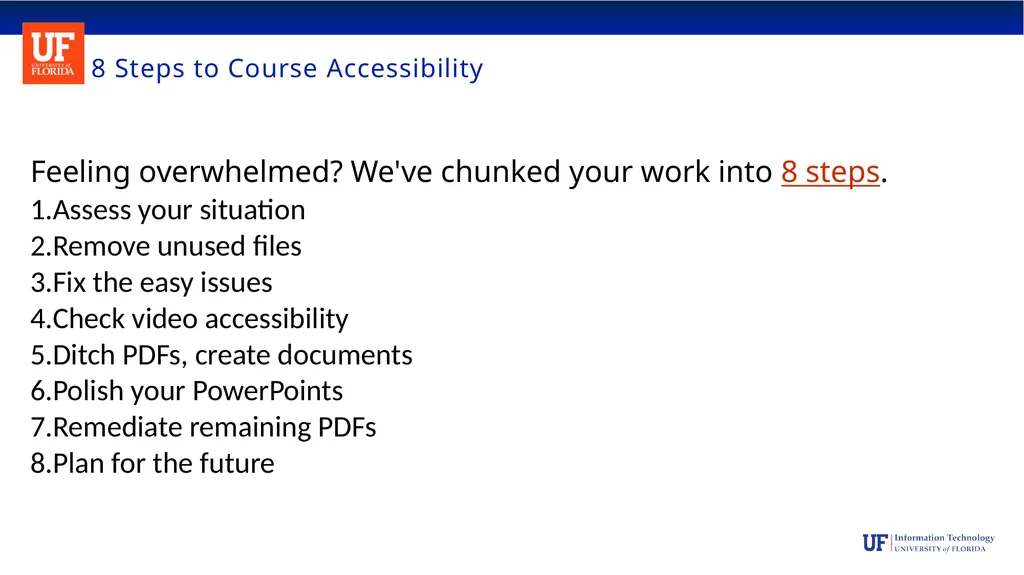
8 Steps to Course Accessibility Feeling overwhelmed? We've chunked your work into 8 steps.
Assess your situation
Remove unused files
Fix the easy issues
Check video accessibility
Ditch PDFs, create documents
Polish your PowerPoints
Remediate remaining PDFs
Plan for the future<br>
17
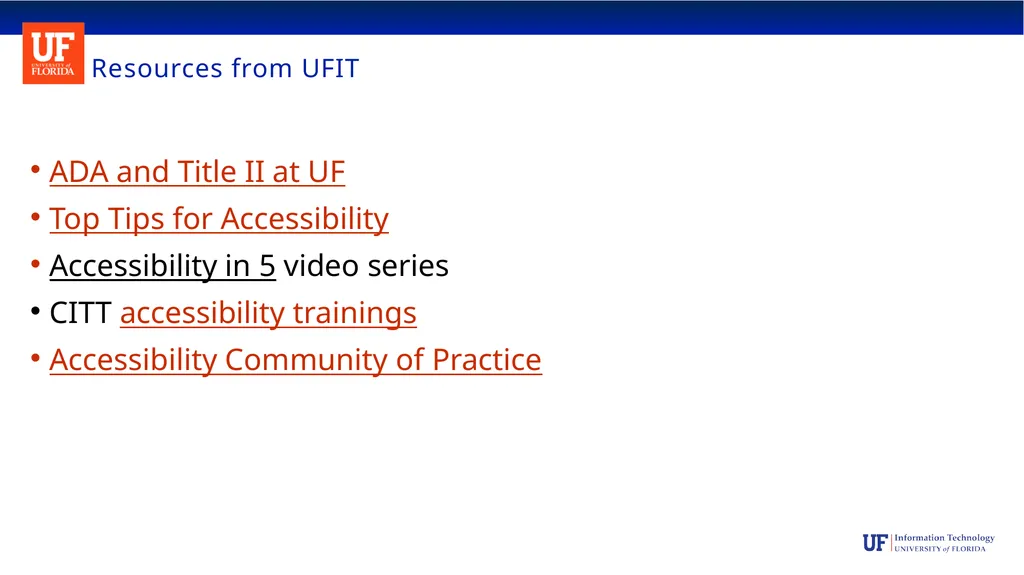
Resources from UFIT ADA and Title II at UF
Top Tips for Accessibility
Accessibility in 5 video series
CITT accessibility trainings
Accessibility Community of Practice<br>
18
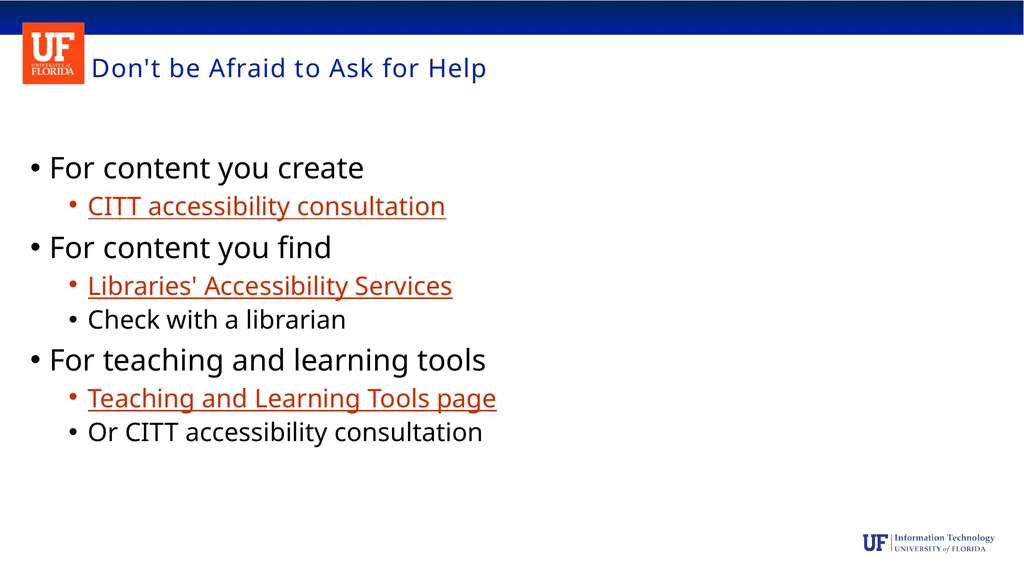
Don't be Afraid to Ask for Help For content you create
CITT accessibility consultation
For content you find
Libraries' Accessibility Services
Check with a librarian
For teaching and learning tools
Teaching and Learning Tools page
Or CITT accessibility consultation<br>