Technology Guidelines General Technology Guidelines for Home Care Do not leave any government device unattended in a public space Smartphones and computers are for work purposes; refer to governments acceptable use policy for more
"Technology Guidelines General | Technology" is the property of its rightful owner. Permission is granted to
download and print the materials on this website for personal, non-commercial use only, and to display it
on your personal computer provided you do not modify the materials and that you retain all copyright
notices contained in the materials. By downloading content from our website, you accept the terms of this
agreement.
Presentation Transcript
01
Technology Guidelines<br>
02
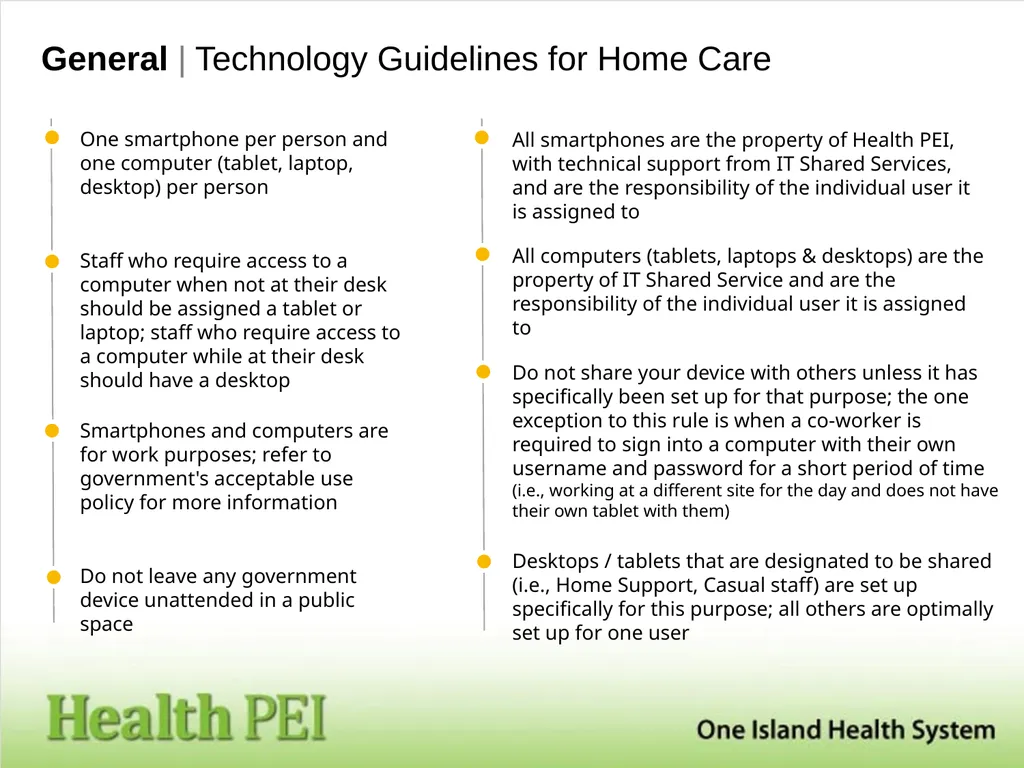
General | Technology Guidelines for Home Care Do not leave any government device unattended in a public space Smartphones and computers are for work purposes; refer to government's acceptable use policy for more information All computers (tablets, laptops & desktops) are the property of IT Shared Service and are the responsibility of the individual user it is assigned to All smartphones are the property of Health PEI, with technical support from IT Shared Services, and are the responsibility of the individual user it is assigned to Staff who require access to a computer when not at their desk should be assigned a tablet or laptop; staff who require access to a computer while at their desk should have a desktop Desktops / tablets that are designated to be shared (i.e., Home Support, Casual staff) are set up specifically for this purpose; all others are optimally set up for one user Do not share your device with others unless it has specifically been set up for that purpose; the one exception to this rule is when a co-worker is required to sign into a computer with their own username and password for a short period of time (i.e., working at a different site for the day and does not have their own tablet with them) One smartphone per person and one computer (tablet, laptop, desktop) per person<br>
03
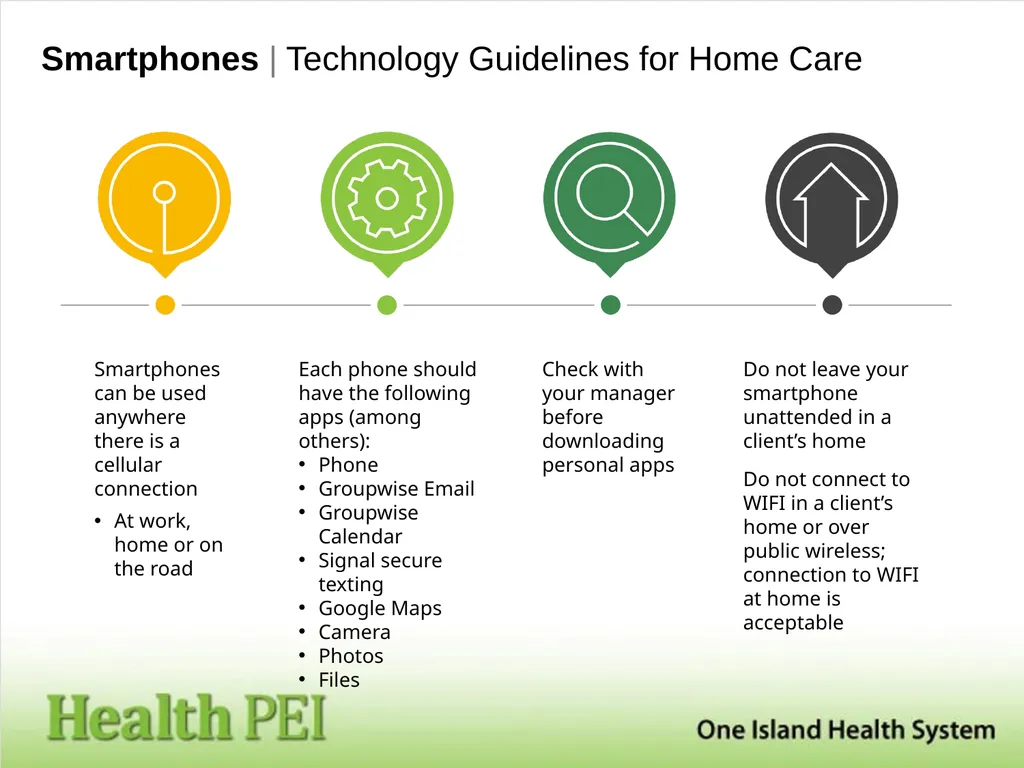
Smartphones | Technology Guidelines for Home Care Smartphones can be used anywhere there is a cellular connection
At work, home or on the road Do not leave your smartphone unattended in a client’s home
Do not connect to WIFI in a client’s home or over public wireless; connection to WIFI at home is acceptable Check with your manager before downloading personal apps Each phone should have the following apps (among others):
Phone
Groupwise Email
Groupwise Calendar
Signal secure texting
Google Maps
Camera
Photos
Files<br>
04
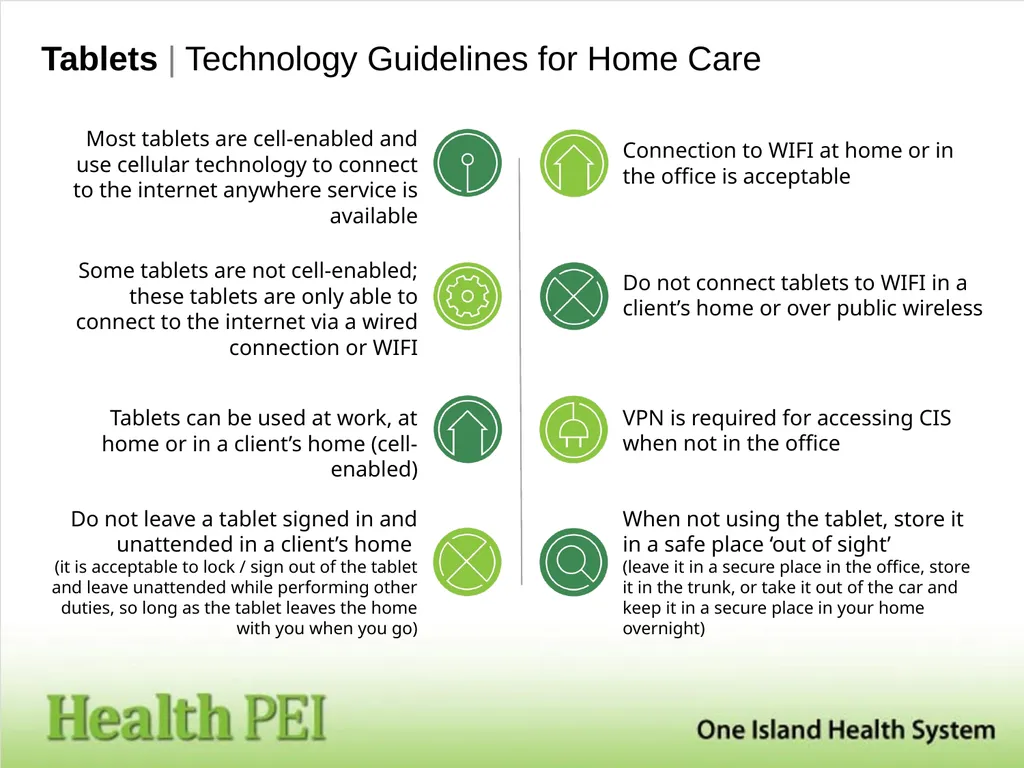
Tablets | Technology Guidelines for Home Care When not using the tablet, store it in a safe place ‘out of sight’ (leave it in a secure place in the office, store it in the trunk, or take it out of the car and keep it in a secure place in your home overnight) Do not leave a tablet signed in and unattended in a client’s home (it is acceptable to lock / sign out of the tablet and leave unattended while performing other duties, so long as the tablet leaves the home with you when you go) VPN is required for accessing CIS when not in the office Connection to WIFI at home or in the office is acceptable Do not connect tablets to WIFI in a client’s home or over public wireless Tablets can be used at work, at home or in a client’s home (cell-enabled) Some tablets are not cell-enabled; these tablets are only able to connect to the internet via a wired connection or WIFI Most tablets are cell-enabled and use cellular technology to connect to the internet anywhere service is available<br>
05
Acceptable Use Agreement | Internal Users Government‐provided computer technology is to be used to support authorized programs and services. Users must use only system information technology they are authorized to use and use them only in the manner and to the extent authorized. Ability to access information technology resources does not, by itself, imply authorization to do so. Changing the Government –provided computer system configuration is not permitted unless approved by End User Support. Personal use of Government‐provided computer technology is to be of an appropriate nature that will not incur additional cost or increased risk to the Government. Such technology is not to be used for any personal activity that may cause embarrassment to you or the Government and must not be used to access or promote inappropriate sites, including but not limited to pornography, racism, hatred, gambling, obscenity or any illegal activities. You are responsible and accountable for the use of your user ID, passwords and other access control items in your possession for computer technology. They are not to be shared. The bandwidth available to Government is limited. Therefore the use of streaming audio and video (e.g. Online radio, YouTube, etc.) should be limited to a work related need. Removal of, or alterations to, Government‐provided computer hardware or components must be approved by End User Support. Prior to downloading or installing software on Government‐provided hardware confirmation of acceptability must be obtained from Business Infrastructure Services (BIS).<br>
06
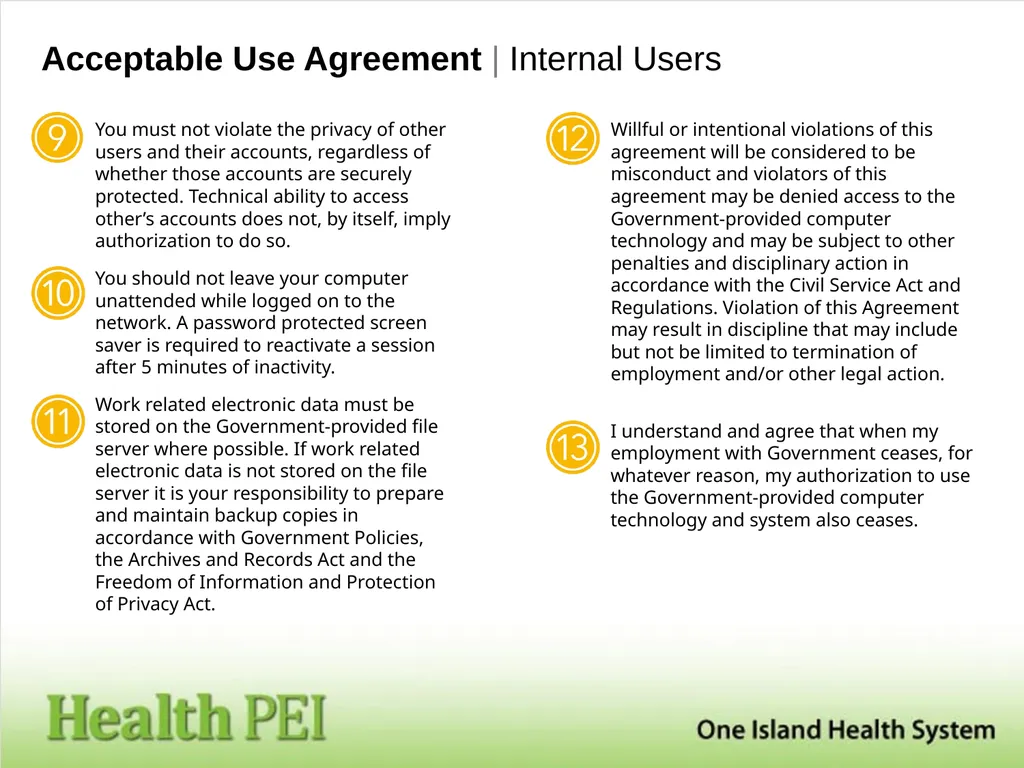
Acceptable Use Agreement | Internal Users You must not violate the privacy of other users and their accounts, regardless of whether those accounts are securely protected. Technical ability to access other’s accounts does not, by itself, imply authorization to do so. You should not leave your computer unattended while logged on to the network. A password protected screen saver is required to reactivate a session after 5 minutes of inactivity. Work related electronic data must be stored on the Government‐provided file server where possible. If work related electronic data is not stored on the file server it is your responsibility to prepare and maintain backup copies in accordance with Government Policies, the Archives and Records Act and the Freedom of Information and Protection of Privacy Act. Willful or intentional violations of this agreement will be considered to be misconduct and violators of this agreement may be denied access to the Government‐provided computer technology and may be subject to other penalties and disciplinary action in accordance with the Civil Service Act and Regulations. Violation of this Agreement may result in discipline that may include but not be limited to termination of employment and/or other legal action. I understand and agree that when my employment with Government ceases, for whatever reason, my authorization to use the Government‐provided computer technology and system also ceases.<br>