
TEMPLATE INSTRUCTIONS Please read all instructions
Description: TEMPLATE INSTRUCTIONS Please read all instructions before beginning. Select either slide 2 or 3 to use for your poster. Be sure to delete the unused slide this direction slide before your final save. Both poster templates are sized to 48
Related Topics
Download Presentation
"TEMPLATE INSTRUCTIONS Please read all instructions" is the property of its rightful owner. Permission is granted to download and print the materials on this website for personal, non-commercial use only, and to display it on your personal computer provided you do not modify the materials and that you retain all copyright notices contained in the materials. By downloading content from our website, you accept the terms of this agreement.
Presentation Transcript
slide1. TEMPLATE INSTRUCTIONS Please read all instructions before beginning.
Select either slide 2 or 3 to use for your poster. Be sure to delete the unused slide & this direction slide before your final save.
Both poster templates are sized to 48” wide by 36” long. If you need a different size use the DESIGN ribbon at the top of the page and select Slide Size> Custom Slide Size. Be aware that many conferences have specific recommended poster sizes. Due to the limitations of the printer, one dimension must be no greater than 44 inches.
The text size of the title can be decreased/ increased if needed to fill the allocated title space.
Fill in any applicable box titles and paragraphs on the rest of the academic poster. Box titles/ headings can be changed based on your academic discipline and the scope of your project. Boxes can be added/ removed based on your needs.
Go to https://www.uwgb.edu/ursca/poster-support/ for information on planning/ creating your poster, including inserting images, figures, and tables.
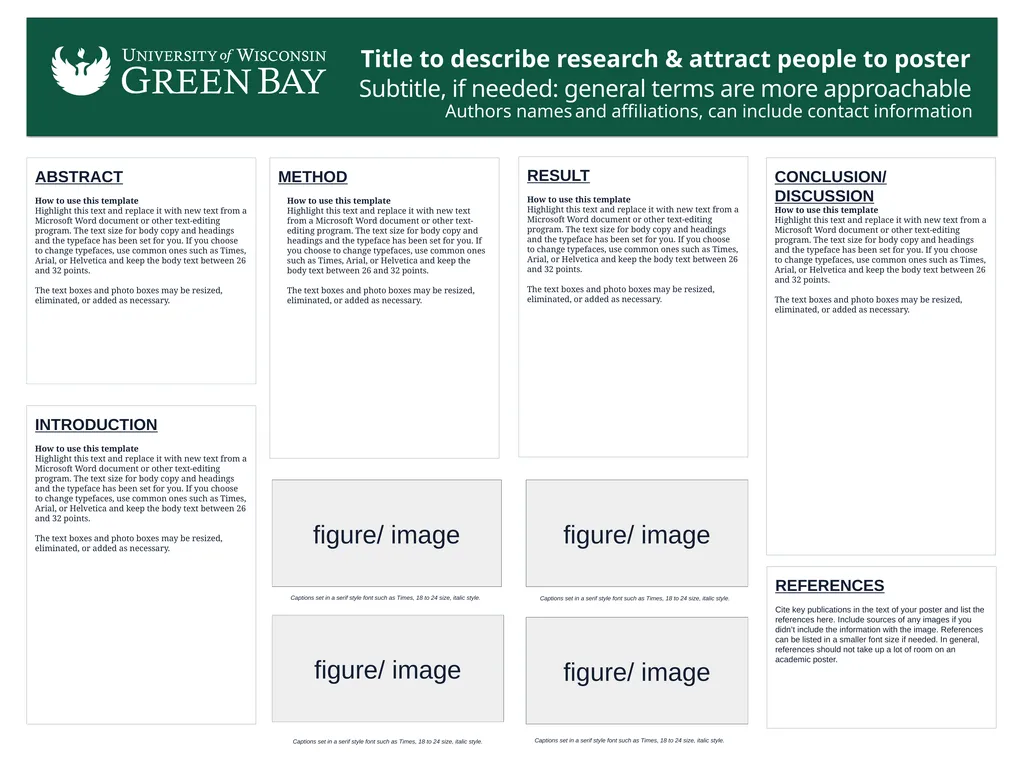
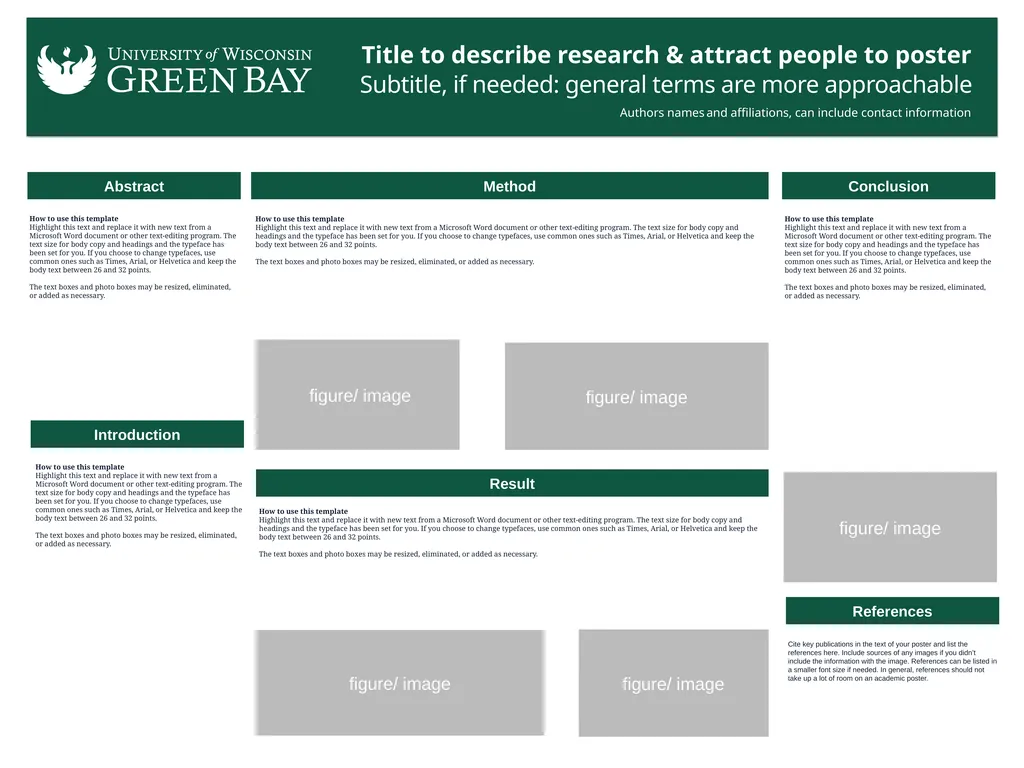
The "figure/ image" boxes are placeholders. Delete these boxes and insert your own images/ charts/ graphs/ figures.
Poster printing via the library must be initiated by your instructor. If your instructor initiated a poster printing request on your behalf, you will have received an email notification with detailed submission instructions. If you are working in a group, only one group member will have received this email, please check with your group.
Posters printed by the library need to be submitted as a PDF. Before saving your poster as a PDF, delete this instruction page and the template you did not choose for your poster. Save your document with only the remaining, completed, academic poster slide.<br>
slide2. Title to describe research & attract people to poster
Subtitle, if needed: general terms are more approachable
Authors names and affiliations, can include contact information INTRODUCTION
How to use this template
Highlight this text and replace it with new text from a Microsoft Word document or other text-editing program. The text size for body copy and headings and the typeface has been set for you. If you choose to change typefaces, use common ones such as Times, Arial, or Helvetica and keep the body text between 26 and 32 points.
The text boxes and photo boxes may be resized, eliminated, or added as necessary. ABSTRACT
How to use this template
Highlight this text and replace it with new text from a Microsoft Word document or other text-editing program. The text size for body copy and headings and the typeface has been set for you. If you choose to change typefaces, use common ones such as Times, Arial, or Helvetica and keep the body text between 26 and 32 points.
The text boxes and photo boxes may be resized, eliminated, or added as necessary. METHOD
How to use this template
Highlight this text and replace it with new text from a Microsoft Word document or other text-editing program. The text size for body copy and headings and the typeface has been set for you. If you choose to change typefaces, use common ones such as Times, Arial, or Helvetica and keep the body text between 26 and 32 points.
The text boxes and photo boxes may be resized, eliminated, or added as necessary. RESULT
How to use this template
Highlight this text and replace it with new text from a Microsoft Word document or other text-editing program. The text size for body copy and headings and the typeface has been set for you. If you choose to change typefaces, use common ones such as Times, Arial, or Helvetica and keep the body text between 26 and 32 points.
The text boxes and photo boxes may be resized, eliminated, or added as necessary. CONCLUSION/ DISCUSSION
How to use this template
Highlight this text and replace it with new text from a Microsoft Word document or other text-editing program. The text size for body copy and headings and the typeface has been set for you. If you choose to change typefaces, use common ones such as Times, Arial, or Helvetica and keep the body text between 26 and 32 points.
The text boxes and photo boxes may be resized, eliminated, or added as necessary. REFERENCES
Cite key publications in the text of your poster and list the references here. Include sources of any images if you didn’t include the information with the image. References can be listed in a smaller font size if needed. In general, references should not take up a lot of room on an academic poster. Captions set in a serif style font such as Times, 18 to 24 size, italic style. Captions set in a serif style font such as Times, 18 to 24 size, italic style. Captions set in a serif style font such as Times, 18 to 24 size, italic style. Captions set in a serif style font such as Times, 18 to 24 size, italic style. figure/ image figure/ image figure/ image figure/ image<br>
slide3. Abstract Introduction Conclusion References Cite key publications in the text of your poster and list the references here. Include sources of any images if you didn’t include the information with the image. References can be listed in a smaller font size if needed. In general, references should not take up a lot of room on an academic poster. How to use this template
Highlight this text and replace it with new text from a Microsoft Word document or other text-editing program. The text size for body copy and headings and the typeface has been set for you. If you choose to change typefaces, use common ones such as Times, Arial, or Helvetica and keep the body text between 26 and 32 points.
The text boxes and photo boxes may be resized, eliminated, or added as necessary. How to use this template
Highlight this text and replace it with new text from a Microsoft Word document or other text-editing program. The text size for body copy and headings and the typeface has been set for you. If you choose to change typefaces, use common ones such as Times, Arial, or Helvetica and keep the body text between 26 and 32 points.
The text boxes and photo boxes may be resized, eliminated, or added as necessary. How to use this template
Highlight this text and replace it with new text from a Microsoft Word document or other text-editing program. The text size for body copy and headings and the typeface has been set for you. If you choose to change typefaces, use common ones such as Times, Arial, or Helvetica and keep the body text between 26 and 32 points.
The text boxes and photo boxes may be resized, eliminated, or added as necessary. figure/ image Title to describe research & attract people to poster
Subtitle, if needed: general terms are more approachable Authors names and affiliations, can include contact information figure/ image figure/ image figure/ image Method Result How to use this template
Highlight this text and replace it with new text from a Microsoft Word document or other text-editing program. The text size for body copy and headings and the typeface has been set for you. If you choose to change typefaces, use common ones such as Times, Arial, or Helvetica and keep the body text between 26 and 32 points.
The text boxes and photo boxes may be resized, eliminated, or added as necessary. How to use this template
Highlight this text and replace it with new text from a Microsoft Word document or other text-editing program. The text size for body copy and headings and the typeface has been set for you. If you choose to change typefaces, use common ones such as Times, Arial, or Helvetica and keep the body text between 26 and 32 points.
The text boxes and photo boxes may be resized, eliminated, or added as necessary. figure/ image<br>
Select either slide 2 or 3 to use for your poster. Be sure to delete the unused slide & this direction slide before your final save.
Both poster templates are sized to 48” wide by 36” long. If you need a different size use the DESIGN ribbon at the top of the page and select Slide Size> Custom Slide Size. Be aware that many conferences have specific recommended poster sizes. Due to the limitations of the printer, one dimension must be no greater than 44 inches.
The text size of the title can be decreased/ increased if needed to fill the allocated title space.
Fill in any applicable box titles and paragraphs on the rest of the academic poster. Box titles/ headings can be changed based on your academic discipline and the scope of your project. Boxes can be added/ removed based on your needs.
Go to https://www.uwgb.edu/ursca/poster-support/ for information on planning/ creating your poster, including inserting images, figures, and tables.
The "figure/ image" boxes are placeholders. Delete these boxes and insert your own images/ charts/ graphs/ figures.
Poster printing via the library must be initiated by your instructor. If your instructor initiated a poster printing request on your behalf, you will have received an email notification with detailed submission instructions. If you are working in a group, only one group member will have received this email, please check with your group.
Posters printed by the library need to be submitted as a PDF. Before saving your poster as a PDF, delete this instruction page and the template you did not choose for your poster. Save your document with only the remaining, completed, academic poster slide.<br>
slide2. Title to describe research & attract people to poster
Subtitle, if needed: general terms are more approachable
Authors names and affiliations, can include contact information INTRODUCTION
How to use this template
Highlight this text and replace it with new text from a Microsoft Word document or other text-editing program. The text size for body copy and headings and the typeface has been set for you. If you choose to change typefaces, use common ones such as Times, Arial, or Helvetica and keep the body text between 26 and 32 points.
The text boxes and photo boxes may be resized, eliminated, or added as necessary. ABSTRACT
How to use this template
Highlight this text and replace it with new text from a Microsoft Word document or other text-editing program. The text size for body copy and headings and the typeface has been set for you. If you choose to change typefaces, use common ones such as Times, Arial, or Helvetica and keep the body text between 26 and 32 points.
The text boxes and photo boxes may be resized, eliminated, or added as necessary. METHOD
How to use this template
Highlight this text and replace it with new text from a Microsoft Word document or other text-editing program. The text size for body copy and headings and the typeface has been set for you. If you choose to change typefaces, use common ones such as Times, Arial, or Helvetica and keep the body text between 26 and 32 points.
The text boxes and photo boxes may be resized, eliminated, or added as necessary. RESULT
How to use this template
Highlight this text and replace it with new text from a Microsoft Word document or other text-editing program. The text size for body copy and headings and the typeface has been set for you. If you choose to change typefaces, use common ones such as Times, Arial, or Helvetica and keep the body text between 26 and 32 points.
The text boxes and photo boxes may be resized, eliminated, or added as necessary. CONCLUSION/ DISCUSSION
How to use this template
Highlight this text and replace it with new text from a Microsoft Word document or other text-editing program. The text size for body copy and headings and the typeface has been set for you. If you choose to change typefaces, use common ones such as Times, Arial, or Helvetica and keep the body text between 26 and 32 points.
The text boxes and photo boxes may be resized, eliminated, or added as necessary. REFERENCES
Cite key publications in the text of your poster and list the references here. Include sources of any images if you didn’t include the information with the image. References can be listed in a smaller font size if needed. In general, references should not take up a lot of room on an academic poster. Captions set in a serif style font such as Times, 18 to 24 size, italic style. Captions set in a serif style font such as Times, 18 to 24 size, italic style. Captions set in a serif style font such as Times, 18 to 24 size, italic style. Captions set in a serif style font such as Times, 18 to 24 size, italic style. figure/ image figure/ image figure/ image figure/ image<br>
slide3. Abstract Introduction Conclusion References Cite key publications in the text of your poster and list the references here. Include sources of any images if you didn’t include the information with the image. References can be listed in a smaller font size if needed. In general, references should not take up a lot of room on an academic poster. How to use this template
Highlight this text and replace it with new text from a Microsoft Word document or other text-editing program. The text size for body copy and headings and the typeface has been set for you. If you choose to change typefaces, use common ones such as Times, Arial, or Helvetica and keep the body text between 26 and 32 points.
The text boxes and photo boxes may be resized, eliminated, or added as necessary. How to use this template
Highlight this text and replace it with new text from a Microsoft Word document or other text-editing program. The text size for body copy and headings and the typeface has been set for you. If you choose to change typefaces, use common ones such as Times, Arial, or Helvetica and keep the body text between 26 and 32 points.
The text boxes and photo boxes may be resized, eliminated, or added as necessary. How to use this template
Highlight this text and replace it with new text from a Microsoft Word document or other text-editing program. The text size for body copy and headings and the typeface has been set for you. If you choose to change typefaces, use common ones such as Times, Arial, or Helvetica and keep the body text between 26 and 32 points.
The text boxes and photo boxes may be resized, eliminated, or added as necessary. figure/ image Title to describe research & attract people to poster
Subtitle, if needed: general terms are more approachable Authors names and affiliations, can include contact information figure/ image figure/ image figure/ image Method Result How to use this template
Highlight this text and replace it with new text from a Microsoft Word document or other text-editing program. The text size for body copy and headings and the typeface has been set for you. If you choose to change typefaces, use common ones such as Times, Arial, or Helvetica and keep the body text between 26 and 32 points.
The text boxes and photo boxes may be resized, eliminated, or added as necessary. How to use this template
Highlight this text and replace it with new text from a Microsoft Word document or other text-editing program. The text size for body copy and headings and the typeface has been set for you. If you choose to change typefaces, use common ones such as Times, Arial, or Helvetica and keep the body text between 26 and 32 points.
The text boxes and photo boxes may be resized, eliminated, or added as necessary. figure/ image<br>