
THE BIBFRAME EDITOR AND THE LC PILOT Module 3 –
MJ
Published · 40 slides · 0 views
1 / 1



Description
THE BIBFRAME EDITOR AND THE LC PILOT Module 3 Unit 1 The Semantic Web and Linked Data : a Recap of the Key Concepts Library of Congress BIBFRAME Pilot Training for Catalogers Learning Objectives Describe the goals and some key concepts of
Related Topics
Share
Embed code
Download this presentation From Below
"THE BIBFRAME EDITOR AND THE LC PILOT Module 3 –" is the property of its rightful owner. Permission is granted to download and print the materials on this website for personal, non-commercial use only, and to display it on your personal computer provided you do not modify the materials and that you retain all copyright notices contained in the materials. By downloading content from our website, you accept the terms of this agreement.
Presentation Transcript
01
THE BIBFRAME EDITOR AND THE LC PILOT Module 3 – Unit 1
The Semantic Web and Linked Data : a Recap of the Key Concepts Library of Congress
BIBFRAME Pilot Training
for Catalogers<br>
The Semantic Web and Linked Data : a Recap of the Key Concepts Library of Congress
BIBFRAME Pilot Training
for Catalogers<br>
02
Learning Objectives Describe the goals and some key concepts of the Semantic Web and Linked Data
Explain libraries’ role in a Linked Data environment
Iterate some of the major aspects of Resource Description Framework (RDF)
Discuss the basic concepts of BIBFRAME 3-2 September 2015<br>
Explain libraries’ role in a Linked Data environment
Iterate some of the major aspects of Resource Description Framework (RDF)
Discuss the basic concepts of BIBFRAME 3-2 September 2015<br>
03
Semantic Web, Linked Data,
and Libraries “What are the goals and purposes of applying the principles of Semantic Web and Linked Data to library data?“
The Why? of “Why? What? Who?” 3-3 September 2015<br>
The Why? of “Why? What? Who?” 3-3 September 2015<br>
04
Some Answers to the Question Increase the visibility and usage of Library data on the Web
Integrate library data with the large number of structured data sources and links on the web
Create relations among resources
Enhance the sharing of library data with a wider audience
Facilitate a more full implementation of RDA
“A virtual stack browsing experience” 3-4 September 2015<br>
Integrate library data with the large number of structured data sources and links on the web
Create relations among resources
Enhance the sharing of library data with a wider audience
Facilitate a more full implementation of RDA
“A virtual stack browsing experience” 3-4 September 2015<br>
05
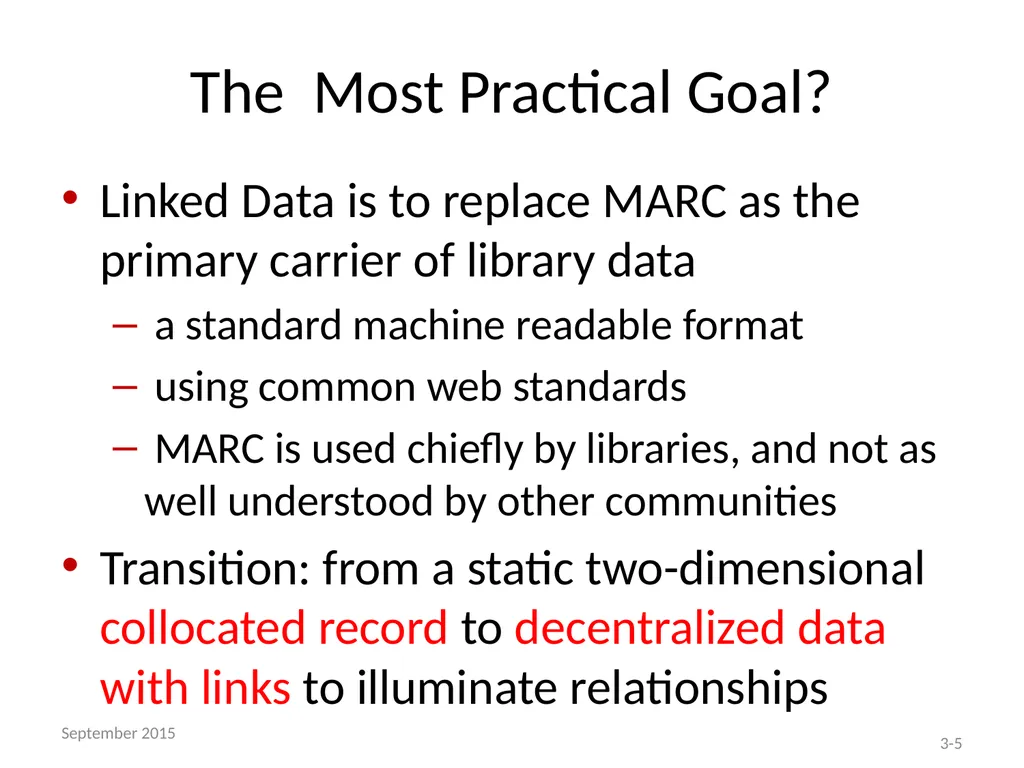
The Most Practical Goal? Linked Data is to replace MARC as the primary carrier of library data
a standard machine readable format
using common web standards
MARC is used chiefly by libraries, and not as well understood by other communities
Transition: from a static two-dimensional collocated record to decentralized data with links to illuminate relationships 3-5 September 2015<br>
a standard machine readable format
using common web standards
MARC is used chiefly by libraries, and not as well understood by other communities
Transition: from a static two-dimensional collocated record to decentralized data with links to illuminate relationships 3-5 September 2015<br>
06
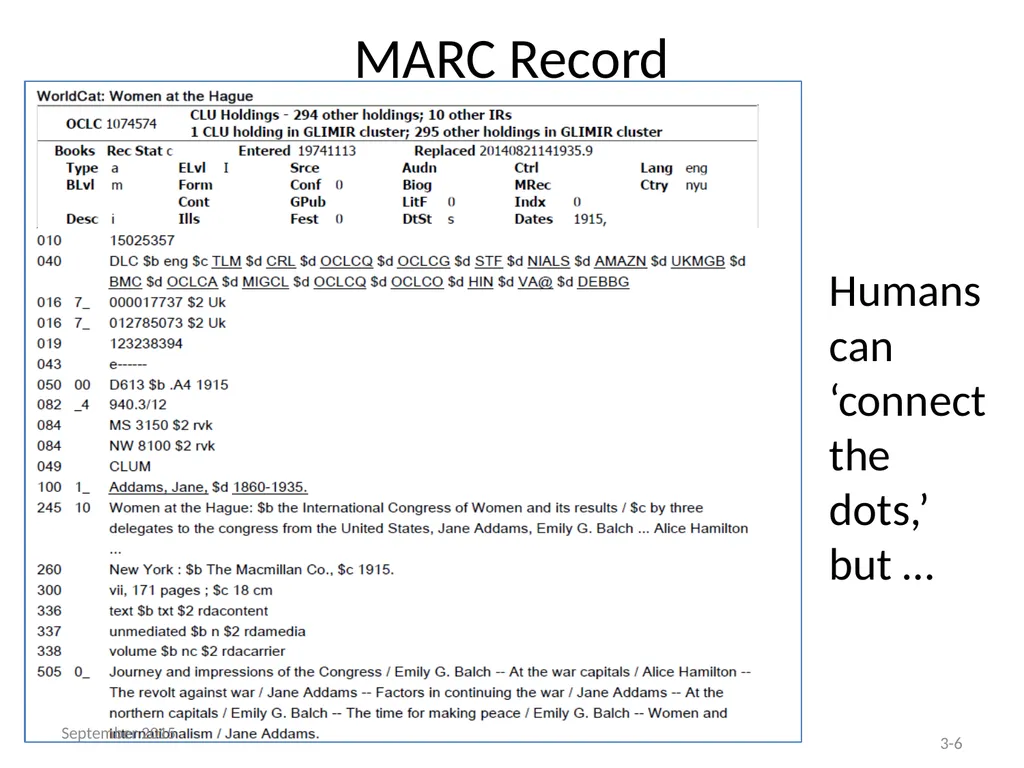
MARC Record Humans can ‘connect the dots,’ but … 3-6 September 2015<br>
07
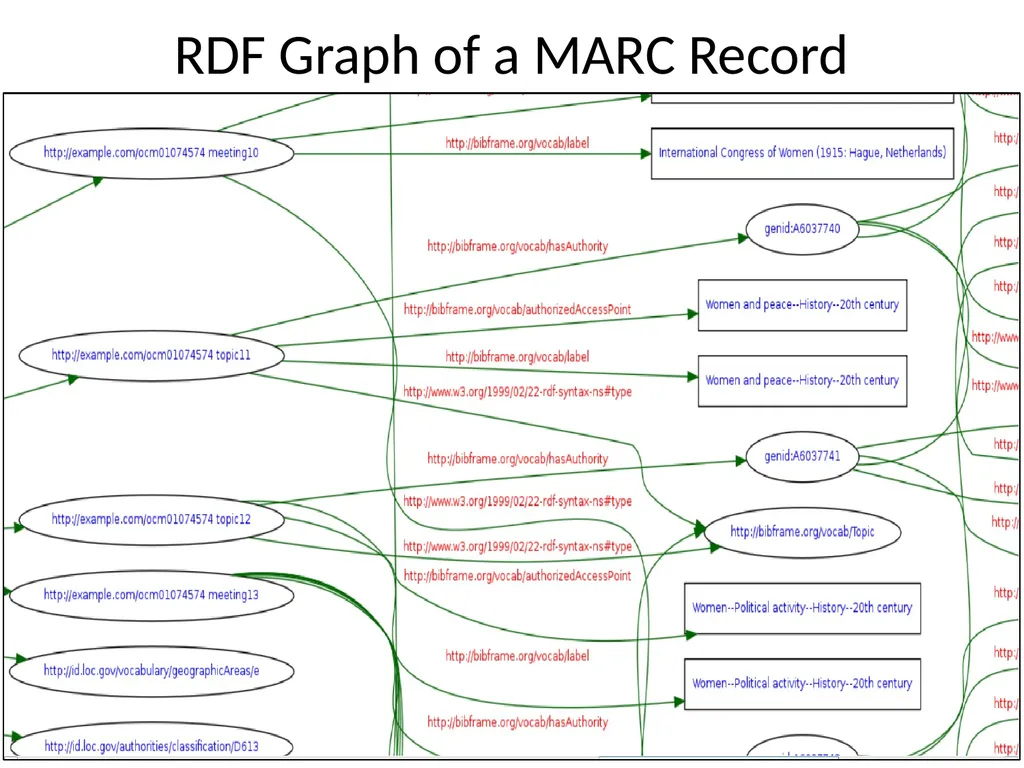
RDF Graph of a MARC Record 3-7 September 2015<br>
08
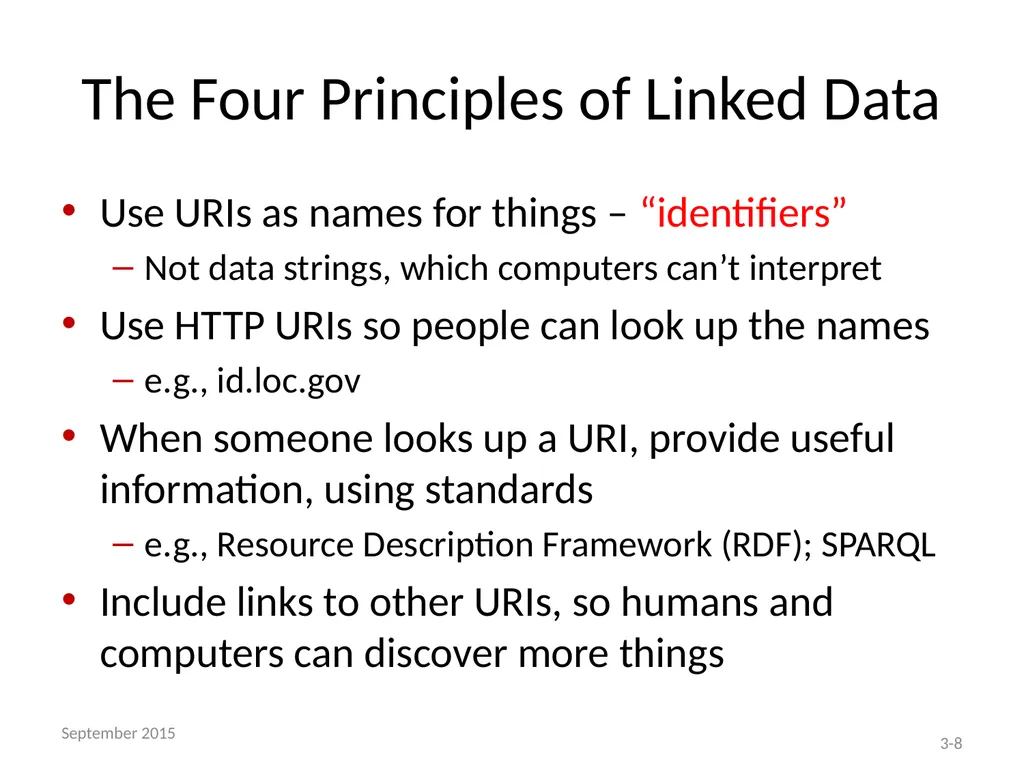
The Four Principles of Linked Data Use URIs as names for things – “identifiers”
Not data strings, which computers can’t interpret
Use HTTP URIs so people can look up the names
e.g., id.loc.gov
When someone looks up a URI, provide useful information, using standards
e.g., Resource Description Framework (RDF); SPARQL
Include links to other URIs, so humans and computers can discover more things 3-8 September 2015<br>
Not data strings, which computers can’t interpret
Use HTTP URIs so people can look up the names
e.g., id.loc.gov
When someone looks up a URI, provide useful information, using standards
e.g., Resource Description Framework (RDF); SPARQL
Include links to other URIs, so humans and computers can discover more things 3-8 September 2015<br>
09
Libraries’ Important Role in a
Linked Data World No other community works with authorities as much -- or as well -- as libraries do
Libraries are experienced at identifying, structuring, and organizing data in many ways
But …
We need to translate MARC skills and practices into a Linked Data context
Transition from authorities to identifiers 3-9 September 2015<br>
Libraries are experienced at identifying, structuring, and organizing data in many ways
But …
We need to translate MARC skills and practices into a Linked Data context
Transition from authorities to identifiers 3-9 September 2015<br>
10
Linked Data’s Benefits for Libraries Wider accessibility of library data
Cost savings through increased data sharing
Transition beyond proprietary MARC format
Reduced duplicative processing
Less time spent on authority maintenance, through use of identifiers rather than text strings
Language neutral 3-10 September 2015<br>
Cost savings through increased data sharing
Transition beyond proprietary MARC format
Reduced duplicative processing
Less time spent on authority maintenance, through use of identifiers rather than text strings
Language neutral 3-10 September 2015<br>
11
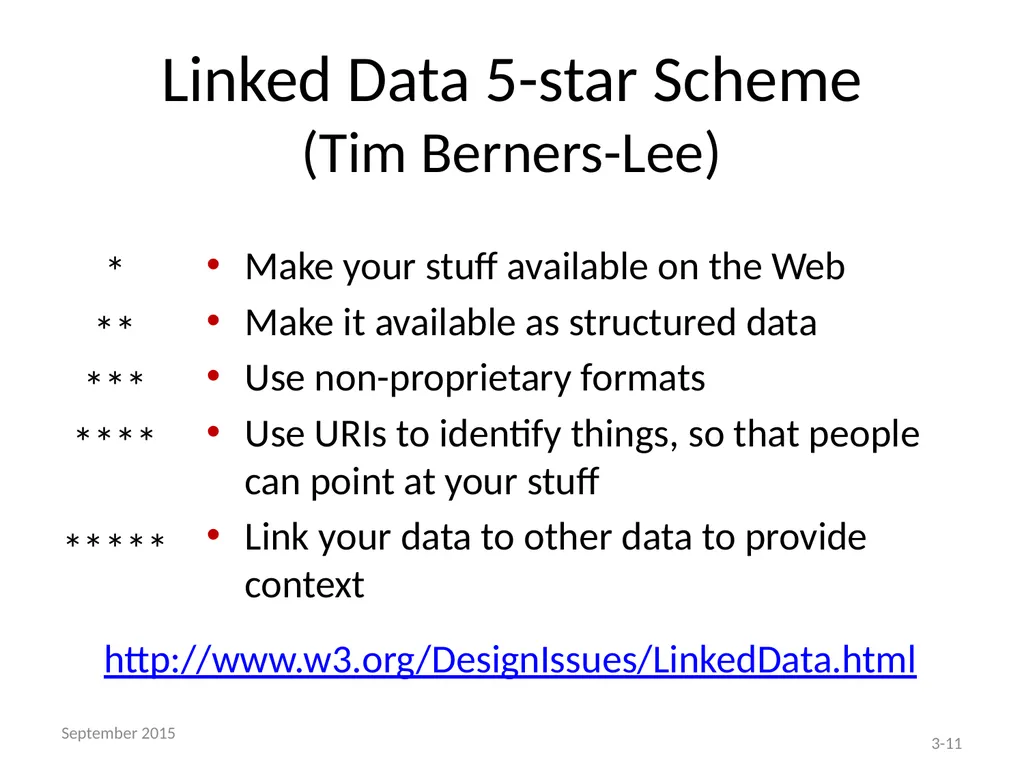
Linked Data 5-star Scheme
(Tim Berners-Lee) *
**
***
****
***** Make your stuff available on the Web
Make it available as structured data
Use non-proprietary formats
Use URIs to identify things, so that people can point at your stuff
Link your data to other data to provide context http://www.w3.org/DesignIssues/LinkedData.html 3-11 September 2015<br>
**
***
****
***** Make your stuff available on the Web
Make it available as structured data
Use non-proprietary formats
Use URIs to identify things, so that people can point at your stuff
Link your data to other data to provide context http://www.w3.org/DesignIssues/LinkedData.html 3-11 September 2015<br>
12
RDF: Resource Description Framework Standard model for exchange of data on the Web
Structures relationships between resources, people, and things on the web
Uses graph model to represent database relationships
RDF and related standards maintained by the World Wide Web Consortium (W3C) 3-12 September 2015<br>
Structures relationships between resources, people, and things on the web
Uses graph model to represent database relationships
RDF and related standards maintained by the World Wide Web Consortium (W3C) 3-12 September 2015<br>
13
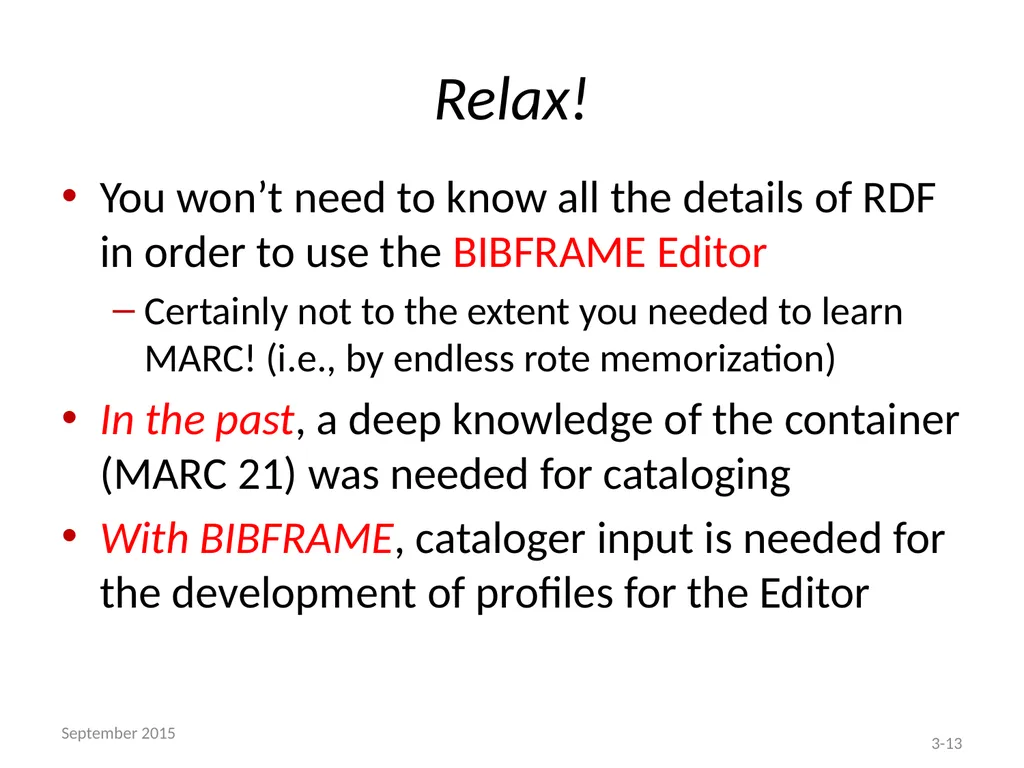
Relax! You won’t need to know all the details of RDF in order to use the BIBFRAME Editor
Certainly not to the extent you needed to learn MARC! (i.e., by endless rote memorization)
In the past, a deep knowledge of the container (MARC 21) was needed for cataloging
With BIBFRAME, cataloger input is needed for the development of profiles for the Editor 3-13 September 2015<br>
Certainly not to the extent you needed to learn MARC! (i.e., by endless rote memorization)
In the past, a deep knowledge of the container (MARC 21) was needed for cataloging
With BIBFRAME, cataloger input is needed for the development of profiles for the Editor 3-13 September 2015<br>
14
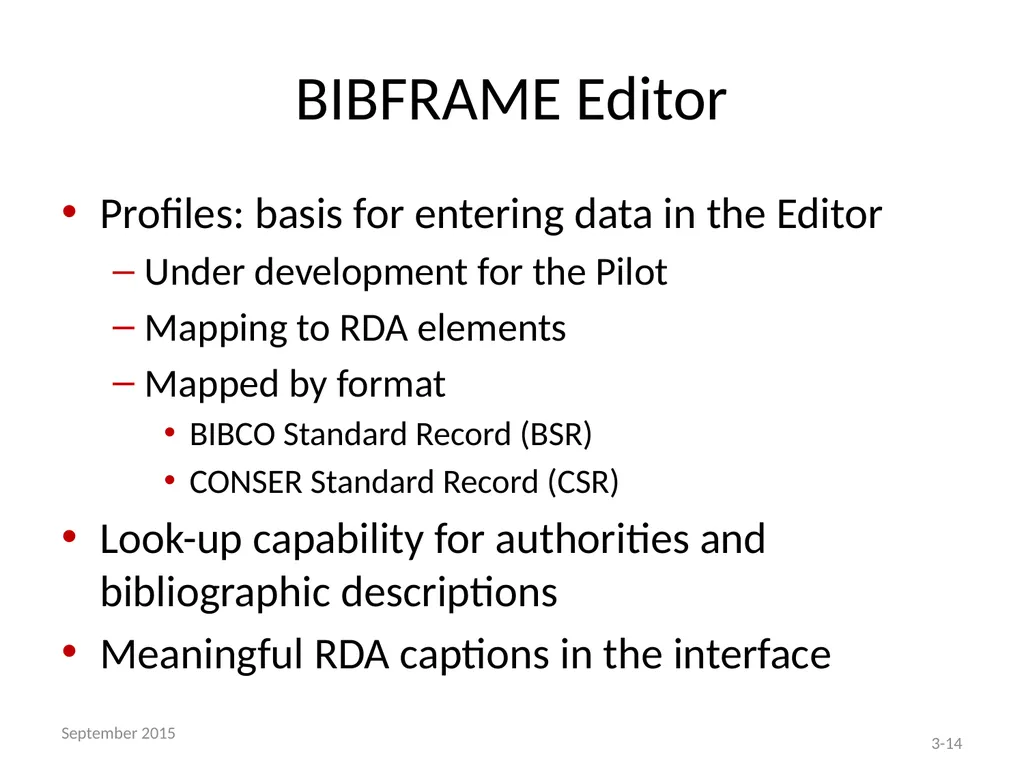
BIBFRAME Editor Profiles: basis for entering data in the Editor
Under development for the Pilot
Mapping to RDA elements
Mapped by format
BIBCO Standard Record (BSR)
CONSER Standard Record (CSR)
Look-up capability for authorities and bibliographic descriptions
Meaningful RDA captions in the interface 3-14 September 2015<br>
Under development for the Pilot
Mapping to RDA elements
Mapped by format
BIBCO Standard Record (BSR)
CONSER Standard Record (CSR)
Look-up capability for authorities and bibliographic descriptions
Meaningful RDA captions in the interface 3-14 September 2015<br>
15
What follows is intended to help you better understand the broader context within which the Editor functions 3-15 September 2015<br>
16
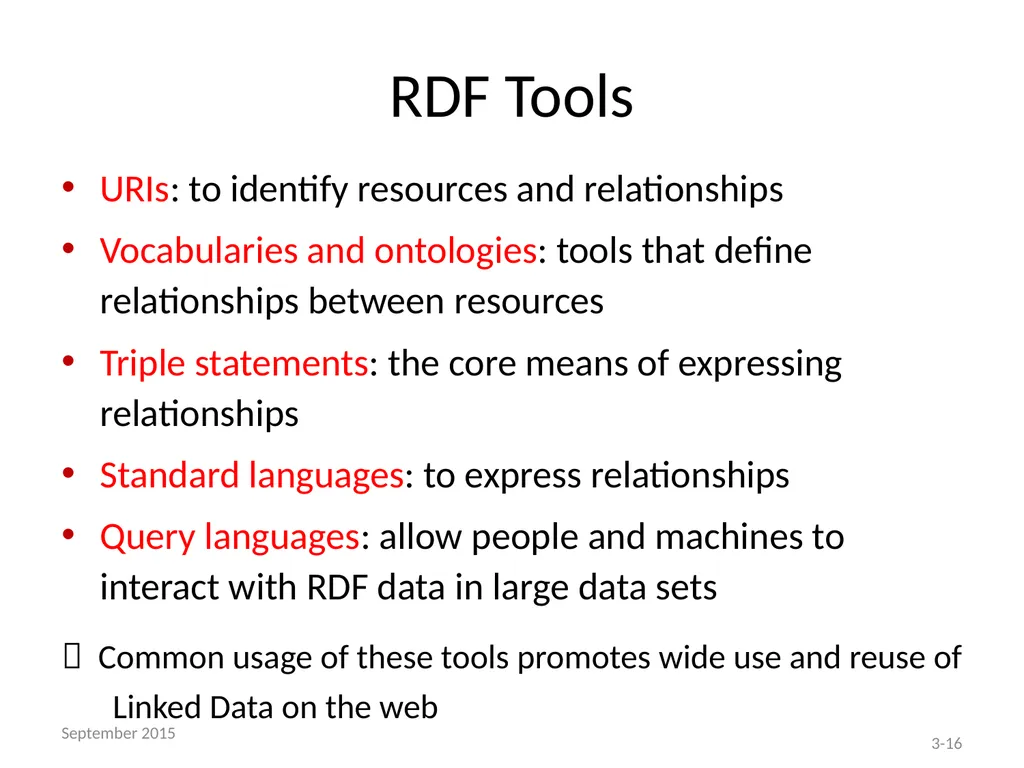
RDF Tools URIs: to identify resources and relationships
Vocabularies and ontologies: tools that define relationships between resources
Triple statements: the core means of expressing relationships
Standard languages: to express relationships
Query languages: allow people and machines to interact with RDF data in large data sets
Common usage of these tools promotes wide use and reuse of Linked Data on the web 3-16 September 2015<br>
Vocabularies and ontologies: tools that define relationships between resources
Triple statements: the core means of expressing relationships
Standard languages: to express relationships
Query languages: allow people and machines to interact with RDF data in large data sets
Common usage of these tools promotes wide use and reuse of Linked Data on the web 3-16 September 2015<br>
17
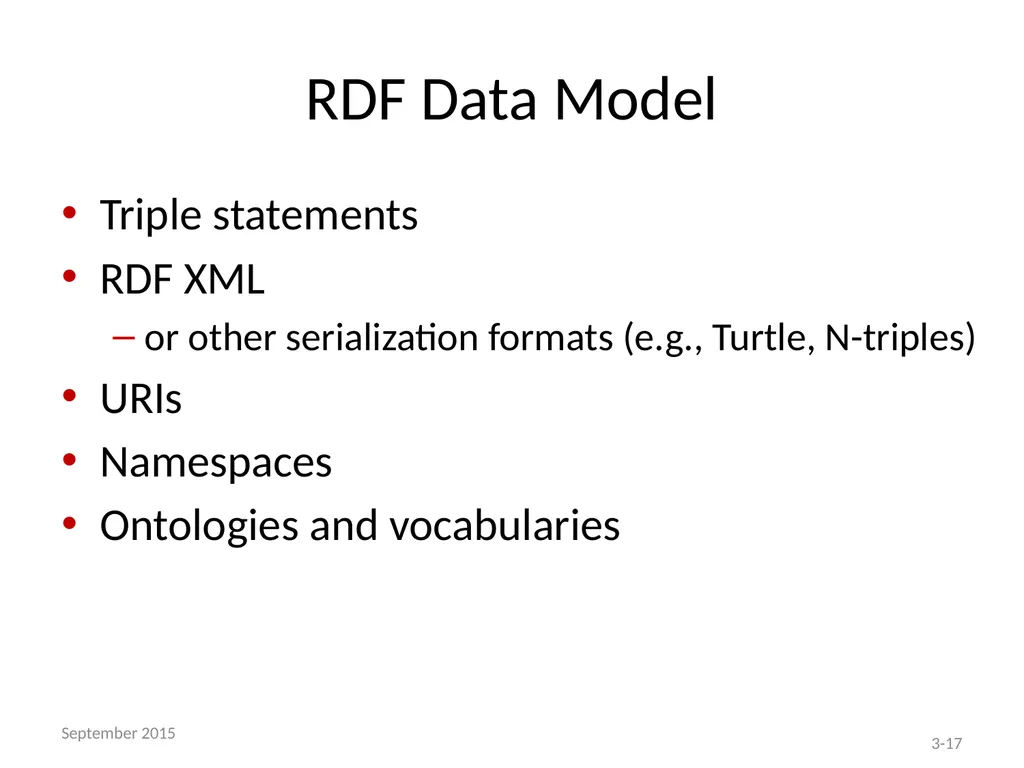
RDF Data Model Triple statements
RDF XML
or other serialization formats (e.g., Turtle, N-triples)
URIs
Namespaces
Ontologies and vocabularies 3-17 September 2015<br>
RDF XML
or other serialization formats (e.g., Turtle, N-triples)
URIs
Namespaces
Ontologies and vocabularies 3-17 September 2015<br>
18
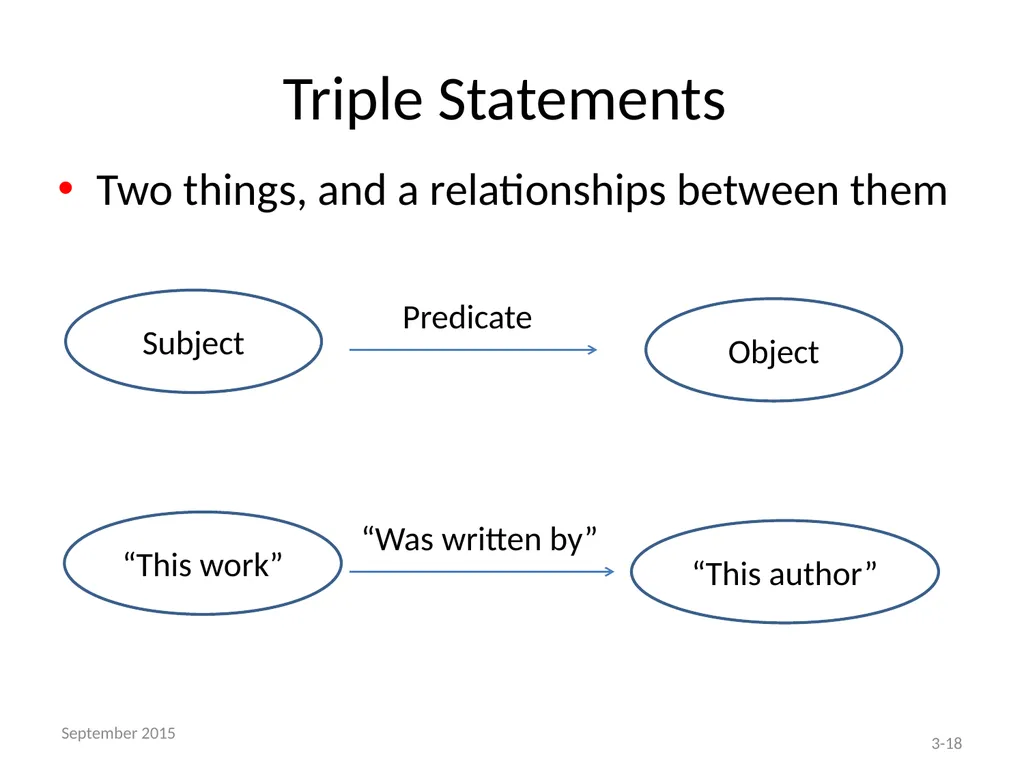
Triple Statements Subject Object Predicate “This work” “This author” “Was written by” Two things, and a relationships between them 3-18 September 2015<br>
19
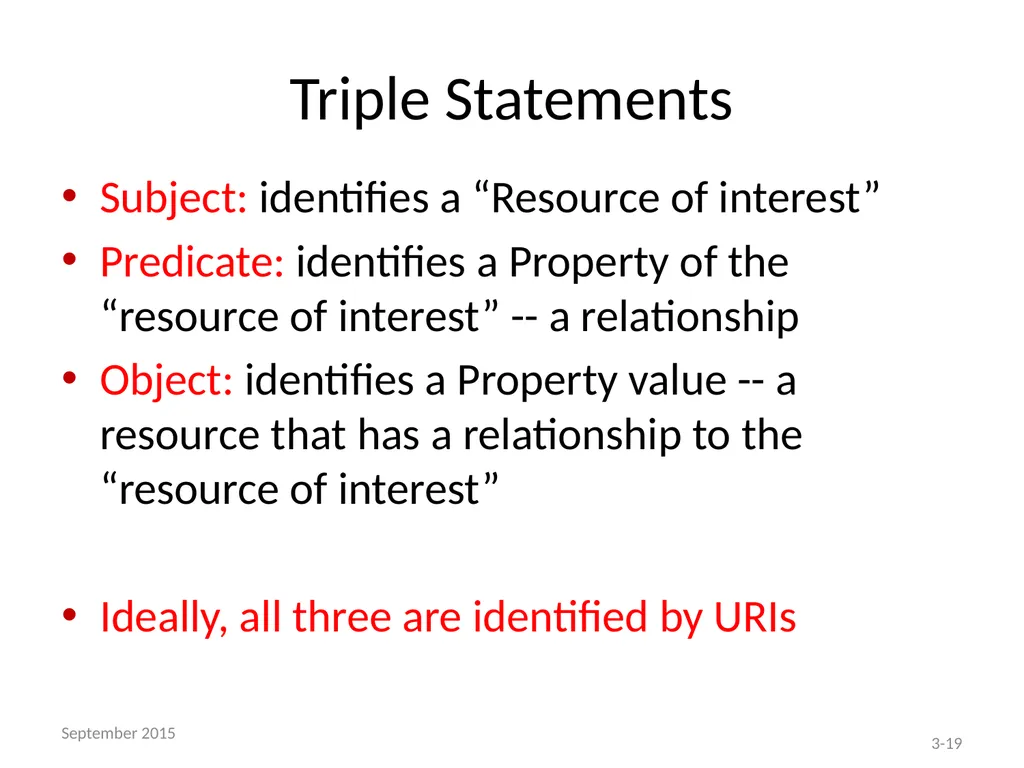
Triple Statements Subject: identifies a “Resource of interest”
Predicate: identifies a Property of the “resource of interest” -- a relationship
Object: identifies a Property value -- a resource that has a relationship to the “resource of interest”
Ideally, all three are identified by URIs 3-19 September 2015<br>
Predicate: identifies a Property of the “resource of interest” -- a relationship
Object: identifies a Property value -- a resource that has a relationship to the “resource of interest”
Ideally, all three are identified by URIs 3-19 September 2015<br>
20
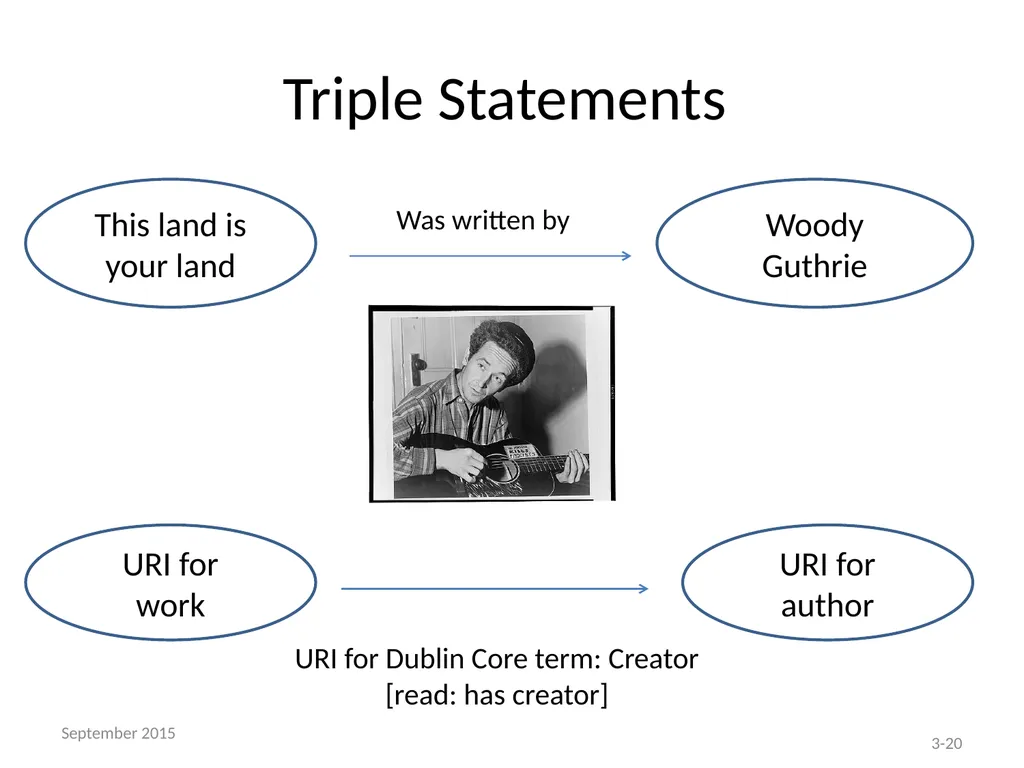
Triple Statements This land is your land Woody Guthrie Was written by URI for
work URI for author URI for Dublin Core term: Creator
[read: has creator] 3-20 September 2015<br>
work URI for author URI for Dublin Core term: Creator
[read: has creator] 3-20 September 2015<br>
21
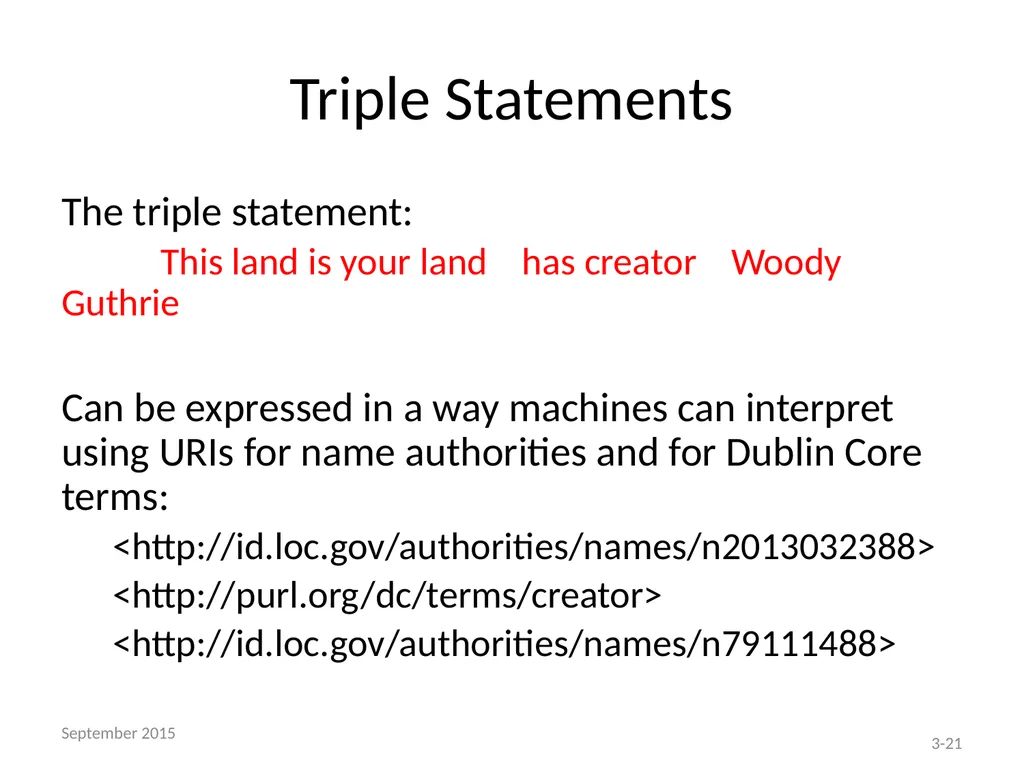
Triple Statements The triple statement:
This land is your land has creator Woody Guthrie
Can be expressed in a way machines can interpret using URIs for name authorities and for Dublin Core terms:
<http://id.loc.gov/authorities/names/n2013032388>
<http://purl.org/dc/terms/creator>
<http://id.loc.gov/authorities/names/n79111488> 3-21 September 2015<br>
This land is your land has creator Woody Guthrie
Can be expressed in a way machines can interpret using URIs for name authorities and for Dublin Core terms:
<http://id.loc.gov/authorities/names/n2013032388>
<http://purl.org/dc/terms/creator>
<http://id.loc.gov/authorities/names/n79111488> 3-21 September 2015<br>
22
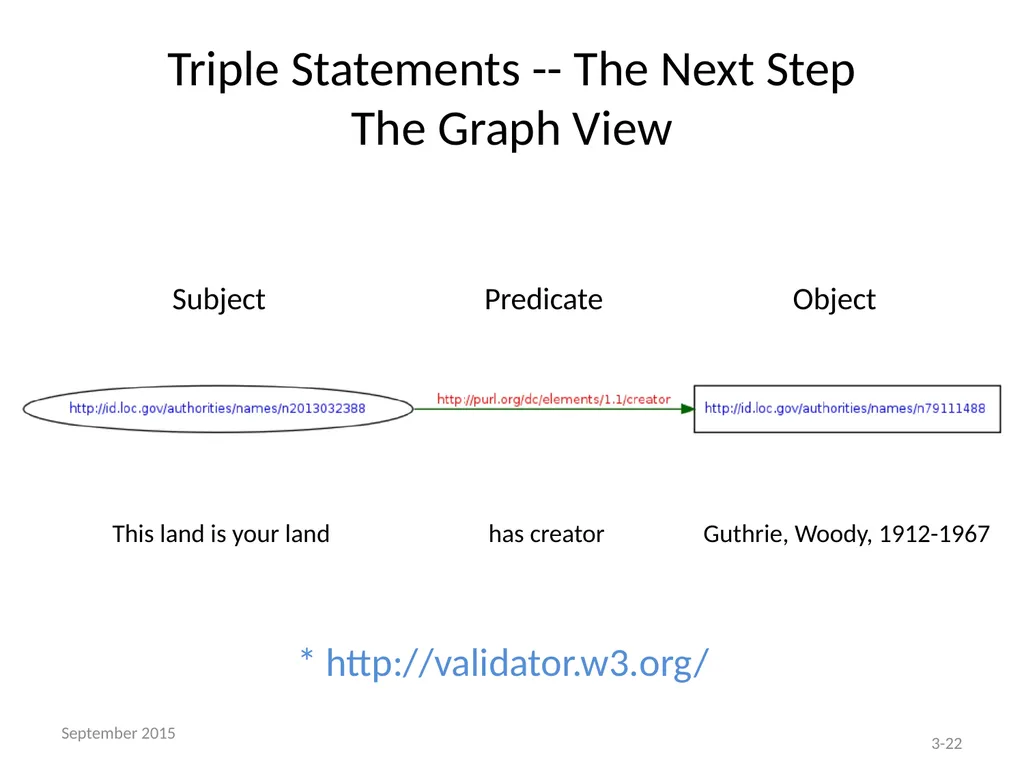
Triple Statements -- The Next Step
The Graph View Subject Predicate Object This land is your land has creator Guthrie, Woody, 1912-1967 * http://validator.w3.org/ 3-22 September 2015<br>
23
Triple Statements – The Crux Triple statements make it possible to make meaningful statements about resources on the semantic web
Can be processed by computers and serve meaningful results to users 3-23 September 2015<br>
Can be processed by computers and serve meaningful results to users 3-23 September 2015<br>
24
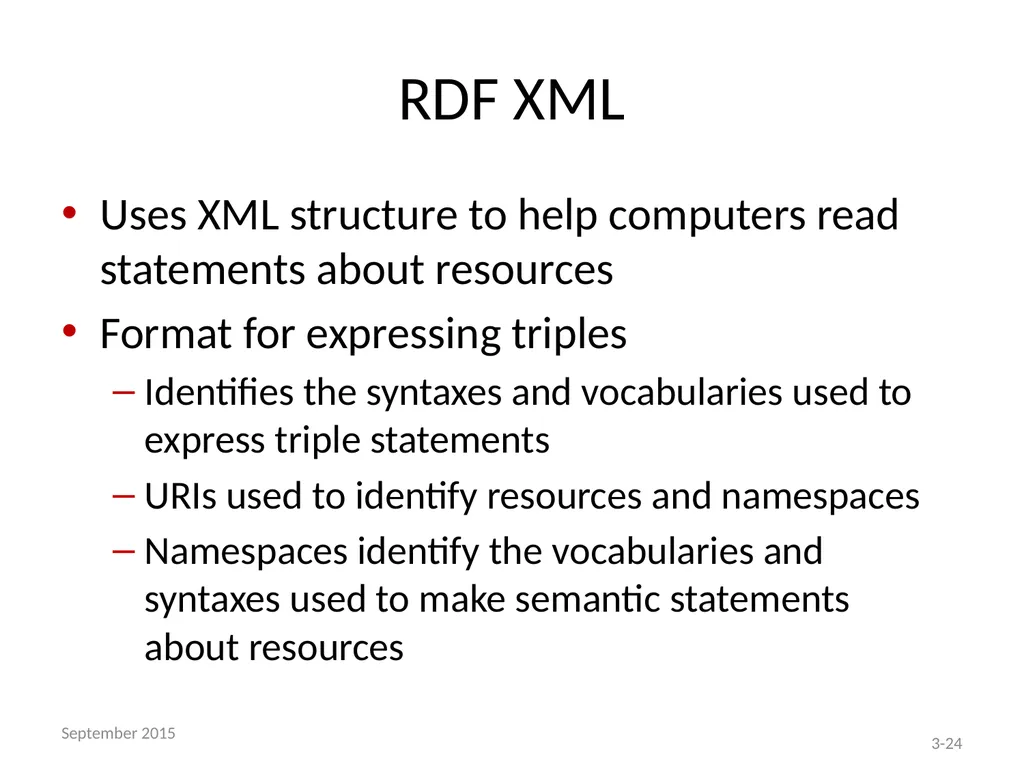
RDF XML Uses XML structure to help computers read statements about resources
Format for expressing triples
Identifies the syntaxes and vocabularies used to express triple statements
URIs used to identify resources and namespaces
Namespaces identify the vocabularies and syntaxes used to make semantic statements about resources 3-24 September 2015<br>
Format for expressing triples
Identifies the syntaxes and vocabularies used to express triple statements
URIs used to identify resources and namespaces
Namespaces identify the vocabularies and syntaxes used to make semantic statements about resources 3-24 September 2015<br>
25
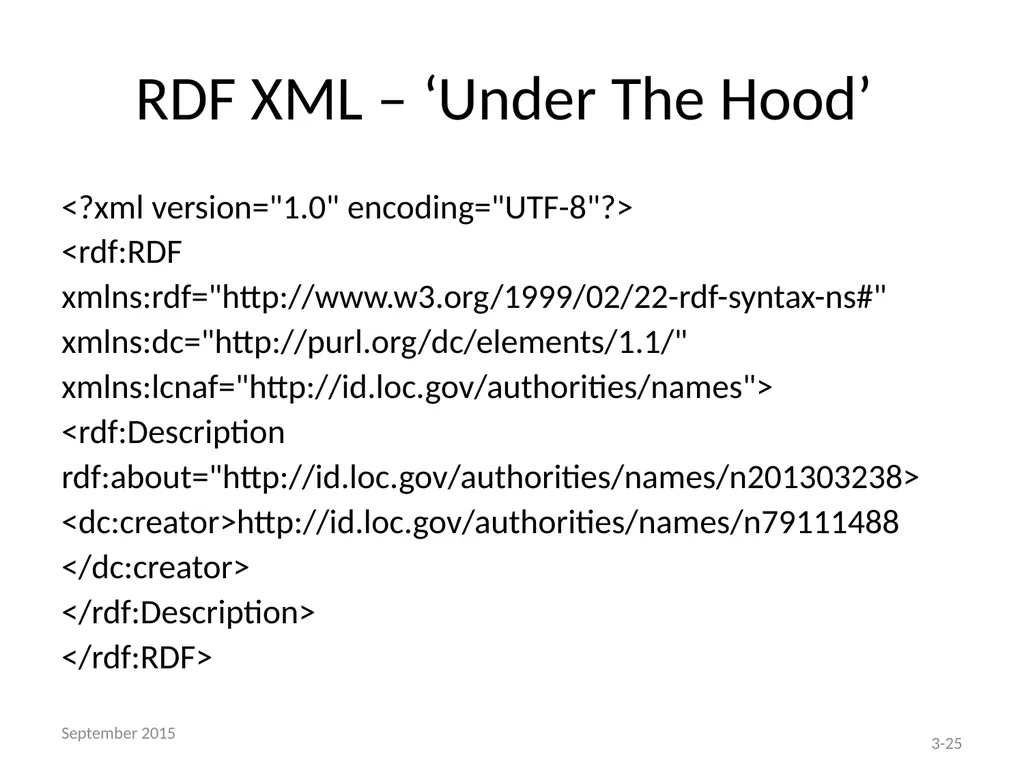
RDF XML – ‘Under The Hood’ <?xml version="1.0" encoding="UTF-8"?>
<rdf:RDF
xmlns:rdf="http://www.w3.org/1999/02/22-rdf-syntax-ns#"
xmlns:dc="http://purl.org/dc/elements/1.1/"
xmlns:lcnaf="http://id.loc.gov/authorities/names">
<rdf:Description
rdf:about="http://id.loc.gov/authorities/names/n201303238>
<dc:creator>http://id.loc.gov/authorities/names/n79111488
</dc:creator>
</rdf:Description>
</rdf:RDF> 3-25 September 2015<br>
<rdf:RDF
xmlns:rdf="http://www.w3.org/1999/02/22-rdf-syntax-ns#"
xmlns:dc="http://purl.org/dc/elements/1.1/"
xmlns:lcnaf="http://id.loc.gov/authorities/names">
<rdf:Description
rdf:about="http://id.loc.gov/authorities/names/n201303238>
<dc:creator>http://id.loc.gov/authorities/names/n79111488
</dc:creator>
</rdf:Description>
</rdf:RDF> 3-25 September 2015<br>
26
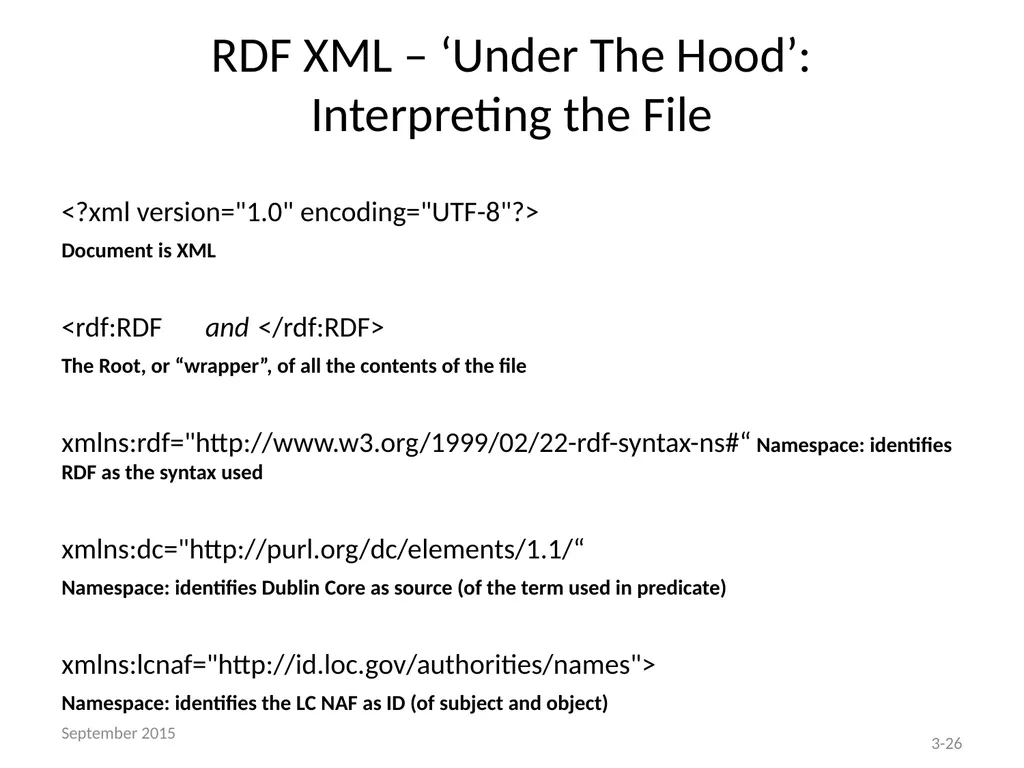
RDF XML – ‘Under The Hood’:
Interpreting the File <?xml version="1.0" encoding="UTF-8"?>
Document is XML
<rdf:RDF and </rdf:RDF>
The Root, or “wrapper”, of all the contents of the file
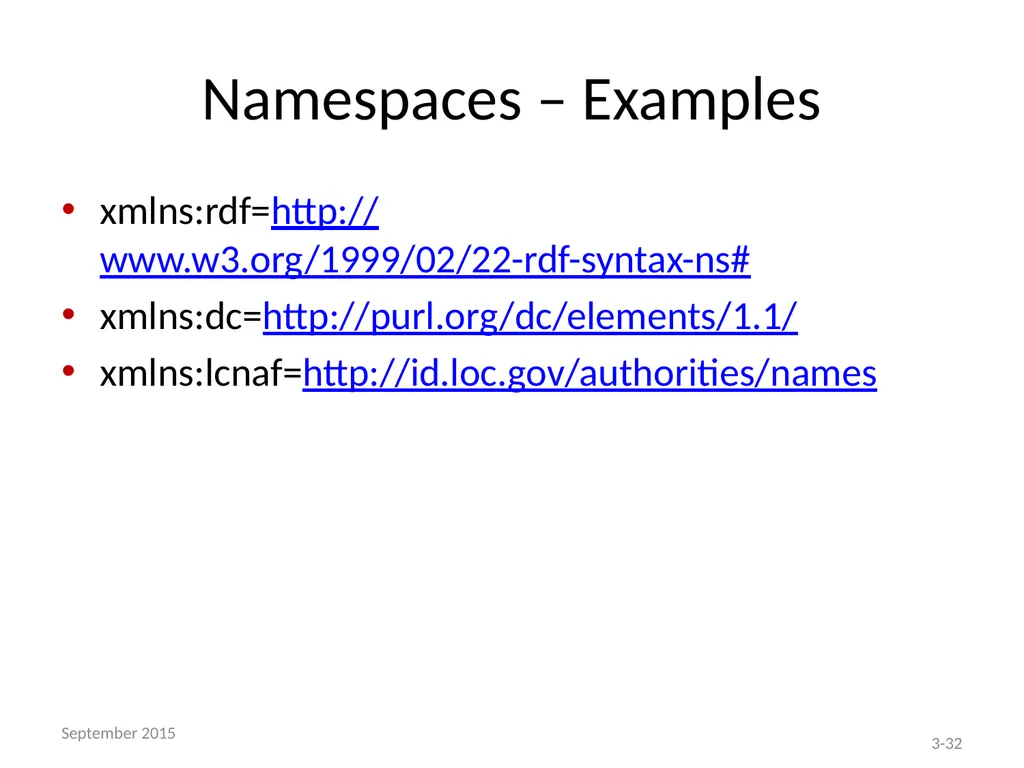
xmlns:rdf="http://www.w3.org/1999/02/22-rdf-syntax-ns#“ Namespace: identifies RDF as the syntax used
xmlns:dc="http://purl.org/dc/elements/1.1/“
Namespace: identifies Dublin Core as source (of the term used in predicate)
xmlns:lcnaf="http://id.loc.gov/authorities/names">
Namespace: identifies the LC NAF as ID (of subject and object) 3-26 September 2015<br>
Document is XML
<rdf:RDF and </rdf:RDF>
The Root, or “wrapper”, of all the contents of the file
xmlns:rdf="http://www.w3.org/1999/02/22-rdf-syntax-ns#“ Namespace: identifies RDF as the syntax used
xmlns:dc="http://purl.org/dc/elements/1.1/“
Namespace: identifies Dublin Core as source (of the term used in predicate)
xmlns:lcnaf="http://id.loc.gov/authorities/names">
Namespace: identifies the LC NAF as ID (of subject and object) 3-26 September 2015<br>
27
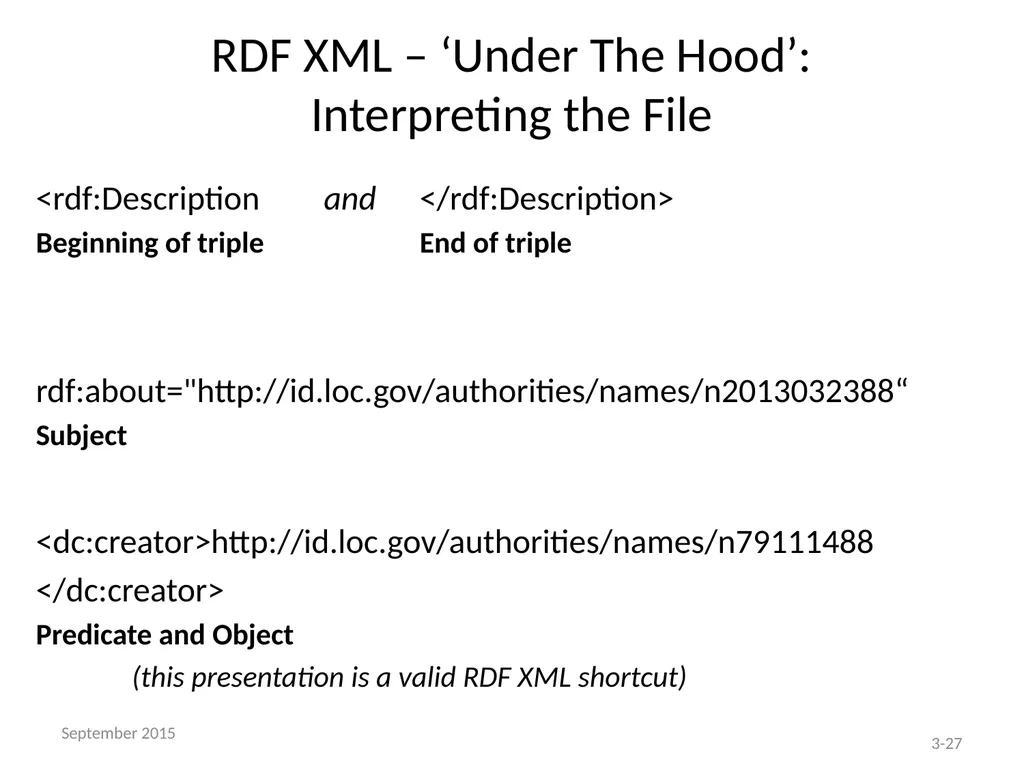
RDF XML – ‘Under The Hood’:
Interpreting the File <rdf:Description and </rdf:Description>
Beginning of triple End of triple
rdf:about="http://id.loc.gov/authorities/names/n2013032388“
Subject
<dc:creator>http://id.loc.gov/authorities/names/n79111488
</dc:creator>
Predicate and Object
(this presentation is a valid RDF XML shortcut) 3-27 September 2015<br>
Beginning of triple End of triple
rdf:about="http://id.loc.gov/authorities/names/n2013032388“
Subject
<dc:creator>http://id.loc.gov/authorities/names/n79111488
</dc:creator>
Predicate and Object
(this presentation is a valid RDF XML shortcut) 3-27 September 2015<br>
28
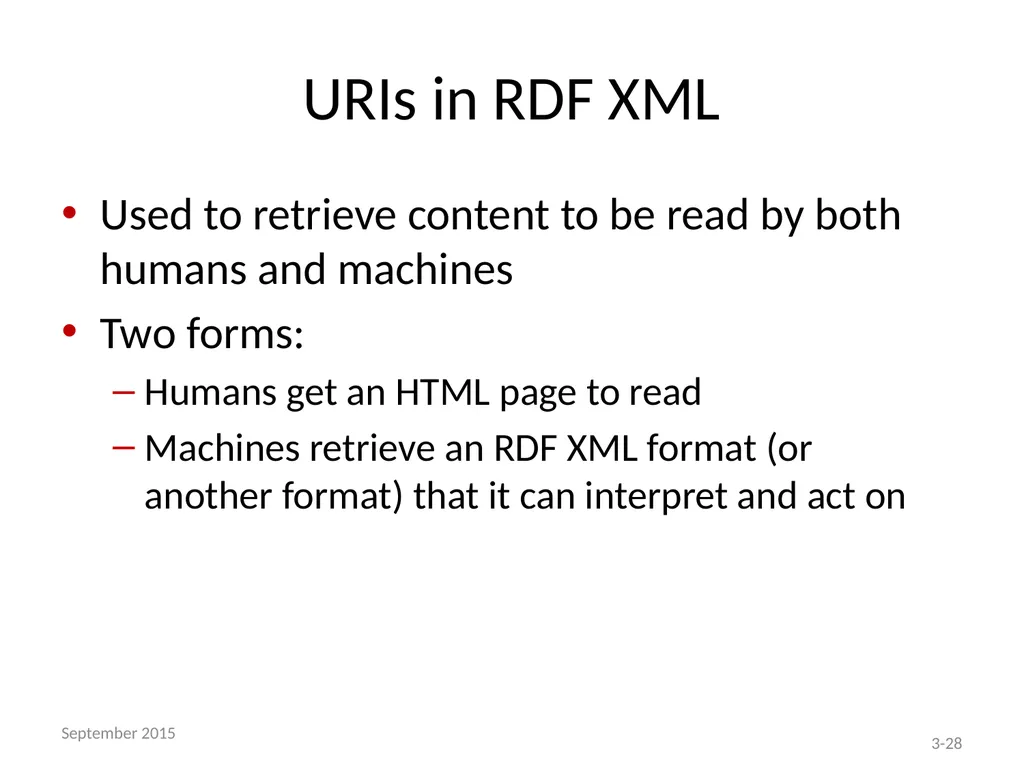
URIs in RDF XML Used to retrieve content to be read by both humans and machines
Two forms:
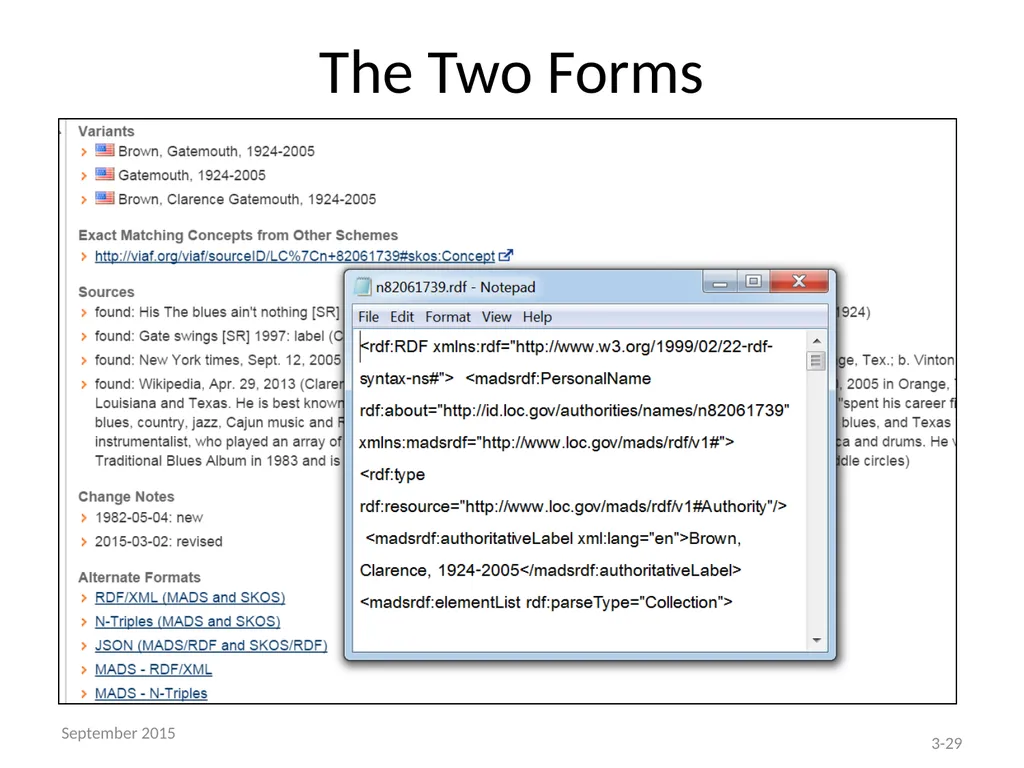
Humans get an HTML page to read
Machines retrieve an RDF XML format (or another format) that it can interpret and act on 3-28 September 2015<br>
Two forms:
Humans get an HTML page to read
Machines retrieve an RDF XML format (or another format) that it can interpret and act on 3-28 September 2015<br>
29
The Two Forms 3-29 September 2015<br>
30
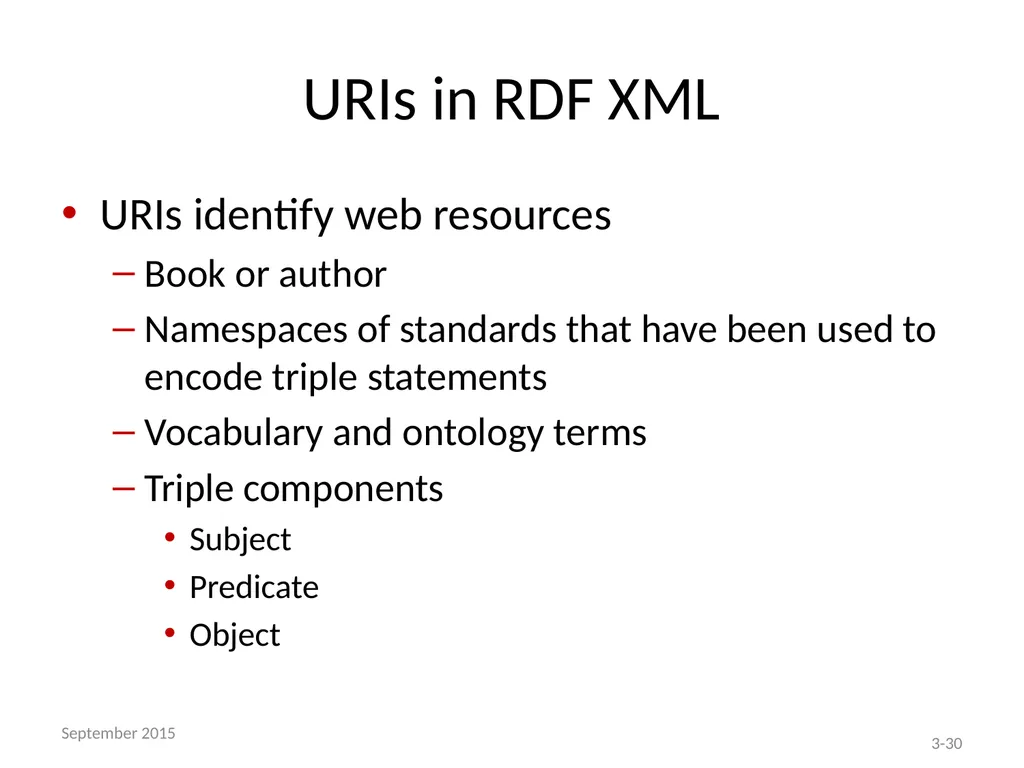
URIs in RDF XML URIs identify web resources
Book or author
Namespaces of standards that have been used to encode triple statements
Vocabulary and ontology terms
Triple components
Subject
Predicate
Object 3-30 September 2015<br>
Book or author
Namespaces of standards that have been used to encode triple statements
Vocabulary and ontology terms
Triple components
Subject
Predicate
Object 3-30 September 2015<br>
31
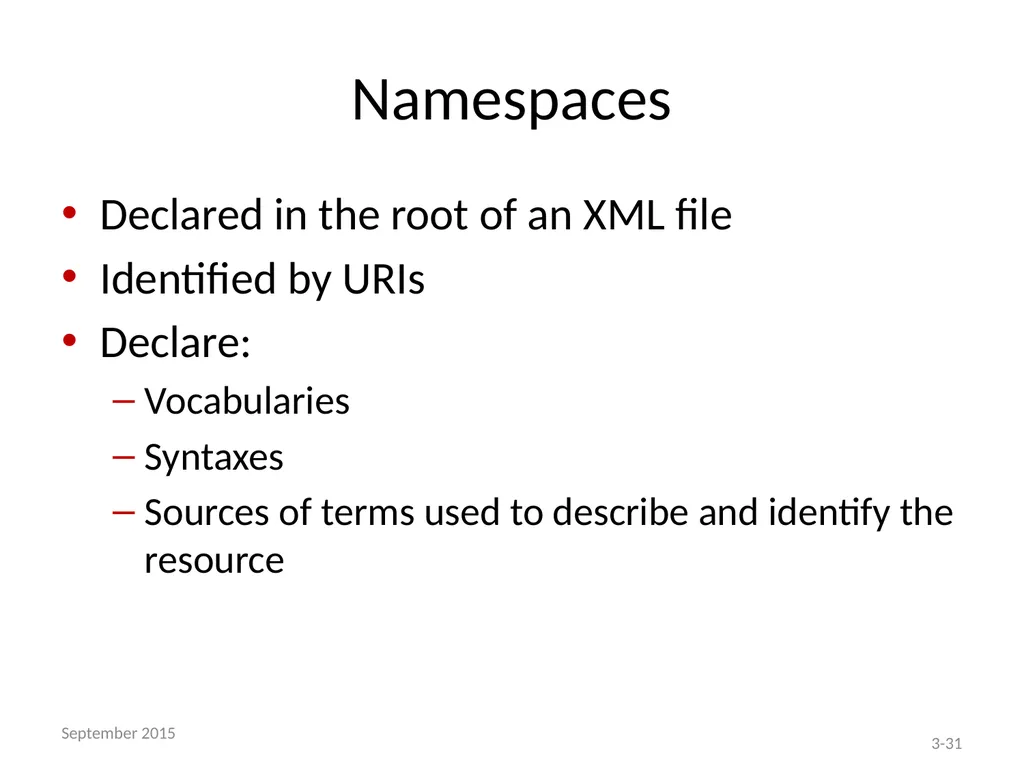
Namespaces Declared in the root of an XML file
Identified by URIs
Declare:
Vocabularies
Syntaxes
Sources of terms used to describe and identify the resource 3-31 September 2015<br>
Identified by URIs
Declare:
Vocabularies
Syntaxes
Sources of terms used to describe and identify the resource 3-31 September 2015<br>
32
Namespaces – Examples xmlns:rdf=http://www.w3.org/1999/02/22-rdf-syntax-ns#
xmlns:dc=http://purl.org/dc/elements/1.1/
xmlns:lcnaf=http://id.loc.gov/authorities/names 3-32 September 2015<br>
xmlns:dc=http://purl.org/dc/elements/1.1/
xmlns:lcnaf=http://id.loc.gov/authorities/names 3-32 September 2015<br>
33
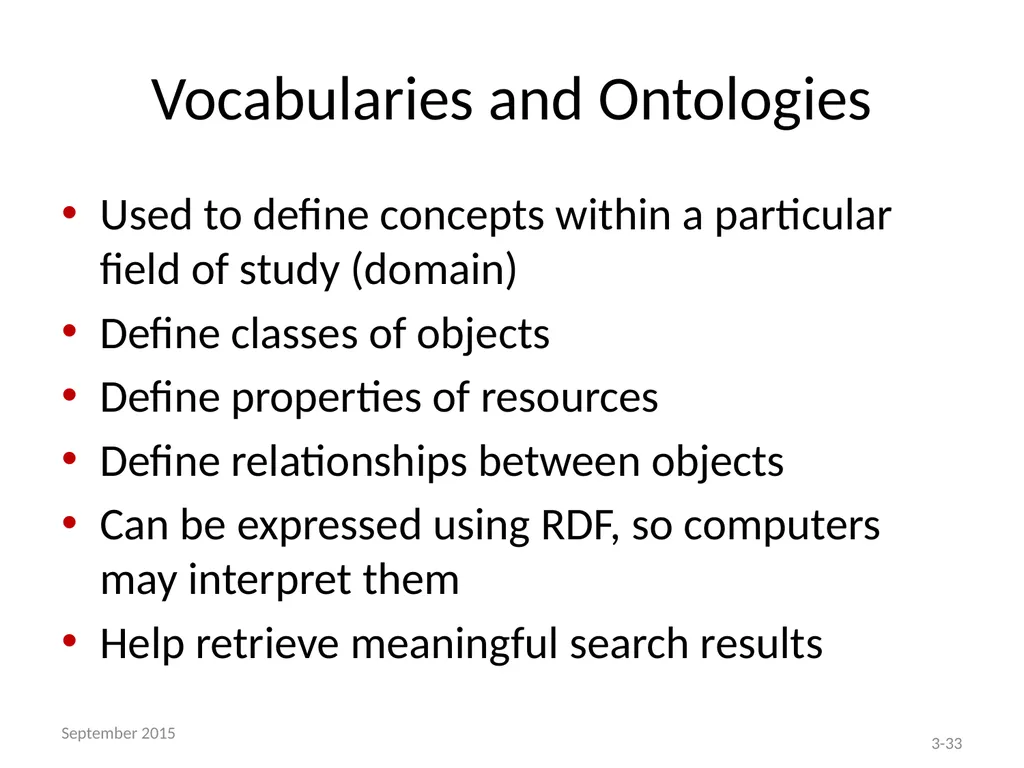
Vocabularies and Ontologies Used to define concepts within a particular field of study (domain)
Define classes of objects
Define properties of resources
Define relationships between objects
Can be expressed using RDF, so computers may interpret them
Help retrieve meaningful search results 3-33 September 2015<br>
Define classes of objects
Define properties of resources
Define relationships between objects
Can be expressed using RDF, so computers may interpret them
Help retrieve meaningful search results 3-33 September 2015<br>
34
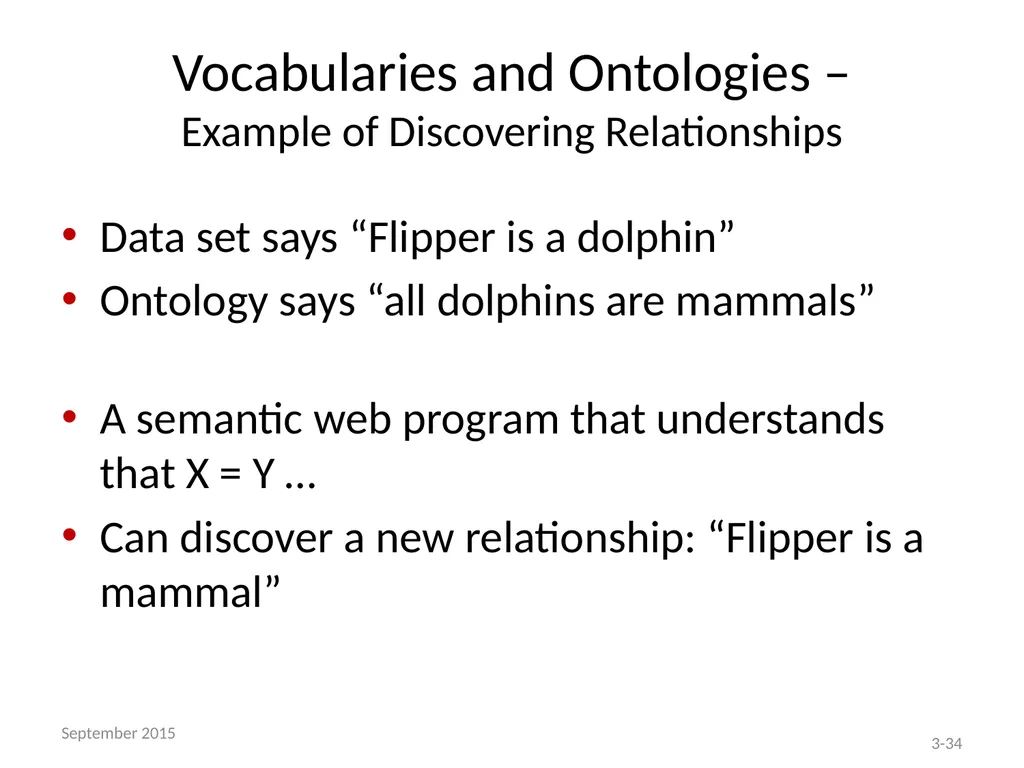
Vocabularies and Ontologies –
Example of Discovering Relationships Data set says “Flipper is a dolphin”
Ontology says “all dolphins are mammals”
A semantic web program that understands that X = Y …
Can discover a new relationship: “Flipper is a mammal” 3-34 September 2015<br>
Ontology says “all dolphins are mammals”
A semantic web program that understands that X = Y …
Can discover a new relationship: “Flipper is a mammal” 3-34 September 2015<br>
35
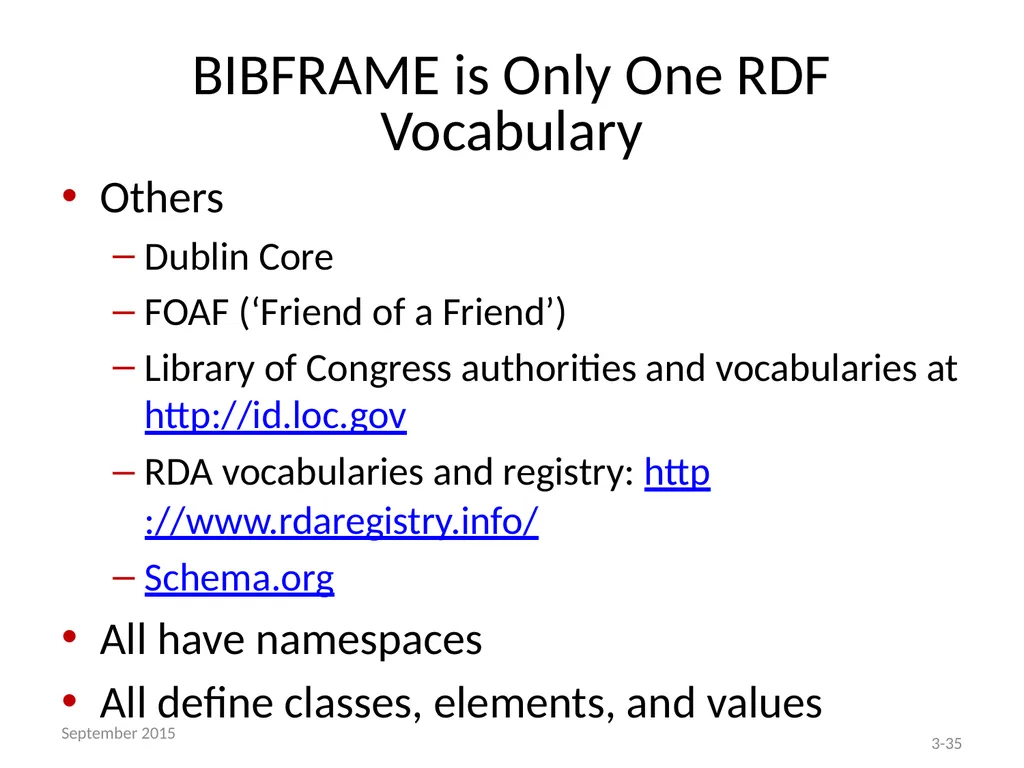
BIBFRAME is Only One RDF Vocabulary Others
Dublin Core
FOAF (‘Friend of a Friend’)
Library of Congress authorities and vocabularies at http://id.loc.gov
RDA vocabularies and registry: http://www.rdaregistry.info/
Schema.org
All have namespaces
All define classes, elements, and values 3-35 September 2015<br>
Dublin Core
FOAF (‘Friend of a Friend’)
Library of Congress authorities and vocabularies at http://id.loc.gov
RDA vocabularies and registry: http://www.rdaregistry.info/
Schema.org
All have namespaces
All define classes, elements, and values 3-35 September 2015<br>
36
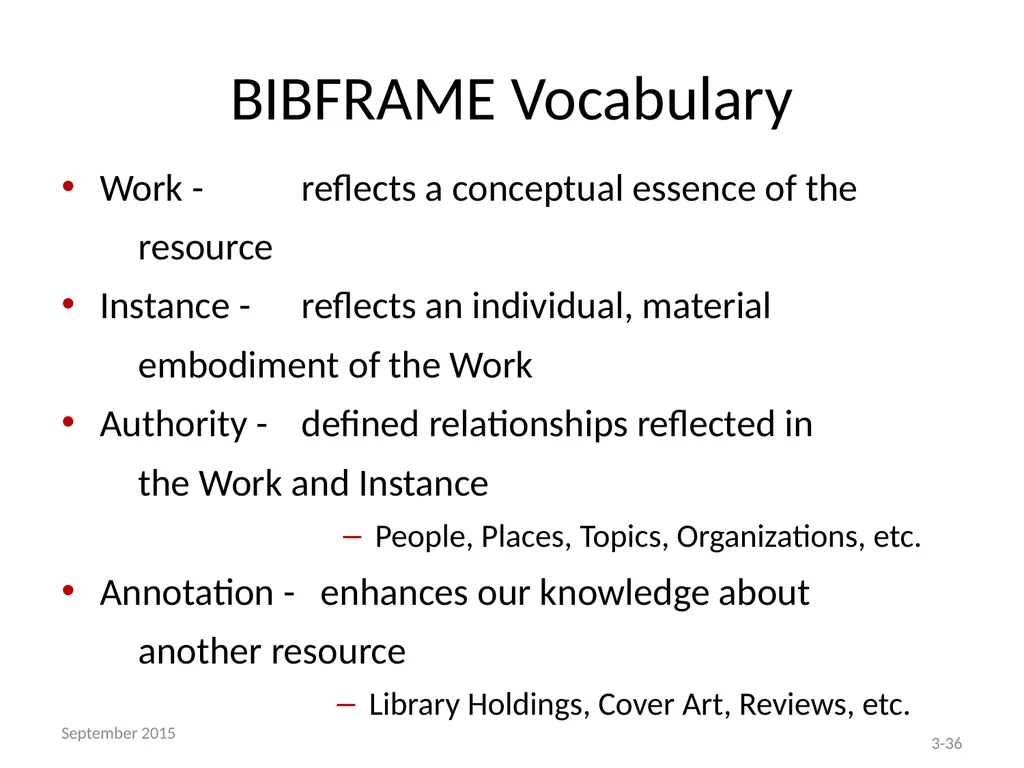
BIBFRAME Vocabulary Work - reflects a conceptual essence of the
resource
Instance - reflects an individual, material
embodiment of the Work
Authority - defined relationships reflected in
the Work and Instance
People, Places, Topics, Organizations, etc.
Annotation - enhances our knowledge about
another resource
Library Holdings, Cover Art, Reviews, etc. 3-36 September 2015<br>
resource
Instance - reflects an individual, material
embodiment of the Work
Authority - defined relationships reflected in
the Work and Instance
People, Places, Topics, Organizations, etc.
Annotation - enhances our knowledge about
another resource
Library Holdings, Cover Art, Reviews, etc. 3-36 September 2015<br>
37
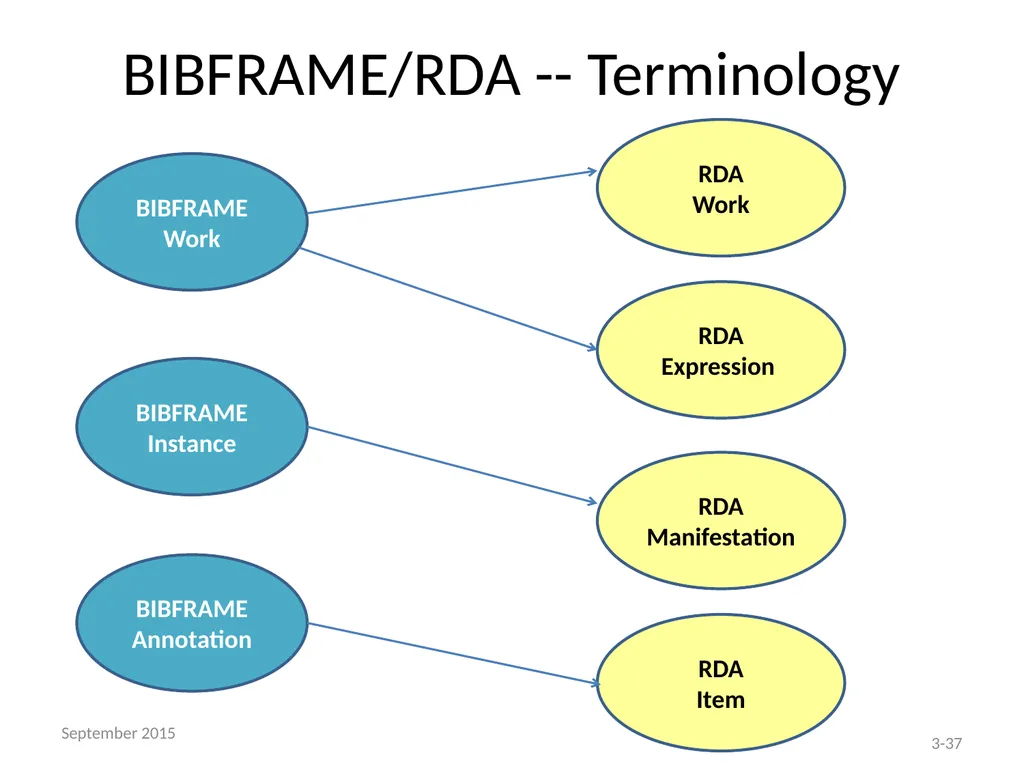
BIBFRAME/RDA -- Terminology BIBFRAME Work BIBFRAME Instance BIBFRAME Annotation RDA
Work RDA Expression RDA Manifestation RDA
Item 3-37 September 2015<br>
Work RDA Expression RDA Manifestation RDA
Item 3-37 September 2015<br>
38
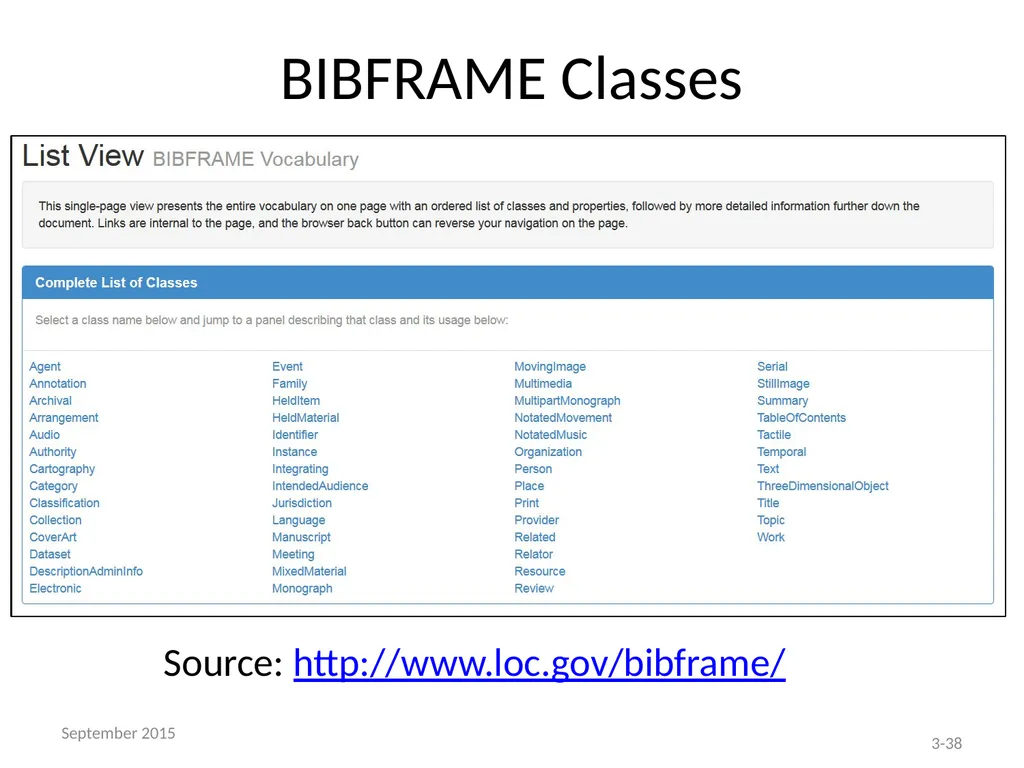
BIBFRAME Classes Source: http://www.loc.gov/bibframe/ 3-38 September 2015<br>
39
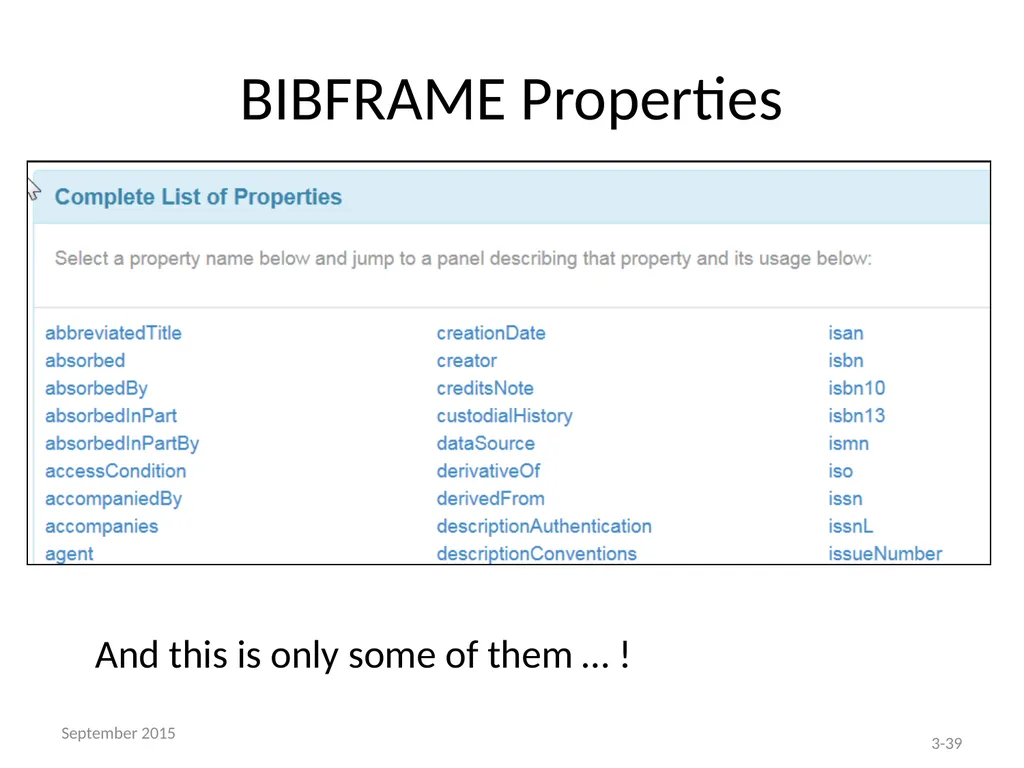
BIBFRAME Properties And this is only some of them … ! 3-39 September 2015<br>
40
Now you’re conceptually ready to start working with the BIBFRAME Editor Remember that you are participating in a “pilot”
Remember that the Editor is a work-in-progress
Remember that this is an entirely new way of displaying and looking at bibliographic data
It is not necessary that BIBFRAME do all that MARC did
During the Pilot, we want you to …
identify what works and what doesn’t
suggest enhancements
provide constructive feedback
be flexible and not stress over what is ‘uncomfortable’ 3-40 September 2015<br>
Remember that the Editor is a work-in-progress
Remember that this is an entirely new way of displaying and looking at bibliographic data
It is not necessary that BIBFRAME do all that MARC did
During the Pilot, we want you to …
identify what works and what doesn’t
suggest enhancements
provide constructive feedback
be flexible and not stress over what is ‘uncomfortable’ 3-40 September 2015<br>