This is Your Presentation Title Instructions for

Published  . 0 views
↓ Download
This is Your Presentation Title Instructions for
1 / 1
This is Your Presentation Title Instructions for - slide 1 of 42 This is Your Presentation Title Instructions for - slide 2 of 42 This is Your Presentation Title Instructions for - slide 3 of 42 This is Your Presentation Title Instructions for - slide 4 of 42 This is Your Presentation Title Instructions for - slide 5 of 42 This is Your Presentation Title Instructions for - slide 6 of 42 This is Your Presentation Title Instructions for - slide 7 of 42 This is Your Presentation Title Instructions for - slide 8 of 42 This is Your Presentation Title Instructions for - slide 9 of 42 This is Your Presentation Title Instructions for - slide 10 of 42 This is Your Presentation Title Instructions for - slide 11 of 42 This is Your Presentation Title Instructions for - slide 12 of 42 This is Your Presentation Title Instructions for - slide 13 of 42 This is Your Presentation Title Instructions for - slide 14 of 42 This is Your Presentation Title Instructions for - slide 15 of 42 This is Your Presentation Title Instructions for - slide 16 of 42 This is Your Presentation Title Instructions for - slide 17 of 42 This is Your Presentation Title Instructions for - slide 18 of 42 This is Your Presentation Title Instructions for - slide 19 of 42 This is Your Presentation Title Instructions for - slide 20 of 42 This is Your Presentation Title Instructions for - slide 21 of 42 This is Your Presentation Title Instructions for - slide 22 of 42 This is Your Presentation Title Instructions for - slide 23 of 42 This is Your Presentation Title Instructions for - slide 24 of 42 This is Your Presentation Title Instructions for - slide 25 of 42 This is Your Presentation Title Instructions for - slide 26 of 42 This is Your Presentation Title Instructions for - slide 27 of 42 This is Your Presentation Title Instructions for - slide 28 of 42 This is Your Presentation Title Instructions for - slide 29 of 42 This is Your Presentation Title Instructions for - slide 30 of 42 This is Your Presentation Title Instructions for - slide 31 of 42 This is Your Presentation Title Instructions for - slide 32 of 42 This is Your Presentation Title Instructions for - slide 33 of 42 This is Your Presentation Title Instructions for - slide 34 of 42 This is Your Presentation Title Instructions for - slide 35 of 42 This is Your Presentation Title Instructions for - slide 36 of 42 This is Your Presentation Title Instructions for - slide 37 of 42 This is Your Presentation Title Instructions for - slide 38 of 42 This is Your Presentation Title Instructions for - slide 39 of 42 This is Your Presentation Title Instructions for - slide 40 of 42 This is Your Presentation Title Instructions for - slide 41 of 42 This is Your Presentation Title Instructions for - slide 42 of 42
Description: This is Your Presentation Title Instructions for use EDIT IN POWERPOINT Click on the button under the presentation preview that says Download as PowerPoint template. You will get a .pptx file that you can edit in PowerPoint. Remember to

Related Topics

Download Presentation

"This is Your Presentation Title Instructions for" is the property of its rightful owner. Permission is granted to download and print the materials on this website for personal, non-commercial use only, and to display it on your personal computer provided you do not modify the materials and that you retain all copyright notices contained in the materials. By downloading content from our website, you accept the terms of this agreement.

Presentation Transcript

slide1. This is Your Presentation Title<br>

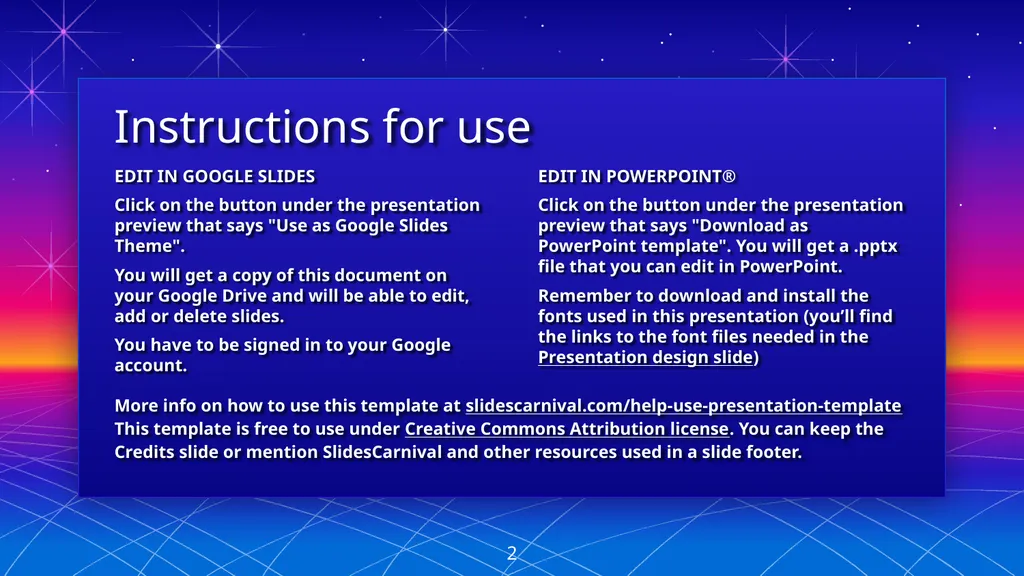
slide2. Instructions for use EDIT IN POWERPOINT®
Click on the button under the presentation preview that says "Download as PowerPoint template". You will get a .pptx file that you can edit in PowerPoint.
Remember to download and install the fonts used in this presentation (you’ll find the links to the font files needed in the Presentation design slide) EDIT IN GOOGLE SLIDES
Click on the button under the presentation preview that says "Use as Google Slides Theme".
You will get a copy of this document on your Google Drive and will be able to edit, add or delete slides.
You have to be signed in to your Google account. More info on how to use this template at slidescarnival.com/help-use-presentation-template
This template is free to use under Creative Commons Attribution license. You can keep the Credits slide or mention SlidesCarnival and other resources used in a slide footer. 2<br>
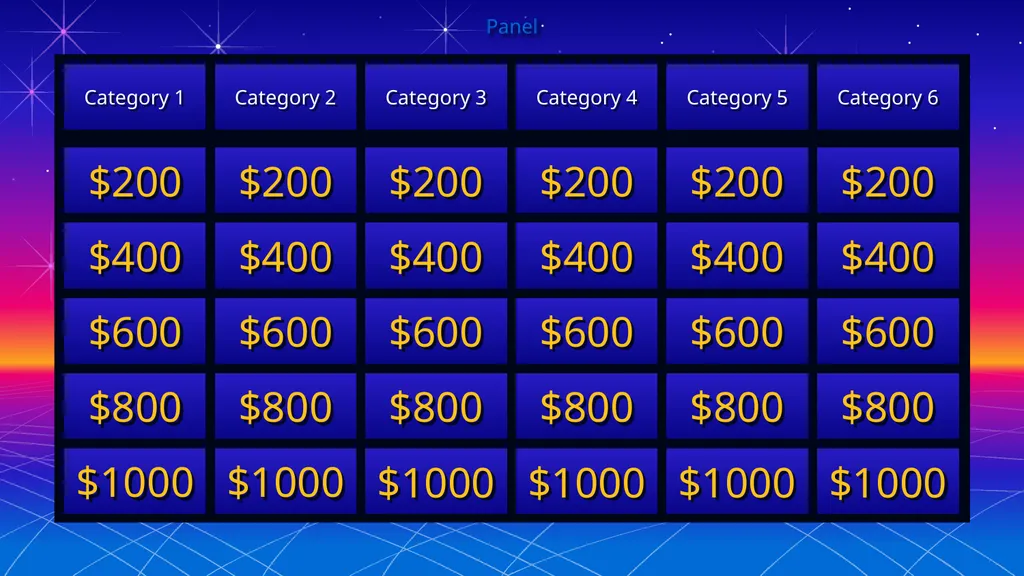
slide3. Panel Category 1 Category 2 Category 3 Category 4 Category 5 Category 6 $200 $400 $600 $800 $1000 $200 $400 $600 $800 $1000 $200 $400 $600 $800 $1000 $200 $400 $600 $800 $1000 $200 $400 $600 $800 $1000 $200 $400 $600 $800 $1000<br>
slide4. HERE YOU WRITE THE ANSWER, AND THE CONTESTANTS SUPPLY THE QUESTION CATEGORY 1 · $200<br>
slide5. HERE YOU WRITE THE ANSWER, AND THE CONTESTANTS SUPPLY THE QUESTION CATEGORY 1 · $400<br>
slide6. HERE YOU WRITE THE ANSWER, AND THE CONTESTANTS SUPPLY THE QUESTION CATEGORY 1 · $600<br>
slide7. HERE YOU WRITE THE ANSWER, AND THE CONTESTANTS SUPPLY THE QUESTION CATEGORY 1 · $800<br>
slide8. HERE YOU WRITE THE ANSWER, AND THE CONTESTANTS SUPPLY THE QUESTION CATEGORY 1 · $1000<br>
slide9. HERE YOU WRITE THE ANSWER, AND THE CONTESTANTS SUPPLY THE QUESTION CATEGORY 2 · $200<br>
slide10. HERE YOU WRITE THE ANSWER, AND THE CONTESTANTS SUPPLY THE QUESTION CATEGORY 2 · $400<br>
slide11. HERE YOU WRITE THE ANSWER, AND THE CONTESTANTS SUPPLY THE QUESTION CATEGORY 2 · $600<br>
slide12. HERE YOU WRITE THE ANSWER, AND THE CONTESTANTS SUPPLY THE QUESTION CATEGORY 2 · $800<br>
slide13. HERE YOU WRITE THE ANSWER, AND THE CONTESTANTS SUPPLY THE QUESTION CATEGORY 2 · $1000<br>
slide14. HERE YOU WRITE THE ANSWER, AND THE CONTESTANTS SUPPLY THE QUESTION CATEGORY 3 · $200<br>
slide15. HERE YOU WRITE THE ANSWER, AND THE CONTESTANTS SUPPLY THE QUESTION CATEGORY 3 · $400<br>
slide16. HERE YOU WRITE THE ANSWER, AND THE CONTESTANTS SUPPLY THE QUESTION CATEGORY 3 · $600<br>
slide17. HERE YOU WRITE THE ANSWER, AND THE CONTESTANTS SUPPLY THE QUESTION CATEGORY 3 · $800<br>
slide18. HERE YOU WRITE THE ANSWER, AND THE CONTESTANTS SUPPLY THE QUESTION CATEGORY 3 · $1000<br>
slide19. HERE YOU WRITE THE ANSWER, AND THE CONTESTANTS SUPPLY THE QUESTION CATEGORY 4 · $200<br>
slide20. HERE YOU WRITE THE ANSWER, AND THE CONTESTANTS SUPPLY THE QUESTION CATEGORY 4 · $400<br>
slide21. HERE YOU WRITE THE ANSWER, AND THE CONTESTANTS SUPPLY THE QUESTION CATEGORY 4 · $600<br>
slide22. HERE YOU WRITE THE ANSWER, AND THE CONTESTANTS SUPPLY THE QUESTION CATEGORY 4 · $800<br>
slide23. HERE YOU WRITE THE ANSWER, AND THE CONTESTANTS SUPPLY THE QUESTION CATEGORY 4 · $1000<br>
slide24. HERE YOU WRITE THE ANSWER, AND THE CONTESTANTS SUPPLY THE QUESTION CATEGORY 5 · $200<br>
slide25. HERE YOU WRITE THE ANSWER, AND THE CONTESTANTS SUPPLY THE QUESTION CATEGORY 5 · $400<br>
slide26. HERE YOU WRITE THE ANSWER, AND THE CONTESTANTS SUPPLY THE QUESTION CATEGORY 5 · $600<br>
slide27. HERE YOU WRITE THE ANSWER, AND THE CONTESTANTS SUPPLY THE QUESTION CATEGORY 5 · $800<br>
slide28. HERE YOU WRITE THE ANSWER, AND THE CONTESTANTS SUPPLY THE QUESTION CATEGORY 5 · $1000<br>
slide29. HERE YOU WRITE THE ANSWER, AND THE CONTESTANTS SUPPLY THE QUESTION CATEGORY 6 · $200<br>
slide30. HERE YOU WRITE THE ANSWER, AND THE CONTESTANTS SUPPLY THE QUESTION CATEGORY 6 · $400<br>
slide31. HERE YOU WRITE THE ANSWER, AND THE CONTESTANTS SUPPLY THE QUESTION CATEGORY 6 · $600<br>
slide32. HERE YOU WRITE THE ANSWER, AND THE CONTESTANTS SUPPLY THE QUESTION CATEGORY 6 · $800<br>
slide33. HERE YOU WRITE THE ANSWER, AND THE CONTESTANTS SUPPLY THE QUESTION CATEGORY 6 · $1000<br>
slide34. Winner!<br>
slide35. Credits Special thanks to all the people who made and released these awesome resources for free:
Presentation template by SlidesCarnival 35<br>
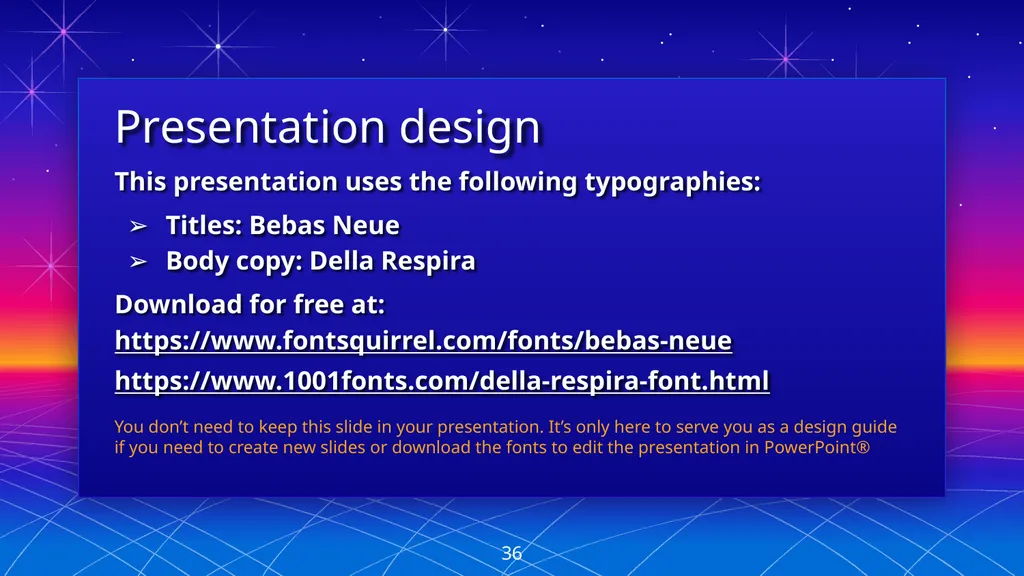
slide36. Presentation design This presentation uses the following typographies:
Titles: Bebas Neue
Body copy: Della Respira
Download for free at: https://www.fontsquirrel.com/fonts/bebas-neue https://www.1001fonts.com/della-respira-font.html You don’t need to keep this slide in your presentation. It’s only here to serve you as a design guide if you need to create new slides or download the fonts to edit the presentation in PowerPoint® 36<br>
slide37. MAP 37<br>
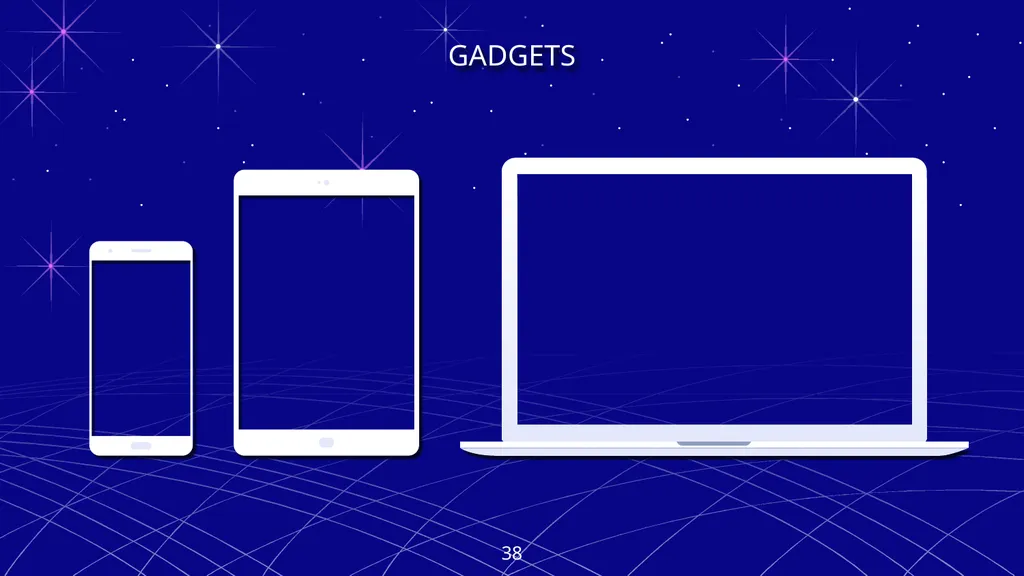
slide38. GADGETS 38<br>
slide39. SlidesCarnival icons are editable shapes. This means that you can:
Resize them without losing quality.
Change fill color and opacity.
Change line color, width and style.
Isn’t that nice? :) Examples: Find more icons at slidescarnival.com/extra-free-resources-icons-and-maps 39<br>
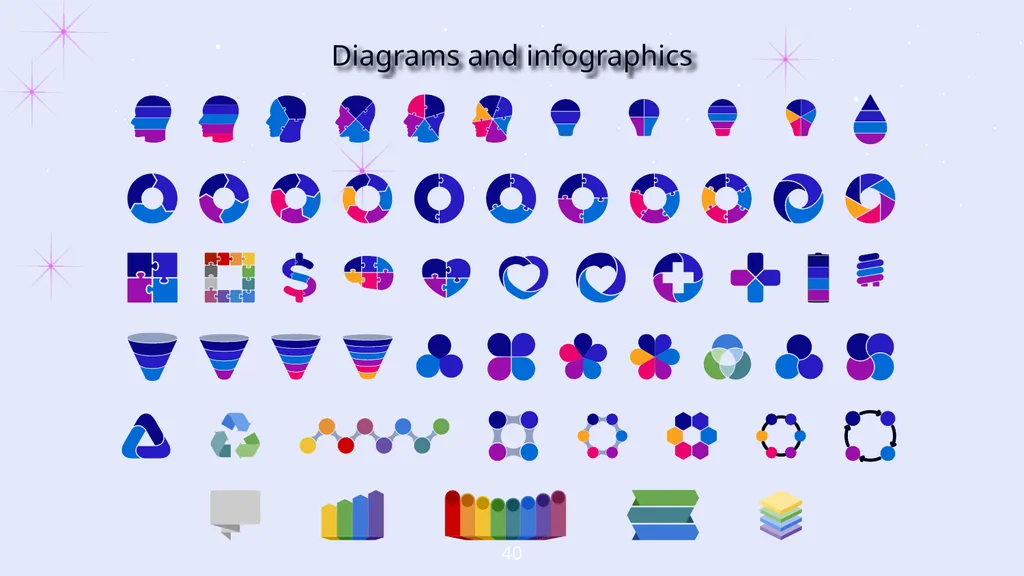
slide40. Diagrams and infographics 40<br>
slide41. ✋👆👉👍👤👦👧👨👩👪💃🏃💑❤😂😉😋😒😭👶😸🐟🍒🍔💣📌📖🔨🎃🎈🎨🏈🏰🌏🔌🔑 and many more... 😉 You can also use any emoji as an icon! And of course it resizes without losing quality.
How? Follow Google instructions https://twitter.com/googledocs/status/730087240156643328 41<br>
slide42. Free templates for all your presentation needs<br>