THIS IS YOUR PRESENTATION TITLE INSTRUCTIONS FOR USE EDIT IN GOOGLE SLIDES Click on the button under the presentation preview that says Use as Google Slides Theme. You will get a copy of this document on your Google Drive and will be able
"THIS IS YOUR PRESENTATION TITLE INSTRUCTIONS FOR" is the property of its rightful owner. Permission is granted to
download and print the materials on this website for personal, non-commercial use only, and to display it
on your personal computer provided you do not modify the materials and that you retain all copyright
notices contained in the materials. By downloading content from our website, you accept the terms of this
agreement.
Share
Embed code
Presentation Transcript
01
THIS IS YOUR PRESENTATION TITLE<br>
02
INSTRUCTIONS FOR USE EDIT IN GOOGLE SLIDES
Click on the button under the presentation preview that says "Use as Google Slides Theme".
You will get a copy of this document on your Google Drive and will be able to edit, add or delete slides.
You have to be signed in to your Google account. EDIT IN POWERPOINT®
Click on the button under the presentation preview that says "Download as PowerPoint template". You will get a .pptx file that you can edit in PowerPoint.
Remember to download and install the fonts used in this presentation (you’ll find the links to the font files needed in the Presentation design slide) More info on how to use this template at www.slidescarnival.com/help-use-presentation-template
This template is free to use under Creative Commons Attribution license. You can keep the Credits slide or mention SlidesCarnival and other resources used in a slide footer. ‹#›<br>
03
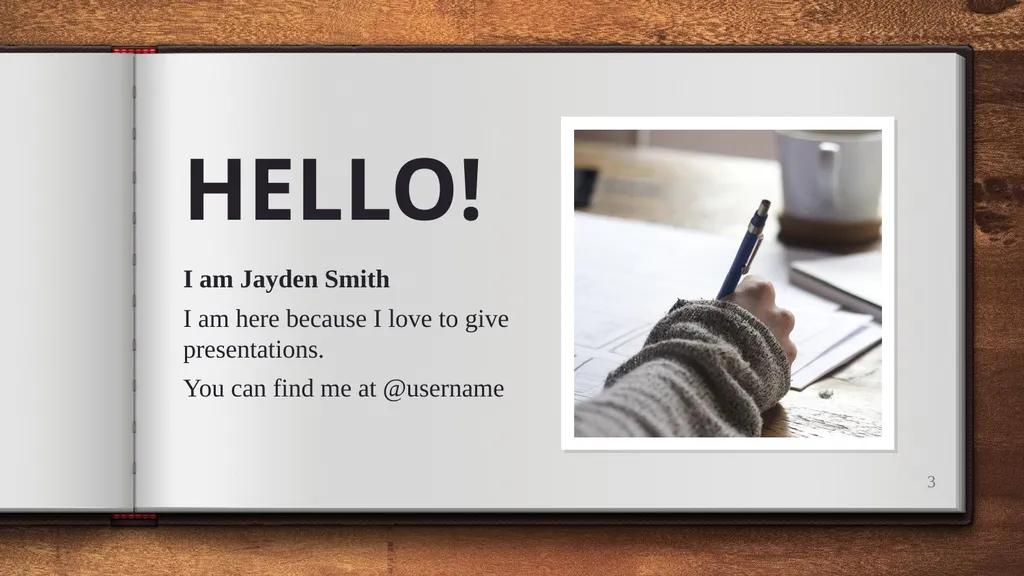
HELLO! I am Jayden Smith
I am here because I love to give presentations.
You can find me at @username ‹#›<br>
04
1.
TRANSITION HEADLINE Let’s start with the first set of slides ‹#›<br>
05
Quotations are commonly printed as a means of inspiration and to invoke philosophical thoughts from the reader. ‹#›<br>
06
THIS IS A SLIDE TITLE Here you have a list of items
And some text
But remember not to overload your slides with content
Your audience will listen to you or read the content, but won’t do both. ‹#›<br>
07
BIG CONCEPT Bring the attention of your audience over a key concept using icons or illustrations ‹#›<br>
08
White
Is the color of milk and fresh snow, the color produced by the combination of all the colors of the visible spectrum. YOU CAN ALSO SPLIT YOUR CONTENT Black
Is the color of ebony and of outer space. It has been the symbolic color of elegance, solemnity and authority. ‹#›<br>
09
IN 2 OR 3 COLUMNS Yellow
Is the color of gold, butter and ripe lemons. In the spectrum of visible light, yellow is found between green and orange. Blue
Is the colour of the clear sky and the deep sea. It is located between violet and green on the optical spectrum. Red
Is the color of blood, and because of this it has historically been associated with sacrifice, danger and courage. ‹#›<br>
10
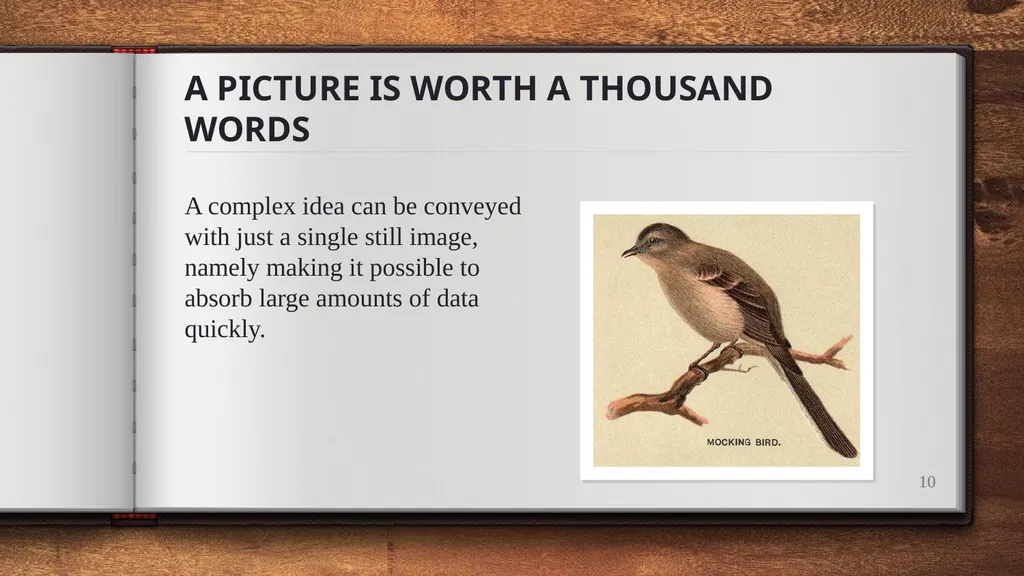
A PICTURE IS WORTH A THOUSAND WORDS A complex idea can be conveyed with just a single still image, namely making it possible to absorb large amounts of data quickly. ‹#›<br>
11
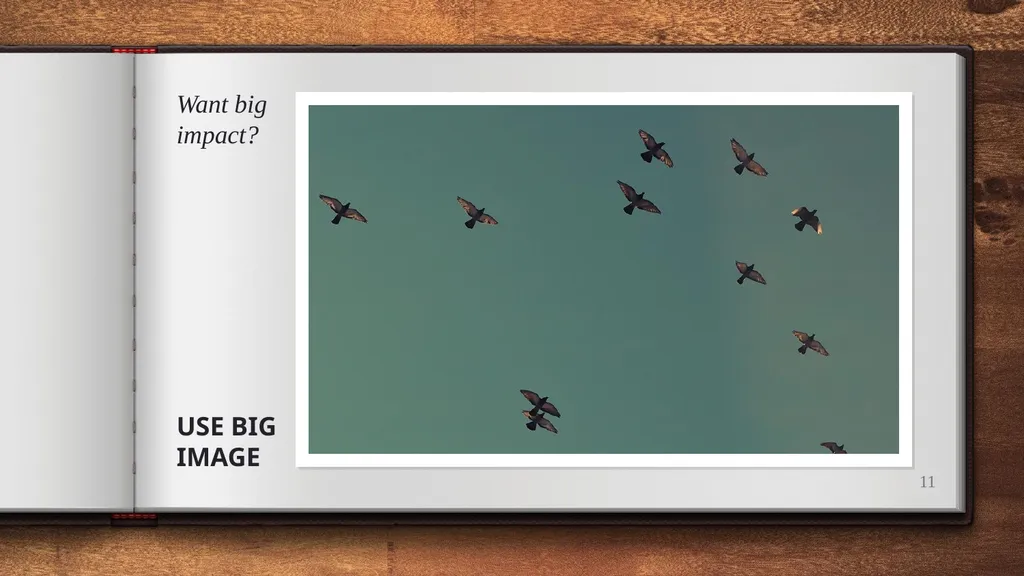
Want big impact? ‹#› USE BIG IMAGE<br>
12
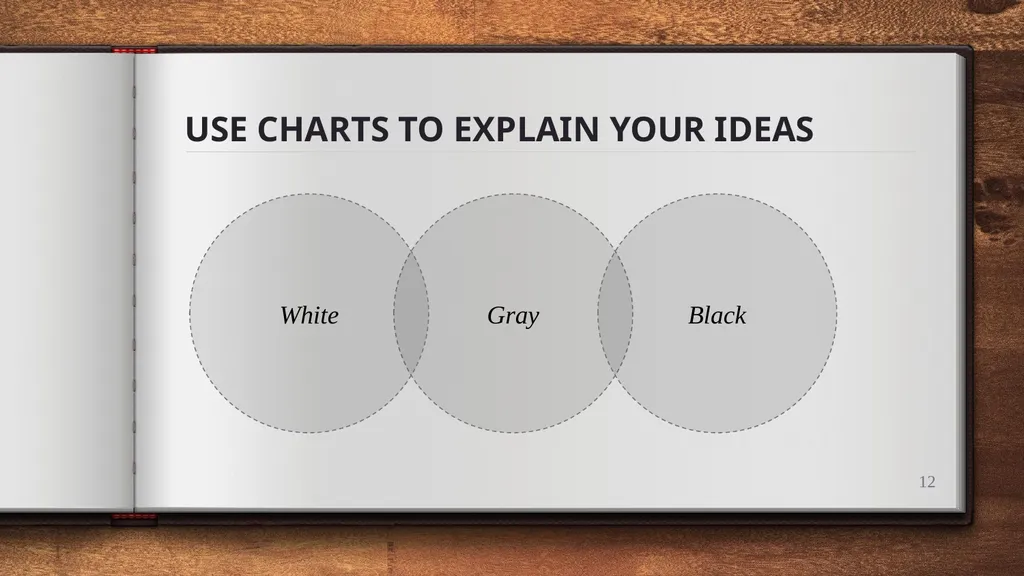
USE CHARTS TO EXPLAIN YOUR IDEAS Gray White Black ‹#›<br>
13
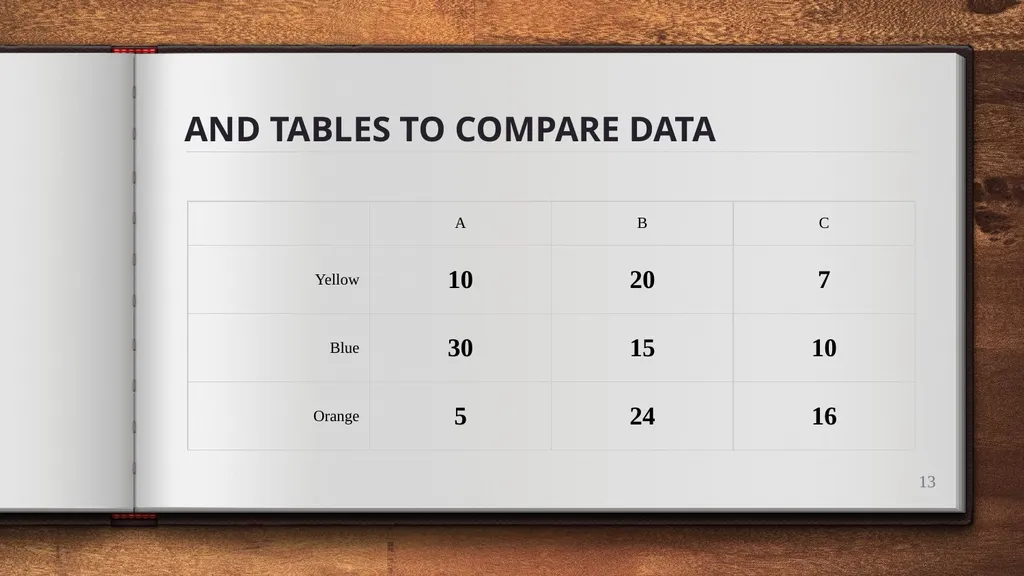
AND TABLES TO COMPARE DATA ‹#›<br>
14
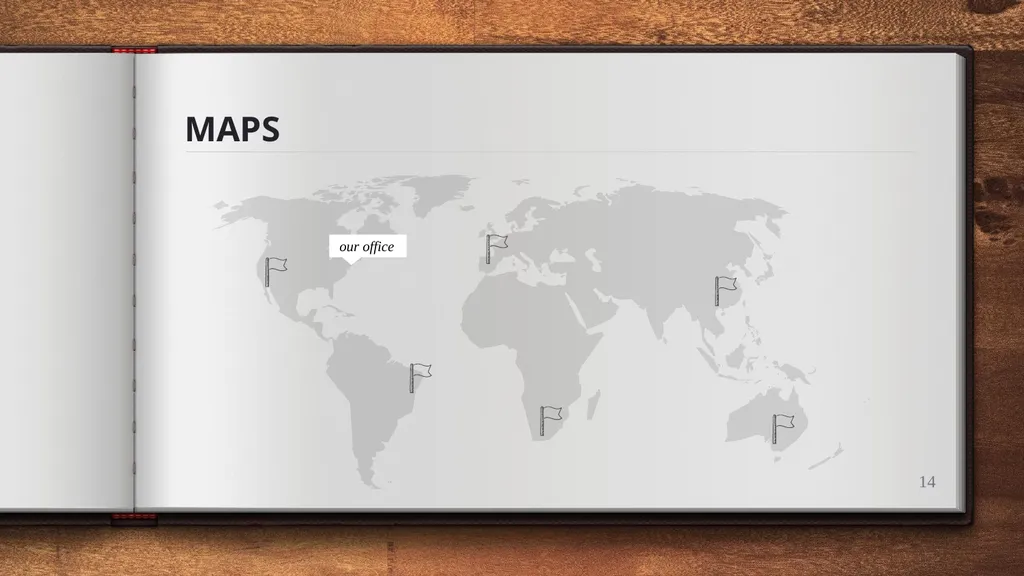
MAPS our office ‹#›<br>
15
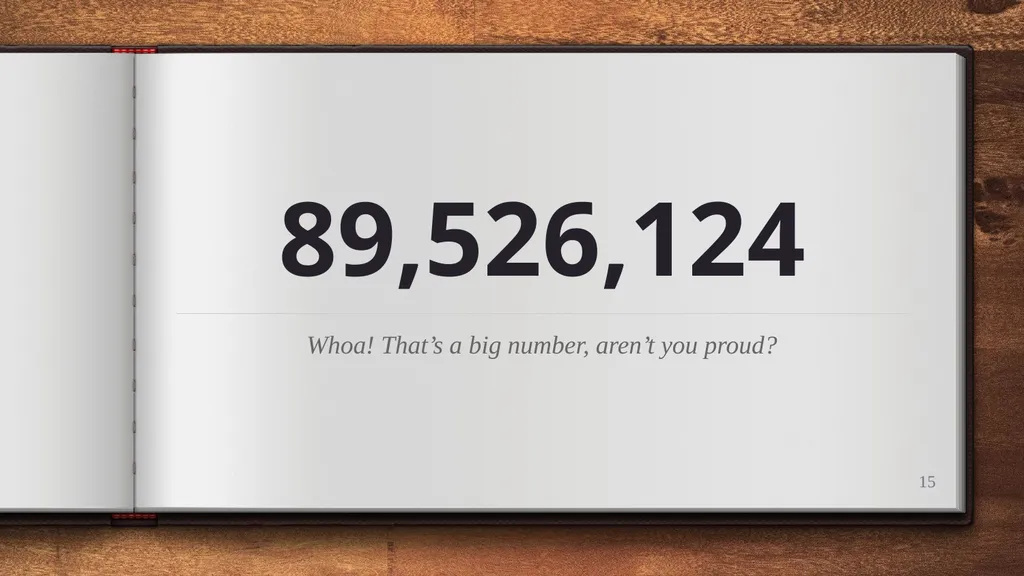
89,526,124 Whoa! That’s a big number, aren’t you proud? ‹#›<br>
16
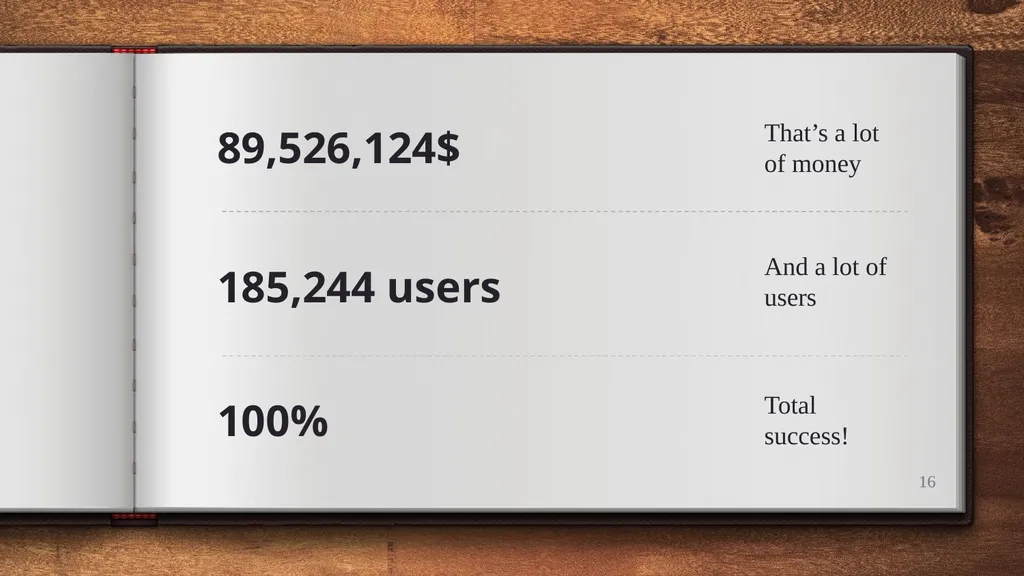
89,526,124$ That’s a lot of money 100% Total success! 185,244 users And a lot of users ‹#›<br>
17
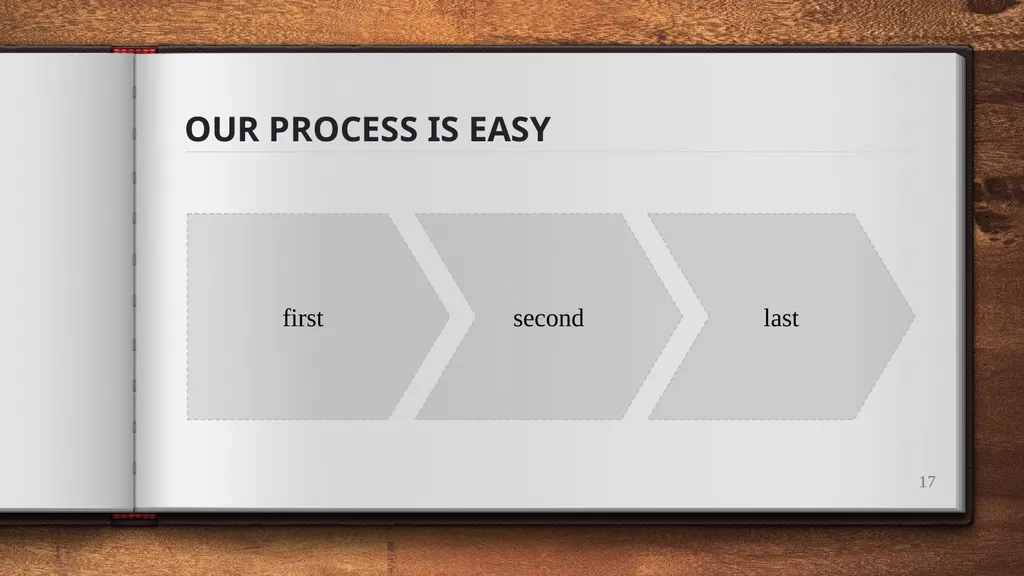
OUR PROCESS IS EASY first second last ‹#›<br>
18
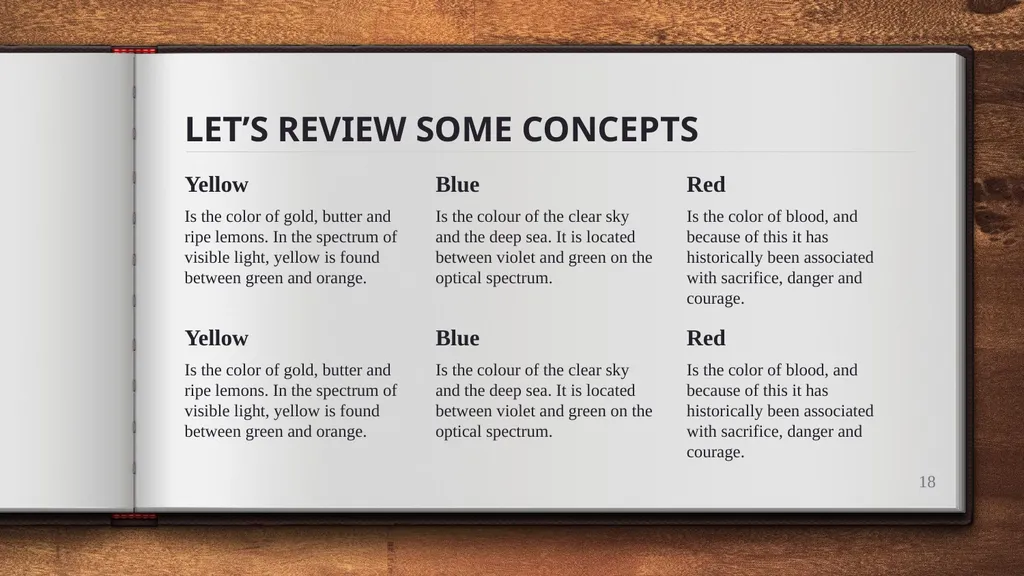
LET’S REVIEW SOME CONCEPTS Yellow
Is the color of gold, butter and ripe lemons. In the spectrum of visible light, yellow is found between green and orange. Blue
Is the colour of the clear sky and the deep sea. It is located between violet and green on the optical spectrum. Red
Is the color of blood, and because of this it has historically been associated with sacrifice, danger and courage. ‹#› Yellow
Is the color of gold, butter and ripe lemons. In the spectrum of visible light, yellow is found between green and orange. Blue
Is the colour of the clear sky and the deep sea. It is located between violet and green on the optical spectrum. Red
Is the color of blood, and because of this it has historically been associated with sacrifice, danger and courage.<br>
19
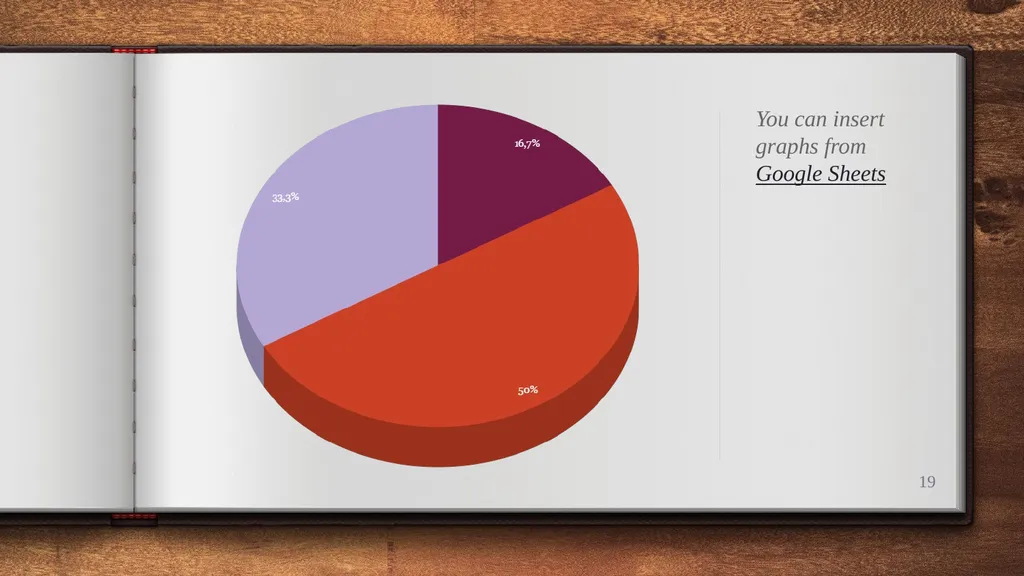
You can insert graphs from Google Sheets ‹#›<br>
20
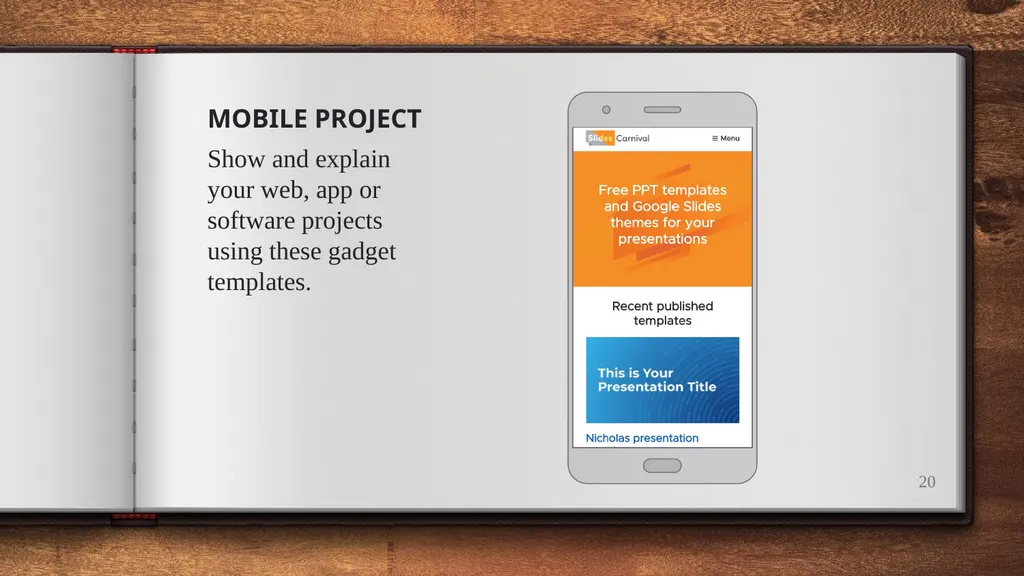
‹#› MOBILE PROJECT
Show and explain your web, app or software projects using these gadget templates.<br>
21
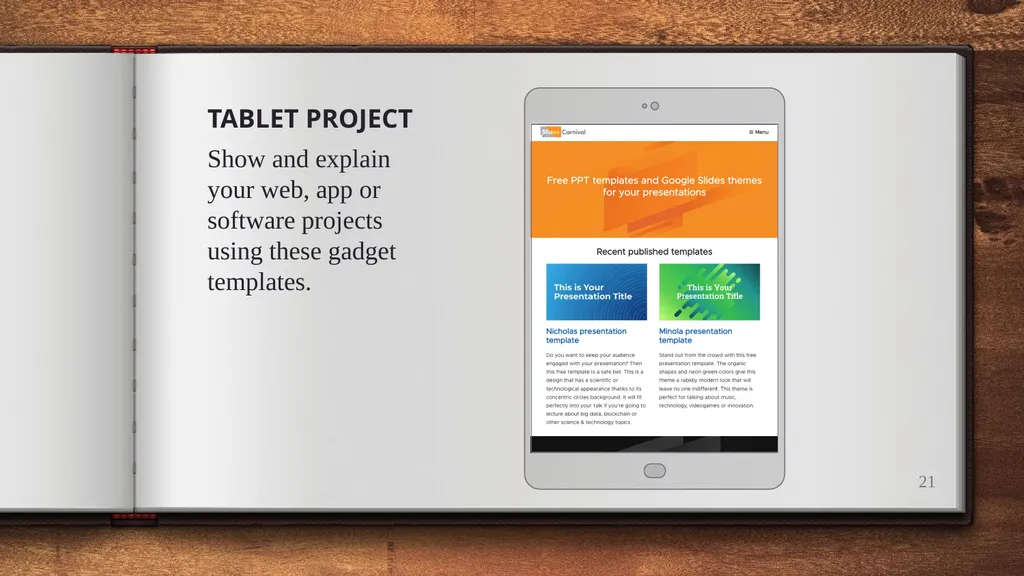
‹#› TABLET PROJECT
Show and explain your web, app or software projects using these gadget templates.<br>
22
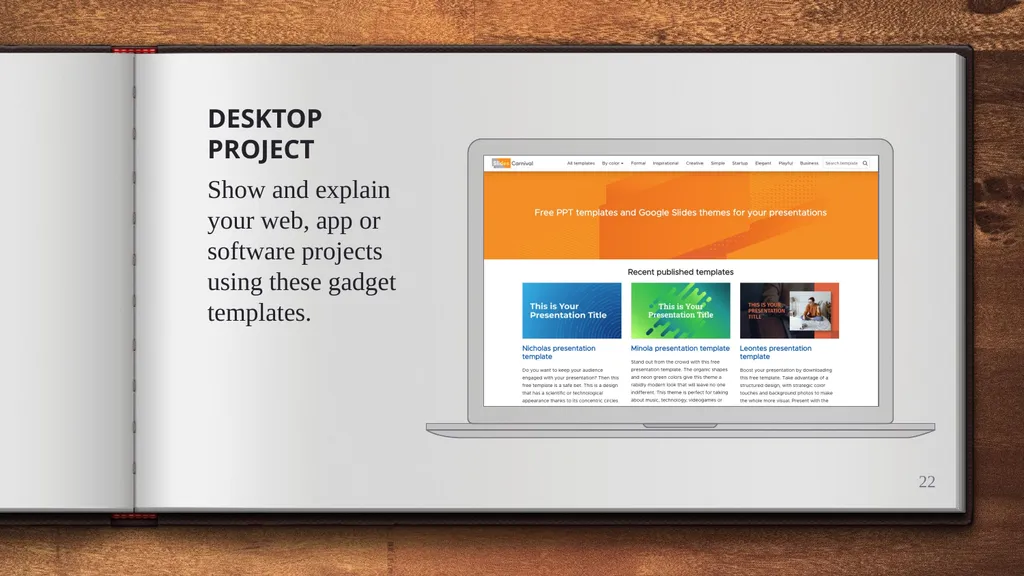
‹#› DESKTOP PROJECT
Show and explain your web, app or software projects using these gadget templates.<br>
23
THANKS! Any questions?
You can find me at @username & user@mail.me<br>
24
CREDITS Special thanks to all the people who made and released these awesome resources for free:
Presentation template by SlidesCarnival
Photographs by Unsplash ‹#›<br>
25
PRESENTATION DESIGN This presentation uses the following typographies and colors:
Titles: Oswald
Body copy: Tinos
You can download the fonts on these pages:
https://www.fontsquirrel.com/fonts/oswald · https://www.fontsquirrel.com/fonts/tinos You don’t need to keep this slide in your presentation. It’s only here to serve you as a design guide if you need to create new slides or download the fonts to edit the presentation in PowerPoint® ‹#›<br>
26
SlidesCarnival icons are editable shapes.
This means that you can:
Resize them without losing quality.
Change fill color and opacity.
Isn’t that nice? :)
Examples: ‹#›<br>
27
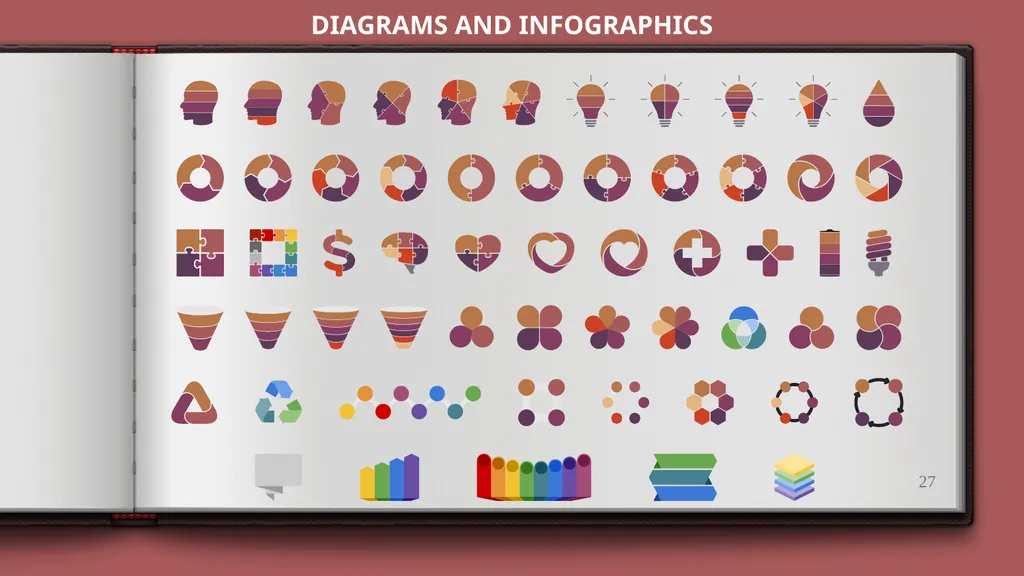
DIAGRAMS AND INFOGRAPHICS ‹#›<br>
28
Now you can use any emoji as an icon!
And of course it resizes without losing quality and you can change the color.
How? Follow Google instructions https://twitter.com/googledocs/status/730087240156643328 ✋👆👉👍👤👦👧👨👩👪💃🏃💑❤😂😉😋😒😭👶😸🐟🍒🍔💣📌📖🔨🎃🎈🎨🏈🏰🌏🔌🔑 and many more... ‹#›<br>
29
Free templates for all your presentation needs ‹#›<br>