
Title An Introduction to Python What is Python
AM
Published · 34 slides · 0 views
1 / 1
Description
Title An Introduction to Python What is Python exactly? Python is a modern rapid development language. Code is very clean and easy to read. Emphasizes single, intuitive approach to most problems. Everything can be modified dynamically.
Related Topics
Share
Embed code
Download this presentation From Below
"Title An Introduction to Python What is Python" is the property of its rightful owner. Permission is granted to download and print the materials on this website for personal, non-commercial use only, and to display it on your personal computer provided you do not modify the materials and that you retain all copyright notices contained in the materials. By downloading content from our website, you accept the terms of this agreement.
Presentation Transcript
01
Title An Introduction to Python<br>
02
What is Python exactly? Python is a modern rapid development language.
Code is very clean and easy to read.
Emphasizes single, intuitive approach to most problems.
Everything can be modified dynamically.
Highly object oriented.<br>
Code is very clean and easy to read.
Emphasizes single, intuitive approach to most problems.
Everything can be modified dynamically.
Highly object oriented.<br>
03
When should you use Python? Small to medium projects that may grow over time.
Where the ability to run anywhere is desired.
Where the ability to interface with a variety of languages and systems is important.
Where the amount of time the program takes to write is more important than the amount of time it takes to run.<br>
Where the ability to run anywhere is desired.
Where the ability to interface with a variety of languages and systems is important.
Where the amount of time the program takes to write is more important than the amount of time it takes to run.<br>
04
Python History Python was conceived in the late 1980s by
Guido van Rossum (formerly Benevolent Dictator for Life) in the Netherlands and developed in the early 90’sb
Python 3.0 was released on 3 December 2008. It was a major revision of the language that is not completely backward-compatible with python 2
Extended by the MANY python packages. For example pypi.org has over 200K projects<br>
Guido van Rossum (formerly Benevolent Dictator for Life) in the Netherlands and developed in the early 90’sb
Python 3.0 was released on 3 December 2008. It was a major revision of the language that is not completely backward-compatible with python 2
Extended by the MANY python packages. For example pypi.org has over 200K projects<br>
05
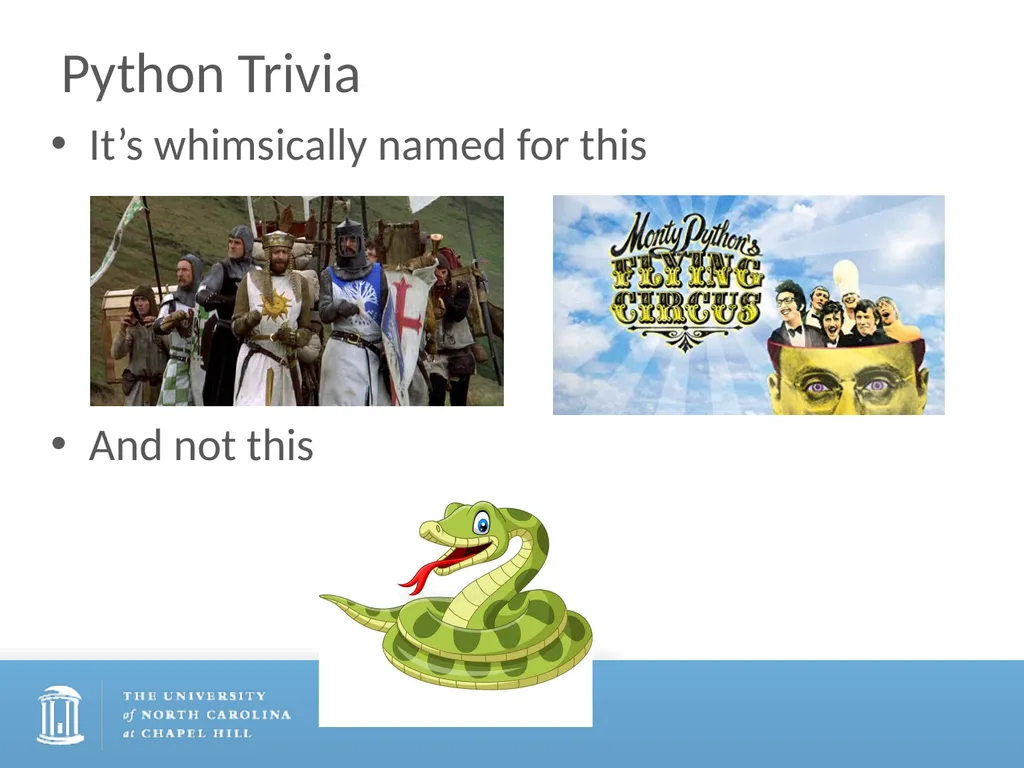
Python Trivia It’s whimsically named for this
And not this<br>
And not this<br>
06
Programming 101 All (?!) programming languages use these basic concepts (and more). We’ll see example of all of these
Variables
Control Structures (Logic)
loops and iteration
Data Structures
data types
Syntax
Functions (methods, subroutines, …)<br>
Variables
Control Structures (Logic)
loops and iteration
Data Structures
data types
Syntax
Functions (methods, subroutines, …)<br>
07
Python is highly object oriented Everything is an object
Data types
Collections
Functions
Modules<br>
Data types
Collections
Functions
Modules<br>
08
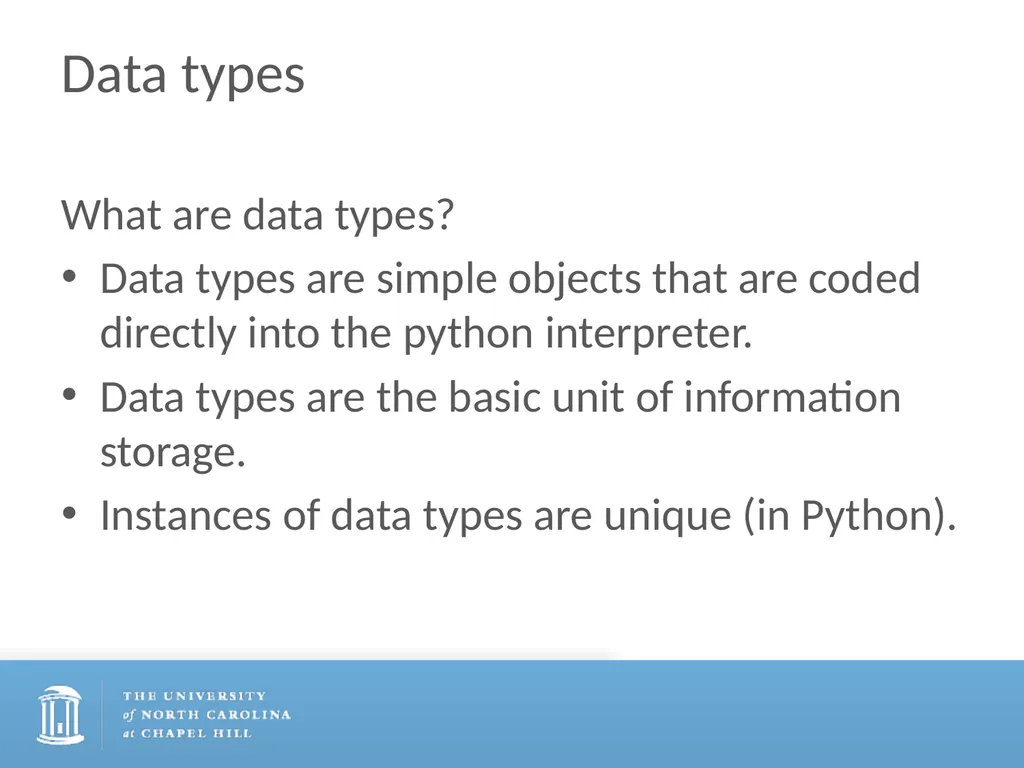
Data types What are data types?
Data types are simple objects that are coded directly into the python interpreter.
Data types are the basic unit of information storage.
Instances of data types are unique (in Python).<br>
Data types are simple objects that are coded directly into the python interpreter.
Data types are the basic unit of information storage.
Instances of data types are unique (in Python).<br>
09
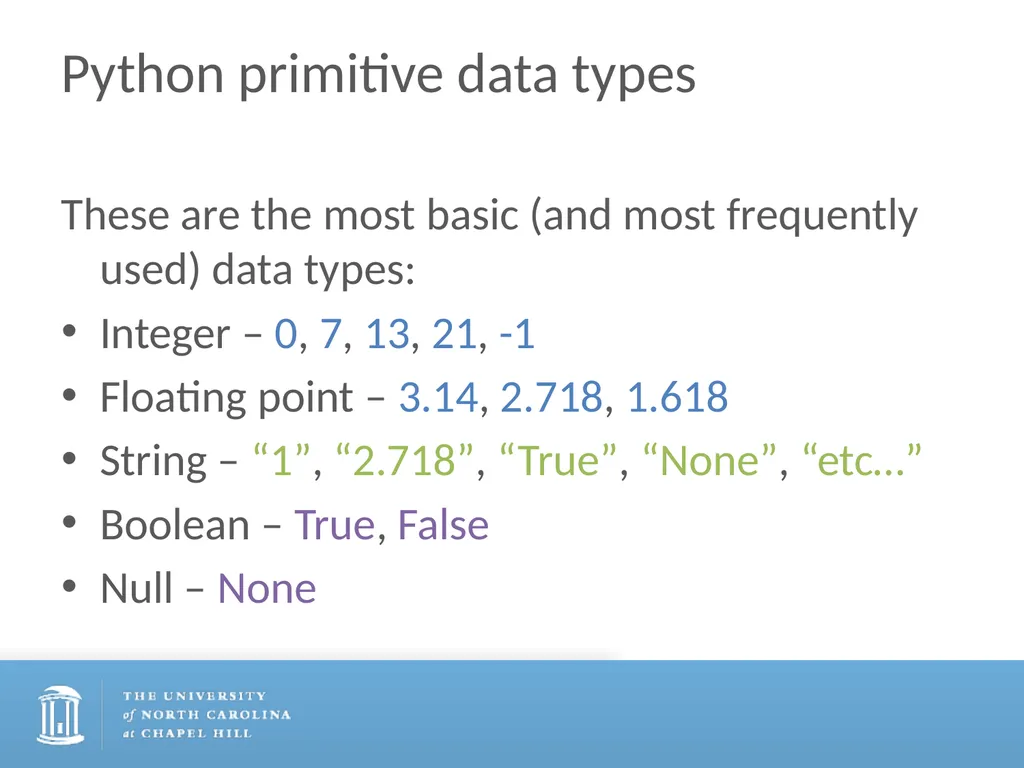
Python primitive data types These are the most basic (and most frequently used) data types:
Integer – 0, 7, 13, 21, -1
Floating point – 3.14, 2.718, 1.618
String – “1”, “2.718”, “True”, “None”, “etc…”
Boolean – True, False
Null – None<br>
Integer – 0, 7, 13, 21, -1
Floating point – 3.14, 2.718, 1.618
String – “1”, “2.718”, “True”, “None”, “etc…”
Boolean – True, False
Null – None<br>
10
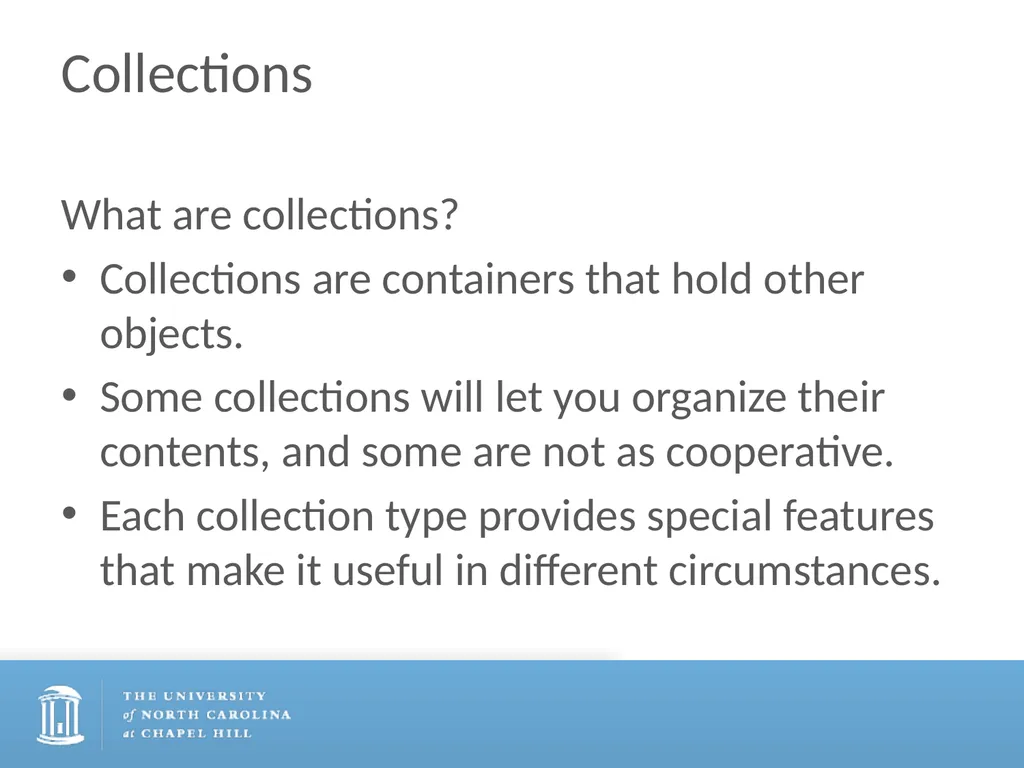
Collections What are collections?
Collections are containers that hold other objects.
Some collections will let you organize their contents, and some are not as cooperative.
Each collection type provides special features that make it useful in different circumstances.<br>
Collections are containers that hold other objects.
Some collections will let you organize their contents, and some are not as cooperative.
Each collection type provides special features that make it useful in different circumstances.<br>
11
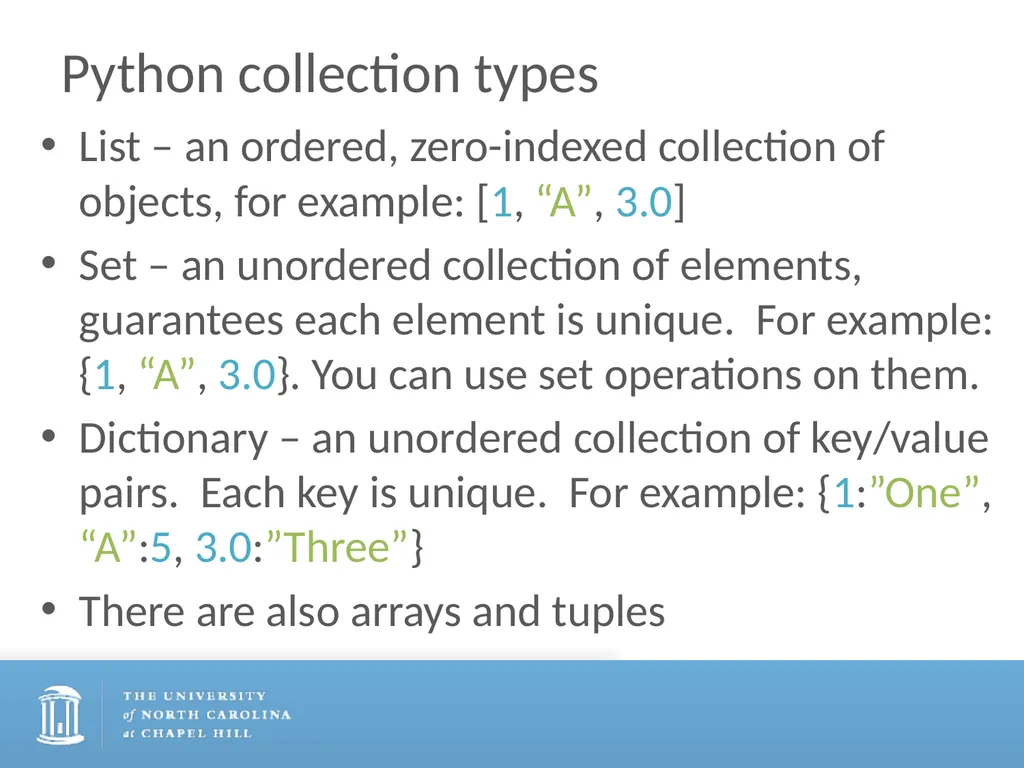
Python collection types List – an ordered, zero-indexed collection of objects, for example: [1, “A”, 3.0]
Set – an unordered collection of elements, guarantees each element is unique. For example: {1, “A”, 3.0}. You can use set operations on them.
Dictionary – an unordered collection of key/value pairs. Each key is unique. For example: {1:”One”, “A”:5, 3.0:”Three”}
There are also arrays and tuples<br>
Set – an unordered collection of elements, guarantees each element is unique. For example: {1, “A”, 3.0}. You can use set operations on them.
Dictionary – an unordered collection of key/value pairs. Each key is unique. For example: {1:”One”, “A”:5, 3.0:”Three”}
There are also arrays and tuples<br>
12
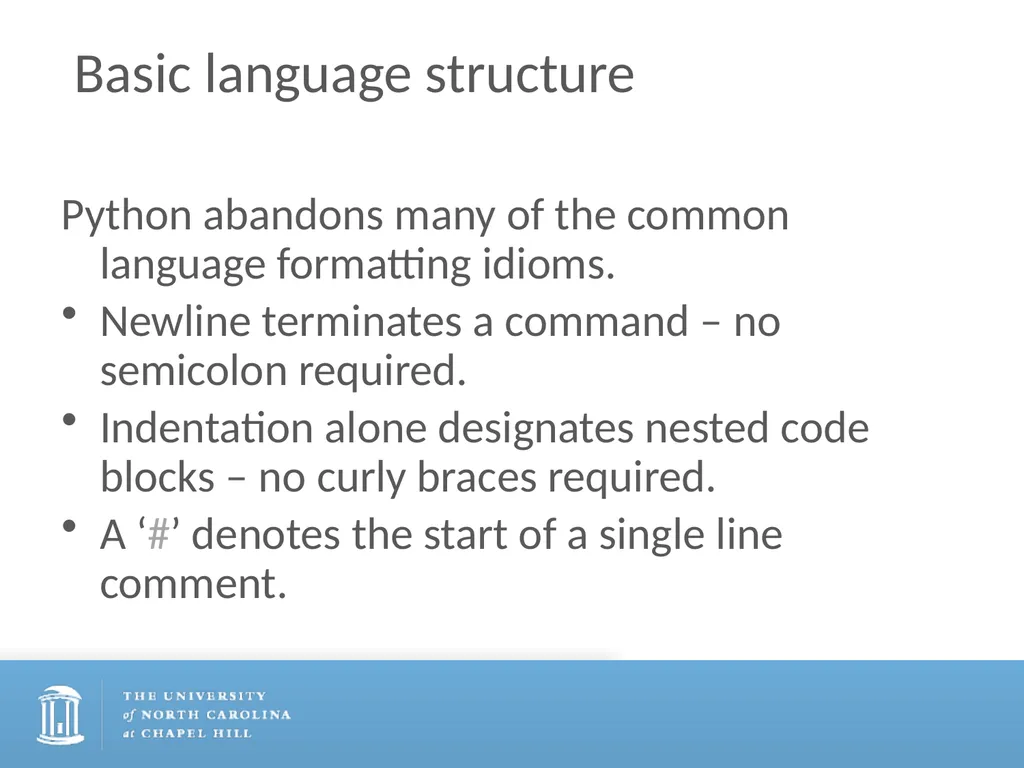
Basic language structure Python abandons many of the common language formatting idioms.
Newline terminates a command – no semicolon required.
Indentation alone designates nested code blocks – no curly braces required.
A ‘#’ denotes the start of a single line comment.<br>
Newline terminates a command – no semicolon required.
Indentation alone designates nested code blocks – no curly braces required.
A ‘#’ denotes the start of a single line comment.<br>
13
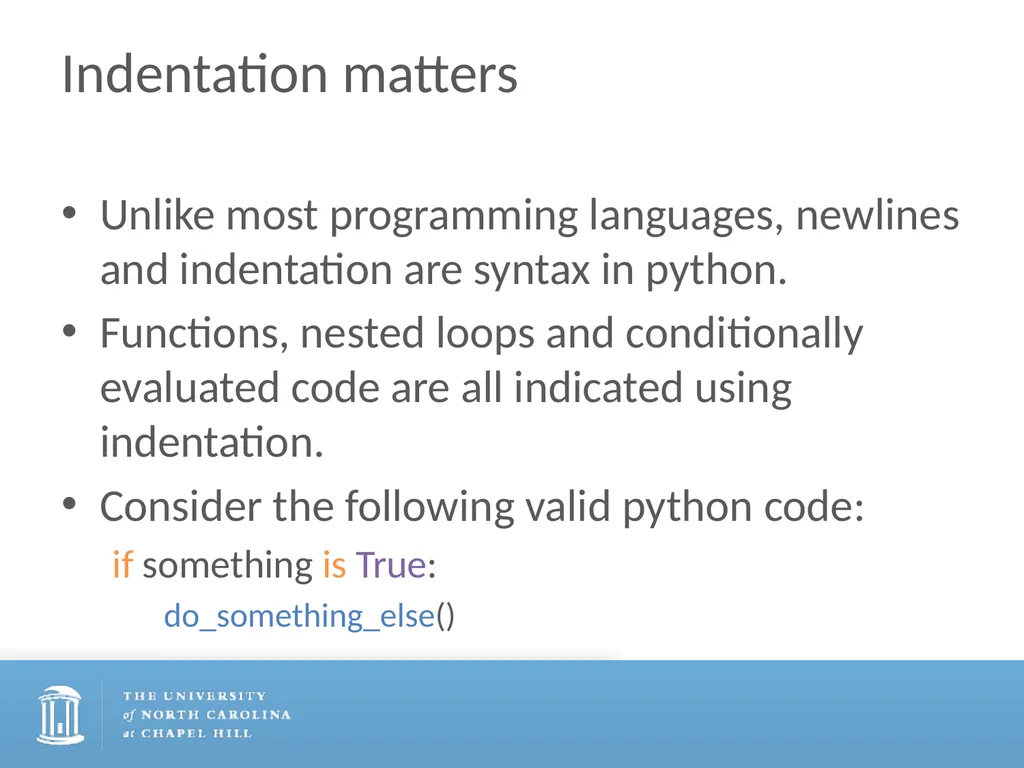
Indentation matters Unlike most programming languages, newlines and indentation are syntax in python.
Functions, nested loops and conditionally evaluated code are all indicated using indentation.
Consider the following valid python code:
if something is True:
do_something_else()<br>
Functions, nested loops and conditionally evaluated code are all indicated using indentation.
Consider the following valid python code:
if something is True:
do_something_else()<br>
14
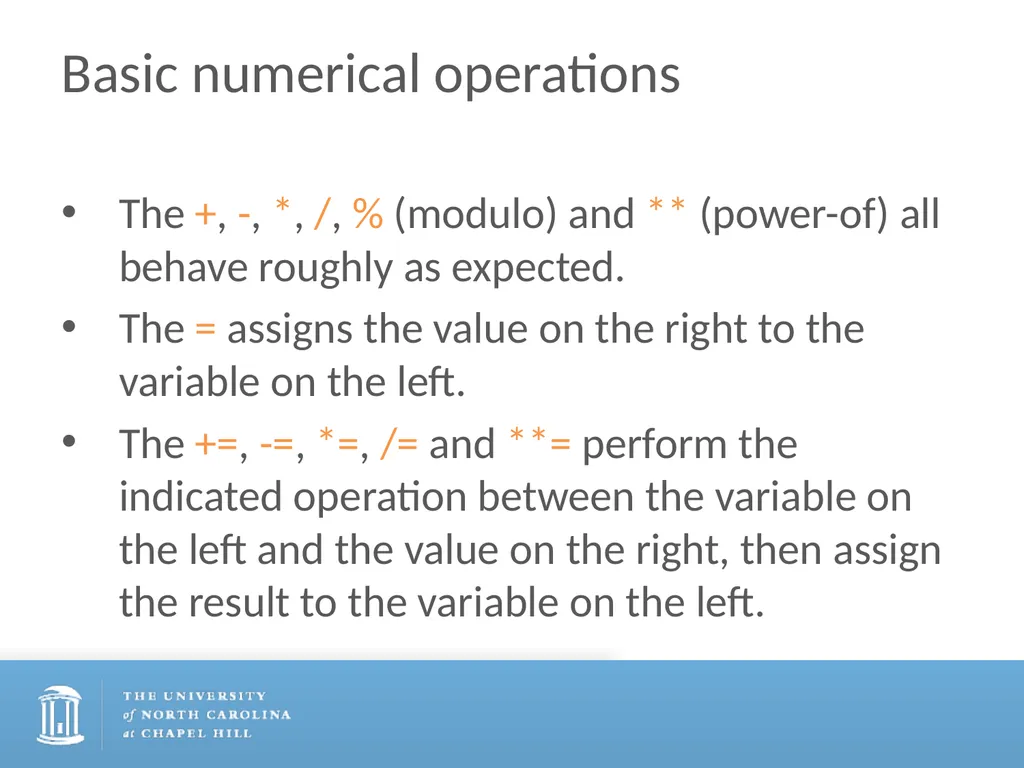
Basic numerical operations The +, -, *, /, % (modulo) and ** (power-of) all behave roughly as expected.
The = assigns the value on the right to the variable on the left.
The +=, -=, *=, /= and **= perform the indicated operation between the variable on the left and the value on the right, then assign the result to the variable on the left.<br>
The = assigns the value on the right to the variable on the left.
The +=, -=, *=, /= and **= perform the indicated operation between the variable on the left and the value on the right, then assign the result to the variable on the left.<br>
15
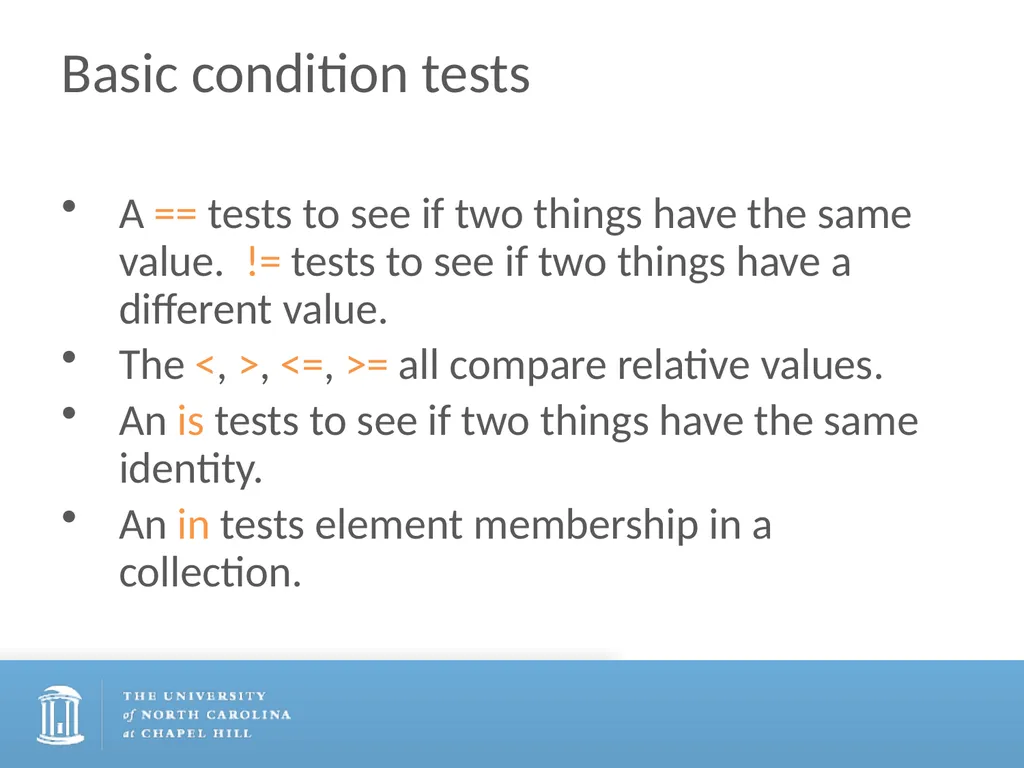
Basic condition tests A == tests to see if two things have the same value. != tests to see if two things have a different value.
The <, >, <=, >= all compare relative values.
An is tests to see if two things have the same identity.
An in tests element membership in a collection.<br>
The <, >, <=, >= all compare relative values.
An is tests to see if two things have the same identity.
An in tests element membership in a collection.<br>
16
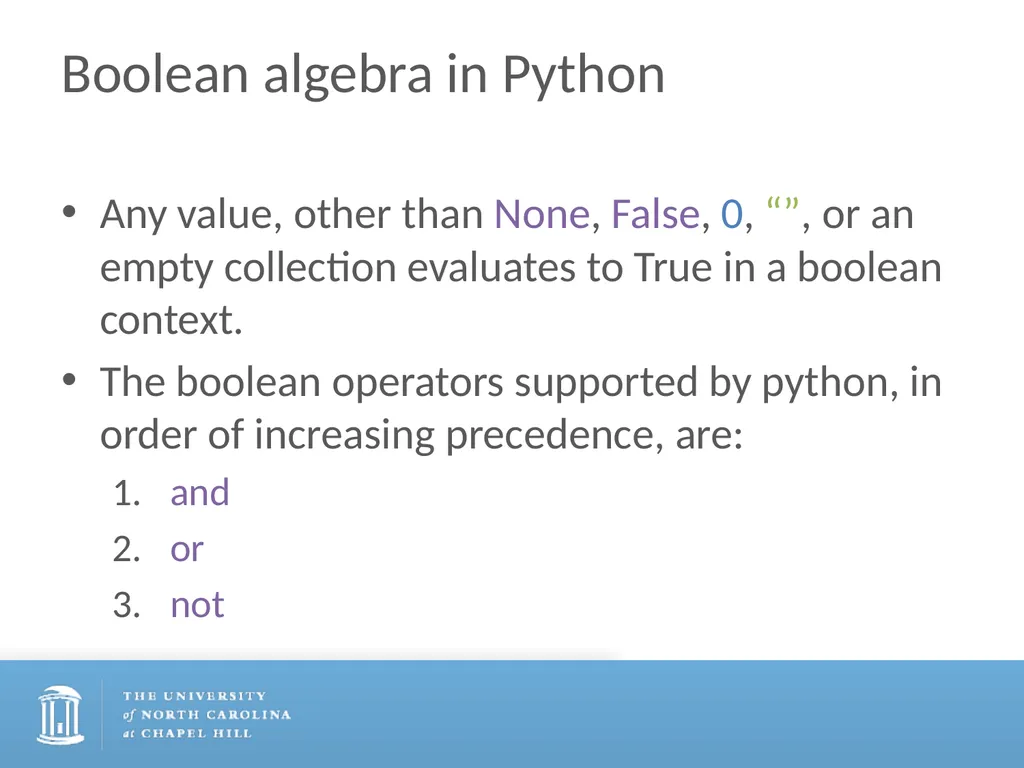
Boolean algebra in Python Any value, other than None, False, 0, “”, or an empty collection evaluates to True in a boolean context.
The boolean operators supported by python, in order of increasing precedence, are:
and
or
not<br>
The boolean operators supported by python, in order of increasing precedence, are:
and
or
not<br>
17
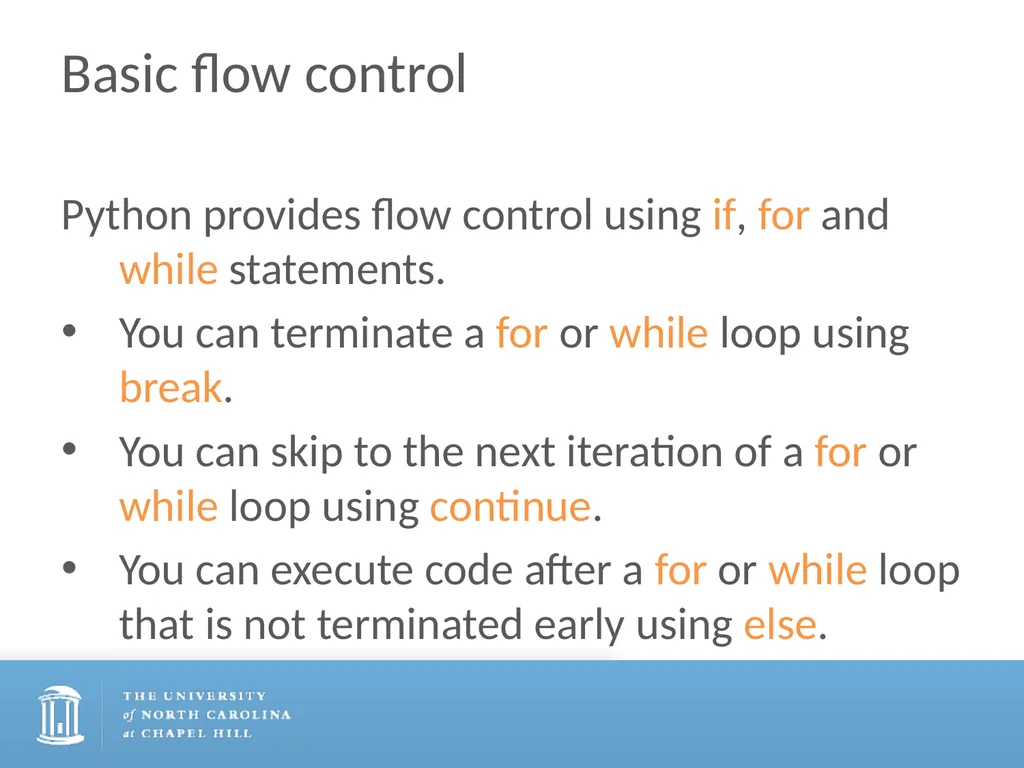
Basic flow control Python provides flow control using if, for and while statements.
You can terminate a for or while loop using break.
You can skip to the next iteration of a for or while loop using continue.
You can execute code after a for or while loop that is not terminated early using else.<br>
You can terminate a for or while loop using break.
You can skip to the next iteration of a for or while loop using continue.
You can execute code after a for or while loop that is not terminated early using else.<br>
18
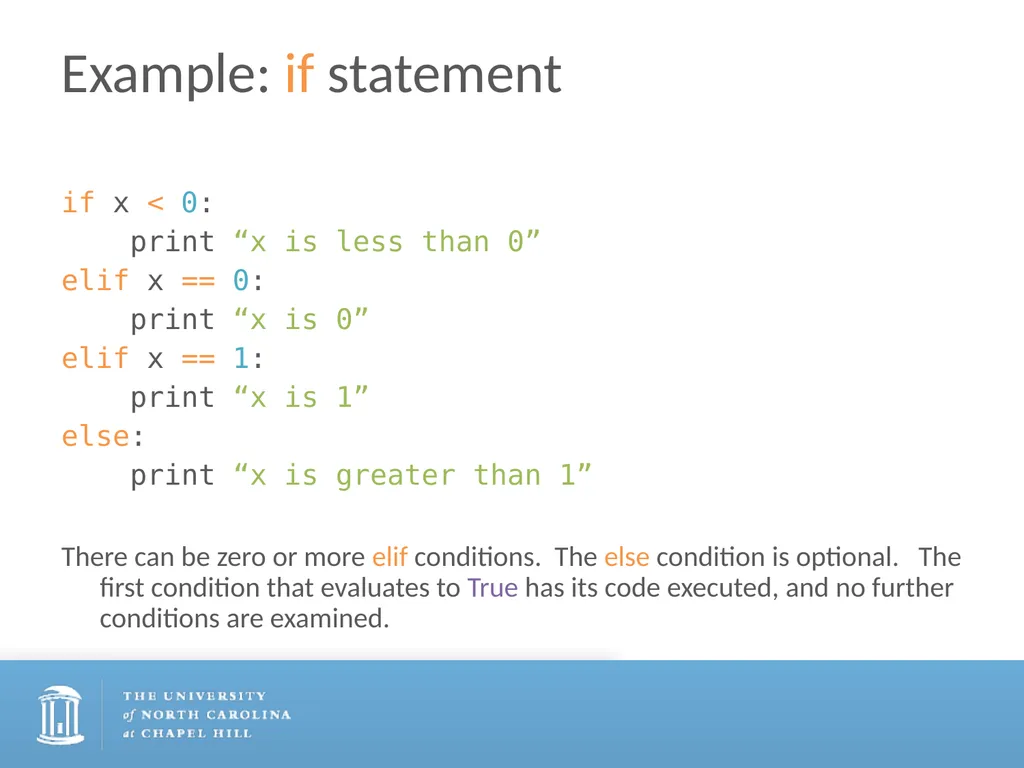
Example: if statement if x < 0:
print “x is less than 0”
elif x == 0:
print “x is 0”
elif x == 1:
print “x is 1”
else:
print “x is greater than 1”
There can be zero or more elif conditions. The else condition is optional. The first condition that evaluates to True has its code executed, and no further conditions are examined.<br>
print “x is less than 0”
elif x == 0:
print “x is 0”
elif x == 1:
print “x is 1”
else:
print “x is greater than 1”
There can be zero or more elif conditions. The else condition is optional. The first condition that evaluates to True has its code executed, and no further conditions are examined.<br>
19
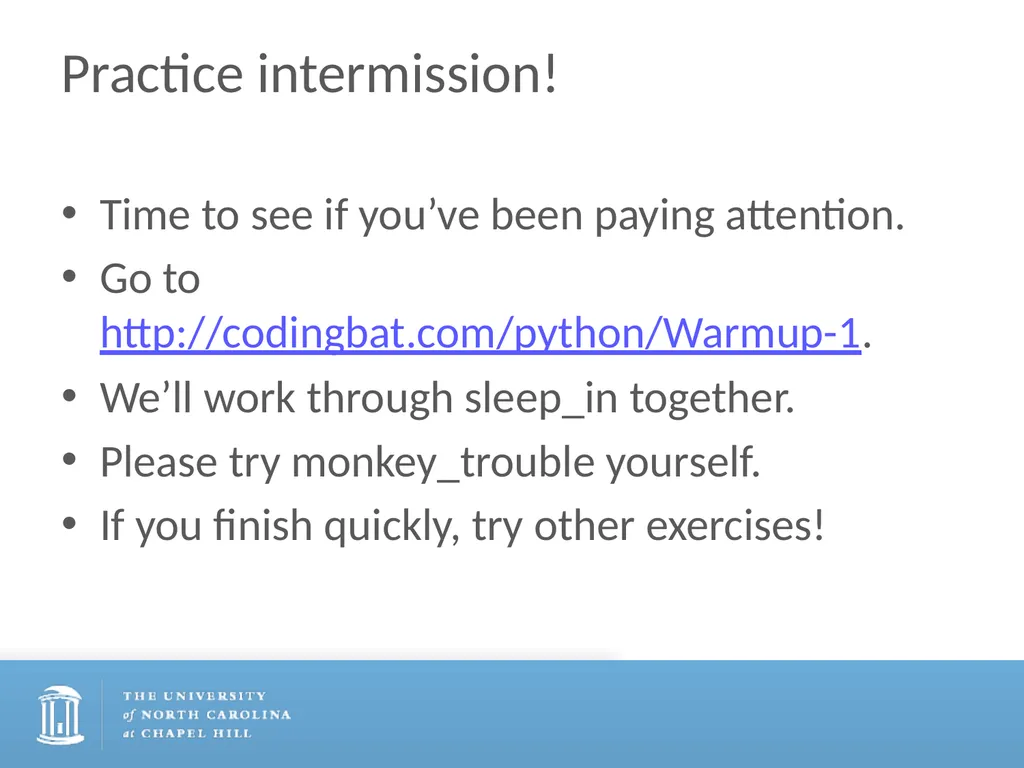
Practice intermission! Time to see if you’ve been paying attention.
Go to http://codingbat.com/python/Warmup-1.
We’ll work through sleep_in together.
Please try monkey_trouble yourself.
If you finish quickly, try other exercises!<br>
Go to http://codingbat.com/python/Warmup-1.
We’ll work through sleep_in together.
Please try monkey_trouble yourself.
If you finish quickly, try other exercises!<br>
20
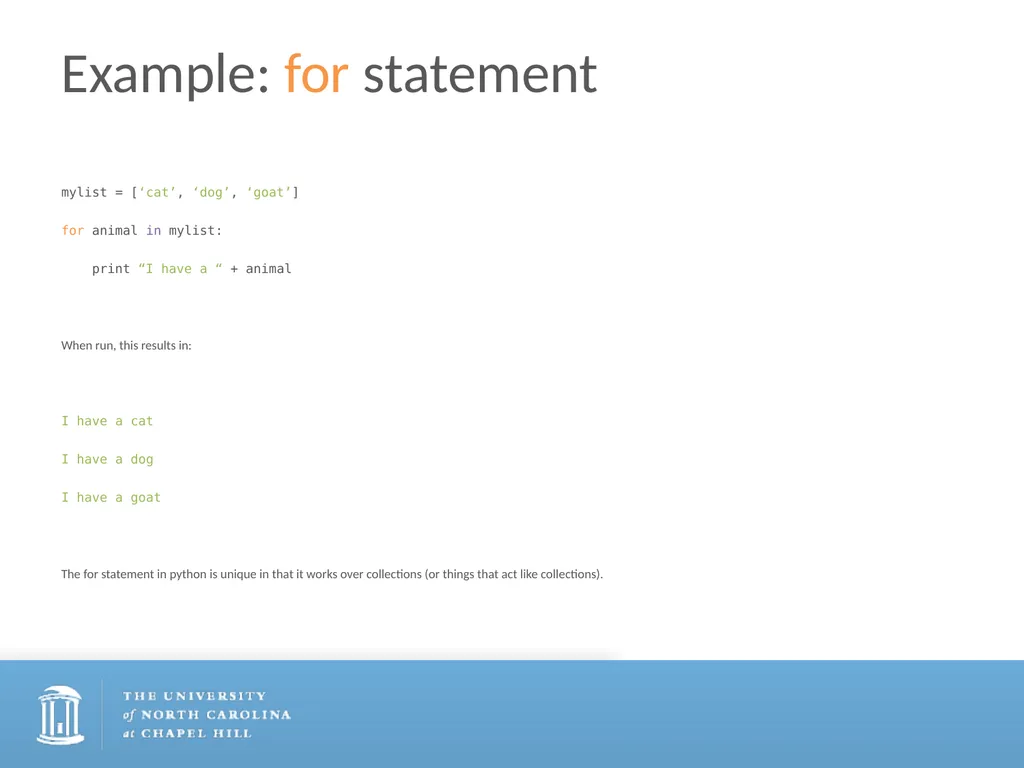
Example: for statement mylist = [‘cat’, ‘dog’, ‘goat’]
for animal in mylist:
print “I have a “ + animal
When run, this results in:
I have a cat
I have a dog
I have a goat
The for statement in python is unique in that it works over collections (or things that act like collections).<br>
for animal in mylist:
print “I have a “ + animal
When run, this results in:
I have a cat
I have a dog
I have a goat
The for statement in python is unique in that it works over collections (or things that act like collections).<br>
21
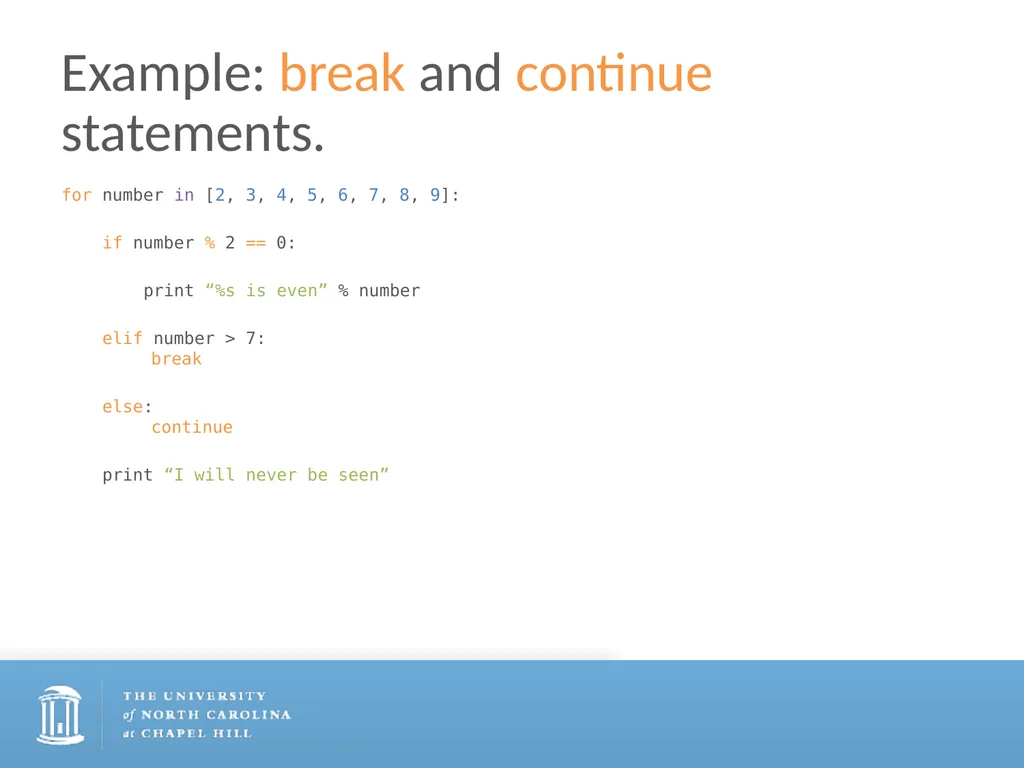
Example: break and continue statements. for number in [2, 3, 4, 5, 6, 7, 8, 9]:
if number % 2 == 0:
print “%s is even” % number
elif number > 7: break
else: continue
print “I will never be seen”<br>
if number % 2 == 0:
print “%s is even” % number
elif number > 7: break
else: continue
print “I will never be seen”<br>
22
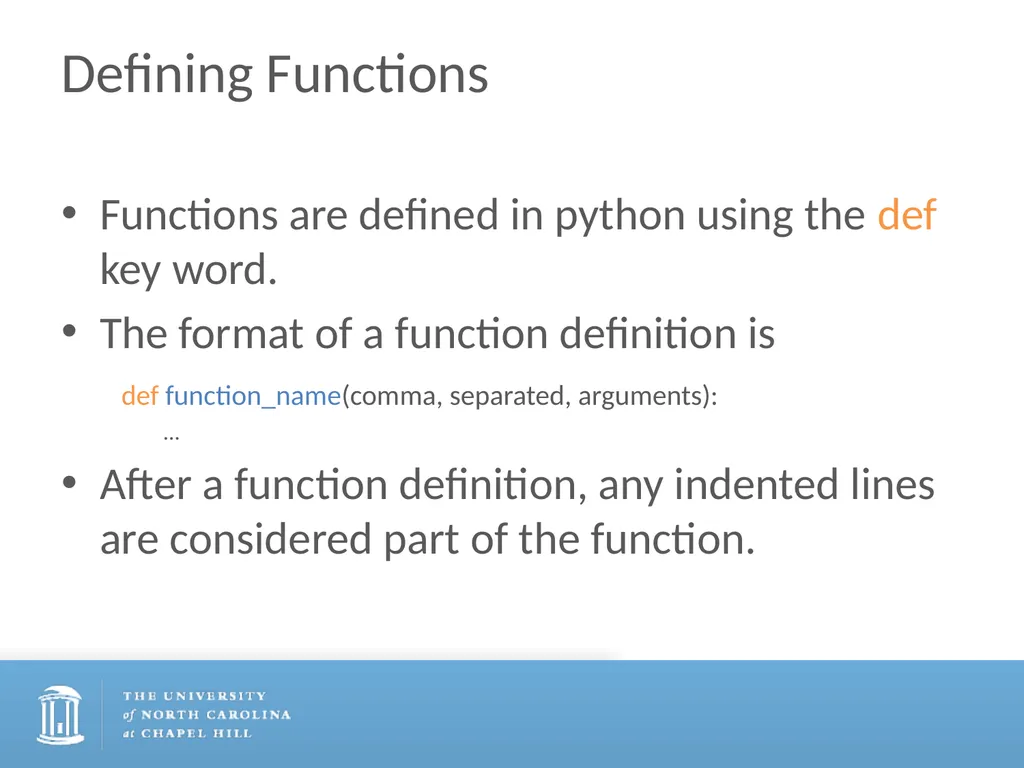
Defining Functions Functions are defined in python using the def key word.
The format of a function definition is
def function_name(comma, separated, arguments):
…
After a function definition, any indented lines are considered part of the function.<br>
The format of a function definition is
def function_name(comma, separated, arguments):
…
After a function definition, any indented lines are considered part of the function.<br>
23
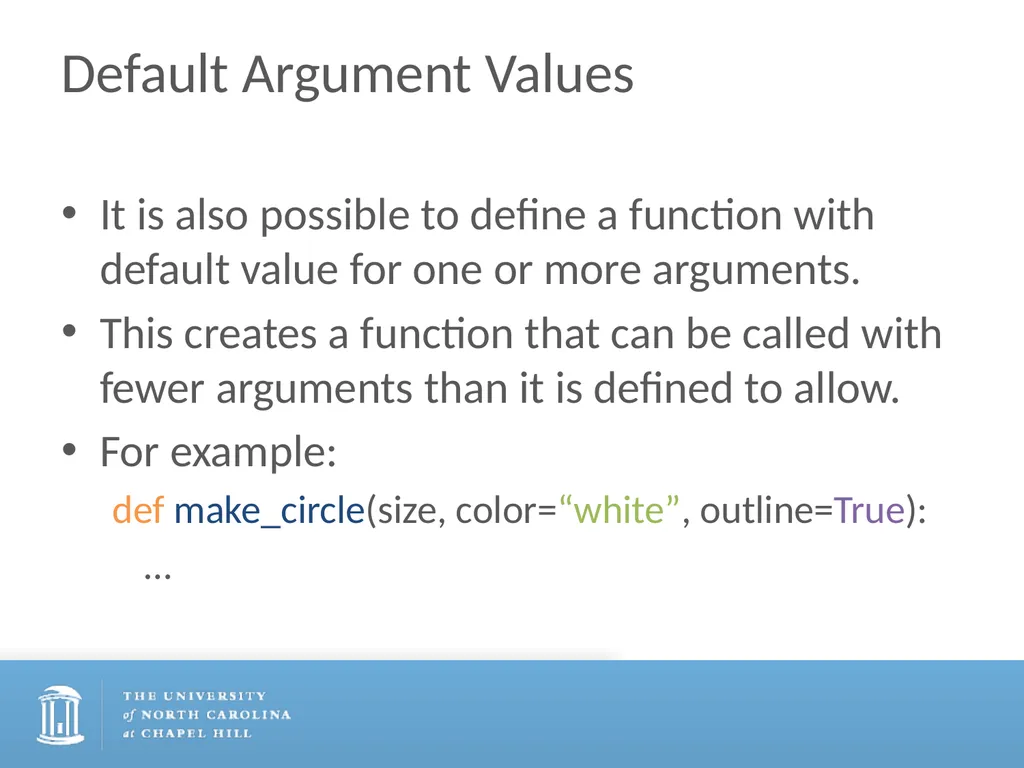
Default Argument Values It is also possible to define a function with default value for one or more arguments.
This creates a function that can be called with fewer arguments than it is defined to allow.
For example:
def make_circle(size, color=“white”, outline=True):
…<br>
This creates a function that can be called with fewer arguments than it is defined to allow.
For example:
def make_circle(size, color=“white”, outline=True):
…<br>
24
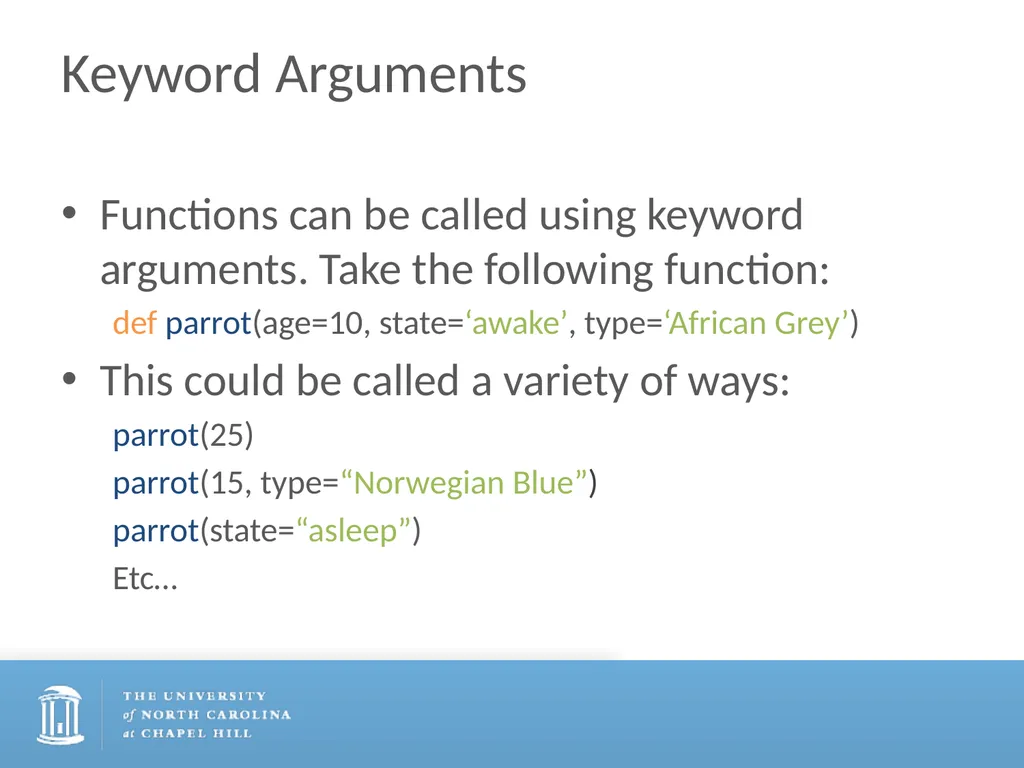
Keyword Arguments Functions can be called using keyword arguments. Take the following function:
def parrot(age=10, state=‘awake’, type=‘African Grey’)
This could be called a variety of ways:
parrot(25)
parrot(15, type=“Norwegian Blue”)
parrot(state=“asleep”)
Etc…<br>
def parrot(age=10, state=‘awake’, type=‘African Grey’)
This could be called a variety of ways:
parrot(25)
parrot(15, type=“Norwegian Blue”)
parrot(state=“asleep”)
Etc…<br>
25
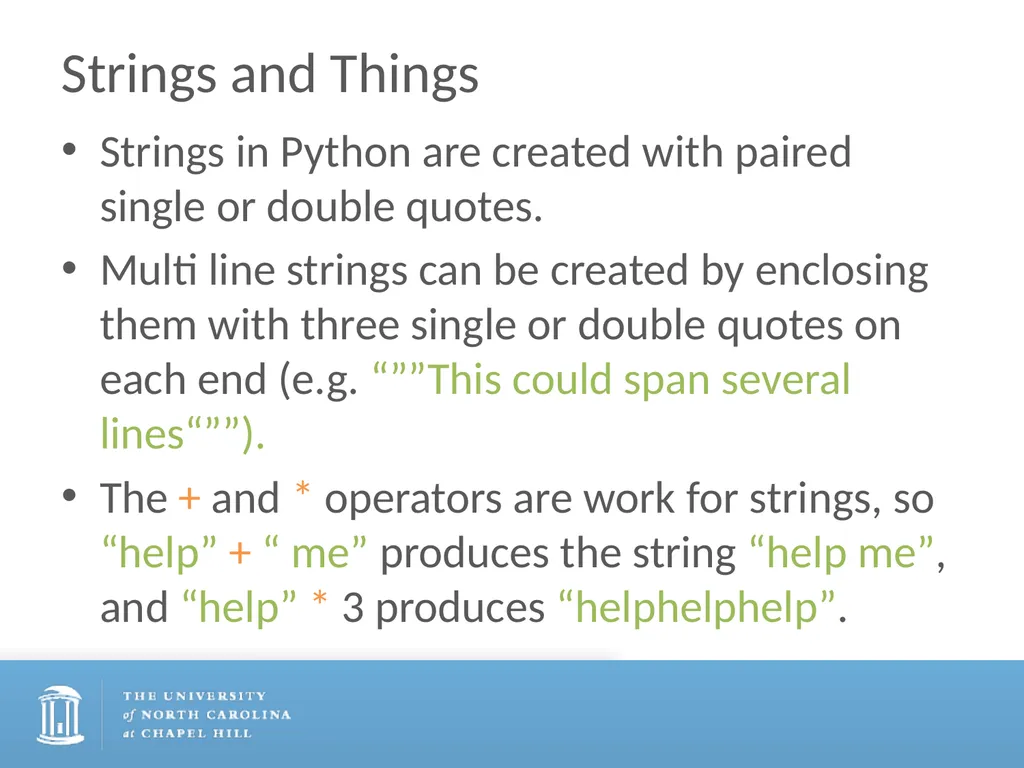
Strings and Things Strings in Python are created with paired single or double quotes.
Multi line strings can be created by enclosing them with three single or double quotes on each end (e.g. “””This could span several lines“””).
The + and * operators are work for strings, so “help” + “ me” produces the string “help me”, and “help” * 3 produces “helphelphelp”.<br>
Multi line strings can be created by enclosing them with three single or double quotes on each end (e.g. “””This could span several lines“””).
The + and * operators are work for strings, so “help” + “ me” produces the string “help me”, and “help” * 3 produces “helphelphelp”.<br>
26
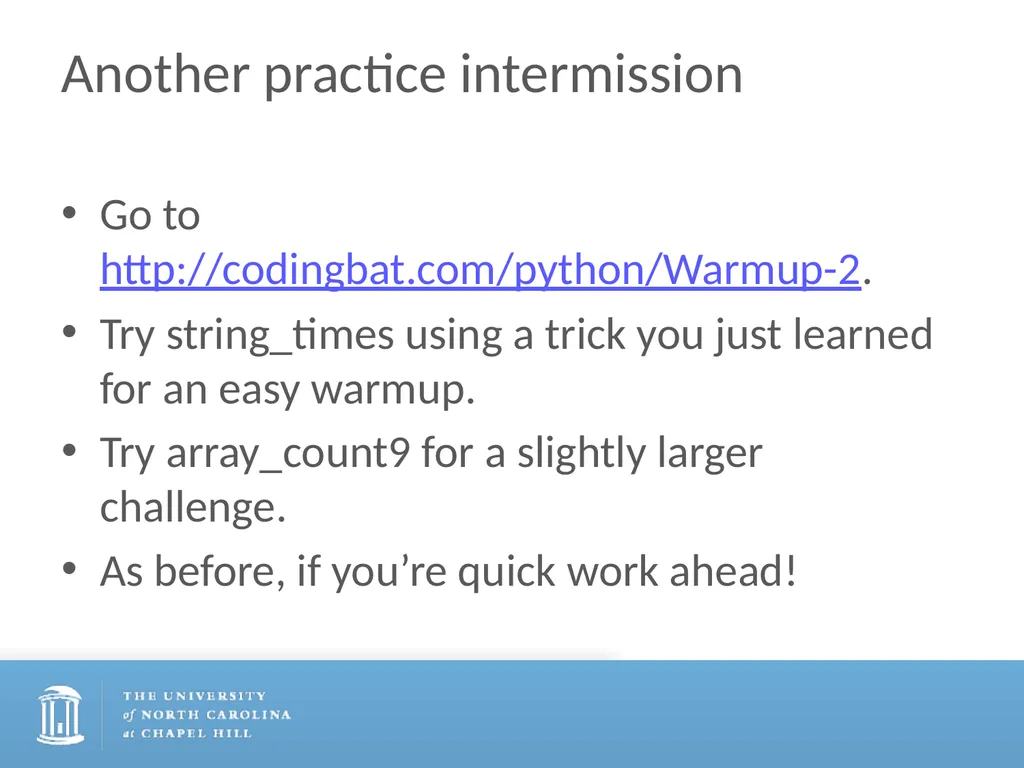
Another practice intermission Go to http://codingbat.com/python/Warmup-2.
Try string_times using a trick you just learned for an easy warmup.
Try array_count9 for a slightly larger challenge.
As before, if you’re quick work ahead!<br>
Try string_times using a trick you just learned for an easy warmup.
Try array_count9 for a slightly larger challenge.
As before, if you’re quick work ahead!<br>
27
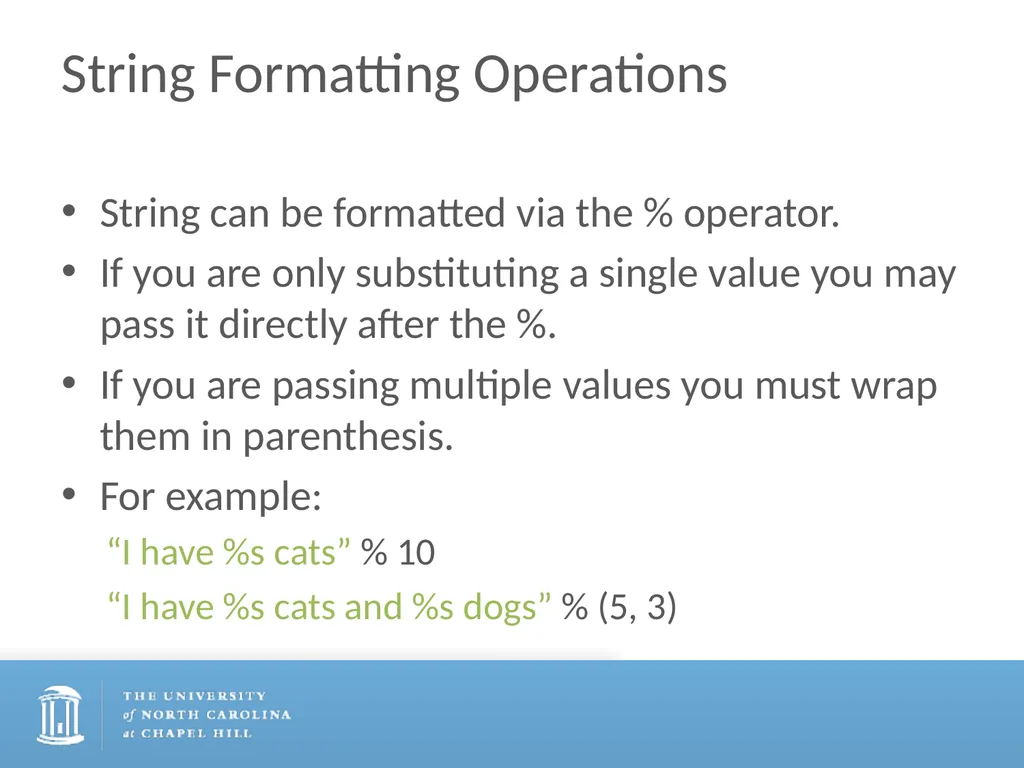
String Formatting Operations String can be formatted via the % operator.
If you are only substituting a single value you may pass it directly after the %.
If you are passing multiple values you must wrap them in parenthesis.
For example:
“I have %s cats” % 10
“I have %s cats and %s dogs” % (5, 3)<br>
If you are only substituting a single value you may pass it directly after the %.
If you are passing multiple values you must wrap them in parenthesis.
For example:
“I have %s cats” % 10
“I have %s cats and %s dogs” % (5, 3)<br>
28
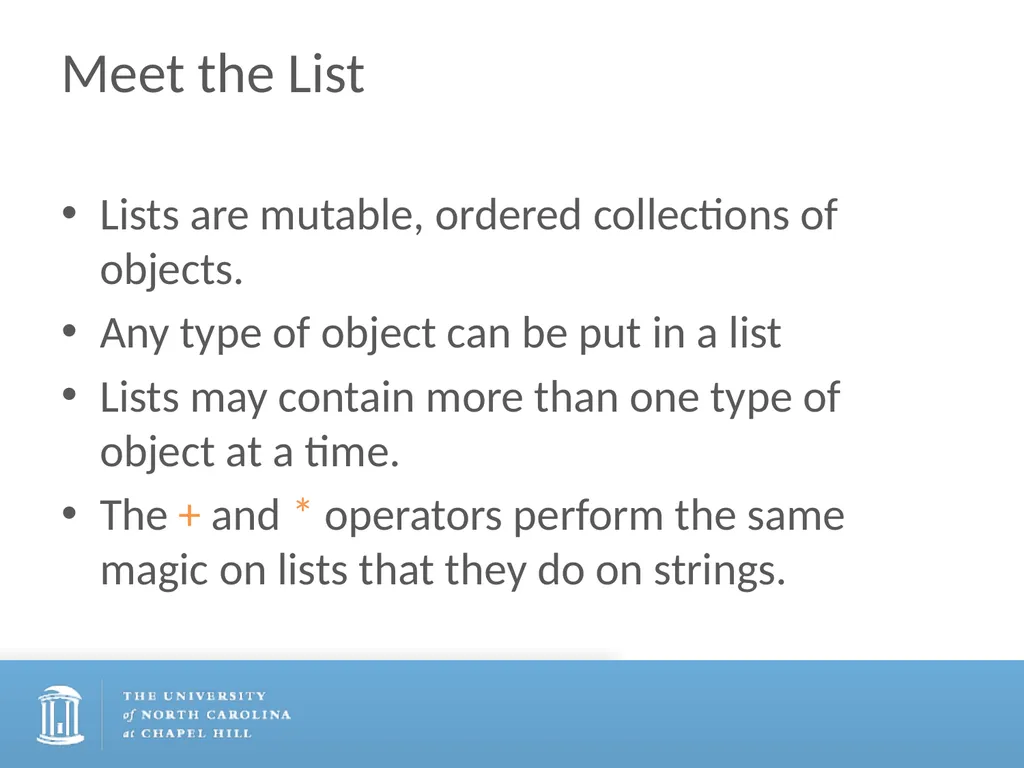
Meet the List Lists are mutable, ordered collections of objects.
Any type of object can be put in a list
Lists may contain more than one type of object at a time.
The + and * operators perform the same magic on lists that they do on strings.<br>
Any type of object can be put in a list
Lists may contain more than one type of object at a time.
The + and * operators perform the same magic on lists that they do on strings.<br>
29
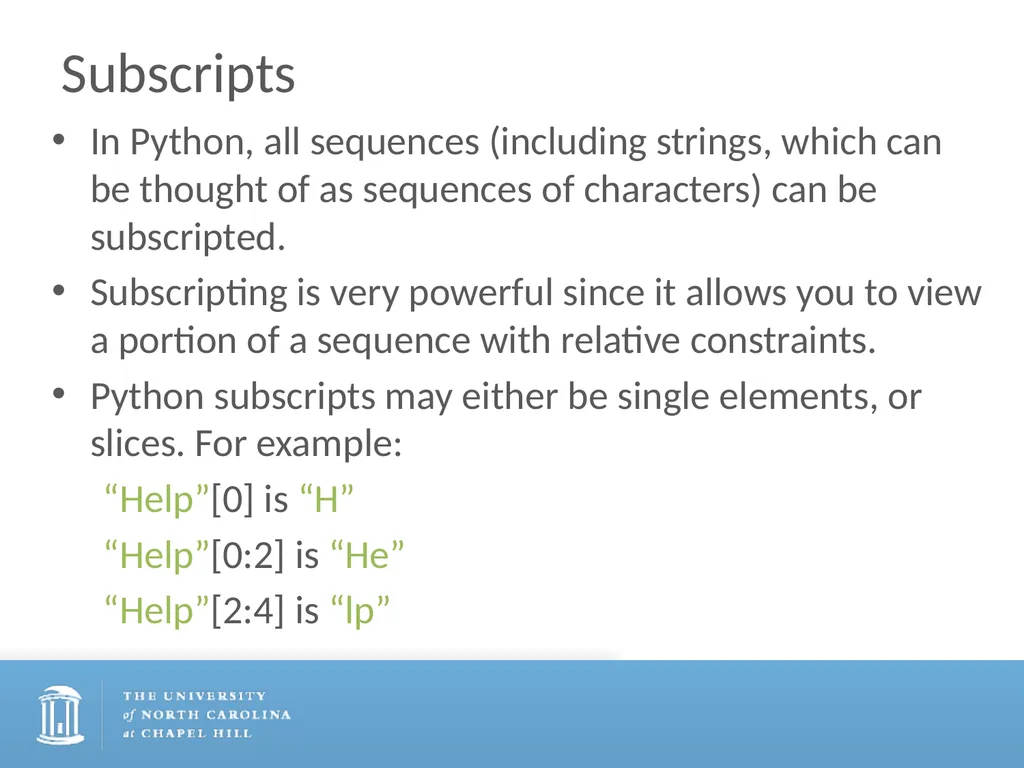
Subscripts In Python, all sequences (including strings, which can be thought of as sequences of characters) can be subscripted.
Subscripting is very powerful since it allows you to view a portion of a sequence with relative constraints.
Python subscripts may either be single elements, or slices. For example:
“Help”[0] is “H”
“Help”[0:2] is “He”
“Help”[2:4] is “lp”<br>
Subscripting is very powerful since it allows you to view a portion of a sequence with relative constraints.
Python subscripts may either be single elements, or slices. For example:
“Help”[0] is “H”
“Help”[0:2] is “He”
“Help”[2:4] is “lp”<br>
30
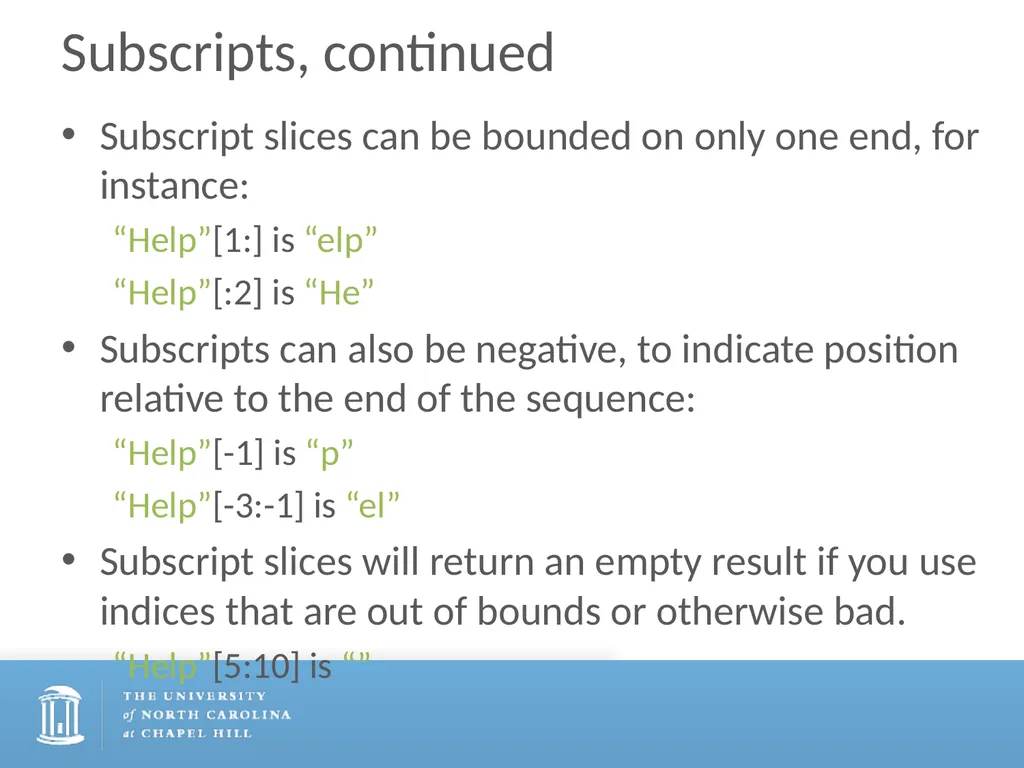
Subscripts, continued Subscript slices can be bounded on only one end, for instance:
“Help”[1:] is “elp”
“Help”[:2] is “He”
Subscripts can also be negative, to indicate position relative to the end of the sequence:
“Help”[-1] is “p”
“Help”[-3:-1] is “el”
Subscript slices will return an empty result if you use indices that are out of bounds or otherwise bad.
“Help”[5:10] is “”<br>
“Help”[1:] is “elp”
“Help”[:2] is “He”
Subscripts can also be negative, to indicate position relative to the end of the sequence:
“Help”[-1] is “p”
“Help”[-3:-1] is “el”
Subscript slices will return an empty result if you use indices that are out of bounds or otherwise bad.
“Help”[5:10] is “”<br>
31
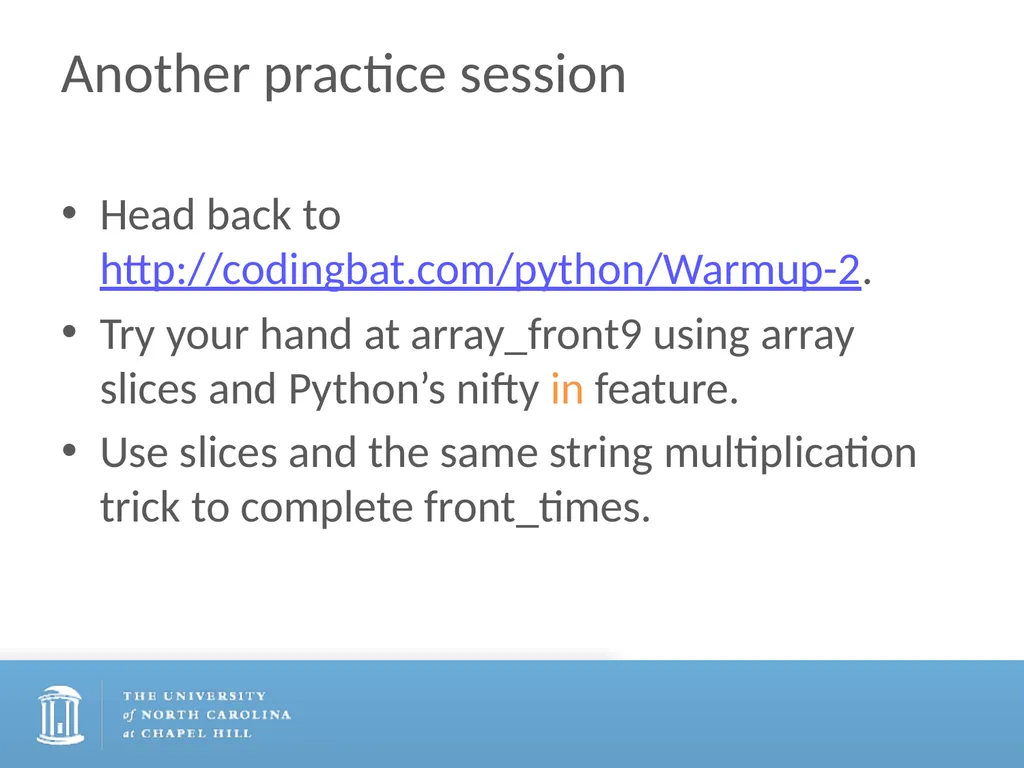
Another practice session Head back to http://codingbat.com/python/Warmup-2.
Try your hand at array_front9 using array slices and Python’s nifty in feature.
Use slices and the same string multiplication trick to complete front_times.<br>
Try your hand at array_front9 using array slices and Python’s nifty in feature.
Use slices and the same string multiplication trick to complete front_times.<br>
32
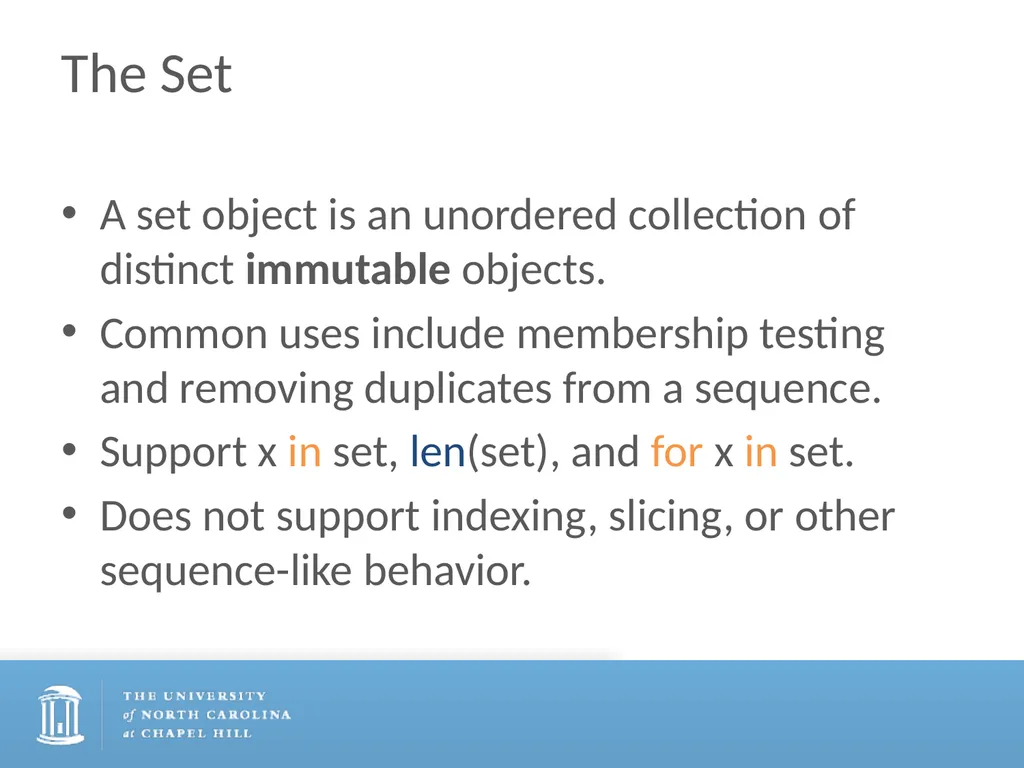
The Set A set object is an unordered collection of distinct immutable objects.
Common uses include membership testing and removing duplicates from a sequence.
Support x in set, len(set), and for x in set.
Does not support indexing, slicing, or other sequence-like behavior.<br>
Common uses include membership testing and removing duplicates from a sequence.
Support x in set, len(set), and for x in set.
Does not support indexing, slicing, or other sequence-like behavior.<br>
33
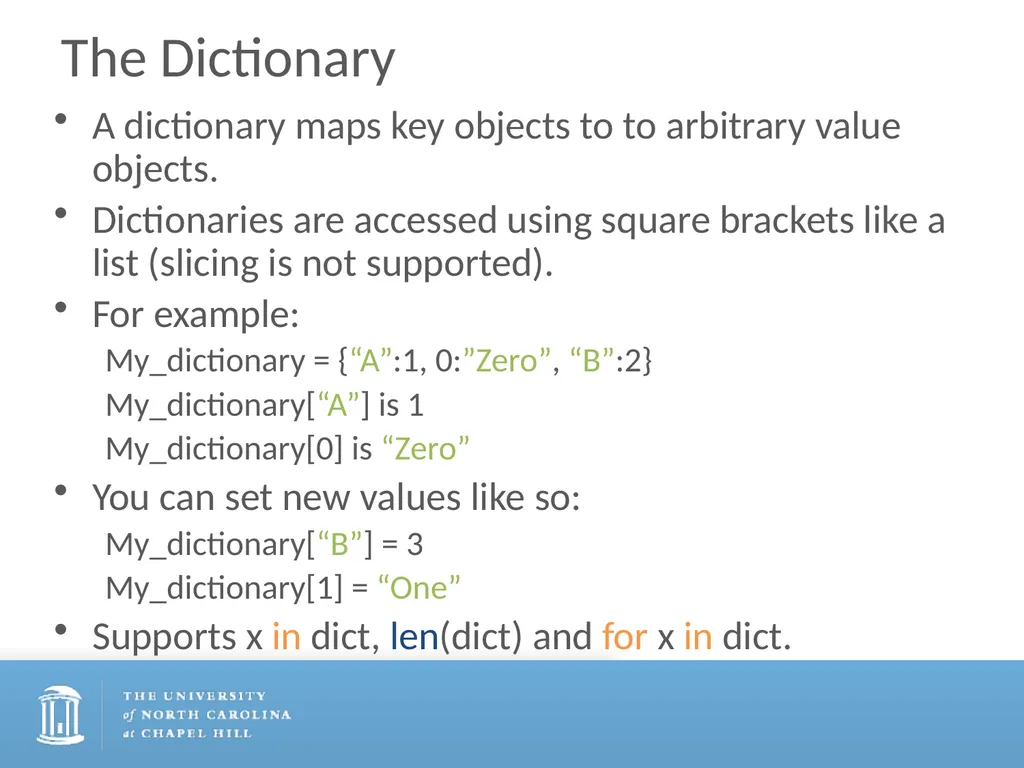
The Dictionary A dictionary maps key objects to to arbitrary value objects.
Dictionaries are accessed using square brackets like a list (slicing is not supported).
For example:
My_dictionary = {“A”:1, 0:”Zero”, “B”:2}
My_dictionary[“A”] is 1
My_dictionary[0] is “Zero”
You can set new values like so:
My_dictionary[“B”] = 3
My_dictionary[1] = “One”
Supports x in dict, len(dict) and for x in dict.<br>
Dictionaries are accessed using square brackets like a list (slicing is not supported).
For example:
My_dictionary = {“A”:1, 0:”Zero”, “B”:2}
My_dictionary[“A”] is 1
My_dictionary[0] is “Zero”
You can set new values like so:
My_dictionary[“B”] = 3
My_dictionary[1] = “One”
Supports x in dict, len(dict) and for x in dict.<br>
34
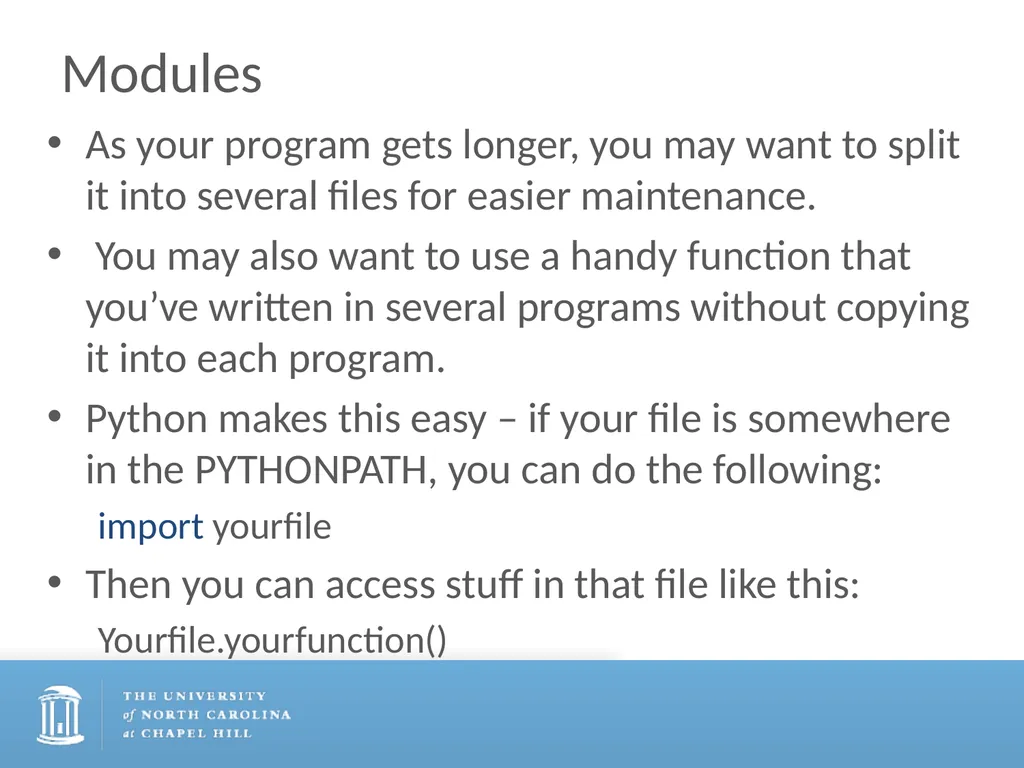
Modules As your program gets longer, you may want to split it into several files for easier maintenance.
You may also want to use a handy function that you’ve written in several programs without copying it into each program.
Python makes this easy – if your file is somewhere in the PYTHONPATH, you can do the following:
import yourfile
Then you can access stuff in that file like this:
Yourfile.yourfunction()<br>
You may also want to use a handy function that you’ve written in several programs without copying it into each program.
Python makes this easy – if your file is somewhere in the PYTHONPATH, you can do the following:
import yourfile
Then you can access stuff in that file like this:
Yourfile.yourfunction()<br>