Unburdening Accessible Content Creation in Articulate Storyline 360 Eveline Holmes Instructional Designer, Digital Learning Development Team 2 Accessibility Measures What we include in our online resources PDF Transcripts Closed captions
"Unburdening Accessible Content Creation in" is the property of its rightful owner. Permission is granted to
download and print the materials on this website for personal, non-commercial use only, and to display it
on your personal computer provided you do not modify the materials and that you retain all copyright
notices contained in the materials. By downloading content from our website, you accept the terms of this
agreement.
Presentation Transcript
01
Unburdening Accessible Content Creation in Articulate Storyline 360 Eveline Holmes
Instructional Designer, Digital Learning Development Team<br>
02
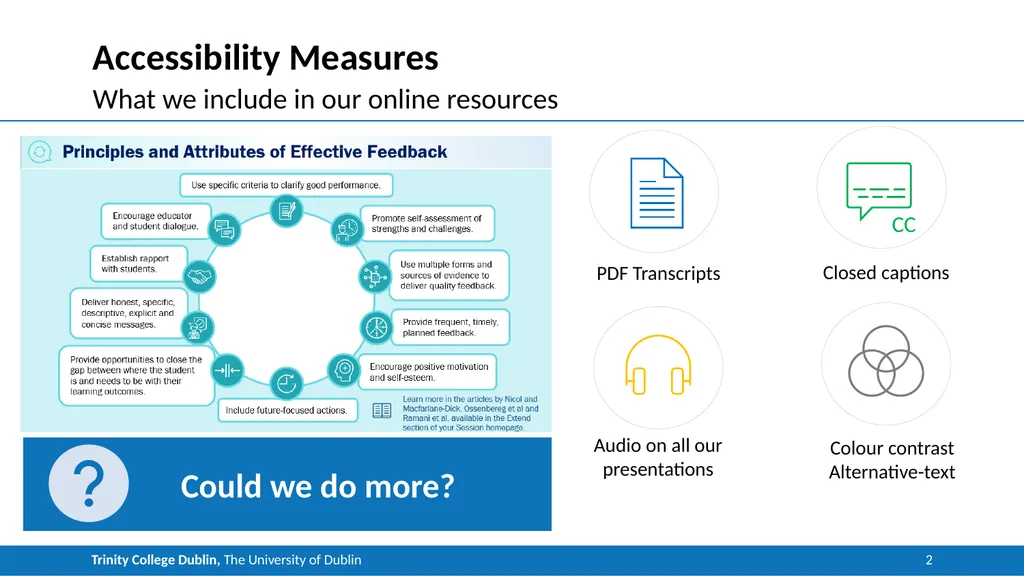
2 Accessibility Measures What we include in our online resources PDF Transcripts Closed captions Audio on all our presentations Colour contrast
Alternative-text Could we do more?<br>
03
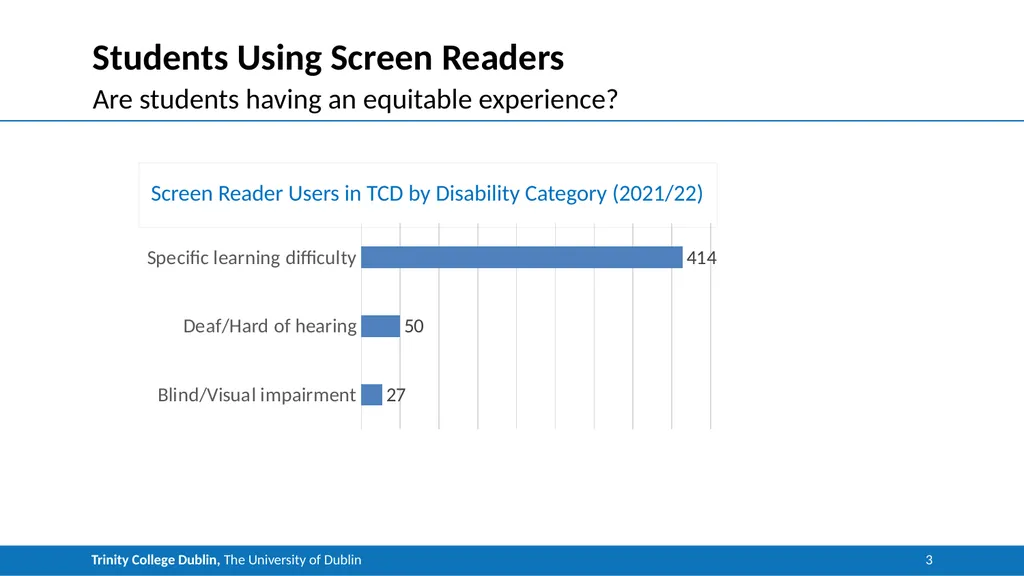
3 Students Using Screen Readers Are students having an equitable experience? Screen Reader Users in TCD by Disability Category (2021/22)<br>
04
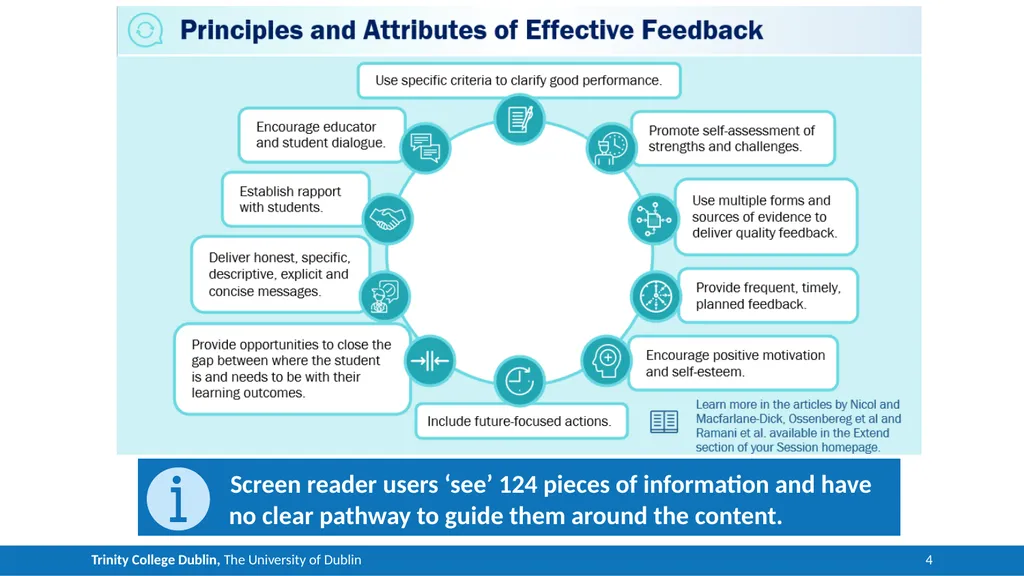
4 What a Screen Reader “Sees” on Storyline Storyline slide title: Principles and attributes of effective feedback
Main information:
Use specific criteria to clarify good performance
Promote self-assessment of strengths and challenges use multiple forms and sources of evidence to deliver quality feedback
Provide frequent timely planned feedback encourage positive motivation and self esteem
Include future-focused actions
Provide opportunities to close the gap where the student is and needs to be with their learning outcomes
Deliver honest specific descriptive explicit and concise messages
Establish rapport with students
Encourage educator and student dialogue
Note: learn more in the articles by Nicol and MacFarlane-Dick, Ossenbereg et al and Rahmani et al available in the extend section of your session home page Screen reader users ‘see’ 124 pieces of information and have no clear pathway to guide them around the content.<br>
05
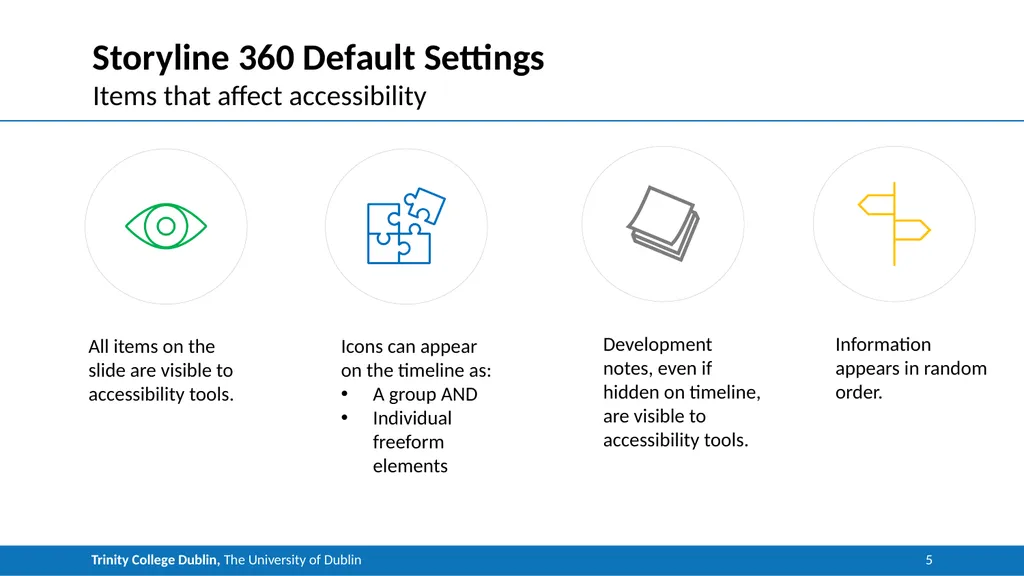
5 Storyline 360 Default Settings Items that affect accessibility All items on the slide are visible to accessibility tools. Icons can appear on the timeline as:
A group AND
Individual freeform elements Development notes, even if hidden on timeline, are visible to accessibility tools. Information appears in random order.<br>
06
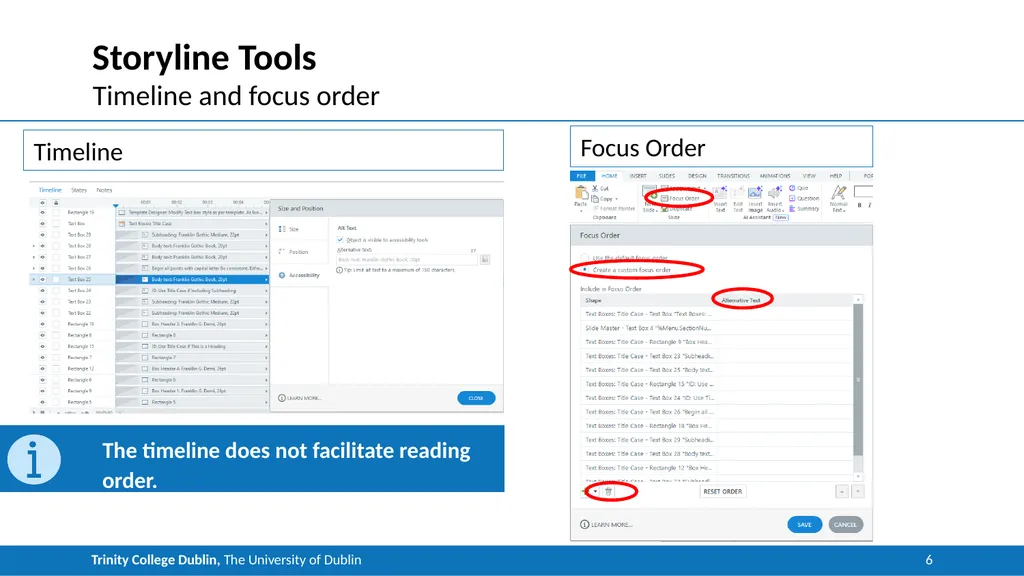
6 Storyline Tools Timeline and focus order Timeline Focus Order The timeline does not facilitate reading order.<br>
07
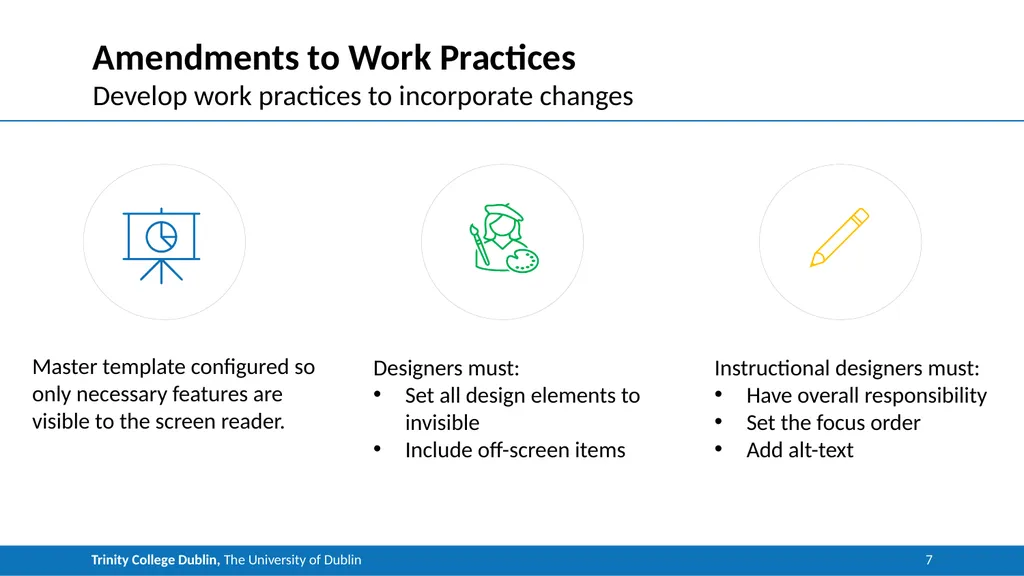
7 Amendments to Work Practices Develop work practices to incorporate changes<br>
08
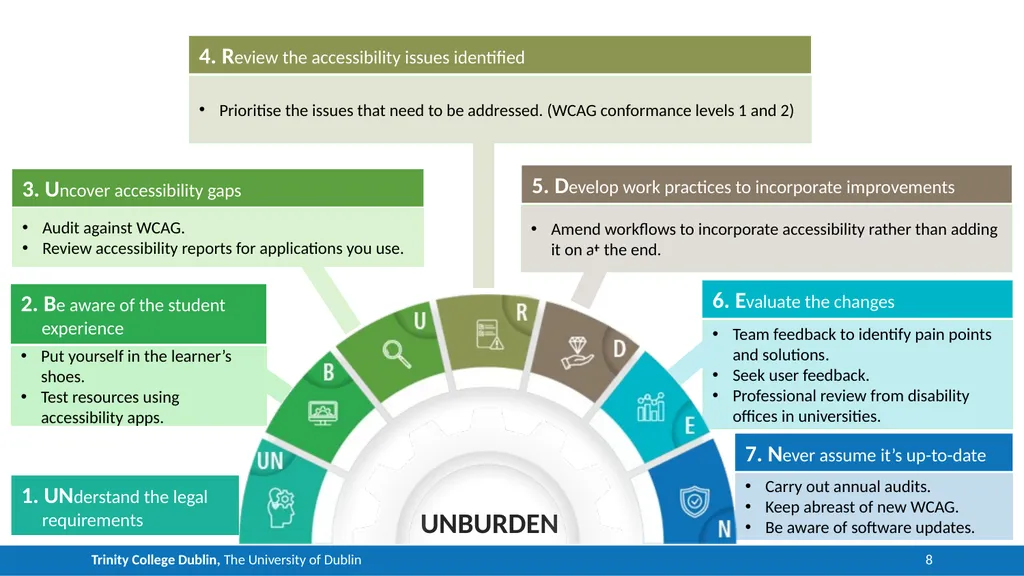
8 Unburden Accessibility! UNBURDEN 1. UNderstand the legal requirements 2. Be aware of the student experience Put yourself in the learner’s shoes.
Test resources using accessibility apps. 3. Uncover accessibility gaps Audit against WCAG.
Review accessibility reports for applications you use. 4. Review the accessibility issues identified Prioritise the issues that need to be addressed. (WCAG conformance levels 1 and 2) 5. Develop work practices to incorporate improvements Amend workflows to incorporate accessibility rather than adding it on at the end. 6. Evaluate the changes Team feedback to identify pain points and solutions.
Seek user feedback.
Professional review from disability offices in universities. 7. Never assume it’s up-to-date Carry out annual audits.
Keep abreast of new WCAG.
Be aware of software updates.<br>