Updated PPT Template March 2024 Guidelines for
Description: Updated PPT Template March 2024 Guidelines for creating accessible PowerPoint presentations Please review the following best practices to ensure meeting WCAG AA requirements: The Carleton TLS PowerPoint support website The Microsoft
Related Topics
Download Presentation
"Updated PPT Template March 2024 Guidelines for" is the property of its rightful owner. Permission is granted to download and print the materials on this website for personal, non-commercial use only, and to display it on your personal computer provided you do not modify the materials and that you retain all copyright notices contained in the materials. By downloading content from our website, you accept the terms of this agreement.
Presentation Transcript
slide1. Updated PPT Template March 2024<br>
slide2. Guidelines for creating accessible PowerPoint presentations Please review the following best practices to ensure meeting WCAG AA requirements:
The Carleton TLS PowerPoint support website
The Microsoft PowerPoint support website *This slide can be deleted when done.<br>
slide3. Example Alternate Title Slide 1 Wave above and below<br>
slide4. Content Slide Layout<br>
slide5. Two-Column Content Slide<br>
slide6. Content Slide With Call-Out Box<br>
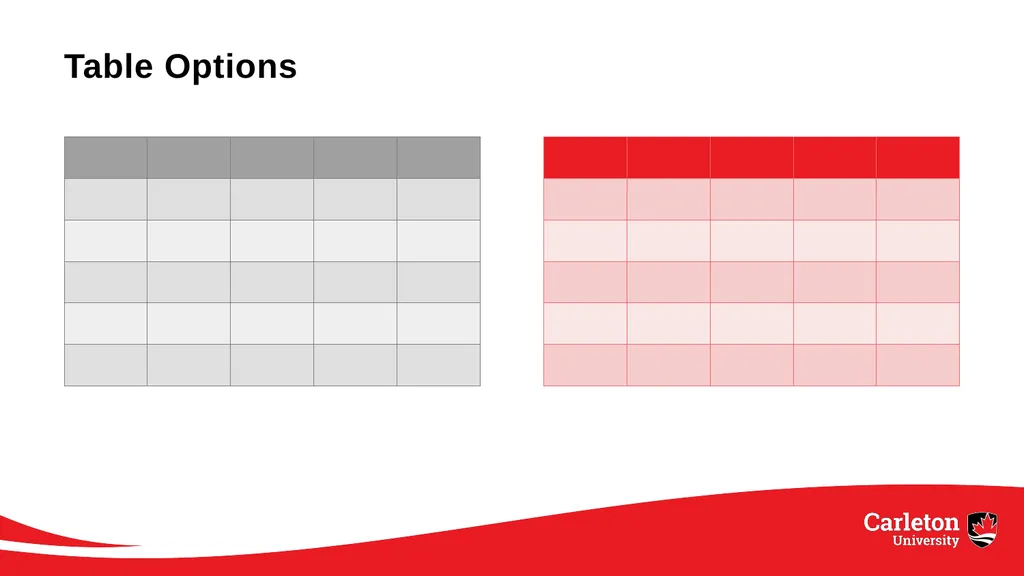
slide7. Table Options<br>
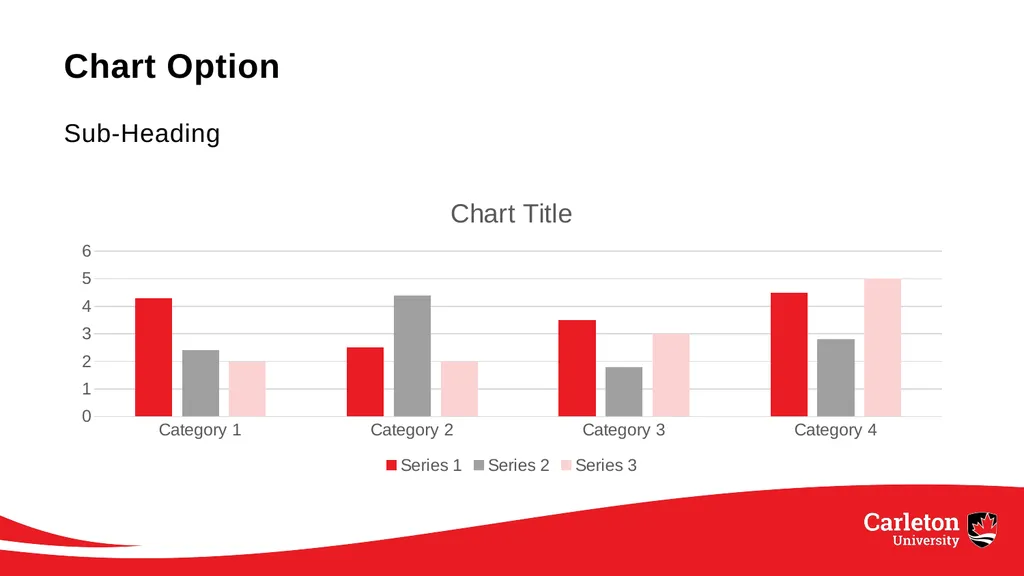
slide8. Chart Option Sub-Heading<br>
slide9. New Section Slide 1 Option 1<br>
slide10. New Section Slide 2 Option 2<br>
slide11. Content Slide – Wave Above<br>
slide12. Table with Wave Above<br>
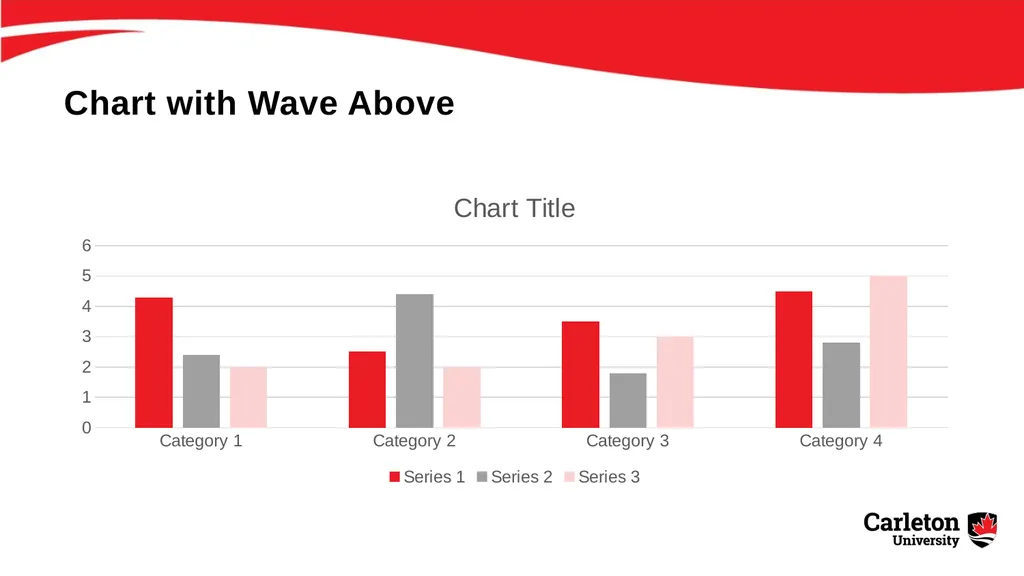
slide13. Chart with Wave Above<br>
slide14. Two Columns – Wave Above<br>
slide15. Two-Column Content Slide – No Wave<br>
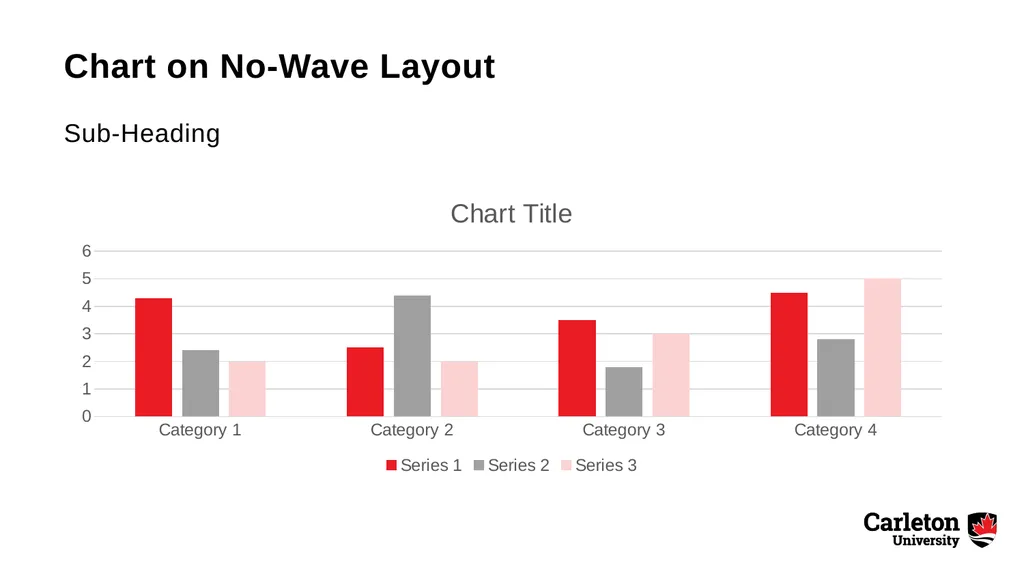
slide16. Chart on No-Wave Layout Sub-Heading<br>
slide17. Thank You<br>
slide2. Guidelines for creating accessible PowerPoint presentations Please review the following best practices to ensure meeting WCAG AA requirements:
The Carleton TLS PowerPoint support website
The Microsoft PowerPoint support website *This slide can be deleted when done.<br>
slide3. Example Alternate Title Slide 1 Wave above and below<br>
slide4. Content Slide Layout<br>
slide5. Two-Column Content Slide<br>
slide6. Content Slide With Call-Out Box<br>
slide7. Table Options<br>
slide8. Chart Option Sub-Heading<br>
slide9. New Section Slide 1 Option 1<br>
slide10. New Section Slide 2 Option 2<br>
slide11. Content Slide – Wave Above<br>
slide12. Table with Wave Above<br>
slide13. Chart with Wave Above<br>
slide14. Two Columns – Wave Above<br>
slide15. Two-Column Content Slide – No Wave<br>
slide16. Chart on No-Wave Layout Sub-Heading<br>
slide17. Thank You<br>