
Using Technology Responsibly Best Practices for
AM
Published · 25 slides · 0 views
1 / 1
Description
Using Technology Responsibly Best Practices for Safe and Savvy Technology Use Why Become Tech-Savvy? College students rely heavily on technology for both academic and non-academic purposes Laptops Netbooks MP3 Players Smart Phones Tablets
Related Topics
Share
Embed code
Download this presentation From Below
"Using Technology Responsibly Best Practices for" is the property of its rightful owner. Permission is granted to download and print the materials on this website for personal, non-commercial use only, and to display it on your personal computer provided you do not modify the materials and that you retain all copyright notices contained in the materials. By downloading content from our website, you accept the terms of this agreement.
Presentation Transcript
01
Using Technology Responsibly Best Practices for Safe and Savvy Technology Use<br>
02
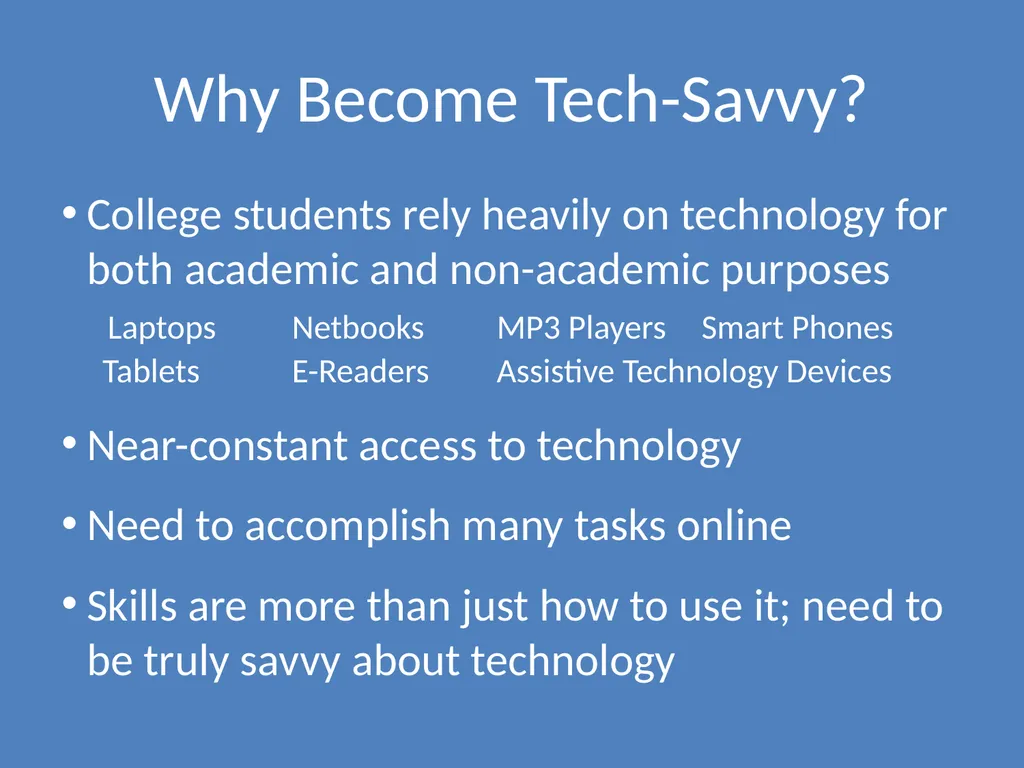
Why Become Tech-Savvy? College students rely heavily on technology for both academic and non-academic purposes
Laptops Netbooks MP3 Players Smart Phones
Tablets E-Readers Assistive Technology Devices
Near-constant access to technology
Need to accomplish many tasks online
Skills are more than just how to use it; need to be truly savvy about technology<br>
Near-constant access to technology
Need to accomplish many tasks online
Skills are more than just how to use it; need to be truly savvy about technology<br>
03
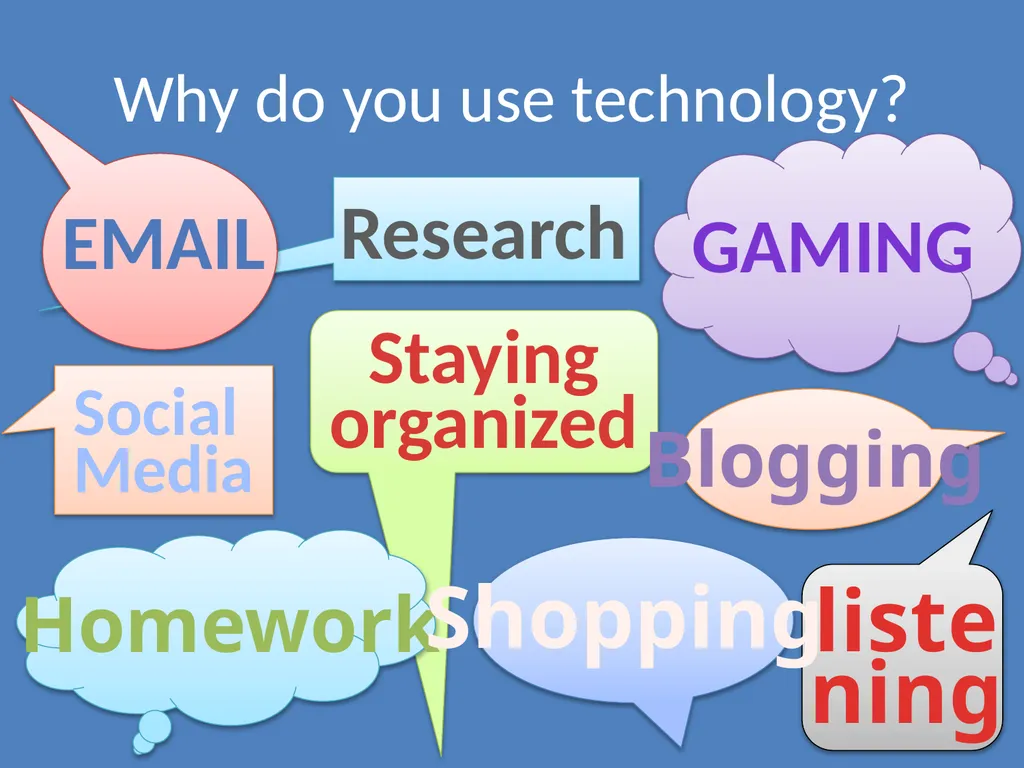
gaming Homework Shopping Social
Media listening
to music Staying organized email Research Why do you use technology? Blogging<br>
04
A Double-Edged Sword Technology is so well-integrated into daily life that we may not realize its extent
Pros: convenience and efficiency Cons: dependence and vulnerability
Technology’s benefits usually outweigh its risks
However, serious problems can arise if you’re not safe and savvy when using technology<br>
Pros: convenience and efficiency Cons: dependence and vulnerability
Technology’s benefits usually outweigh its risks
However, serious problems can arise if you’re not safe and savvy when using technology<br>
05
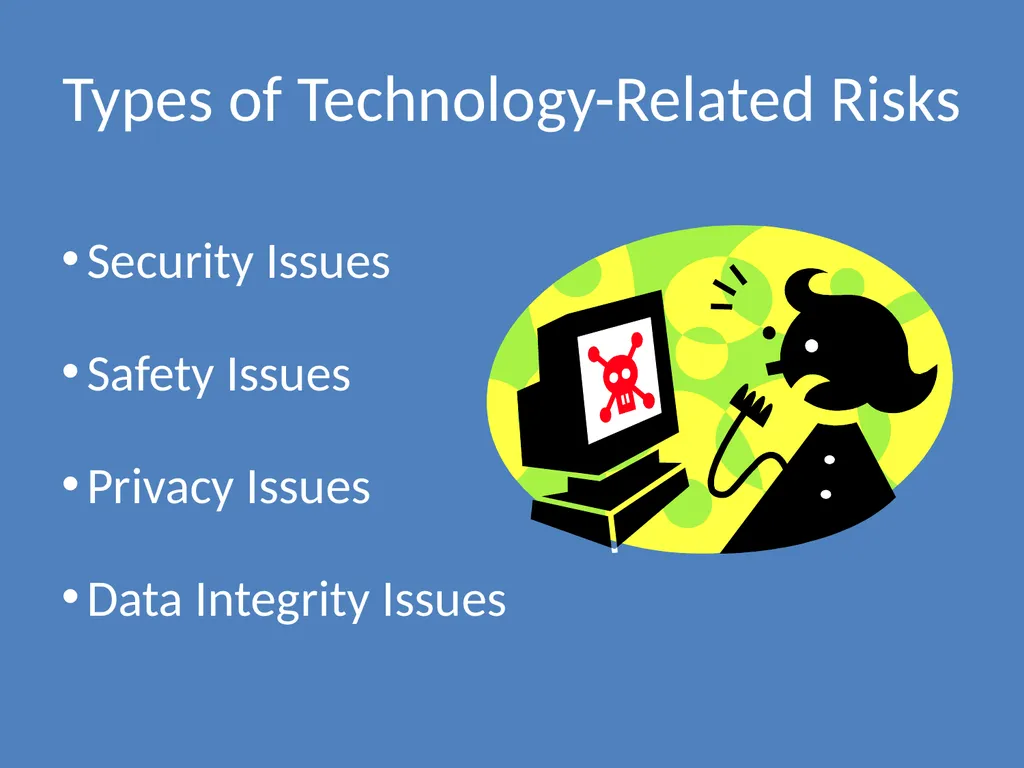
Types of Technology-Related Risks Security Issues
Safety Issues
Privacy Issues
Data Integrity Issues<br>
Safety Issues
Privacy Issues
Data Integrity Issues<br>
06
If You Post It, They Will Find It Anyone can find a lot of information about you online.
All it takes to find many details about you is…
The motivation and persistence to look for them
A small amount of prior knowledge about you
If you are careless about online safety and security, they may also be able to access more sensitive or private information about you<br>
All it takes to find many details about you is…
The motivation and persistence to look for them
A small amount of prior knowledge about you
If you are careless about online safety and security, they may also be able to access more sensitive or private information about you<br>
07
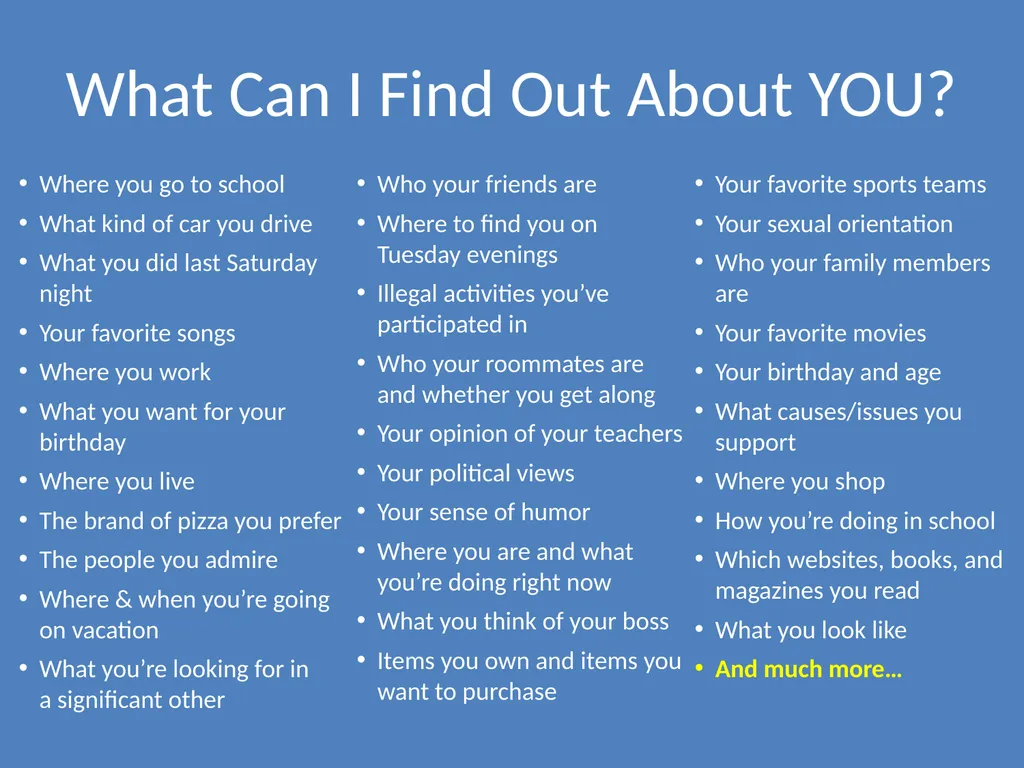
What Can I Find Out About YOU? Where you go to school
What kind of car you drive
What you did last Saturday night
Your favorite songs
Where you work
What you want for your birthday
Where you live
The brand of pizza you prefer
The people you admire
Where & when you’re going on vacation
What you’re looking for in a significant other
Who your friends are
Where to find you on Tuesday evenings
Illegal activities you’ve participated in
Who your roommates are and whether you get along
Your opinion of your teachers
Your political views
Your sense of humor
Where you are and what you’re doing right now
What you think of your boss
Items you own and items you want to purchase
Your favorite sports teams
Your sexual orientation
Who your family members are
Your favorite movies
Your birthday and age
What causes/issues you support
Where you shop
How you’re doing in school
Which websites, books, and magazines you read
What you look like
And much more…<br>
What kind of car you drive
What you did last Saturday night
Your favorite songs
Where you work
What you want for your birthday
Where you live
The brand of pizza you prefer
The people you admire
Where & when you’re going on vacation
What you’re looking for in a significant other
Who your friends are
Where to find you on Tuesday evenings
Illegal activities you’ve participated in
Who your roommates are and whether you get along
Your opinion of your teachers
Your political views
Your sense of humor
Where you are and what you’re doing right now
What you think of your boss
Items you own and items you want to purchase
Your favorite sports teams
Your sexual orientation
Who your family members are
Your favorite movies
Your birthday and age
What causes/issues you support
Where you shop
How you’re doing in school
Which websites, books, and magazines you read
What you look like
And much more…<br>
08
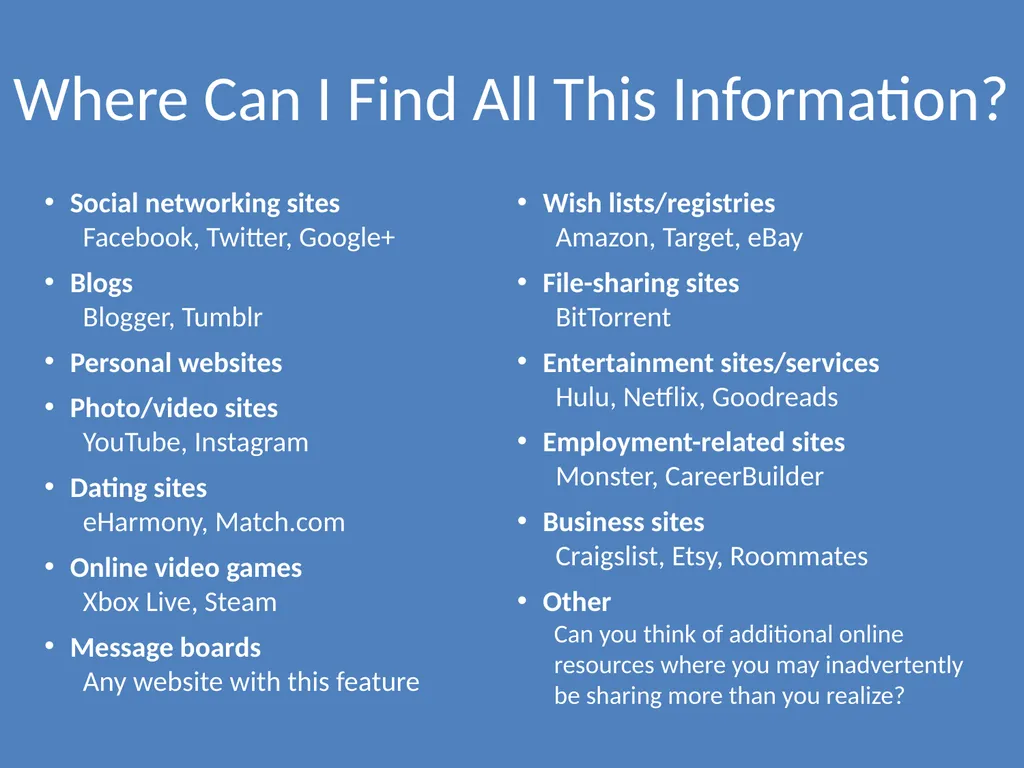
Where Can I Find All This Information? Social networking sites
Facebook, Twitter, Google+
Blogs Blogger, Tumblr
Personal websites
Photo/video sites YouTube, Instagram
Dating sites eHarmony, Match.com
Online video games Xbox Live, Steam
Message boards Any website with this feature
Wish lists/registries Amazon, Target, eBay
File-sharing sites BitTorrent
Entertainment sites/services Hulu, Netflix, Goodreads
Employment-related sites Monster, CareerBuilder
Business sites Craigslist, Etsy, Roommates
Other Can you think of additional online resources where you may inadvertently be sharing more than you realize?<br>
Blogs Blogger, Tumblr
Personal websites
Photo/video sites YouTube, Instagram
Dating sites eHarmony, Match.com
Online video games Xbox Live, Steam
Message boards Any website with this feature
Wish lists/registries Amazon, Target, eBay
File-sharing sites BitTorrent
Entertainment sites/services Hulu, Netflix, Goodreads
Employment-related sites Monster, CareerBuilder
Business sites Craigslist, Etsy, Roommates
Other Can you think of additional online resources where you may inadvertently be sharing more than you realize?<br>
09
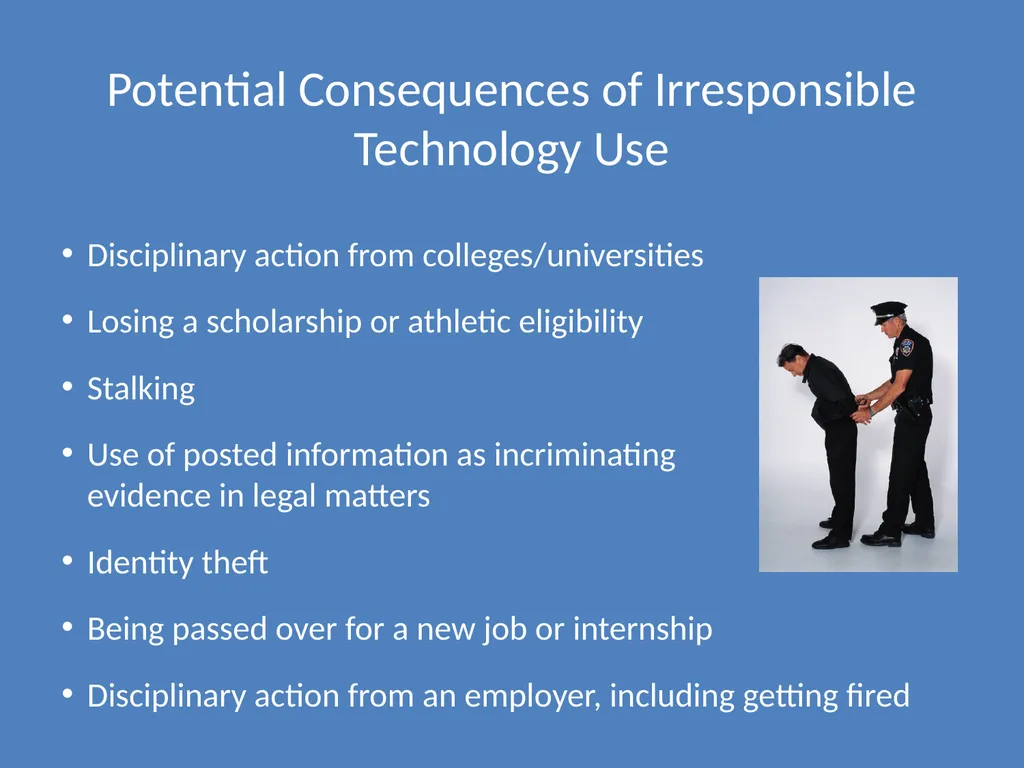
Potential Consequences of Irresponsible Technology Use Disciplinary action from colleges/universities
Losing a scholarship or athletic eligibility
Stalking
Use of posted information as incriminating evidence in legal matters
Identity theft
Being passed over for a new job or internship
Disciplinary action from an employer, including getting fired<br>
Losing a scholarship or athletic eligibility
Stalking
Use of posted information as incriminating evidence in legal matters
Identity theft
Being passed over for a new job or internship
Disciplinary action from an employer, including getting fired<br>
10
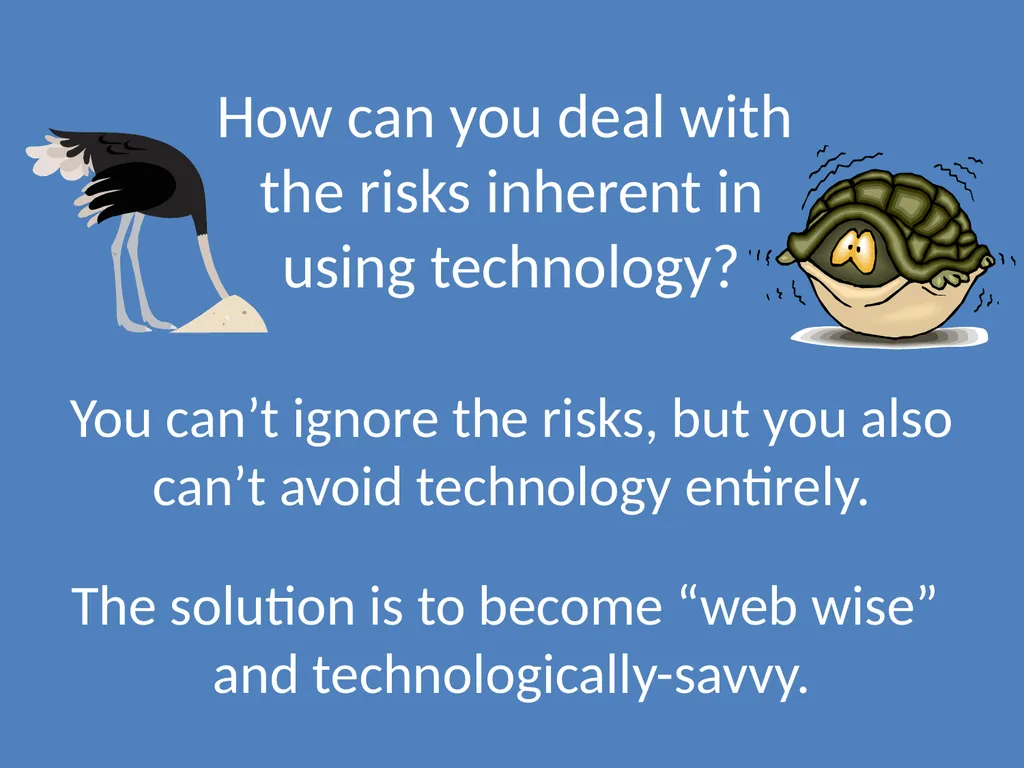
How can you deal with
the risks inherent in
using technology? You can’t ignore the risks, but you also can’t avoid technology entirely.
The solution is to become “web wise” and technologically-savvy.<br>
The solution is to become “web wise” and technologically-savvy.<br>
11
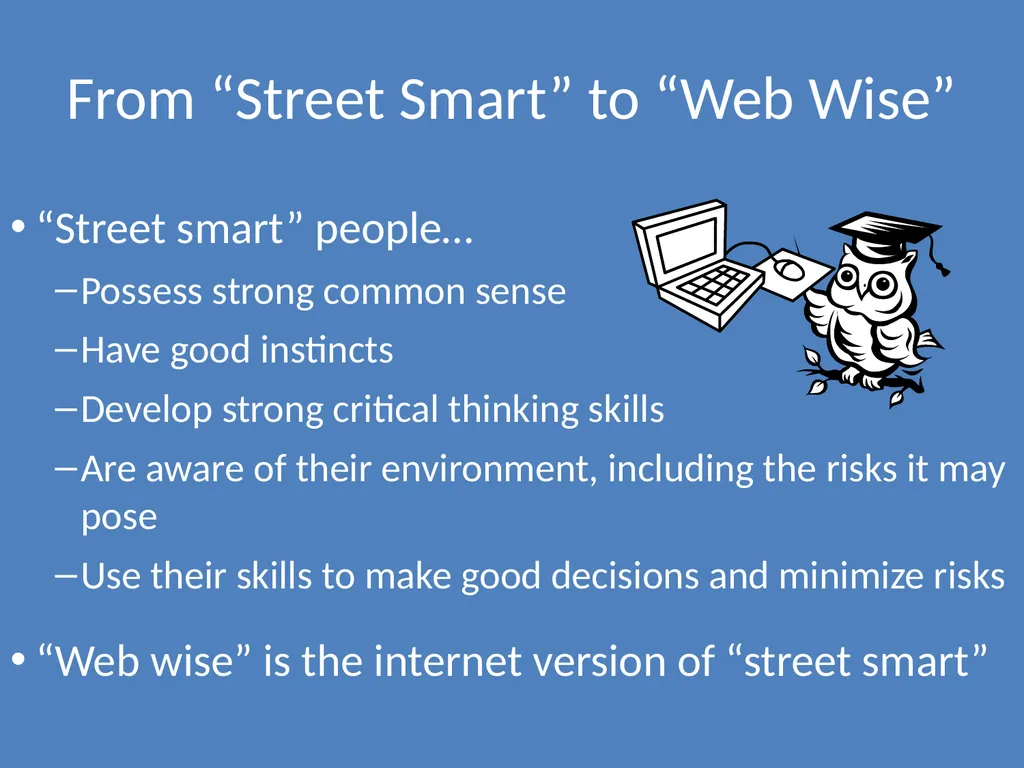
From “Street Smart” to “Web Wise” “Street smart” people…
Possess strong common sense
Have good instincts
Develop strong critical thinking skills
Are aware of their environment, including the risks it may pose
Use their skills to make good decisions and minimize risks
“Web wise” is the internet version of “street smart”<br>
Possess strong common sense
Have good instincts
Develop strong critical thinking skills
Are aware of their environment, including the risks it may pose
Use their skills to make good decisions and minimize risks
“Web wise” is the internet version of “street smart”<br>
12
Becoming “Web Wise” and Tech-Savvy Understand that being tech-savvy is about more than knowing how to use technology
Learn about technology-related risks
Take steps to avoid or minimize risks
Take responsibility for your role as a member of the online community by being a good cyber-citizen
Apply critical thinking skills and good judgment to all your technology-related actions<br>
Learn about technology-related risks
Take steps to avoid or minimize risks
Take responsibility for your role as a member of the online community by being a good cyber-citizen
Apply critical thinking skills and good judgment to all your technology-related actions<br>
13
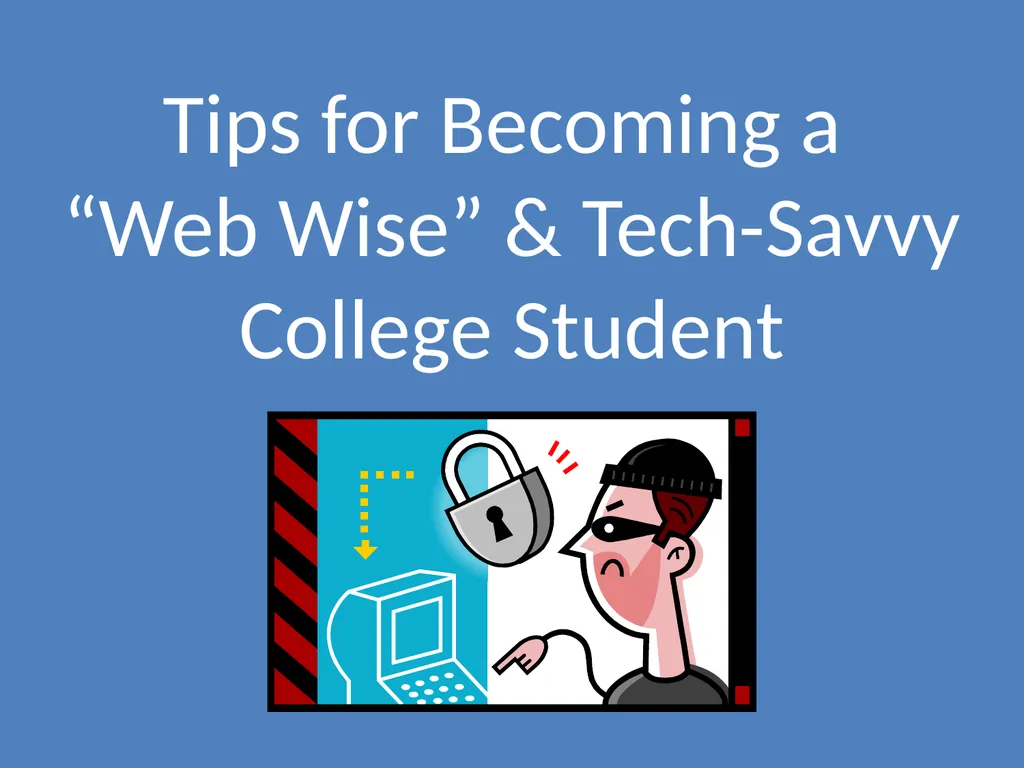
Tips for Becoming a
“Web Wise” & Tech-Savvy College Student<br>
14
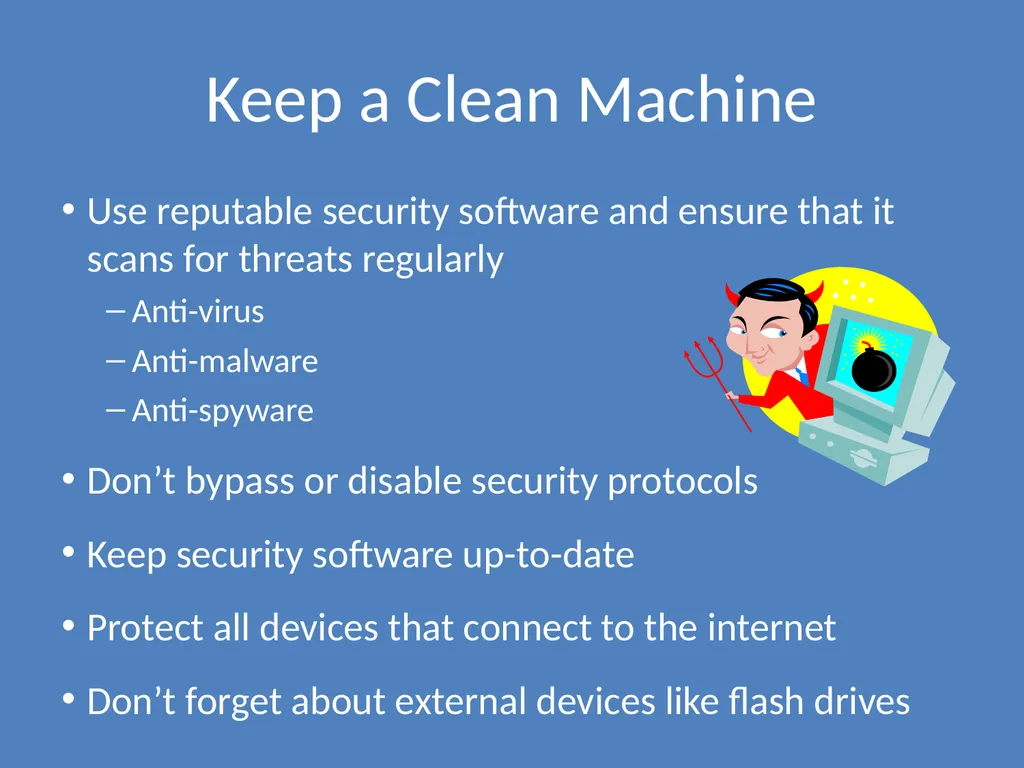
Keep a Clean Machine Use reputable security software and ensure that it scans for threats regularly
Anti-virus
Anti-malware
Anti-spyware
Don’t bypass or disable security protocols
Keep security software up-to-date
Protect all devices that connect to the internet
Don’t forget about external devices like flash drives<br>
Anti-virus
Anti-malware
Anti-spyware
Don’t bypass or disable security protocols
Keep security software up-to-date
Protect all devices that connect to the internet
Don’t forget about external devices like flash drives<br>
15
Connect with Caution Access Wi-Fi hotspots wisely
Pay attention to the networks you connect to
Set tighter privacy controls for public networks
Don’t conduct sensitive business on public Wi-Fi
Make sure you’re using secure sites for all financial transactions
Protect your accounts with strong passwords and additional identity-verification measures<br>
Pay attention to the networks you connect to
Set tighter privacy controls for public networks
Don’t conduct sensitive business on public Wi-Fi
Make sure you’re using secure sites for all financial transactions
Protect your accounts with strong passwords and additional identity-verification measures<br>
16
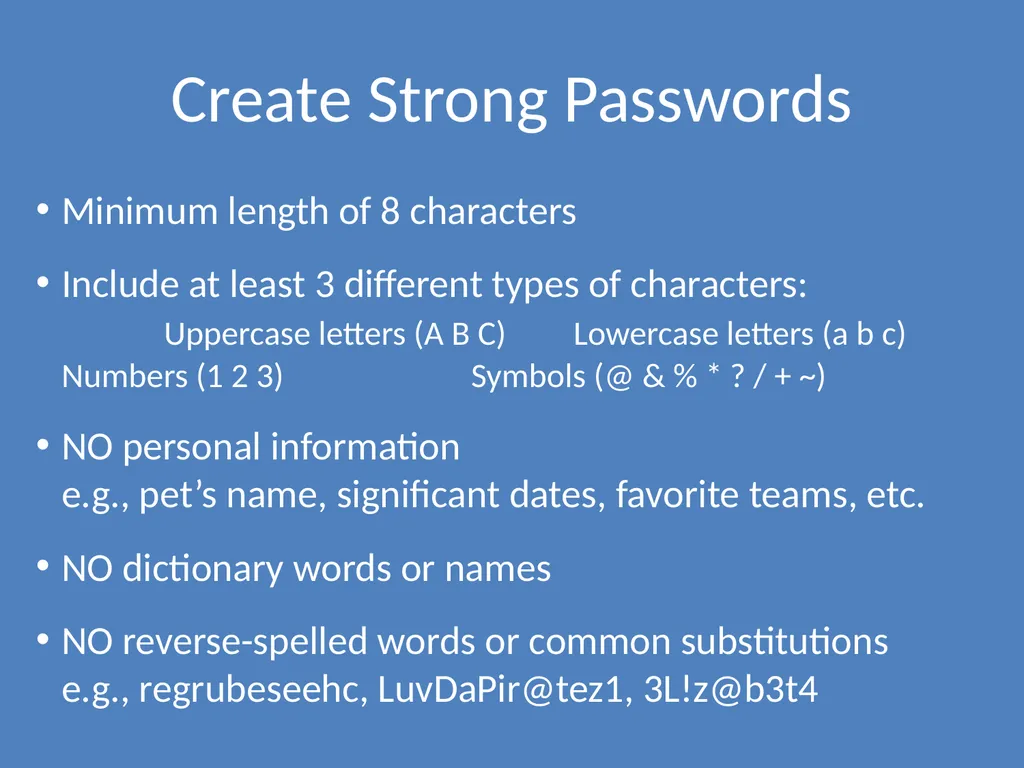
Create Strong Passwords Minimum length of 8 characters
Include at least 3 different types of characters: Uppercase letters (A B C) Lowercase letters (a b c) Numbers (1 2 3) Symbols (@ & % * ? / + ~)
NO personal information e.g., pet’s name, significant dates, favorite teams, etc.
NO dictionary words or names
NO reverse-spelled words or common substitutions e.g., regrubeseehc, LuvDaPir@tez1, 3L!z@b3t4<br>
Include at least 3 different types of characters: Uppercase letters (A B C) Lowercase letters (a b c) Numbers (1 2 3) Symbols (@ & % * ? / + ~)
NO personal information e.g., pet’s name, significant dates, favorite teams, etc.
NO dictionary words or names
NO reverse-spelled words or common substitutions e.g., regrubeseehc, LuvDaPir@tez1, 3L!z@b3t4<br>
17
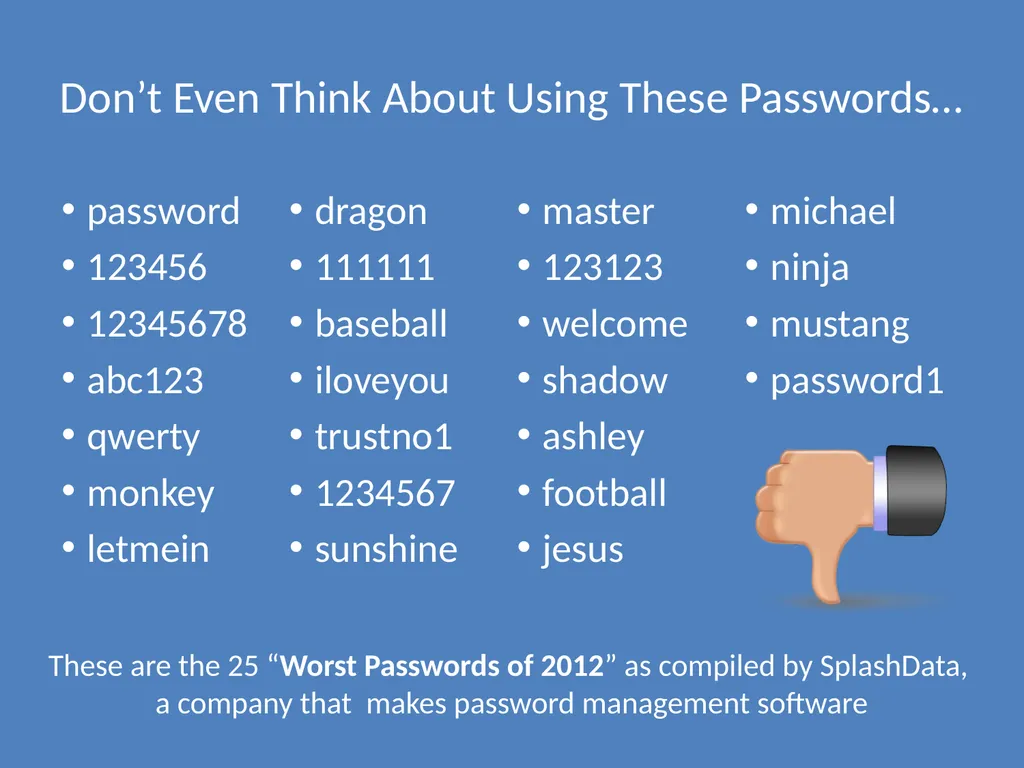
Don’t Even Think About Using These Passwords… password
123456
12345678
abc123
qwerty
monkey
letmein
dragon
111111
baseball
iloveyou
trustno1
1234567
sunshine
master
123123
welcome
shadow
ashley
football
jesus
michael
ninja
mustang
password1 These are the 25 “Worst Passwords of 2012” as compiled by SplashData, a company that makes password management software<br>
123456
12345678
abc123
qwerty
monkey
letmein
dragon
111111
baseball
iloveyou
trustno1
1234567
sunshine
master
123123
welcome
shadow
ashley
football
jesus
michael
ninja
mustang
password1 These are the 25 “Worst Passwords of 2012” as compiled by SplashData, a company that makes password management software<br>
18
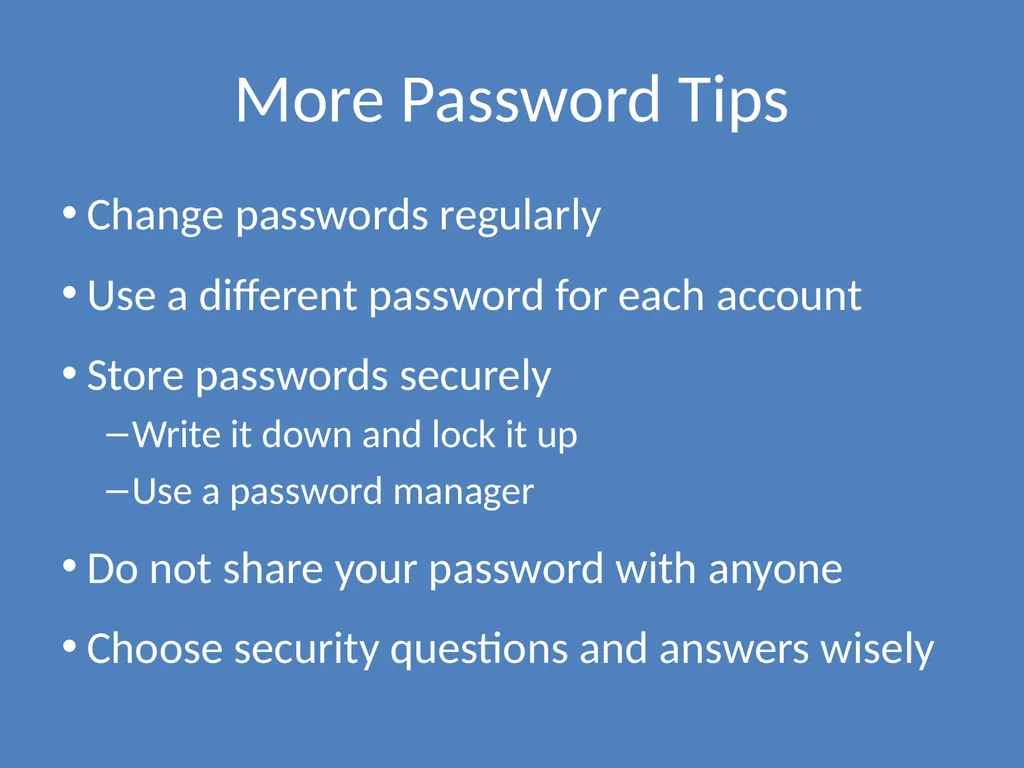
More Password Tips Change passwords regularly
Use a different password for each account
Store passwords securely
Write it down and lock it up
Use a password manager
Do not share your password with anyone
Choose security questions and answers wisely<br>
Use a different password for each account
Store passwords securely
Write it down and lock it up
Use a password manager
Do not share your password with anyone
Choose security questions and answers wisely<br>
19
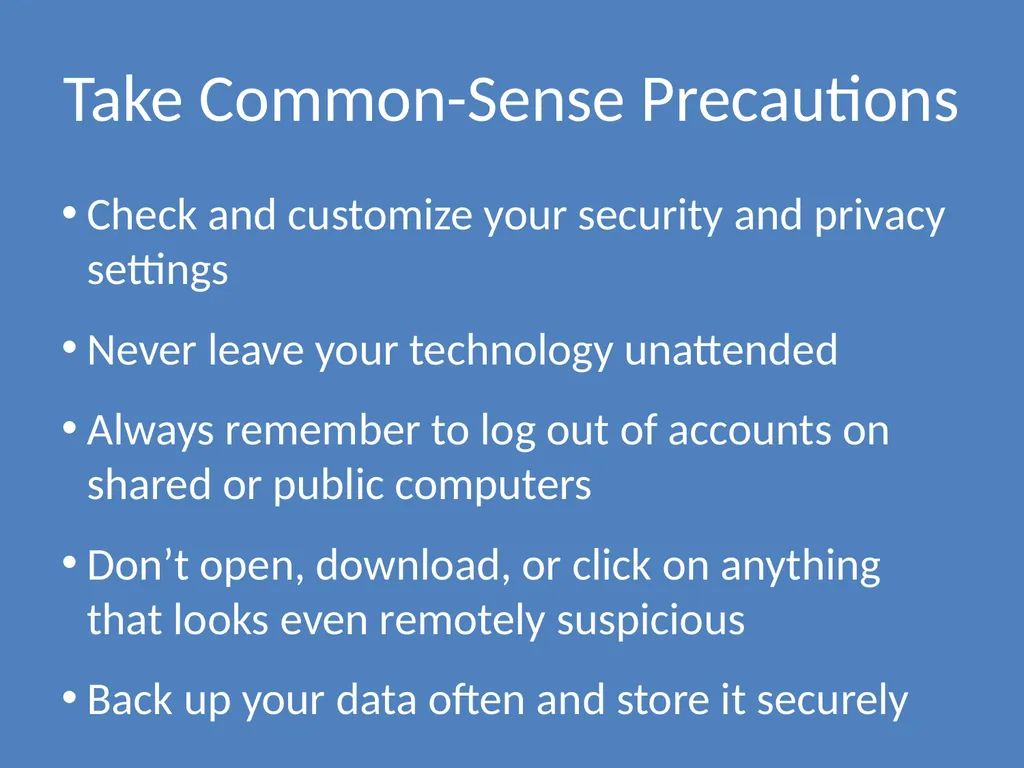
Take Common-Sense Precautions Check and customize your security and privacy settings
Never leave your technology unattended
Always remember to log out of accounts on shared or public computers
Don’t open, download, or click on anything that looks even remotely suspicious
Back up your data often and store it securely<br>
Never leave your technology unattended
Always remember to log out of accounts on shared or public computers
Don’t open, download, or click on anything that looks even remotely suspicious
Back up your data often and store it securely<br>
20
Share Safely on Social Media Consider limiting others’ access to your social networking profiles
Don’t rely solely on privacy settings to protect your information
Make decisions about what to share (and what not to share) with a level head
Learn to evaluate your social media presence with a critical eye<br>
Don’t rely solely on privacy settings to protect your information
Make decisions about what to share (and what not to share) with a level head
Learn to evaluate your social media presence with a critical eye<br>
21
Be a Good Cyber-Citizen Good citizenship
Becoming well-informed and educated
Respecting legitimate authority
Being involved and engaged to promote the welfare of the community and people within it
Treating your environment, yourself, and others with respect and helping those who need support as you are able
Good citizenship also applies to the global community as accessed through the internet<br>
Becoming well-informed and educated
Respecting legitimate authority
Being involved and engaged to promote the welfare of the community and people within it
Treating your environment, yourself, and others with respect and helping those who need support as you are able
Good citizenship also applies to the global community as accessed through the internet<br>
22
Good Cyber-Citizenship Understand your potential to impact others through your online actions
Respect laws and rules in cyberspace as you would in everyday life, including intellectual property rights
Treat others in the online community with respect
If you wouldn’t say or do it in person, don’t say or do it online
The “Golden Rule” of social networking: Post about others only as they would post about themselves
Consider your motives for posting about others<br>
Respect laws and rules in cyberspace as you would in everyday life, including intellectual property rights
Treat others in the online community with respect
If you wouldn’t say or do it in person, don’t say or do it online
The “Golden Rule” of social networking: Post about others only as they would post about themselves
Consider your motives for posting about others<br>
23
The Bottom Line for Using Technology Responsibly THINK…!
…before you post
…before you act Ask yourself:
What are the risks?
Why am I doing this?
Would I want ________ to see this?
Do these actions/words portray me as I want to be perceived by others?<br>
…before you post
…before you act Ask yourself:
What are the risks?
Why am I doing this?
Would I want ________ to see this?
Do these actions/words portray me as I want to be perceived by others?<br>
24
Activity: You Are What You Post Pretend that you are moving to a new city.
You’ve found a great 3-bedroom apartment, and you’re looking for 2 roommates to share it with.
You decide to go online and check out the “SpaceBookster” social networking profiles of a few people who have emailed you inquiring about your request for roommates.
Look at their profiles and use the “Social Networking Site Evaluation” worksheet to make notes about each.
Based on their profiles, select your “top 2” preferences to ask to move in. Be ready to discuss why you chose these people as potential roommates.<br>
You’ve found a great 3-bedroom apartment, and you’re looking for 2 roommates to share it with.
You decide to go online and check out the “SpaceBookster” social networking profiles of a few people who have emailed you inquiring about your request for roommates.
Look at their profiles and use the “Social Networking Site Evaluation” worksheet to make notes about each.
Based on their profiles, select your “top 2” preferences to ask to move in. Be ready to discuss why you chose these people as potential roommates.<br>
25
This work is licensed under a Creative Commons Attribution-NonCommercial 3.0 Unported License.<br>