04
What is the Web? What we see in a Web Browser!
HTML – not really
A set of documents connected to each other.
A system of Internet servers that support specially formatted documents, supporting links to other documents as well as graphics, audio and video files.
Are Web and Internet synonymous? – No! Web Development TSS 2018 - Varun Patil, IIT Bombay<br>
05
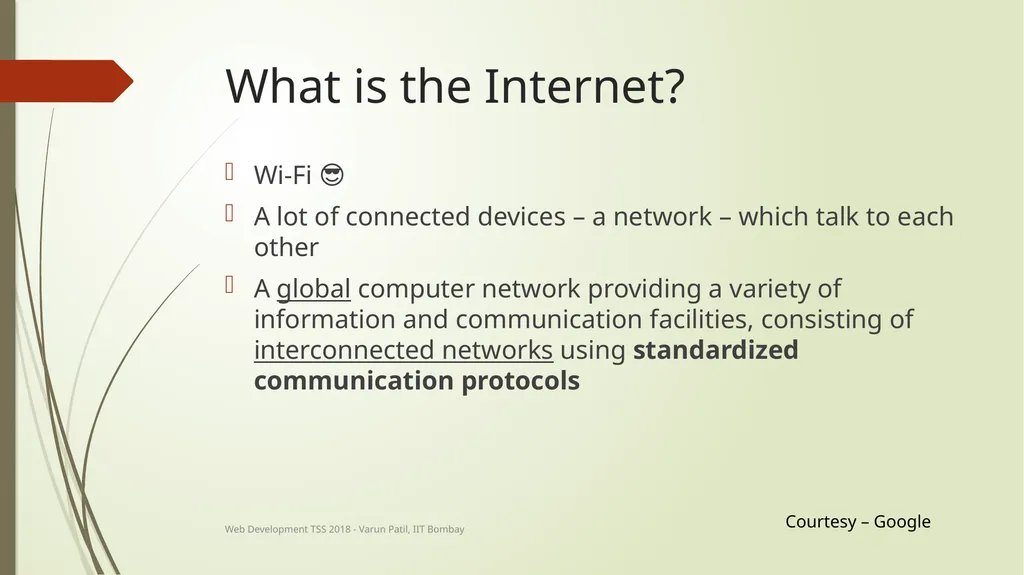
What is the Internet? Wi-Fi 😎
A lot of connected devices – a network – which talk to each other
A global computer network providing a variety of information and communication facilities, consisting of interconnected networks using standardized communication protocols Courtesy – Google Web Development TSS 2018 - Varun Patil, IIT Bombay<br>
06
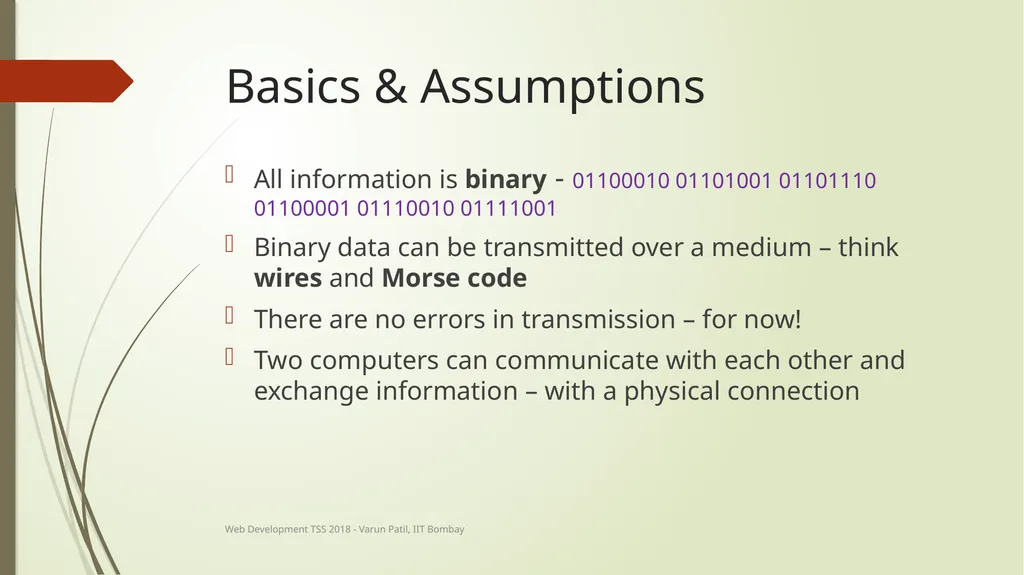
Basics & Assumptions All information is binary - 01100010 01101001 01101110 01100001 01110010 01111001
Binary data can be transmitted over a medium – think wires and Morse code
There are no errors in transmission – for now!
Two computers can communicate with each other and exchange information – with a physical connection Web Development TSS 2018 - Varun Patil, IIT Bombay<br>
07
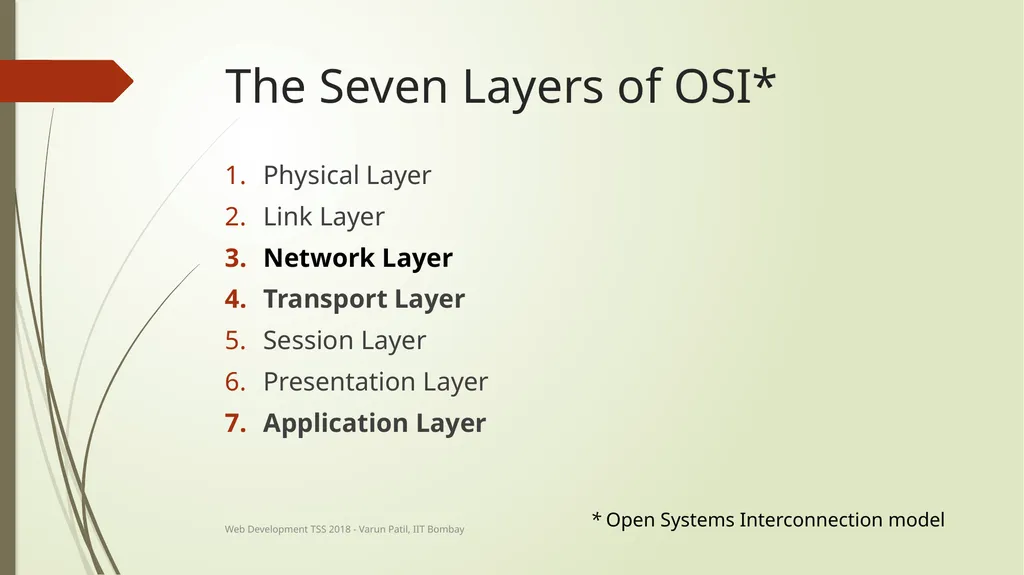
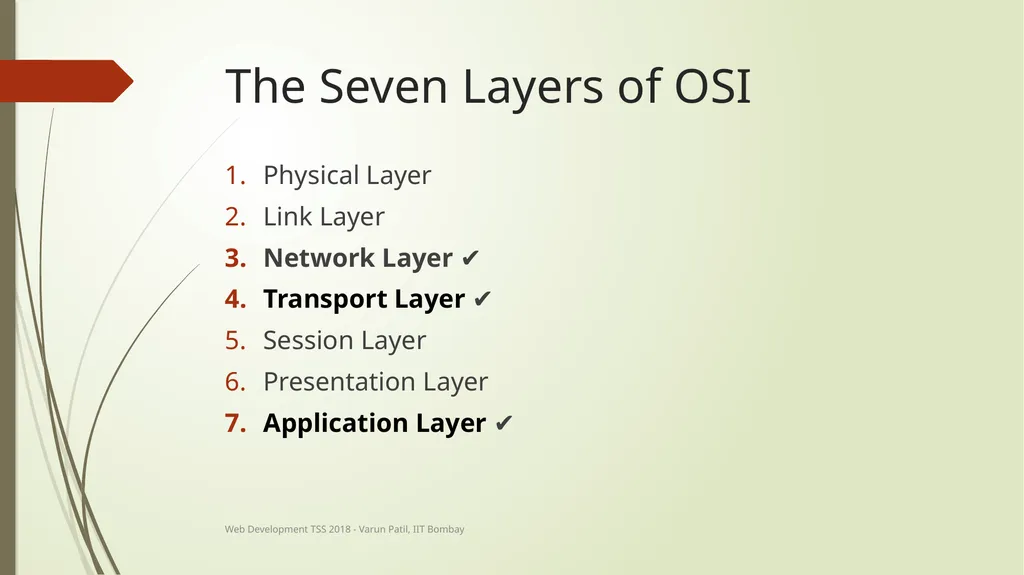
The Seven Layers of OSI* Physical Layer
Link Layer
Network Layer
Transport Layer
Session Layer
Presentation Layer
Application Layer * Open Systems Interconnection model Web Development TSS 2018 - Varun Patil, IIT Bombay<br>
08
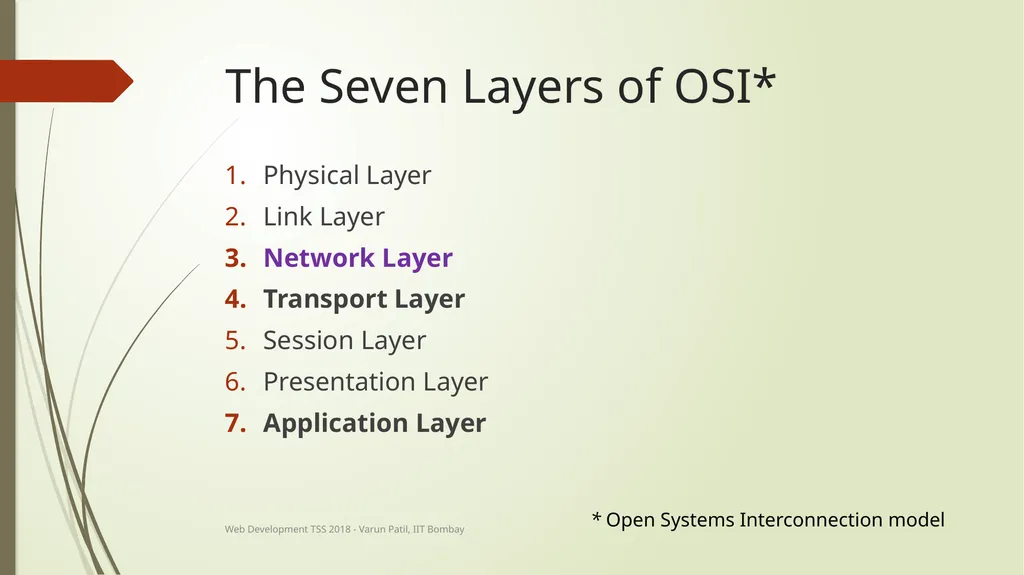
The Seven Layers of OSI* Physical Layer
Link Layer
Network Layer
Transport Layer
Session Layer
Presentation Layer
Application Layer * Open Systems Interconnection model Web Development TSS 2018 - Varun Patil, IIT Bombay<br>
09
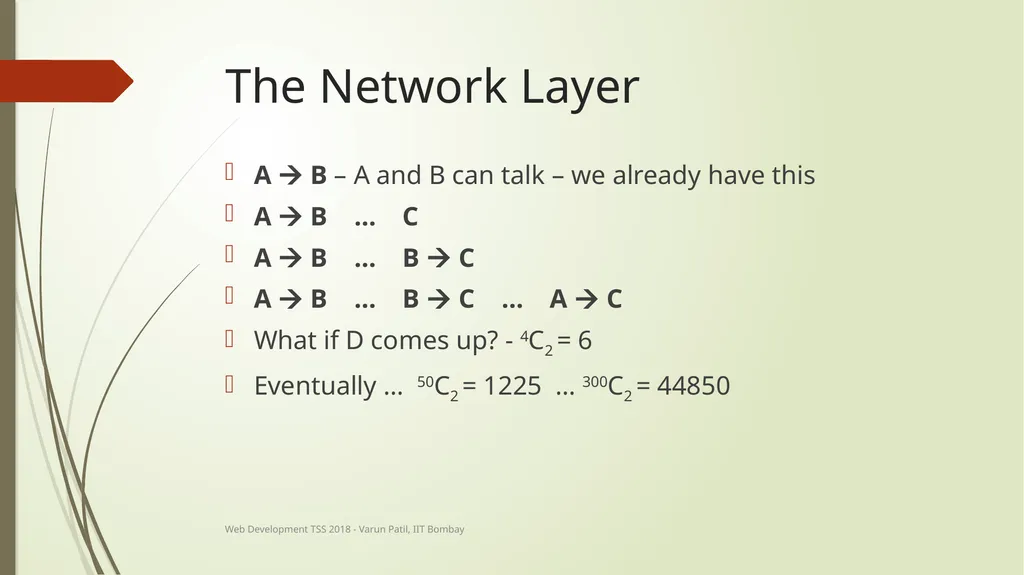
The Network Layer A B – A and B can talk – we already have this
A B … C
A B … B C
A B … B C … A C
What if D comes up? - 4C2 = 6
Eventually … 50C2 = 1225 … 300C2 = 44850 Web Development TSS 2018 - Varun Patil, IIT Bombay<br>
10
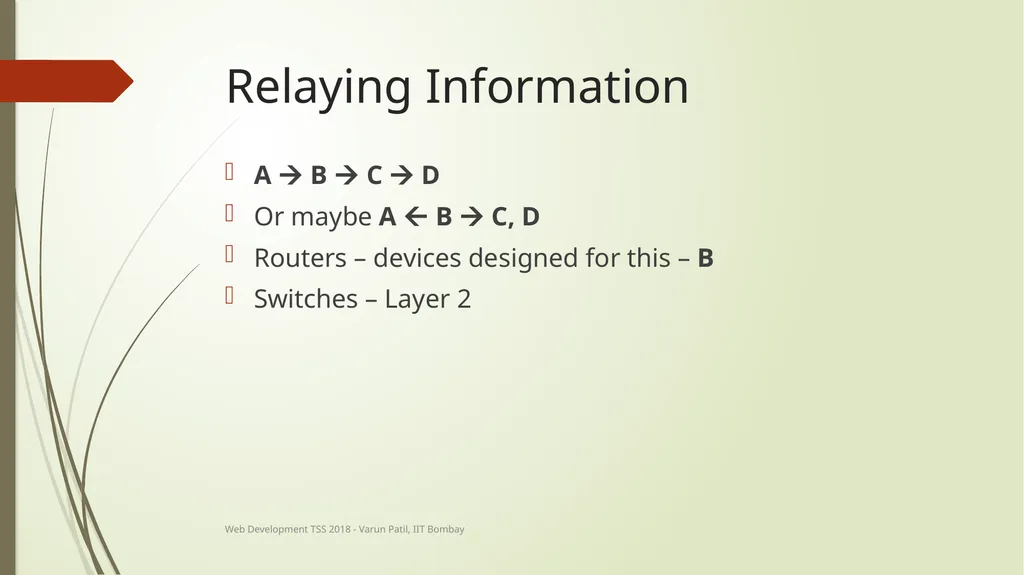
Relaying Information A B C D
Or maybe A B C, D
Routers – devices designed for this – B
Switches – Layer 2 Web Development TSS 2018 - Varun Patil, IIT Bombay<br>
11
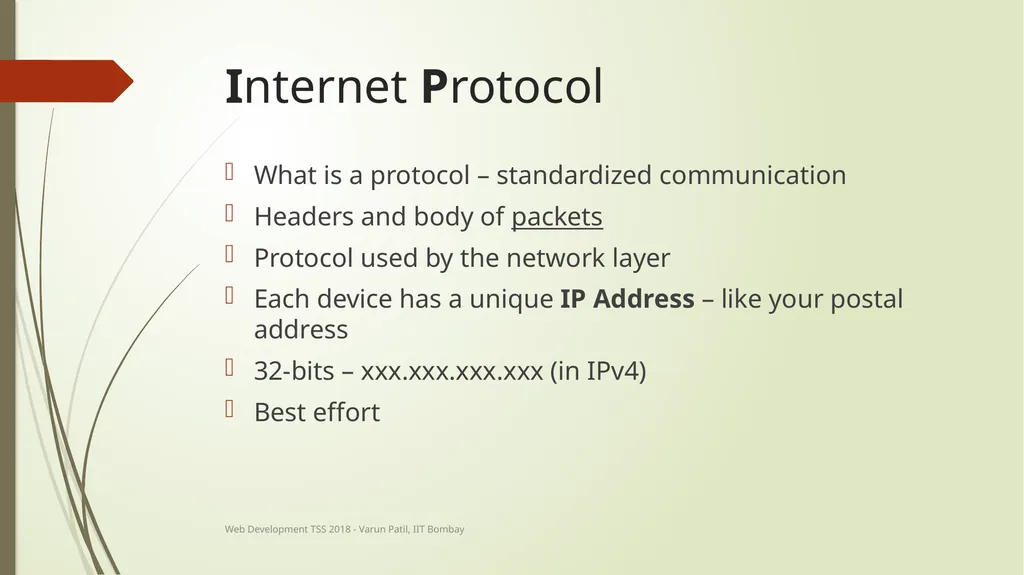
Internet Protocol What is a protocol – standardized communication
Headers and body of packets
Protocol used by the network layer
Each device has a unique IP Address – like your postal address
32-bits – xxx.xxx.xxx.xxx (in IPv4)
Best effort Web Development TSS 2018 - Varun Patil, IIT Bombay<br>
12
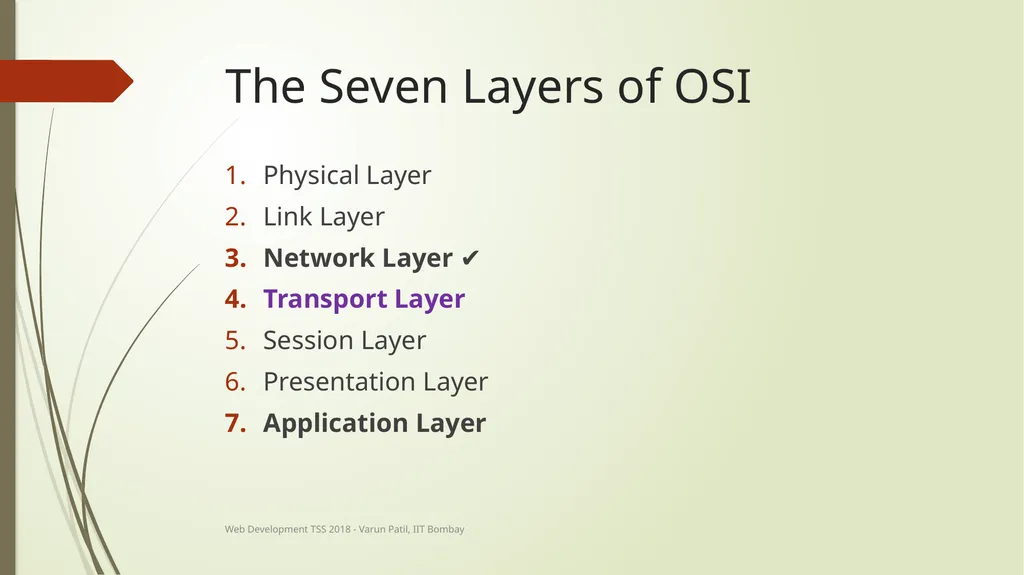
The Seven Layers of OSI Physical Layer
Link Layer
Network Layer ✔
Transport Layer
Session Layer
Presentation Layer
Application Layer Web Development TSS 2018 - Varun Patil, IIT Bombay<br>
13
The Transport Layer Multiple applications on one machine
Different applications – different people to communicate with at once
Errors in transmission
Congestion control
Order of receiving - multiple paths of communication Web Development TSS 2018 - Varun Patil, IIT Bombay<br>
14
Transmission Control Protocol Built into Operating Systems – with standards
Performs error detection/correction
Ensures correct ordering of data
Allows multiple applications to communicate with Ports Web Development TSS 2018 - Varun Patil, IIT Bombay<br>
15
Port 16-bit number – 0 to 65535
Outgoing and incoming ports
Can receive multiple connections on one port
4-tuple – identifying a unique connection
IP Address of A
Port of A
IP Address of B
Port of B Web Development TSS 2018 - Varun Patil, IIT Bombay<br>
16
An Analogy Web Development TSS 2018 - Varun Patil, IIT Bombay<br>
17
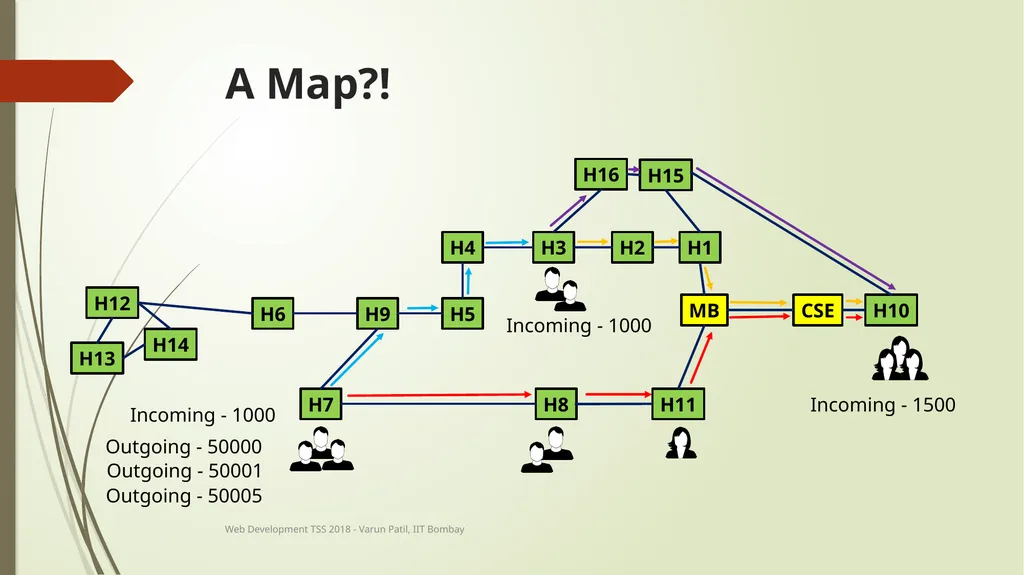
A Map?! H7 H8 H12 H13 H14 H6 H9 H5 H4 H3 H2 H1 H15 H16 H11 H10 CSE MB Incoming - 1000 Incoming - 1500 Incoming - 1000 Outgoing - 50000 Outgoing - 50001 Outgoing - 50005 Web Development TSS 2018 - Varun Patil, IIT Bombay<br>
18
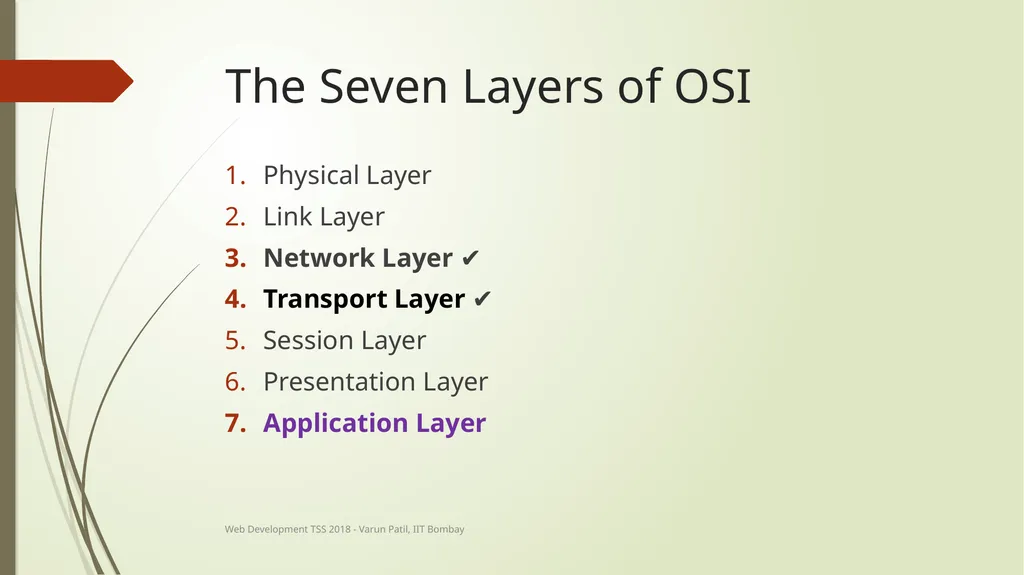
The Seven Layers of OSI Physical Layer
Link Layer
Network Layer ✔
Transport Layer ✔
Session Layer
Presentation Layer
Application Layer Web Development TSS 2018 - Varun Patil, IIT Bombay<br>
19
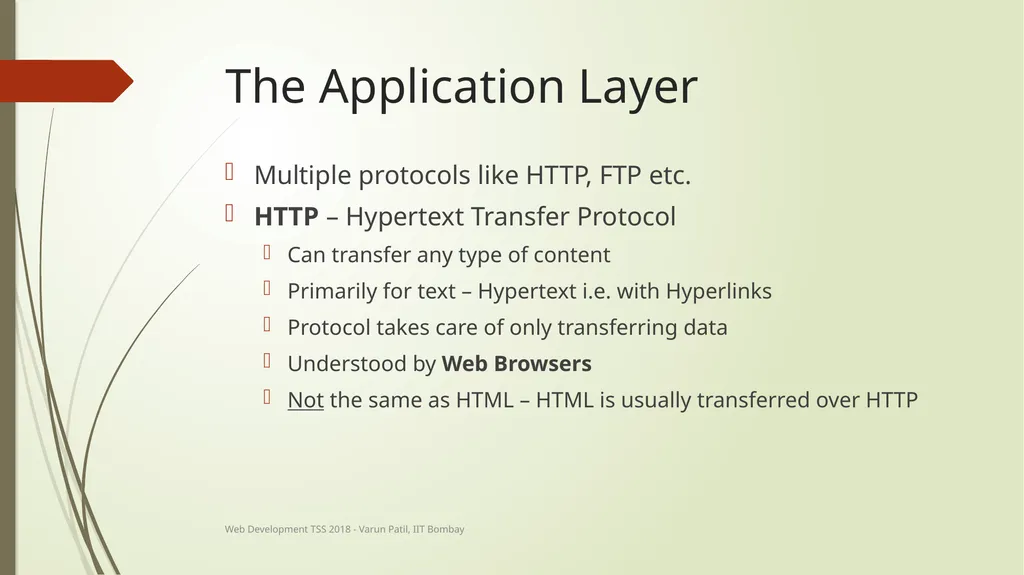
The Application Layer Multiple protocols like HTTP, FTP etc.
HTTP – Hypertext Transfer Protocol
Can transfer any type of content
Primarily for text – Hypertext i.e. with Hyperlinks
Protocol takes care of only transferring data
Understood by Web Browsers
Not the same as HTML – HTML is usually transferred over HTTP Web Development TSS 2018 - Varun Patil, IIT Bombay<br>
20
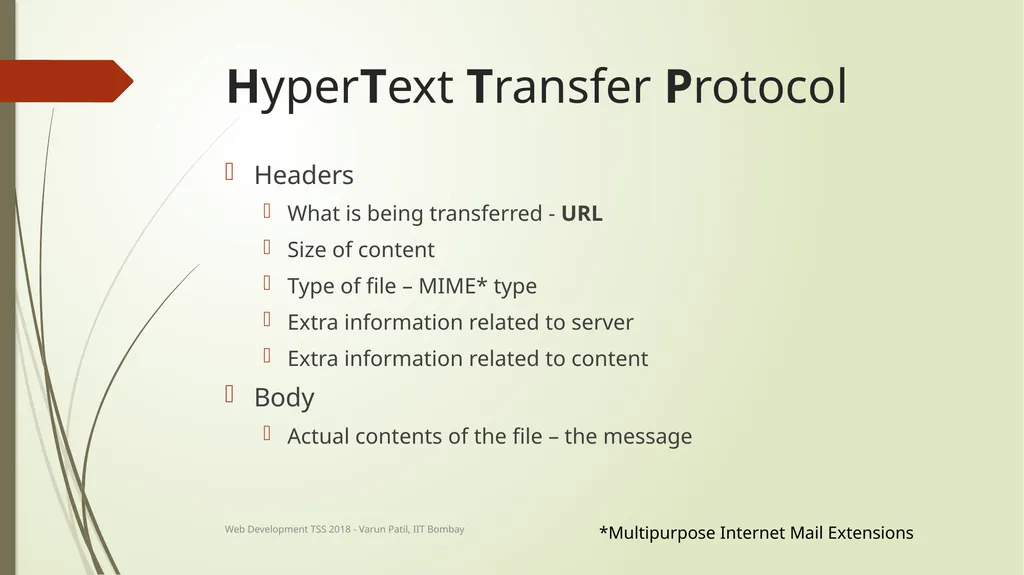
HyperText Transfer Protocol Headers
What is being transferred - URL
Size of content
Type of file – MIME* type
Extra information related to server
Extra information related to content
Body
Actual contents of the file – the message *Multipurpose Internet Mail Extensions Web Development TSS 2018 - Varun Patil, IIT Bombay<br>
21
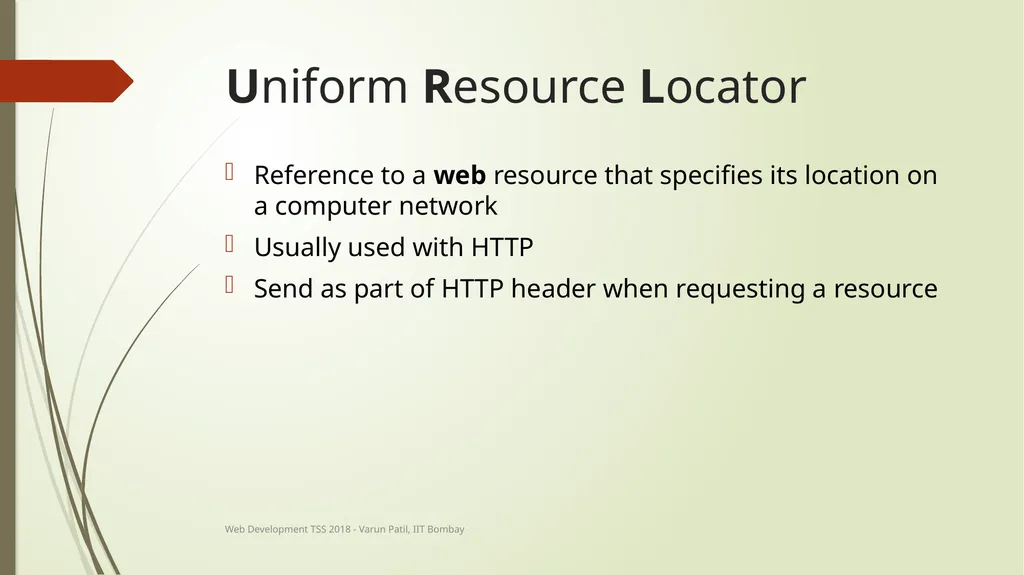
Uniform Resource Locator Reference to a web resource that specifies its location on a computer network
Usually used with HTTP
Send as part of HTTP header when requesting a resource Web Development TSS 2018 - Varun Patil, IIT Bombay<br>
22
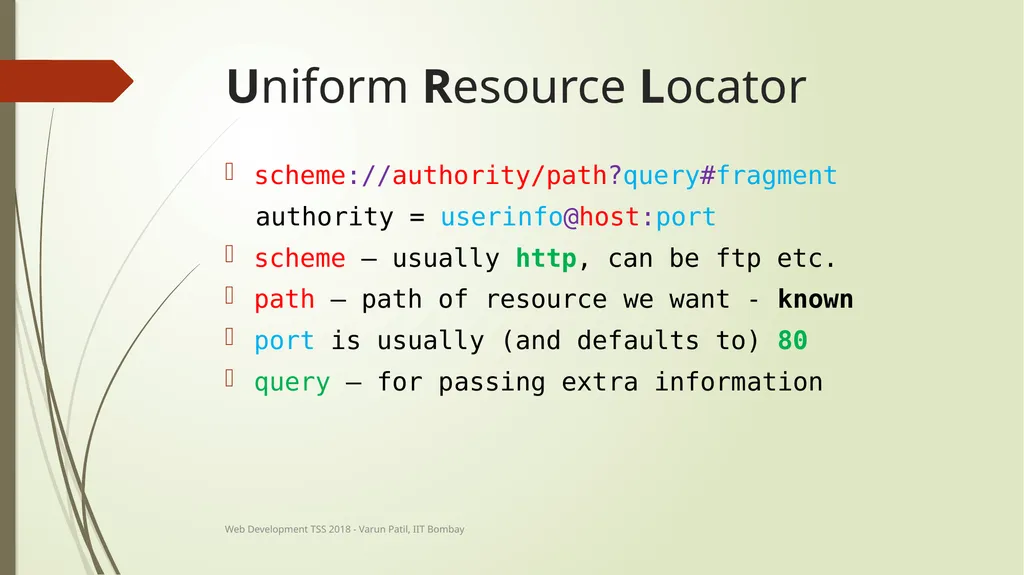
Uniform Resource Locator scheme://authority/path?query#fragment
authority = userinfo@host:port
scheme – usually http, can be ftp etc.
path – path of resource we want - known
port is usually (and defaults to) 80
query – for passing extra information Web Development TSS 2018 - Varun Patil, IIT Bombay<br>
23
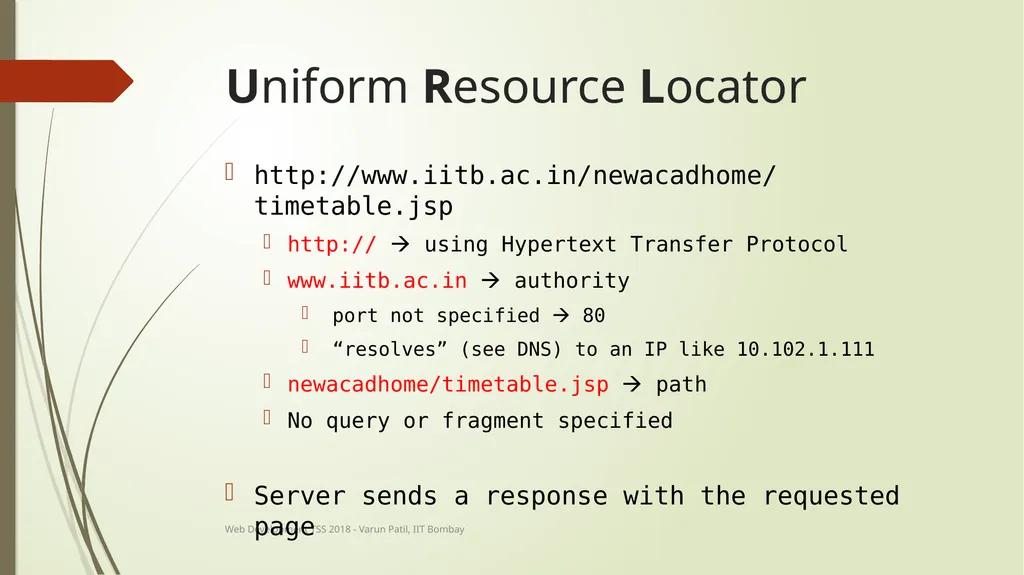
Uniform Resource Locator http://www.iitb.ac.in/newacadhome/timetable.jsp
http:// using Hypertext Transfer Protocol
www.iitb.ac.in authority
port not specified 80
“resolves” (see DNS) to an IP like 10.102.1.111
newacadhome/timetable.jsp path
No query or fragment specified
Server sends a response with the requested page Web Development TSS 2018 - Varun Patil, IIT Bombay<br>
24
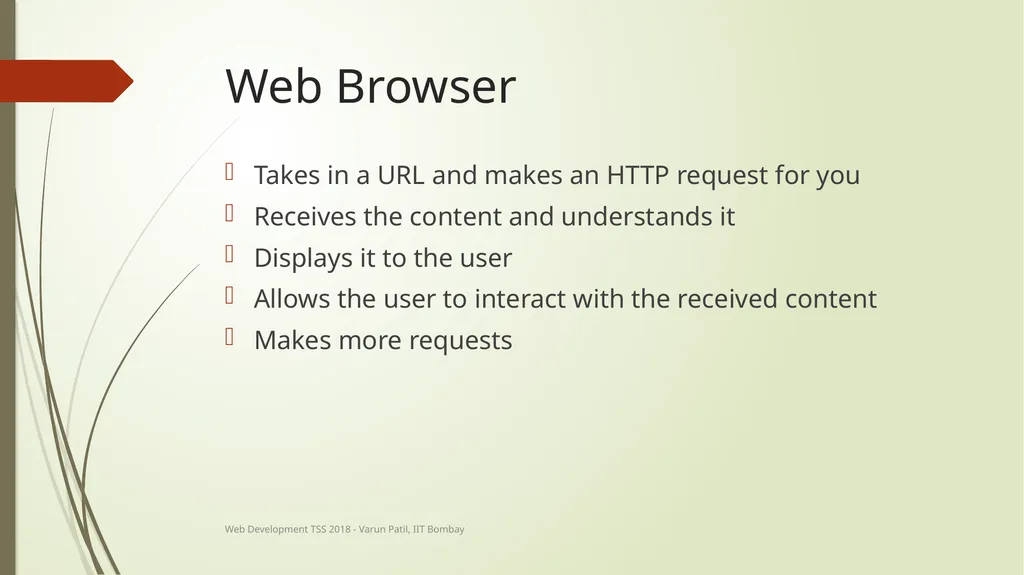
Web Browser Takes in a URL and makes an HTTP request for you
Receives the content and understands it
Displays it to the user
Allows the user to interact with the received content
Makes more requests Web Development TSS 2018 - Varun Patil, IIT Bombay<br>
25
The Seven Layers of OSI Physical Layer
Link Layer
Network Layer ✔
Transport Layer ✔
Session Layer
Presentation Layer
Application Layer ✔ Web Development TSS 2018 - Varun Patil, IIT Bombay<br>
26
Interactive Web Development TSS 2018 - Varun Patil, IIT Bombay<br>
27
HyperText Markup Language A markup language is a system for annotating a document in a way that is syntactically distinguishable from the text
Hypertext Markup Language is the standard markup language for creating web pages and web applications
HTML elements are the building blocks of HTML pages
Represented by tags Courtesy – W3Schools Web Development TSS 2018 - Varun Patil, IIT Bombay<br>
28
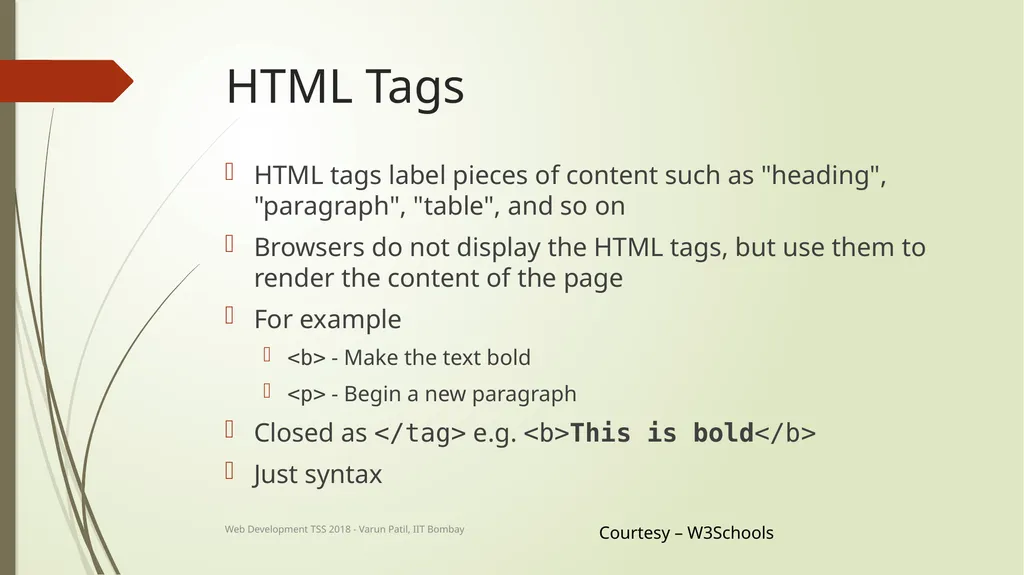
HTML Tags HTML tags label pieces of content such as "heading", "paragraph", "table", and so on
Browsers do not display the HTML tags, but use them to render the content of the page
For example
<b> - Make the text bold
<p> - Begin a new paragraph
Closed as </tag> e.g. <b>This is bold</b>
Just syntax Courtesy – W3Schools Web Development TSS 2018 - Varun Patil, IIT Bombay<br>
29
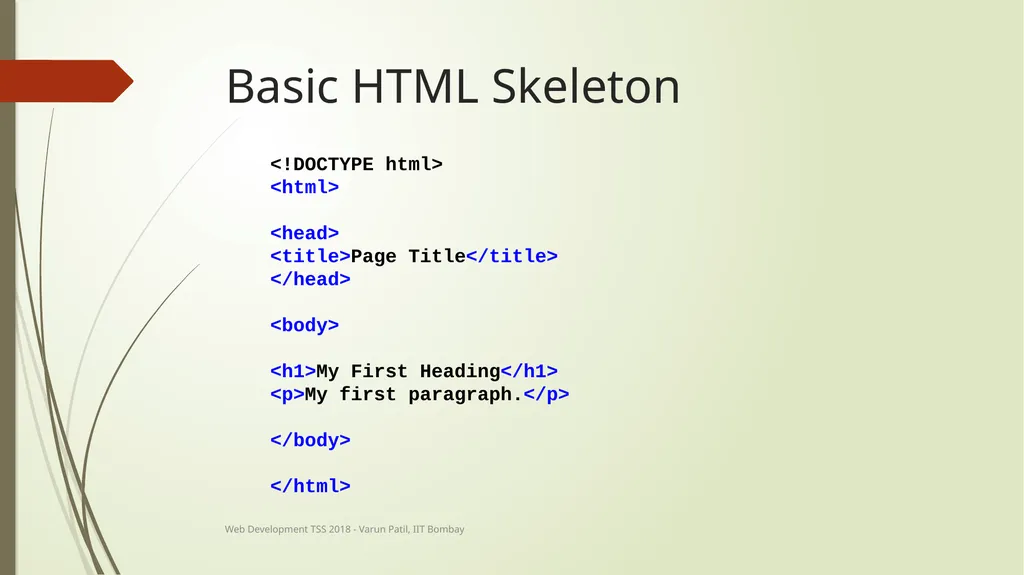
Basic HTML Skeleton <!DOCTYPE html>
<html>
<head>
<title>Page Title</title>
</head>
<body>
<h1>My First Heading</h1>
<p>My first paragraph.</p>
</body>
</html> Web Development TSS 2018 - Varun Patil, IIT Bombay<br>
30
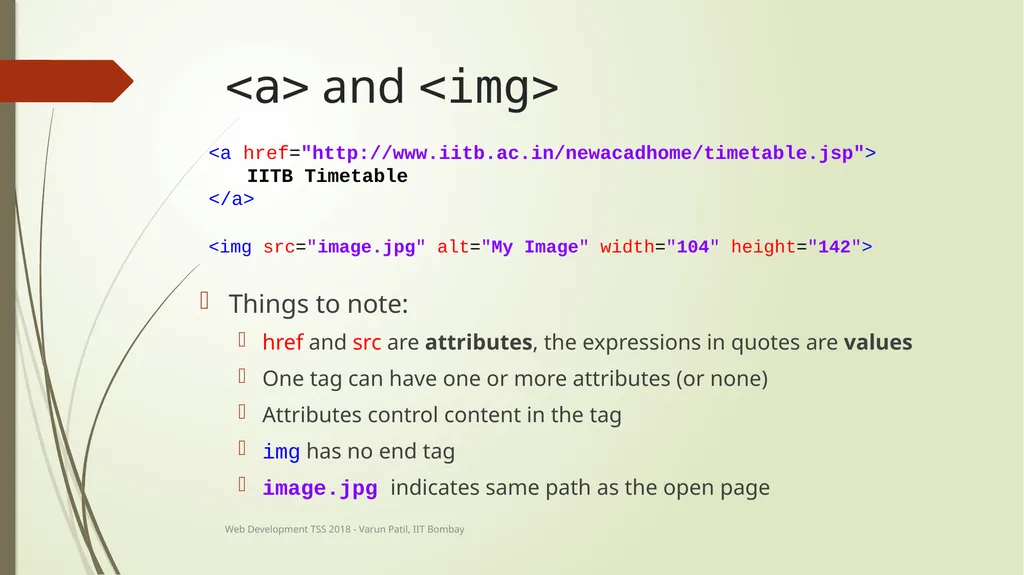
<a> and <img> <a href="http://www.iitb.ac.in/newacadhome/timetable.jsp">
IITB Timetable
</a> <img src="image.jpg" alt="My Image" width="104" height="142"> Things to note:
href and src are attributes, the expressions in quotes are values
One tag can have one or more attributes (or none)
Attributes control content in the tag
img has no end tag
image.jpg indicates same path as the open page Web Development TSS 2018 - Varun Patil, IIT Bombay<br>
31
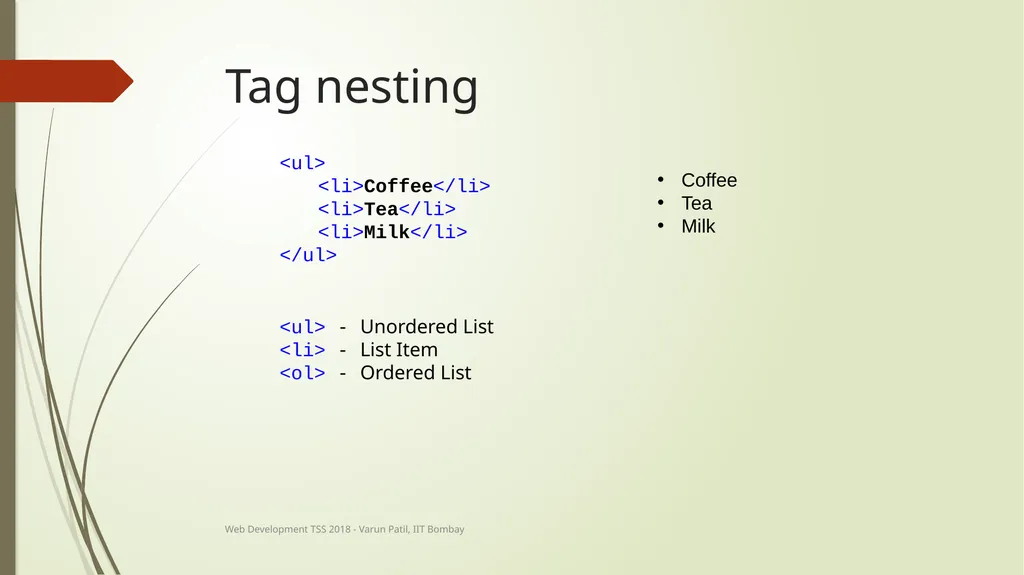
Tag nesting <ul>
<li>Coffee</li>
<li>Tea</li>
<li>Milk</li>
</ul> <ul> - Unordered List
<li> - List Item
<ol> - Ordered List Coffee
Tea
Milk Web Development TSS 2018 - Varun Patil, IIT Bombay<br>
32
List of common tags (Non-exhaustive) <html> - HTML document
<body> - Main body
<h1> - Biggest heading, <h2>, <h3> are progressively smaller
<b> - Bold text
<a> - Hyperlink
<img> - Image - no end tag
<button> - Button!
<div> - Division
<p> - Paragraph
<br> - Line Break - no end tag
<pre> - Preformatted text Web Development TSS 2018 - Varun Patil, IIT Bombay<br>