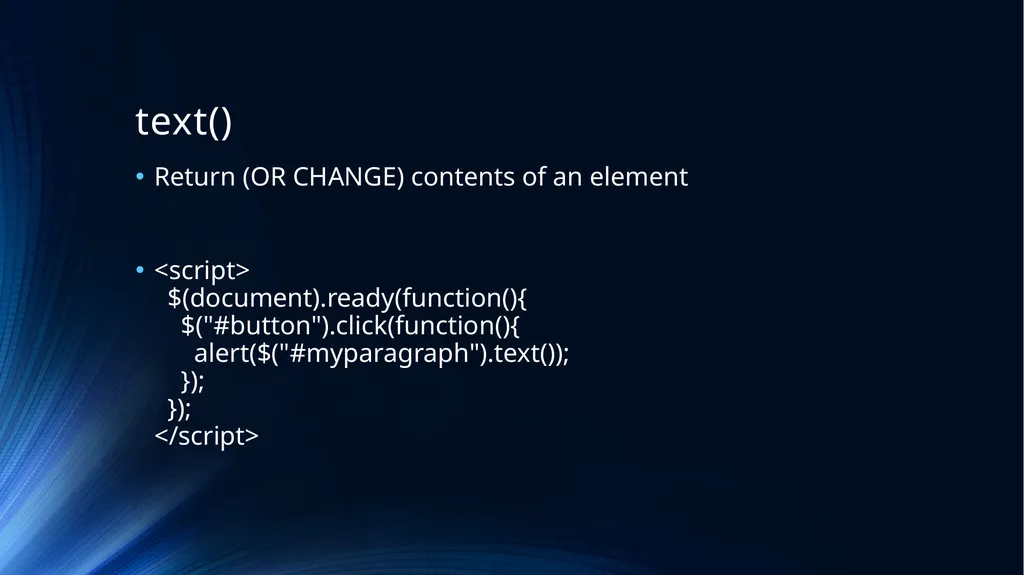
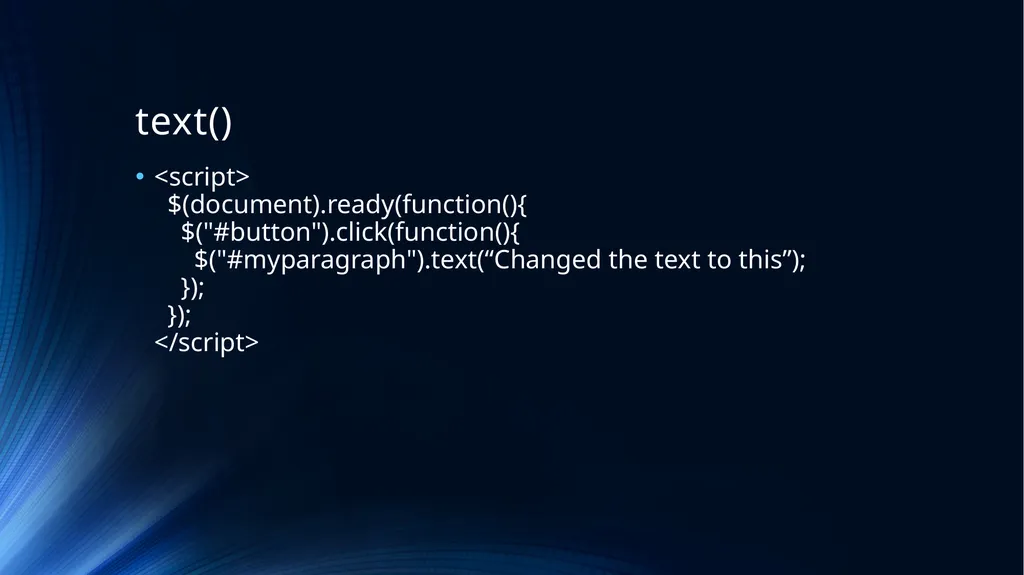
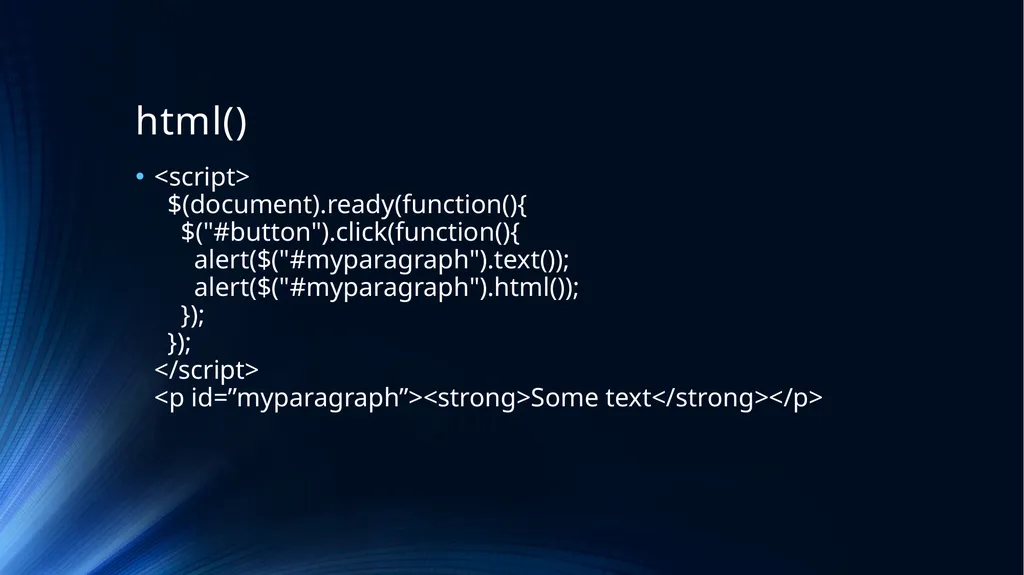
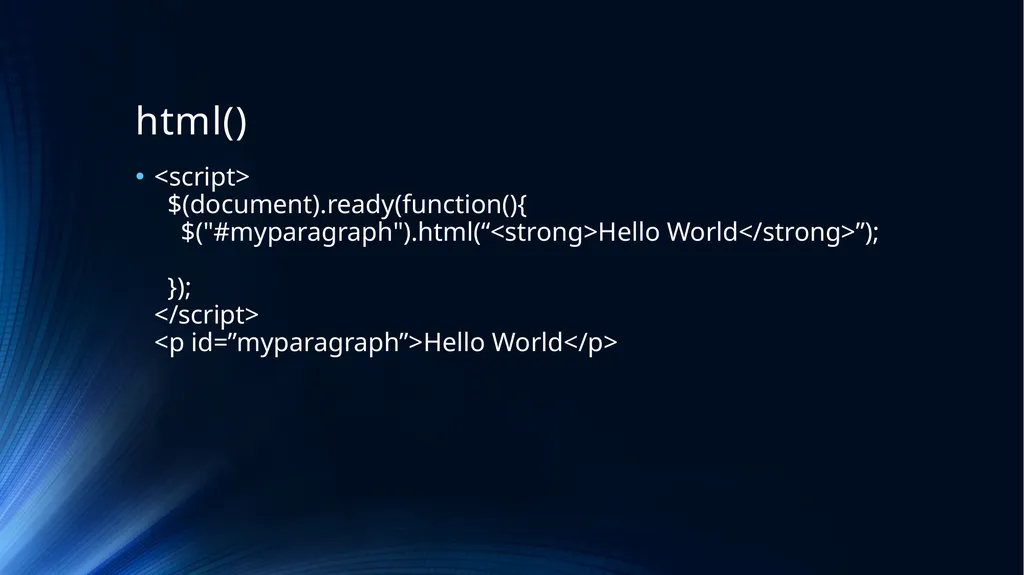
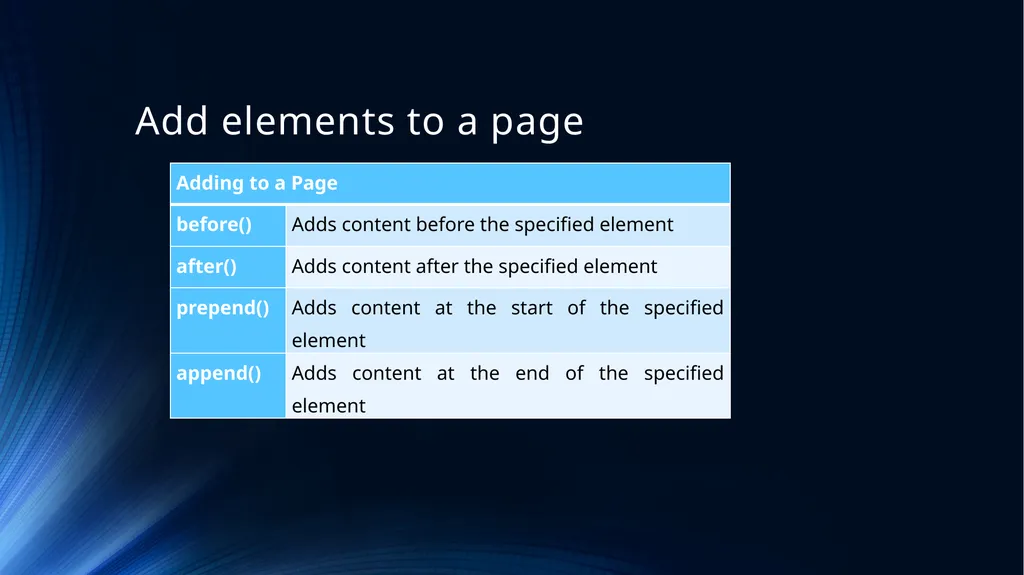
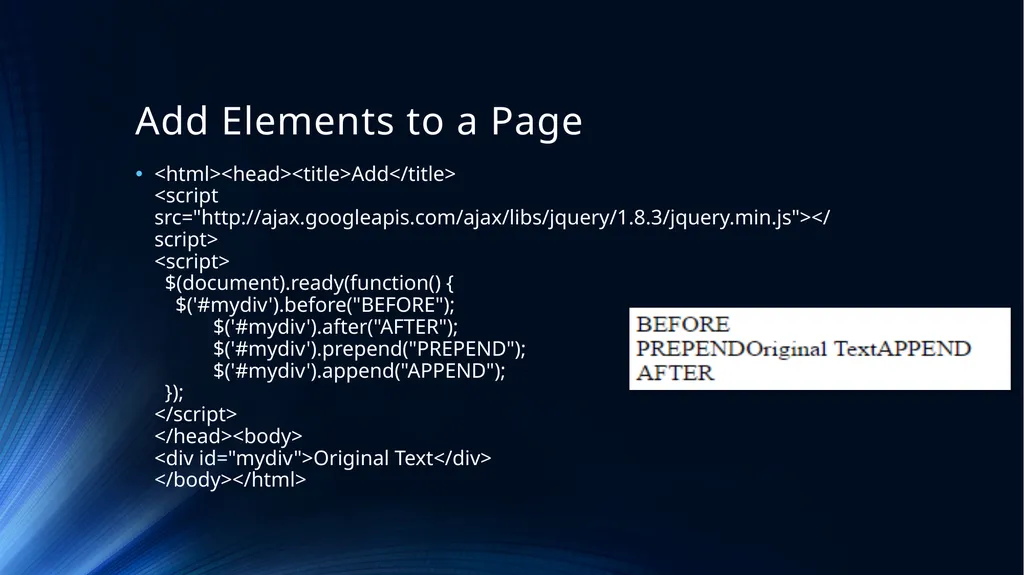
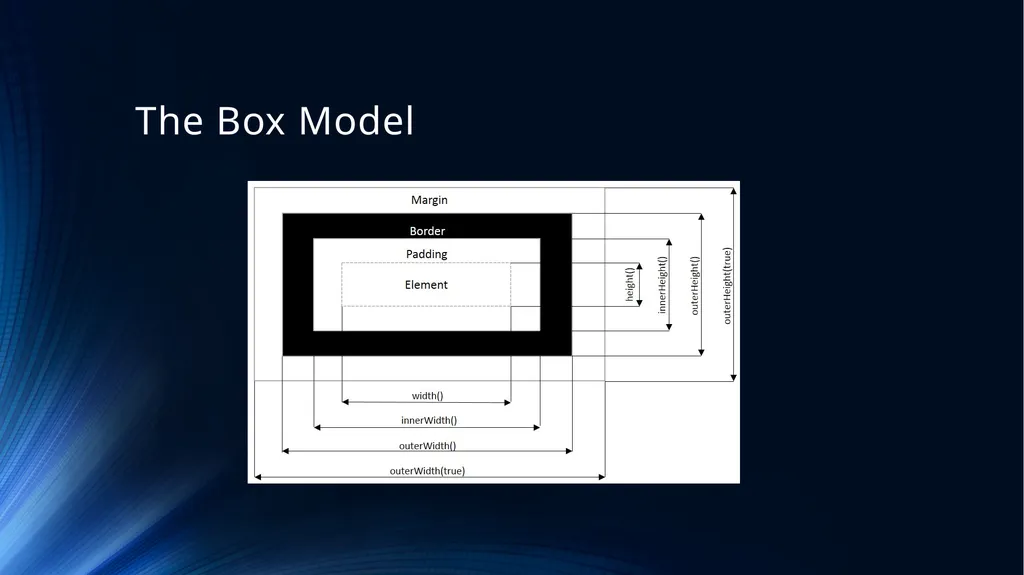
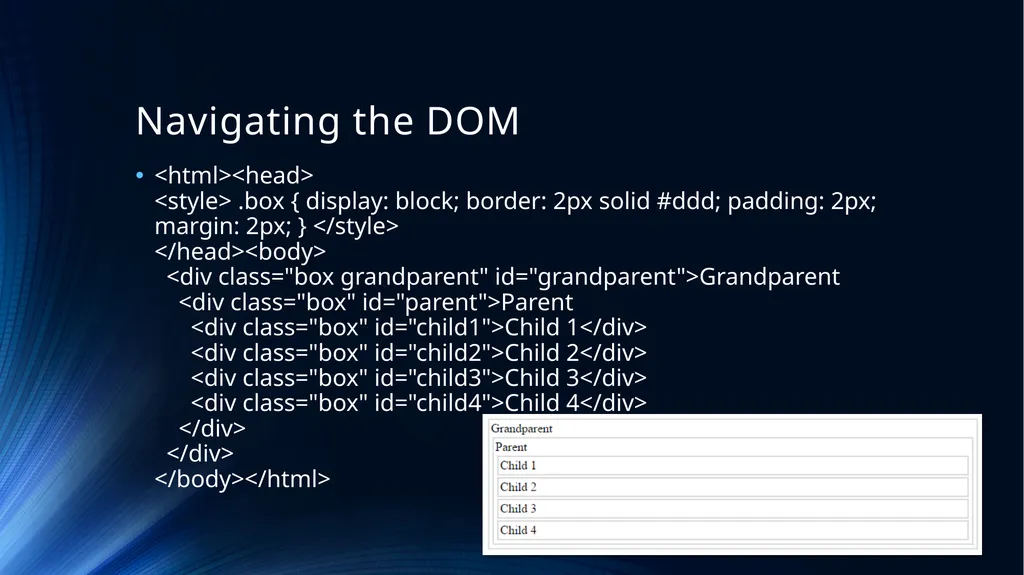
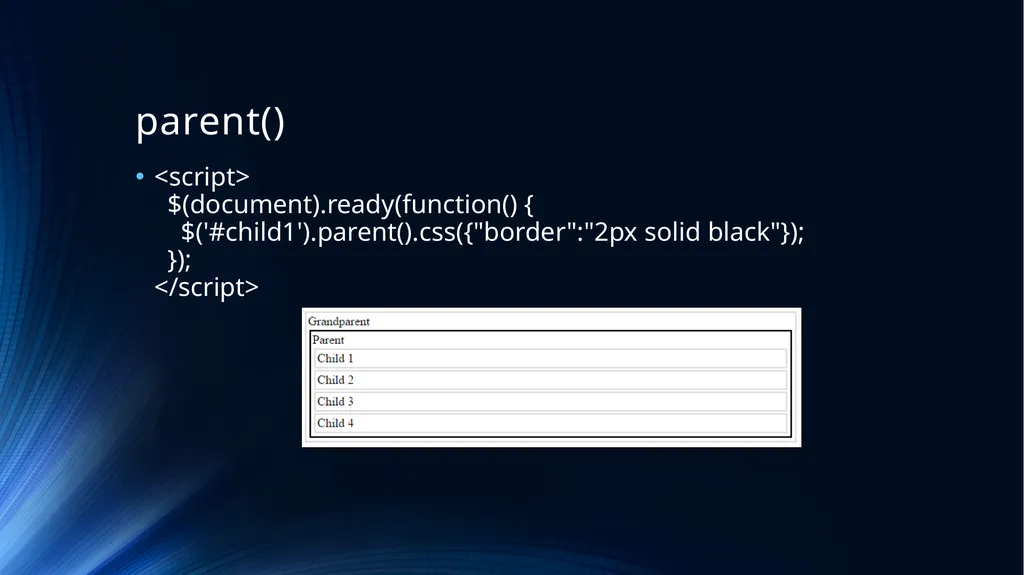
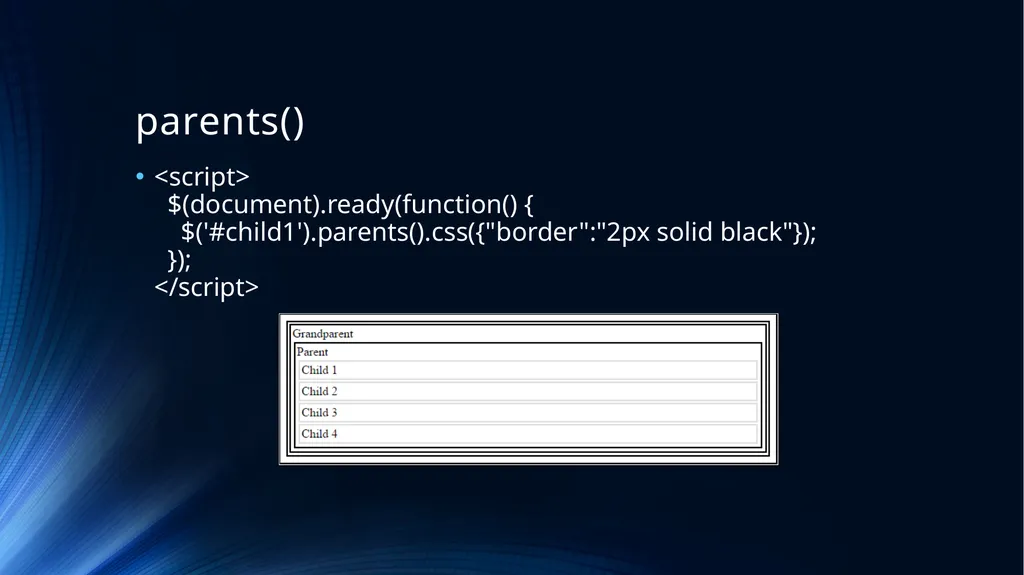
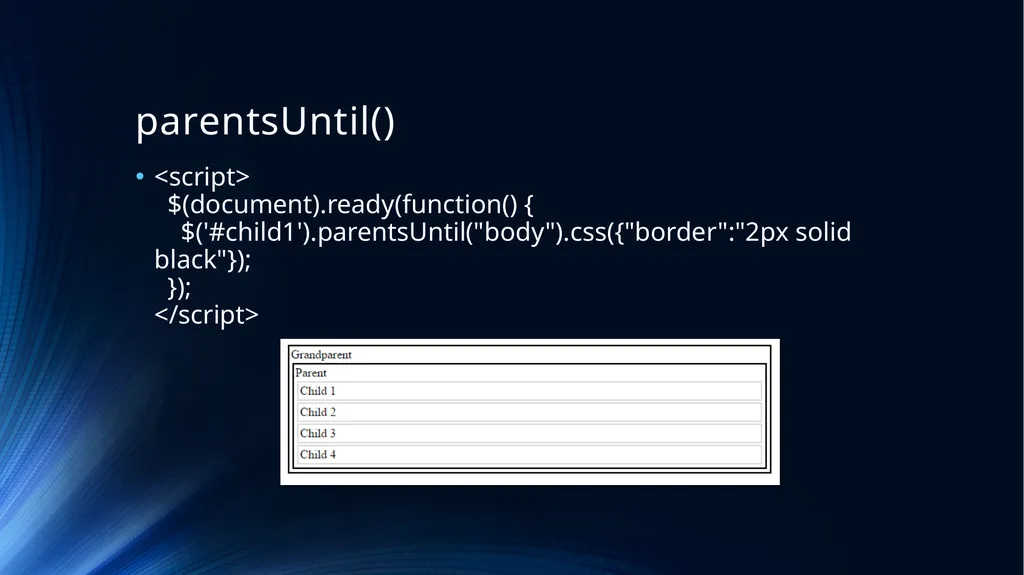
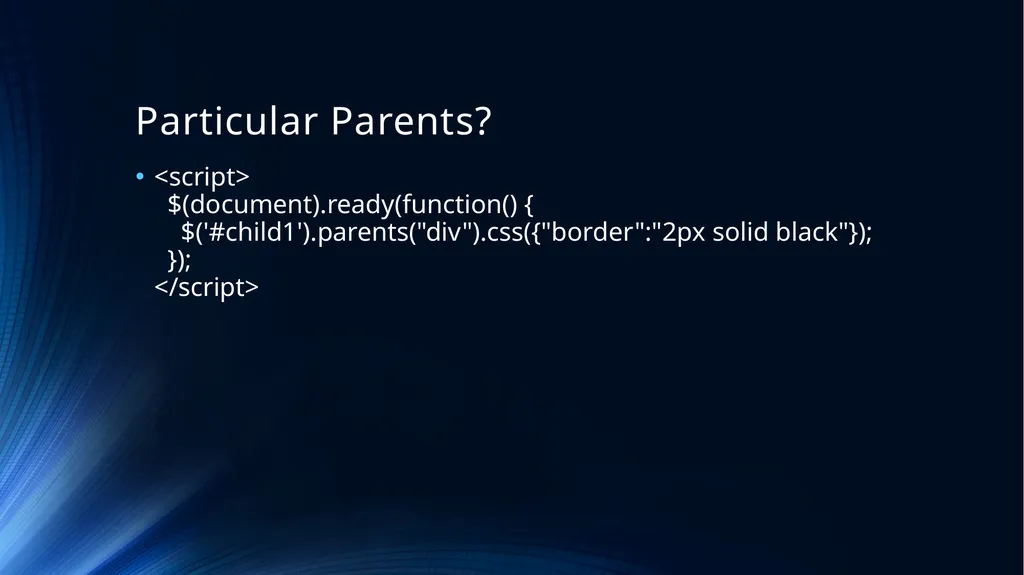
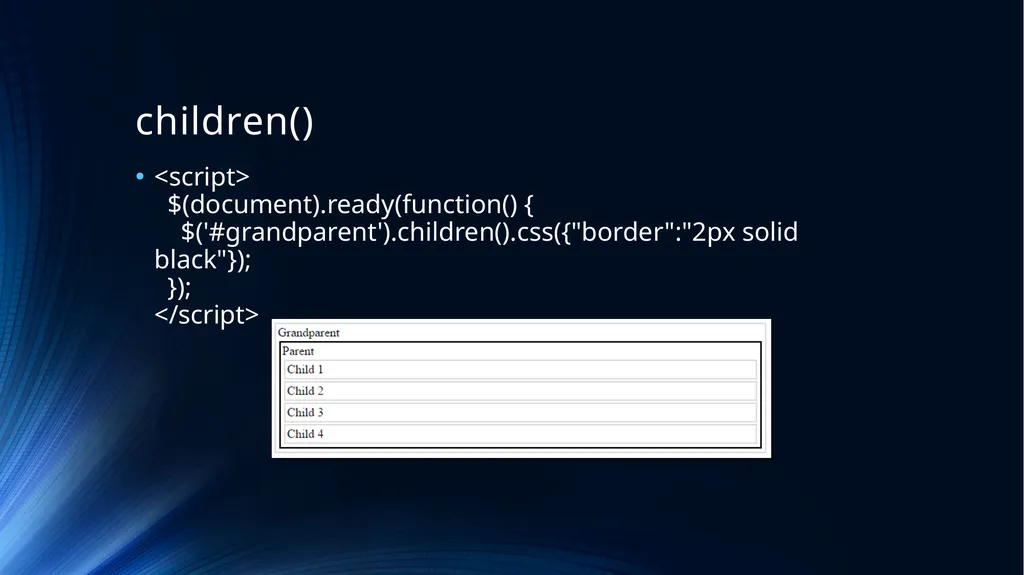
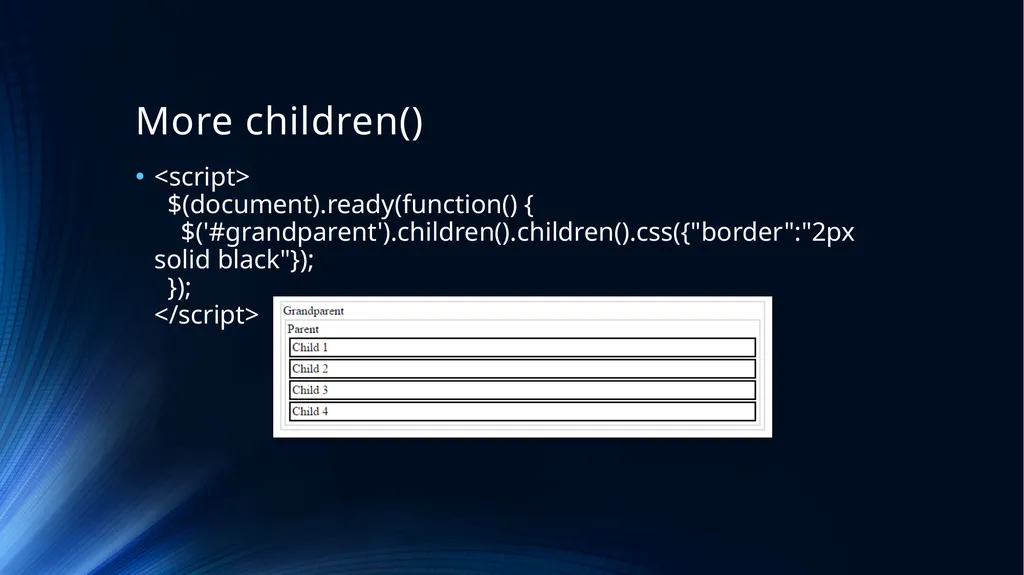
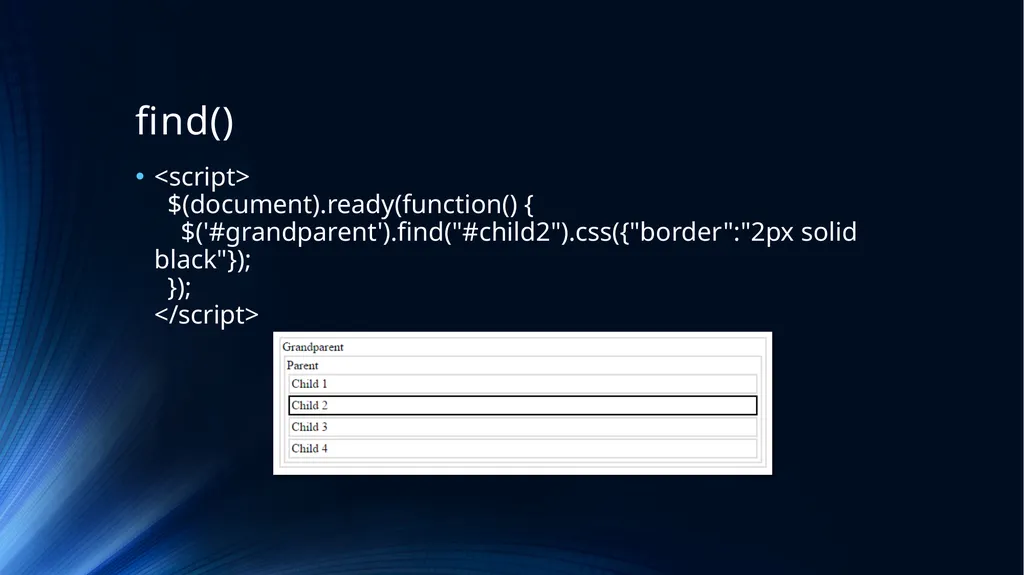
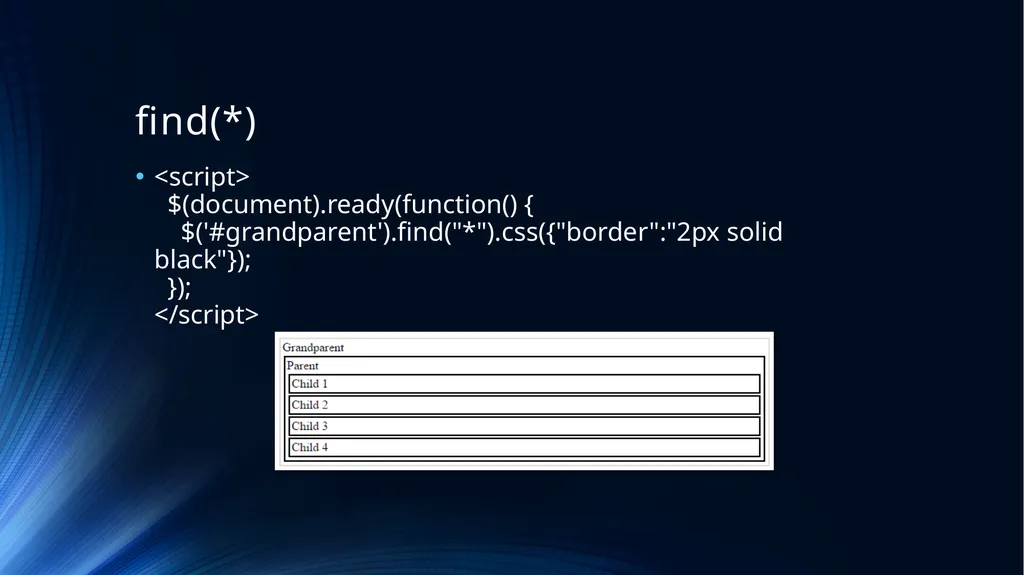
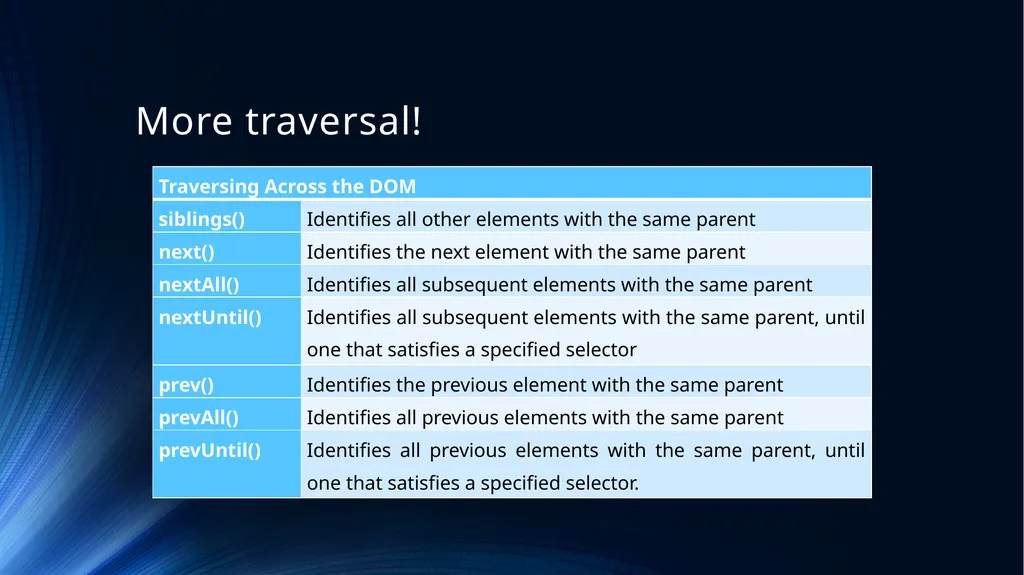
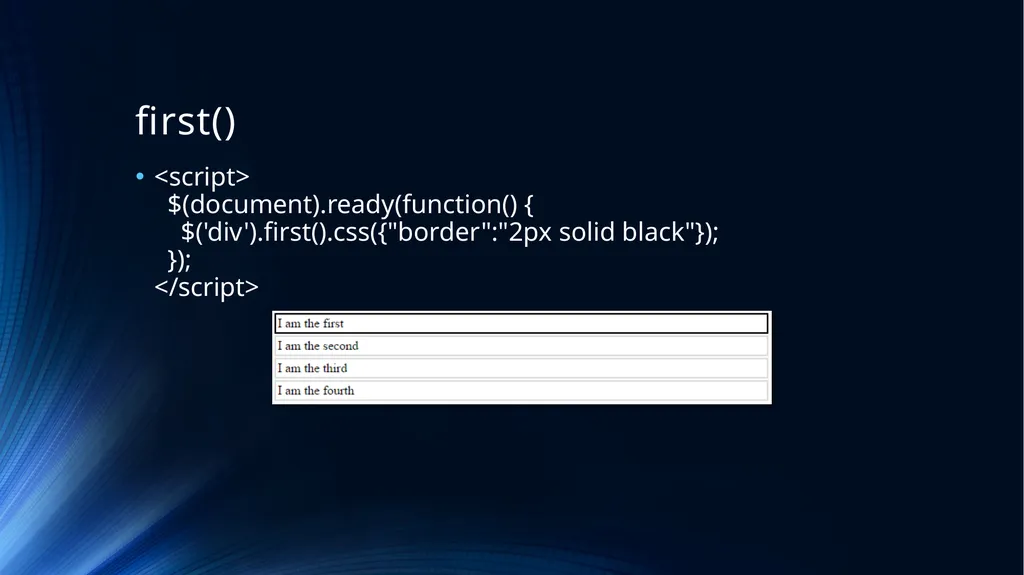
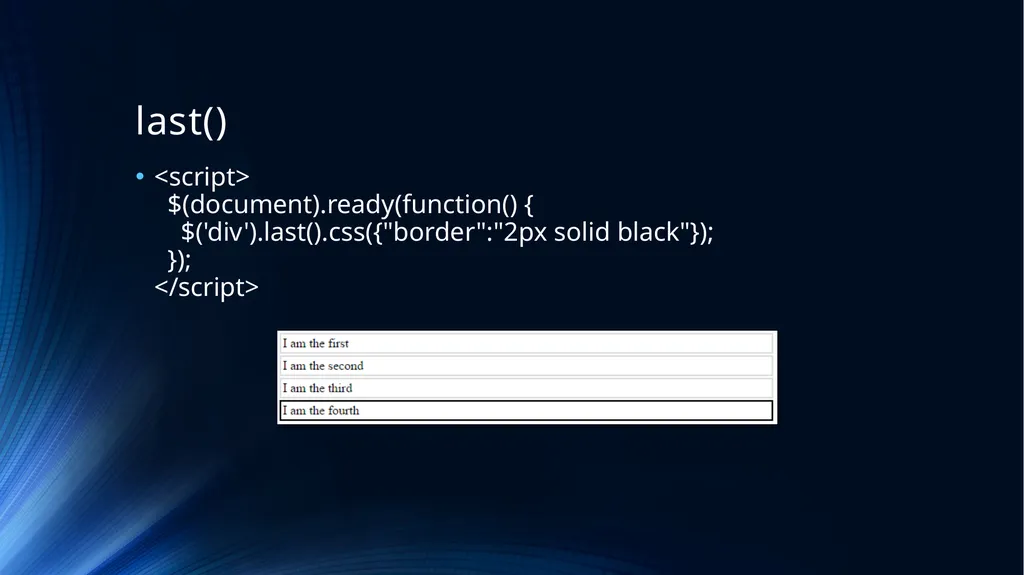
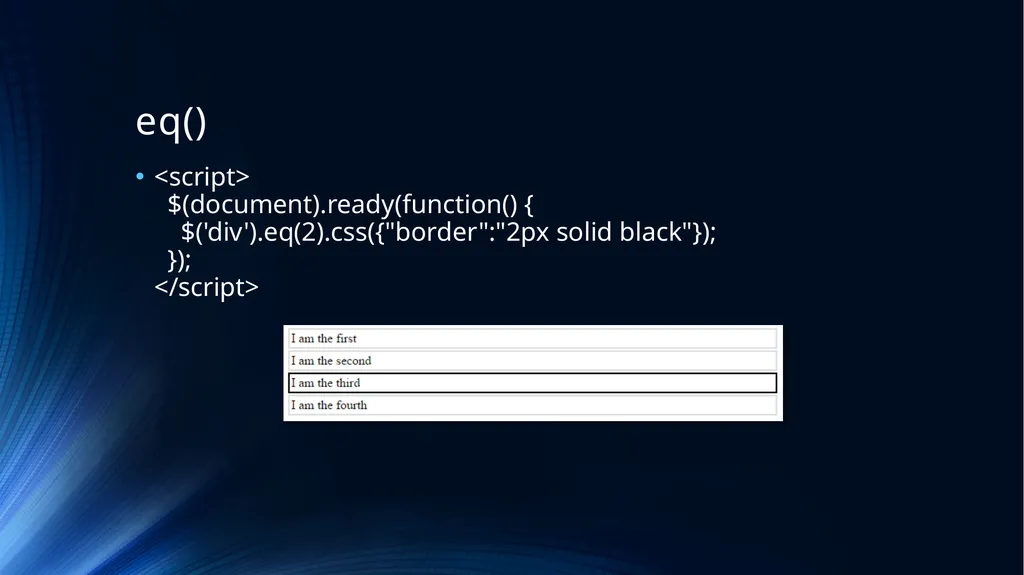
\nslide8. text() \nslide9. html() \u000bSome text \nslide10. html() \u000bHello World \nslide11. val() \nslide12. attr() \nslide13. Add elements to a page \nslide14. Add Elements to a Page Add\u000b\u000b\u000b\u000b
Original Text
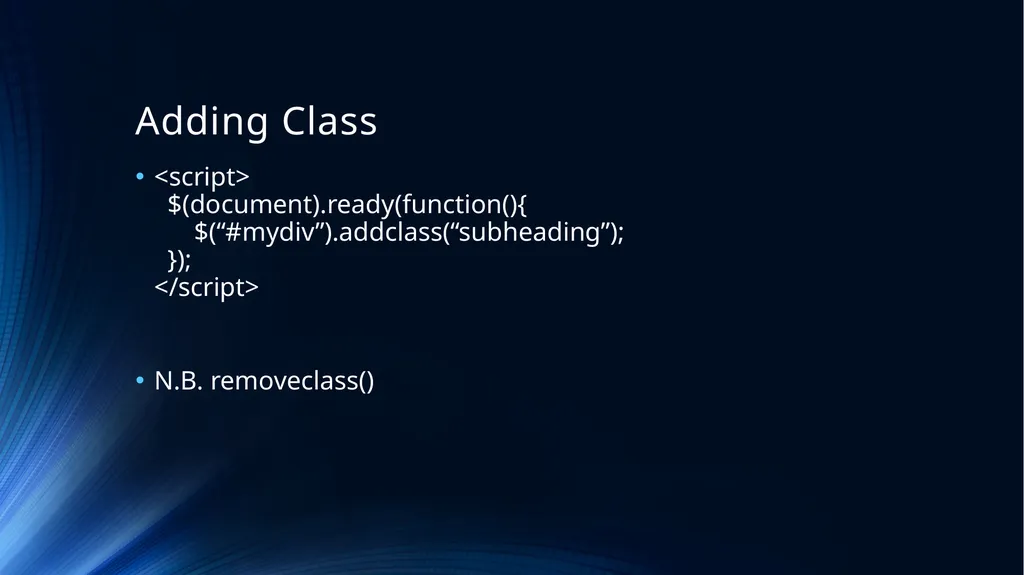
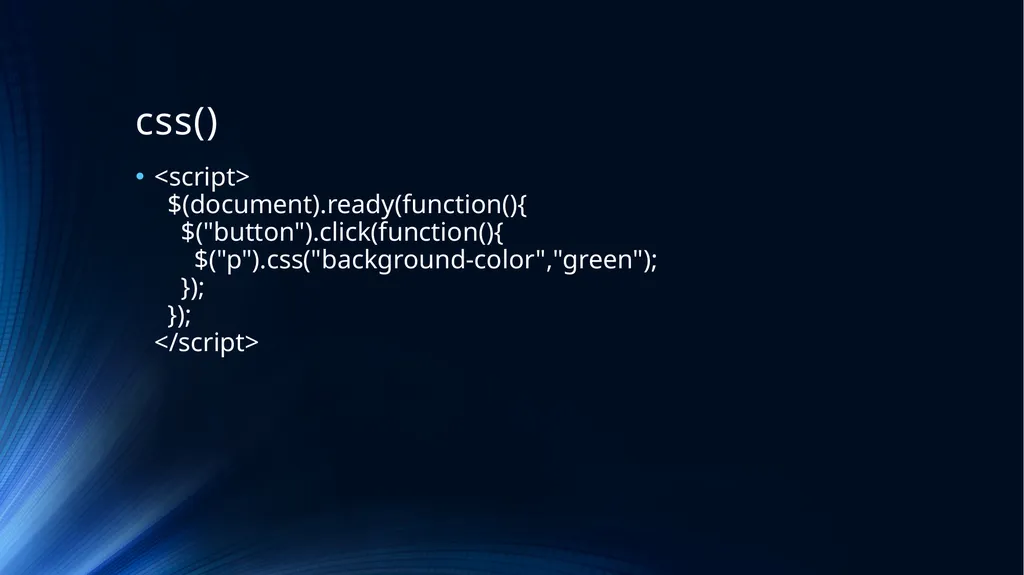
\u000b \nslide15. Removing Elements Check out:-\n\nremove()\nAnd\nempty() \nslide16. Adding Class \n\nN.B. removeclass() \nslide17. css() \nslide18. The Box Model \nslide19. Navigating the DOM \u000b\u000b\u000b
Web Programming Language Week 7 Dom Manipulation JS, JQuery and the DOM The Document Object Model Manipulating the DOM Navigating the DOM DOM? The DOM is a structured model of a webpage. While the browser parses a version of the document,
"Web Programming Language Week 7 Dom Manipulation" is the property of its rightful owner. Permission is granted to
download and print the materials on this website for personal, non-commercial use only, and to display it
on your personal computer provided you do not modify the materials and that you retain all copyright
notices contained in the materials. By downloading content from our website, you accept the terms of this
agreement.
Presentation Transcript
01
Web Programming Language Week 7 Dom Manipulation<br>
02
JS, JQuery and the DOM The Document Object Model
Manipulating the DOM
Navigating the DOM<br>
03
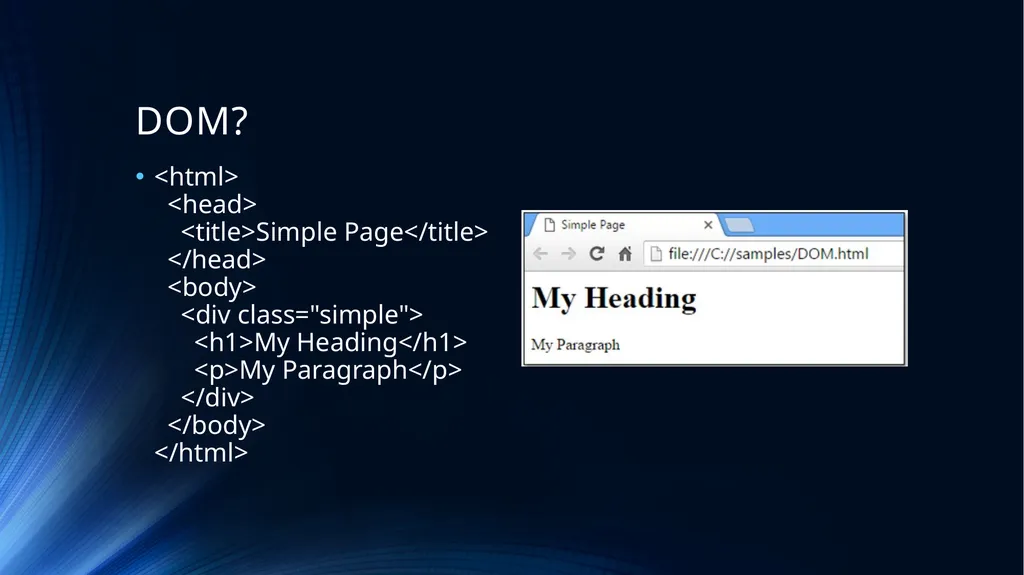
DOM? The DOM is a structured model of a webpage. While the browser parses a version of the document, the DOM provides a neutral interface for scripts to dynamically access and change the content, structure and style of the document.<br>
val() <script> $(document).ready(function(){ $("#submit").click(function(){ if($("#pass1").val().length < 8) { alert(“Password must be at least 8 letters long”); } }); }); </script><br>
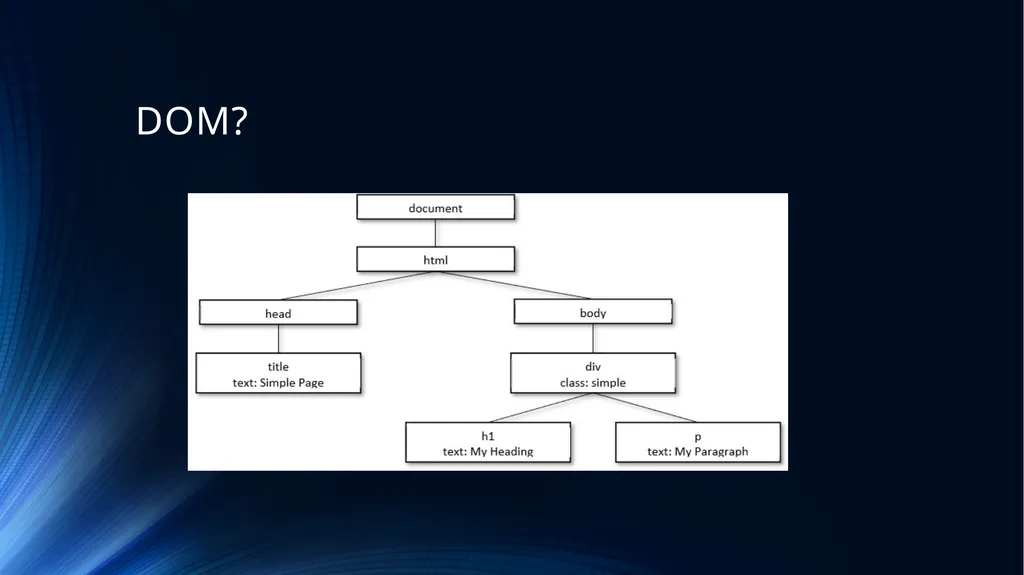
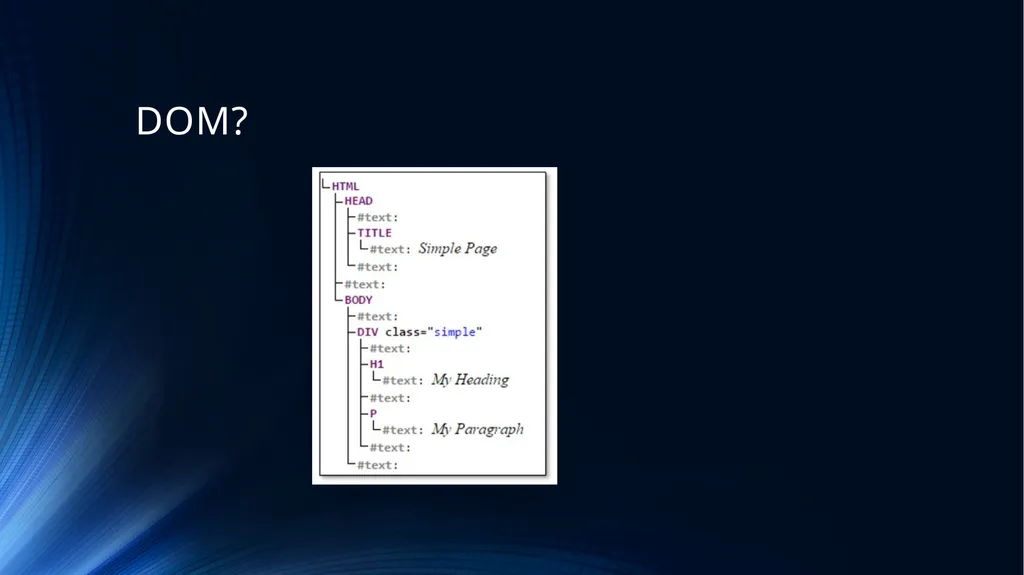
Key Points The Document Object Model, or DOM, represents the structure of a webpage with each element on the page an object that are related in a tree structure.
JQuery offers a variety of functions that make manipulating the DOM straightforward.
Existing DOM element can be changed, in terms of their text, their HTML, the values and their attributes.
New elements can be added to the DOM, and elements can be removed.
The DOM can be navigated, once a selector has been targeted, JQuery makes it easy to move up, down or across the tree to move to another element.<br>
33
Lab Challenge Continue to make your form validation more ‘beautiful’
Create an attractive form to create an “appointment”
The appointment should have a Date, Time, Title, Description
When the form is submitted, remove the form and show a calendar month view with the appointment displayed.<br>