03
Node vs PHP PHP was created in 1994, so is a well established language for the server
Powers around 80% of the web (around 75% now)
Around 70% now (2026)
Many applications built using PHP
Wordpress, Drupal, Joomla, WooCommerce, Magento, ZenCart, Laravel, Symfony, CodeIgniter, Zend
However, Node.js (since 2009) has gained popularity, allowing “JavaScript Everywhere”<br>
04
Standard PHP Request (Blocking) Send the request to the server file system
Wait for the file system to open and read the file
Return the content to the client
Ready for another request<br>
05
But, in Node.js (non-blocking) Send the request to the server file system
Ready to handle another request
When the file system has opened the file, the server sends the content to the client<br>
06
Setting up Node.js Download and install Node from:-
https://nodejs.org/en/<br>
07
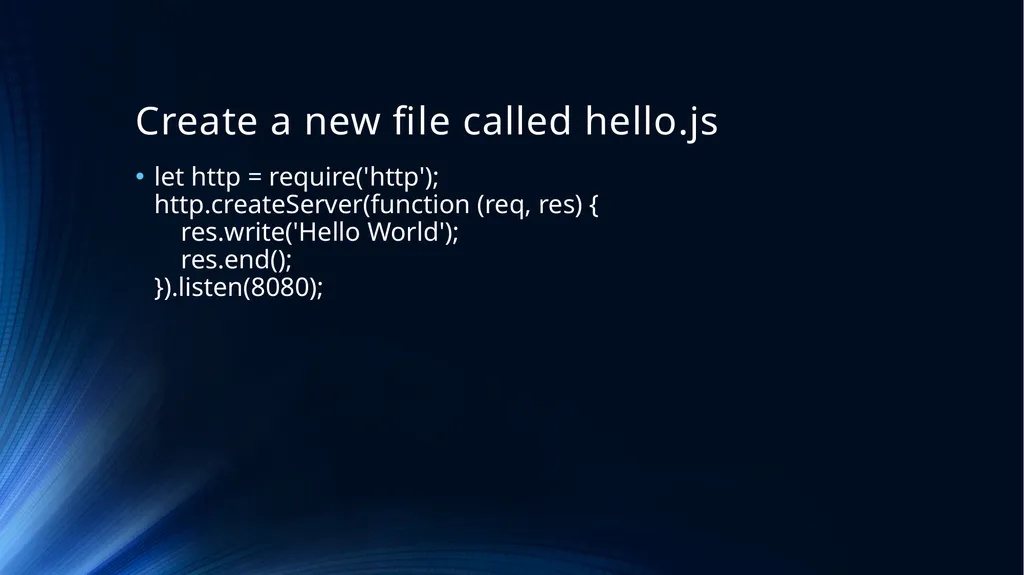
Create a new file called hello.js let http = require('http');�http.createServer(function (req, res) {� res.write('Hello World');� res.end();�}).listen(8080);<br>
08
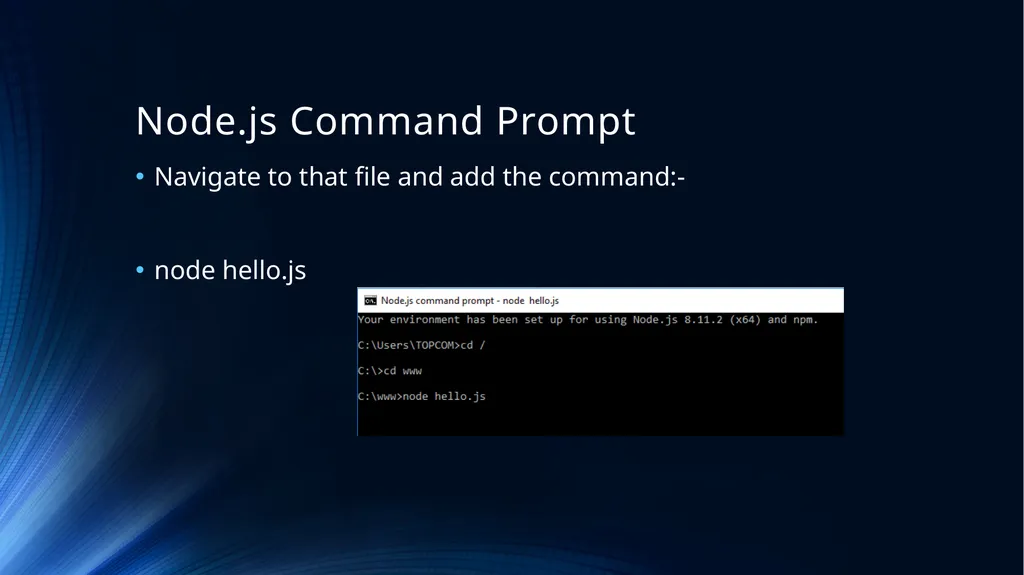
Node.js Command Prompt Navigate to that file and add the command:-
node hello.js<br>
09
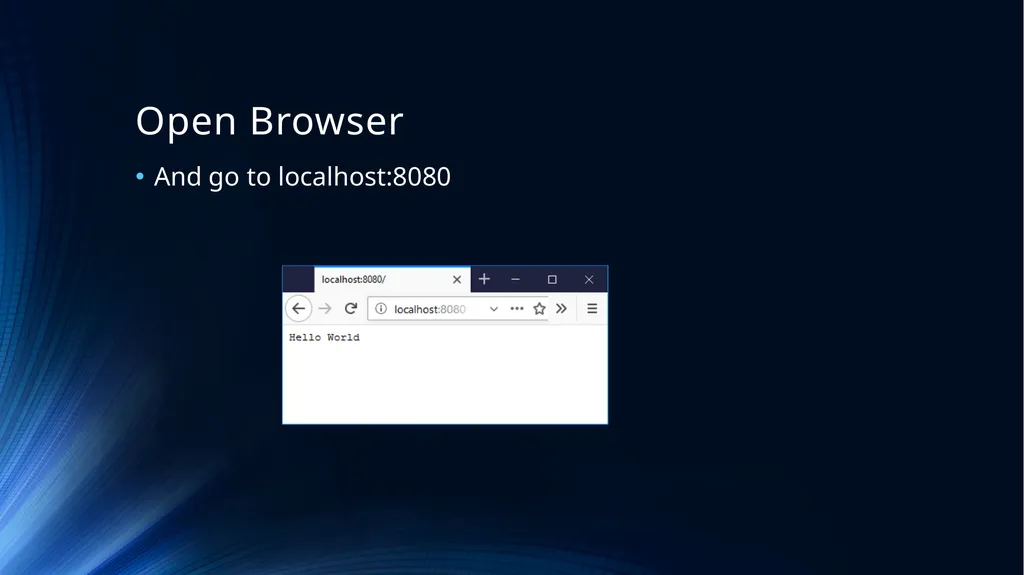
Open Browser And go to localhost:8080<br>
10
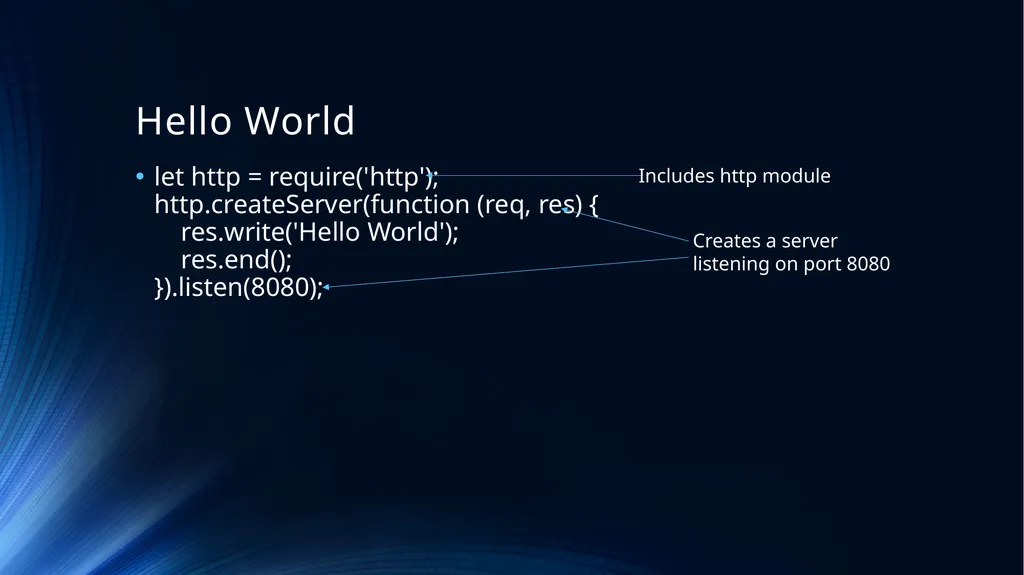
Hello World let http = require('http');�http.createServer(function (req, res) {� res.write('Hello World');� res.end();�}).listen(8080); Includes http module Creates a server
listening on port 8080<br>
11
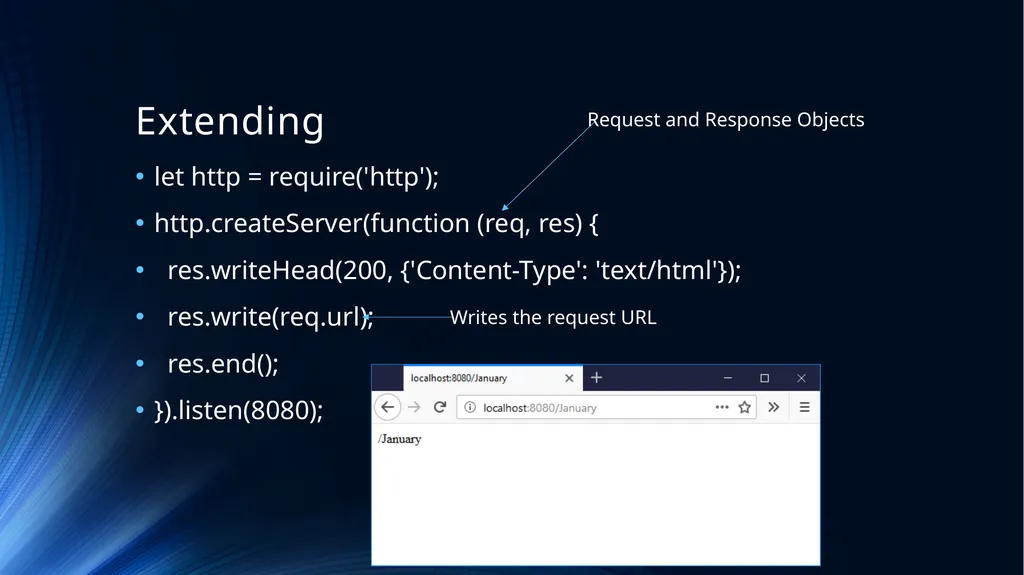
Extending let http = require('http');
http.createServer(function (req, res) {
res.writeHead(200, {'Content-Type': 'text/html'});
res.write(req.url);
res.end();
}).listen(8080); Writes the request URL Request and Response Objects<br>
12
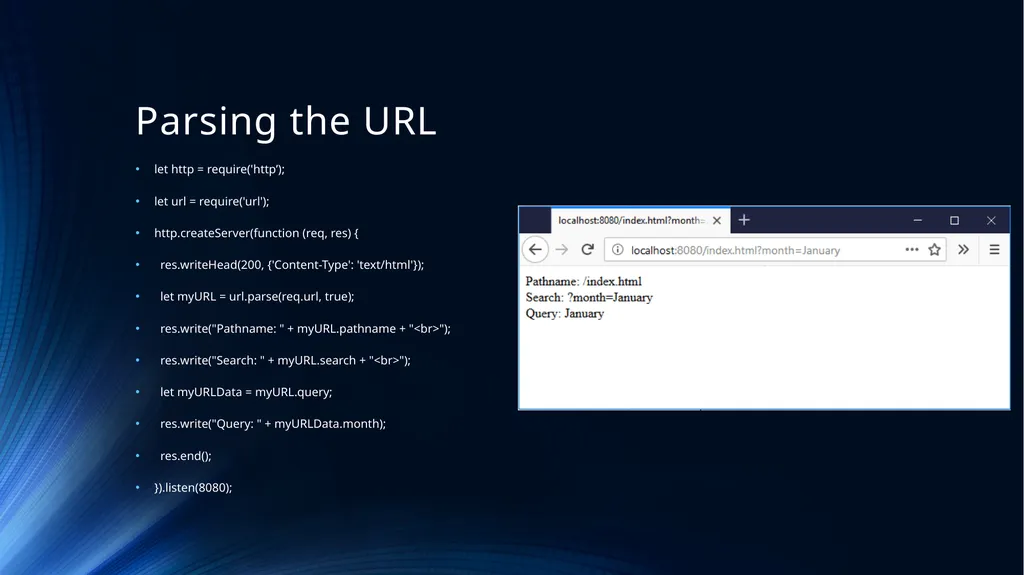
Parsing the URL let http = require('http’);
let url = require('url');
http.createServer(function (req, res) {
res.writeHead(200, {'Content-Type': 'text/html'});
let myURL = url.parse(req.url, true);
res.write("Pathname: " + myURL.pathname + "<br>");
res.write("Search: " + myURL.search + "<br>");
let myURLData = myURL.query;
res.write("Query: " + myURLData.month);
res.end();
}).listen(8080);<br>
13
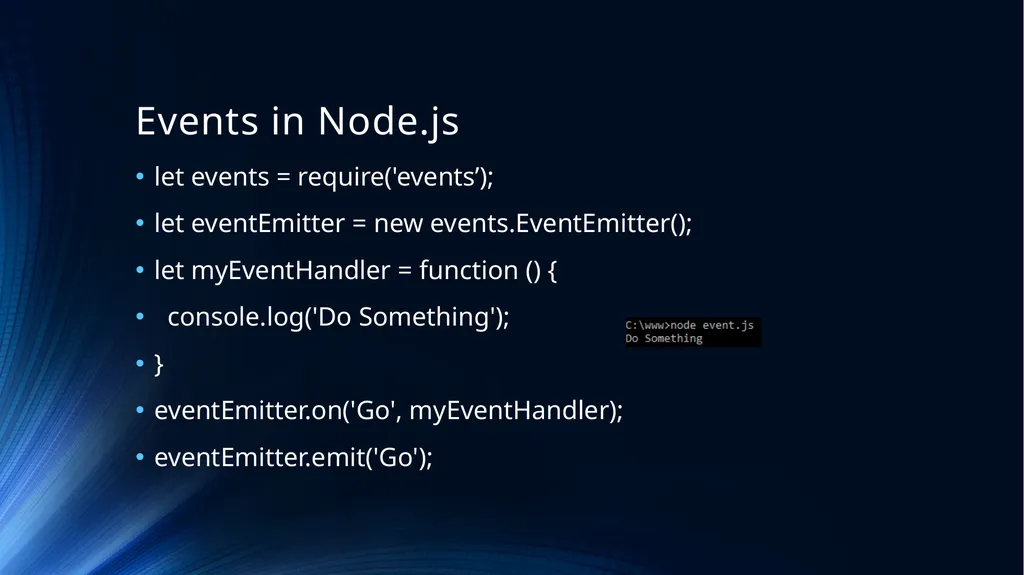
Events in Node.js let events = require('events’);
let eventEmitter = new events.EventEmitter();
let myEventHandler = function () {
console.log('Do Something');
}
eventEmitter.on('Go', myEventHandler);
eventEmitter.emit('Go');<br>
14
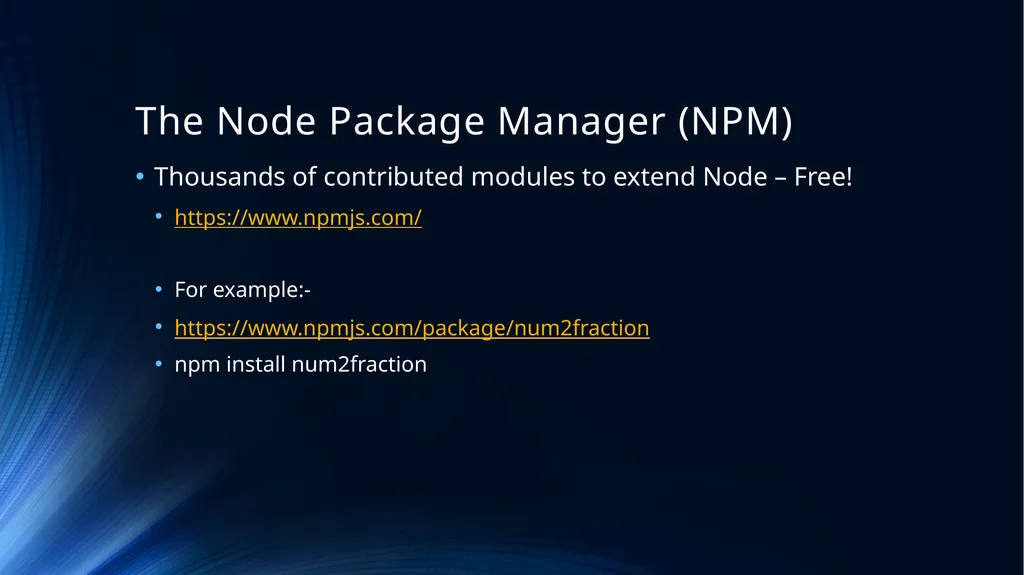
The Node Package Manager (NPM) Thousands of contributed modules to extend Node – Free!
https://www.npmjs.com/
For example:-
https://www.npmjs.com/package/num2fraction
npm install num2fraction<br>
15
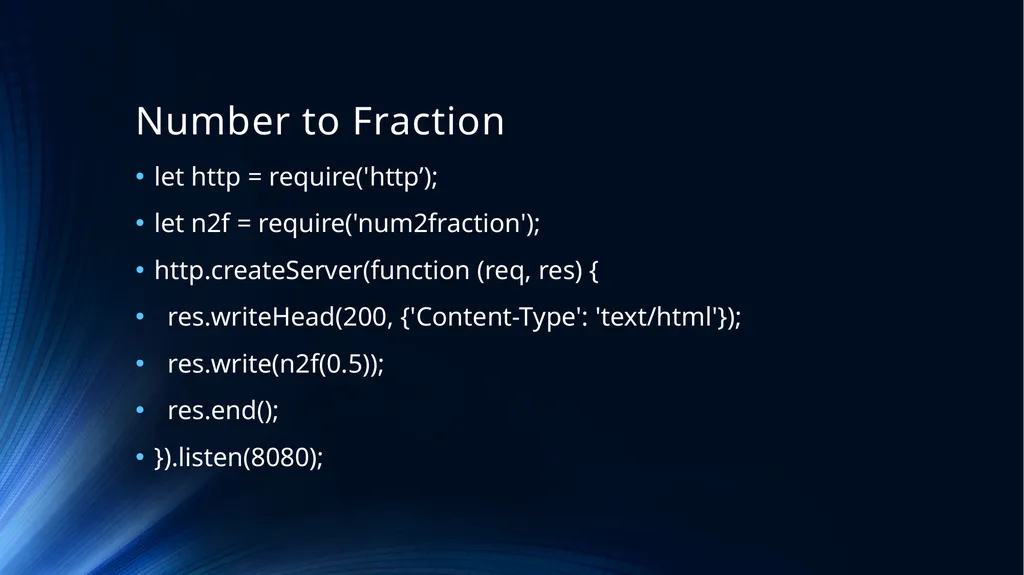
Number to Fraction let http = require('http’);
let n2f = require('num2fraction');
http.createServer(function (req, res) {
res.writeHead(200, {'Content-Type': 'text/html'});
res.write(n2f(0.5));
res.end();
}).listen(8080);<br>
16
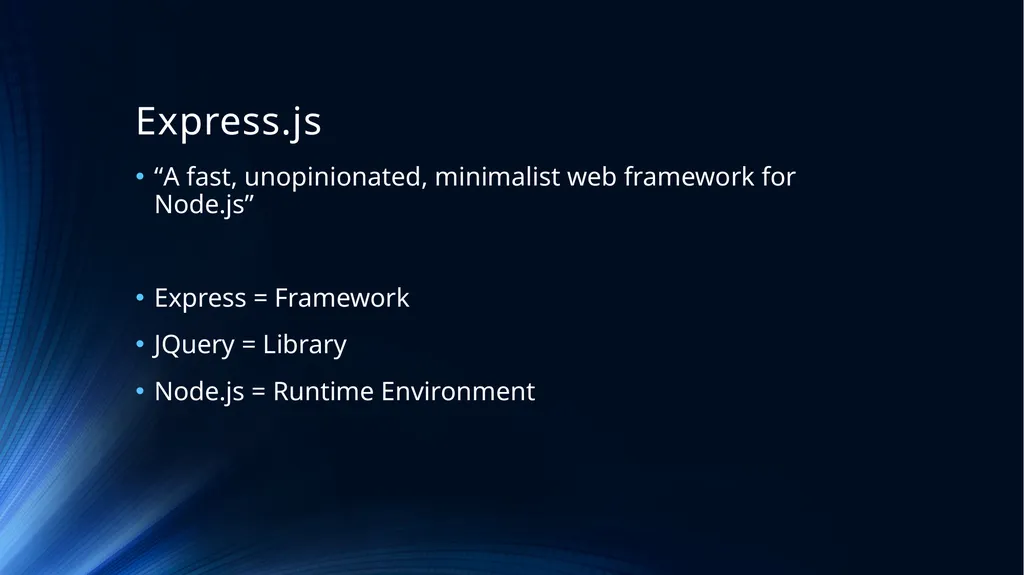
Express.js “A fast, unopinionated, minimalist web framework for Node.js”
Express = Framework
JQuery = Library
Node.js = Runtime Environment<br>
17
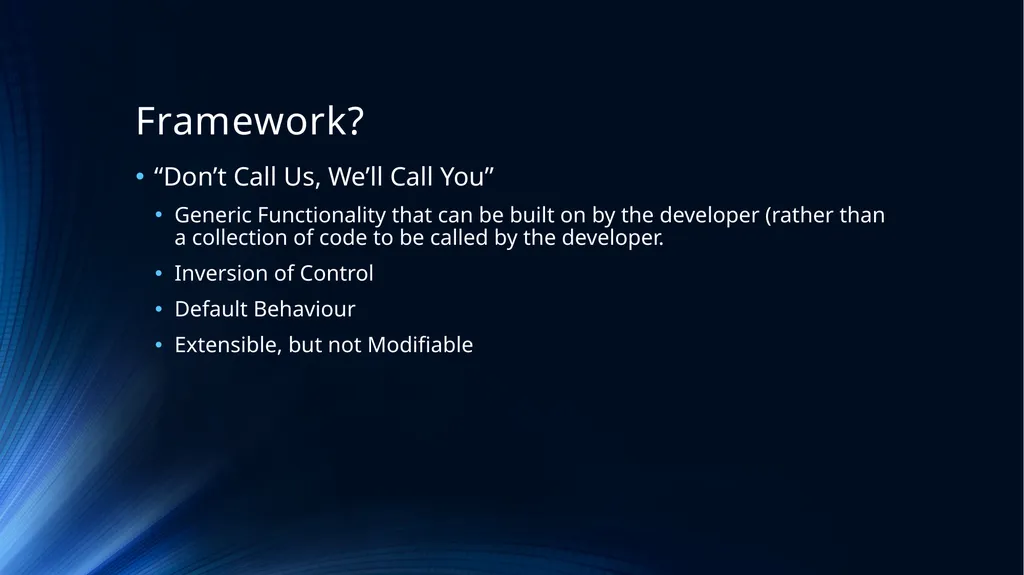
Framework? “Don’t Call Us, We’ll Call You”
Generic Functionality that can be built on by the developer (rather than a collection of code to be called by the developer.
Inversion of Control
Default Behaviour
Extensible, but not Modifiable<br>
18
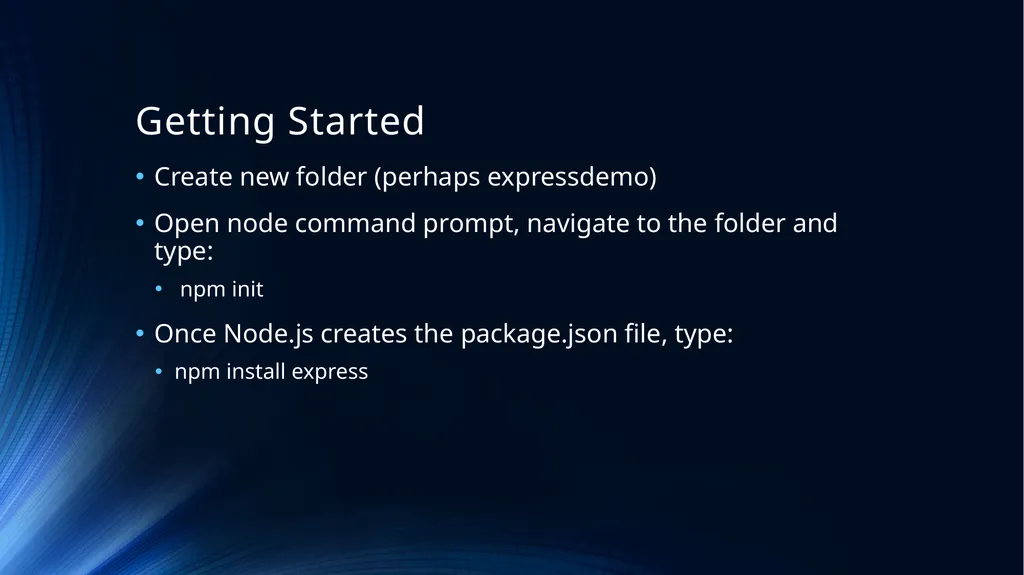
Getting Started Create new folder (perhaps expressdemo)
Open node command prompt, navigate to the folder and type:
npm init
Once Node.js creates the package.json file, type:
npm install express<br>
19
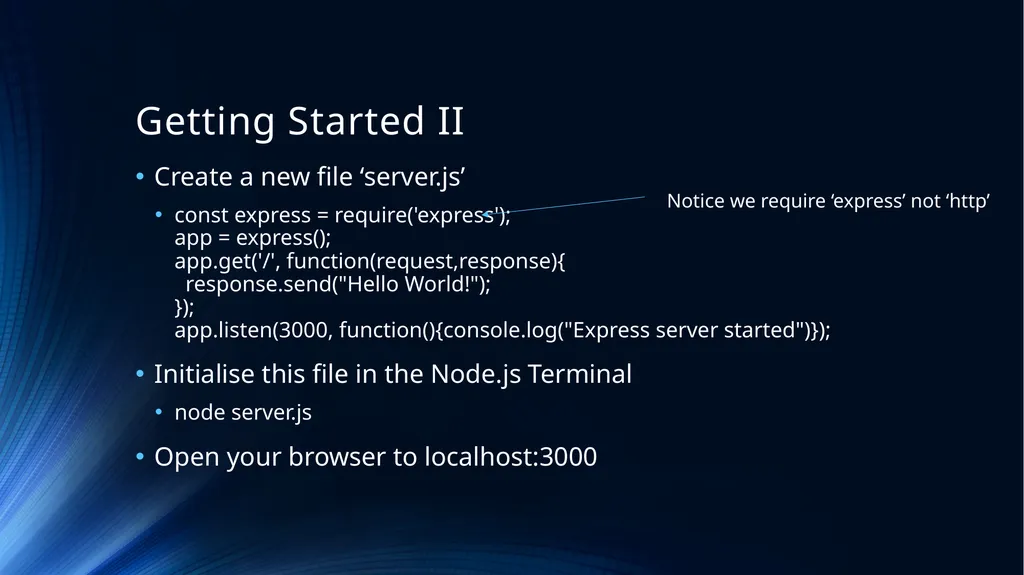
Getting Started II Create a new file ‘server.js’
const express = require('express');�app = express();�app.get('/', function(request,response){� response.send("Hello World!");�});�app.listen(3000, function(){console.log("Express server started")});
Initialise this file in the Node.js Terminal
node server.js
Open your browser to localhost:3000 Notice we require ‘express’ not ‘http’<br>
20
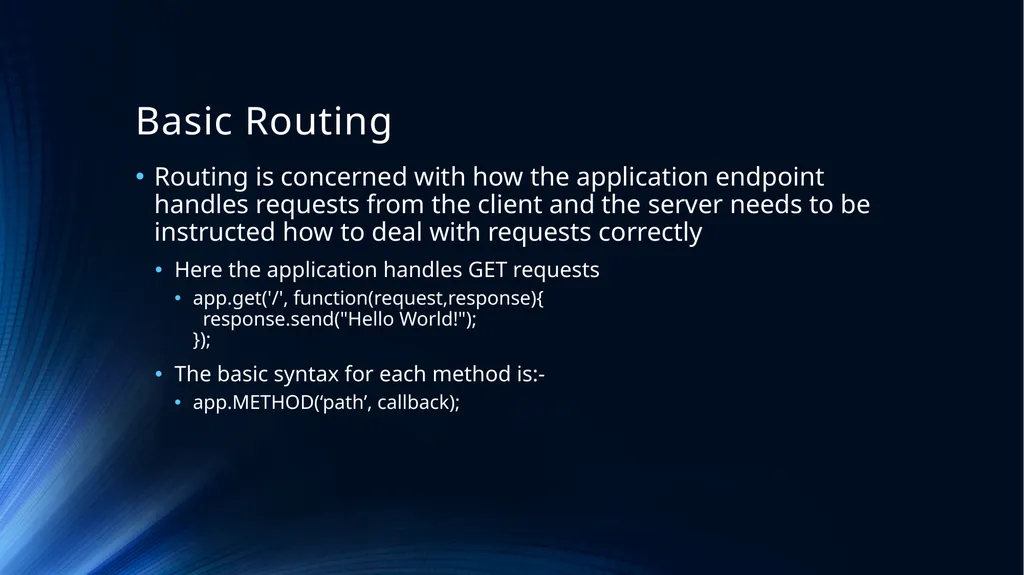
Basic Routing Routing is concerned with how the application endpoint handles requests from the client and the server needs to be instructed how to deal with requests correctly
Here the application handles GET requests
app.get('/', function(request,response){� response.send("Hello World!");�});
The basic syntax for each method is:-
app.METHOD(‘path’, callback);<br>
21
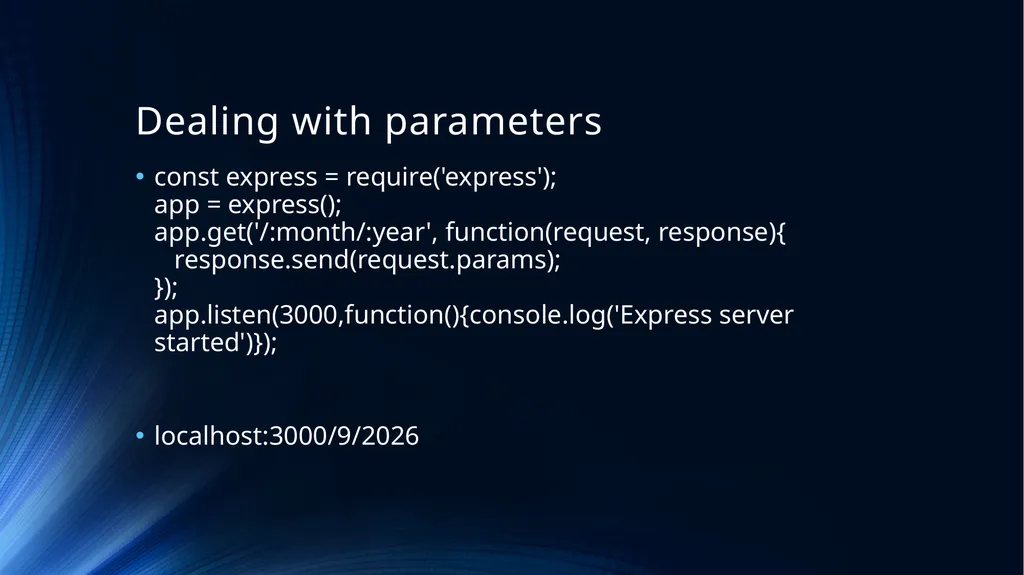
Dealing with parameters const express = require('express');�app = express();�app.get('/:month/:year', function(request, response){� response.send(request.params);�});�app.listen(3000,function(){console.log('Express server started')});
localhost:3000/9/2026<br>
22
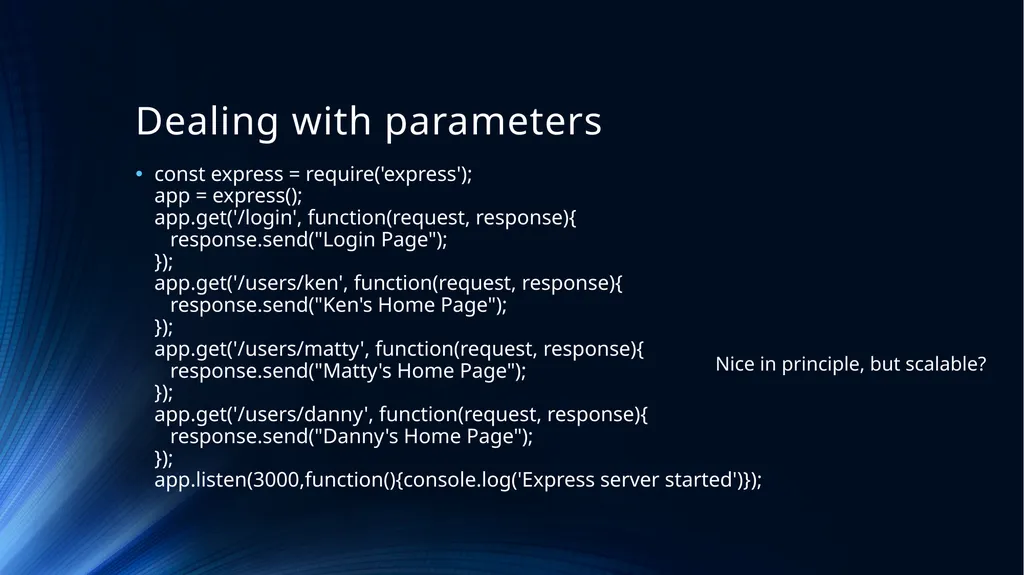
Dealing with parameters const express = require('express');�app = express();�app.get('/login', function(request, response){� response.send("Login Page");�}); �app.get('/users/ken', function(request, response){� response.send("Ken's Home Page");�});�app.get('/users/matty', function(request, response){� response.send("Matty's Home Page");�});�app.get('/users/danny', function(request, response){� response.send("Danny's Home Page");�});�app.listen(3000,function(){console.log('Express server started')}); Nice in principle, but scalable?<br>
23
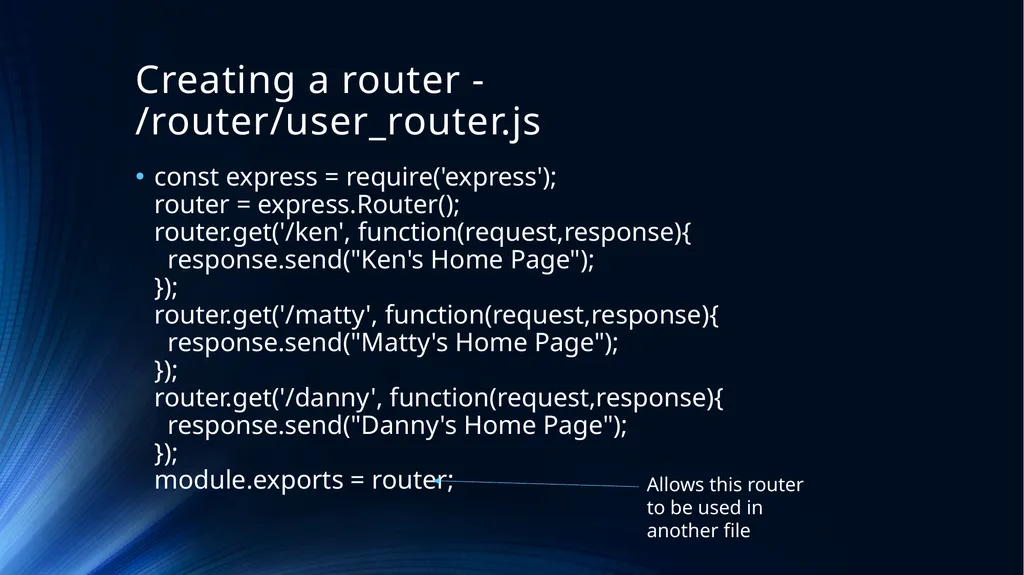
Creating a router - /router/user_router.js const express = require('express');�router = express.Router();�router.get('/ken', function(request,response){� response.send("Ken's Home Page");�});�router.get('/matty', function(request,response){� response.send("Matty's Home Page");�});�router.get('/danny', function(request,response){� response.send("Danny's Home Page");�});�module.exports = router; Allows this router to be used in another file<br>
24
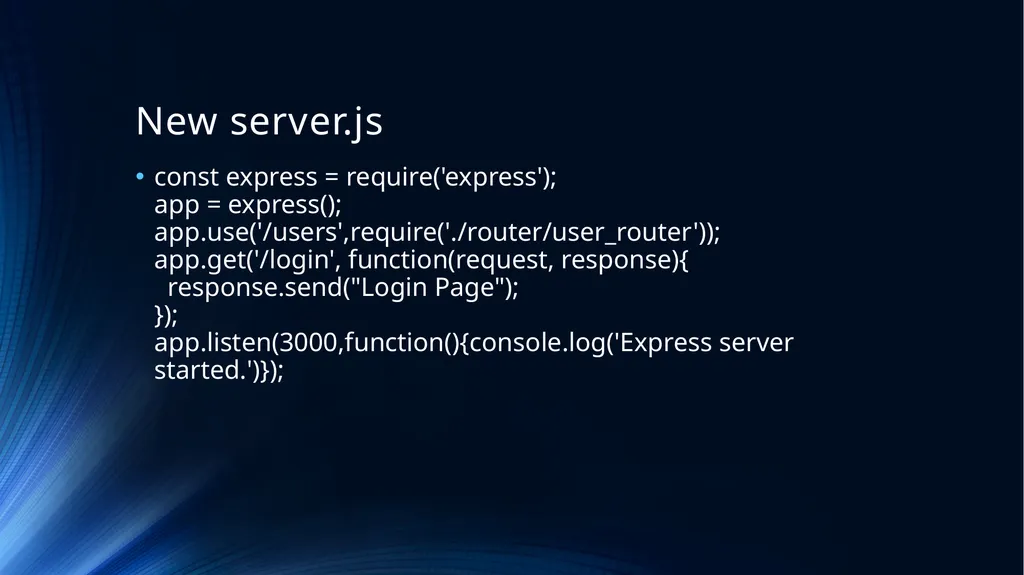
New server.js const express = require('express');�app = express();�app.use('/users',require('./router/user_router'));�app.get('/login', function(request, response){� response.send("Login Page");�}); �app.listen(3000,function(){console.log('Express server started.')});<br>
25
Summary Node.js is a popular, modern server-side runtime environment written in JavaScript, which is fast due to its ability to handle requests without blocking.
Node.js can be used to handle Http requests, by creating a server and parsing the requested URL.
Node.js can be set up as a file server to return different files depending on the Http request.
The Node Package Manager (or NPM) is a large collection of modules of code that are publicly available and easily installed using npm.<br>
26
Summary Express.js is a minimalist framework for Node.js, which means it makes certain tasks such as routing URLs more straghtforward.
Express.js is unopinionated, allowing the developer choice in how to add modules to extend its functionality such as with body-parser and multer.
Express.js can be used to create a router to handle different Http methods and requests.<br>