Welcome to the JAPhA Article Infographic Template We want to thank you for choosing to publish with JAPhA and wish you luck during the process. This template is a starting point for creating an infographic to accompany your article so that
"Welcome to the JAPhA Article Infographic Template" is the property of its rightful owner. Permission is granted to
download and print the materials on this website for personal, non-commercial use only, and to display it
on your personal computer provided you do not modify the materials and that you retain all copyright
notices contained in the materials. By downloading content from our website, you accept the terms of this
agreement.
Share
Embed code
Presentation Transcript
01
Welcome to the JAPhA Article Infographic Template We want to thank you for choosing to publish with JAPhA and wish you luck during the process.
This template is a starting point for creating an infographic to accompany your article so that we can highlight it on our Twitter (@JAPhAJournal), which you should go follow!
The following slides are instructions and templates to get you started on creating your unique, eye-catching infographic.<br>
02
Filling out the infographic elements Each template has dedicated text boxes for the title, objective, intervention and results
The wording does not have to be verbatim to your article
It is encouraged, but not mandatory, to add your own charts, graphs, and images if possilbe to improve visual appeal and engagement
Shapes (located under the “Home” tab) can also be added to present information visually – find general tips on creating an infographic here
Add your name, Twitter handle (if applicable), and DOI where notated<br>
03
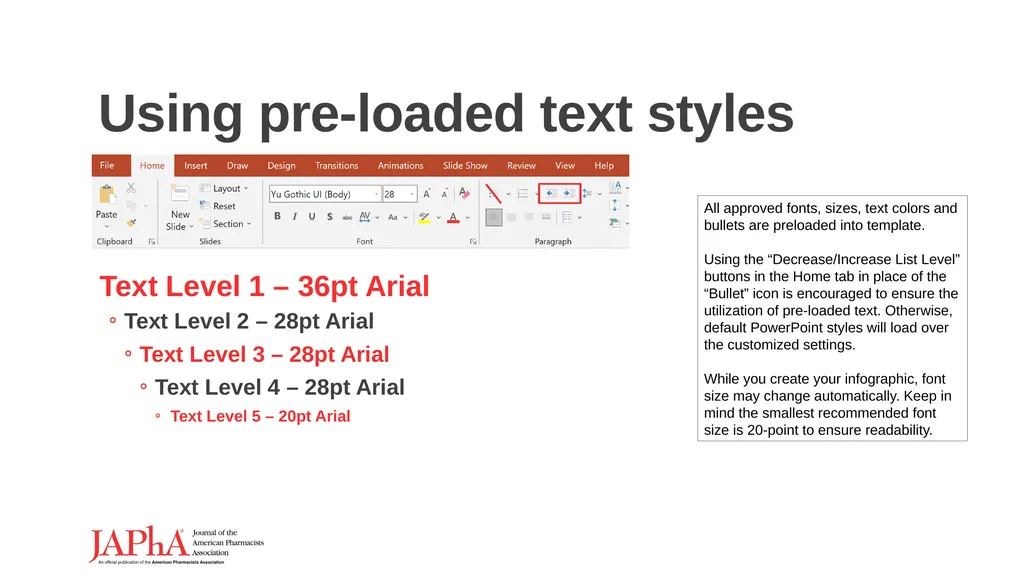
Using pre-loaded text styles Text Level 1 – 36pt Arial
Text Level 2 – 28pt Arial
Text Level 3 – 28pt Arial
Text Level 4 – 28pt Arial
Text Level 5 – 20pt Arial All approved fonts, sizes, text colors and bullets are preloaded into template. Using the “Decrease/Increase List Level” buttons in the Home tab in place of the “Bullet” icon is encouraged to ensure the utilization of pre-loaded text. Otherwise, default PowerPoint styles will load over the customized settings. While you create your infographic, font size may change automatically. Keep in mind the smallest recommended font size is 20-point to ensure readability.<br>
04
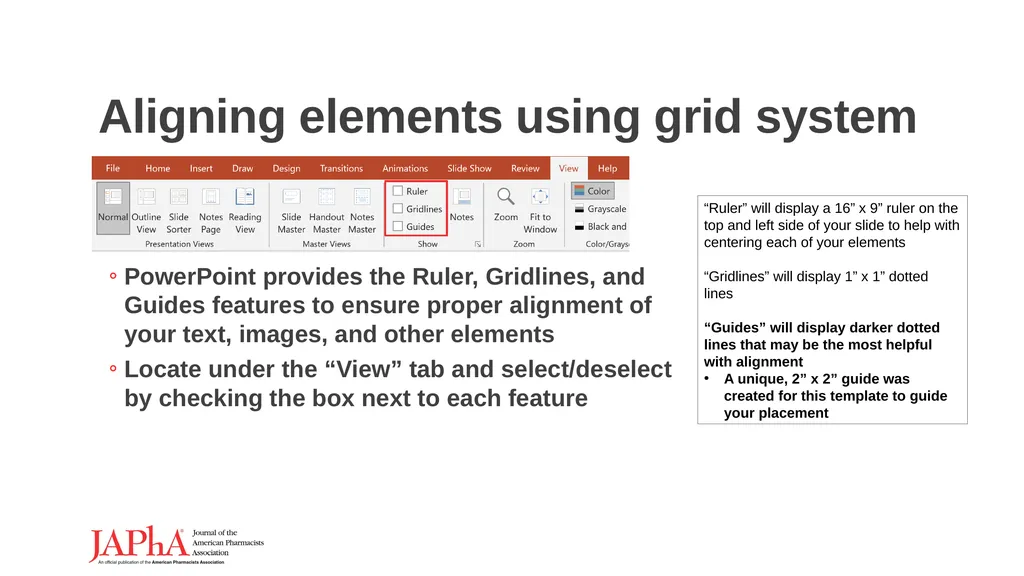
Aligning elements using grid system PowerPoint provides the Ruler, Gridlines, and Guides features to ensure proper alignment of your text, images, and other elements
Locate under the “View” tab and select/deselect by checking the box next to each feature “Ruler” will display a 16” x 9” ruler on the top and left side of your slide to help with centering each of your elements
“Gridlines” will display 1” x 1” dotted lines
“Guides” will display darker dotted lines that may be the most helpful with alignment
A unique, 2” x 2” guide was created for this template to guide your placement<br>
05
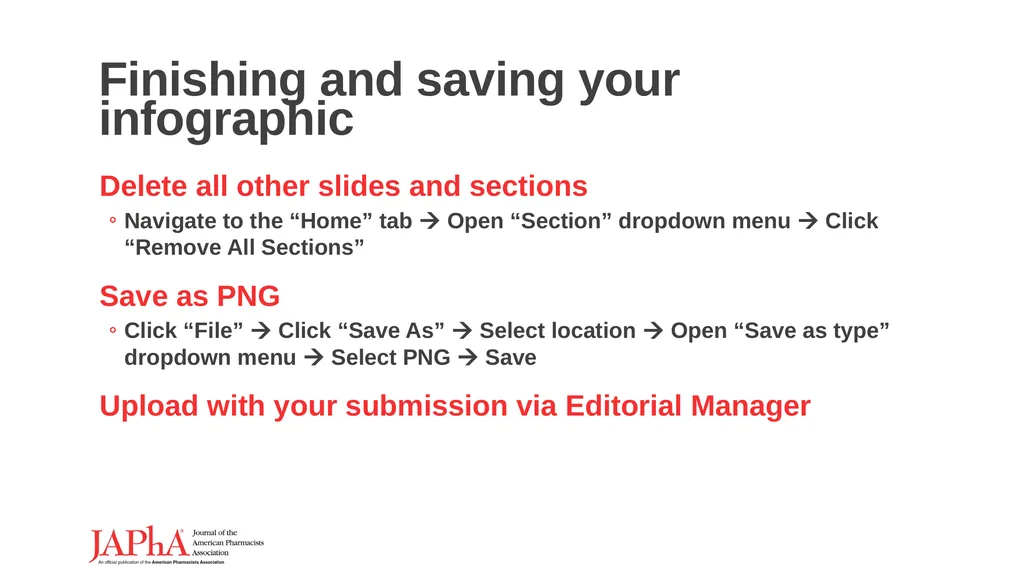
Finishing and saving your infographic Delete all other slides and sections
Navigate to the “Home” tab Open “Section” dropdown menu Click “Remove All Sections”
Save as PNG
Click “File” Click “Save As” Select location Open “Save as type” dropdown menu Select PNG Save
Upload with your submission via Editorial Manager<br>
06
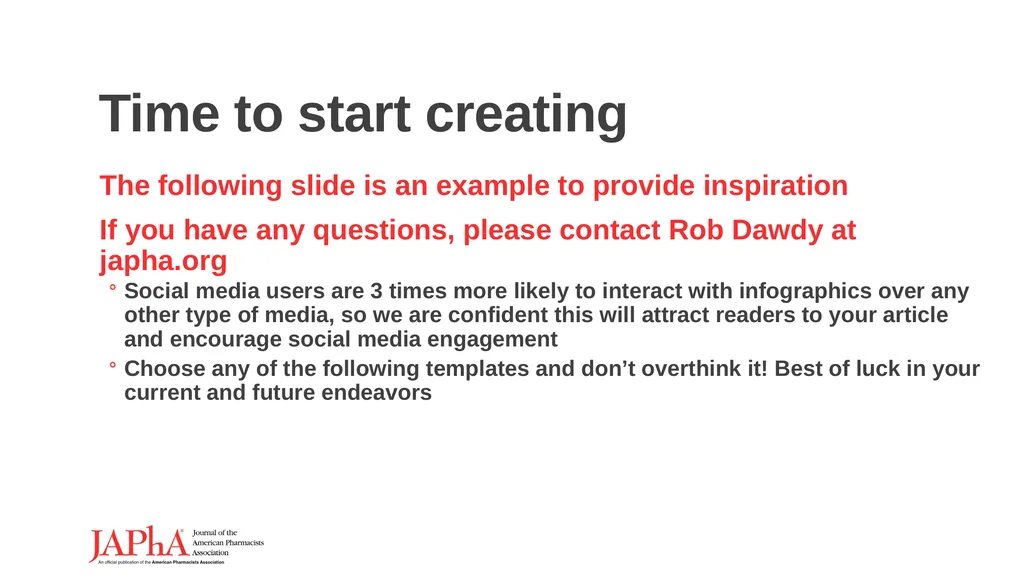
Time to start creating The following slide is an example to provide inspiration
If you have any questions, please contact Rob Dawdy at japha.org
Social media users are 3 times more likely to interact with infographics over any other type of media, so we are confident this will attract readers to your article and encourage social media engagement
Choose any of the following templates and don’t overthink it! Best of luck in your current and future endeavors<br>
07
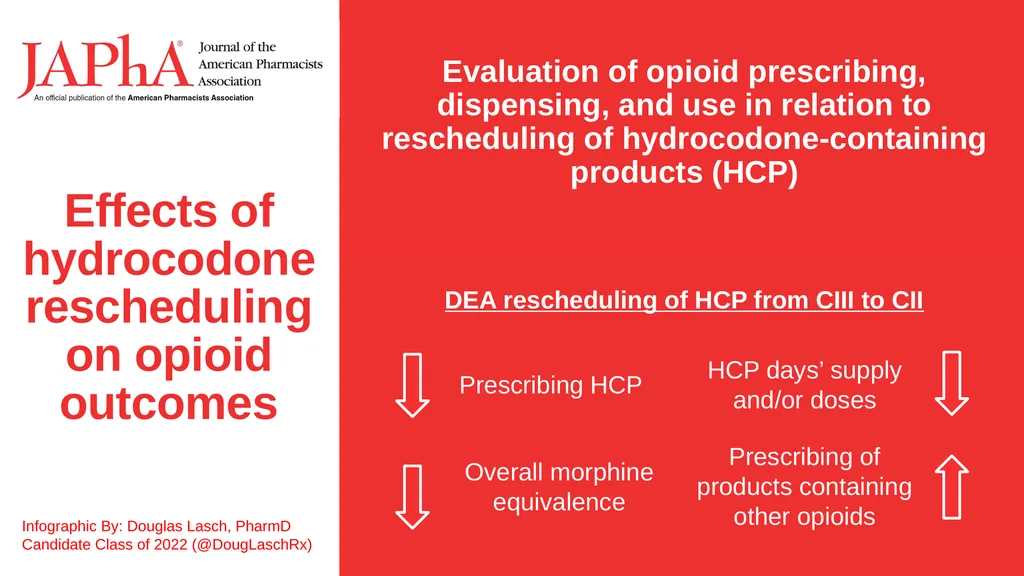
Effects of hydrocodone rescheduling on opioid outcomes Infographic By: Douglas Lasch, PharmD Candidate Class of 2022 (@DougLaschRx) Evaluation of opioid prescribing, dispensing, and use in relation to rescheduling of hydrocodone-containing products (HCP) DEA rescheduling of HCP from CIII to CII Prescribing HCP HCP days’ supply and/or doses Prescribing of products containing other opioids Overall morphine equivalence<br>
08
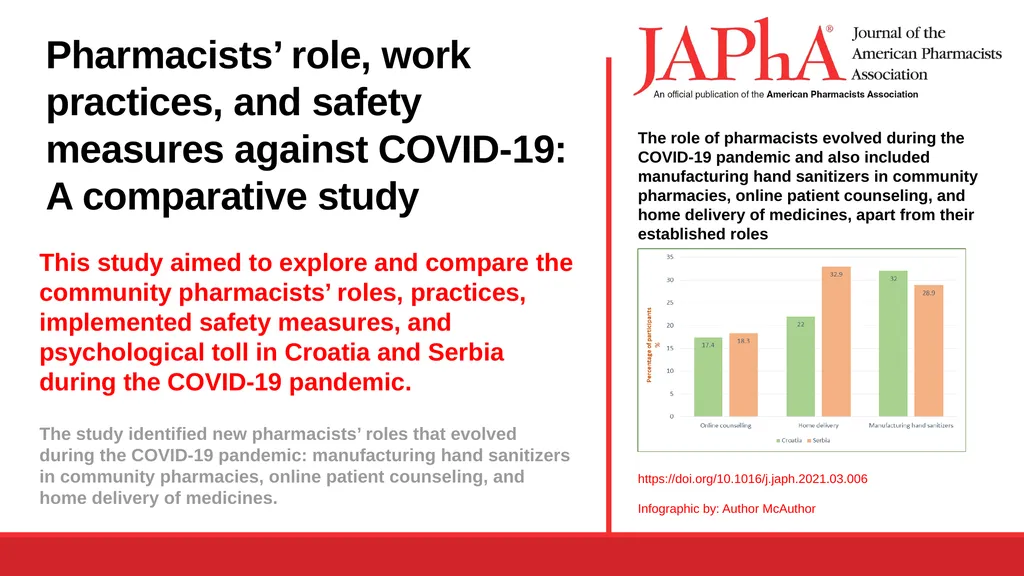
Pharmacists’ role, work practices, and safety measures against COVID-19: A comparative study This study aimed to explore and compare the community pharmacists’ roles, practices, implemented safety measures, and psychological toll in Croatia and Serbia during the COVID-19 pandemic. The study identified new pharmacists’ roles that evolved during the COVID-19 pandemic: manufacturing hand sanitizers in community pharmacies, online patient counseling, and home delivery of medicines. The role of pharmacists evolved during the COVID-19 pandemic and also included manufacturing hand sanitizers in community pharmacies, online patient counseling, and home delivery of medicines, apart from their established roles https://doi.org/10.1016/j.japh.2021.03.006 Infographic by: Author McAuthor<br>