
PPT-5 sposobów na sprawną pracę programu
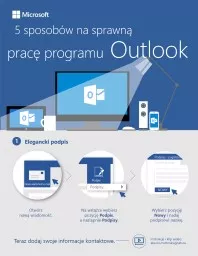
Outlook Elegancki podpis Otwórz nową wiadomość Na wstążce wybierz pozycję Podpis a następnie Podpisy Wybierz pozycję Nowy i nadaj podpisowi nazwę Teraz
Download Presentation
"5 sposobów na sprawną pracę programu" is the property of its rightful owner. Permission is granted to download and print materials on this website for personal, non-commercial use only, provided you retain all copyright notices. By downloading content from our website, you accept the terms of this agreement. Download
Presentation Transcript
Transcript not available.