2 Industry Waves Backup and recovery evolution Version 1.0 3 Rapid and Reliable Recovery Recovery is unreliable and painful Too slow and expensive to recover files typical recovery takes hours or days (slow, expensive) Recoveries and
"2 Industry Waves Backup and recovery evolution" is the property of its rightful owner. Permission is granted to
download and print the materials on this website for personal, non-commercial use only, and to display it
on your personal computer provided you do not modify the materials and that you retain all copyright
notices contained in the materials. By downloading content from our website, you accept the terms of this
agreement.
Presentation Transcript
01
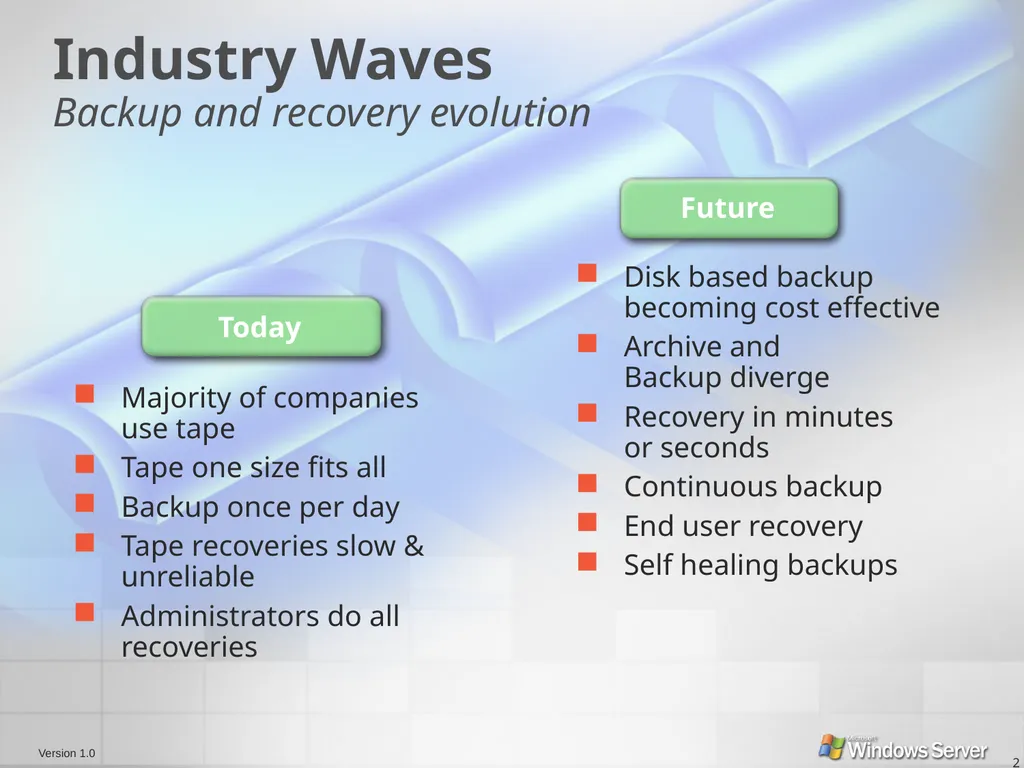
2 Industry Waves Backup and recovery evolution Version 1.0<br>
02
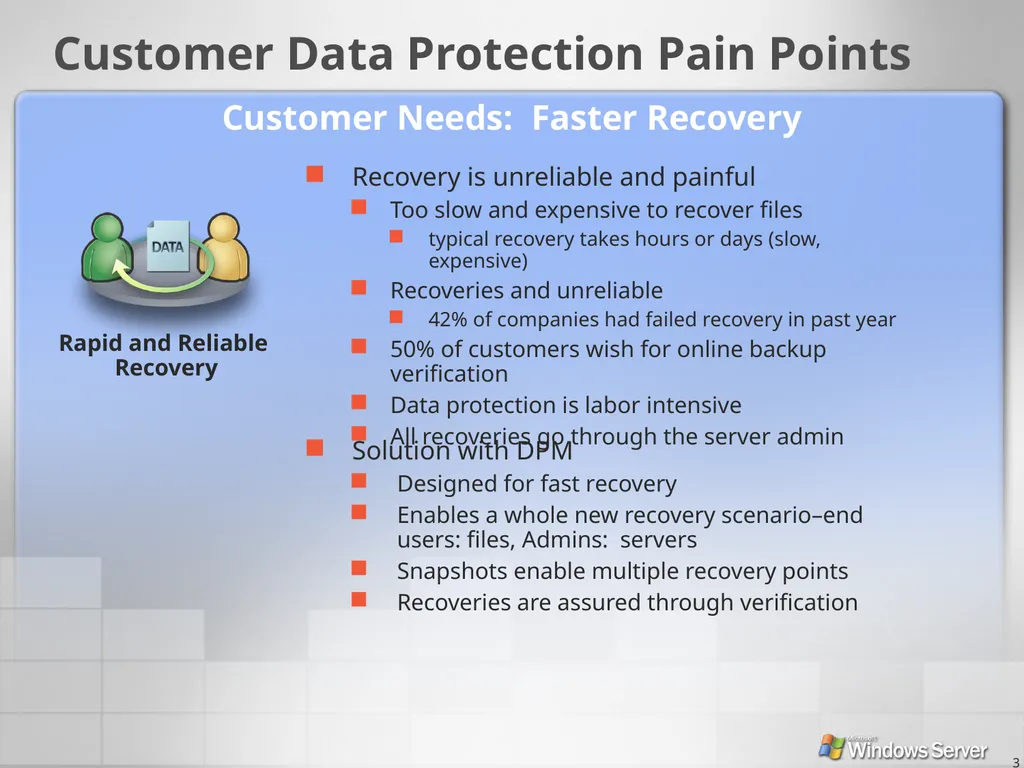
3 Rapid and Reliable Recovery Recovery is unreliable and painful
Too slow and expensive to recover files
typical recovery takes hours or days (slow, expensive)
Recoveries and unreliable
42% of companies had failed recovery in past year
50% of customers wish for online backup verification
Data protection is labor intensive
All recoveries go through the server admin Solution with DPM
Designed for fast recovery
Enables a whole new recovery scenario–end users: files, Admins: servers
Snapshots enable multiple recovery points
Recoveries are assured through verification Customer Data Protection Pain Points Customer Needs: Faster Recovery<br>
03
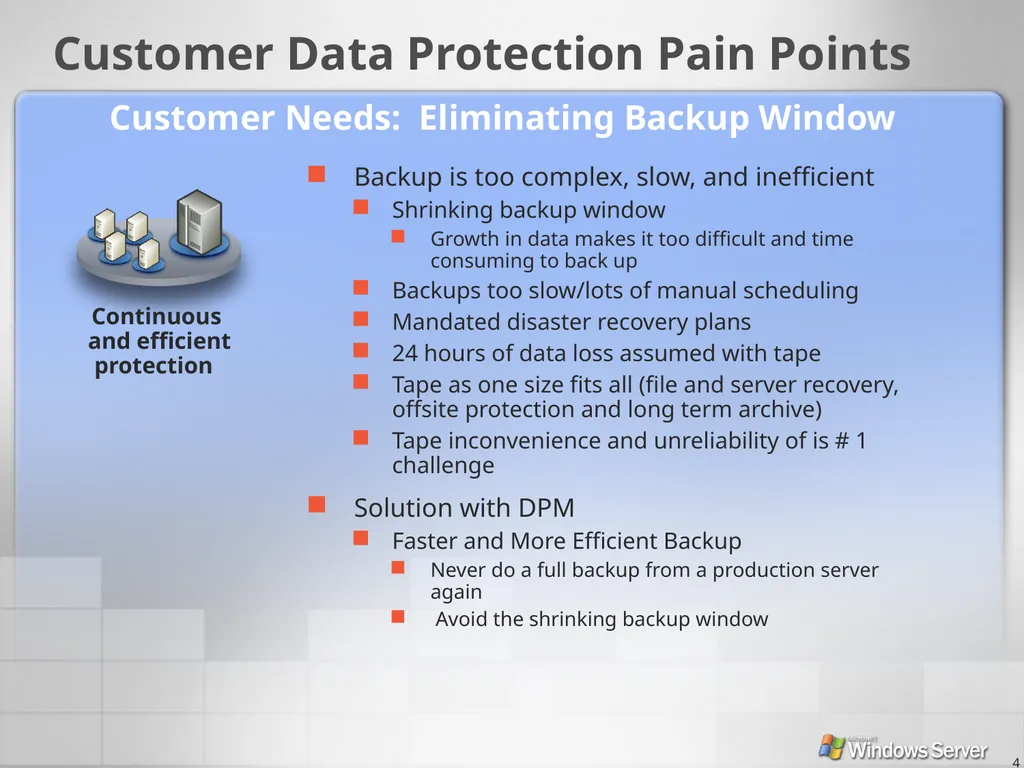
4 Backup is too complex, slow, and inefficient
Shrinking backup window
Growth in data makes it too difficult and time consuming to back up
Backups too slow/lots of manual scheduling
Mandated disaster recovery plans
24 hours of data loss assumed with tape
Tape as one size fits all (file and server recovery, offsite protection and long term archive)
Tape inconvenience and unreliability of is # 1 challenge Solution with DPM
Faster and More Efficient Backup
Never do a full backup from a production server again
Avoid the shrinking backup window Customer Needs: Eliminating Backup Window Customer Data Protection Pain Points<br>
04
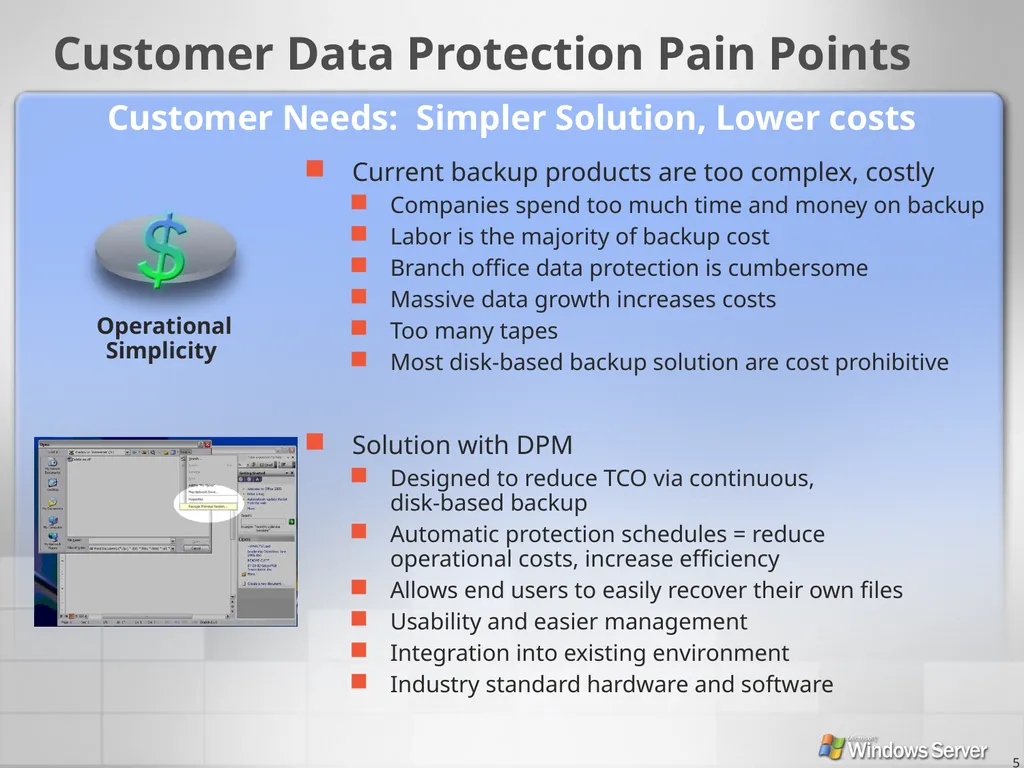
5 Current backup products are too complex, costly
Companies spend too much time and money on backup
Labor is the majority of backup cost
Branch office data protection is cumbersome
Massive data growth increases costs
Too many tapes
Most disk-based backup solution are cost prohibitive Solution with DPM
Designed to reduce TCO via continuous, disk-based backup
Automatic protection schedules = reduce operational costs, increase efficiency
Allows end users to easily recover their own files
Usability and easier management
Integration into existing environment
Industry standard hardware and software Customer Needs: Simpler Solution, Lower costs Customer Data Protection Pain Points<br>
05
6 What does DPM do? Near continuous (hourly) protection of files
DPM agent on file servers
Byte-level changes transmitted to DPM server
Multiple scheduled snapshots per day
Easy IT or End-User restore – fast from disk<br>
06
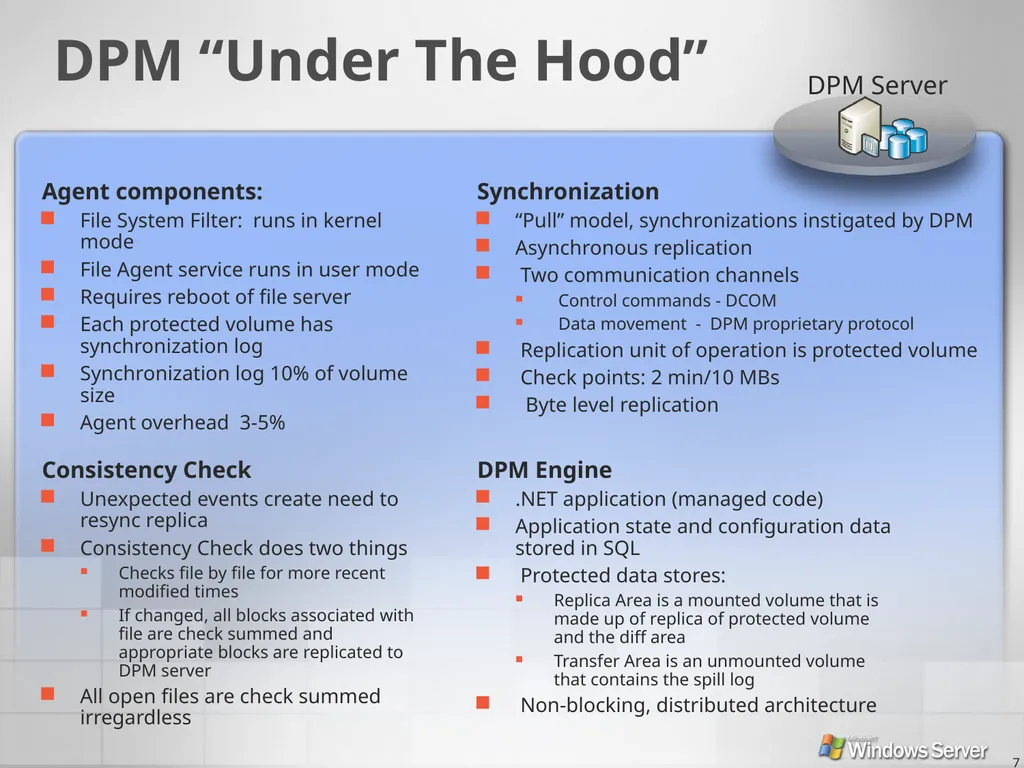
7 DPM Server DPM “Under The Hood” Agent components:
File System Filter: runs in kernel mode
File Agent service runs in user mode
Requires reboot of file server
Each protected volume has synchronization log
Synchronization log 10% of volume size
Agent overhead 3-5% Synchronization
“Pull” model, synchronizations instigated by DPM
Asynchronous replication
Two communication channels
Control commands - DCOM
Data movement - DPM proprietary protocol
Replication unit of operation is protected volume
Check points: 2 min/10 MBs
Byte level replication Consistency Check
Unexpected events create need to resync replica
Consistency Check does two things
Checks file by file for more recent modified times
If changed, all blocks associated with file are check summed and appropriate blocks are replicated to DPM server
All open files are check summed irregardless DPM Engine
.NET application (managed code)
Application state and configuration data stored in SQL
Protected data stores:
Replica Area is a mounted volume that is made up of replica of protected volume and the diff area
Transfer Area is an unmounted volume that contains the spill log
Non-blocking, distributed architecture<br>
07
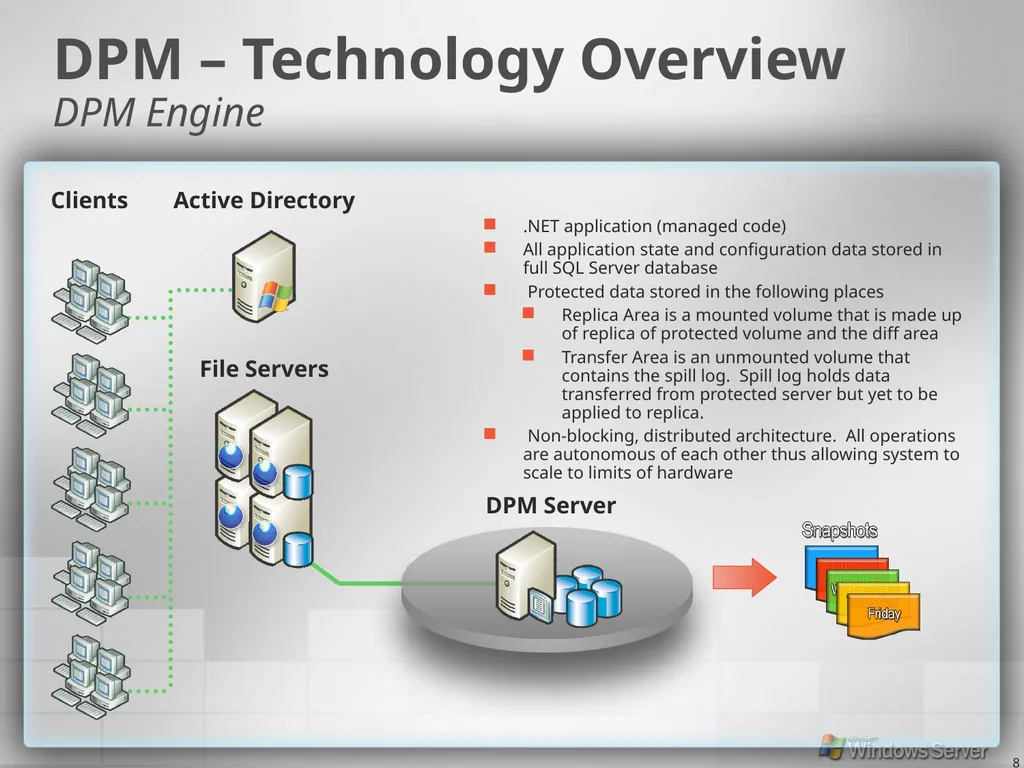
8 .NET application (managed code)
All application state and configuration data stored in full SQL Server database
Protected data stored in the following places
Replica Area is a mounted volume that is made up of replica of protected volume and the diff area
Transfer Area is an unmounted volume that contains the spill log. Spill log holds data transferred from protected server but yet to be applied to replica.
Non-blocking, distributed architecture. All operations are autonomous of each other thus allowing system to scale to limits of hardware DPM – Technology Overview DPM Engine DPM Server File Servers Active Directory Clients<br>
08
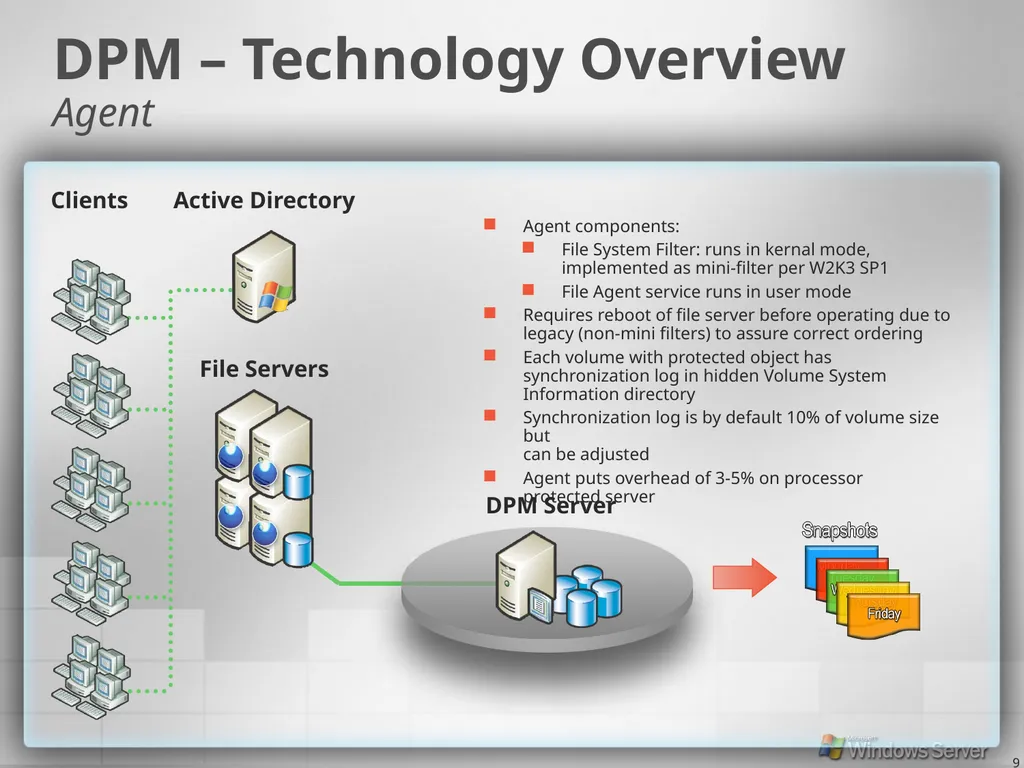
9 Agent components:
File System Filter: runs in kernal mode, implemented as mini-filter per W2K3 SP1
File Agent service runs in user mode
Requires reboot of file server before operating due to legacy (non-mini filters) to assure correct ordering
Each volume with protected object has synchronization log in hidden Volume System Information directory
Synchronization log is by default 10% of volume size but can be adjusted
Agent puts overhead of 3-5% on processor protected server DPM – Technology Overview Agent File Servers Active Directory Clients DPM Server<br>
09
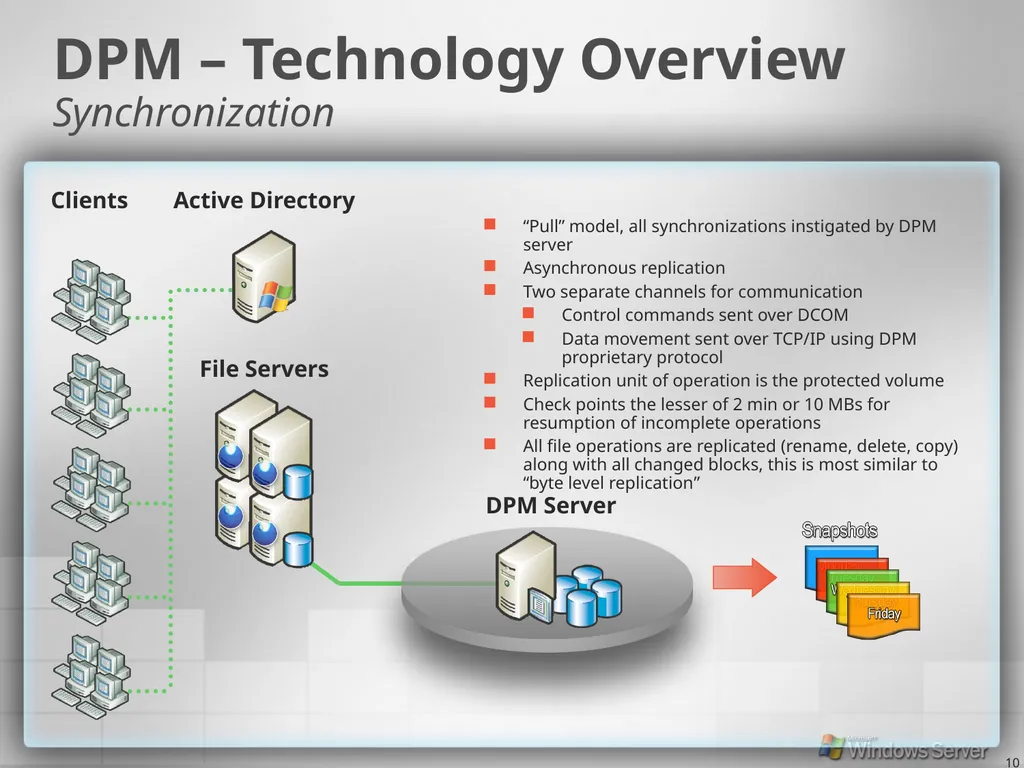
10 “Pull” model, all synchronizations instigated by DPM server
Asynchronous replication
Two separate channels for communication
Control commands sent over DCOM
Data movement sent over TCP/IP using DPM proprietary protocol
Replication unit of operation is the protected volume
Check points the lesser of 2 min or 10 MBs for resumption of incomplete operations
All file operations are replicated (rename, delete, copy) along with all changed blocks, this is most similar to “byte level replication” DPM – Technology Overview Synchronization File Servers Active Directory Clients DPM Server<br>
10
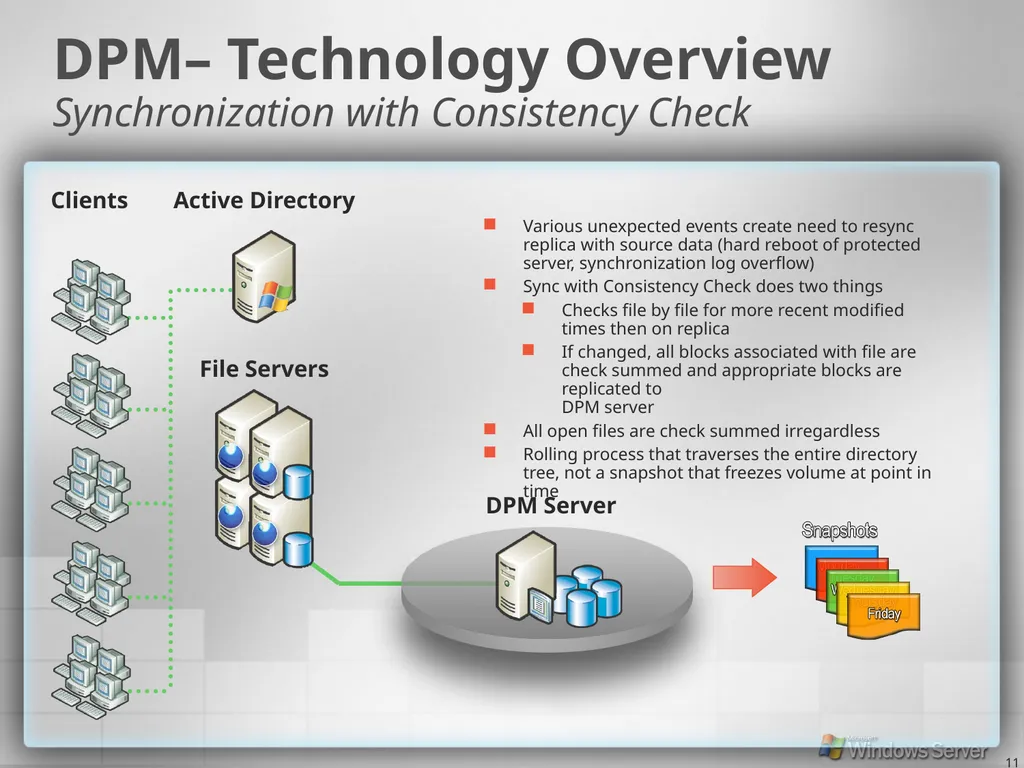
11 Various unexpected events create need to resync replica with source data (hard reboot of protected server, synchronization log overflow)
Sync with Consistency Check does two things
Checks file by file for more recent modified times then on replica
If changed, all blocks associated with file are check summed and appropriate blocks are replicated to DPM server
All open files are check summed irregardless
Rolling process that traverses the entire directory tree, not a snapshot that freezes volume at point in time DPM– Technology Overview Synchronization with Consistency Check File Servers Active Directory Clients DPM Server<br>
11
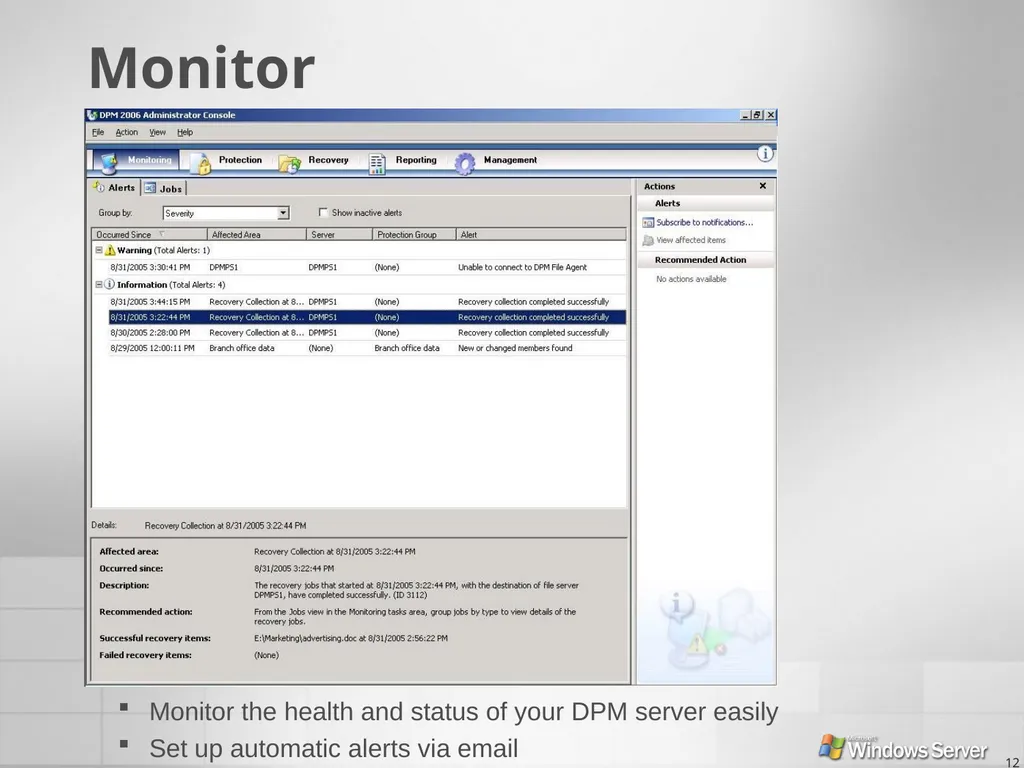
12 Monitor Monitor the health and status of your DPM server easily
Set up automatic alerts via email<br>
12
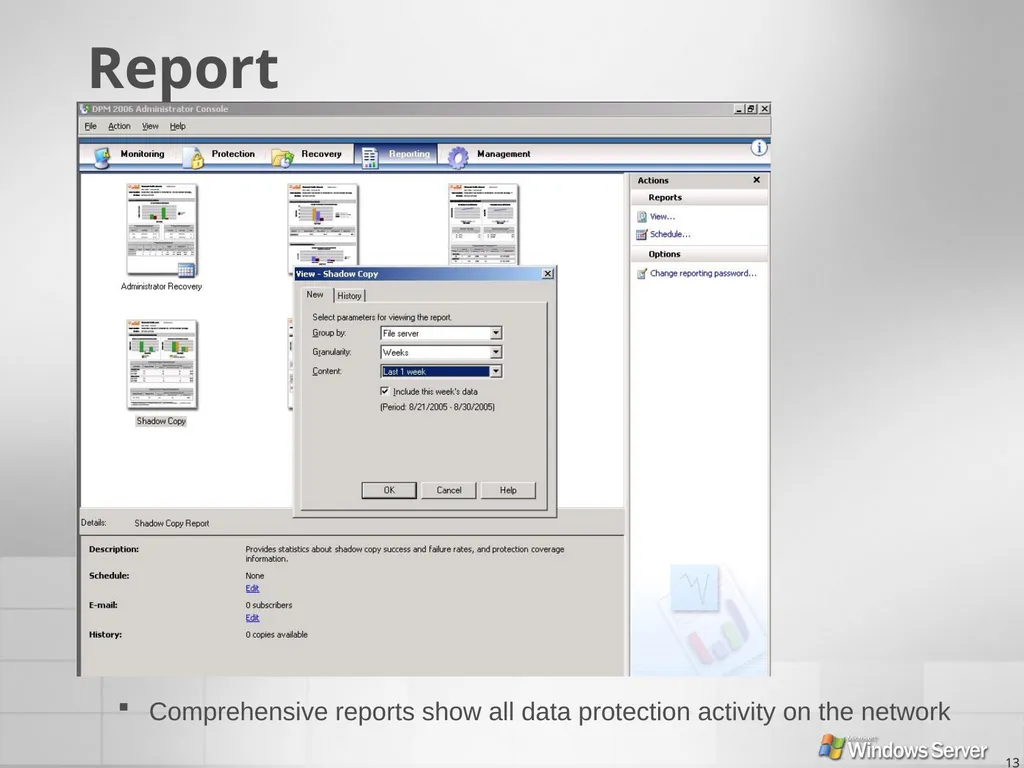
13 Report Comprehensive reports show all data protection activity on the network<br>
13
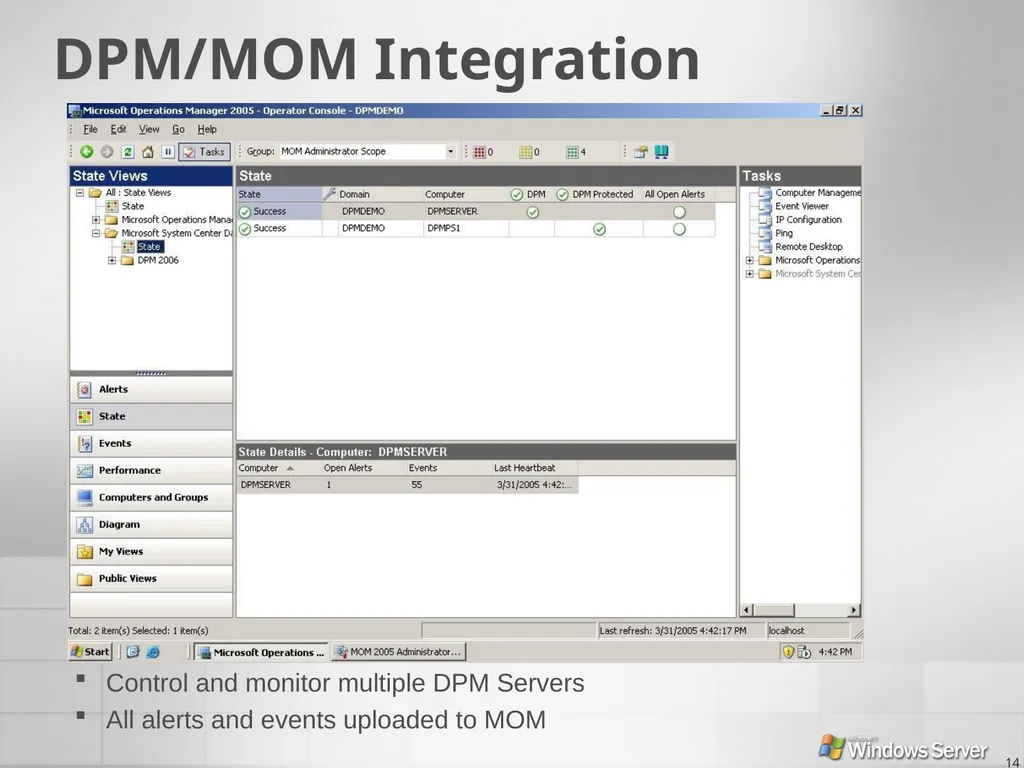
14 DPM/MOM Integration Control and monitor multiple DPM Servers
All alerts and events uploaded to MOM<br>
14
15 Top 10 Reasons To Deploy DPM Recover files in minutes instead of hours
Eliminate the backup window of your production servers
Shrink potential data loss down to 1 hour
No more failed recoveries
Get easy instant backup verification
Enable end users to perform their own recoveries
Setup and protect your file servers in minutes
Advanced functionality at low cost
Remove tapes from branch offices and centralize backups at datacenter
Rich out-of-box reporting and monitoring functionality<br>
15
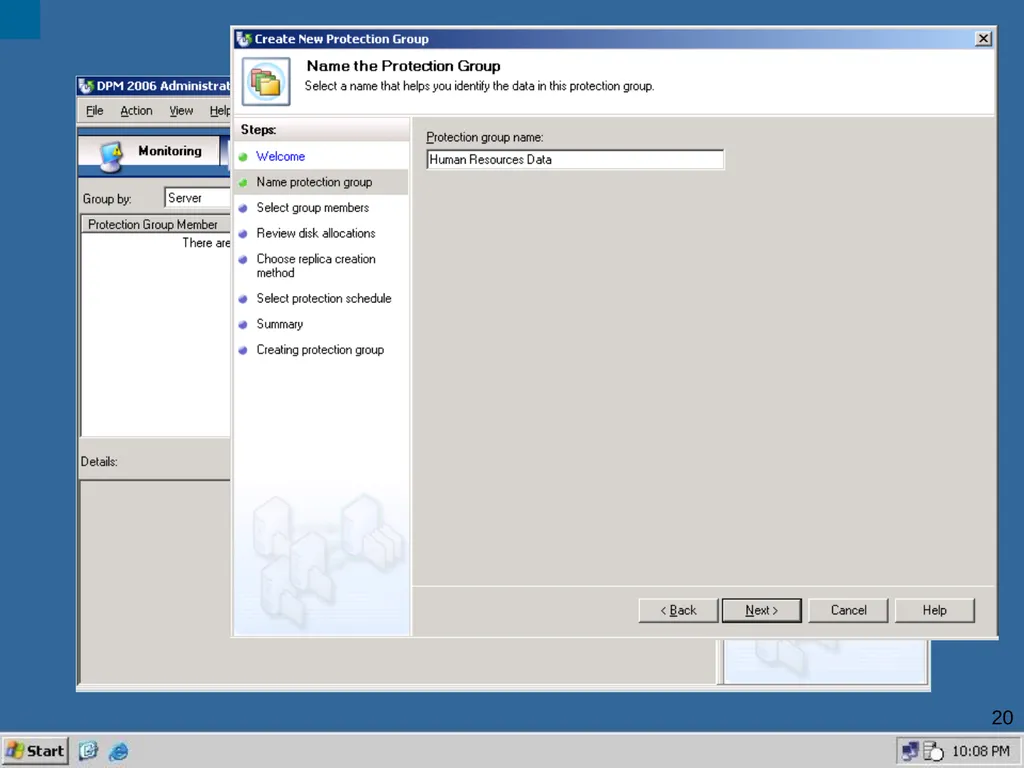
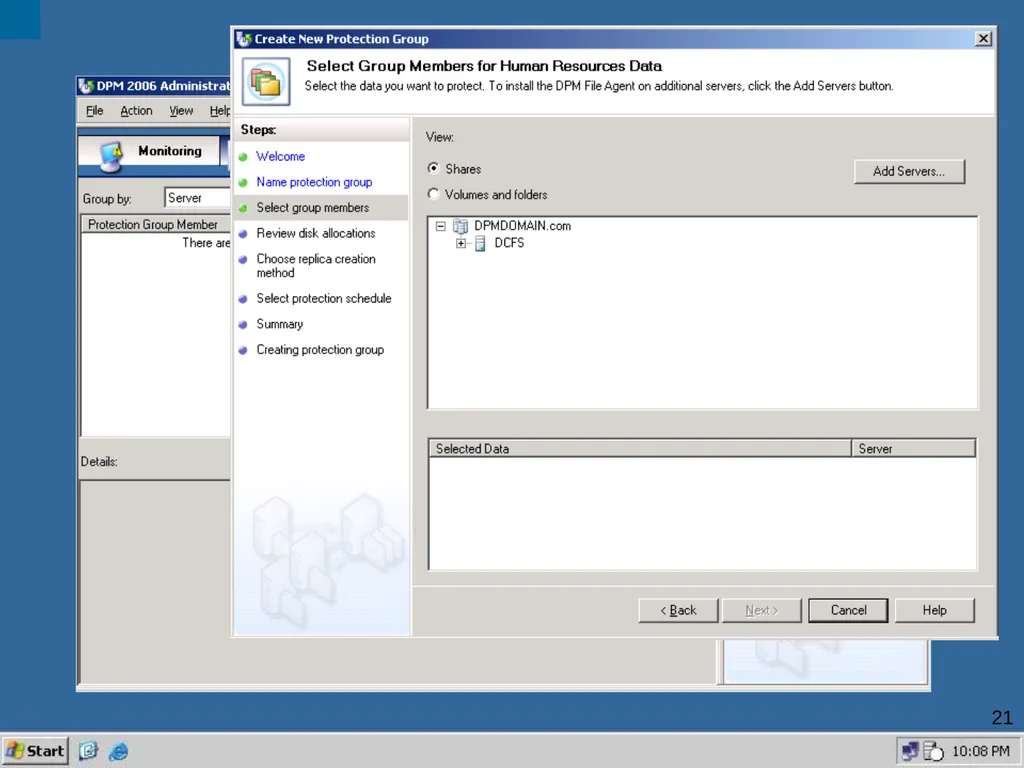
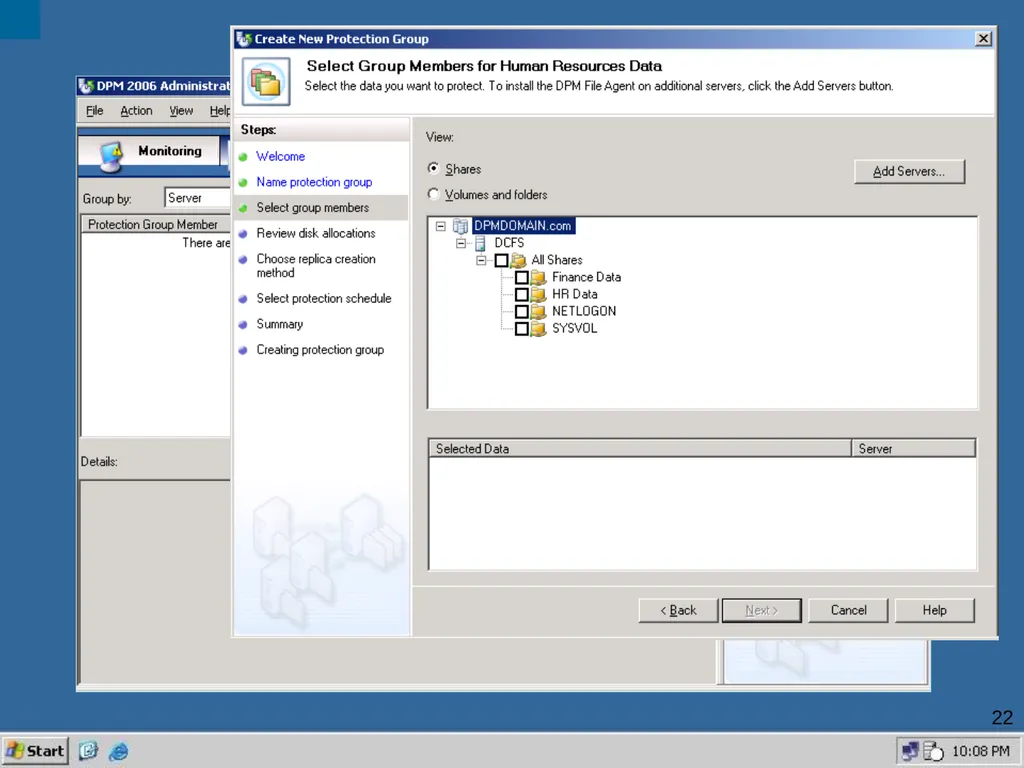
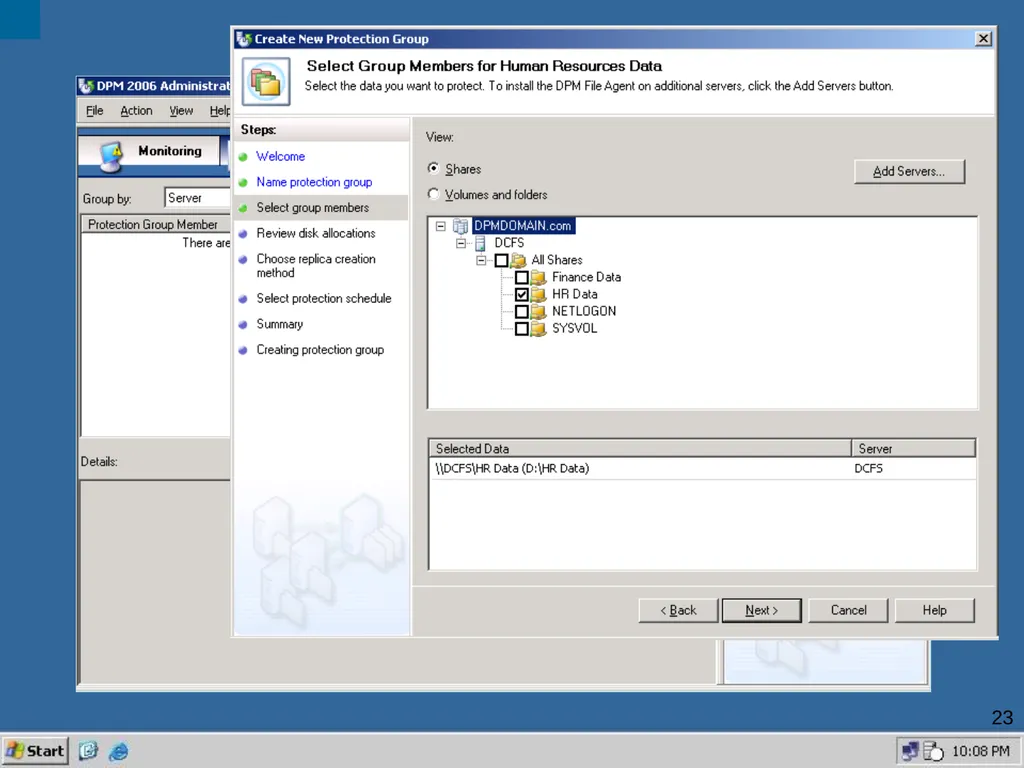
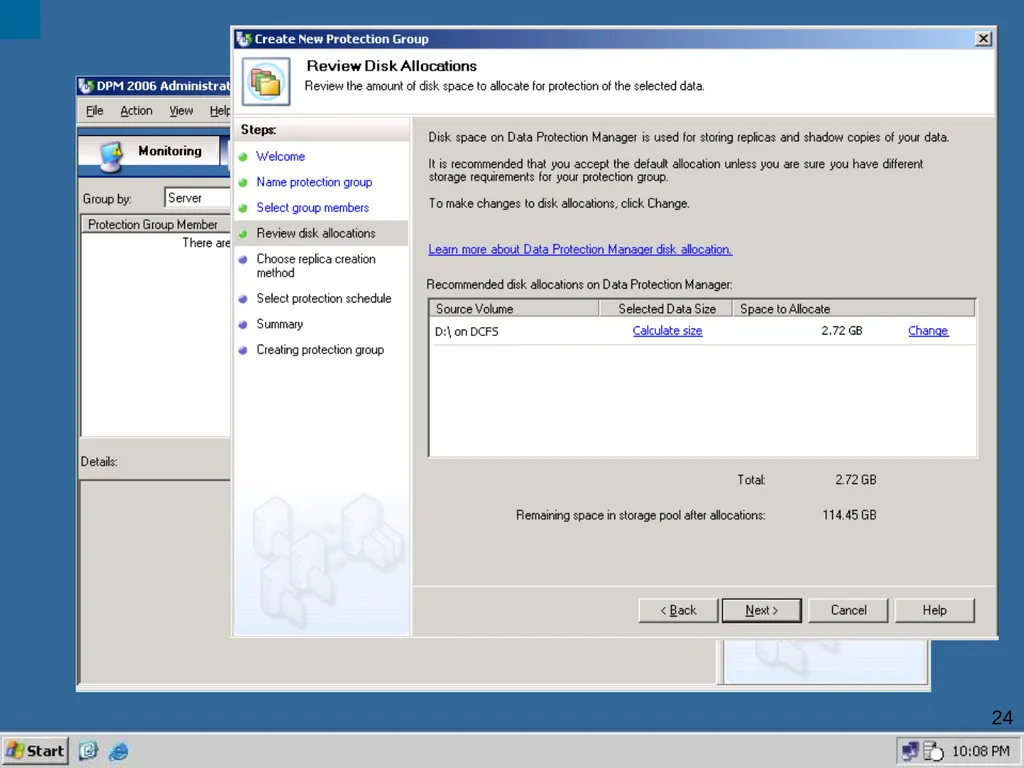
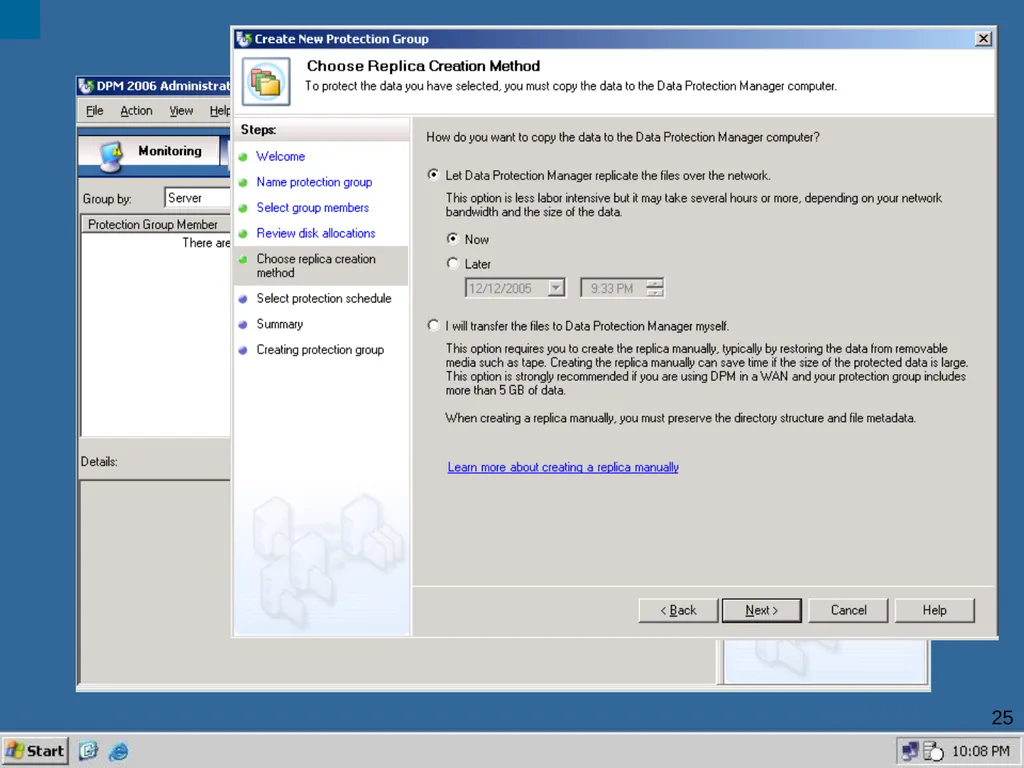
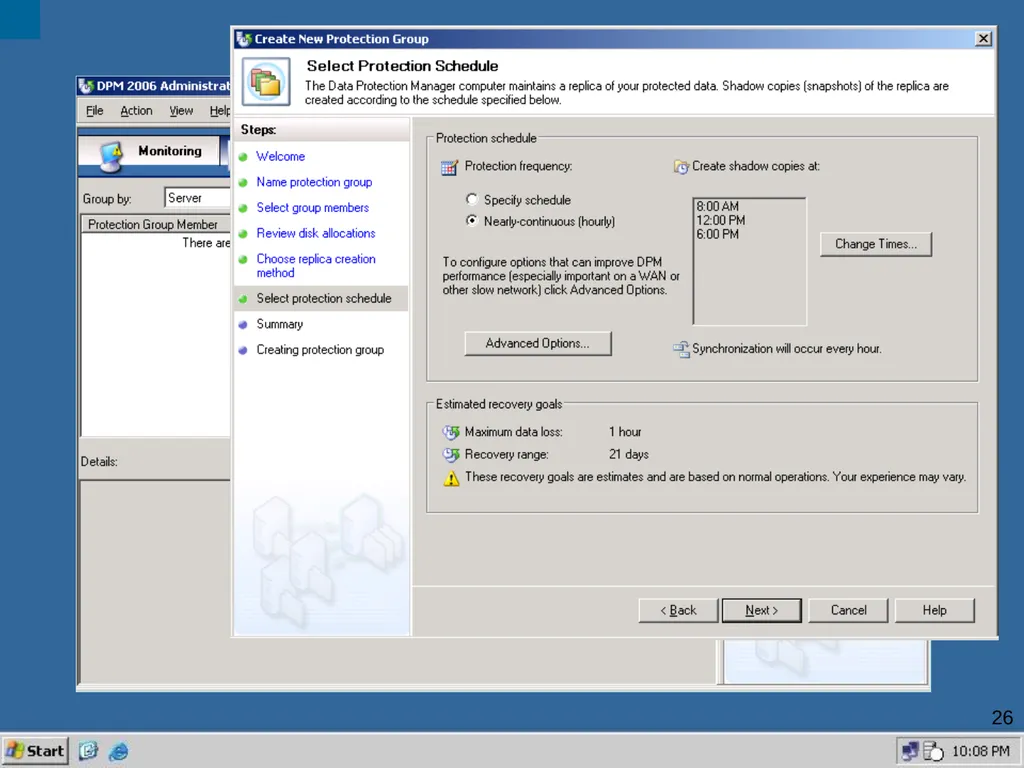
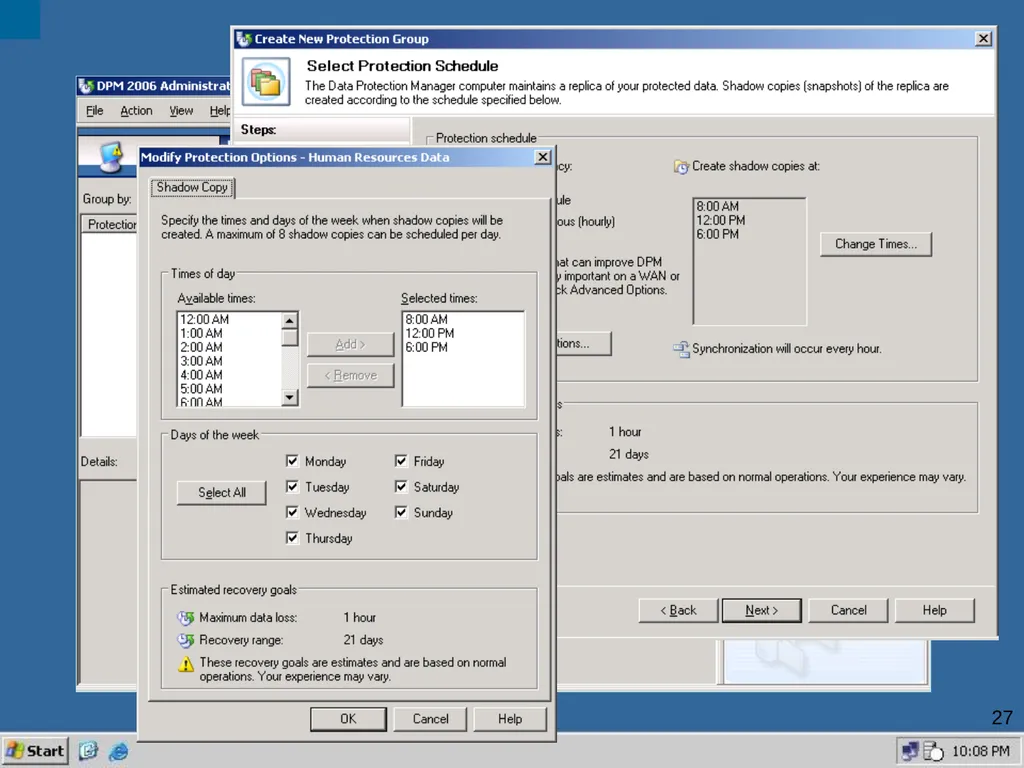
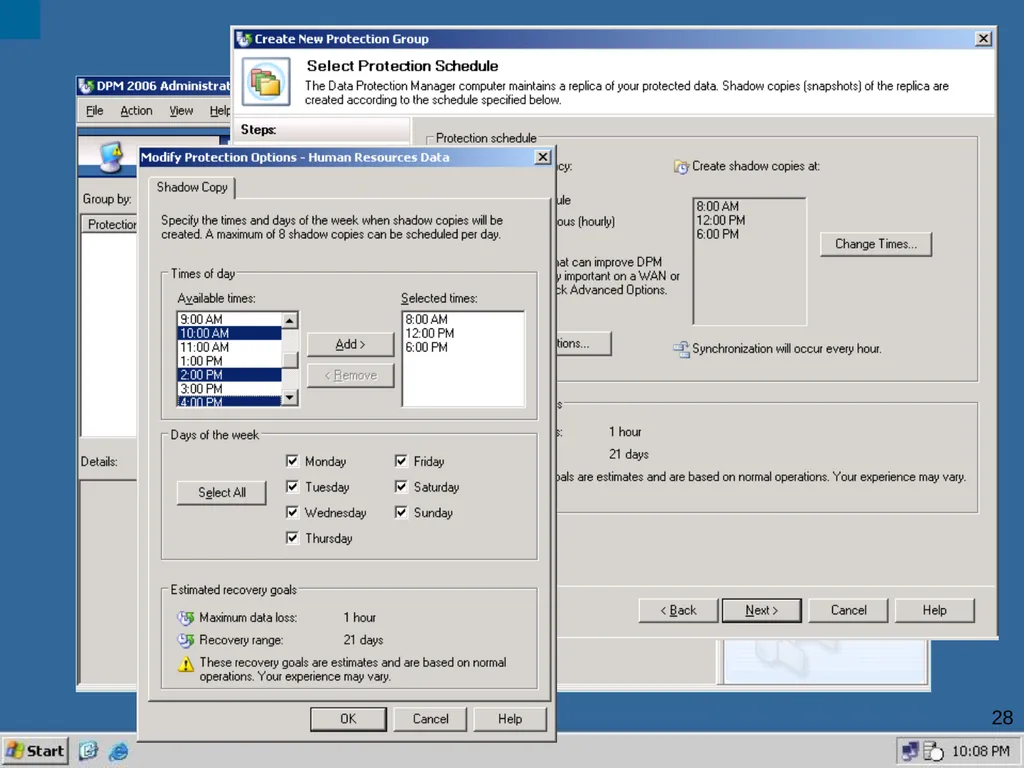
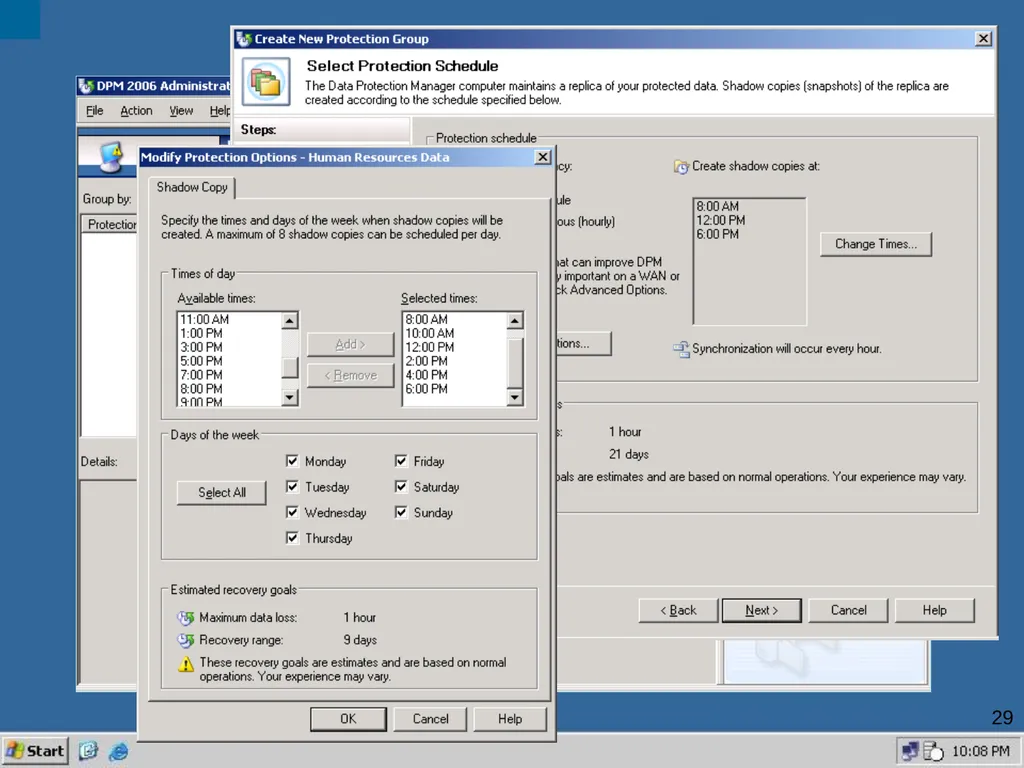
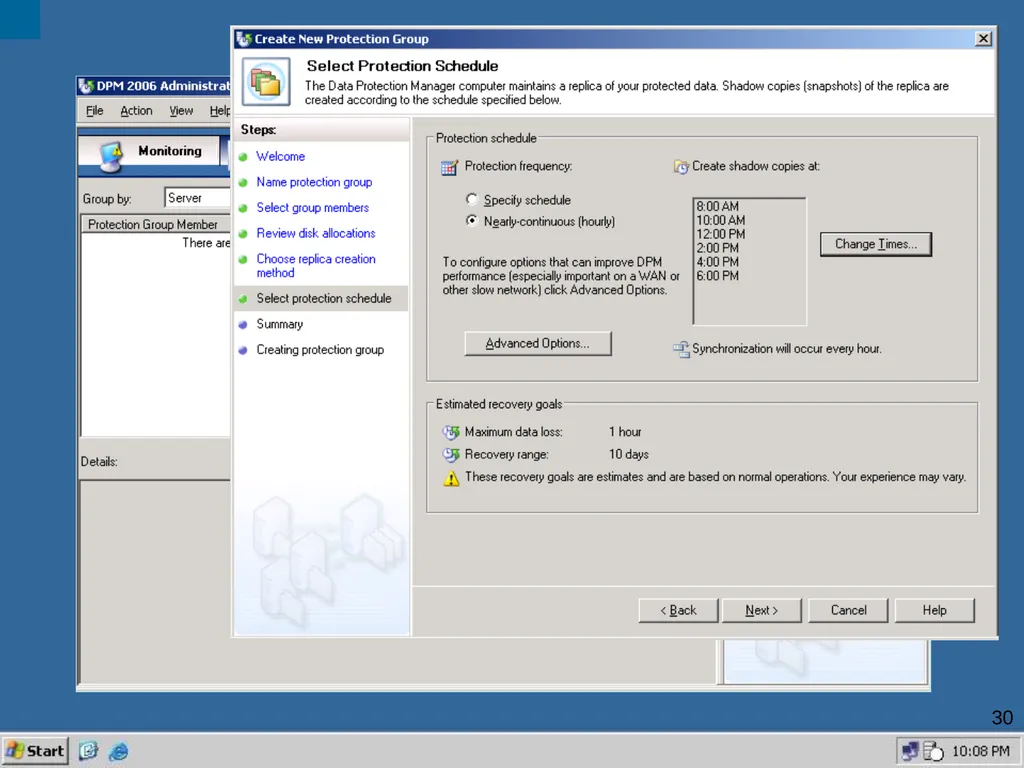
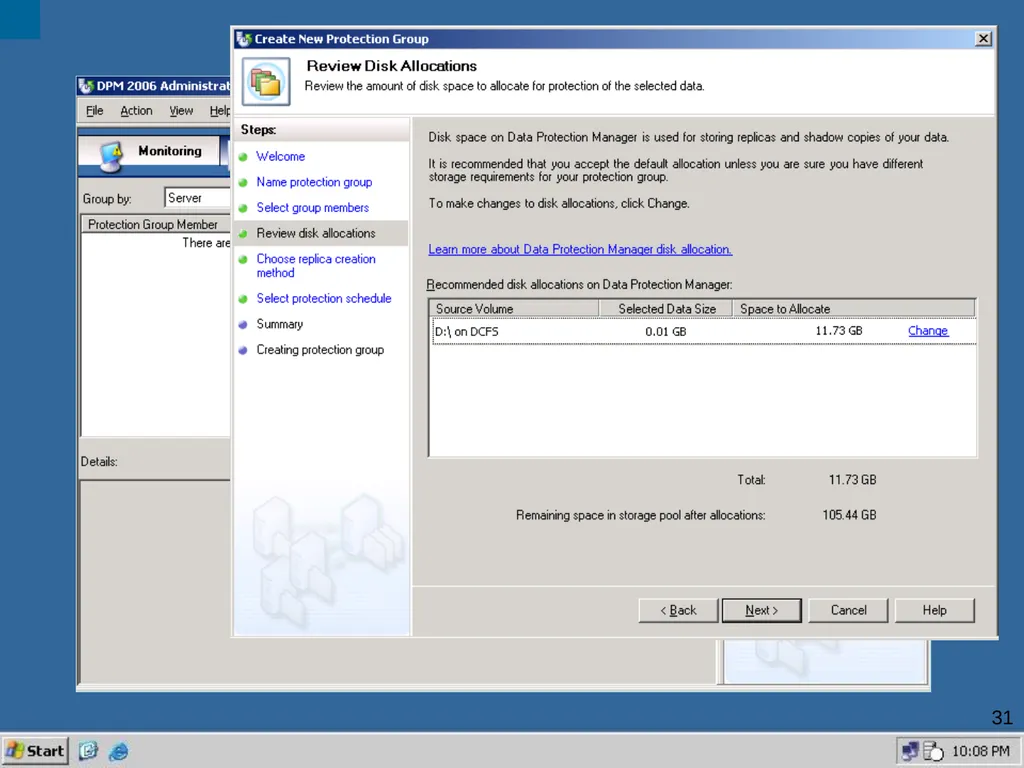
16 DPM Demo Task : Configure Protection<br>
16
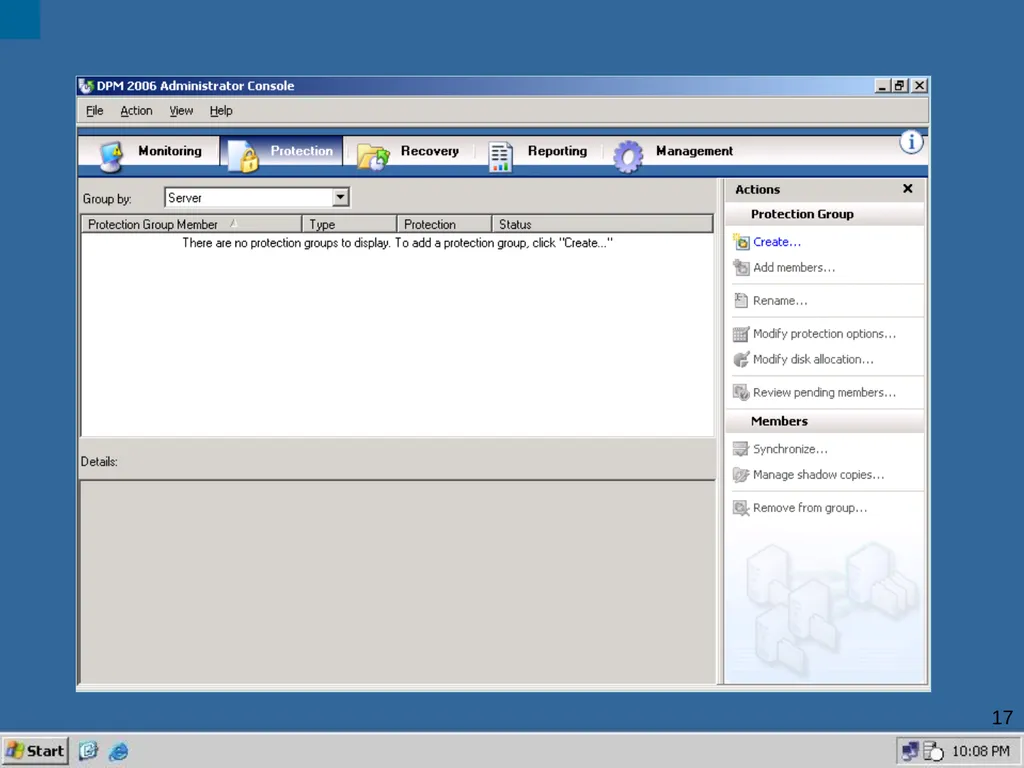
17<br>
17
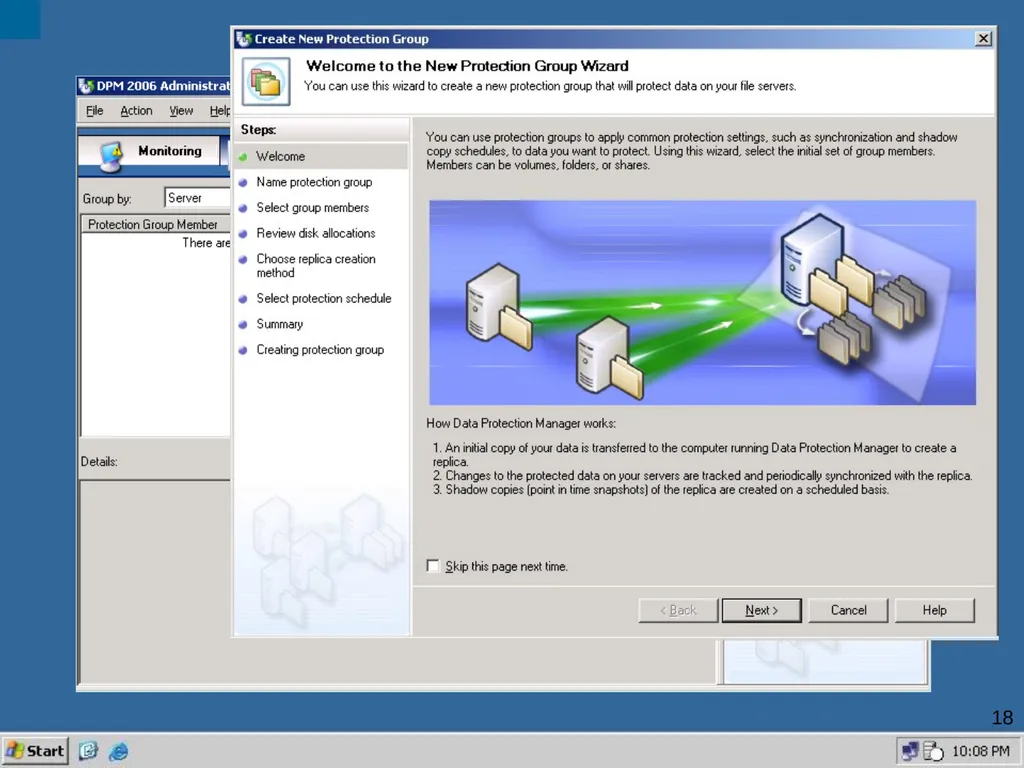
18<br>
18
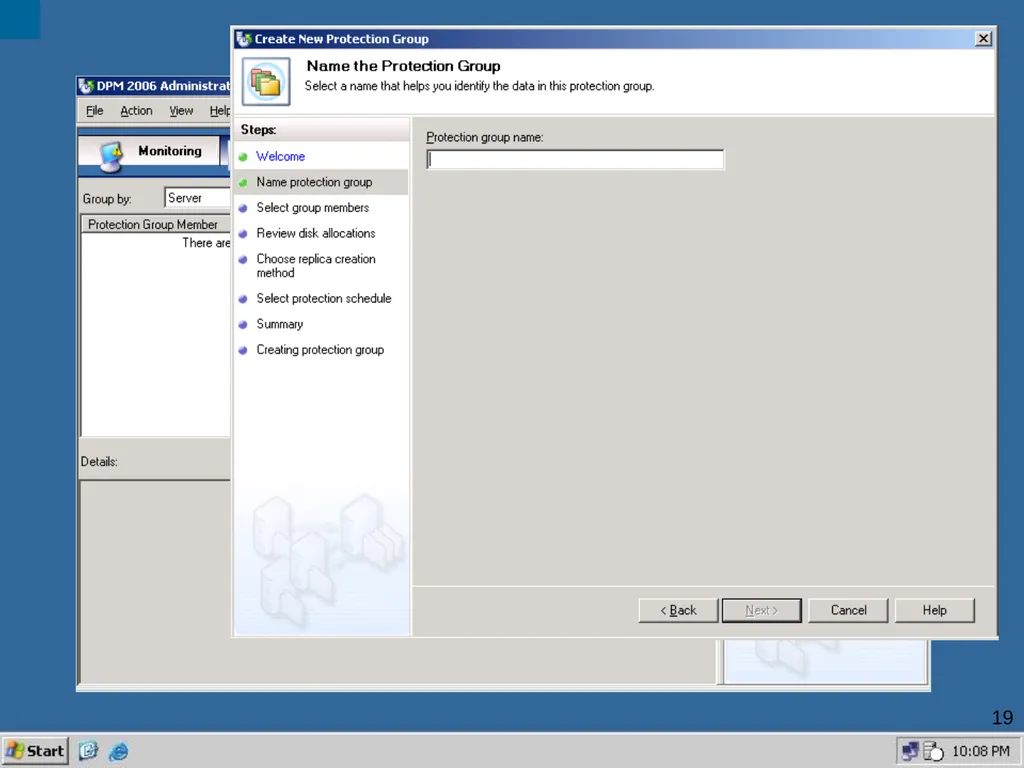
19<br>
19
20<br>
20
21<br>
21
22<br>
22
23<br>
23
24<br>
24
25<br>
25
26<br>
26
27<br>
27
28<br>
28
29<br>
29
30<br>
30
31<br>
31
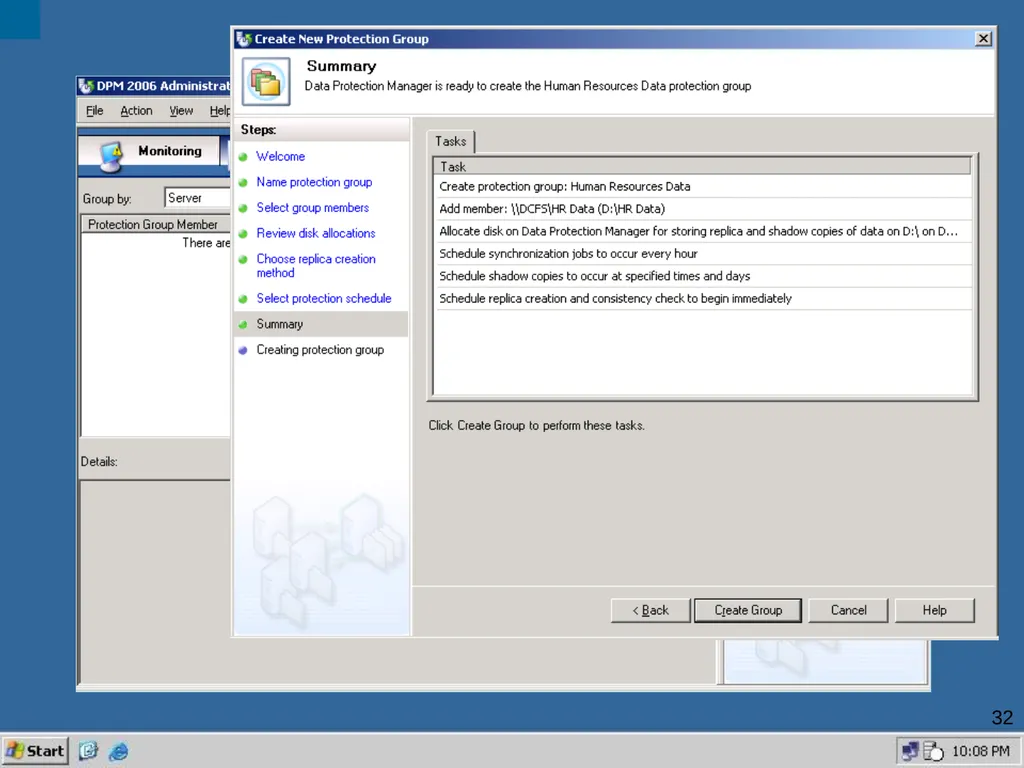
32<br>
32
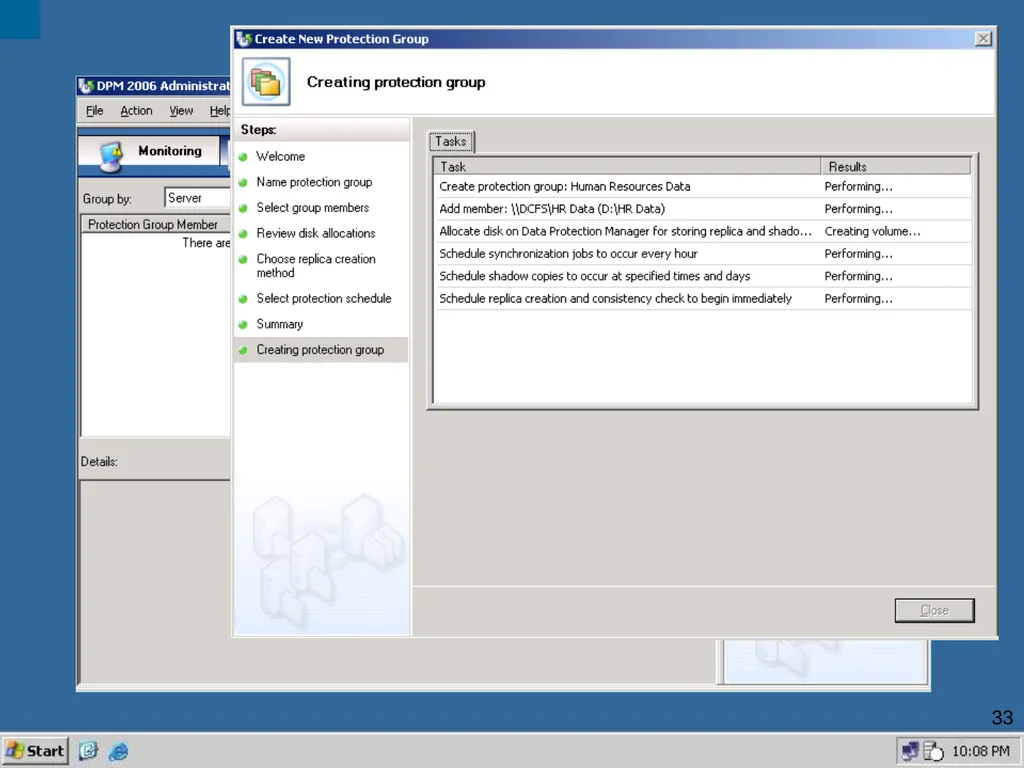
33<br>
33
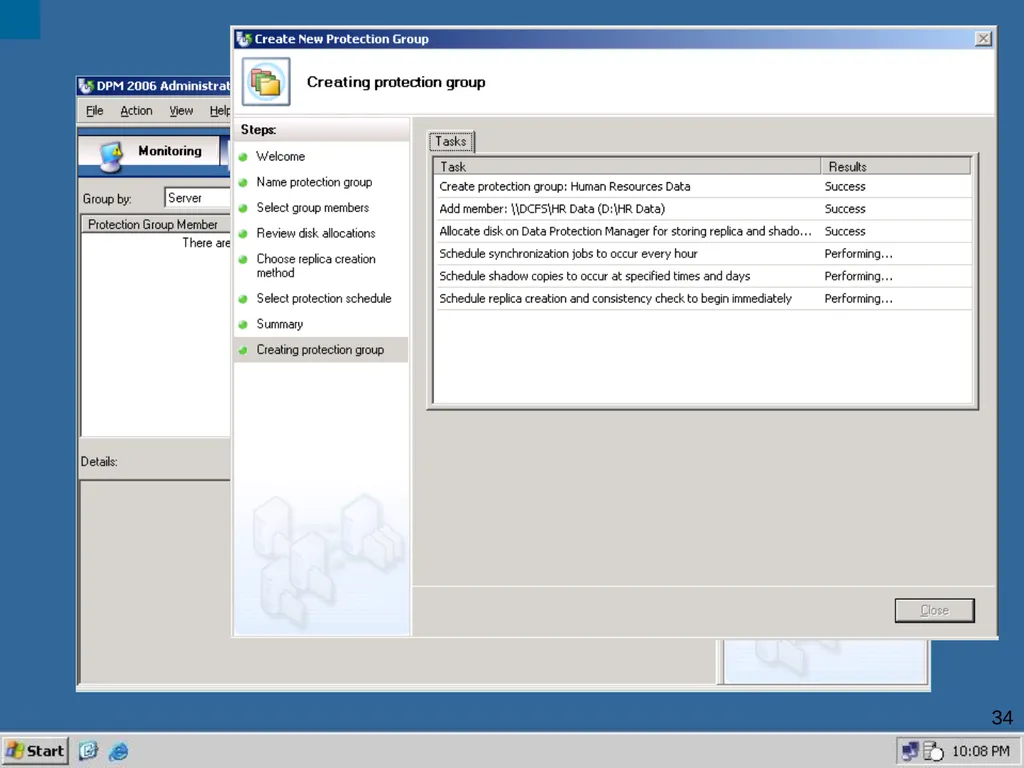
34<br>
34
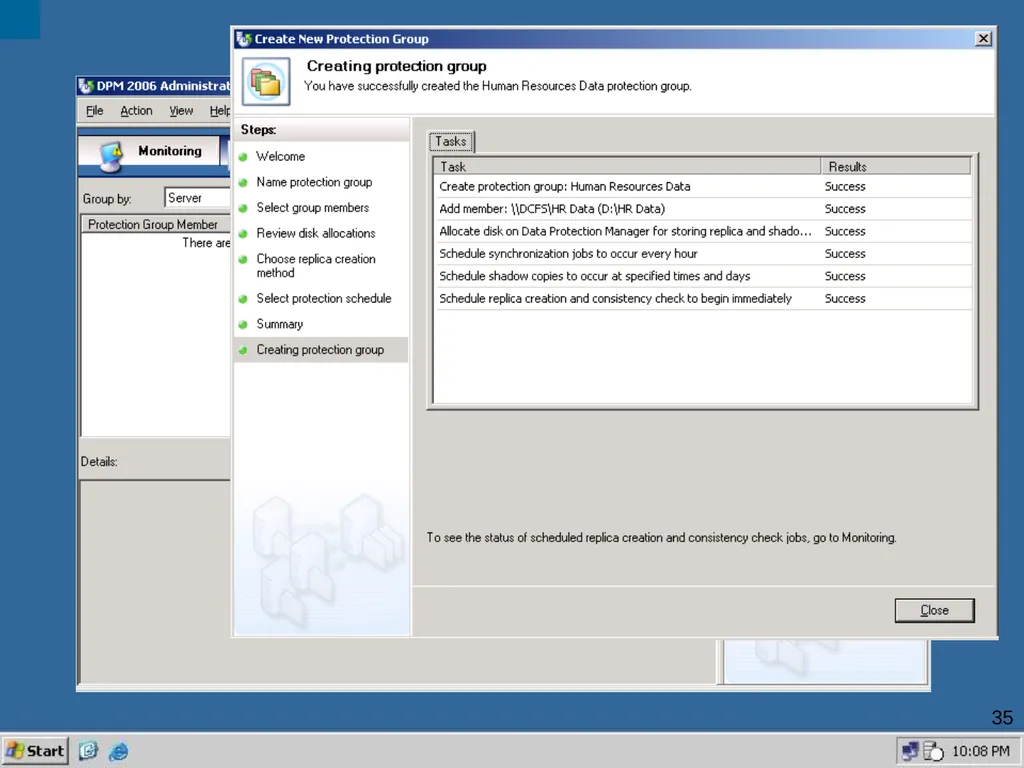
35<br>
35
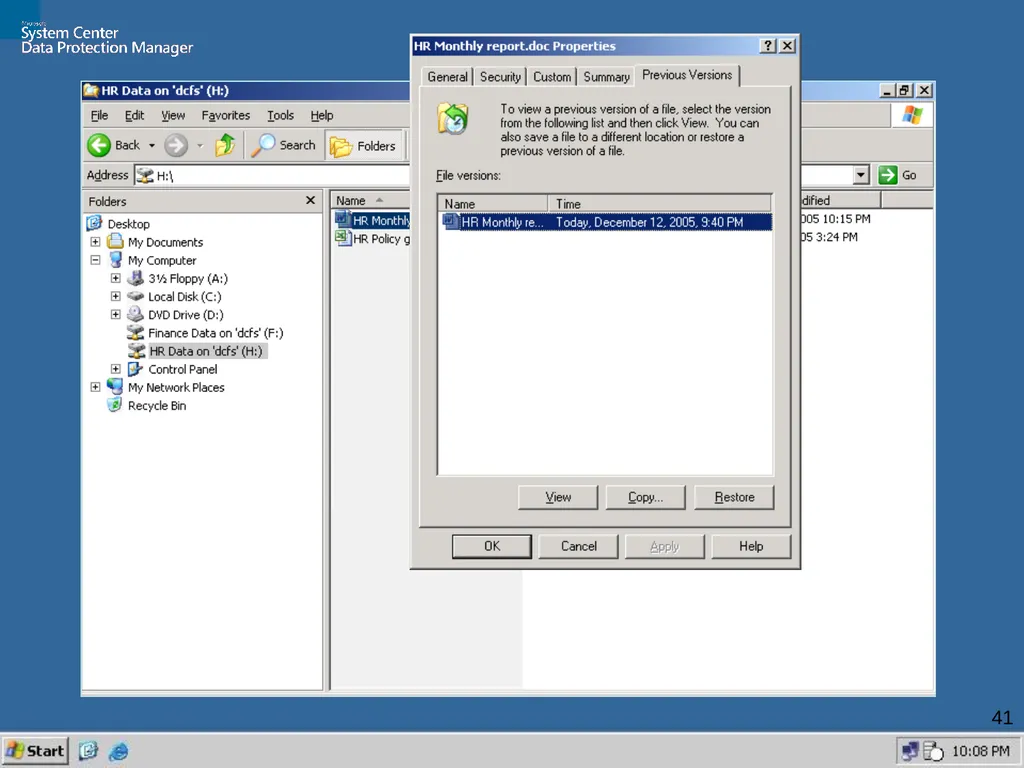
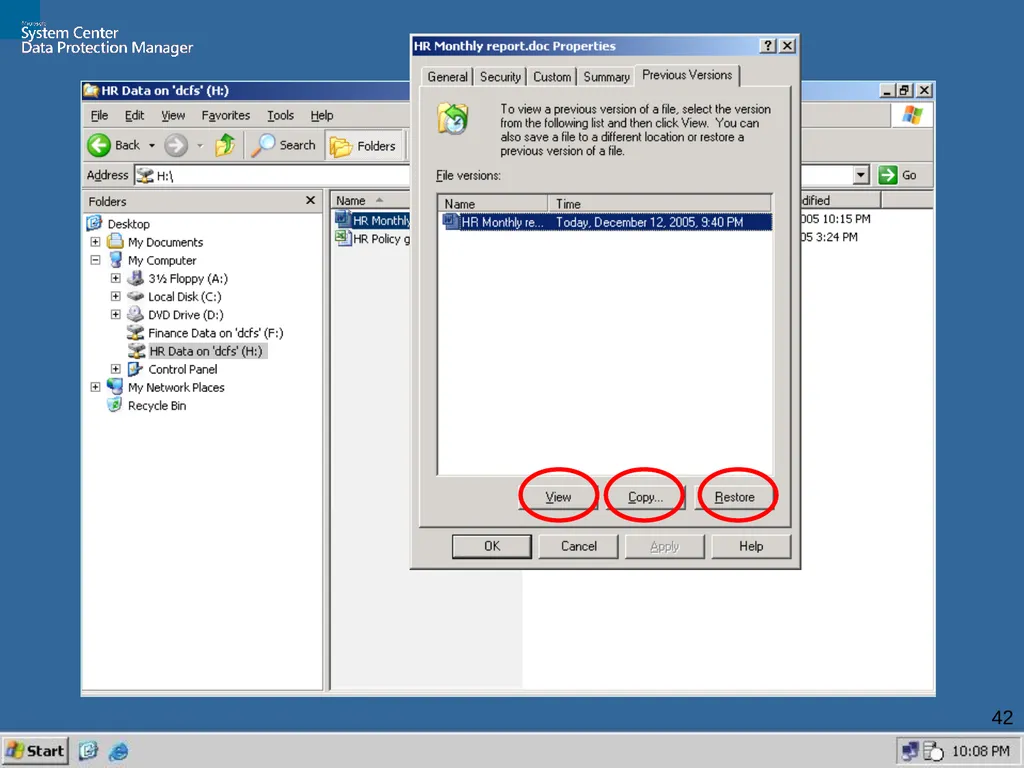
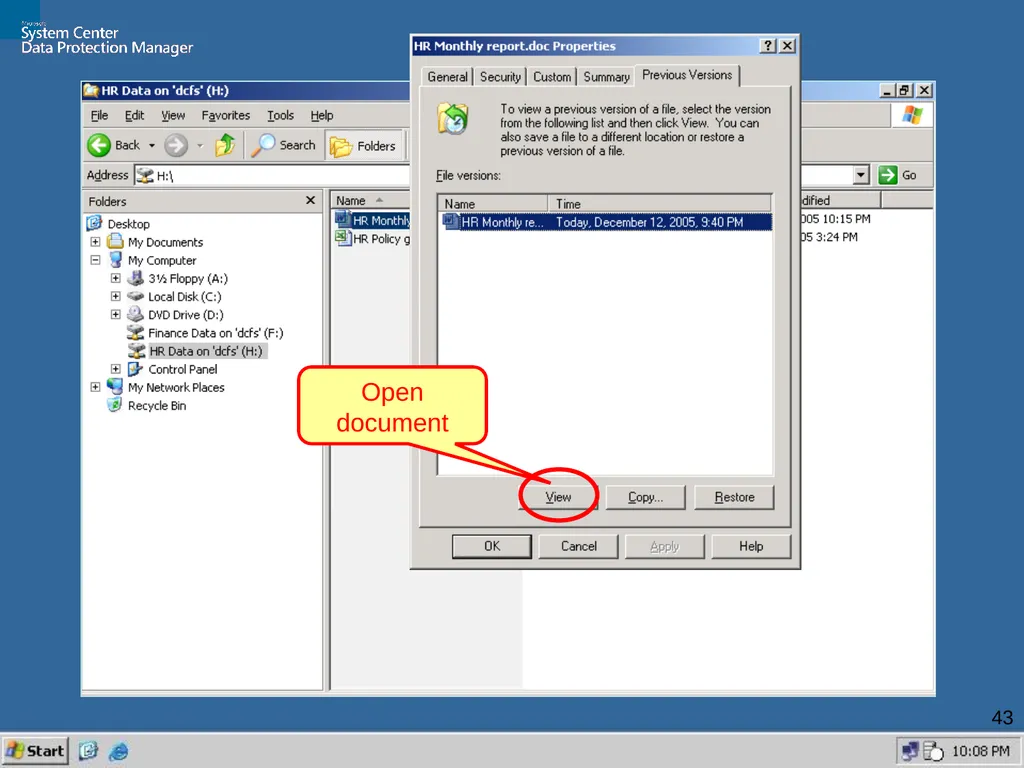
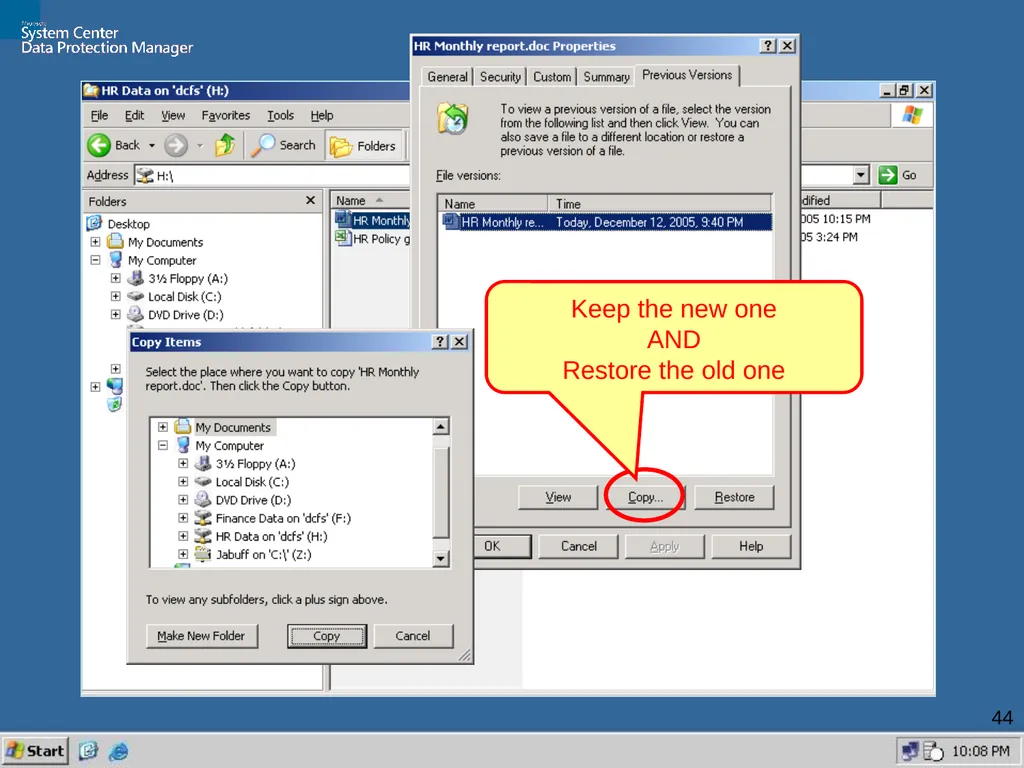
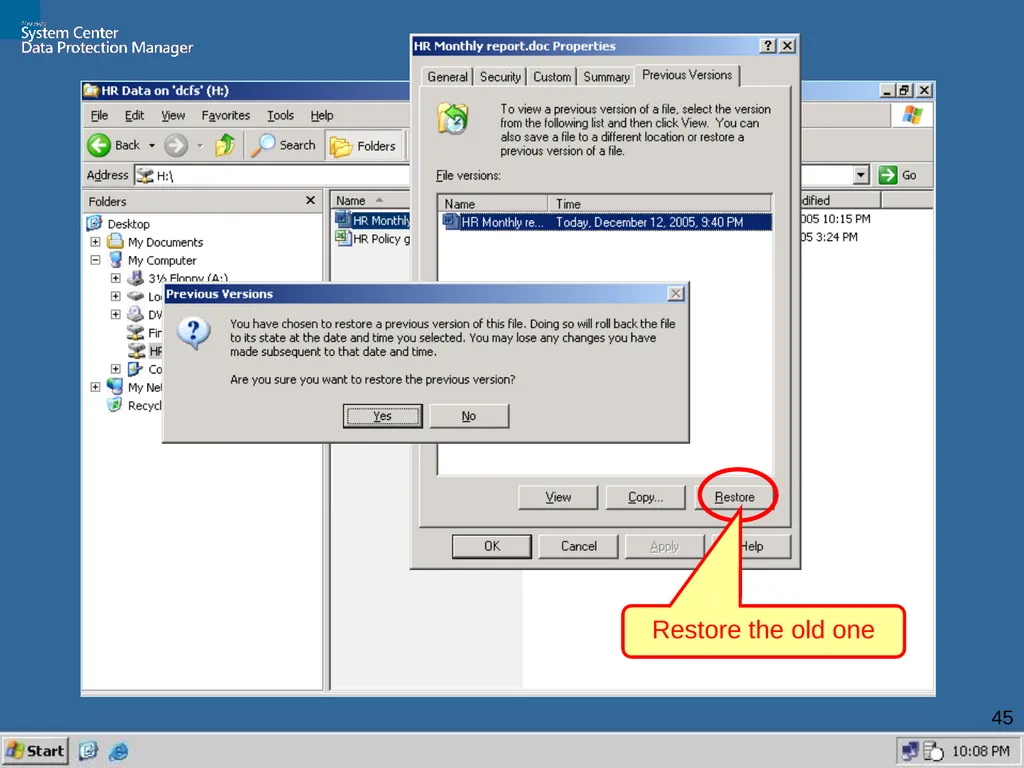
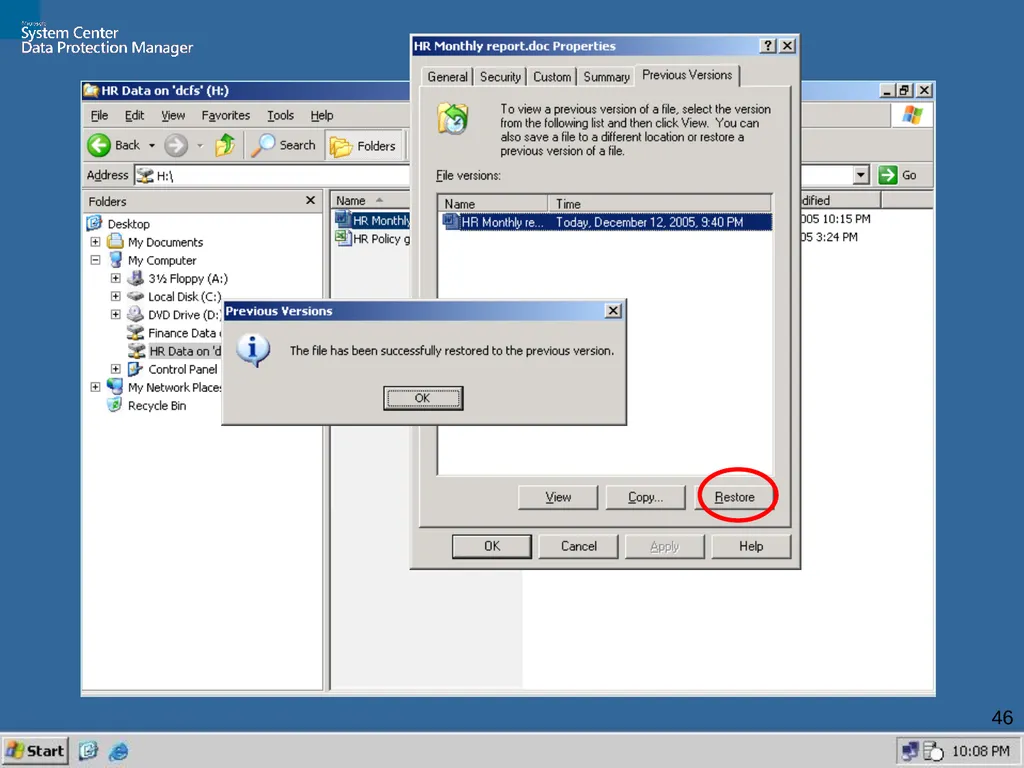
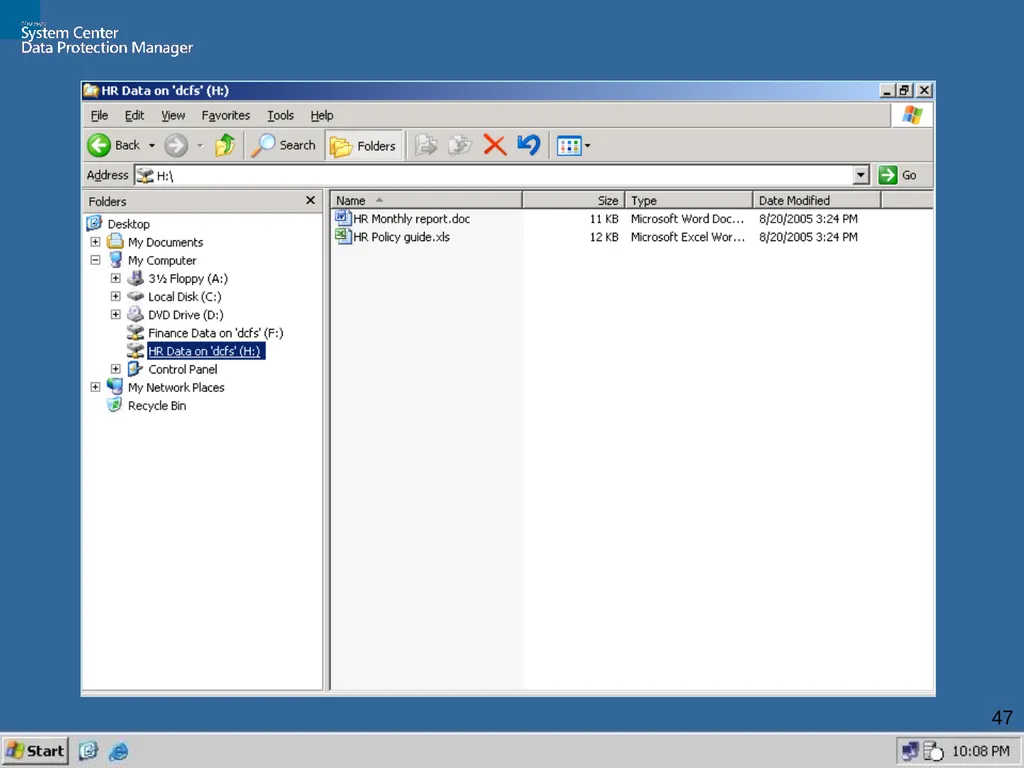
36 DPM Walkthru Task : End-User Restore
from Windows Explorer<br>
36
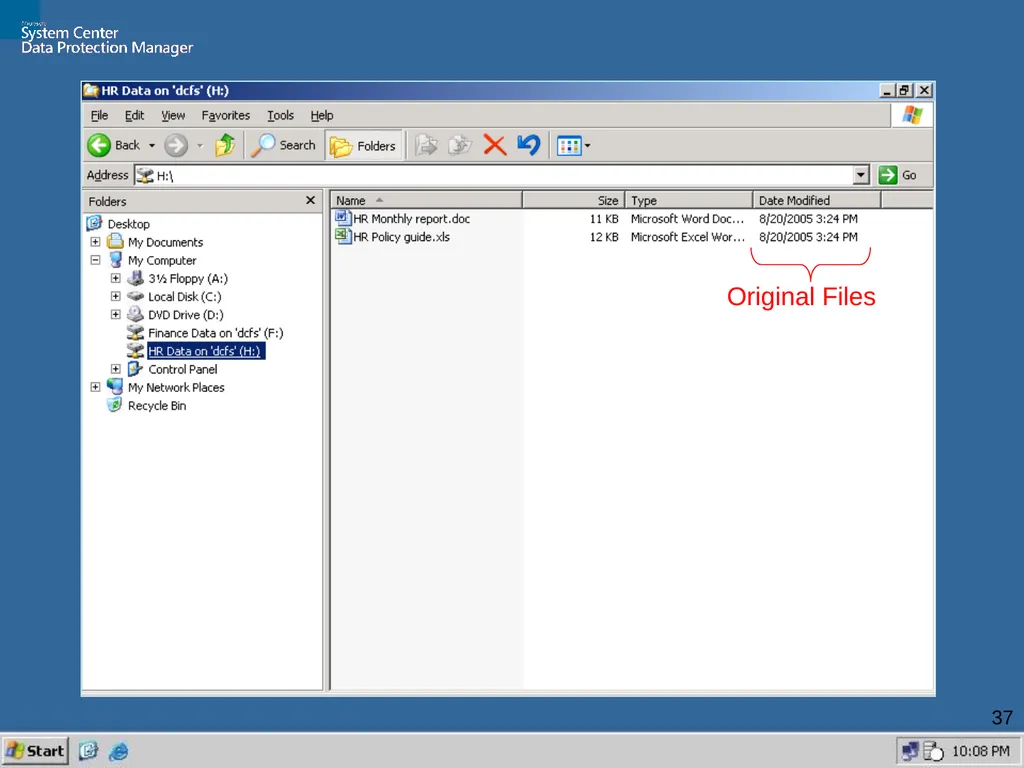
37 Original Files<br>
37
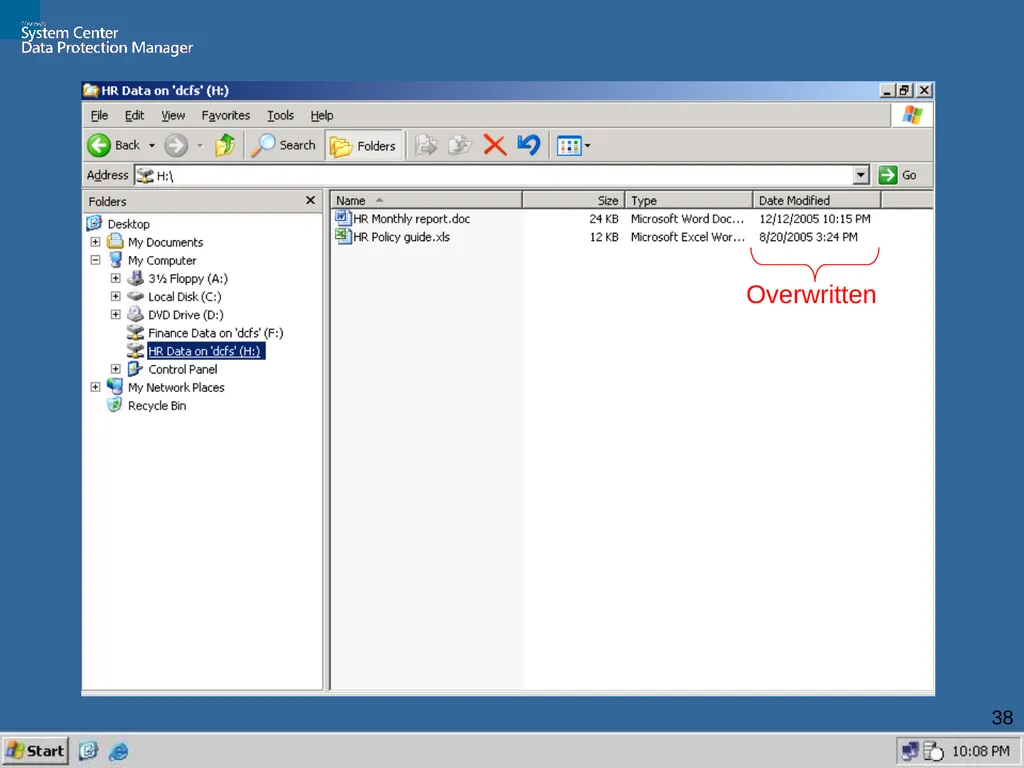
38 Overwritten<br>
38
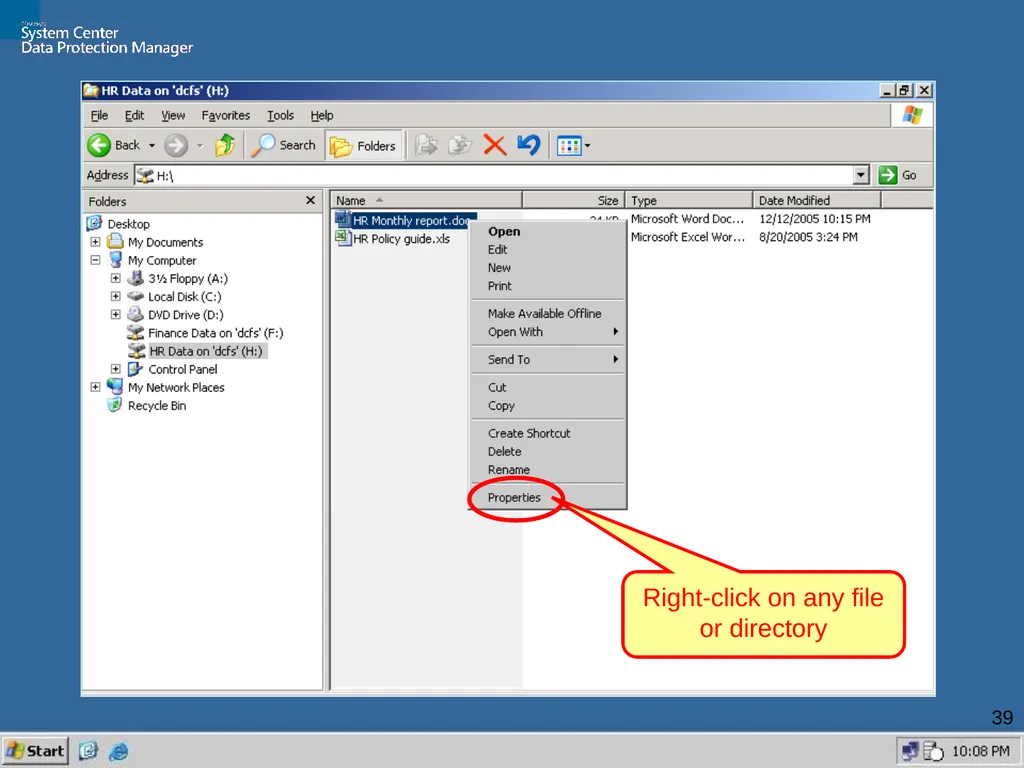
39 Right-click on any file or directory<br>
39
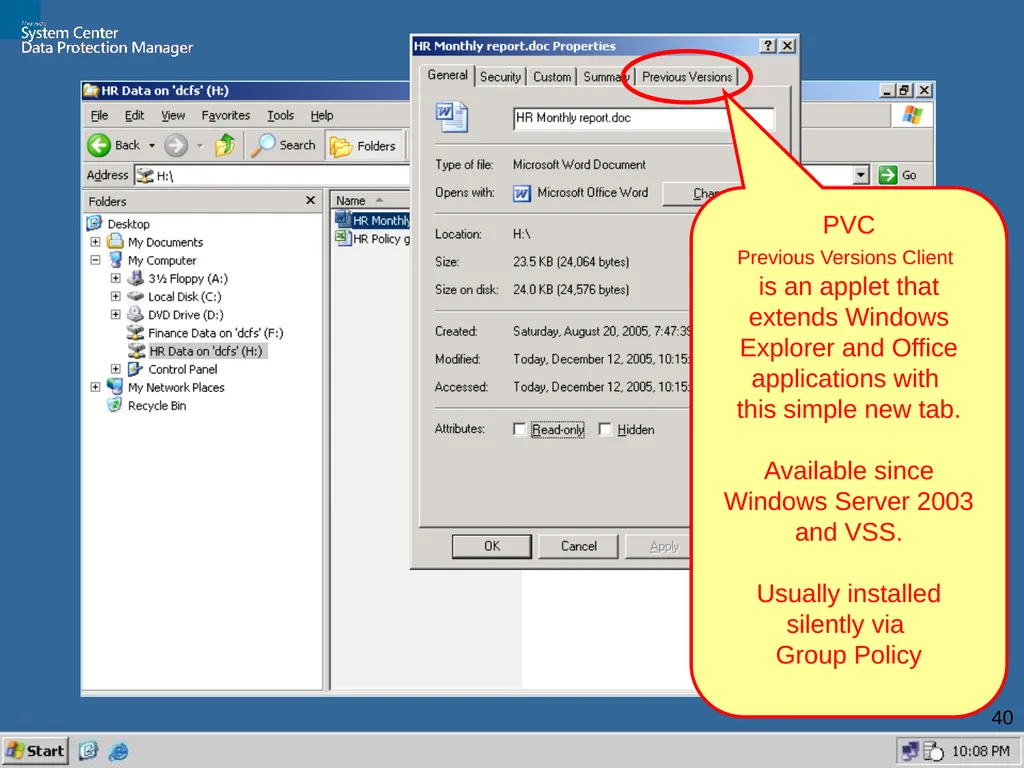
40 PVC
Previous Versions Client
is an applet that extends Windows Explorer and Office applications with
this simple new tab.