Adapting Activities For SI Online Activities!!! KWL Chart (and other charts) Informal Quiz Two Lies One Truth One Minute Paper Identify the Big Idea Incomplete Outline Peer Lessons Venn Diagram Tic Tac Toe SummarizingParaphrasing
"Adapting Activities For SI Online Activities!!!" is the property of its rightful owner. Permission is granted to
download and print the materials on this website for personal, non-commercial use only, and to display it
on your personal computer provided you do not modify the materials and that you retain all copyright
notices contained in the materials. By downloading content from our website, you accept the terms of this
agreement.
Presentation Transcript
01
Adapting Activities For SI Online<br>
02
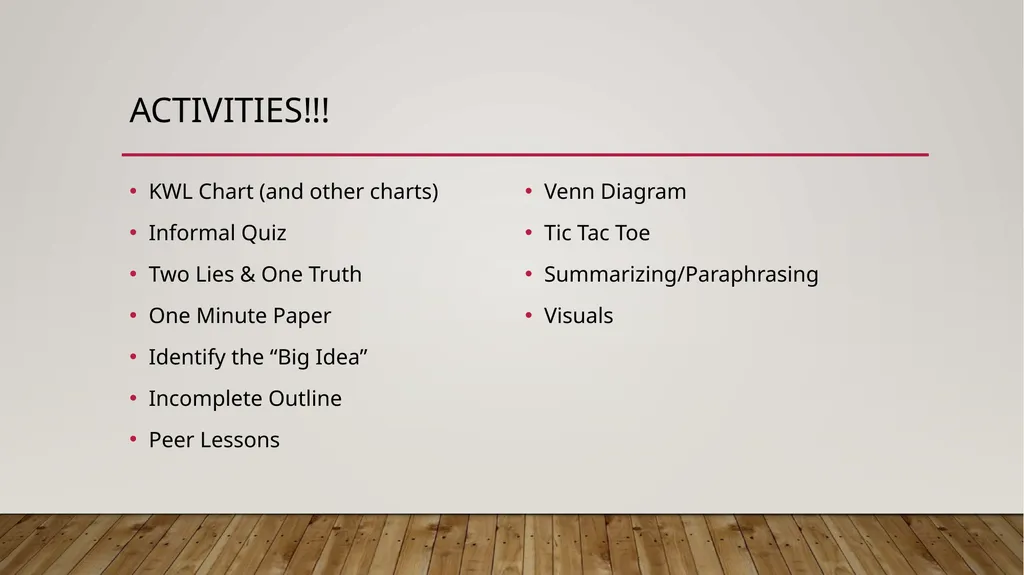
Activities!!! KWL Chart (and other charts)
Informal Quiz
Two Lies & One Truth
One Minute Paper
Identify the “Big Idea”
Incomplete Outline
Peer Lessons
Venn Diagram
Tic Tac Toe
Summarizing/Paraphrasing
Visuals<br>
03
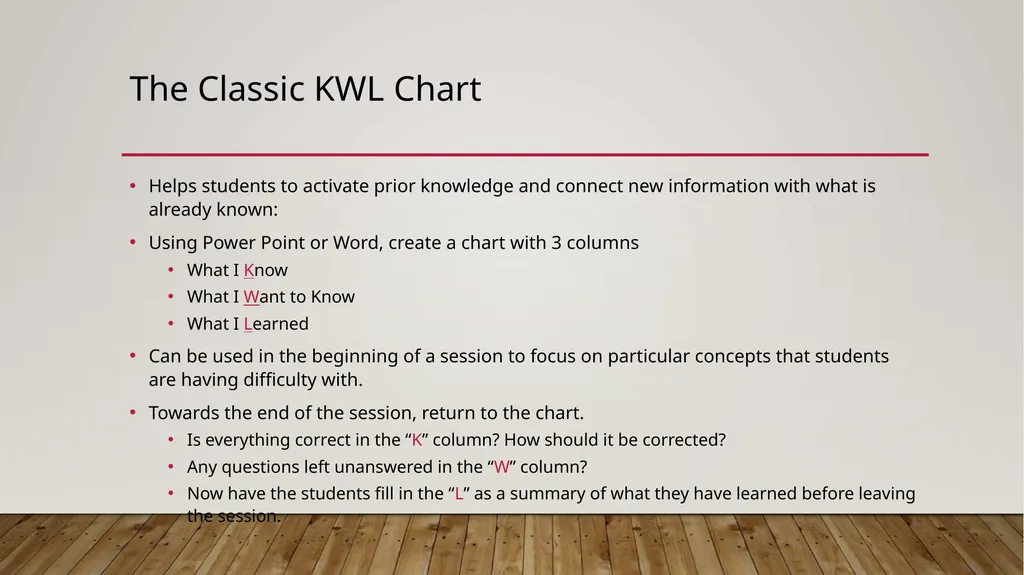
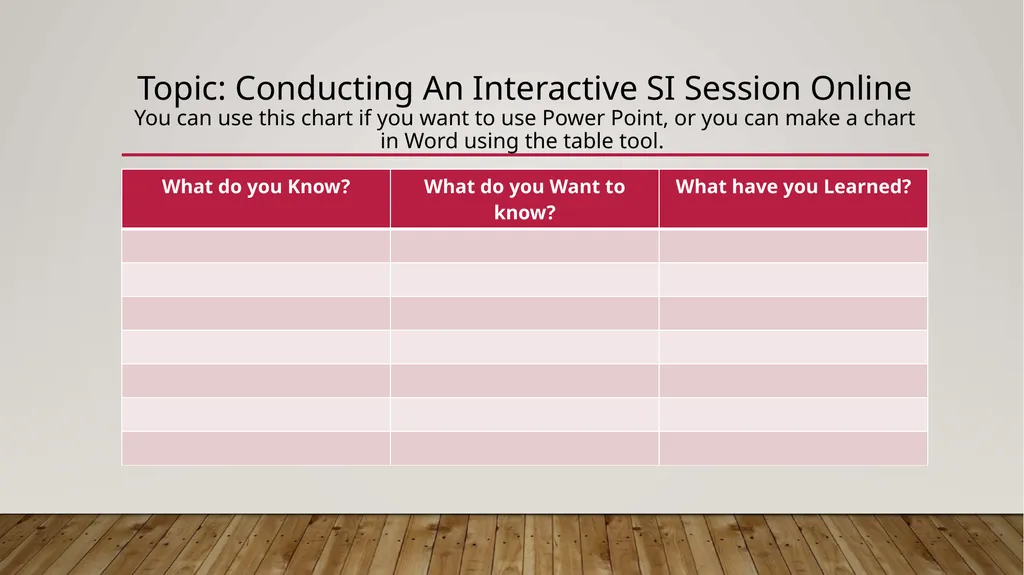
The Classic KWL Chart Helps students to activate prior knowledge and connect new information with what is already known:
Using Power Point or Word, create a chart with 3 columns
What I Know
What I Want to Know
What I Learned
Can be used in the beginning of a session to focus on particular concepts that students are having difficulty with.
Towards the end of the session, return to the chart.
Is everything correct in the “K” column? How should it be corrected?
Any questions left unanswered in the “W” column?
Now have the students fill in the “L” as a summary of what they have learned before leaving the session.<br>
04
Topic: Conducting An Interactive SI Session Online You can use this chart if you want to use Power Point, or you can make a chart in Word using the table tool.<br>
05
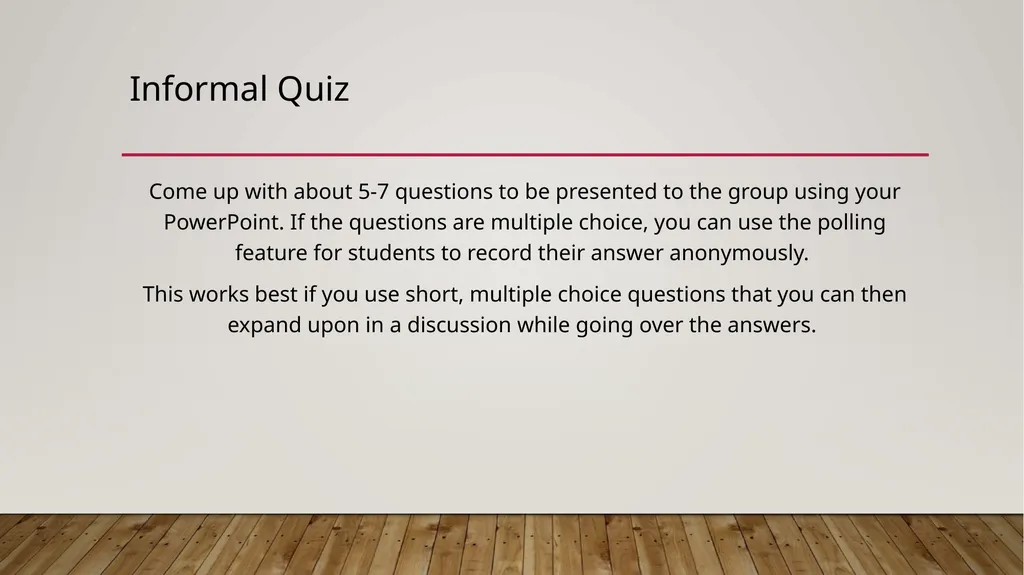
Informal Quiz Come up with about 5-7 questions to be presented to the group using your PowerPoint. If the questions are multiple choice, you can use the polling feature for students to record their answer anonymously.
This works best if you use short, multiple choice questions that you can then expand upon in a discussion while going over the answers.<br>
06
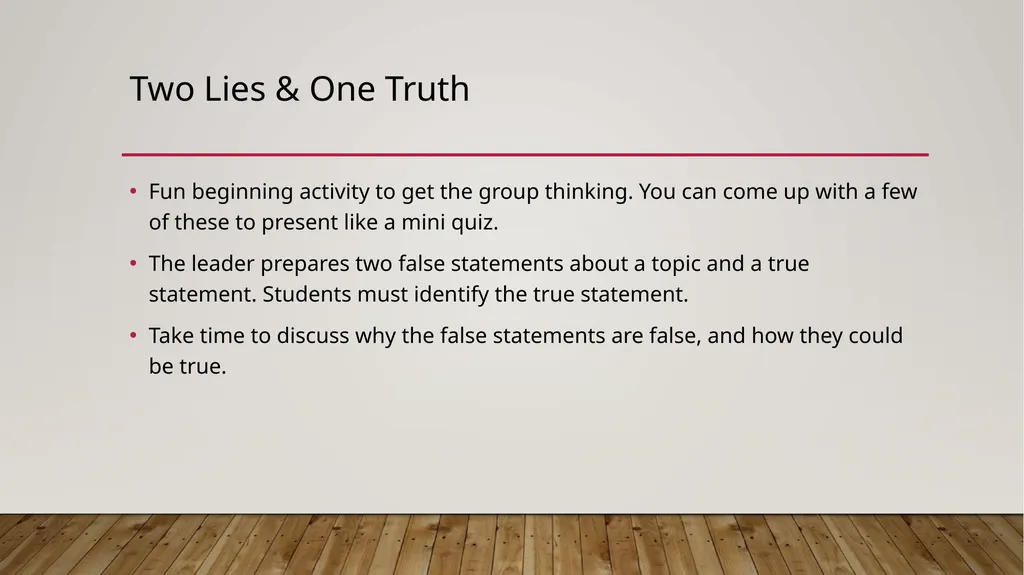
Two Lies & One Truth Fun beginning activity to get the group thinking. You can come up with a few of these to present like a mini quiz.
The leader prepares two false statements about a topic and a true statement. Students must identify the true statement.
Take time to discuss why the false statements are false, and how they could be true.<br>
07
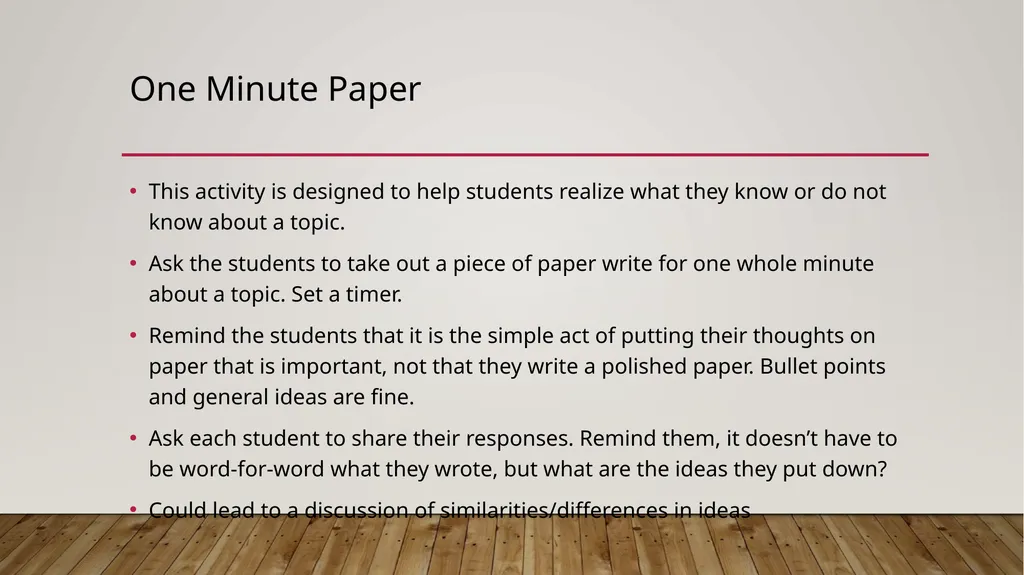
One Minute Paper This activity is designed to help students realize what they know or do not know about a topic.
Ask the students to take out a piece of paper write for one whole minute about a topic. Set a timer.
Remind the students that it is the simple act of putting their thoughts on paper that is important, not that they write a polished paper. Bullet points and general ideas are fine.
Ask each student to share their responses. Remind them, it doesn’t have to be word-for-word what they wrote, but what are the ideas they put down?
Could lead to a discussion of similarities/differences in ideas<br>
08
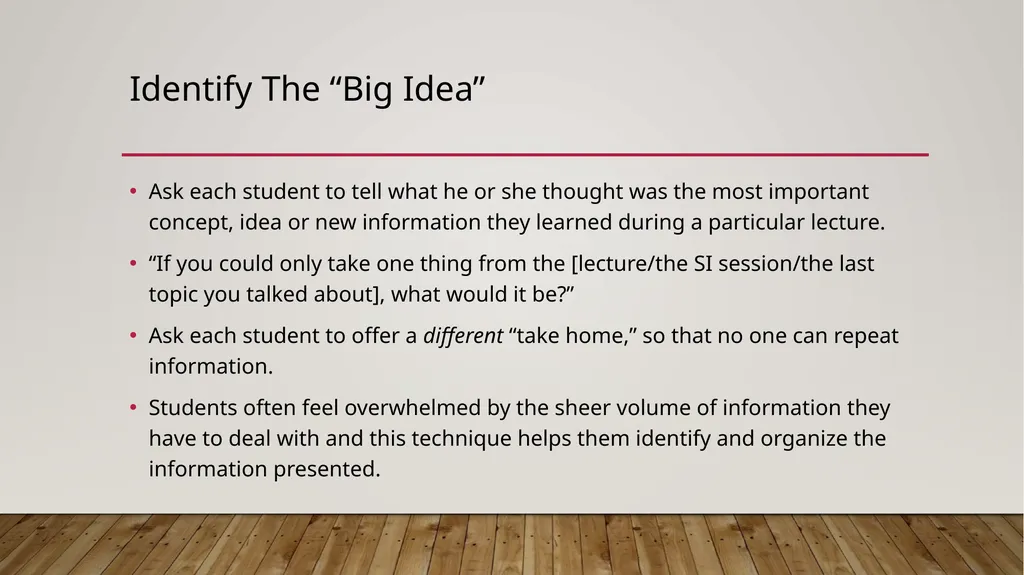
Identify The “Big Idea” Ask each student to tell what he or she thought was the most important concept, idea or new information they learned during a particular lecture.
“If you could only take one thing from the [lecture/the SI session/the last topic you talked about], what would it be?”
Ask each student to offer a different “take home,” so that no one can repeat information.
Students often feel overwhelmed by the sheer volume of information they have to deal with and this technique helps them identify and organize the information presented.<br>
09
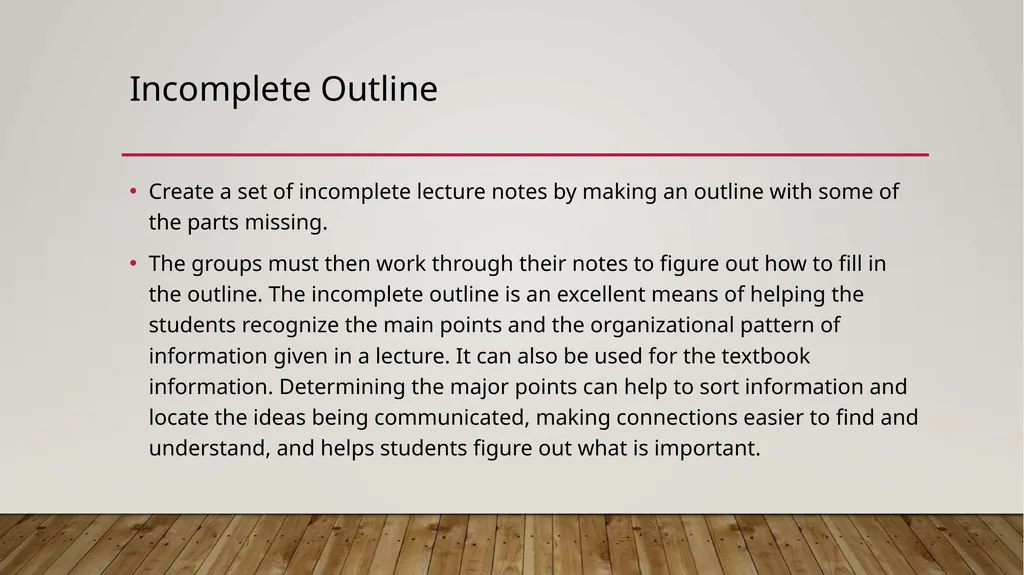
Incomplete Outline Create a set of incomplete lecture notes by making an outline with some of the parts missing.
The groups must then work through their notes to figure out how to fill in the outline. The incomplete outline is an excellent means of helping the students recognize the main points and the organizational pattern of information given in a lecture. It can also be used for the textbook information. Determining the major points can help to sort information and locate the ideas being communicated, making connections easier to find and understand, and helps students figure out what is important.<br>
10
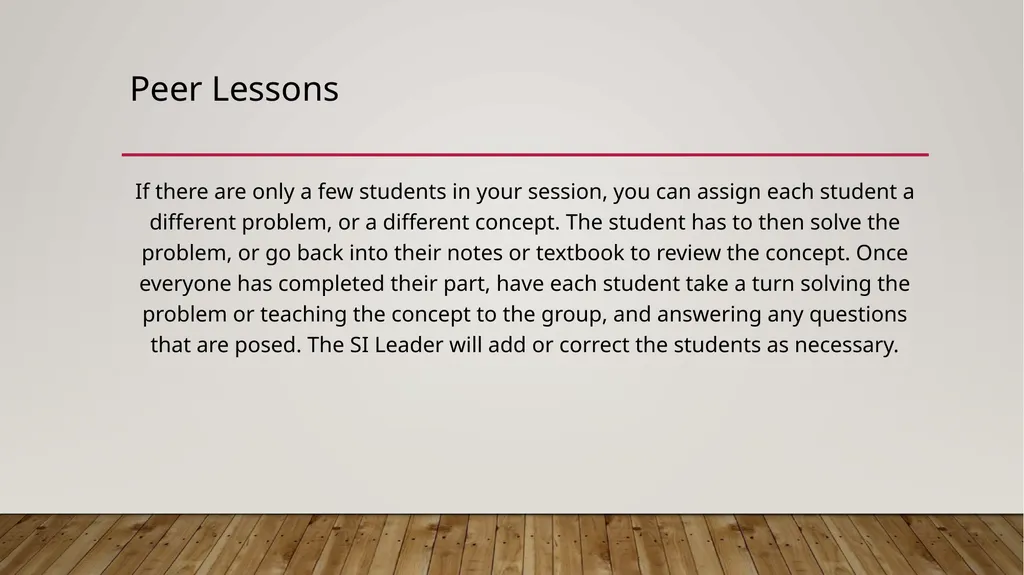
Peer Lessons If there are only a few students in your session, you can assign each student a different problem, or a different concept. The student has to then solve the problem, or go back into their notes or textbook to review the concept. Once everyone has completed their part, have each student take a turn solving the problem or teaching the concept to the group, and answering any questions that are posed. The SI Leader will add or correct the students as necessary.<br>
11
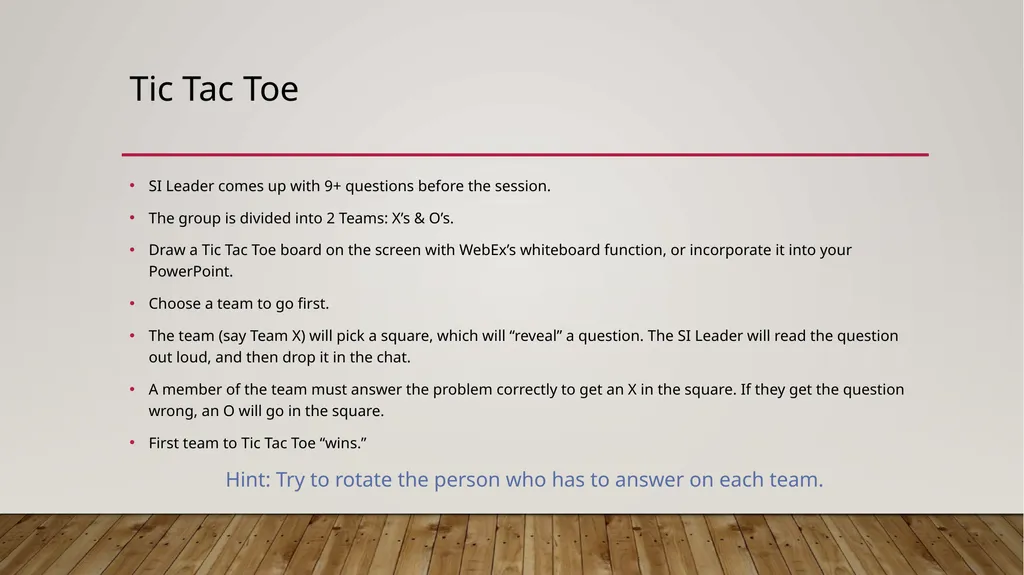
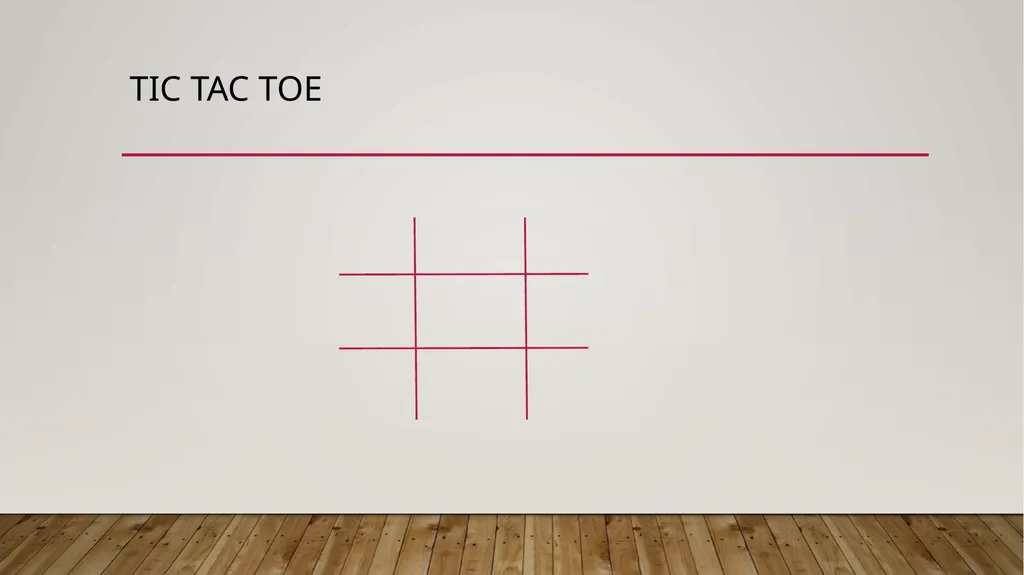
Tic Tac Toe SI Leader comes up with 9+ questions before the session.
The group is divided into 2 Teams: X’s & O’s.
Draw a Tic Tac Toe board on the screen with WebEx’s whiteboard function, or incorporate it into your PowerPoint.
Choose a team to go first.
The team (say Team X) will pick a square, which will “reveal” a question. The SI Leader will read the question out loud, and then drop it in the chat.
A member of the team must answer the problem correctly to get an X in the square. If they get the question wrong, an O will go in the square.
First team to Tic Tac Toe “wins.”
Hint: Try to rotate the person who has to answer on each team.<br>
12
Tic Tac Toe<br>
13
Venn Diagram Venn Diagrams are used to compare the similarities and differences between two concepts. This is a great visual technique for reviewing similar, yet contrasting concepts.
Can be easily done “impromptu.”<br>
14
Summarizing & Paraphrasing This technique reviews the process of the learning that has taken place. It is important to cover how an answer was obtained rather than just making sure the answer was correct.
Calling on students to summarize the steps or procedures to solve a problem will ensure that they will be able to complete more of the same problems on their own.
You may also ask your students to paraphrase information you may have “lectured” to them in their own words, so that you can check for understanding.
Summarizing the lecture(s) for the week can be another way for students to verbalize what they have learned at the beginning of a session. Other students can chime in on anything that was left out.<br>
15
Visuals The use of visuals is a very powerful memory tool.
Incorporate visuals into PowerPoints or worksheets.
If you’re describing something that can be looked up on Google, look it up on Google and share your screen!
Or, better yet, get your students to Google it and share their screens, almost like a Google Image Scavenger Hunt.
Ask students to come up with their own visual cues for vocabulary (a great edition to any flashcard!).<br>