04
What are the Interim Assessments? Interim Assessments
provide teachers with an additional resource that measures students’ mastery of specific content and skills.
are administered on a computer using the same test delivery system as the summative assessments.
are accessed using the Cambium Assessment, Inc. Secure Browser or Supporting Browsers (if remote).<br>
05
Non-Disclosure Agreement Interim items are classified as non-secure/non-public
Materials cannot be posted publicly, reproduced for commercial purposes, or sold
Materials contain copyrighted information<br>
06
administers the test consistent with policies for in-person administration.
monitors the test activity such that these interim tests are open only for the minimum amount of time necessary for students to complete their responses.
uses established test administration practices to support students getting access to the interim assessments. Requirements for Using Interims Remotely. The TA …<br>
07
reports any irregularities or security breaches immediately to the CSDE Assessment Office.
communicates with students to provide a session ID and SASIDs during student login using a secure method.
provides assistance and communicates with students during testing using a secure method
actively monitors the session to ensure students successfully complete the test. Requirements for Using Interims Remotely. The TA …<br>
08
What Does the Test Administrator (TA) Do?<br>
09
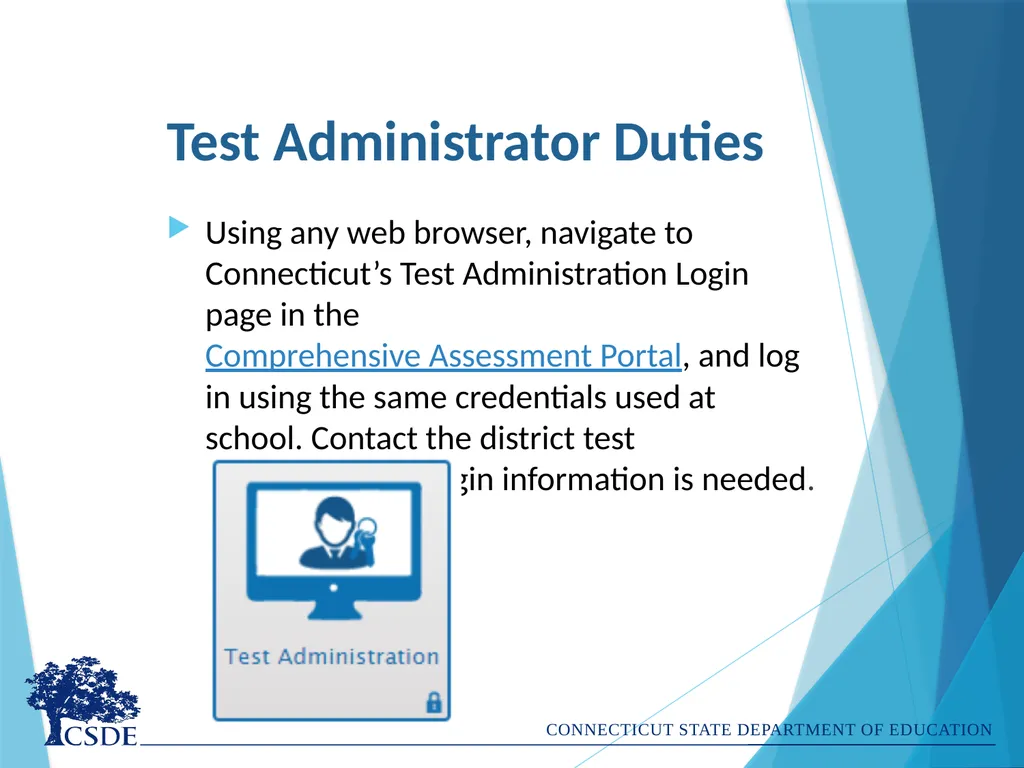
Test Administrator Duties Using any web browser, navigate to Connecticut’s Test Administration Login page in the Comprehensive Assessment Portal, and log in using the same credentials used at school. Contact the district test administrator if login information is needed.<br>
10
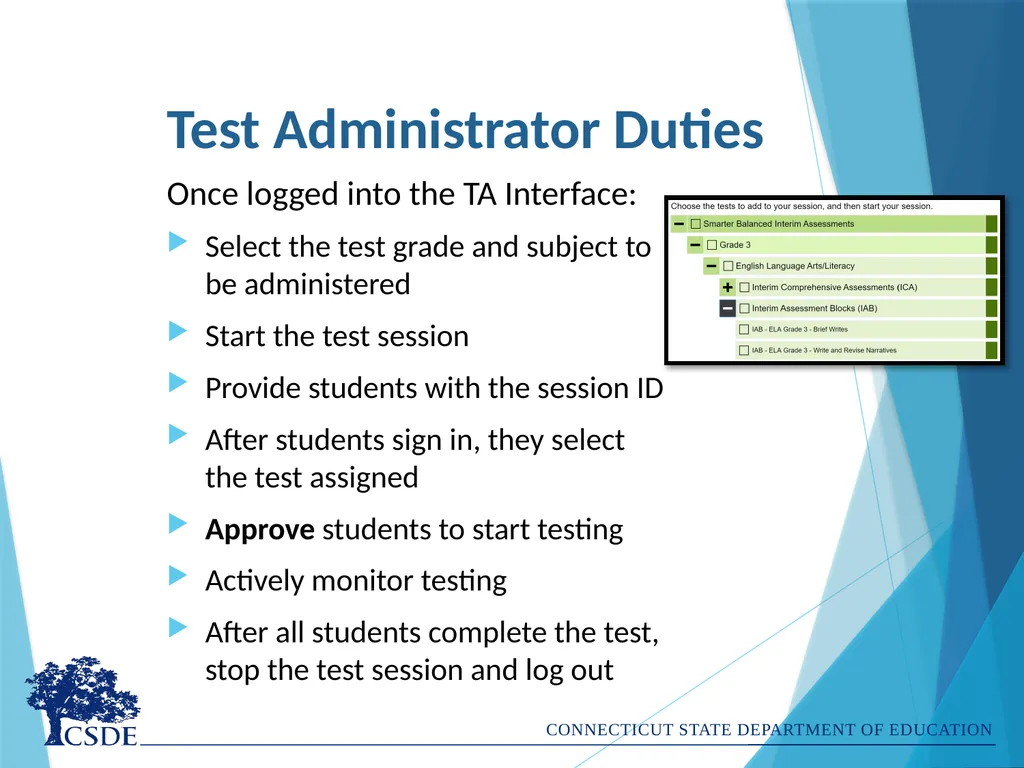
Test Administrator Duties Once logged into the TA Interface:
Select the test grade and subject to be administered
Start the test session
Provide students with the session ID
After students sign in, they select the test assigned
Approve students to start testing
Actively monitor testing
After all students complete the test, stop the test session and log out<br>
11
What Does the Student Do?<br>
12
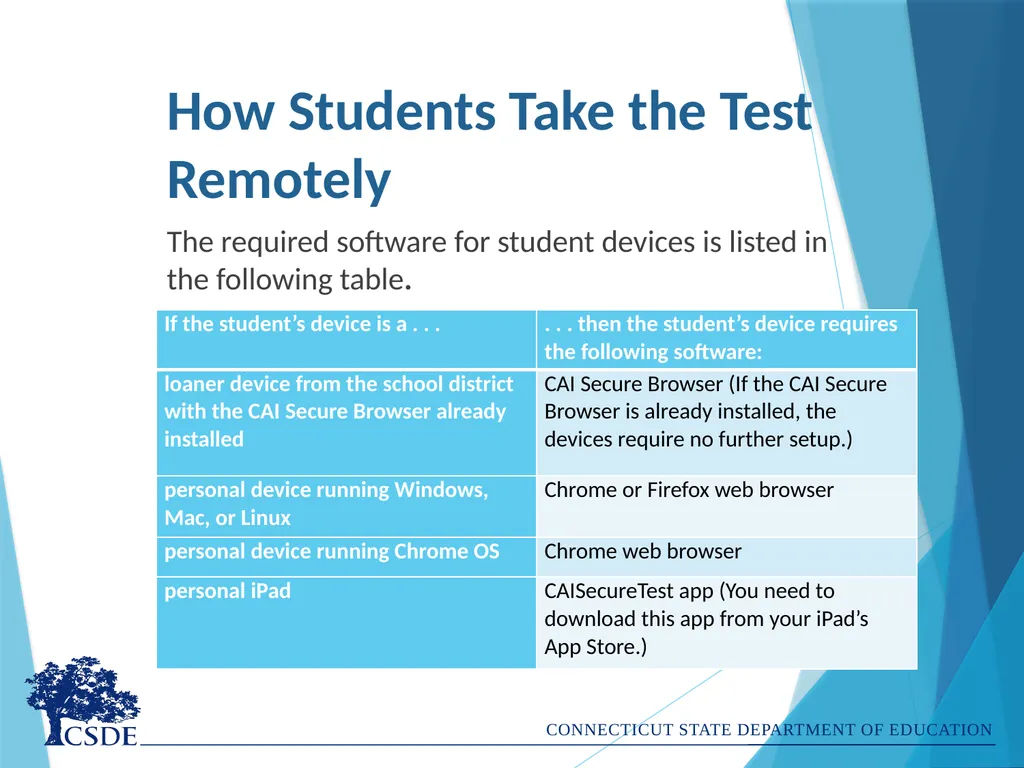
How Students Take the Test Remotely The required software for student devices is listed in the following table.<br>
13
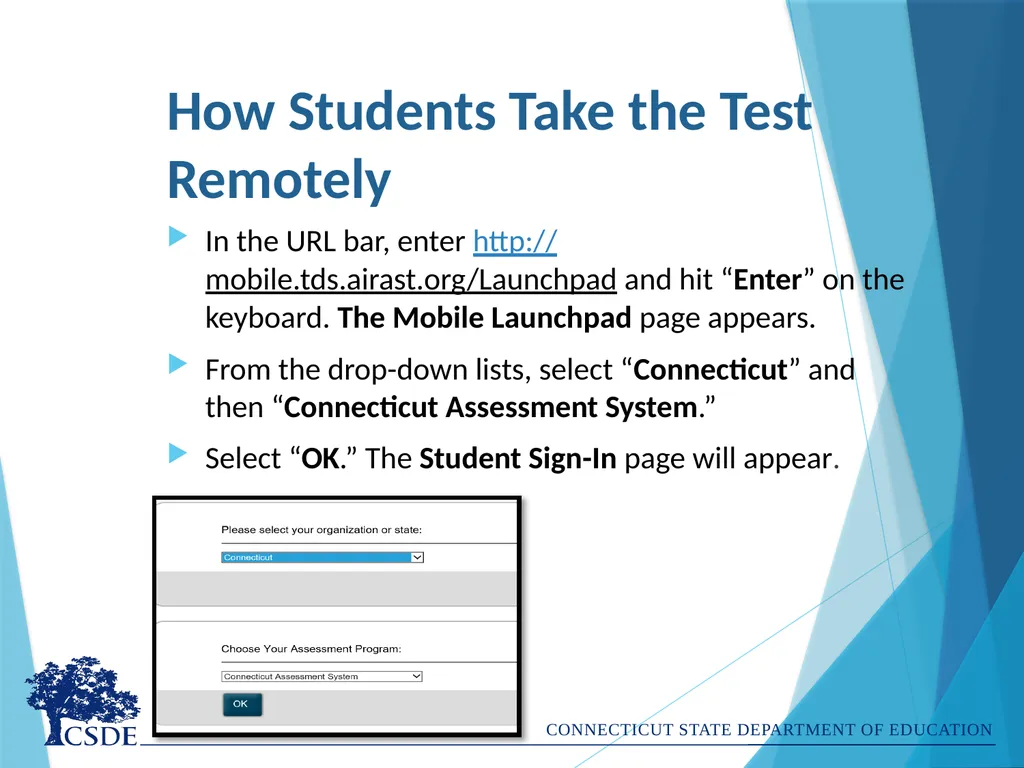
How Students Take the Test Remotely In the URL bar, enter http://mobile.tds.airast.org/Launchpad and hit “Enter” on the keyboard. The Mobile Launchpad page appears.
From the drop-down lists, select “Connecticut” and then “Connecticut Assessment System.”
Select “OK.” The Student Sign-In page will appear.<br>
14
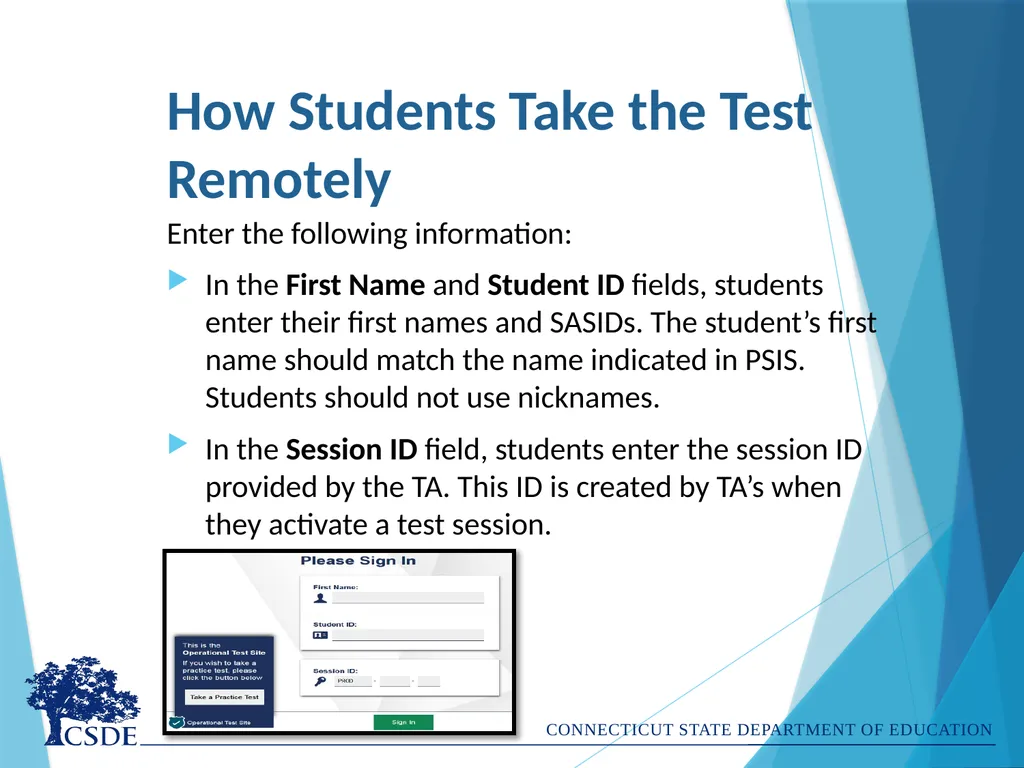
How Students Take the Test Remotely Enter the following information:
In the First Name and Student ID fields, students enter their first names and SASIDs. The student’s first name should match the name indicated in PSIS. Students should not use nicknames.
In the Session ID field, students enter the session ID provided by the TA. This ID is created by TA’s when they activate a test session.<br>
15
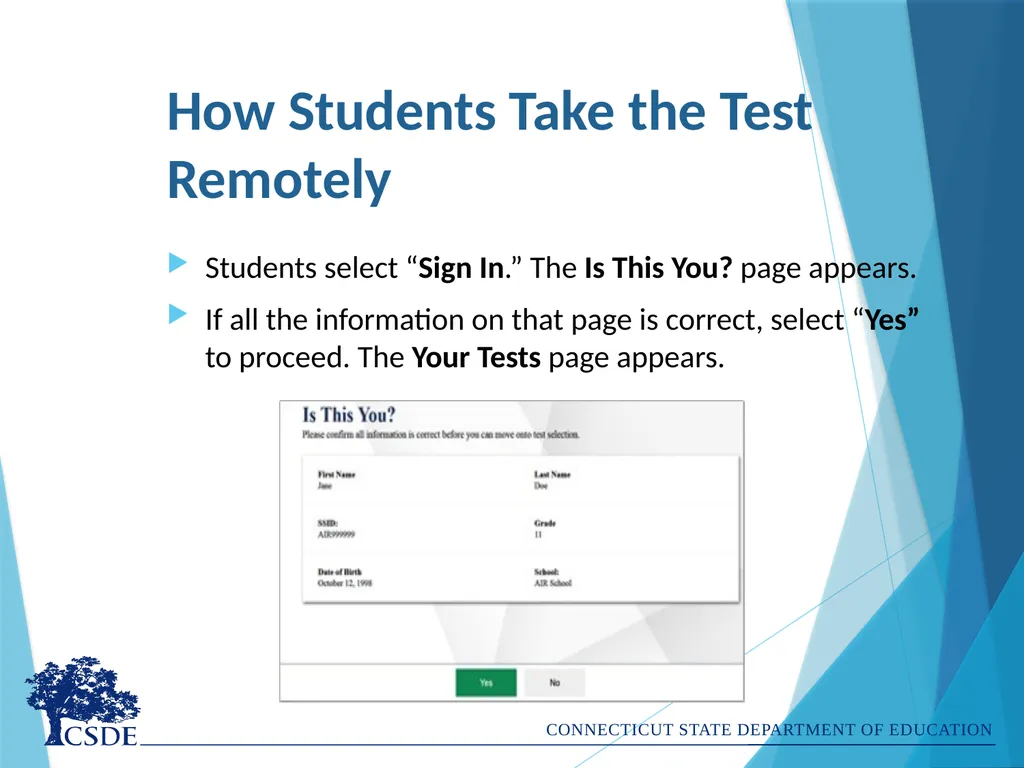
How Students Take the Test Remotely Students select “Sign In.” The Is This You? page appears.
If all the information on that page is correct, select “Yes” to proceed. The Your Tests page appears.<br>
16
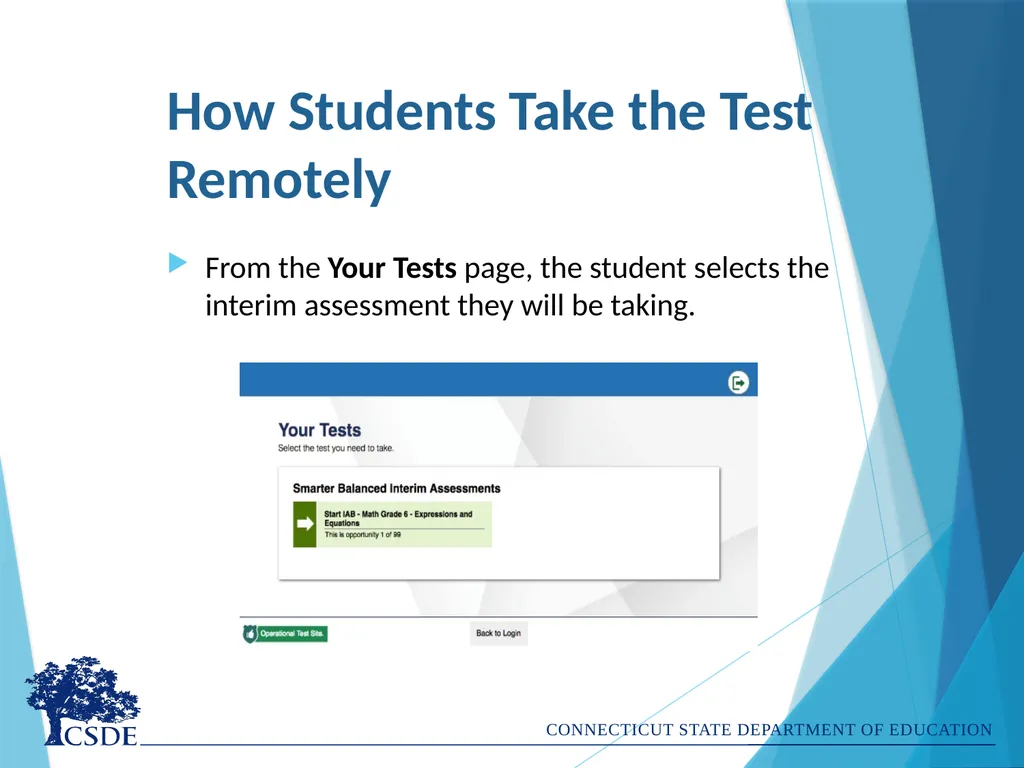
How Students Take the Test Remotely From the Your Tests page, the student selects the interim assessment they will be taking.<br>
17
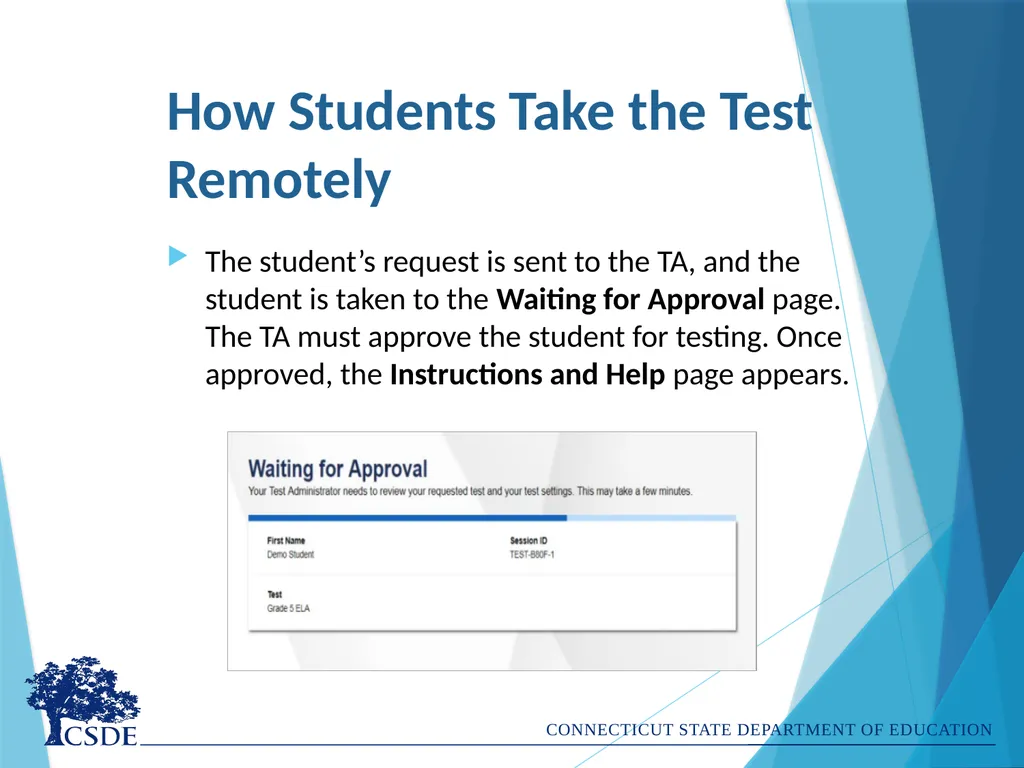
How Students Take the Test Remotely The student’s request is sent to the TA, and the student is taken to the Waiting for Approval page. The TA must approve the student for testing. Once approved, the Instructions and Help page appears.<br>
18
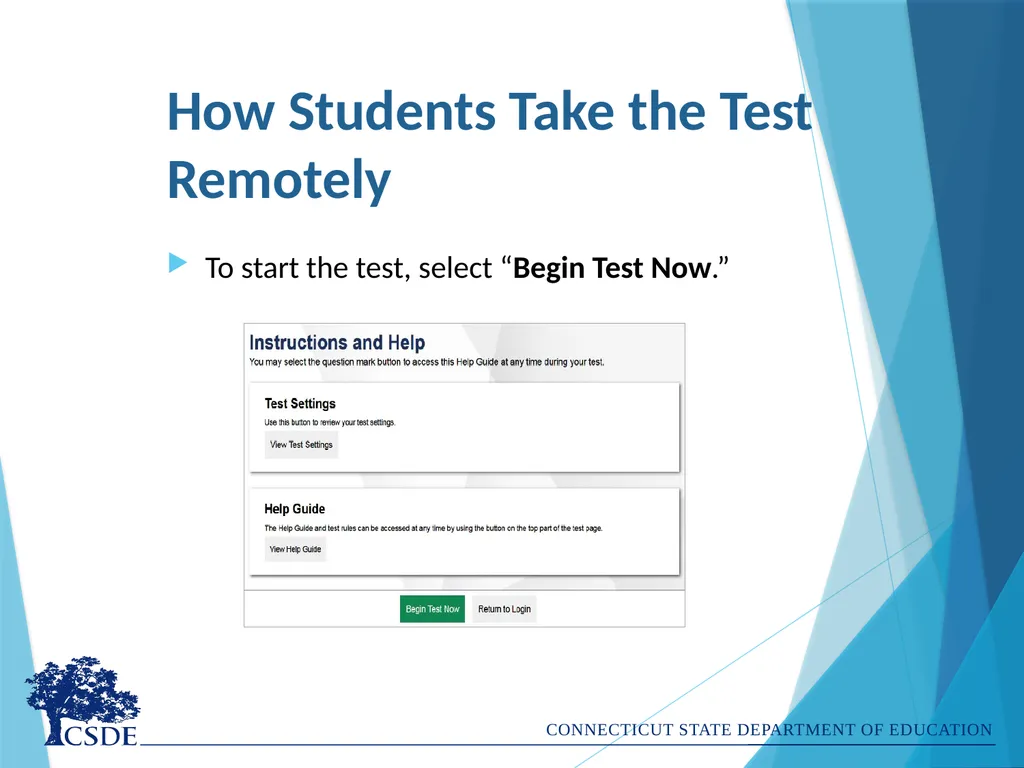
How Students Take the Test Remotely To start the test, select “Begin Test Now.”<br>
19
Let’s Not Forget Accessibility! Check to be sure students have access to their accommodations or designated support by looking in TIDE.
Before approving interim assessments, teachers should verify supports and accommodations in Test Administration Interface.<br>
20
Support for Administering Interim Assessments Remotely Technical questions can be directed to the Connecticut Help Desk at 844.202.7583 or cthelpdesk@cambiumassessment.com.
General questions can be directed to the Performance Office Team at ctstudentassessment@ct.gov or 860.713.6860.<br>
21
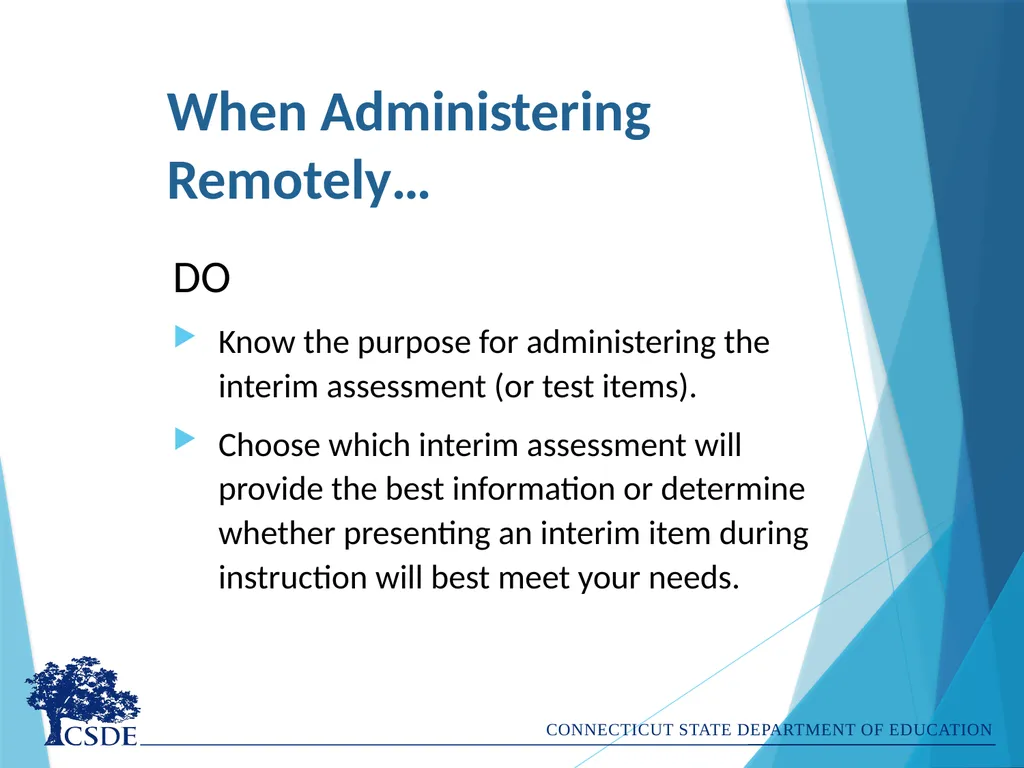
When Administering Remotely… DO
Know the purpose for administering the interim assessment (or test items).
Choose which interim assessment will provide the best information or determine whether presenting an interim item during instruction will best meet your needs.<br>
22
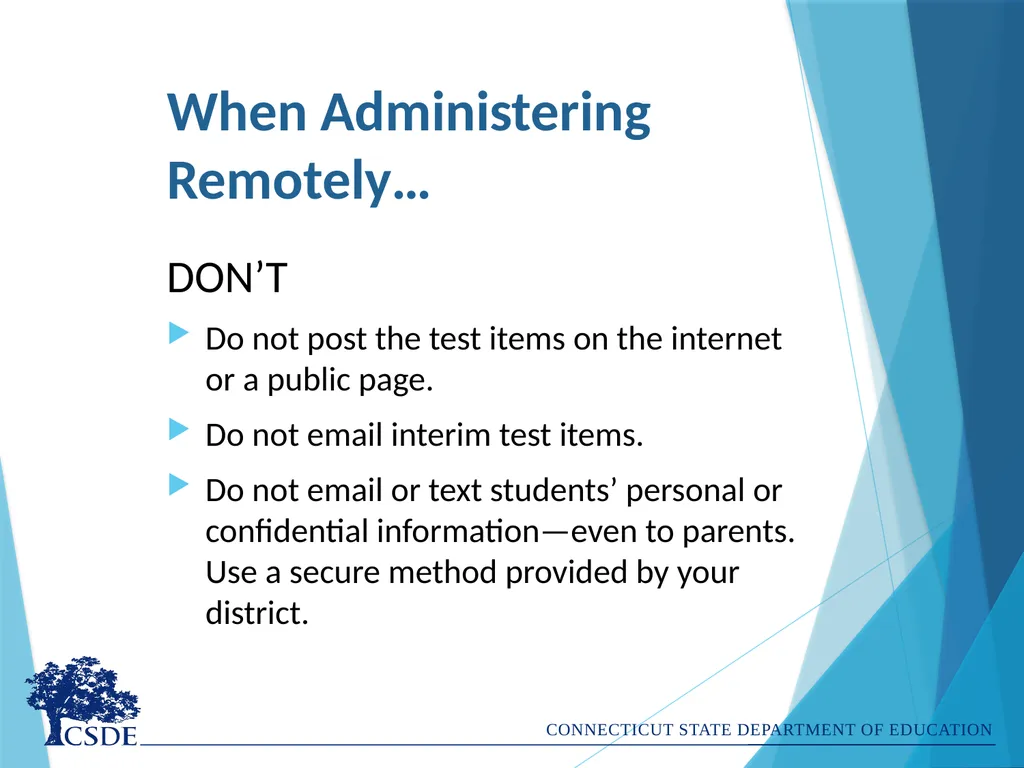
When Administering Remotely… DON’T
Do not post the test items on the internet or a public page.
Do not email interim test items.
Do not email or text students’ personal or confidential information—even to parents. Use a secure method provided by your district.<br>
23
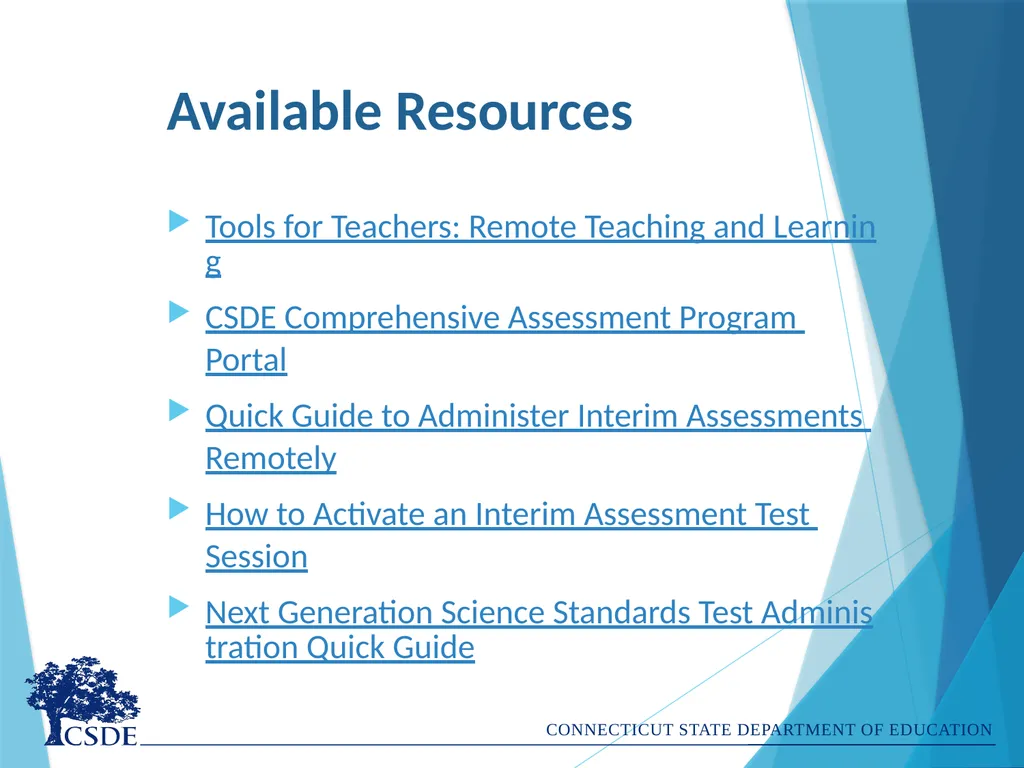
Available Resources Tools for Teachers: Remote Teaching and Learning
CSDE Comprehensive Assessment Program Portal
Quick Guide to Administer Interim Assessments Remotely
How to Activate an Interim Assessment Test Session
Next Generation Science Standards Test Administration Quick Guide<br>
24
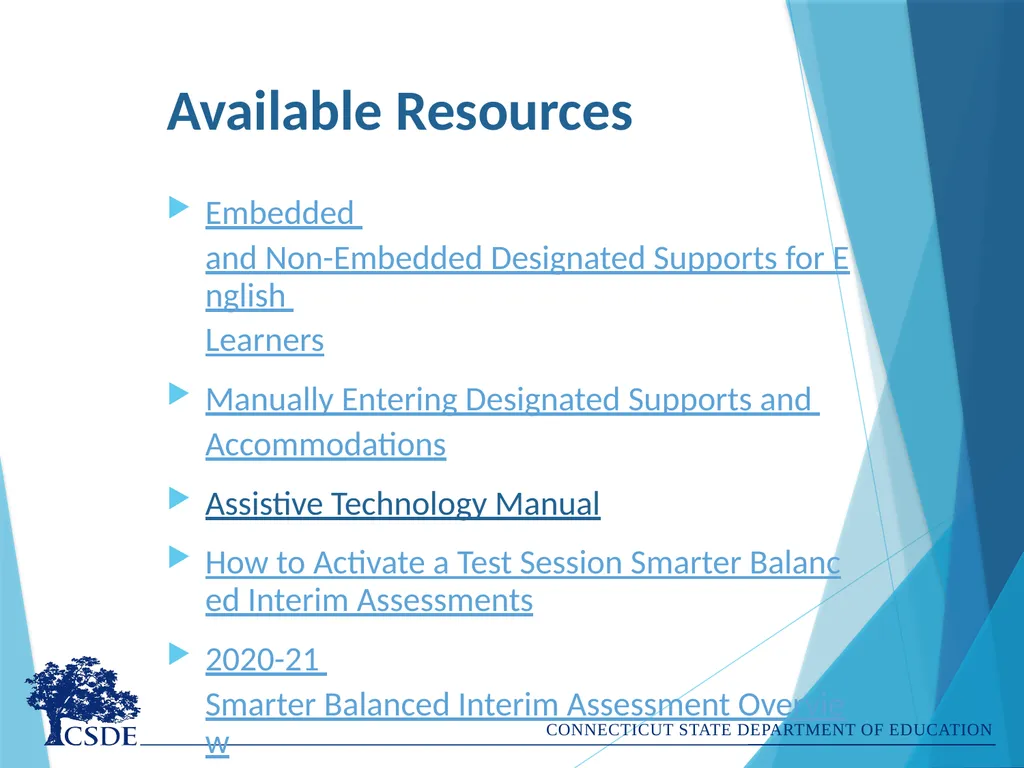
Available Resources Embedded and Non-Embedded Designated Supports for English Learners
Manually Entering Designated Supports and Accommodations
Assistive Technology Manual
How to Activate a Test Session Smarter Balanced Interim Assessments
2020-21 Smarter Balanced Interim Assessment Overview<br>
25
Available Resources CSDE Interim Assessment Web Page
Assessment Guidelines
Test Delivery System Test Administrator User Guide
Centralized Reporting System User Guide
Smarter Balanced Interim Assessment Test Administration Manual<br>
26
Contact Information Dr. Cristi Alberino, ELA
Education Consultant, Performance Office
Cristi.Alberino@ct.gov
860-713-6862 Deirdre Ducharme, Special Populations, ELA
Education Consultant, Performance Office
Deirdre.Ducharme@ct.gov
860-713-6859 CSDE, Performance Office
860-713-6860 ctstudentassessment@ct.gov<br>