Animation in Google Slides: Complete Guide Master Visual Storytelling with Step-by-Step Techniques Best Practices 2026 Table of Contents 1. What is Animation in Google Slides? 2. Core Animation Techniques 3. Real-World Applications Case
"Animation in Google Slides: Complete Guide Master" is the property of its rightful owner. Permission is granted to
download and print the materials on this website for personal, non-commercial use only, and to display it
on your personal computer provided you do not modify the materials and that you retain all copyright
notices contained in the materials. By downloading content from our website, you accept the terms of this
agreement.
Presentation Transcript
01
Animation in
Google Slides:
Complete Guide Master Visual Storytelling with
Step-by-Step Techniques & Best
Practices 2026<br>
02
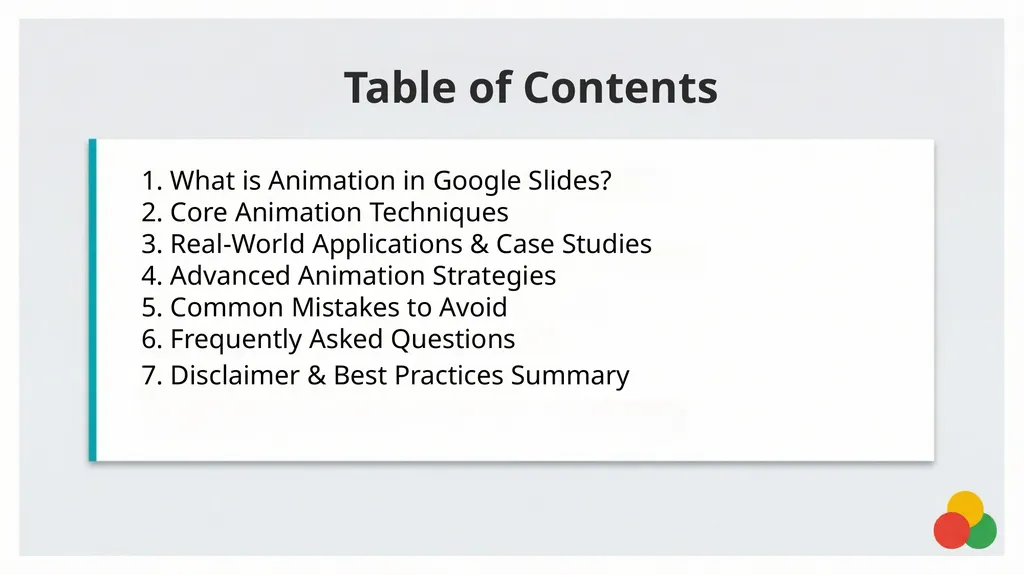
Table of Contents 1. What is Animation in Google Slides?
2. Core Animation Techniques
3. Real-World Applications & Case Studies
4. Advanced Animation Strategies
5. Common Mistakes to Avoid
6. Frequently Asked Questions
7. Disclaimer & Best Practices Summary<br>
03
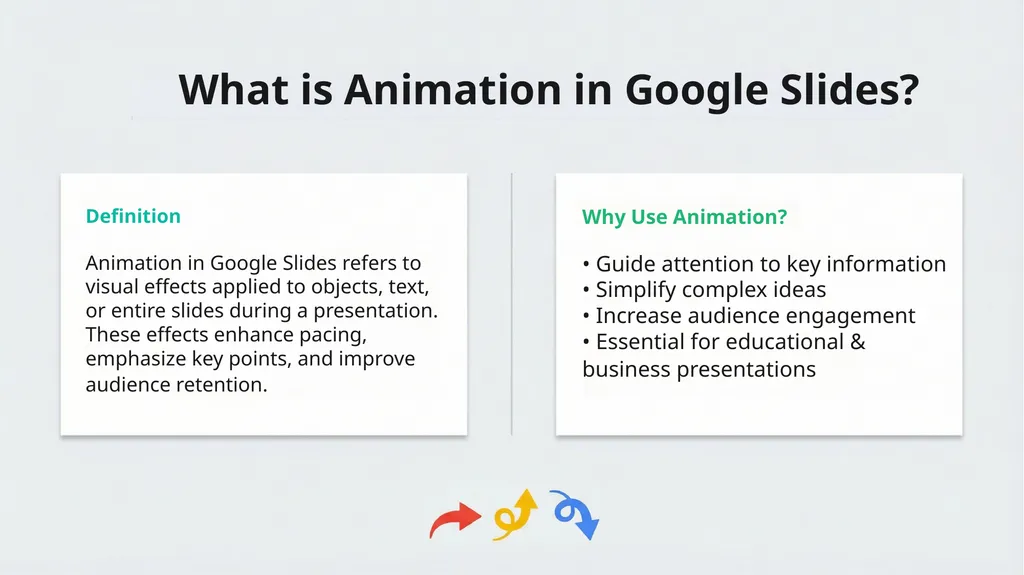
What is Animation in Google Slides? Definition Why Use Animation? Animation in Google Slides refers to
visual effects applied to objects, text,
or entire slides during a presentation.
These effects enhance pacing,
emphasize key points, and improve
audience retention. • Guide attention to key information
• Simplify complex ideas
• Increase audience engagement
• Essential for educational &
business presentations<br>
04
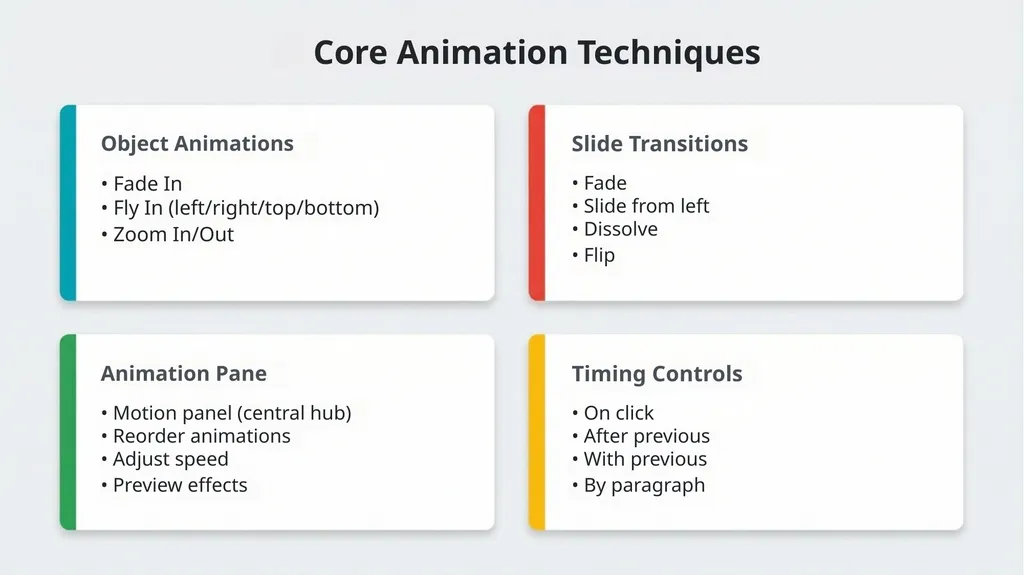
Core Animation Techniques Object Animations Slide Transitions Animation Pane Timing Controls • Fade In
• Fly In (left/right/top/bottom)
• Zoom In/Out • Fade
• Slide from left
• Dissolve
• Flip • Motion panel (central hub)
• Reorder animations
• Adjust speed
• Preview effects • On click
• After previous
• With previous
• By paragraph<br>
05
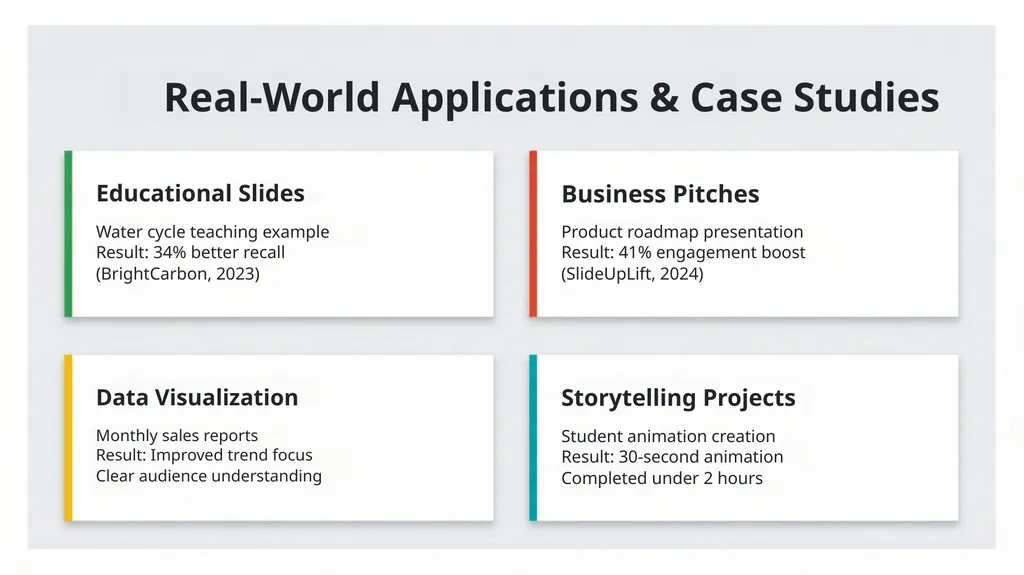
Real-World Applications & Case Studies Educational Slides Business Pitches Data Visualization Storytelling Projects Water cycle teaching example
Result: 34% better recall
(BrightCarbon, 2023) Product roadmap presentation
Result: 41% engagement boost
(SlideUpLift, 2024) Monthly sales reports
Result: Improved trend focus
Clear audience understanding Student animation creation
Result: 30-second animation
Completed under 2 hours<br>
06
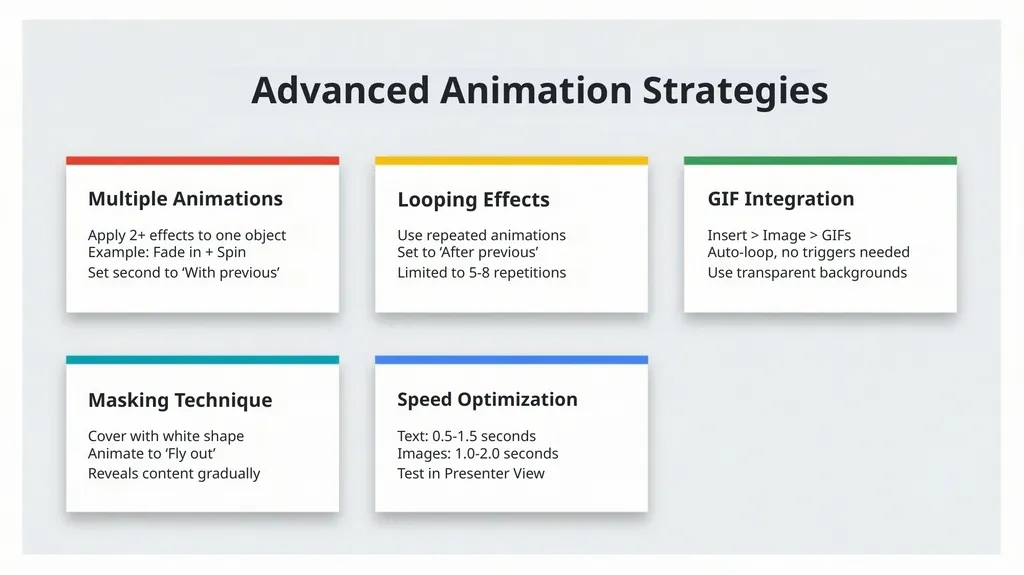
Advanced Animation Strategies Multiple Animations Looping Effects GIF Integration Masking Technique Speed Optimization Apply 2+ effects to one object
Example: Fade in + Spin
Set second to ‘With previous’ Use repeated animations
Set to ‘After previous’
Limited to 5-8 repetitions Insert > Image > GIFs
Auto-loop, no triggers needed
Use transparent backgrounds Cover with white shape
Animate to ‘Fly out’
Reveals content gradually Text: 0.5-1.5 seconds
Images: 1.0-2.0 seconds
Test in Presenter View<br>
07
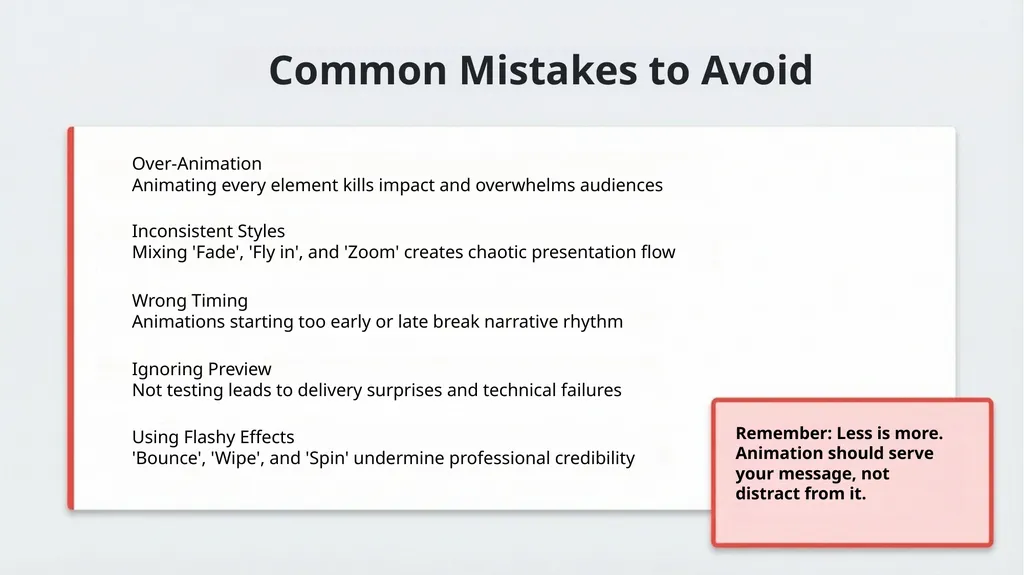
Common Mistakes to Avoid Remember: Less is more.
Animation should serve
your message, not
distract from it. Over-Animation
Animating every element kills impact and overwhelms audiences Inconsistent Styles
Mixing 'Fade', 'Fly in', and 'Zoom' creates chaotic presentation flow Wrong Timing
Animations starting too early or late break narrative rhythm Ignoring Preview
Not testing leads to delivery surprises and technical failures Using Flashy Effects
'Bounce', 'Wipe', and 'Spin' undermine professional credibility<br>
08
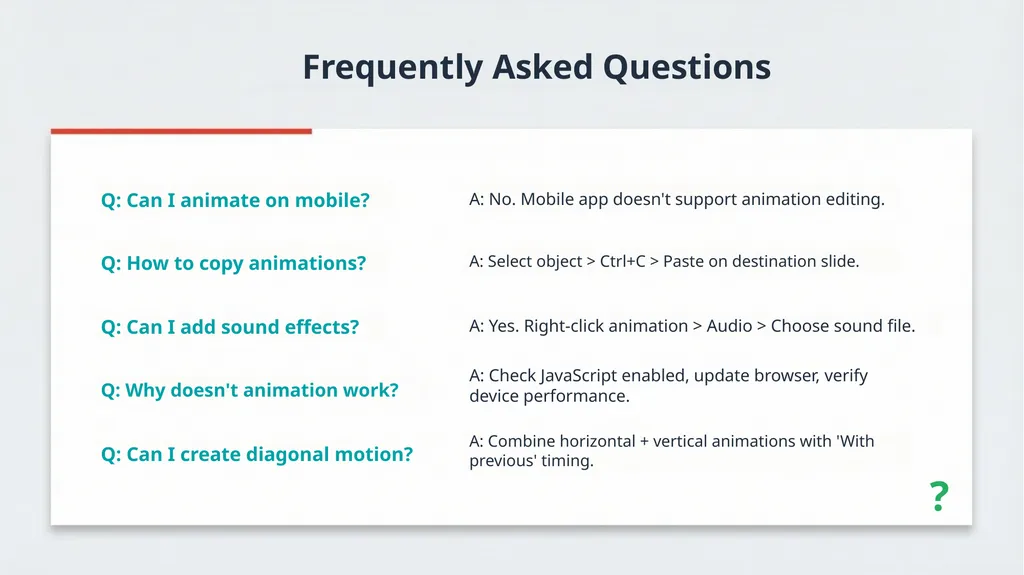
Frequently Asked Questions ? Q: Can I animate on mobile? Q: How to copy animations? Q: Can I add sound effects? Q: Why doesn't animation work? Q: Can I create diagonal motion? A: No. Mobile app doesn't support animation editing. A: Select object > Ctrl+C > Paste on destination slide. A: Yes. Right-click animation > Audio > Choose sound file. A: Check JavaScript enabled, update browser, verify
device performance. A: Combine horizontal + vertical animations with 'With
previous' timing.<br>
09
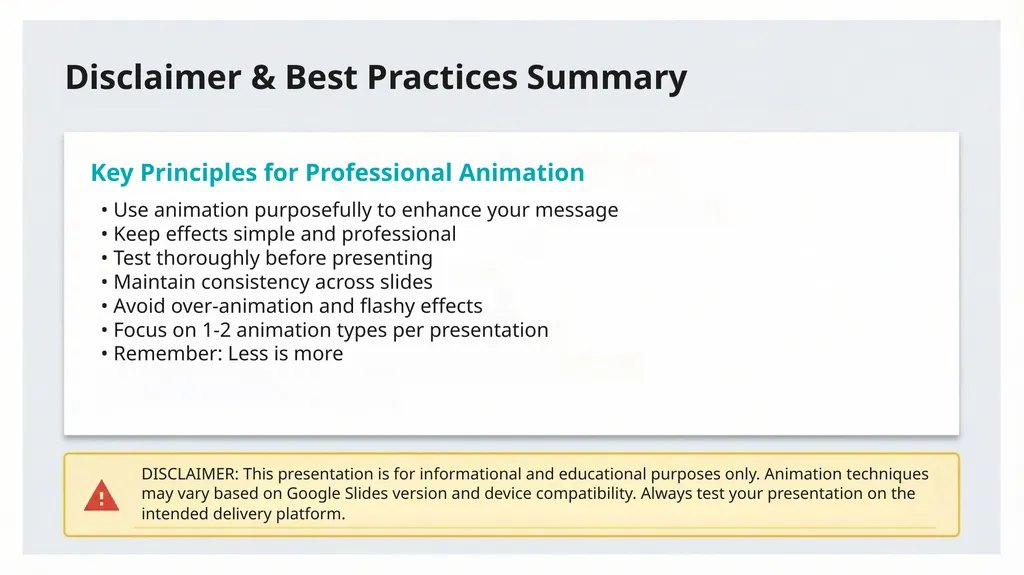
Disclaimer & Best Practices Summary Key Principles for Professional Animation • Use animation purposefully to enhance your message
• Keep effects simple and professional
• Test thoroughly before presenting
• Maintain consistency across slides
• Avoid over-animation and flashy effects
• Focus on 1-2 animation types per presentation
• Remember: Less is more DISCLAIMER: This presentation is for informational and educational purposes only. Animation techniques
may vary based on Google Slides version and device compatibility. Always test your presentation on the
intended delivery platform.<br>