Annual Report and Audit Preparation There are no secrets to success. It is the result of preparation, hard work, and learning from failure. Colin Powell Deadline for filing: 150 days after the close of the fiscal year 2020 annual report
"Annual Report and Audit Preparation There are no" is the property of its rightful owner. Permission is granted to
download and print the materials on this website for personal, non-commercial use only, and to display it
on your personal computer provided you do not modify the materials and that you retain all copyright
notices contained in the materials. By downloading content from our website, you accept the terms of this
agreement.
Presentation Transcript
01
Annual Report and Audit Preparation There are no secrets to success.
It is the result of preparation, hard work,
and learning from failure.
Colin Powell<br>
02
Deadline for filing: 150 days after the close of the fiscal year
2020 annual report deadline
Sunday, May 30,2021<br>
03
The annual report tells a story Tells reader what happened in your county in that year.
It is critical that the transactions are reported correctly so that the story is told correctly
Example – 573.70 County Fairs
575.40 Fairgrounds and Convention Centers
What activity are you reporting?<br>
04
When does the annual report process begin? January 1, 2020 (yes I meant 2020)<br>
05
Review transactions often Have a regular review process – don’t wait until the end of the year to try to review transactions.
Waiting and then trying to review an entire year greatly increases the likelihood that you will miss something.
Some transactions can’t be corrected easily after year end – monthly or even weekly review can catch issues early while they can be easily corrected.
Example:
Some corrections will need commissioner approval – resolutions<br>
06
Reviewing Transactions Weekly Accounts Payable – check vouchers and support
Is this being paid from the correct fund
Is this the correct vendor/address
Is there a credit on the account? (indicating that if this is paid again there will be a credit issued)
Read Commissioners Minutes – ask for clarification on any transactions that will be difficult to report.
Monthly treasurer reports – look at revenues deposited and bars being used. Especially important to review are grant funds and miscellaneous revenues
Misc. revenue – ask questions – are there revenues that should be reported elsewhere<br>
07
Catch issues before they become issues Throughout the year be aware of how transactions are being completed.
Use the perspective of:
How am I going to report this transaction on the annual report?
Cash basis – how is the bank impacted – is there bank activity?
Cash basis accounting – always think about the bank
Reconciling items<br>
08
Keep notes and records aka: Workpapers Keep notes and documentation on unique transactions
A recent MRSC training suggested keeping a log book for non routine transactions
Example: School District paid the “entire” $23,000 election bill, rather than their $4,200. Check was received and deposited with treasurer. Error was recognized and refund was issued by treasurer’s check. Treasurer reduced revenues in the election cost BARS.
Problem: The entire $23,000 flowed through the bank, as did the treasurer’s refund check. When reconciling to the bank, the auditors would see a discrepancy between the revenue and the bank deposit, and also between the checks/expenditures clearing the bank and the expenditures on the c4
Solution – workpapers and support to explain this unique transaction to the auditors.<br>
09
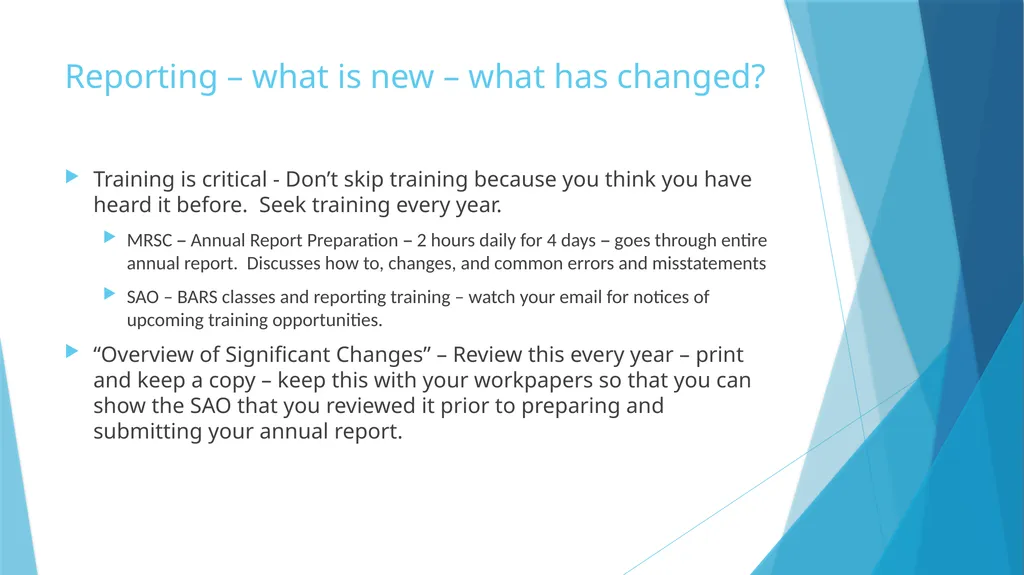
Reporting – what is new – what has changed? Training is critical - Don’t skip training because you think you have heard it before. Seek training every year.
MRSC – Annual Report Preparation – 2 hours daily for 4 days – goes through entire annual report. Discusses how to, changes, and common errors and misstatements
SAO – BARS classes and reporting training – watch your email for notices of upcoming training opportunities.
“Overview of Significant Changes” – Review this every year – print and keep a copy – keep this with your workpapers so that you can show the SAO that you reviewed it prior to preparing and submitting your annual report.<br>
10
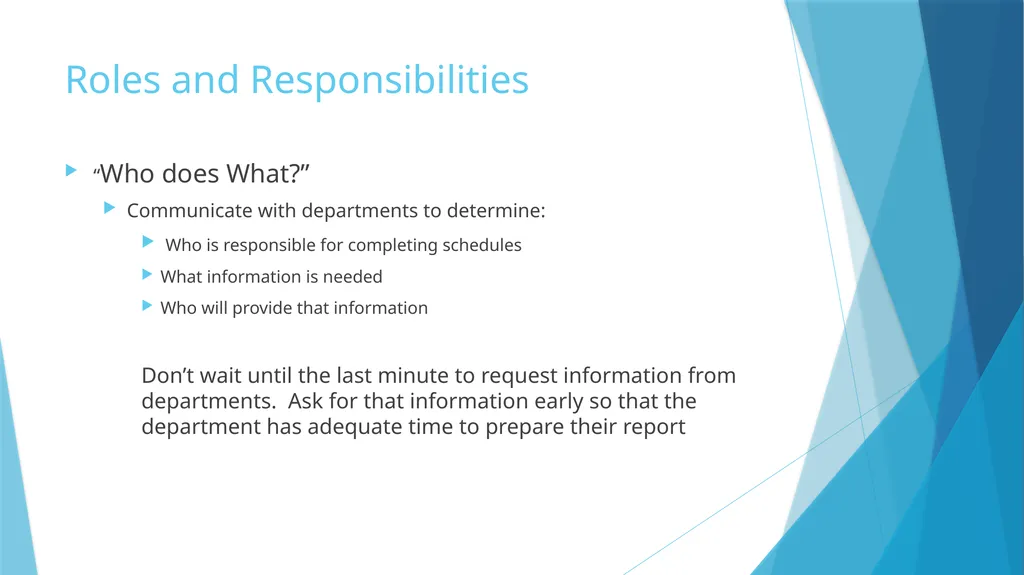
Roles and Responsibilities “Who does What?”
Communicate with departments to determine:
Who is responsible for completing schedules
What information is needed
Who will provide that information
Don’t wait until the last minute to request information from departments. Ask for that information early so that the department has adequate time to prepare their report<br>
11
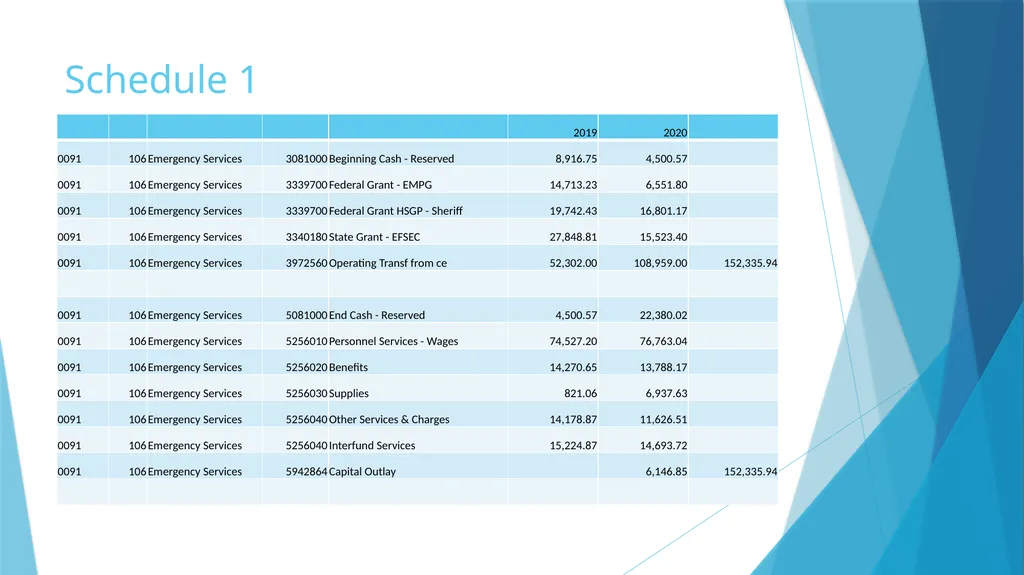
Schedule 1<br>
12
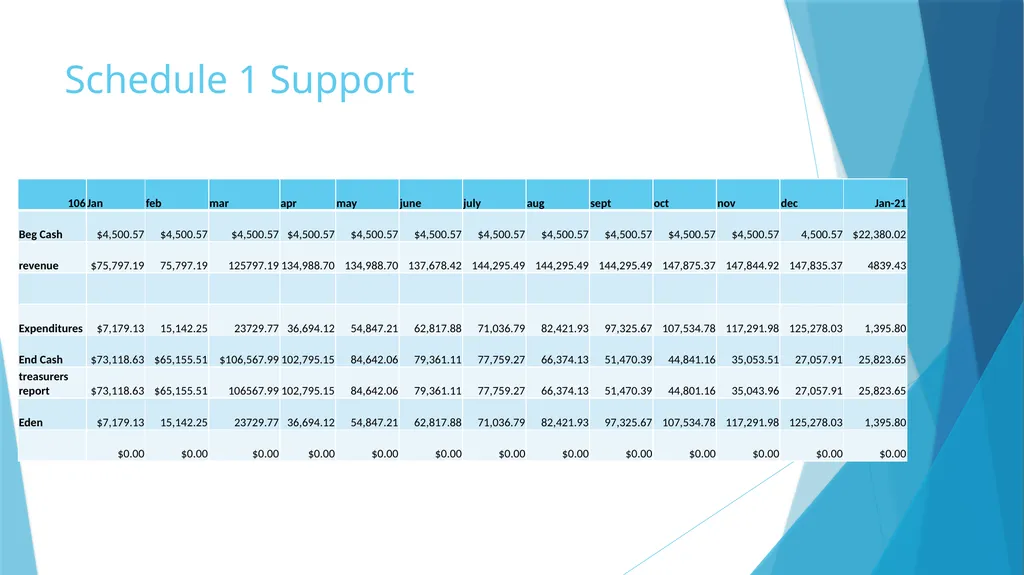
Schedule 1 Support<br>
13
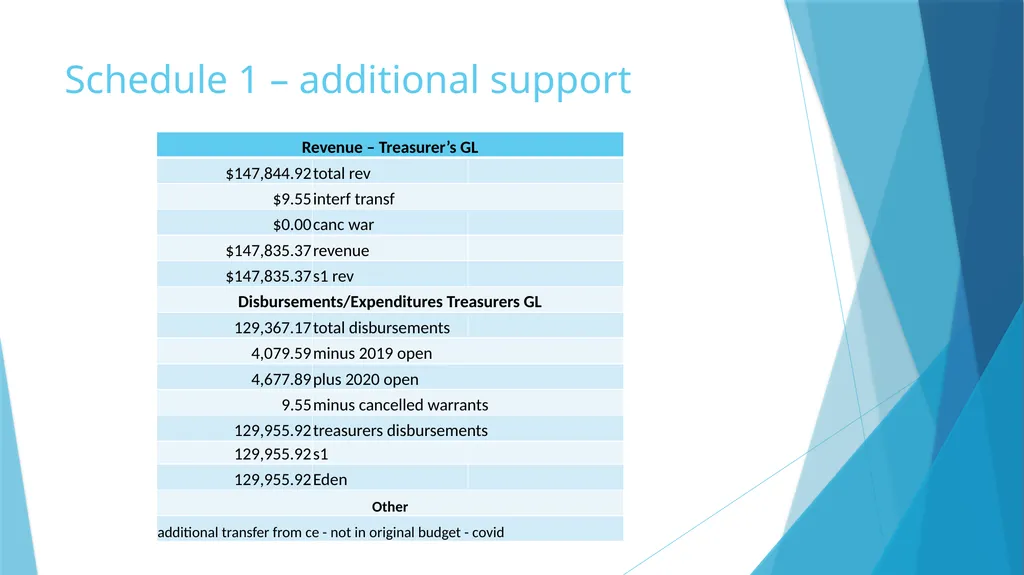
Schedule 1 – additional support<br>
14
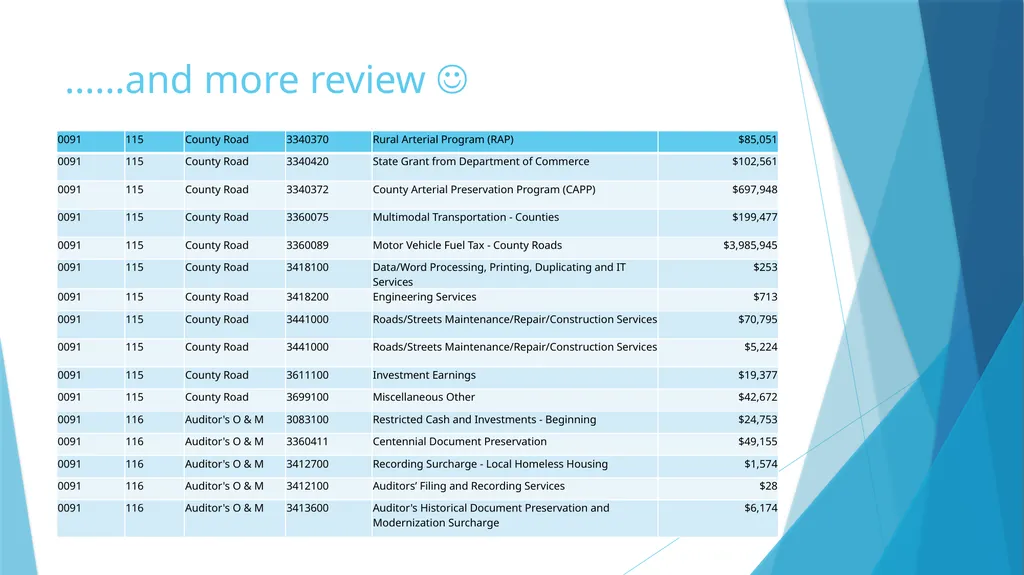
……and more review <br>
15
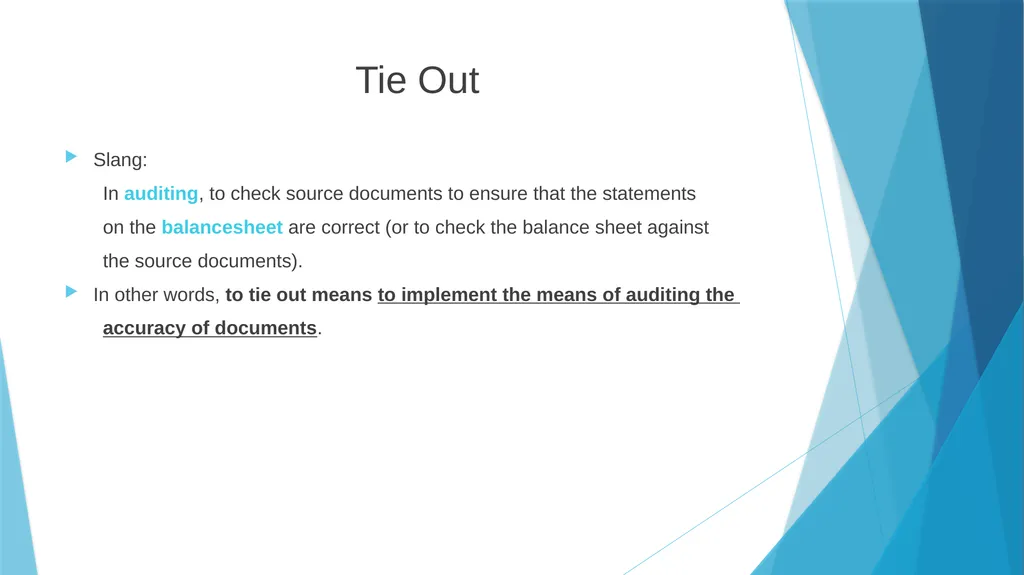
Tie Out Slang:
In auditing, to check source documents to ensure that the statements
on the balancesheet are correct (or to check the balance sheet against
the source documents).
In other words, to tie out means to implement the means of auditing the
accuracy of documents.<br>
16
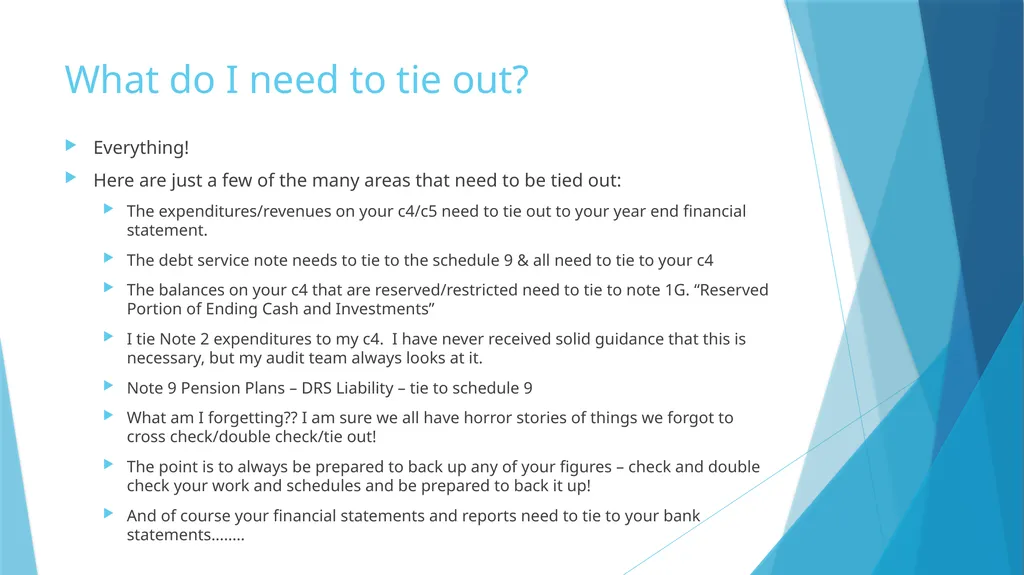
What do I need to tie out? Everything!
Here are just a few of the many areas that need to be tied out:
The expenditures/revenues on your c4/c5 need to tie out to your year end financial statement.
The debt service note needs to tie to the schedule 9 & all need to tie to your c4
The balances on your c4 that are reserved/restricted need to tie to note 1G. “Reserved Portion of Ending Cash and Investments”
I tie Note 2 expenditures to my c4. I have never received solid guidance that this is necessary, but my audit team always looks at it.
Note 9 Pension Plans – DRS Liability – tie to schedule 9
What am I forgetting?? I am sure we all have horror stories of things we forgot to cross check/double check/tie out!
The point is to always be prepared to back up any of your figures – check and double check your work and schedules and be prepared to back it up!
And of course your financial statements and reports need to tie to your bank statements……..<br>
17
And if you think that all of this is a bit too much to handle – be grateful you report cash because you could be: GAAP!<br>
18
Annual Report and Audit Process - GAAP Grace Jimenez & Suzette Smith, Lewis County Auditor’s Office<br>
19
Preparation - Reviewing revenue transactions Focus is on:
Timing - Revenues are recognized as soon as they are both measurable and available
Classification – Accurate? Or “we’ve always coded it that way”
Trends – Anticipate questions that will arise during audit. Create your own trending report
Document reasoning for unusual classifications at the time of deposit (special/extraordinary items, BARS not normally used, etc.)<br>
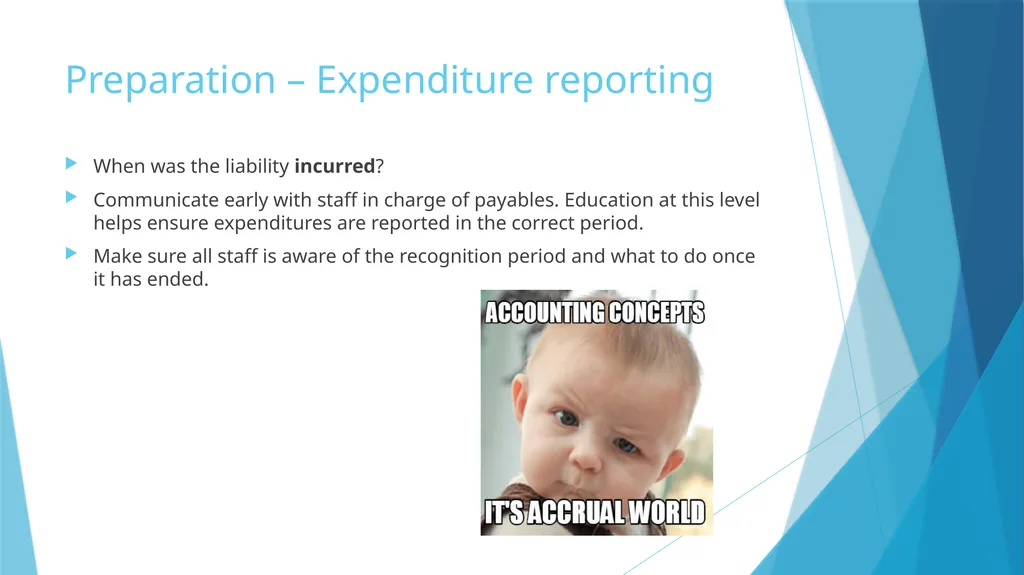
Preparation – Expenditure reporting When was the liability incurred?
Communicate early with staff in charge of payables. Education at this level helps ensure expenditures are reported in the correct period.
Make sure all staff is aware of the recognition period and what to do once it has ended.<br>
22
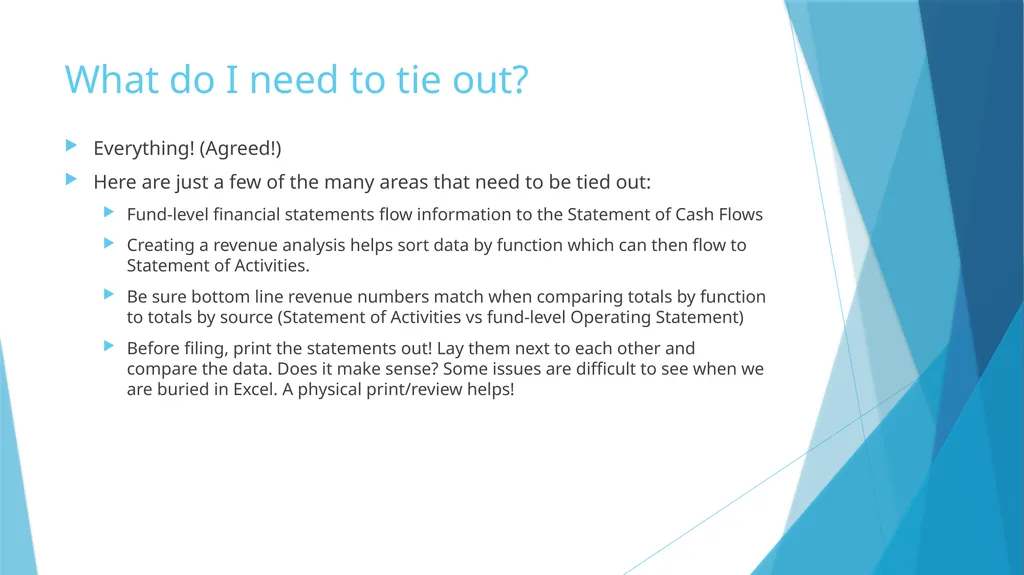
What do I need to tie out? Everything! (Agreed!)
Here are just a few of the many areas that need to be tied out:
Fund-level financial statements flow information to the Statement of Cash Flows
Creating a revenue analysis helps sort data by function which can then flow to Statement of Activities.
Be sure bottom line revenue numbers match when comparing totals by function to totals by source (Statement of Activities vs fund-level Operating Statement)
Before filing, print the statements out! Lay them next to each other and compare the data. Does it make sense? Some issues are difficult to see when we are buried in Excel. A physical print/review helps!<br>
23
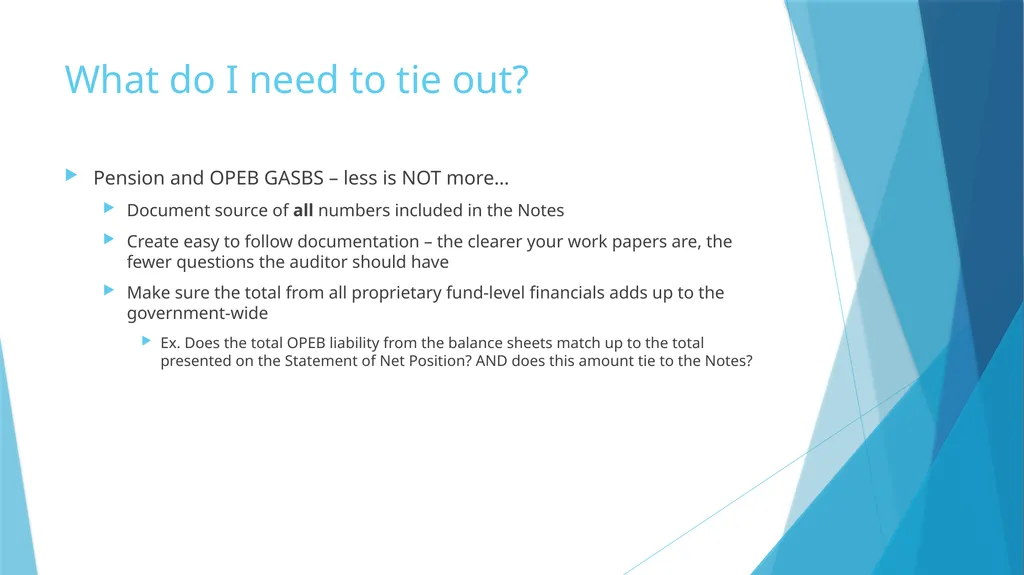
What do I need to tie out? Pension and OPEB GASBS – less is NOT more…
Document source of all numbers included in the Notes
Create easy to follow documentation – the clearer your work papers are, the fewer questions the auditor should have
Make sure the total from all proprietary fund-level financials adds up to the government-wide
Ex. Does the total OPEB liability from the balance sheets match up to the total presented on the Statement of Net Position? AND does this amount tie to the Notes?<br>
24
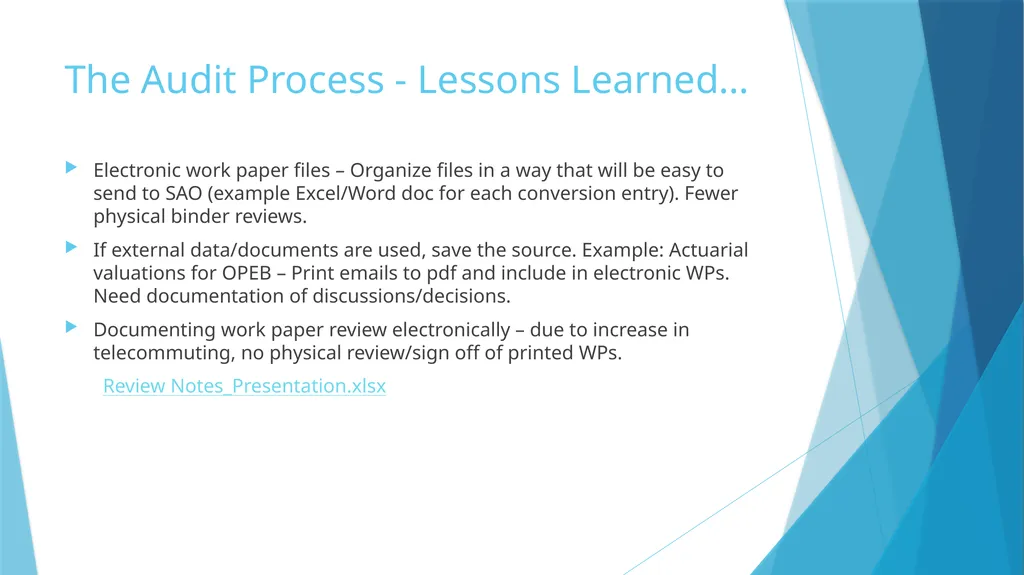
The Audit Process - Lessons Learned… Electronic work paper files – Organize files in a way that will be easy to send to SAO (example Excel/Word doc for each conversion entry). Fewer physical binder reviews.
If external data/documents are used, save the source. Example: Actuarial valuations for OPEB – Print emails to pdf and include in electronic WPs. Need documentation of discussions/decisions.
Documenting work paper review electronically – due to increase in telecommuting, no physical review/sign off of printed WPs.
Review Notes_Presentation.xlsx<br>