Applying for tertiary study, scholarships, and special consideration Wednesday 16 May 2018 VICTORIAN TERTIARY ADMISSIONS CENTRE 40 Park Street South Melbourne, VIC 3205 Telephone: 61 3 9926 1020 www.vtac.edu.au Facebook:
Related Topics
Share
Embed code
Download this presentation From Below
"Applying for tertiary study, scholarships, and" is the property of its rightful owner. Permission is granted to
download and print the materials on this website for personal, non-commercial use only, and to display it
on your personal computer provided you do not modify the materials and that you retain all copyright
notices contained in the materials. By downloading content from our website, you accept the terms of this
agreement.
Presentation Transcript
01
Applying for tertiary study, scholarships, and special consideration Wednesday 16 May 2018 VICTORIAN TERTIARY ADMISSIONS CENTRE
40 Park Street South Melbourne, VIC 3205
Telephone: +61 3 9926 1020
www.vtac.edu.au Facebook: www.facebook.com/vtacguide | Twitter: twitter.com/vtacguide | Youtube: www.youtube.com/vtacmedia<br>
02
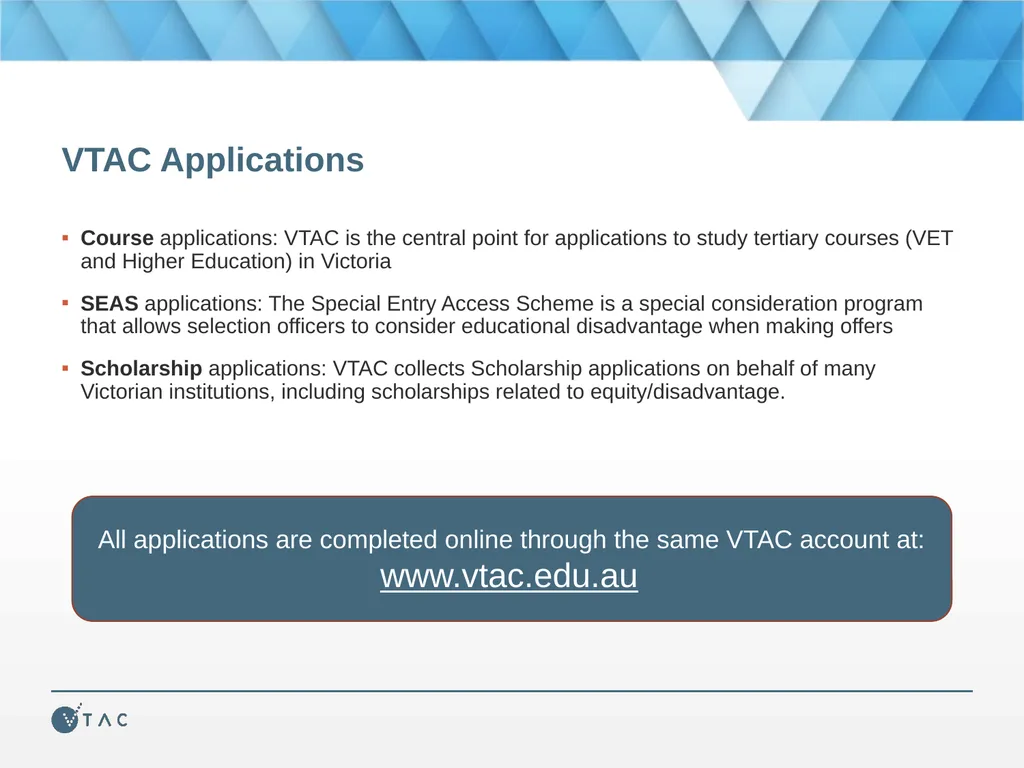
VTAC Applications Course applications: VTAC is the central point for applications to study tertiary courses (VET and Higher Education) in Victoria
SEAS applications: The Special Entry Access Scheme is a special consideration program that allows selection officers to consider educational disadvantage when making offers
Scholarship applications: VTAC collects Scholarship applications on behalf of many Victorian institutions, including scholarships related to equity/disadvantage. All applications are completed online through the same VTAC account at:
www.vtac.edu.au<br>
03
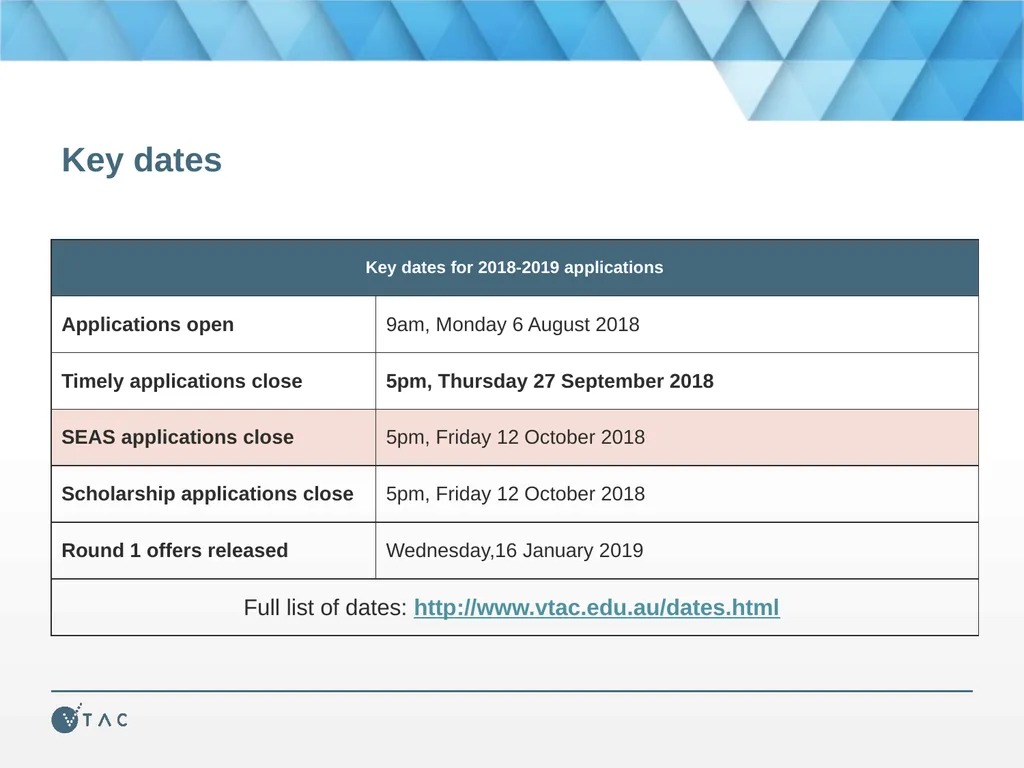
Key dates<br>
04
Connect with VTAC now Prepare now by connecting with VTAC on:
Facebook: facebook.com/vtacguide
Twitter: @vtacguide
Email: vtac.edu.au/subscribe
We post timely information, application tips, course updates, and reminders before important closing dates<br>
05
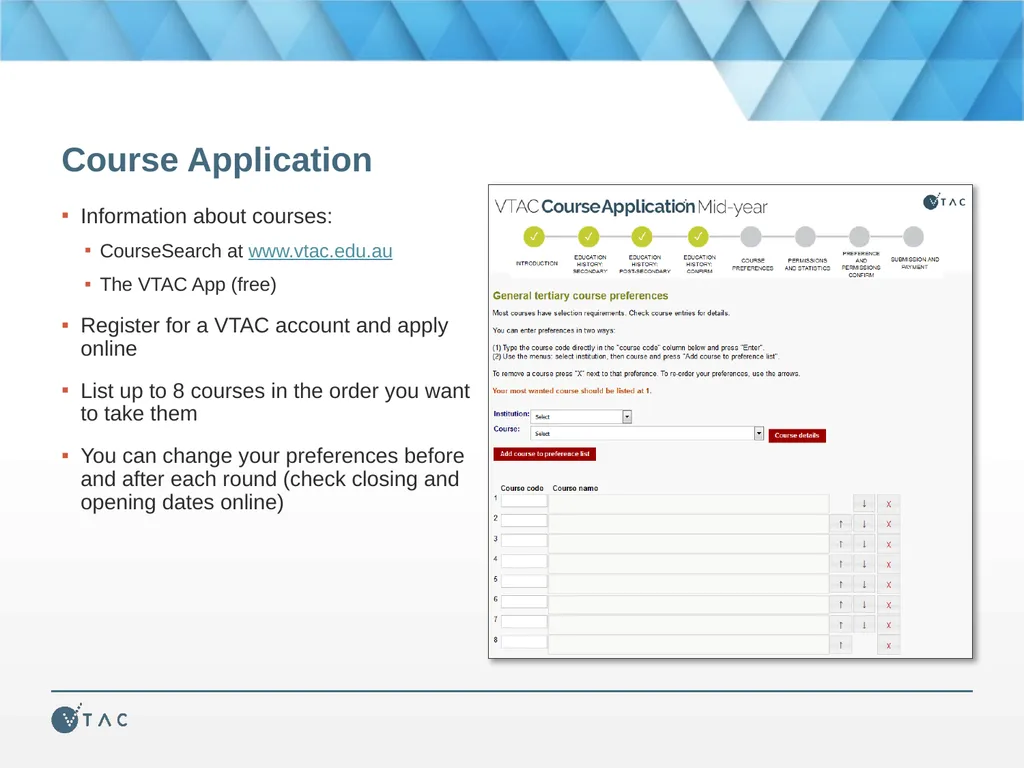
Course Application Information about courses:
CourseSearch at www.vtac.edu.au
The VTAC App (free)
Register for a VTAC account and apply online
List up to 8 courses in the order you want to take them
You can change your preferences before and after each round (check closing and opening dates online)<br>
06
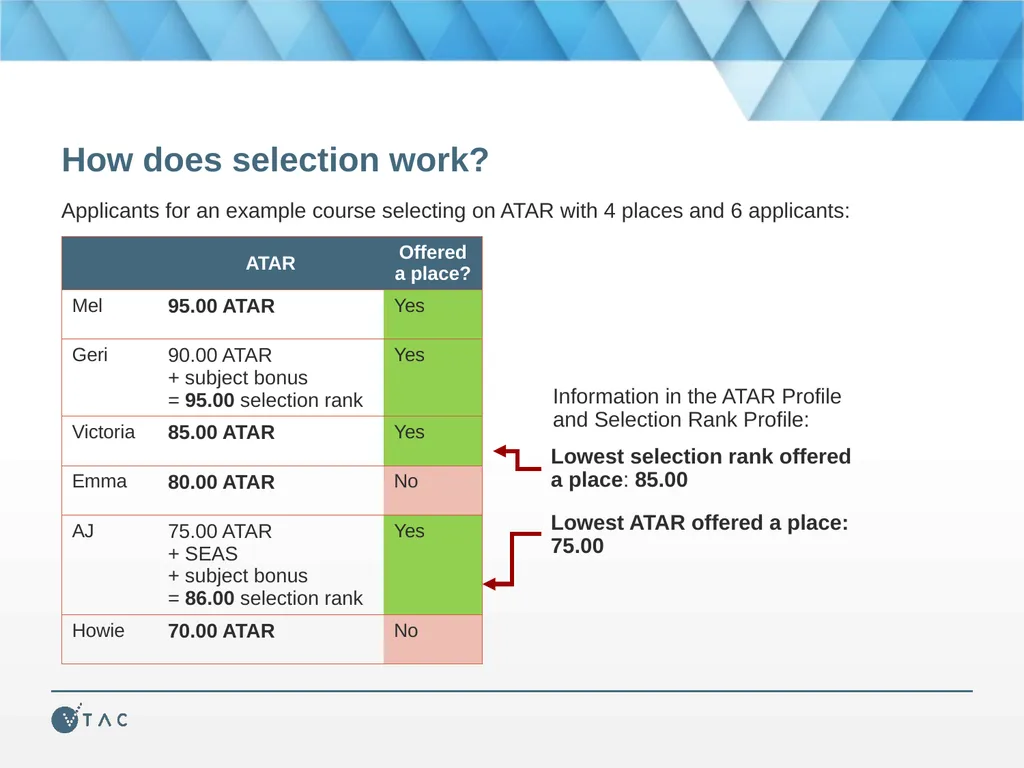
How does selection work? Applicants for an example course selecting on ATAR with 4 places and 6 applicants: Information in the ATAR Profile and Selection Rank Profile:<br>
07
Special Entry Access Scheme (SEAS) Types of special consideration:
SEAS through VTAC
Other special consideration and bonus schemes not part of SEAS (list on the VTAC website)
SEAS is the umbrella program in which most VTAC institutions participate and is for applicants who have experienced educational disadvantage.
One SEAS application through VTAC for all your preferences
Some institutions refer to SEAS by other names, e.g. Access Melbourne<br>
08
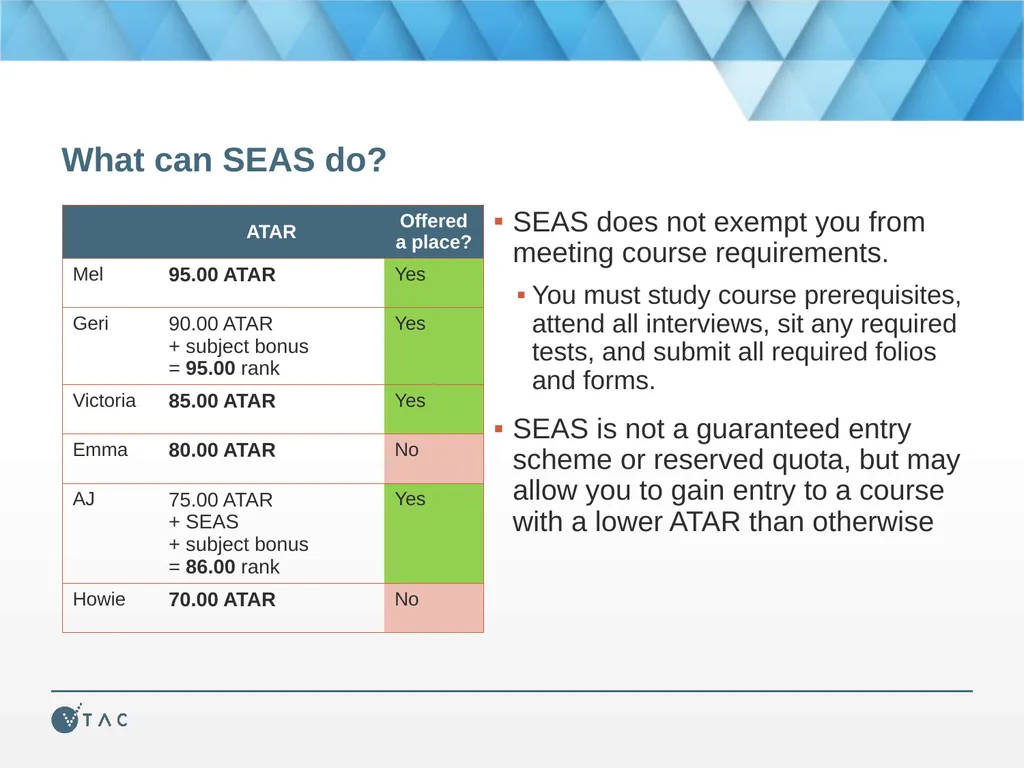
What can SEAS do? SEAS does not exempt you from meeting course requirements.
You must study course prerequisites, attend all interviews, sit any required tests, and submit all required folios and forms.
SEAS is not a guaranteed entry scheme or reserved quota, but may allow you to gain entry to a course with a lower ATAR than otherwise<br>
09
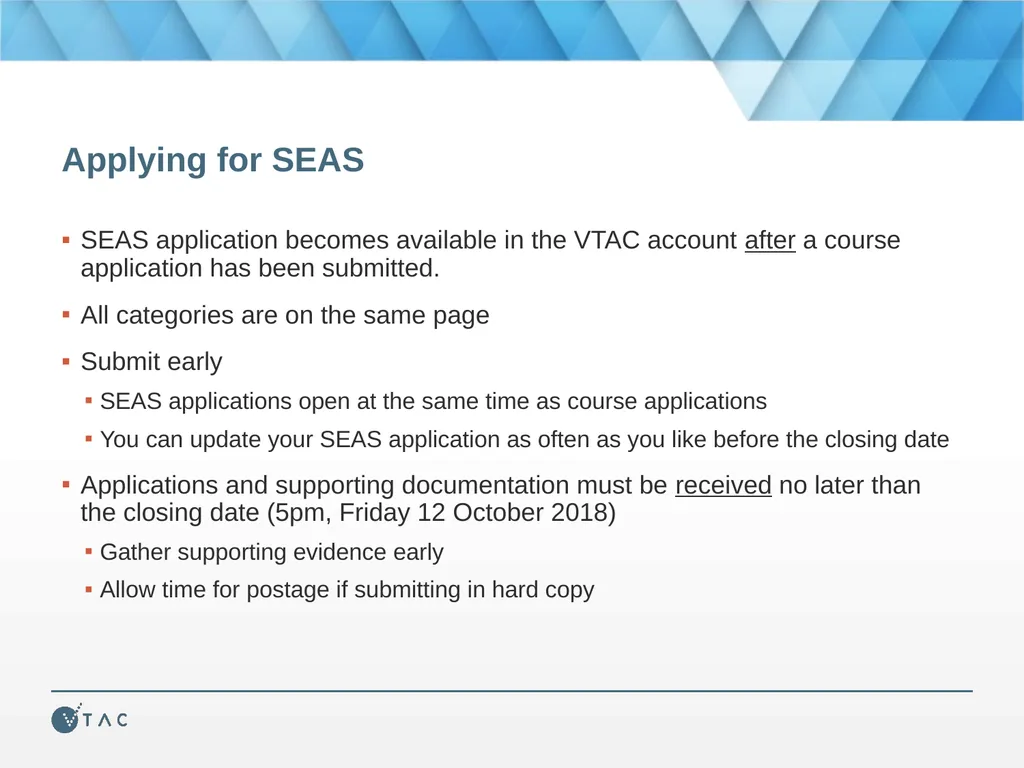
Applying for SEAS SEAS application becomes available in the VTAC account after a course application has been submitted.
All categories are on the same page
Submit early
SEAS applications open at the same time as course applications
You can update your SEAS application as often as you like before the closing date
Applications and supporting documentation must be received no later than the closing date (5pm, Friday 12 October 2018)
Gather supporting evidence early
Allow time for postage if submitting in hard copy<br>
10
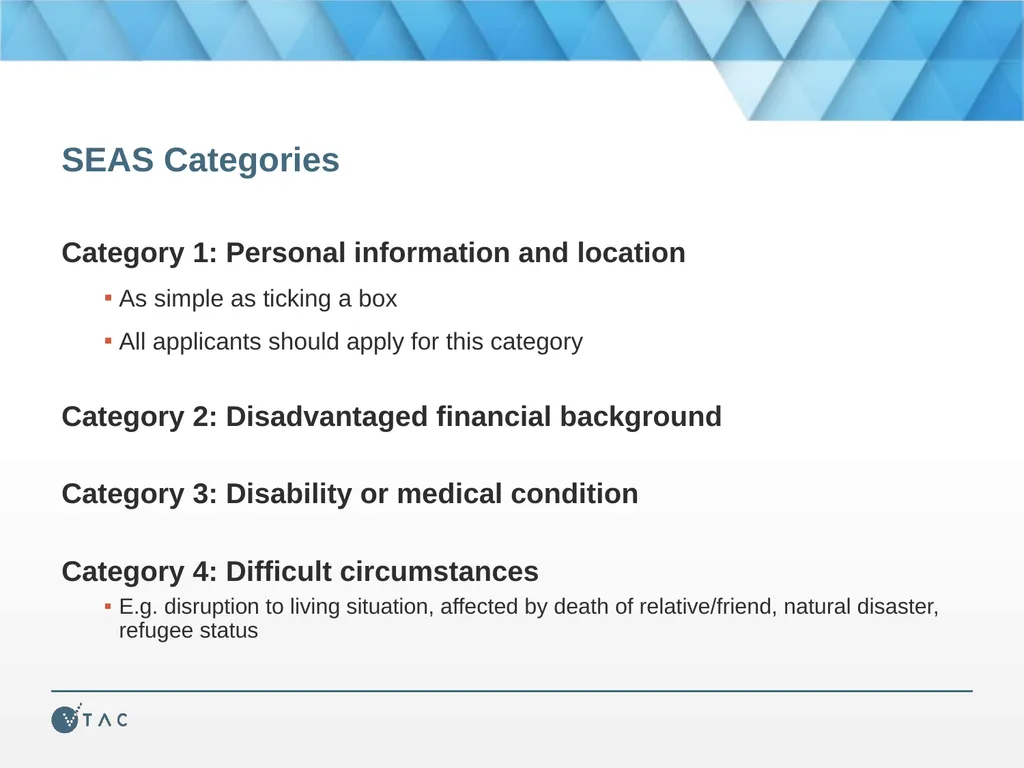
SEAS Categories Category 1: Personal information and location
As simple as ticking a box
All applicants should apply for this category
Category 2: Disadvantaged financial background
Category 3: Disability or medical condition
Category 4: Difficult circumstances
E.g. disruption to living situation, affected by death of relative/friend, natural disaster, refugee status<br>
11
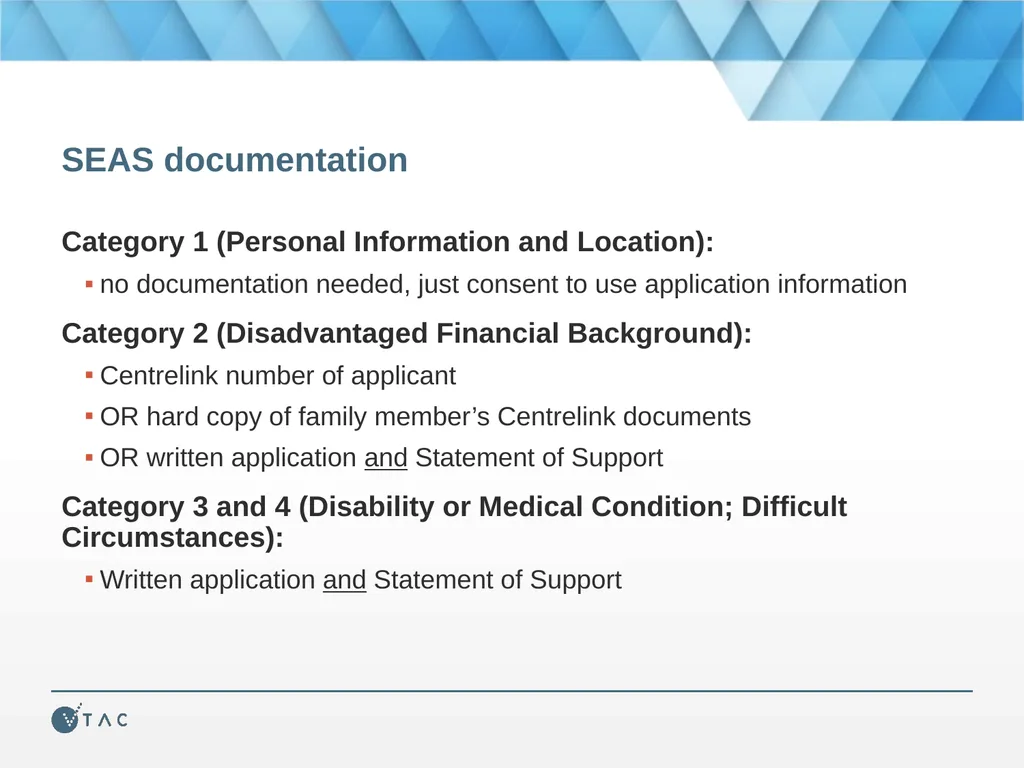
SEAS documentation Category 1 (Personal Information and Location):
no documentation needed, just consent to use application information
Category 2 (Disadvantaged Financial Background):
Centrelink number of applicant
OR hard copy of family member’s Centrelink documents
OR written application and Statement of Support
Category 3 and 4 (Disability or Medical Condition; Difficult Circumstances):
Written application and Statement of Support<br>
12
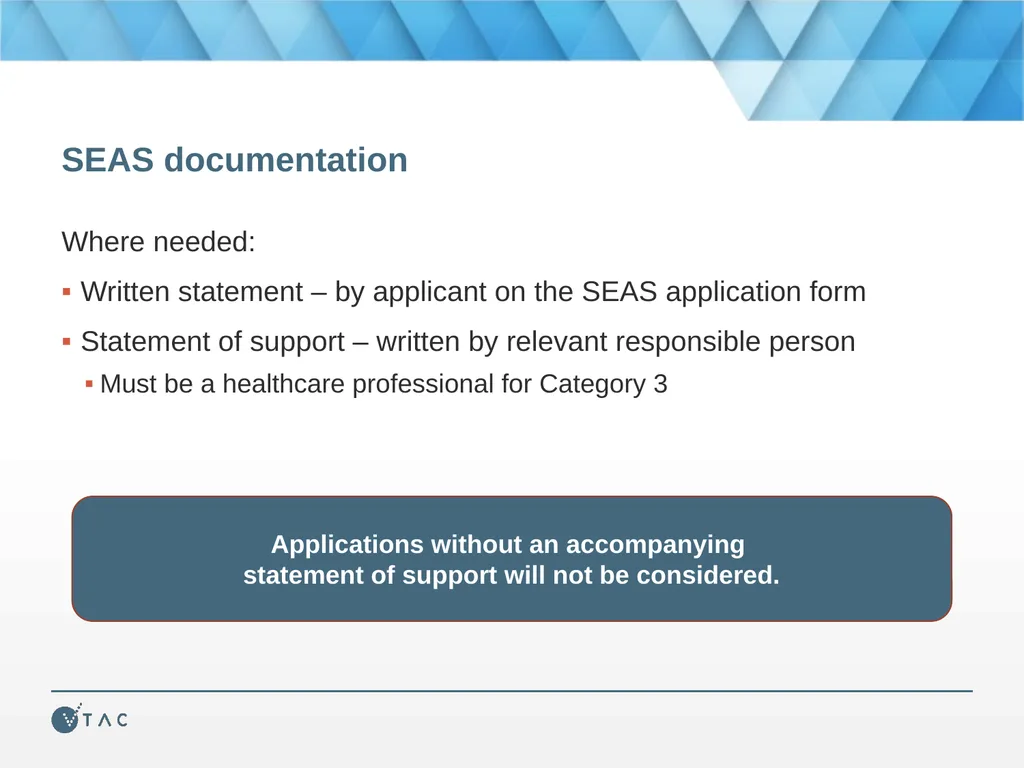
SEAS documentation Where needed:
Written statement – by applicant on the SEAS application form
Statement of support – written by relevant responsible person
Must be a healthcare professional for Category 3 Applications without an accompanying statement of support will not be considered.<br>
13
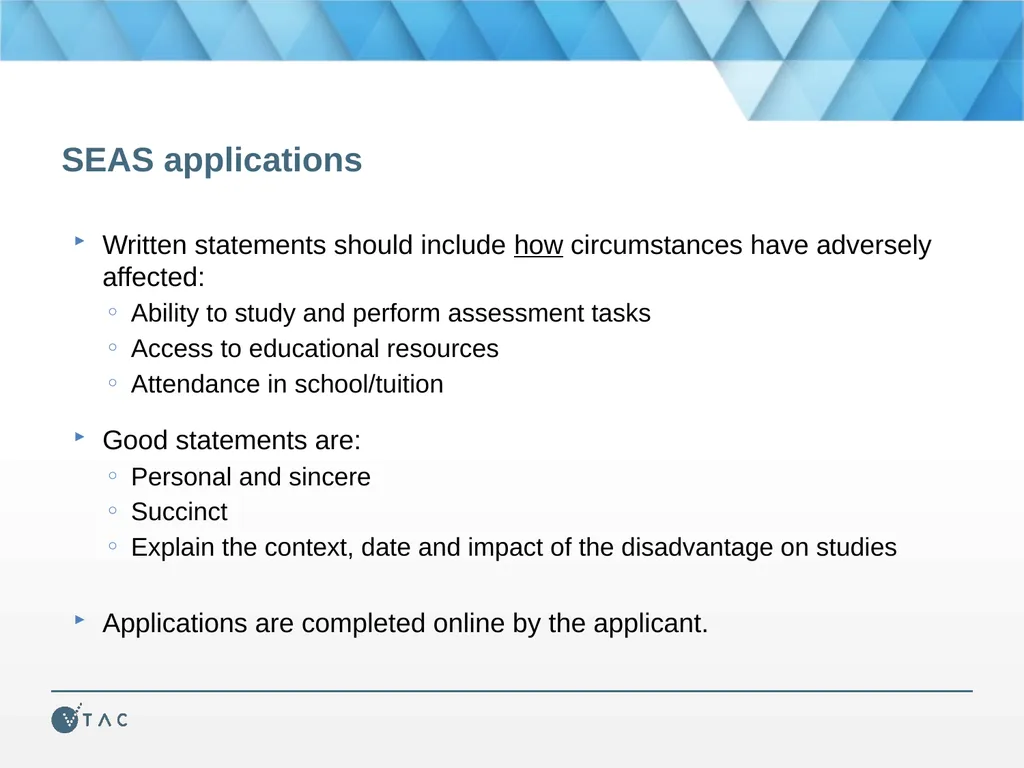
SEAS applications Written statements should include how circumstances have adversely affected:
Ability to study and perform assessment tasks
Access to educational resources
Attendance in school/tuition
Good statements are:
Personal and sincere
Succinct
Explain the context, date and impact of the disadvantage on studies
Applications are completed online by the applicant.<br>
14
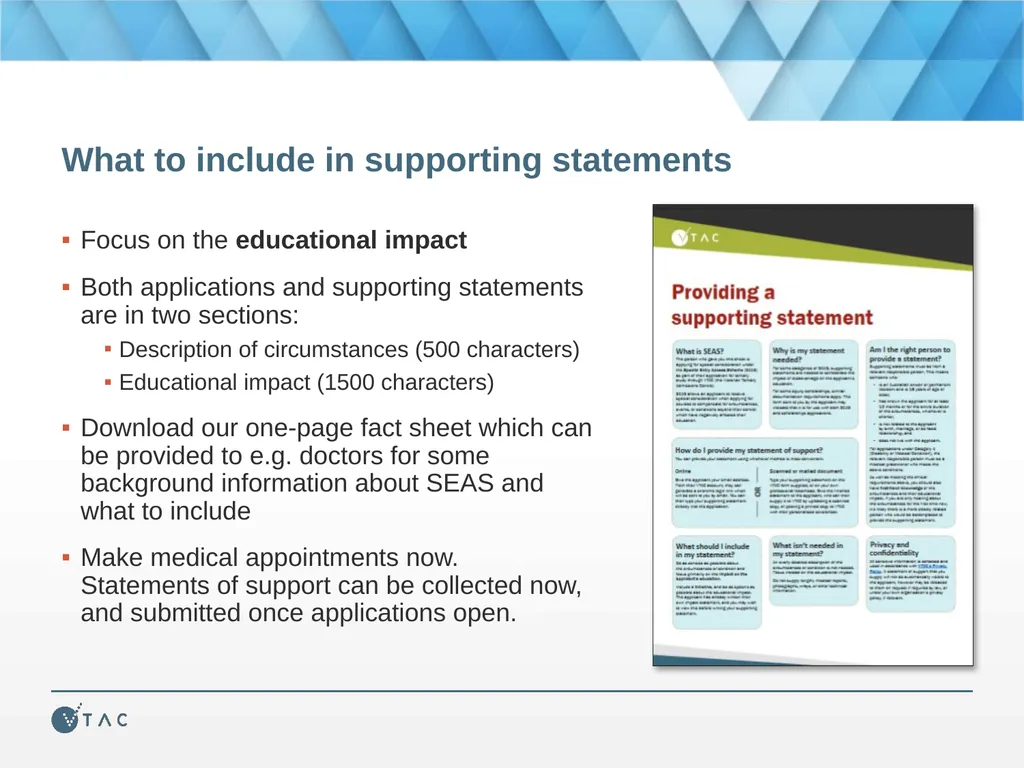
What to include in supporting statements Focus on the educational impact
Both applications and supporting statements are in two sections:
Description of circumstances (500 characters)
Educational impact (1500 characters)
Download our one-page fact sheet which can be provided to e.g. doctors for some background information about SEAS and what to include
Make medical appointments now. Statements of support can be collected now, and submitted once applications open.<br>
15
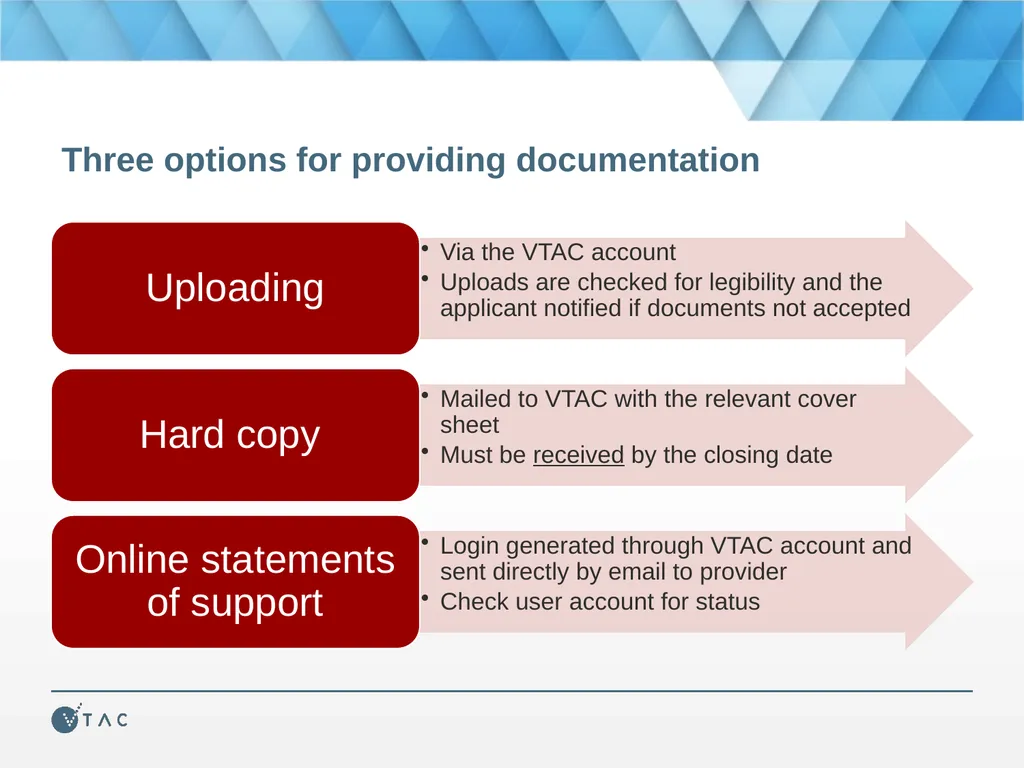
Three options for providing documentation<br>
16
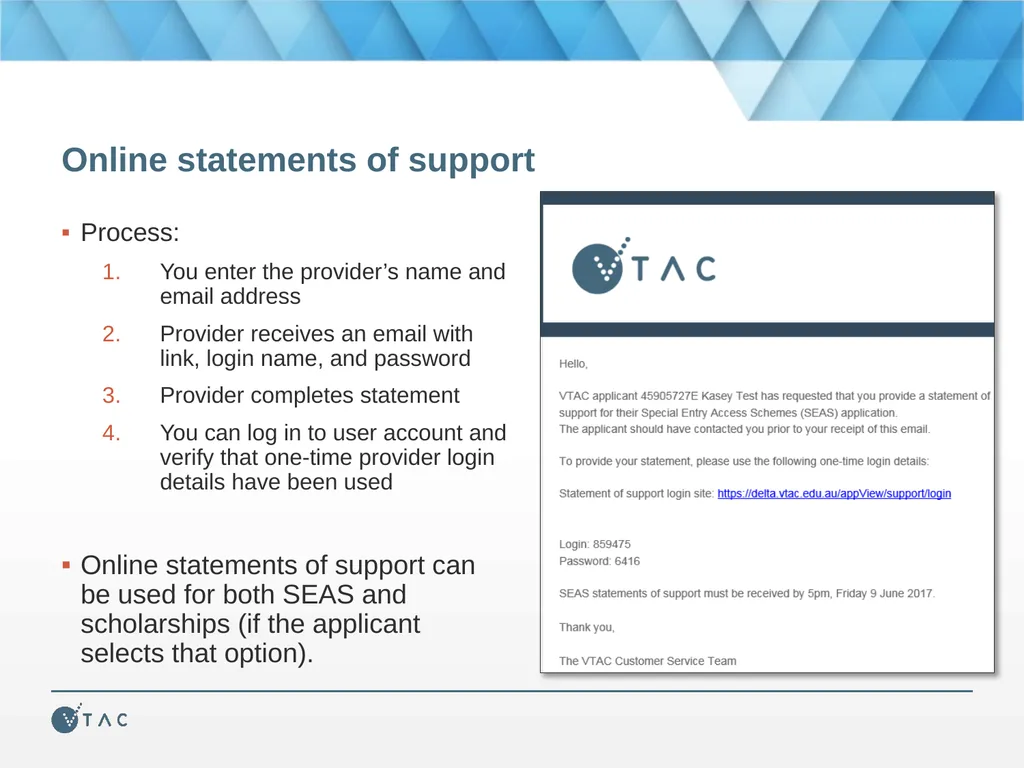
Online statements of support Process:
You enter the provider’s name and email address
Provider receives an email with link, login name, and password
Provider completes statement
You can log in to user account and verify that one-time provider login details have been used
Online statements of support can be used for both SEAS and scholarships (if the applicant selects that option).<br>
17
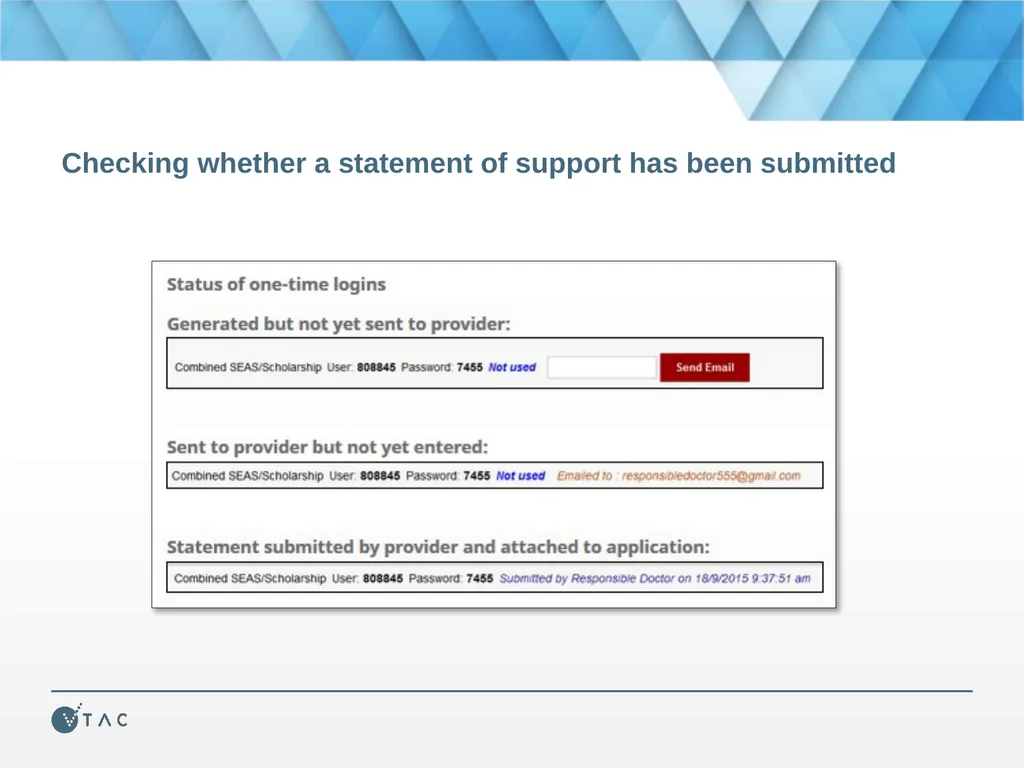
Checking whether a statement of support has been submitted<br>
18
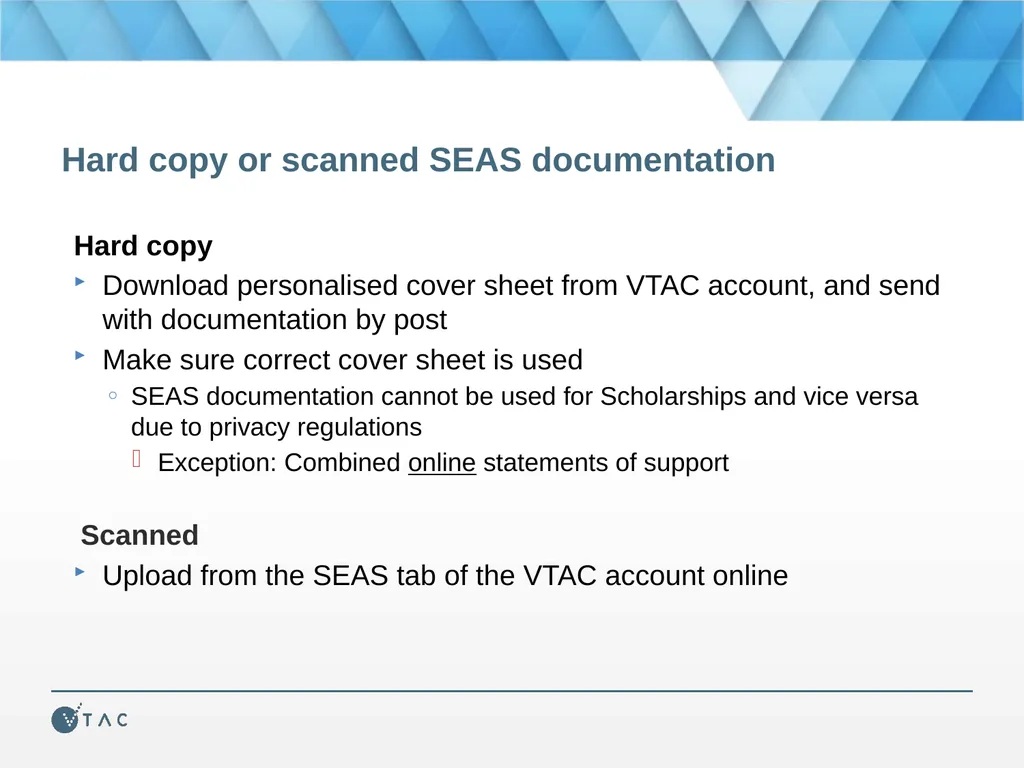
Hard copy or scanned SEAS documentation Hard copy
Download personalised cover sheet from VTAC account, and send with documentation by post
Make sure correct cover sheet is used
SEAS documentation cannot be used for Scholarships and vice versa due to privacy regulations
Exception: Combined online statements of support
Scanned
Upload from the SEAS tab of the VTAC account online<br>
19
Confirming submission of SEAS application SEAS application receipt by email and in VTAC account
Date of last documentation upload visible in VTAC account
You are not advised of specific outcomes or ATAR/aggregate bonus
Institutions make their own assessments of SEAS applications
Some institutions publish information or policies about this<br>
20
Scholarships VTAC collects scholarship applications for many institutions
One application, many institutions
Scholarships are not just for academic performance
Many equity scholarships have similar documentation requirements to SEAS
Statements must be submitted separately for each using the correct coversheet or uploaded to the correct section of the VTAC account.
List of scholarships available on the VTAC website
Including scholarships which require direct applications to institutions<br>
21
Remember The SEAS application only becomes available after submitting a course application
Apply early – you can update your application as many times as you like before the closing date
Check documentation requirements carefully More information and getting help Facebook: /vtacguide (send us a message)
Twitter: @vtacguide (send us a DM)
Phone: 03 9926 1020
Web: www.vtac.edu.au
Email through the VTAC website<br>