03
What is Assistive Technology? Definition: “any item, piece of equipment, or product system, whether acquired commercially off the shelf, modified, or customized, that is used to increase, maintain, or improve functional capabilities of a person with a disability”
Recognized in Federal Legislation in 1988 with the “Technology-Related Assistance Act”
designed to increase public awareness
put a “Tech Act” resource in every state for providing information and referral to resources<br>
04
Assistive Technology Wheeled Mobility & Specialized Seating
Adaptive Computer Access
Electronic Aids to Daily Living
Alternative and Augmentative Communication (AAC)
Home & Workplace Modifications
Vehicle modifications & Adapted driving<br>
05
Assistive Technology Amazing gear and gadgets! But, what is the key?
The match between you and technology!
We evaluate with the focus on you & your goals
Where you live, what you do, & what is in your future
Determine the best control methods
Identify the technology that will make a difference and help you make informed decisions
Help with set up, fit, and training in how to use it.<br>
06
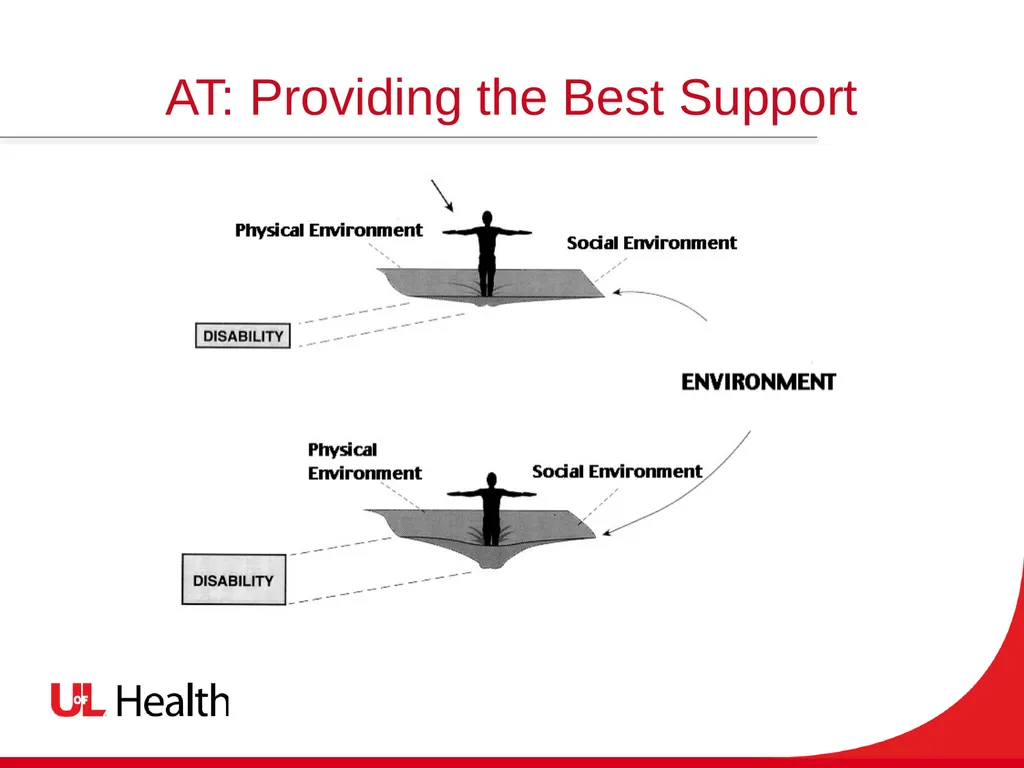
AT: Providing the Best Support<br>
07
A New Model for Disability Think of trying to walk on a trampoline…
The more severe the impairment, the deeper a body sinks into the trampoline
When the surface of the mat is stiffer and more resilient it provides better support
Assistive Technology can add this “resilience”
Modify the “tools”or the task to enable “doing.”
Make needed changes in the lived environment
Add human assistance when needed<br>
08
Dealing with Your Disability Right now: You are using active rehab to improve the strength and ability of your body and learn new skills
Active rehab: Enhance unaffected parts and stimulate neural plasticity
Teach adaptive strategies & adaptive equipment
Prevent secondary disability
Modify environments
Learn about community supports
Assistive Technology<br>
09
Goals for Assistive Technology Compensate for functional deficits
Using a keyboard or speech to write
Improve task performance
Work faster or with fewer errors
Increase control over daily life activities
Resume roles: worker, student, volunteer, family member, community member, recreator.
Improve quality of life & capacity as an “occupational being.”<br>
10
AT: Designing Specialized Seating Assess yours seated posture
Look at issues of:
Pressure management
Postural support
Comfort
Maximize your ability to use your upper extremities well
Prevent pressure ulcers and over-use injuries
Prevent spinal deformity and postural collapse<br>
11
AT: Customizing Ultralight Manual Wheelchairs Allow independent mobility
Maximize ability to self propel
An effective tool for:
Mobility in accessible settings,
Access to social & recreational activities
A tool for resuming lifestyle; maintaining health & wellness<br>
12
AT: Choosing the Features of Powered Wheelchairs Allow independent mobility
Using specialized controls to bypass any motor limitation
An effective tool for:
Preventing pressure wounds
Moving & managing posture
Changing posture for various activities
Communicating & socializing
Controlling the environment<br>
13
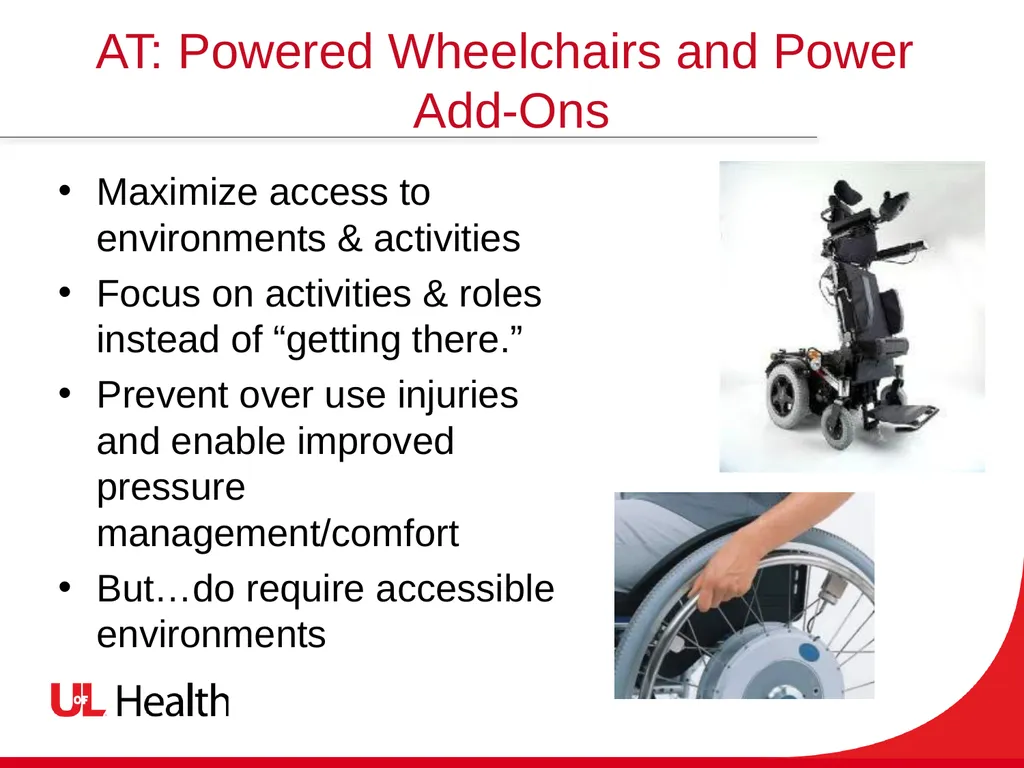
AT: Powered Wheelchairs and Power �Add-Ons Maximize access to environments & activities
Focus on activities & roles instead of “getting there.”
Prevent over use injuries and enable improved pressure management/comfort
But…do require accessible environments<br>
14
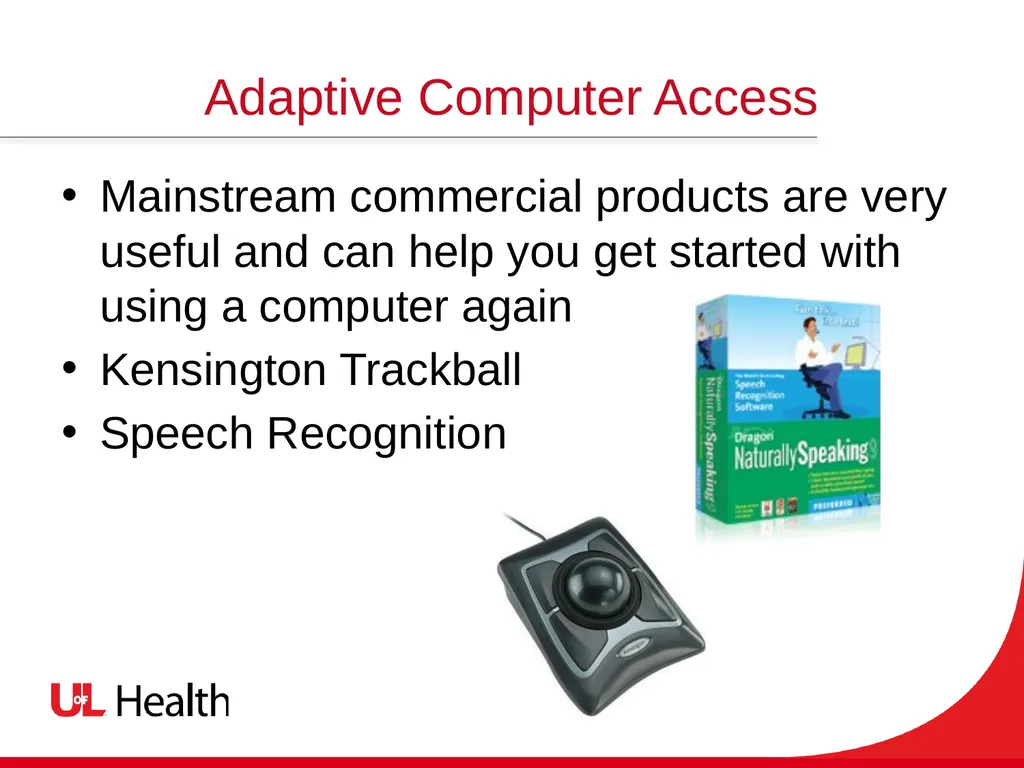
Adaptive Computer Access Mainstream commercial products are very useful and can help you get started with using a computer again
Kensington Trackball
Speech Recognition<br>
15
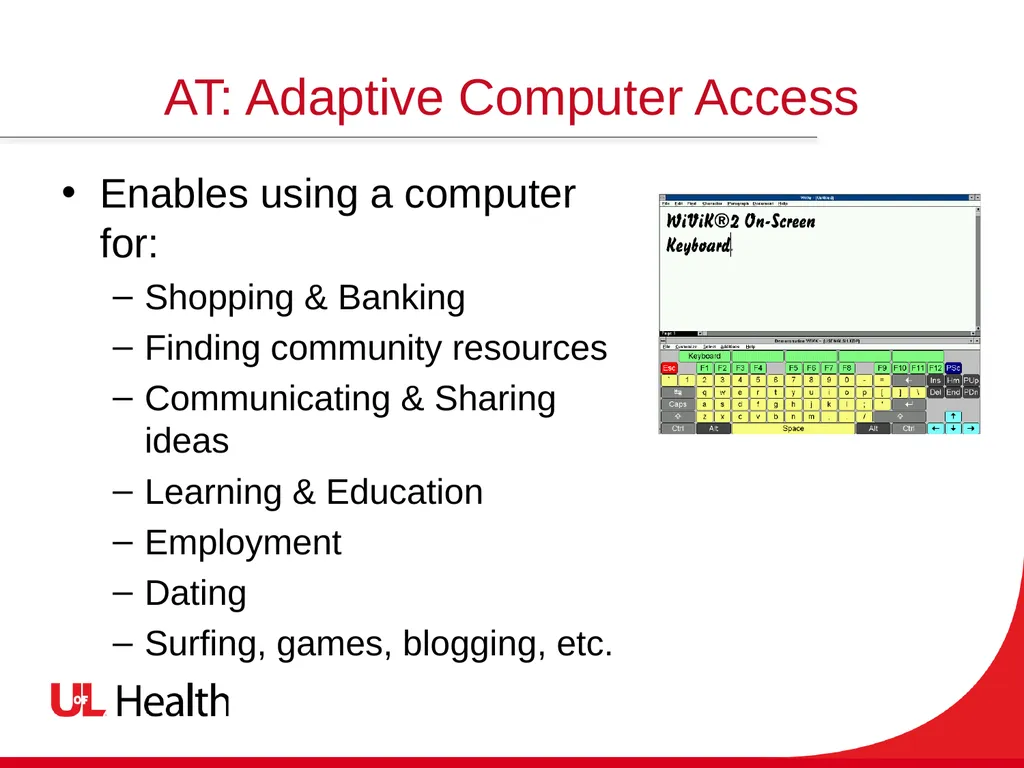
AT: Adaptive Computer Access Enables using a computer for:
Shopping & Banking
Finding community resources
Communicating & Sharing ideas
Learning & Education
Employment
Dating
Surfing, games, blogging, etc.<br>
16
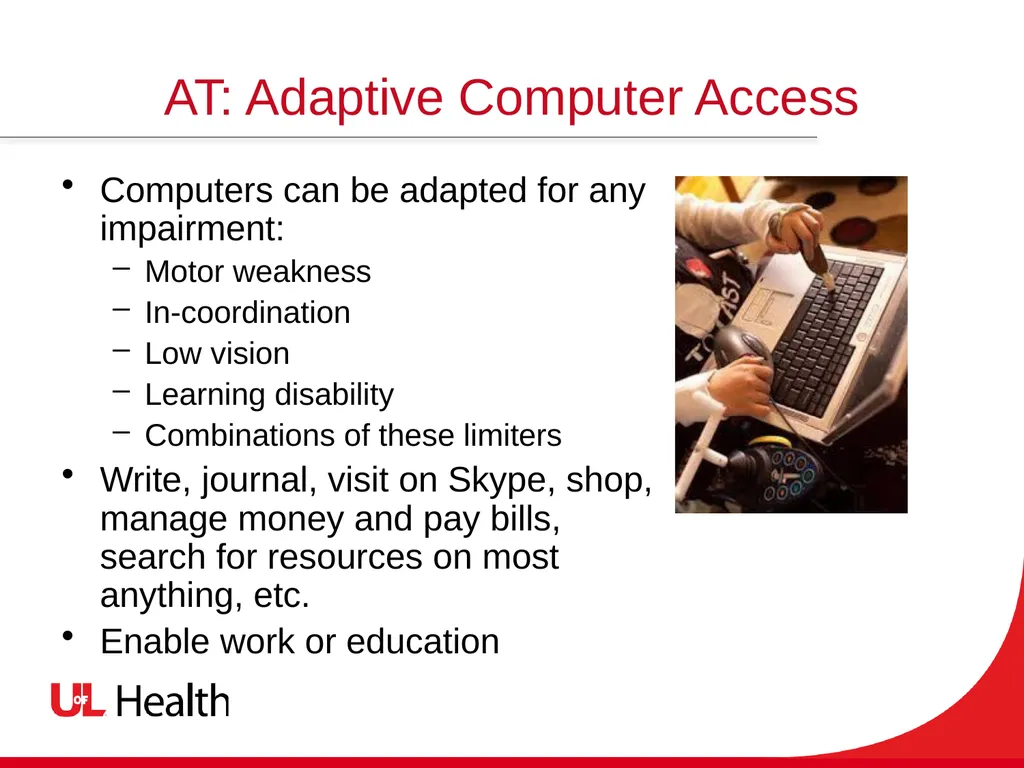
AT: Adaptive Computer Access Computers can be adapted for any impairment:
Motor weakness
In-coordination
Low vision
Learning disability
Combinations of these limiters
Write, journal, visit on Skype, shop, manage money and pay bills, search for resources on most anything, etc.
Enable work or education<br>
17
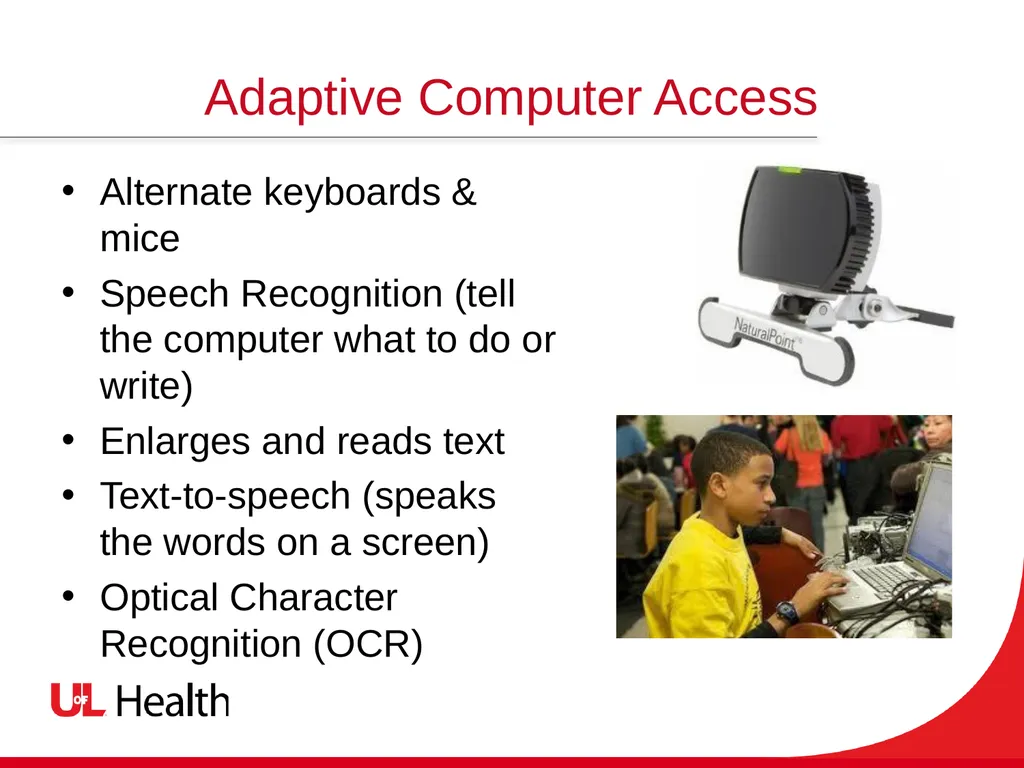
Adaptive Computer Access Alternate keyboards & mice
Speech Recognition (tell the computer what to do or write)
Enlarges and reads text
Text-to-speech (speaks the words on a screen)
Optical Character Recognition (OCR)<br>
18
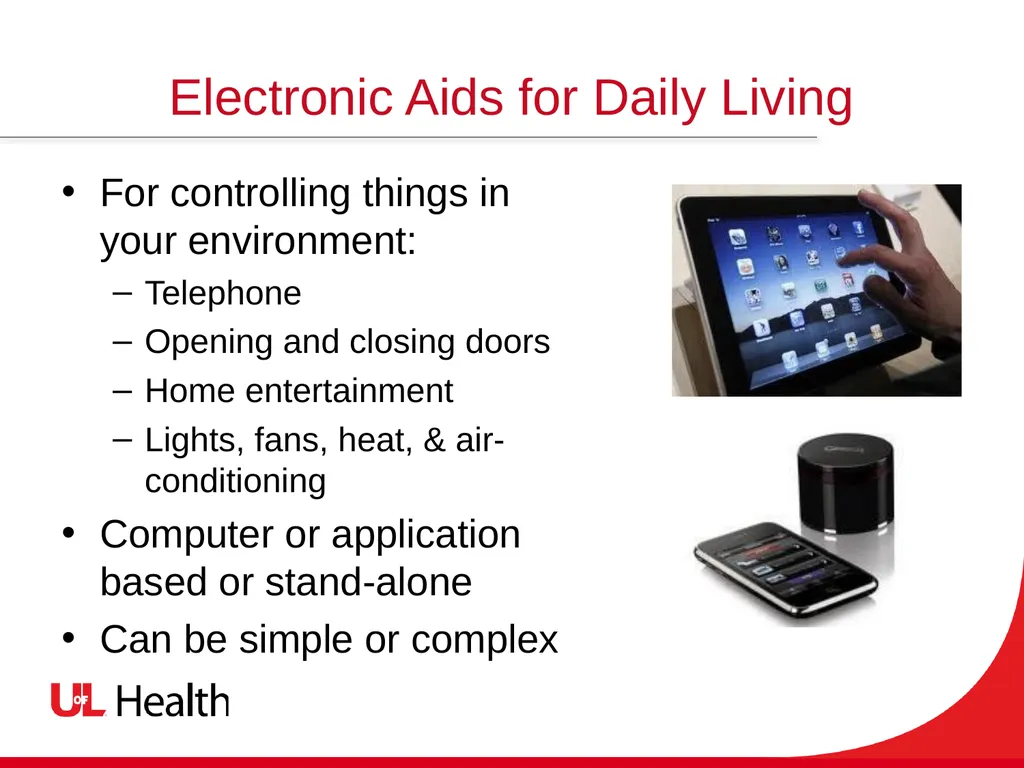
Electronic Aids for Daily Living For controlling things in your environment:
Telephone
Opening and closing doors
Home entertainment
Lights, fans, heat, & air-conditioning
Computer or application based or stand-alone
Can be simple or complex<br>
19
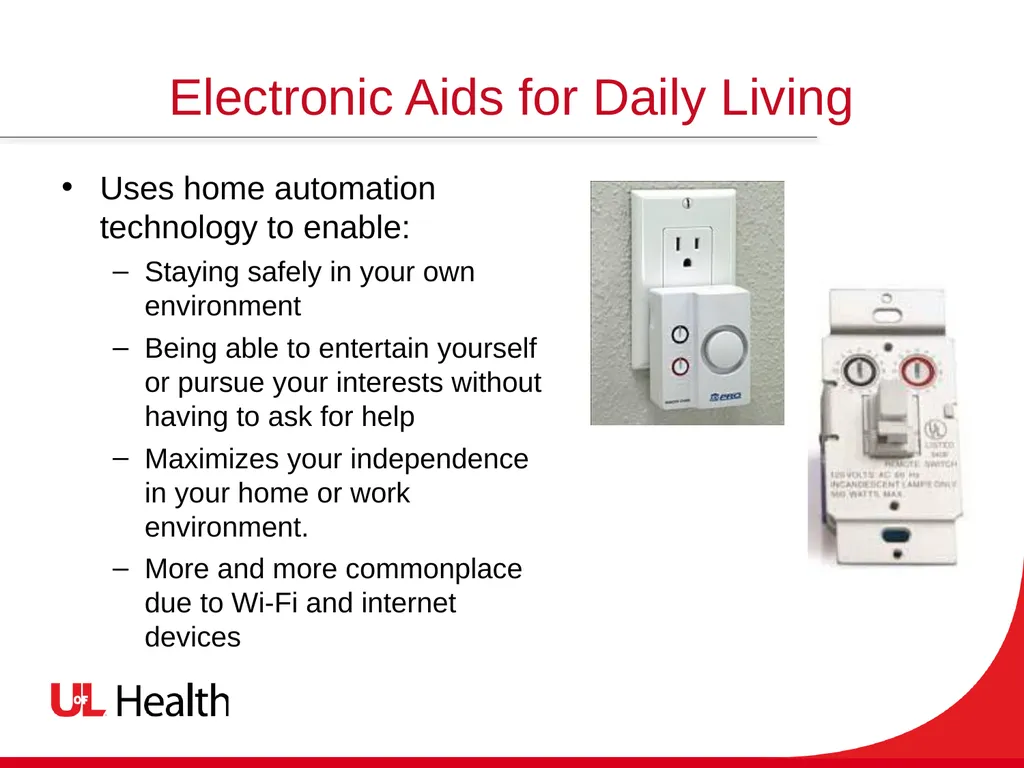
Electronic Aids for Daily Living Uses home automation technology to enable:
Staying safely in your own environment
Being able to entertain yourself or pursue your interests without having to ask for help
Maximizes your independence in your home or work environment.
More and more commonplace due to Wi-Fi and internet devices<br>
20
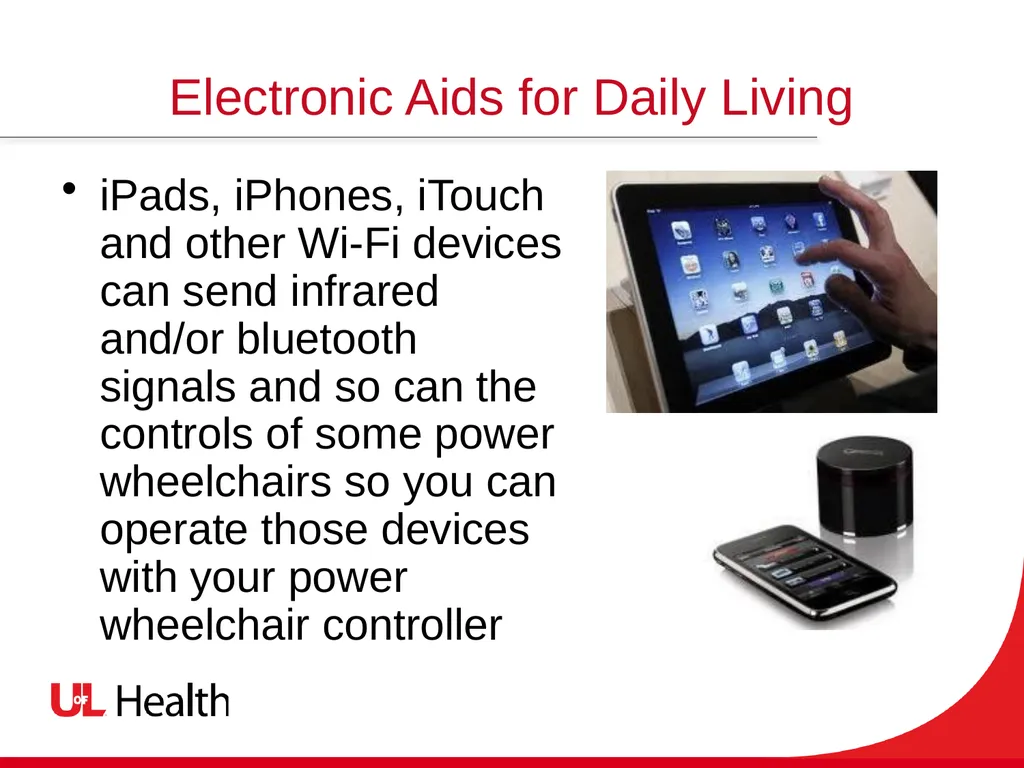
Electronic Aids for Daily Living iPads, iPhones, iTouch and other Wi-Fi devices can send infrared and/or bluetooth signals and so can the controls of some power wheelchairs so you can operate those devices with your power wheelchair controller<br>
21
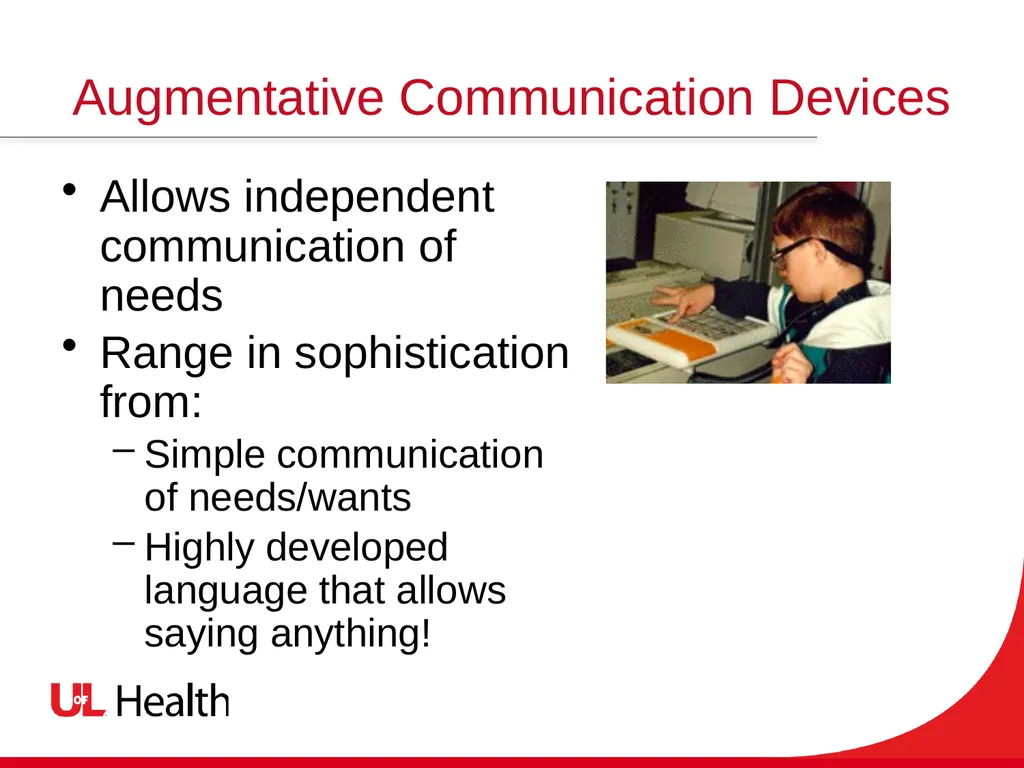
Augmentative Communication Devices Allows independent communication of needs
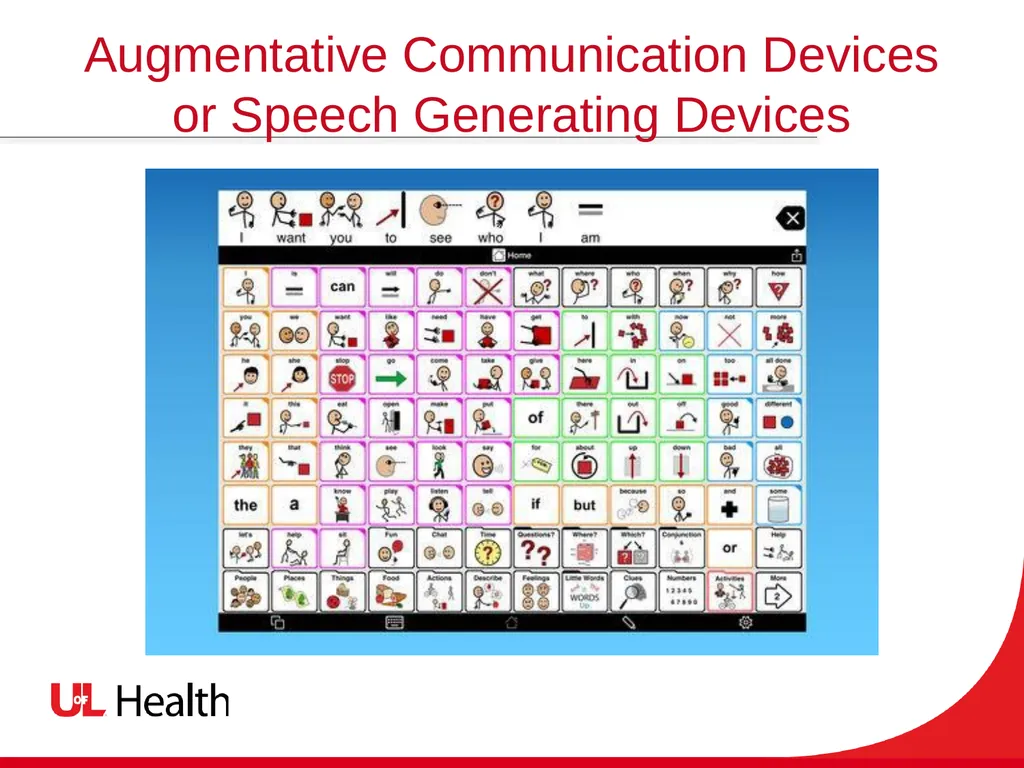
Range in sophistication from:
Simple communication of needs/wants
Highly developed language that allows saying anything!<br>
22
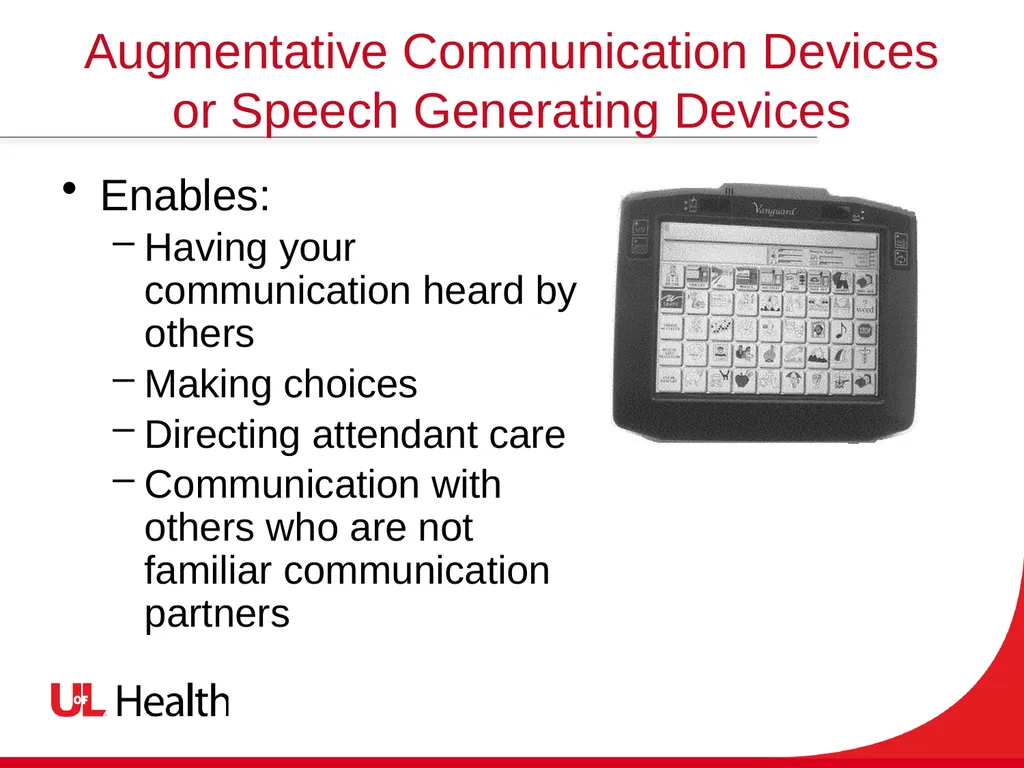
Augmentative Communication Devices or Speech Generating Devices Enables:
Having your communication heard by others
Making choices
Directing attendant care
Communication with others who are not familiar communication partners<br>
23
Augmentative Communication Devices or Speech Generating Devices<br>
24
Benefits of Assistive Technology Our sense of ourselves is wrapped up in what we do!
AT enables:
Greater control over and participation in the events of everyday life
Community living
Competitive and supported employment
Getting involved in leisure activities<br>
25
How Do You Get AT? Get referred for an assistive technology (AT) evaluation for “Instrumental Activities of Daily Living”
Rehab facilities have therapists trained to assist
Funding and resources can come from:
Health insurance or the VA Healthcare
Medicare or Medicaid
Office of Vocational Rehabilitation –for return to work
The Tech Act Projects
The Kentucky Assistive Technology Services Network
INData: The Indiana Assistive Technology Act at Easter Seals Crossroads<br>
26
Assistive Technology People with disabilities are increasingly a powerful presence in America, from our schools to our businesses to the halls of government --but maybe equally important, increasingly a welcome, comfortable, normal presence. President Roosevelt said, “No country, no matter how rich, can afford to waste its human resources!“
President Bill Clinton, 1999<br>
27
We now live an Age of Information Technology Use the Internet to learn more about AT
Search for “Assistive Technology and Spinal Cord Injury
Use plain language searches like “Spinal Cord Injury and Using a Smartphone”
Christopher and Dana Reeve Foundation
National Spinal Cord Injury Association
FacingDisability.org
“How To” and training videos on YouTube orAT product websites and services
Call the Tech Act Project in your state<br>