Best Practices and Avoiding Common Pitfalls If there are additional topics within the presentation slide deck or the simulation examples that you would like to see addressed, let us know. If you would like to share any materials you have
"Best Practices and Avoiding Common Pitfalls If" is the property of its rightful owner. Permission is granted to
download and print the materials on this website for personal, non-commercial use only, and to display it
on your personal computer provided you do not modify the materials and that you retain all copyright
notices contained in the materials. By downloading content from our website, you accept the terms of this
agreement.
Presentation Transcript
01
Best Practices and Avoiding Common Pitfalls<br>
02
If there are additional topics within the presentation slide deck or the simulation examples that you would like to see addressed, let us know.
If you would like to share any materials you have with other professors, Chemstations can be either a reference or a repository. How can we help more?<br>
03
What are we going to cover today? What does a process simulator do?
Best practices
Common mistakes<br>
04
What does a process simulator do? Calculate heat and mass balances around unit operations & whole processes
Calculate what happens with vapor, liquid, solid in unit operations: cooling, heating, separating, or changing phase<br>
05
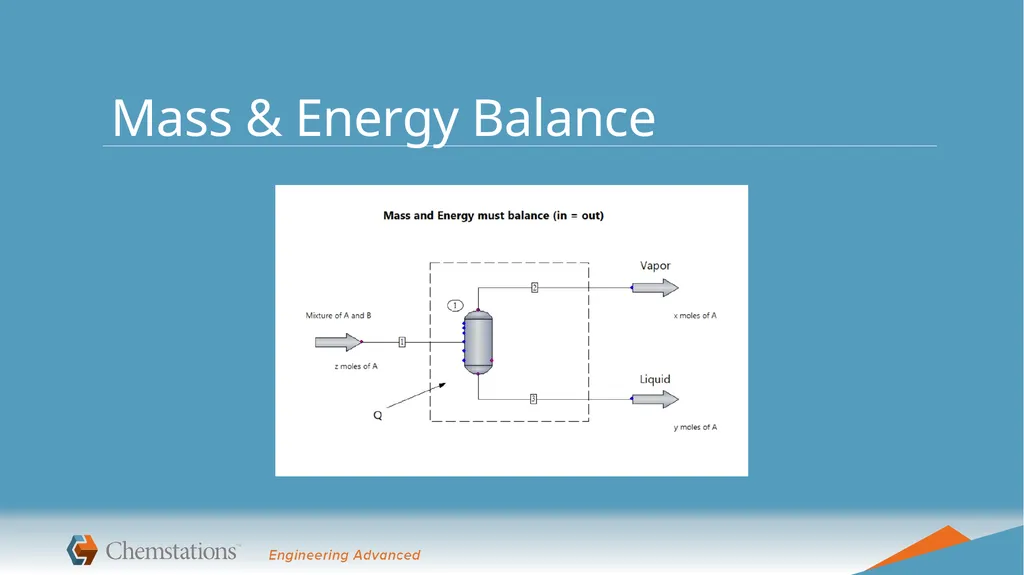
Mass & Energy Balance<br>
06
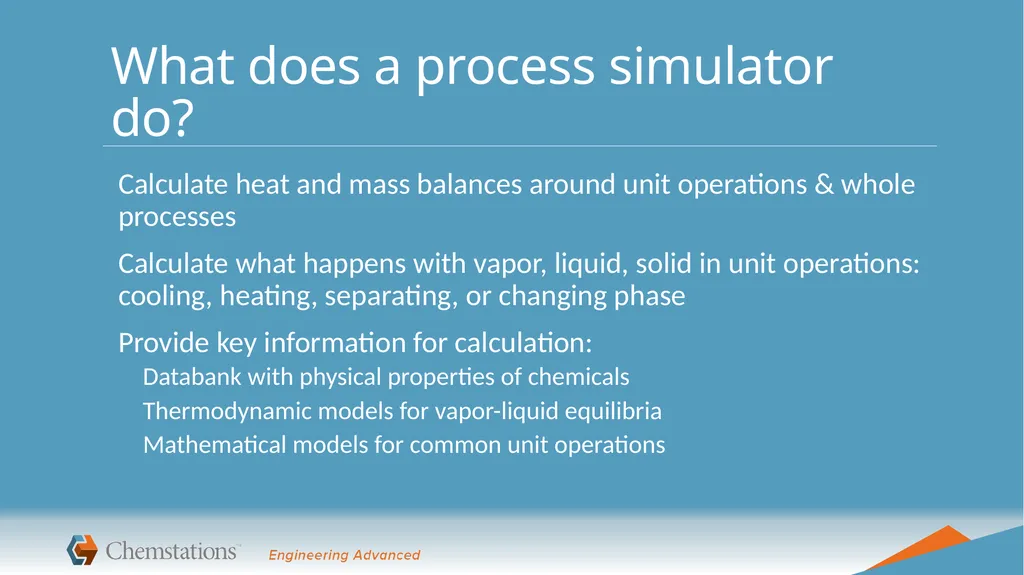
What does a process simulator do? Calculate heat and mass balances around unit operations & whole processes
Calculate what happens with vapor, liquid, solid in unit operations: cooling, heating, separating, or changing phase
Provide key information for calculation:
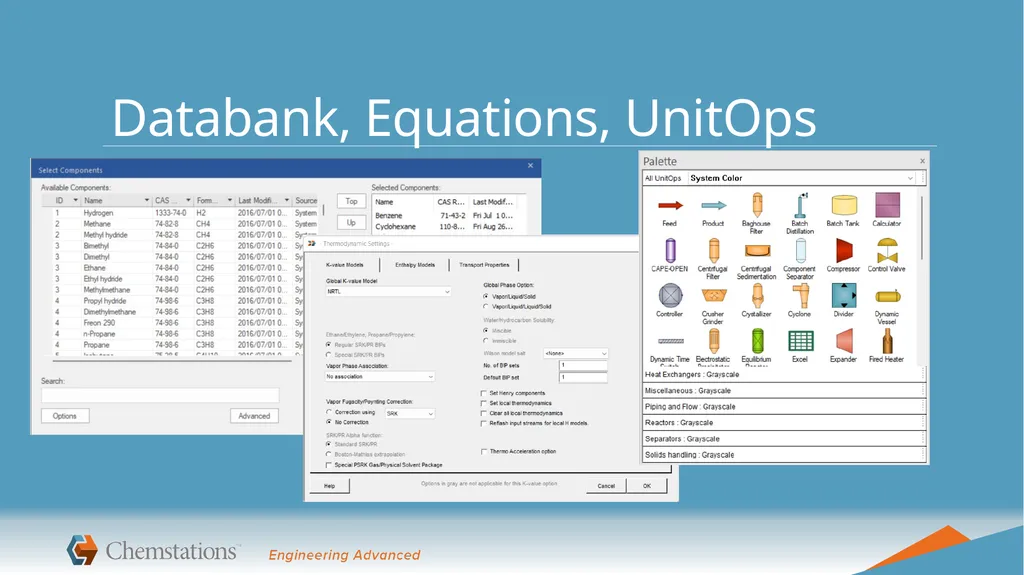
Databank with physical properties of chemicals
Thermodynamic models for vapor-liquid equilibria
Mathematical models for common unit operations<br>
07
Databank, Equations, UnitOps<br>
08
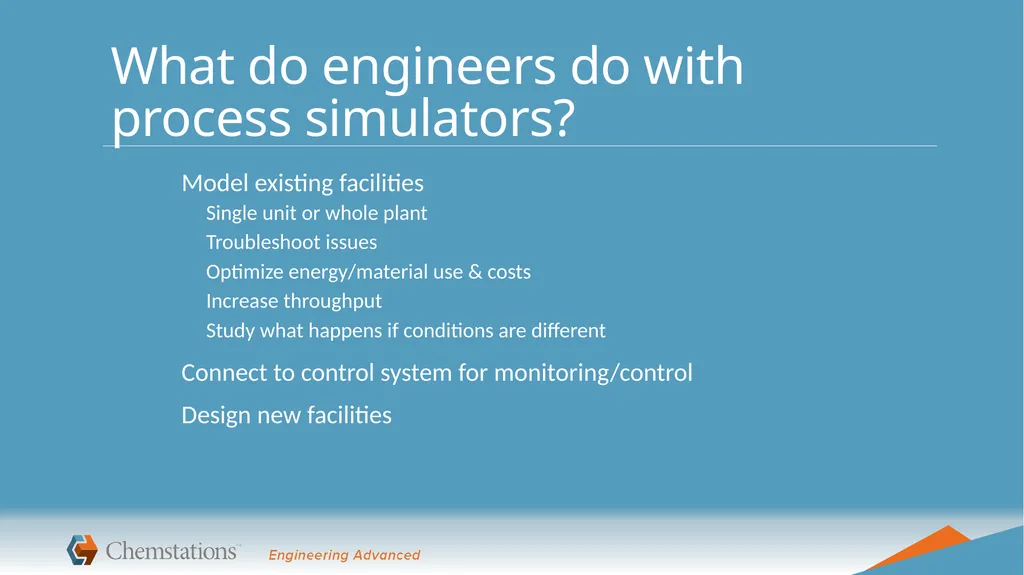
What do engineers do with process simulators? Model existing facilities
Single unit or whole plant
Troubleshoot issues
Optimize energy/material use & costs
Increase throughput
Study what happens if conditions are different
Connect to control system for monitoring/control
Design new facilities<br>
09
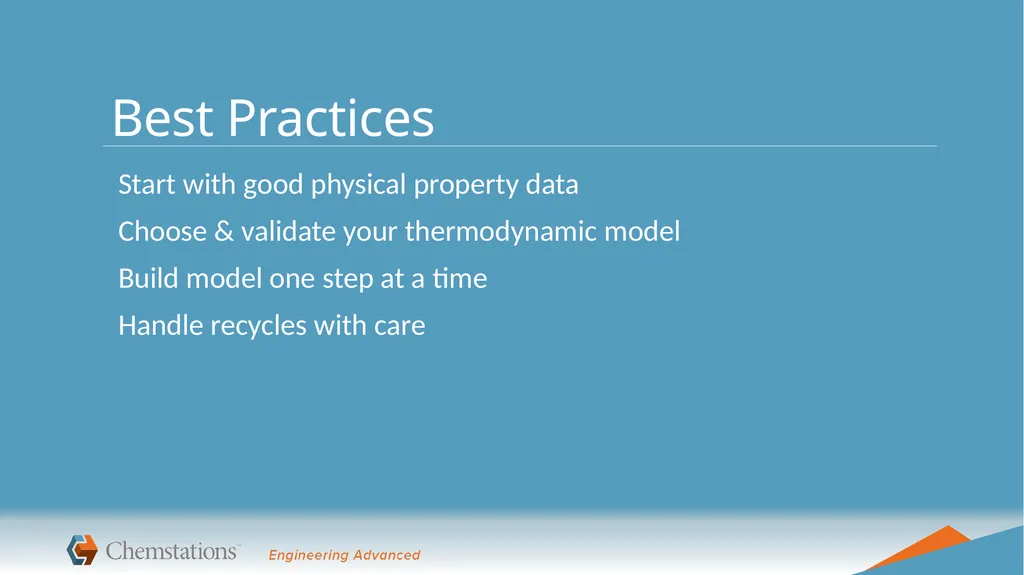
Best Practices Start with good physical property data
Choose & validate your thermodynamic model
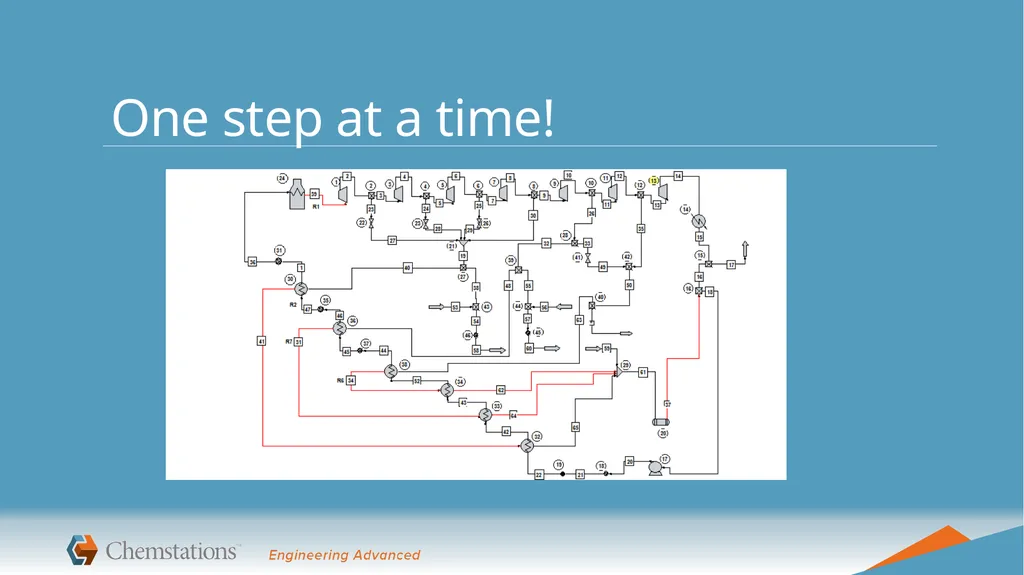
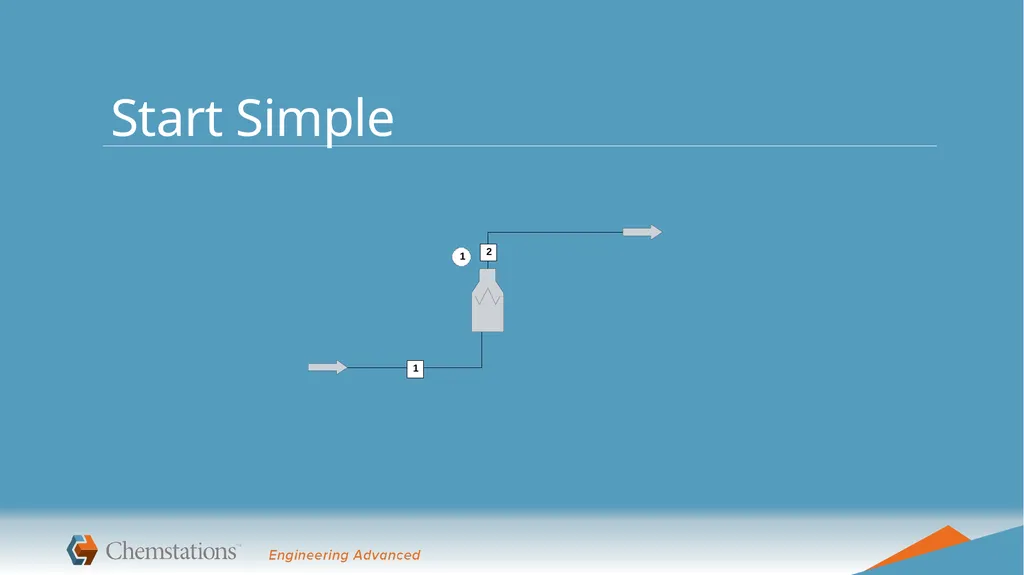
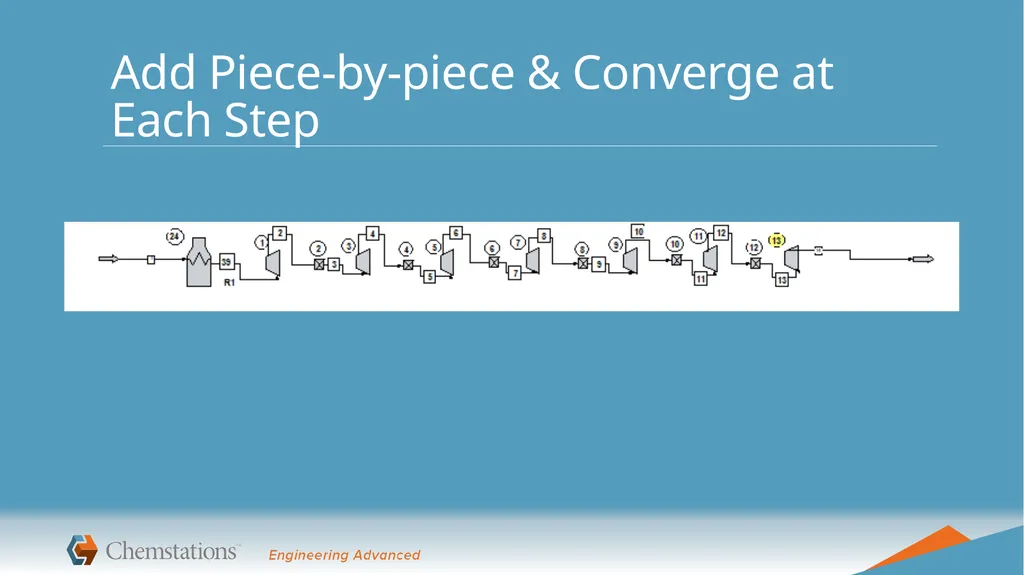
Build model one step at a time
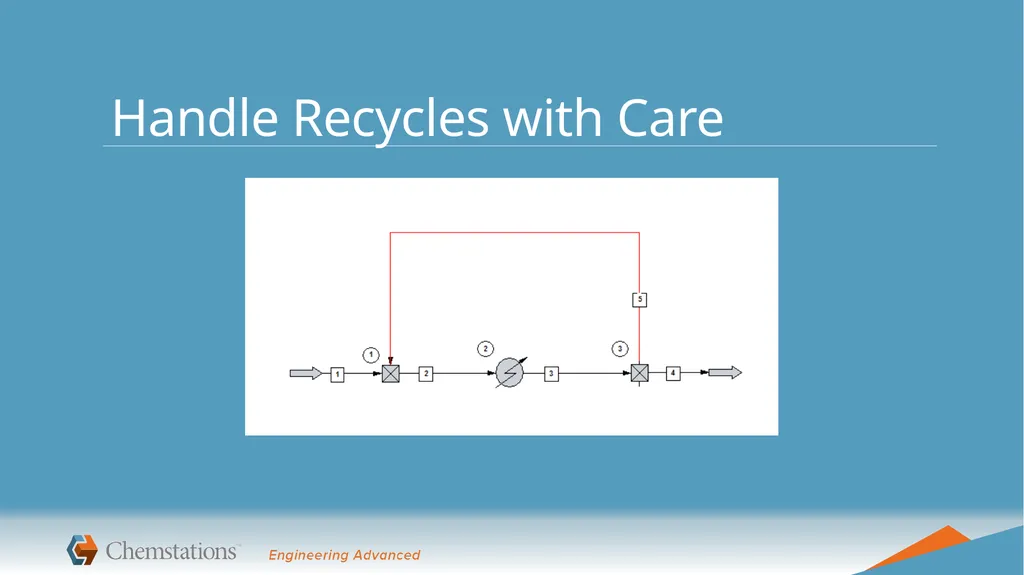
Handle recycles with care<br>
10
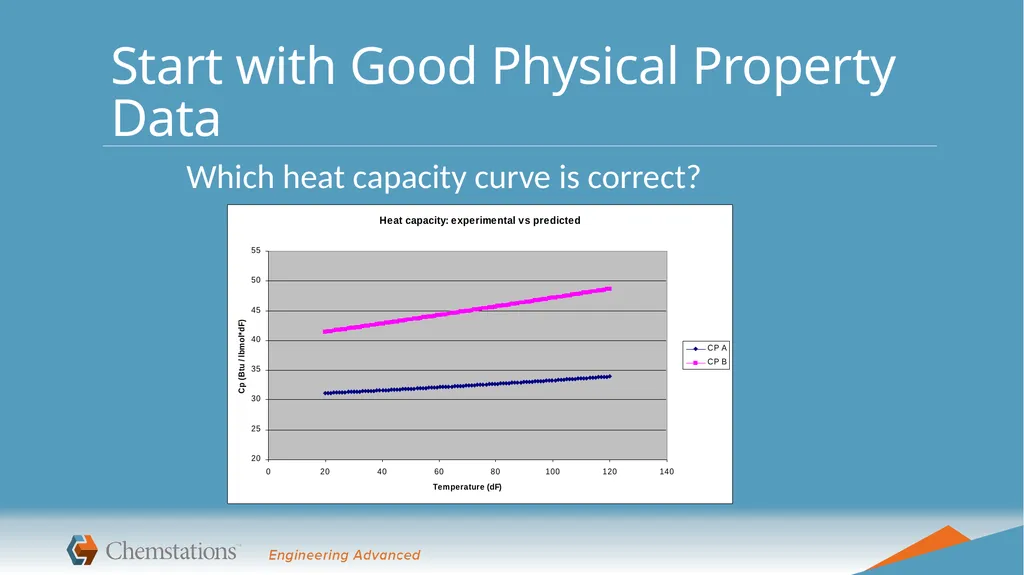
Start with Good Physical Property Data Which heat capacity curve is correct?<br>
11
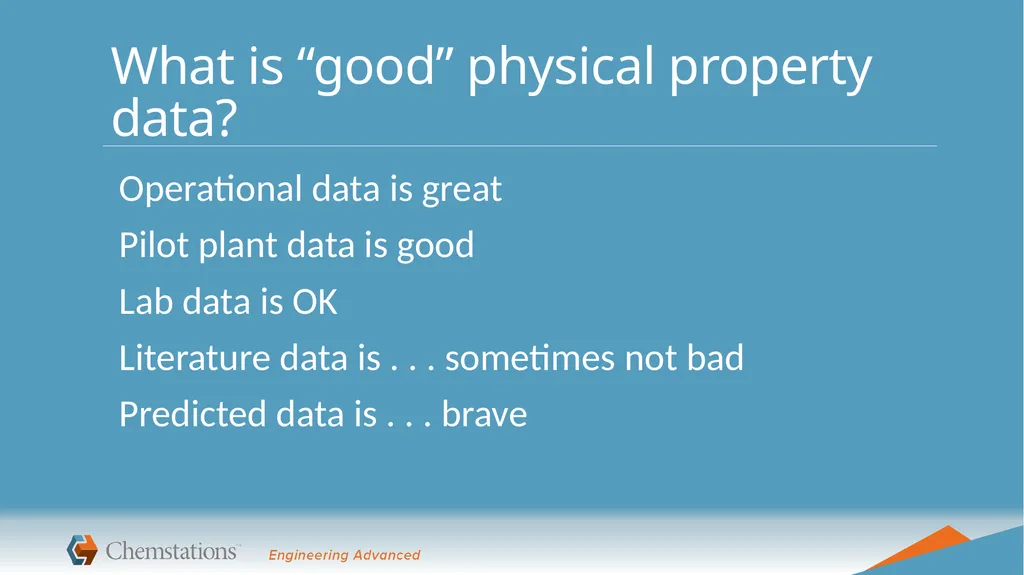
What is “good” physical property data? Operational data is great
Pilot plant data is good
Lab data is OK
Literature data is . . . sometimes not bad
Predicted data is . . . brave<br>
12
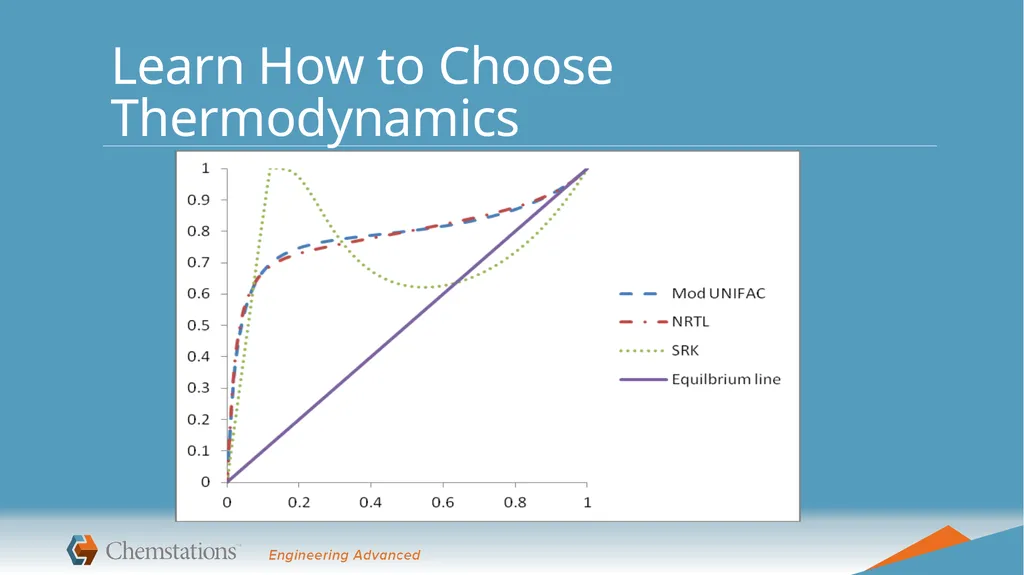
Learn How to Choose Thermodynamics<br>
13
How do you choose your thermo model? Experience with thermo is necessary
Articles/books can teach you basics
Compare to data for important systems<br>
14
Validate Your Thermodynamic Model Inspect TPxy diagrams
Run some flash calculations & inspect results
Have a qualitative idea of what the phase separation will look like<br>
15
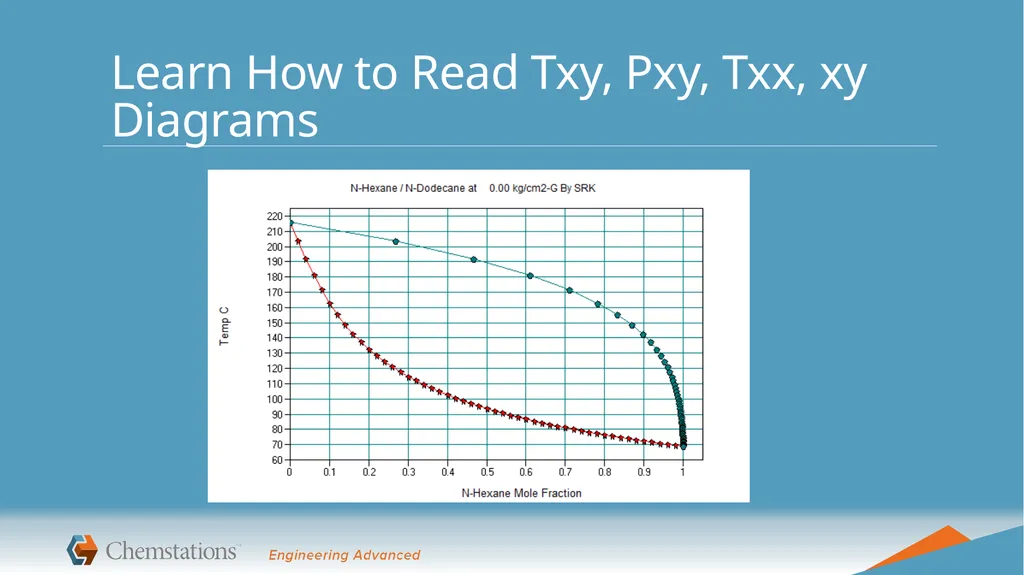
Learn How to Read Txy, Pxy, Txx, xy Diagrams<br>
16
One step at a time!<br>
17
Start Simple<br>
18
Add Piece-by-piece & Converge at Each Step<br>
19
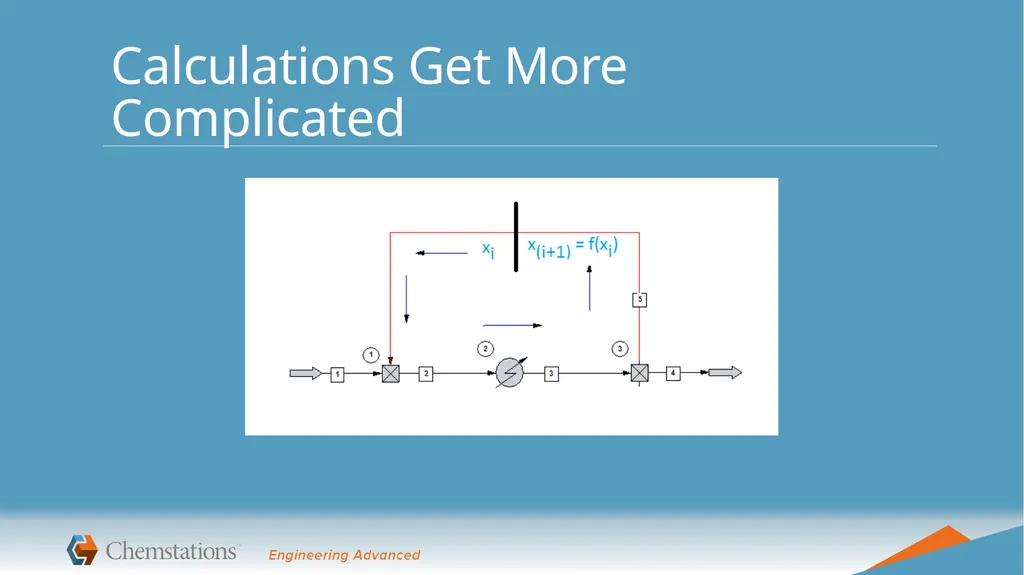
Handle Recycles with Care<br>
20
Calculations Get More Complicated<br>
21
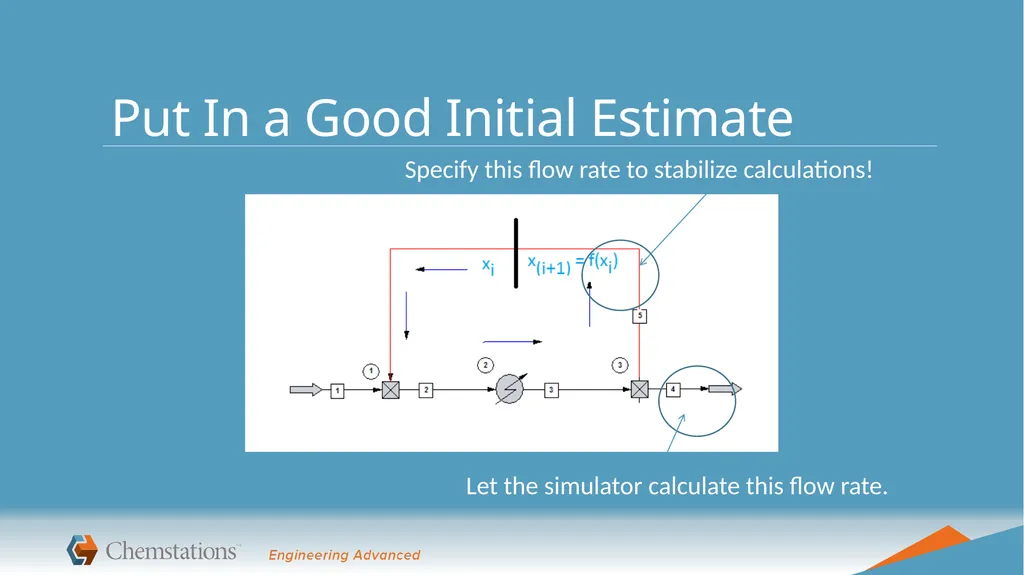
Put In a Good Initial Estimate Specify this flow rate to stabilize calculations! Let the simulator calculate this flow rate.<br>
22
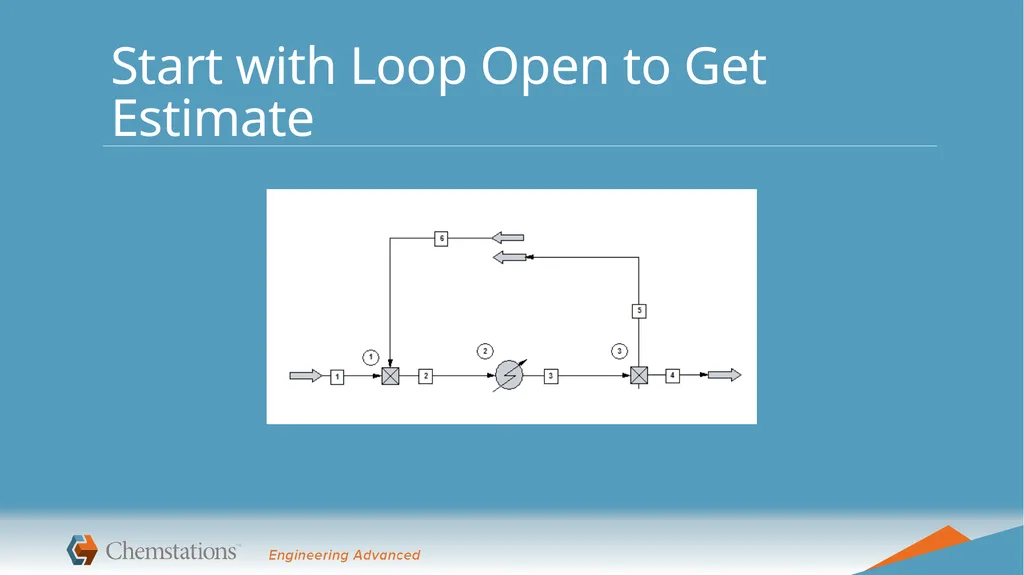
Start with Loop Open to Get Estimate<br>
23
Common Mistakes Matching plant data
How accurate are the measuring devices? Last calibrated?
Were all measurements taken at same steady-state conditions?
Are you ignoring trace chemicals?
Neglecting to examine different conditions (cooling water can average 90 ˚F in Houston summer)<br>
24
Other Common Mistakes A simulator is not a video game
Converged doesn’t mean correct
Understand your process before modeling
If you don’t know what you’re doing, you’ll get the wrong answer
These are tools; you are the engineer
Garbage in = garbage out
Use engineering judgment, not necessarily default options<br>
25
Takeaways from Today Process simulators are powerful tools to help make it easier to solve a wide range of engineering problems
You will encounter these tools when you graduate & should become familiar with them
Like any tool, it’s important to know how to properly use it to get the best results<br>
26
Learn more! Use a simulator to revisit homework problems!
Find a mentor! Find examples!
Learn TPxy plots . . . applied thermodynamics . . .
Read a book!
Edwards, Chemical Engineering in Practice, Kindle edition
Seider, Lewin, Product and Process Design Principles
Kaes, Refinery Process Modeling
Read a magazine article!<br>