Bit Masking To access or affect only the bits we want, we need to construct a byte with bits set in the locations of interest This byte is called a bit mask Use the bit mask with the appropriate bit-wise operator to get the desired
"Bit Masking To access or affect only the bits we" is the property of its rightful owner. Permission is granted to
download and print the materials on this website for personal, non-commercial use only, and to display it
on your personal computer provided you do not modify the materials and that you retain all copyright
notices contained in the materials. By downloading content from our website, you accept the terms of this
agreement.
Presentation Transcript
01
Bit Masking To access or affect only the bits we want, we need to construct a byte with bits set in the locations of interest
This byte is called a ‘bit mask’
Use the bit mask with the appropriate bit-wise operator to get the desired result:
To set bits: bit-wise OR ( | ) with the bit mask
To clear bits: bit-wise AND ( & ) with the negated bit mask<br>
02
Bit Masking Example 1 Set bits 3, 5, and 7 in DDRD (make pins to be OUTPUTS) without affecting the other bits (port-style):
recall: DDRD = 0b10101000; but this would make pins 6, 4, 2, 1, and 0 to be INPUTS, which might not be what we want
Instead:
Construct a bit mask with 1s in bit positions 3, 5, and 7 and 0s everywhere else
Bit-wise OR with DDRD and assign back to DDRD<br>
03
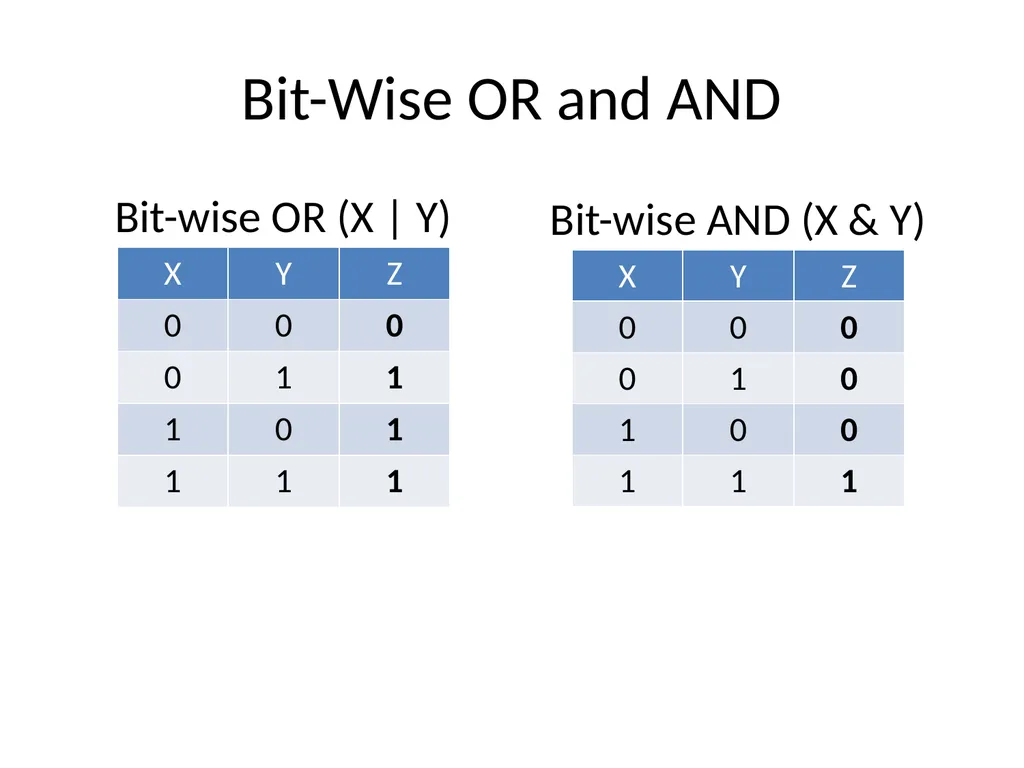
Bit-Wise OR and AND Bit-wise OR (X | Y) Bit-wise AND (X & Y)<br>
04
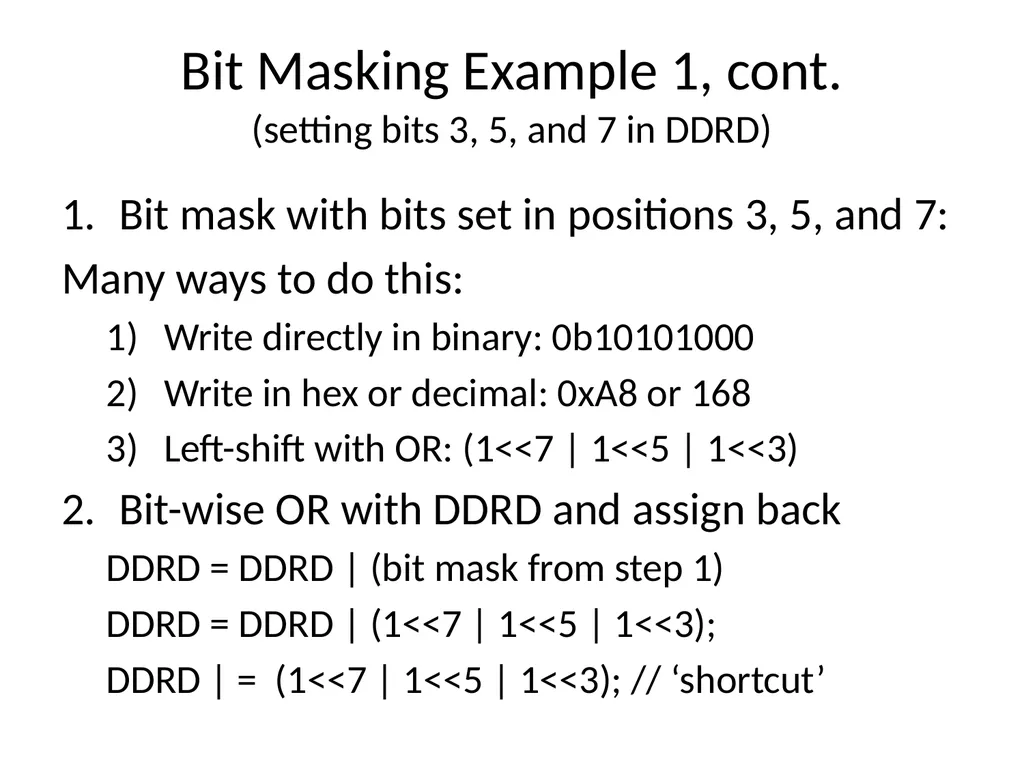
Bit Masking Example 1, cont. (setting bits 3, 5, and 7 in DDRD) Bit mask with bits set in positions 3, 5, and 7:
Many ways to do this:
Write directly in binary: 0b10101000
Write in hex or decimal: 0xA8 or 168
Left-shift with OR: (1<<7 | 1<<5 | 1<<3)
Bit-wise OR with DDRD and assign back
DDRD = DDRD | (bit mask from step 1)
DDRD = DDRD | (1<<7 | 1<<5 | 1<<3);
DDRD | = (1<<7 | 1<<5 | 1<<3); // ‘shortcut’<br>
05
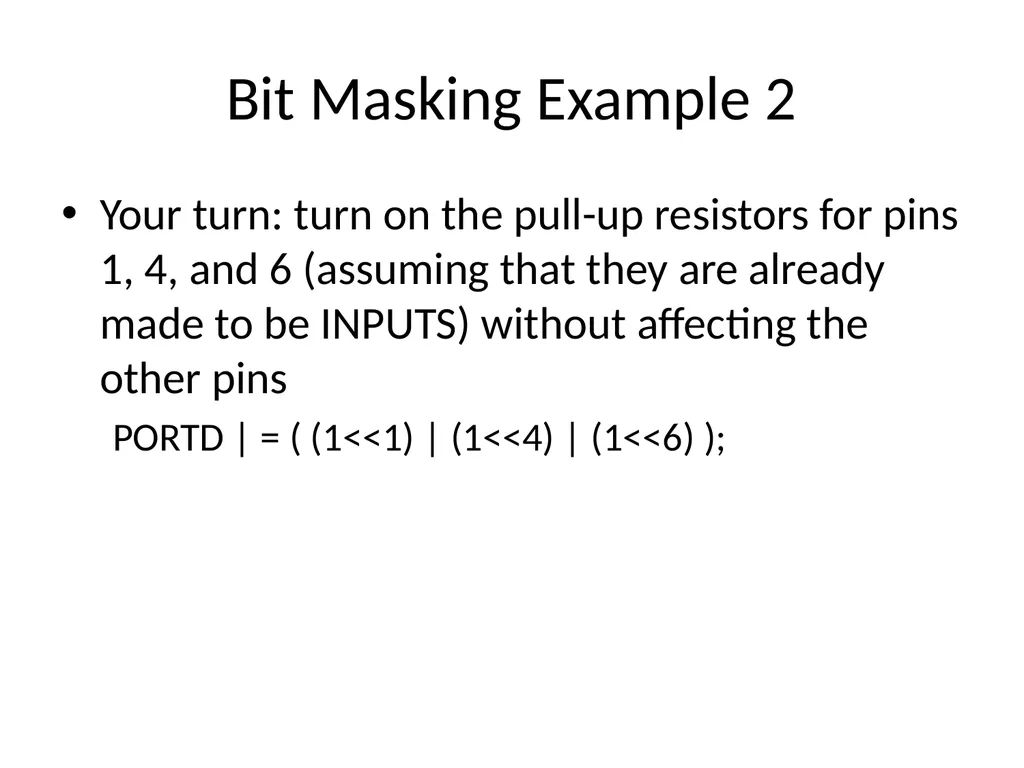
Bit Masking Example 2 Your turn: turn on the pull-up resistors for pins 1, 4, and 6 (assuming that they are already made to be INPUTS) without affecting the other pins
PORTD | = ( (1<<1) | (1<<4) | (1<<6) );<br>
06
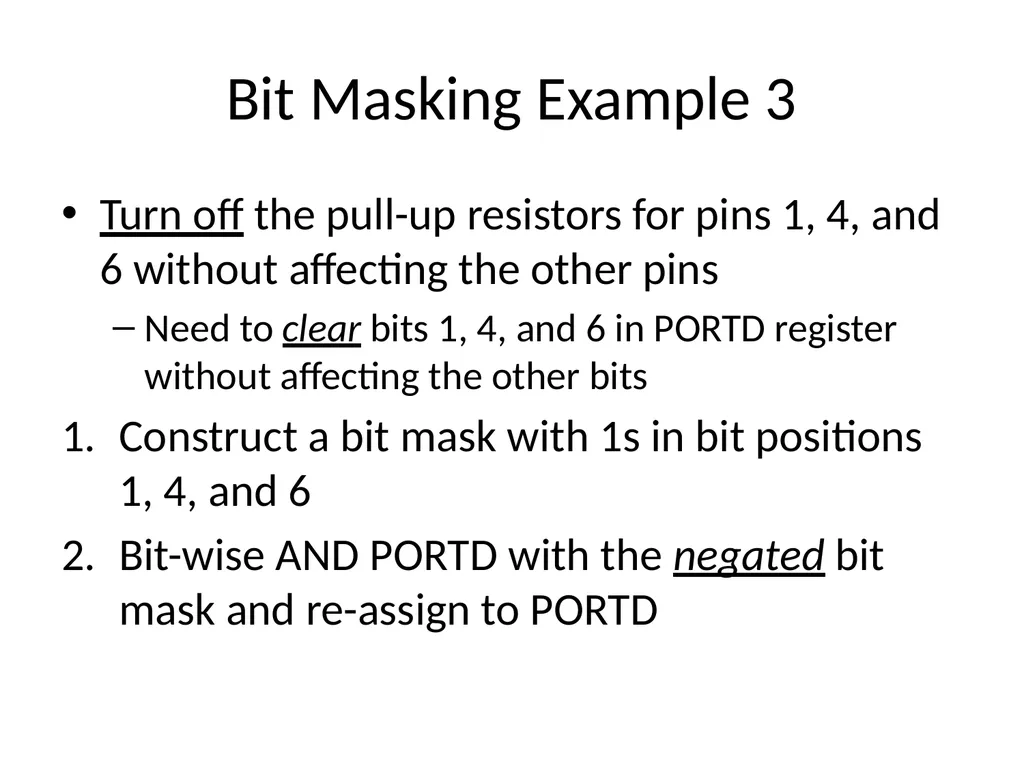
Bit Masking Example 3 Turn off the pull-up resistors for pins 1, 4, and 6 without affecting the other pins
Need to clear bits 1, 4, and 6 in PORTD register without affecting the other bits
Construct a bit mask with 1s in bit positions 1, 4, and 6
Bit-wise AND PORTD with the negated bit mask and re-assign to PORTD<br>
07
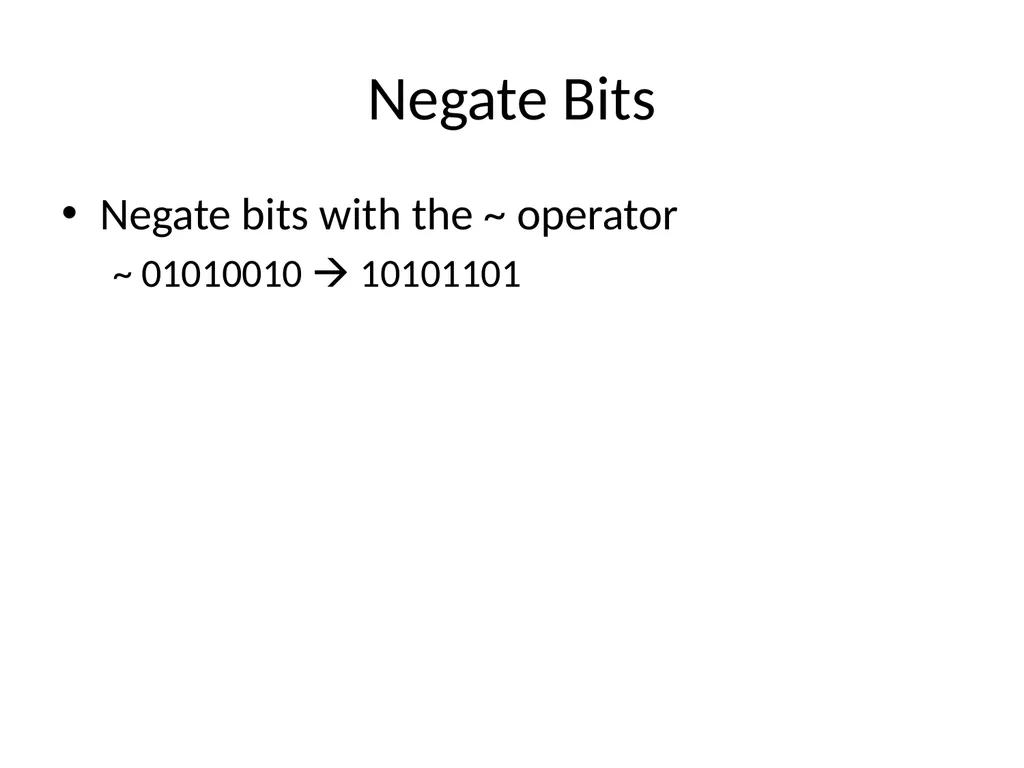
Negate Bits Negate bits with the ~ operator
~ 01010010 10101101<br>
08
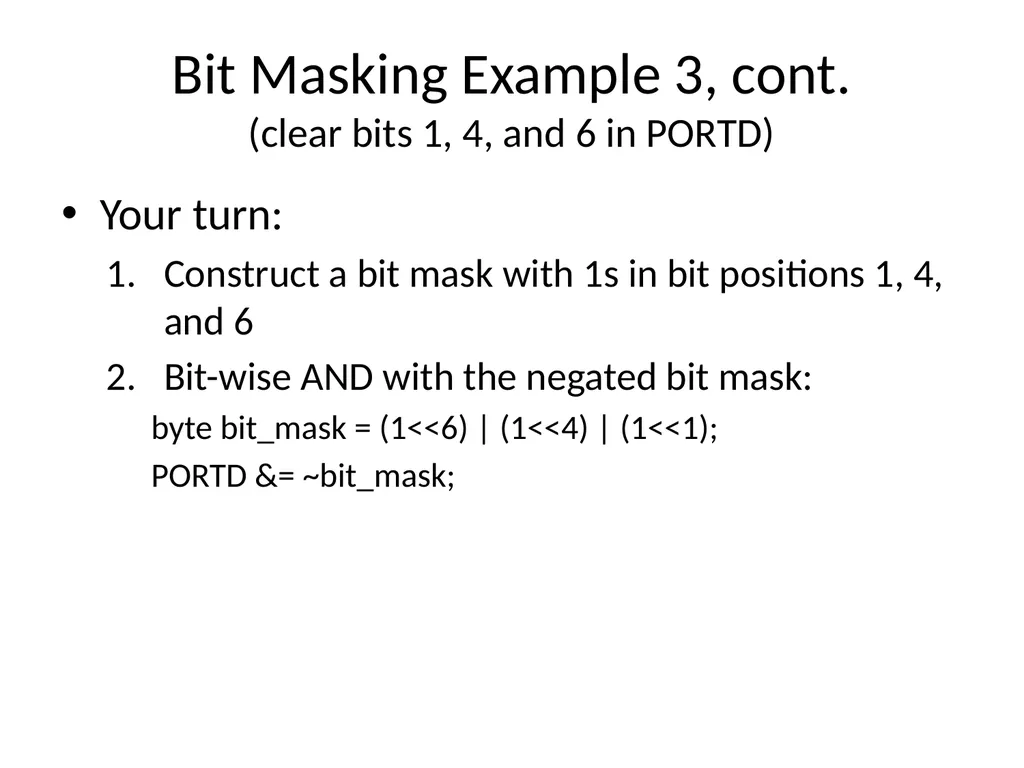
Bit Masking Example 3, cont. (clear bits 1, 4, and 6 in PORTD) Your turn:
Construct a bit mask with 1s in bit positions 1, 4, and 6
Bit-wise AND with the negated bit mask:
byte bit_mask = (1<<6) | (1<<4) | (1<<1);
PORTD &= ~bit_mask;<br>
09
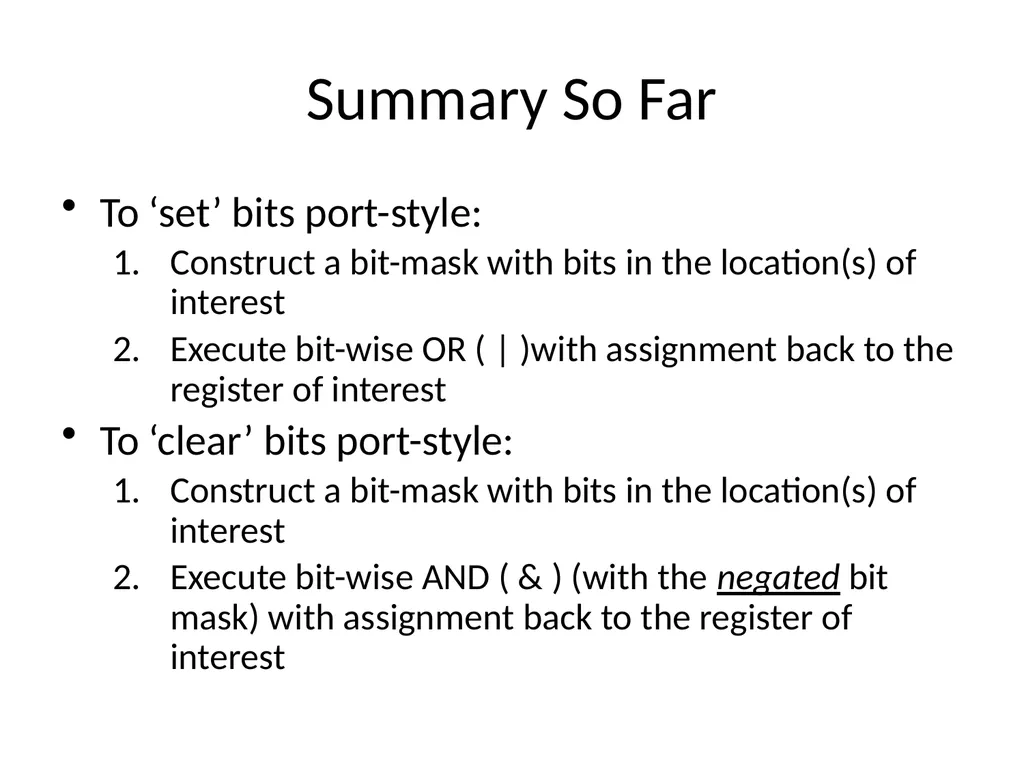
Summary So Far To ‘set’ bits port-style:
Construct a bit-mask with bits in the location(s) of interest
Execute bit-wise OR ( | )with assignment back to the register of interest
To ‘clear’ bits port-style:
Construct a bit-mask with bits in the location(s) of interest
Execute bit-wise AND ( & ) (with the negated bit mask) with assignment back to the register of interest<br>
10
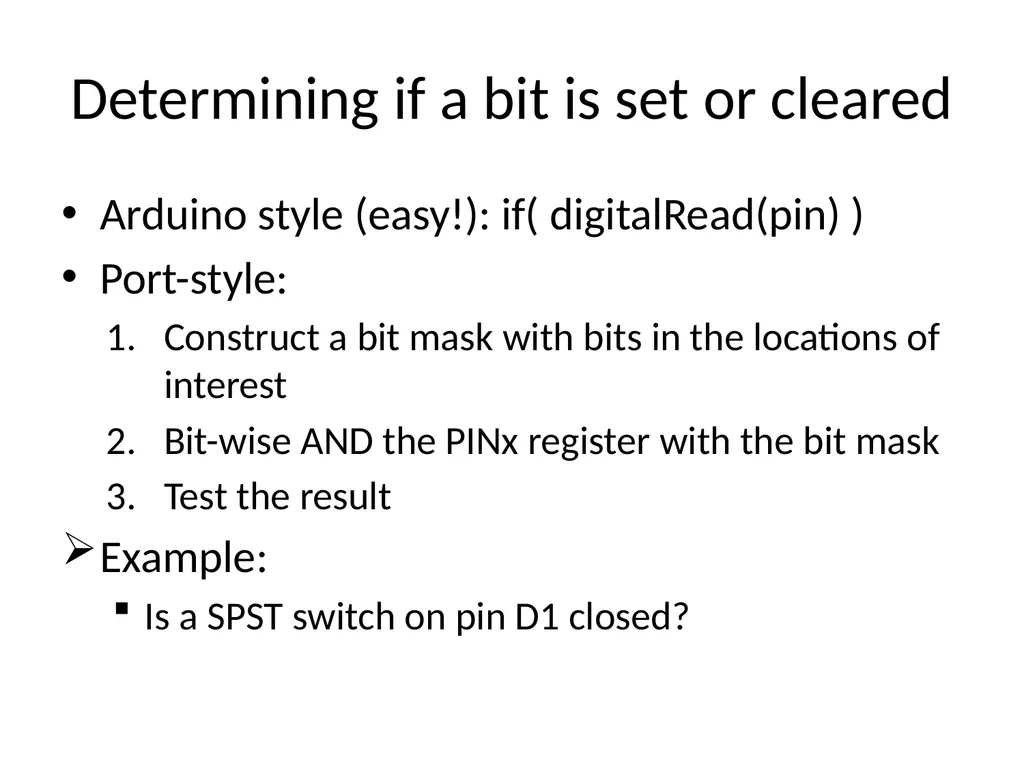
Determining if a bit is set or cleared Arduino style (easy!): if( digitalRead(pin) )
Port-style:
Construct a bit mask with bits in the locations of interest
Bit-wise AND the PINx register with the bit mask
Test the result
Example:
Is a SPST switch on pin D1 closed?<br>
11
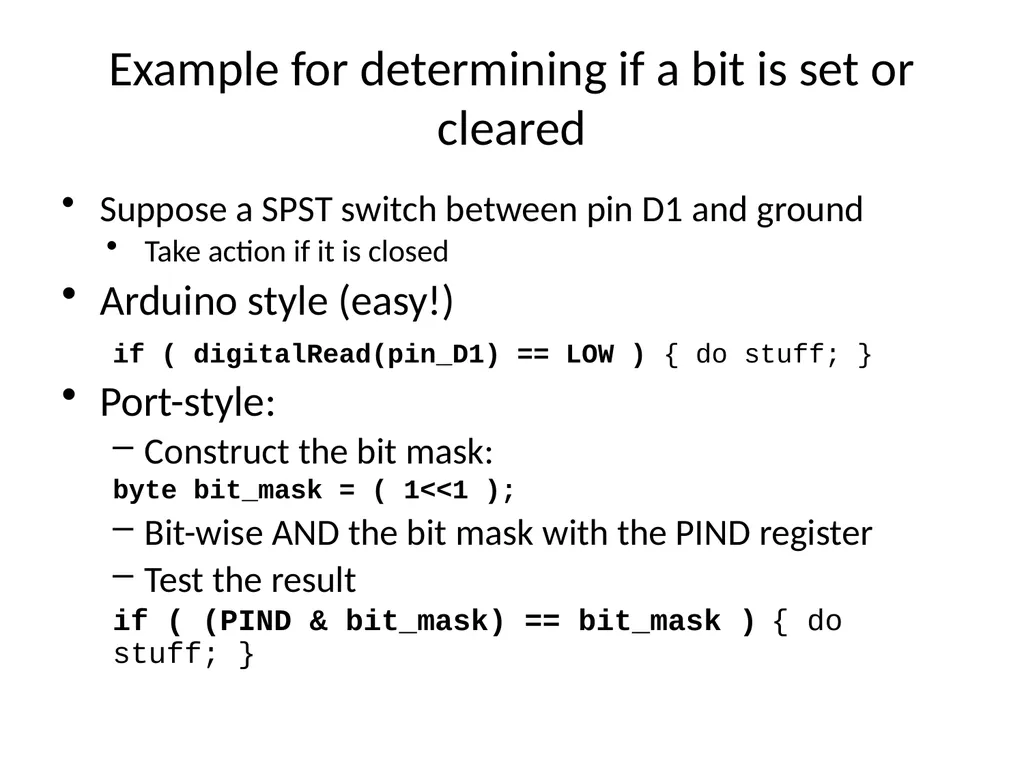
Example for determining if a bit is set or cleared Suppose a SPST switch between pin D1 and ground
Take action if it is closed
Arduino style (easy!)
if ( digitalRead(pin_D1) == LOW ) { do stuff; }
Port-style:
Construct the bit mask:
byte bit_mask = ( 1<<1 );
Bit-wise AND the bit mask with the PIND register
Test the result
if ( (PIND & bit_mask) == bit_mask ) { do stuff; }<br>