
CHAPTER – 01 COMPUTER FUNDAMENTALS Unit 1 Computer
AM
Published · 127 slides · 0 views

1 / 1


Description
CHAPTER 01 COMPUTER FUNDAMENTALS Unit 1 Computer Systems and Organisation (CSO) XI Computer Science (083) Board : CBSE Unit I Computer Systems and Organisation (CSO) (10 Theory 02 Practical) Department of Computer Science, Sainik School
Related Topics
Share
Embed code
Download this presentation From Below
"CHAPTER – 01 COMPUTER FUNDAMENTALS Unit 1 Computer" is the property of its rightful owner. Permission is granted to download and print the materials on this website for personal, non-commercial use only, and to display it on your personal computer provided you do not modify the materials and that you retain all copyright notices contained in the materials. By downloading content from our website, you accept the terms of this agreement.
Presentation Transcript
01
CHAPTER – 01
COMPUTER FUNDAMENTALS Unit 1 Computer Systems and Organisation (CSO) XI
Computer Science (083)
Board : CBSE<br>
Computer Science (083)
Board : CBSE<br>
02
Unit I Computer Systems and Organisation (CSO) (10 Theory + 02 Practical) Department of Computer Science, Sainik School Gopalganj)
Cell :9931640949
Email : manish_mca2004@rediffmail.com Manish Kumar
M Phil (Computer Sc) Prepared by Courtesy CBSE<br>
Cell :9931640949
Email : manish_mca2004@rediffmail.com Manish Kumar
M Phil (Computer Sc) Prepared by Courtesy CBSE<br>
03
What you are going to study in this Unit II? Basic computer organisation: description of a computer system and mobile
system, CPU, memory, hard disk, I/O, battery.
Types of software: application, System, utility.
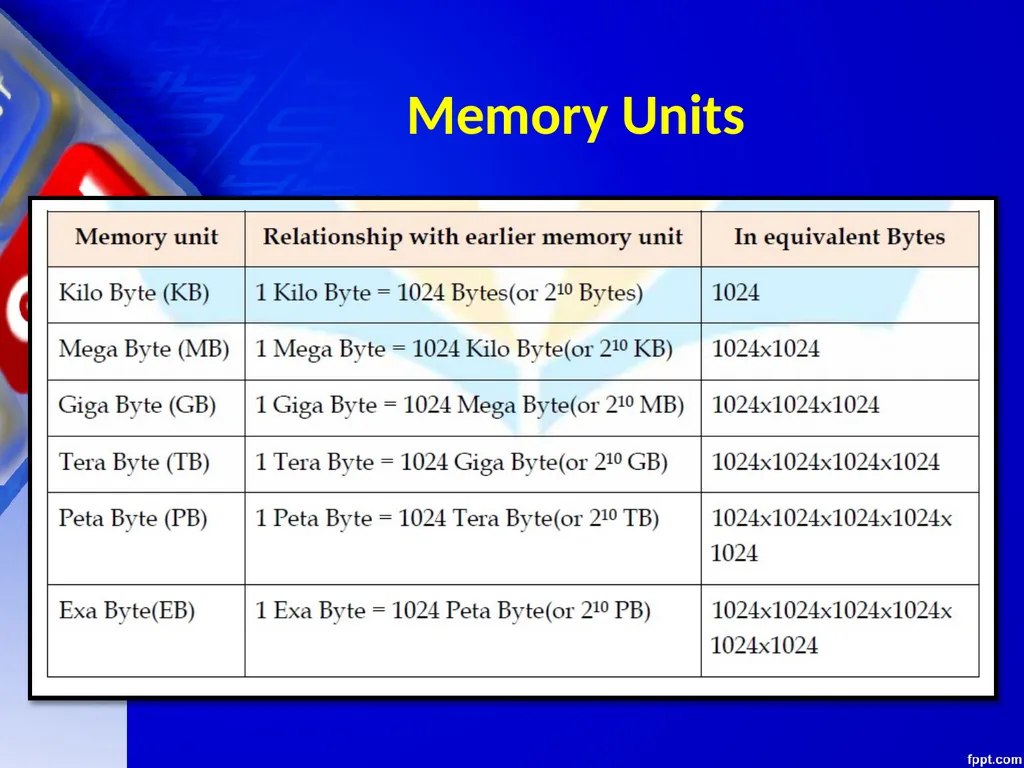
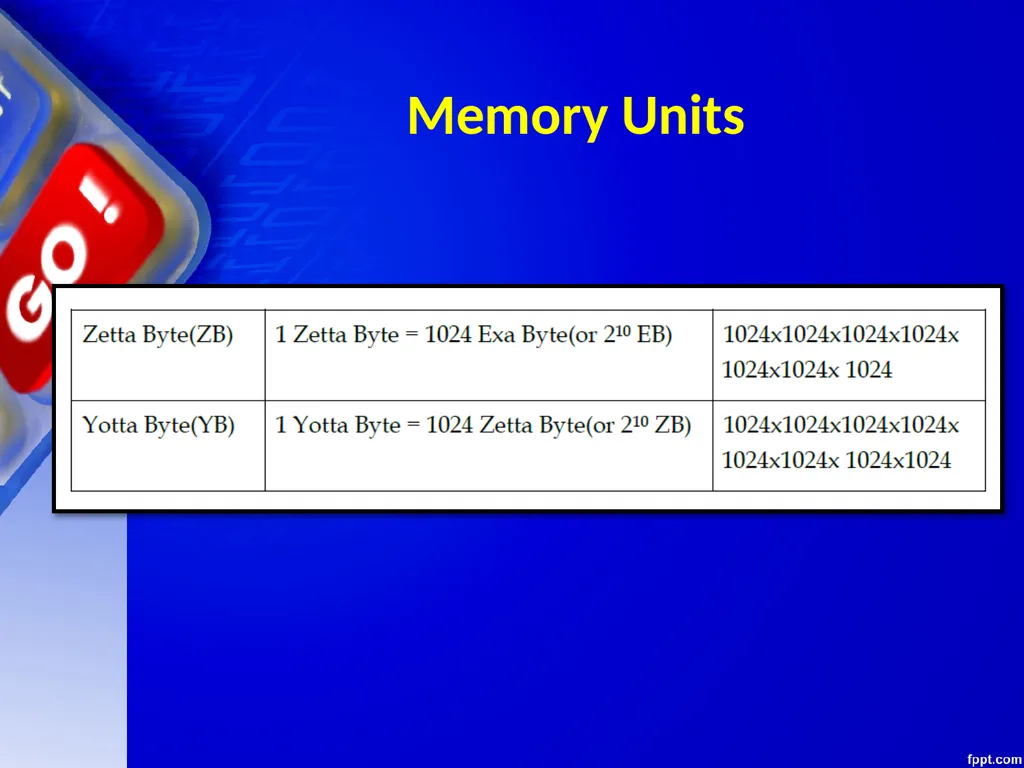
Memory Units: bit, byte, MB, GB, TB, and PB.
Boolean logic: OR, AND, NAND, NOR, XOR, NOT, truth tables, De Morgan’s laws
Information representation: numbers in base 2, 8, 16, binary addition<br>
system, CPU, memory, hard disk, I/O, battery.
Types of software: application, System, utility.
Memory Units: bit, byte, MB, GB, TB, and PB.
Boolean logic: OR, AND, NAND, NOR, XOR, NOT, truth tables, De Morgan’s laws
Information representation: numbers in base 2, 8, 16, binary addition<br>
04
What you are going to study in this Unit II? Strings: ASCII, UTF8, UTF32, ISCII (Indian script code), Unicode
Basic concepts of Flowchart
Concept of Compiler & Interpreter
Running a program: Notion of an operating system, how an operating system
runs a program, idea of loading, operating system as a resource manager.
Concept of cloud computing, cloud (public/private), introduction to parallel computing<br>
Basic concepts of Flowchart
Concept of Compiler & Interpreter
Running a program: Notion of an operating system, how an operating system
runs a program, idea of loading, operating system as a resource manager.
Concept of cloud computing, cloud (public/private), introduction to parallel computing<br>
05
Courtesy CBSE Unit I Computer Fundamentals After studying this session students will be able to: Learn about various generations of computer
Understand the basic operation of a computer
Study the functional components and their interconnections
Understand the concept of booting
Learn about classification of computers<br>
Understand the basic operation of a computer
Study the functional components and their interconnections
Understand the concept of booting
Learn about classification of computers<br>
06
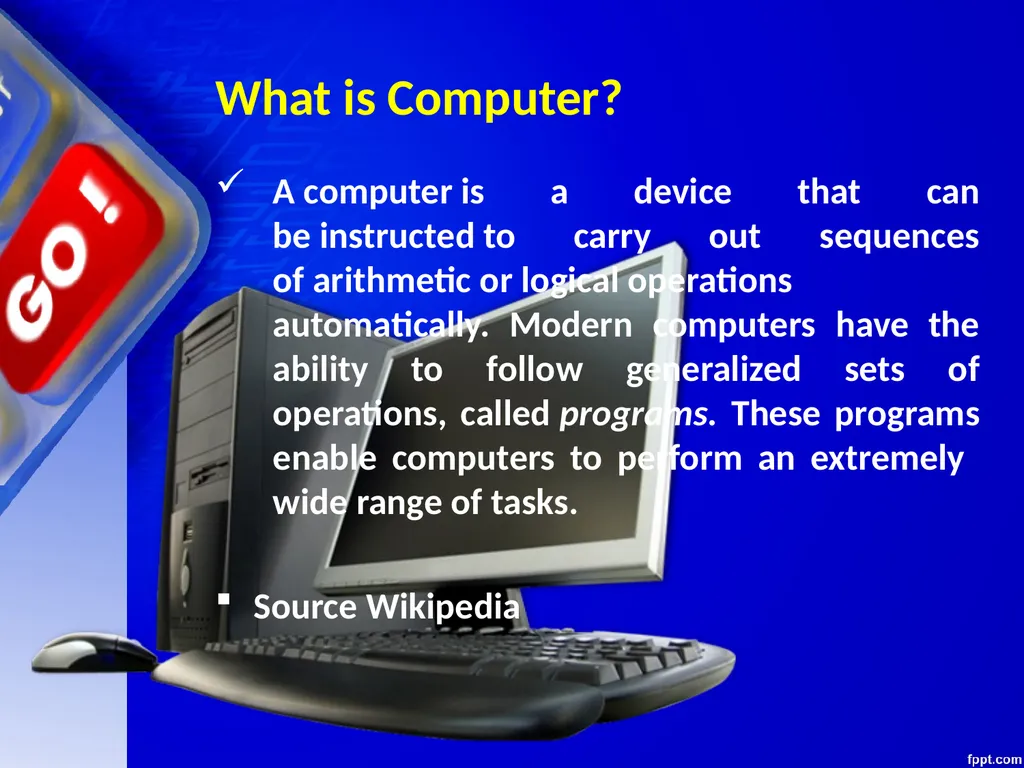
What is Computer? A computer is a device that can be instructed to carry out sequences of arithmetic or logical operations automatically. Modern computers have the ability to follow generalized sets of operations, called programs. These programs enable computers to perform an extremely wide range of tasks.
Source Wikipedia<br>
Source Wikipedia<br>
07
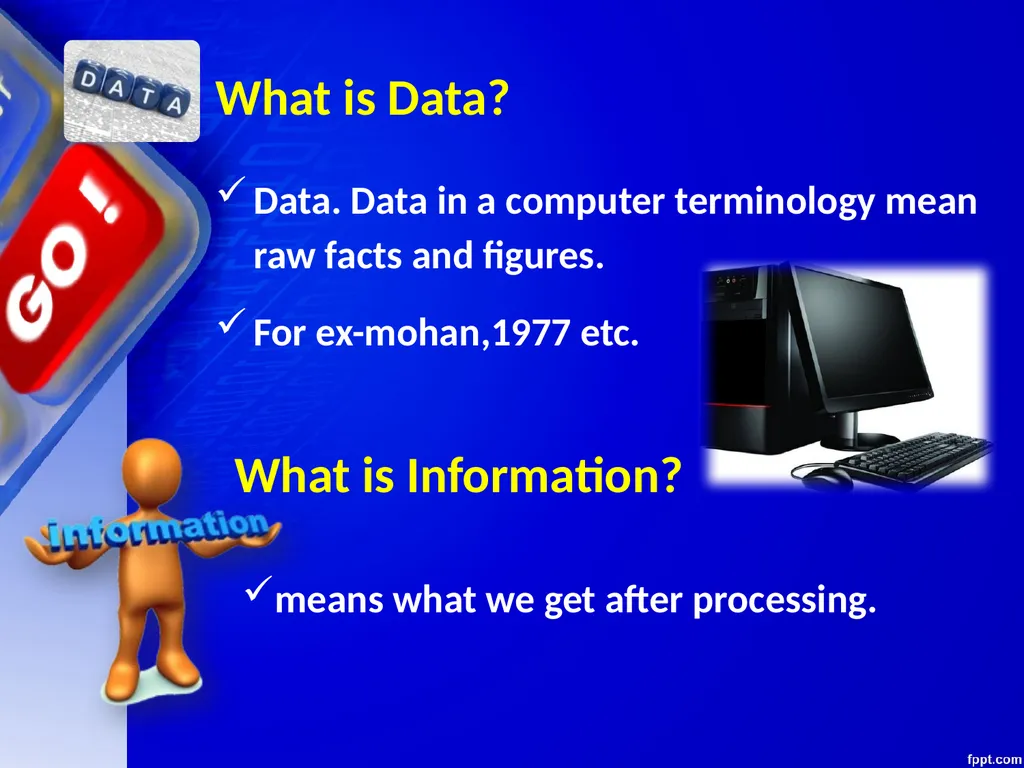
What is Data? Data. Data in a computer terminology mean raw facts and figures.
For ex-mohan,1977 etc. What is Information? means what we get after processing.<br>
For ex-mohan,1977 etc. What is Information? means what we get after processing.<br>
08
Data Vs. Information? you should understand that what goes in the computers is data and what comes out of them is information.
This process of turning data into information is also known as information processing cycle.<br>
This process of turning data into information is also known as information processing cycle.<br>
09
BASIC COMPUTER ORGANISATION<br>
10
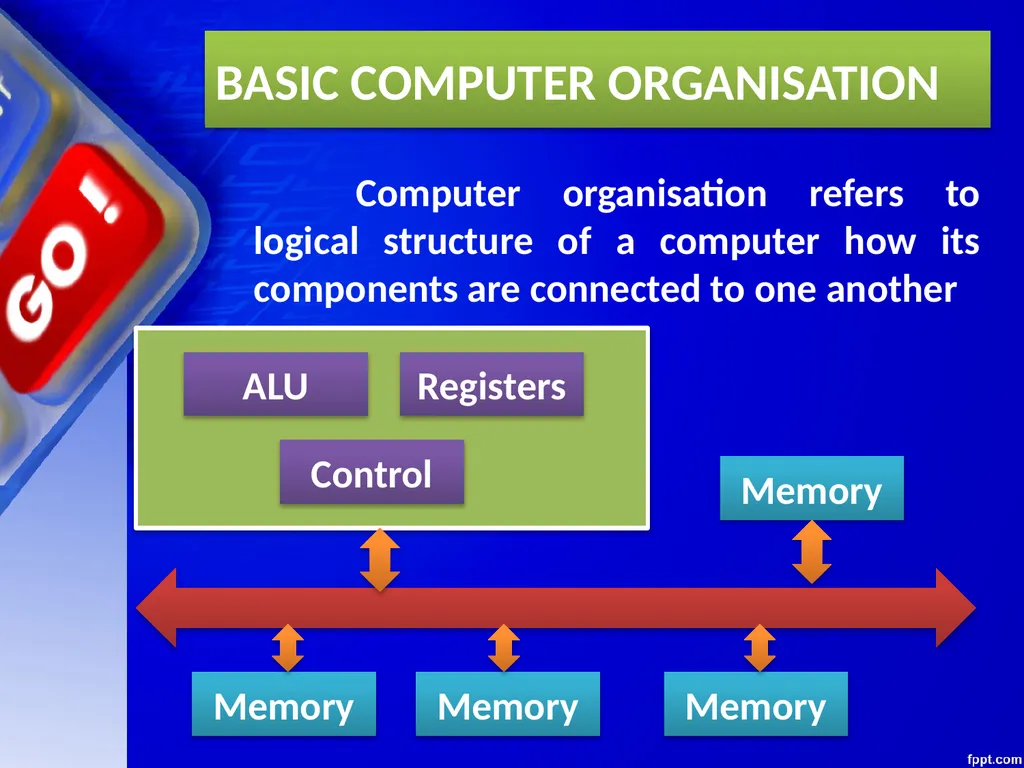
BASIC COMPUTER ORGANISATION Computer organisation refers to logical structure of a computer how its components are connected to one another ALU Registers Control Memory Memory Memory Memory<br>
11
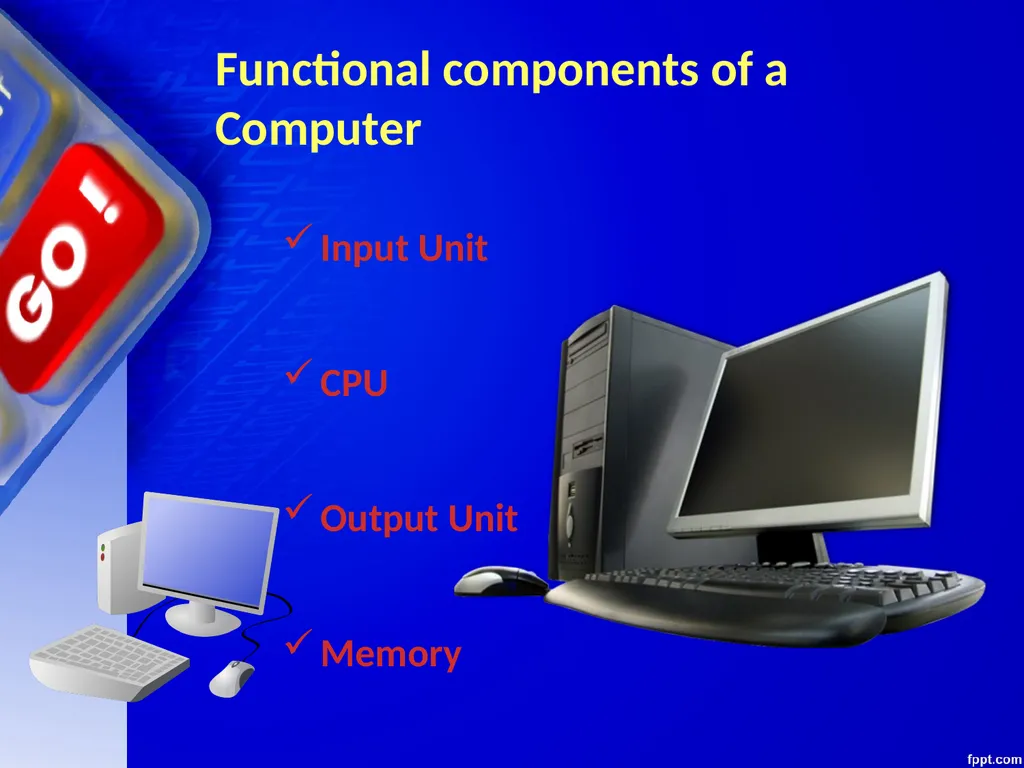
Functional components of a Computer Input Unit
CPU
Output Unit
Memory<br>
CPU
Output Unit
Memory<br>
12
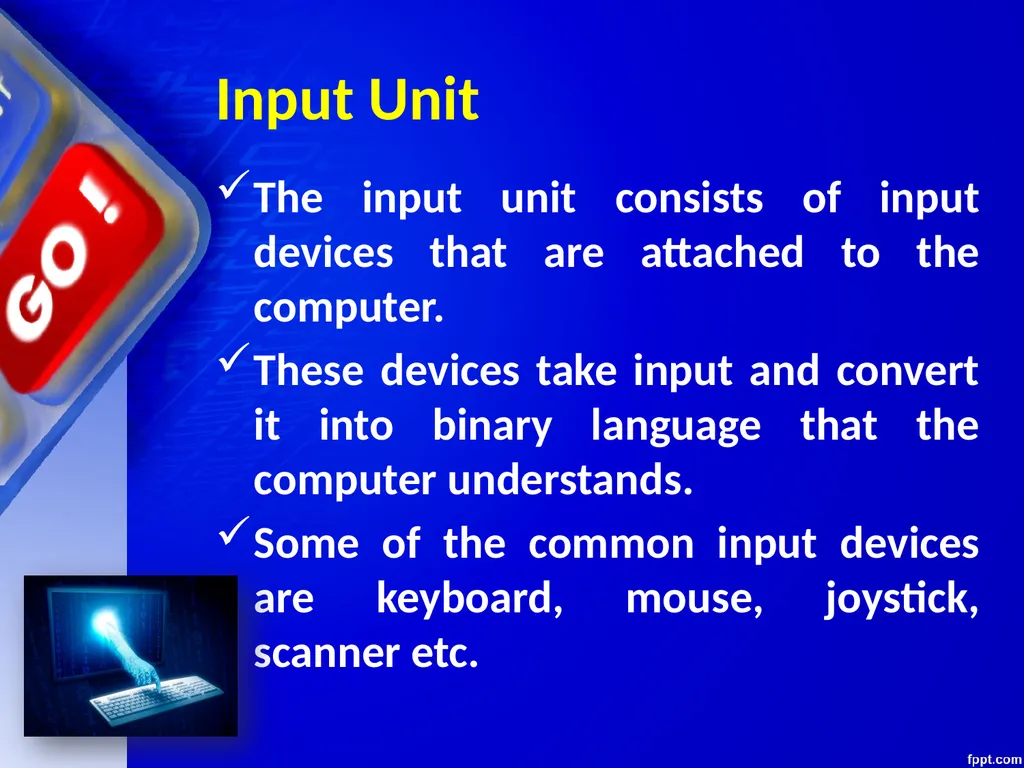
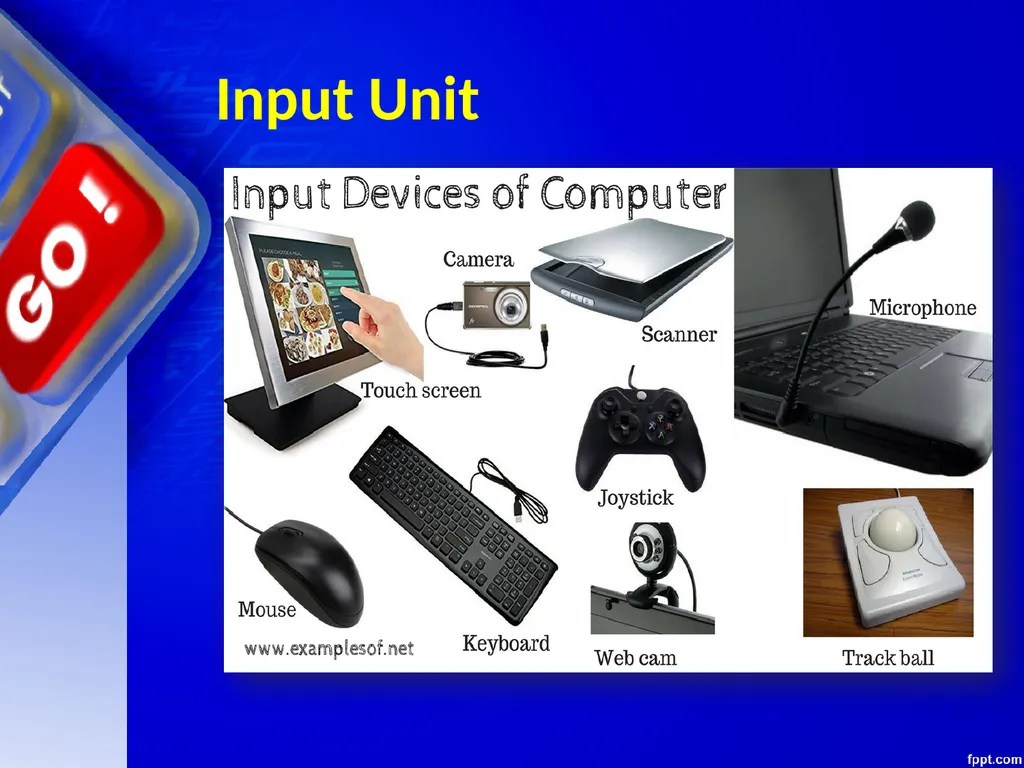
Input Unit The input unit consists of input devices that are attached to the computer.
These devices take input and convert it into binary language that the computer understands.
Some of the common input devices are keyboard, mouse, joystick, scanner etc.<br>
These devices take input and convert it into binary language that the computer understands.
Some of the common input devices are keyboard, mouse, joystick, scanner etc.<br>
13
Input Unit<br>
14
Central Processing Unit(CPU) Once the information is entered into the computer by the input device, the processor processes it.
The CPU is called the brain of the computer because it is the control centre of the computer.
As the CPU is located on a small chip, it is also called the Microprocessor.<br>
The CPU is called the brain of the computer because it is the control centre of the computer.
As the CPU is located on a small chip, it is also called the Microprocessor.<br>
15
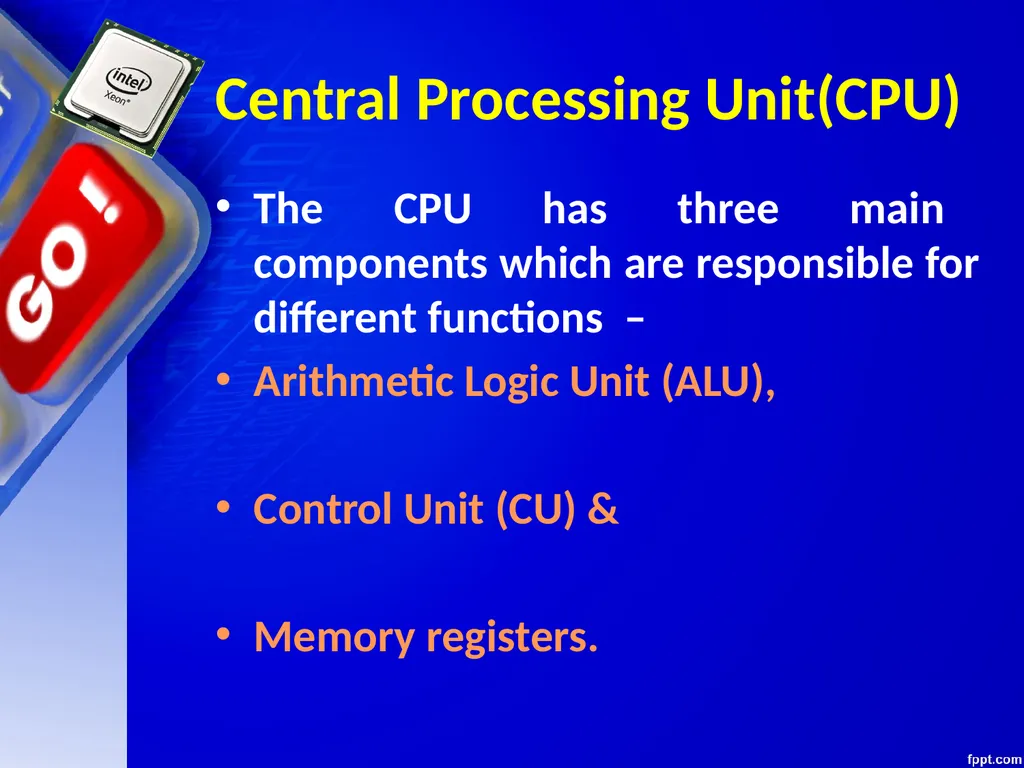
Central Processing Unit(CPU) The CPU has three main components which are responsible for different functions –
Arithmetic Logic Unit (ALU),
Control Unit (CU) &
Memory registers.<br>
Arithmetic Logic Unit (ALU),
Control Unit (CU) &
Memory registers.<br>
16
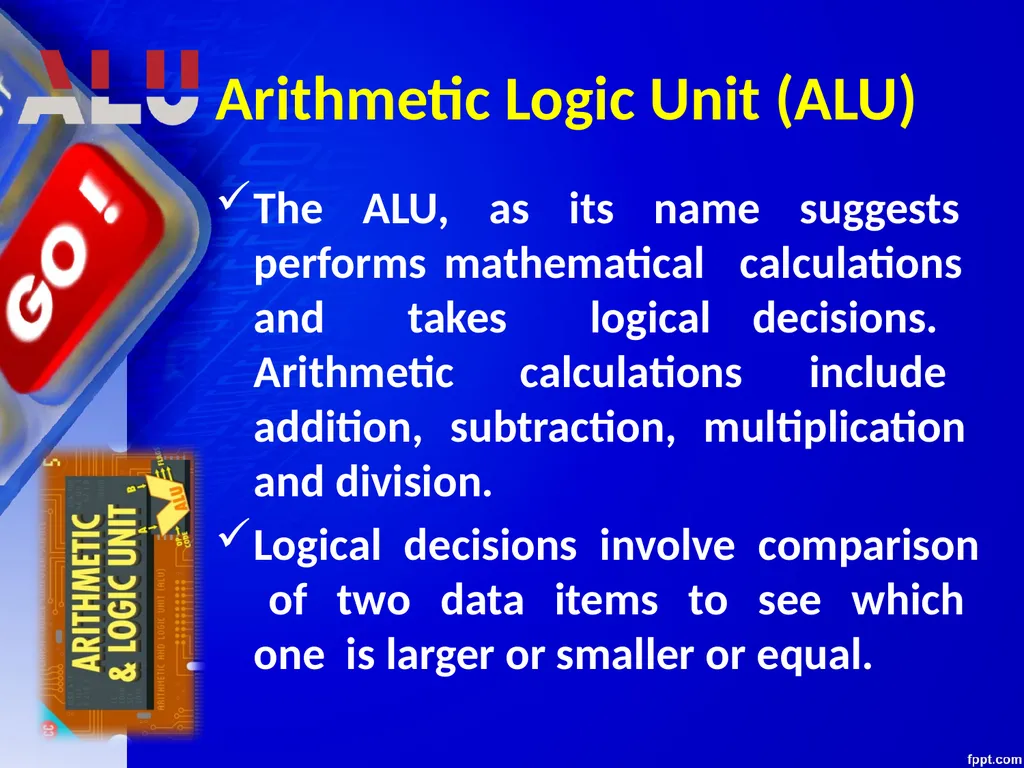
Arithmetic Logic Unit (ALU) The ALU, as its name suggests performs mathematical calculations and takes logical decisions. Arithmetic calculations include addition, subtraction, multiplication and division.
Logical decisions involve comparison of two data items to see which one is larger or smaller or equal.<br>
Logical decisions involve comparison of two data items to see which one is larger or smaller or equal.<br>
17
Control Unit (CU) The Control unit coordinates and controls the data flow in and out of CPU and also controls all the operations of ALU, memory registers and also input/output units.
It is also responsible for carrying out all the instructions stored in the program. CU<br>
It is also responsible for carrying out all the instructions stored in the program. CU<br>
18
Memory Registers A register is a temporary unit of memory in the CPU.
These receive data/information and then this data/information is held in them as per the requirement. MR<br>
These receive data/information and then this data/information is held in them as per the requirement. MR<br>
19
Output Unit The output unit consists of output devices that are attached with the computer.
It converts the binary data coming from CPU to human understandable from. The
common output devices are monitor, printer, plotter etc.<br>
It converts the binary data coming from CPU to human understandable from. The
common output devices are monitor, printer, plotter etc.<br>
20
Classification of Computers<br>
21
Classification of Computers The computers can be classified based on the technology being used as:
Digital Computers
Analog Computers &
Hybrid Computers<br>
Digital Computers
Analog Computers &
Hybrid Computers<br>
22
Digital Computers These computers are capable of processing information in discrete form.
In digital technology data which can be in the form of letters, symbols or numbers is represented in binary form i.e. 0s and 1s.<br>
In digital technology data which can be in the form of letters, symbols or numbers is represented in binary form i.e. 0s and 1s.<br>
23
Digital Computers Binary digits are easily expressed in a digital computer by the presence (1) or absence (0) of current or voltage.
It computes by counting and adding operations.<br>
It computes by counting and adding operations.<br>
24
Digital Computers The digital computers are used in industrial, business and scientific applications.
They are quite suitable for large volume data processing.<br>
They are quite suitable for large volume data processing.<br>
25
Digital Computers EXAMPLES:
IBM PC, HP, LENOVO, DELL, ...etc
Apple Macintosh
Calculators
Digital watches etc<br>
IBM PC, HP, LENOVO, DELL, ...etc
Apple Macintosh
Calculators
Digital watches etc<br>
26
Analog Computers An Analog computer works on continuously changeable aspects of physical phenomenon such as fluid pressure, mechanical motion and electrical quantities.
These computers measure changes in continuous physical quantities say current and voltage.<br>
These computers measure changes in continuous physical quantities say current and voltage.<br>
27
Analog Computers These computers are used to process data generated by ongoing physical processes.
A thermometer is an example of an analog computer since it measures the change in mercury level continuously.<br>
A thermometer is an example of an analog computer since it measures the change in mercury level continuously.<br>
28
Analog Computers Although the accuracy of an analog computer is less as compared to digital computers, yet it is used to process data generated by changing physical quantities especially when the response to change is fast.<br>
29
Analog Computers Most present day Analog computers are well suited to simulating systems. A simulator helps to conduct experiments repeatedly in real time environment.
Some of the common examples are simulations in aircrafts, nuclear power plants, hydraulic and electronic networks.<br>
Some of the common examples are simulations in aircrafts, nuclear power plants, hydraulic and electronic networks.<br>
30
Analog Computers Examples
Thermometer.
Analog clock.
Speedometer.
Tire pressure gauge.<br>
Thermometer.
Analog clock.
Speedometer.
Tire pressure gauge.<br>
31
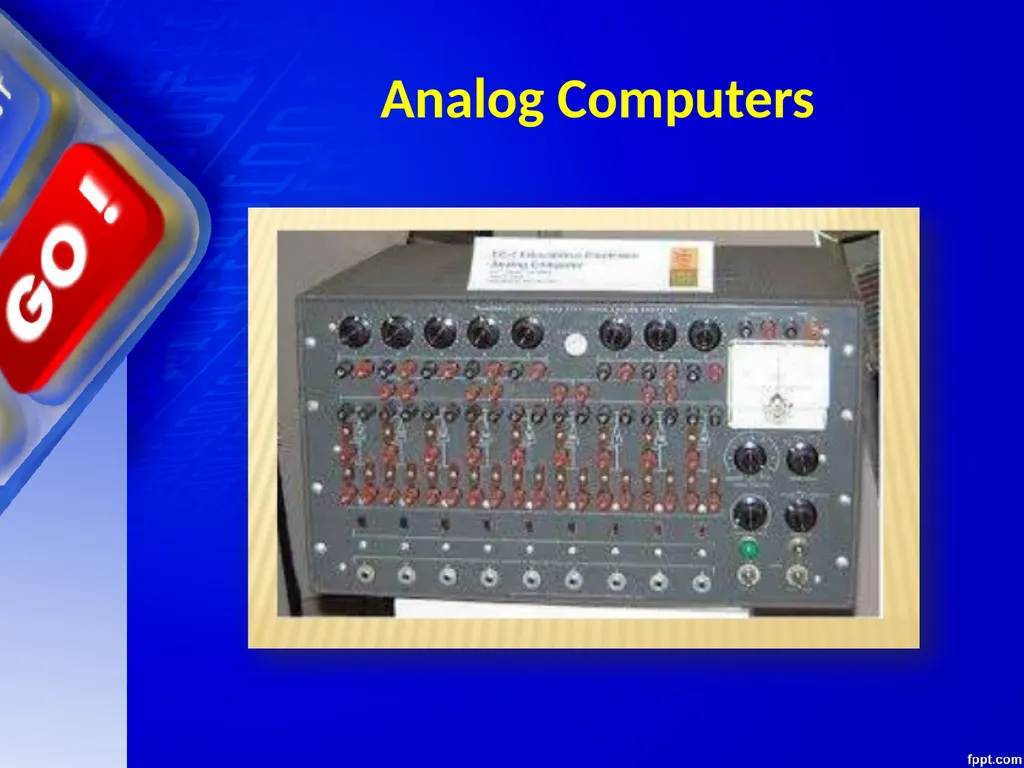
Analog Computers<br>
32
Analog Computers Boeing B-29 Superfortress Central Fire Control System
Deltar
Kerrison Predictor
Leonardo Torres y Quevedo's Analogue Calculating Machines based on "fusee sans fin"
Librascope, aircraft weight and balance computer<br>
Deltar
Kerrison Predictor
Leonardo Torres y Quevedo's Analogue Calculating Machines based on "fusee sans fin"
Librascope, aircraft weight and balance computer<br>
33
Analog Computers ADVANTAGES:
Analog computer has come to refer to
devices and media that represent:
Store images
Sound, motion pictures, etc.<br>
Analog computer has come to refer to
devices and media that represent:
Store images
Sound, motion pictures, etc.<br>
34
Analog Computers DISADVANTAGES:
Analog computers can have a very wide range of complexity.
Slide rules and monographs are the simplest, while naval gun fire control computers and large hybrid digital/analog computers were among the most complicated.<br>
Analog computers can have a very wide range of complexity.
Slide rules and monographs are the simplest, while naval gun fire control computers and large hybrid digital/analog computers were among the most complicated.<br>
35
Analog Computers DISADVANTAGES:
Very complicated for containing output for the users some time.<br>
Very complicated for containing output for the users some time.<br>
36
Hybrid Computers These use both analog and digital technology.
It has the speed of analog computer and the accuracy of a digital computer.
It may accept digital or analog signals but an extensive conversion of data from digital to analog and analog to digital has to be done.<br>
It has the speed of analog computer and the accuracy of a digital computer.
It may accept digital or analog signals but an extensive conversion of data from digital to analog and analog to digital has to be done.<br>
37
Hybrid Computers Generally the analog components provide efficient processing of differential equations while the digital part deals with logical operations of the system.
Hence benefits of both analog and digital computing are readily available.<br>
Hence benefits of both analog and digital computing are readily available.<br>
38
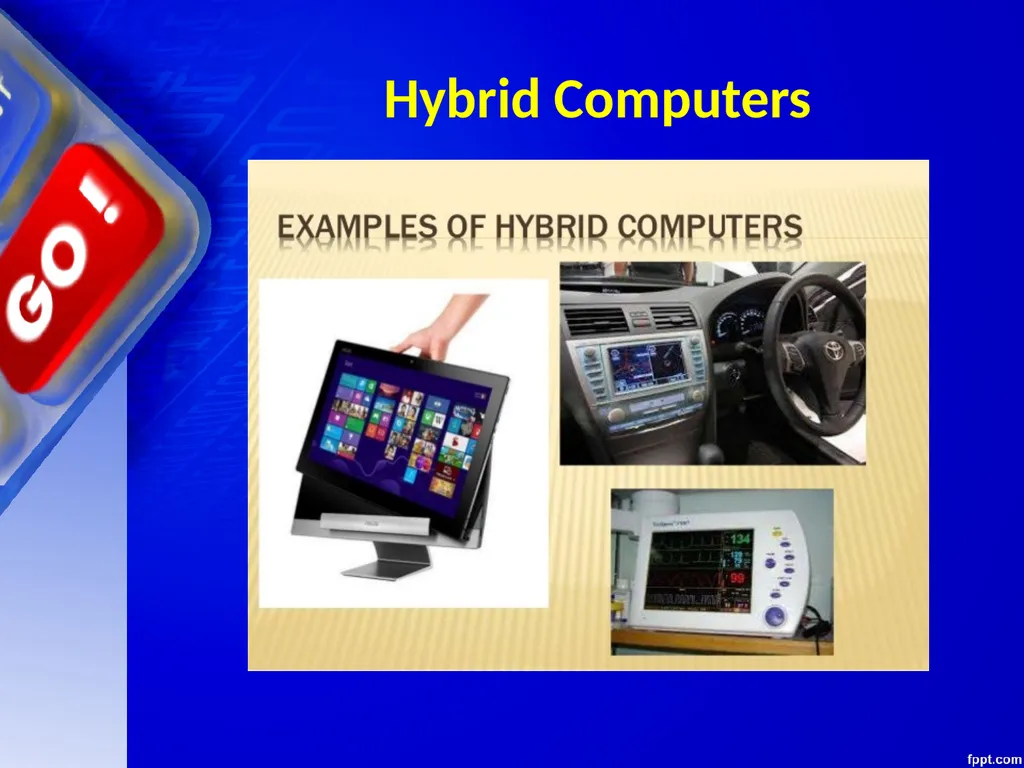
Hybrid Computers Hybrid Computers are used as a cost effective means for complex simulations.
Examples: Computer used in hospitals to measure the heartbeat of the patient. Devices used in petrol pump.<br>
Examples: Computer used in hospitals to measure the heartbeat of the patient. Devices used in petrol pump.<br>
39
Hybrid Computers A hybrid computer exhibits features of both analog computers and digital computers. It applies the real-time speed of the analog computer and the accuracy of the digital computer to the solution of problems that are beyond the capabilities of either. An example was the HYDAC 2400, a hybrid computer released by EAI in 1963.<br>
40
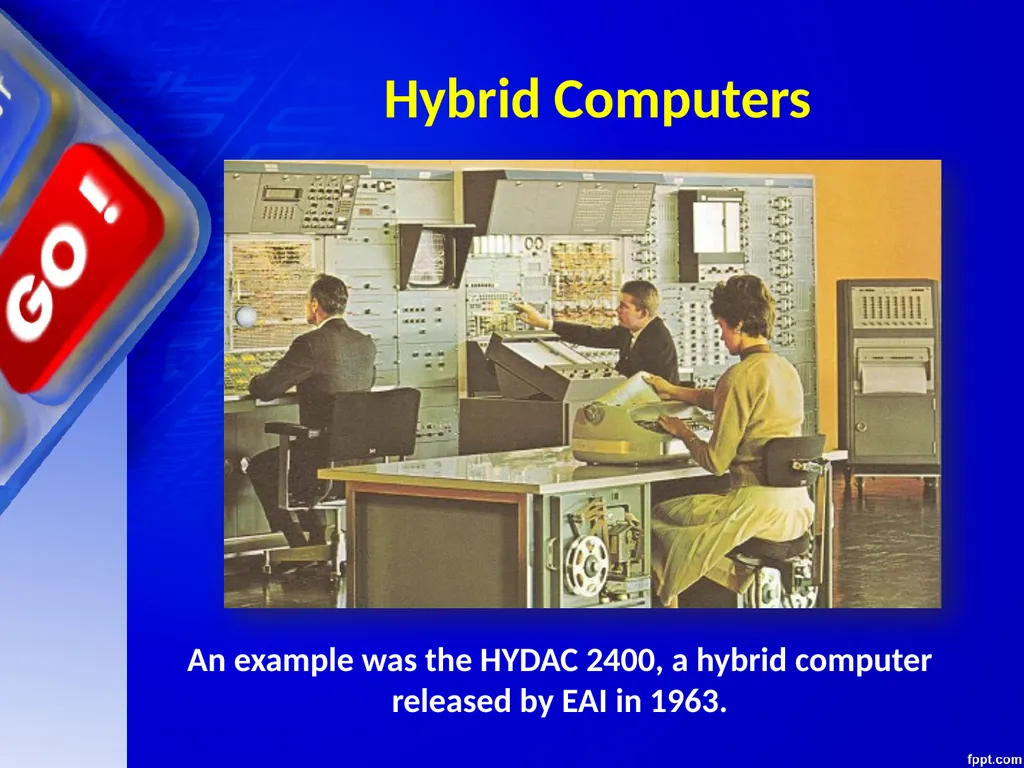
Hybrid Computers An example was the HYDAC 2400, a hybrid computer released by EAI in 1963.<br>
41
Hybrid Computers<br>
42
Classification of Digital Computers The digital computers are classified according to their computing capabilities.<br>
43
Classification of Digital Computers The various types of digital computers are :
Micro Computers
Mini Computers
Main Frames
Super Computers<br>
Micro Computers
Mini Computers
Main Frames
Super Computers<br>
44
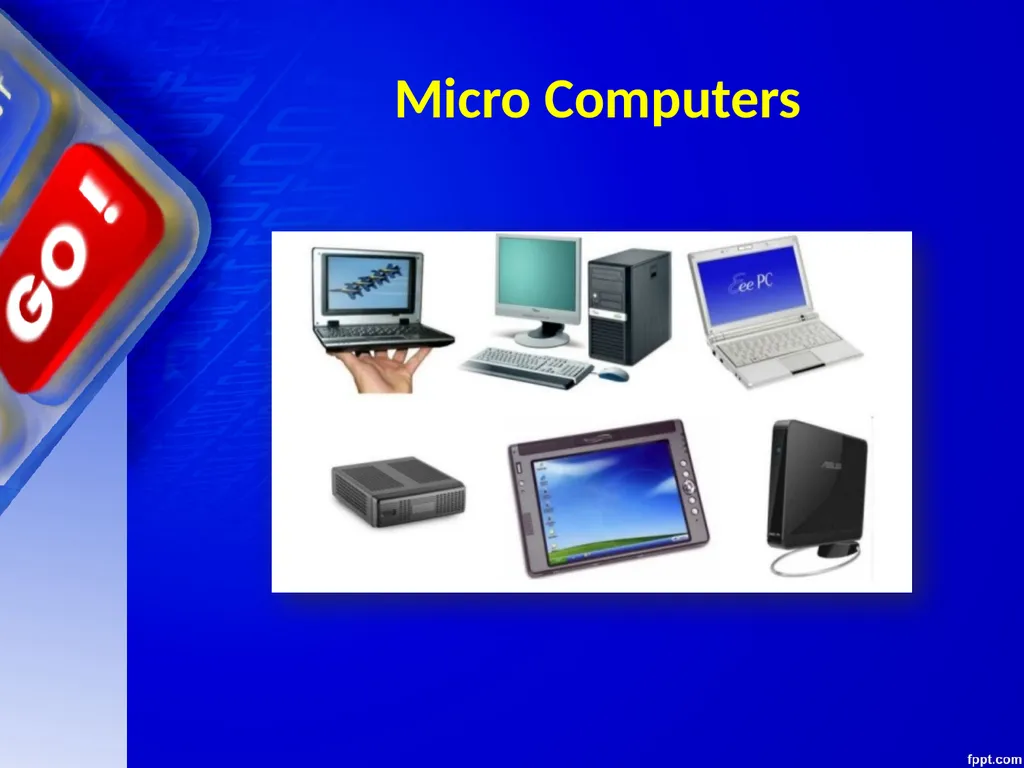
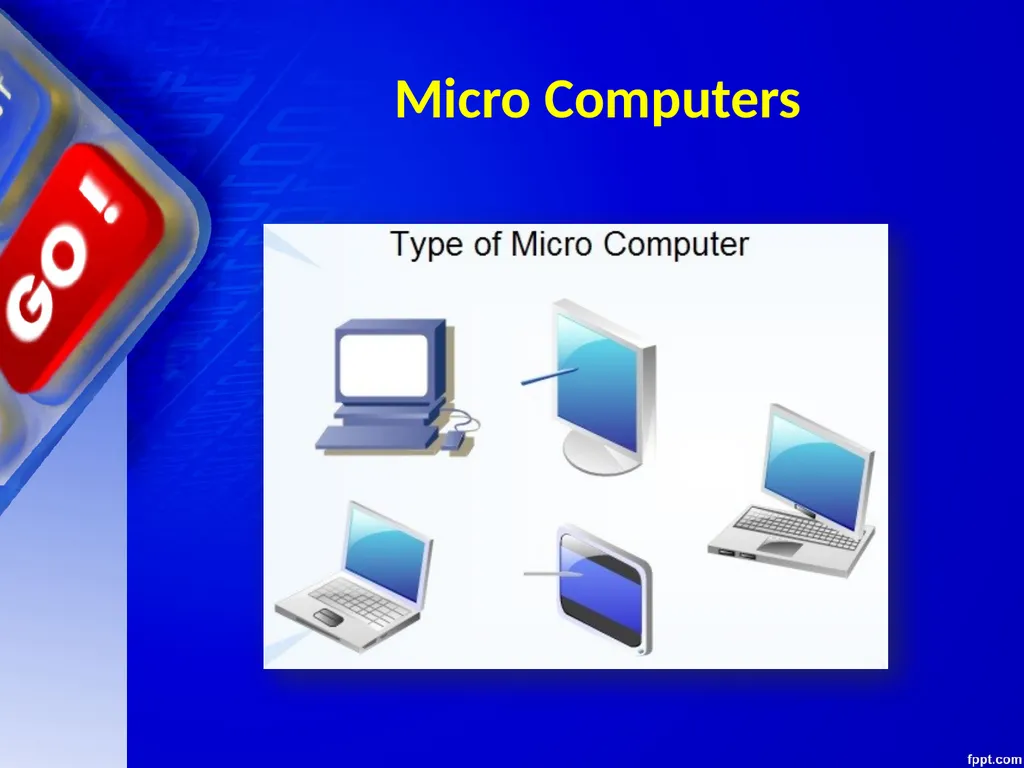
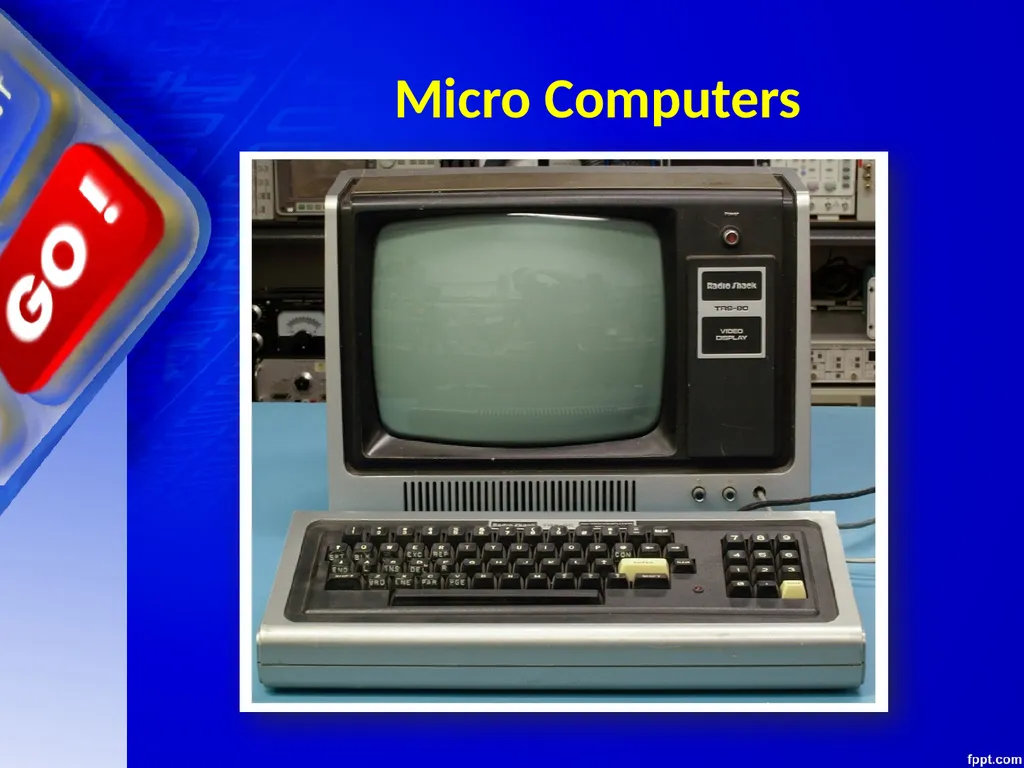
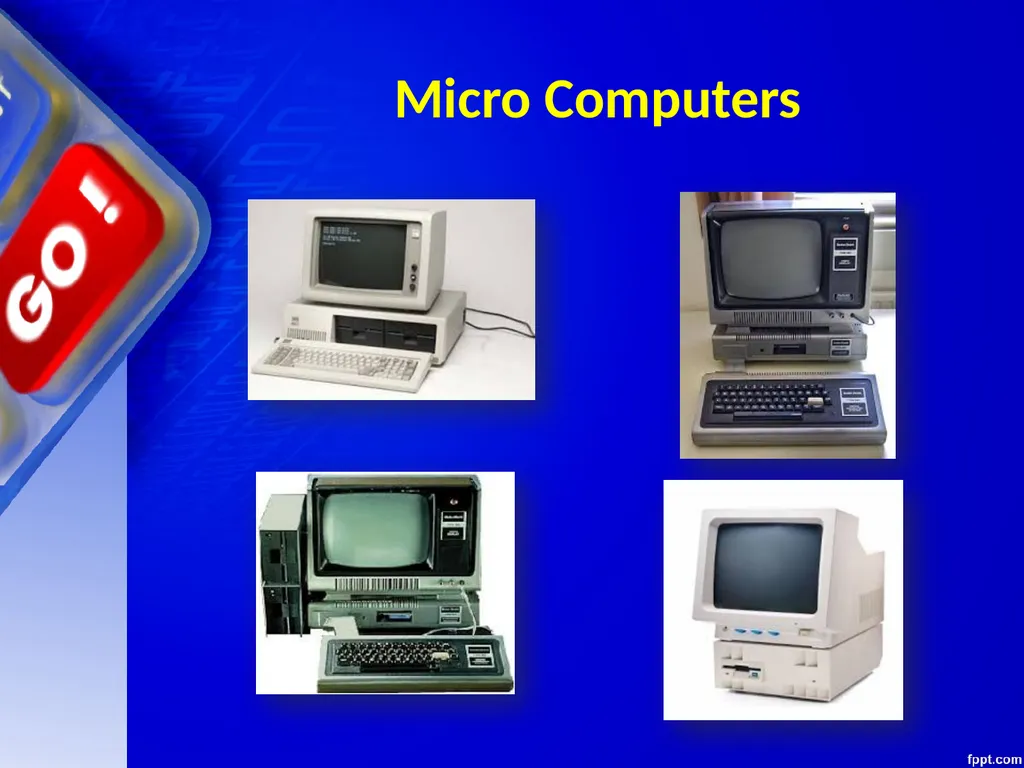
Micro Computers These are also known as Personal Computers. These type of digital computer uses a microprocessor (a CPU on a single chip) and include both desktops and laptops.<br>
45
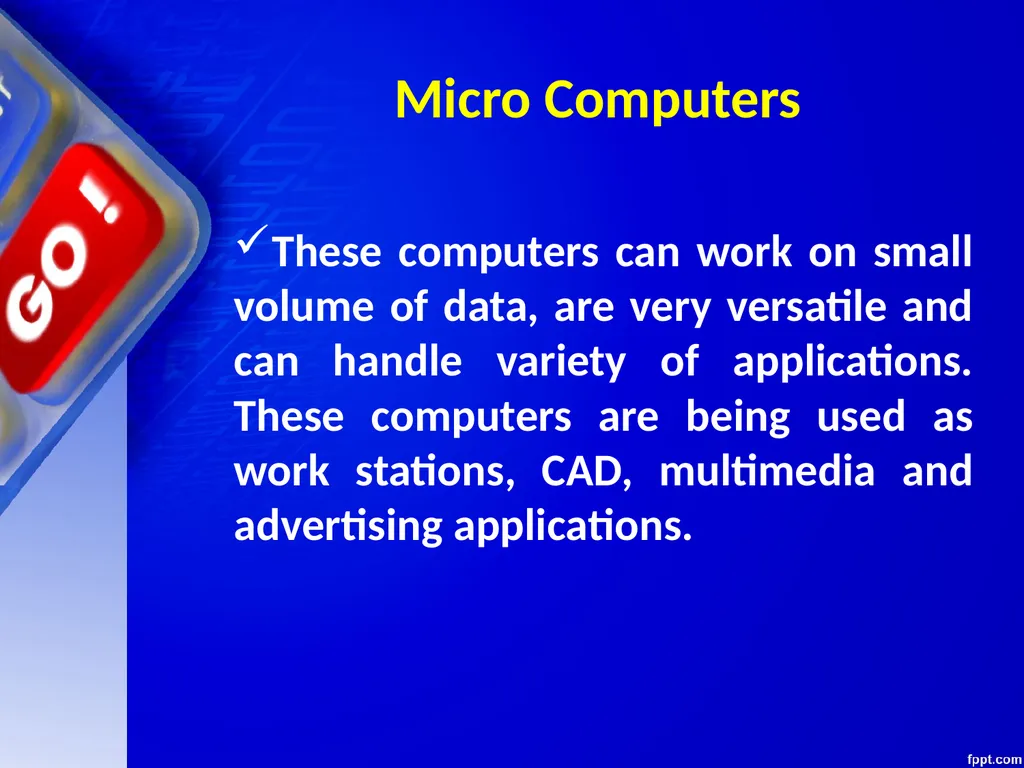
Micro Computers These computers can work on small volume of data, are very versatile and can handle variety of applications. These computers are being used as work stations, CAD, multimedia and advertising applications.<br>
46
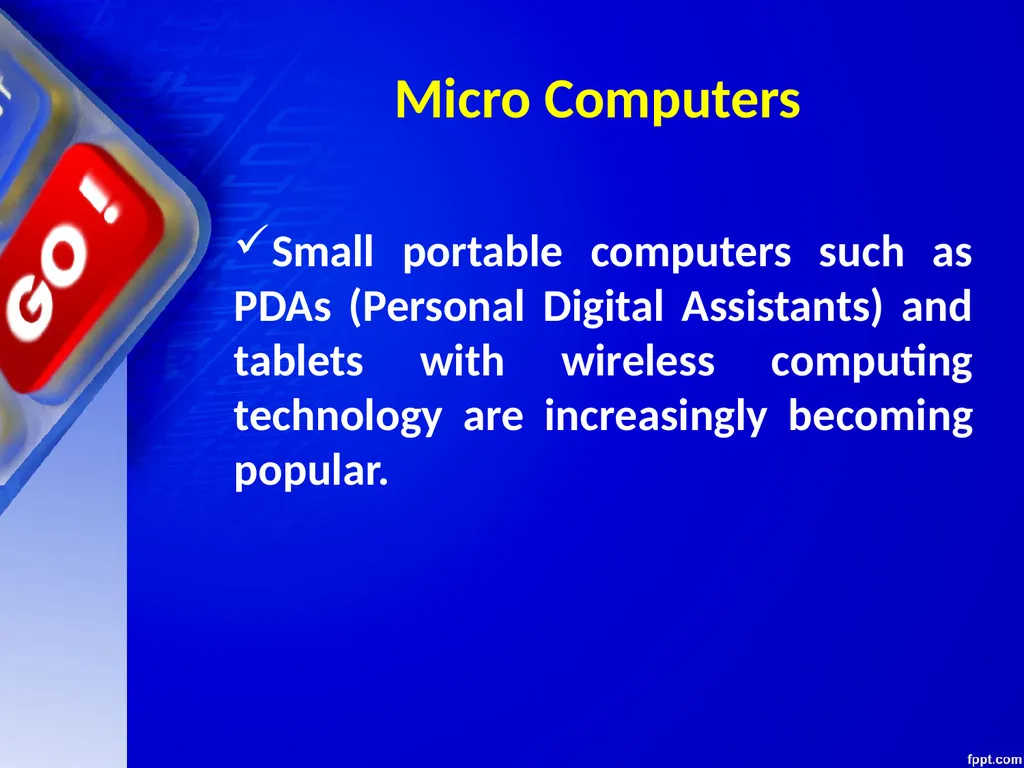
Micro Computers Small portable computers such as PDAs (Personal Digital Assistants) and tablets with wireless computing technology are increasingly becoming popular.<br>
47
Micro Computers<br>
48
Micro Computers<br>
49
Micro Computers<br>
50
Micro Computers<br>
51
Mini Computers These computers can support multiple users working simultaneously on the same machine.
These are mainly used in an organization where computers installed in various departments are interconnected. These computers are useful for small business organizations.<br>
These are mainly used in an organization where computers installed in various departments are interconnected. These computers are useful for small business organizations.<br>
52
Mini Computers Examples
Control Data's CDC 160A and CDC 1700.
DEC PDP and VAX series.
Data General Nova.
Hewlett-Packard HP 3000 series, HP 2100 series, HP1000 series.<br>
Control Data's CDC 160A and CDC 1700.
DEC PDP and VAX series.
Data General Nova.
Hewlett-Packard HP 3000 series, HP 2100 series, HP1000 series.<br>
53
Mini Computers Examples
Honeywell-Bull DPS 6/DPS 6000 series.
IBM midrange computers.
Interdata 7/32 and 8/32.
Varian 620 100 series.<br>
Honeywell-Bull DPS 6/DPS 6000 series.
IBM midrange computers.
Interdata 7/32 and 8/32.
Varian 620 100 series.<br>
54
Mini Computers Examples
Honeywell-Bull DPS 6/DPS 6000 series.
IBM midrange computers.
Interdata 7/32 and 8/32.
Varian 620 100 series.<br>
Honeywell-Bull DPS 6/DPS 6000 series.
IBM midrange computers.
Interdata 7/32 and 8/32.
Varian 620 100 series.<br>
55
Mainframe Computers These computers are large and very powerful computers with very high memory capacity.
These can process huge databases such as census at extremely fast rate. They are suitable for big organizations, banks, industries etc. and can support hundreds of users simultaneously on the network.<br>
These can process huge databases such as census at extremely fast rate. They are suitable for big organizations, banks, industries etc. and can support hundreds of users simultaneously on the network.<br>
56
Mainframe Computers History of IBM mainframes, 1952–presentMarket name700/7000 series
System/360
System/370
IBM 308X
IBM 3090
System/390
zSeries 900, 800, 990, and 890
System z9
System z10<br>
System/360
System/370
IBM 308X
IBM 3090
System/390
zSeries 900, 800, 990, and 890
System z9
System z10<br>
57
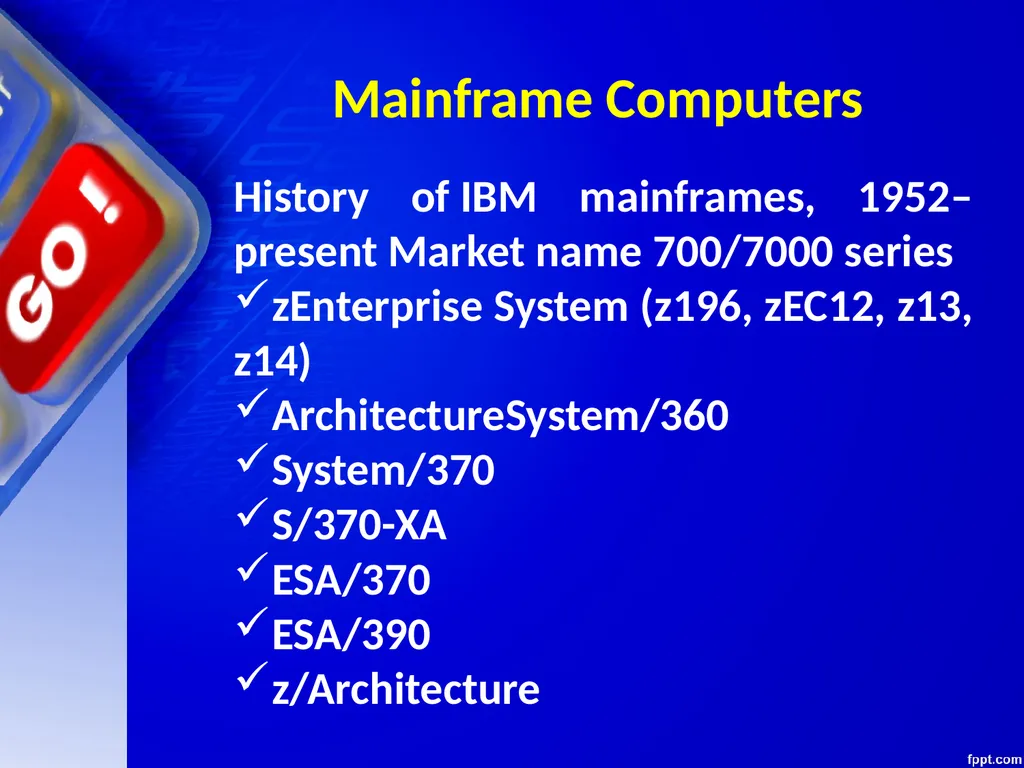
Mainframe Computers History of IBM mainframes, 1952–present Market name 700/7000 series
zEnterprise System (z196, zEC12, z13, z14)
ArchitectureSystem/360
System/370
S/370-XA
ESA/370
ESA/390
z/Architecture<br>
zEnterprise System (z196, zEC12, z13, z14)
ArchitectureSystem/360
System/370
S/370-XA
ESA/370
ESA/390
z/Architecture<br>
58
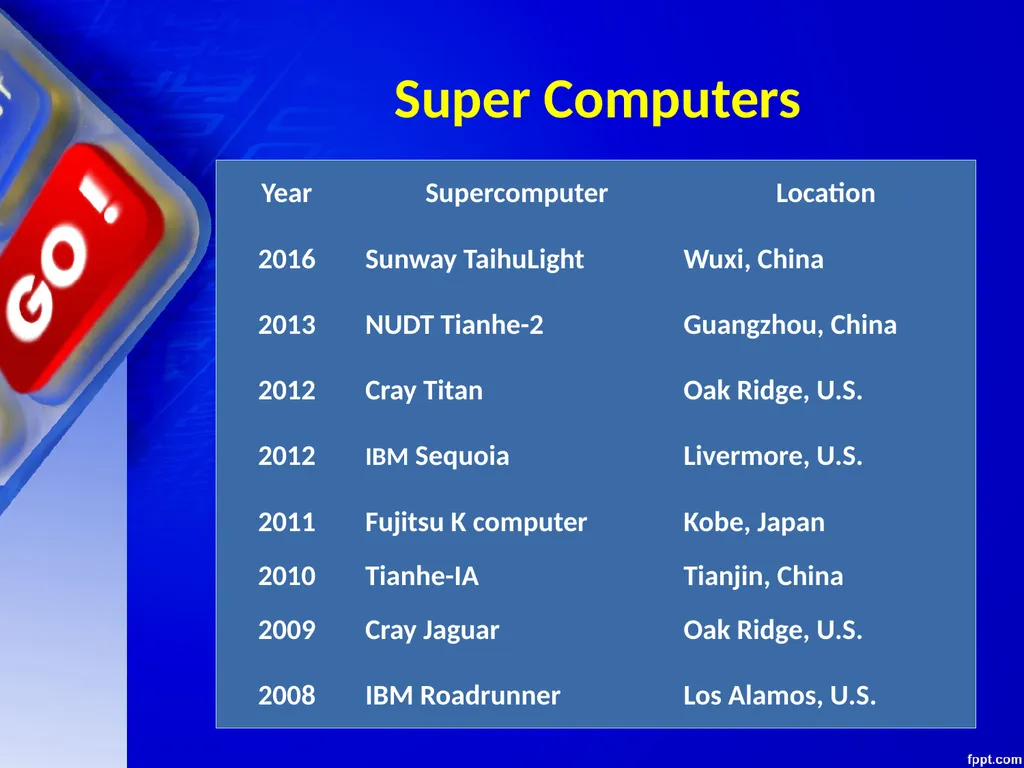
Super Computers These are fastest and very expensive computers.
They can execute billions of instructions per second.<br>
They can execute billions of instructions per second.<br>
59
Super Computers These are multiprocessor, parallel systems suitable for specialized complex scientific applications involving huge amounts of mathematical applications such as weather forecasting.<br>
60
Super Computers The main difference between a supercomputer and a mainframe is that a supercomputer executes fewer programs as fast as possible whereas a mainframe executes many programs concurrently.<br>
61
Super Computers<br>
62
Hardware and Software A computer consists of both hardware and software and both are equally important for
the working of the computer system.
The electronic components of a computer system that we can see and touch are called hardware.
Software is a general term used for computer programs that control the operations of the computer.<br>
the working of the computer system.
The electronic components of a computer system that we can see and touch are called hardware.
Software is a general term used for computer programs that control the operations of the computer.<br>
63
Hardware and Software<br>
64
Hardware and Software A program is a sequence of instructions that perform a particular task. A set of programs form a software.
It is the software which gives hardware its capability.
Hardware is of no use without software and software cannot be used without hardware.<br>
It is the software which gives hardware its capability.
Hardware is of no use without software and software cannot be used without hardware.<br>
65
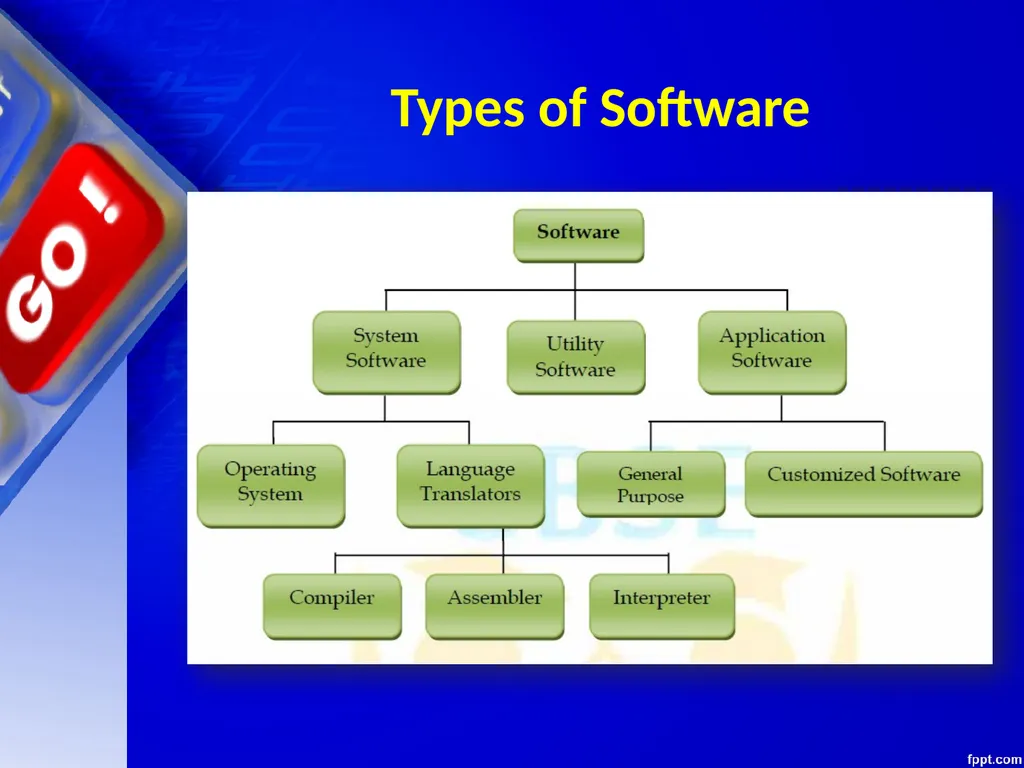
Types of Software Software can be broadly are categorized as:
System Software
Application Software
Utility Software<br>
System Software
Application Software
Utility Software<br>
66
Types of Software<br>
67
System Software System Software is the software that is directly related to coordinating computer operations and performs tasks associated with controlling and utilizing computer hardware. These programs assist in running application programs and are designed to control the operation of a computer system.<br>
68
System Software System software directs the computer what to do, when to do and how to do. System software can be further categorized into:-
Operating System
Language Translators<br>
Operating System
Language Translators<br>
69
Operating System An Operating system is the most important system software.
It is a set of programs that control and supervise the hardware of a computer and also provide services to application software, programmers and users. Ex :-<br>
It is a set of programs that control and supervise the hardware of a computer and also provide services to application software, programmers and users. Ex :-<br>
70
Operating System Some of the popular operating systems used in personal computers are DOS, Windows, Unix, Linux, Solaris, etc.<br>
71
COMPILERS AND INTERPRETERS<br>
72
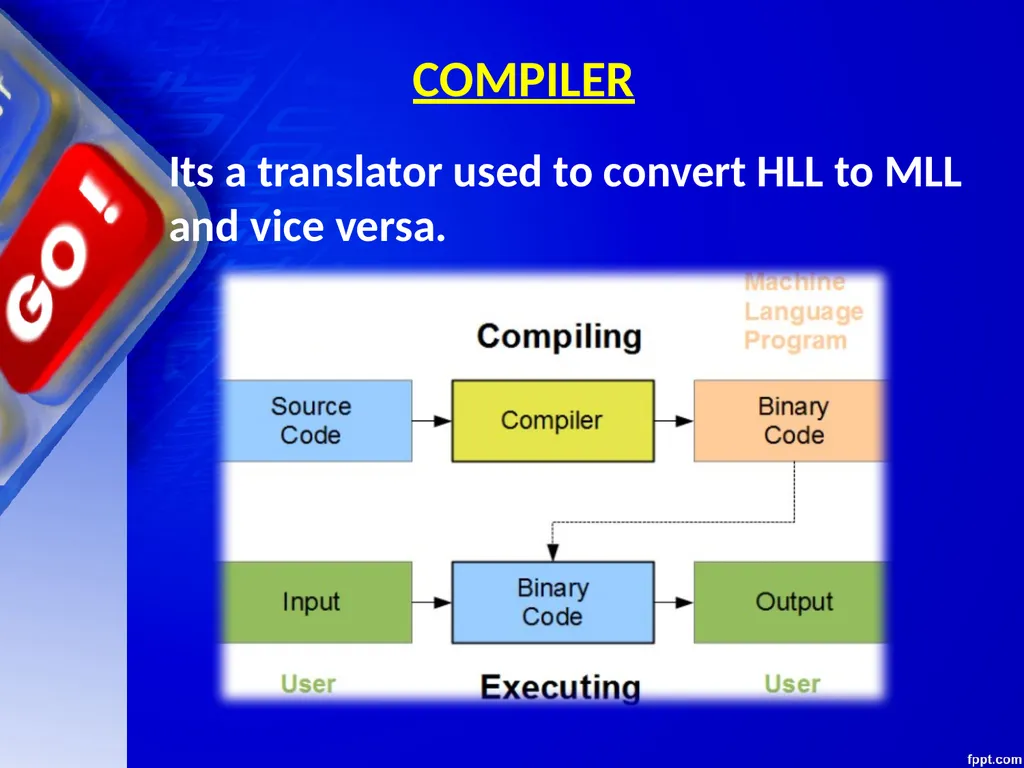
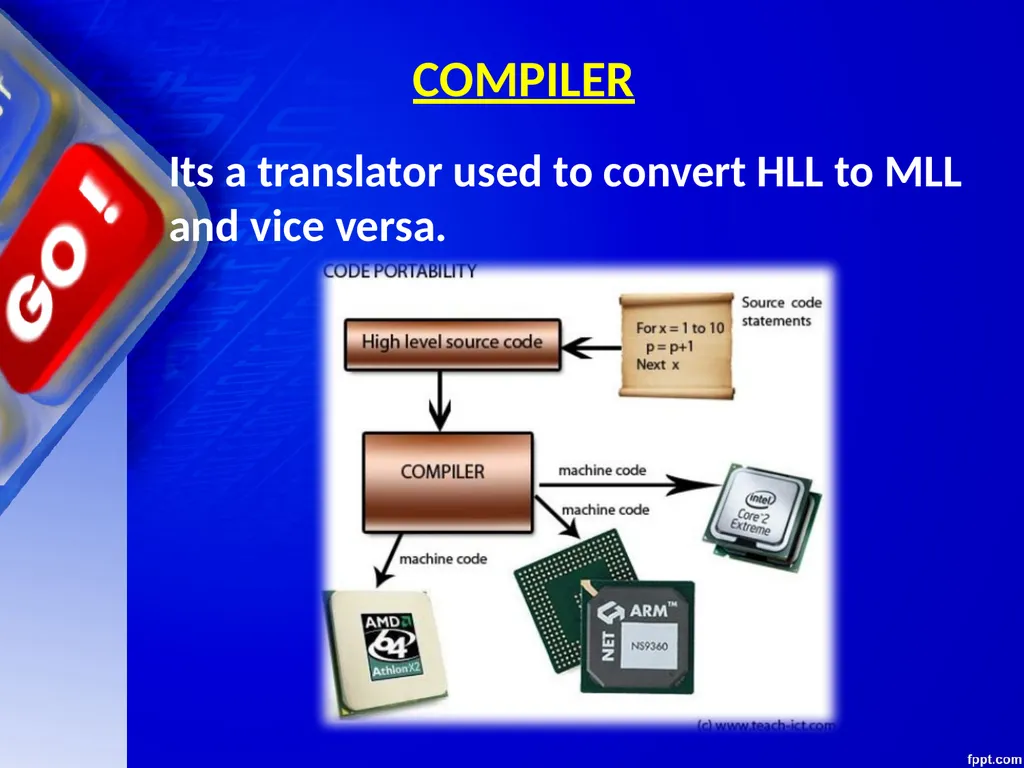
COMPILER Its a translator used to convert HLL to MLL and vice versa.<br>
73
COMPILER Its a translator used to convert HLL to MLL and vice versa.<br>
74
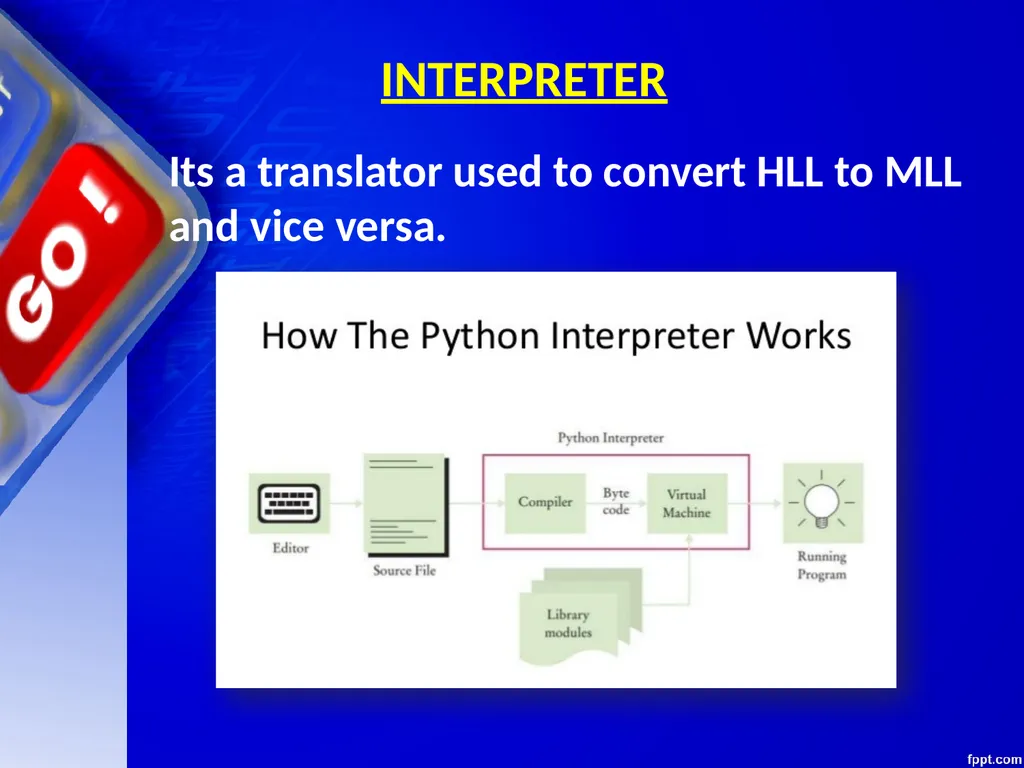
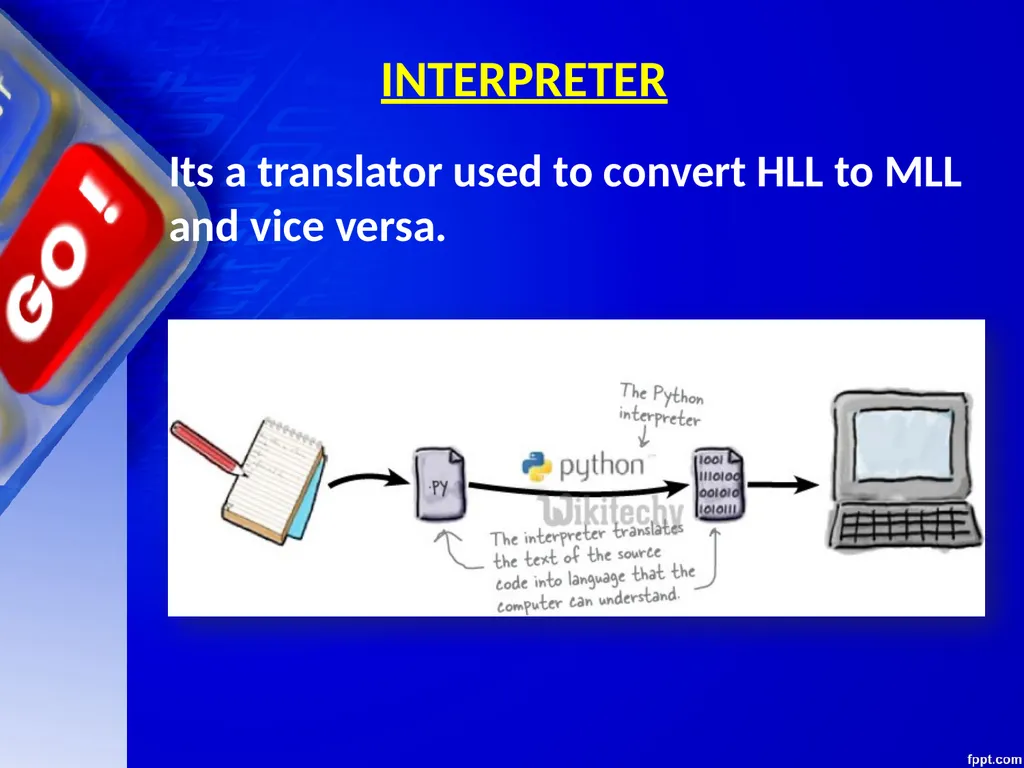
INTERPRETER Its a translator used to convert HLL to MLL and vice versa.<br>
75
INTERPRETER Its a translator used to convert HLL to MLL and vice versa.<br>
76
An application software is bought by the user to perform specific applications or tasks.
Say for example making a document or making a presentation or handling inventory or managing the employee database. Application Software<br>
Say for example making a document or making a presentation or handling inventory or managing the employee database. Application Software<br>
77
An application software can be of two types:
General Purpose Application Software &
Customized Application software. Application Software<br>
General Purpose Application Software &
Customized Application software. Application Software<br>
78
Some of the application software is made for the common users for day to day applications and uses.
These are also referred as Office Tools.
The users may use them in the manner they want. Application Software - General Purpose Application Software<br>
These are also referred as Office Tools.
The users may use them in the manner they want. Application Software - General Purpose Application Software<br>
79
Some of the popular types of general purpose application software are:
Word Processor
Presentation Tools
Spreadsheet Packages
Database Management System Application Software - General Purpose Application Software<br>
Word Processor
Presentation Tools
Spreadsheet Packages
Database Management System Application Software - General Purpose Application Software<br>
80
Customized Software is one which is tailor made as per the user’s requirement. Such type of software is customer specific.
It is made keeping in mind the individual needs of the user and so are also referred as Domain Specific Tools Application Software - Customized Software<br>
It is made keeping in mind the individual needs of the user and so are also referred as Domain Specific Tools Application Software - Customized Software<br>
81
Examples:
Inventory Management System & Purchasing System
School Management System
Payroll System
Financial Accounting
Hotel Management
Reservation System
Weather Forecasting system Application Software - Customized Software<br>
Inventory Management System & Purchasing System
School Management System
Payroll System
Financial Accounting
Hotel Management
Reservation System
Weather Forecasting system Application Software - Customized Software<br>
82
MEMORY CONCEPTS<br>
83
Memory is one of the most important components of a computer system as it stores data and instructions.
Every memory chip contains thousands of memory locations. In the computer, the data is stored in the form of bits and bytes. Memory<br>
Every memory chip contains thousands of memory locations. In the computer, the data is stored in the form of bits and bytes. Memory<br>
84
A bit is the smallest storage unit of memory. A nibble is a collection of 4 bits. Eight bits combined together to form a single byte, which in turn represents a single character Memory<br>
85
Memory Units<br>
86
Memory Units<br>
87
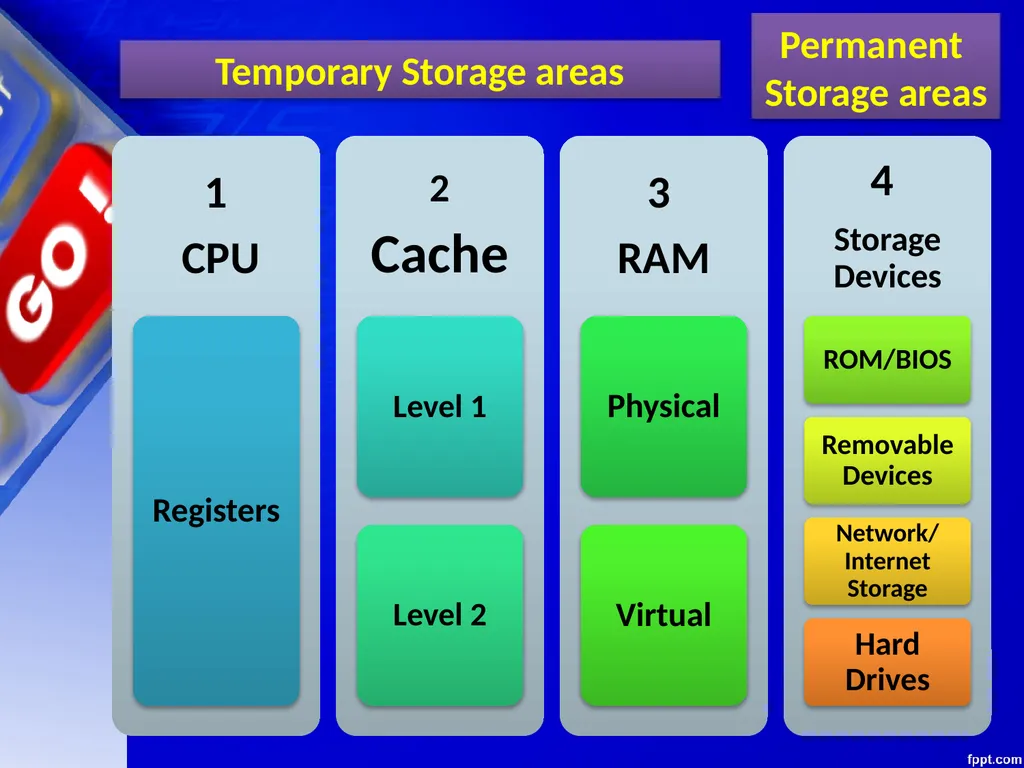
Permanent
Storage areas Temporary Storage areas<br>
Storage areas Temporary Storage areas<br>
88
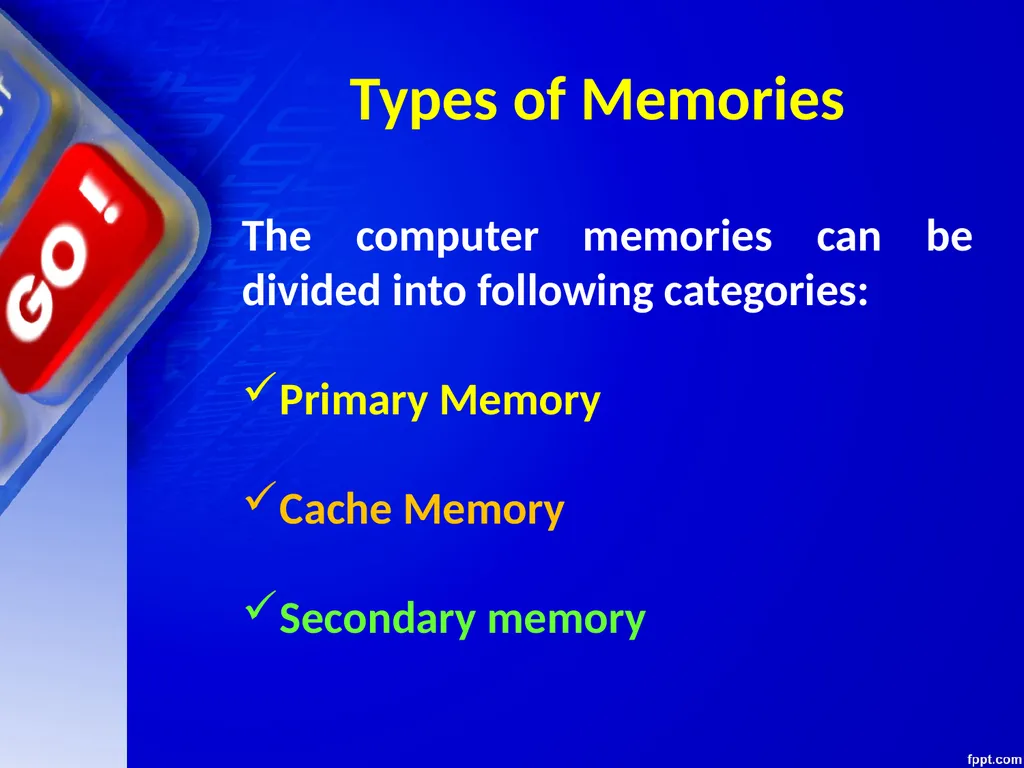
Types of Memories The computer memories can be divided into following categories:
Primary Memory
Cache Memory
Secondary memory<br>
Primary Memory
Cache Memory
Secondary memory<br>
89
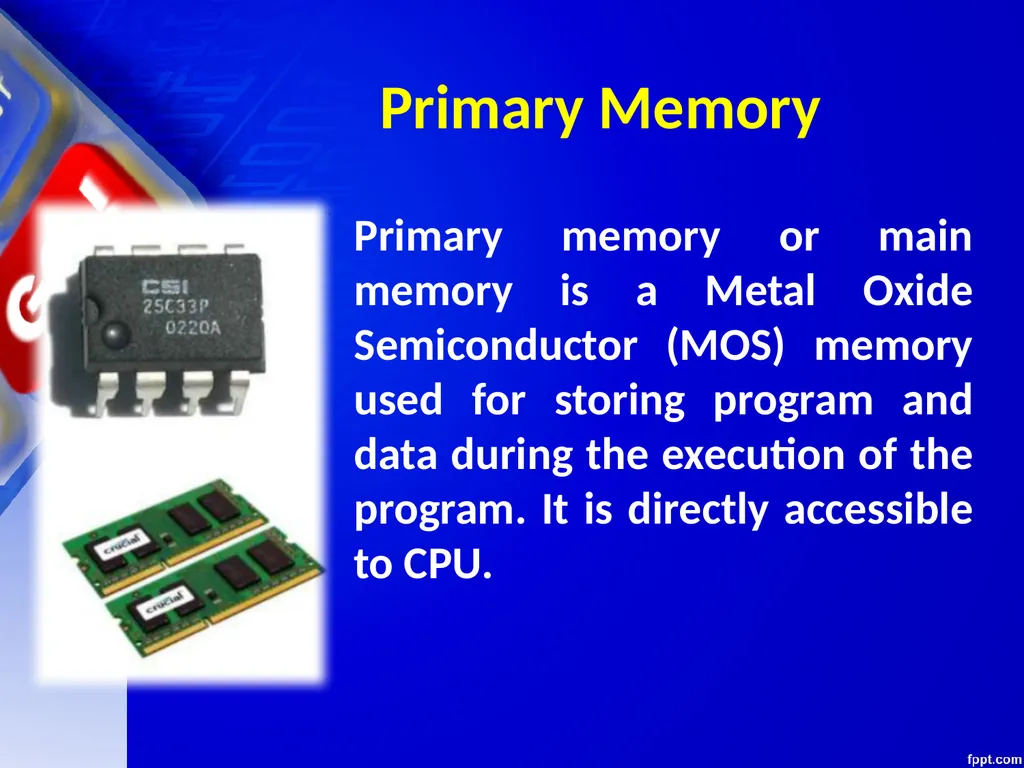
Primary Memory Primary memory or main memory is a Metal Oxide Semiconductor (MOS) memory used for storing program and data during the execution of the program. It is directly accessible to CPU.<br>
90
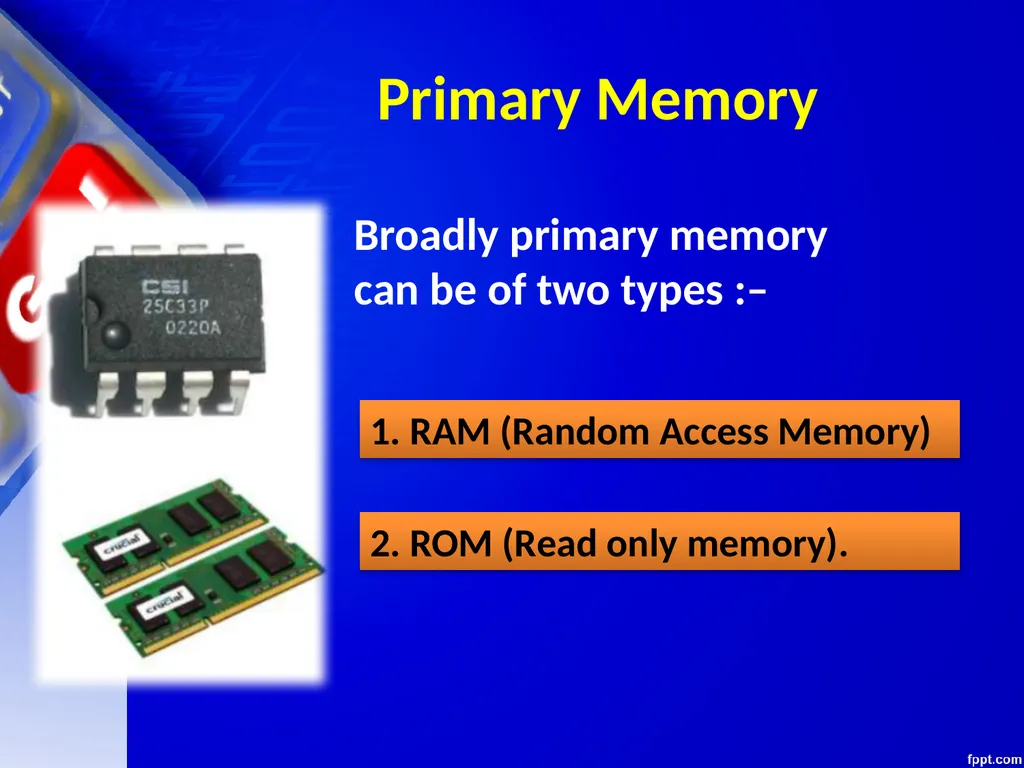
Primary Memory Broadly primary memory
can be of two types :– 1. RAM (Random Access Memory) 2. ROM (Read only memory).<br>
can be of two types :– 1. RAM (Random Access Memory) 2. ROM (Read only memory).<br>
91
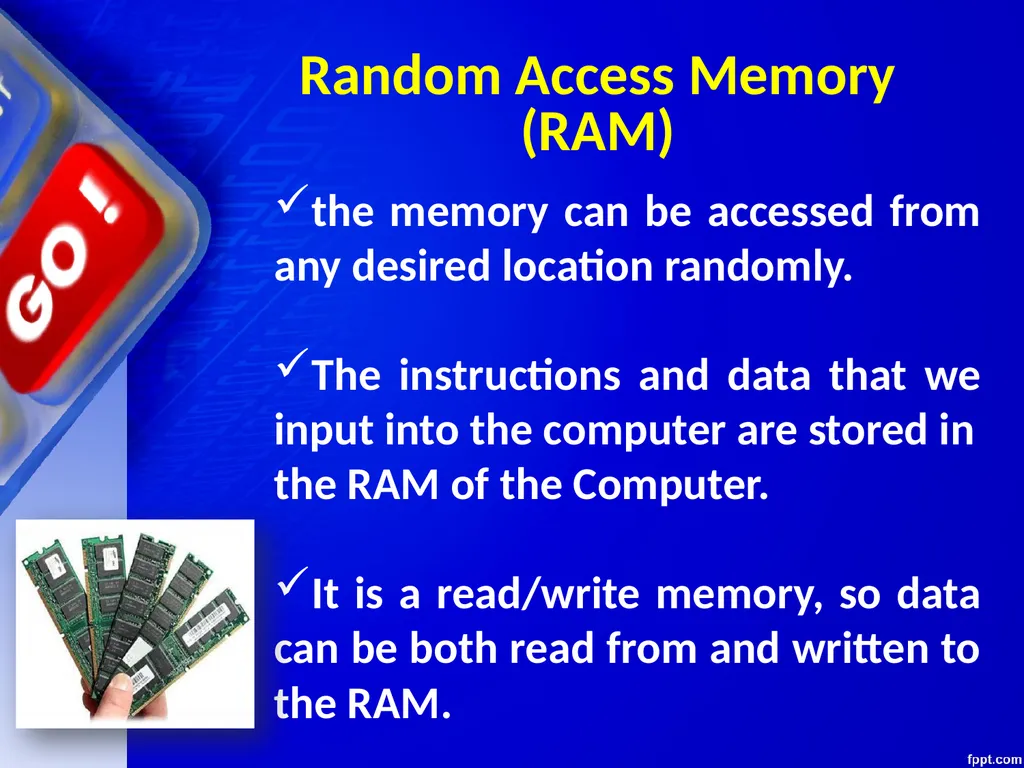
Random Access Memory (RAM) the memory can be accessed from any desired location randomly.
The instructions and data that we input into the computer are stored in
the RAM of the Computer.
It is a read/write memory, so data can be both read from and written to the RAM.<br>
The instructions and data that we input into the computer are stored in
the RAM of the Computer.
It is a read/write memory, so data can be both read from and written to the RAM.<br>
92
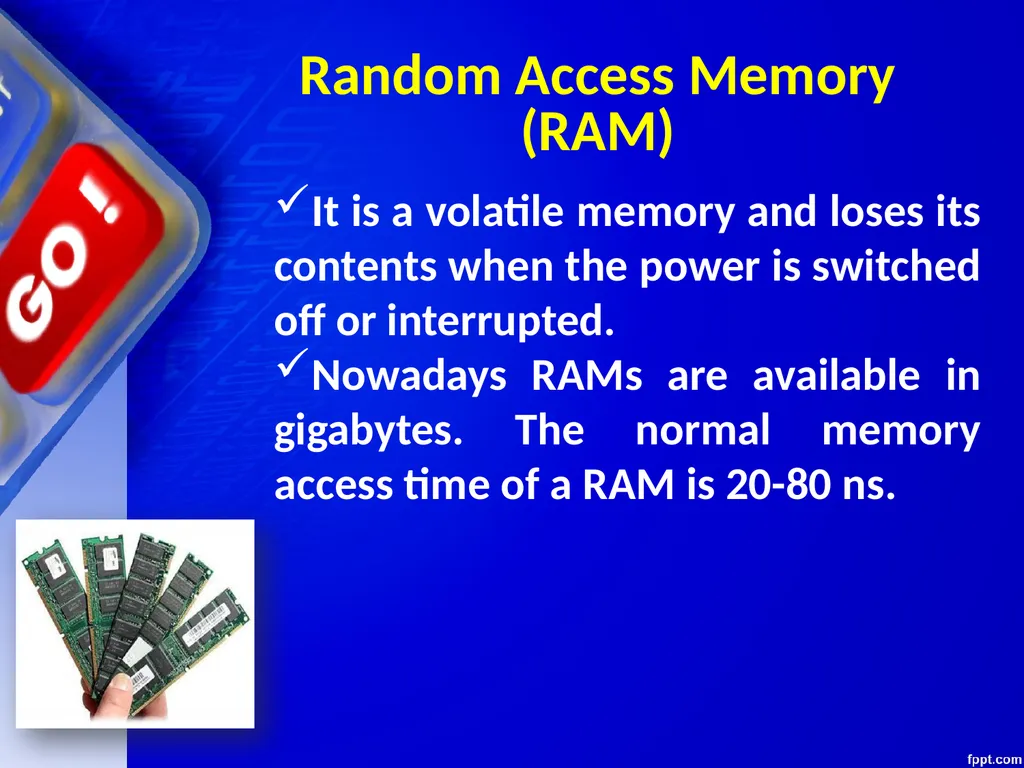
Random Access Memory (RAM) It is a volatile memory and loses its contents when the power is switched off or interrupted.
Nowadays RAMs are available in gigabytes. The normal memory access time of a RAM is 20-80 ns.<br>
Nowadays RAMs are available in gigabytes. The normal memory access time of a RAM is 20-80 ns.<br>
93
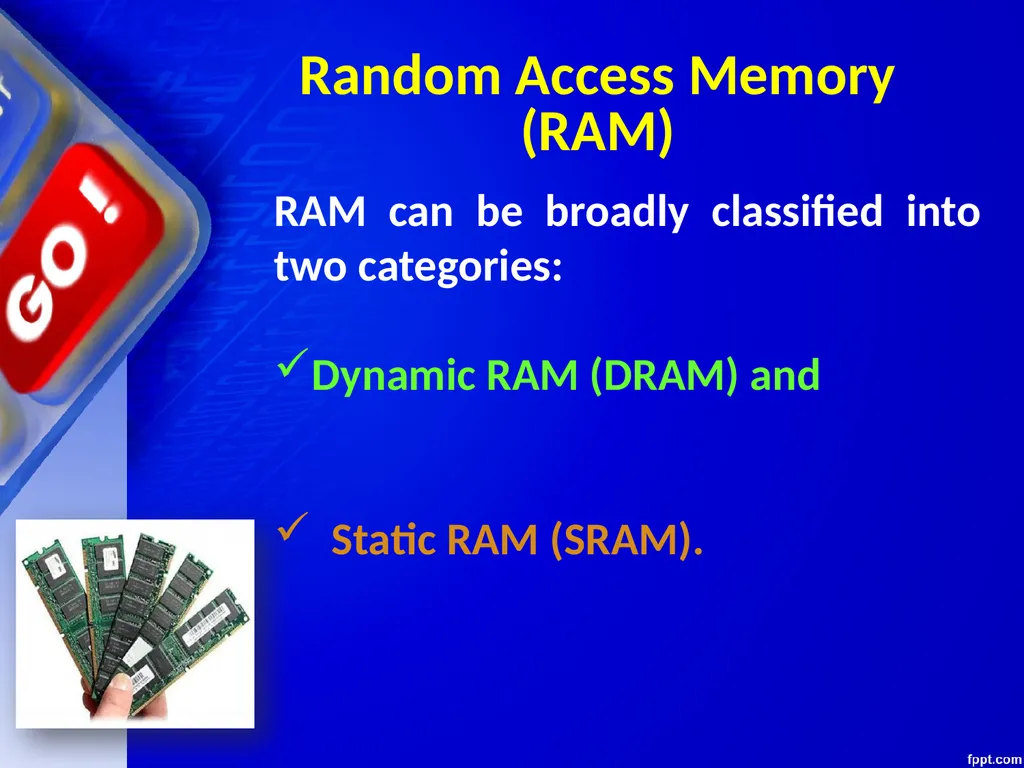
Random Access Memory (RAM) RAM can be broadly classified into two categories:
Dynamic RAM (DRAM) and
Static RAM (SRAM).<br>
Dynamic RAM (DRAM) and
Static RAM (SRAM).<br>
94
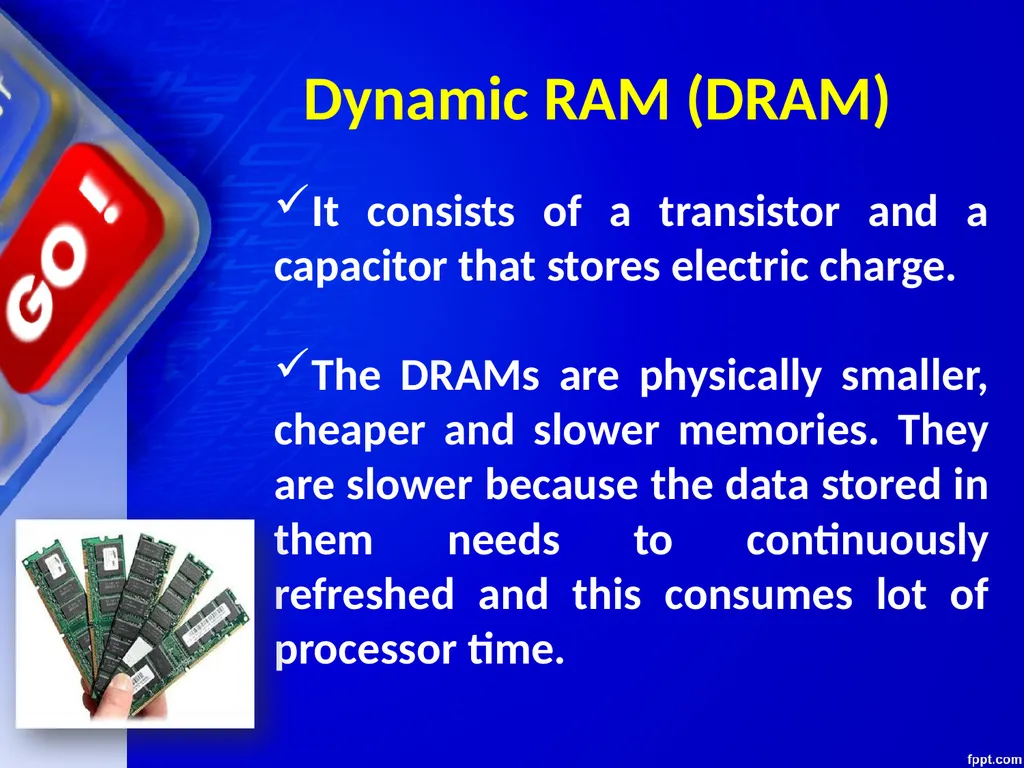
Dynamic RAM (DRAM) It consists of a transistor and a capacitor that stores electric charge.
The DRAMs are physically smaller, cheaper and slower memories. They are slower because the data stored in them needs to continuously refreshed and this consumes lot of processor time.<br>
The DRAMs are physically smaller, cheaper and slower memories. They are slower because the data stored in them needs to continuously refreshed and this consumes lot of processor time.<br>
95
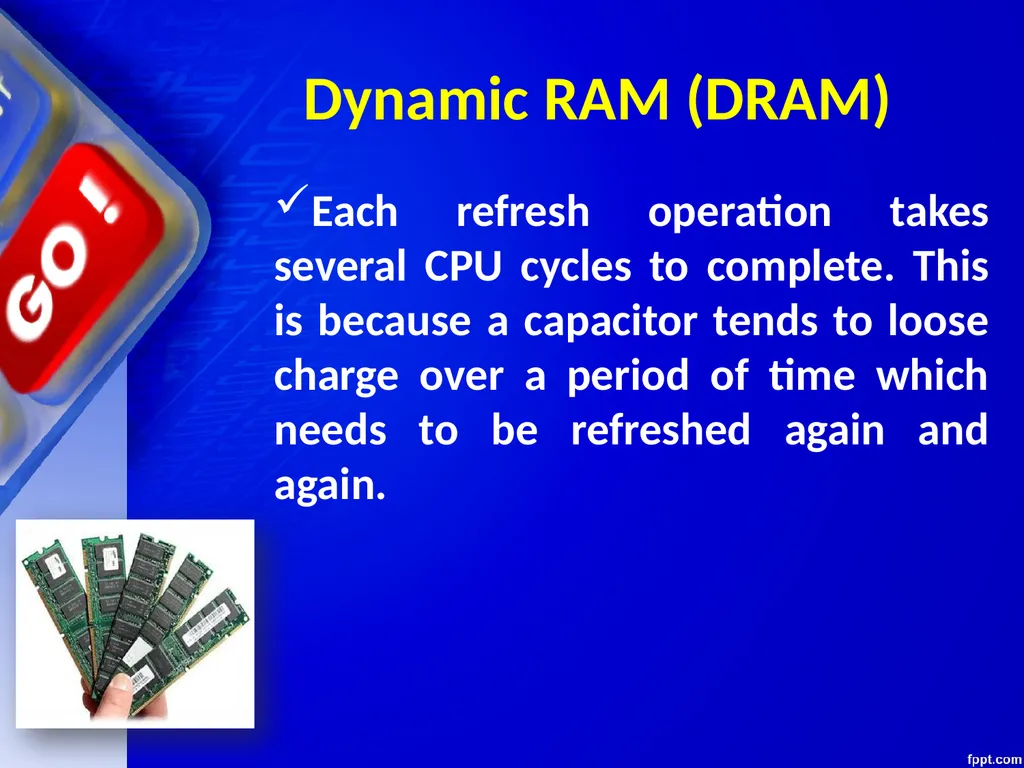
Each refresh operation takes several CPU cycles to complete. This is because a capacitor tends to loose charge over a period of time which needs to be refreshed again and again. Dynamic RAM (DRAM)<br>
96
This type of RAM is large in physical size but is an expensive and faster memory.
It is faster because it is made up of flip flops to store data and these flip flops do not require any refreshing. Static RAM<br>
It is faster because it is made up of flip flops to store data and these flip flops do not require any refreshing. Static RAM<br>
97
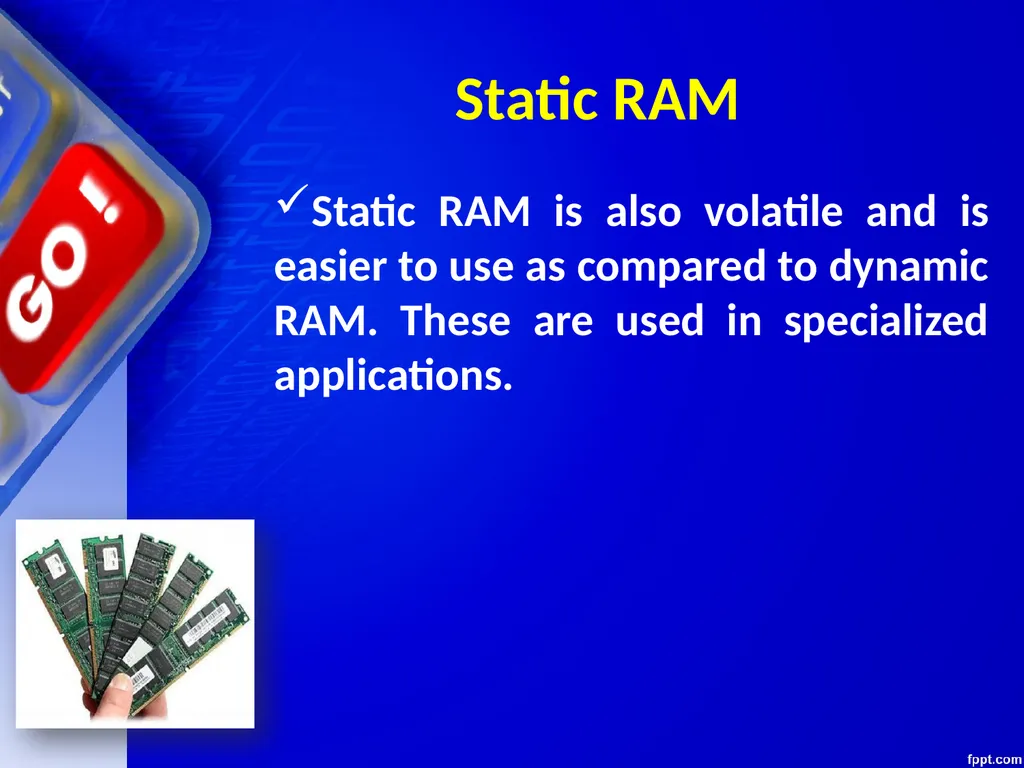
Static RAM is also volatile and is easier to use as compared to dynamic RAM. These are used in specialized applications. Static RAM<br>
98
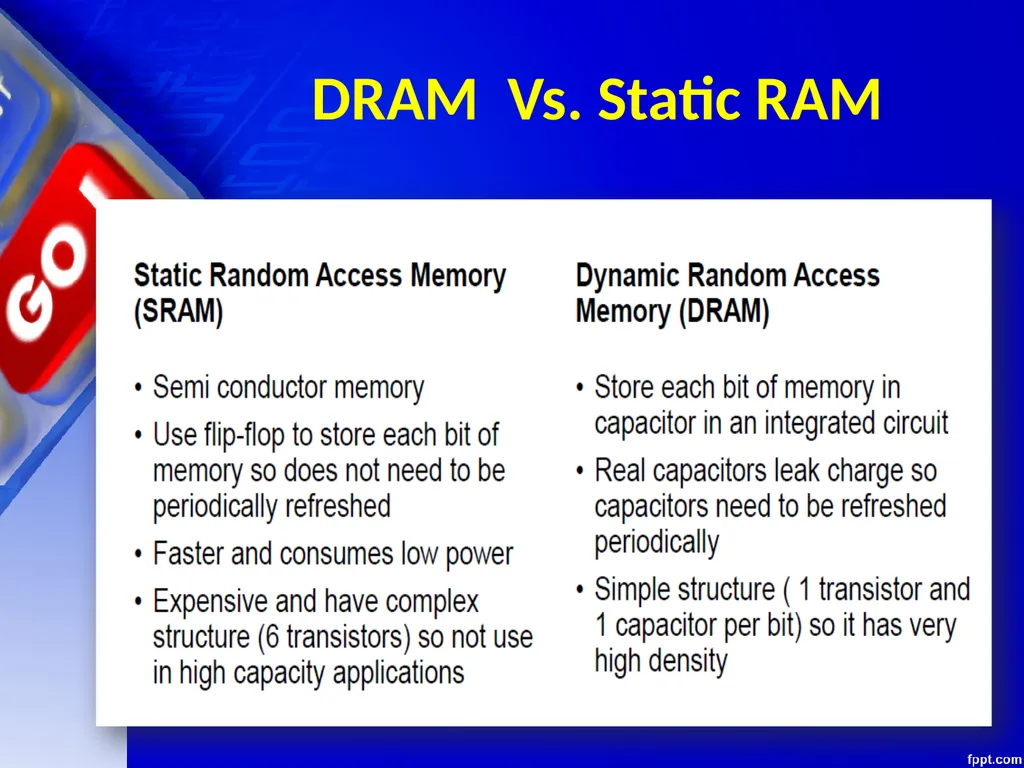
DRAM Vs. Static RAM<br>
99
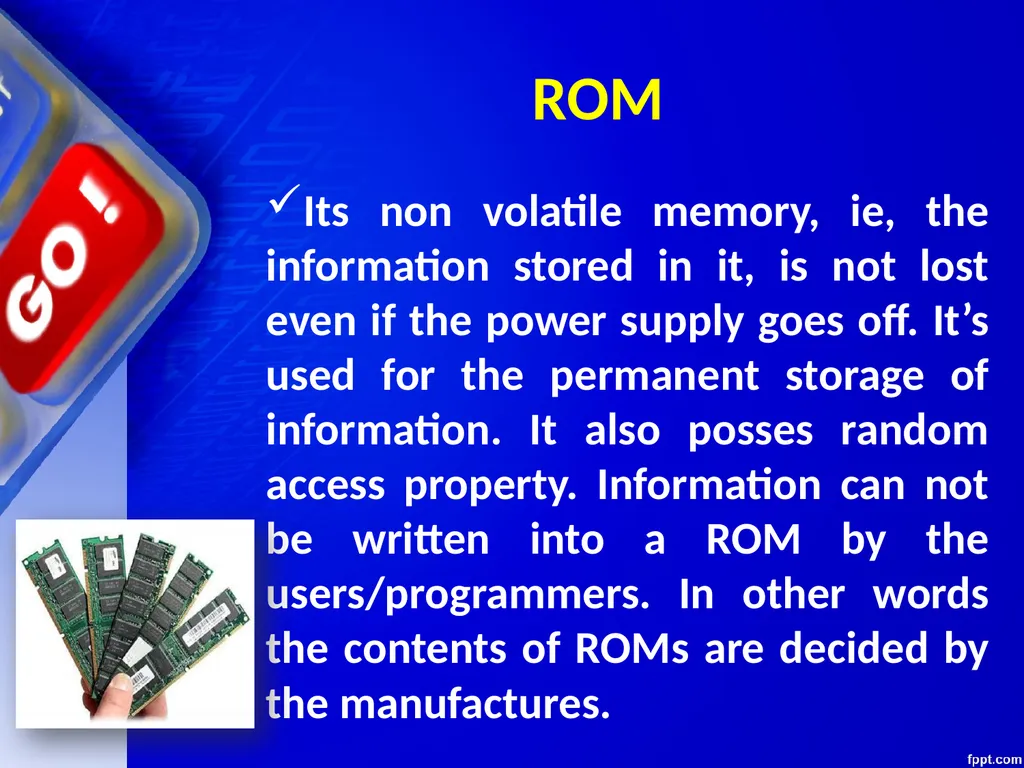
Its non volatile memory, ie, the information stored in it, is not lost even if the power supply goes off. It’s used for the permanent storage of information. It also posses random access property. Information can not be written into a ROM by the users/programmers. In other words the contents of ROMs are decided by the manufactures. ROM<br>
100
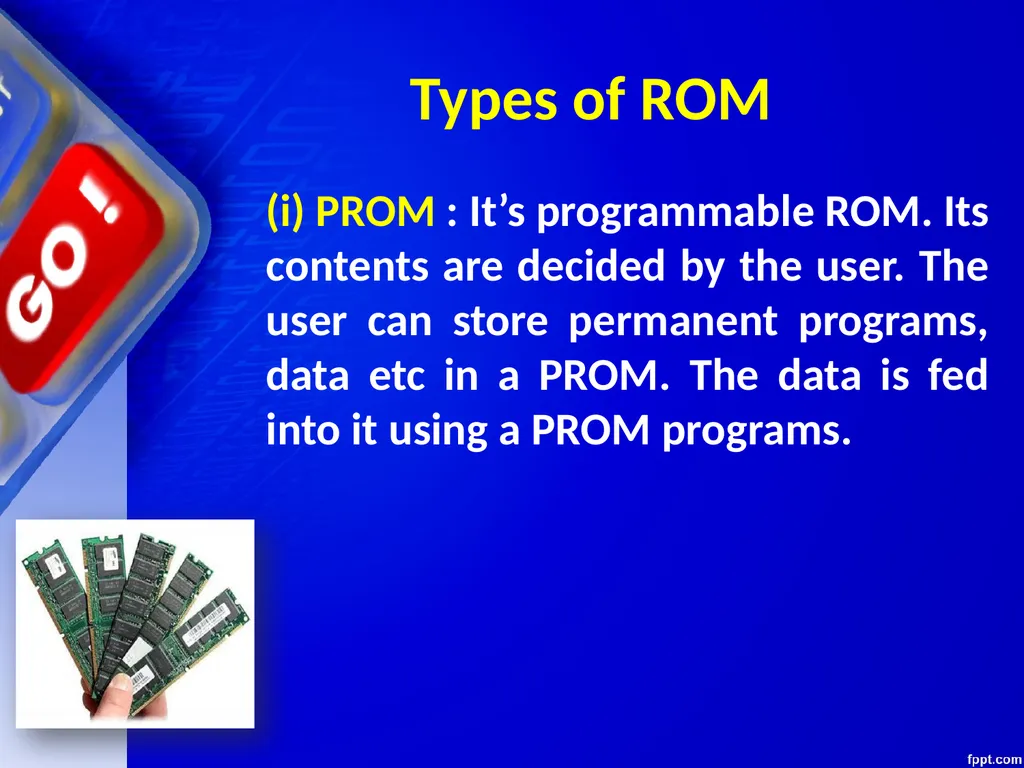
(i) PROM : It’s programmable ROM. Its contents are decided by the user. The user can store permanent programs, data etc in a PROM. The data is fed into it using a PROM programs. Types of ROM<br>
101
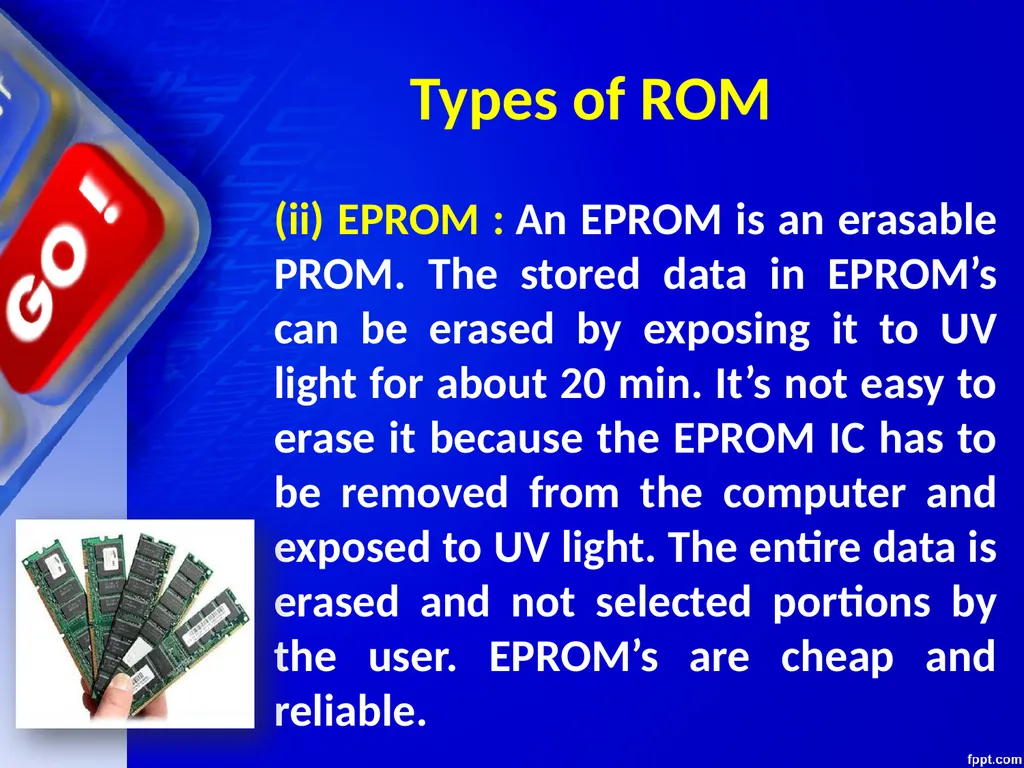
(ii) EPROM : An EPROM is an erasable PROM. The stored data in EPROM’s can be erased by exposing it to UV light for about 20 min. It’s not easy to erase it because the EPROM IC has to be removed from the computer and exposed to UV light. The entire data is erased and not selected portions by the user. EPROM’s are cheap and reliable. Types of ROM<br>
102
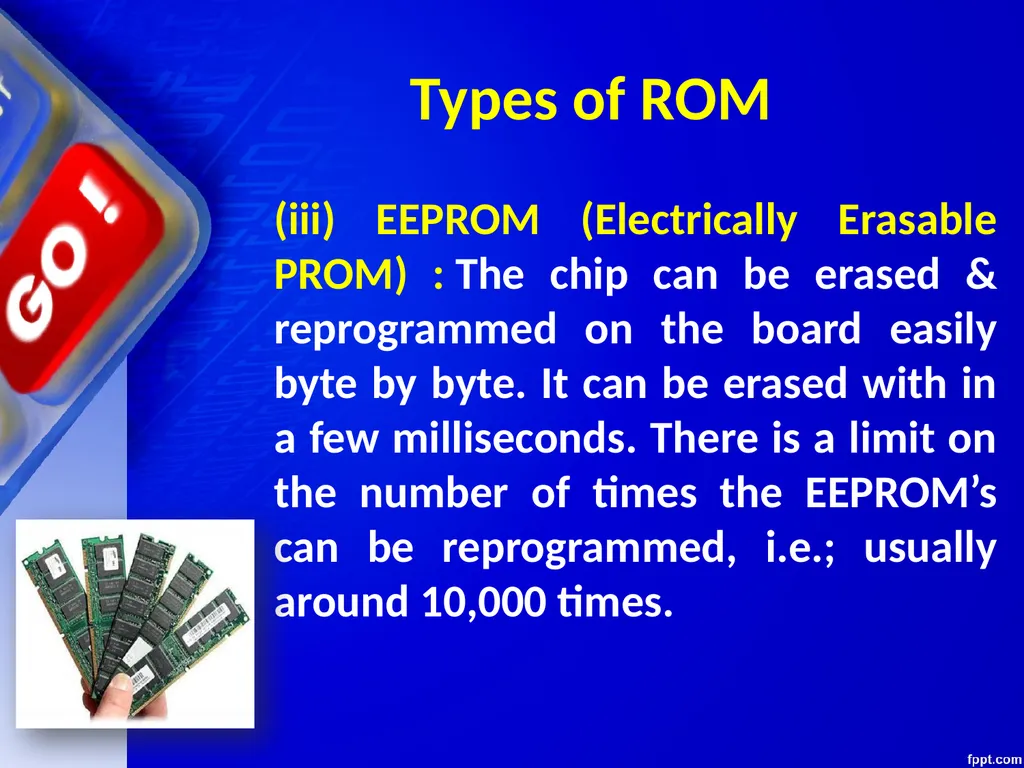
(iii) EEPROM (Electrically Erasable PROM) : The chip can be erased & reprogrammed on the board easily byte by byte. It can be erased with in a few milliseconds. There is a limit on the number of times the EEPROM’s can be reprogrammed, i.e.; usually around 10,000 times. Types of ROM<br>
103
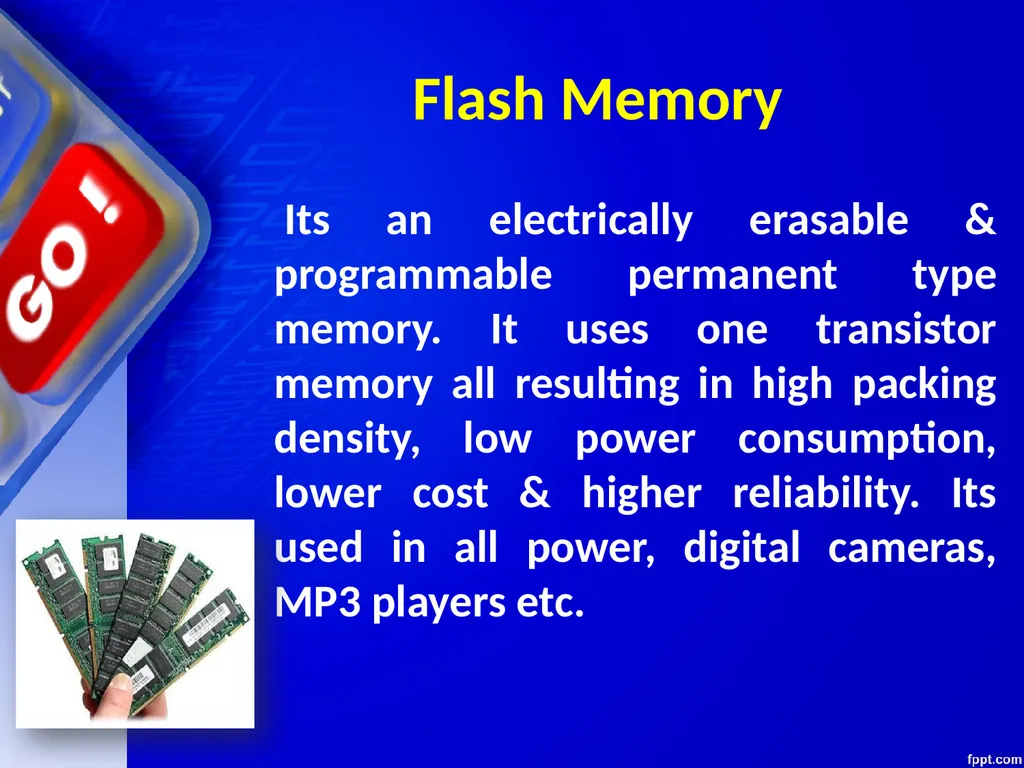
Its an electrically erasable & programmable permanent type memory. It uses one transistor memory all resulting in high packing density, low power consumption, lower cost & higher reliability. Its used in all power, digital cameras, MP3 players etc. Flash Memory<br>
104
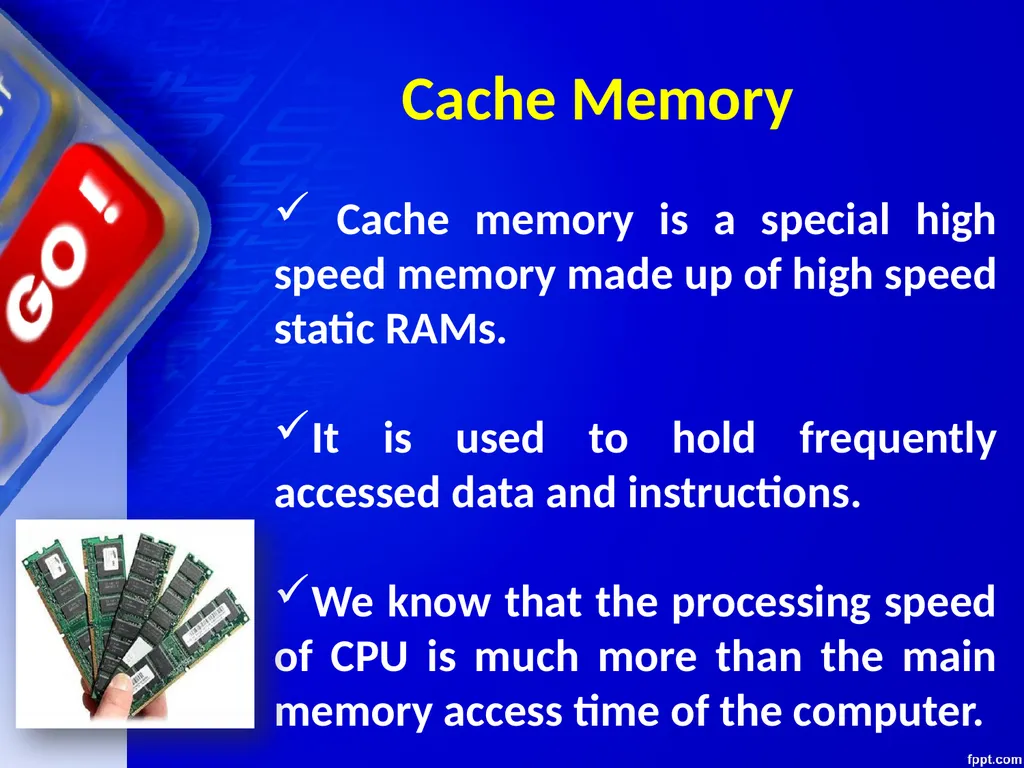
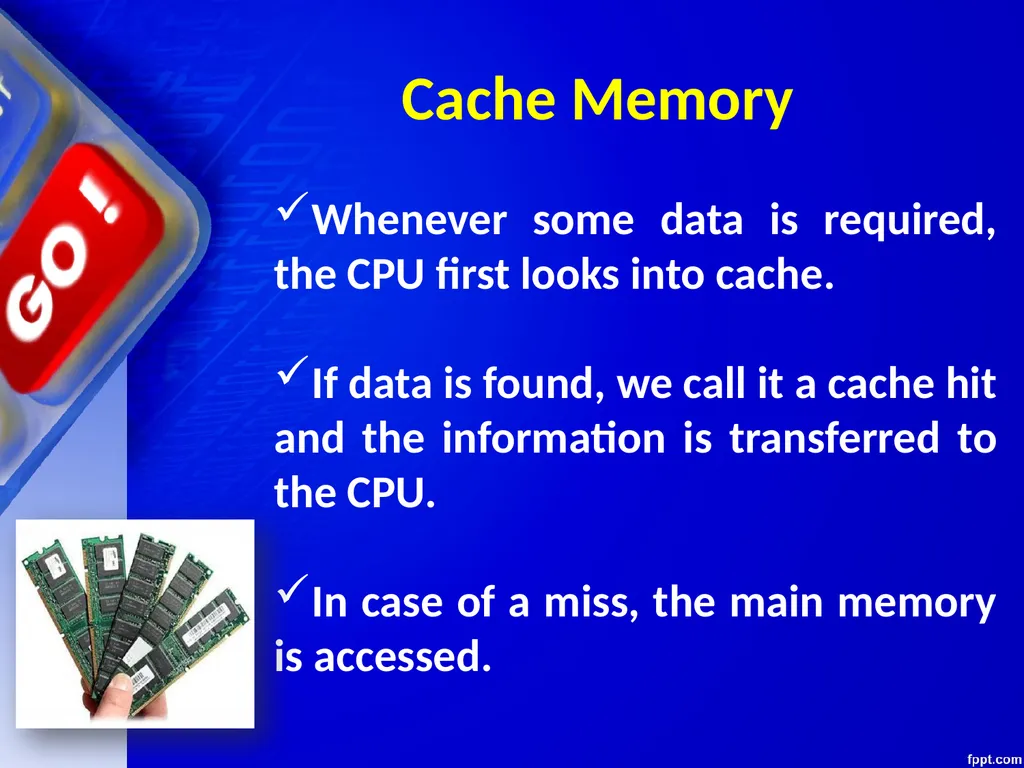
Cache memory is a special high speed memory made up of high speed static RAMs.
It is used to hold frequently accessed data and instructions.
We know that the processing speed of CPU is much more than the main memory access time of the computer. Cache Memory<br>
It is used to hold frequently accessed data and instructions.
We know that the processing speed of CPU is much more than the main memory access time of the computer. Cache Memory<br>
105
This means the CPU has to wait for a substantial amount of time.
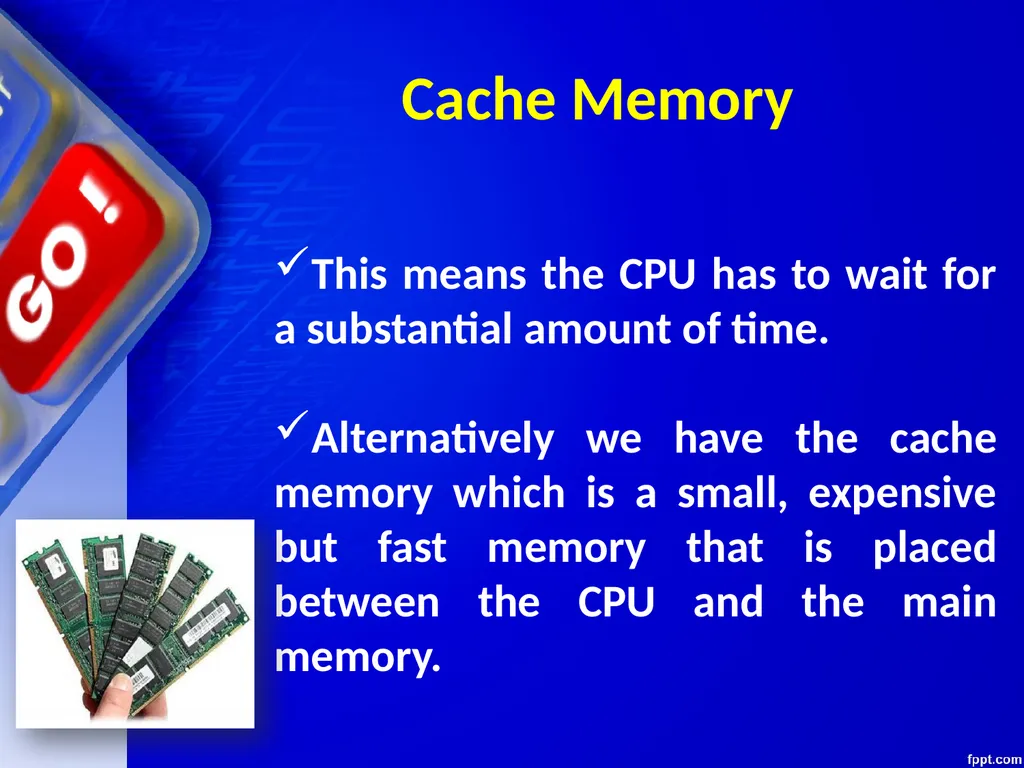
Alternatively we have the cache memory which is a small, expensive but fast memory that is placed between the CPU and the main memory. Cache Memory<br>
Alternatively we have the cache memory which is a small, expensive but fast memory that is placed between the CPU and the main memory. Cache Memory<br>
106
Whenever some data is required, the CPU first looks into cache.
If data is found, we call it a cache hit and the information is transferred to the CPU.
In case of a miss, the main memory is accessed. Cache Memory<br>
If data is found, we call it a cache hit and the information is transferred to the CPU.
In case of a miss, the main memory is accessed. Cache Memory<br>
107
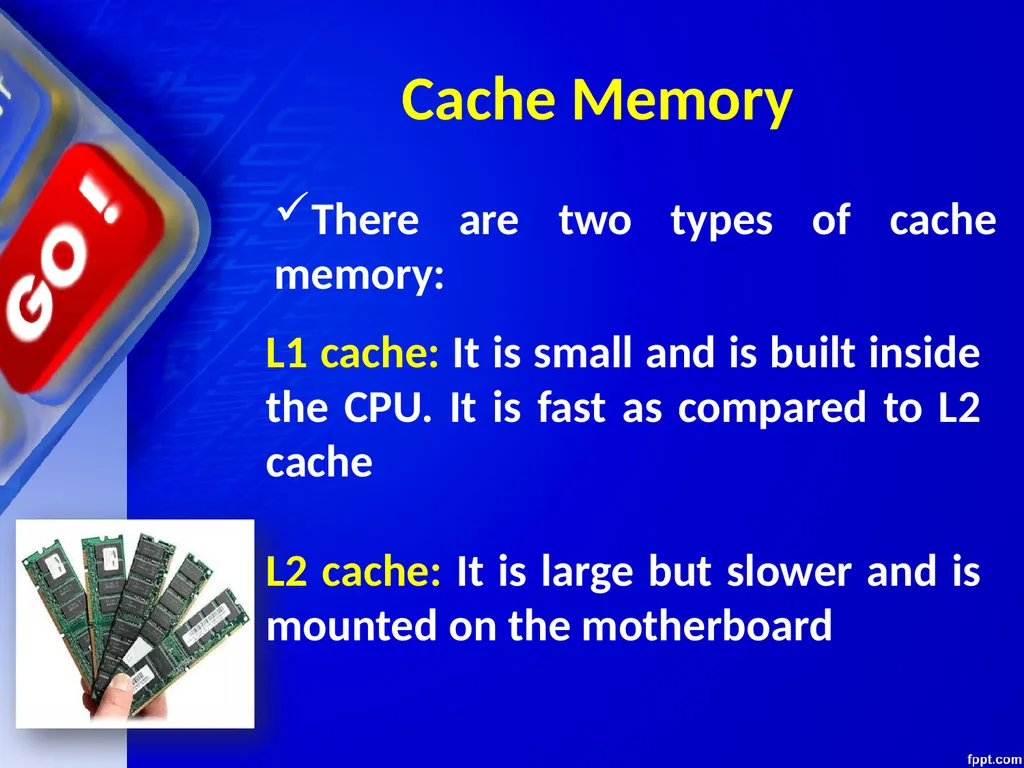
There are two types of cache memory: Cache Memory L1 cache: It is small and is built inside the CPU. It is fast as compared to L2 cache
L2 cache: It is large but slower and is mounted on the motherboard<br>
L2 cache: It is large but slower and is mounted on the motherboard<br>
108
Secondary Memory<br>
109
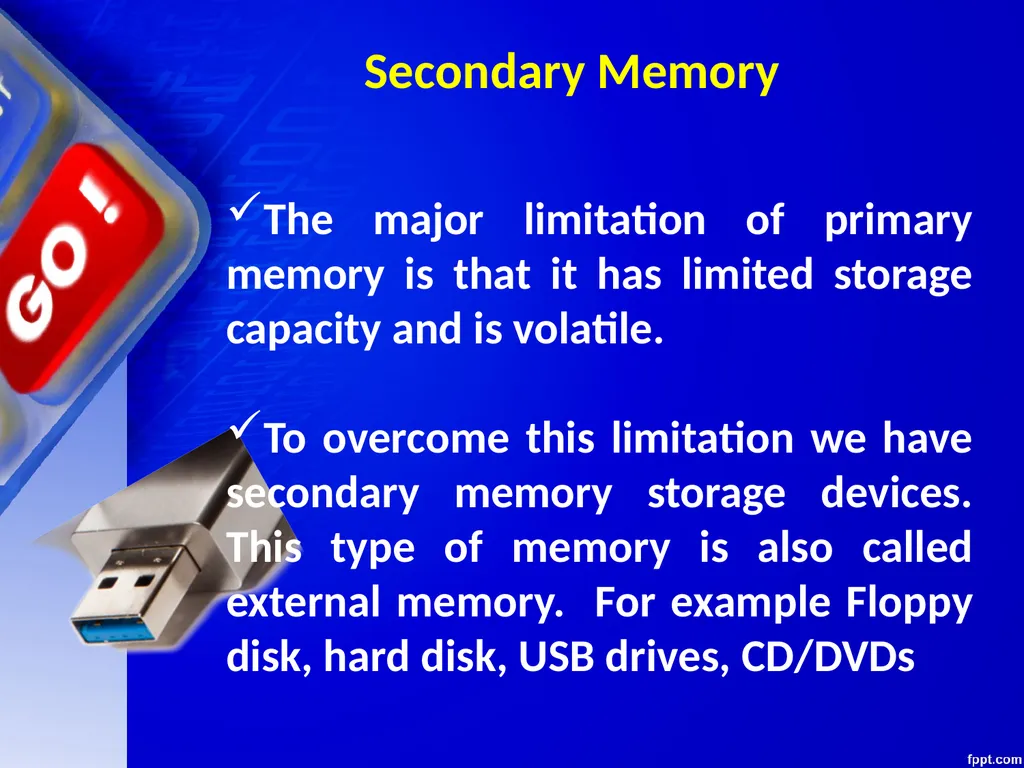
Secondary Memory The major limitation of primary memory is that it has limited storage capacity and is volatile.
To overcome this limitation we have secondary memory storage devices. This type of memory is also called external memory. For example Floppy disk, hard disk, USB drives, CD/DVDs<br>
To overcome this limitation we have secondary memory storage devices. This type of memory is also called external memory. For example Floppy disk, hard disk, USB drives, CD/DVDs<br>
110
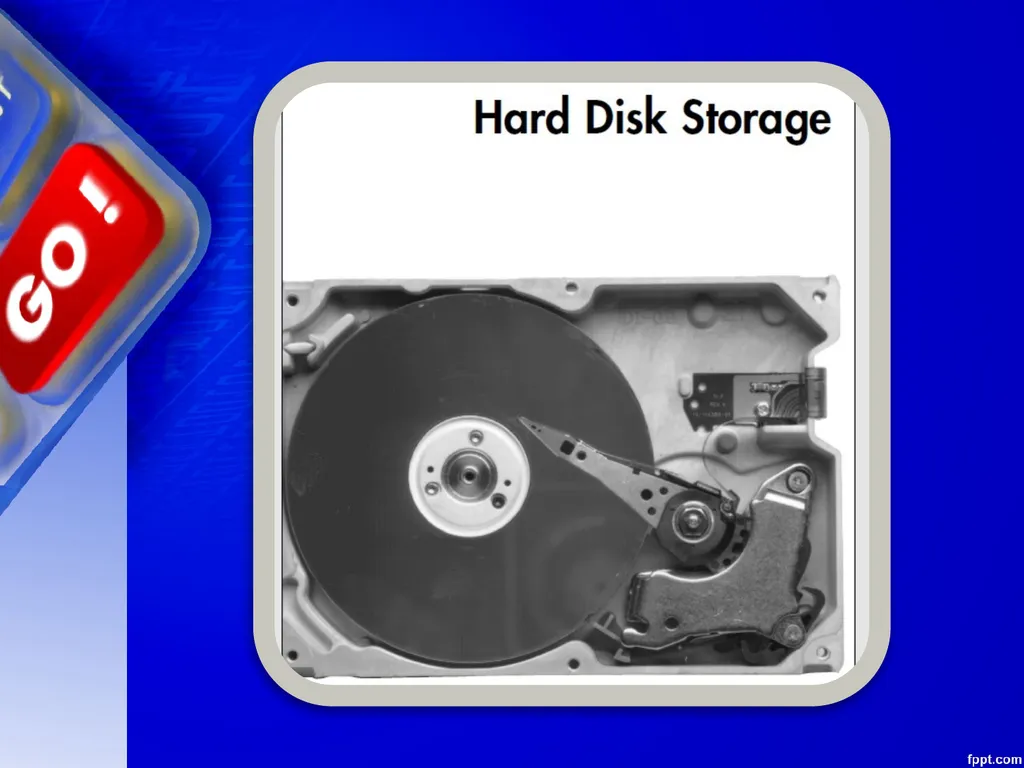
Hard disk A hard disk consists of one or more circular disks called platters which are mounted on a common spindle. Each surface of a platter is coated with a magnetic material. Both surfaces of each disk are capable of storing data except the top and bottom disk where only the inner surface is used.<br>
111
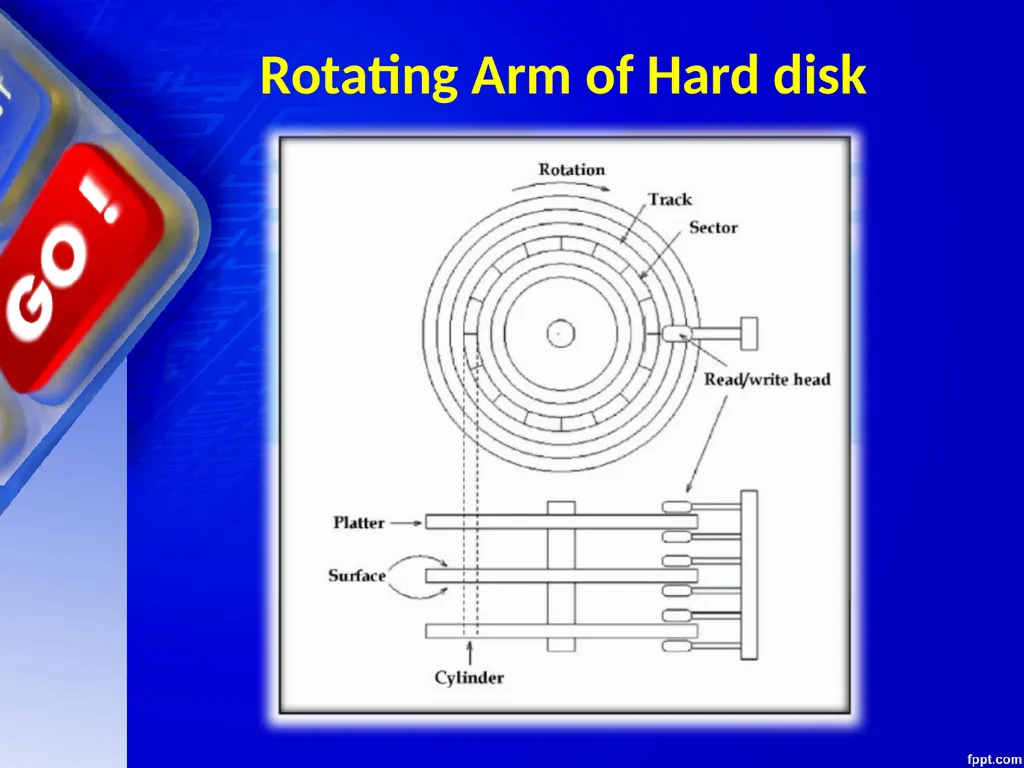
Hard disk The information is recorded on the surface of the rotating disk by magnetic read/write heads. These heads are joined to a common arm known as access arm. This arm moves over the surface of the rotating disk as shown in the figure (next slide)<br>
112
Rotating Arm of Hard disk<br>
113
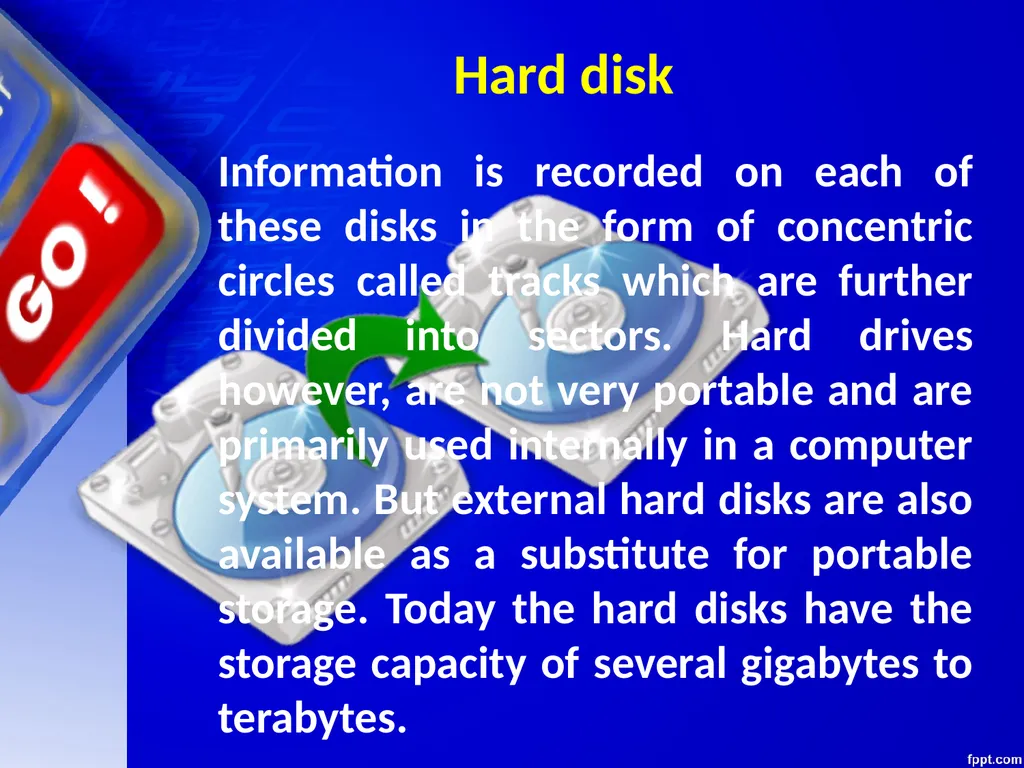
Hard disk Information is recorded on each of these disks in the form of concentric circles called tracks which are further divided into sectors. Hard drives however, are not very portable and are primarily used internally in a computer system. But external hard disks are also available as a substitute for portable storage. Today the hard disks have the storage capacity of several gigabytes to terabytes.<br>
114
OPTICAL DISKS<br>
115
OPTICAL DISKS An optical disk is primarily used as a portable and secondary storage device. It can store more data than the previous generation of magnetic storage media, and has a relatively longer lifespan. Compact disks (CD), digital versatile/video disks (DVD) and Blu-ray disks are currently the most commonly used forms of optical disks. These disks are generally used to:
Distribute software to customers.
Store large amounts of data such as music, images and videos.
Transfer data to different computers or devices.
Back up data from a local machine.<br>
Distribute software to customers.
Store large amounts of data such as music, images and videos.
Transfer data to different computers or devices.
Back up data from a local machine.<br>
116
Batteries<br>
117
Batteries A battery is a device consisting of one or more electrochemical cells with external connections provided to power electrical devices such as flashlights, smartphones, and electric cars. When a battery is supplying electric power, its positive terminal is the cathode and its negative terminal is the anode. What is battery? Courtesy: Wikipedia<br>
118
Computer Batteries<br>
119
Computer Batteries There are three computer batteries types used with computers 1. Backup Battery (CMOS) 2. Bridge Battery 3. Main Battery<br>
120
The Complementary Metal-Oxide Semiconductor chip usually abbreviated as CMOS chip is powered by the CMOS battery. The CMOS battery, unlike the other battery types is present in each and every computer. They are small in size (coin-sized) and generally the lifetime of the motherboard (say 10 years). The actual function of this CMOS battery is to power the CMOS chip which stores the clock settings and hardware settings. 1. Backup Battery (CMOS)<br>
121
The Bridge battery is not part of every computer. It is only limited to the laptops and that too not in all of them. So as the name suggests, it is an auxiliary power source which keeps laptop alive when the main battery is replaced. It is not as big or powerful as main battery but can take care of the power requirements in that short span of time. Most people know it by the name, backup battery. 2. Bridge Battery<br>
122
The Main battery is the ultimate alternative source that makes laptops portable. It has the capacity to store charge and supply it to the components whenever required. These are made of several distinct battery technologies and here are a few popular technologies among the lot: 1. Nickel Cadmium (NiCd) 2. Lithium Ion (Li-ion) 3. Main Battery<br>
123
3. Nickel Metal Hydride (NiMH) 4. Lithium Ion Polymer (Li-ion polymer) Most of the present laptops are equipped with Lithium ion and Lithium Polymer batteries. 3. Main Battery<br>
124
CLASS TEST<br>
125
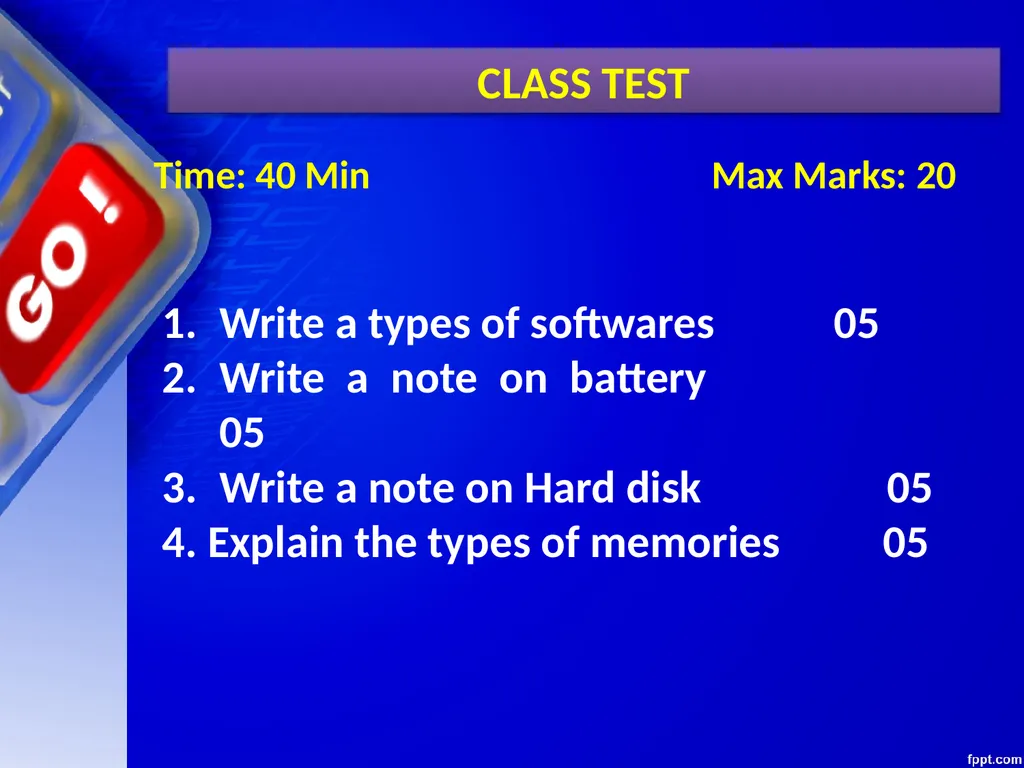
CLASS TEST Time: 40 Min Max Marks: 20 Write a types of softwares 05
Write a note on battery 05
Write a note on Hard disk 05
4. Explain the types of memories 05<br>
Write a note on battery 05
Write a note on Hard disk 05
4. Explain the types of memories 05<br>
126
Thank You<br>