Chapter 6 Application Hardening Visit for more Learning Resources Application Hardening Make your computer hard to break Providing protection to your computer system Protection is provided in various layers like at the host level, the
"Chapter 6 Application Hardening Visit for more" is the property of its rightful owner. Permission is granted to
download and print the materials on this website for personal, non-commercial use only, and to display it
on your personal computer provided you do not modify the materials and that you retain all copyright
notices contained in the materials. By downloading content from our website, you accept the terms of this
agreement.
Presentation Transcript
01
Chapter 6 Application Hardening Visit for more Learning Resources<br>
02
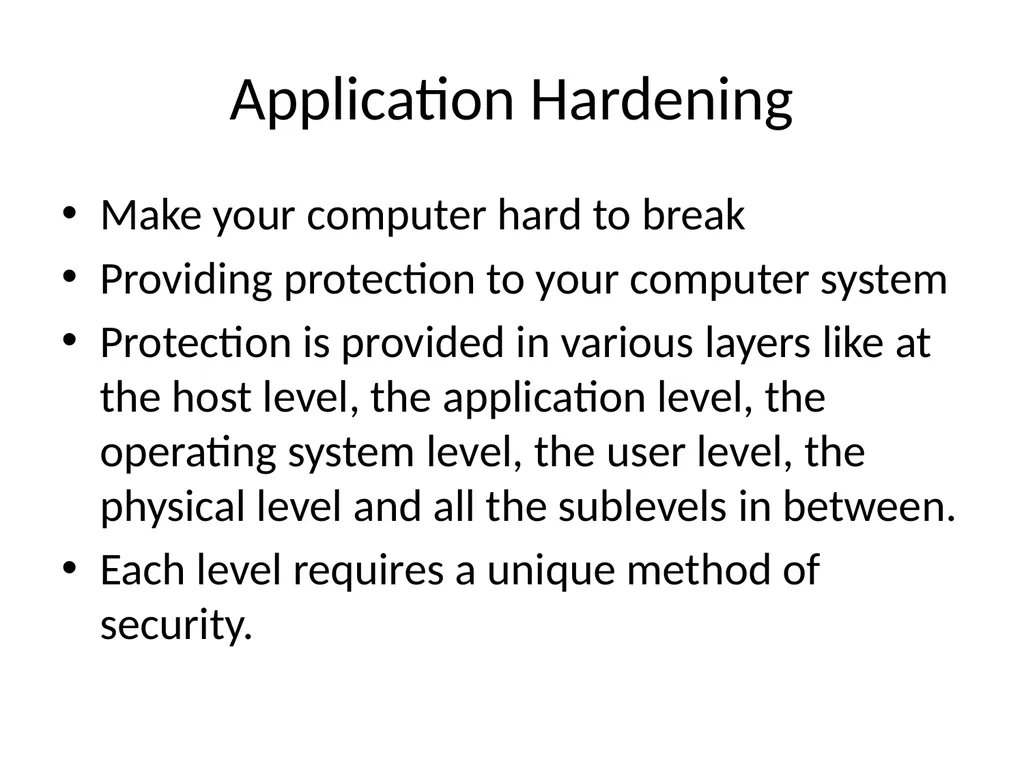
Application Hardening Make your computer hard to break
Providing protection to your computer system
Protection is provided in various layers like at the host level, the application level, the operating system level, the user level, the physical level and all the sublevels in between.
Each level requires a unique method of security.<br>
03
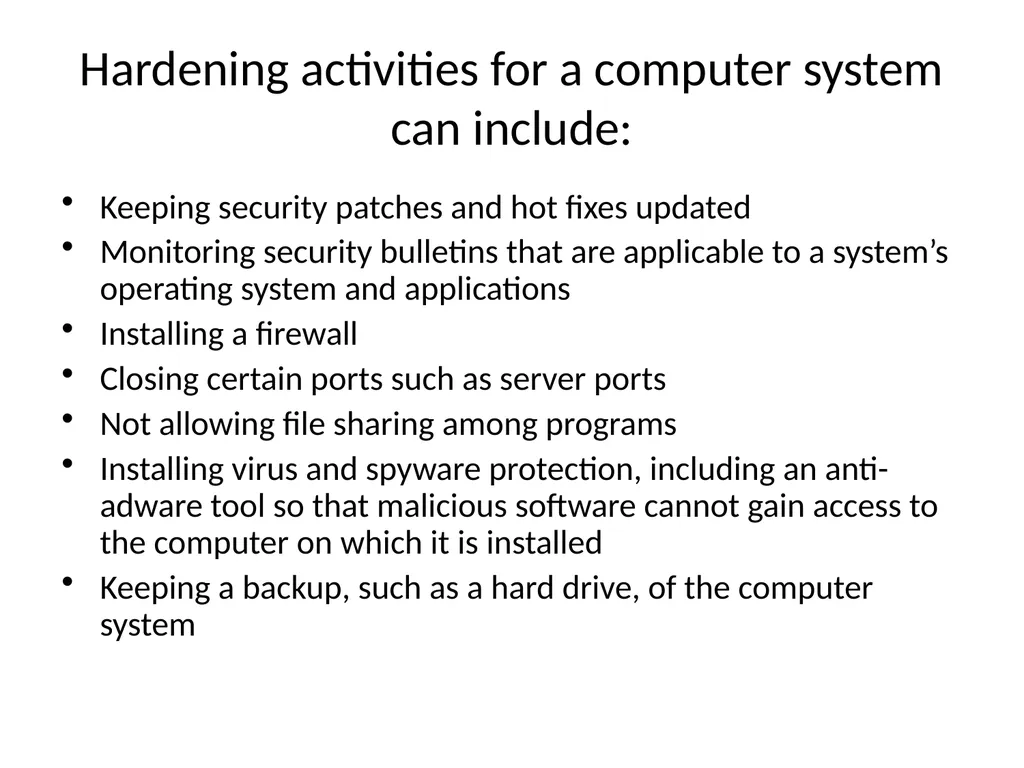
Hardening activities for a computer system can include: Keeping security patches and hot fixes updated
Monitoring security bulletins that are applicable to a system’s operating system and applications
Installing a firewall
Closing certain ports such as server ports
Not allowing file sharing among programs
Installing virus and spyware protection, including an anti-adware tool so that malicious software cannot gain access to the computer on which it is installed
Keeping a backup, such as a hard drive, of the computer system<br>
04
Disabling cookies
Creating strong passwords
Never opening emails or attachments from unknown senders
Removing unnecessary programs and user accounts from the computer
Using encryption where possible
Hardening security policies, such as local policies relating to how often a password should be changed and how long and in what format a password must be in<br>
05
Windows hardening Use NTFS on all the partitions
Disabling simple file sharing
Disable guest account
Installing antivirus software on computer
Encrypt temp folder
Install latest service packs
Implementing IPSec<br>
06
Linux Hardening Create firewall
Use secure alternatives
Copy your logs
Enable password aging
Keep an eye on open files<br>
07
Hot fix Address specific issues e.g buffer overflow
Smallest size files
Many 3rd part s/w programs provides this functionality
Produced quickly<br>
08
Patches Fix the general problems
Supplied from vendors
Large size files as compare to hot fix<br>
09
Updates New version of s/w and h/w product design to replace a older version of same product .<br>
10
Service packs It is collection of updates, fixes to a software program delivered in form of single installable packet
Easy installation
Less error prone
It is incremental<br>
11
Web Server Sends static pages to large no of users
Provides web pages to client
e.g
Apache Server
Microsoft Internet Information Server(IIS)<br>
12
Active Directory Manages the computer groups ,users who access computer network
Used by network administrators. For more detail contact us<br>