
CIT 590 Intro to Programming Files etc
Description: CIT 590 Intro to Programming Files etc Announcements From HW5 onwards (HW5, HW6,) You can work alone. You can pick your own partner. You can also stick to the same partner for every single HW. Decision has to be communicated to us by
Related Topics
Download Presentation
"CIT 590 Intro to Programming Files etc" is the property of its rightful owner. Permission is granted to download and print the materials on this website for personal, non-commercial use only, and to display it on your personal computer provided you do not modify the materials and that you retain all copyright notices contained in the materials. By downloading content from our website, you accept the terms of this agreement.
Presentation Transcript
slide1. CIT 590 Intro to Programming
Files etc<br>
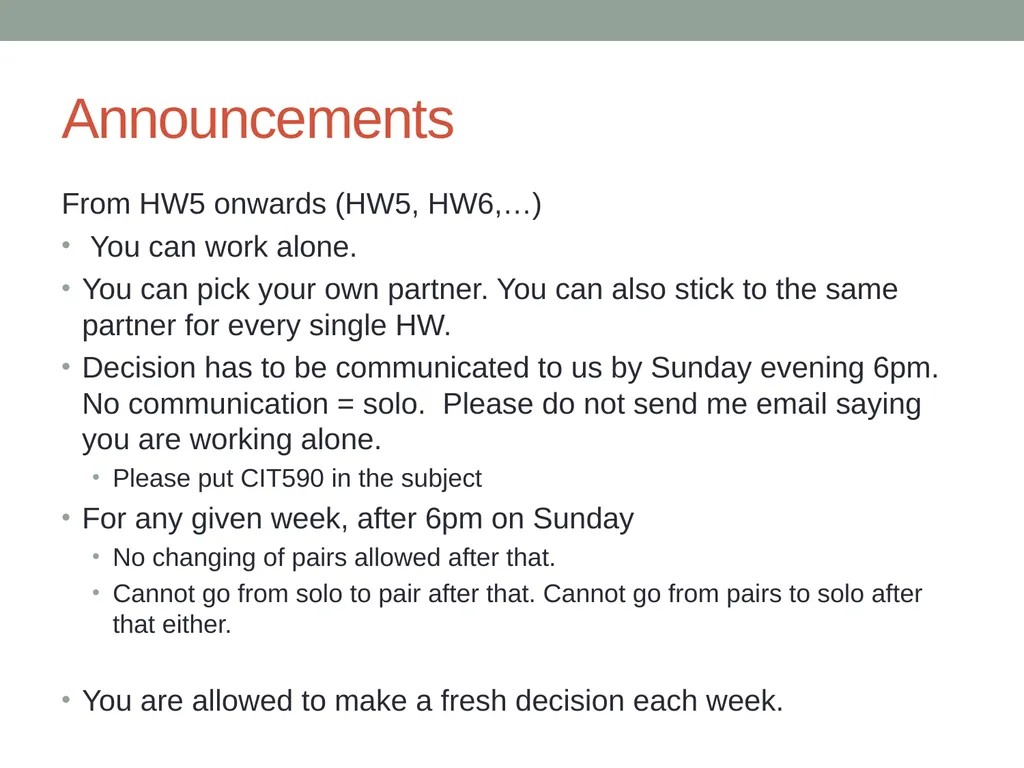
slide2. Announcements From HW5 onwards (HW5, HW6,…)
You can work alone.
You can pick your own partner. You can also stick to the same partner for every single HW.
Decision has to be communicated to us by Sunday evening 6pm. No communication = solo. Please do not send me email saying you are working alone.
Please put CIT590 in the subject
For any given week, after 6pm on Sunday
No changing of pairs allowed after that.
Cannot go from solo to pair after that. Cannot go from pairs to solo after that either.
You are allowed to make a fresh decision each week.<br>
slide3. Agenda Files
Try catch except
A module to read html off a remote website (only works sometimes)<br>
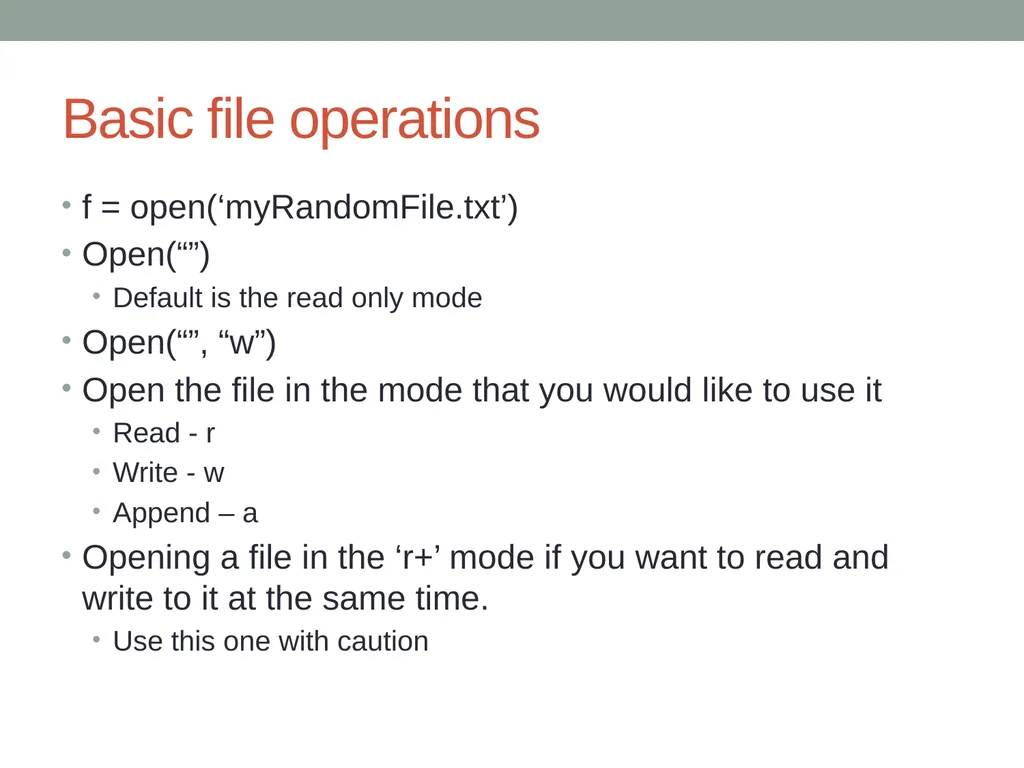
slide4. Basic file operations f = open(‘myRandomFile.txt’)
Open(“”)
Default is the read only mode
Open(“”, “w”)
Open the file in the mode that you would like to use it
Read - r
Write - w
Append – a
Opening a file in the ‘r+’ mode if you want to read and write to it at the same time.
Use this one with caution<br>
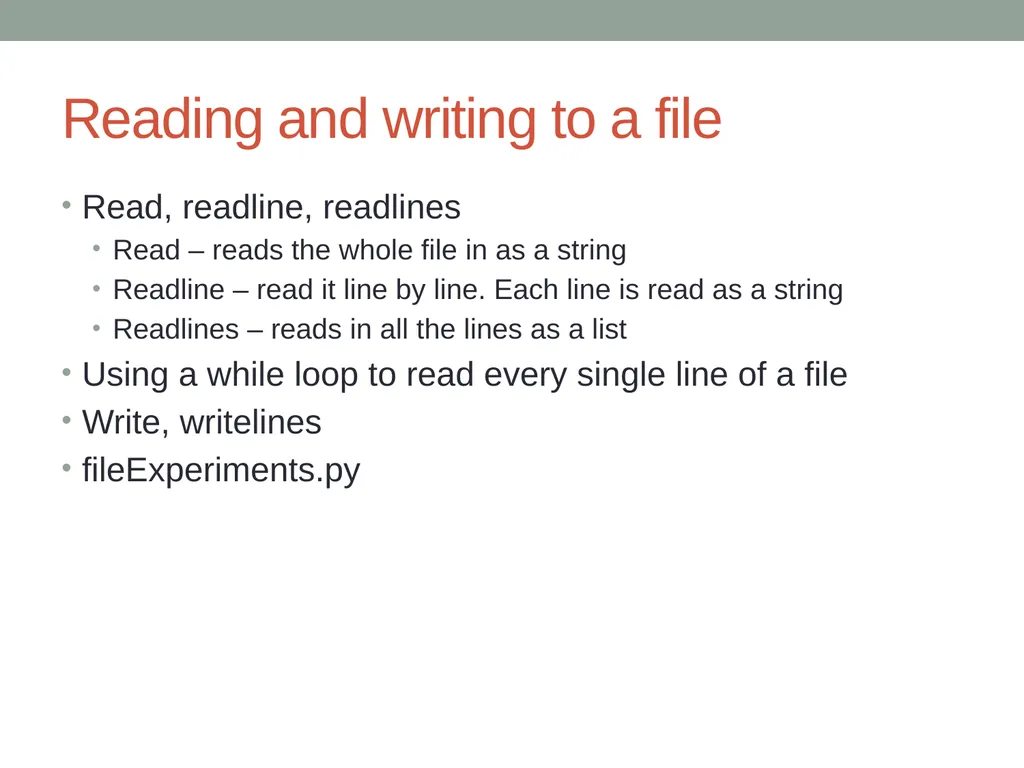
slide5. Reading and writing to a file Read, readline, readlines
Read – reads the whole file in as a string
Readline – read it line by line. Each line is read as a string
Readlines – reads in all the lines as a list
Using a while loop to read every single line of a file
Write, writelines
fileExperiments.py<br>
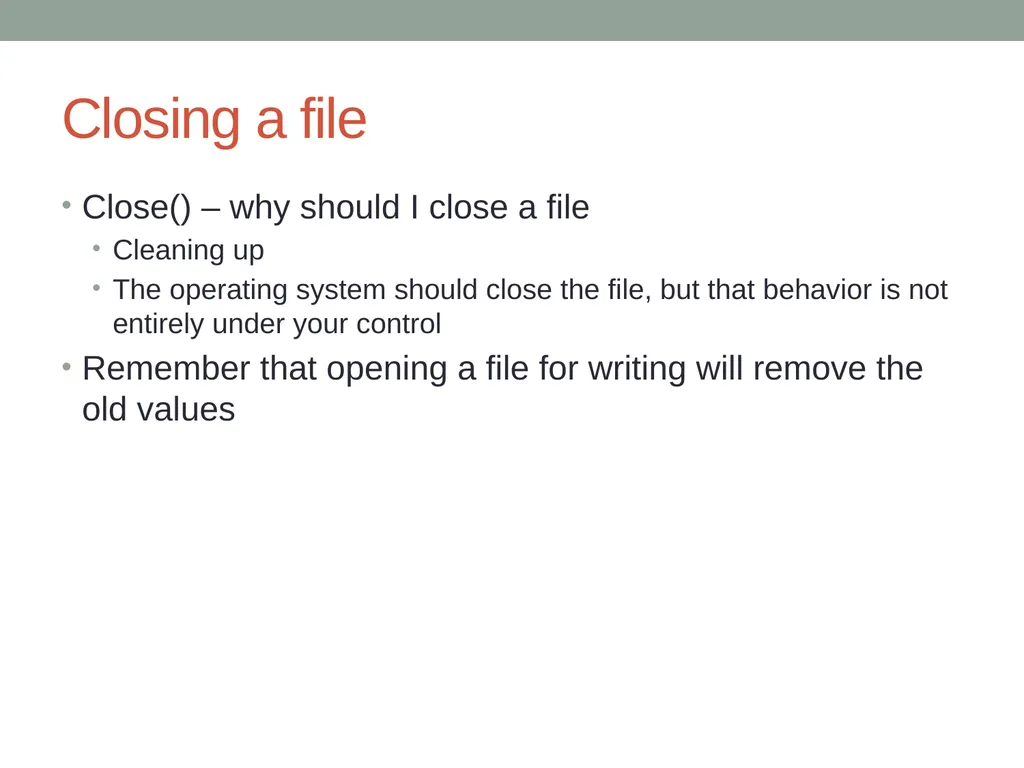
slide6. Closing a file Close() – why should I close a file
Cleaning up
The operating system should close the file, but that behavior is not entirely under your control
Remember that opening a file for writing will remove the old values<br>
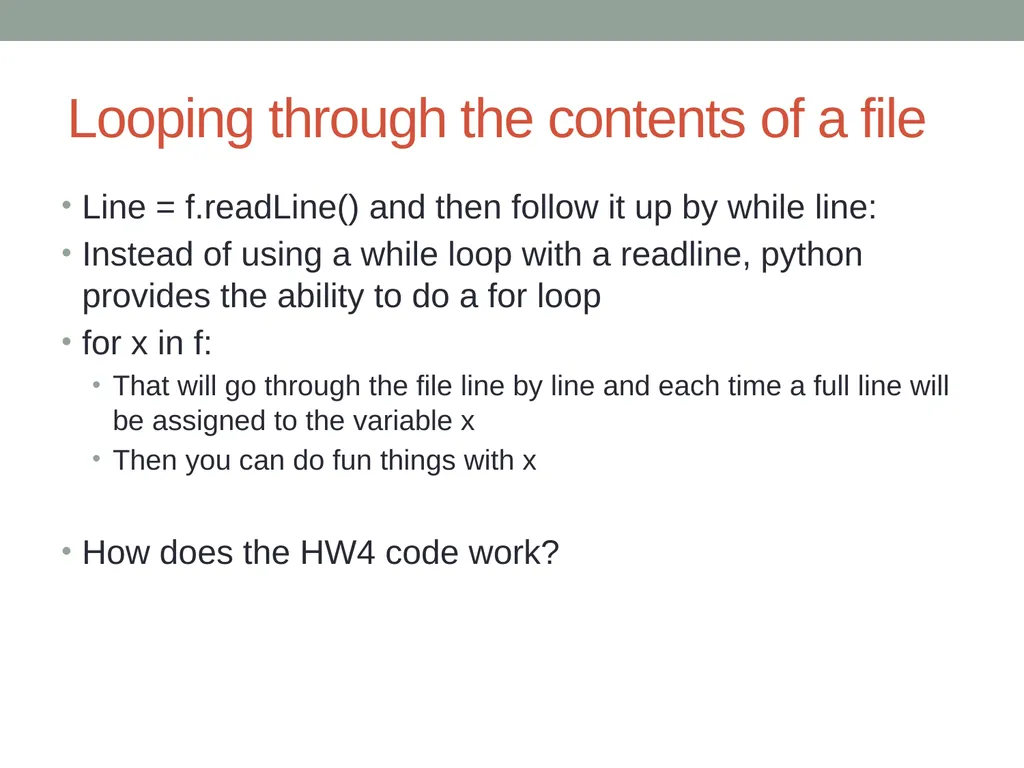
slide7. Looping through the contents of a file Line = f.readLine() and then follow it up by while line:
Instead of using a while loop with a readline, python provides the ability to do a for loop
for x in f:
That will go through the file line by line and each time a full line will be assigned to the variable x
Then you can do fun things with x
How does the HW4 code work?<br>
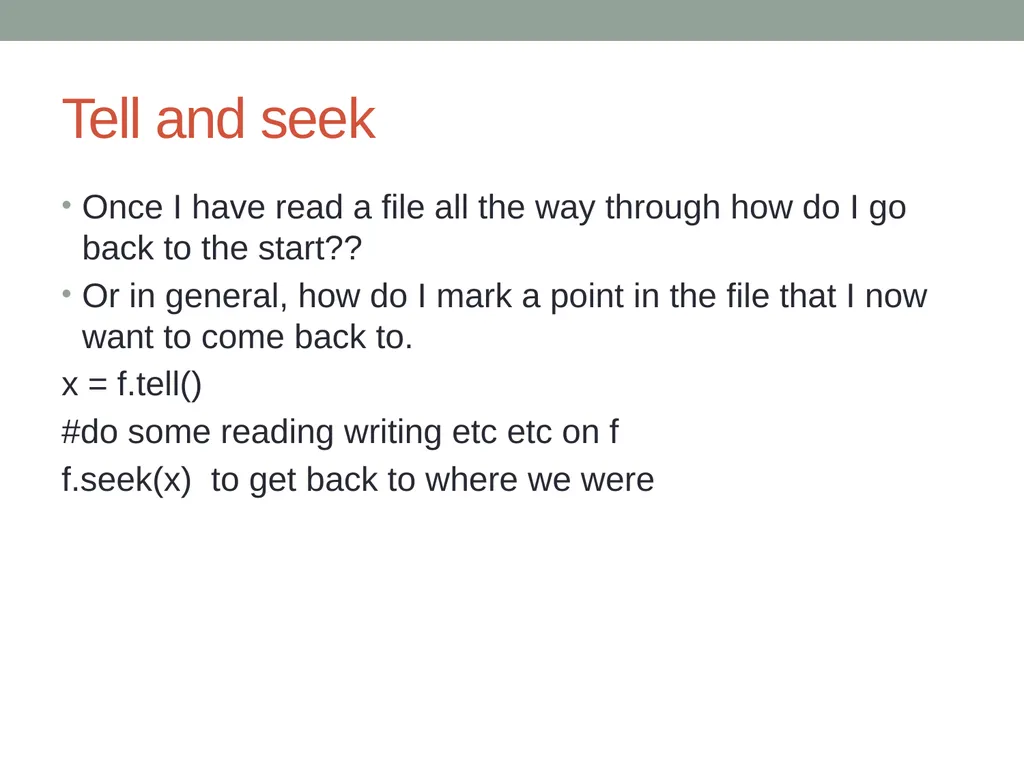
slide8. Tell and seek Once I have read a file all the way through how do I go back to the start??
Or in general, how do I mark a point in the file that I now want to come back to.
x = f.tell()
#do some reading writing etc etc on f
f.seek(x) to get back to where we were<br>
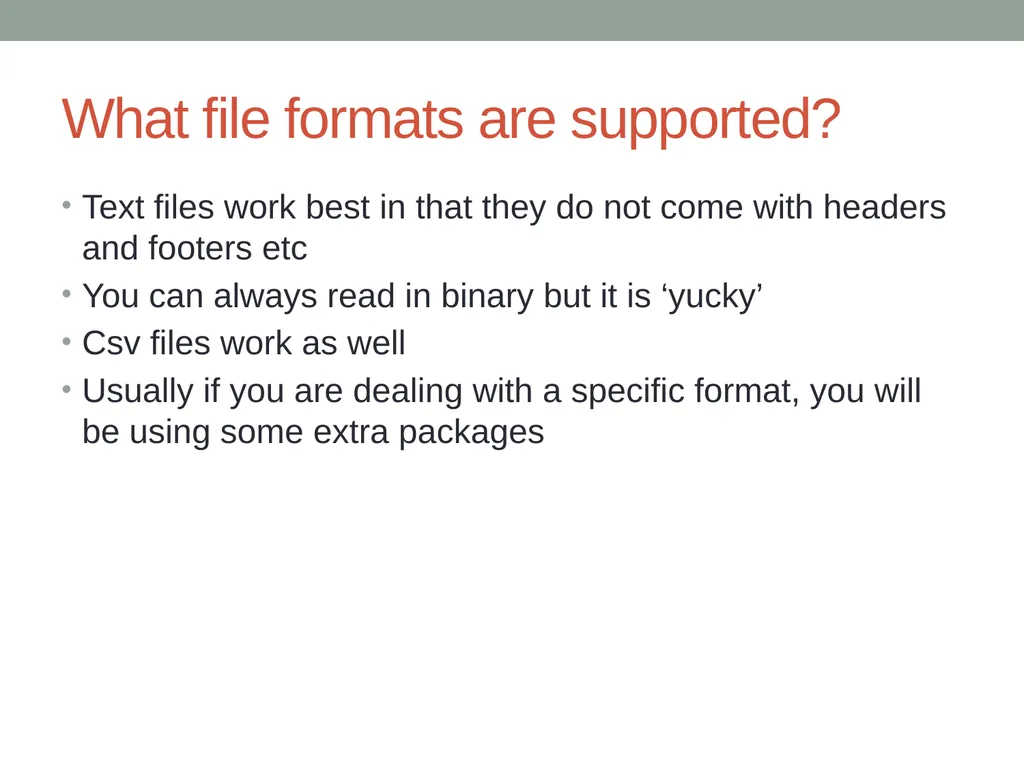
slide9. What file formats are supported? Text files work best in that they do not come with headers and footers etc
You can always read in binary but it is ‘yucky’
Csv files work as well
Usually if you are dealing with a specific format, you will be using some extra packages<br>
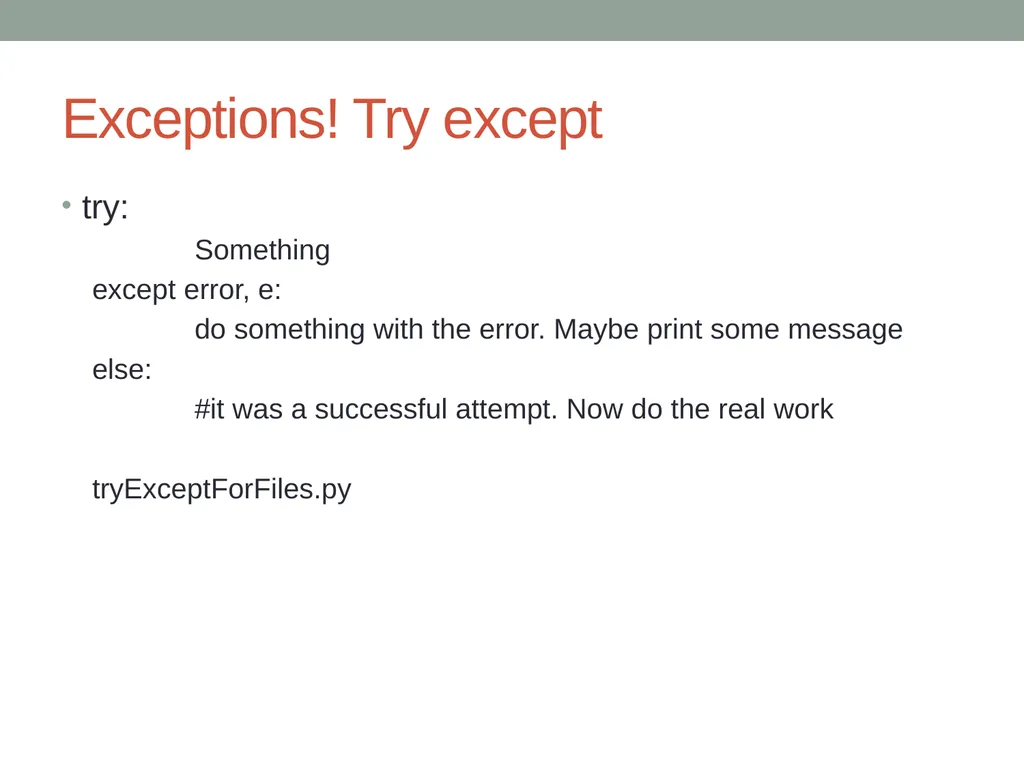
slide10. Exceptions! Try except try:
Something
except error, e:
do something with the error. Maybe print some message
else:
#it was a successful attempt. Now do the real work
tryExceptForFiles.py<br>
slide11. The file sort example from the book Good example for top down design
What if you had to sort a massive file that cannot possibly be stored all in memory
fileSort.py<br>
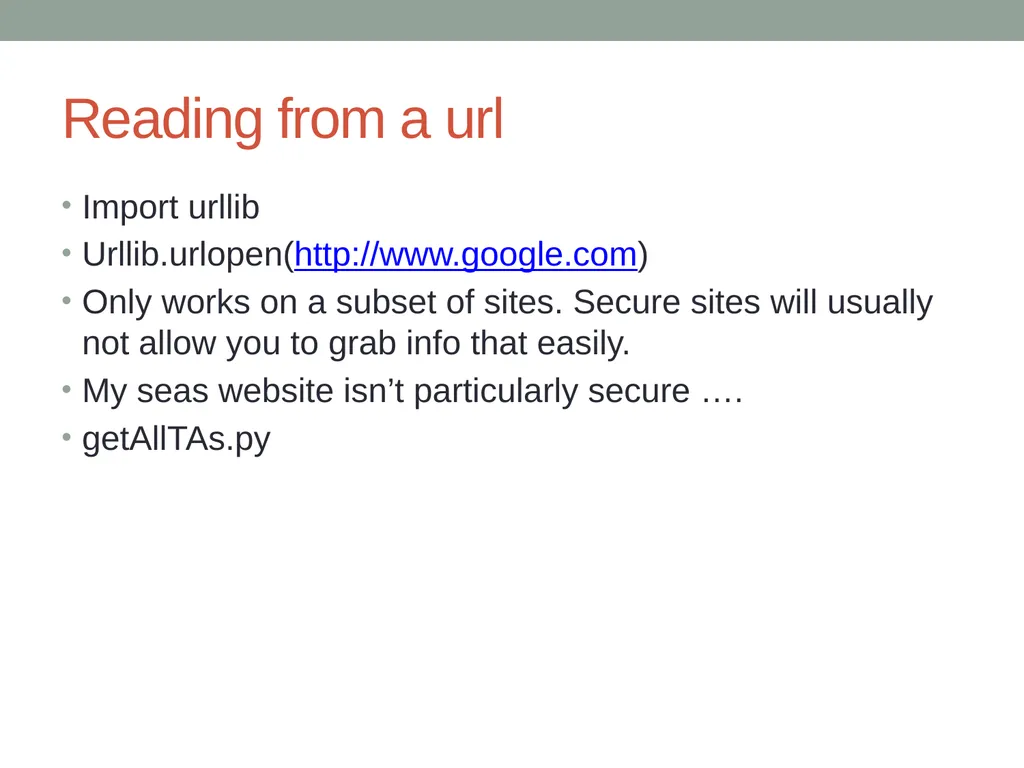
slide12. Reading from a url Import urllib
Urllib.urlopen(http://www.google.com)
Only works on a subset of sites. Secure sites will usually not allow you to grab info that easily.
My seas website isn’t particularly secure ….
getAllTAs.py<br>
Files etc<br>
slide2. Announcements From HW5 onwards (HW5, HW6,…)
You can work alone.
You can pick your own partner. You can also stick to the same partner for every single HW.
Decision has to be communicated to us by Sunday evening 6pm. No communication = solo. Please do not send me email saying you are working alone.
Please put CIT590 in the subject
For any given week, after 6pm on Sunday
No changing of pairs allowed after that.
Cannot go from solo to pair after that. Cannot go from pairs to solo after that either.
You are allowed to make a fresh decision each week.<br>
slide3. Agenda Files
Try catch except
A module to read html off a remote website (only works sometimes)<br>
slide4. Basic file operations f = open(‘myRandomFile.txt’)
Open(“”)
Default is the read only mode
Open(“”, “w”)
Open the file in the mode that you would like to use it
Read - r
Write - w
Append – a
Opening a file in the ‘r+’ mode if you want to read and write to it at the same time.
Use this one with caution<br>
slide5. Reading and writing to a file Read, readline, readlines
Read – reads the whole file in as a string
Readline – read it line by line. Each line is read as a string
Readlines – reads in all the lines as a list
Using a while loop to read every single line of a file
Write, writelines
fileExperiments.py<br>
slide6. Closing a file Close() – why should I close a file
Cleaning up
The operating system should close the file, but that behavior is not entirely under your control
Remember that opening a file for writing will remove the old values<br>
slide7. Looping through the contents of a file Line = f.readLine() and then follow it up by while line:
Instead of using a while loop with a readline, python provides the ability to do a for loop
for x in f:
That will go through the file line by line and each time a full line will be assigned to the variable x
Then you can do fun things with x
How does the HW4 code work?<br>
slide8. Tell and seek Once I have read a file all the way through how do I go back to the start??
Or in general, how do I mark a point in the file that I now want to come back to.
x = f.tell()
#do some reading writing etc etc on f
f.seek(x) to get back to where we were<br>
slide9. What file formats are supported? Text files work best in that they do not come with headers and footers etc
You can always read in binary but it is ‘yucky’
Csv files work as well
Usually if you are dealing with a specific format, you will be using some extra packages<br>
slide10. Exceptions! Try except try:
Something
except error, e:
do something with the error. Maybe print some message
else:
#it was a successful attempt. Now do the real work
tryExceptForFiles.py<br>
slide11. The file sort example from the book Good example for top down design
What if you had to sort a massive file that cannot possibly be stored all in memory
fileSort.py<br>
slide12. Reading from a url Import urllib
Urllib.urlopen(http://www.google.com)
Only works on a subset of sites. Secure sites will usually not allow you to grab info that easily.
My seas website isn’t particularly secure ….
getAllTAs.py<br>