04
Types of Programming Languages
There are two types of Programming Languages:
Low-Level Language-
Low Level Language is no different from machine code. They mostly use binary digits or symbols and are directly executed by the CPU. These languages were specifically written for one particular type of computer.
High-Level Languages-
High Level Languages were developed after low-level languages. These languages are closer to human language as they use English words. They are also not machine dependent. Some examples of High-level Languages are FORTRAN, BASIC, C, C++ etc.<br>
05
Generations of Programming Languages:
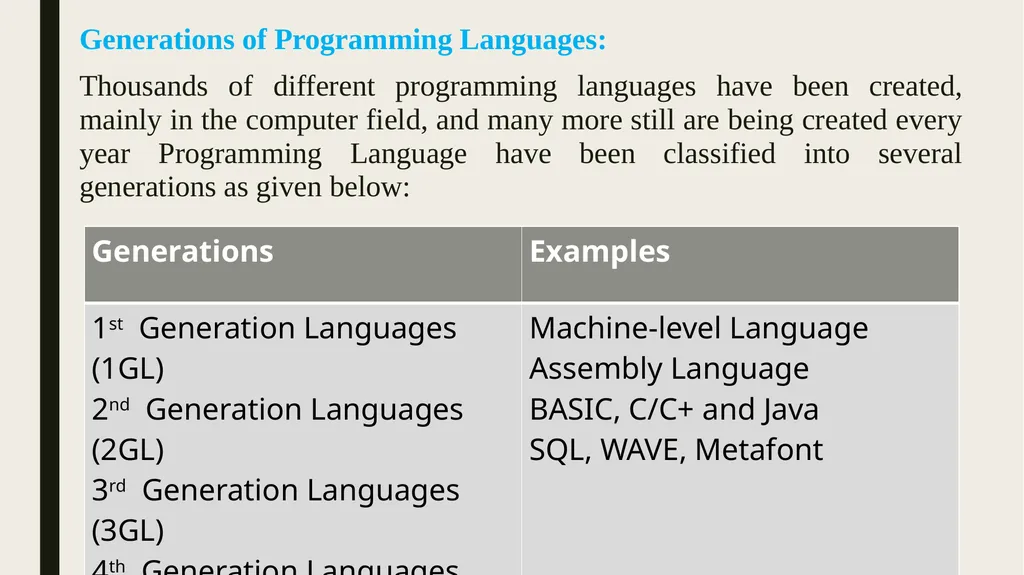
Thousands of different programming languages have been created, mainly in the computer field, and many more still are being created every year Programming Language have been classified into several generations as given below:<br>
06
Assignment:
Answer the following questions:
a) Write any two example of computer Programs.
b) Describe two types of programming language.
B. Computer understands the information in ______________.
C. Match the following:
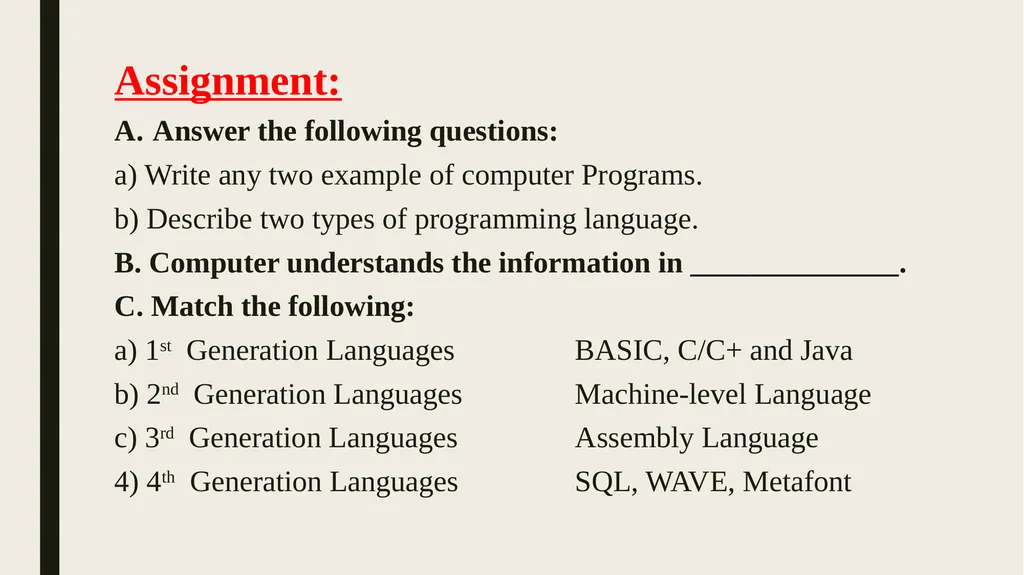
a) 1st Generation Languages BASIC, C/C+ and Java
b) 2nd Generation Languages Machine-level Language
c) 3rd Generation Languages Assembly Language
4) 4th Generation Languages SQL, WAVE, Metafont<br>
07
MEDIA PLAYER
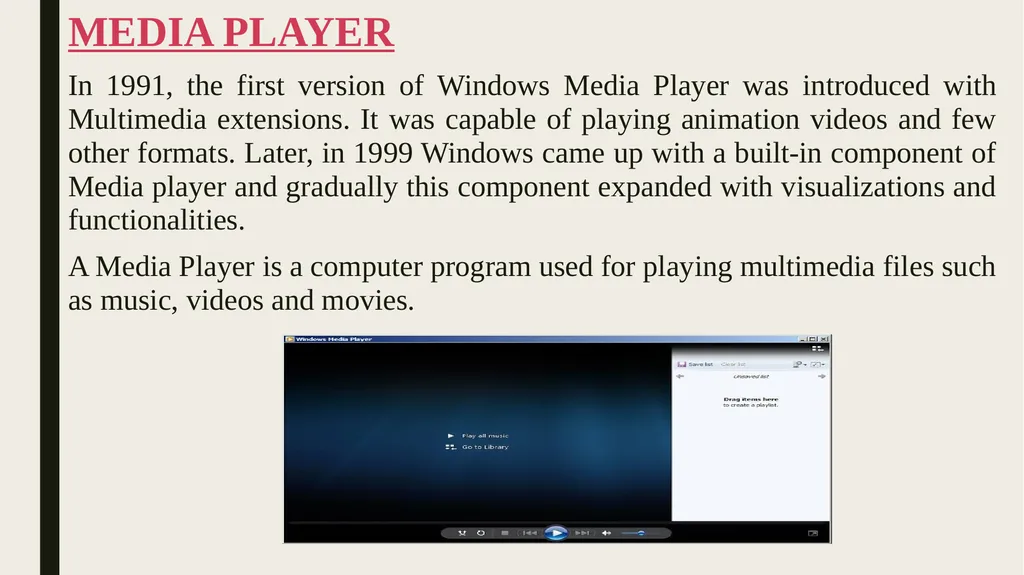
In 1991, the first version of Windows Media Player was introduced with Multimedia extensions. It was capable of playing animation videos and few other formats. Later, in 1999 Windows came up with a built-in component of Media player and gradually this component expanded with visualizations and functionalities.
A Media Player is a computer program used for playing multimedia files such as music, videos and movies.<br>
08
MS EXCEL
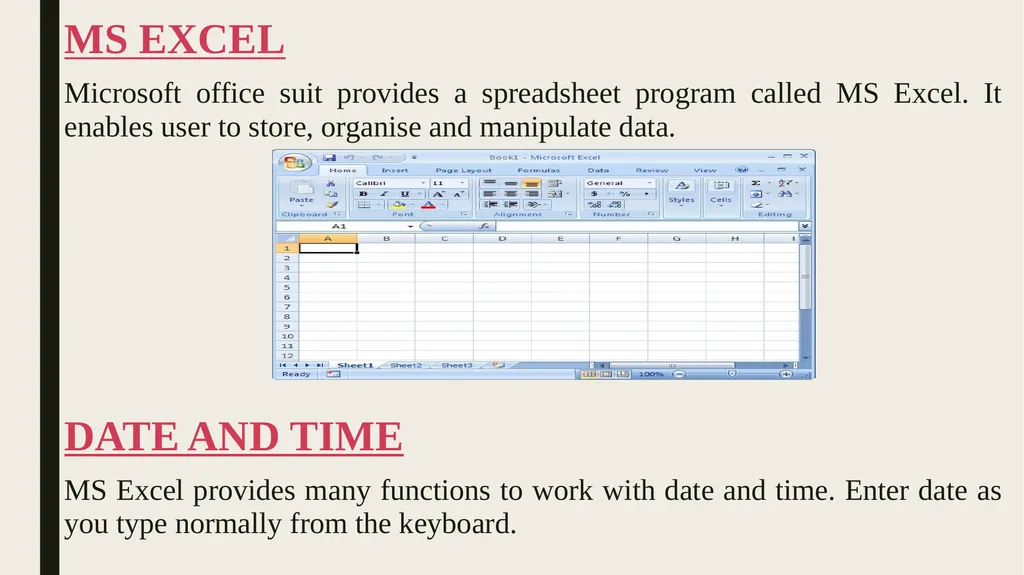
Microsoft office suit provides a spreadsheet program called MS Excel. It enables user to store, organise and manipulate data.
DATE AND TIME
MS Excel provides many functions to work with date and time. Enter date as you type normally from the keyboard.<br>
09
Excel provides some date functions for date operations. Some of the functions are given below:
Date(): Will give date equivalent to the year, month and date given to the function. For example,= DATE(2018,8,0) will give 8/6/2018 as date.
Today(): Will give today's date (current date).
Now(): Will insert today's date and current time in the worksheet.
Time(): Will give time equivalent to the hours, minutes and seconds given to the function. For example,= TIME(11,34,30) will give 11:34 AM as time.<br>
10
ABOUT FLASH CS3
Adobe Flash is multimedia software that allows the users to create desktop applications, mobile application, games, animations and various other facilities. Flash documents have the file extension .fla.
Starting with Flash CS3
Follow these steps to start Flash:
Select Start Adobe Master Collection CS3 AdobeFlash Professional CS3.<br>
11
Tool Panel
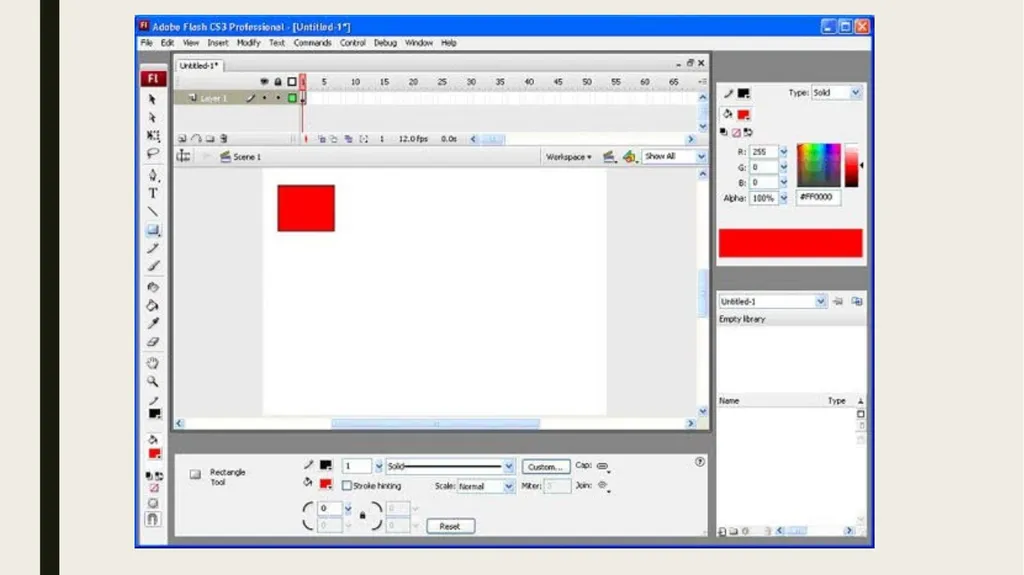
The figure depicts the Tool Panel in flash which displays the tools used to create or modify drawings and text. Some tools have a triangle at the bottom right corner. On clicking it, a popup menu appears with more tools.
As you select a tool, tool modifiers appear at the bottom of the tool panel. These are used to set tools option. The Properties Inspector displays the properties of the selected object. The tools for EP planning are kept in the Tools bar, usually poisoned at the left of your Flash.<br>
12
Assignment:
Answer the following questions:
a.) What is the use of Media Player?
b.) Write steps to start Flash CS3.
c.) Describe different date functions for date operations.
B. Fill in the blanks:
a.)Microsoft office suit provides a spreadsheet program called _________.
b.) Flash documents have the file extension _________.
c.) In ______________the first version of Windows Media Player was introduced with Multimedia extensions.<br>
13
QBASIC
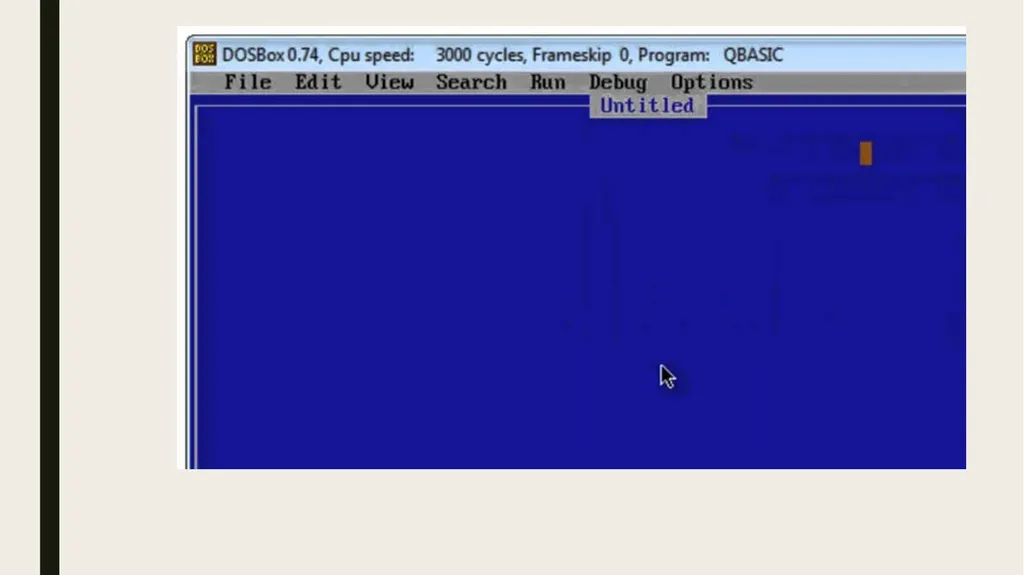
QBasic (Quick Beginners All Purpose Symbolic Instruction Code) is a programming language Developed by John G Kemeny and Thomas E Kurtz. It can be learned quickly as its statements are easy to be read by other programmers and support is available on most of the operating systems.
QBasic Elements
Like all programming languages, QBasic is made up of some basic elements. These elements are:
Character set: The character set consists of Alphabets A, B,....Z, a, b, c....z, Numbers 0,......9, and Special symbols like+,- ,/,*,() etc.<br>
14
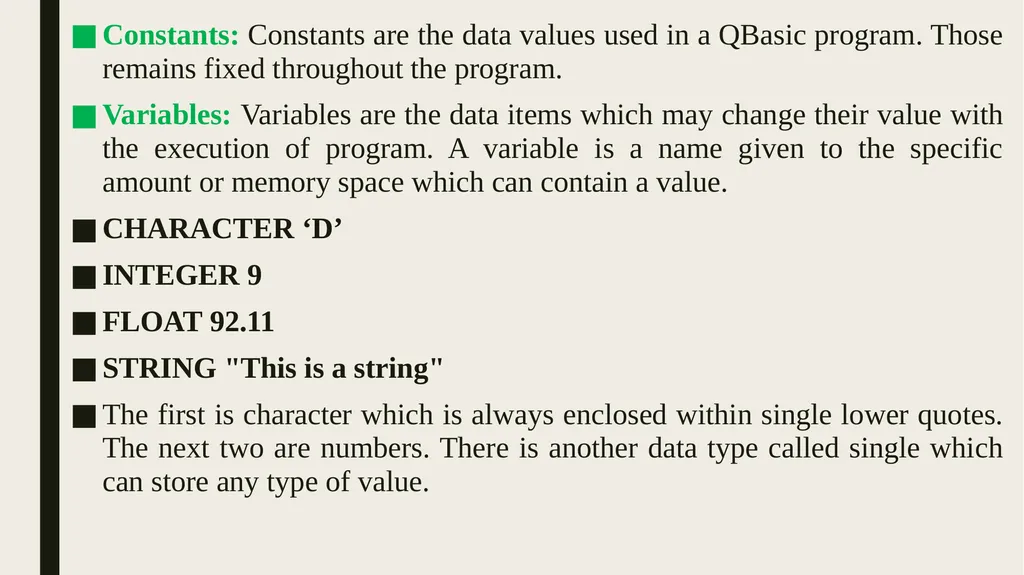
Constants: Constants are the data values used in a QBasic program. Those remains fixed throughout the program.
Variables: Variables are the data items which may change their value with the execution of program. A variable is a name given to the specific amount or memory space which can contain a value.
CHARACTER ‘D’
INTEGER 9
FLOAT 92.11
STRING "This is a string"
The first is character which is always enclosed within single lower quotes. The next two are numbers. There is another data type called single which can store any type of value.<br>
15
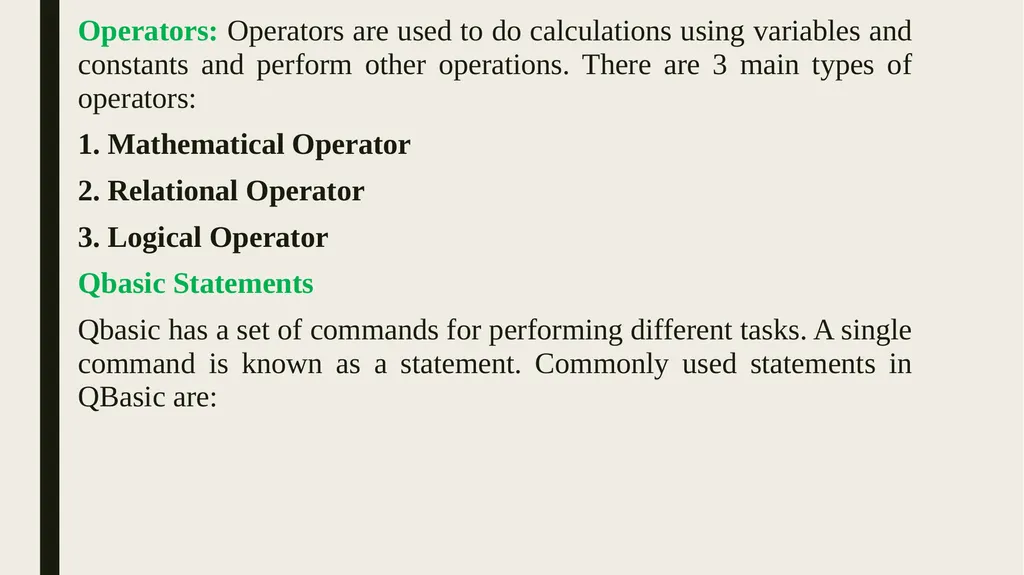
Operators: Operators are used to do calculations using variables and constants and perform other operations. There are 3 main types of operators:
1. Mathematical Operator
2. Relational Operator
3. Logical Operator
Qbasic Statements
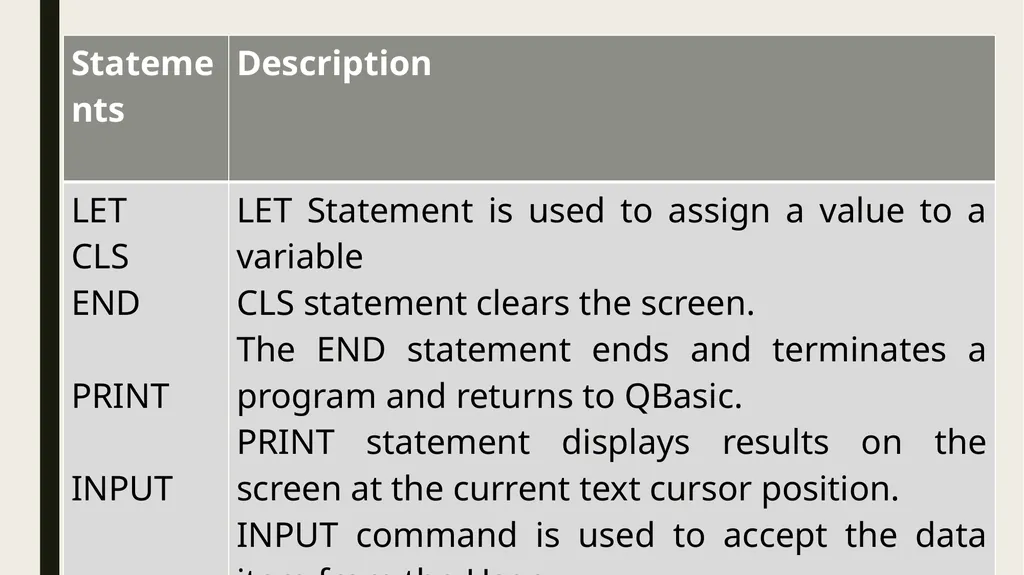
Qbasic has a set of commands for performing different tasks. A single command is known as a statement. Commonly used statements in QBasic are:<br>
16
Assignment:
Answer the following questions:
a.) Who developed Qbasic?
b.) Write difference between Variable and Constant.
c.) Describe Operators in Qbasic.
Qbasic stands for __________________<br>
17
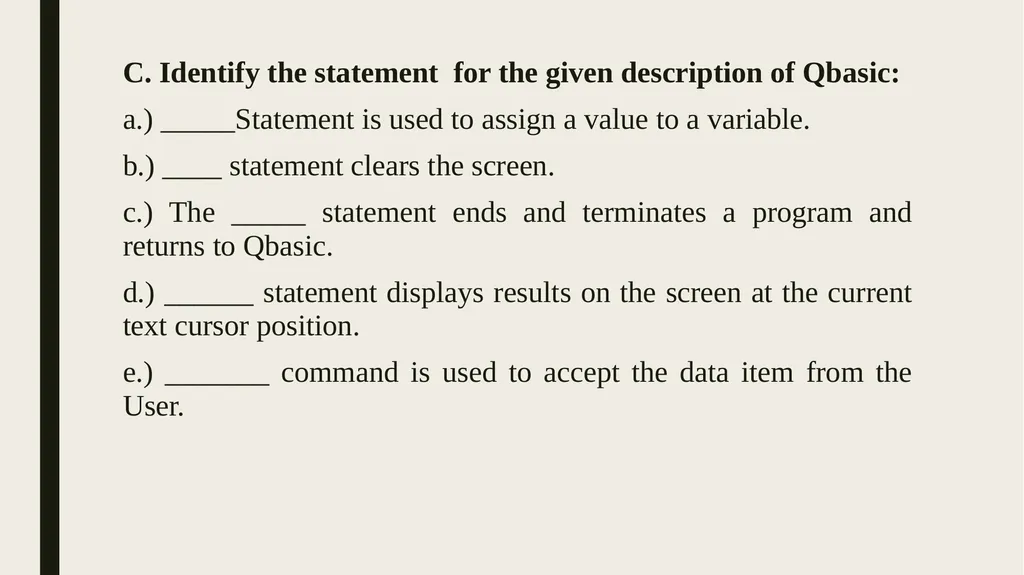
C. Identify the statement for the given description of Qbasic:
a.) _____Statement is used to assign a value to a variable.
b.) ____ statement clears the screen.
c.) The _____ statement ends and terminates a program and returns to Qbasic.
d.) ______ statement displays results on the screen at the current text cursor position.
e.) _______ command is used to accept the data item from the User.<br>
18
HISTORY OF INTERNET
In the year, 1960 the race of technology began when USSR launched its satellite named Sputnik and created a buzz everywhere. Countries like USA combined all the major universities and focused on information, experiments and sharing.
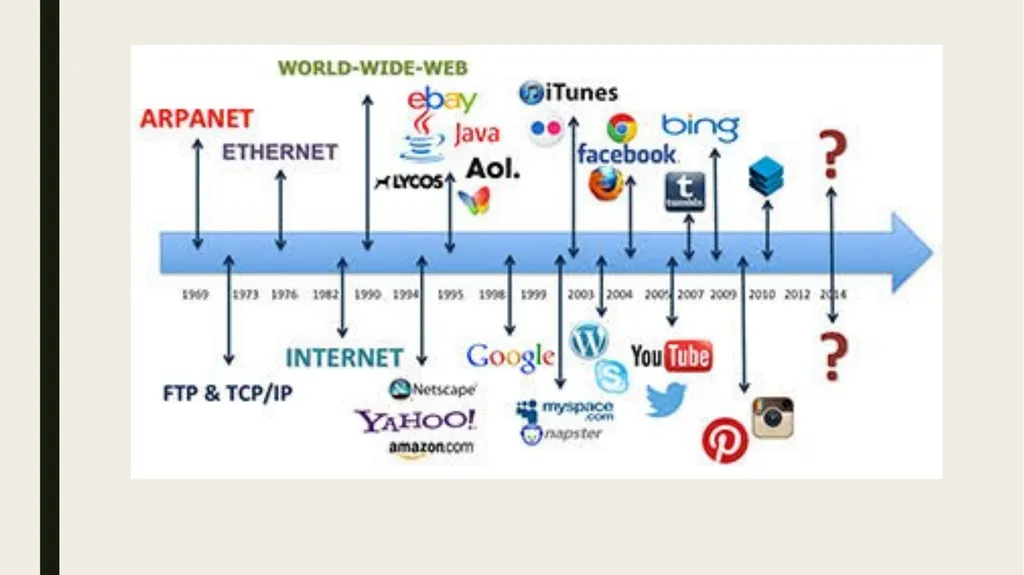
The first network was the ARPANET(Advanced Research Project Agency Network) called the granddad of all networks was established in 1960s by US Department of Defense (DoD) to connect universities that were carrying out defense related research.<br>
19
In 1974, the first commercial network was introduced called the telnet. It enabled small networks located in far off places to connect with each other.
Tim Berners-Lee laid down the rules and regulations that were finally adopted to create a global network of networks and he called it the World Wide Web (WWW)<br>
20
POPULAR SERVICES
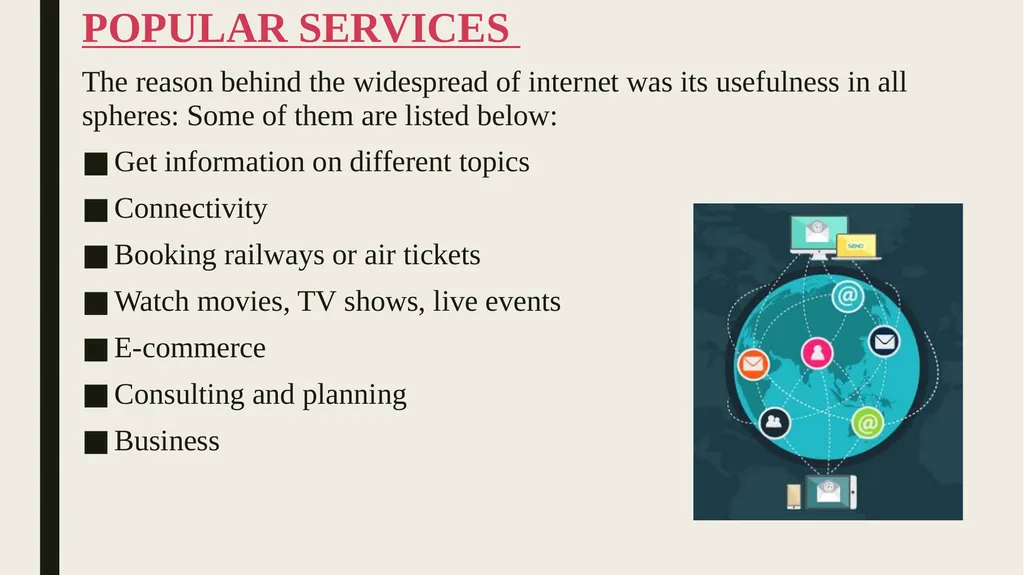
The reason behind the widespread of internet was its usefulness in all spheres: Some of them are listed below:
Get information on different topics
Connectivity
Booking railways or air tickets
Watch movies, TV shows, live events
E-commerce
Consulting and planning
Business<br>
21
Assignment:
A. Answer the following questions:
a.) Write about history of Internet.
b.) Write popular services of Internet.
B. ARPANET stands for ____________________
C. WWW stands for _________________
D. DoD stands for _________________
E. The first commercial network was introduced called the _______.<br>